
Grocery Aisle Disaster Film Photo
A comedic film-style prompt capturing a chaotic moment in a supermarket, complete with motion blur and authentic skin textures.
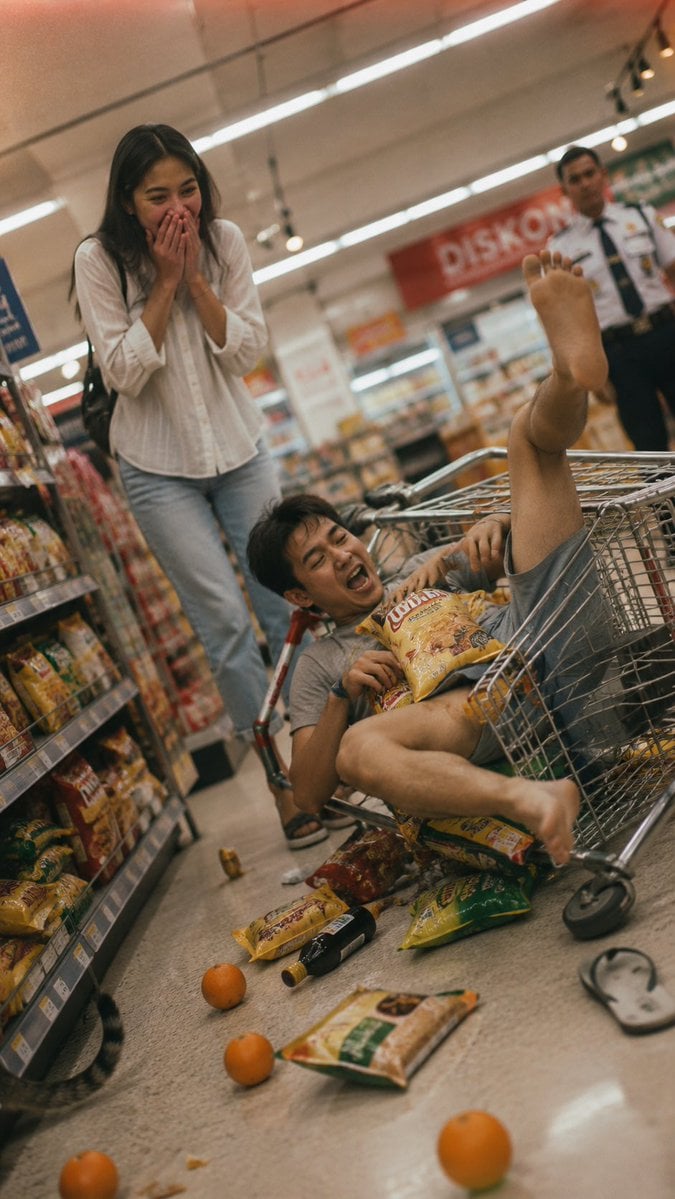
- Prompt included
- Model and format preset
- Free template
The prompt behind this image
Copy the exact prompt behind Grocery Aisle Disaster Film Photo, or open it in the studio and make it yours.
Shot on 35mm film, {argument name="film stock" default="Kodak Portra 400"}, soft fluorescent supermarket light, soft grain, Dutch tilted angle. A {argument name="subject" default="young Indonesian couple"} is caught in the middle of a {argument name="setting" default="hilarious grocery aisle disaster"}. The woman, in a simple white blouse and jeans, stands frozen with both hands over her mouth, her face a mix of shock and uncontrollable laughter—eyes wide, a snorting giggle escaping. The man, in a rumpled grey t-shirt and shorts, is tangled in a shopping cart that has tipped over, his legs comically in the air, a bag of chips exploding over his chest. Scattered groceries—oranges, instant noodles, a bottle of soy sauce—are rolling across the linoleum floor. One flip-flop has flown off his foot. The background is slightly cluttered with a "DISKON" sign, a shelf of snacks, and a security guard in soft blur looking unimpressed. A young Indonesian woman, authentic Indonesian appearance, natural facial proportions, subtle facial asymmetry, healthy hydrated skin with visible pores, slight uneven pigmentation, tiny acne marks, realistic T-zone shine, relaxed facial muscles, minimal everyday makeup. A young Indonesian man, warm medium skin tone, natural facial proportions, subtle facial asymmetry, healthy skin with visible pores. Realistic skin: visible pores, natural texture, no beauty filter. Slight motion blur on the rolling oranges, a faint warm light leak at the top edge. A stray cat tail peeks from behind the snack shelf at the bottom left corner. No filter. dutch angle, stray cat tail --ar 9:16
How to use Grocery Aisle Disaster Film Photo in 3 steps
- 1
Open
The prompt is already in the box next to the preview, with the template's model and format selected.
- 2…a portrait of your subject in softgolden-hour light, 85mm…
Personalize
Edit the subject and creative details for your destination.
- 3Generate
Generate
Press Generate — your image is created in PicX Studio, so you can compare it with the original and refine one variable at a time.
More like this
Templates with the same subject, style or setup. Open one to see its prompt.
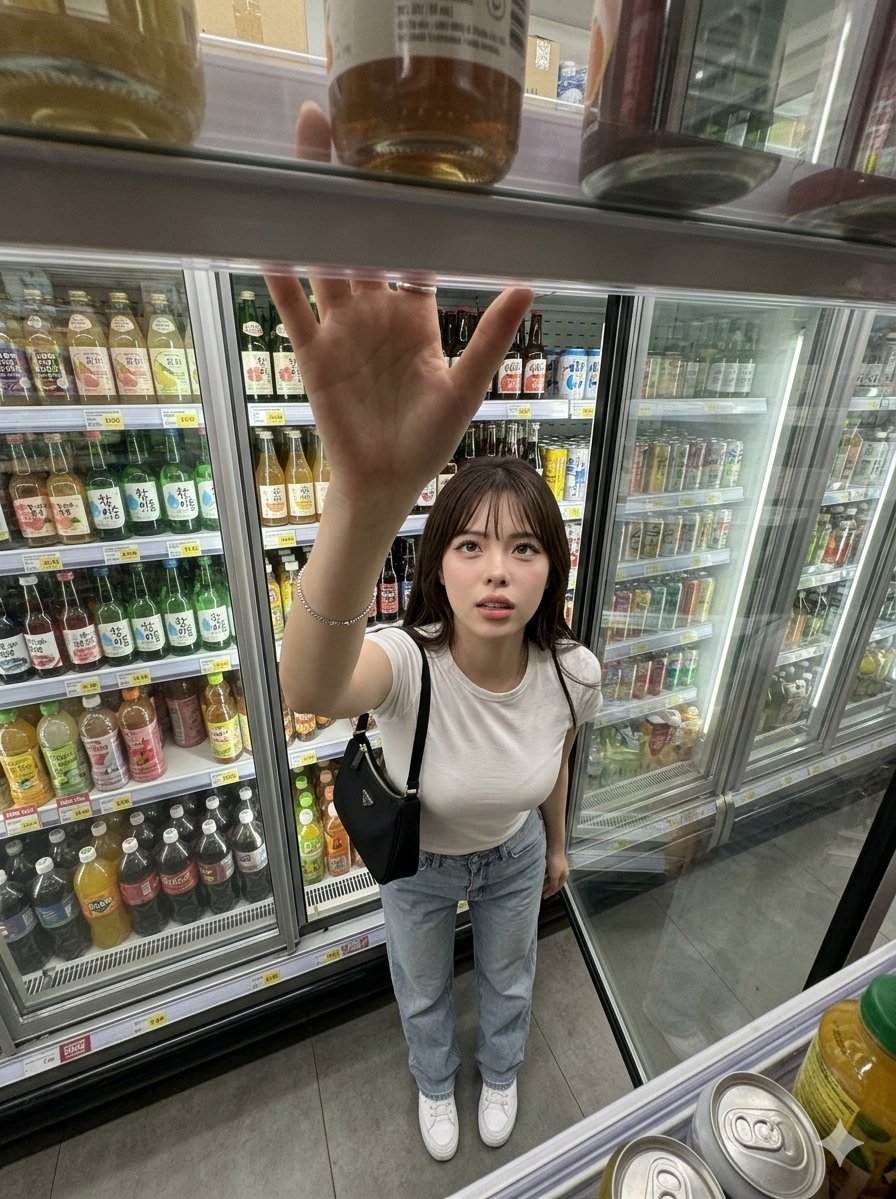
Candid Grocery Store Aisle Selfie
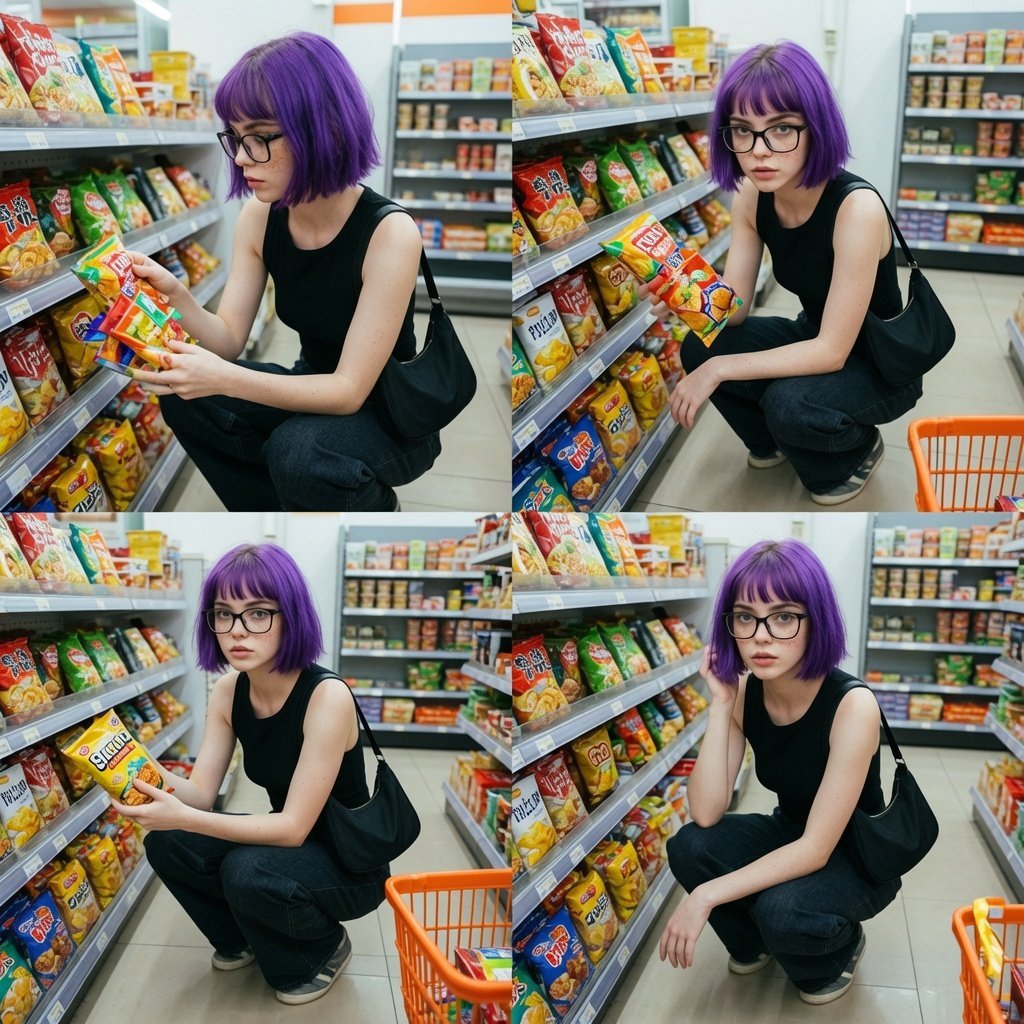
Grocery Store Aisle Lifestyle Photography

Sepia Family Portrait Studio

Monogram Luggage Cart

Statue Garden Twilight

Opera Glasses Velvet Seat

Fountain Pen Ink Splash

Manor Garden Topiary Path

Black And White Piano Keys

Cigar Lounge Leather Smoke

Fountain Plaza Pigeons

Marble Staircase Fashion
Make it yours
Grocery Aisle Disaster Film Photo works as-is. These are the safest ways to change it without losing the look.
Change one field
Copy a single group, rewrite it, and generate again so you can see what that field is doing.
Keep the frame, change the subject
Hold the composition and light of Grocery Aisle Disaster Film Photo, then swap wardrobe, props or the person for a new take.
| If the result… | Why | Fix |
|---|---|---|
| The result drifts from the preview | Too many fields changed at once. | Reuse Grocery Aisle Disaster Film Photo as-is first, then change one group — subject, light, or setting. |
| The model over-stylizes the scene | The prose prompt leaves finish and camera underspecified. | Add one camera or lighting sentence and stay on GPT Image 2. |
More GPT Image 2 templates
Other prompts made for GPT Image 2.

Six VTuber Japanese Logo Sheet

Realistic Portrait of Woman and Deer

The Vista Modular Condo Poster

AI Model Routing Comparison Infographic

2.5D Anime Art Board

Isometric Productivity Desk Scene

New York Double Exposure Poster

Four-Panel AI Landscape Comparison

Japanese Tatami Lifestyle Magazine Cover

NESCAFÉ Coffee Map Poster
More image prompts
Fresh picks from across the catalog.

Isometric Kawaii Baby Bears Scene Prompt
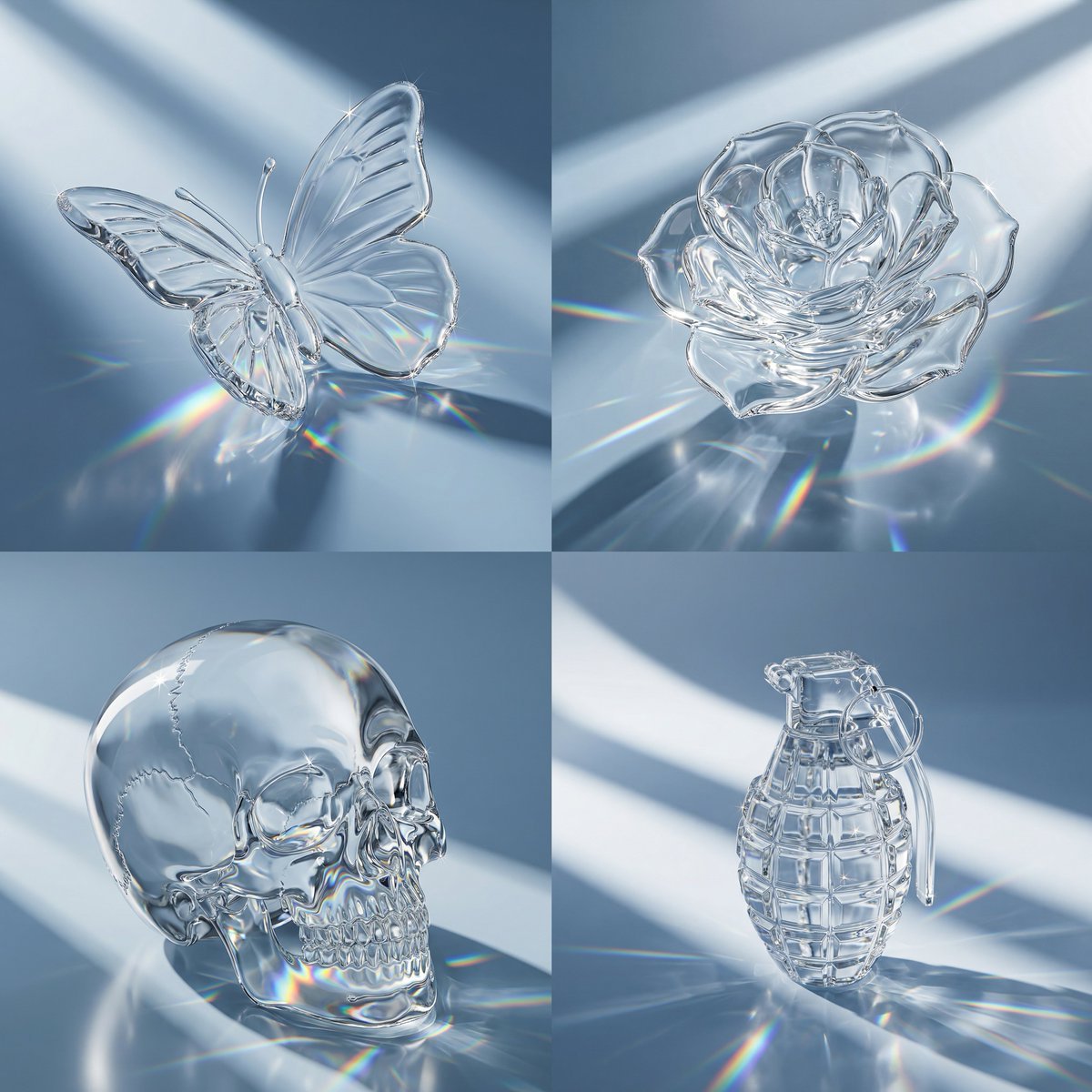
Macro Hero Shot of Optical Cast Glass Object with Caustics
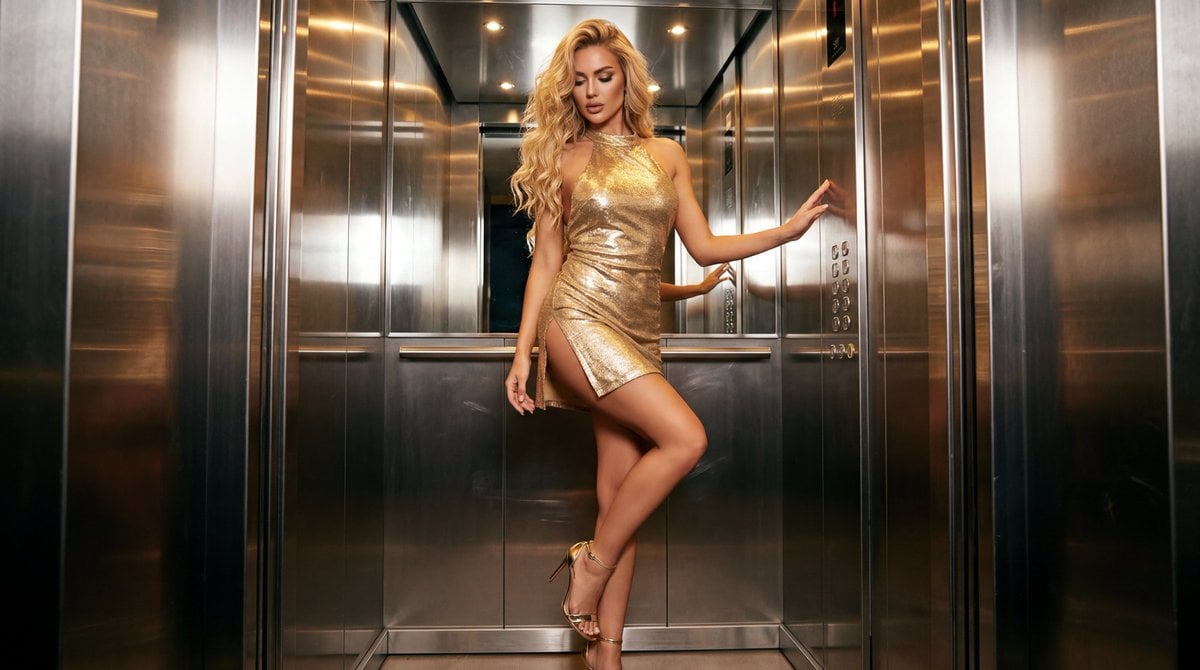
Glamorous Fashion Photoshoot in Steel Elevator
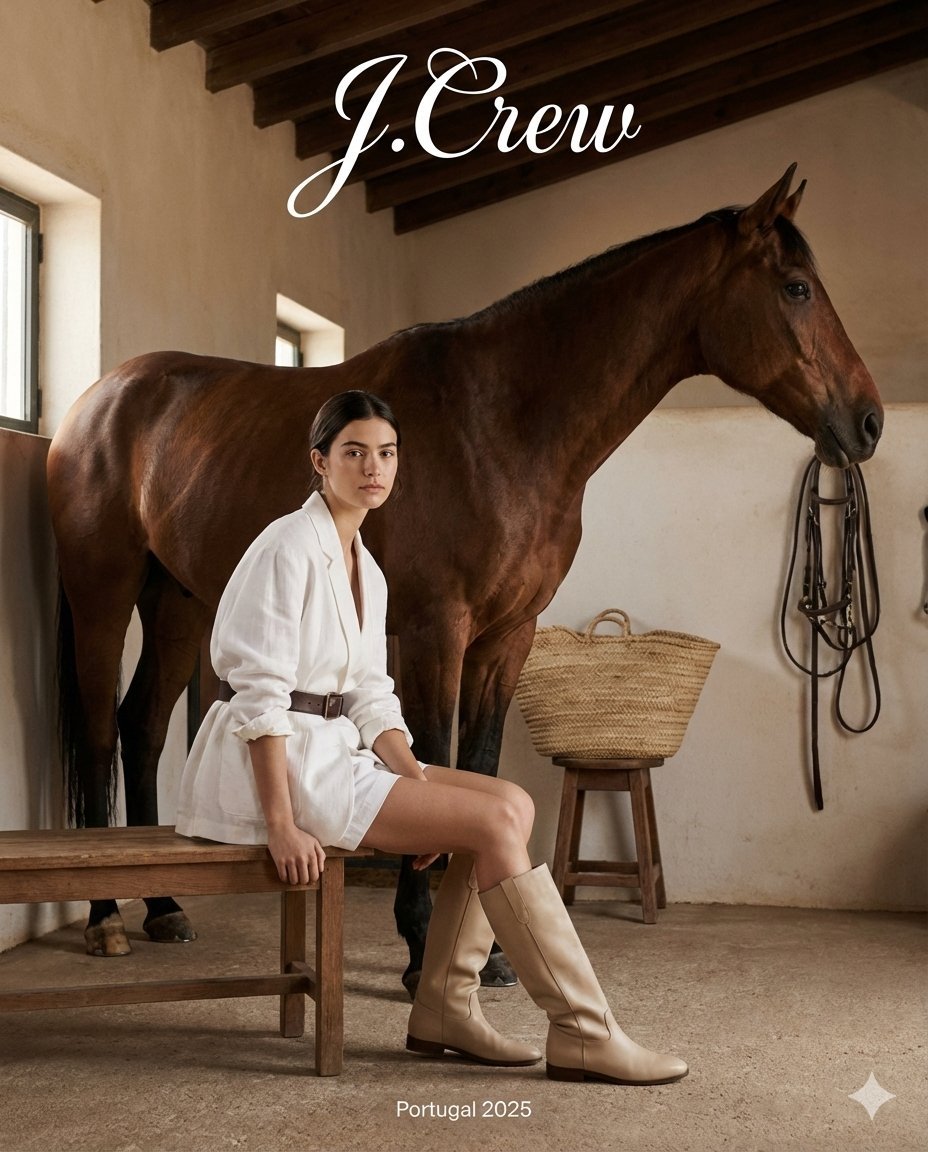
J.Crew Rustic Fashion Editorial

Anime Lion Costume Safari Study
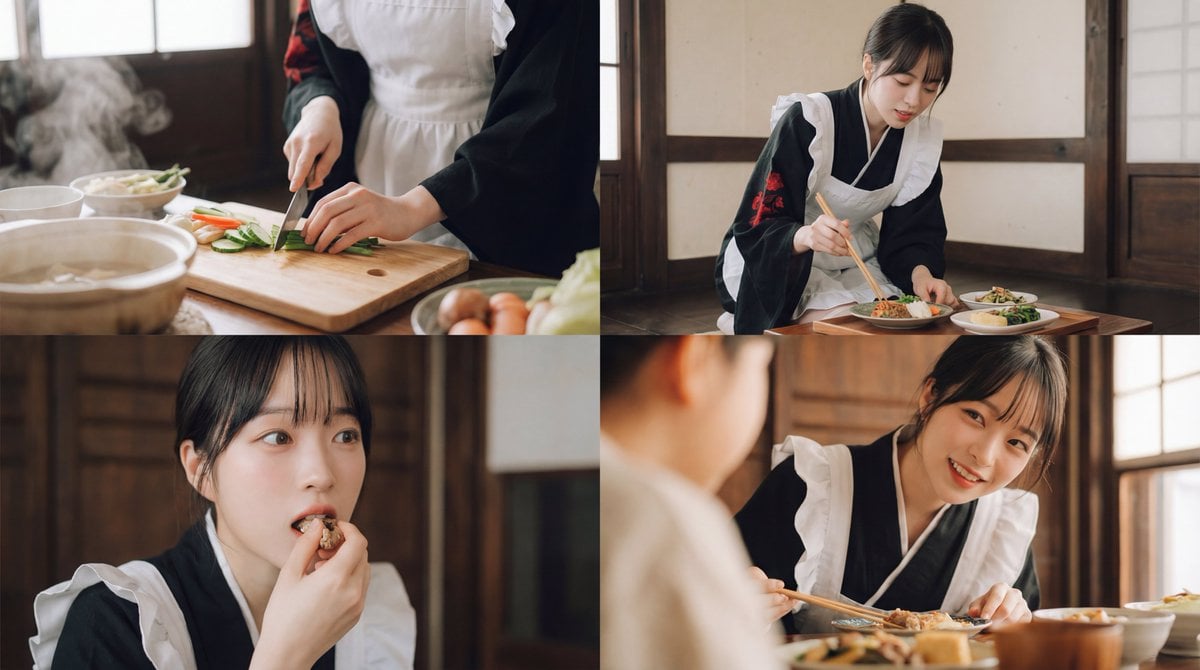
Seamless Cinematic Japanese Food Video Prompt

Cinematic Neon Studio Portrait

3D Fluffy Monster Bursting Through Wall
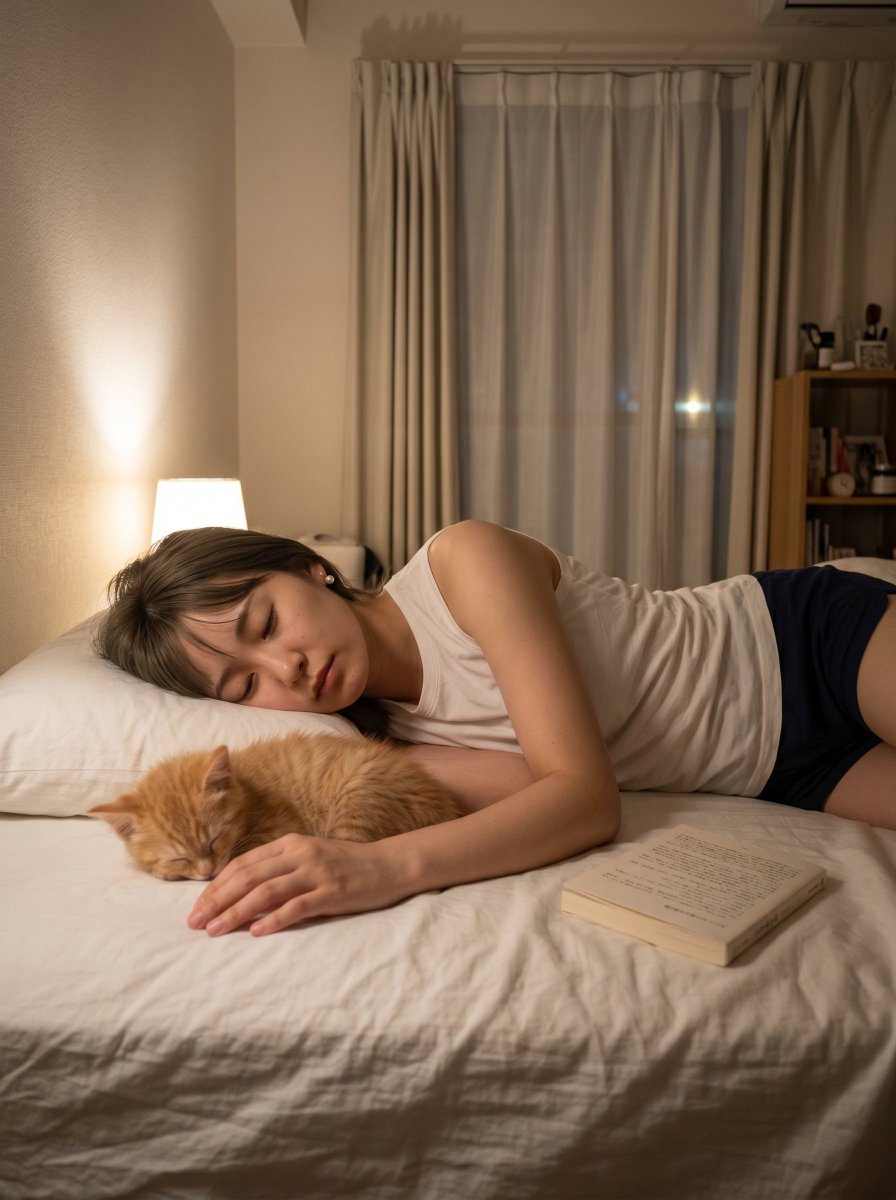
Cozy Bedroom Nap With Cat
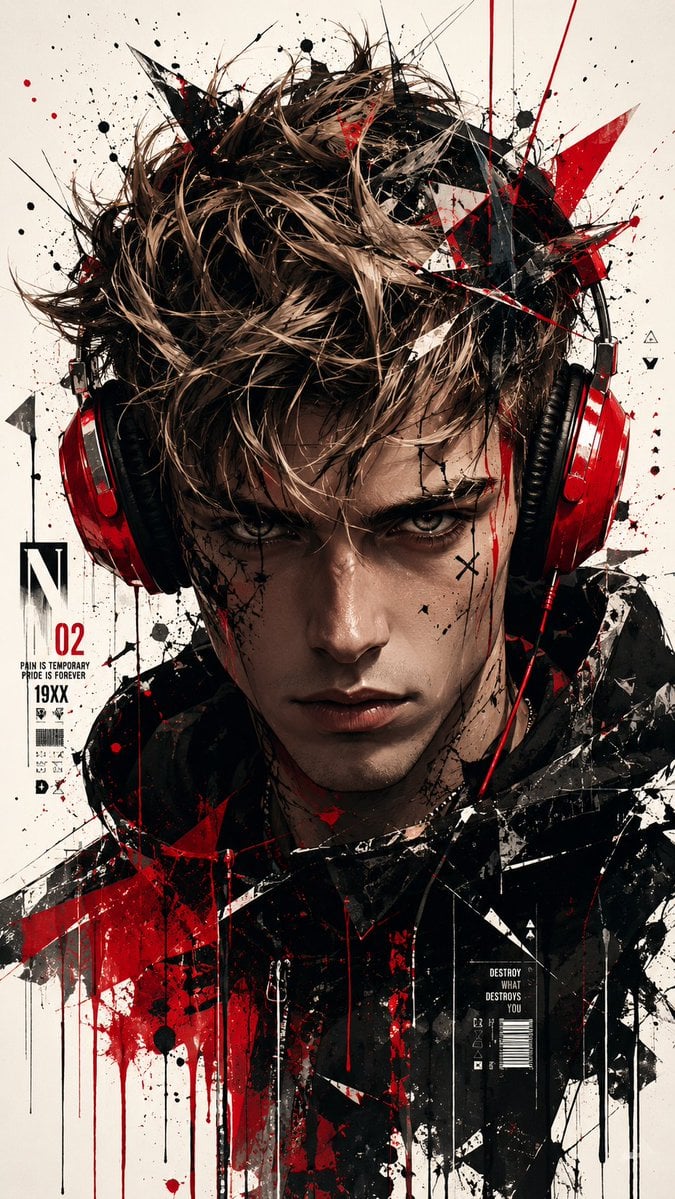
Trash Polka Urban Digital Painting
Browse template categories
Grocery Aisle Disaster Film Photo questions
How do I use the Grocery Aisle Disaster Film Photo template?
Add your photo if the template asks for one, edit the prompt if you like — the template's model and format are already selected — and press Generate. Your version opens in PicX Studio.
Can I customize the Grocery Aisle Disaster Film Photo template?
Yes. You can change the subject, setting, lighting, mood, format, and available model controls before creating your image.
Is the Grocery Aisle Disaster Film Photo template free?
Opening and editing this template is free. Generating uses credits, shown on the Generate button when you are signed in.
Which AI model should I use?
Start with GPT Image 2, which is the model associated with this template. You can compare another compatible model for a different finish.
Looking for something else? Browse all templates.

Your photo, any look
Thousands of ready templates for every top image and video model, from one credit balance.