How do I use the Futuristic Branded Drone Product Poster template?
Choose the primary action to open PicX Studio with the available template settings. Review the model and format, personalize the creative direction, and generate when ready.
A reusable prompt template for generating a professional studio product poster of a futuristic branded drone. Change the subject, setting, or lighting one variable at a time.

Professional studio product poster of a futuristic branded drone copter, centered hero composition. The drone is the dominant subject, highly detailed industrial design, aerodynamic arms, premium materials, subtle surface texture, realistic reflections. Place the title "{argument name="bold word" default="BOLD WORD"} RegularWord" in a modern sans-serif font at the top center, perfectly balanced. The first word bold, second word regular weight. The title must be smaller in scale than the drone. Apply the {argument name="brand name" default="BRAND NAME"} logo clearly visible and integrated on the drone body, proportionally scaled and legible. Add a smaller monochrome version of the {argument name="brand name 2" default="BRAND NAME"} logo in the bottom left corner. Background: off-white studio backdrop with subtle halftone texture at very low opacity, minimal and clean. Lighting: soft studio lighting, diffused shadows, premium product photography look, sharp focus, high resolution, minimal color palette, professional commercial poster layout. Aspect ratio [X:X], ultra-detailed, 4k, clean graphic balance.
Choose the primary action to open PicX Studio with the available template settings. Review the model and format, personalize the creative direction, and generate when ready.
Yes. You can change the subject, setting, lighting, mood, format, and available model controls before creating your image.
This template is free to open and customize. Generation usage is shown in PicX Studio before you create.
Start with Nano Banana 2, which is the model associated with this template. You can compare another compatible model for a different finish.
© 2026 PicX Studio. All rights reserved.

Follow a topic to a crawlable collection of related PicX Studio templates.
43,474 public templates available. Verified via the PicX Studio public templates API; refreshed hourly.
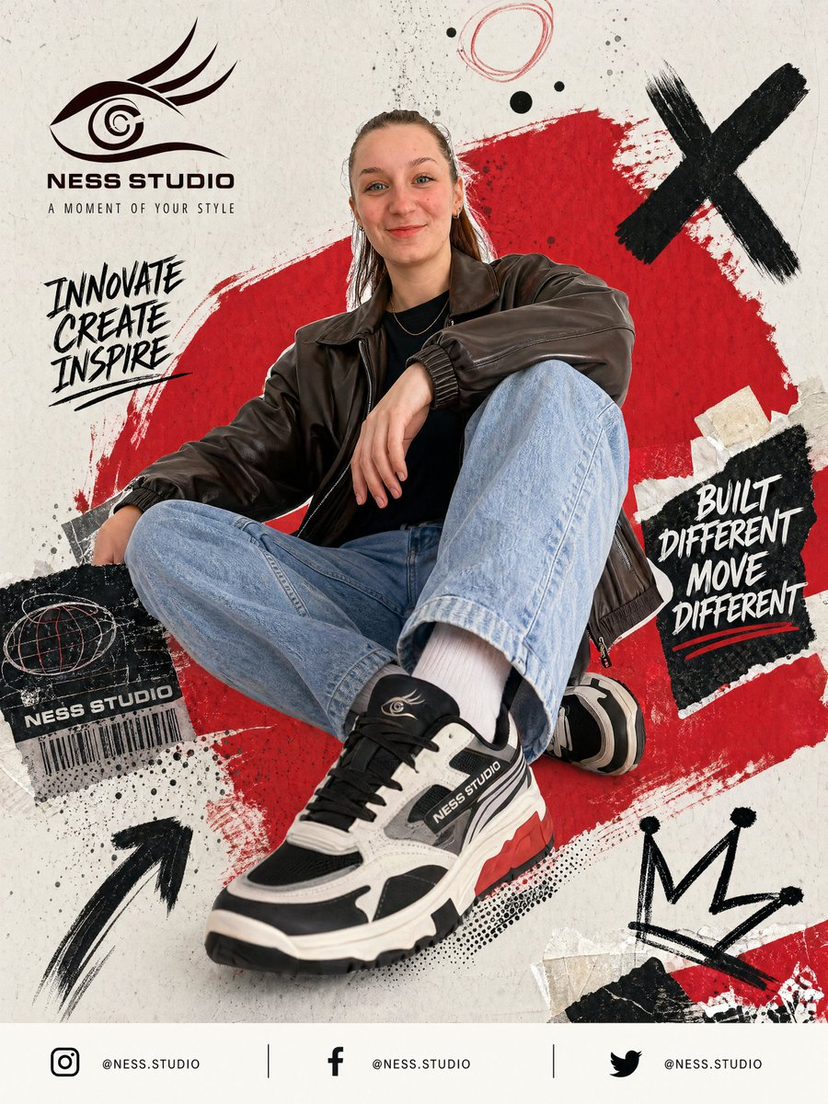


![Futuristic Editorial Poster Design — Conceptual futuristic editorial poster design featuring {argument name="subject" default="[HUMAN]"} in a large side-profile](https://cms-assets.youmind.com/media/1783674266642_w5ackl_HMwT7e4awAE4ikD-300x375.jpg)



![Japan Travel Brochure Poster — Create a vertical vintage travel-brochure infographic poster titled “[COUNTRY/DESTINATION]: [TAGLINE]”, using a warm parchment-pa](/_next/image?url=https%3A%2F%2Fcdn.picxstudio.com%2Fuploads%2Fp0_982bf820-bb34-4c43-8a6d-42d799d7282b.jpg&w=828&q=100)


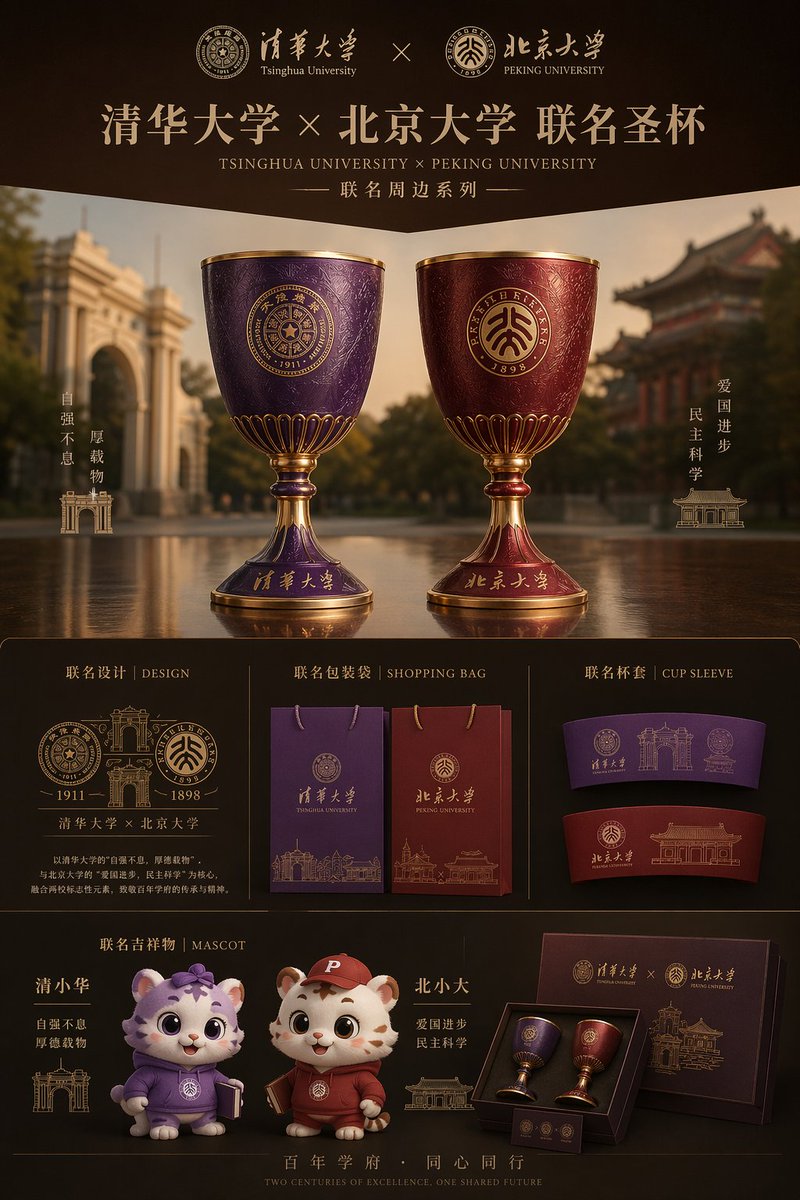



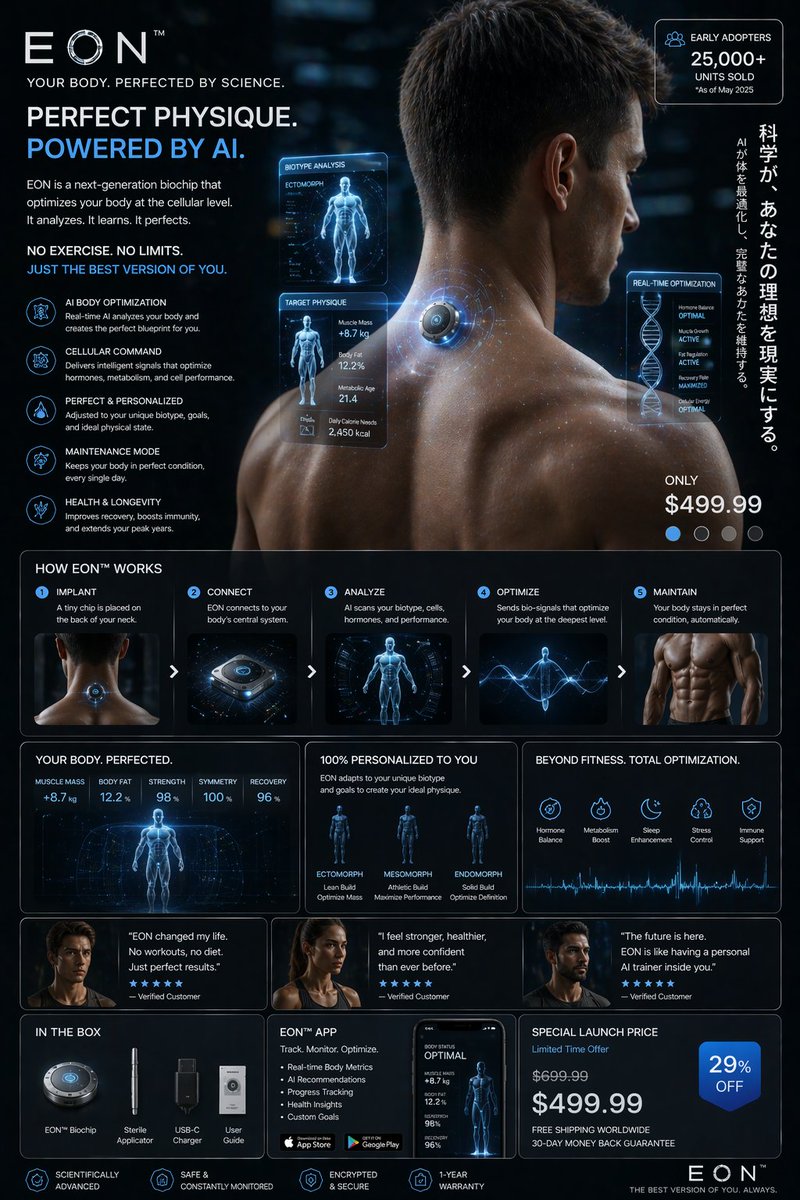
![Product Gravity Advertising Poster — Create a premium 4:5 PRODUCT HAS GRAVITY advertising poster for {argument name="product" default="[PRODUCT/BRAND]"} on a cl](https://cms-assets.youmind.com/media/1784363320696_5q8e3i_HNZyA2eaUAAat_1-300x375.jpg)
![Cartoon TV Show Poster Pack — A bold Cartoon Network-style promotional poster for [SHOW], featuring the main characters in a flat 2D illustrated style with thic](/_next/image?url=https%3A%2F%2Fcdn.picxstudio.com%2Fuploads%2Fimg0_107064d3-b797-488a-a32e-d75dea9d3b4c.jpg&w=828&q=100)
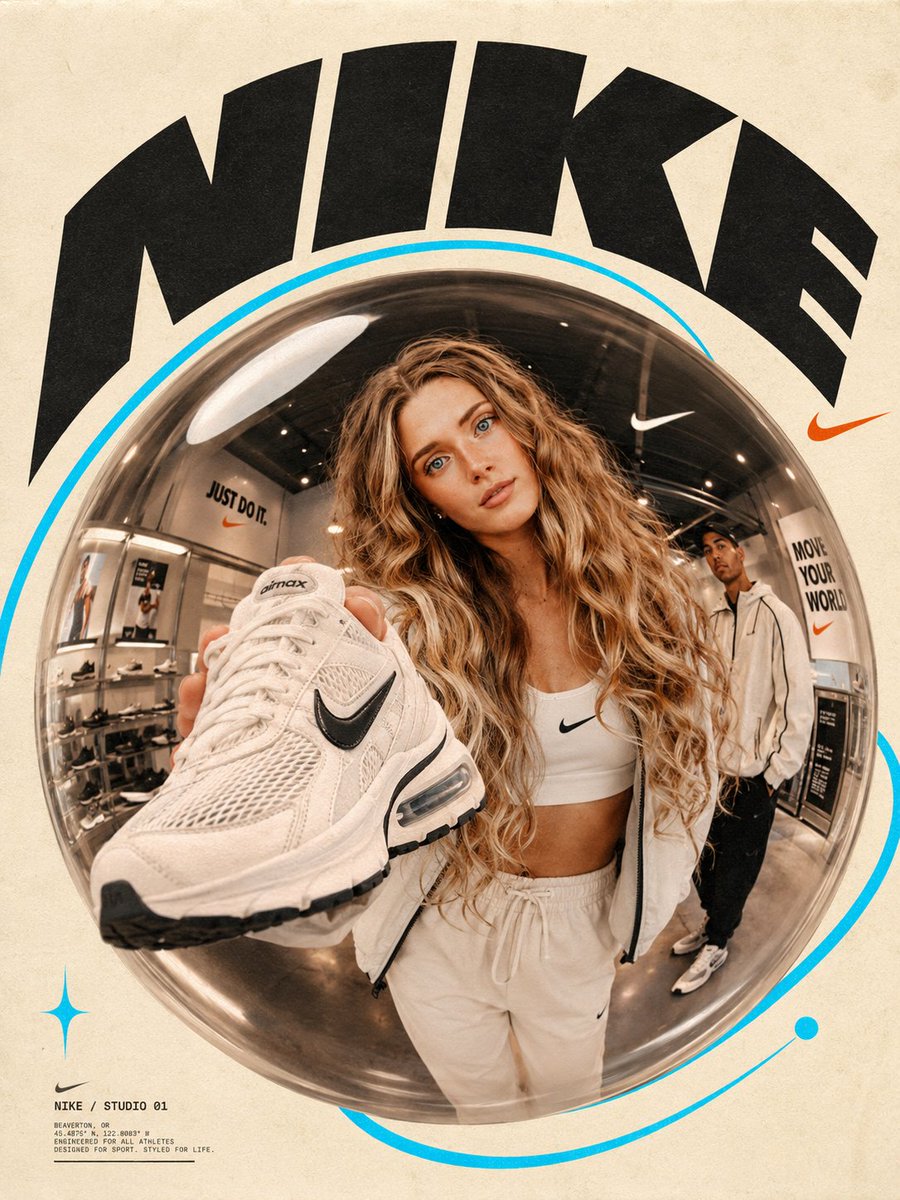
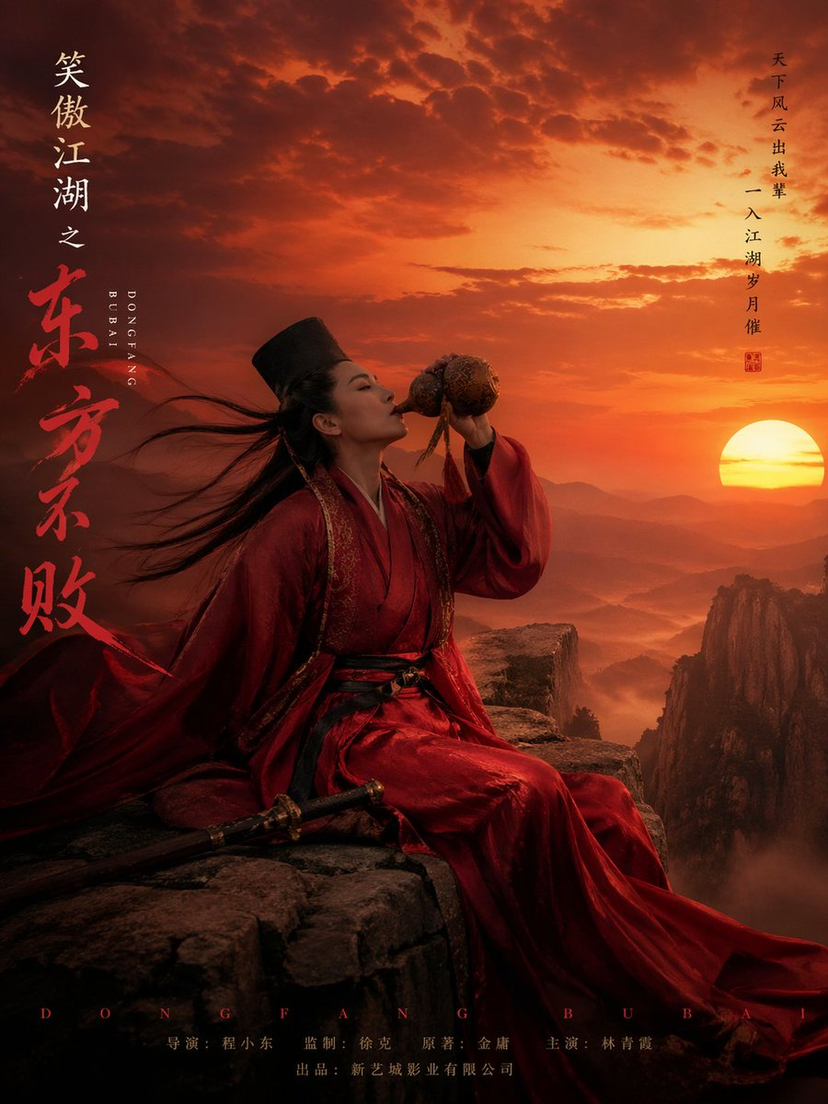

![Naive doodle-style subject illustration — A doodle-style {argument name="subject" default="[subject]"}, naive lines, humorous shape exaggeration](https://pbs.twimg.com/media/G6Wl2YxbsAARB2b.jpg)
























![Hyper-Realistic 3D Typographic Sculpture Product Concept — A hyper-realistic 3D typographic sculpture of a {argument name="Subject Name" default="[Subject Name]](https://pbs.twimg.com/media/HAqI5ijbUAAhzv0.jpg)