
Low-Angle Wedding Editorial with Heart Hands
A highly constrained prompt for generating an ultra-photorealistic wedding editorial photo using two identity reference images.
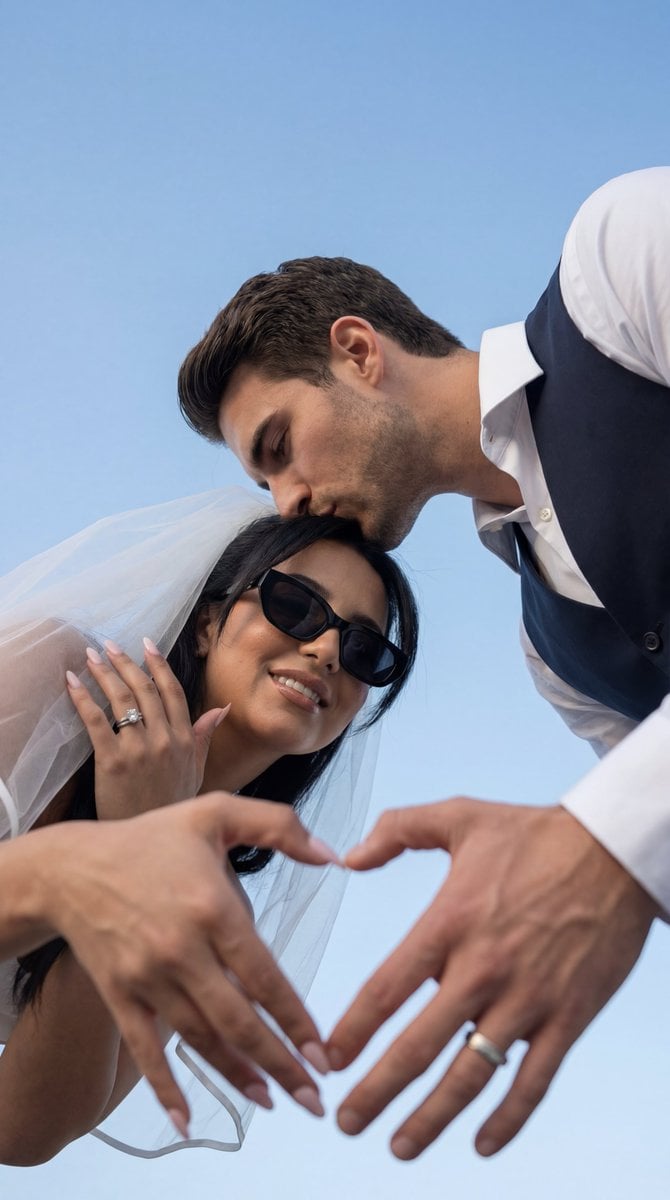
- Prompt included
- Model and format preset
- Premium template
The prompt behind this image
Copy the exact prompt behind Low-Angle Wedding Editorial with Heart Hands, or open it in the studio and make it yours.
{ "request_metadata": { "tool": "Nano Banana Pro", "task_type": "photoreal_cinematic_poster_style_shoot", "quality_preset": "ultra", "aspect_ratio": "9:16" }, "references": { "female_reference_image": { "slot": 1, "purpose": "FEMALE_IDENTITY_LOCK", "strict_identity_lock": true }, "male_reference_image": { "slot": 2, "purpose": "MALE_IDENTITY_LOCK", "strict_identity_lock": true } }, "hard_constraints": [ "Exactly 2 people only (one female, one male).", "Faces must match the uploaded references with maximum similarity (no identity drift).", "Photorealistic anatomy, natural skin texture, no beautify filter.", "Vertical 9:16, same low-angle composition and pose logic as the reference image.", "No readable text, no logos, no watermarks." ], "camera": { "style": "editorial wedding lifestyle photo", "lens": "24mm", "angle": "extreme low-angle looking up (worm's-eye view)", "aperture": "f/2.8", "focus": "sharp on hands + faces, gentle background falloff", "white_balance": "clean daylight, slightly cool" }, "lighting": { "type": "soft natural daylight", "contrast": "low-to-medium", "shadows": "soft", "highlights": "gentle, no clipping" }, "prompt": { "scene_summary": "Recreate the reference shot: a romantic, ultra-photoreal low-angle wedding editorial photo against a clean blue sky. The couple forms a heart shape with their hands in the foreground, framing the woman’s face. The man leans in from above and kisses the woman on the temple/forehead. The woman stands below, looking relaxed and confident, wearing black sunglasses and a white bridal look. The veil flows softly around her shoulders. The man wears a crisp white dress shirt with a dark vest/jacket. The entire composition must feel like a real photo, with correct hand anatomy, realistic skin texture, and natural fabric details.", "composition": { "foreground": "hands forming a perfect heart shape very close to camera, fingers natural, no extra fingers, heart opening centered", "subjects_position": "woman centered lower-middle; man above her leaning in from upper-right/upper area", "framing": "heart shape frames the woman’s face; man’s face close to her head in a kiss", "background": "clean open sky, minimal distractions", "pose_lock": "match the reference: heart-hands + kiss + low-angle perspective" }, "wardrobe": { "female": "white bridal dress or strapless/clean white top, sheer white veil, black sunglasses; elegant minimal jewelry", "male": "white dress shirt + dark vest or dark jacket; clean tailored look" }, "styling_notes": [ "veil should look airy and translucent with natural folds", "hands must be anatomically perfect and symmetrical, no warping", "keep facial expressions natural (soft romantic mood)", "no added props, no typ
How to use Low-Angle Wedding Editorial with Heart Hands in 3 steps
- 1Upload ImagePNG, JPG or paste
Add your photo
Upload the photo the template builds on. The prompt, model and format are already set.
- 2…a portrait of your subject in softgolden-hour light, 85mm…
Personalize
Edit the subject and creative details for your destination.
- 3Generate
Generate
Press Generate — your image is created in PicX Studio, so you can compare it with the original and refine one variable at a time.
More like this
Templates with the same subject, style or setup. Open one to see its prompt.
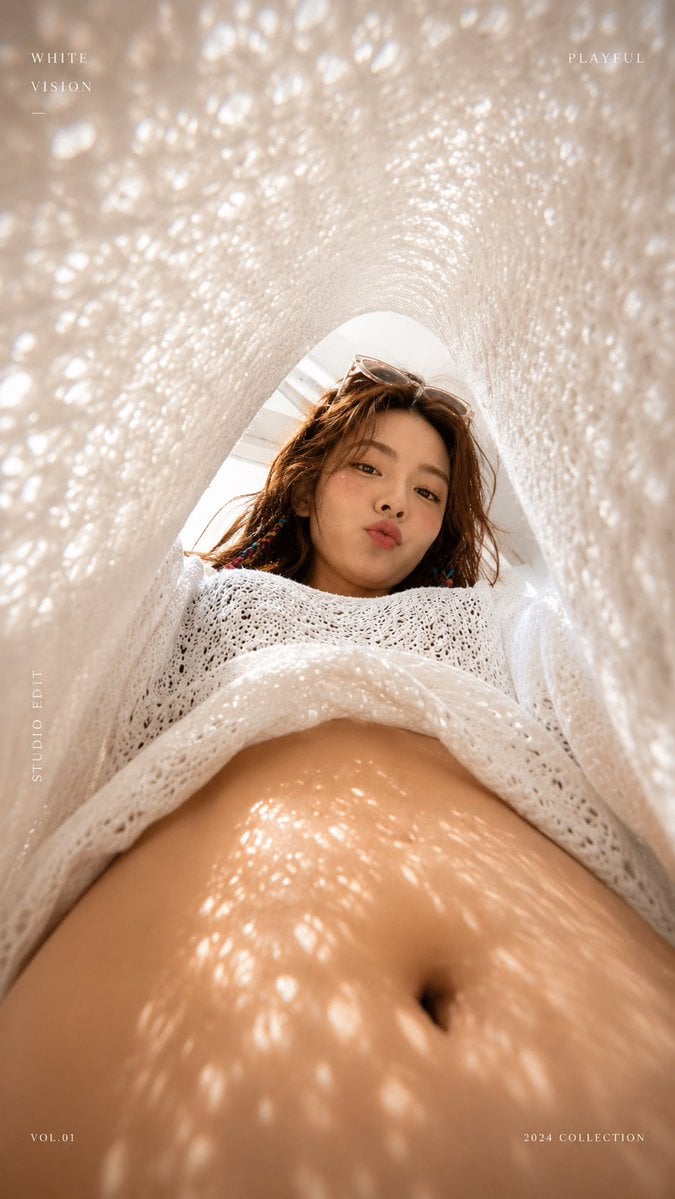
White Lace Low-Angle Editorial
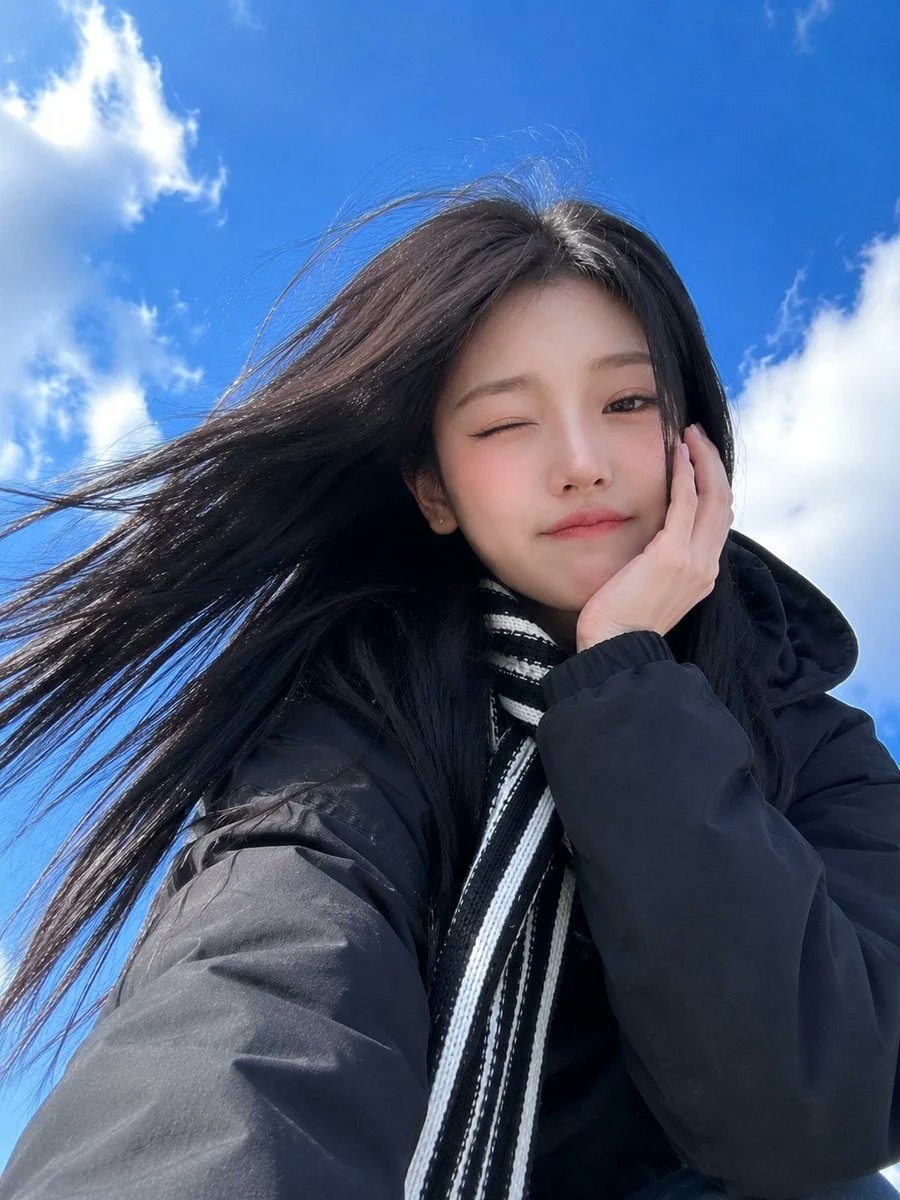
Low-Angle Winter Scarf Selfie
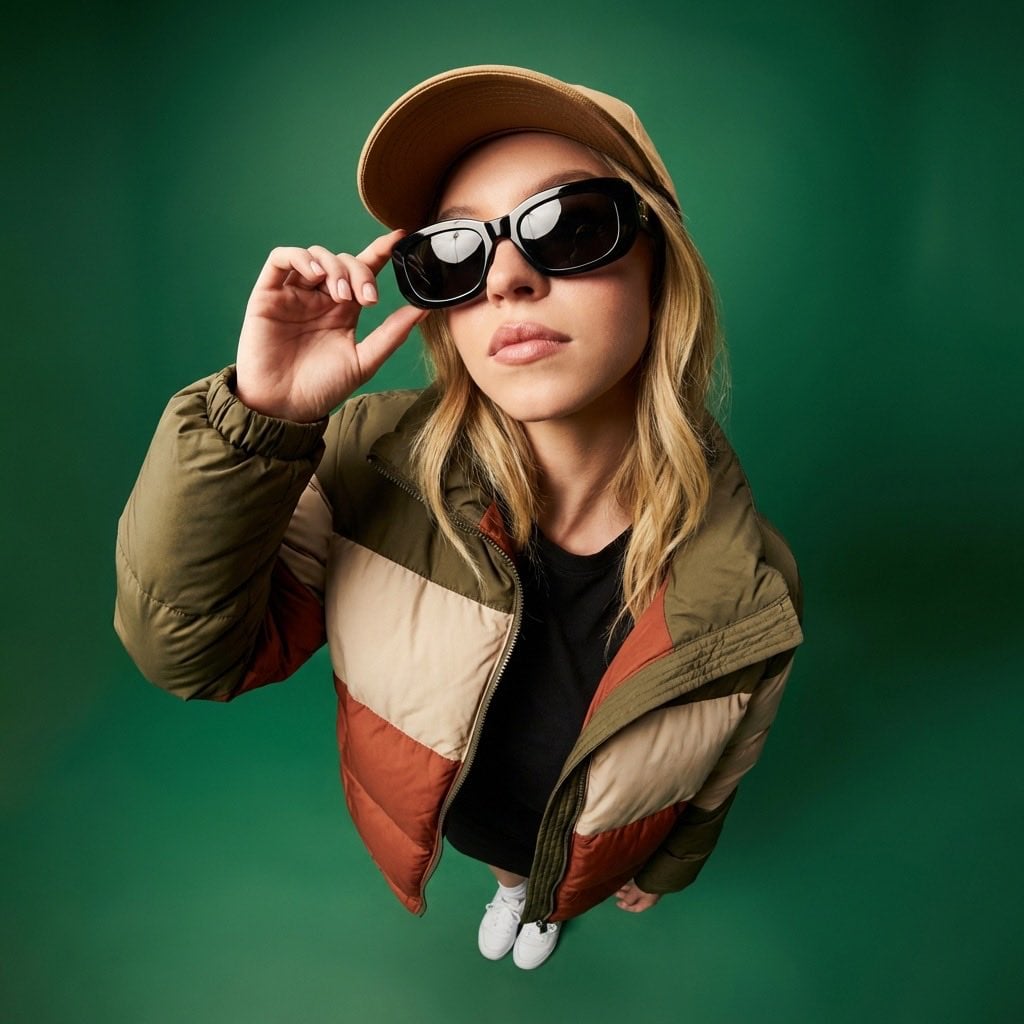
High-Angle Editorial Fashion Portrait
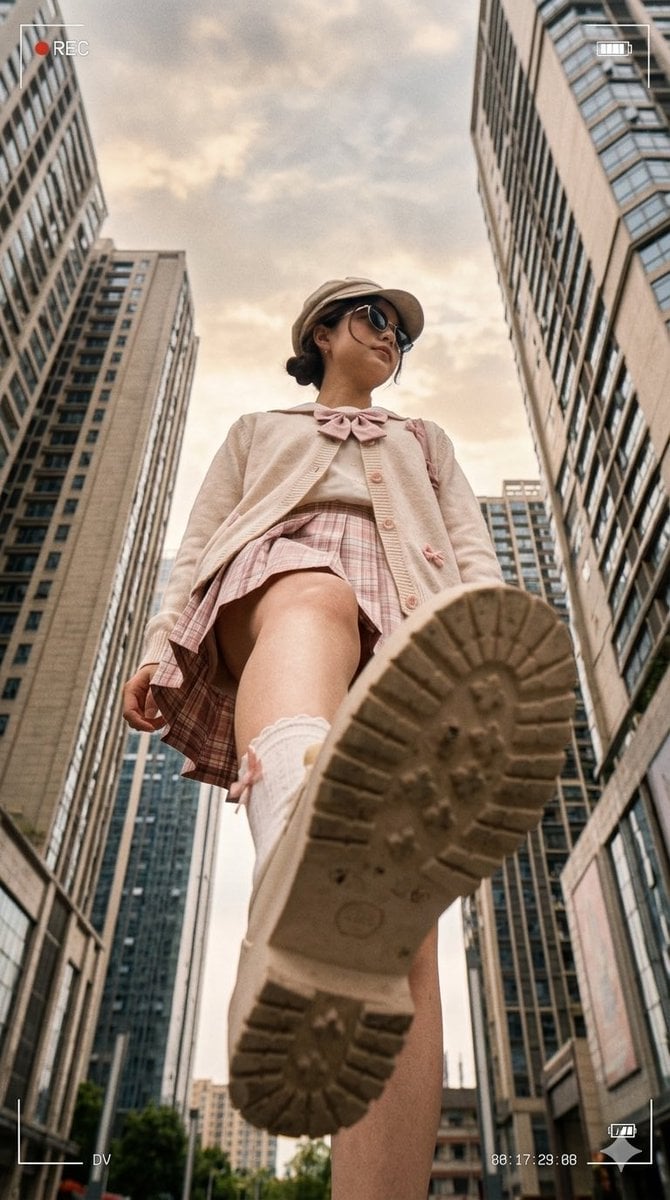
Low Angle Urban DV Style Portrait
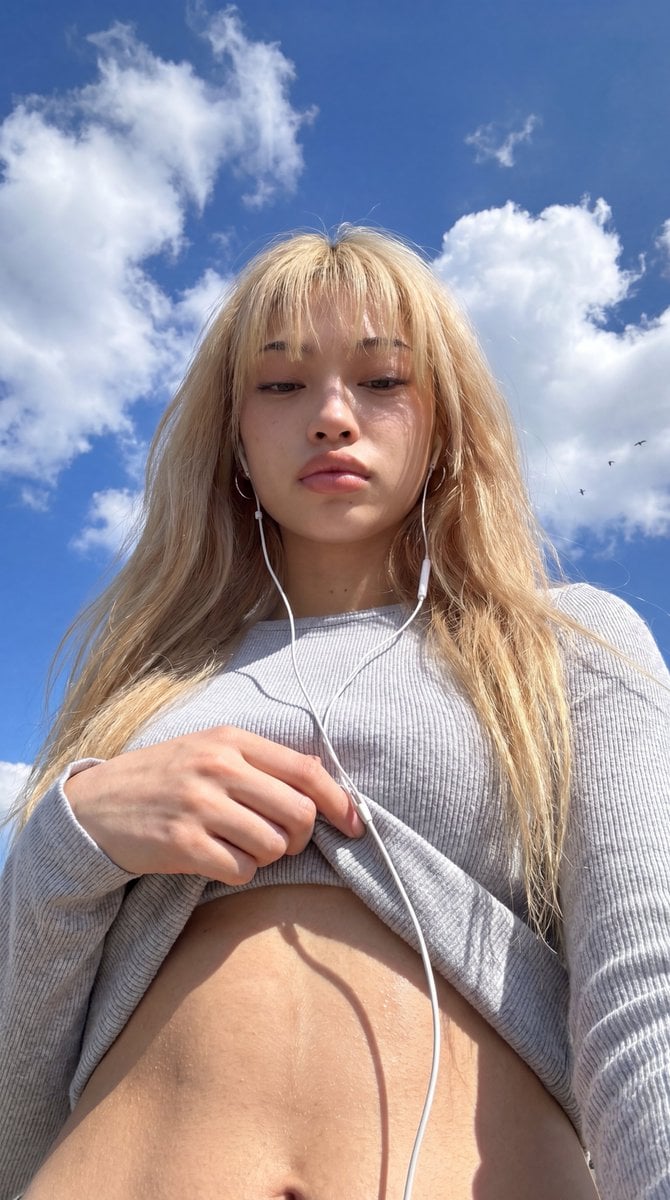
Low-Angle Wide-Sky Smartphone Selfie
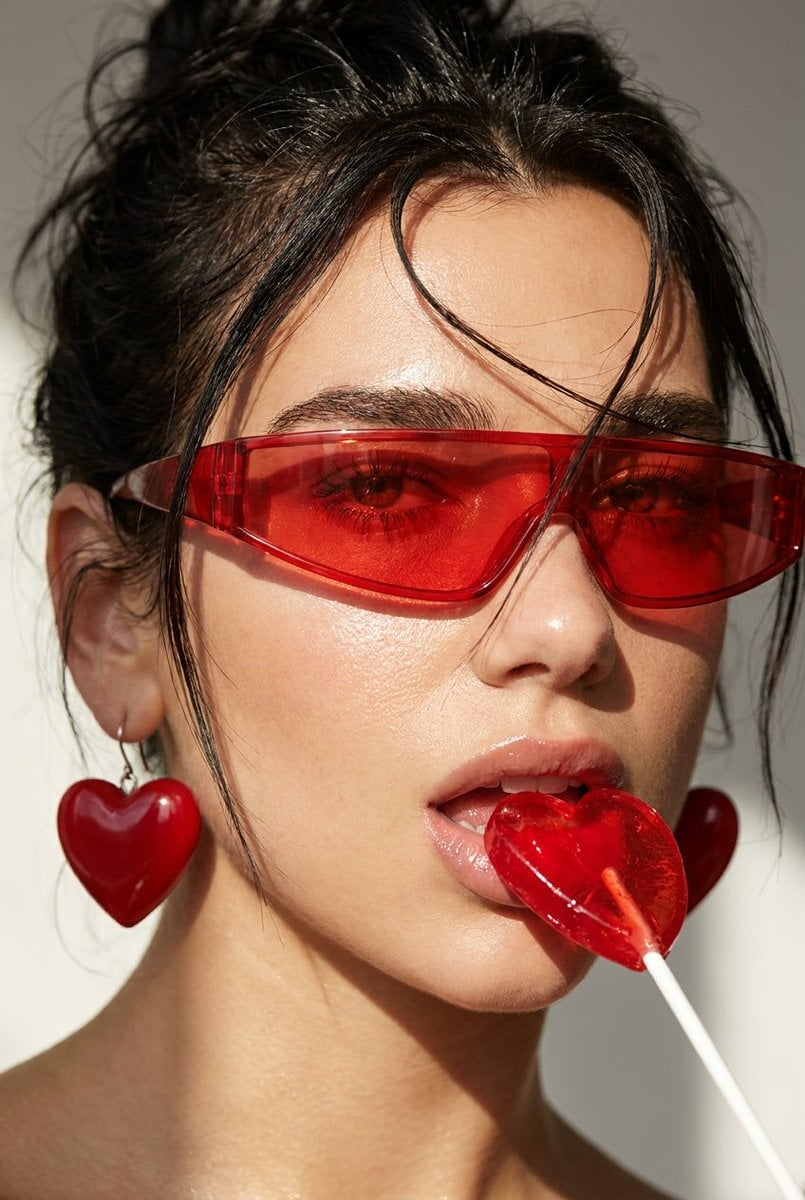
Heart Lollipop Editorial Portrait
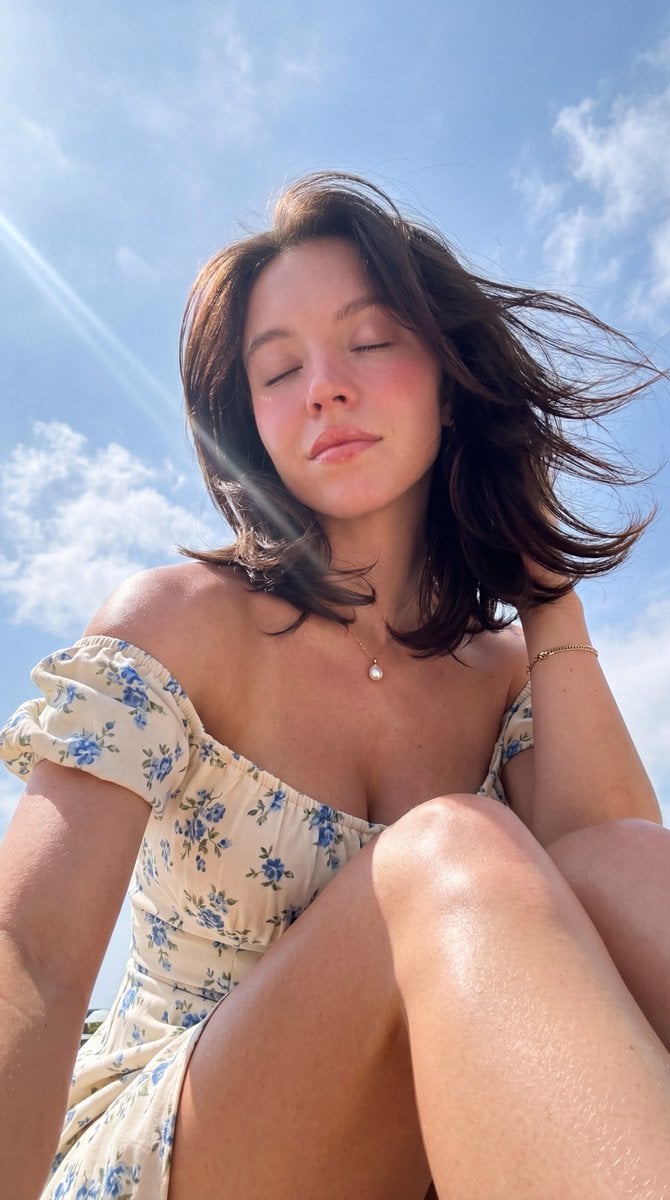
Hyper-Photorealistic Low Angle Portrait
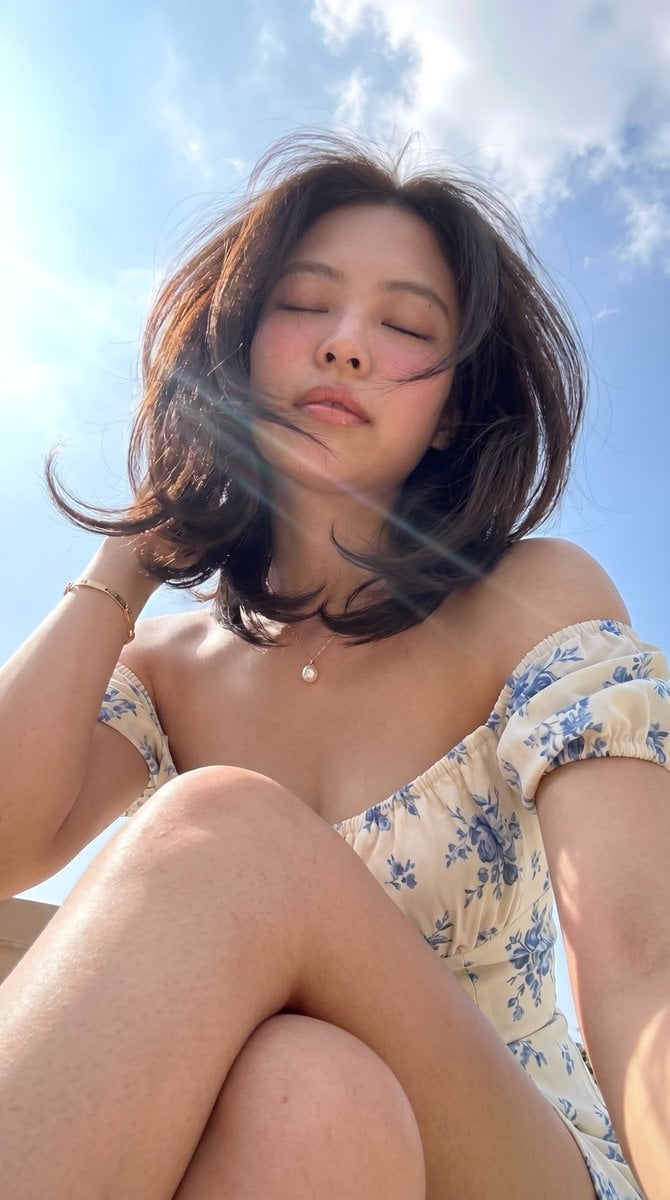
Low-Angle Summer Sky Portrait
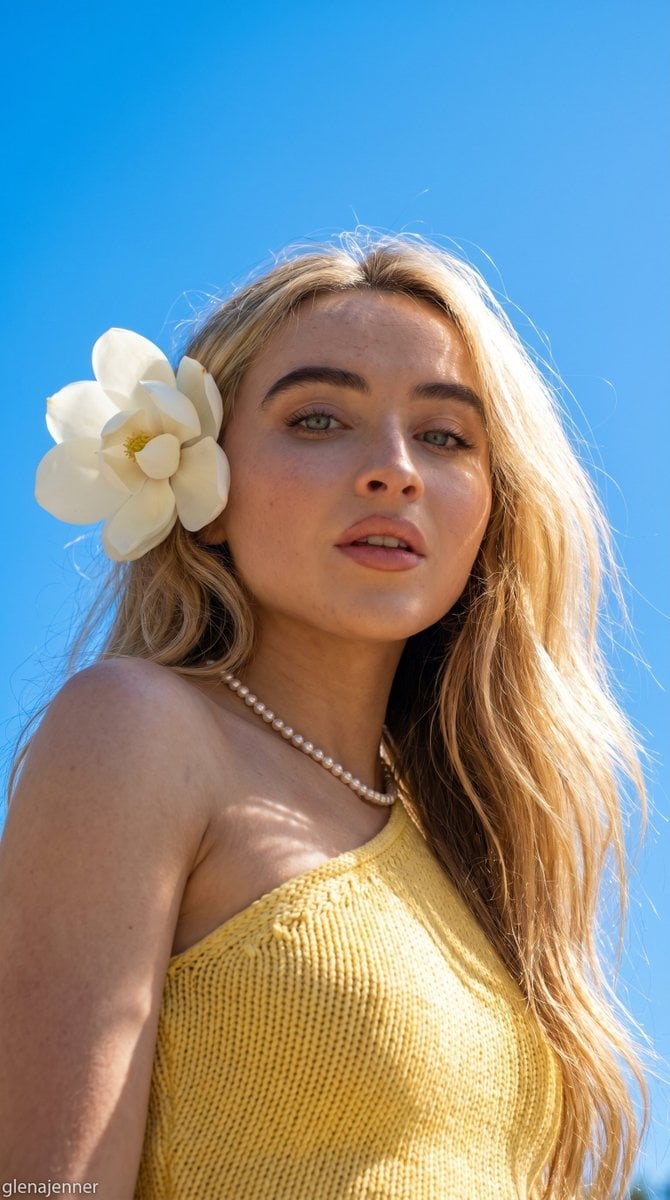
Low-Angle Summer Sky Portrait
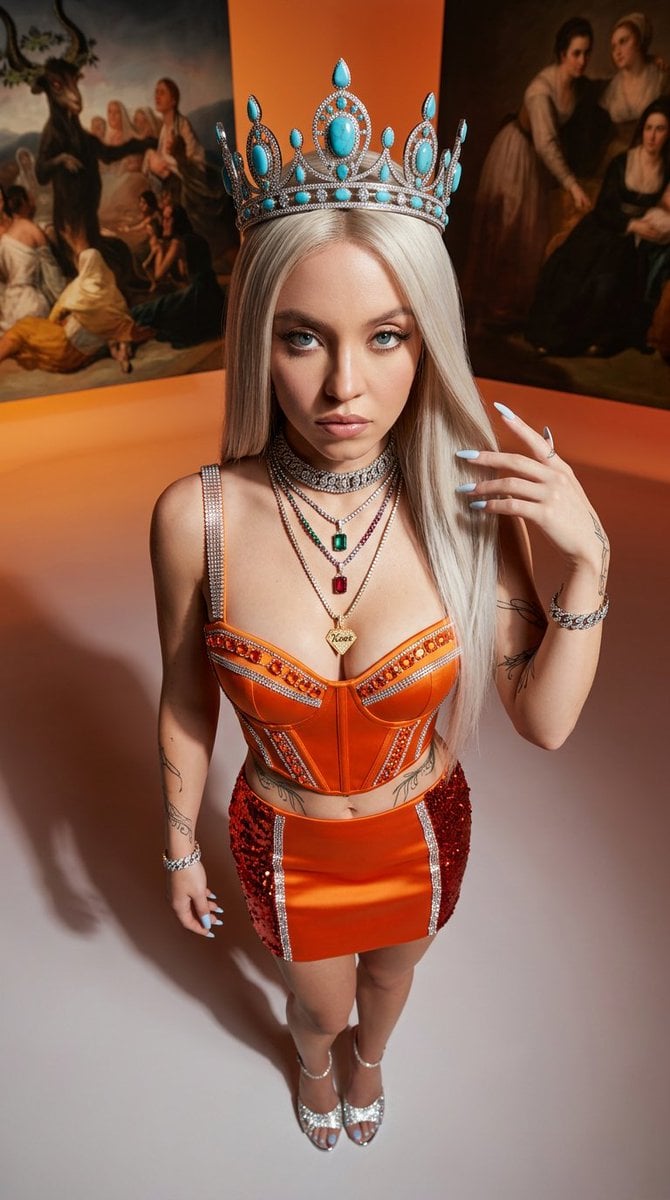
Avant-Garde High-Angle Editorial Fashion

Urban Fashion Editorial Collage Streetwear Poster

Monochrome Hypebeast Street Fashion Editorial Motion
Make it yours
Low-Angle Wedding Editorial with Heart Hands works as-is. These are the safest ways to change it without losing the look.
Change one field
Copy a single group, rewrite it, and generate again so you can see what that field is doing.
Keep the frame, change the subject
Hold the composition and light of Low-Angle Wedding Editorial with Heart Hands, then swap wardrobe, props or the person for a new take.
| If the result… | Why | Fix |
|---|---|---|
| The result drifts from the preview | Too many fields changed at once. | Reuse Low-Angle Wedding Editorial with Heart Hands as-is first, then change one group — subject, light, or setting. |
| The model over-stylizes the scene | The prose prompt leaves finish and camera underspecified. | Add one camera or lighting sentence and stay on Nano Banana 2. |
More Nano Banana 2 templates
Other prompts made for Nano Banana 2.

Photorealistic Leaf Shaped Like a Dragon

K-Pop Idol Portrait Grid for Rapid Selection

Poetic Rain Forest Portrait During Golden Hour

Urban Street Portrait with Cartoon Inner Self Duo

Candid Nighttime Photo with Cat Prompt

High-Concept 3D Diorama Generation Prompt

Cinematic Futuristic Studio Portrait Template

Skincare Editorial Photography Collage Prompt

Hyper-Realistic Commercial Product Photography (Splash Effect)

Hyper-Realistic Nightclub Portrait Prompt
More image prompts
Fresh picks from across the catalog.
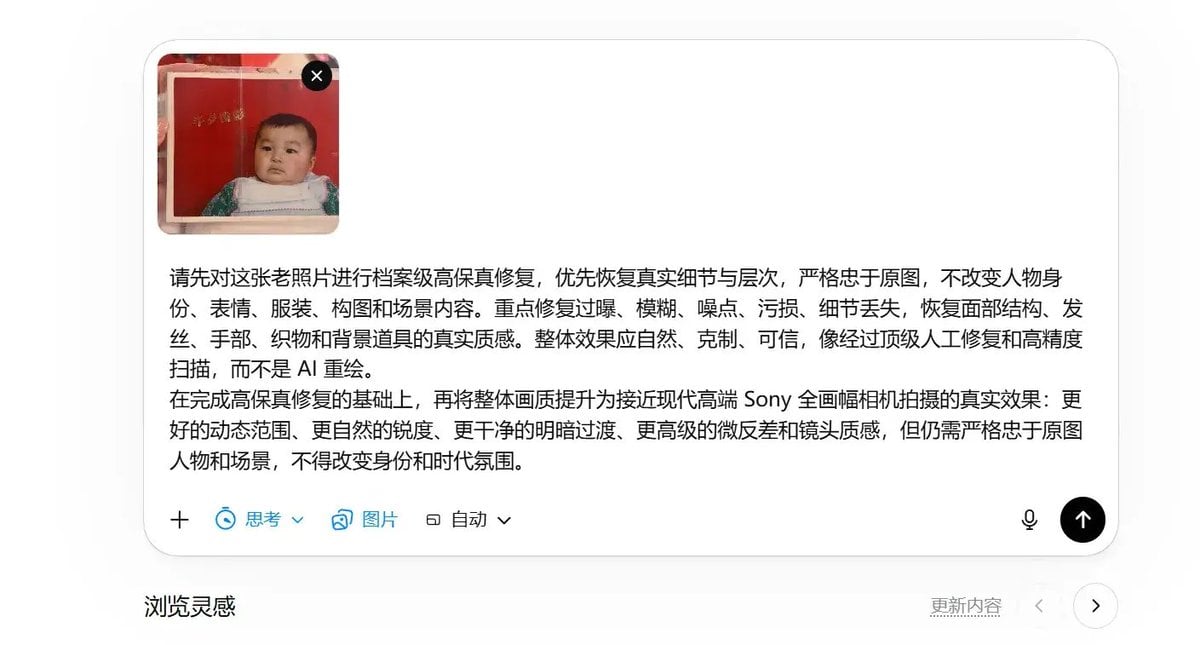
High-Fidelity Archival Photo Restoration
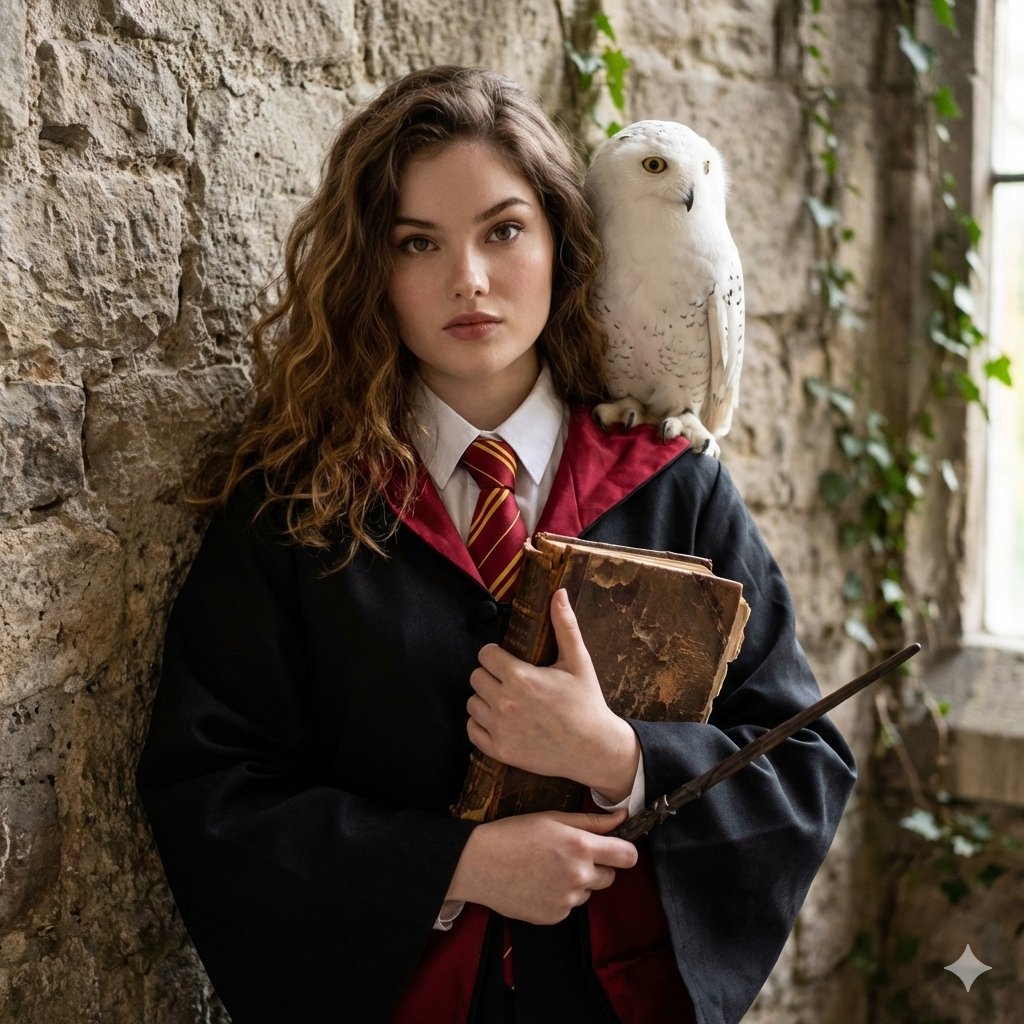
Hogwarts-Style Photoshoot Portrait

Cozy Witch and Halo Girl Study Scene
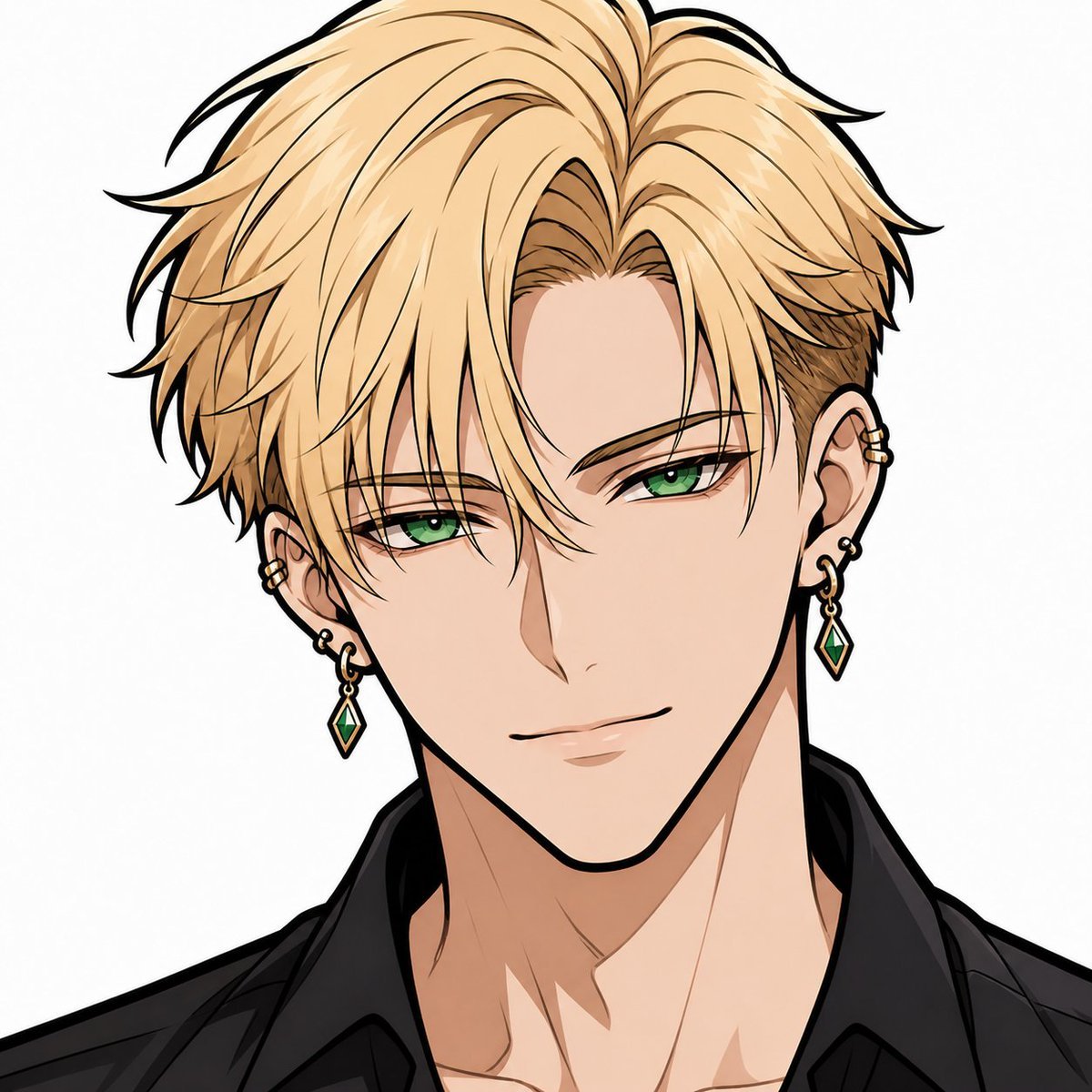
Faceless Blond Anime Icon
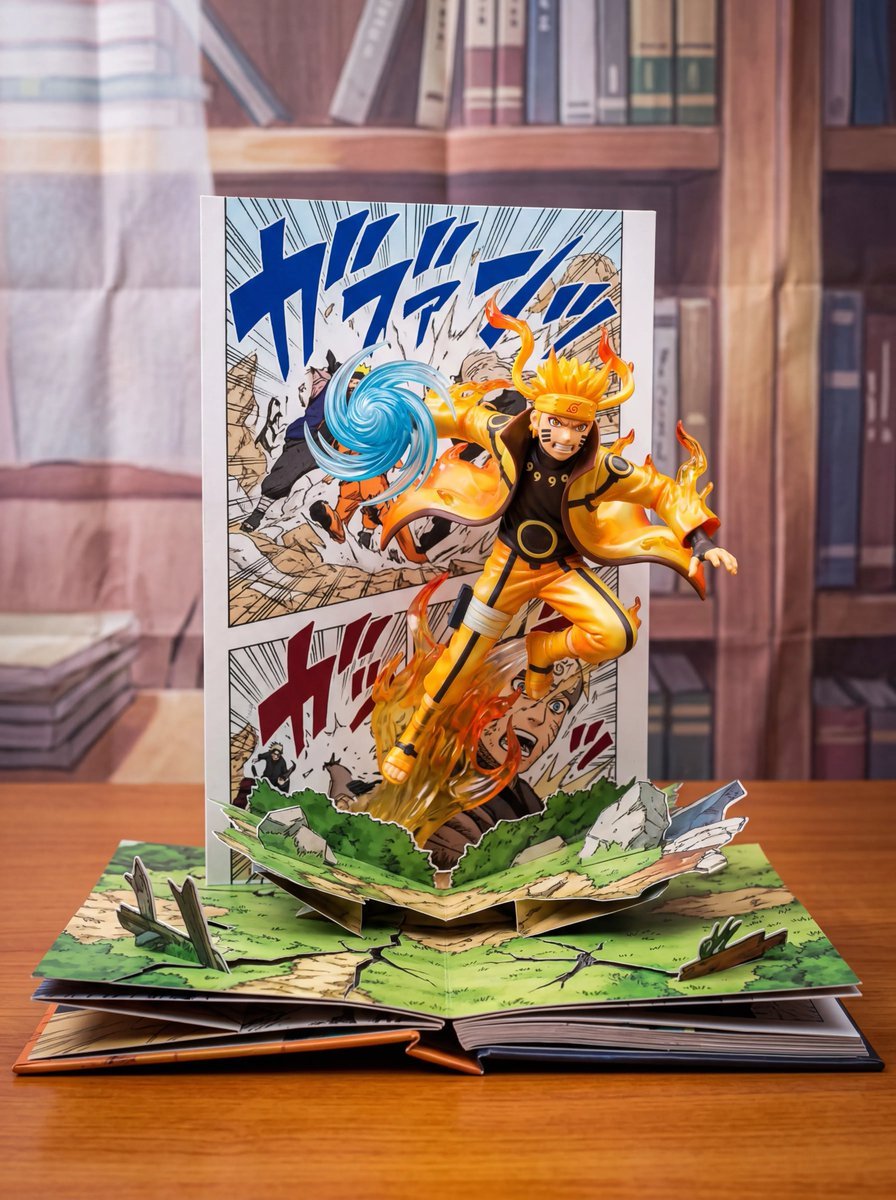
Uzumaki Naruto Pop-Up Book Prompt
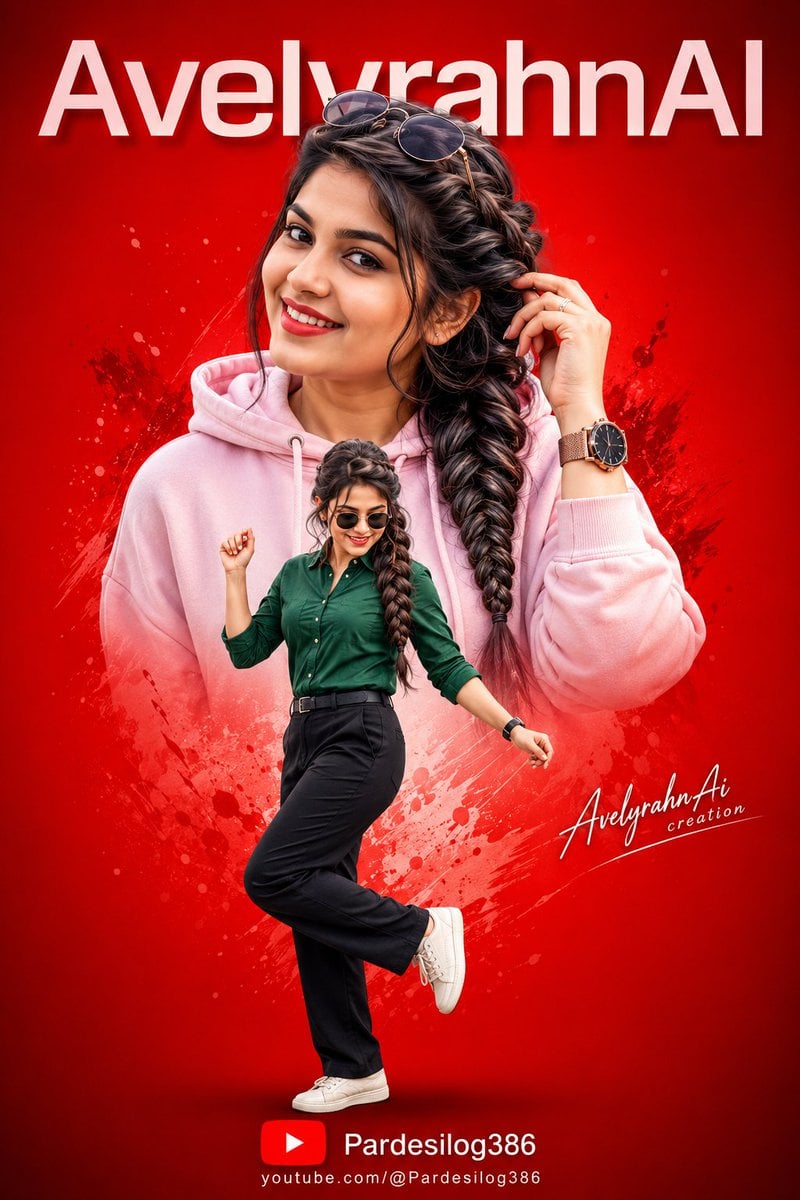
Vibrant High-Contrast Digital Collage
Chic Mirror Selfie Fashion Illustration
Premium Sports Infographic
Retro Orange Outfit Analysis Poster
Scientific Theory Visualization: 2D to 3D Extrusion
Browse template categories
Low-Angle Wedding Editorial with Heart Hands questions
How do I use the Low-Angle Wedding Editorial with Heart Hands template?
Add your photo if the template asks for one, edit the prompt if you like — the template's model and format are already selected — and press Generate. Your version opens in PicX Studio.
Can I customize the Low-Angle Wedding Editorial with Heart Hands template?
Yes. You can change the subject, setting, lighting, mood, format, and available model controls before creating your image.
Is the Low-Angle Wedding Editorial with Heart Hands template free?
Opening and editing this template is free. Generating uses credits, shown on the Generate button when you are signed in.
Which AI model should I use?
Start with Nano Banana 2, which is the model associated with this template. You can compare another compatible model for a different finish.
Looking for something else? Browse all templates.

Your photo, any look
Thousands of ready templates for every top image and video model, from one credit balance.