
Cyber Vocaloid Concert Idol
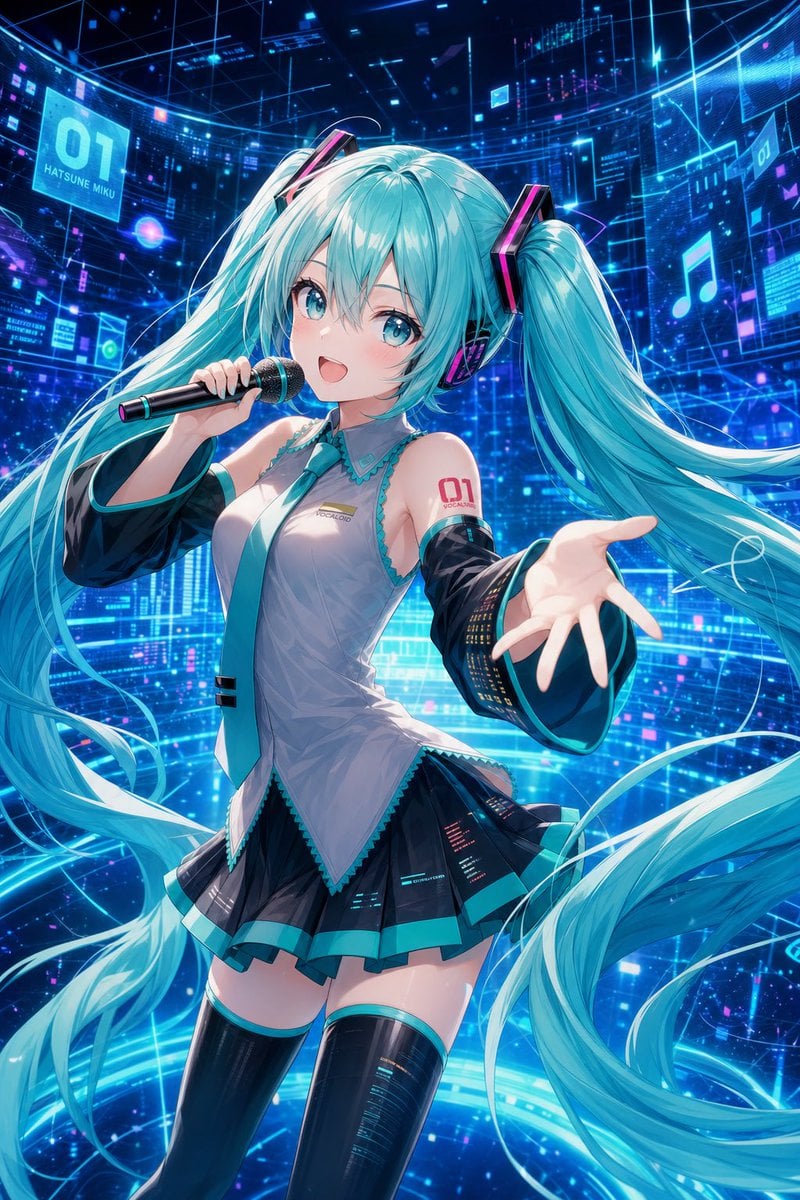
Generates a dynamic anime cyber-stage illustration of a turquoise twin-tailed virtual singer performing with holographic HUD effects.
- Prompt included
- Model and format preset
- Free template
The prompt behind this image
Copy the exact prompt behind Cyber Vocaloid Concert Idol, or open it in the studio and make it yours.
Create a vibrant anime-style cyber idol concert illustration of {argument name="character name" default="Hatsune Miku"} in a futuristic holographic data-stage. Show a young virtual singer with extremely long flowing twin-tails in {argument name="hair color" default="bright turquoise cyan"}, wearing large black headphones with hot-pink neon accents, a sleeveless silver-gray Vocaloid-inspired top with teal trim and a teal necktie, black detached arm sleeves with glowing digital equalizer patterns, a short black pleated skirt with teal bands and tiny circuit-like display details, and glossy black thigh-high boots. Her face should be covered by a soft rectangular blur/mosaic censor block, while the rest of the character is sharply detailed. Pose her mid-performance, holding a black microphone with a teal-and-pink ring near her mouth in her left hand, and extending her right hand toward the viewer in an inviting dynamic gesture. Add a red “01” tattoo/marking on her upper left arm with small Vocaloid-style text beneath it. The composition is vertical 2:3, waist-to-thigh framing with dramatic perspective, hair ribbons and twin-tails sweeping across the image in large arcs. Background: an immersive deep-blue digital cyberspace stage filled with glowing cyan grid lines, transparent HUD panels, floating music-note icons, waveform/data rectangles, neon particles, and luminous circular light trails around her legs. Include exactly 2 readable floating sign panels: one large cyan panel on the upper left reading {argument name="left panel text" default="01 HATSUNE MIKU"}, and one smaller panel on the upper right showing {argument name="right panel text" default="01"}. Use intense electric-blue and cyan lighting with magenta accents, high contrast, glossy highlights, detailed anime rendering, crisp linework, depth of field, and energetic concert atmosphere. Avoid extra characters, avoid extra readable text, no watermark, no logo outside the described markings.
How to use Cyber Vocaloid Concert Idol in 3 steps
- 1Upload ImagePNG, JPG or paste
Add your photo
Upload the photo the template builds on. The prompt, model and format are already set.
- 2…a portrait of your subject in softgolden-hour light, 85mm…
Personalize
Edit the subject and creative details for your destination.
- 3Generate
Generate
Press Generate — your image is created in PicX Studio, so you can compare it with the original and refine one variable at a time.
More like this
Templates with the same subject, style or setup. Open one to see its prompt.
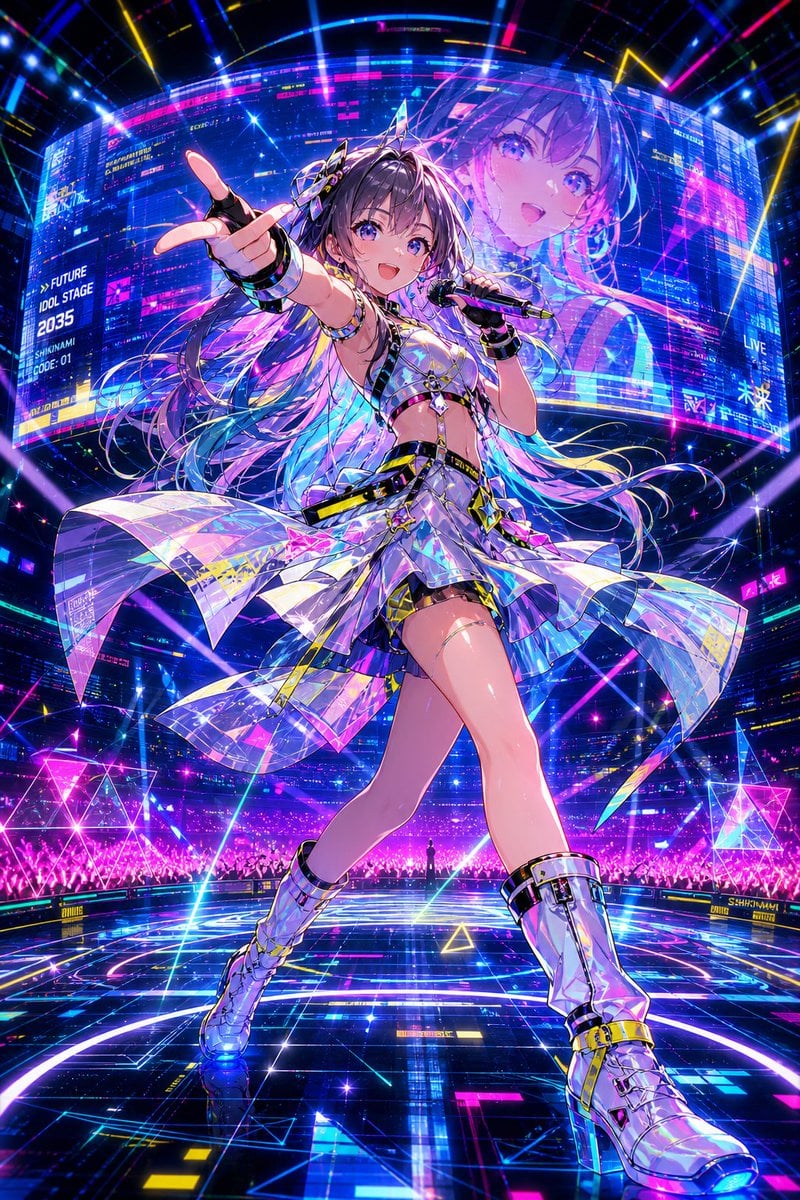
Cyberpunk Future Idol Concert

Pastel Anime Idol Concert Finale
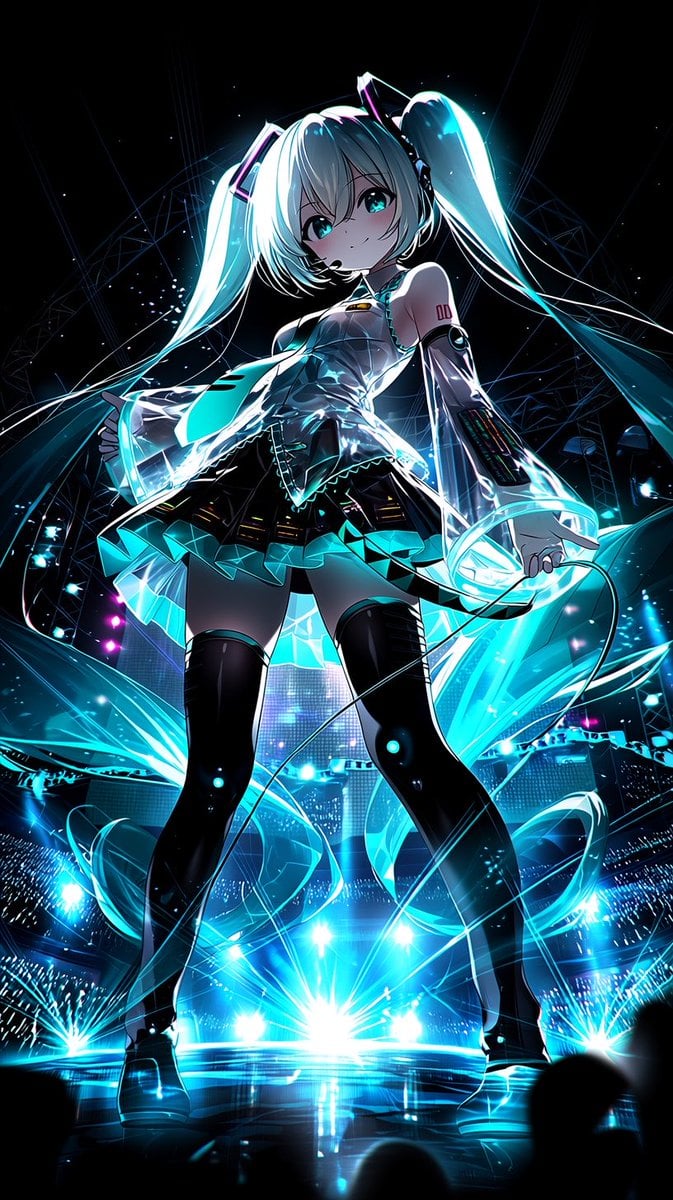
Neon Virtual Idol Concert
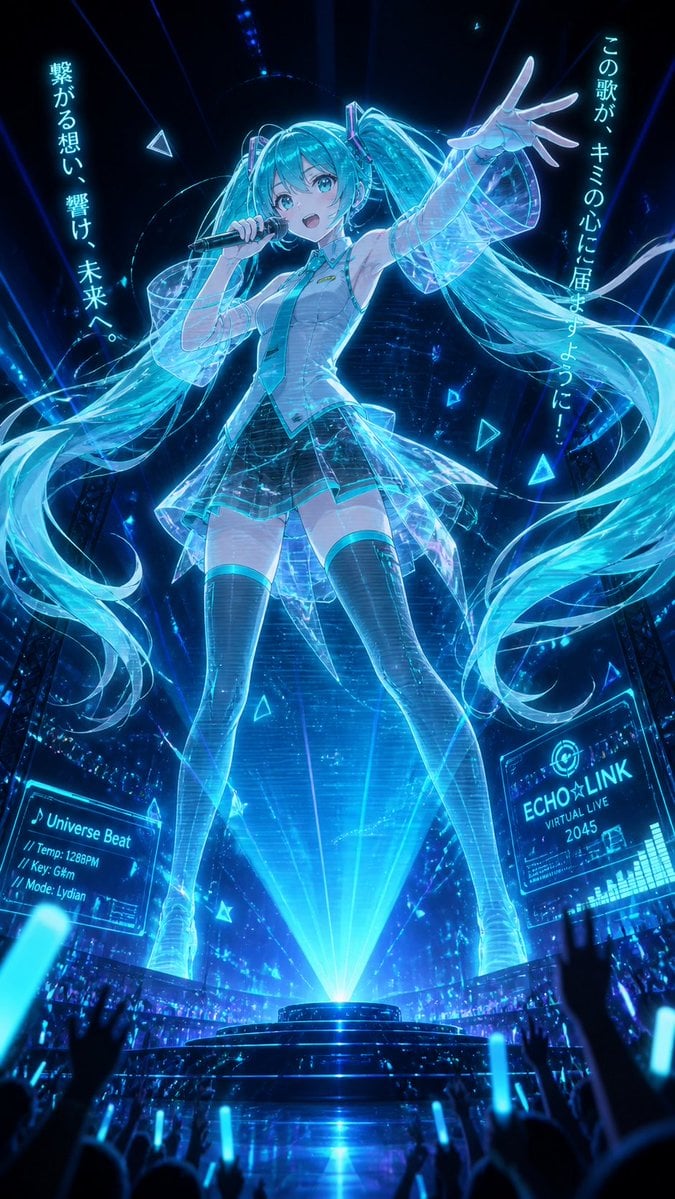
Holographic Miku Cyber Concert
Japanese Idol Concert Portrait
Cyber Anime Idol Music Cover
Crowd Energy at Idol Live Concert
Three Android Idol Girls on Concert Stage
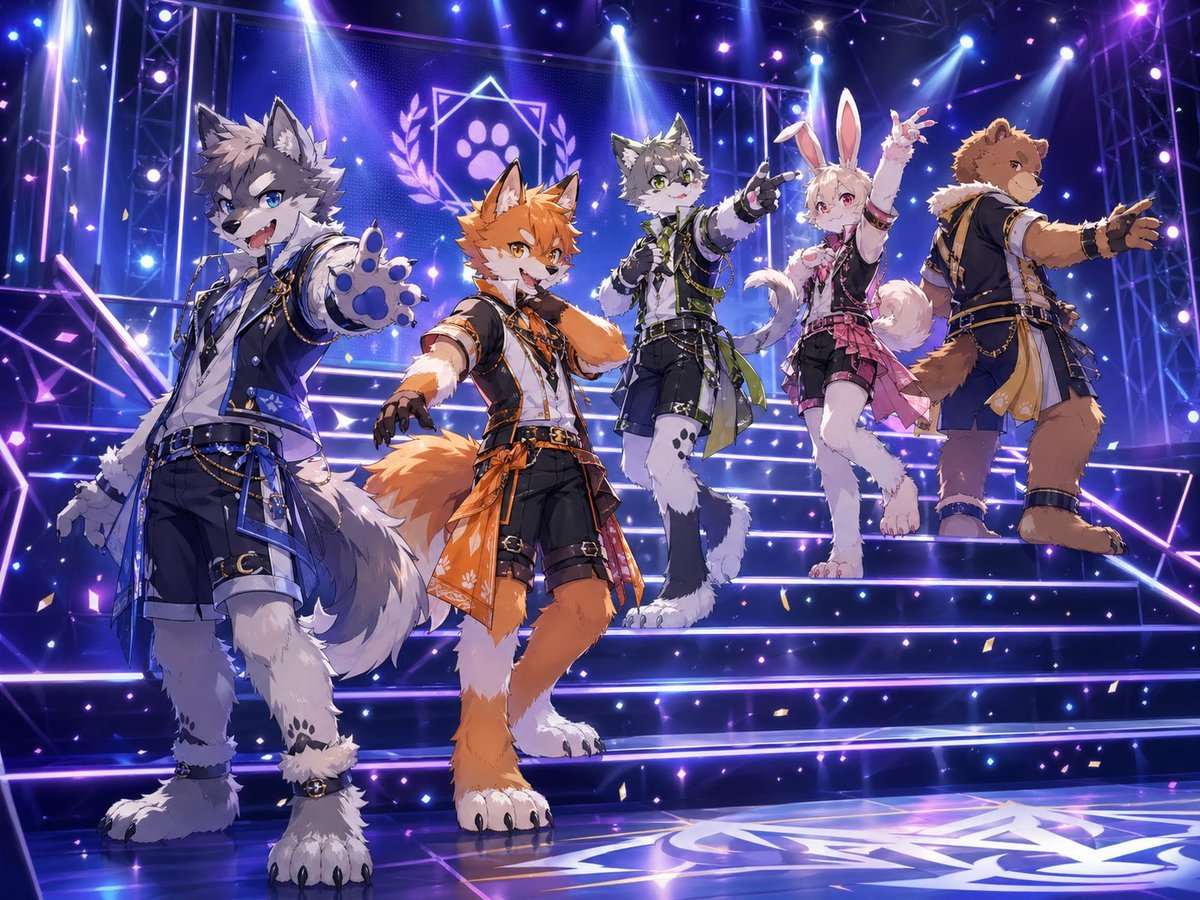
Anthro Idol Group Concert Poster

Japanese Film Reflection Idol
Vocaloid MV Style Character Grid
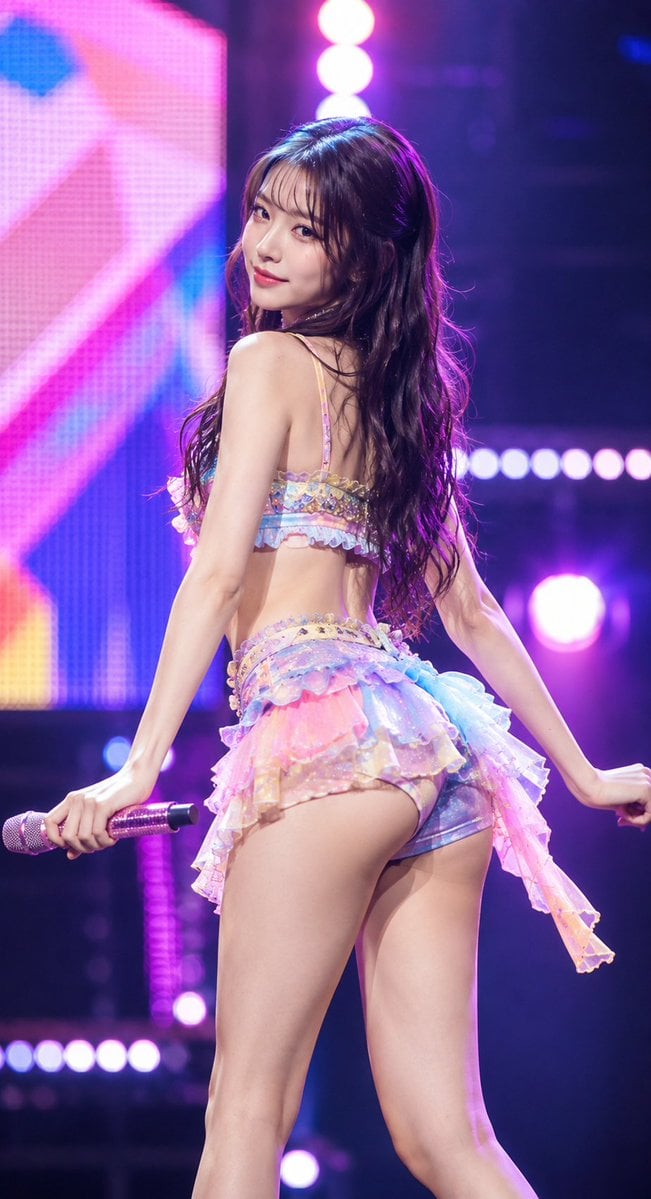
Idol Stage Performance Portrait
Make it yours
Cyber Vocaloid Concert Idol works as-is. These are the safest ways to change it without losing the look.
Change one field
Copy a single group, rewrite it, and generate again so you can see what that field is doing.
Keep the frame, change the subject
Hold the composition and light of Cyber Vocaloid Concert Idol, then swap wardrobe, props or the person for a new take.
| If the result… | Why | Fix |
|---|---|---|
| The result drifts from the preview | Too many fields changed at once. | Reuse Cyber Vocaloid Concert Idol as-is first, then change one group — subject, light, or setting. |
| The model over-stylizes the scene | The prose prompt leaves finish and camera underspecified. | Add one camera or lighting sentence and stay on GPT Image 2. |
More GPT Image 2 templates
Other prompts made for GPT Image 2.

Six VTuber Japanese Logo Sheet

Realistic Portrait of Woman and Deer

The Vista Modular Condo Poster

AI Model Routing Comparison Infographic

2.5D Anime Art Board

Isometric Productivity Desk Scene

New York Double Exposure Poster

Four-Panel AI Landscape Comparison

Japanese Tatami Lifestyle Magazine Cover

NESCAFÉ Coffee Map Poster
More image prompts
Fresh picks from across the catalog.
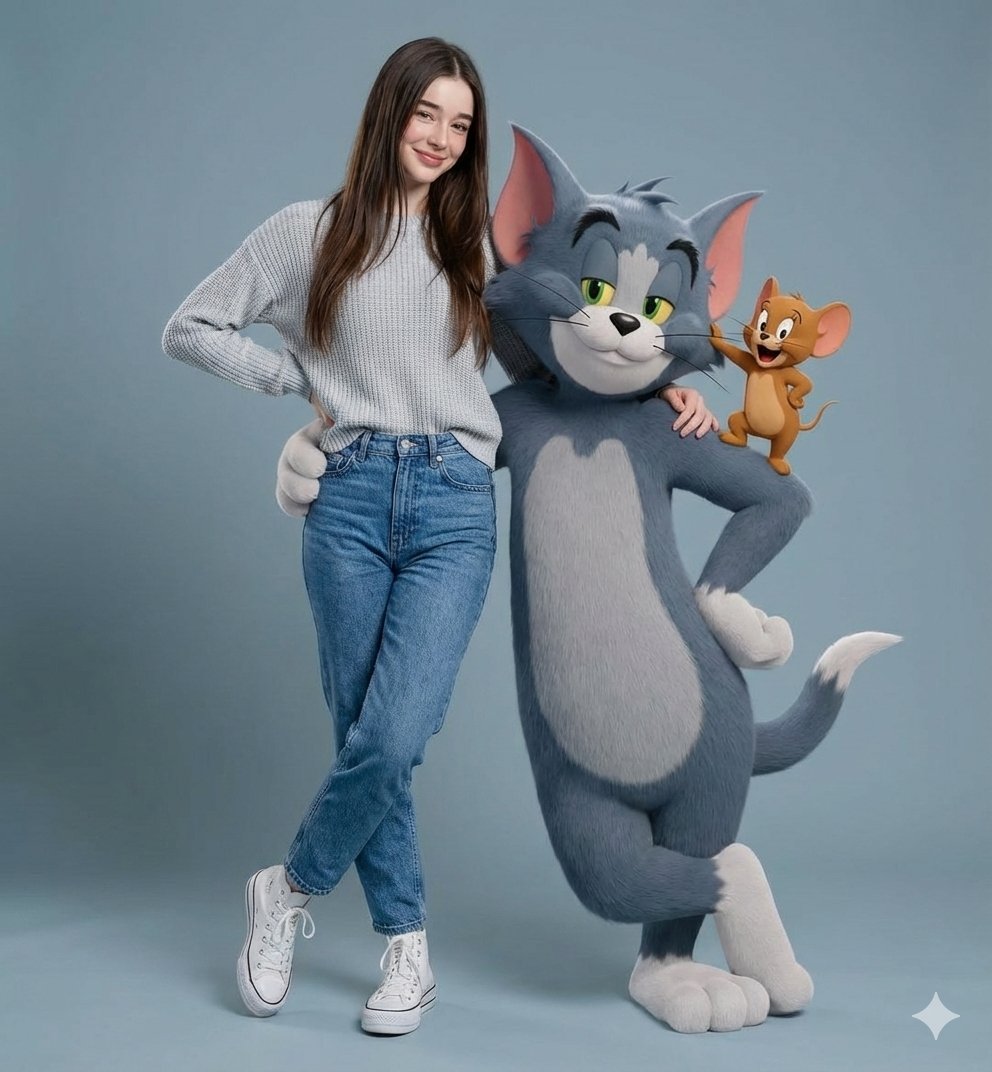
Hyper-realistic Portrait with Tom & Jerry 3D Characters
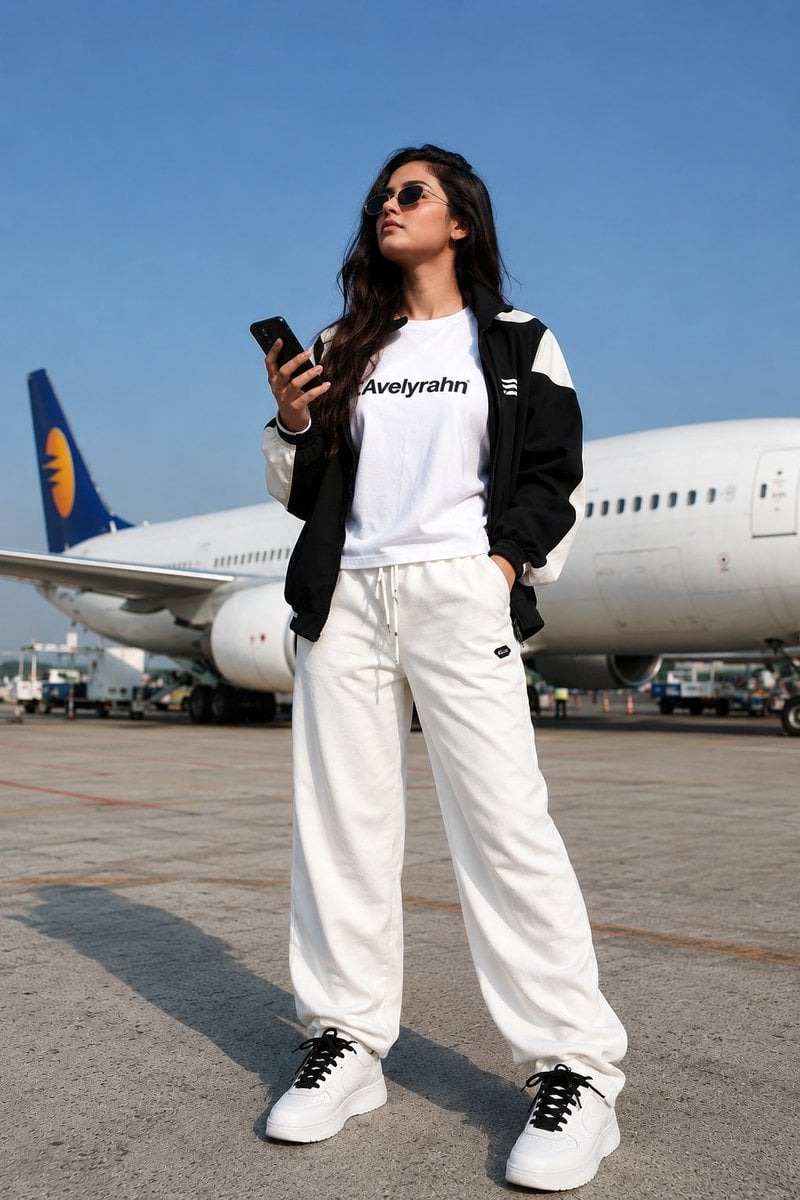
Luxury Fashion Airport Tarmac Portrait
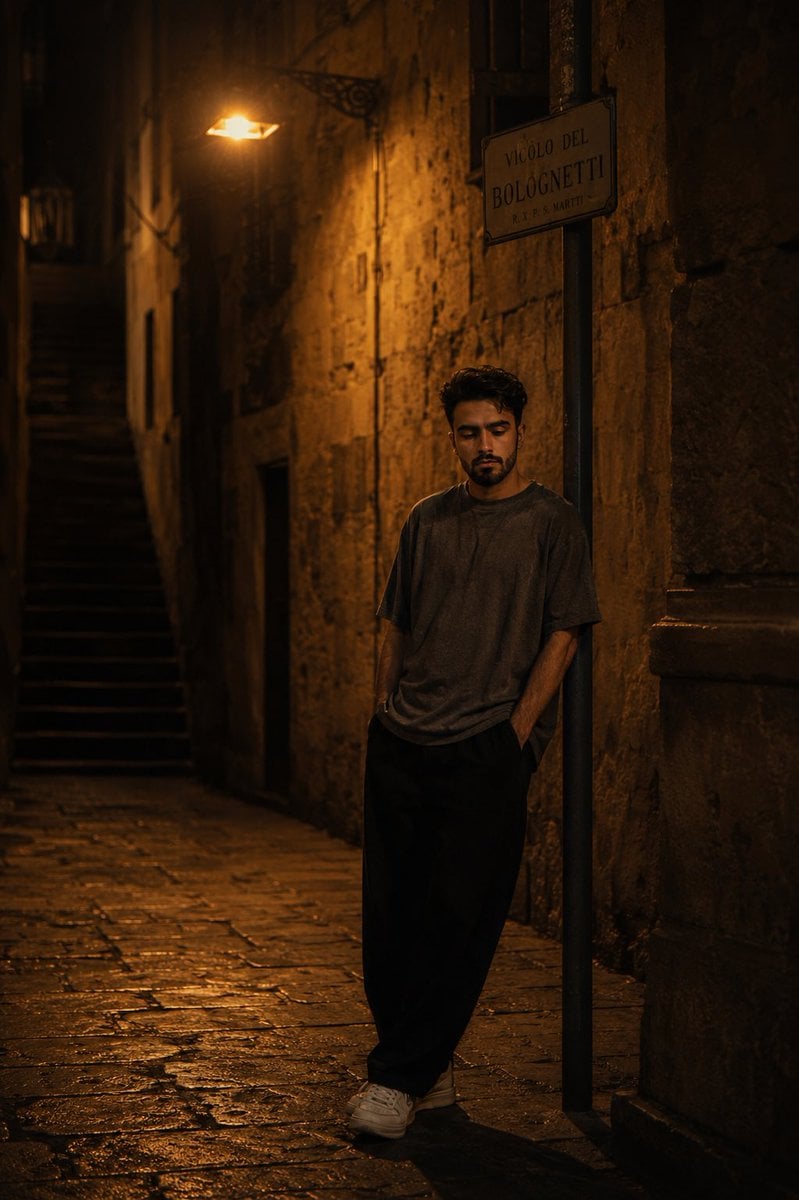
European Stone Alley Night Portrait
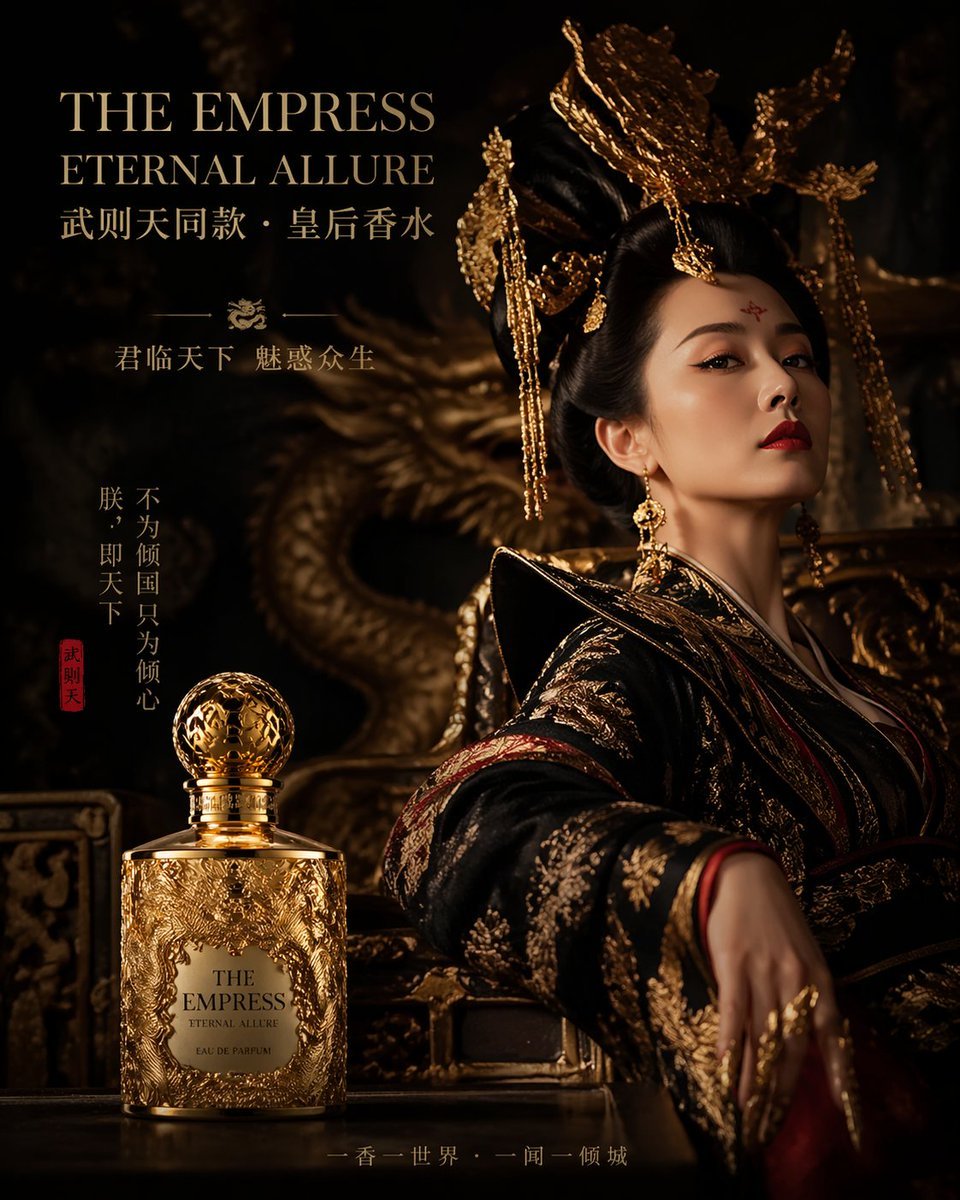
Royal Perfume Advertisement Prompt
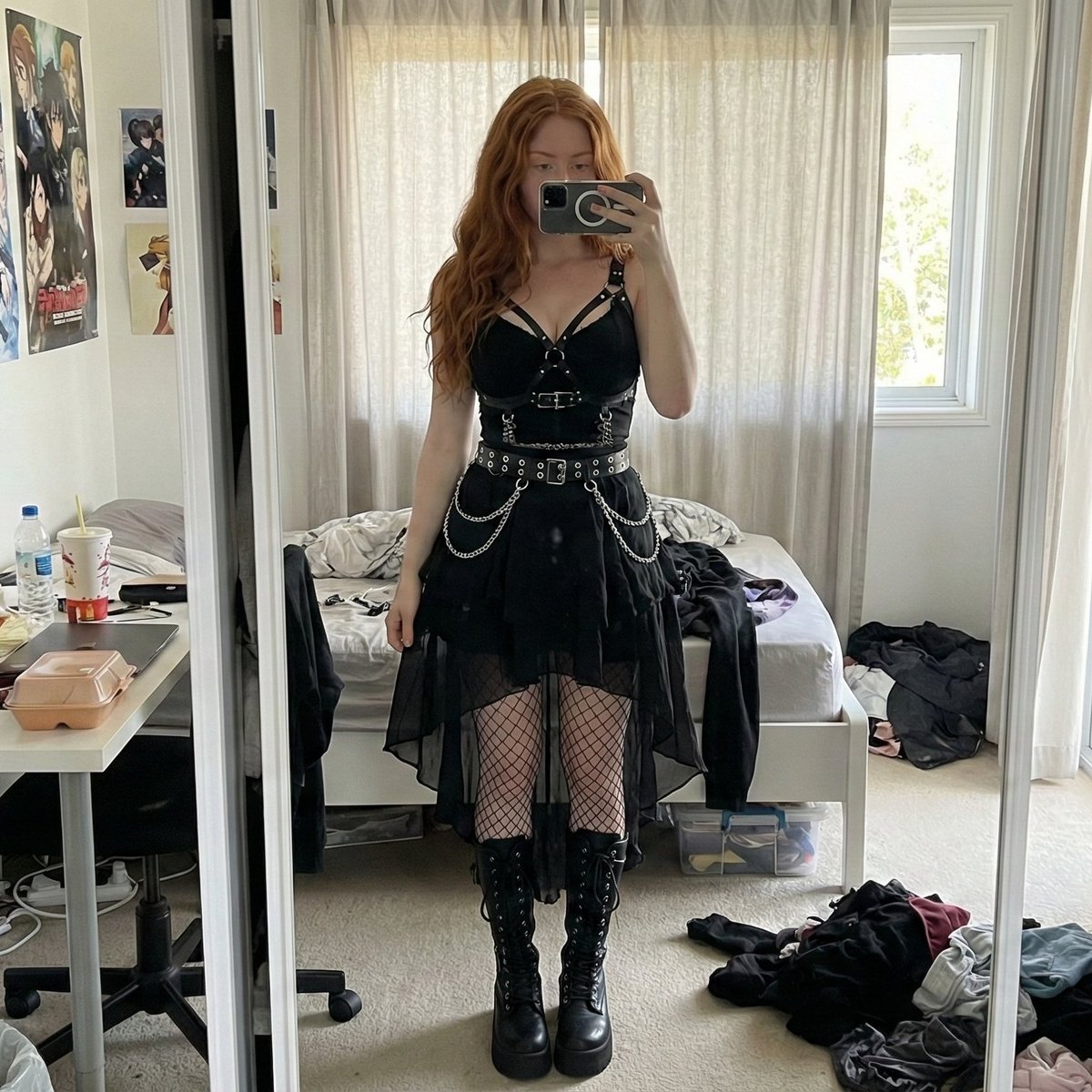
Gothic Mirror Selfie in Messy Bedroom

Hyper-realistic Surreal Lemonade Can

Dynamic Low-Angle Portrait with Orange-Red Background
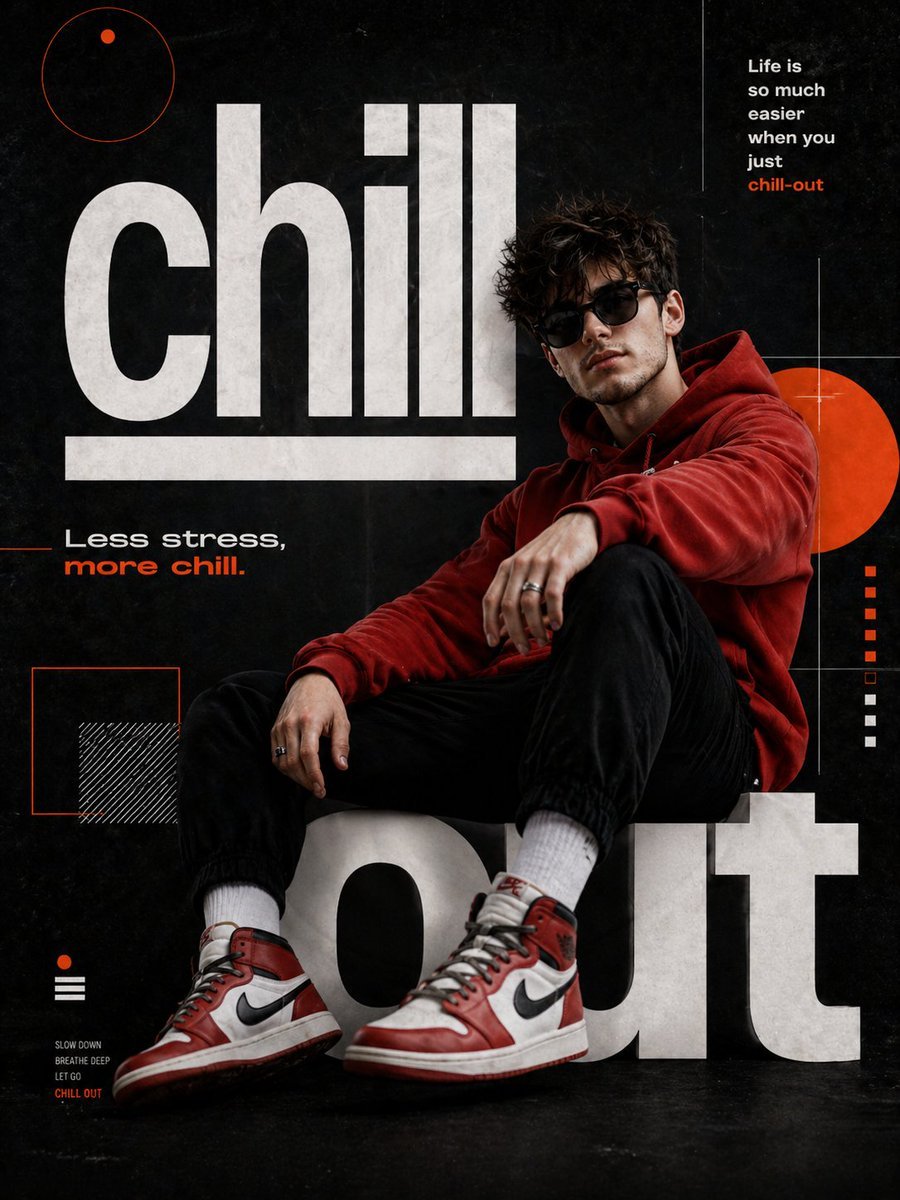
Chill-out Cinematic Poster
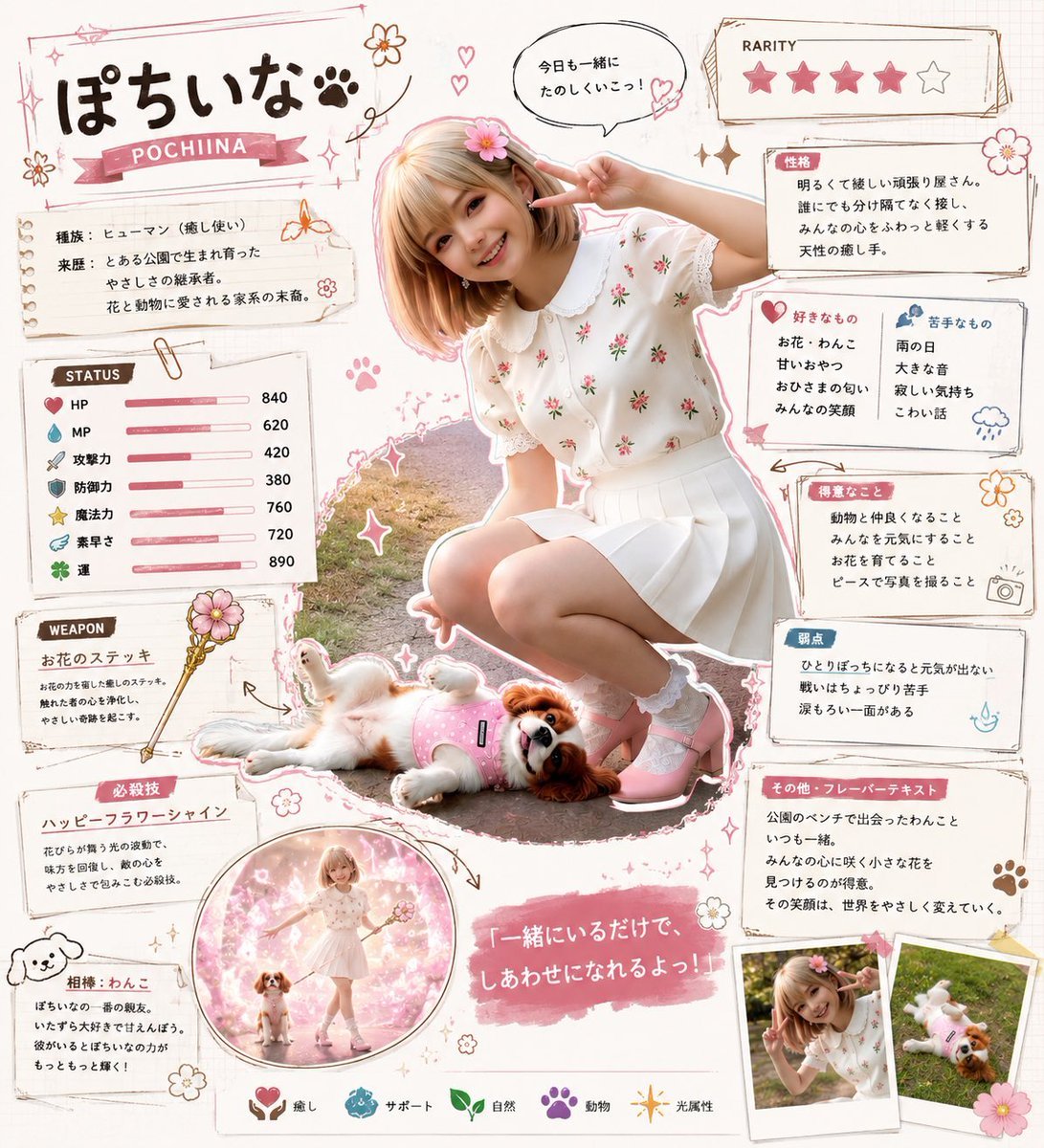
Kawaii RPG Character Profile Sheet

Children's Shoe Brand Advertisement
Browse template categories
Cyber Vocaloid Concert Idol questions
How do I use the Cyber Vocaloid Concert Idol template?
Add your photo if the template asks for one, edit the prompt if you like — the template's model and format are already selected — and press Generate. Your version opens in PicX Studio.
Can I customize the Cyber Vocaloid Concert Idol template?
Yes. You can change the subject, setting, lighting, mood, format, and available model controls before creating your image.
Is the Cyber Vocaloid Concert Idol template free?
Opening and editing this template is free. Generating uses credits, shown on the Generate button when you are signed in.
Which AI model should I use?
Start with GPT Image 2, which is the model associated with this template. You can compare another compatible model for a different finish.
Looking for something else? Browse all templates.

Your photo, any look
Thousands of ready templates for every top image and video model, from one credit balance.