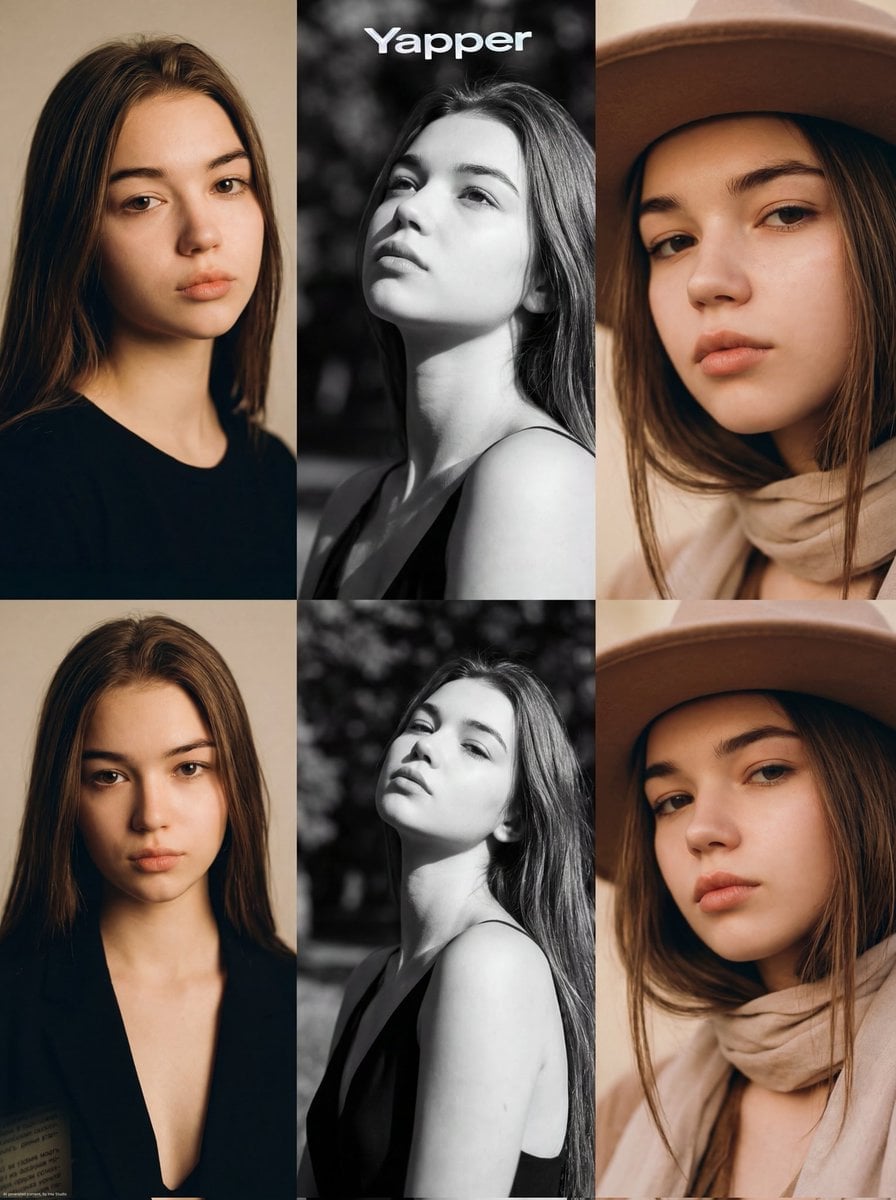
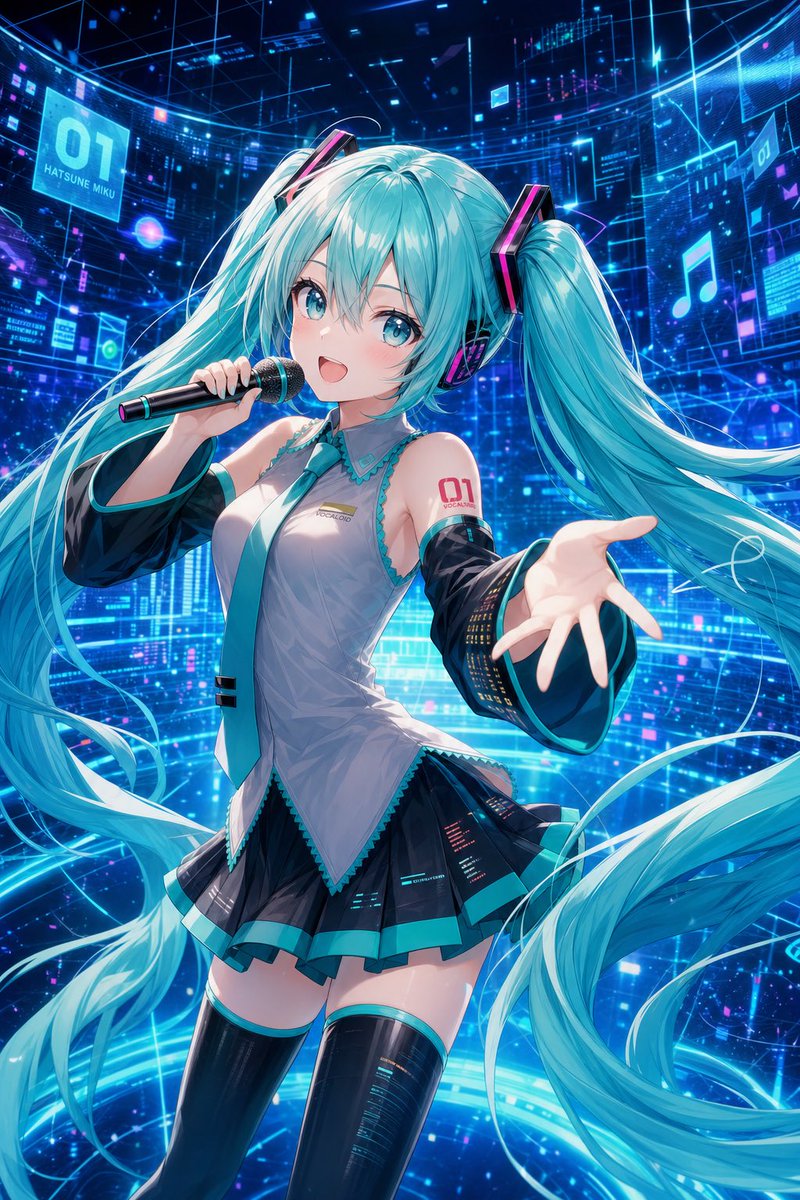
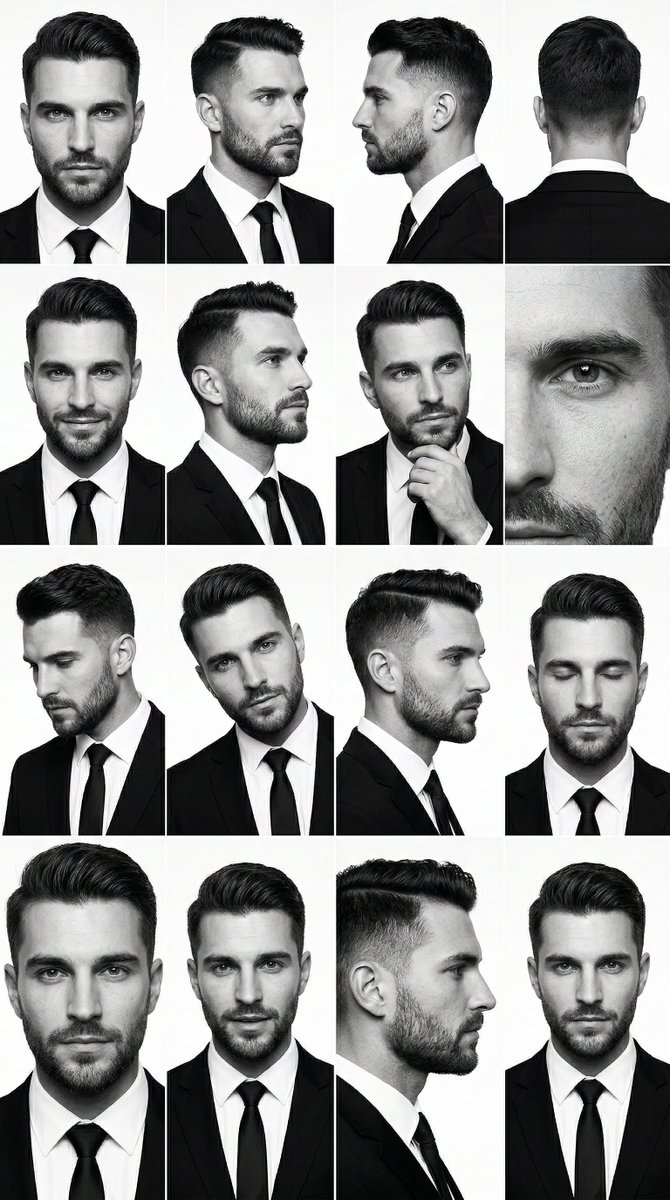
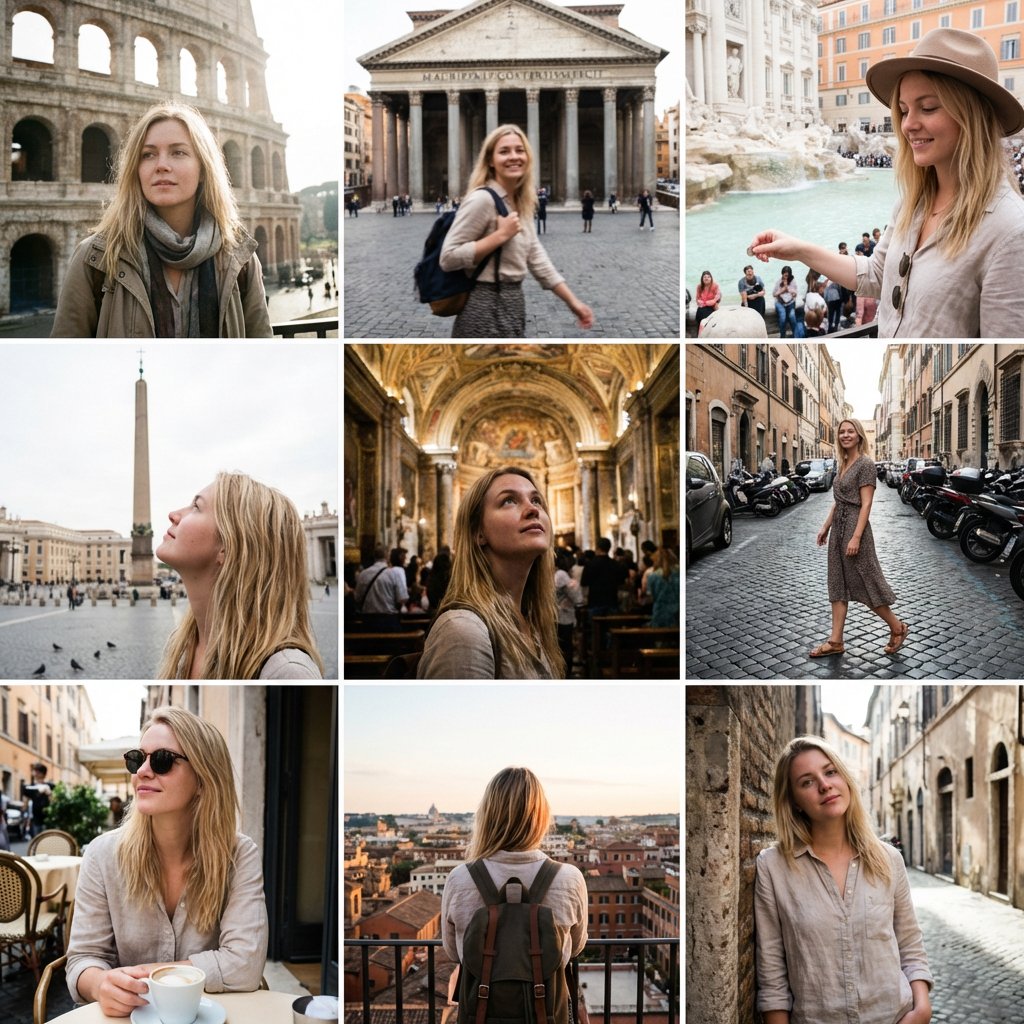
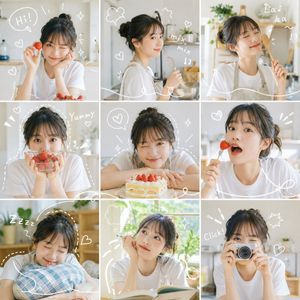
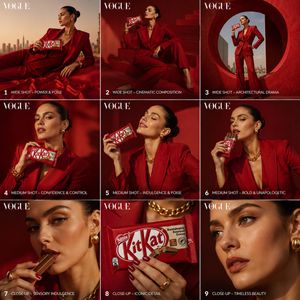
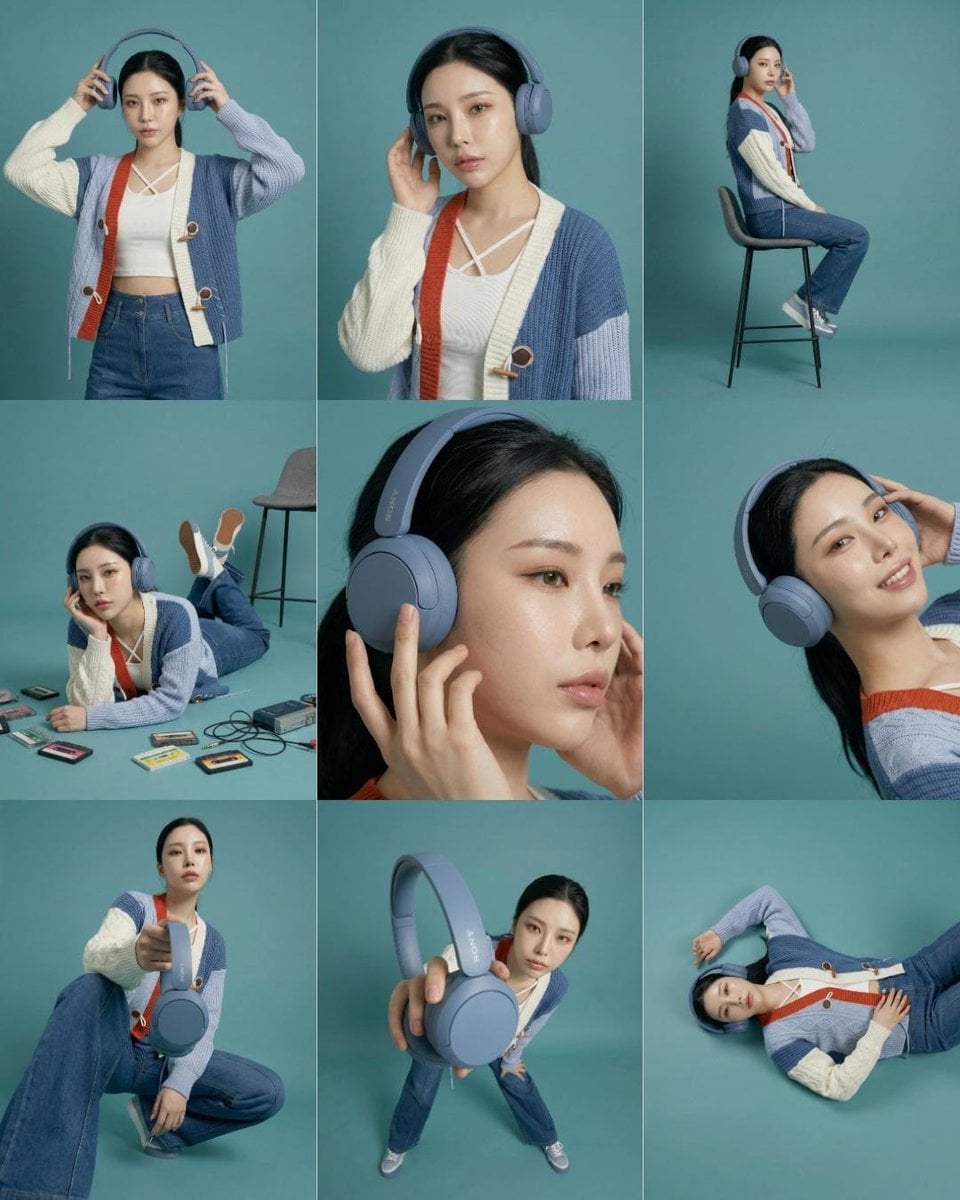
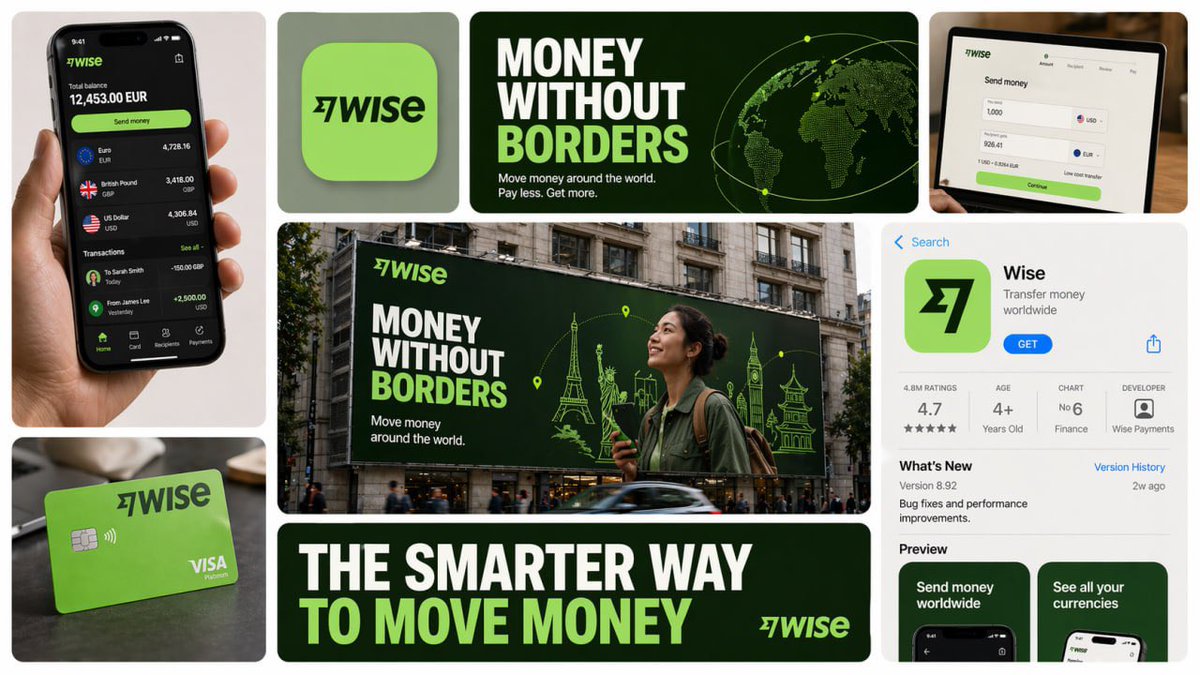
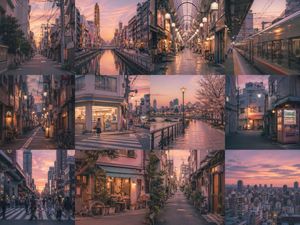
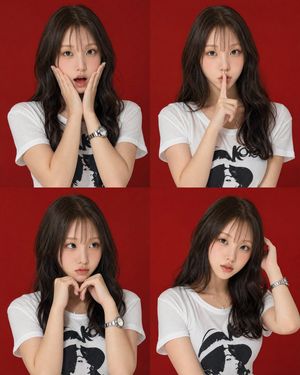
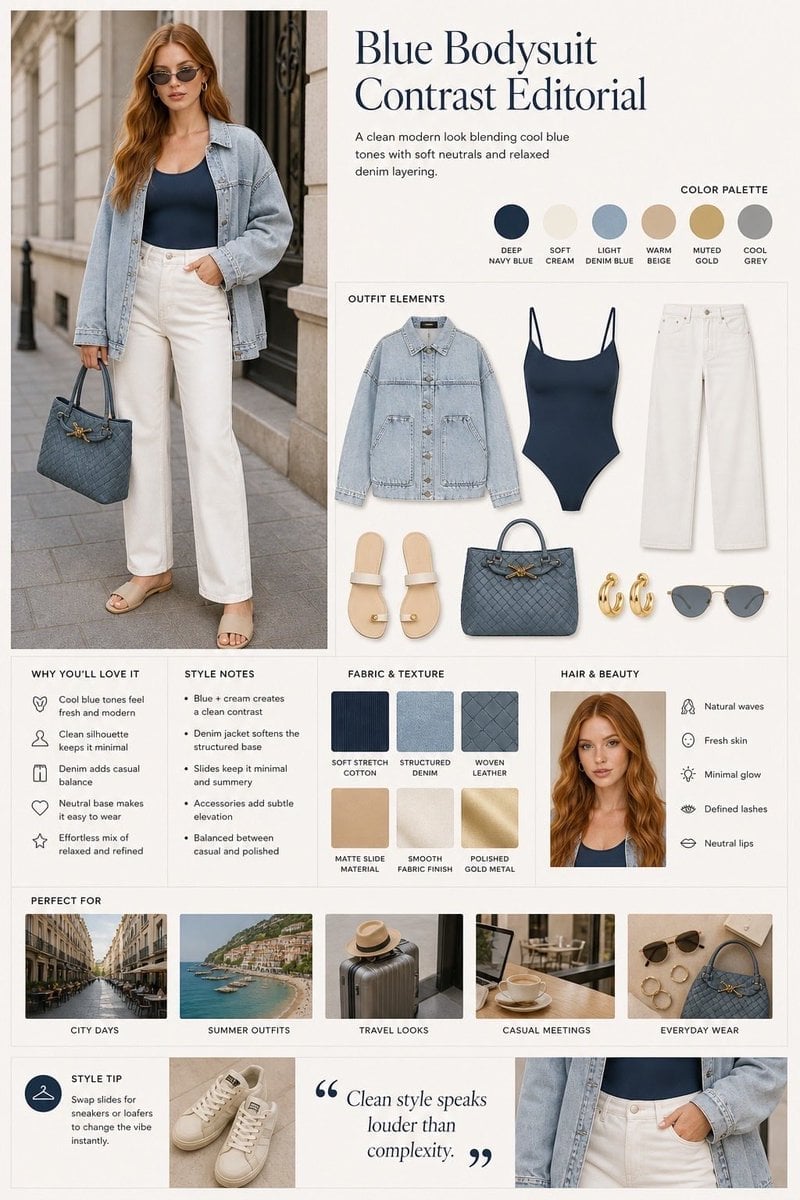
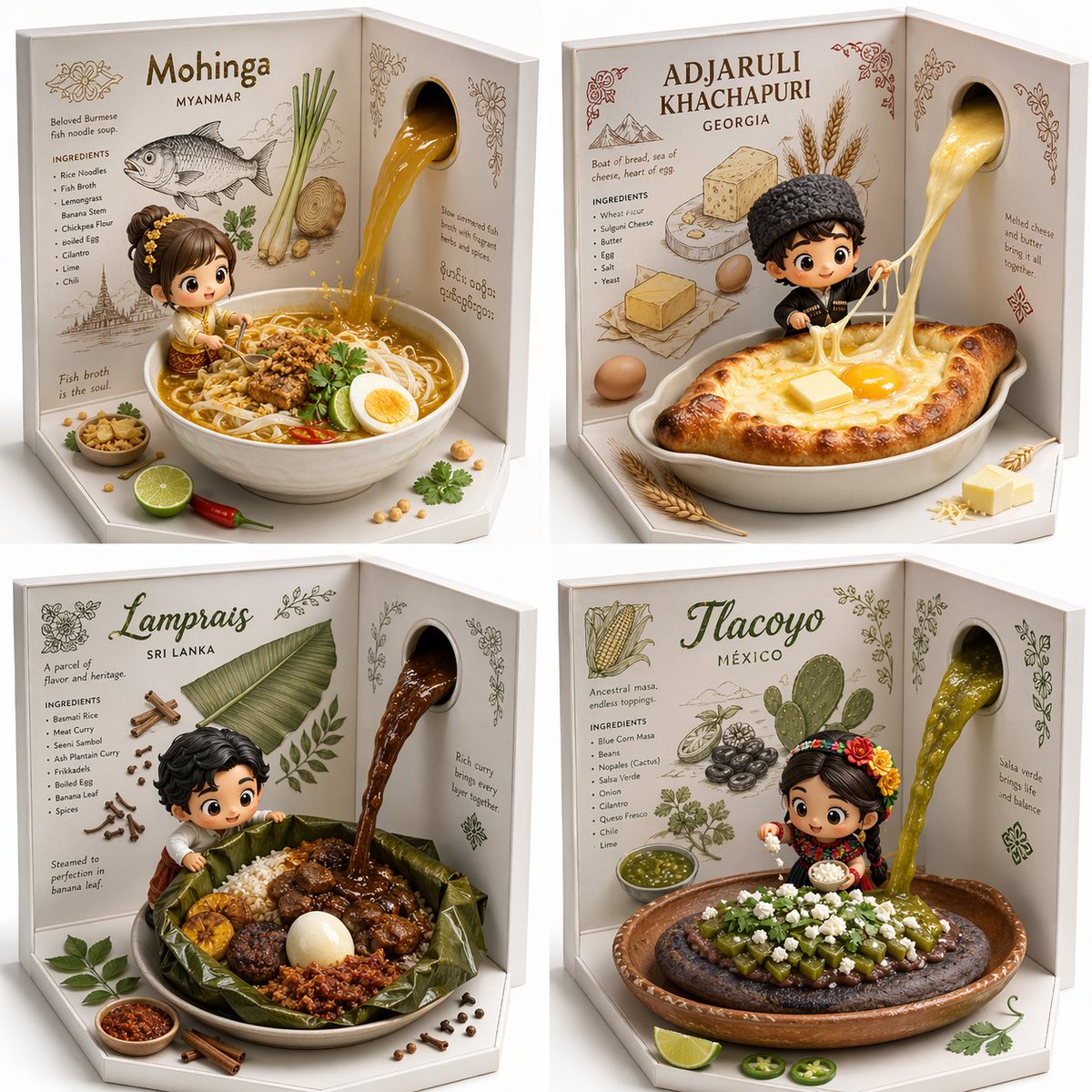
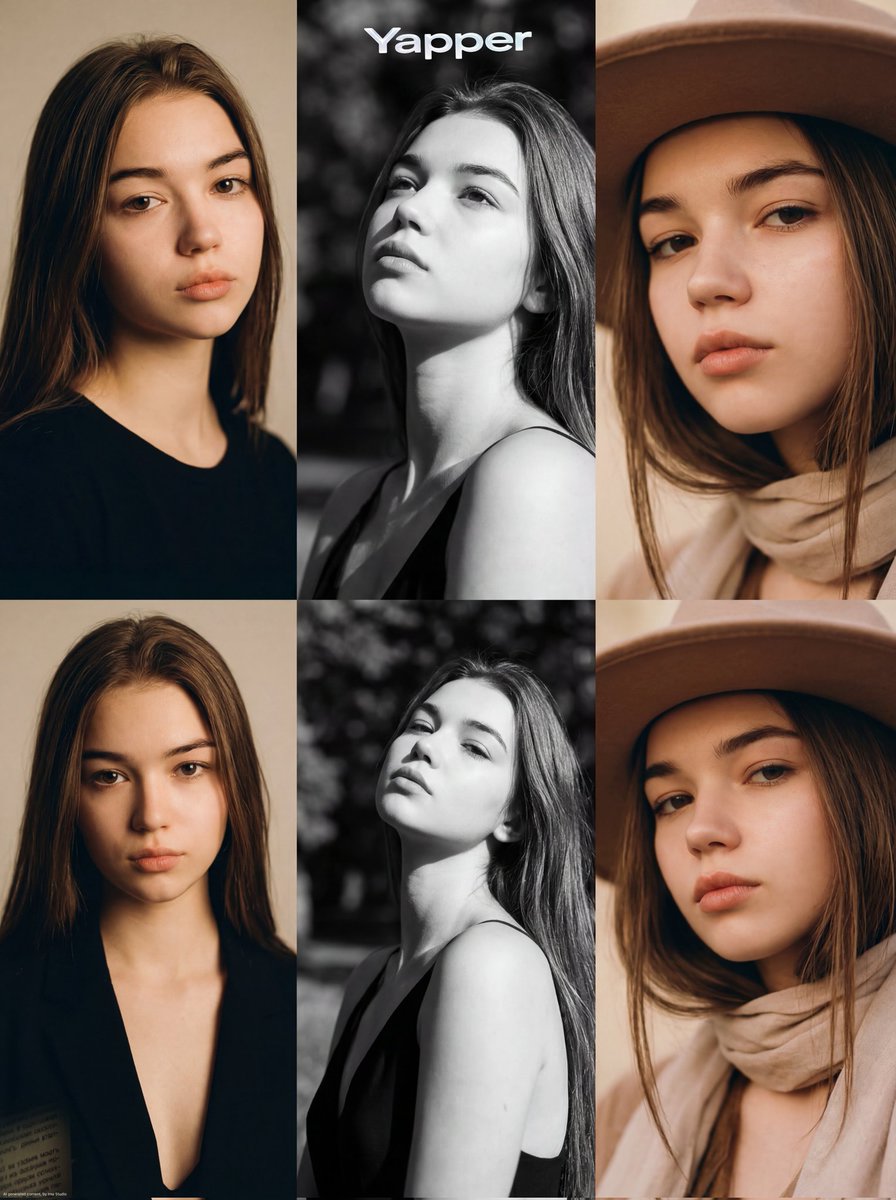
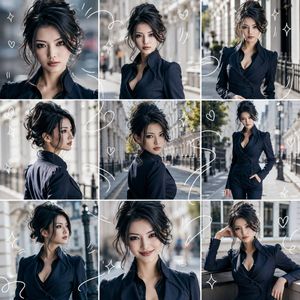
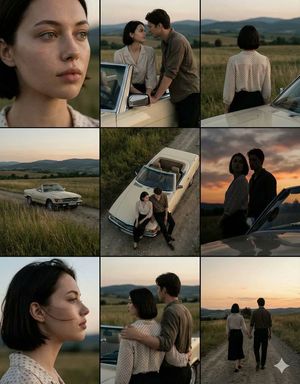
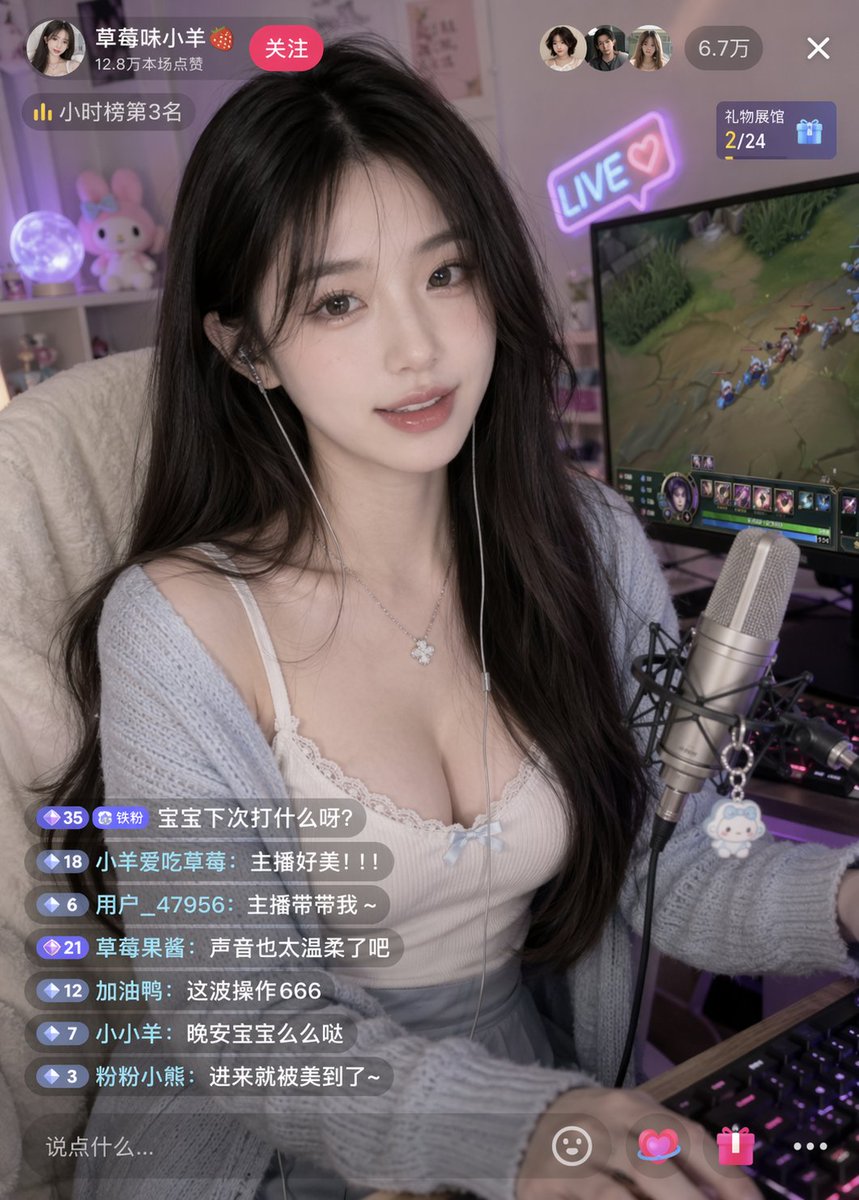
How do I use the Vocaloid MV Style Character Grid template?
Choose the primary action to open PicX Studio with the available template settings. Review the model and format, personalize the creative direction, and generate when ready.
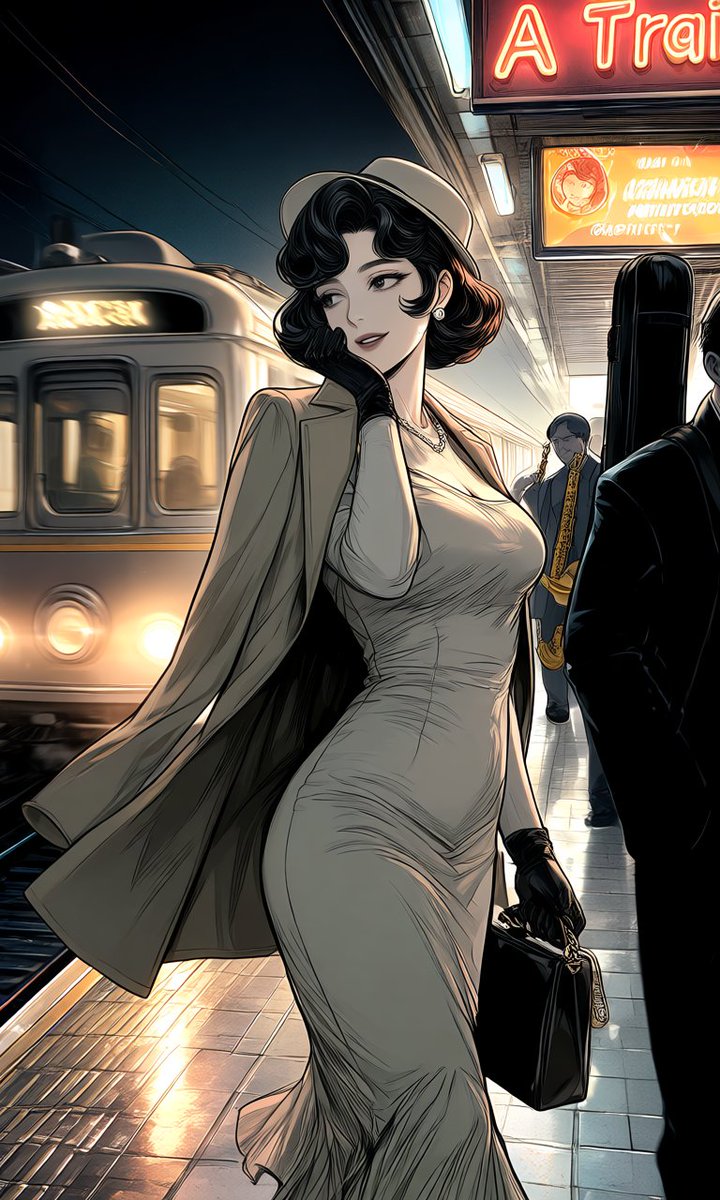
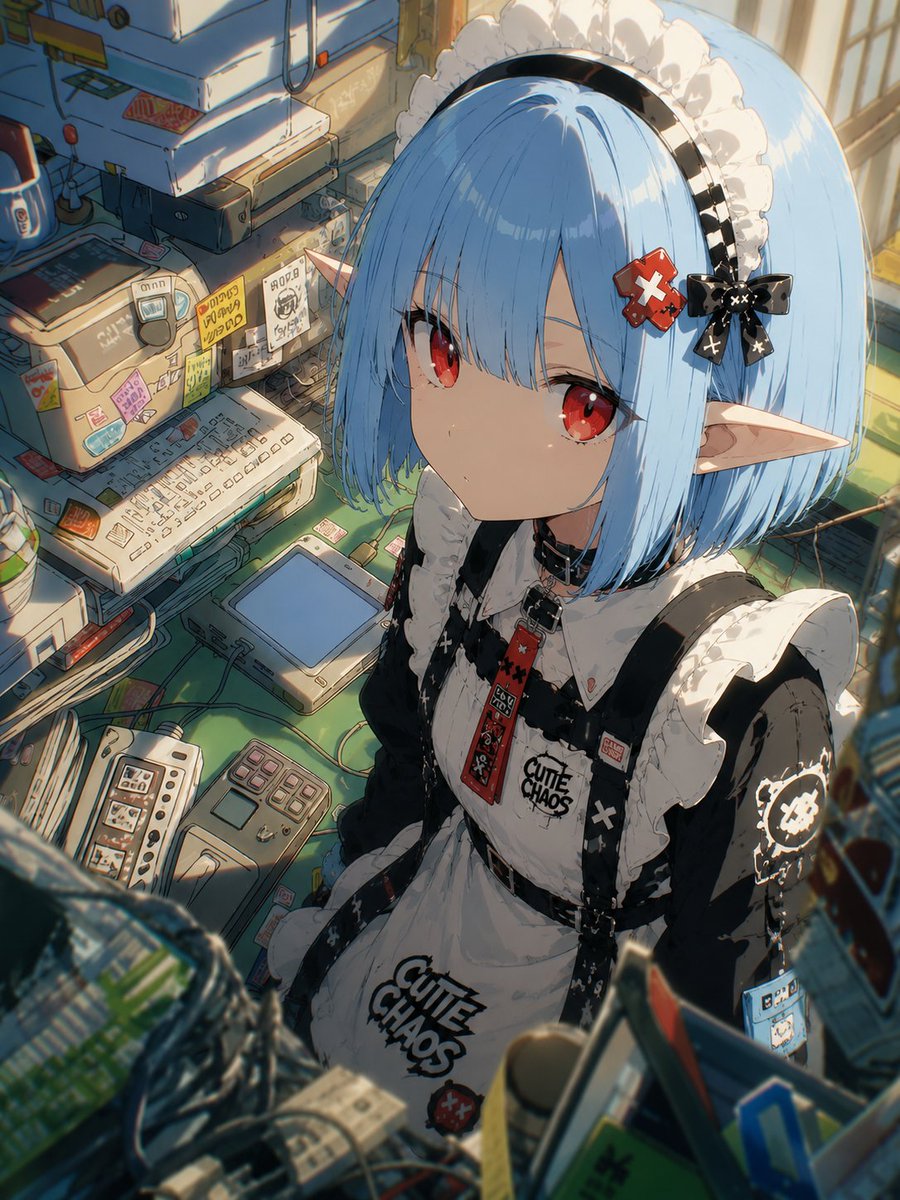
A character transformation prompt for GPT Image 2.5 that creates a 3x3 grid of cinematic shots in a specific Vocaloid music video style based on a reference ava
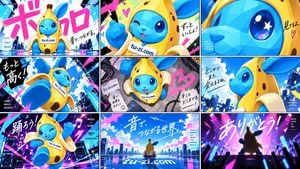
请用这个角色制作 {argument name="风格" default="Vocaloid(ボカロ)MV"} 风格的各种不同镜头,以 {argument name="宫格" default="3×3"} 九宫格形式输出,画面比例为 {argument name="比例" default="16:9"}。
Choose the primary action to open PicX Studio with the available template settings. Review the model and format, personalize the creative direction, and generate when ready.
Yes. You can change the subject, setting, lighting, mood, format, and available model controls before creating your image.
This template is free to open and customize. Generation usage is shown in PicX Studio before you create.
Start with GPT Image 2, which is the model associated with this template. You can compare another compatible model for a different finish.
Follow a topic to a crawlable collection of related PicX Studio templates.