
Three Android Idol Girls on Concert Stage
This prompt generates a polished full-body anime key visual of three coordinated humanoid idol androids on a futuristic live stage, ideal for character IP promotion or idol group concept art.
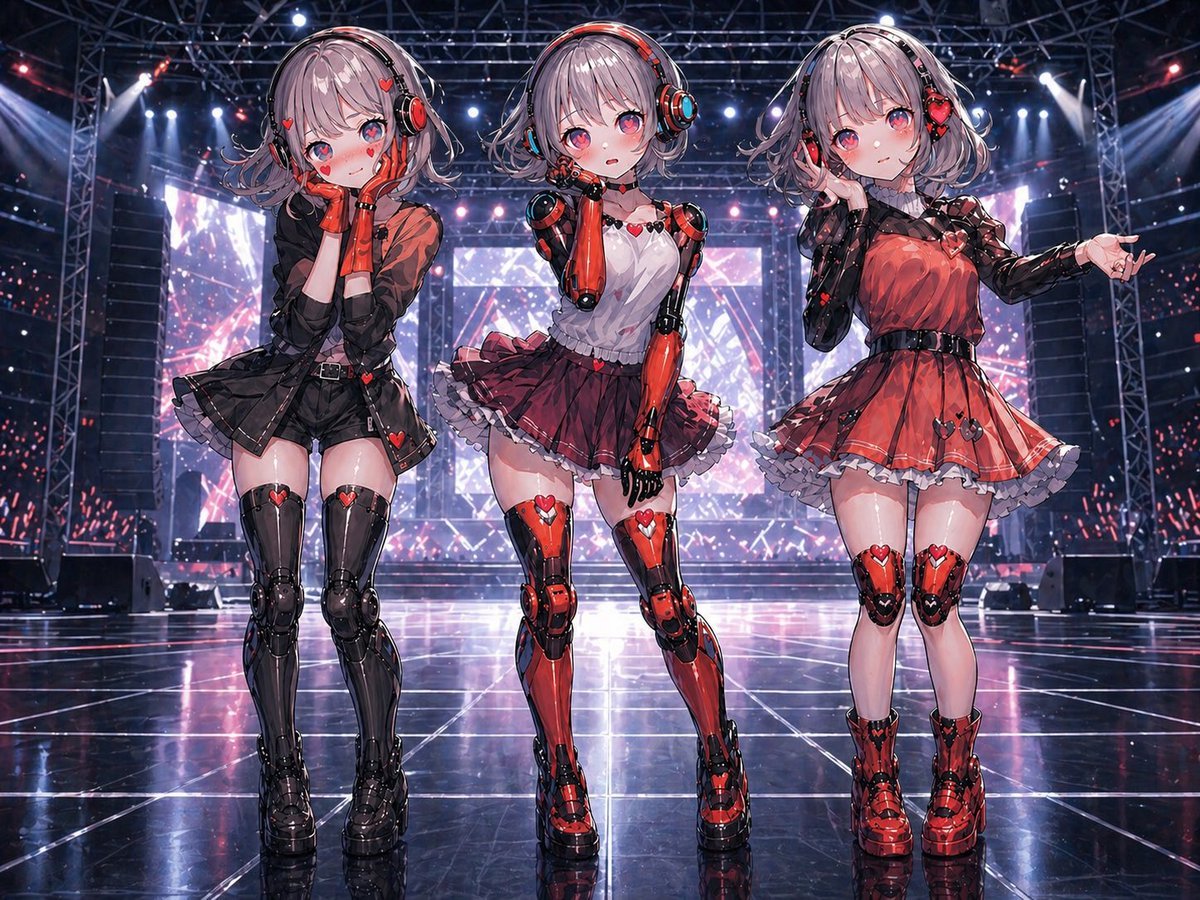
- Prompt included
- Model and format preset
- Free template
The prompt behind this image
Copy the exact prompt behind Three Android Idol Girls on Concert Stage, or open it in the studio and make it yours.
A full-body anime illustration of 3 humanoid AI assistant idol girls standing side by side on a glossy futuristic concert stage, shown in a straight-on front view with their full figures visible from head to shoes. They are designed as the same base android model with subtle personality differences expressed mainly through costume design, pose, and color balance rather than body type. All 3 have short silver-gray bob hair with soft waves, large over-ear mechanical headphones, pale skin, youthful idol styling, and sleek visible robotic limbs with glossy red-and-black plating and heart-shaped accent motifs. The setting is a large indoor live venue with steel truss rigging overhead, bright white and pink-purple stage spotlights, giant LED screens in the background, and reflective black stage flooring with glowing grid lines and mirror-like reflections. The overall mood is polished, cute, futuristic, and high-end, with dramatic concert lighting and crisp detailed rendering. The left girl wears a mostly black idol outfit with red accents: a cropped translucent black jacket over a short black dress or romper with a flared skirt, black armored thigh-high mechanical legs, chunky black platform boots, red gloves, and small heart details throughout; she stands with knees slightly inward and both hands pressed to her cheeks in a shy, affectionate pose, with a sweet blushing expression. The center girl wears a balanced red-and-white idol outfit: a white sleeveless top with red heart accents, a layered burgundy-red frilled mini skirt, fully exposed red-and-black robotic arms and legs, and red platform shoes; she stands in a neutral straight upright pose with one hand raised lightly near her face, presenting the clearest full-body view of the android construction. The right girl wears a mostly red idol dress with black lace-like detailing, a black waist belt, a flared skirt with white frilled underskirt, red-and-black knee armor, and red platform shoes; she stands elegantly with one arm bent near her chest and the other arm extended outward, as if introducing the audience. Keep the trio evenly spaced across the frame. Emphasize the contrast between soft idol fashion and hard mechanical anatomy, with 3 distinct costume variations in black-dominant, red-and-white balanced, and red-dominant palettes. Highly detailed anime key visual, ultra-clean linework, glossy materials, soft facial shading, sparkling highlights, cinematic stage atmosphere, and premium promotional art quality for the idol unit {argument name="group name" default="Hallucinations"}.
How to use Three Android Idol Girls on Concert Stage in 3 steps
- 1Upload ImagePNG, JPG or paste
Add your photo
Upload the photo the template builds on. The prompt, model and format are already set.
- 2…a portrait of your subject in softgolden-hour light, 85mm…
Personalize
Edit the subject and creative details for your destination.
- 3Generate
Generate
Press Generate — your image is created in PicX Studio, so you can compare it with the original and refine one variable at a time.
More like this
Templates with the same subject, style or setup. Open one to see its prompt.
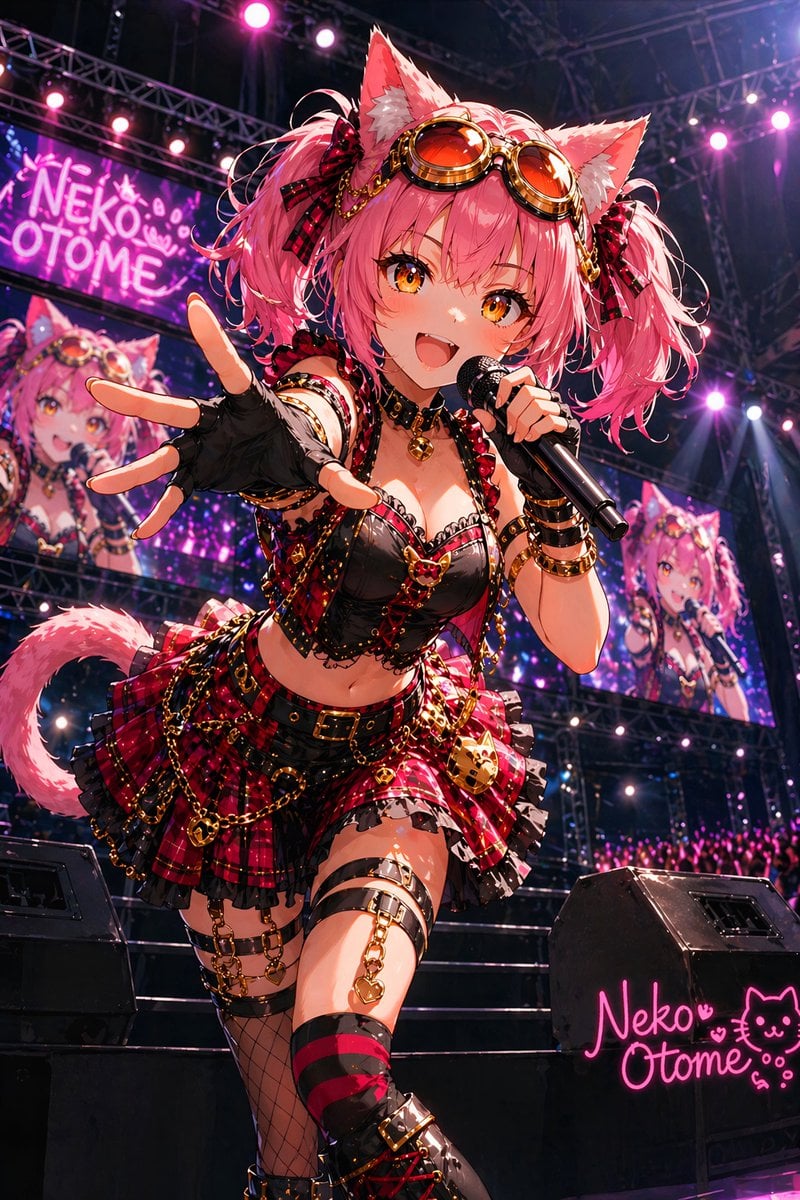
Catgirl Idol Concert Stage
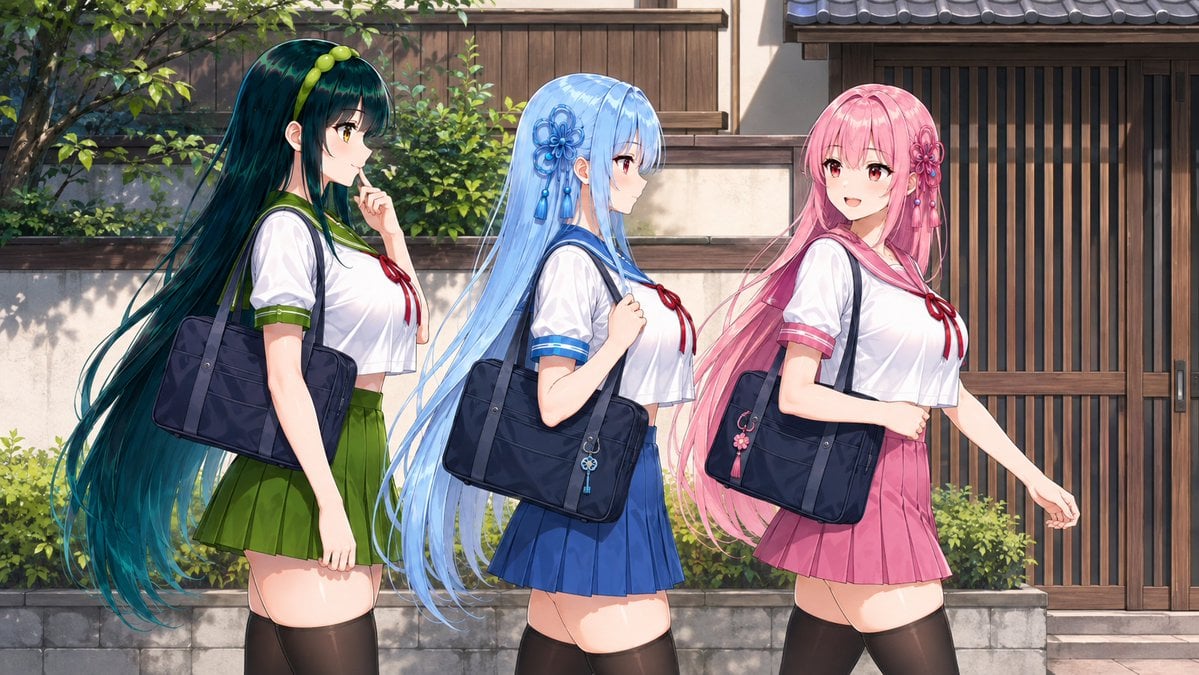
Three Anime Schoolgirls Walking
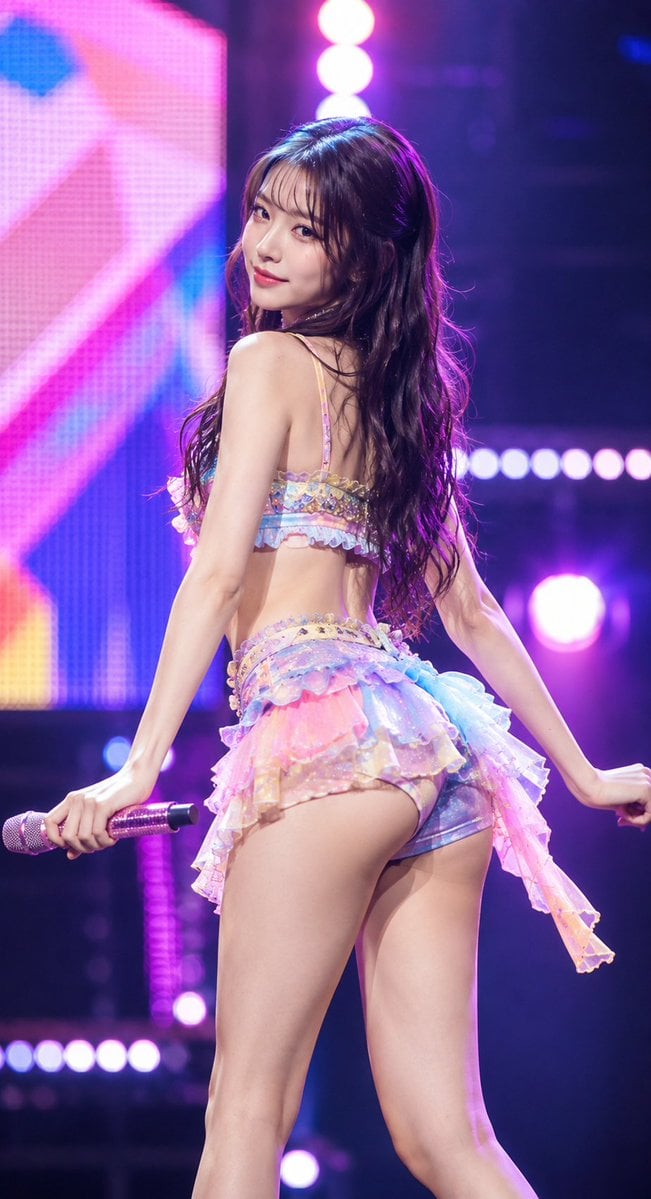
Idol Stage Performance Portrait

Pastel Anime Idol Concert Finale
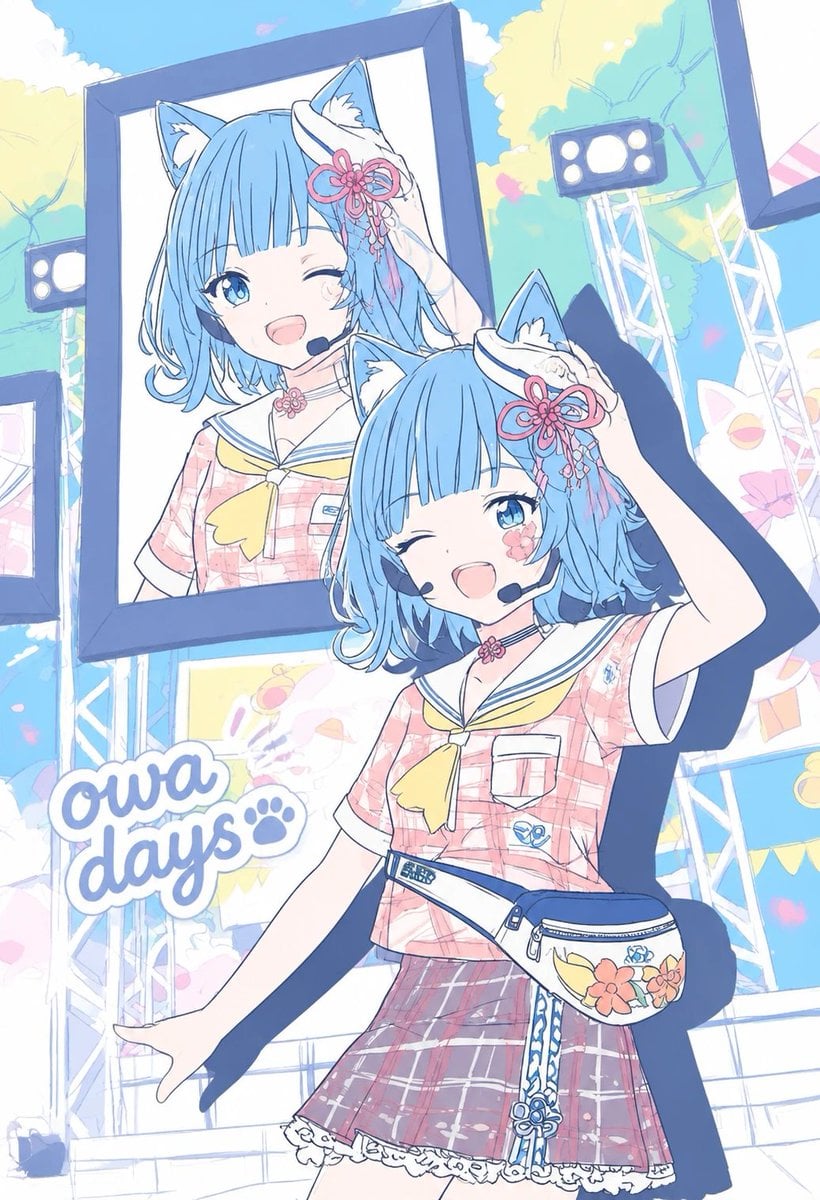
Pastel Cat-Eared Summer Idol Stage

A k.pop idol on the stage with mic
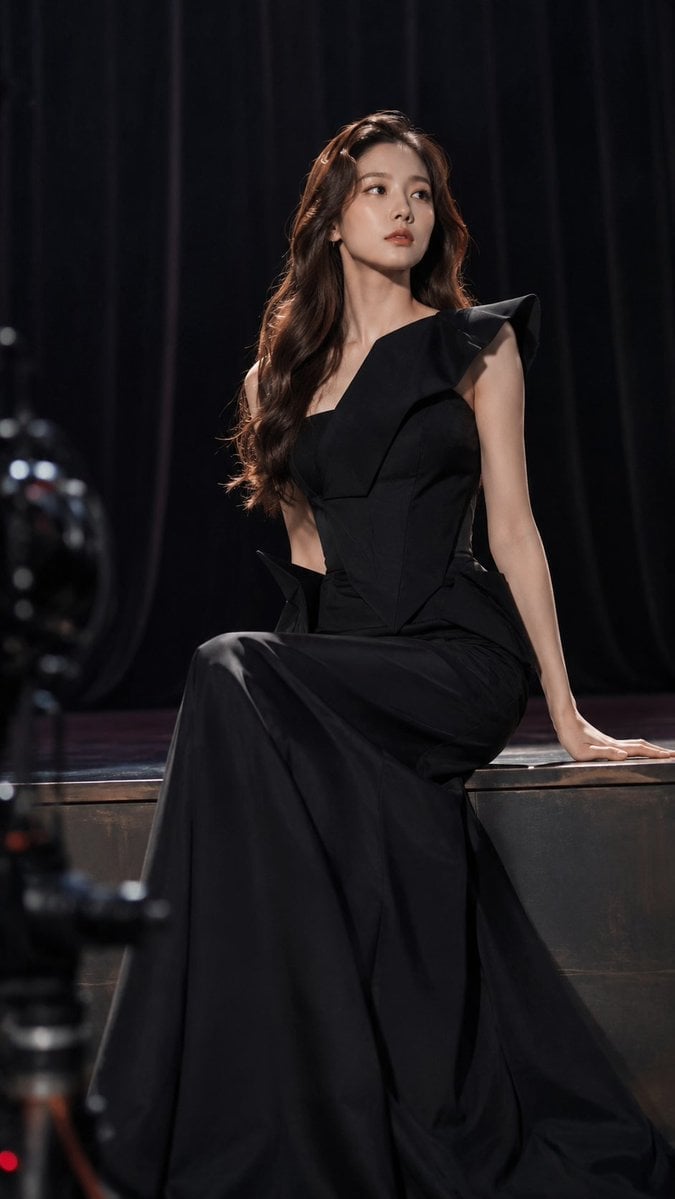
Dark Luxury Stage Fashion Editorial Portrait

Rainy Night Android Cyberpunk Portrait
Rainy Night Android Cyberpunk Portrait
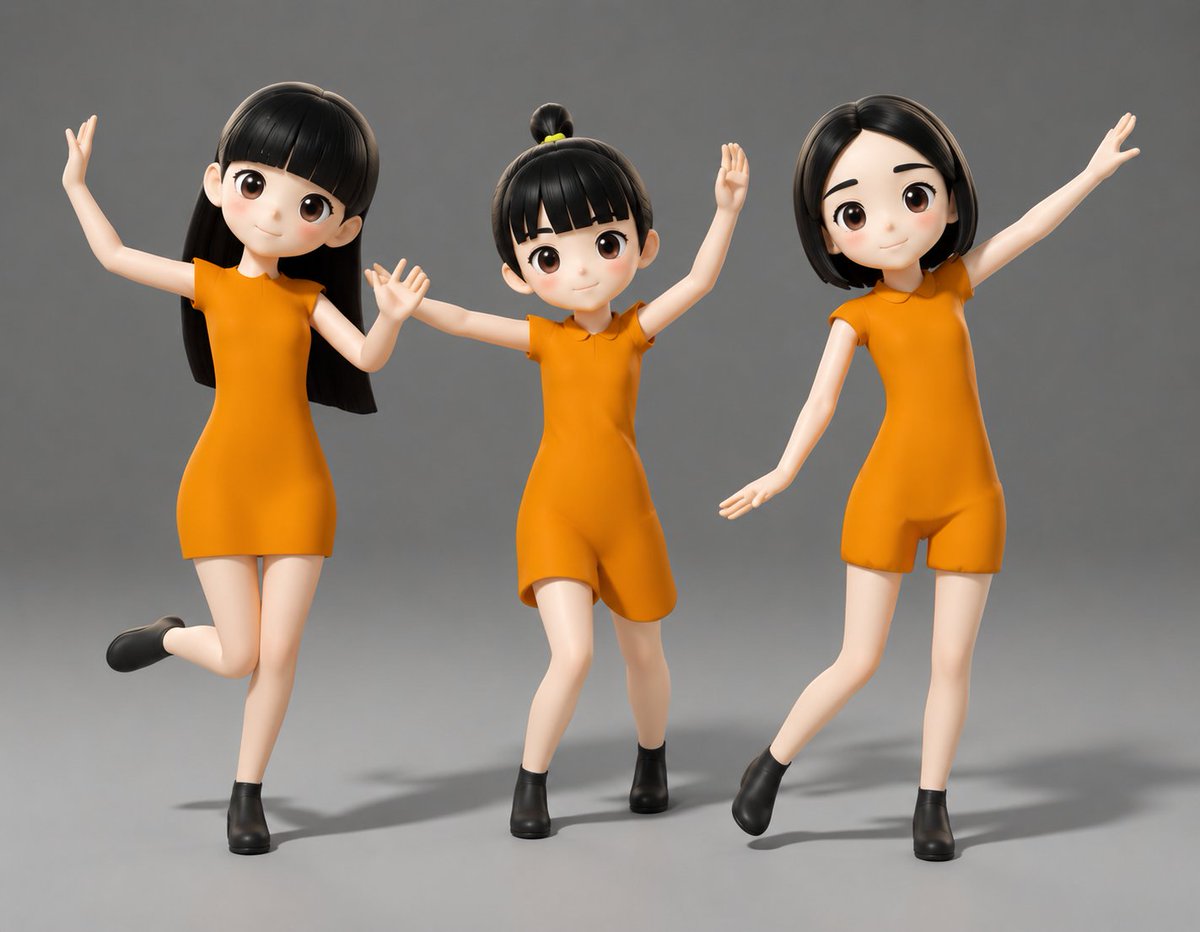
Three Blurred-Face 3D Dancing Girls
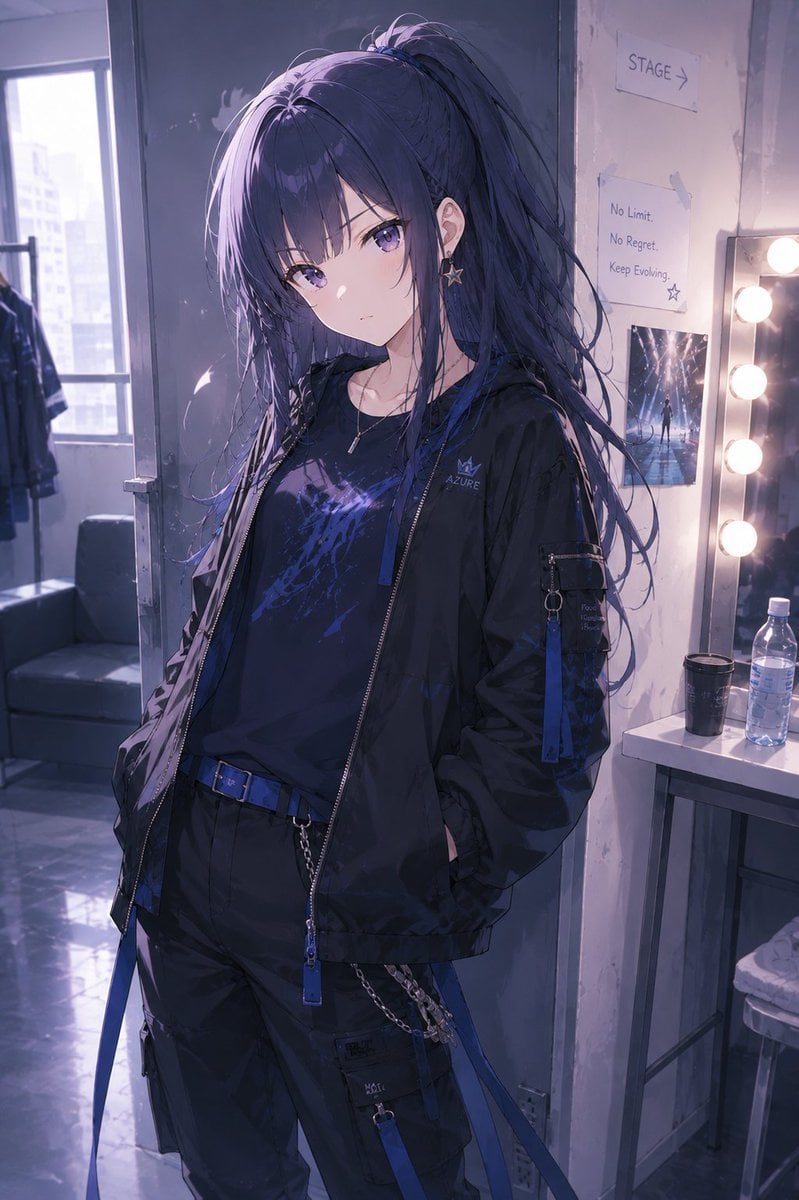
Cool Anime Idol Backstage
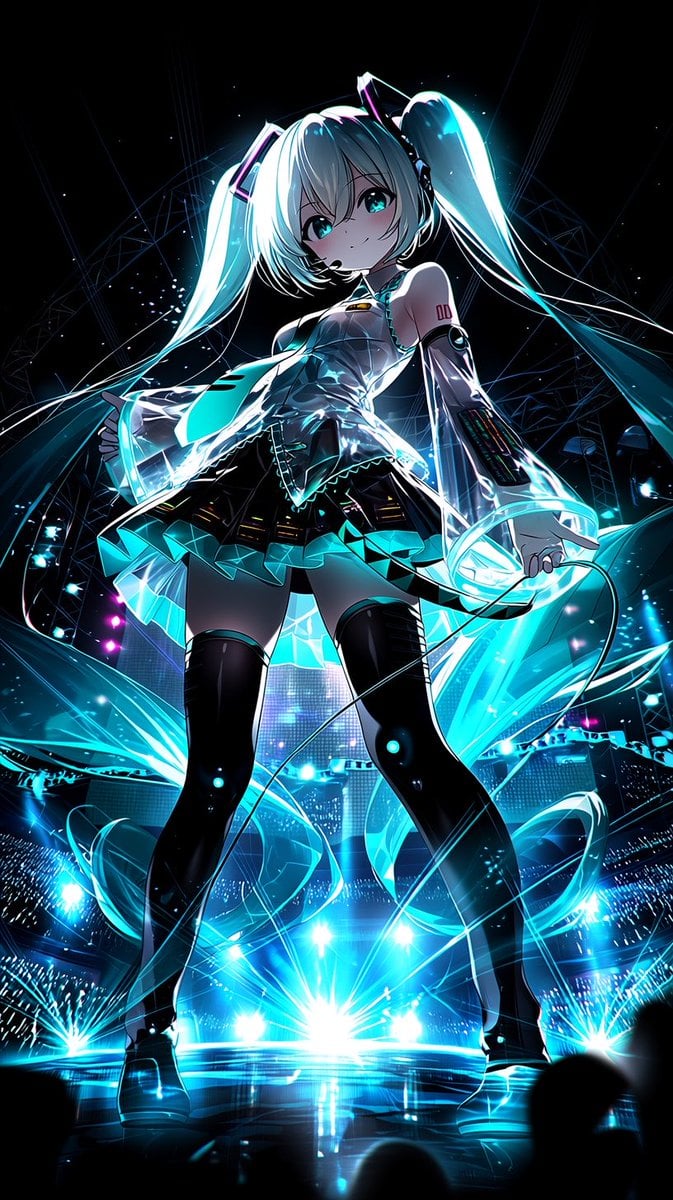
Neon Virtual Idol Concert
Make it yours
Three Android Idol Girls on Concert Stage works as-is. These are the safest ways to change it without losing the look.
Change one field
Copy a single group, rewrite it, and generate again so you can see what that field is doing.
Keep the frame, change the subject
Hold the composition and light of Three Android Idol Girls on Concert Stage, then swap wardrobe, props or the person for a new take.
| If the result… | Why | Fix |
|---|---|---|
| The result drifts from the preview | Too many fields changed at once. | Reuse Three Android Idol Girls on Concert Stage as-is first, then change one group — subject, light, or setting. |
| The model over-stylizes the scene | The prose prompt leaves finish and camera underspecified. | Add one camera or lighting sentence and stay on GPT Image 2. |
More GPT Image 2 templates
Other prompts made for GPT Image 2.

Six VTuber Japanese Logo Sheet

Realistic Portrait of Woman and Deer

The Vista Modular Condo Poster

AI Model Routing Comparison Infographic

2.5D Anime Art Board

Isometric Productivity Desk Scene

New York Double Exposure Poster

Four-Panel AI Landscape Comparison

Japanese Tatami Lifestyle Magazine Cover

NESCAFÉ Coffee Map Poster
More image prompts
Fresh picks from across the catalog.
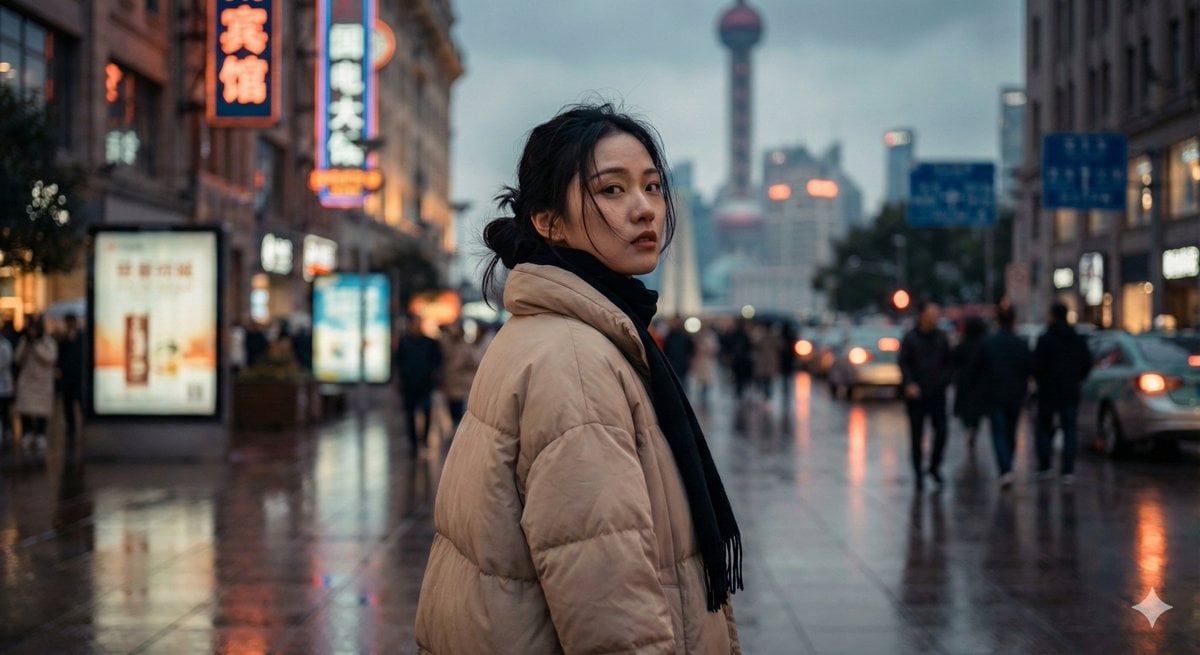
Cinematic Urban Portrait of a Young Woman in Shanghai
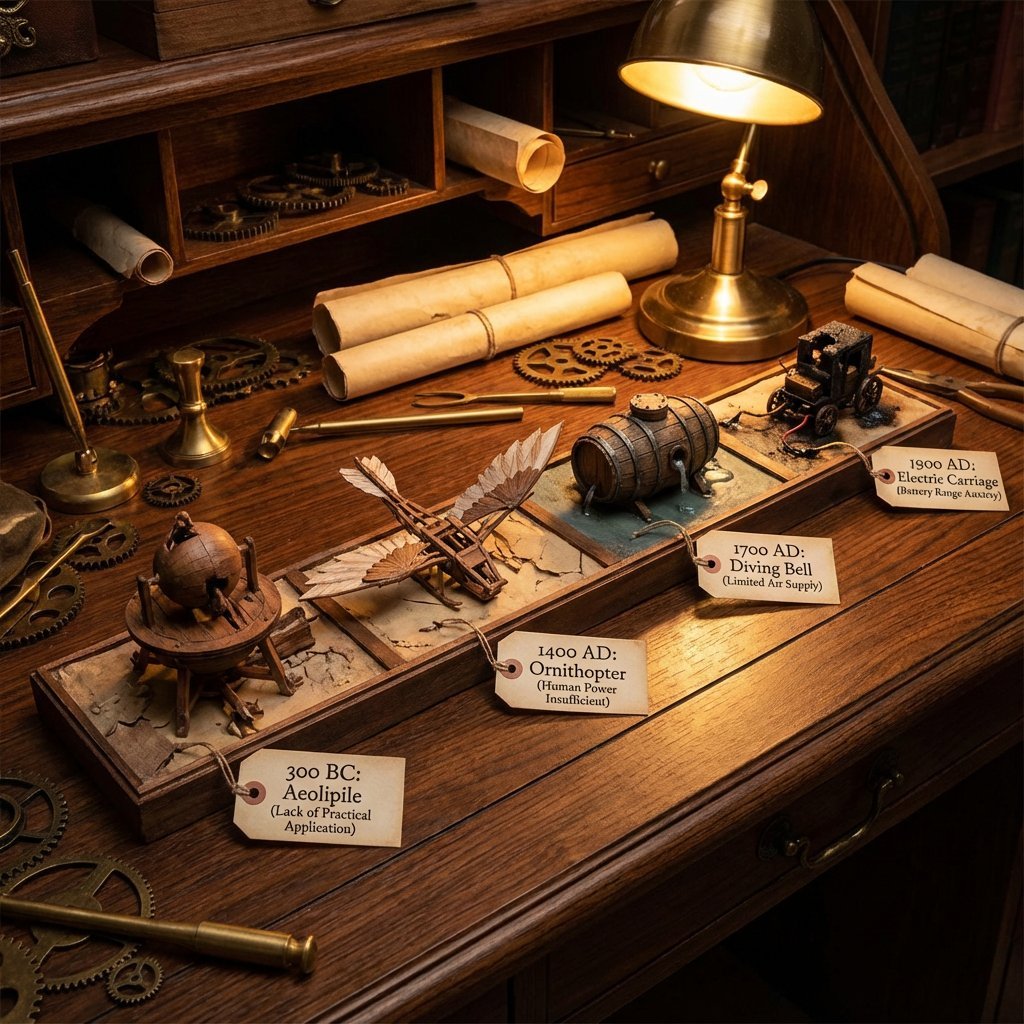
Steampunk Diorama of Failed Inventions Timeline
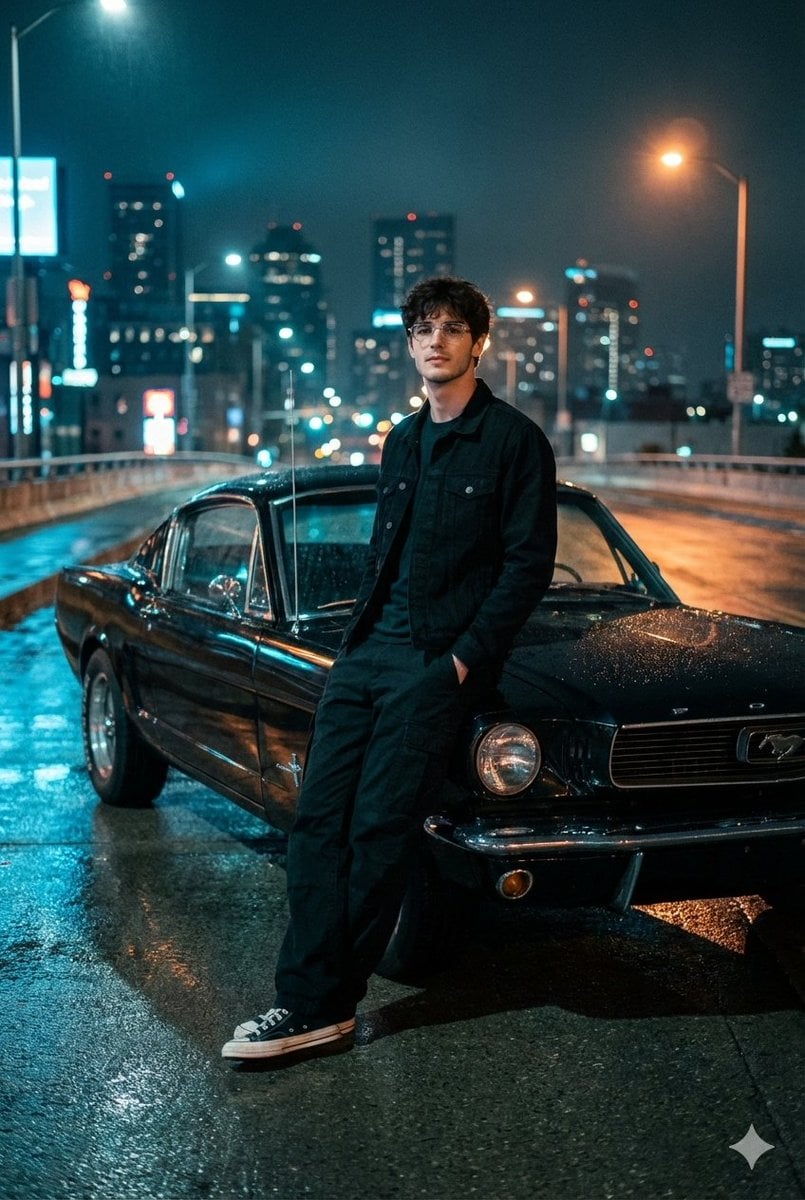
Cinematic Night Photo with 1960s Mustang
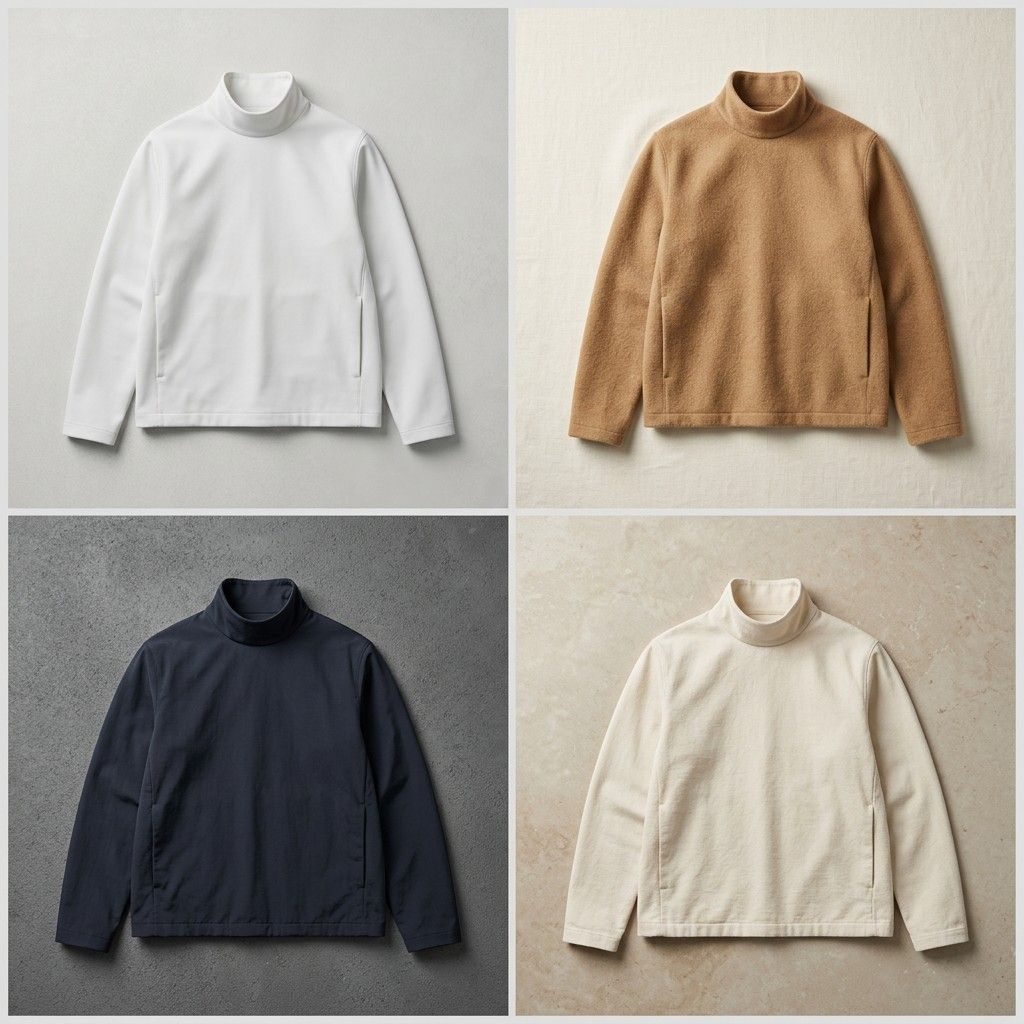
Seamless Jacket Design

X Strength04 X Gpt Image 2 on Chatgpt
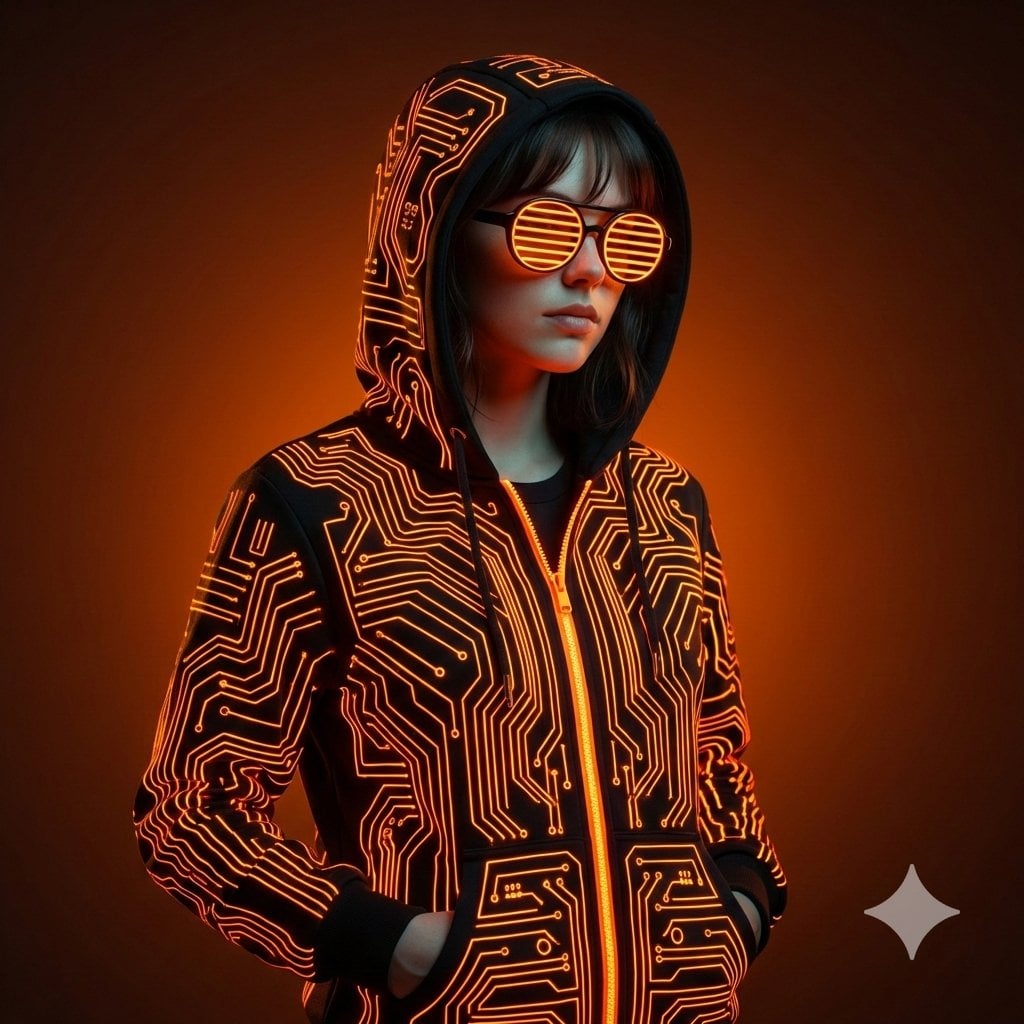
Ultra-Realistic Cyberpunk Studio Portrait
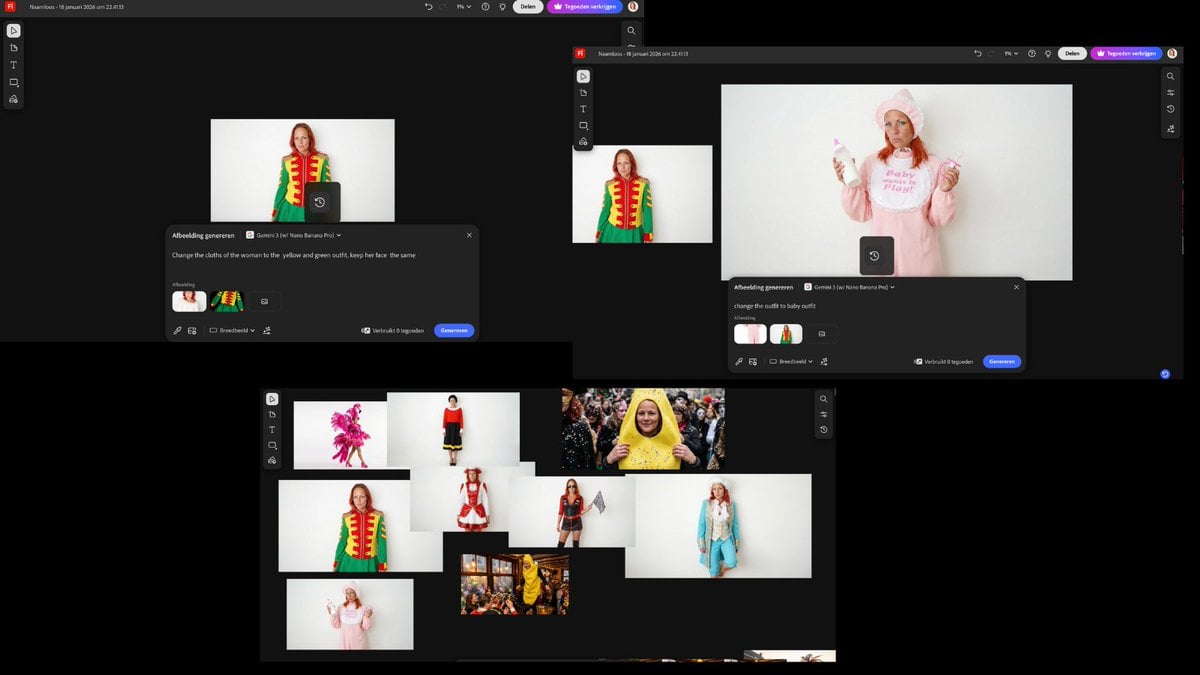
Outfit Swapping Workflow with Reference Images
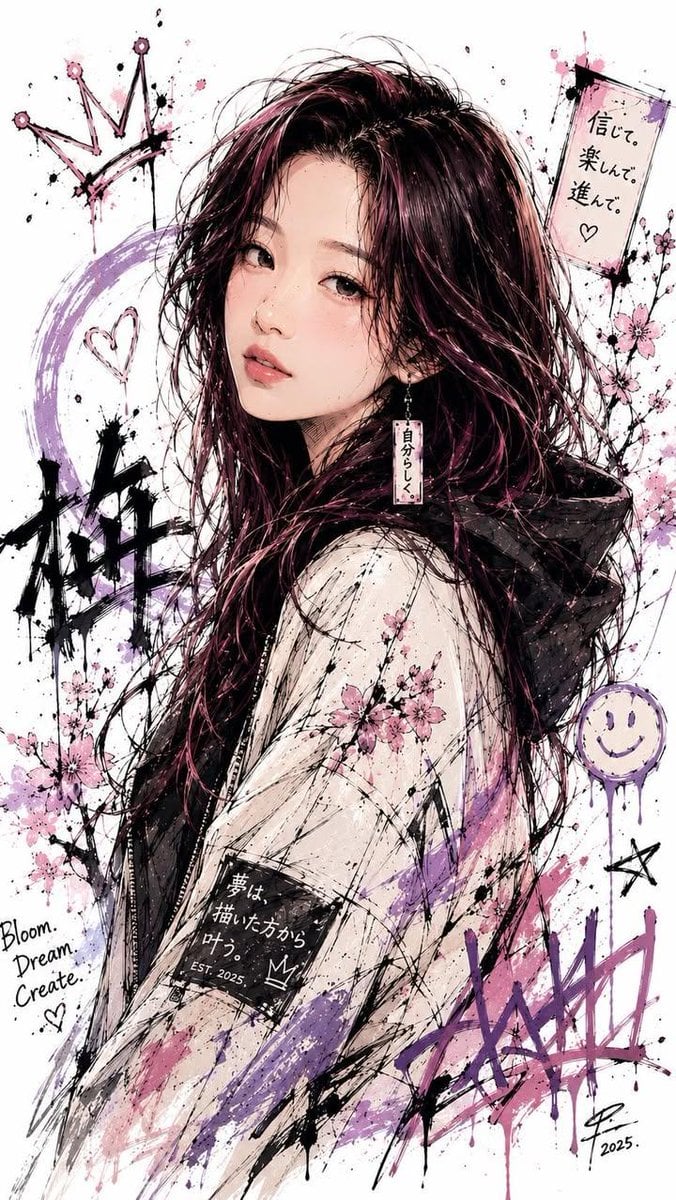
Japanese Ink Splatter Comic Illustration
Keyword List for Cinematic AI Photography

50 artifacts from different eras and cultures
Browse template categories
Three Android Idol Girls on Concert Stage questions
How do I use the Three Android Idol Girls on Concert Stage template?
Add your photo if the template asks for one, edit the prompt if you like — the template's model and format are already selected — and press Generate. Your version opens in PicX Studio.
Can I customize the Three Android Idol Girls on Concert Stage template?
Yes. You can change the subject, setting, lighting, mood, format, and available model controls before creating your image.
Is the Three Android Idol Girls on Concert Stage template free?
Opening and editing this template is free. Generating uses credits, shown on the Generate button when you are signed in.
Which AI model should I use?
Start with GPT Image 2, which is the model associated with this template. You can compare another compatible model for a different finish.
Looking for something else? Browse all templates.

Your photo, any look
Thousands of ready templates for every top image and video model, from one credit balance.