
Cyber Anime Idol Music Cover
Creates a pastel cyber-festival anime cover art featuring a futuristic turquoise-haired idol and bold music title typography.
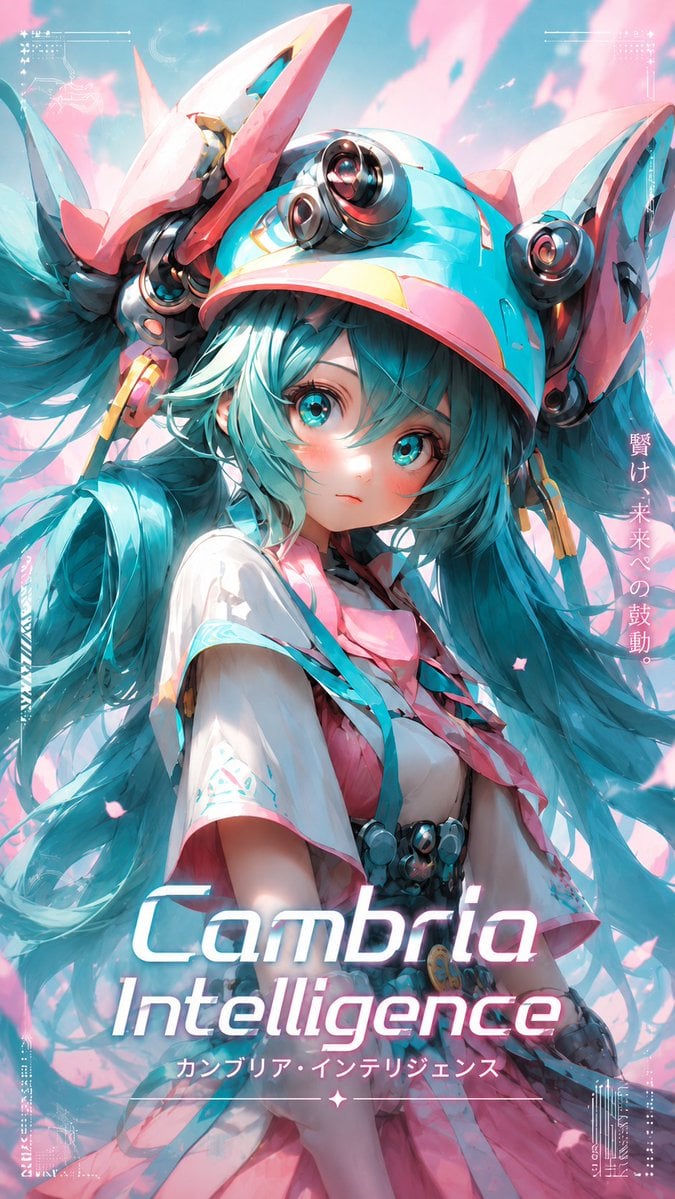
- Prompt included
- Model and format preset
- Free template
The prompt behind this image
Copy the exact prompt behind Cyber Anime Idol Music Cover, or open it in the studio and make it yours.
Goal: Create a vertical anime music cover artwork for {argument name="song title" default="Cambria Intelligence"}, blending futuristic idol character design with Japanese festival EDM energy. Canvas: Tall portrait cover art, 9:16 aspect ratio, glossy high-resolution illustration, designed like a streaming music jacket. Main subject: A cybernetic anime idol girl shown from mid-thigh upward, slightly turned to the left, with extremely long flowing {argument name="hair color" default="turquoise twin-tail hair"} whipping across the frame. Her face is intentionally obscured by one centered semi-opaque square censor block in muted gray, covering the eyes and most facial features. She wears a white short-sleeved futuristic kimono-style jacket over a pink festival-inspired outfit, with teal straps, metallic belt modules, small chrome cylinders, and glossy sci-fi accessories. Headgear: Oversized futuristic helmet and mechanical hair ornaments in bright cyan, pink, white, and chrome. Include exactly 4 visible round optical lens modules: 1 large lens on the upper front of the helmet, 1 smaller lens beside it, 1 lens on the left mechanical ear unit, and 1 lens on the right mechanical ear unit. Add two large pink-and-white angular rabbit-ear or fox-ear fins rising from the helmet, with smaller side fins and polished mechanical joints. Background and atmosphere: Bright pastel sky with cyan blue and soft pink clouds, scattered cherry blossom petals, energetic wind motion, luminous highlights, faint HUD interface markings in the corners, and thin futuristic circuit-line decorations. The image should feel like a hyper-polished Japanese cyber festival poster, colorful, dynamic, and airy. Text content: Place the large title text near the bottom in glowing italic futuristic white lettering with a subtle cyan/pink neon edge: {argument name="main title text" default="Cambria Intelligence"}. Beneath it, add smaller Japanese katakana text: {argument name="subtitle text" default="カンブリア・インテリジェンス"}. On the right side, add a vertical Japanese tagline in white: {argument name="vertical tagline" default="賢け未来への鼓動。"}. Use exactly these 3 readable text elements. Visual style: Premium anime key visual, ultra-detailed mechanical design, glossy rendering, soft bloom, painterly digital illustration, vibrant teal and sakura-pink palette, cinematic lighting, sharp foreground detail with gentle atmospheric depth. Constraints: Keep the title legible and dominant at the bottom, preserve the gray square over the character face, avoid extra logos or watermarks, and do not add additional characters.
How to use Cyber Anime Idol Music Cover in 3 steps
- 1Upload ImagePNG, JPG or paste
Add your photo
Upload the photo the template builds on. The prompt, model and format are already set.
- 2…a portrait of your subject in softgolden-hour light, 85mm…
Personalize
Edit the subject and creative details for your destination.
- 3Generate
Generate
Press Generate — your image is created in PicX Studio, so you can compare it with the original and refine one variable at a time.
More like this
Templates with the same subject, style or setup. Open one to see its prompt.

Our Song was on a Cassette
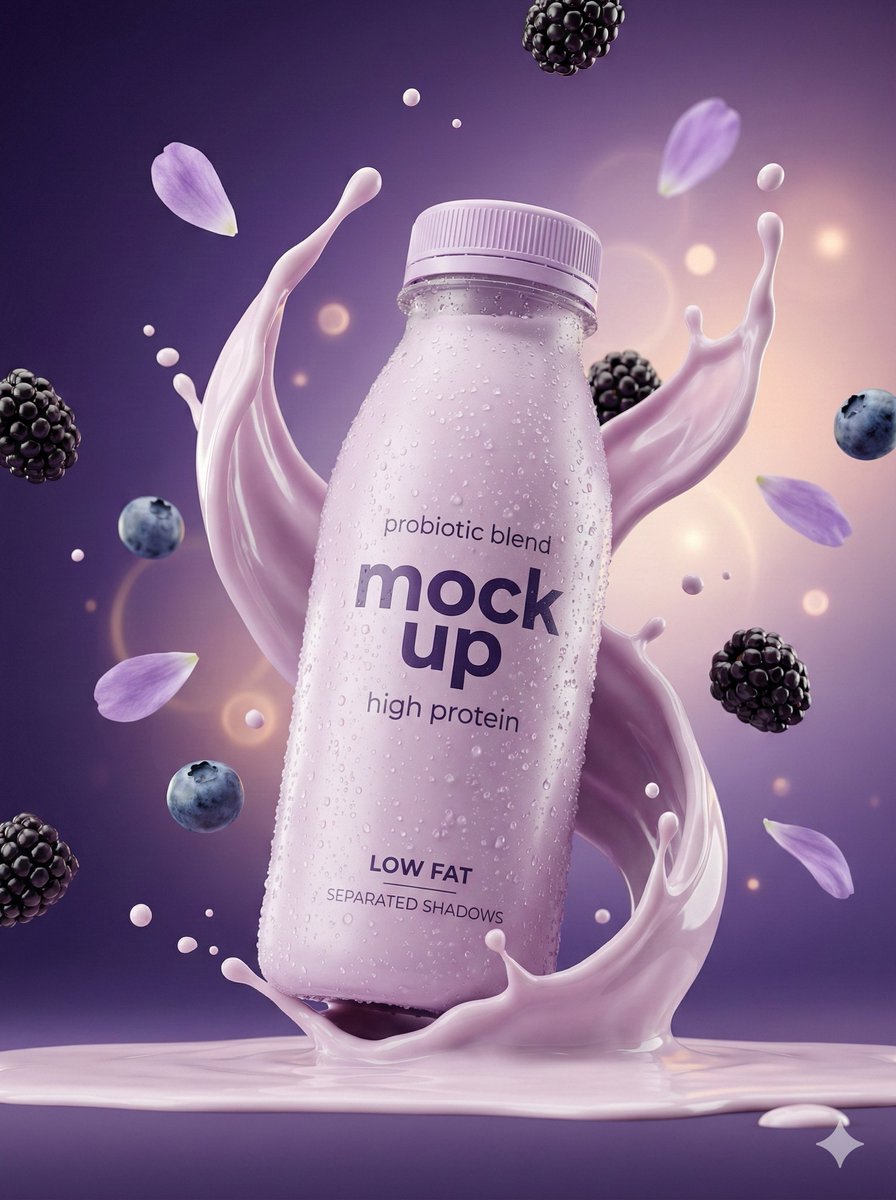
Music Album Cover Abstract Liquid Mercury
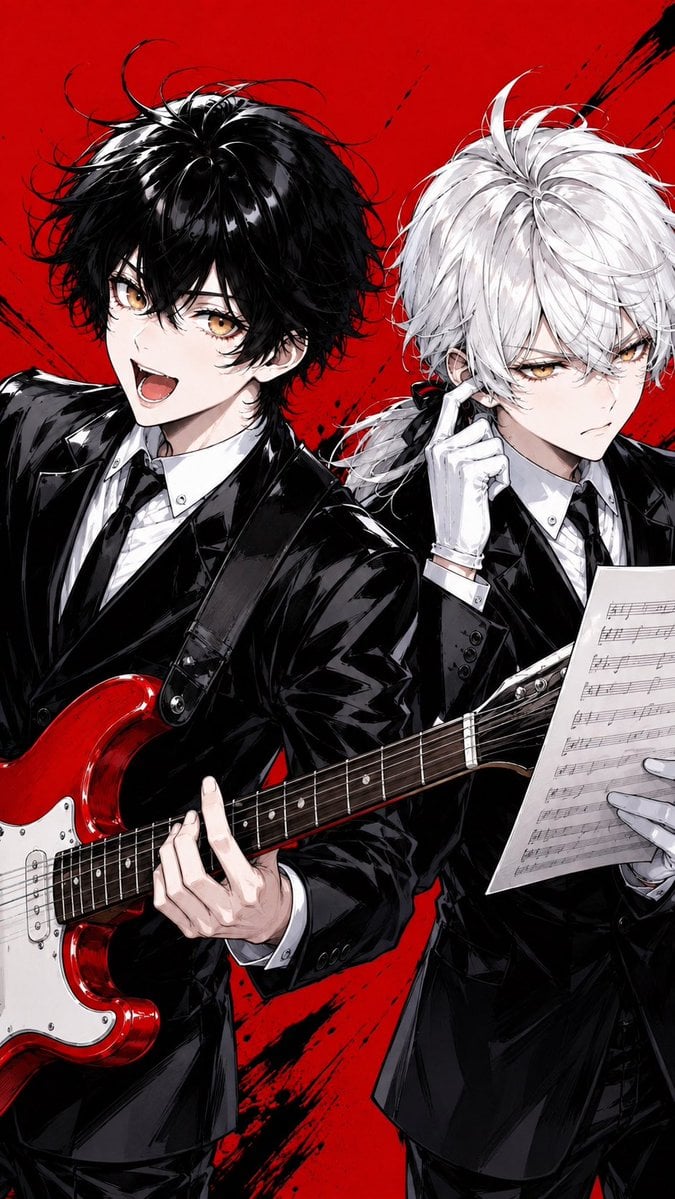
Anime Rock Duo with Guitar and Sheet Music
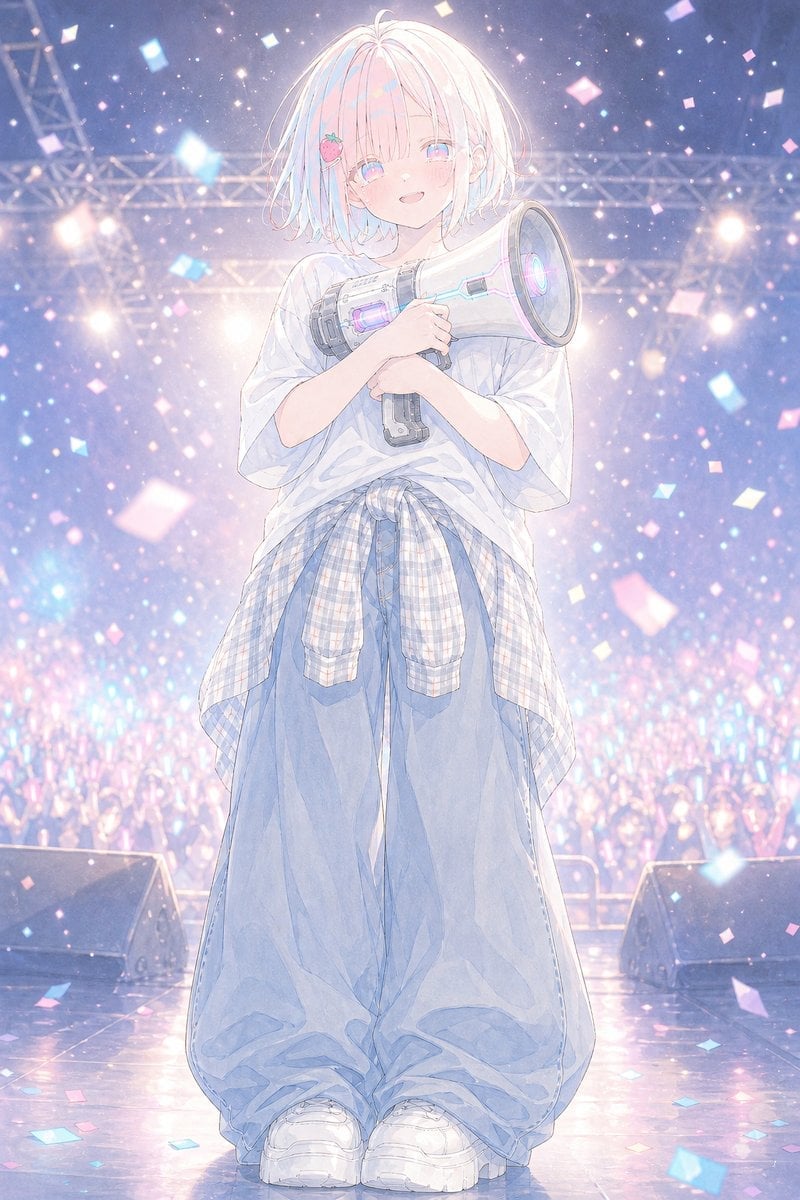
Pastel Anime Idol Concert Finale
Winking Anime Idol Festival Portrait
Anime Mahjong Magazine Cover

Neon Anime Fireworks Magazine Cover

Cel 2D Finale Fireworks

Cel 2D Garden Maze

Cel 2D Rooftop Concert
Cel 2D Bicycle Coast

Cel 2D Castle Gate
Make it yours
Cyber Anime Idol Music Cover works as-is. These are the safest ways to change it without losing the look.
Change one field
Copy a single group, rewrite it, and generate again so you can see what that field is doing.
Keep the frame, change the subject
Hold the composition and light of Cyber Anime Idol Music Cover, then swap wardrobe, props or the person for a new take.
| If the result… | Why | Fix |
|---|---|---|
| The result drifts from the preview | Too many fields changed at once. | Reuse Cyber Anime Idol Music Cover as-is first, then change one group — subject, light, or setting. |
| The model over-stylizes the scene | The prose prompt leaves finish and camera underspecified. | Add one camera or lighting sentence and stay on GPT Image 2. |
More GPT Image 2 templates
Other prompts made for GPT Image 2.

Six VTuber Japanese Logo Sheet

Realistic Portrait of Woman and Deer

The Vista Modular Condo Poster

AI Model Routing Comparison Infographic

2.5D Anime Art Board

Isometric Productivity Desk Scene

New York Double Exposure Poster

Four-Panel AI Landscape Comparison

Japanese Tatami Lifestyle Magazine Cover

NESCAFÉ Coffee Map Poster
More image prompts
Fresh picks from across the catalog.
Dreamy Bubble with Handwritten Japanese Text

Ultra-Realistic Corporate Lifestyle Portrait

Nostalgic Japanese Seaside Sunset
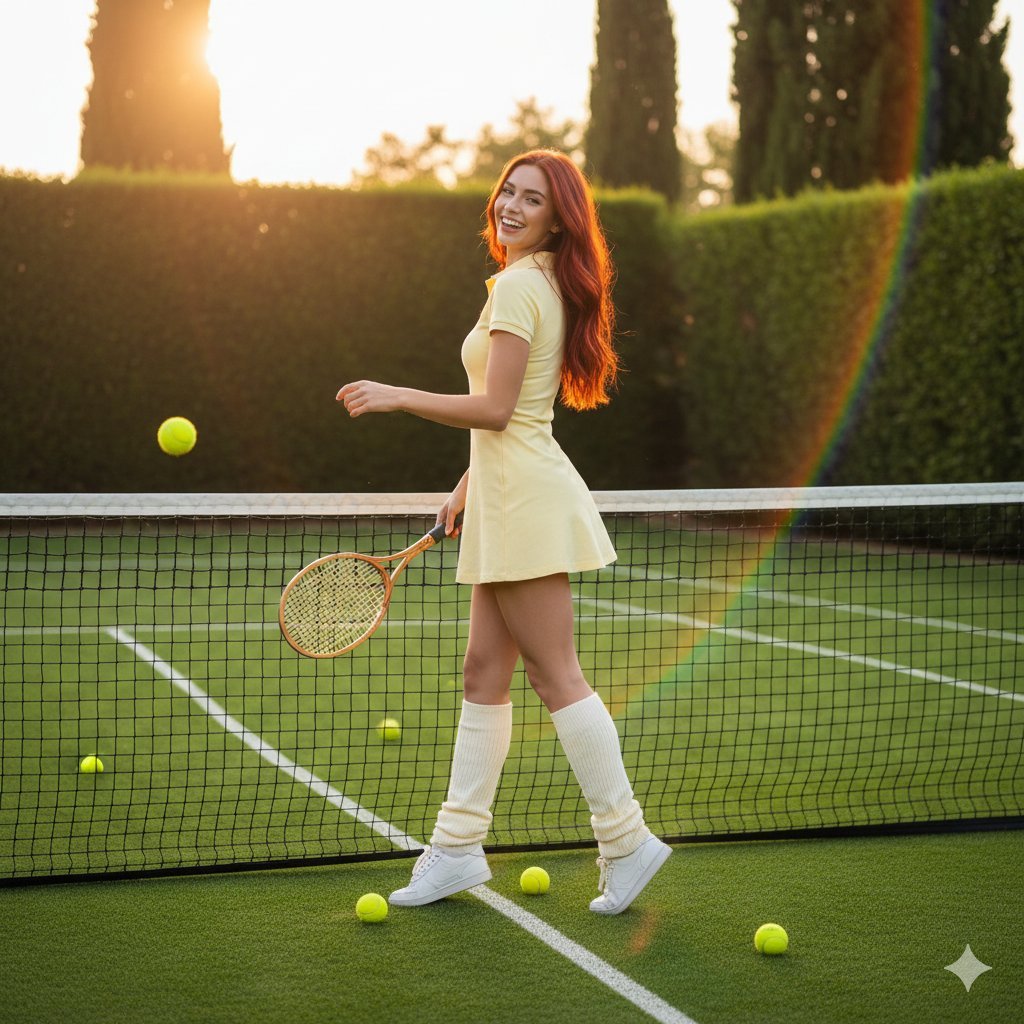
Golden Hour Tennis Lifestyle Photo Prompt
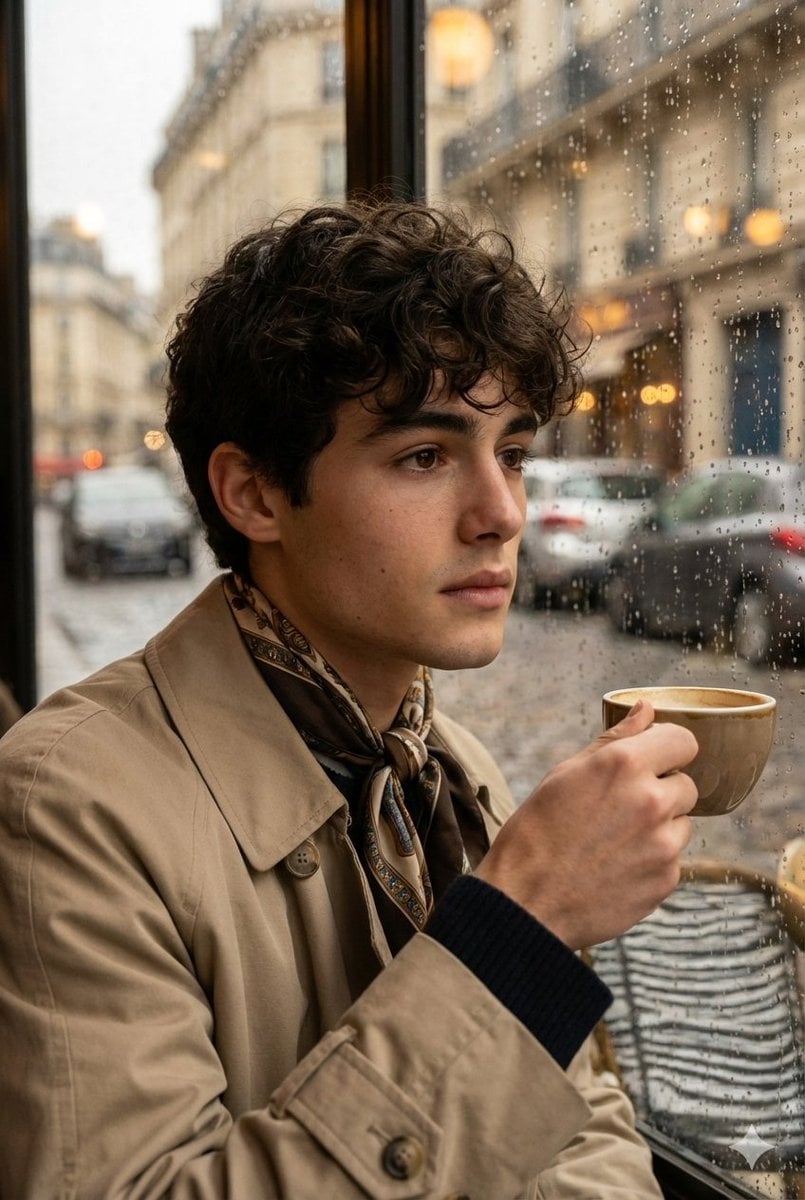
Ultra-realistic cinematic portrait through a rain-soaked café window

High-Fashion Strawberry Harvest Portrait Prompt
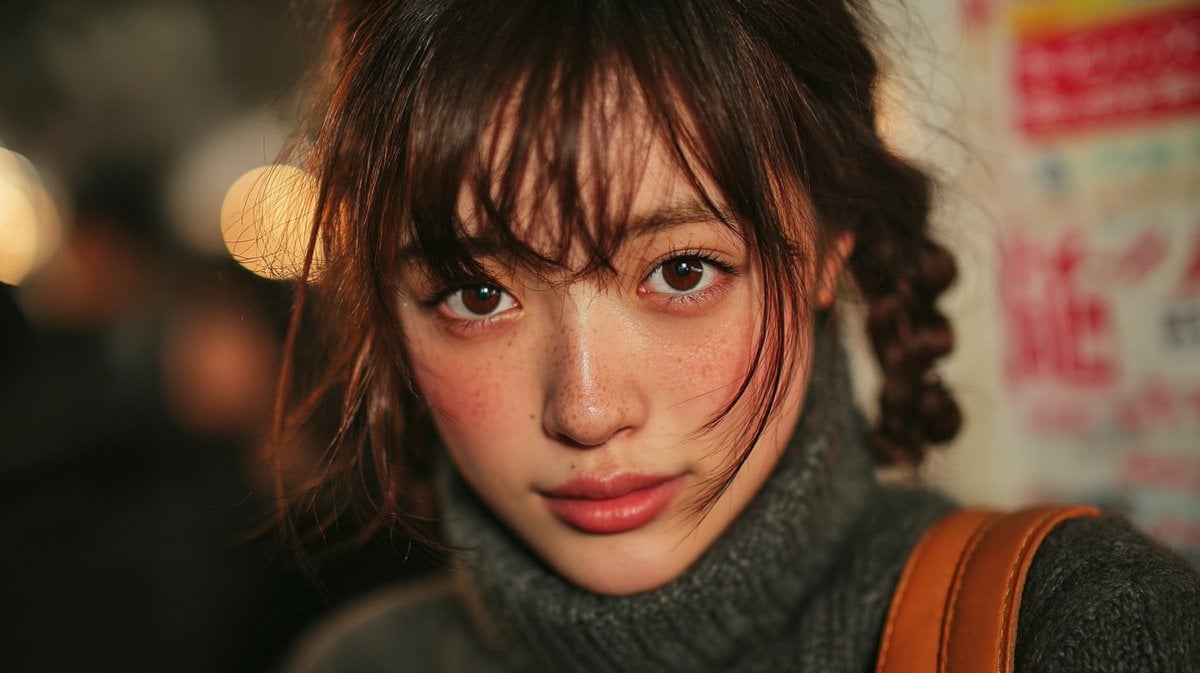
2000s Compact Digital Camera Texture Prompt
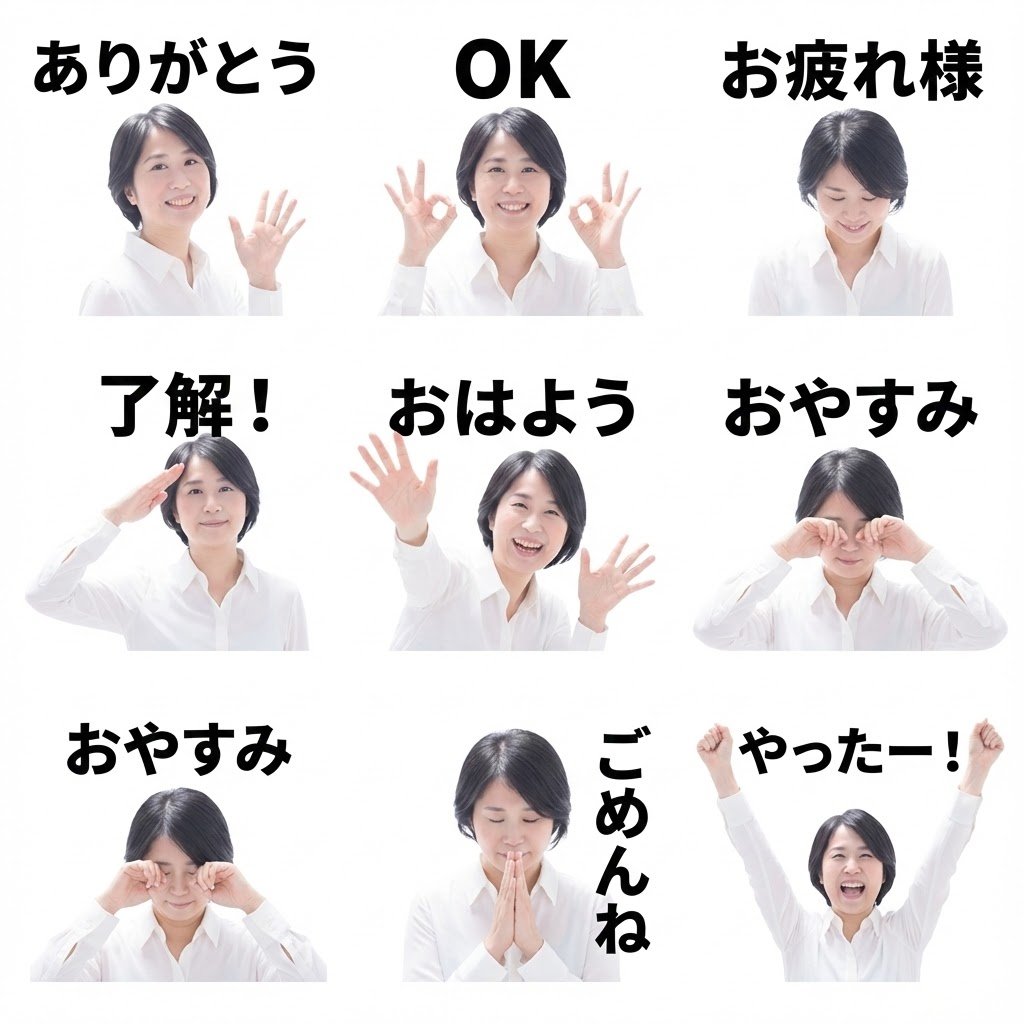
8 LINE stickers from a person image
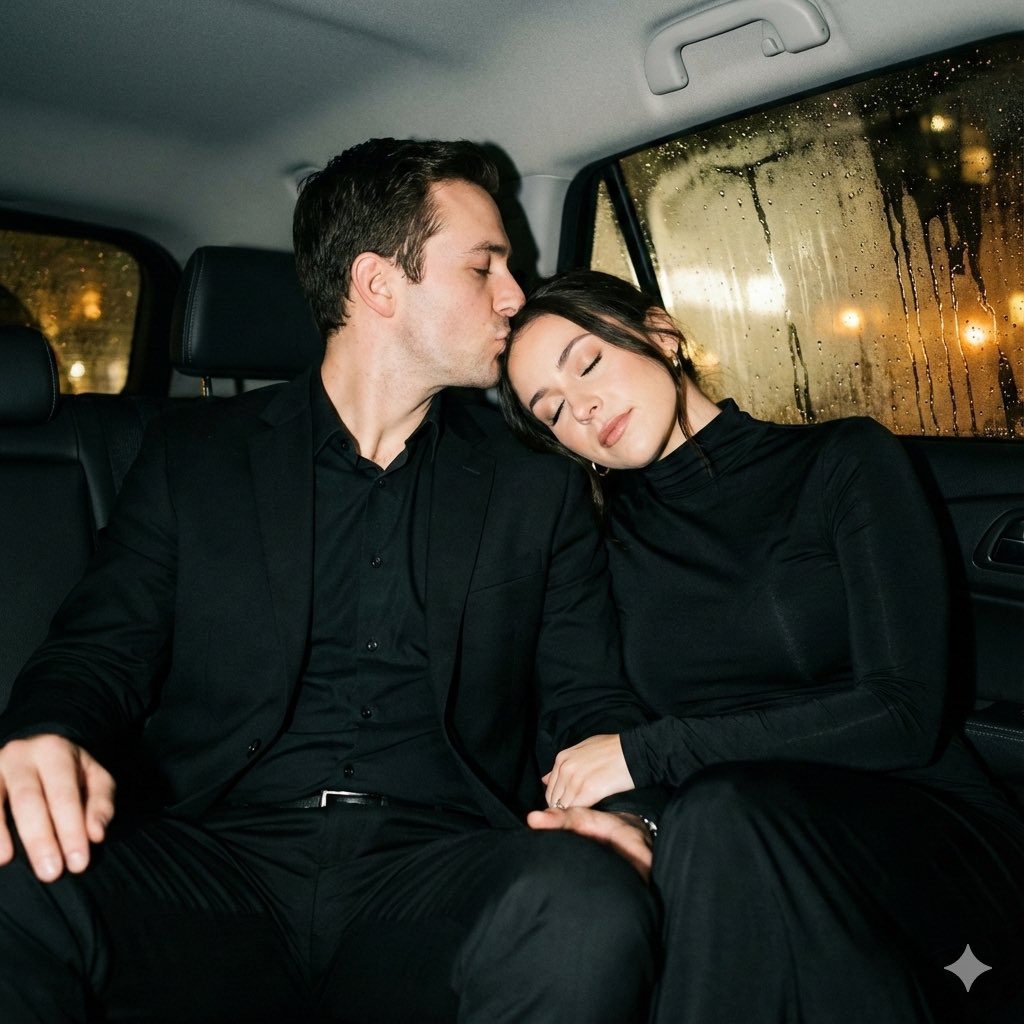
Y2K flash night car couple portrait prompt
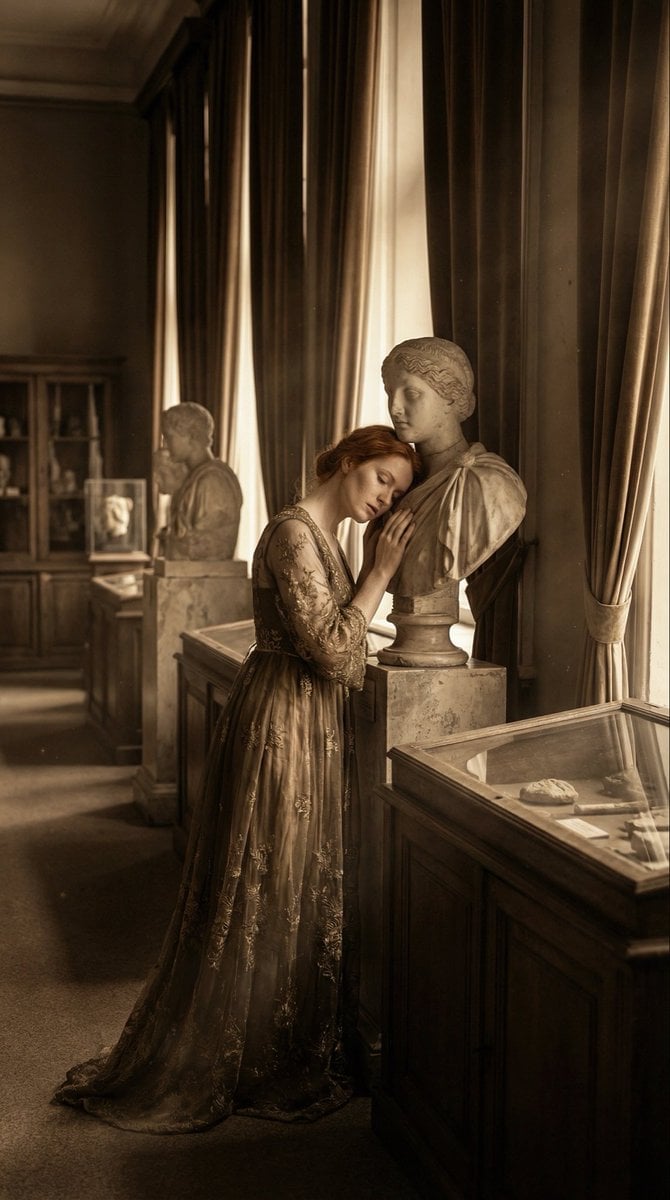
Melancholic Marble Bust Portrait
Browse template categories
Cyber Anime Idol Music Cover questions
How do I use the Cyber Anime Idol Music Cover template?
Add your photo if the template asks for one, edit the prompt if you like — the template's model and format are already selected — and press Generate. Your version opens in PicX Studio.
Can I customize the Cyber Anime Idol Music Cover template?
Yes. You can change the subject, setting, lighting, mood, format, and available model controls before creating your image.
Is the Cyber Anime Idol Music Cover template free?
Opening and editing this template is free. Generating uses credits, shown on the Generate button when you are signed in.
Which AI model should I use?
Start with GPT Image 2, which is the model associated with this template. You can compare another compatible model for a different finish.
Looking for something else? Browse all templates.

Your photo, any look
Thousands of ready templates for every top image and video model, from one credit balance.