
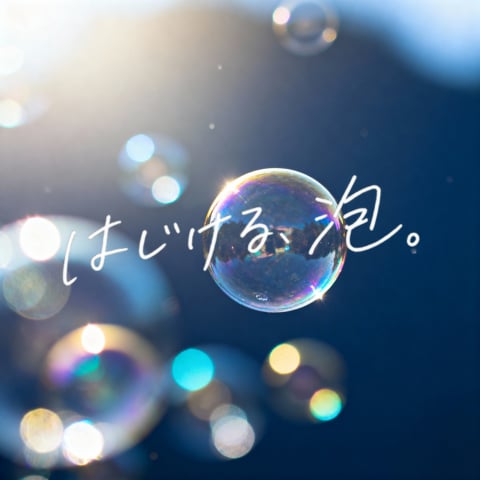
Dreamy Bubble with Handwritten Japanese Text
This prompt generates a poetic bubble photograph with glowing bokeh and expressive handwritten Japanese text, suitable for emotional social media visuals or atmospheric cover art.
- Prompt included
- Model and format preset
- Free template
The prompt behind this image
Copy the exact prompt behind Dreamy Bubble with Handwritten Japanese Text, or open it in the studio and make it yours.
A dreamy minimalist square image of a single iridescent soap bubble floating in the center against a deep blue soft-focus background, with bright natural sunlight pouring from the upper left and creating delicate lens flare, circular bokeh, and glowing highlights. The main bubble is sharply rendered with rainbow reflections and a tiny star-like sparkle on its lower right edge, while 6 additional out-of-focus bubbles appear around the frame: 1 large partial bubble at the lower left corner, 1 small bubble near the upper center, 1 faint bubble at the left middle, and 3 soft glowing bubbles clustered along the lower middle to lower right area. Across the center, overlay large handwritten Japanese brush-style text in white that reads {argument name="headline text" default="はじける泡。"}, with an emotional hand-drawn ink feel, slightly uneven strokes, and natural organic spacing. The overall mood is poetic, airy, luminous, and nostalgic, with shallow depth of field, premium photography aesthetics, clean composition, and strong contrast between the crisp central bubble and the blurred dreamy background.
How to use Dreamy Bubble with Handwritten Japanese Text in 3 steps
- 1Upload ImagePNG, JPG or paste
Add your photo
Upload the photo the template builds on. The prompt, model and format are already set.
- 2…a portrait of your subject in softgolden-hour light, 85mm…
Personalize
Edit the subject and creative details for your destination.
- 3Generate
Generate
Press Generate — your image is created in PicX Studio, so you can compare it with the original and refine one variable at a time.
More like this
Templates with the same subject, style or setup. Open one to see its prompt.
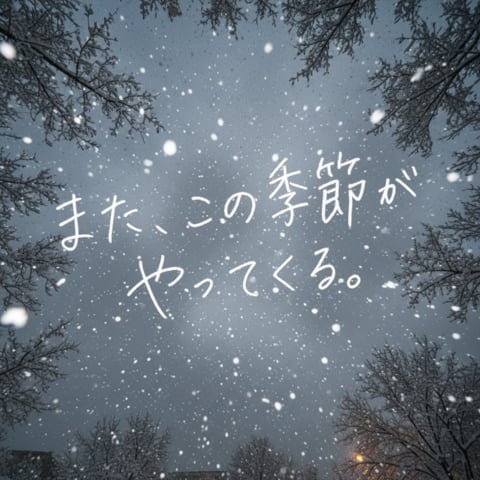
Snowy Sky with Handwritten Japanese Text
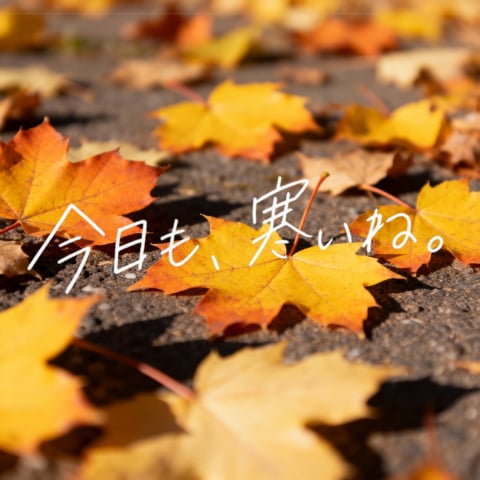
Autumn Leaves with Handwritten Japanese Text

Teal Japanese Handwritten Lyric Card

Minecraft Japanese Research Lab Exploration

Japanese Architectural Concrete Studio Fashion Campaign

Japanese Minimalist Concrete Studio Fashion Editorial

Blue Backdrop Luxury Fashion Portrait Campaign
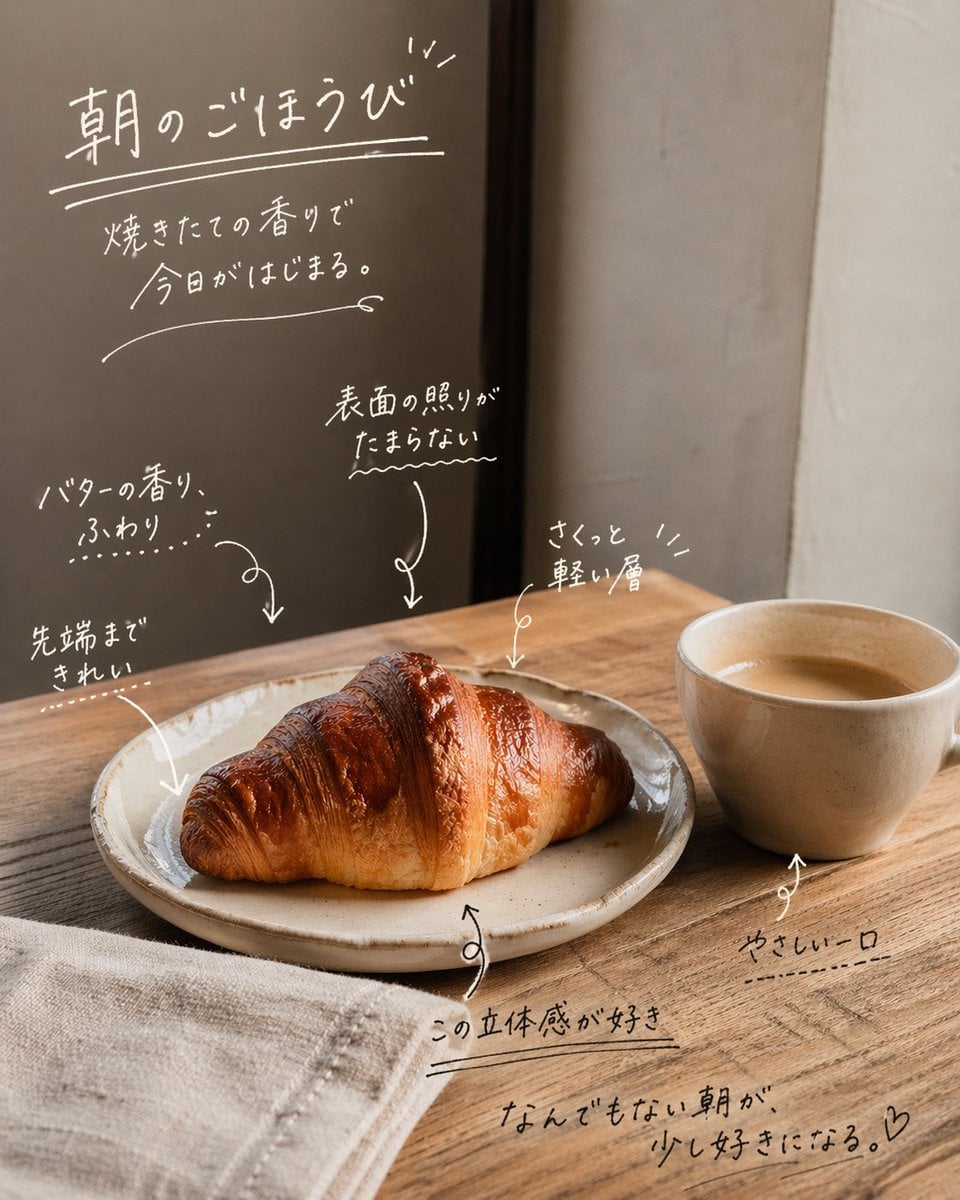
Handwritten Japanese Cafe Photo Overlay
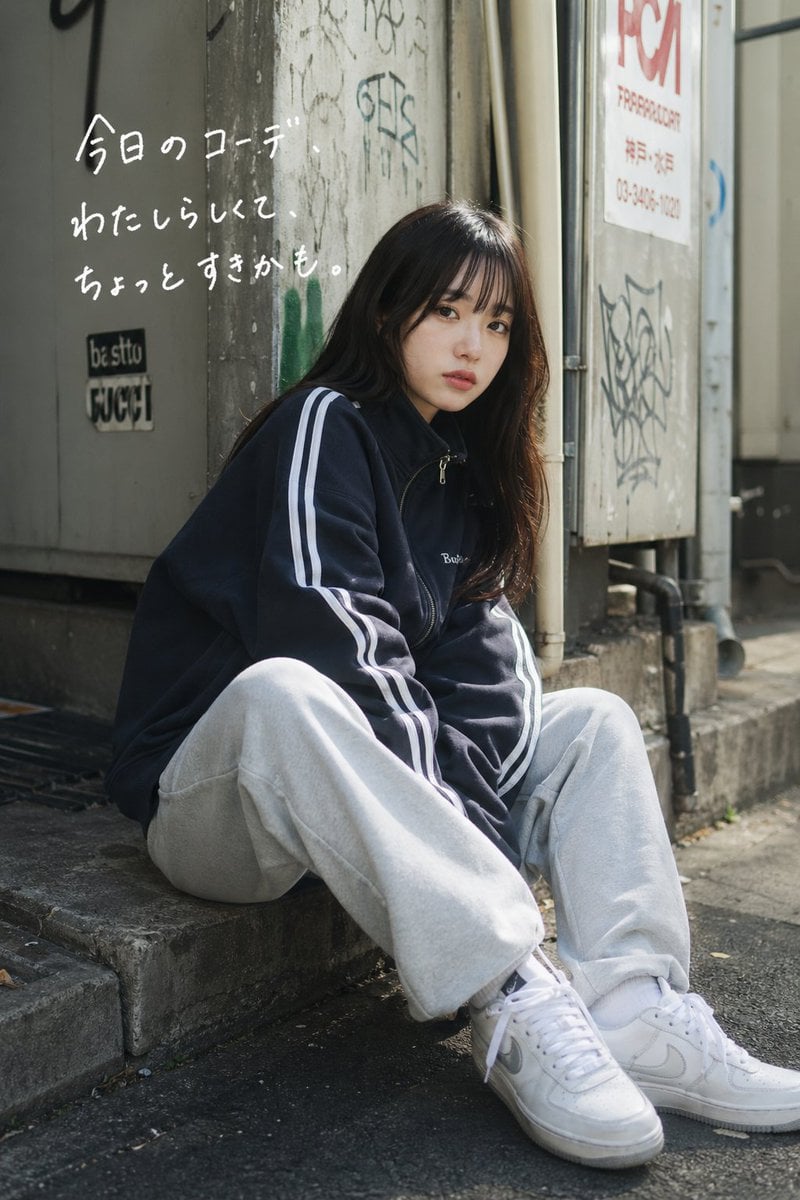
Casual Street Outfit Photo with Handwritten Text
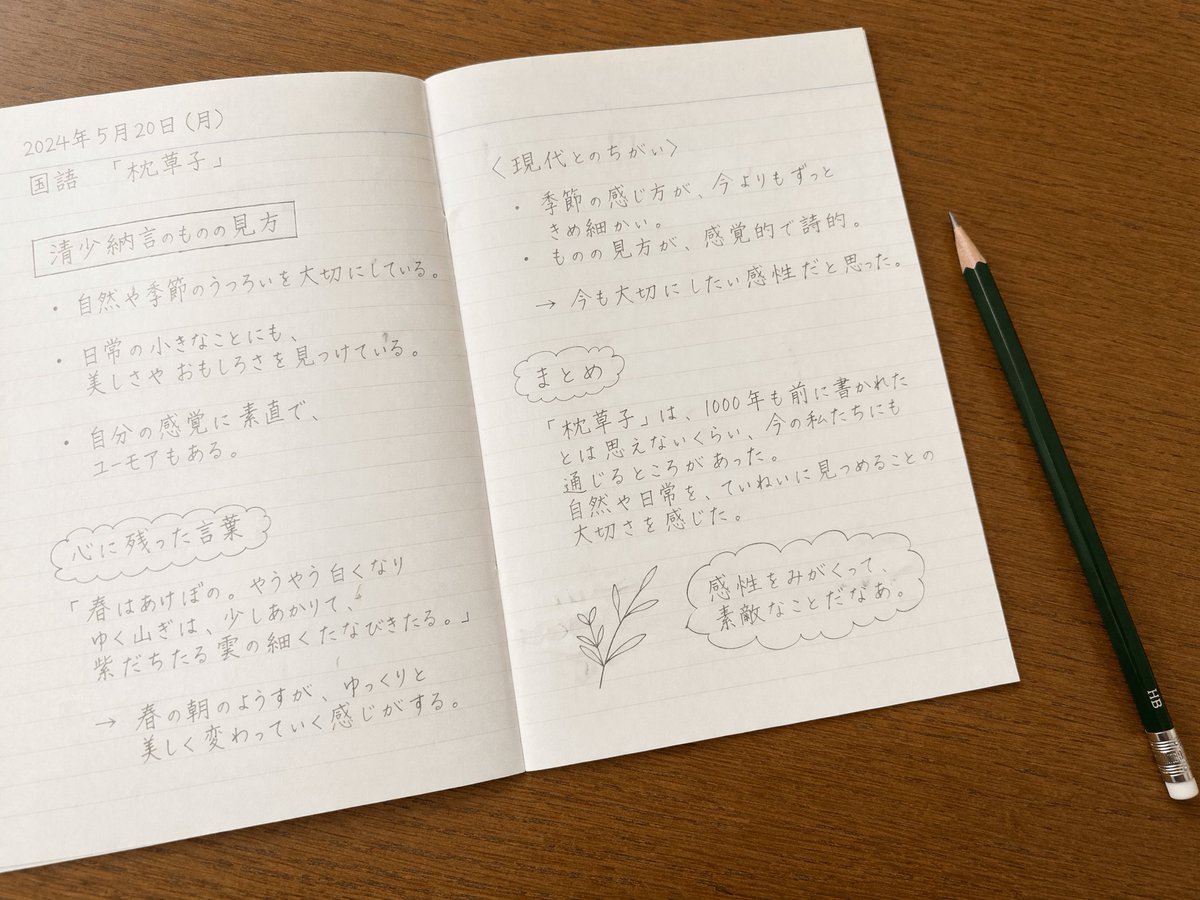
Handwritten Japanese Study Notes
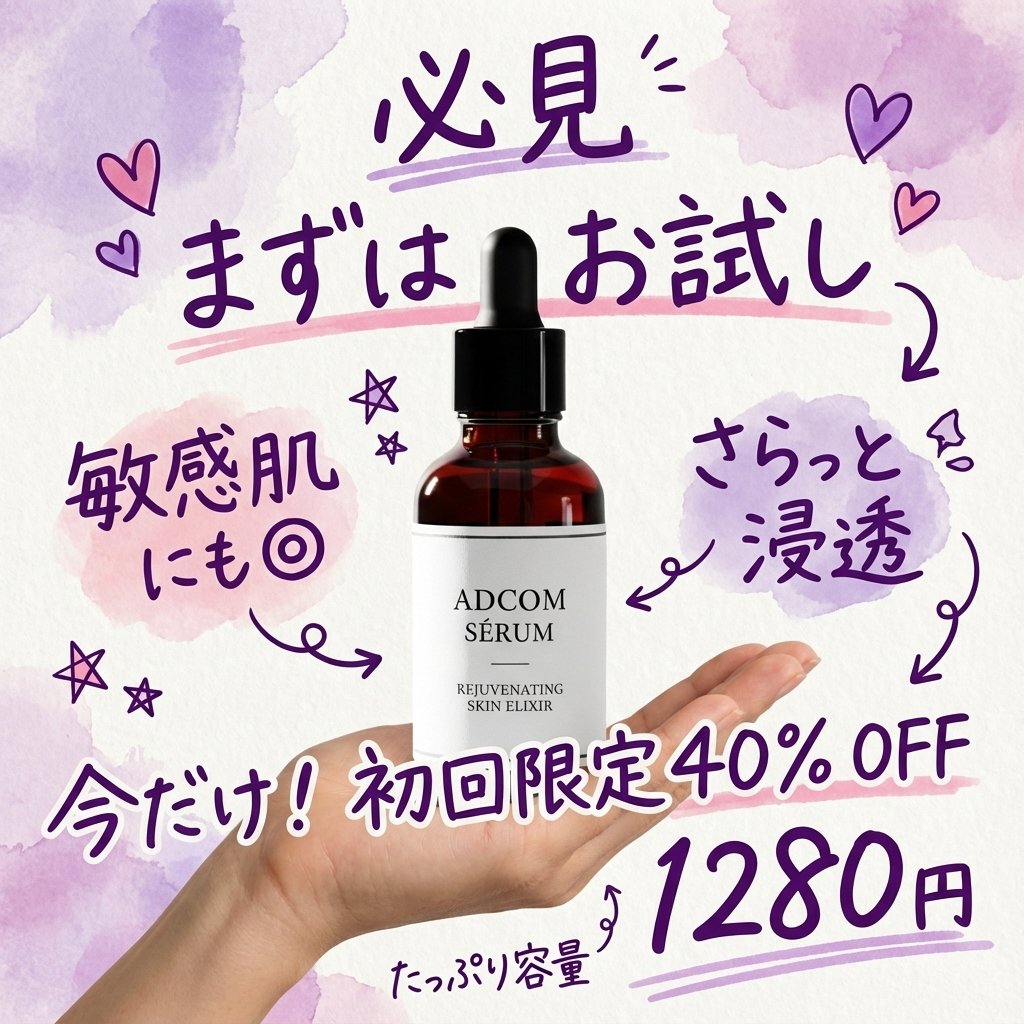
Instagram-style Japanese handwritten cosmetic ad
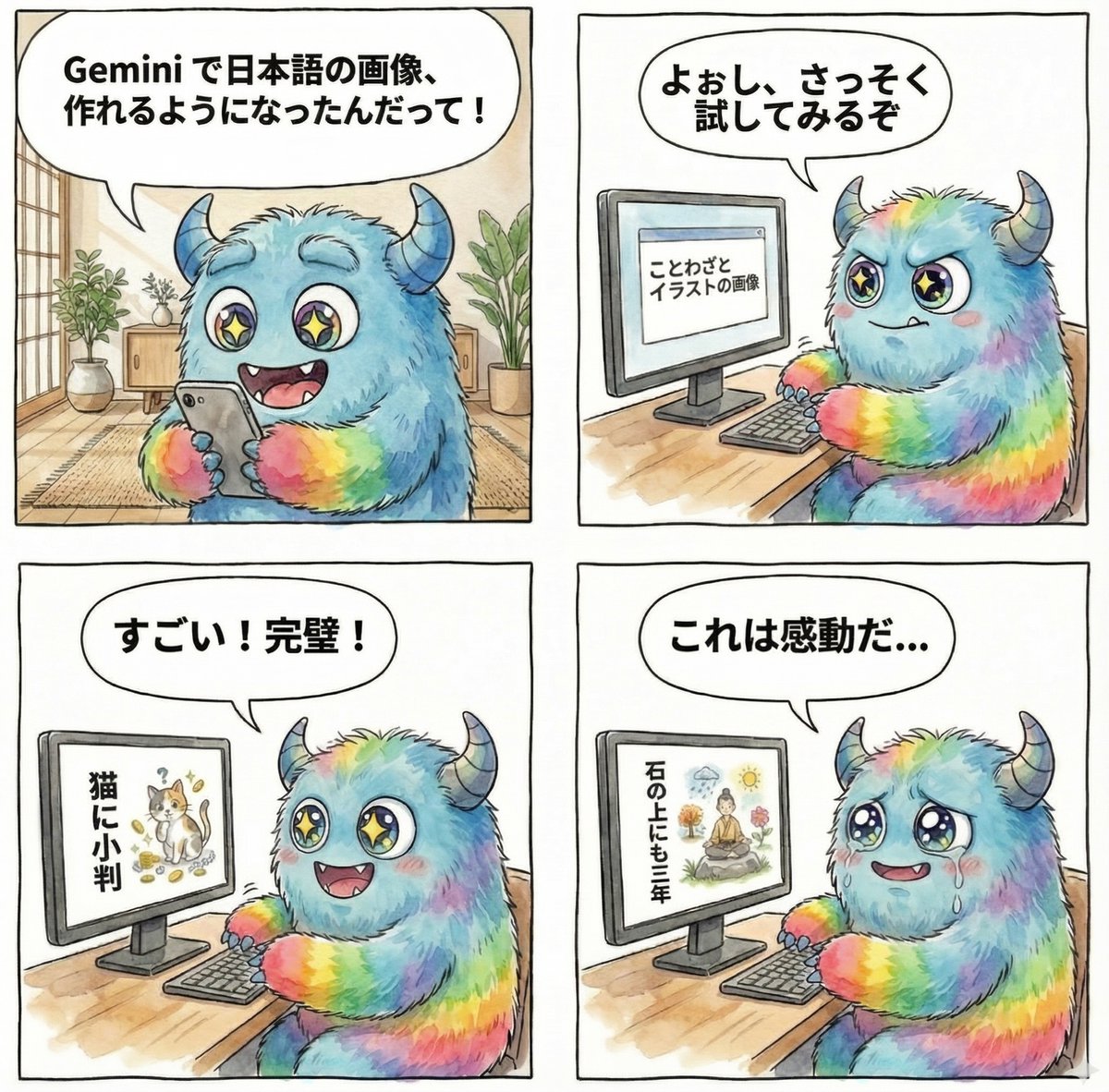
panel manga about Gemini generating Japanese text images
Make it yours
Dreamy Bubble with Handwritten Japanese Text works as-is. These are the safest ways to change it without losing the look.
Change one field
Copy a single group, rewrite it, and generate again so you can see what that field is doing.
Keep the frame, change the subject
Hold the composition and light of Dreamy Bubble with Handwritten Japanese Text, then swap wardrobe, props or the person for a new take.
| If the result… | Why | Fix |
|---|---|---|
| The result drifts from the preview | Too many fields changed at once. | Reuse Dreamy Bubble with Handwritten Japanese Text as-is first, then change one group — subject, light, or setting. |
| The model over-stylizes the scene | The prose prompt leaves finish and camera underspecified. | Add one camera or lighting sentence and stay on GPT Image 2. |
More GPT Image 2 templates
Other prompts made for GPT Image 2.

Realistic Portrait of Woman and Deer

The Vista Modular Condo Poster

AI Model Routing Comparison Infographic

2.5D Anime Art Board

Isometric Productivity Desk Scene

New York Double Exposure Poster

Four-Panel AI Landscape Comparison

Japanese Tatami Lifestyle Magazine Cover

NESCAFÉ Coffee Map Poster

Brutalist Cogito Chinese Typography Poster
More image prompts
Fresh picks from across the catalog.
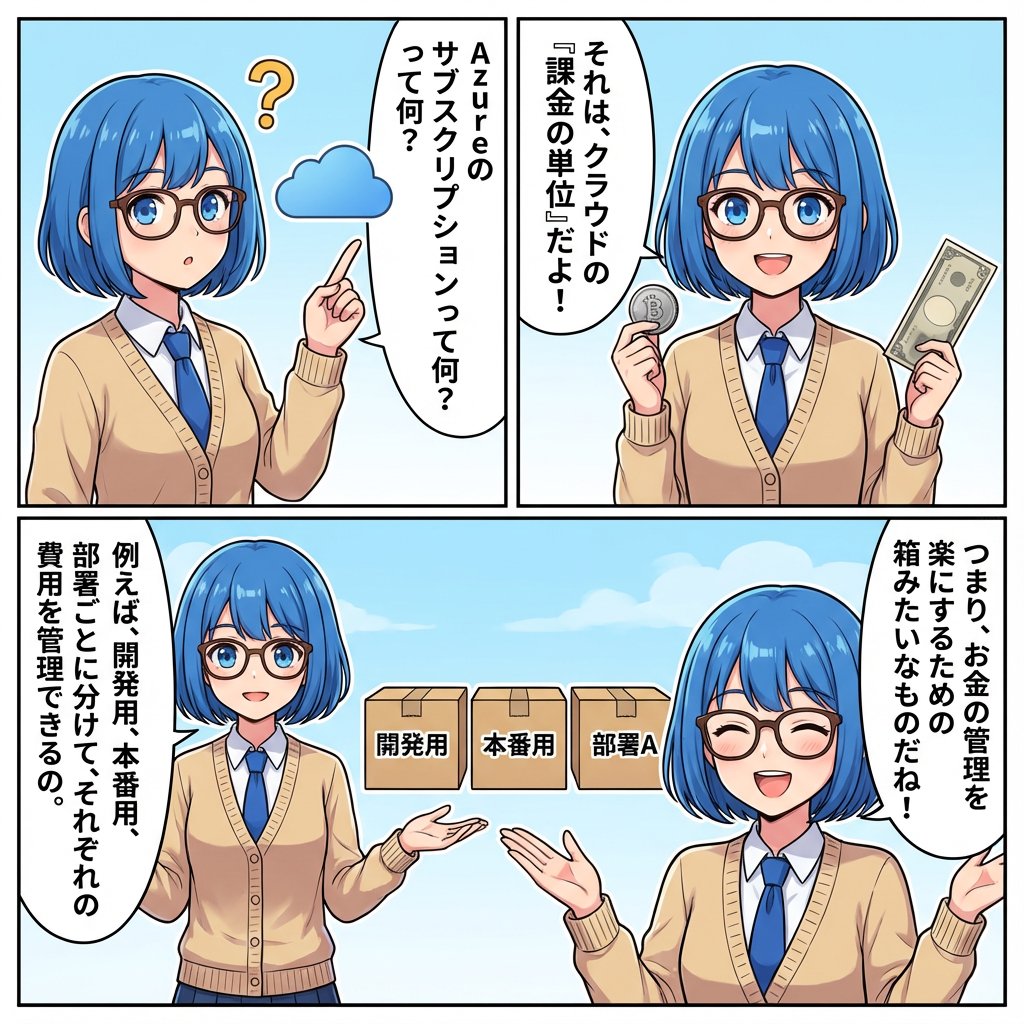
IT Education Manga Generation Prompt
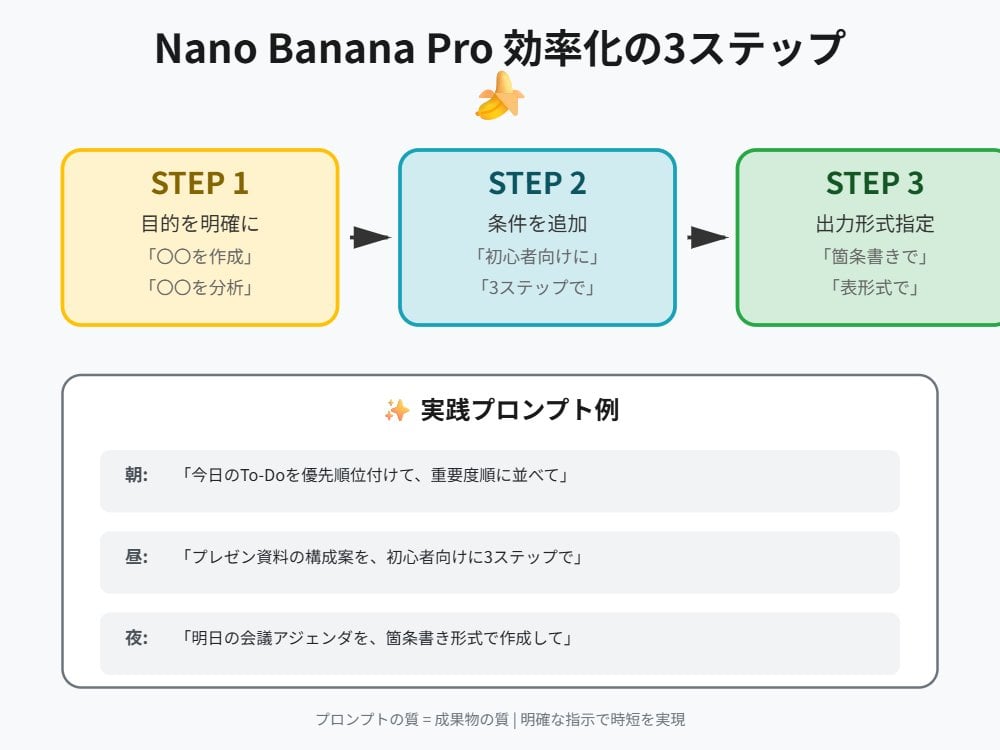
Tip for Using Nano Banana Pro: Adding Examples for Better Understanding
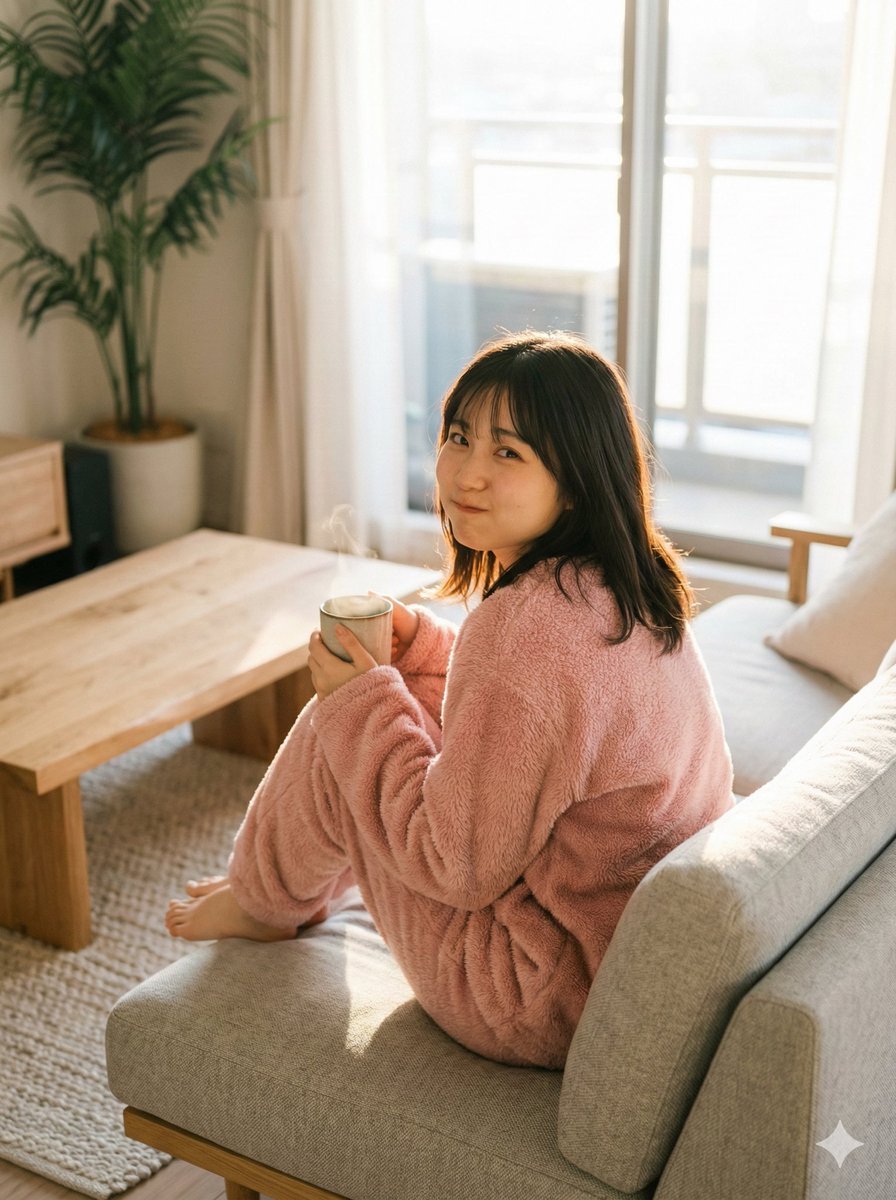
Refining Image Generation for Natural Expression
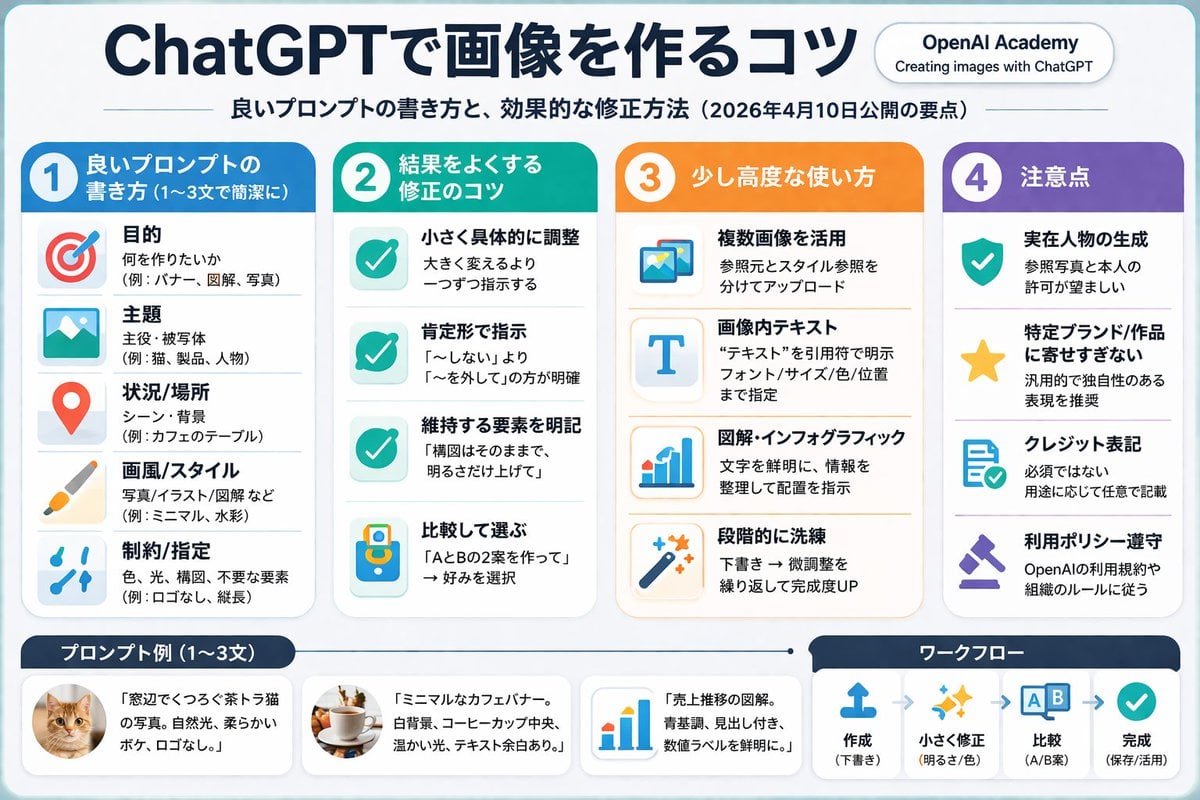
Column AI Image Generation Infographic
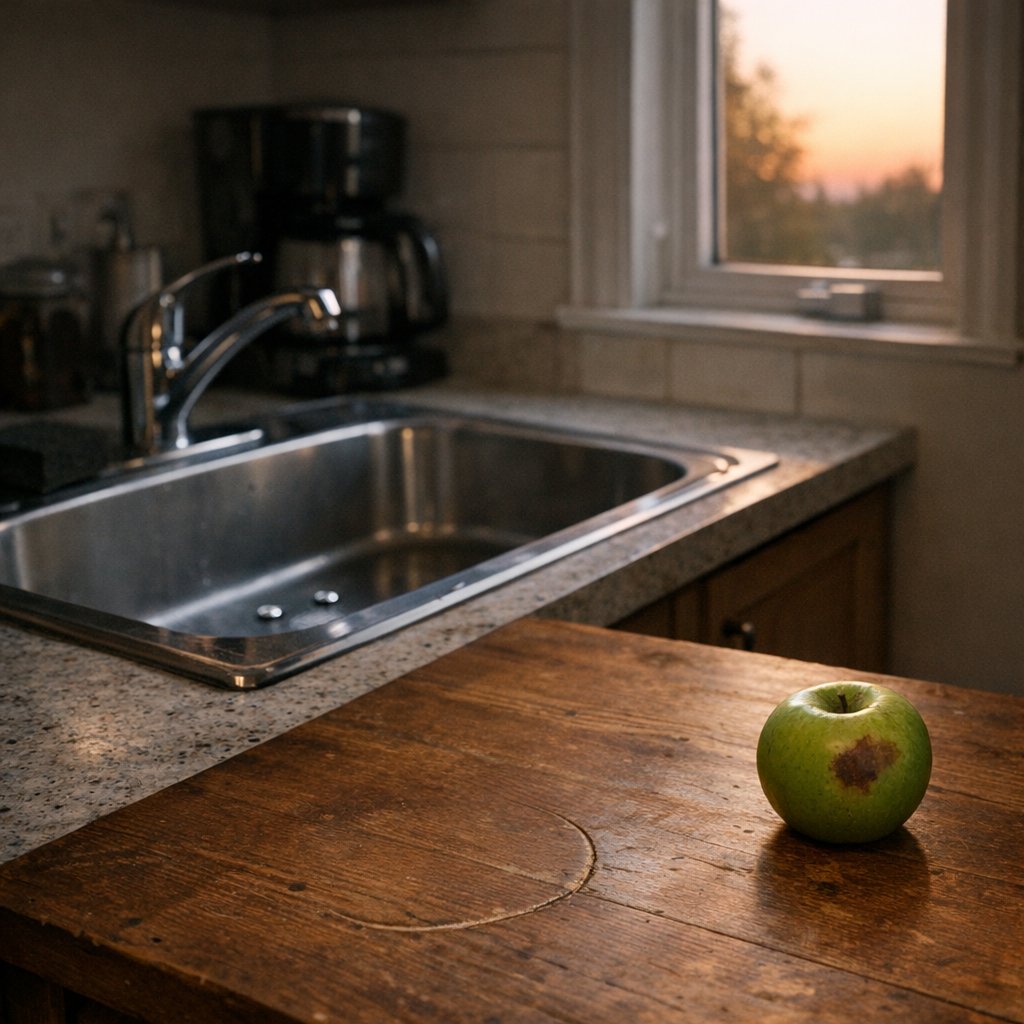
Constraint Fidelity Test: Kitchen Scene
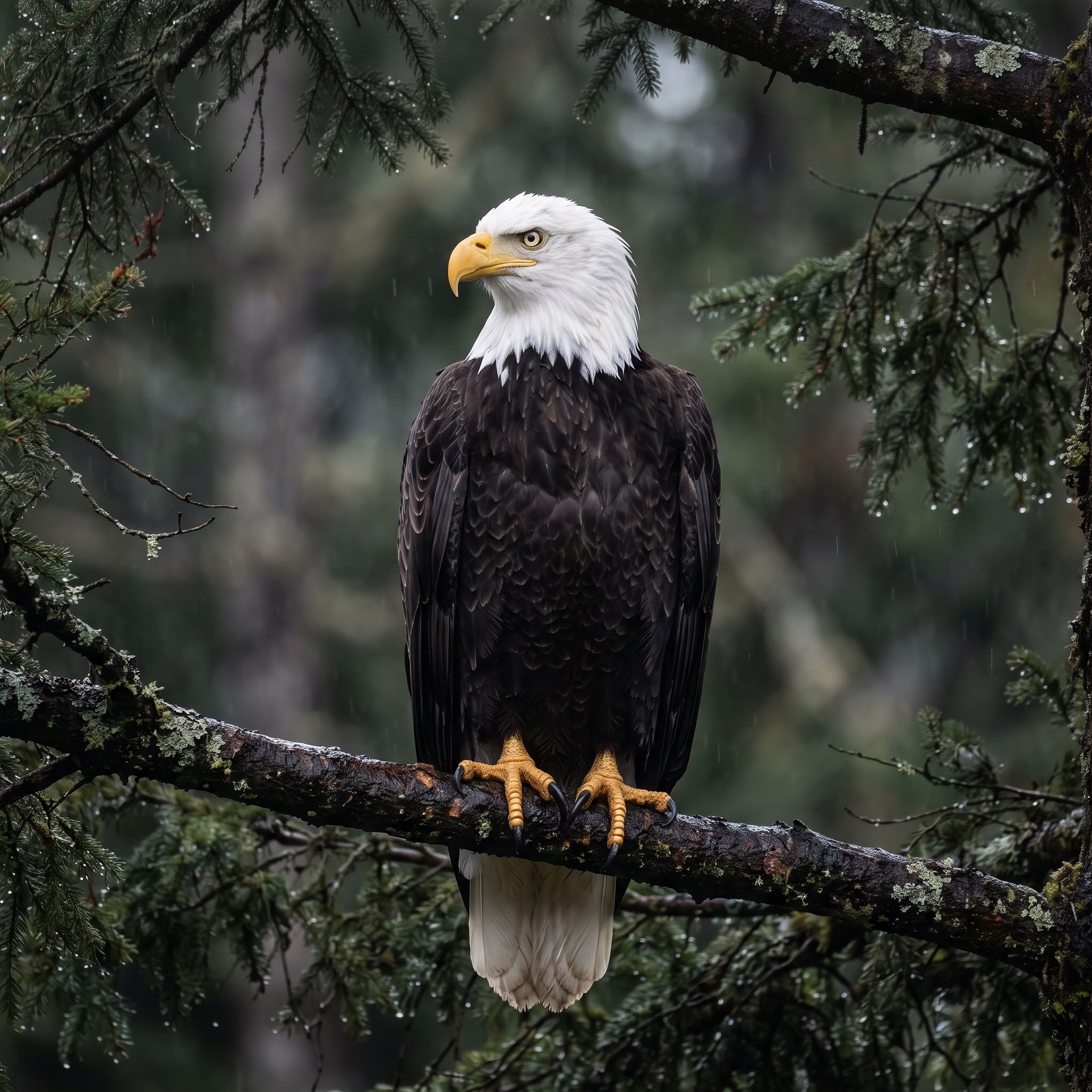
Majestic Bald Eagle Wildlife Portrait
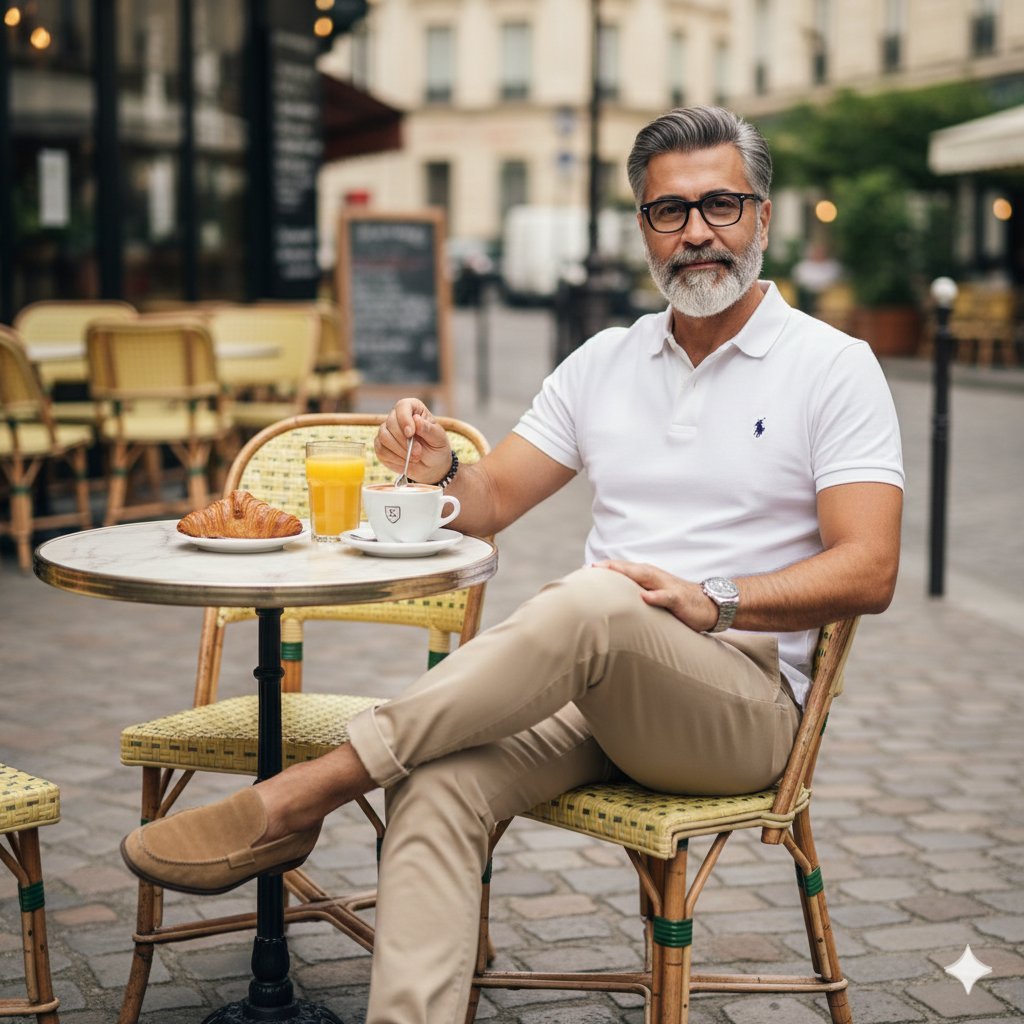
Photorealistic Parisian Cafe Scene
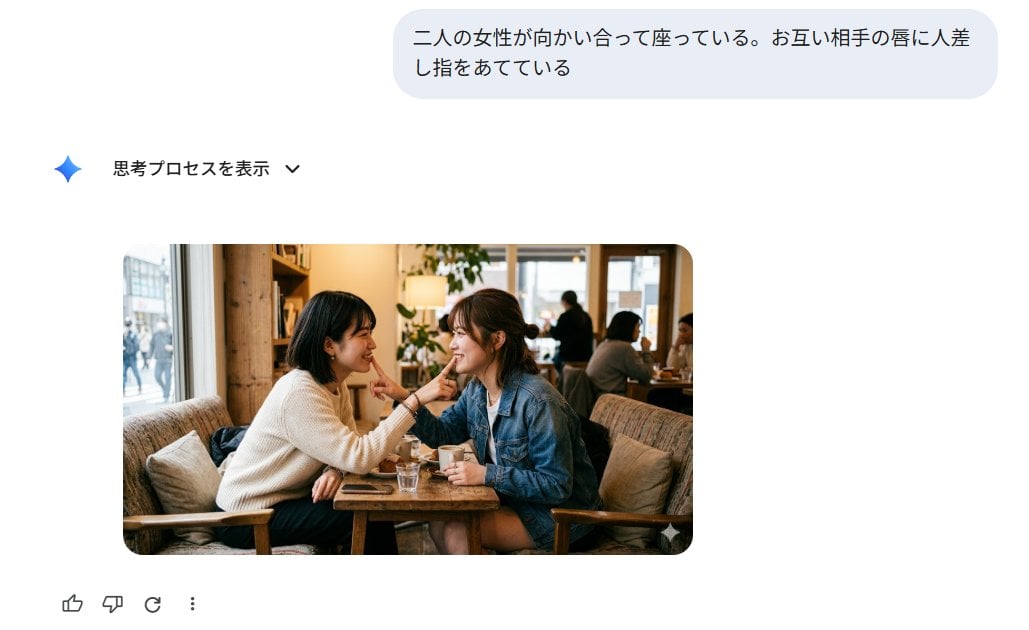
Japanese AI Image Result UI
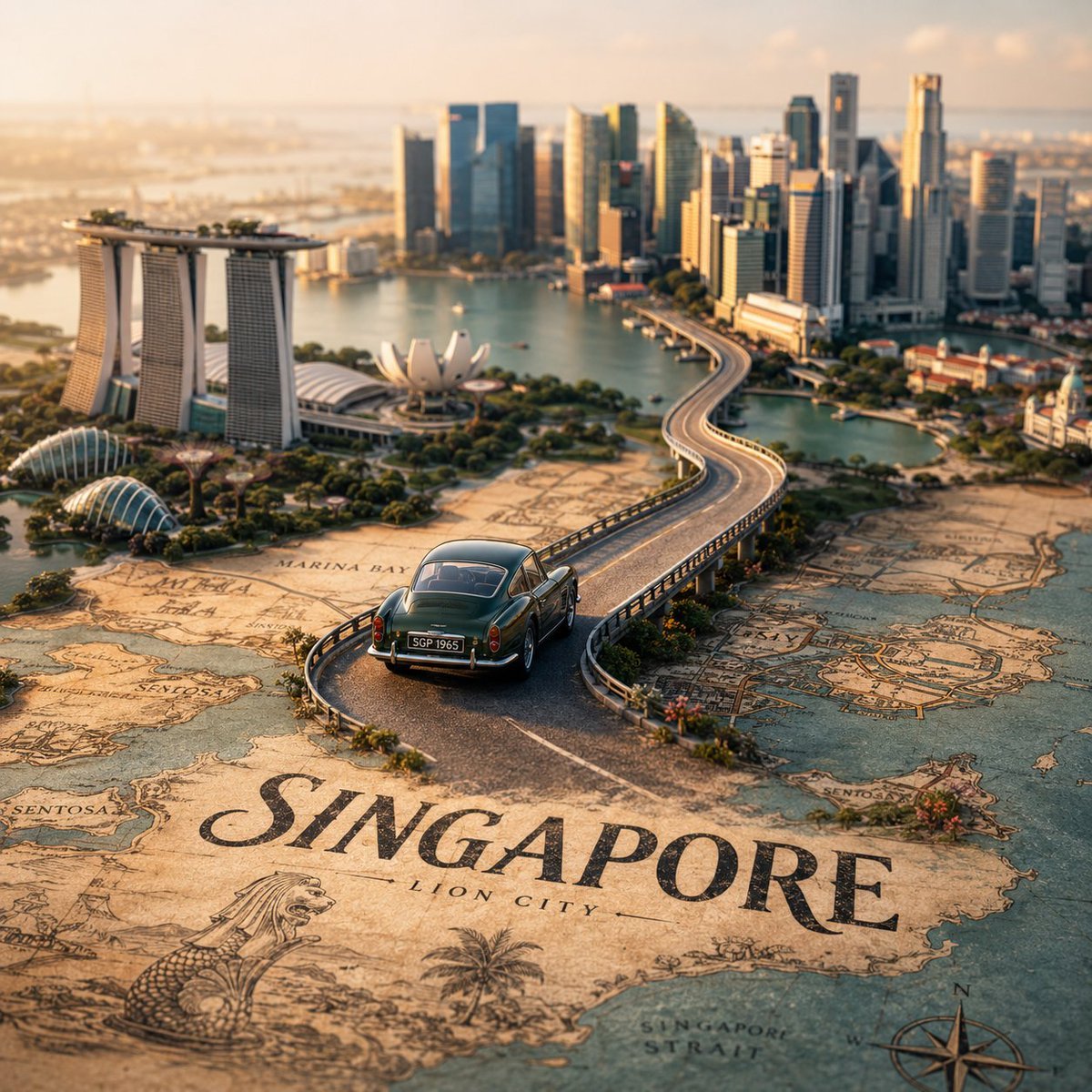
Tilt-Shift City Map Scene
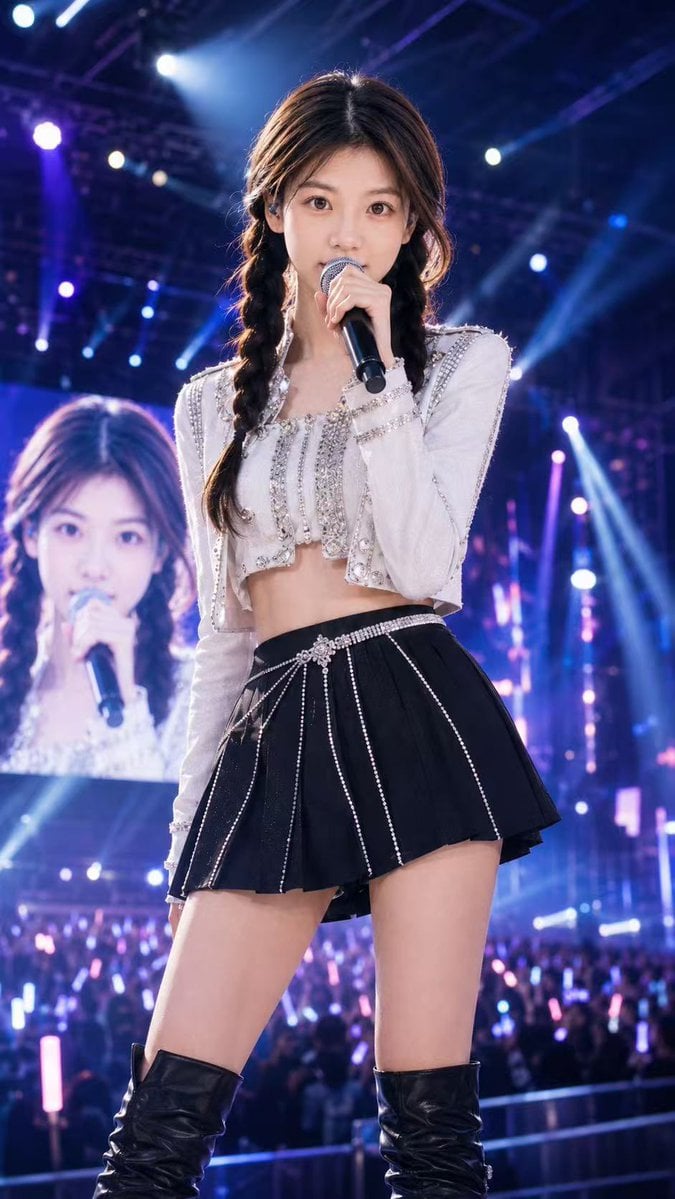
Concert Stage Pop Star Portrait
Browse template categories
Dreamy Bubble with Handwritten Japanese Text questions
How do I use the Dreamy Bubble with Handwritten Japanese Text template?
Add your photo if the template asks for one, edit the prompt if you like — the template's model and format are already selected — and press Generate. Your version opens in PicX Studio.
Can I customize the Dreamy Bubble with Handwritten Japanese Text template?
Yes. You can change the subject, setting, lighting, mood, format, and available model controls before creating your image.
Is the Dreamy Bubble with Handwritten Japanese Text template free?
Opening and editing this template is free. Generating uses credits, shown on the Generate button when you are signed in.
Which AI model should I use?
Start with GPT Image 2, which is the model associated with this template. You can compare another compatible model for a different finish.
Looking for something else? Browse all templates.

Your photo, any look
Thousands of ready templates for every top image and video model, from one credit balance.