How do I use the Concert Stage Pop Star Portrait template?
Choose the primary action to open PicX Studio with the available template settings. Review the model and format, personalize the creative direction, and generate when ready.
Generates a realistic vertical K-pop concert photo of a jeweled female performer singing on a dramatic arena stage. Change the subject, setting, or lighting one variable at a time.
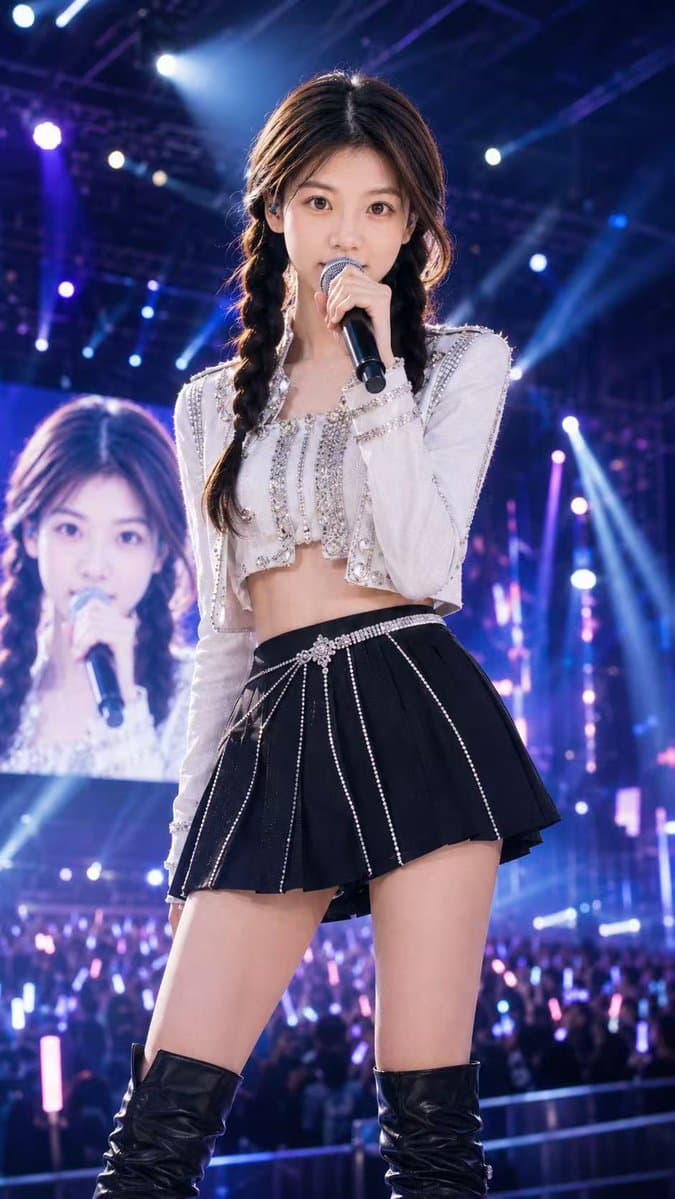
Create a vertical 9:16 ultra-realistic concert-stage photograph of a young female K-pop style pop star named {argument name="character name" default="Sheena"} standing center stage in a powerful front-facing pose, holding a black handheld microphone close to her mouth with one hand. Her face is intentionally covered by a flat opaque square privacy block, and a second smaller opaque square privacy block covers the face on the large LED screen behind her. She has long dark brown hair parted in the middle and styled into two loose braids, with soft stage-lit strands around the face. She wears a sparkling white cropped long-sleeve performance jacket with rhinestones, pearls, silver trim, and structured shoulders, paired with a high-waisted black pleated mini skirt decorated with vertical rhinestone chains and a jeweled belt detail, plus black thigh-high leather boots. The scene is a huge live arena concert with a bright LED backdrop showing her enlarged silhouette, a cheering crowd below holding pink and blue glow sticks, and dramatic blue, purple, and white spotlights, beams, haze, truss rigging, and bokeh lights filling the background. Use cinematic concert photography, shallow depth of field, high detail fabric textures, glossy leather, glittering rhinestones, energetic pop-star atmosphere, realistic skin and lighting, shot from a slightly low angle as if by a professional stage photographer. Add subtle visible stage text or branding reading {argument name="stage title" default="SHEENA LIVE"} only if it fits naturally on the LED environment, not as a poster overlay.
Choose the primary action to open PicX Studio with the available template settings. Review the model and format, personalize the creative direction, and generate when ready.
Yes. You can change the subject, setting, lighting, mood, format, and available model controls before creating your image.
This template is free to open and customize. Generation usage is shown in PicX Studio before you create.
Start with GPT Image 2, which is the model associated with this template. You can compare another compatible model for a different finish.
© 2026 PicX Studio. All rights reserved.

Follow a topic to a crawlable collection of related PicX Studio templates.
43,474 public templates available. Verified via the PicX Studio public templates API; refreshed hourly.


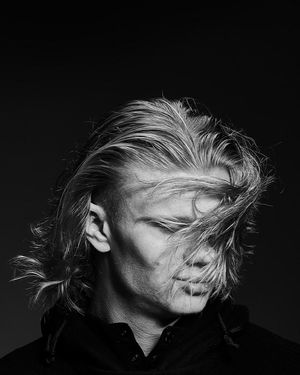
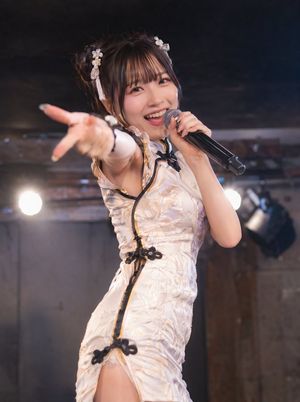

![K-POP Idol Stage Performance Portrait — 하이퍼 리얼리스틱, [인물참조 {argument name="참조 이미지" default="이미지 1, 이미지 2, 이미지 3, 이미지 4"}] 첨부 이미지의 인물을 그대로 기준으로 하여, 긴 흑발이 얼굴을 자연스럽게](https://cms-assets.youmind.com/media/1779786525304_uyka4d_HJIYPstaUAAZM3-.jpg)


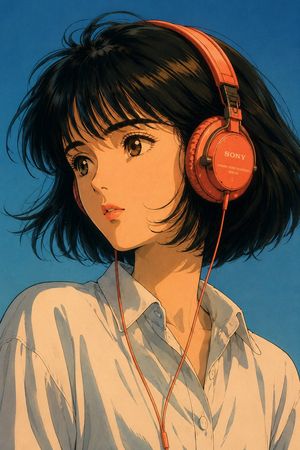









![Minimalist Flat Vector Travel Poster — Premium minimalist flat-vector travel poster for {argument name="city name" default="[CITY_NAME]"}, 3:4 vertical format.](https://cms-assets.youmind.com/media/1787917359711_3ug846_HQX205cbMAA6F6S-300x400.jpg)