
Multi-Pattern Web Advertisement Grid
A prompt to generate a 3x3 grid of advertisement variations for an event, featuring different styles, copy, and layouts.

- Prompt included
- Model and format preset
- Free template
The prompt behind this image
Copy the exact prompt behind Multi-Pattern Web Advertisement Grid, or open it in the studio and make it yours.
以下の要件を満たす広告を9パターン作り、1枚の画像に並べてください。 -{argument name="イベント内容" default="手打ち麺の天ぷらそばつくり体験会"}に参加してもらうためのWeb広告です -コピーライティング、アイキャッチ、背景画像、レイアウトを考えてください -9パターンはそれぞれ全く違うテイストが望ましいです -メインコピー、サブコピー、日時、無料、ボタンの構成にしてください - 対象は{argument name="ターゲット層" default="Z世代とアラフォー"}
How to use Multi-Pattern Web Advertisement Grid in 3 steps
- 1
Open
The prompt is already in the box next to the preview, with the template's model and format selected.
- 2…a portrait of your subject in softgolden-hour light, 85mm…
Personalize
Edit the subject and creative details for your destination.
- 3Generate
Generate
Press Generate — your image is created in PicX Studio, so you can compare it with the original and refine one variable at a time.
More like this
Templates with the same subject, style or setup. Open one to see its prompt.
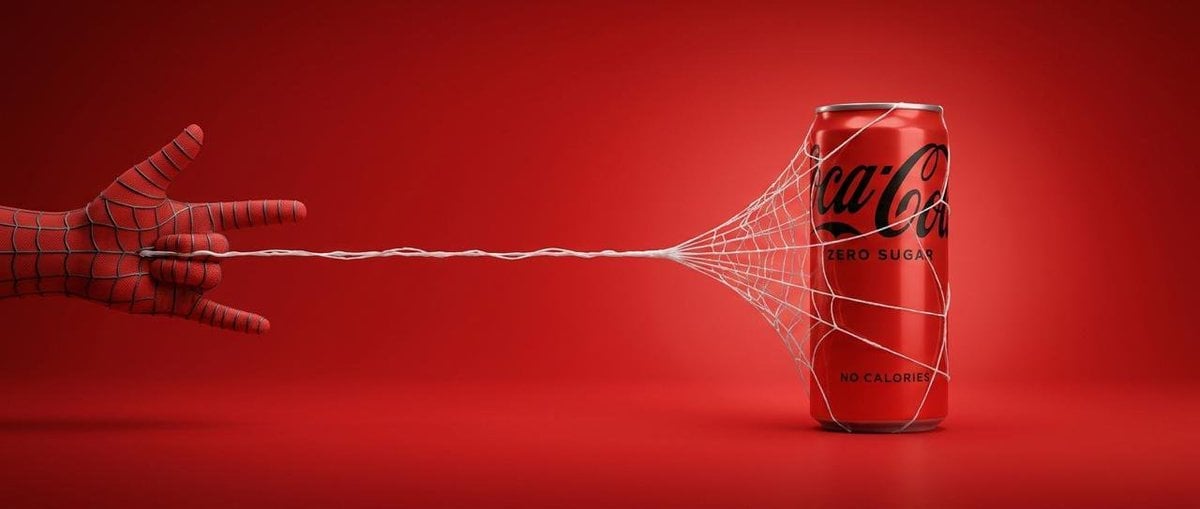
Cinematic Product Advertisement with Spider Web
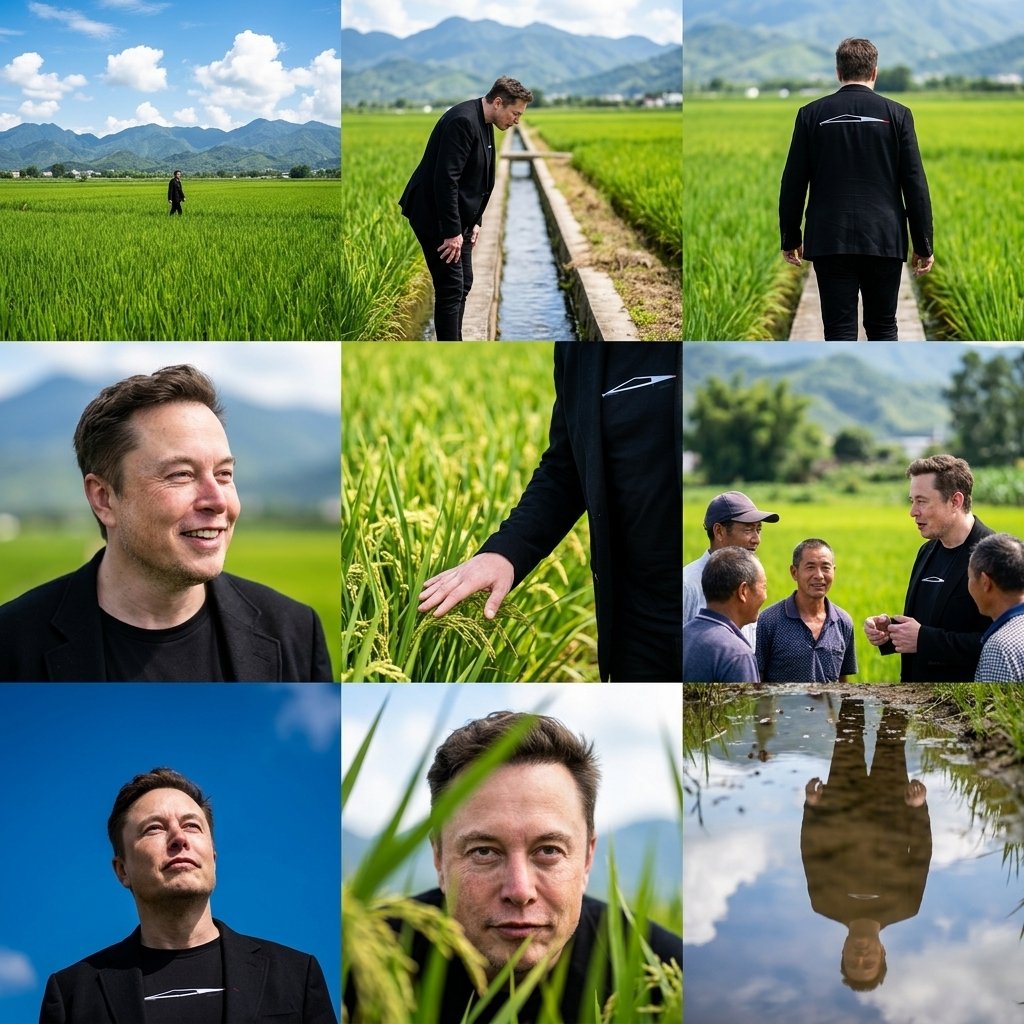
Rural Fields Multi-Perspective Grid

Korean Luxury Fashion Editorial 2x2 Grid Series

Minimalist Fashion Editorial Split Layout

Ultra-Realistic Vogue-Style Editorial Fashion Grid

Headphones Lifestyle Nine Panel Grid
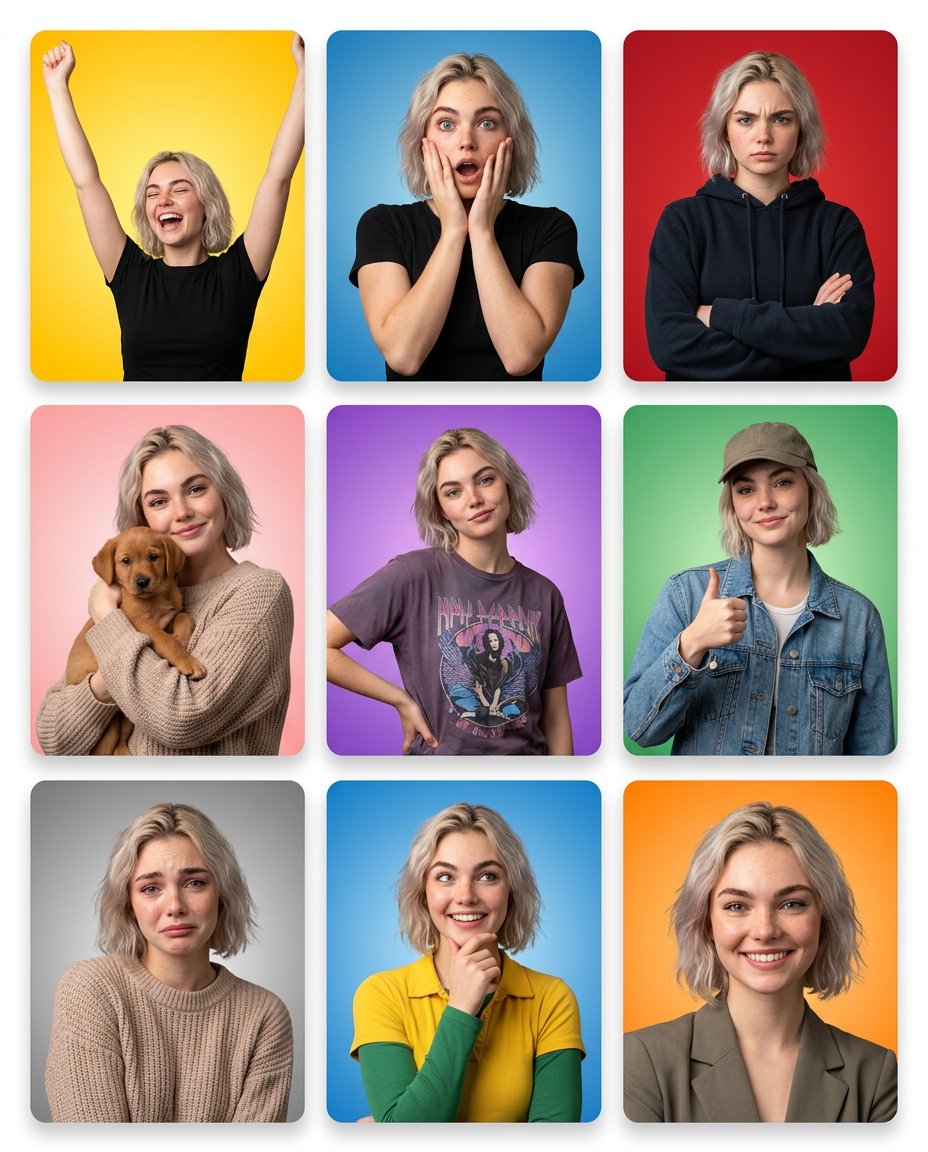
Multi-Panel Emotional State Grid
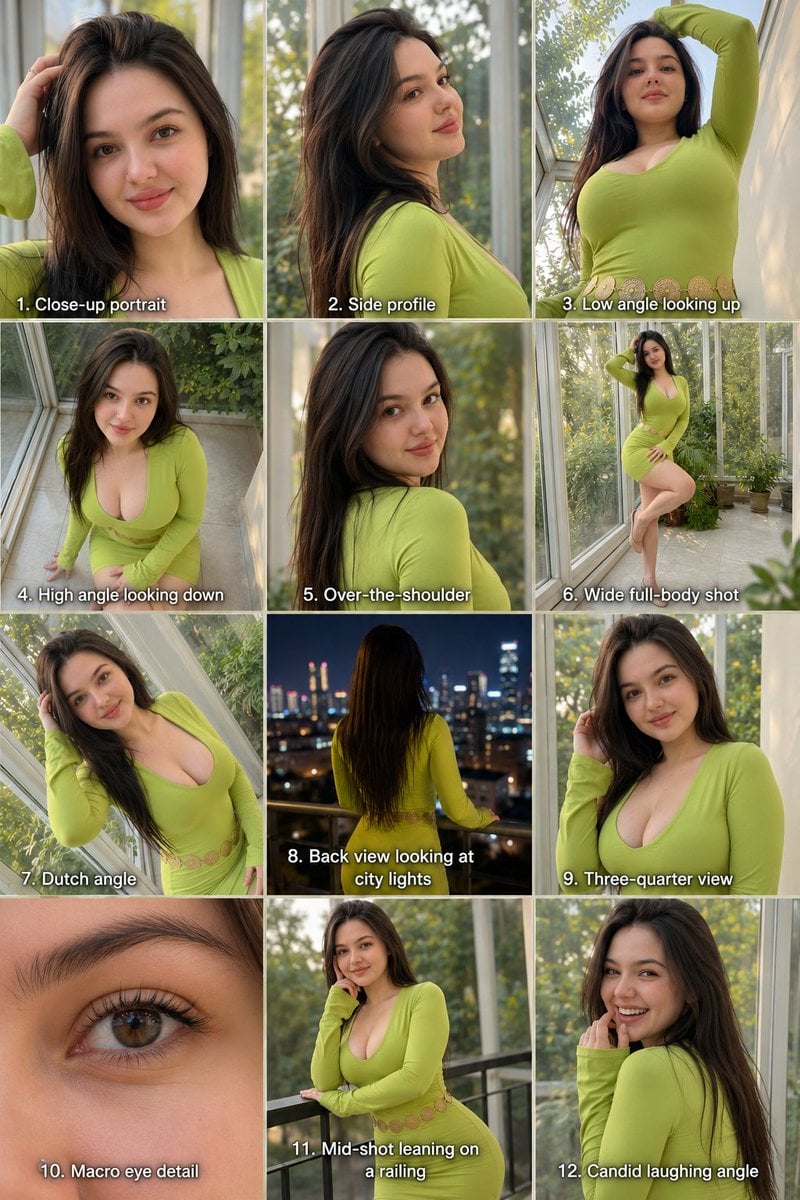
Twelve Angle Multi-View Face Grid
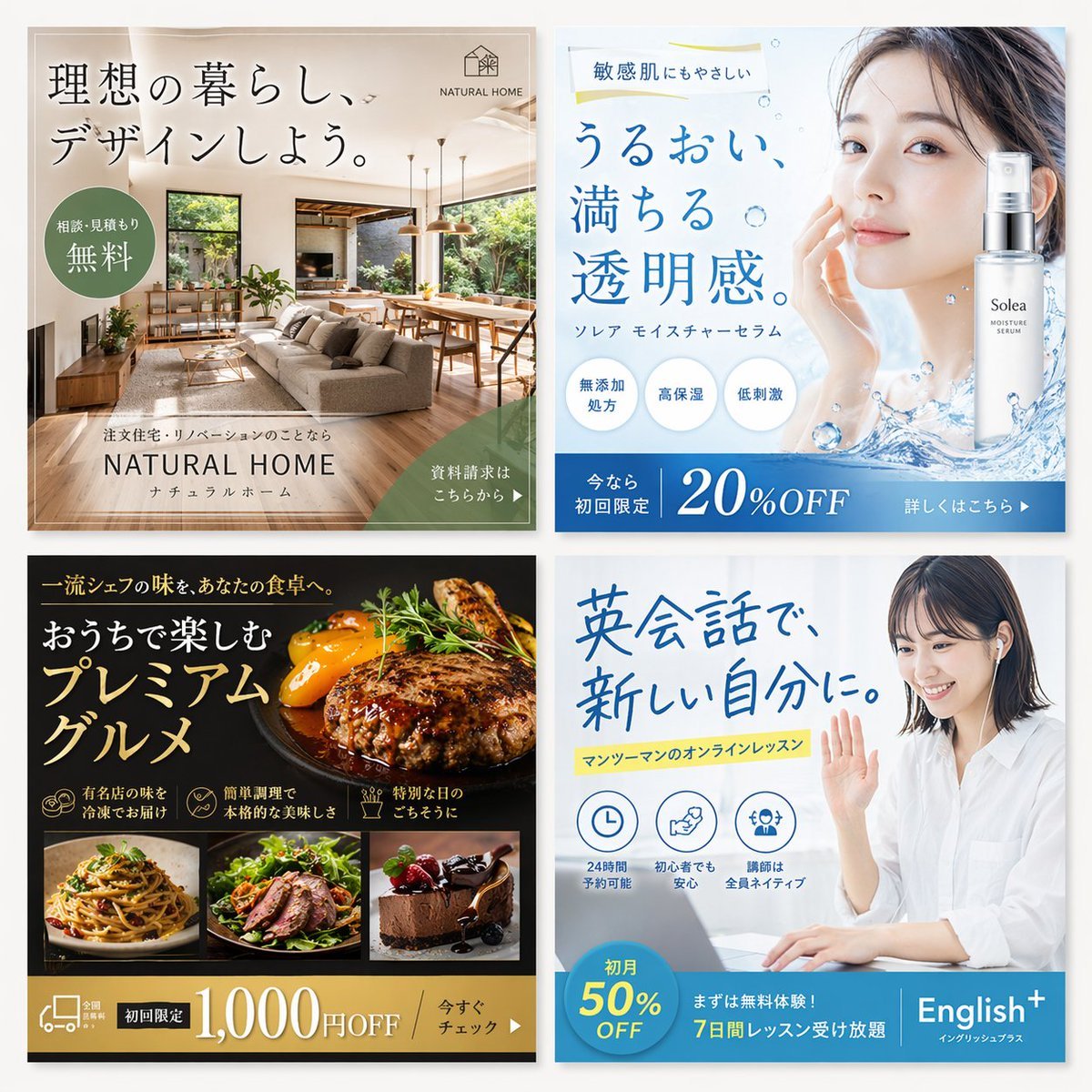
2x2 Japanese Web Banner Ad Grid

Travel Advertisement Web Banner

4x4 Grid - Candid Nostalgic Vacation Selfies

Movement Sheet - Dance Reference (Seedance 2.0)
Make it yours
Multi-Pattern Web Advertisement Grid works as-is. These are the safest ways to change it without losing the look.
Change one field
Copy a single group, rewrite it, and generate again so you can see what that field is doing.
Keep the frame, change the subject
Hold the composition and light of Multi-Pattern Web Advertisement Grid, then swap wardrobe, props or the person for a new take.
| If the result… | Why | Fix |
|---|---|---|
| The result drifts from the preview | Too many fields changed at once. | Reuse Multi-Pattern Web Advertisement Grid as-is first, then change one group — subject, light, or setting. |
| The model over-stylizes the scene | The prose prompt leaves finish and camera underspecified. | Add one camera or lighting sentence and stay on GPT Image 2. |
More GPT Image 2 templates
Other prompts made for GPT Image 2.

Six VTuber Japanese Logo Sheet

Realistic Portrait of Woman and Deer

The Vista Modular Condo Poster

AI Model Routing Comparison Infographic

2.5D Anime Art Board

Isometric Productivity Desk Scene

New York Double Exposure Poster

Four-Panel AI Landscape Comparison

Japanese Tatami Lifestyle Magazine Cover

NESCAFÉ Coffee Map Poster
More image prompts
Fresh picks from across the catalog.
Luxury Golf Club Editorial Prompt
Overhead Spiral Staircase Portrait
Cinematic Night Window Triptych
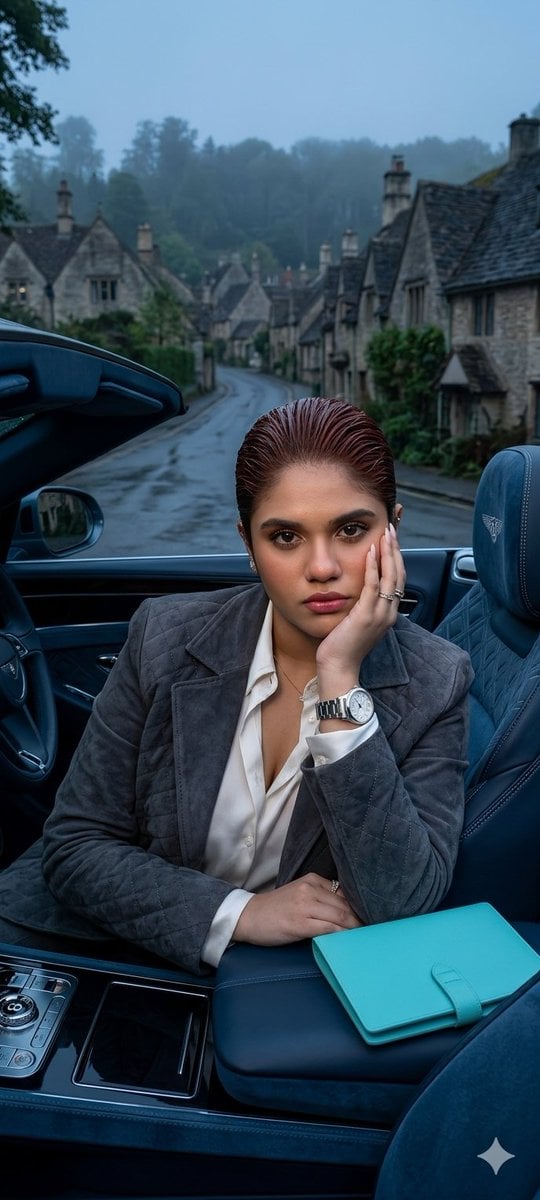
X Oye Samia Hyper Realistic Scene on the Outskirts
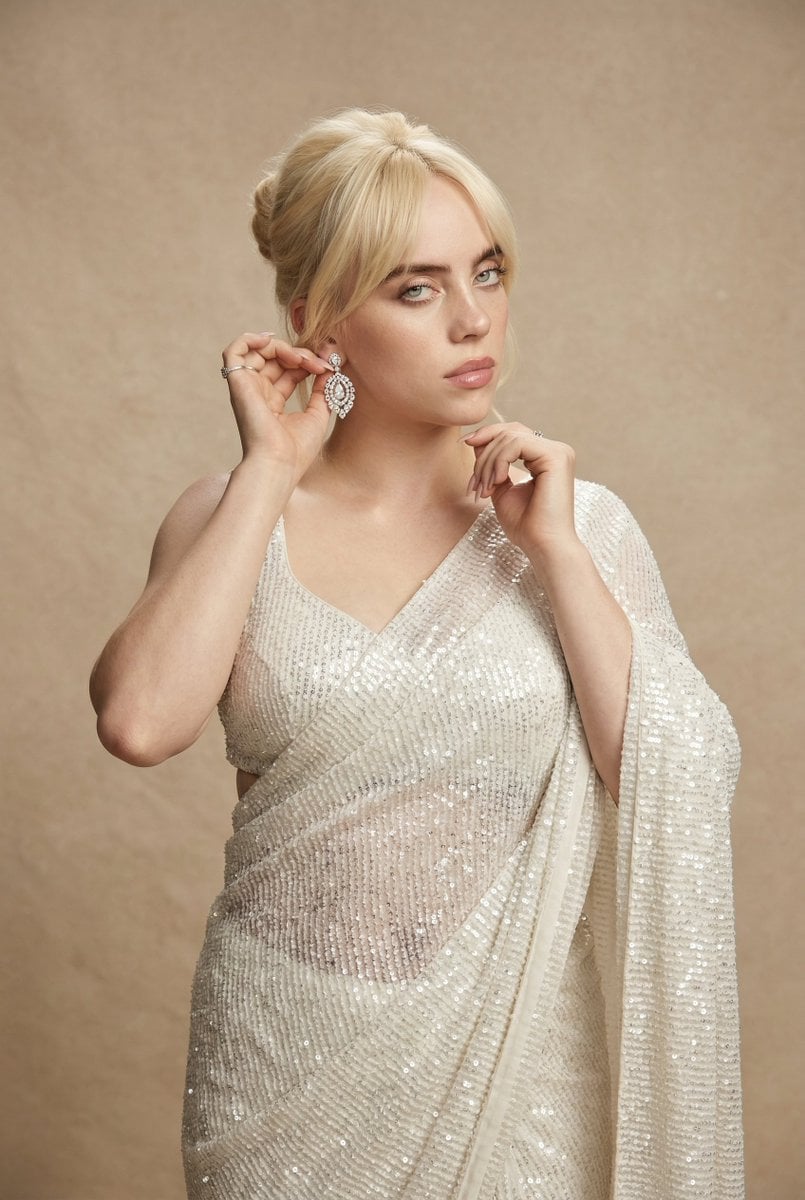
Ultra-detailed high fashion ethnic portrait prompt
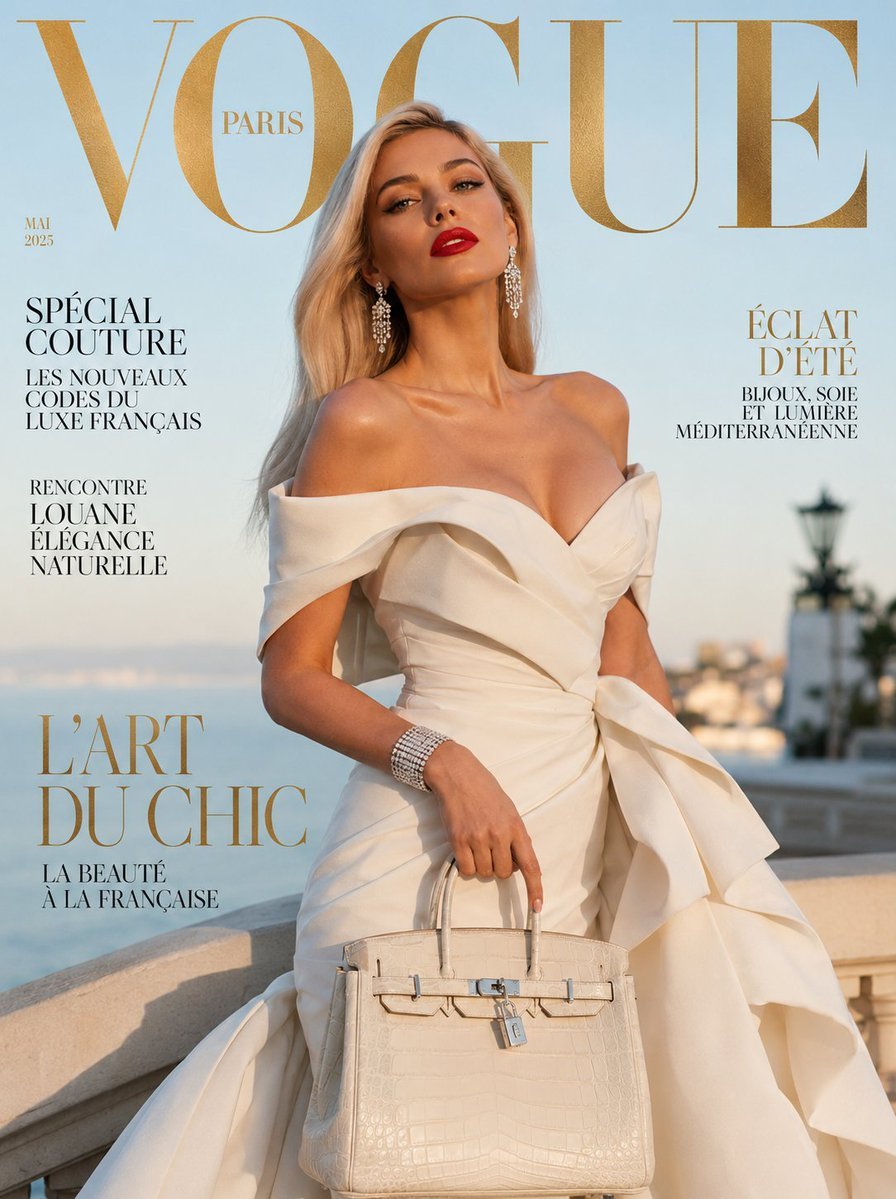
Vogue French Luxury Fashion Cover
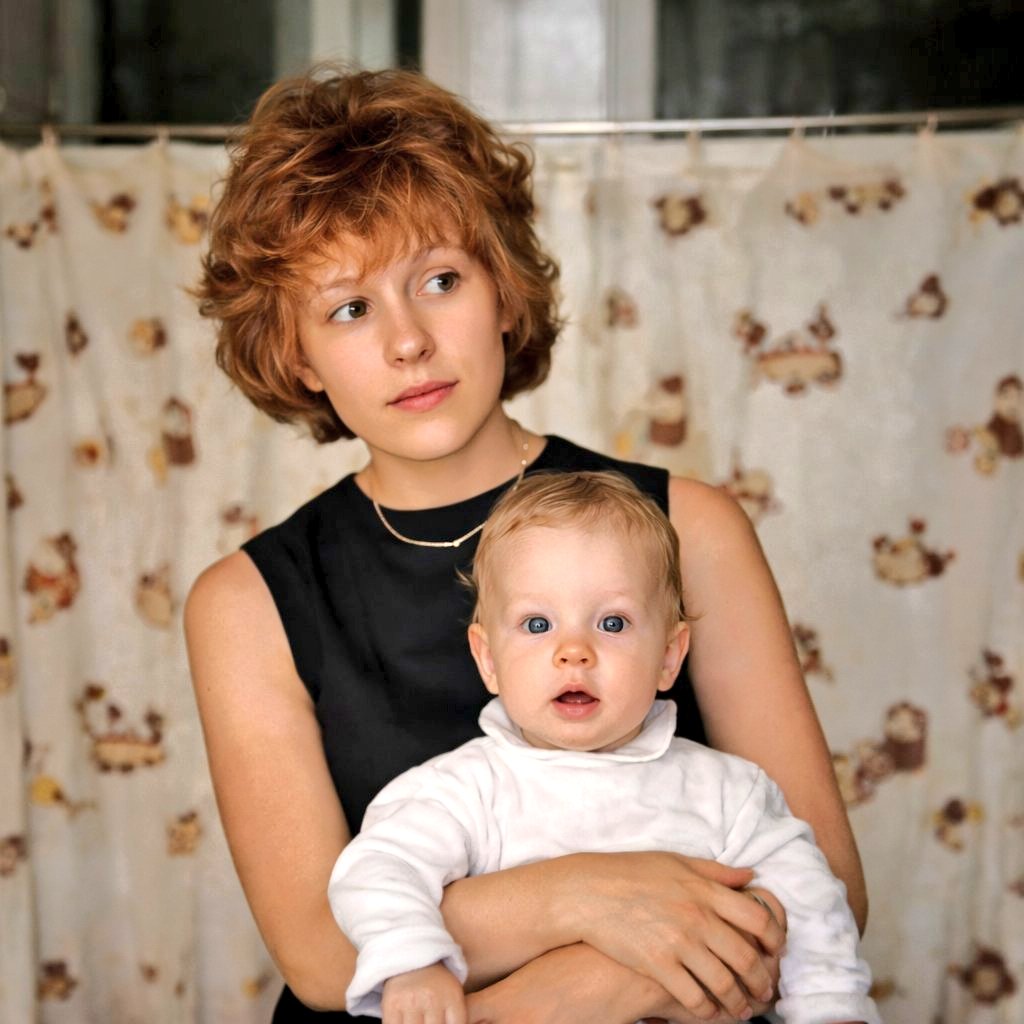
Restore and Colorize Damaged Vintage Photo
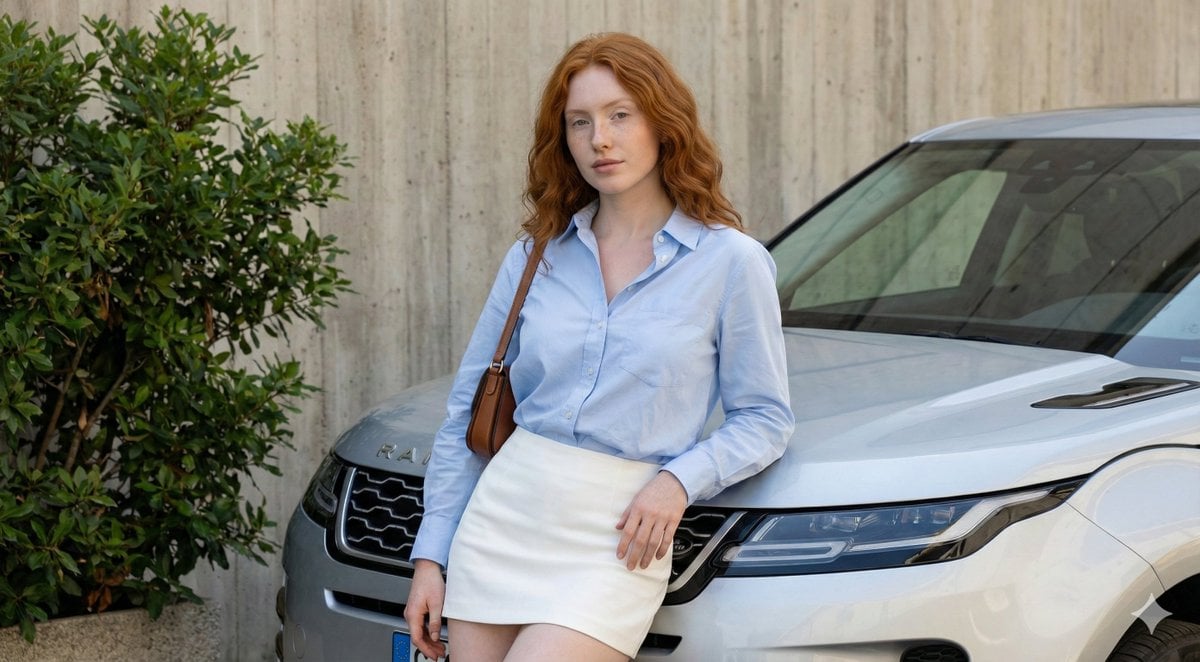
Urban Fashion Portrait with Range Rover Prompt
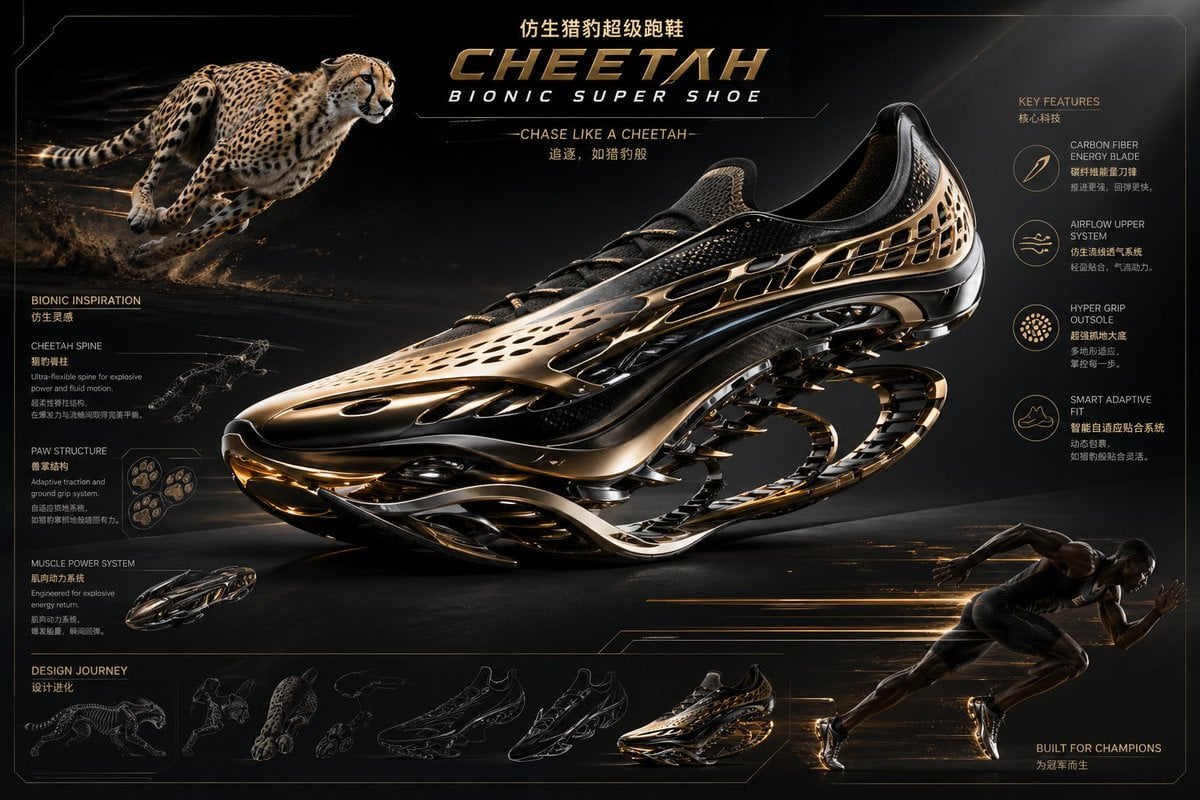
Futuristic Bionic Super Shoe
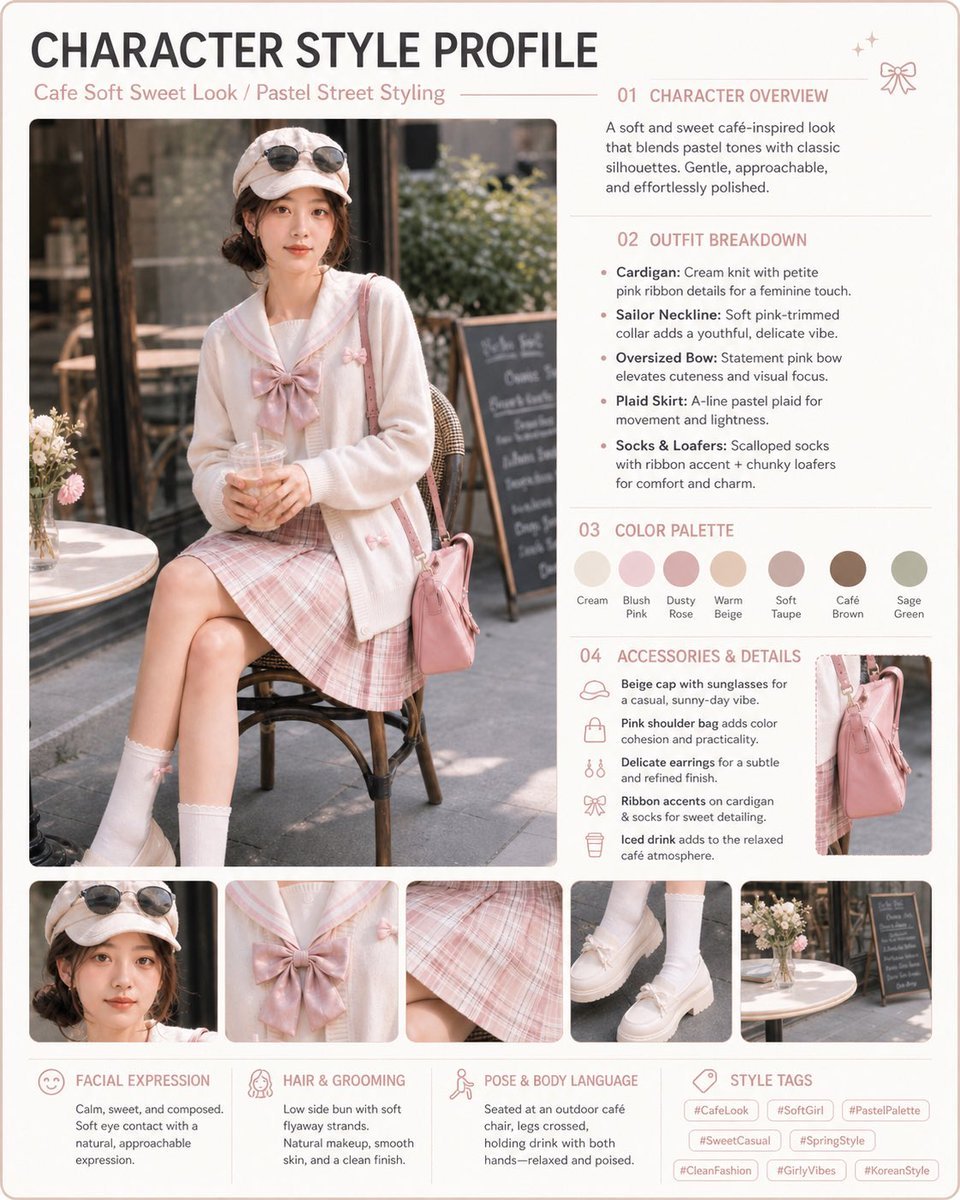
Pastel Cafe Style Profile Card
Browse template categories
Multi-Pattern Web Advertisement Grid questions
How do I use the Multi-Pattern Web Advertisement Grid template?
Add your photo if the template asks for one, edit the prompt if you like — the template's model and format are already selected — and press Generate. Your version opens in PicX Studio.
Can I customize the Multi-Pattern Web Advertisement Grid template?
Yes. You can change the subject, setting, lighting, mood, format, and available model controls before creating your image.
Is the Multi-Pattern Web Advertisement Grid template free?
Opening and editing this template is free. Generating uses credits, shown on the Generate button when you are signed in.
Which AI model should I use?
Start with GPT Image 2, which is the model associated with this template. You can compare another compatible model for a different finish.
Looking for something else? Browse all templates.

Your photo, any look
Thousands of ready templates for every top image and video model, from one credit balance.