
Casual Street Outfit Photo with Handwritten Text
This prompt generates a realistic vertical street-fashion portrait with handwritten Japanese overlay text, ideal for social posts, outfit visuals, and lifestyle editorial imagery.
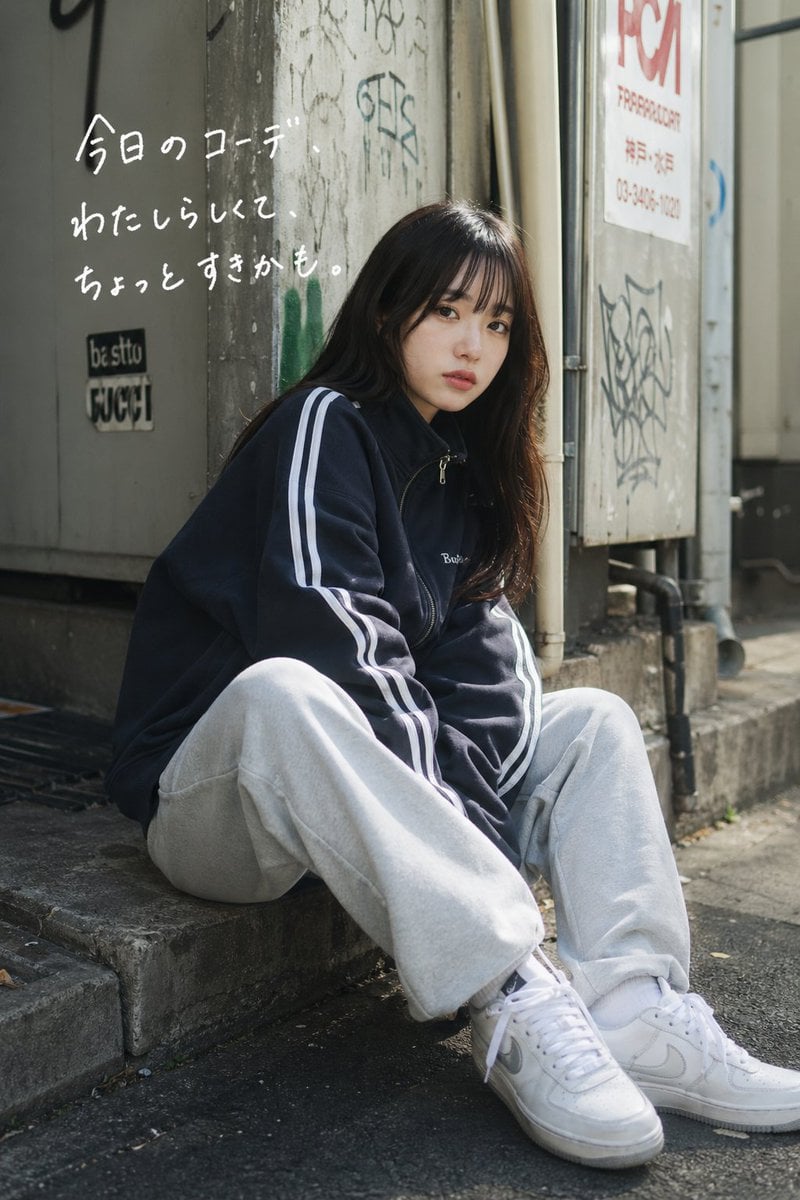
- Prompt included
- Model and format preset
- Free template
The prompt behind this image
Copy the exact prompt behind Casual Street Outfit Photo with Handwritten Text, or open it in the studio and make it yours.
A candid street-fashion photo of a young Japanese woman sitting on a low concrete step in a narrow urban alley, shot in vertical portrait format with natural daylight and a slightly moody, realistic editorial look. She has long dark brown hair falling over her shoulders and wears an oversized navy track jacket with two white stripes running down both sleeves, loose light gray sweatpants, white crew socks, and chunky white low-top sneakers. Her pose is relaxed and slouched, knees bent and spread naturally, one shoulder leaning back against the wall, giving an effortless casual outfit snapshot vibe. The setting is gritty and authentic: weathered concrete walls, a metal door or utility panel, stickers, graffiti tags, exposed pipes, and a sunlit sidewalk with soft shadows. Add handwritten white Japanese text on the upper left wall in a casual marker style, arranged in 3 lines, reading exactly: "今日のコーデ\nわたしらしくて\nちょっとすきかも。" Keep the text looking naturally hand-drawn rather than typographically perfect. The composition should feel like a spontaneous social-media outfit post, with shallow depth of field, realistic fabric texture, subtle highlights on the hair, and understated muted city colors. Use {argument name="outfit jacket color" default="navy"}, {argument name="pants color" default="light gray"}, {argument name="hair color" default="dark brown"}, {argument name="handwritten text" default="今日のコーデ わたしらしくて ちょっとすきかも。"}, and {argument name="location style" default="gritty Japanese backstreet alley"}.
How to use Casual Street Outfit Photo with Handwritten Text in 3 steps
- 1Upload ImagePNG, JPG or paste
Add your photo
Upload the photo the template builds on. The prompt, model and format are already set.
- 2…a portrait of your subject in softgolden-hour light, 85mm…
Personalize
Edit the subject and creative details for your destination.
- 3Generate
Generate
Press Generate — your image is created in PicX Studio, so you can compare it with the original and refine one variable at a time.
More like this
Templates with the same subject, style or setup. Open one to see its prompt.

Two Tickets, One Night

Meet Me When It Rains

Two Hearts. One Scooter.

1986 Street Couple

1985 Street Scene
Urban Street Casual Portrait

Cinematic Street Fashion Portrait Motion Blur Crowd

Blue Hour Editorial Fashion Portrait
Golden Hour Street Motion Portrait

Face-Locked Cream Half-Zip Street Walk

Golden Hour Fedora Bar Doorway Street Style
Cyber Noir Dreadlocks Street Portrait
Make it yours
Casual Street Outfit Photo with Handwritten Text works as-is. These are the safest ways to change it without losing the look.
Change one field
Copy a single group, rewrite it, and generate again so you can see what that field is doing.
Keep the frame, change the subject
Hold the composition and light of Casual Street Outfit Photo with Handwritten Text, then swap wardrobe, props or the person for a new take.
| If the result… | Why | Fix |
|---|---|---|
| The result drifts from the preview | Too many fields changed at once. | Reuse Casual Street Outfit Photo with Handwritten Text as-is first, then change one group — subject, light, or setting. |
| The model over-stylizes the scene | The prose prompt leaves finish and camera underspecified. | Add one camera or lighting sentence and stay on GPT Image 2. |
More GPT Image 2 templates
Other prompts made for GPT Image 2.

Six VTuber Japanese Logo Sheet

Realistic Portrait of Woman and Deer

The Vista Modular Condo Poster

AI Model Routing Comparison Infographic

2.5D Anime Art Board

Isometric Productivity Desk Scene

New York Double Exposure Poster

Four-Panel AI Landscape Comparison

Japanese Tatami Lifestyle Magazine Cover

NESCAFÉ Coffee Map Poster
More image prompts
Fresh picks from across the catalog.
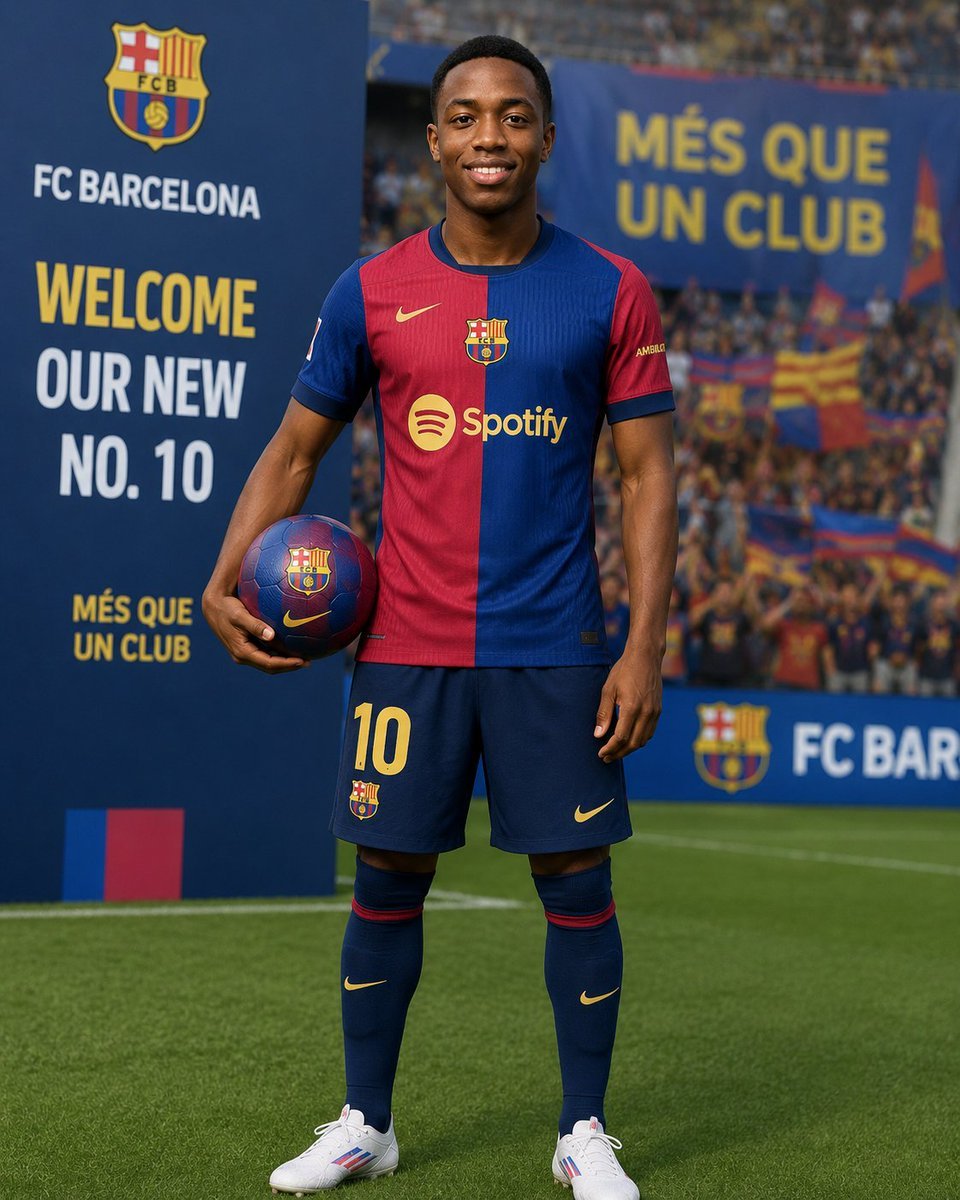
Football Player Signing Presentation
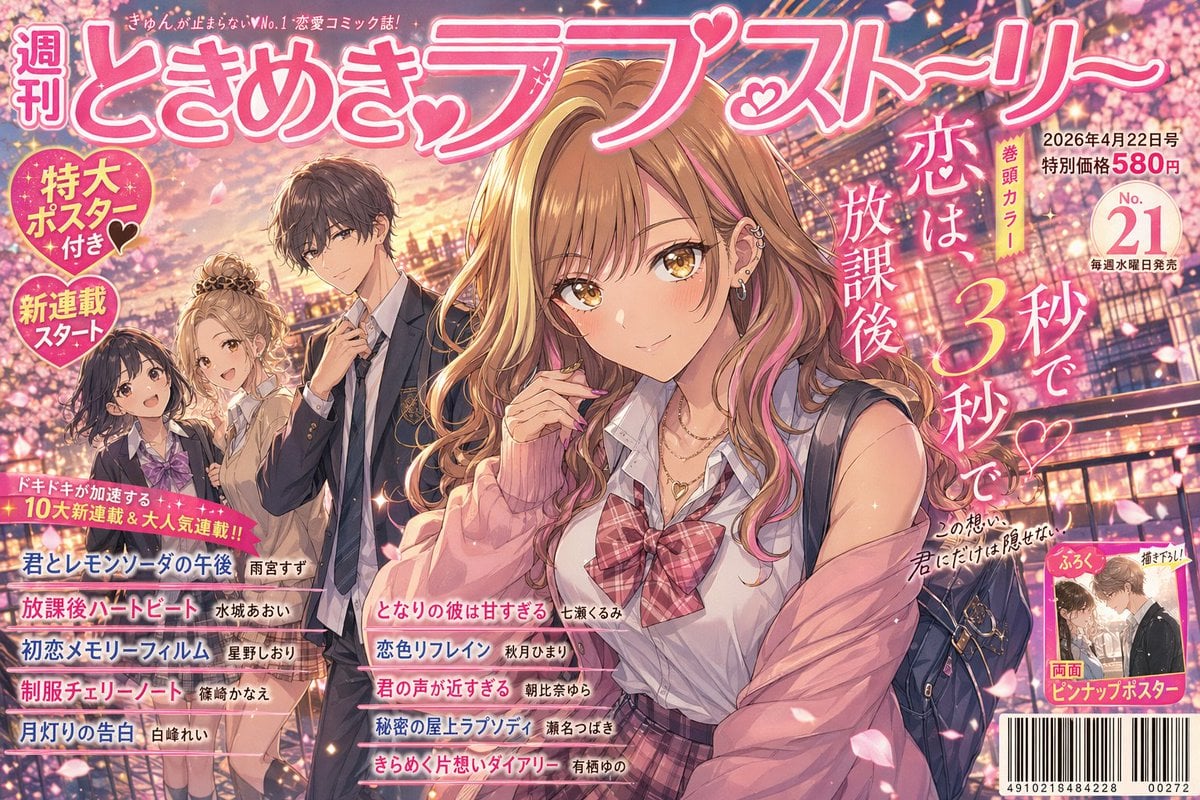
Shoujo Manga Magazine Cover
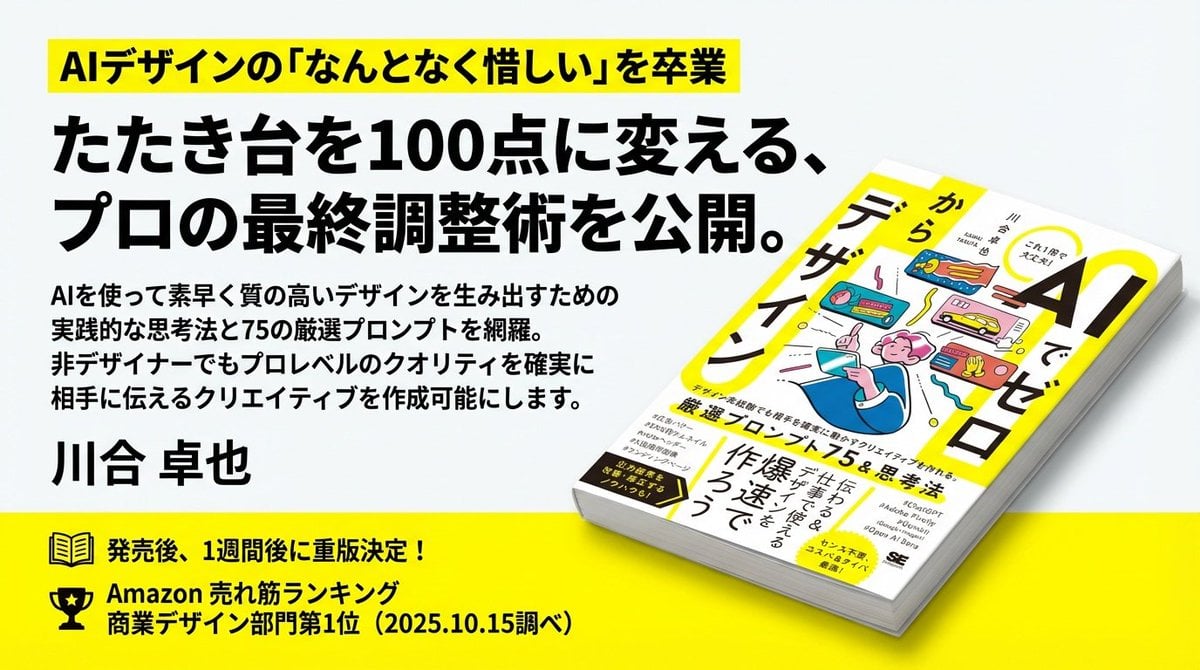
Train-ad style book advertisement image
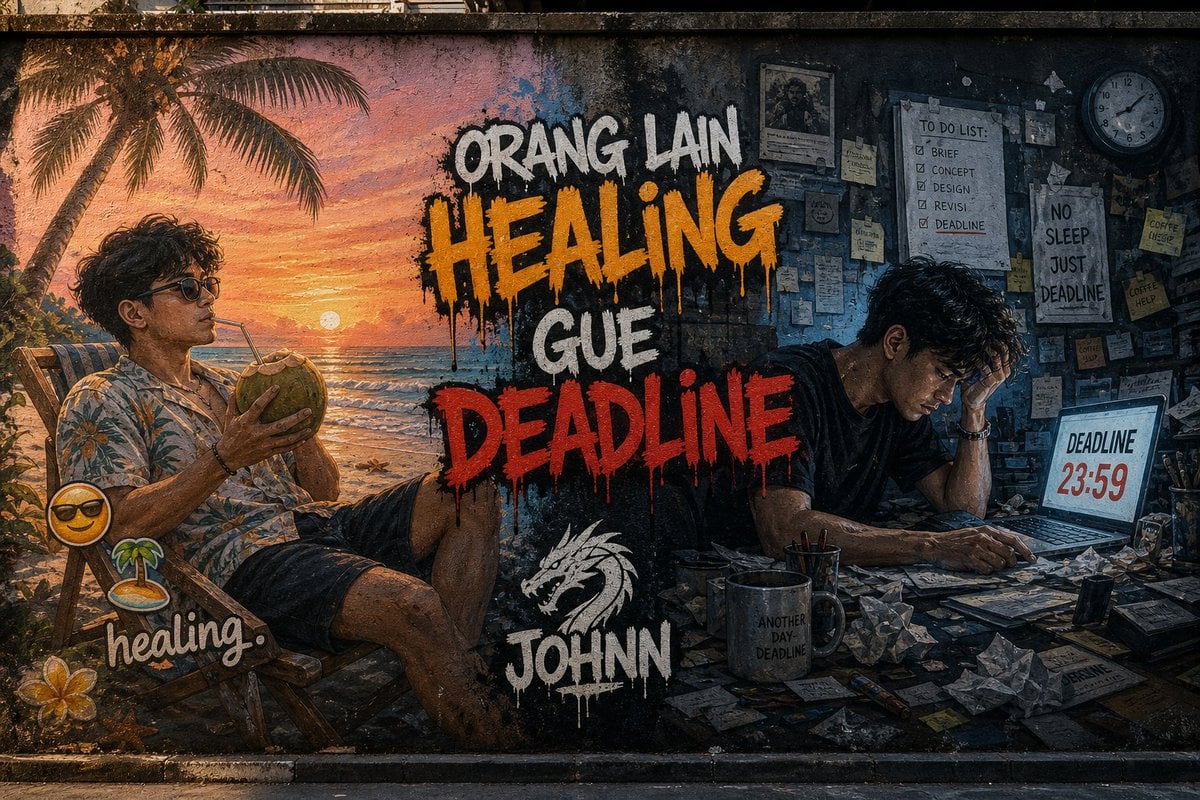
Contrast Street Art Mural
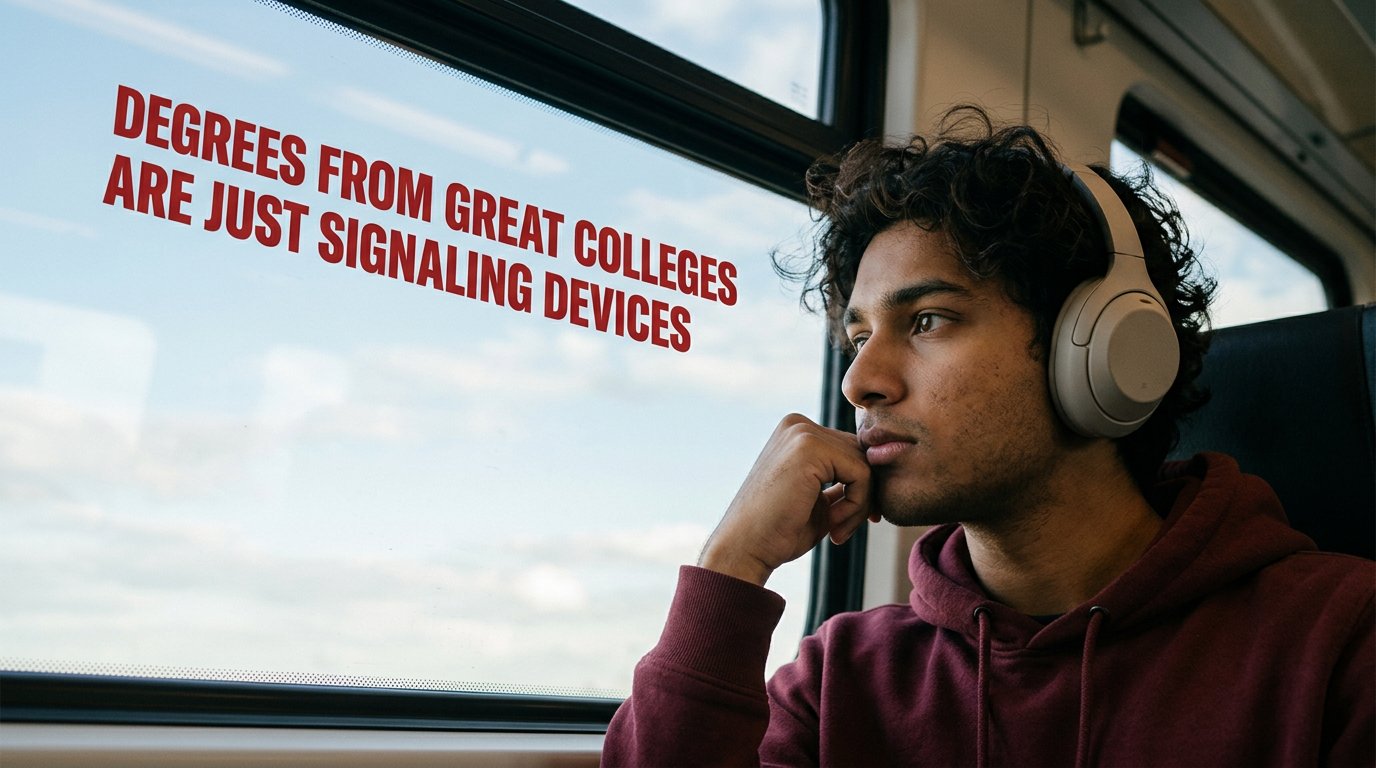
Cinematic Academic Signaling Thumbnail
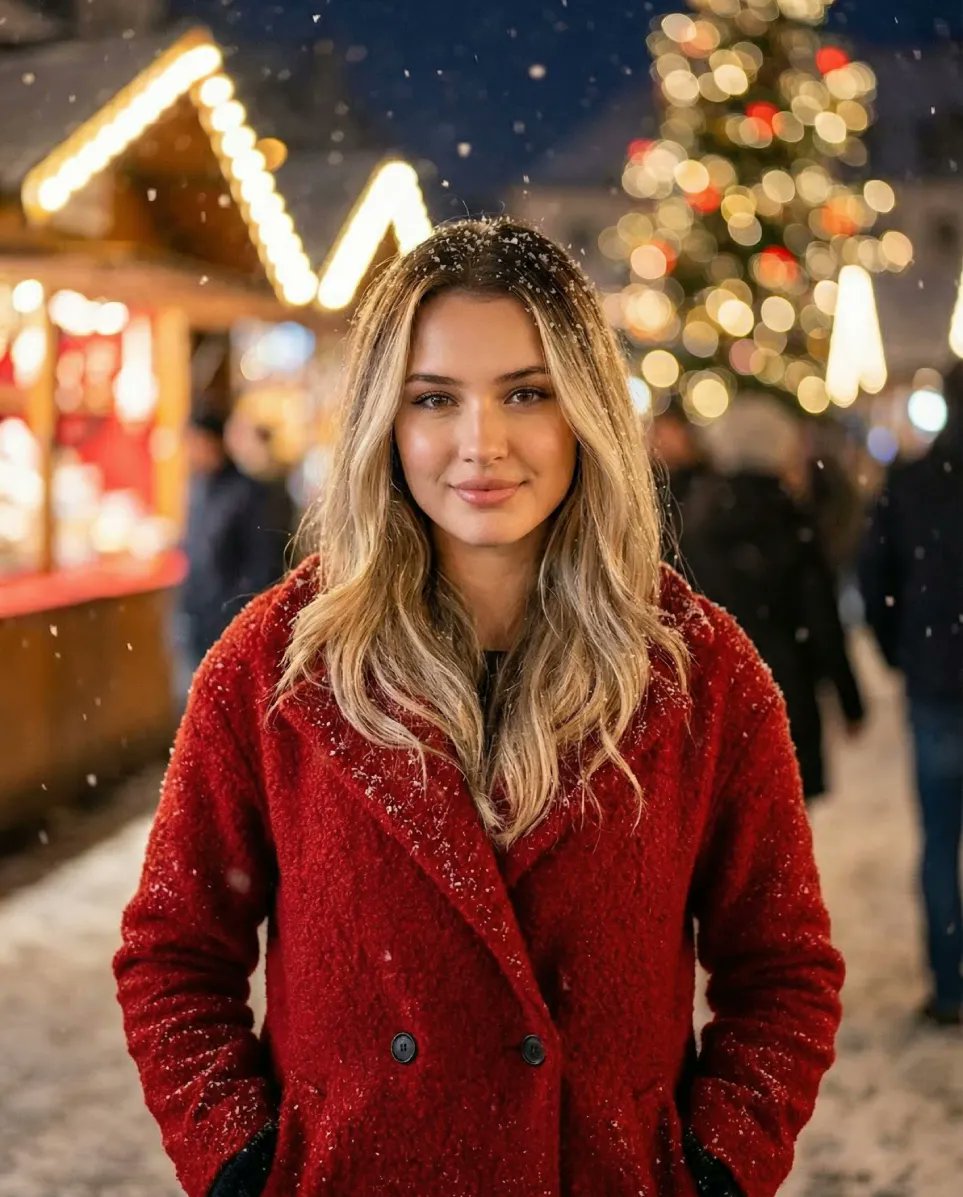
Cozy Christmas Market Portrait with Identity Preservation
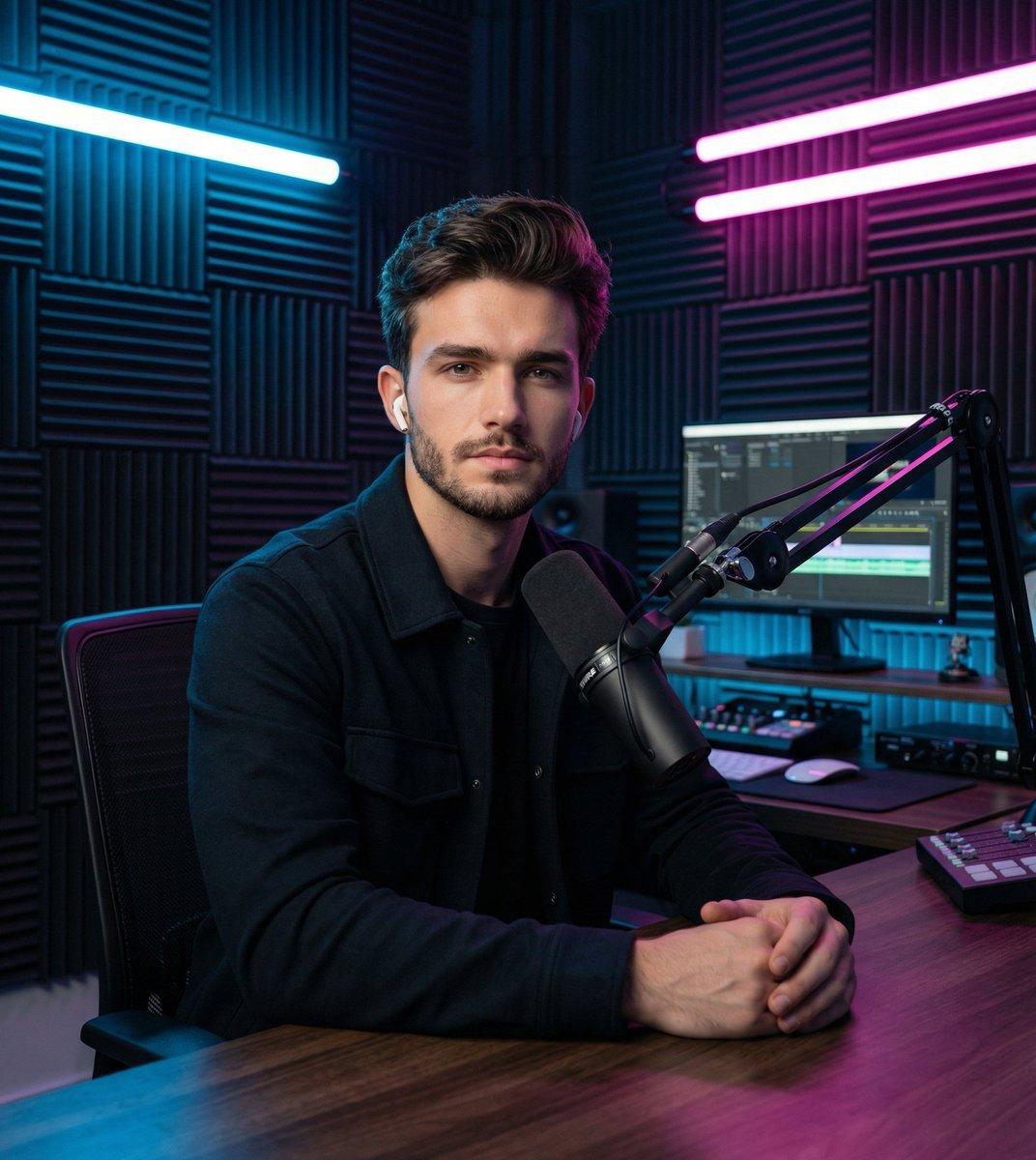
Image Transformation Prompt for Nano Banana Pro (Content Creator Studio)
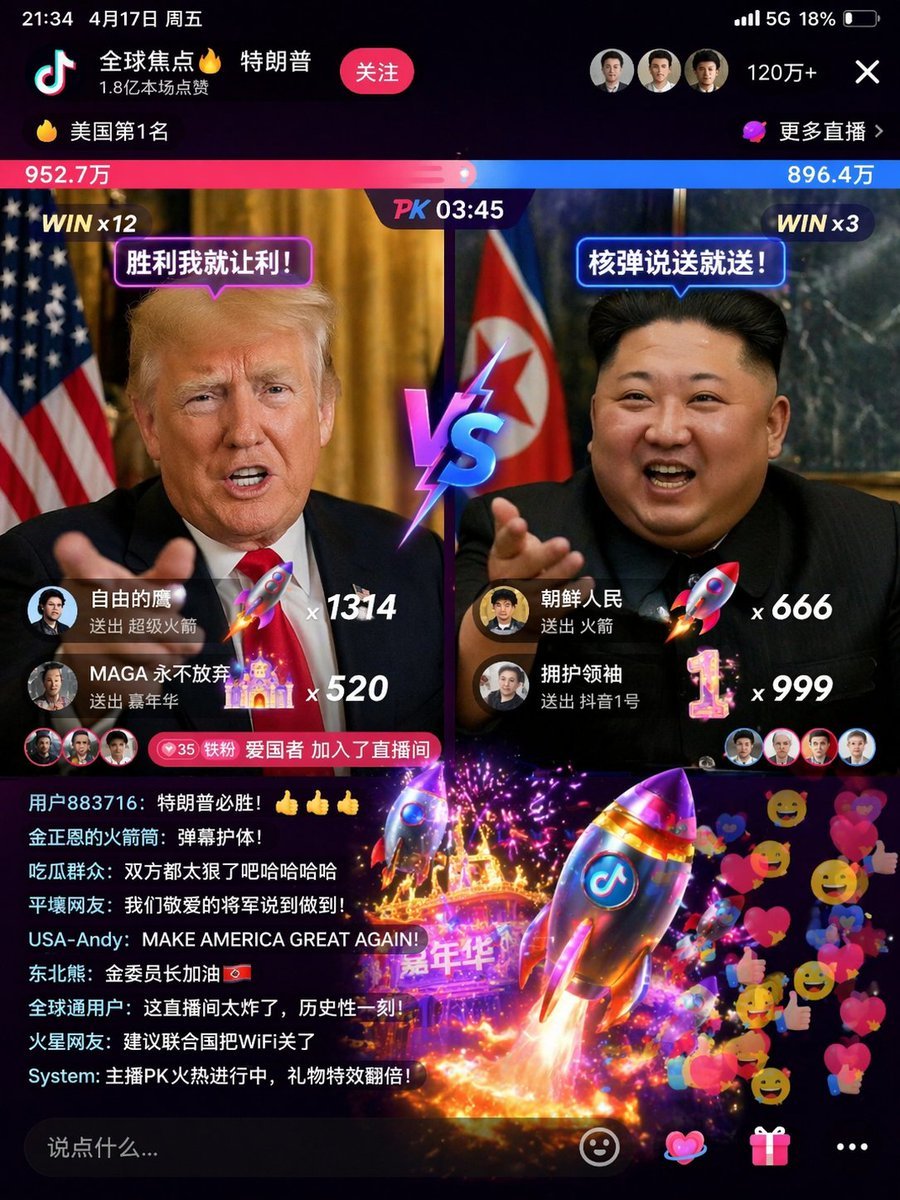
Realistic Chalkboard Text Rendering
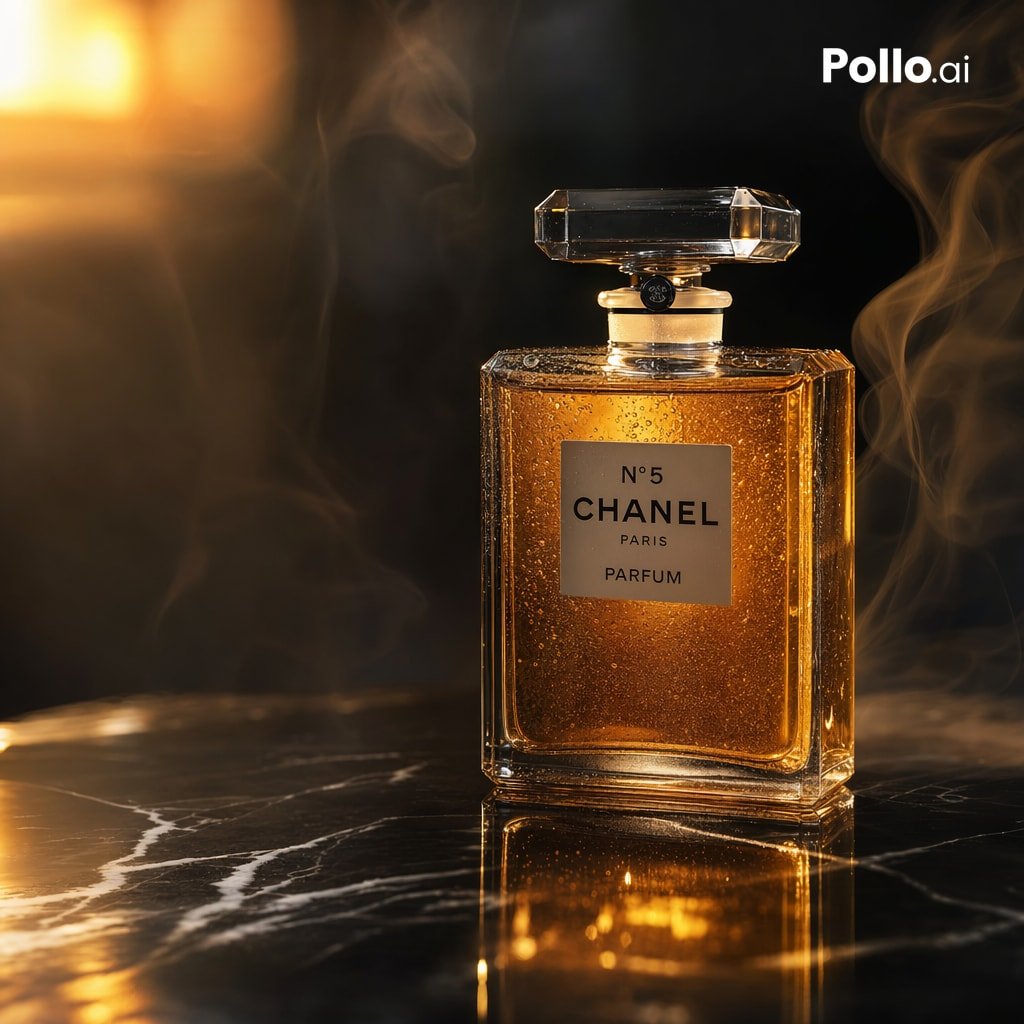
Gpt2 E Commerce Main Image Luxury Amber Perfume Ad
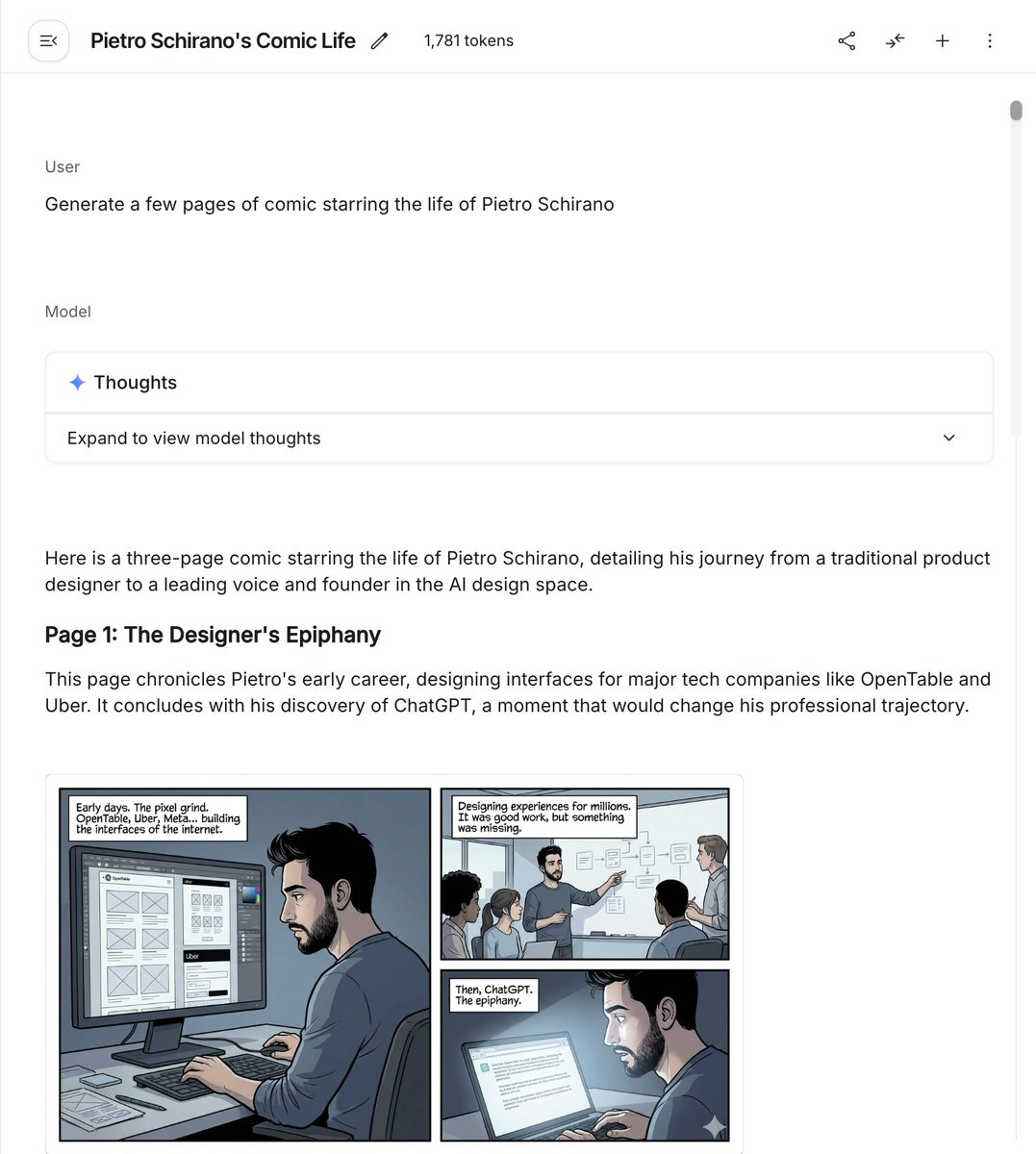
Six-panel life comic
Browse template categories
Casual Street Outfit Photo with Handwritten Text questions
How do I use the Casual Street Outfit Photo with Handwritten Text template?
Add your photo if the template asks for one, edit the prompt if you like — the template's model and format are already selected — and press Generate. Your version opens in PicX Studio.
Can I customize the Casual Street Outfit Photo with Handwritten Text template?
Yes. You can change the subject, setting, lighting, mood, format, and available model controls before creating your image.
Is the Casual Street Outfit Photo with Handwritten Text template free?
Opening and editing this template is free. Generating uses credits, shown on the Generate button when you are signed in.
Which AI model should I use?
Start with GPT Image 2, which is the model associated with this template. You can compare another compatible model for a different finish.
Looking for something else? Browse all templates.

Your photo, any look
Thousands of ready templates for every top image and video model, from one credit balance.