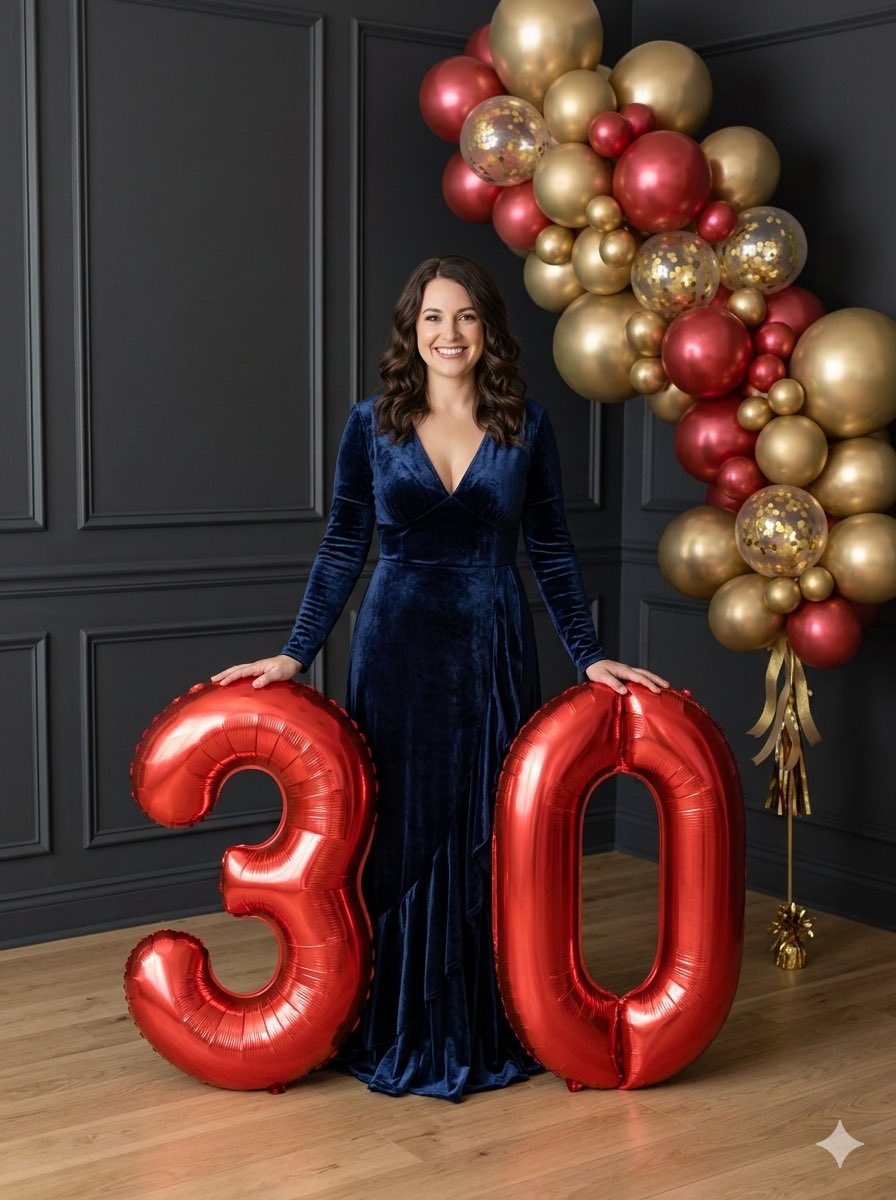
How do I use the Y2K flash night car couple portrait prompt template?
Choose the primary action to open PicX Studio with the available template settings. Review the model and format, personalize the creative direction, and generate when ready.
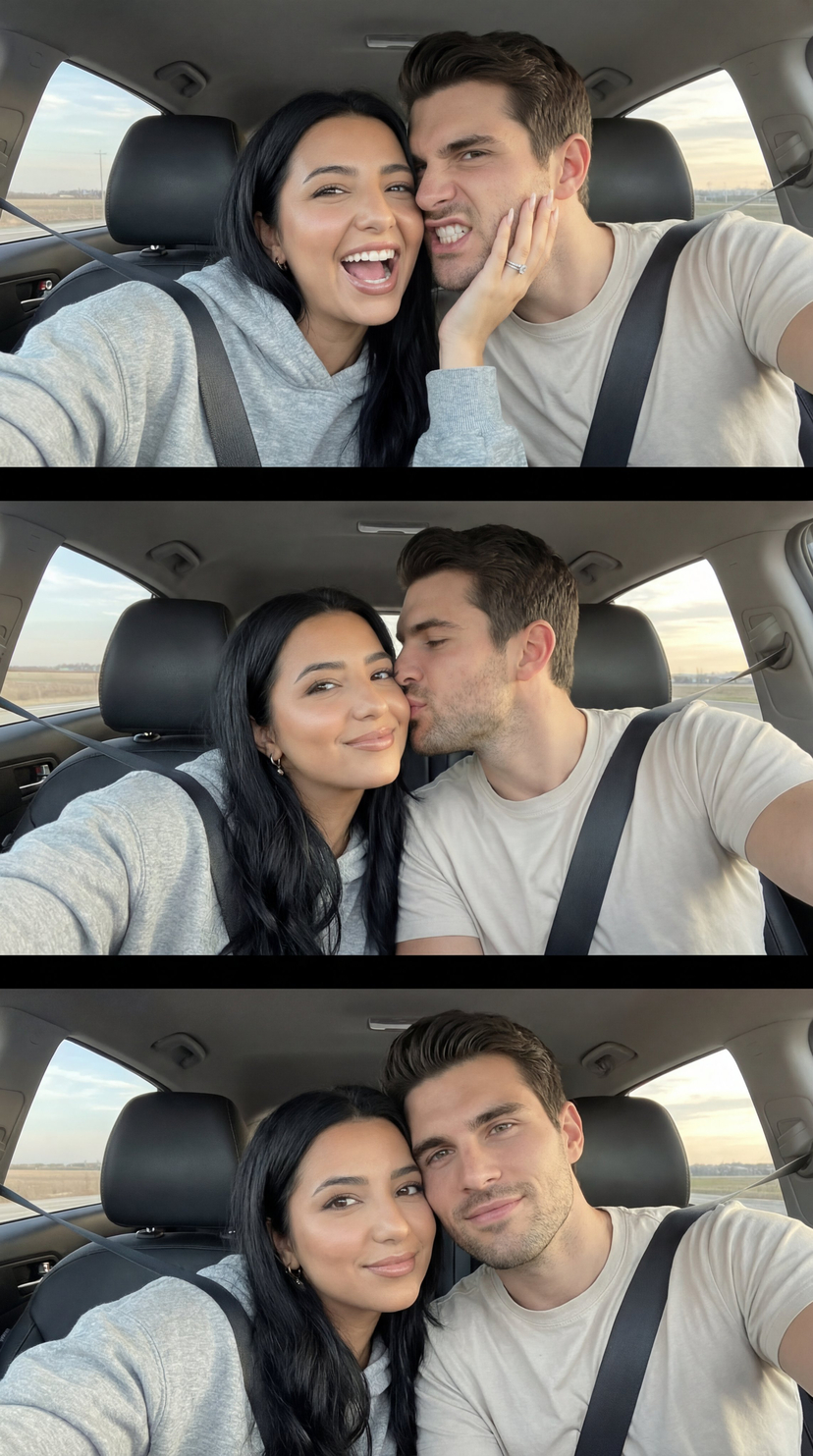
A highly detailed JSON-style prompt for generating a raw Y2K-style night photo of a couple in a car, with strict identity preservation, specific posing, wardrobe, lighting, and environment settings. Change the subject, setting, or lighting one variable at a time.

{ "generation_constraints": { "identity_preservation": "{argument name="identity preservation" default="Strict full identity lock on both subjects from reference photo"}", "facial_features": "Do not alter faces, proportions, or natural expressions", "style_reference": "Raw Y2K night-photo style" }, "camera_settings": { "lens": "85mm portrait lens", "focus": "Shallow depth of field", "angle": "Eye level", "framing": "Medium shot", "technique": "Strong direct frontal flash (on-camera flash)" }, "subject_details": { "pose_interaction": { "position": "Sitting close together in car backseat", "man_action": "Gently hugging woman around neck, kissing her temple", "woman_action": "Leaning toward him softly, eyes closed", "mood": "Peaceful, intimate, calm" }, "wardrobe": { "woman": { "garment": "Elegant black long-sleeve dress", "fabric": "Dense matte fabric", "details": "High neckline, no exposed shoulders, classic fitted silhouette" }, "man": { "outfit": "Black suit with matching trousers", "shirt": "Black shirt worn underneath" } } }, "lighting_and_atmosphere": { "primary_source": "Strong direct frontal flash", "ambient_light": "None inside (dark interior), blurred warm city lights outside", "contrast": "High contrast edges, crisp shadows behind subjects", "highlights": "Sharp flash highlights on skin and wet glass" }, "environment_context": { "setting": "Inside a car at night", "background_elements": "Fogged car windows with raindrops", "effects": "Flash reflections bouncing off glass, subtle haze from cold night air", "depth": "Background remains deep and dark with soft blur" } }
Choose the primary action to open PicX Studio with the available template settings. Review the model and format, personalize the creative direction, and generate when ready.
Yes. You can change the subject, setting, lighting, mood, format, and available model controls before creating your image.
This template is free to open and customize. Generation usage is shown in PicX Studio before you create.
Start with Nano Banana 2, which is the model associated with this template. You can compare another compatible model for a different finish.
© 2026 PicX Studio. All rights reserved.

Follow a topic to a crawlable collection of related PicX Studio templates.
43,474 public templates available. Verified via the PicX Studio public templates API; refreshed hourly.
















![118-google-nano-banana-pro-skincare-product- — A professional skincare shot of a [product container] with [cap/lid], labeled [brand, product, descriptor, volume](/_next/image?url=https%3A%2F%2Fcdn.picxstudio.com%2Fuploads%2Fpost118_img0_332898b8-29ea-42a9-87ab-9ed746a3f944.jpg&w=828&q=100)