
High-Contrast Monochrome Portrait Prompt
An extremely detailed prompt for generating a high-contrast, black-and-white fine-art studio portrait, requiring precise replication of the subject's identity, facial features, and expression from a reference image.
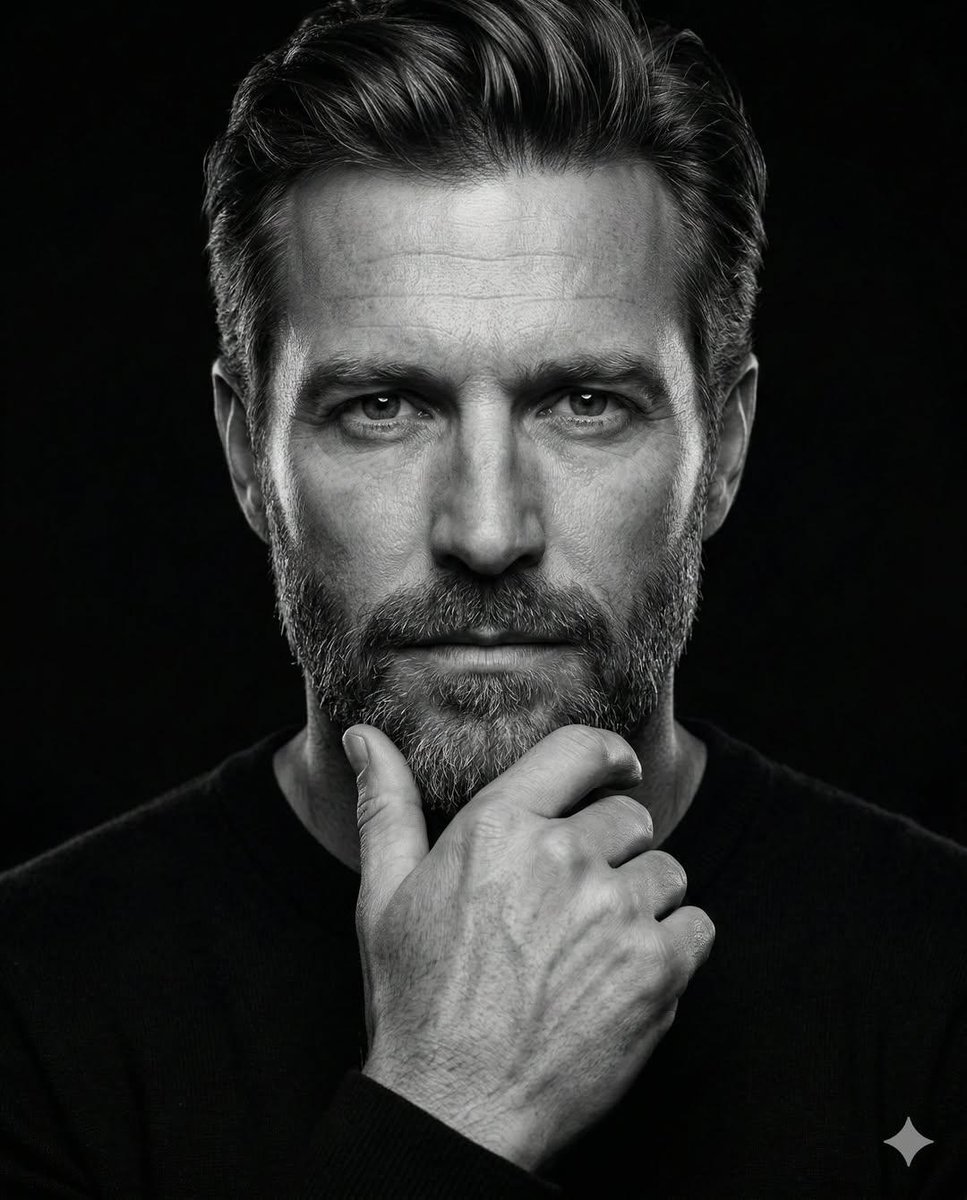
- Prompt included
- Model and format preset
- Premium template
The prompt behind this image
Copy the exact prompt behind High-Contrast Monochrome Portrait Prompt, or open it in the studio and make it yours.
Create a striking, ultra-detailed, high-contrast monochrome lack-and-white) portrait based on the uploaded reference image. The subject’s facial structure and identity must match the reference precisely accurately replicate bone structure, eye shape, nose proportions, jawline definition, beard density (if present), hairline, and overall facial symmetry. Maintain authentic skin texture and natural features without artificial smoothing. Subject & Expression A mature, confident man with a strong facial structure and deep-set eyes looking directly into the camera. Expression should be serious, contemplative, and quietly authoritative. Preserve natural skin details such as pores, fine lines, and subtle texture for realism. The gaze should feel focused and introspective, not aggressive. Facial Hair (Adaptive) If facial hair is present in the reference image, replicate it exactly — density, length, shape, and edges. Maintain natural tonal variation (including salt-and-pepper graying if applicable). Beard lines should be clean and structured. If clean-shaven, preserve realistic skin texture and jaw definition. Hairstyle (Adaptive) Match the hairstyle from the reference image exactly — volume, direction, hairline, and texture. Hair should look natural with visible strand detail and subtle specular highlights from overhead directional lighting. Pose Classic “thinker” pose. One hand raised to the chin with thumb along the jawline and index finger slightly curled. Knuckles and tendons subtly defined for realism. Hand in sharp focus with visible skin texture and natural tonal gradation. 🔥 Lighting & Technical Style (Accurately Customized) Low-key fine-art studio photography with controlled high-contrast sculpting. • Primary key light positioned slightly above eye level and slightly toward the viewer’s left, angled downward to create strong top-plane highlights. • Light is soft but directional (large softbox or diffused beauty dish), producing crisp edge definition without harsh clipping. • Strong highlight concentration on forehead center, nose bridge, upper cheekbones, beard texture, and the top planes of the hand. • Subtle shadow shaping under the brow ridge and cheekbones to enhance bone structure. • The shadow side of the face remains deep but not fully crushed — maintaining controlled midtone detail. • Minimal fill light from front-center to retain facial symmetry while preserving depth. • Very subtle rim separation along hair edges and outer shoulder to prevent blending into background. • Catchlights centered and natural — small, soft rectangular reflection in both eyes. • Background is fully black with zero visible texture, absorbing all spill light. Contrast ratio should be high but refined — not blown highlights, not muddy blacks. Clean tonal roll-off. Composition Tight vertical head-and-shoulders crop (portrait orientation, 4:5 ratio recommended). Subject centered symmetrically for a formal, balan
How to use High-Contrast Monochrome Portrait Prompt in 3 steps
- 1Upload ImagePNG, JPG or paste
Add your photo
Upload the photo the template builds on. The prompt, model and format are already set.
- 2…a portrait of your subject in softgolden-hour light, 85mm…
Personalize
Edit the subject and creative details for your destination.
- 3Generate
Generate
Press Generate — your image is created in PicX Studio, so you can compare it with the original and refine one variable at a time.
More like this
Templates with the same subject, style or setup. Open one to see its prompt.
High-Contrast Monochrome Identity Portrait
High-Contrast Monochrome Vector Portrait
High Contrast Monochrome Male Portrait
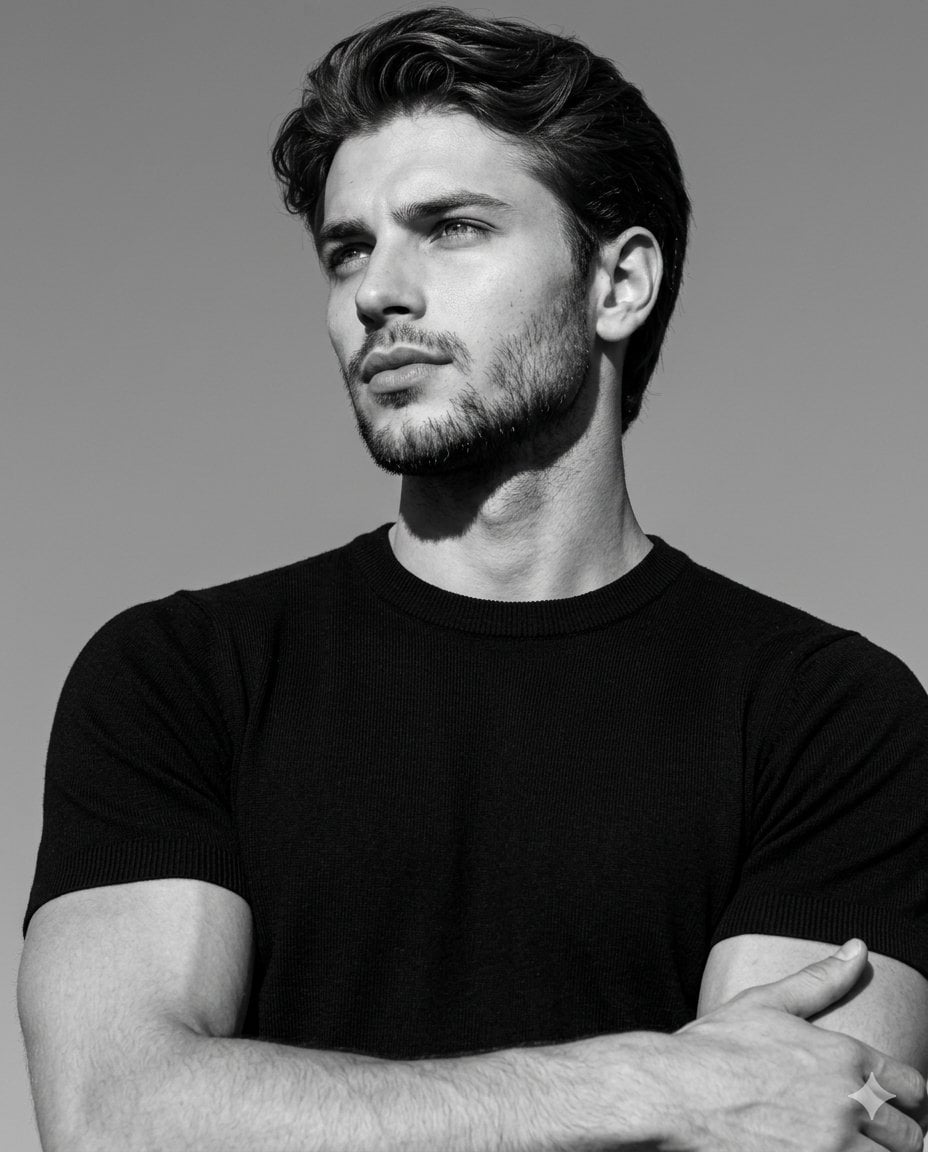
High-Contrast Monochrome Editorial Portrait
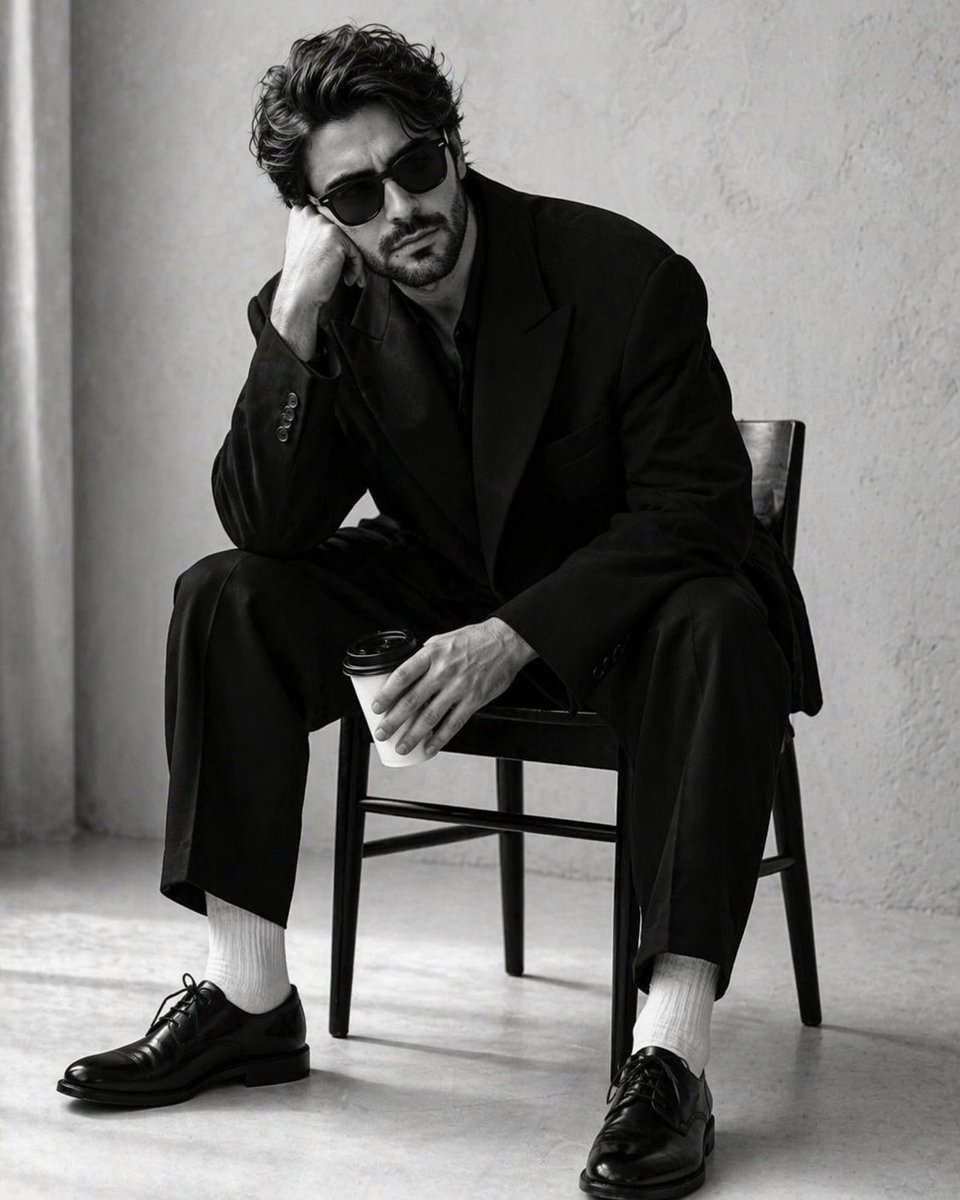
High-Contrast Monochrome Studio Portrait

Found Photograph: Us, 1970

80s Couple Studio Portrait

80s Bollywood Star

80s Golden Hour Cinema

Me in 1985

1985 Studio Portrait

Hyper-Realistic Minecraft POV Portrait
Make it yours
High-Contrast Monochrome Portrait Prompt works as-is. These are the safest ways to change it without losing the look.
Change one field
Copy a single group, rewrite it, and generate again so you can see what that field is doing.
Keep the frame, change the subject
Hold the composition and light of High-Contrast Monochrome Portrait Prompt, then swap wardrobe, props or the person for a new take.
| If the result… | Why | Fix |
|---|---|---|
| The result drifts from the preview | Too many fields changed at once. | Reuse High-Contrast Monochrome Portrait Prompt as-is first, then change one group — subject, light, or setting. |
| The model over-stylizes the scene | The prose prompt leaves finish and camera underspecified. | Add one camera or lighting sentence and stay on Nano Banana 2. |
More Nano Banana 2 templates
Other prompts made for Nano Banana 2.

Photorealistic Leaf Shaped Like a Dragon

K-Pop Idol Portrait Grid for Rapid Selection

Poetic Rain Forest Portrait During Golden Hour

Urban Street Portrait with Cartoon Inner Self Duo

Candid Nighttime Photo with Cat Prompt

High-Concept 3D Diorama Generation Prompt

Cinematic Futuristic Studio Portrait Template

Skincare Editorial Photography Collage Prompt

Hyper-Realistic Commercial Product Photography (Splash Effect)

Hyper-Realistic Nightclub Portrait Prompt
More image prompts
Fresh picks from across the catalog.
Studio Legwear Photography

untitled
Cookie Baking Scene for Image and Video Generation
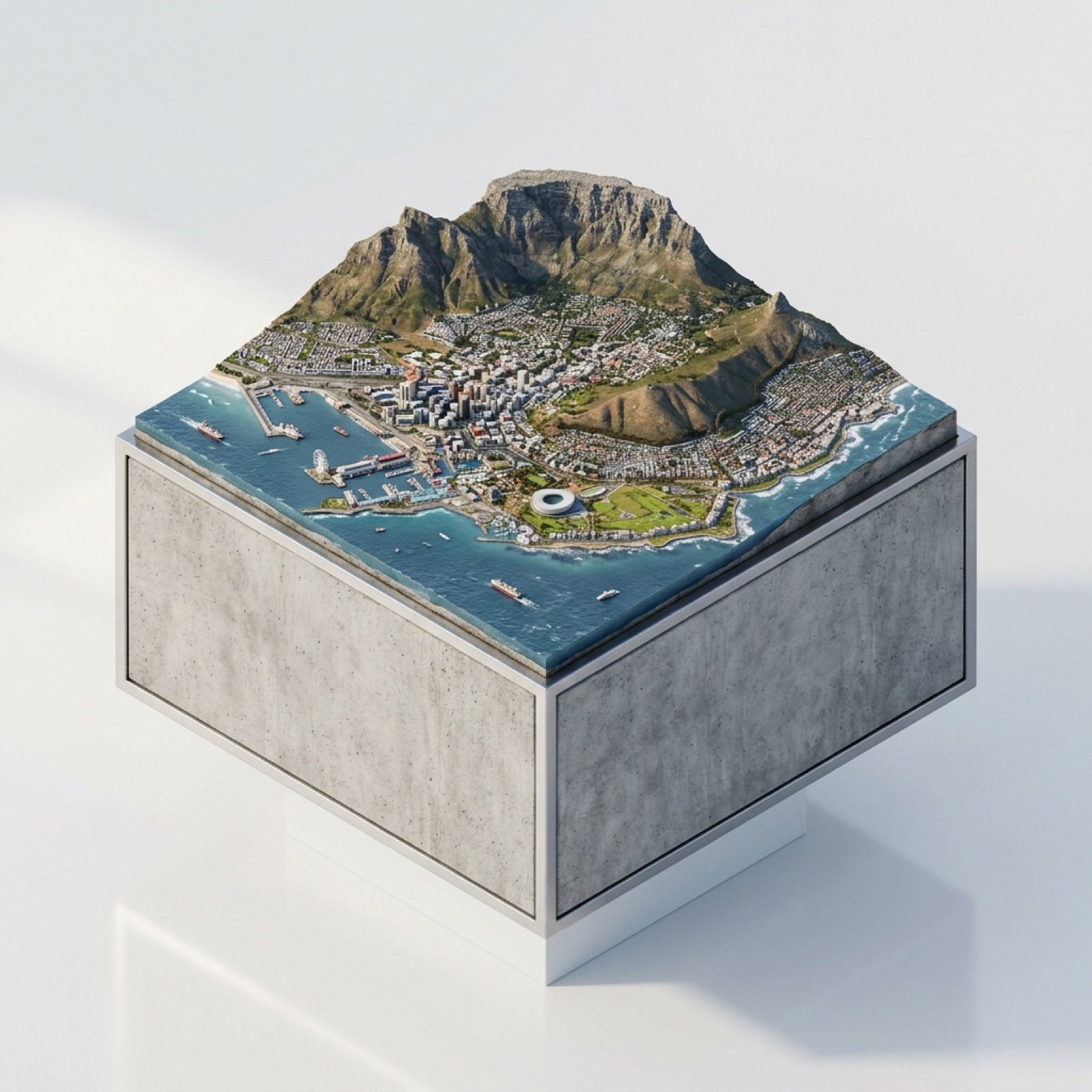
3D Miniature Cape Town Diorama on Floating Cube
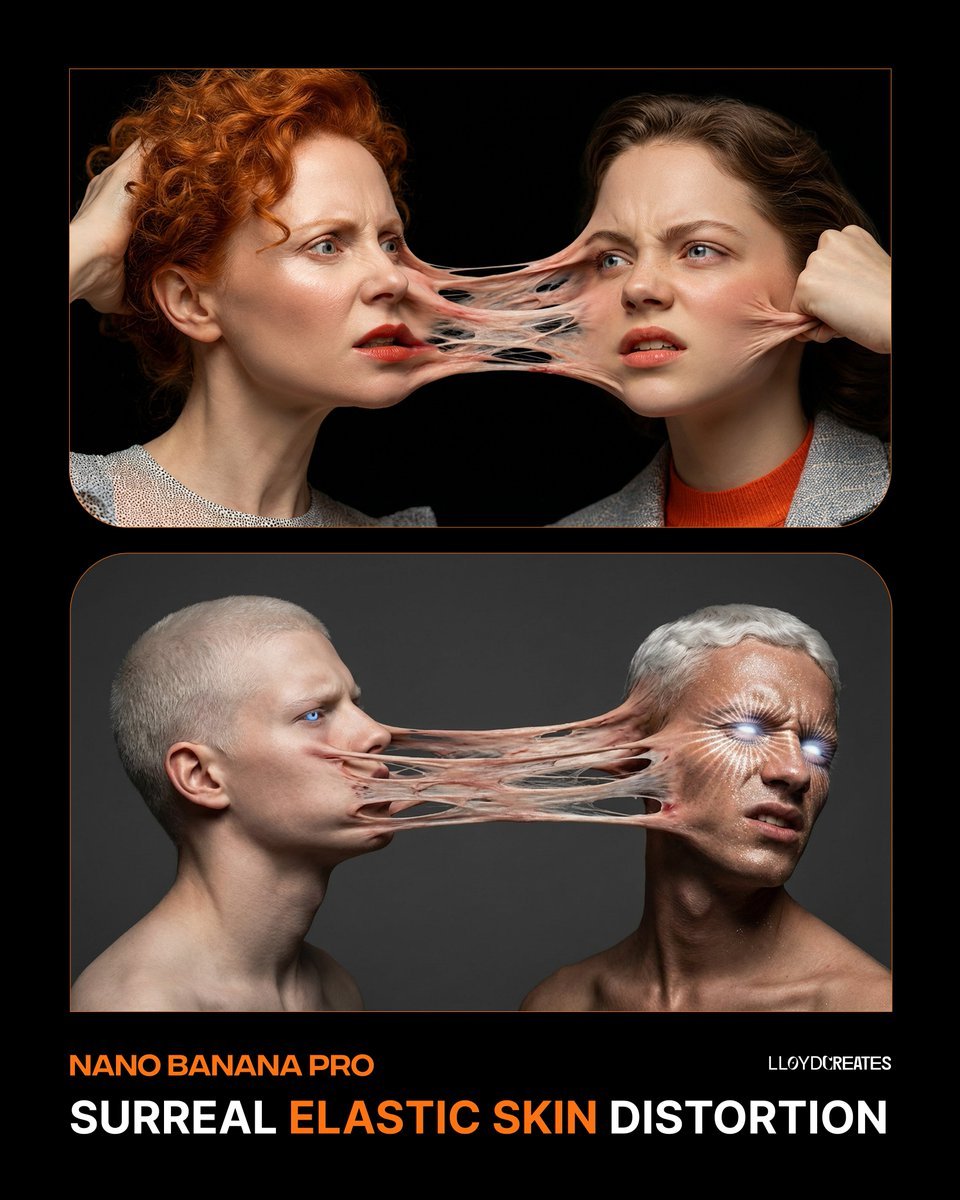
Surreal Elastic Skin Distortion Portrait
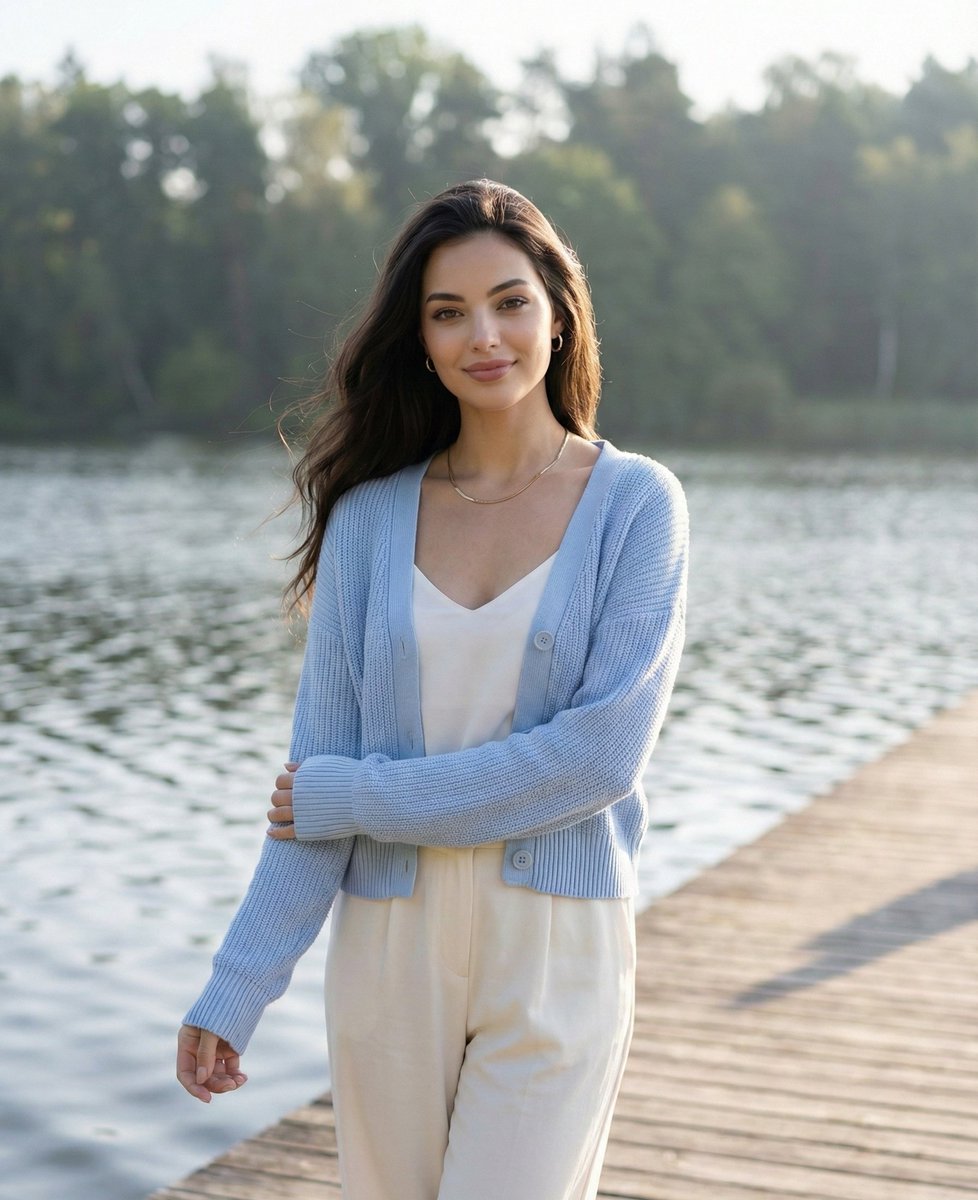
Serene Lakeside Pier Portrait Prompt
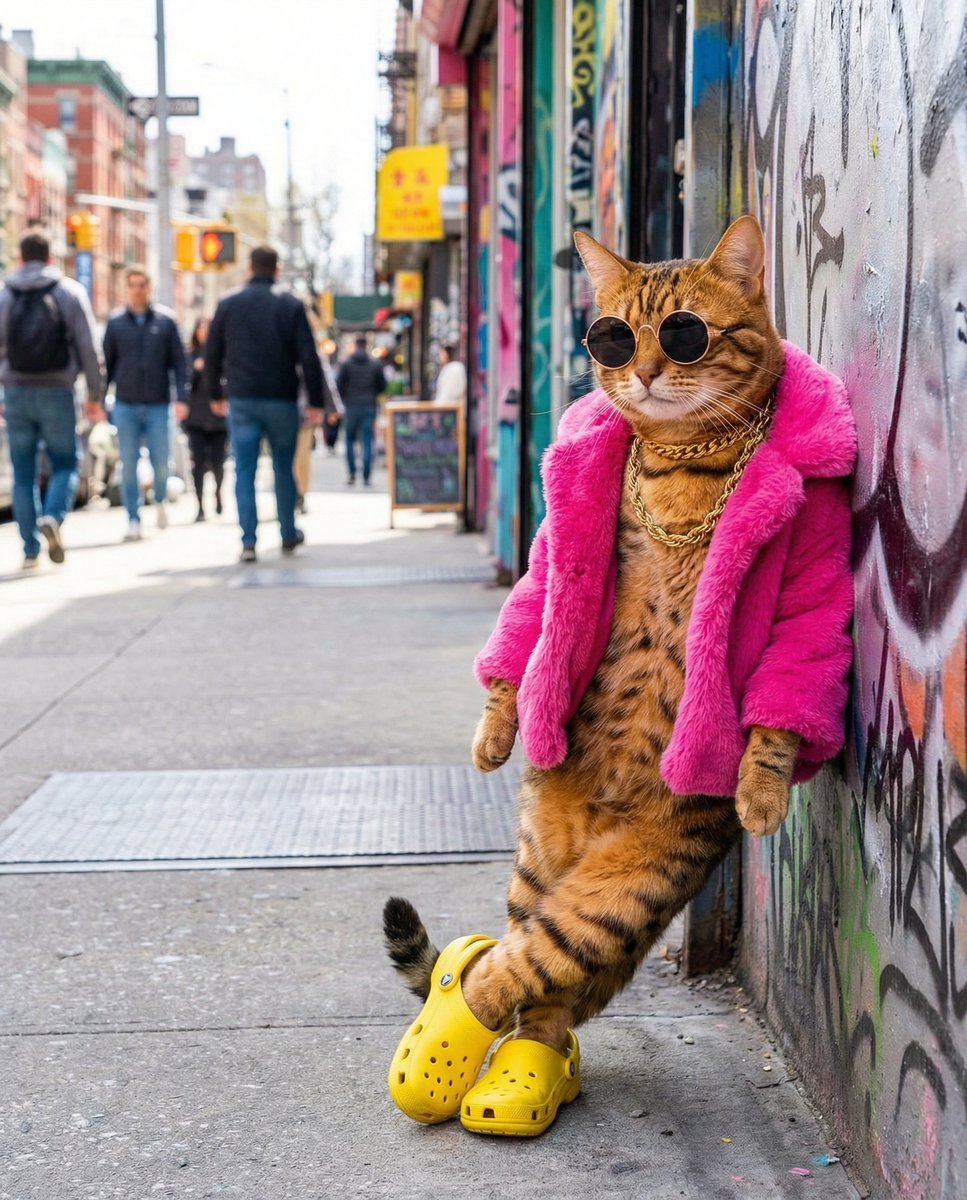
Freepik prompt for a futuristic nano banana
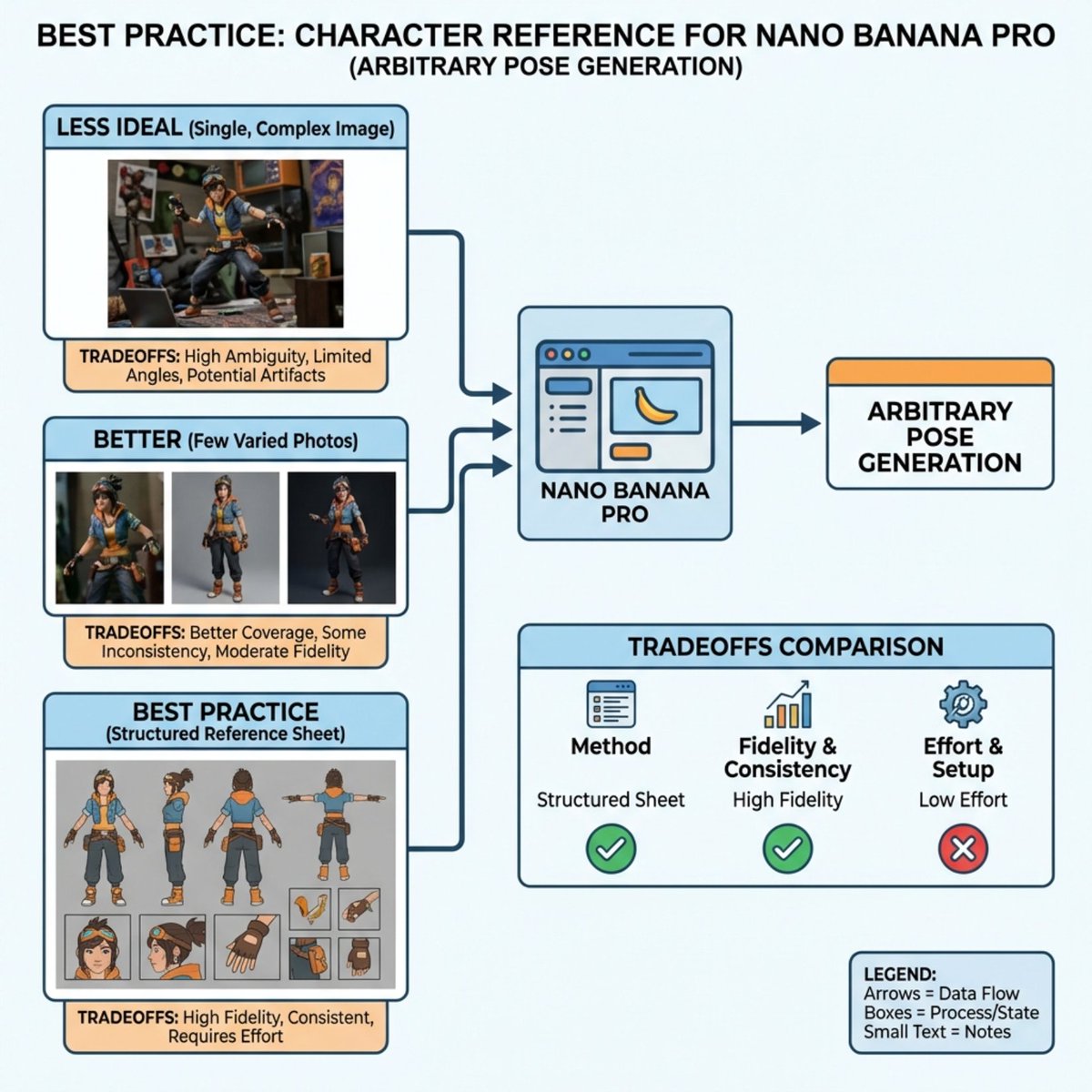
Nano Banana Pro Explains Itself
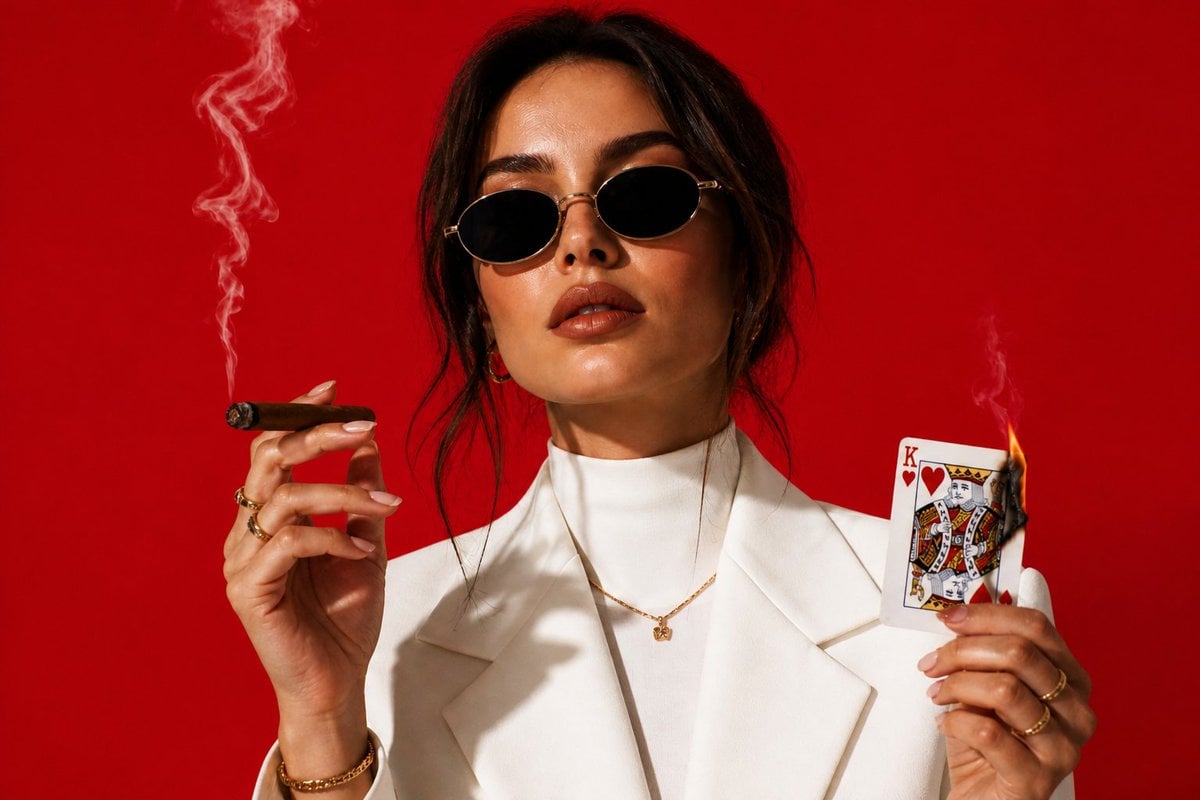
High-Fashion Cigar Portrait
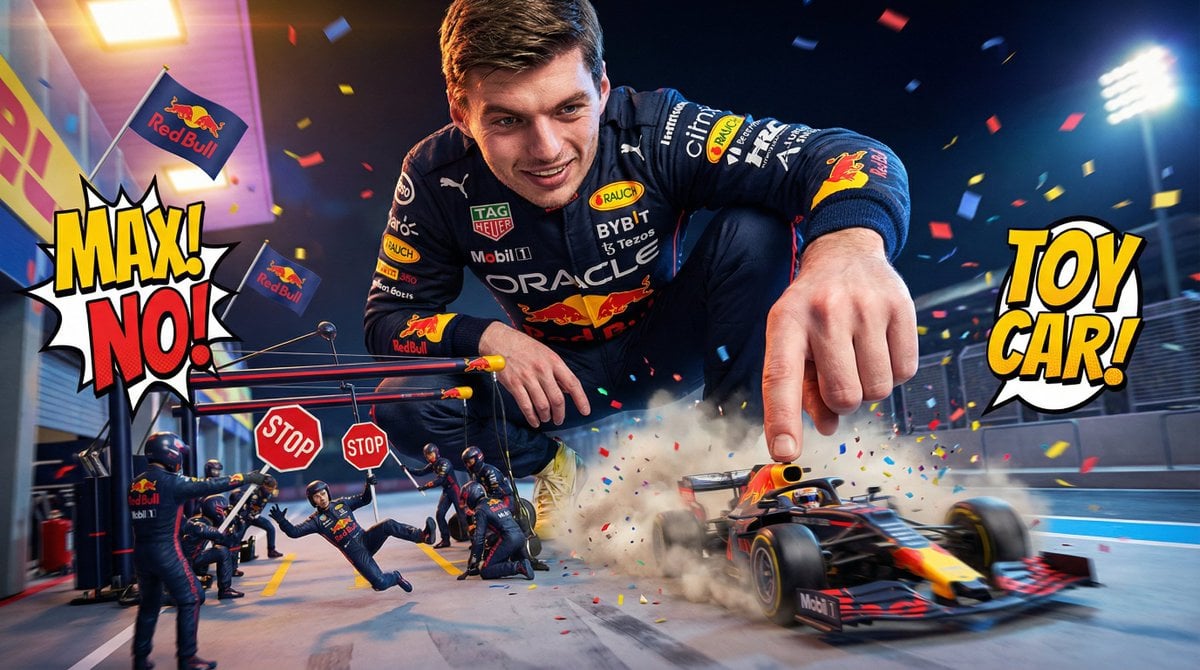
Comedic Giant Max Verstappen in Pit Lane
Browse template categories
High-Contrast Monochrome Portrait Prompt questions
How do I use the High-Contrast Monochrome Portrait Prompt template?
Add your photo if the template asks for one, edit the prompt if you like — the template's model and format are already selected — and press Generate. Your version opens in PicX Studio.
Can I customize the High-Contrast Monochrome Portrait Prompt template?
Yes. You can change the subject, setting, lighting, mood, format, and available model controls before creating your image.
Is the High-Contrast Monochrome Portrait Prompt template free?
Opening and editing this template is free. Generating uses credits, shown on the Generate button when you are signed in.
Which AI model should I use?
Start with Nano Banana 2, which is the model associated with this template. You can compare another compatible model for a different finish.
Looking for something else? Browse all templates.

Your photo, any look
Thousands of ready templates for every top image and video model, from one credit balance.