
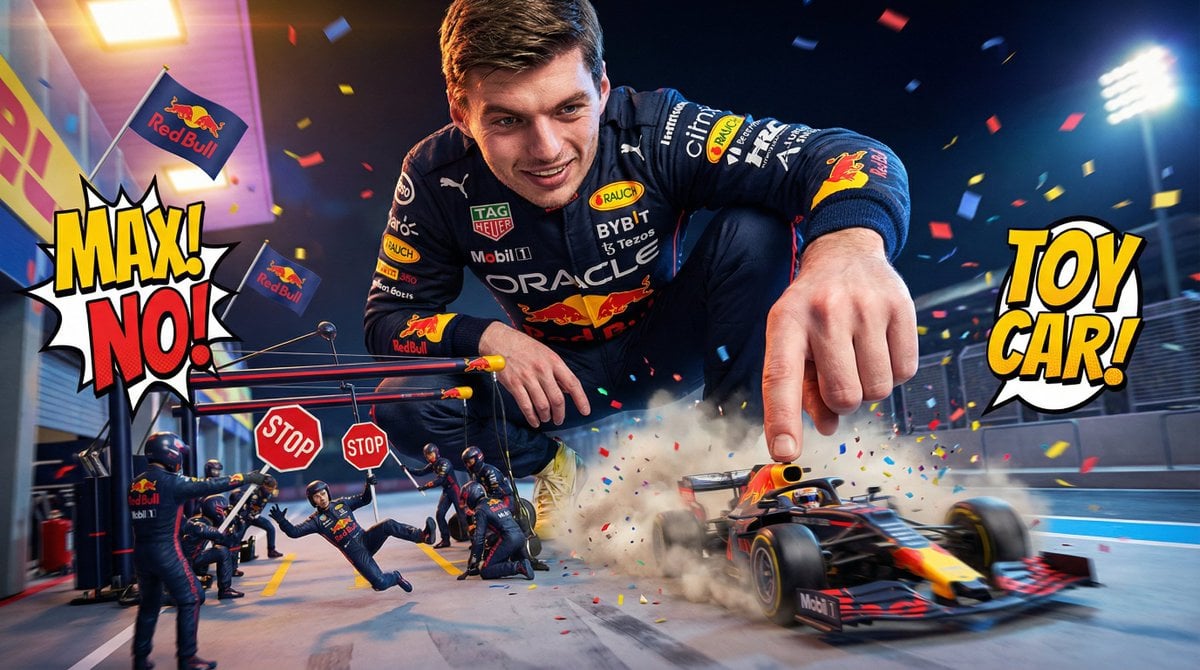
Comedic Giant Max Verstappen in Pit Lane
A creative, comedic prompt for generating an image of a giant Max Verstappen crouching in the pit lane, treating a miniature Red Bull F1 car like a toy, with tiny mechanics reacting dramatically, rendered in a…
- Prompt included
- Model and format preset
- Free template
The prompt behind this image
Copy the exact prompt behind Comedic Giant Max Verstappen in Pit Lane, or open it in the studio and make it yours.
A giant Max Verstappen in a dark navy Red Bull race suit crouches on the pit lane with a grin, treating the tiny Red Bull F1 car like a toy he’s about to prank the world with. He gently taps the rear wing to make it wobble, amused by how fragile it looks in his enormous hand. Mini Red Bull mechanics run around dramatically, holding up giant STOP signs and shouting exaggeratedly for Max not to push too hard. Max smirks and gives the tiniest nudge—yet the car rockets forward like a slingshot. Low-angle comedic perspective: Max towers like a playful titan. Tiny Red Bull logos wave on little flags, confetti explosions pop at random, and one miniature crew member gets blown backward by the sudden launch. Bright arcade-style lighting, funny dust clouds, high-speed cartoonish motion.
How to use Comedic Giant Max Verstappen in Pit Lane in 3 steps
- 1
Open
The prompt is already in the box next to the preview, with the template's model and format selected.
- 2…a portrait of your subject in softgolden-hour light, 85mm…
Personalize
Edit the subject and creative details for your destination.
- 3Generate
Generate
Press Generate — your image is created in PicX Studio, so you can compare it with the original and refine one variable at a time.
More like this
Templates with the same subject, style or setup. Open one to see its prompt.
The Gravity Lane Megacity
Gravity Lane Futuristic Fashion Walk
Photorealistic Medieval Village Lane
Whimsical Ferret Ball Pit Illustration
Surreal comedic scene inside a modern kitchen a young man bends backward
Woman in Ancient Chinese Town Lane
Comedic Anime Ramen Shop Chaos
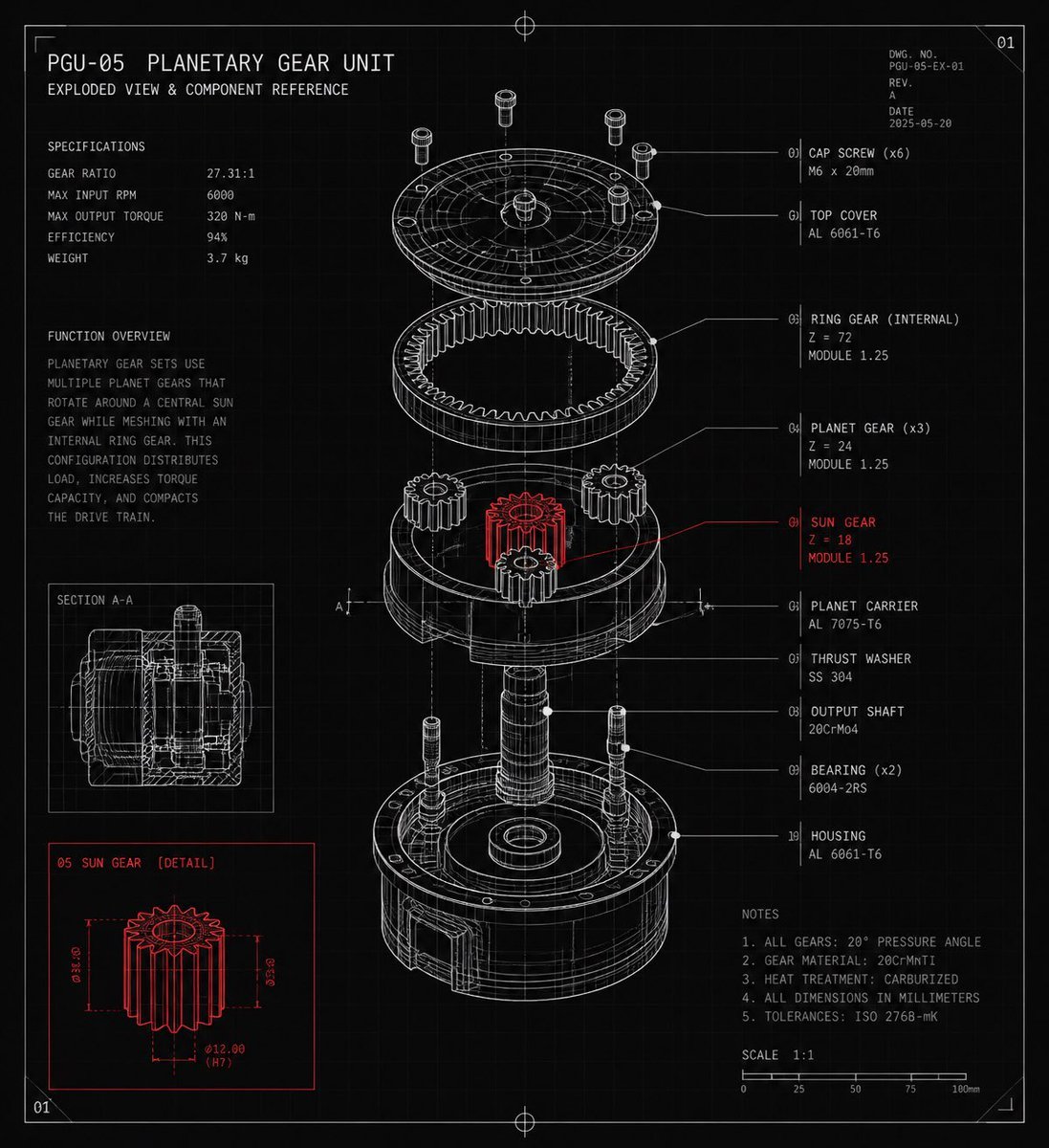
Planetary Gear Unit Blueprint
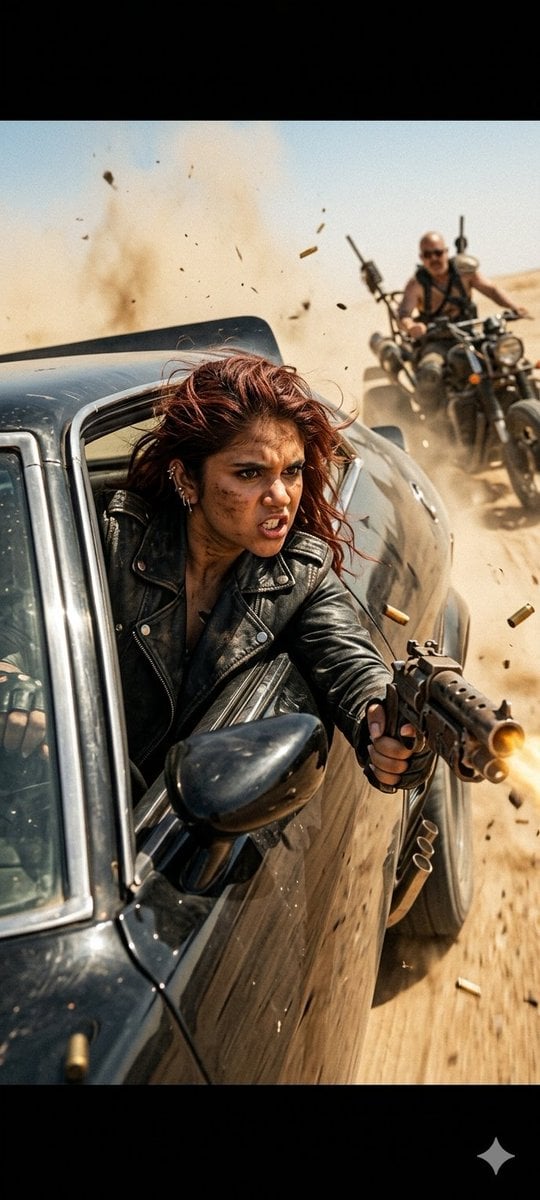
Mad Max Action Desert Chase
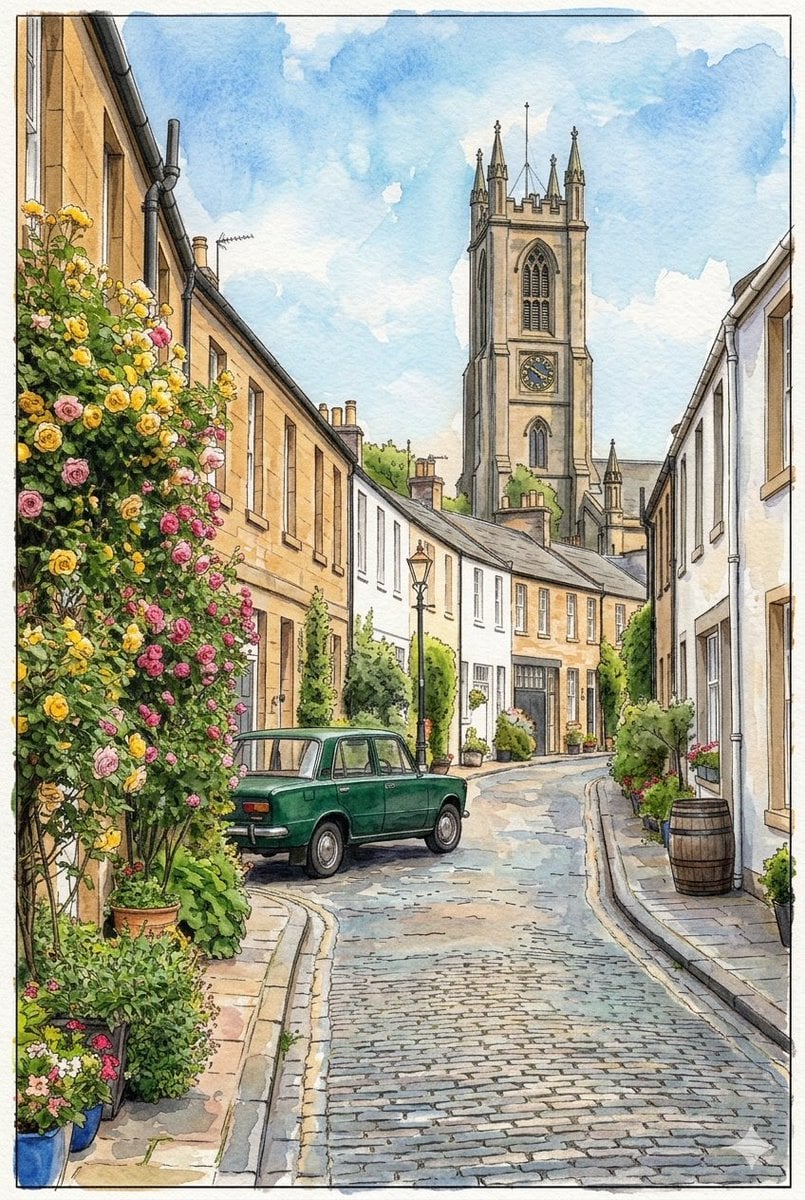
Edinburgh Circus Lane Street Photography

Anime Balloon Seller Lane
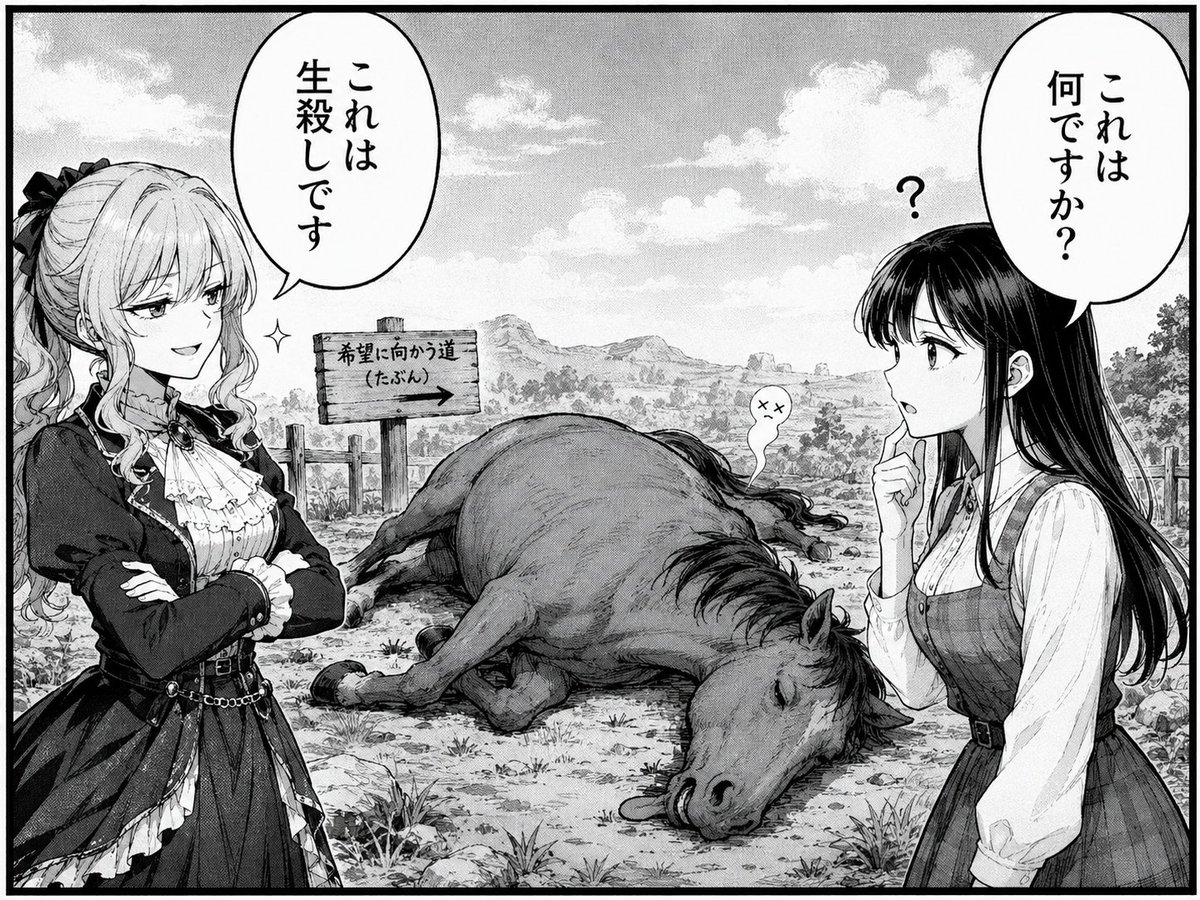
Comedic Manga Roadside Horse Scene
Make it yours
Comedic Giant Max Verstappen in Pit Lane works as-is. These are the safest ways to change it without losing the look.
Change one field
Copy a single group, rewrite it, and generate again so you can see what that field is doing.
Keep the frame, change the subject
Hold the composition and light of Comedic Giant Max Verstappen in Pit Lane, then swap wardrobe, props or the person for a new take.
| If the result… | Why | Fix |
|---|---|---|
| The result drifts from the preview | Too many fields changed at once. | Reuse Comedic Giant Max Verstappen in Pit Lane as-is first, then change one group — subject, light, or setting. |
| The model over-stylizes the scene | The prose prompt leaves finish and camera underspecified. | Add one camera or lighting sentence and stay on Nano Banana 2. |
More Nano Banana 2 templates
Other prompts made for Nano Banana 2.

Photorealistic Leaf Shaped Like a Dragon

K-Pop Idol Portrait Grid for Rapid Selection

Poetic Rain Forest Portrait During Golden Hour

Urban Street Portrait with Cartoon Inner Self Duo

Candid Nighttime Photo with Cat Prompt

High-Concept 3D Diorama Generation Prompt

Cinematic Futuristic Studio Portrait Template

Skincare Editorial Photography Collage Prompt

Hyper-Realistic Commercial Product Photography (Splash Effect)

Hyper-Realistic Nightclub Portrait Prompt
More image prompts
Fresh picks from across the catalog.

Bali Rice Field Photography
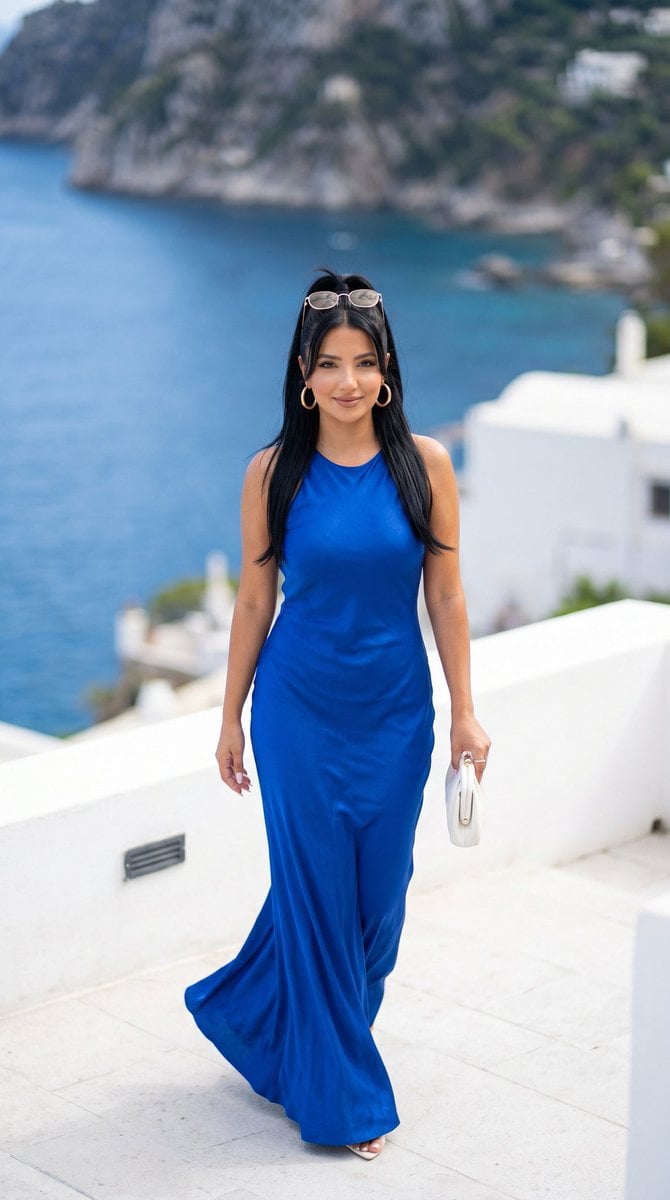
Mediterranean Luxury Editorial
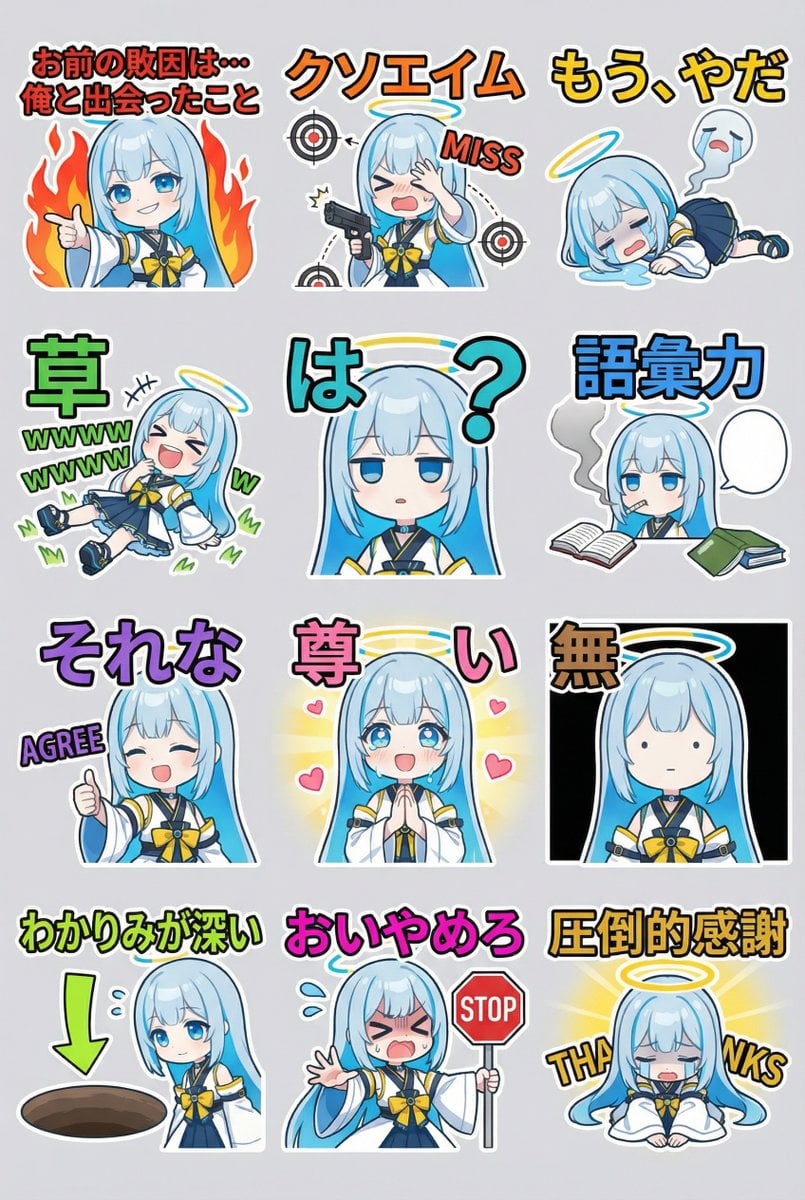
Humorous LINE sticker sheet for Oracle-chan
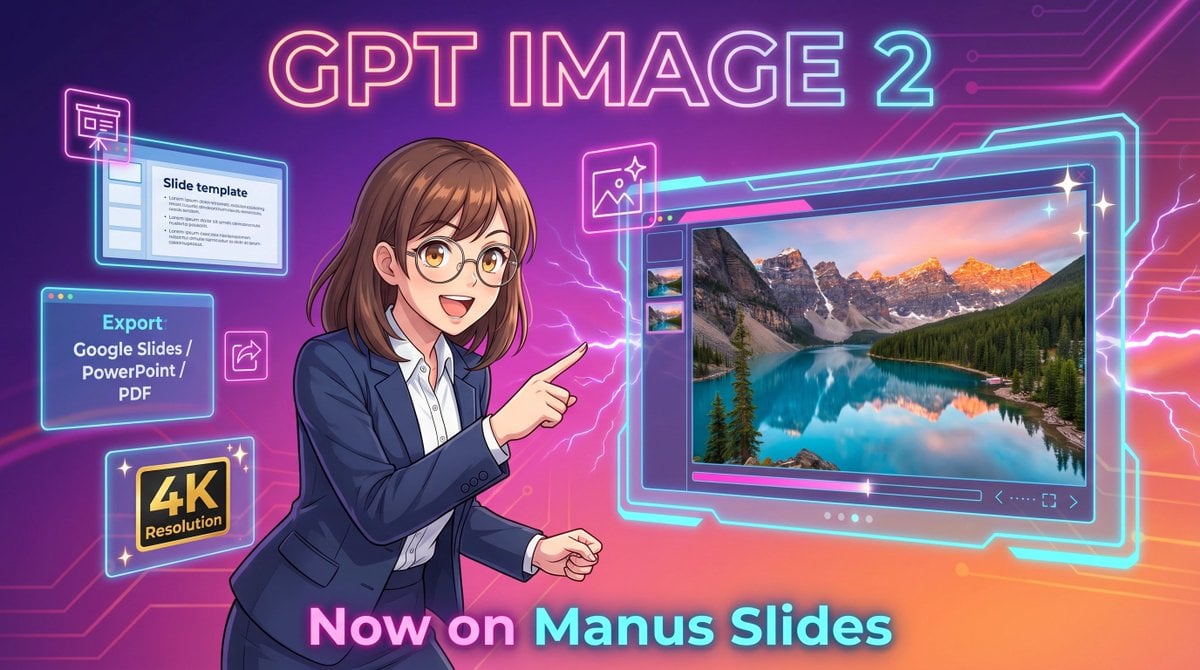
Neon GPT Image 2 Promo Poster
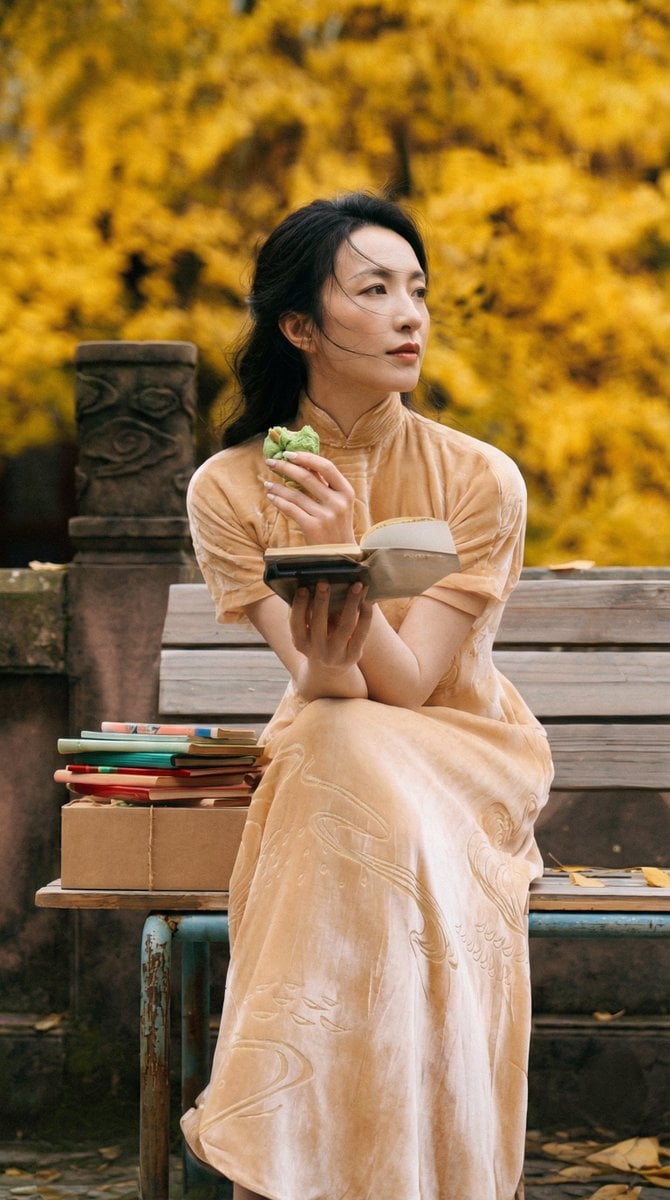
Ultra-Detailed New Chinese Aesthetic Portrait Prompt (Zhao Lusi Style)
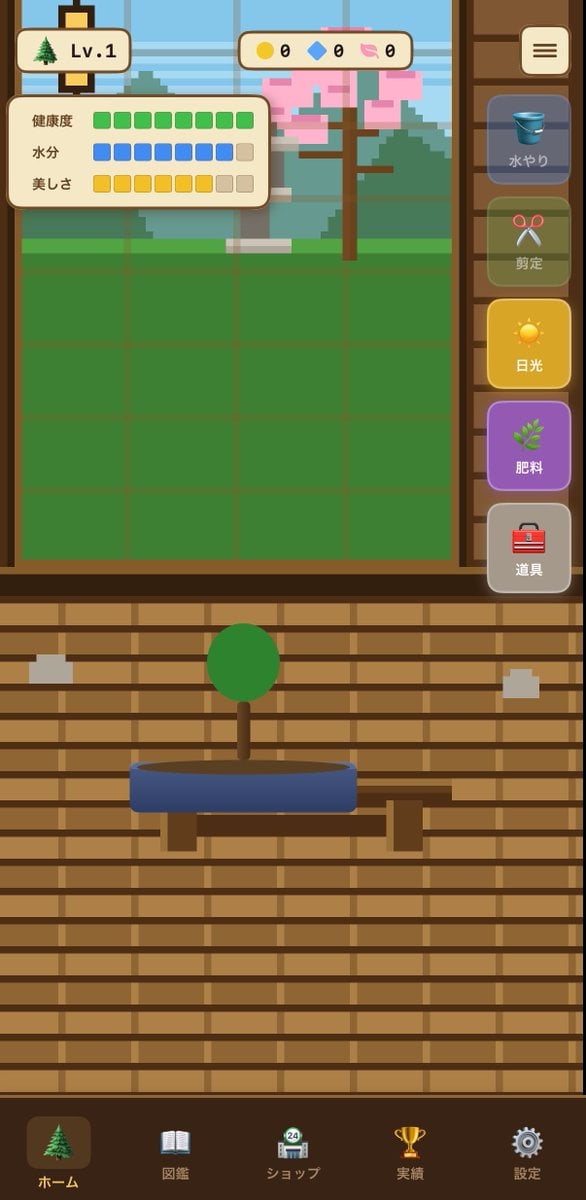
Bonsai Mobile Game UI Mockup
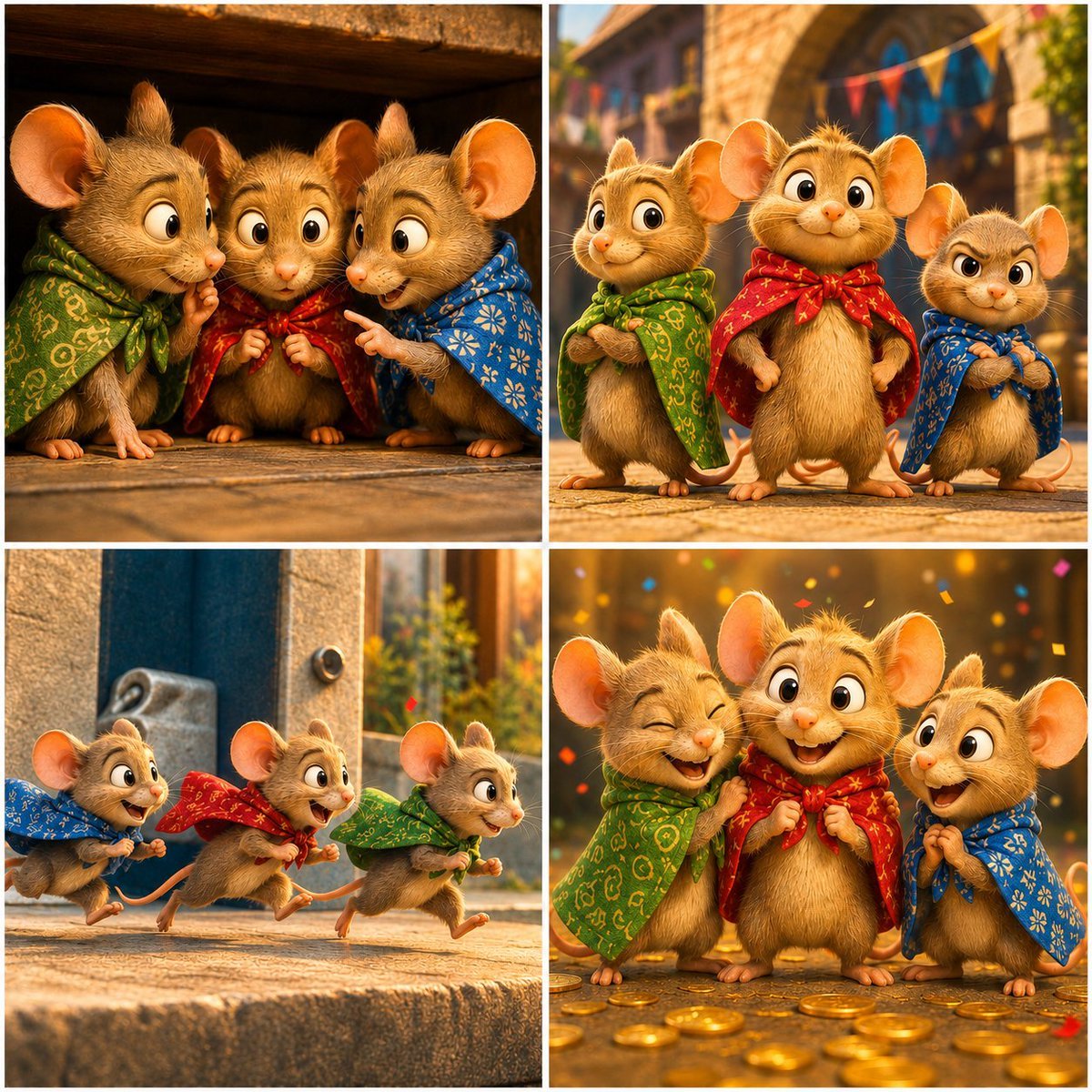
Four-Panel Bankrupt Mouse Storyboard
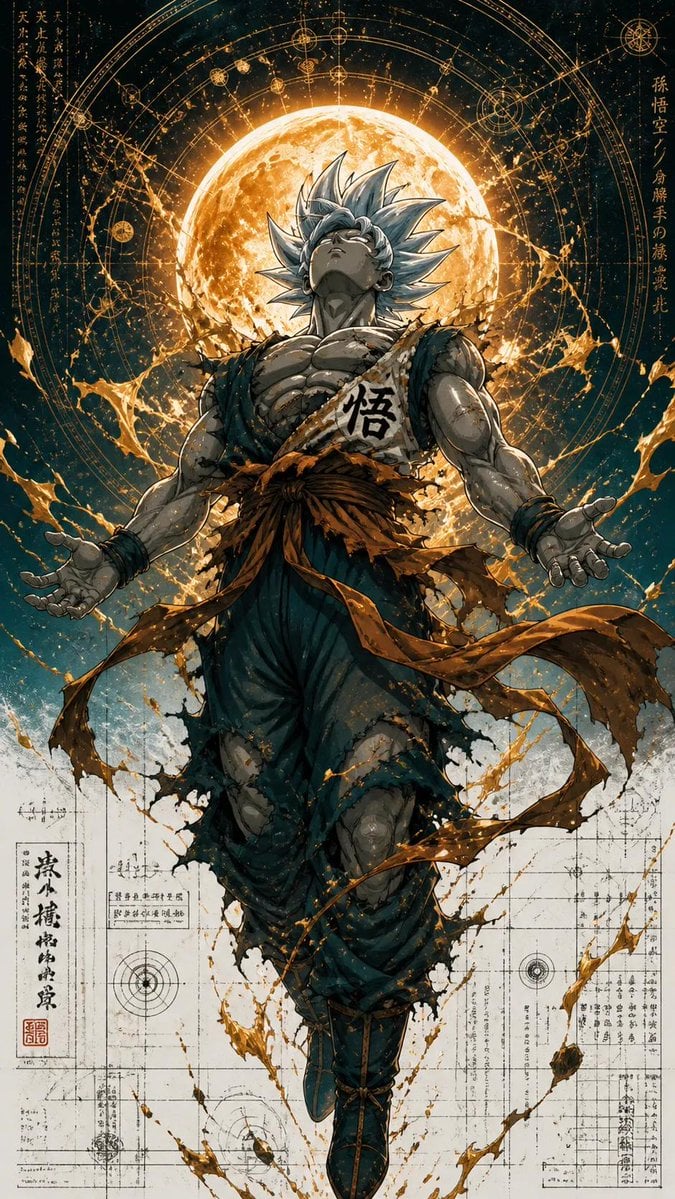
Ultra Detailed Shonen Anime Warrior
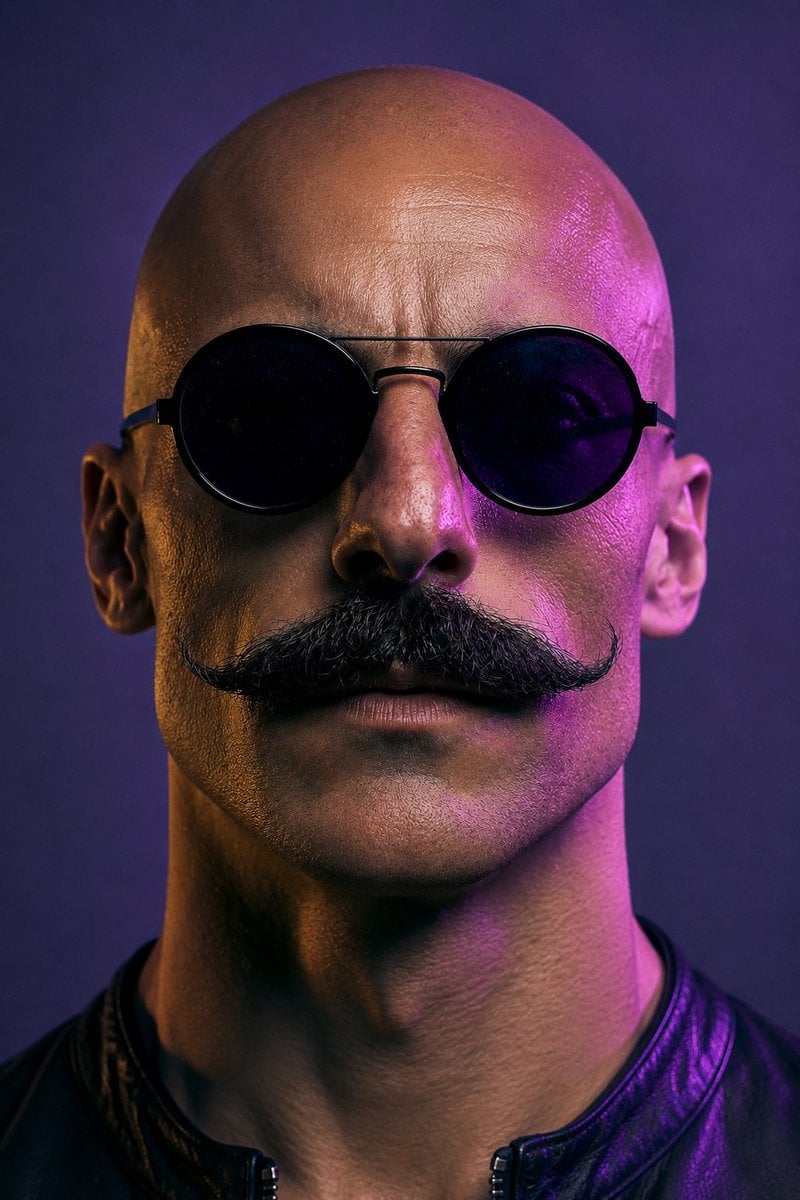
Neon Censored Portrait Avatar
Photorealistic East-Asian Neon Night Portrait Prompt
Browse template categories
Comedic Giant Max Verstappen in Pit Lane questions
How do I use the Comedic Giant Max Verstappen in Pit Lane template?
Add your photo if the template asks for one, edit the prompt if you like — the template's model and format are already selected — and press Generate. Your version opens in PicX Studio.
Can I customize the Comedic Giant Max Verstappen in Pit Lane template?
Yes. You can change the subject, setting, lighting, mood, format, and available model controls before creating your image.
Is the Comedic Giant Max Verstappen in Pit Lane template free?
Opening and editing this template is free. Generating uses credits, shown on the Generate button when you are signed in.
Which AI model should I use?
Start with Nano Banana 2, which is the model associated with this template. You can compare another compatible model for a different finish.
Looking for something else? Browse all templates.

Your photo, any look
Thousands of ready templates for every top image and video model, from one credit balance.