
Gravity Lane Futuristic Fashion Walk
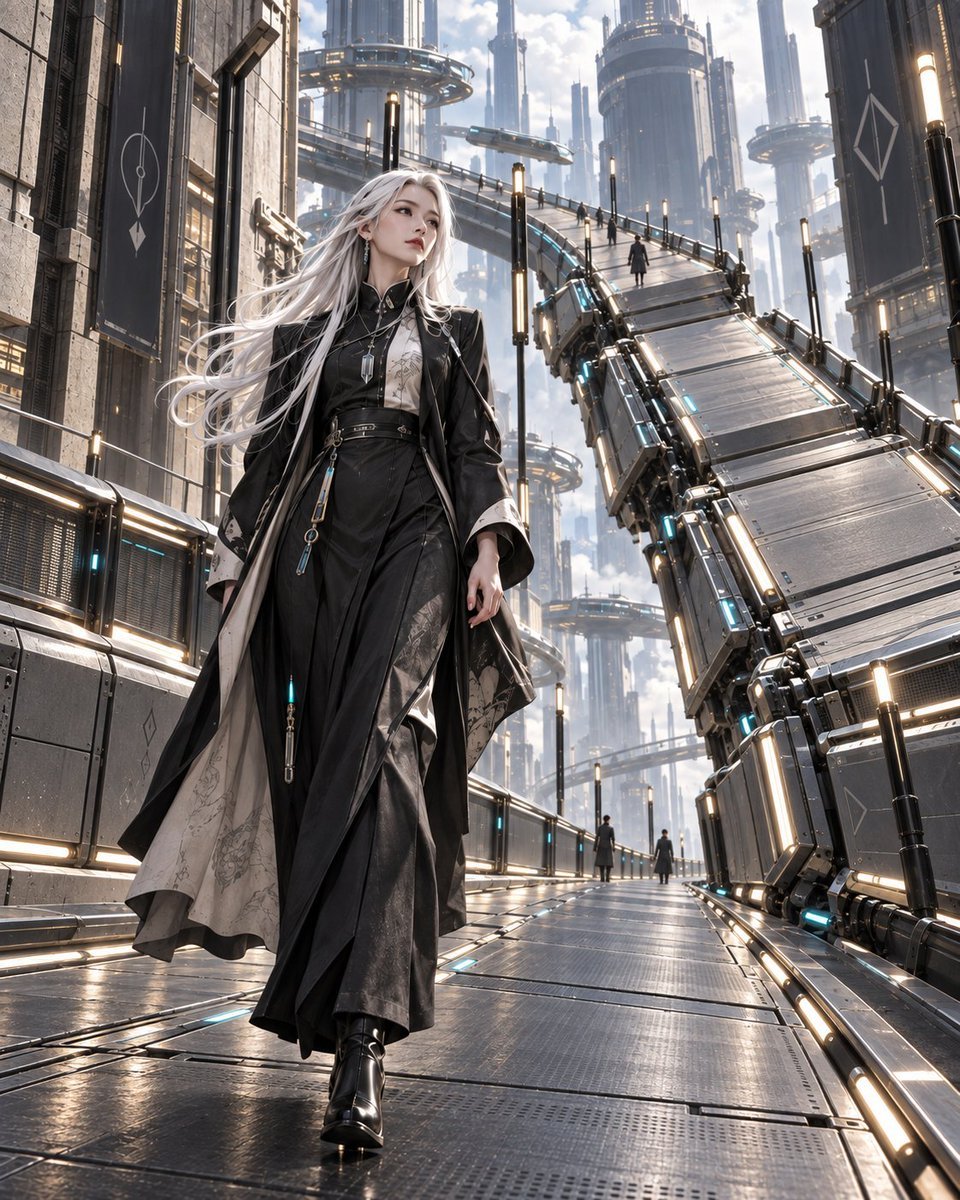
A cinematic sci-fi fashion scene of a silver-haired woman walking through a gravity-bending futuristic megacity lane.
- Prompt included
- Model and format preset
- Free template
The prompt behind this image
Copy the exact prompt behind Gravity Lane Futuristic Fashion Walk, or open it in the studio and make it yours.
Create a cinematic vertical sci‑fi fashion illustration of {argument name="character name" default="JFC-01, the woman of the Gravity Lane"} walking through a futuristic megacity where architecture and gravity seem to bend to open a path for her. The main subject is a tall, elegant young woman in the lower-left foreground, full body, striding confidently toward the viewer while looking slightly up and to her left with a calm, distant expression. She has very long wind-swept {argument name="hair color" default="silver-white"} hair flowing dramatically behind her, pale skin, refined facial features, subtle makeup, and small dangling earrings. Her outfit is high-fashion gothic cyberpunk: a long black layered coat with wide sleeves, structured shoulders, black high-collar inner dress, flowing asymmetrical skirt panels, pale patterned lining visible inside the coat, slim belts and hanging metallic charms, a small glowing cyan pendant-like accessory, and polished black heeled boots. The setting is a vast vertical futuristic city of steel, glass, and concrete, with towering cylindrical skyscrapers, skybridges, floating circular platforms, and suspended transit structures disappearing into misty depth. A massive segmented metallic pedestrian lane rises and curves upward on the right side of the composition, as if gravity has shifted; it has articulated panels, railings, mechanical joints, glowing cyan details, and warm vertical light bars. The ground is a wet reflective metal walkway with panel seams, grates, rails, and embedded cyan light strips, creating strong perspective lines toward the background. Include exactly 5 small distant pedestrians: 3 silhouettes on the elevated curved bridge and 2 silhouettes on the lower walkway in the distance. Use bright overcast daylight with soft clouds, atmospheric haze, rim lighting on the hair, glossy reflections on metal, and a premium concept-art/anime-realism hybrid style with ultra-detailed materials. Color palette: black, graphite, silver, pale concrete, cyan accent lights, and warm white lamps. Camera: low-angle full-body fashion shot, 3/4 view, wide architectural depth, dynamic leading lines, sharp foreground detail and slightly hazy background. No visible title text, no logo, no watermark, no extra characters in the foreground.
How to use Gravity Lane Futuristic Fashion Walk in 3 steps
- 1Upload ImagePNG, JPG or paste
Add your photo
Upload the photo the template builds on. The prompt, model and format are already set.
- 2…a portrait of your subject in softgolden-hour light, 85mm…
Personalize
Edit the subject and creative details for your destination.
- 3Generate
Generate
Press Generate — your image is created in PicX Studio, so you can compare it with the original and refine one variable at a time.
More like this
Templates with the same subject, style or setup. Open one to see its prompt.

Futuristic Studio Neon Ring Minimalist Portrait

Futuristic Chrome Helmet Fashion Portrait

Neon Night Crosswalk Candid Portrait
Futuristic Chrome Helmet Fashion Portrait
Neon Night Crosswalk Candid Portrait

Face-Locked Cream Half-Zip Street Walk

80s College Gate

1988 Mall Style

80s Polka Dot Saree
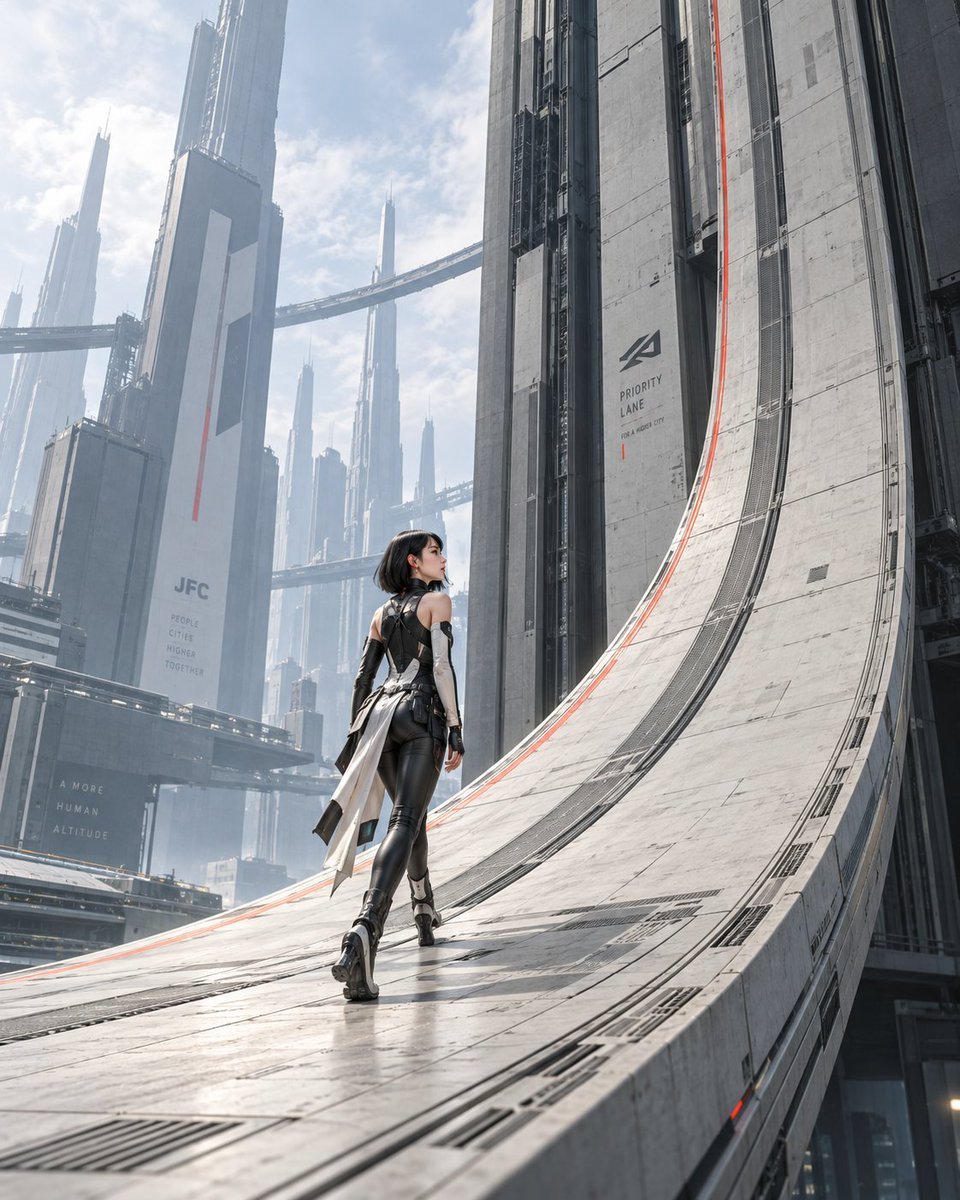
The Gravity Lane Megacity
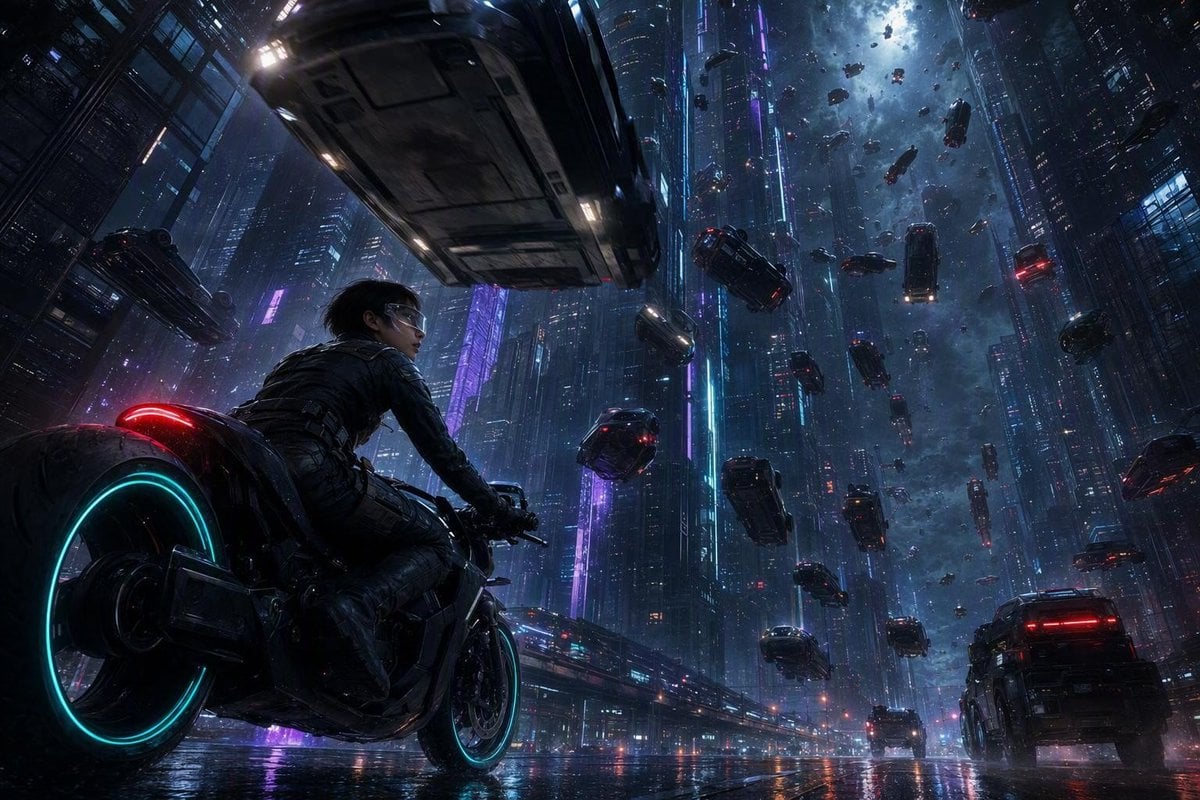
Futuristic Sci-Fi Gravity Reversal Keyframe
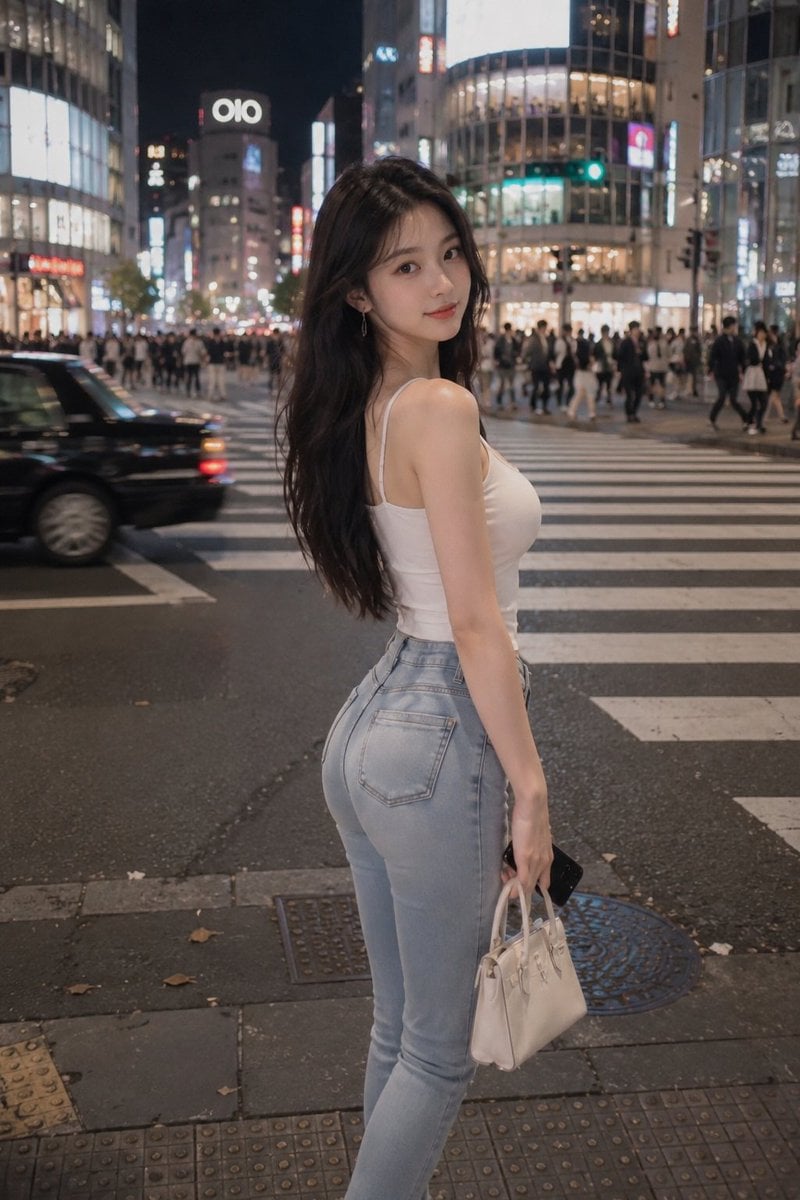
Tokyo Night Crosswalk Fashion Portrait
Make it yours
Gravity Lane Futuristic Fashion Walk works as-is. These are the safest ways to change it without losing the look.
Change one field
Copy a single group, rewrite it, and generate again so you can see what that field is doing.
Keep the frame, change the subject
Hold the composition and light of Gravity Lane Futuristic Fashion Walk, then swap wardrobe, props or the person for a new take.
| If the result… | Why | Fix |
|---|---|---|
| The result drifts from the preview | Too many fields changed at once. | Reuse Gravity Lane Futuristic Fashion Walk as-is first, then change one group — subject, light, or setting. |
| The model over-stylizes the scene | The prose prompt leaves finish and camera underspecified. | Add one camera or lighting sentence and stay on GPT Image 2. |
More GPT Image 2 templates
Other prompts made for GPT Image 2.

Six VTuber Japanese Logo Sheet

Realistic Portrait of Woman and Deer

The Vista Modular Condo Poster

AI Model Routing Comparison Infographic

2.5D Anime Art Board

Isometric Productivity Desk Scene

New York Double Exposure Poster

Four-Panel AI Landscape Comparison

Japanese Tatami Lifestyle Magazine Cover

NESCAFÉ Coffee Map Poster
More image prompts
Fresh picks from across the catalog.

Felt Fabric Applique Art Style Transfer Prompt
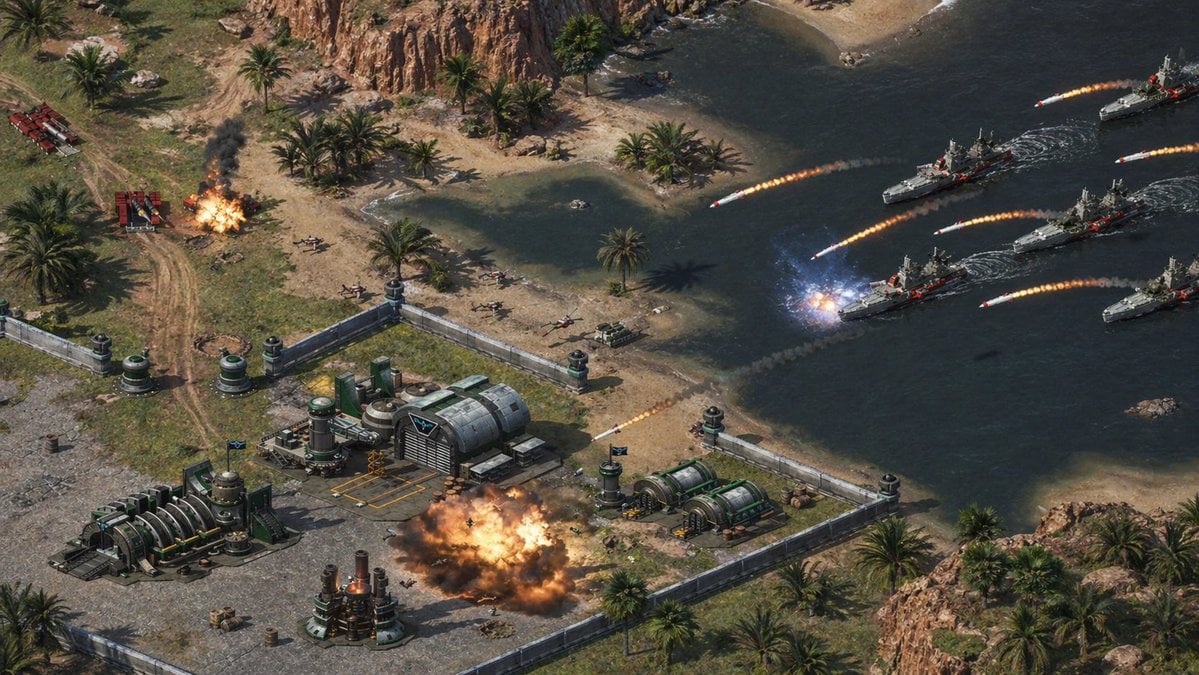
Isometric Coastal Base Under Naval Attack
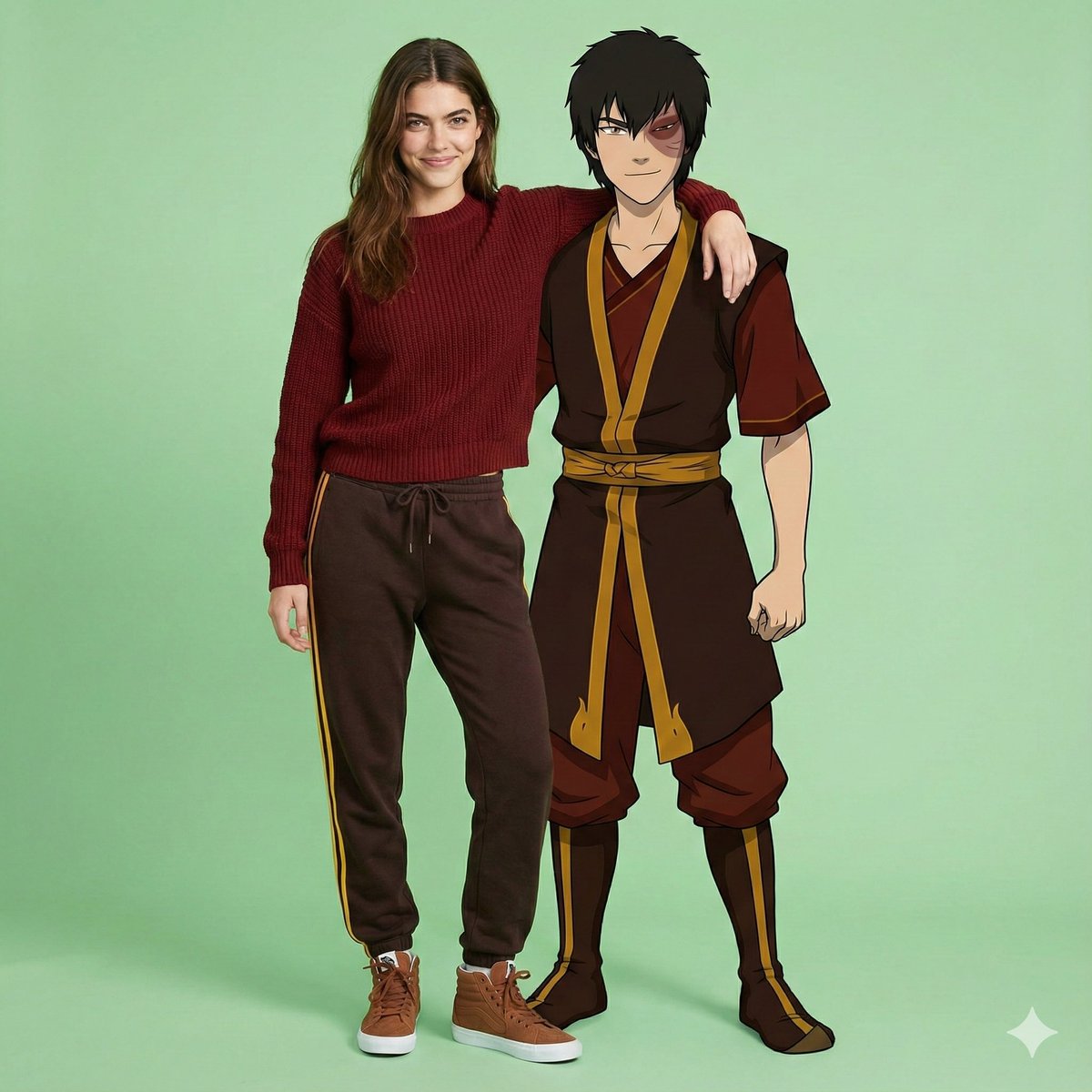
Avatar Zuko Fan Photo Prompt for Nano Banana Pro
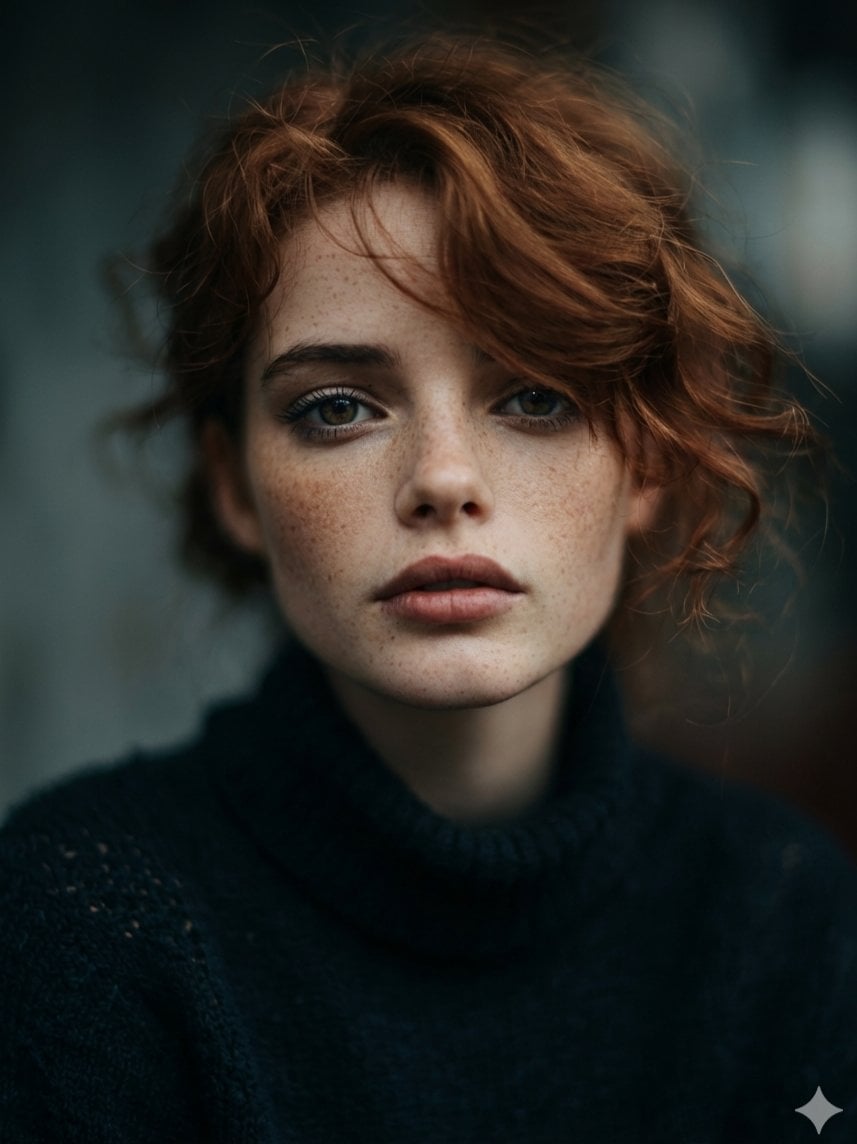
Intimate Cinematic Auburn Portrait with Freckles
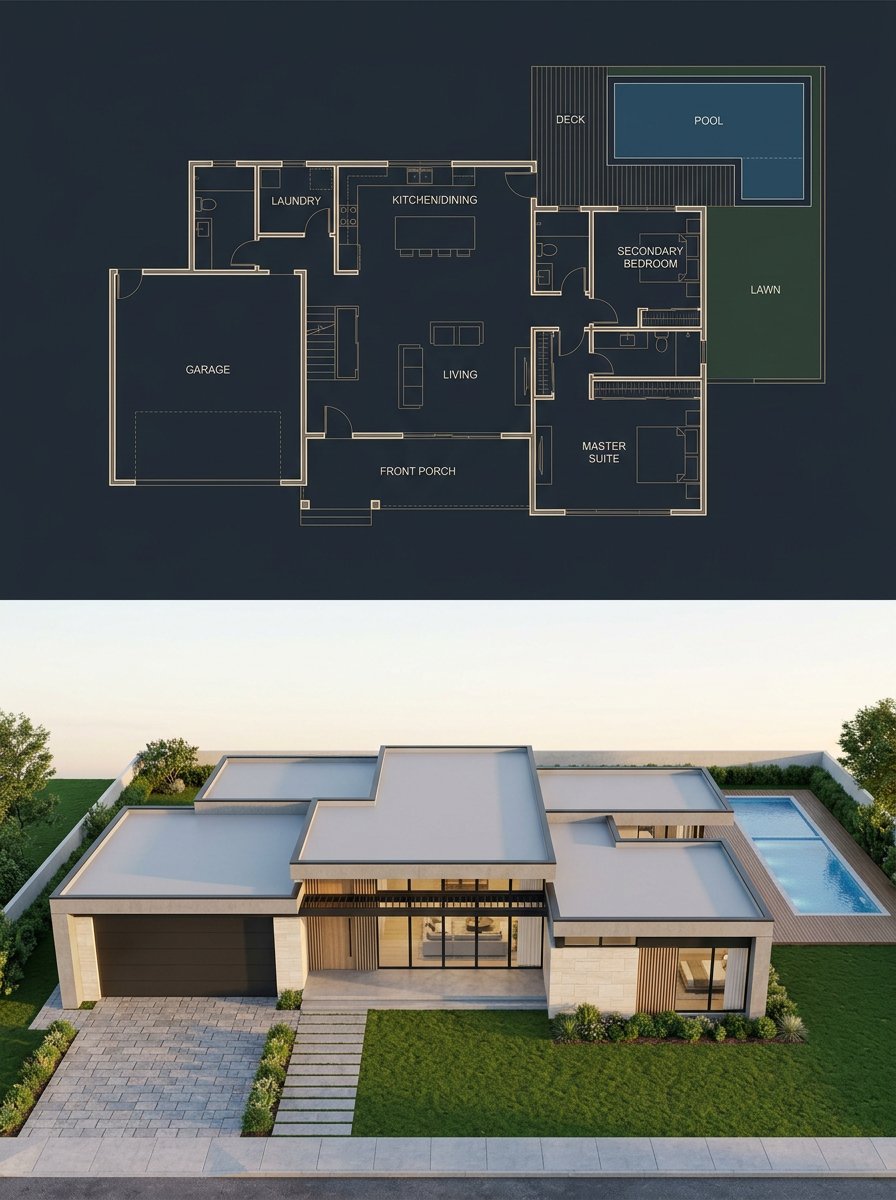
Split Blueprint and Modern House Render
Cinematic Twilight City Portrait with Neon Reflections
Ultra-Realistic Nighttime Photograph Prompt for Nano Banana 2 Pro
Bad Doodle Gold Ninja Ghost
Google Gemini Nano Banana Pro
Cinematic Photojournalism of a Protest Subject
Browse template categories
Gravity Lane Futuristic Fashion Walk questions
How do I use the Gravity Lane Futuristic Fashion Walk template?
Add your photo if the template asks for one, edit the prompt if you like — the template's model and format are already selected — and press Generate. Your version opens in PicX Studio.
Can I customize the Gravity Lane Futuristic Fashion Walk template?
Yes. You can change the subject, setting, lighting, mood, format, and available model controls before creating your image.
Is the Gravity Lane Futuristic Fashion Walk template free?
Opening and editing this template is free. Generating uses credits, shown on the Generate button when you are signed in.
Which AI model should I use?
Start with GPT Image 2, which is the model associated with this template. You can compare another compatible model for a different finish.
Looking for something else? Browse all templates.

Your photo, any look
Thousands of ready templates for every top image and video model, from one credit balance.