
Woman in Ancient Chinese Town Lane
A photorealistic prompt for generating a scene of a woman walking through an ancient Chinese town, featuring traditional architecture and natural daylight.
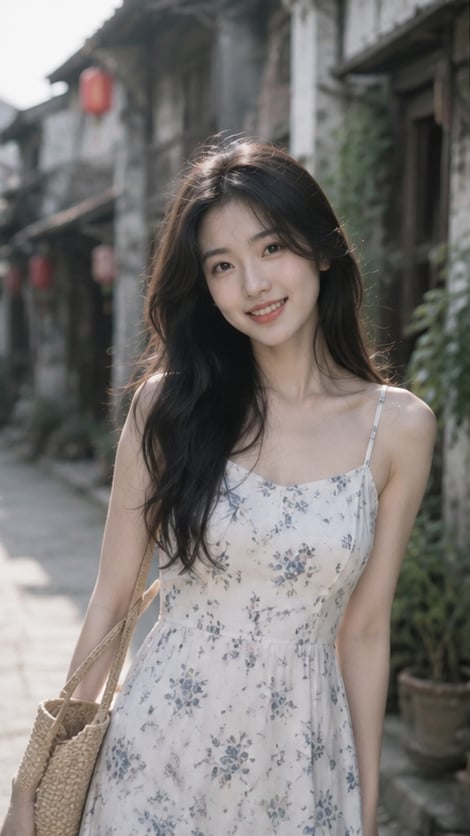
- Prompt included
- Model and format preset
- Free template
The prompt behind this image
Copy the exact prompt behind Woman in Ancient Chinese Town Lane, or open it in the studio and make it yours.
{argument name="角色" default="一位年轻成年东亚女性"}走在{argument name="场景" default="安静的中国古镇石板小巷"}中,画面为大半身到接近全身构图。人物位于画面中央略偏右,身体背对镜头约三分之二角度,正在向前走,同时从左肩方向自然回头看向镜头,露出温柔明亮的微笑,牙齿轻微可见,神情轻松、亲切、清新。她有柔和精致的鹅蛋脸,杏仁形深棕眼睛,自然细眉,纤细鼻梁,浅珊瑚粉嘴唇。妆容极淡。肤色白皙偏暖,保留真实毛孔、细微肌理与自然高光,不要塑料磨皮。头发为深黑色长发,自然披散,发量丰富,柔顺微卷,垂落到背部,带少量轻盈碎发。她穿{argument name="服装" default="米白色或浅奶油色修身长袖上衣"},面料轻薄贴身;下身穿浅蓝色高腰直筒牛仔裤;背白色简约单肩包,包带从右肩垂下。背景是古镇巷道,两侧为老式木结构民居、灰白墙面、门廊与盆栽,悬挂数个红色灯笼,地面为石板路,远处背景柔和虚化。光线为柔和自然日光,略带侧逆光或傍晚暖光,人物头发边缘与脸部有细腻轮廓光。整体低饱和、低对比、空气感通透,真实生活方式摄影。摄影风格:85mm人像镜头,f/1.8,浅景深,眼睛和面部清晰,背景自然虚化,轻微胶片颗粒,photorealistic。避免: 卡通、CG感、过度磨皮、夸张身材、错误手指、浓妆、过强HDR、杂乱游客、过艳色彩、文字、水印、Logo。
How to use Woman in Ancient Chinese Town Lane in 3 steps
- 1
Open
The prompt is already in the box next to the preview, with the template's model and format selected.
- 2…a portrait of your subject in softgolden-hour light, 85mm…
Personalize
Edit the subject and creative details for your destination.
- 3Generate
Generate
Press Generate — your image is created in PicX Studio, so you can compare it with the original and refine one variable at a time.
More like this
Templates with the same subject, style or setup. Open one to see its prompt.
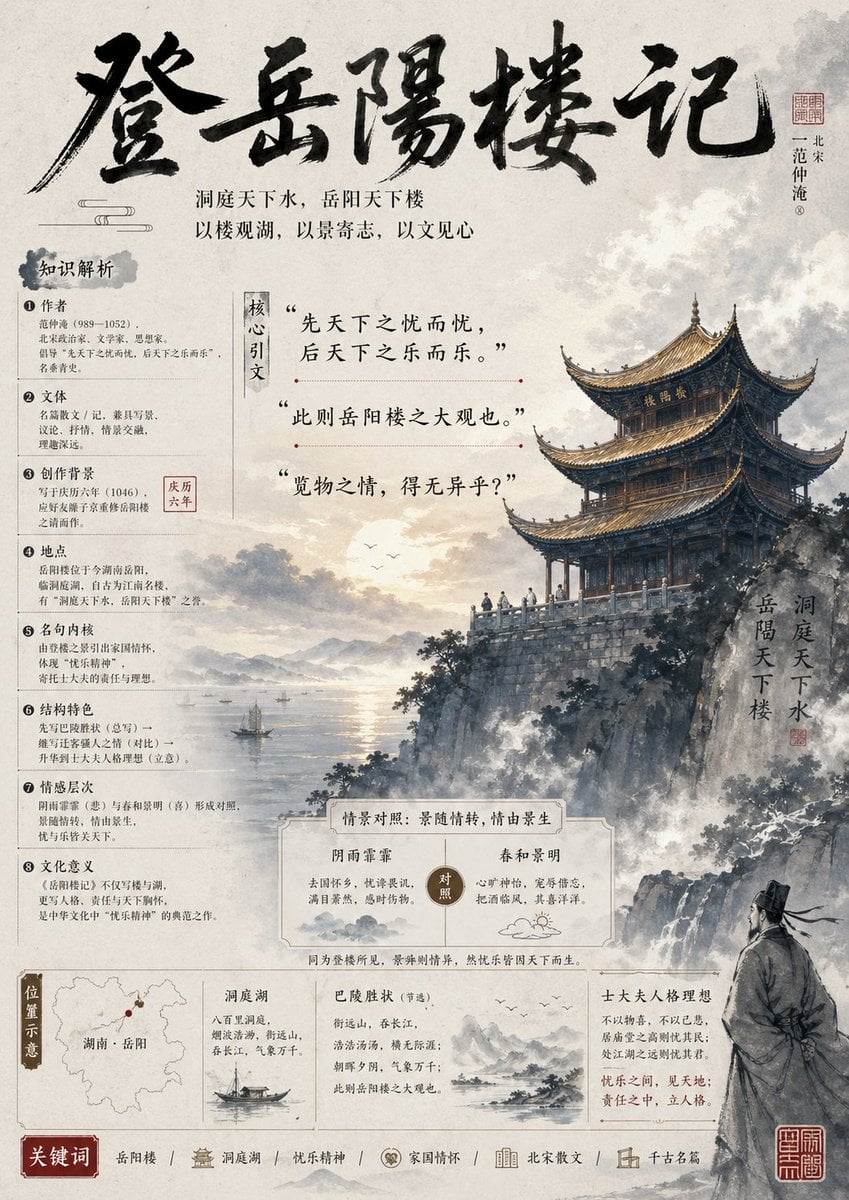
Ancient Chinese Literature PPT Poster
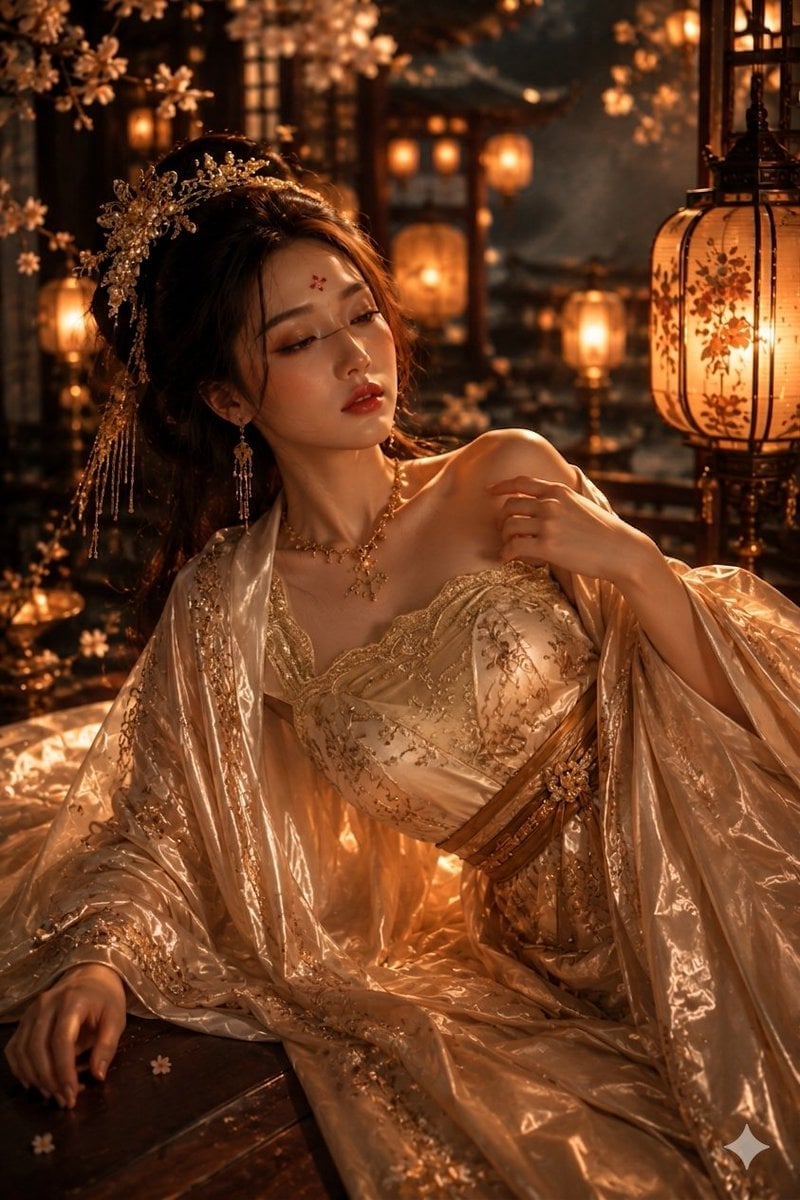
Ancient Chinese Empress Palace Portrait

Celestial Woman Over Ancient Cairo
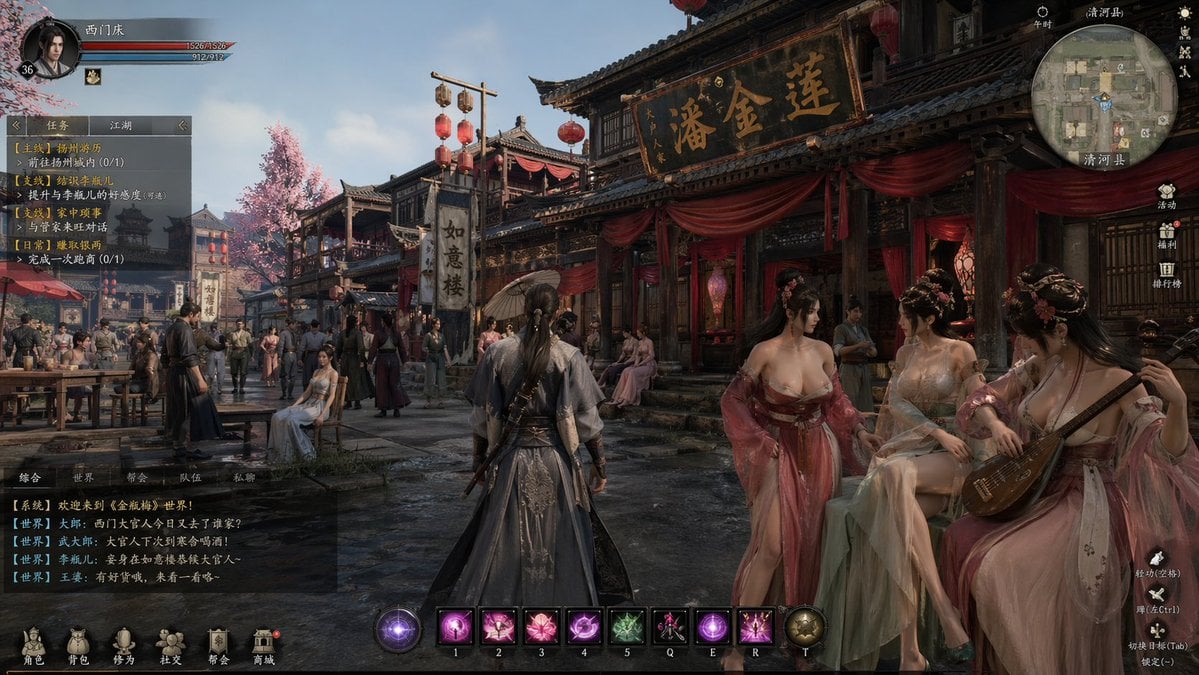
Wuxia MMORPG Ancient Town Screenshot
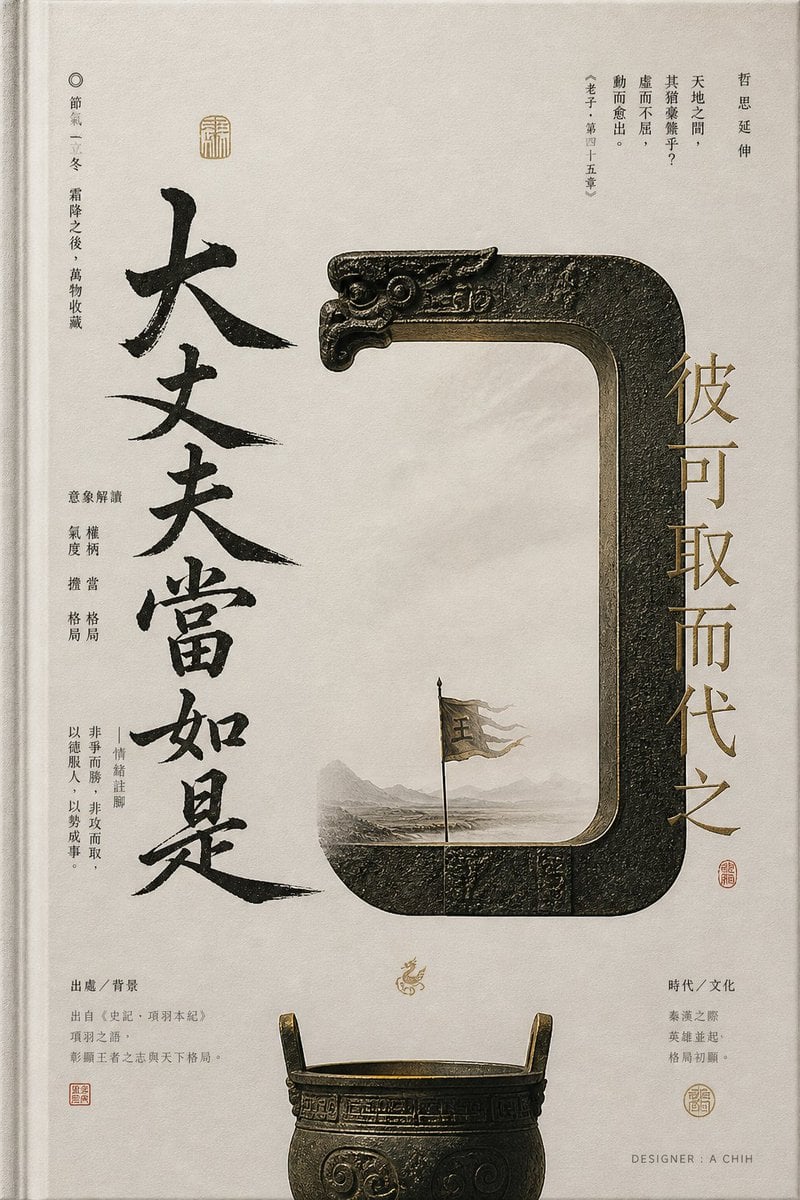
Ancient Chinese Bronze Calligraphy Poster
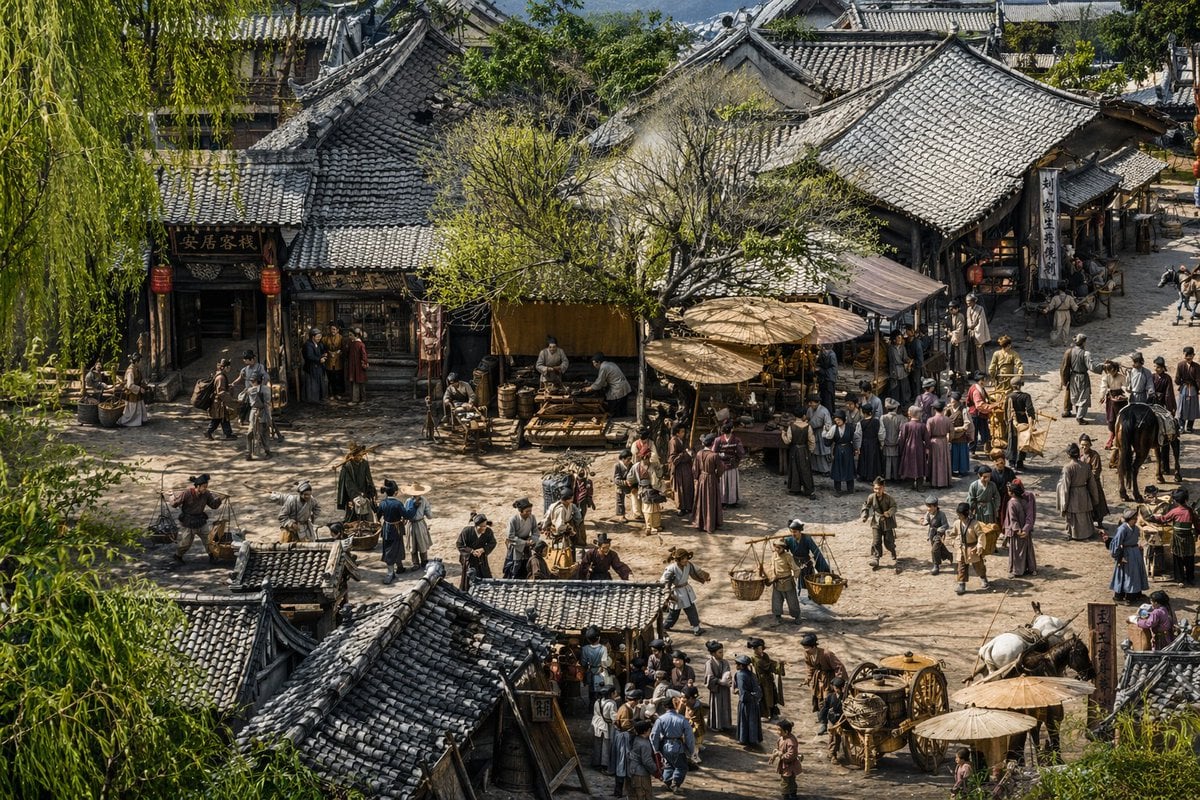
Realistic Ancient Chinese Street Scene
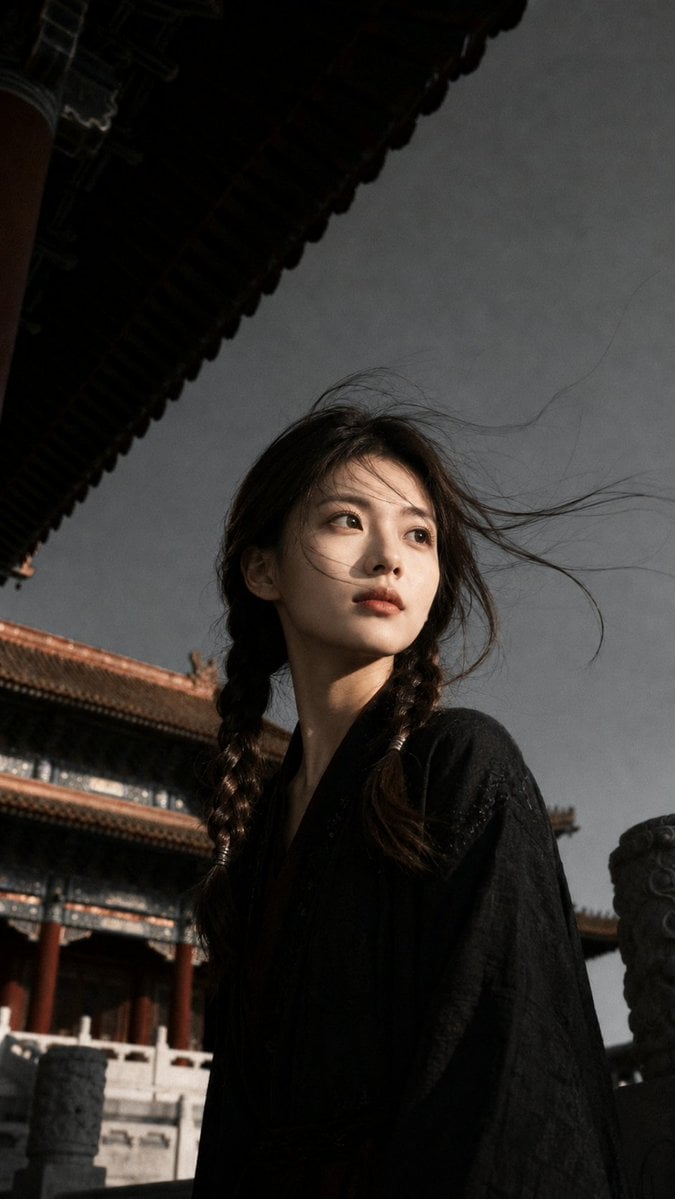
Ancient Chinese Cinematic Still

Woman in Mall with Chanel Bag - Heart Gesture

Floating Woman Above Cityscape with Notifications

敦煌纸雕飞天 — 3D Layered Paper Cutout

博物馆图鉴式汉服拆解图 — GPT-image-2

Ancient Temple Portrait — White Dress Nano Banana
Make it yours
Woman in Ancient Chinese Town Lane works as-is. These are the safest ways to change it without losing the look.
Change one field
Copy a single group, rewrite it, and generate again so you can see what that field is doing.
Keep the frame, change the subject
Hold the composition and light of Woman in Ancient Chinese Town Lane, then swap wardrobe, props or the person for a new take.
| If the result… | Why | Fix |
|---|---|---|
| The result drifts from the preview | Too many fields changed at once. | Reuse Woman in Ancient Chinese Town Lane as-is first, then change one group — subject, light, or setting. |
| The model over-stylizes the scene | The prose prompt leaves finish and camera underspecified. | Add one camera or lighting sentence and stay on GPT Image 2. |
More GPT Image 2 templates
Other prompts made for GPT Image 2.

Six VTuber Japanese Logo Sheet

The Vista Modular Condo Poster

AI Model Routing Comparison Infographic

2.5D Anime Art Board

Isometric Productivity Desk Scene

New York Double Exposure Poster

Four-Panel AI Landscape Comparison

Japanese Tatami Lifestyle Magazine Cover

NESCAFÉ Coffee Map Poster

Cinematic Luxury Terrace Portrait
More image prompts
Fresh picks from across the catalog.
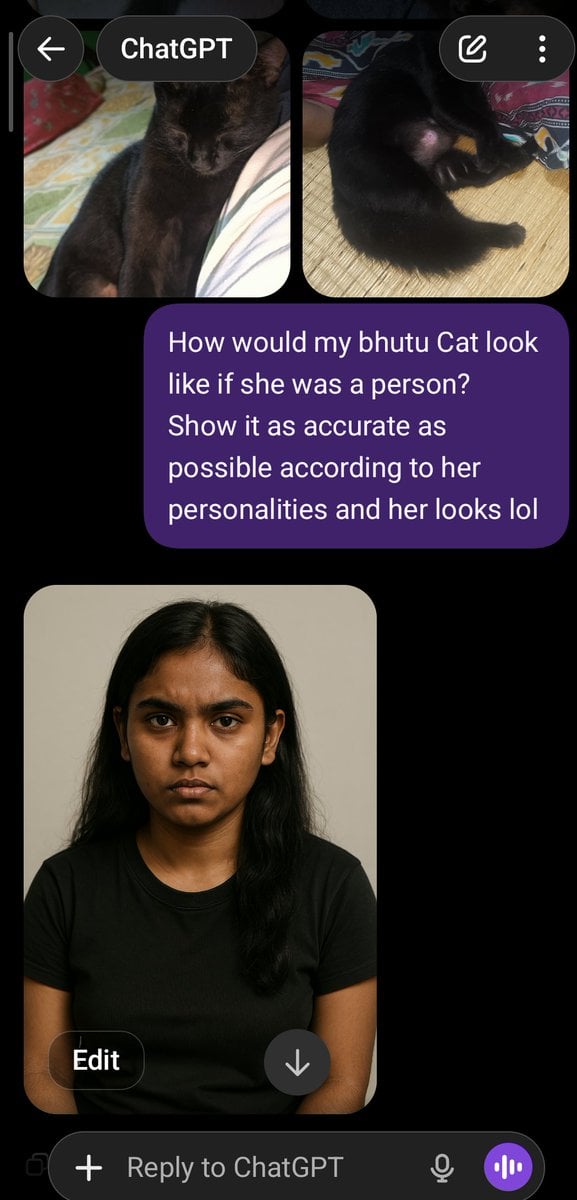
Cat to Person Character Visualization
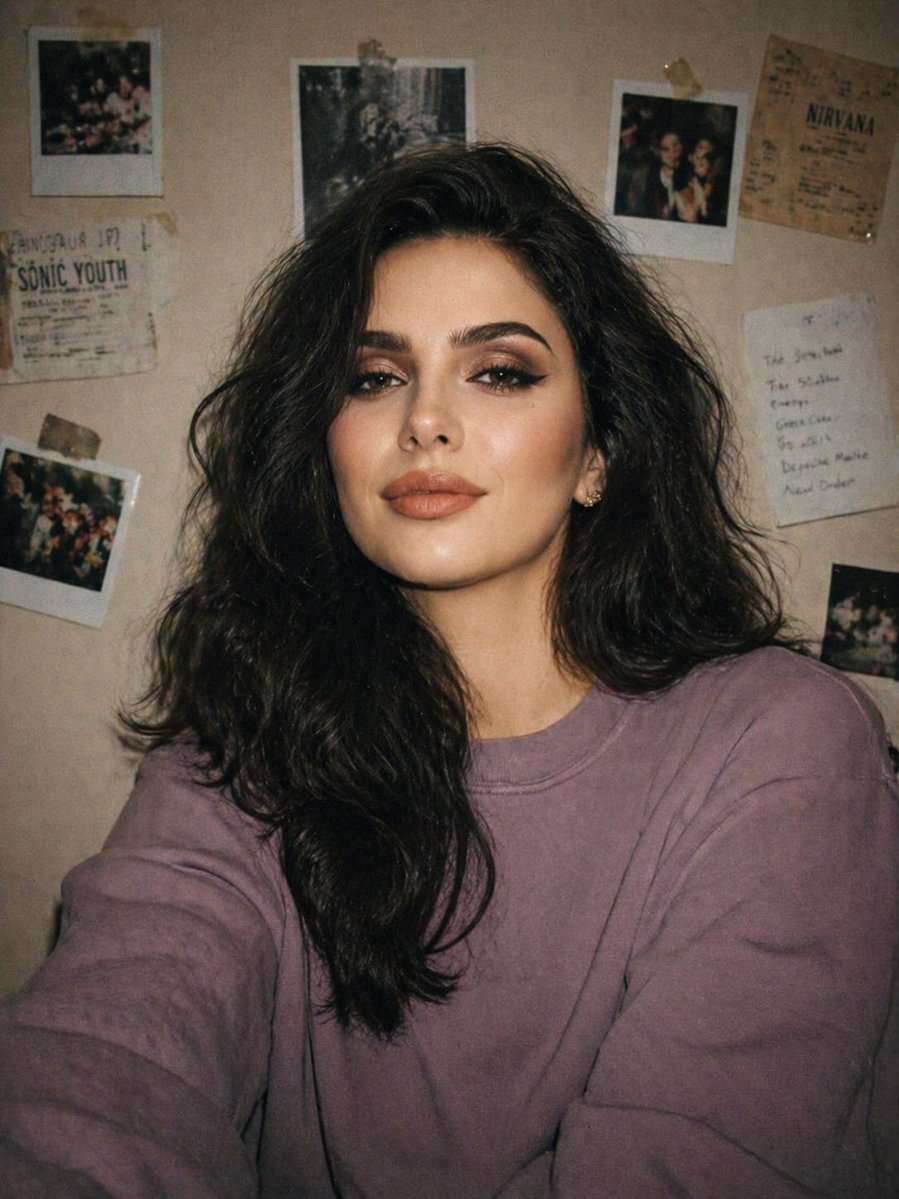
Disposable Camera Bedroom Portrait
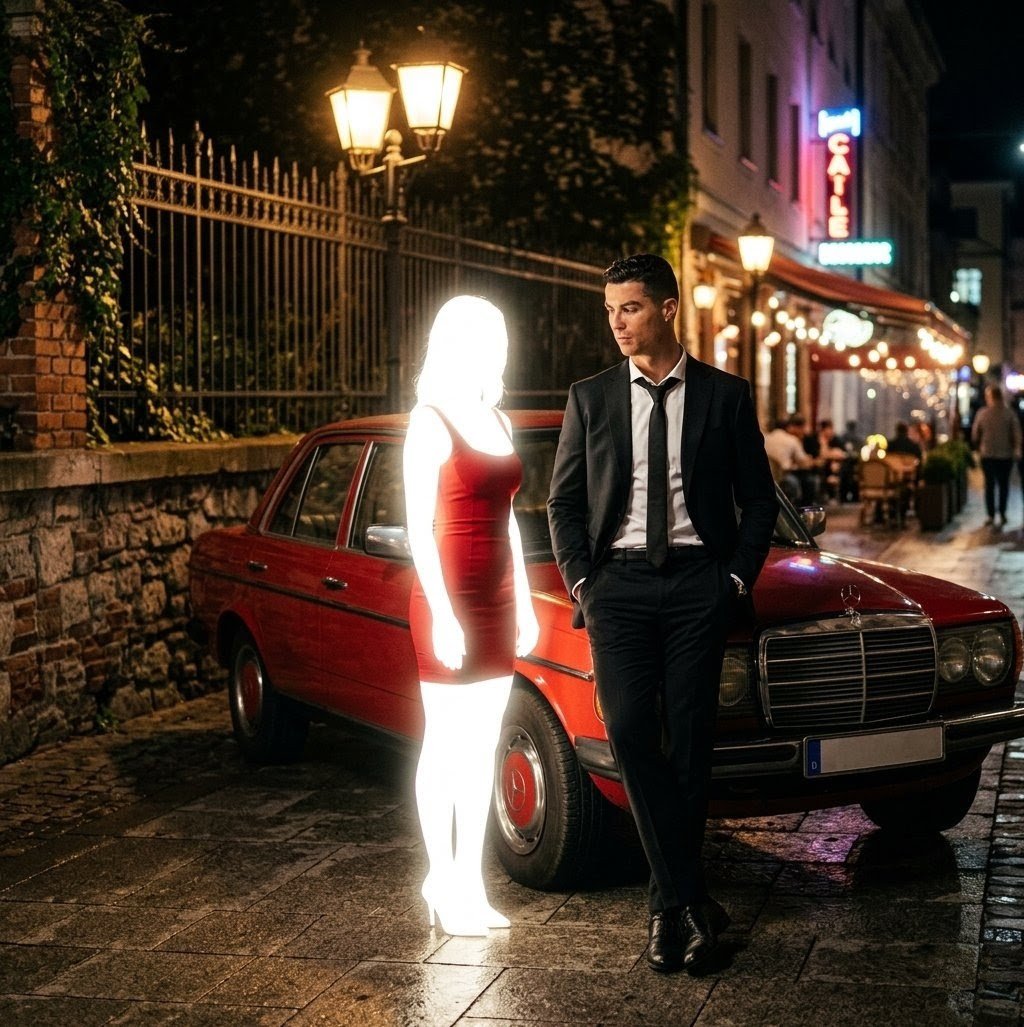
Cinematic Night Scene Prompt for Nano Banana
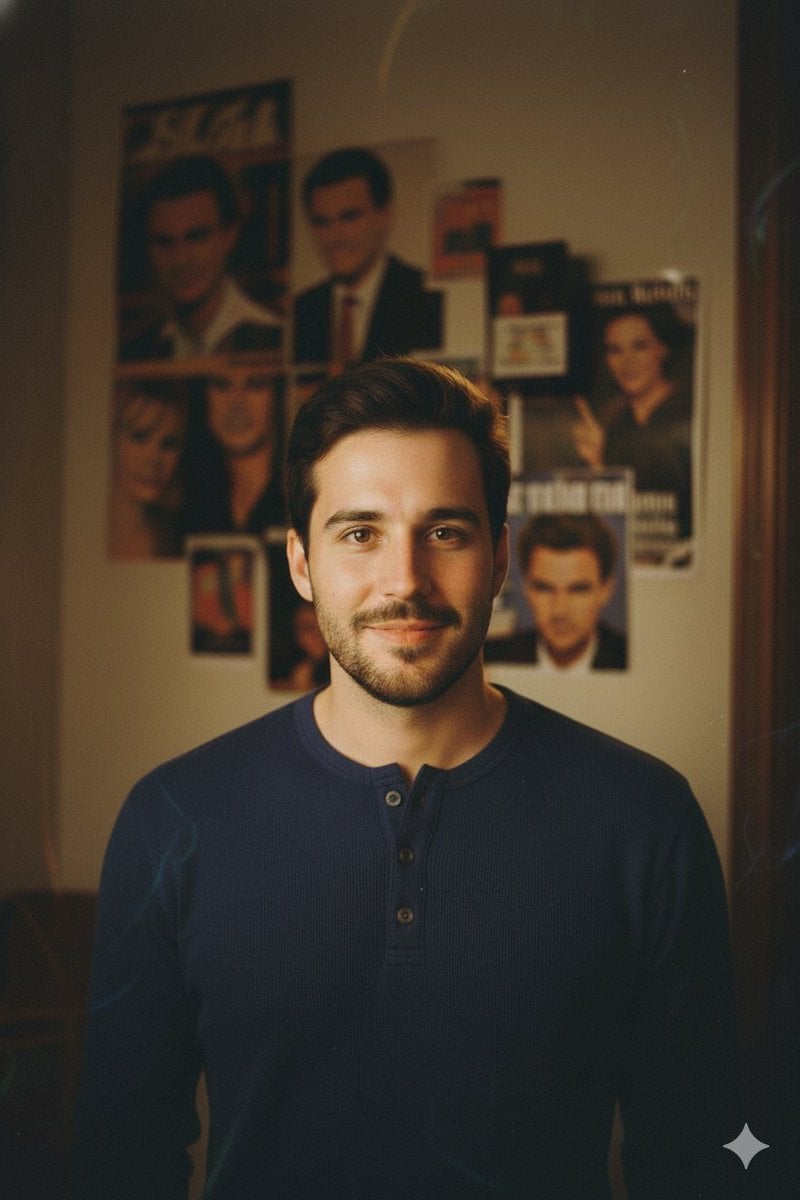
90s-style film portrait from a reference photo
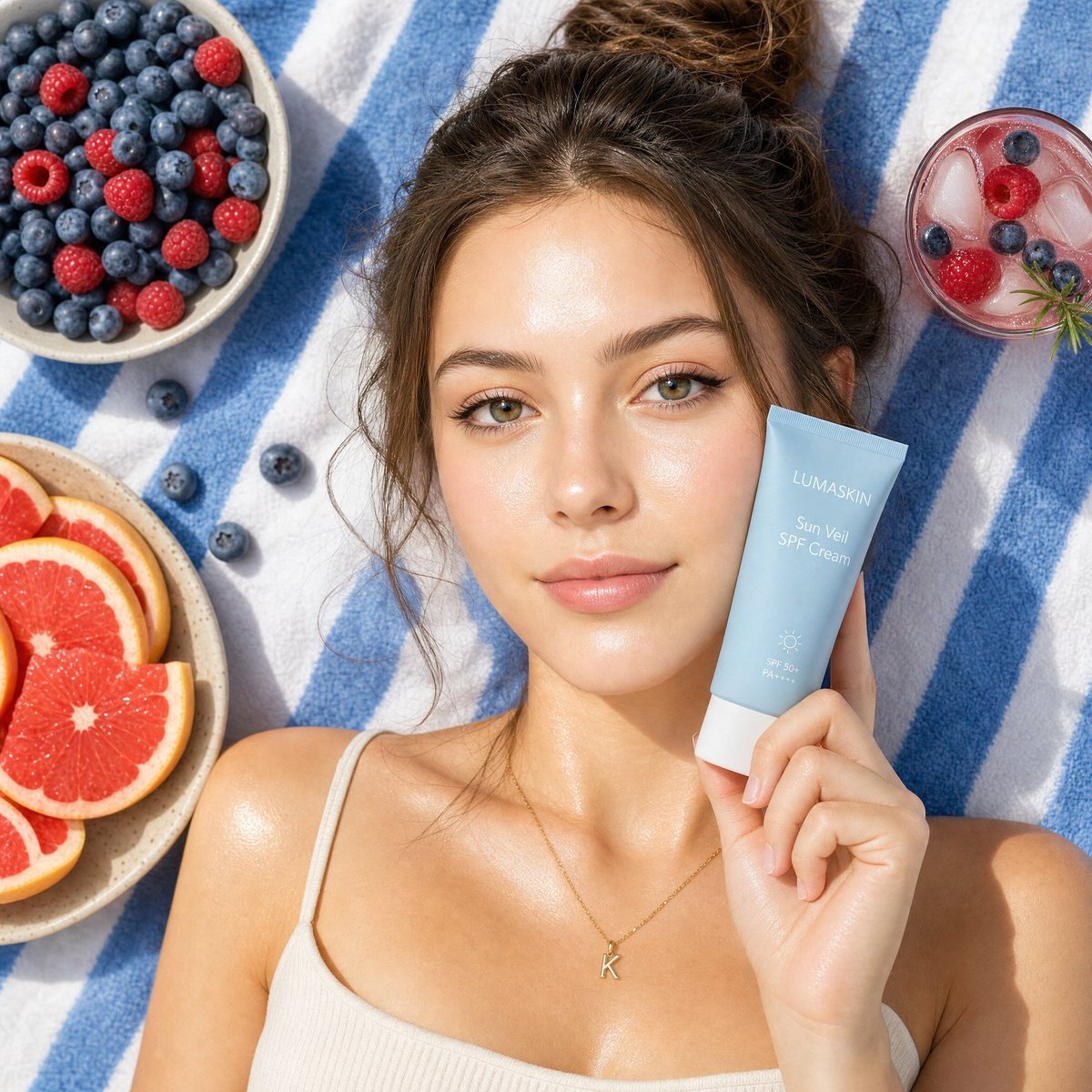
Summery Skincare Beauty Advertisement
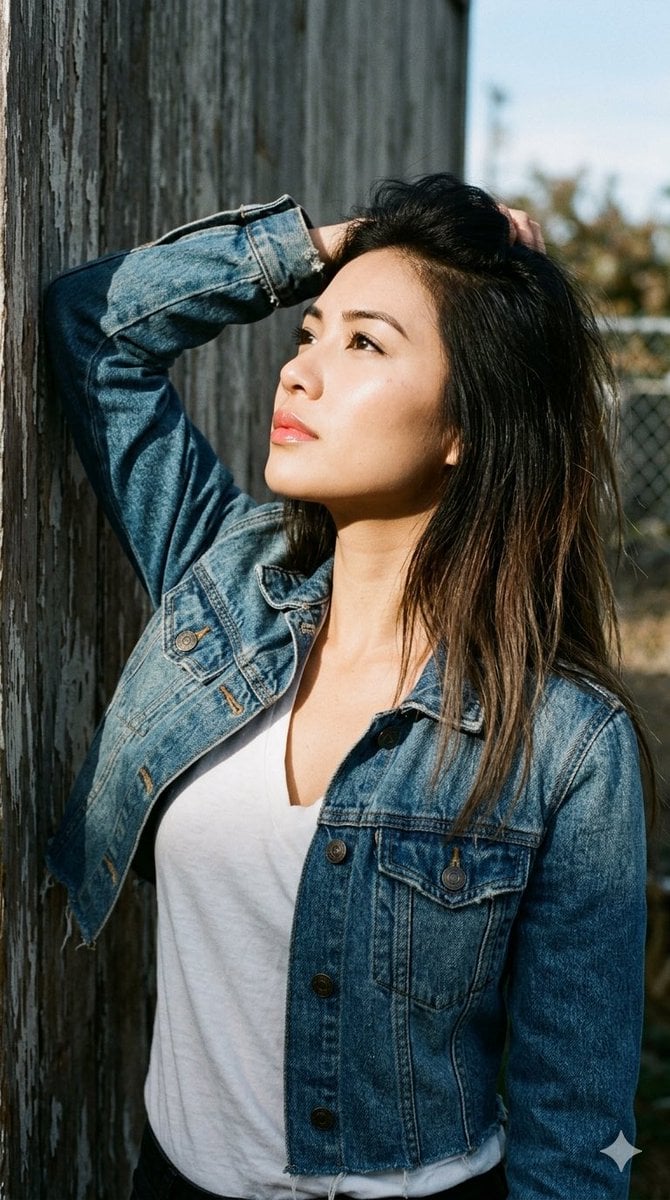
1990s Portrait Prompt for Gemini Nano Banana Pro
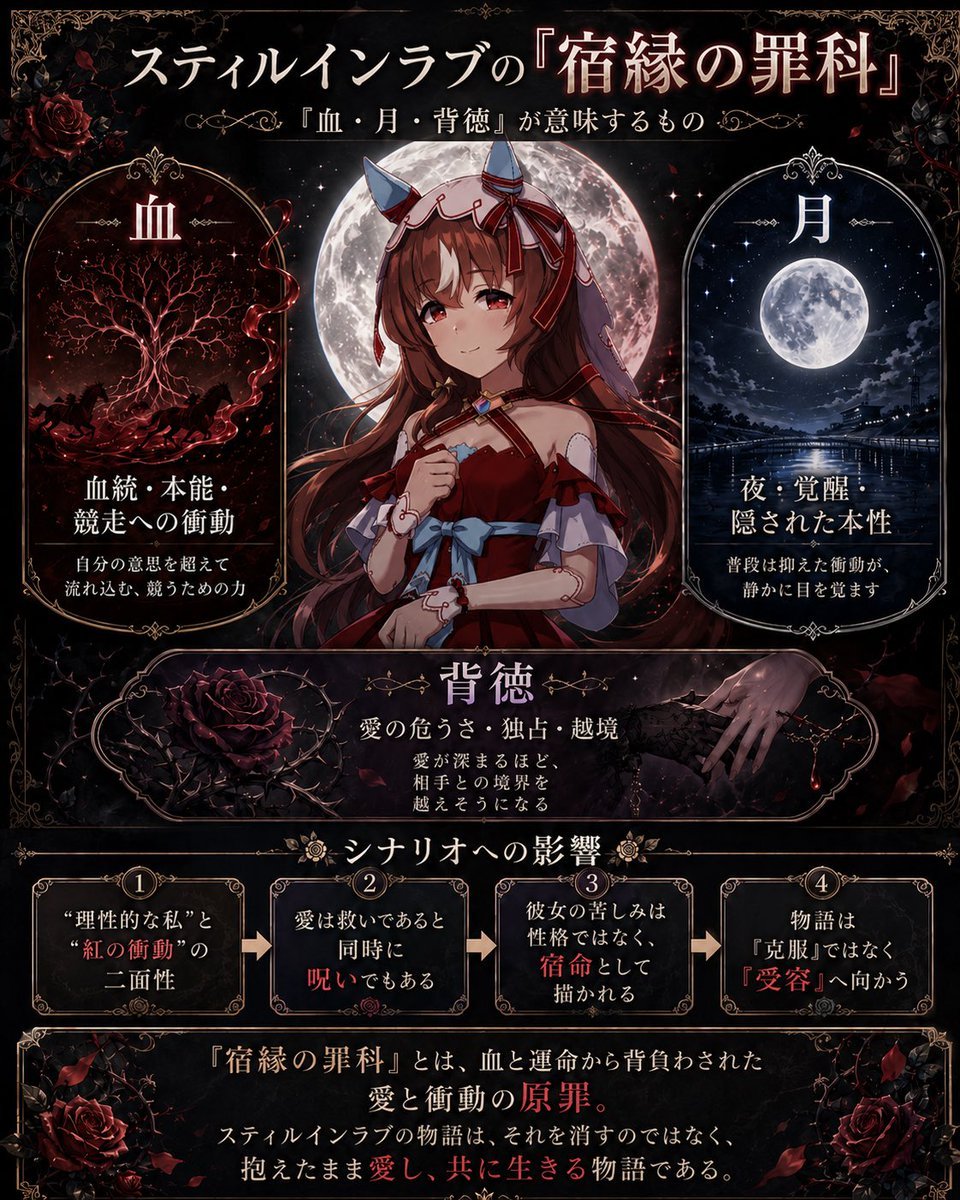
Gothic Anime Symbolism Infographic
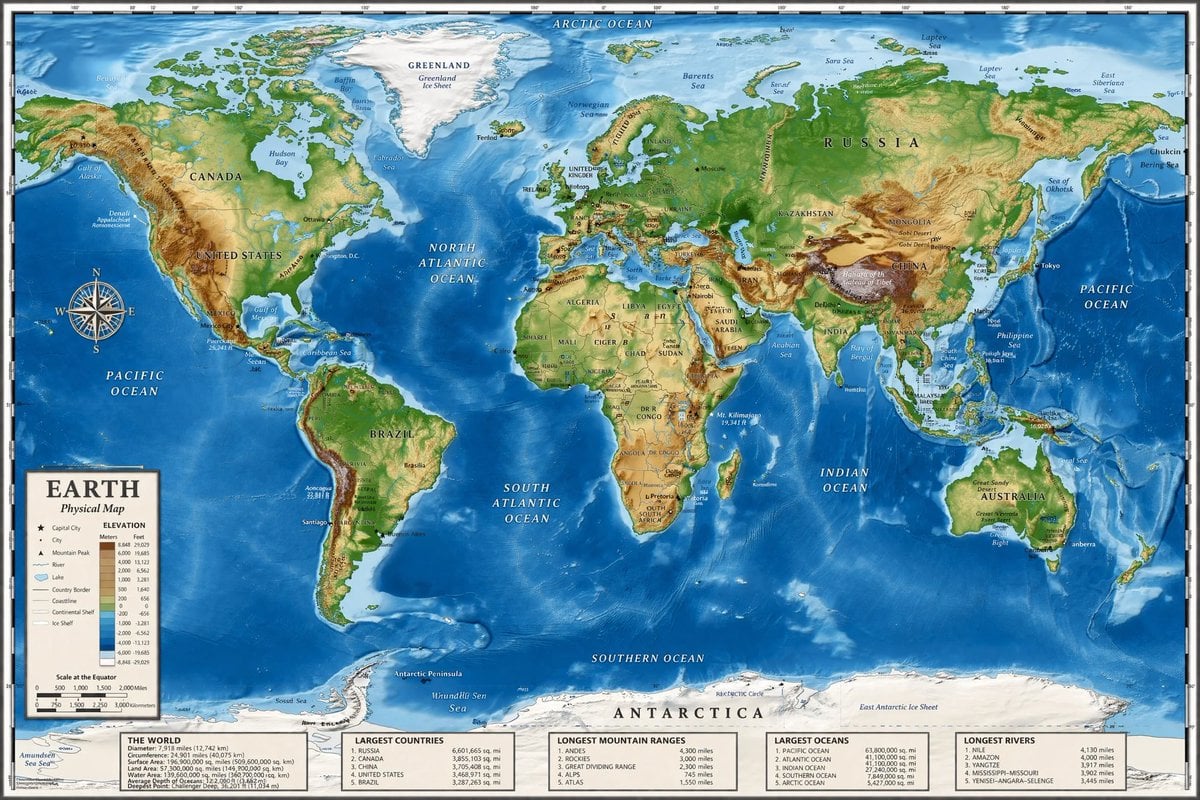
Detailed Physical World Map with Info Panels
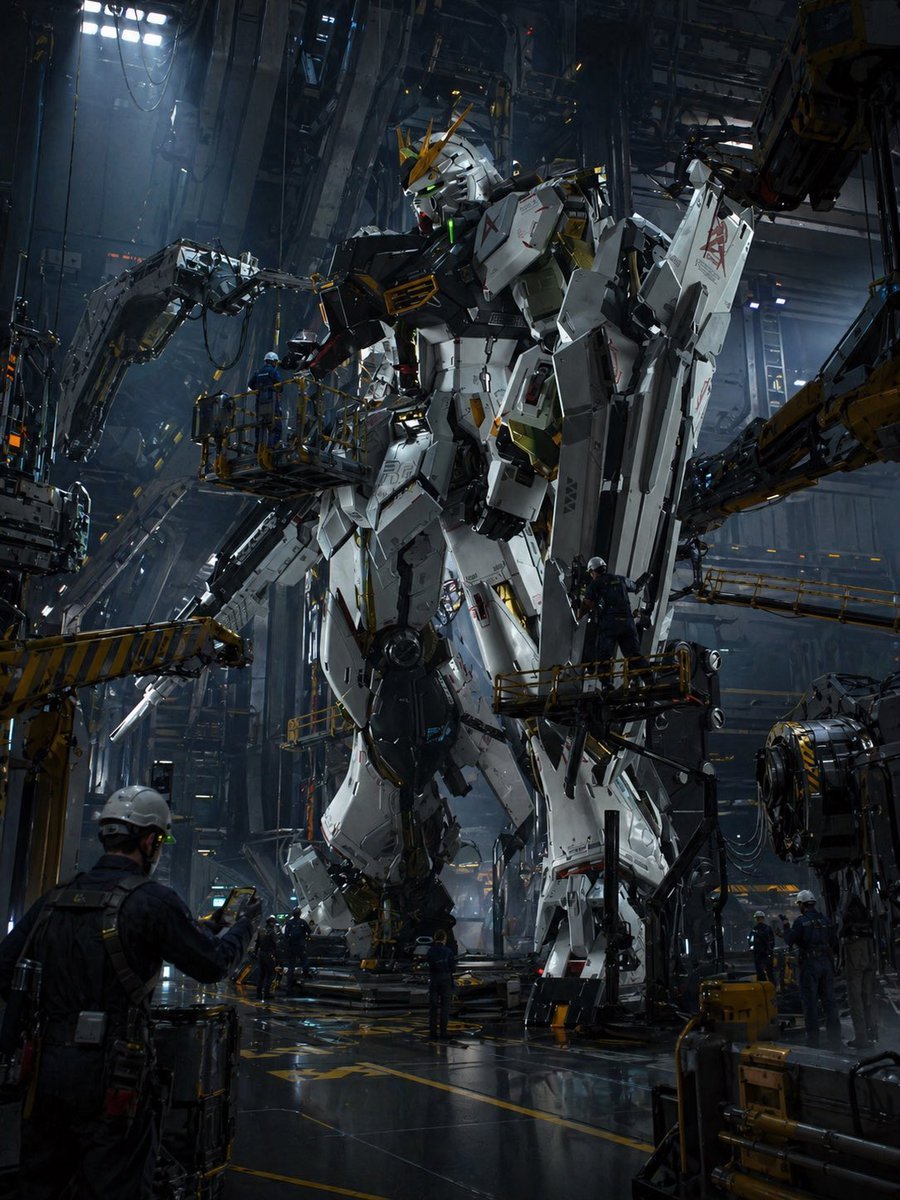
Gundam Maintenance Scene Transformation

Y2K Fashion Magazine Cover
Browse template categories
Woman in Ancient Chinese Town Lane questions
How do I use the Woman in Ancient Chinese Town Lane template?
Add your photo if the template asks for one, edit the prompt if you like — the template's model and format are already selected — and press Generate. Your version opens in PicX Studio.
Can I customize the Woman in Ancient Chinese Town Lane template?
Yes. You can change the subject, setting, lighting, mood, format, and available model controls before creating your image.
Is the Woman in Ancient Chinese Town Lane template free?
Opening and editing this template is free. Generating uses credits, shown on the Generate button when you are signed in.
Which AI model should I use?
Start with GPT Image 2, which is the model associated with this template. You can compare another compatible model for a different finish.
Looking for something else? Browse all templates.

Your photo, any look
Thousands of ready templates for every top image and video model, from one credit balance.