
Comedic Anime Ramen Shop Chaos
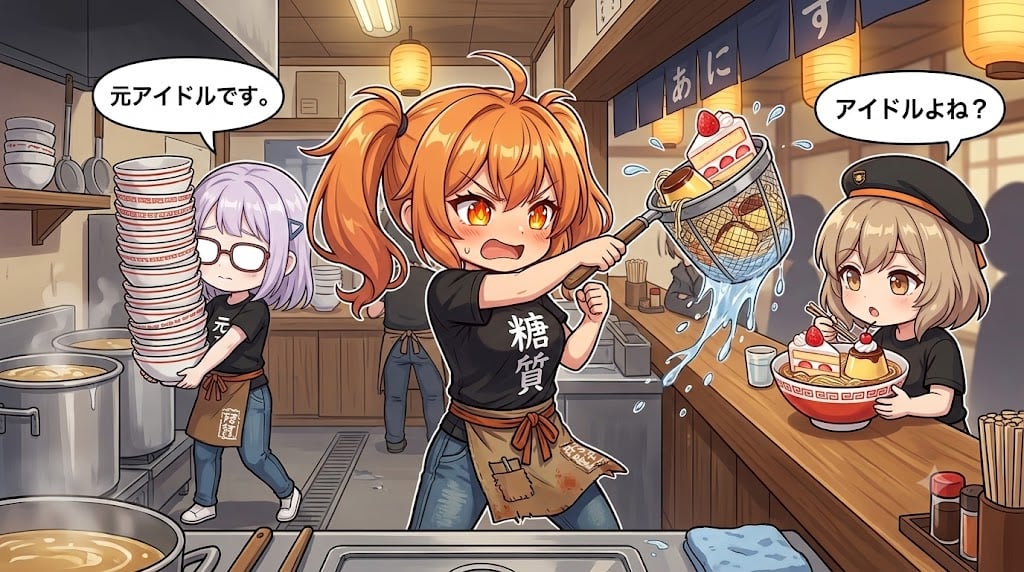
Generates a wide anime illustration of three girls in a chaotic ramen shop kitchen making dessert ramen with dramatic noodle-draining action.
- Prompt included
- Model and format preset
- Premium template
The prompt behind this image
Copy the exact prompt behind Comedic Anime Ramen Shop Chaos, or open it in the studio and make it yours.
Create a wide 16:9 anime-style comedic illustration set inside a cramped Japanese ramen shop kitchen during a frantic shift. Center foreground: an energetic orange-haired girl with twin ponytails and glowing amber eyes, wearing a black T-shirt with large white Japanese lettering 「糖質」, jeans, and a worn brown waist apron, aggressively performing noodle draining with a wire noodle strainer; instead of noodles, the strainer contains dessert-like sweets including a slice of strawberry shortcake, and water splashes dramatically in an arc. Her expression is hot-blooded, intense, and shouting, with sweat drops and dynamic motion lines. Left side: a lavender-haired girl with glasses, tired blank expression, black shirt, jeans, sneakers, and a brown apron, reluctantly carrying an absurdly tall stack of ramen bowls; add a speech bubble above her with {argument name="left speech bubble" default="元アイドルです。"}. Right side at the customer counter: a petite blonde girl in a black beret and black shirt holds a ramen bowl topped with strawberry shortcake and pudding-like desserts, looking surprised; add a speech bubble above her with {argument name="right speech bubble" default="アイドルよね?"}. Include exactly 3 visible characters: the energetic orange-haired cook in the center, the reluctant lavender-haired helper on the left, and the surprised blonde customer on the right. Include exactly 2 speech bubbles, one above the left helper and one above the right customer. Include exactly 2 dessert ramen bowls: one in the wire strainer and one held by the blonde customer. Environment details: stainless steel counter and sinks in the foreground, huge boiling ramen pots on the left, shelves with stacked bowls, hanging paper lanterns, blue noren curtains with partial Japanese kana, chopsticks and condiment bottles on the right counter, warm restaurant lighting, compact perspective with depth. Style: polished Japanese anime key visual, crisp line art, vibrant colors, expressive faces, exaggerated comedy, water droplets frozen in motion, dynamic low-to-mid camera angle, highly detailed background but readable composition. Use {argument name="main character hair color" default="orange"} for the central cook, {argument name="shop setting" default="small Japanese ramen shop kitchen"}, and {argument name="central shirt text" default="糖質"}. Avoid photorealism, avoid extra characters, avoid changing the count of bowls, speech bubbles, or main subjects.
How to use Comedic Anime Ramen Shop Chaos in 3 steps
- 1Upload ImagePNG, JPG or paste
Add your photo
Upload the photo the template builds on. The prompt, model and format are already set.
- 2…a portrait of your subject in softgolden-hour light, 85mm…
Personalize
Edit the subject and creative details for your destination.
- 3Generate
Generate
Press Generate — your image is created in PicX Studio, so you can compare it with the original and refine one variable at a time.
More like this
Templates with the same subject, style or setup. Open one to see its prompt.











Make it yours
Comedic Anime Ramen Shop Chaos works as-is. These are the safest ways to change it without losing the look.
Change one field
Copy a single group, rewrite it, and generate again so you can see what that field is doing.
Keep the frame, change the subject
Hold the composition and light of Comedic Anime Ramen Shop Chaos, then swap wardrobe, props or the person for a new take.
| If the result… | Why | Fix |
|---|---|---|
| The result drifts from the preview | Too many fields changed at once. | Reuse Comedic Anime Ramen Shop Chaos as-is first, then change one group — subject, light, or setting. |
| The model over-stylizes the scene | The prose prompt leaves finish and camera underspecified. | Add one camera or lighting sentence and stay on GPT Image 2. |
More GPT Image 2 templates
Other prompts made for GPT Image 2.

Six VTuber Japanese Logo Sheet

Realistic Portrait of Woman and Deer

The Vista Modular Condo Poster

AI Model Routing Comparison Infographic

2.5D Anime Art Board

Isometric Productivity Desk Scene

New York Double Exposure Poster

Four-Panel AI Landscape Comparison

Japanese Tatami Lifestyle Magazine Cover

NESCAFÉ Coffee Map Poster
More image prompts
Fresh picks from across the catalog.
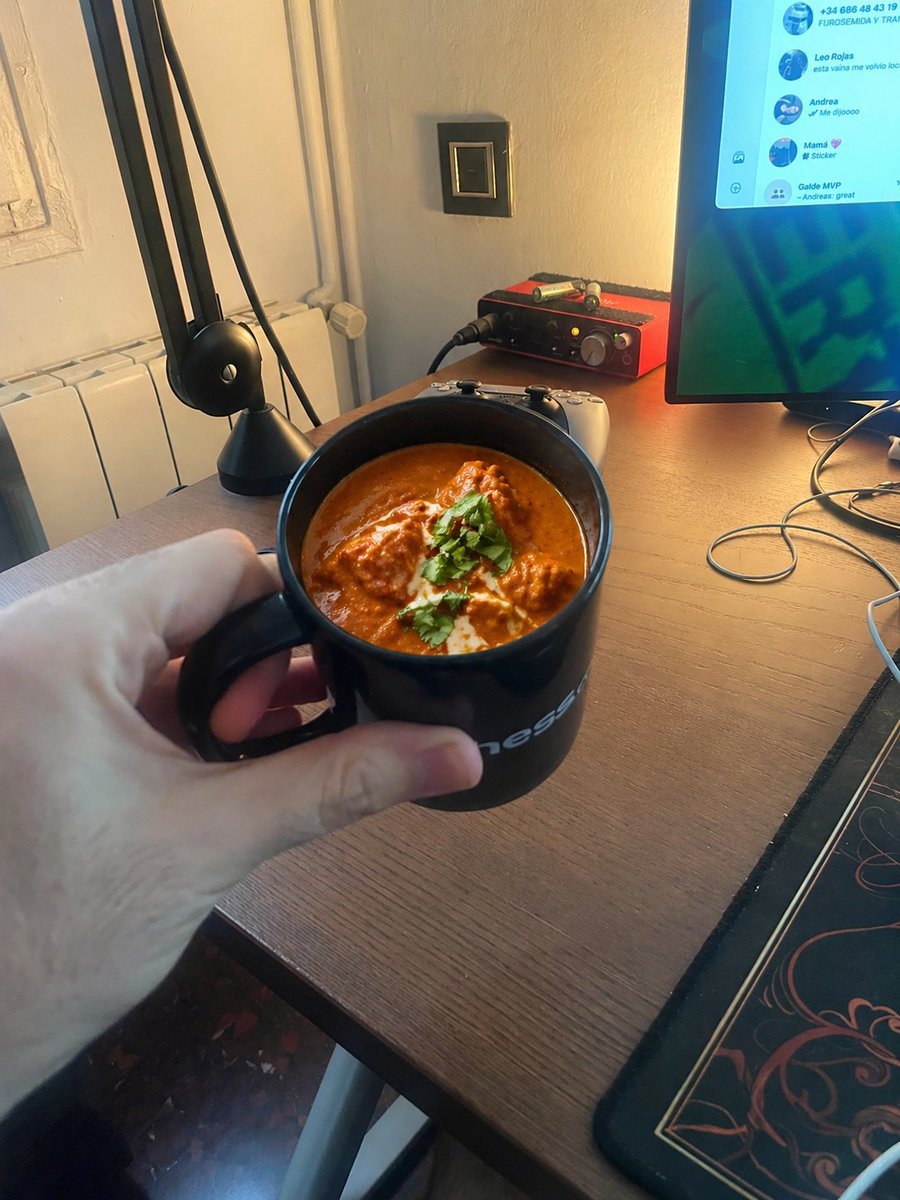
Chicken Tikka Masala Mug Desk Photo
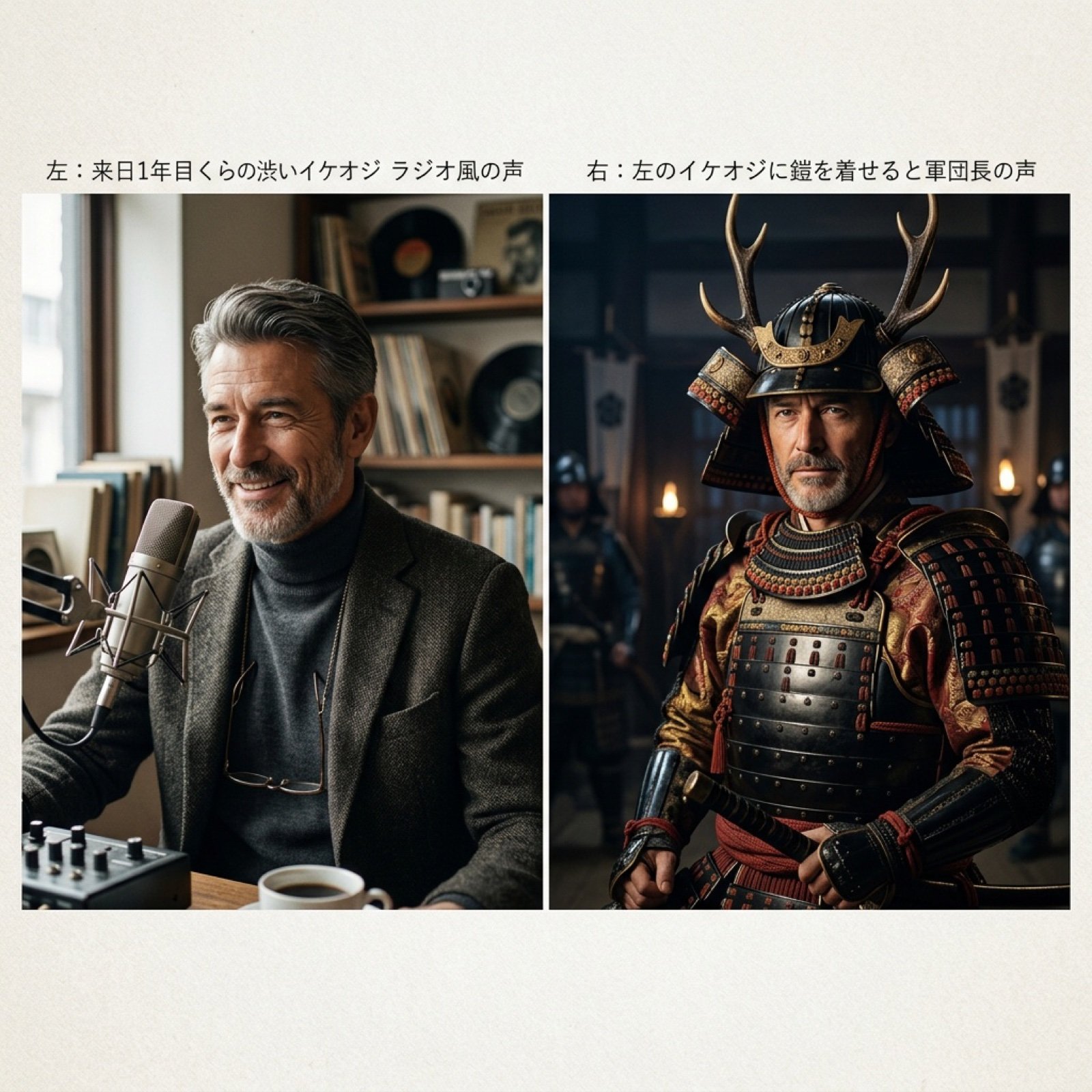
Grok Voice Generation Prompt Examples
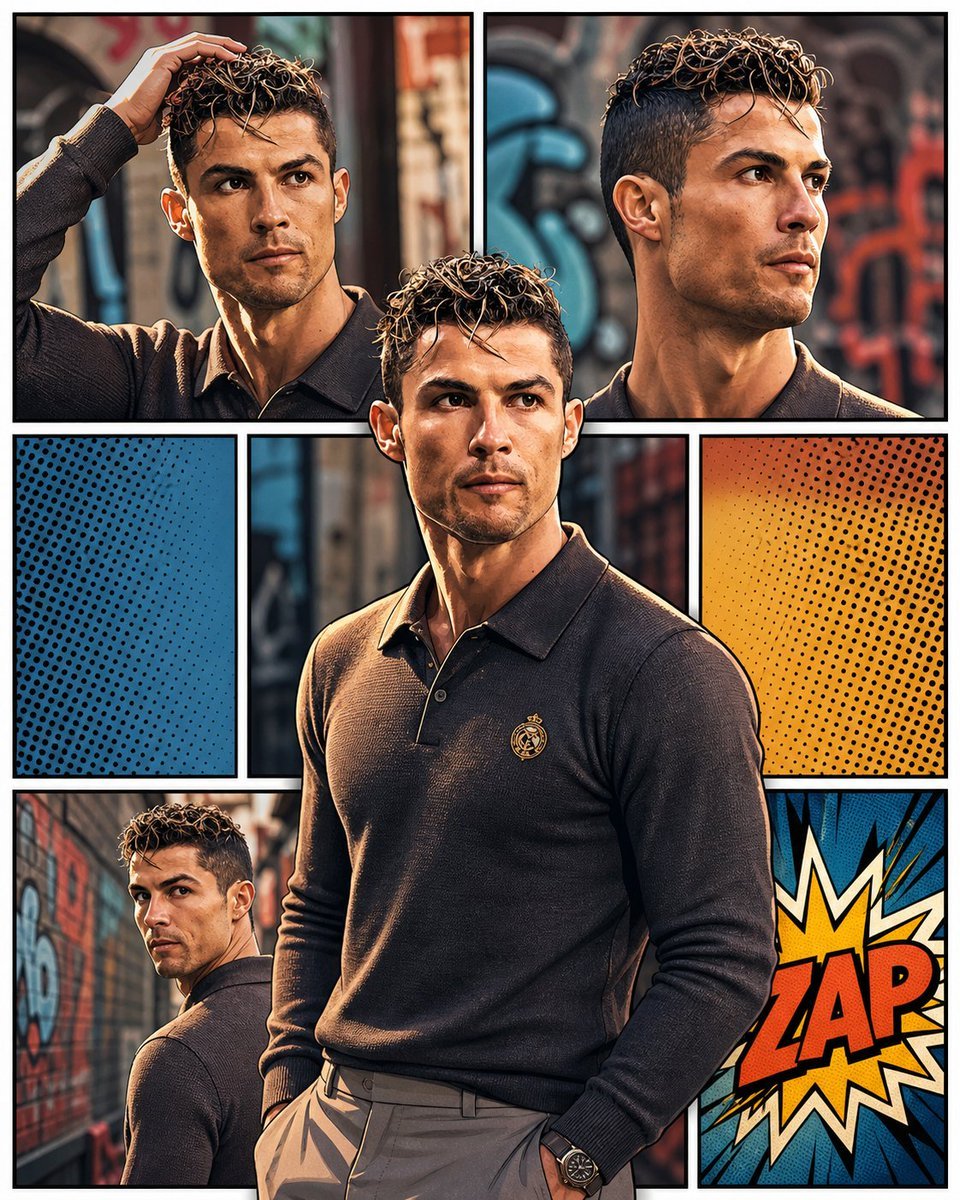
3D Pop-Art Comic Grid
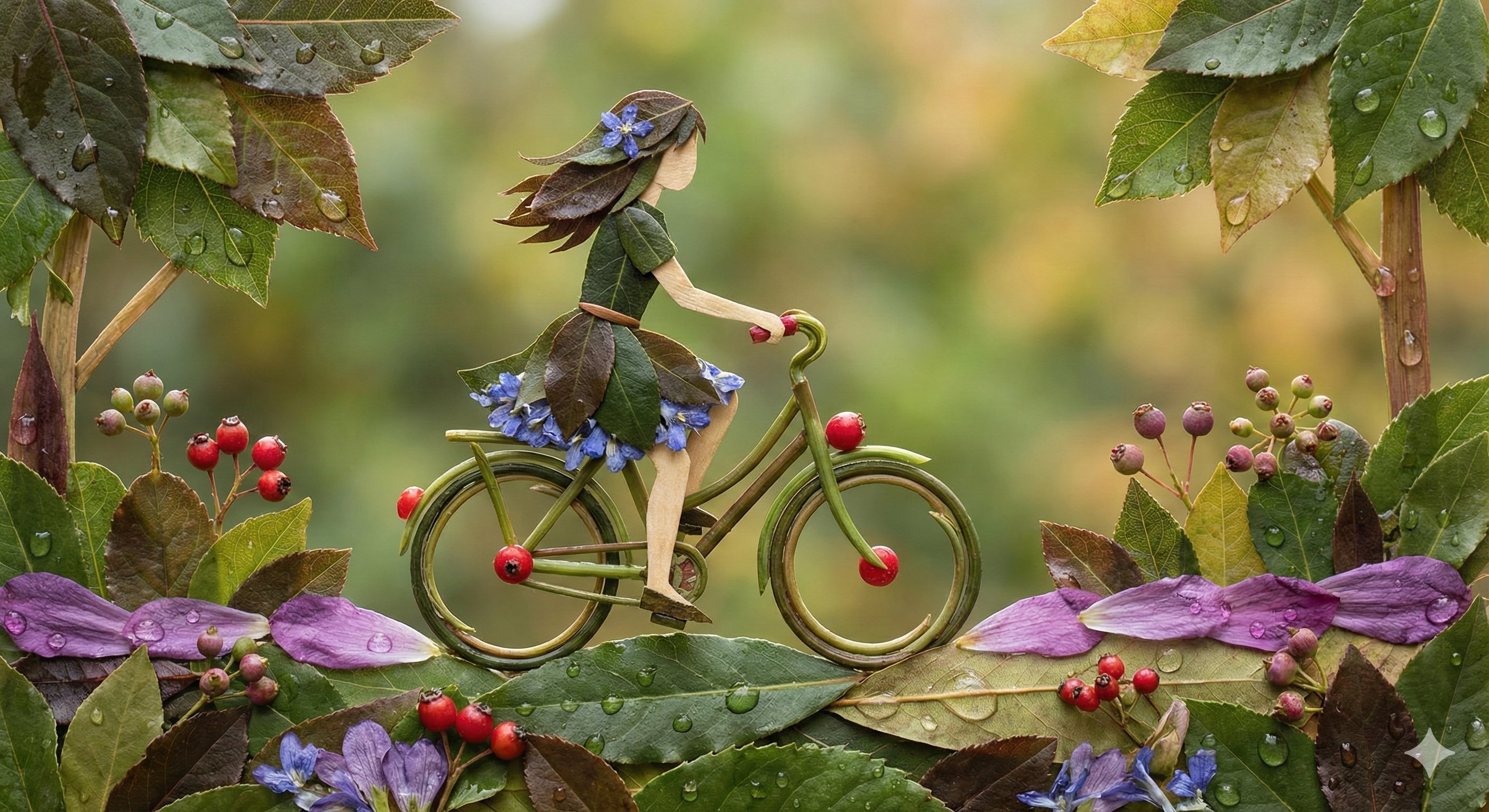
Botanical Leaf Art Style
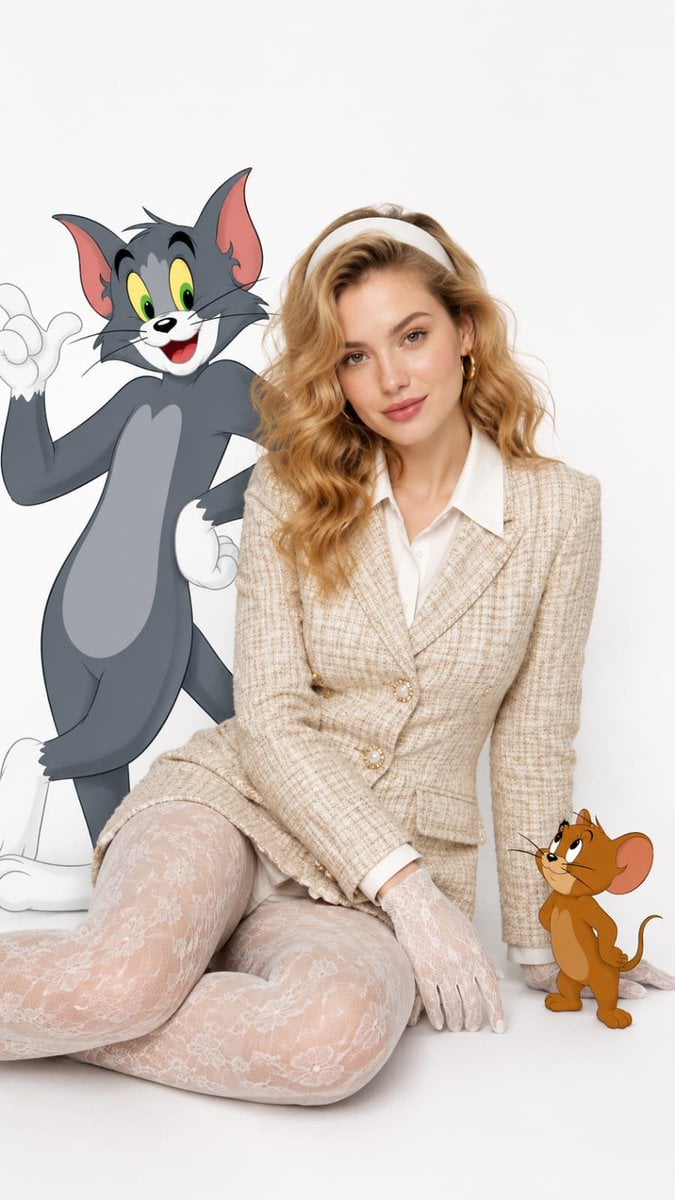
Vintage Fashion with Cartoon Characters
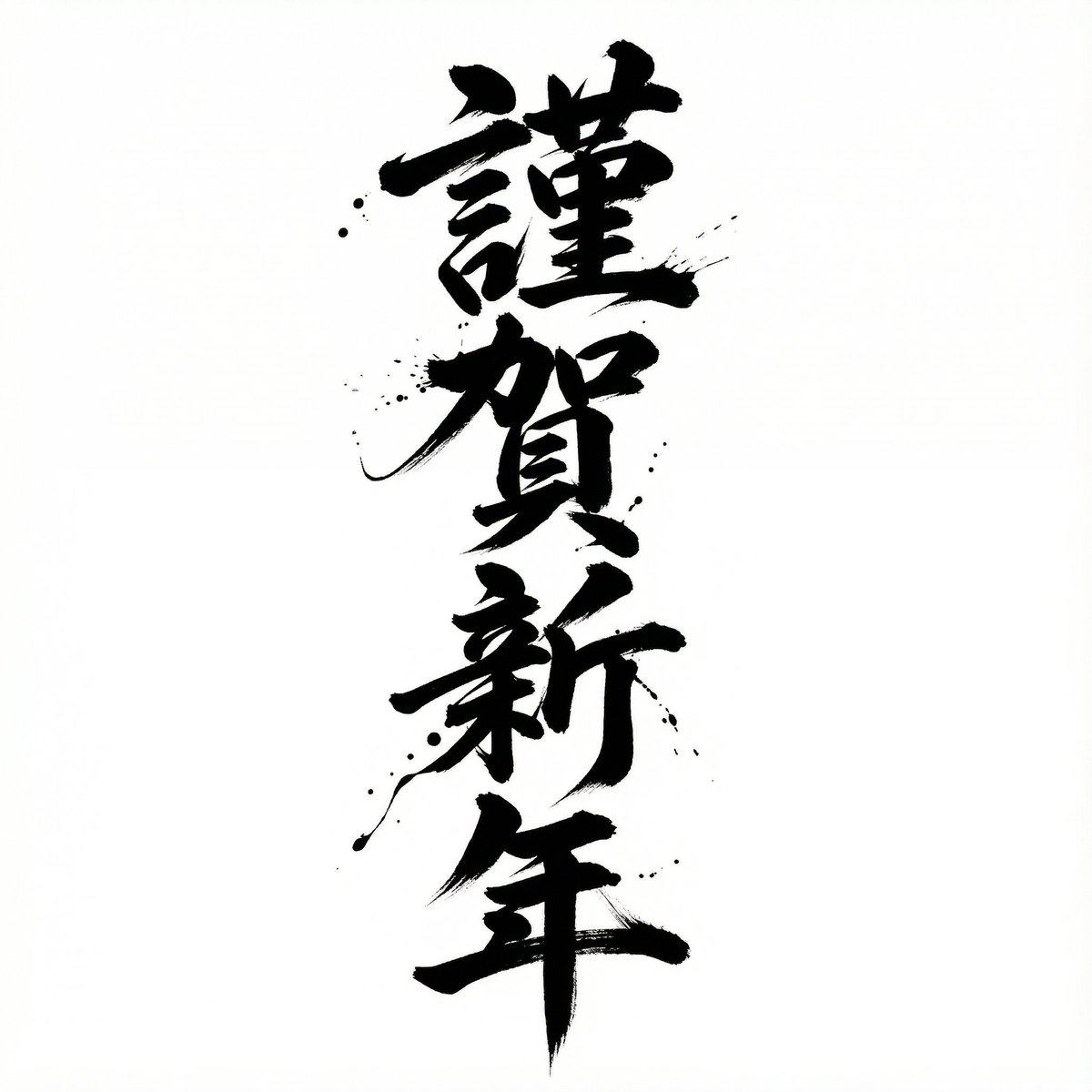
Nano Banana Pro Calligraphy Font Generator
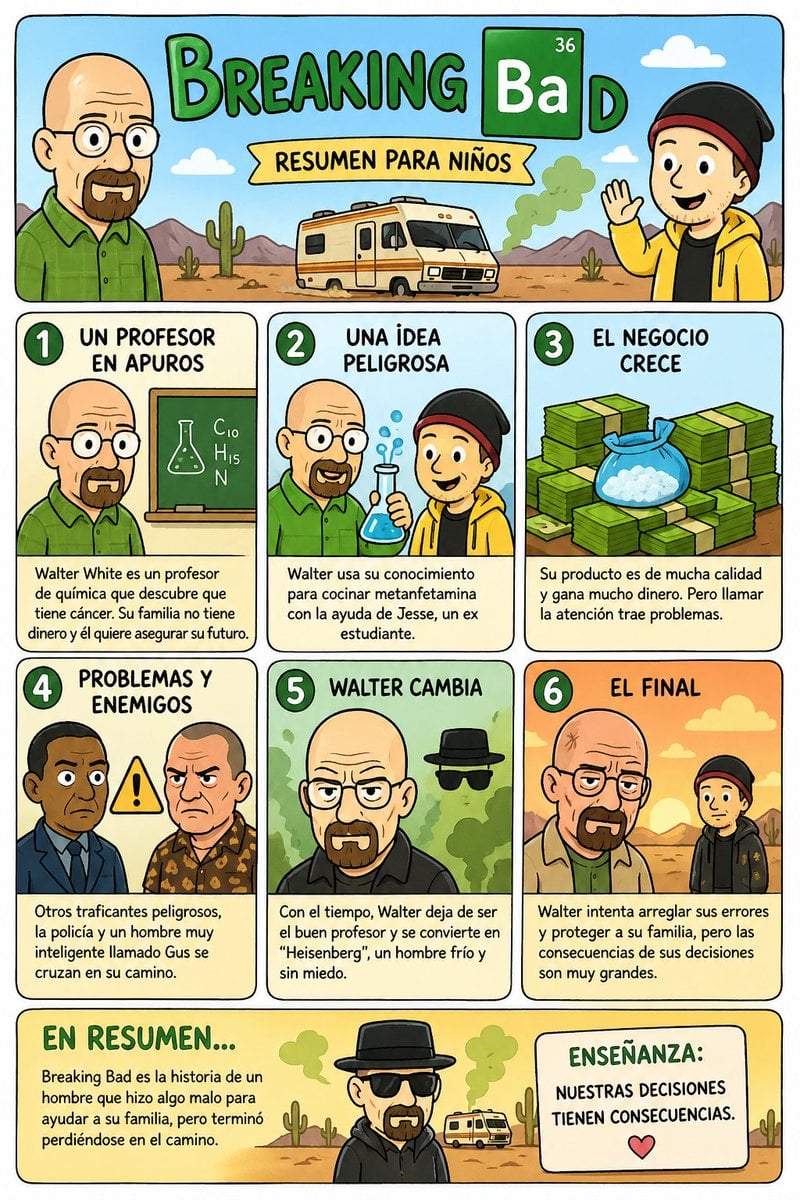
Kids' Breaking Bad Summary Poster
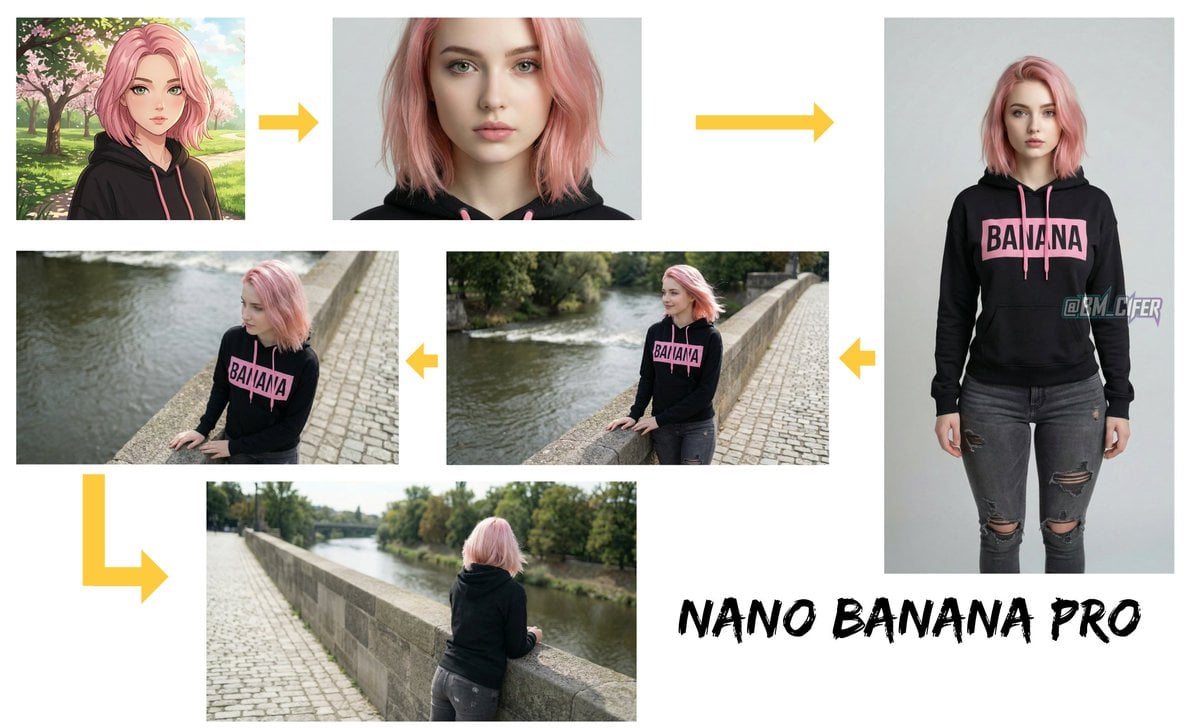
Opposite camera view of anime girl by the river
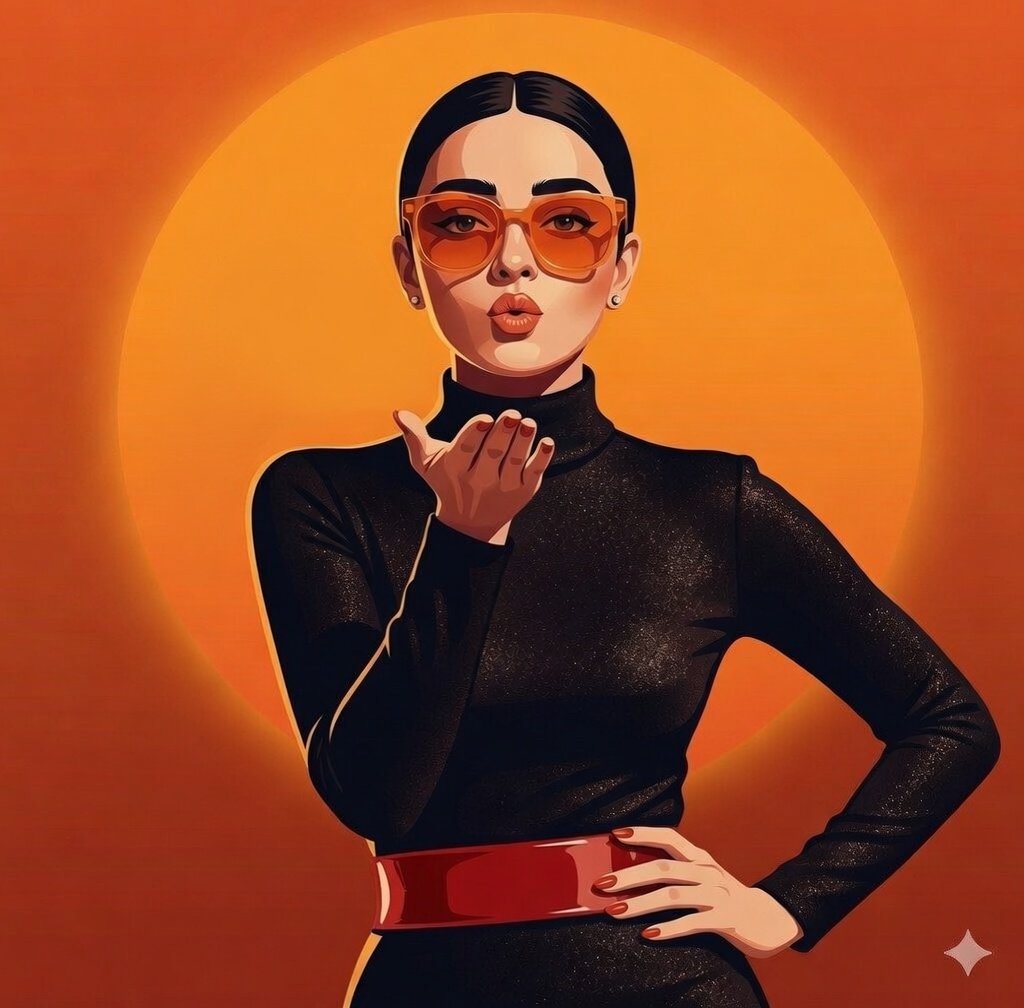
Gemini Nano Banana X Grok
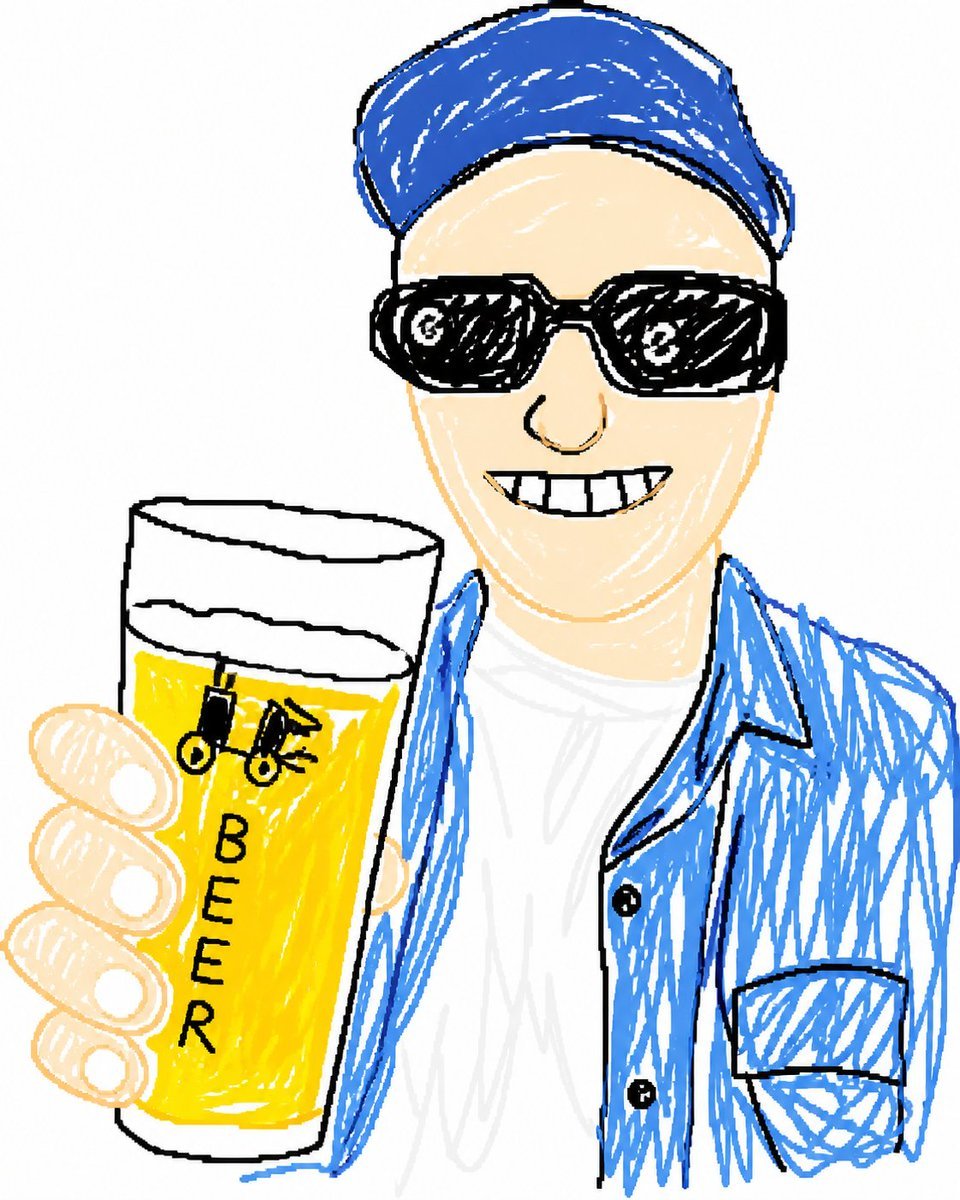
Doodle Beer Selfie Portrait
Browse template categories
Comedic Anime Ramen Shop Chaos questions
How do I use the Comedic Anime Ramen Shop Chaos template?
Add your photo if the template asks for one, edit the prompt if you like — the template's model and format are already selected — and press Generate. Your version opens in PicX Studio.
Can I customize the Comedic Anime Ramen Shop Chaos template?
Yes. You can change the subject, setting, lighting, mood, format, and available model controls before creating your image.
Is the Comedic Anime Ramen Shop Chaos template free?
Opening and editing this template is free. Generating uses credits, shown on the Generate button when you are signed in.
Which AI model should I use?
Start with GPT Image 2, which is the model associated with this template. You can compare another compatible model for a different finish.
Looking for something else? Browse all templates.

Your photo, any look
Thousands of ready templates for every top image and video model, from one credit balance.