
Bonsai Mobile Game UI Mockup
A polished portrait mobile game interface concept for a bonsai-growing sim, useful for prototyping app screens and casual game UI layouts.
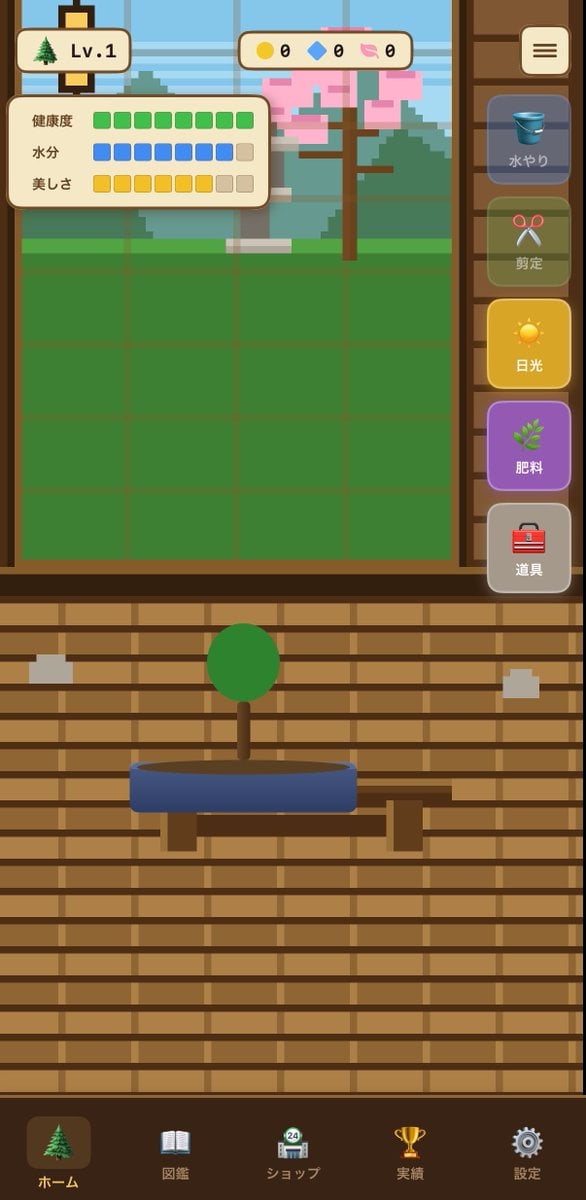
- Prompt included
- Model and format preset
- Free template
The prompt behind this image
Copy the exact prompt behind Bonsai Mobile Game UI Mockup, or open it in the studio and make it yours.
{"type":"mobile game UI mockup","genre":"bonsai growing game","platform":"smartphone portrait screen","style":"cute casual Japanese game interface, flat 2D vector art, warm wooden UI, soft rounded panels, slightly toy-like app icons, clean mobile-friendly layout","screen":{"background":"traditional Japanese interior with horizontal wooden slat wall in warm brown tones","main subject":"a small bonsai tree with a round green canopy and short brown trunk, planted in a shallow oval blue pot on a simple wooden stand","layout":{"sections":[{"title":"top left level badge","position":"top left","count":2,"labels":["tree icon","Lv.1"]},{"title":"top center currencies","position":"top center","count":3,"labels":["yellow coin 0","blue gem 0","pink token 0"]},{"title":"status panel","position":"upper left over garden area","count":3,"labels":["健康度","水分","美しさ"]},{"title":"right vertical action menu","position":"right side","count":5,"labels":["水やり","剪定","日光","肥料","道具"]},{"title":"bottom navigation bar","position":"bottom full width","count":5,"labels":["ホーム","図鑑","ショップ","実績","設定"]}],"centerpiece":"large grow-area window in the upper half with a green square grid field and a pixel-art outdoor background showing a tree with pink blossoms, greenery, and a pale blue sky behind glass","top right button":"rounded square menu button with three horizontal lines"},"details":{"status meters":{"健康度":"10 green square segments, all filled","水分":"10 segments total, 8 blue filled and 2 beige empty","美しさ":"10 segments total, 8 yellow filled and 2 beige empty"},"right menu buttons":[{"label":"水やり","icon":"blue bucket","state":"dimmed inactive"},{"label":"剪定","icon":"red scissors","state":"dimmed inactive"},{"label":"日光","icon":"yellow sun","state":"highlighted active"},{"label":"肥料","icon":"green sprout","state":"purple button, active-looking"},{"label":"道具","icon":"red toolbox","state":"neutral gray"}],"bottom nav icons":[{"label":"ホーム","icon":"evergreen tree","state":"selected"},{"label":"図鑑","icon":"open book","state":"unselected"},{"label":"ショップ","icon":"shop building with small 24 badge","state":"unselected"},{"label":"実績","icon":"gold trophy","state":"unselected"},{"label":"設定","icon":"gray gear","state":"unselected"}]},"composition":"screenshot-style full app screen, centered symmetrical layout, bonsai in lower middle, game field in upper middle, sidebar controls on the right, navigation along the bottom","color palette":"brown wood, cream panels, green grass and bonsai foliage, blue pot and water icon, yellow sunlight button, purple fertilizer button, soft pastel accents","quality":"polished UI concept art for a casual simulation game"}
How to use Bonsai Mobile Game UI Mockup in 3 steps
- 1Upload ImagePNG, JPG or paste
Add your photo
Upload the photo the template builds on. The prompt, model and format are already set.
- 2…a portrait of your subject in softgolden-hour light, 85mm…
Personalize
Edit the subject and creative details for your destination.
- 3Generate
Generate
Press Generate — your image is created in PicX Studio, so you can compare it with the original and refine one variable at a time.
More like this
Templates with the same subject, style or setup. Open one to see its prompt.
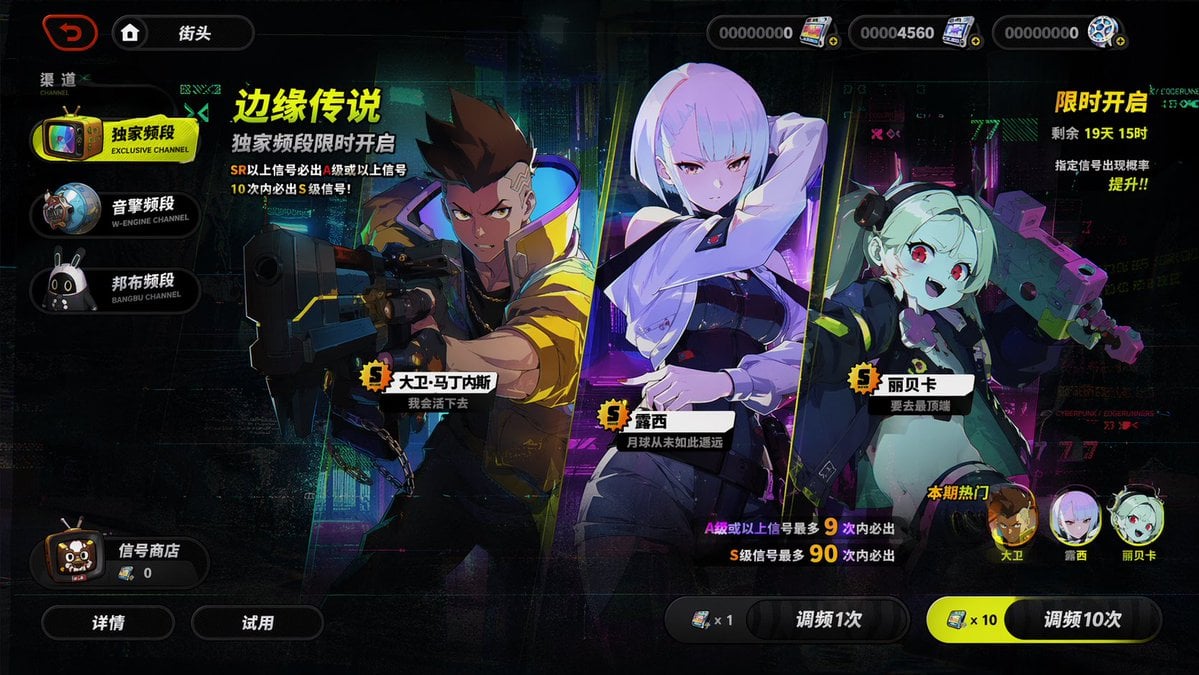
Mobile Game Gacha Interface Design
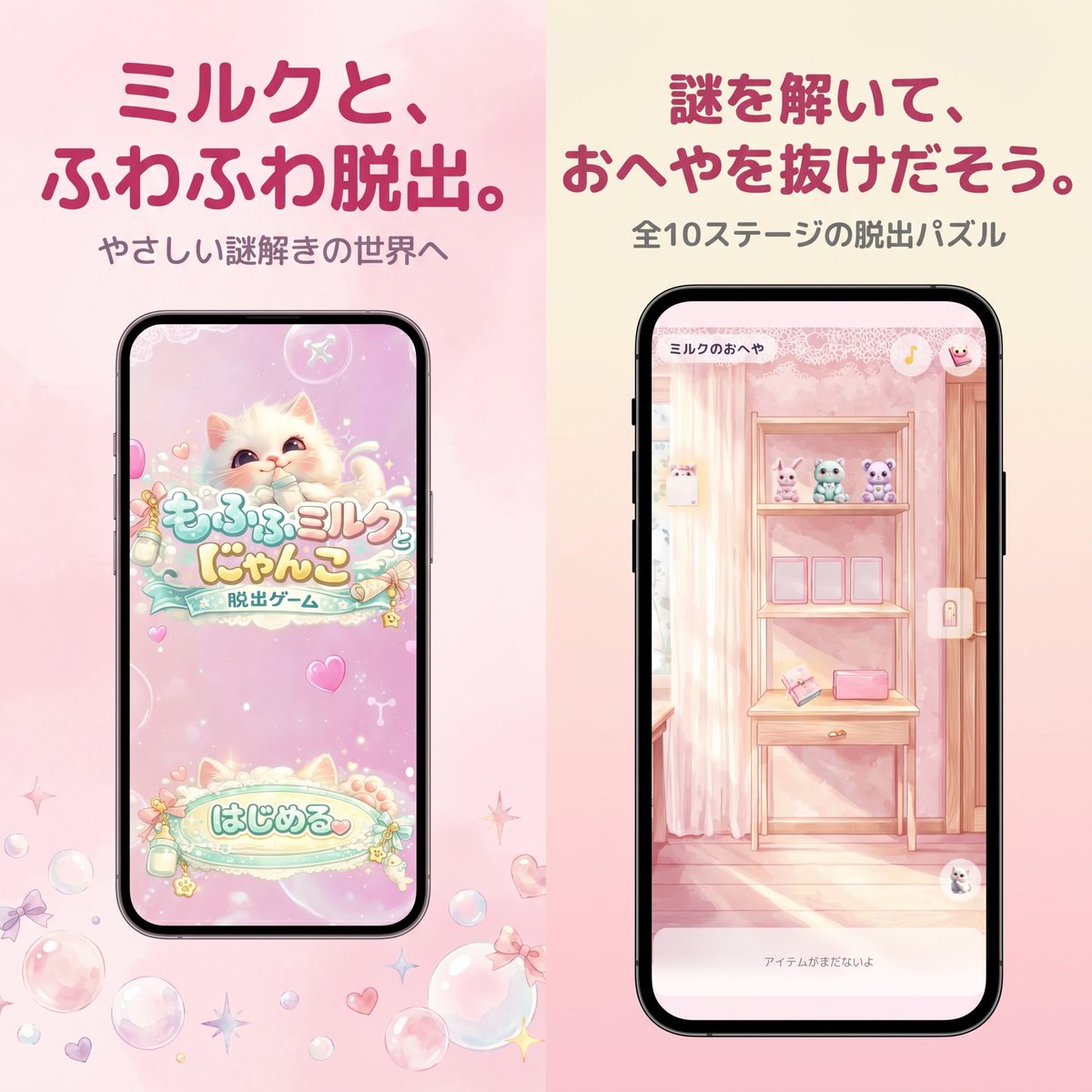
Pastel Japanese Mobile Game Store Screenshot
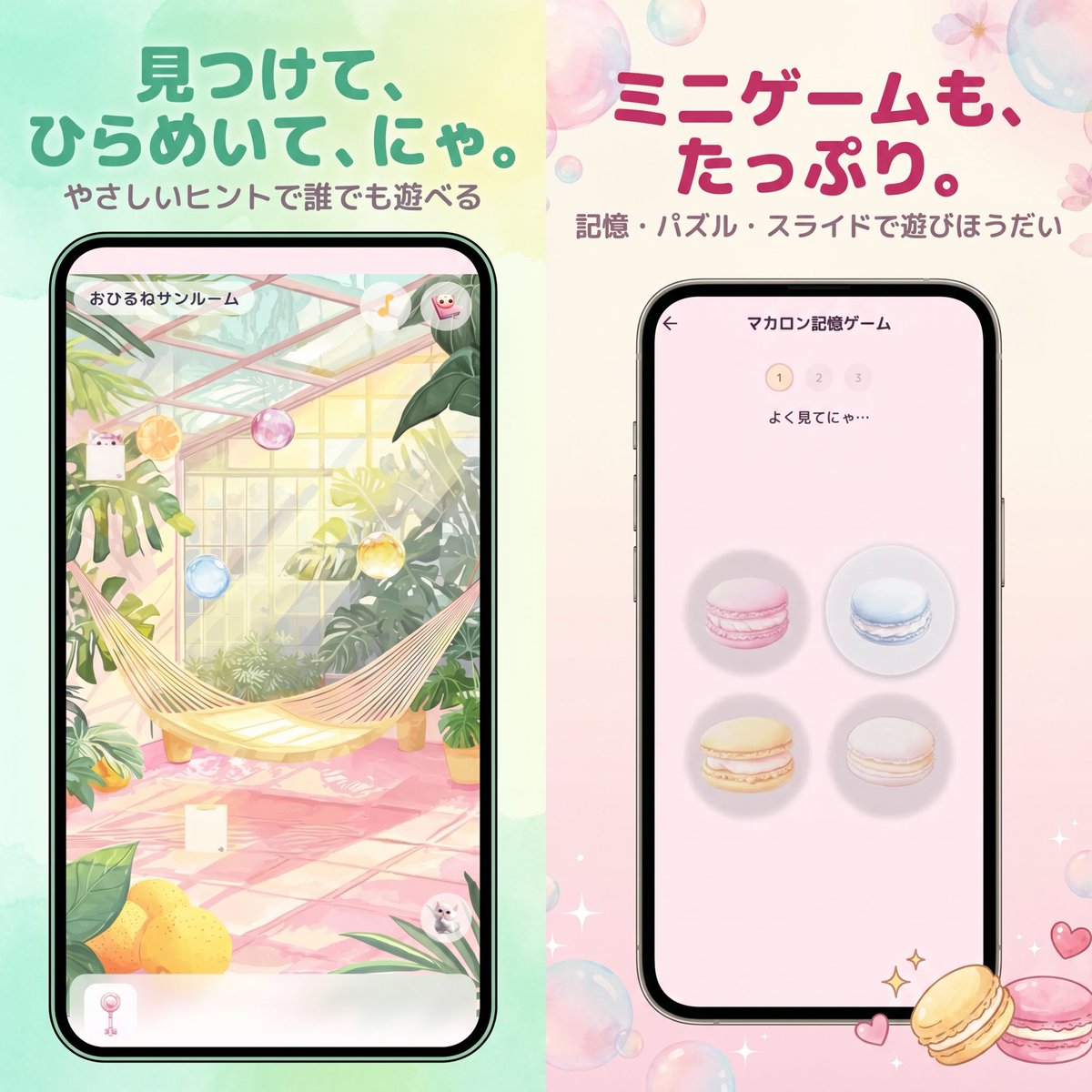
Pastel Japanese Mobile Game Ad
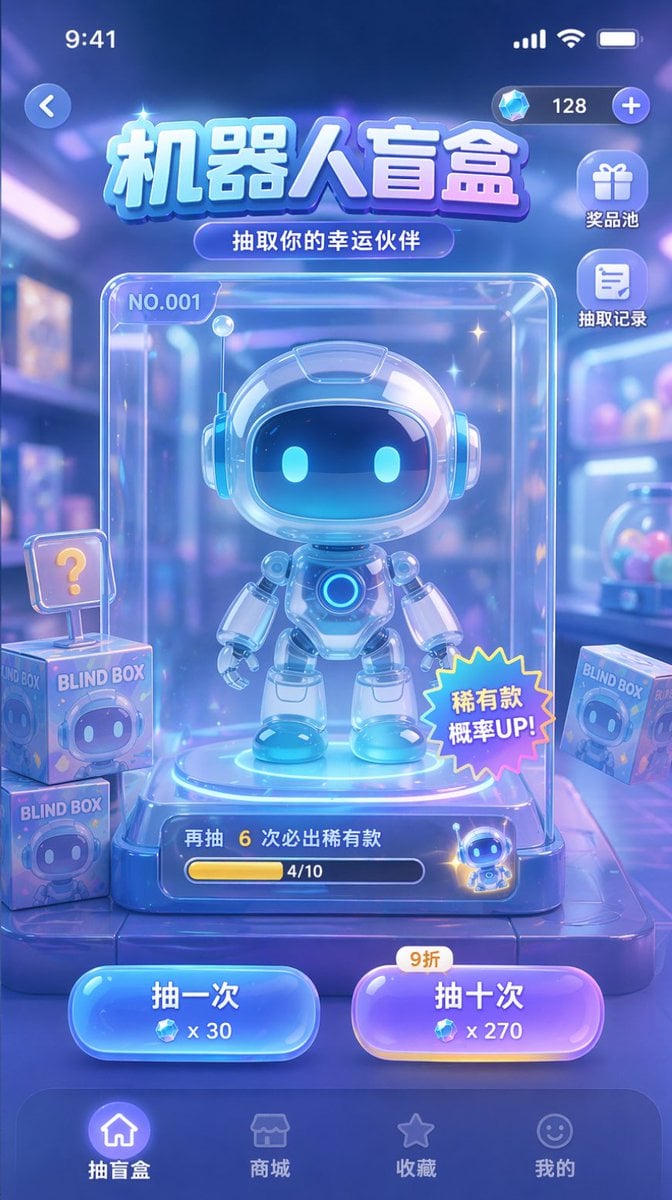
Gacha Game UI Mockup
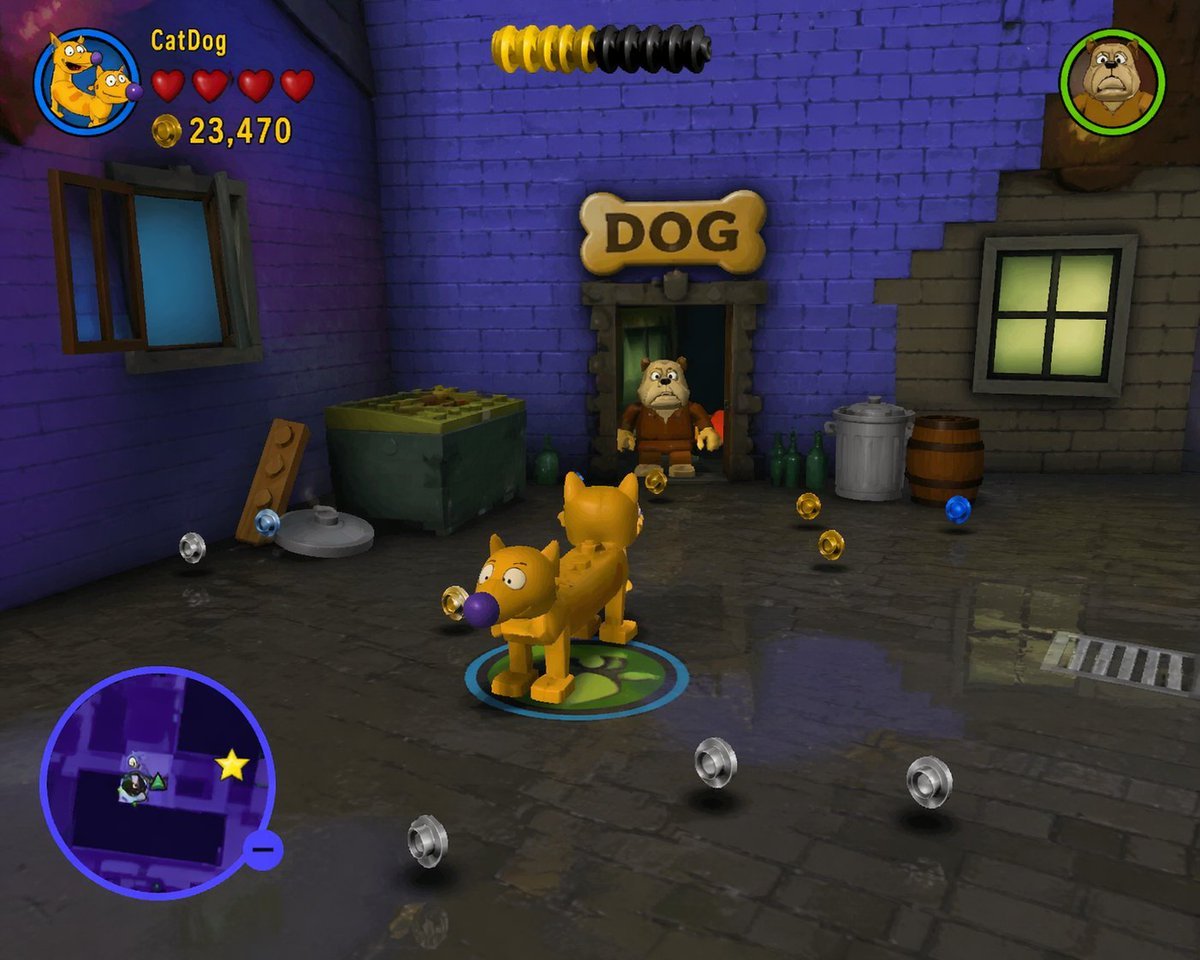
LEGO Video Game Mockup
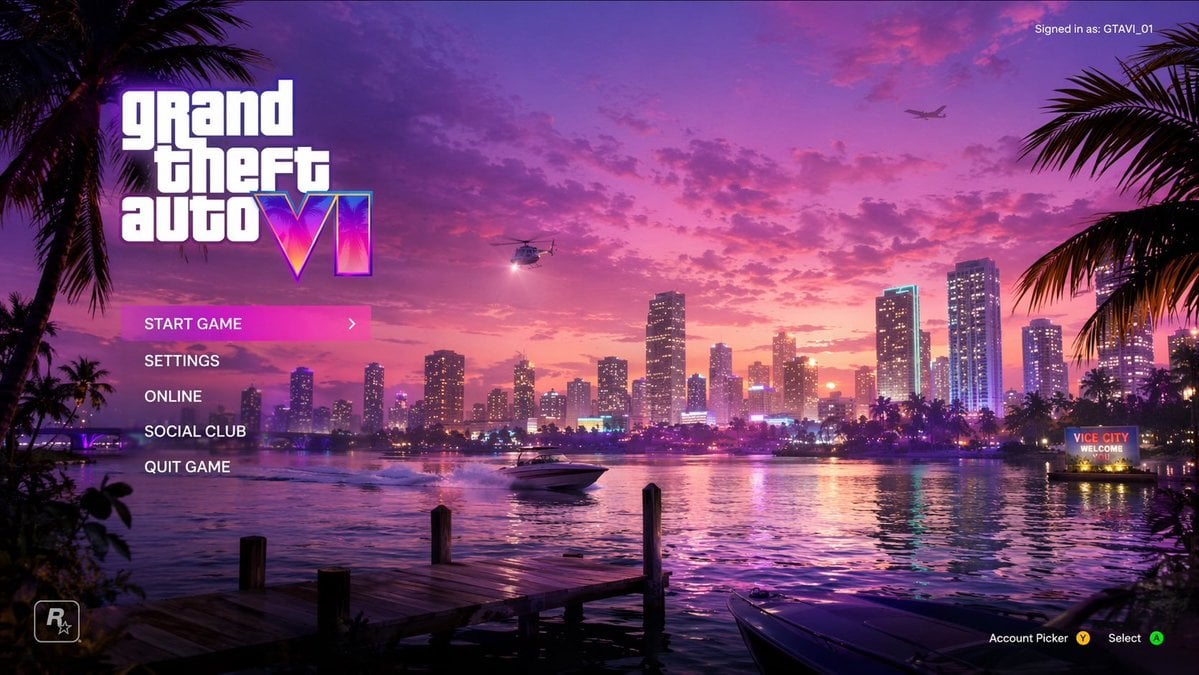
Vice City Sunset Game Menu Mockup
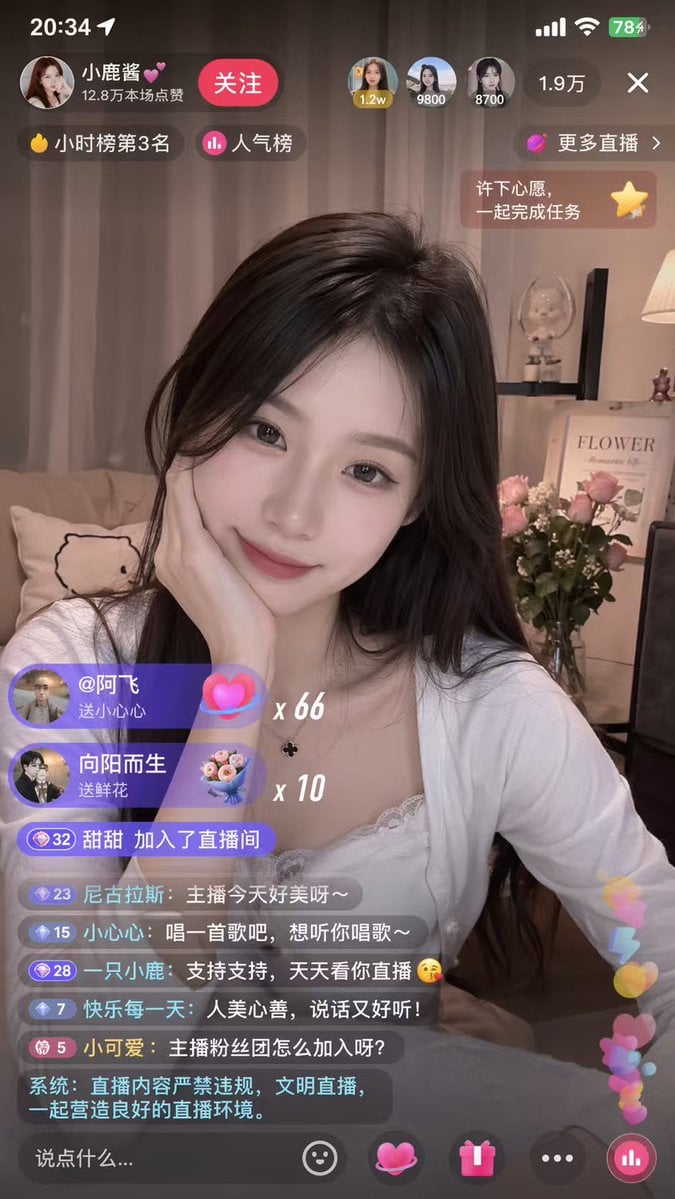
Mobile Live-Streaming Interface Mockup
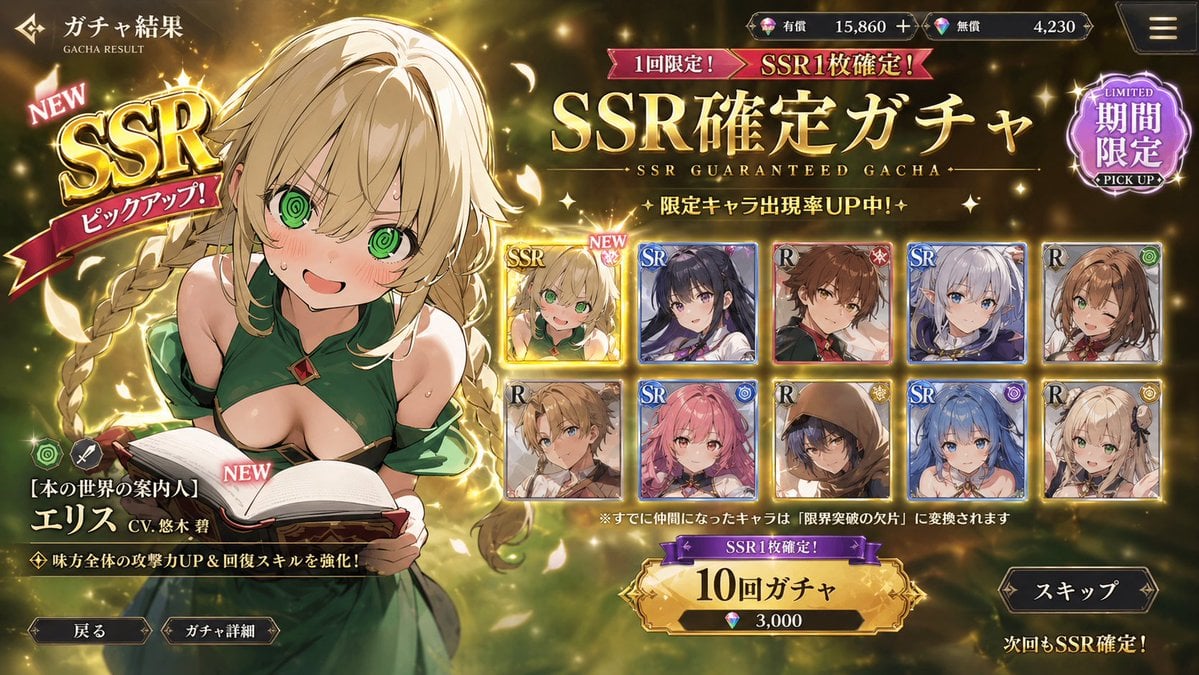
Mobile Game Gacha UI Design
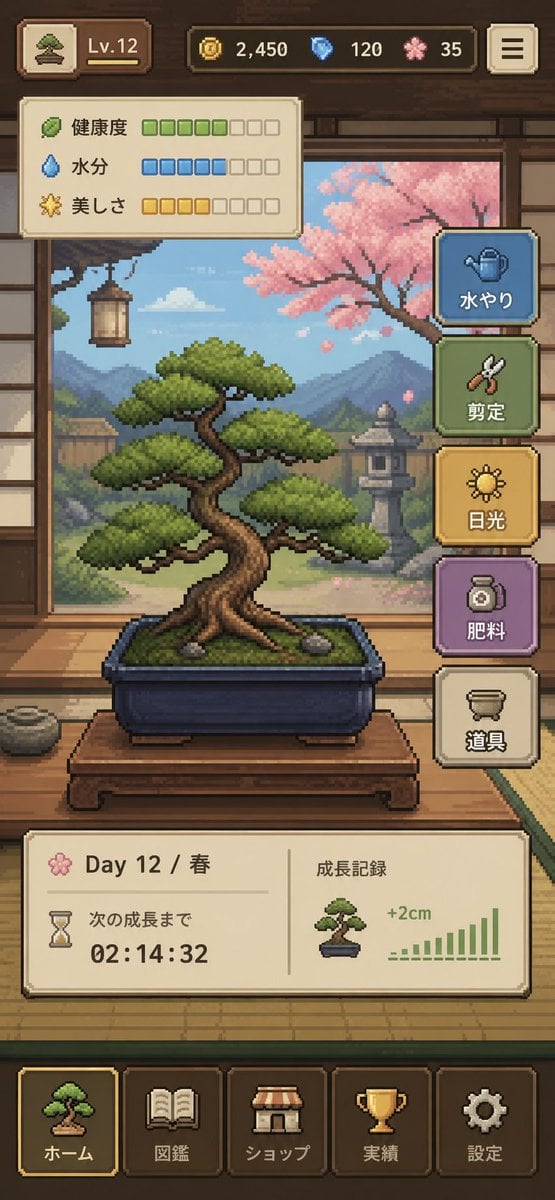
Pixel Art Bonsai Game UI
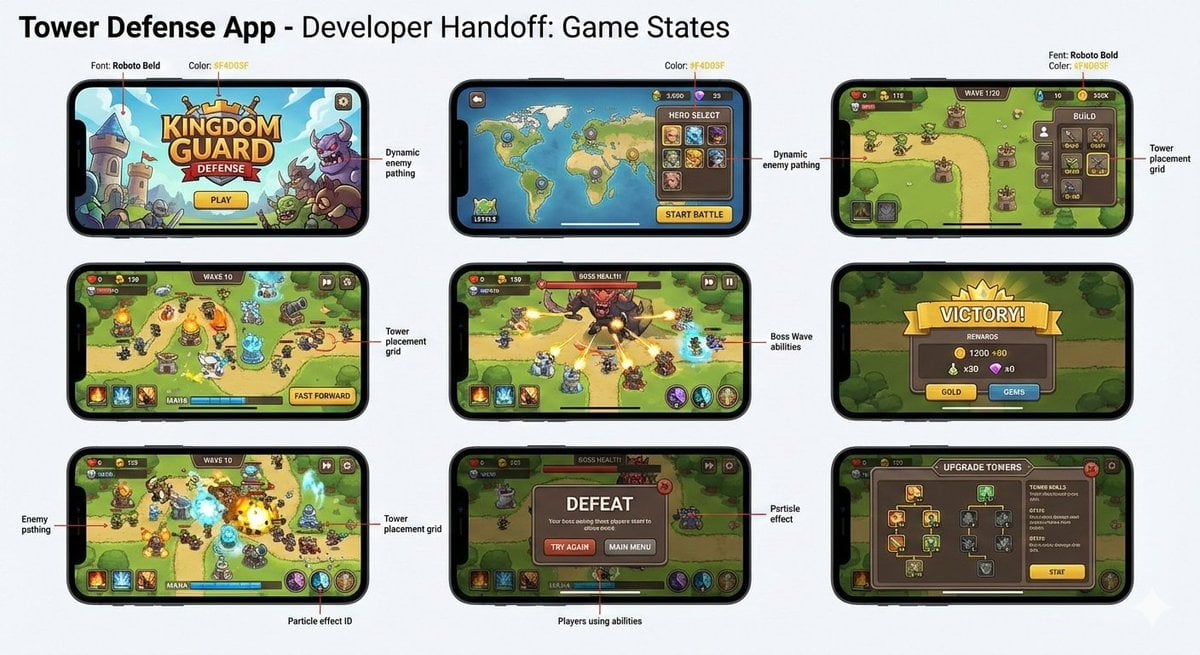
Tower defense mobile app design mockup grid
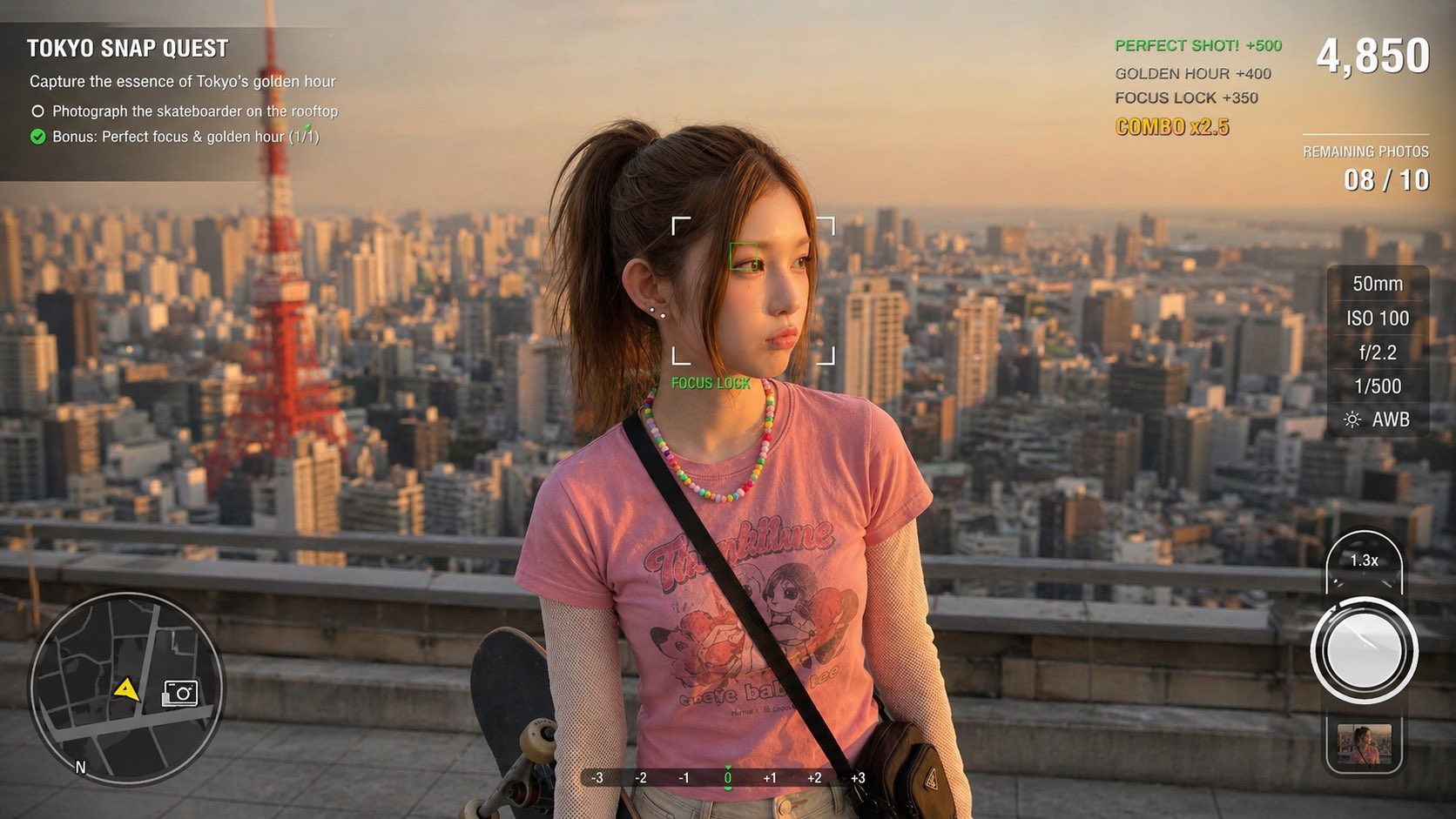
Photography Game Cinematic Capture

Product Shot - T-Shirt Mockup
Make it yours
Bonsai Mobile Game UI Mockup works as-is. These are the safest ways to change it without losing the look.
Change one field
Copy a single group, rewrite it, and generate again so you can see what that field is doing.
Keep the frame, change the subject
Hold the composition and light of Bonsai Mobile Game UI Mockup, then swap wardrobe, props or the person for a new take.
| If the result… | Why | Fix |
|---|---|---|
| The result drifts from the preview | Too many fields changed at once. | Reuse Bonsai Mobile Game UI Mockup as-is first, then change one group — subject, light, or setting. |
| The model over-stylizes the scene | The prose prompt leaves finish and camera underspecified. | Add one camera or lighting sentence and stay on GPT Image 2. |
More GPT Image 2 templates
Other prompts made for GPT Image 2.

Six VTuber Japanese Logo Sheet

Realistic Portrait of Woman and Deer

The Vista Modular Condo Poster

AI Model Routing Comparison Infographic

2.5D Anime Art Board

Isometric Productivity Desk Scene

New York Double Exposure Poster

Four-Panel AI Landscape Comparison

Japanese Tatami Lifestyle Magazine Cover

NESCAFÉ Coffee Map Poster
More image prompts
Fresh picks from across the catalog.

Low-Angle Cinematic Portrait with Identity Lock
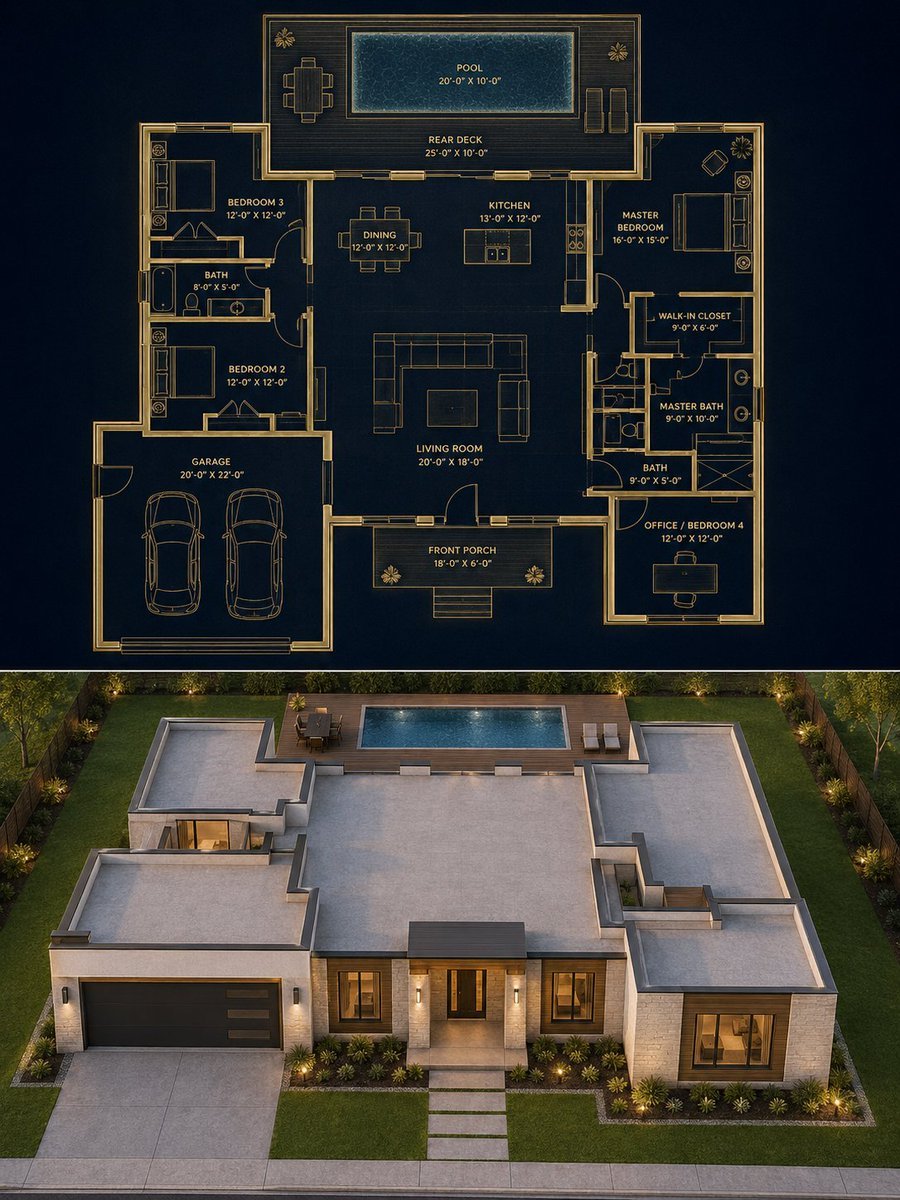
Split Blueprint and Modern House Render
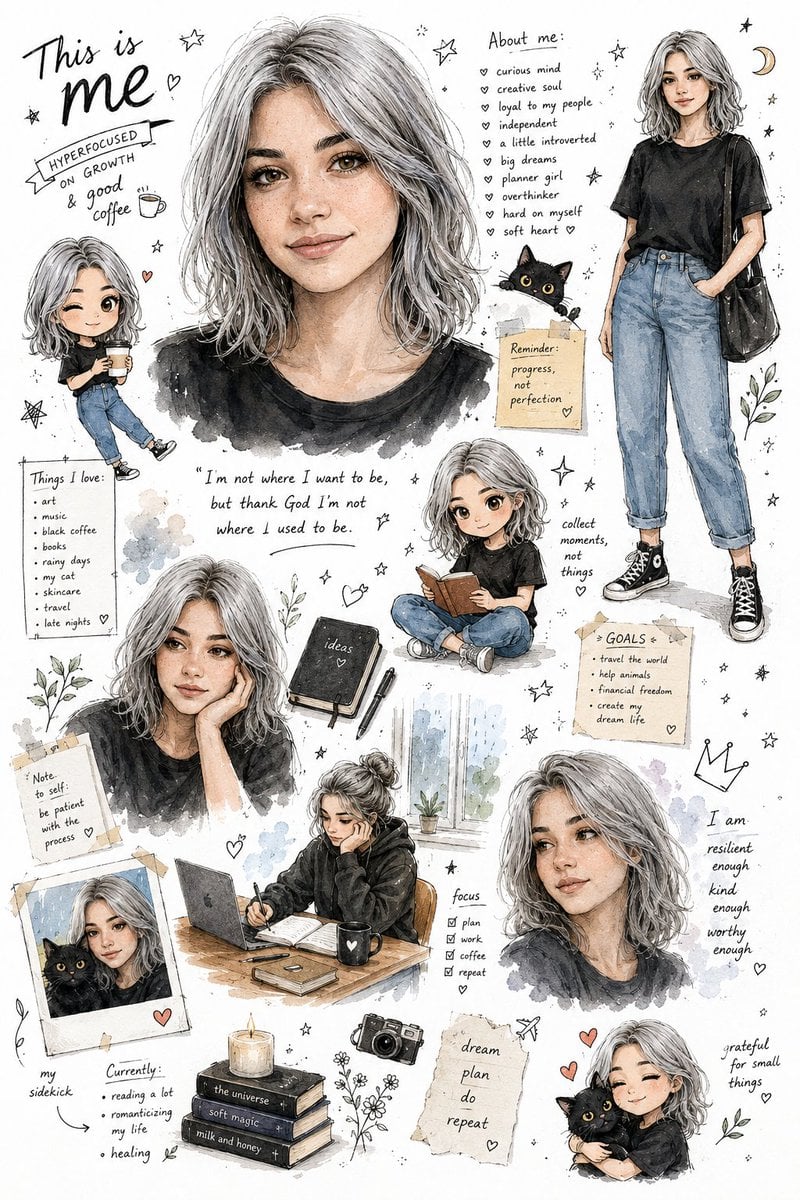
Illustrated Personal Sketchbook Infographic
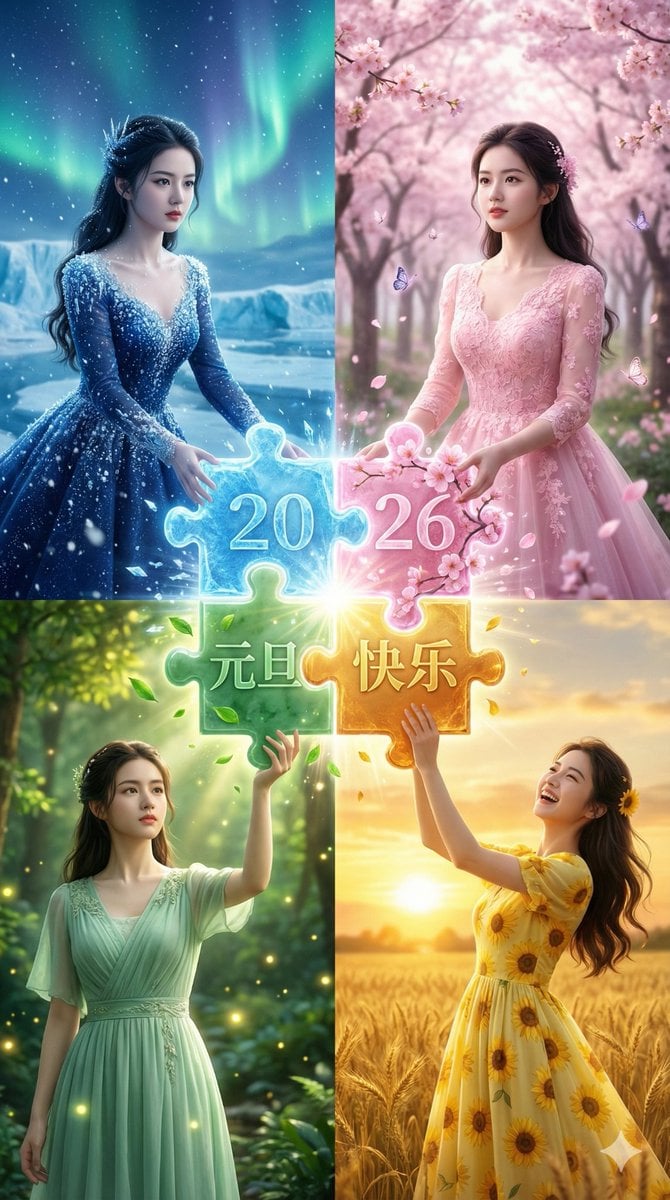
Four Seasons Puzzle for 2026 New Year Greeting
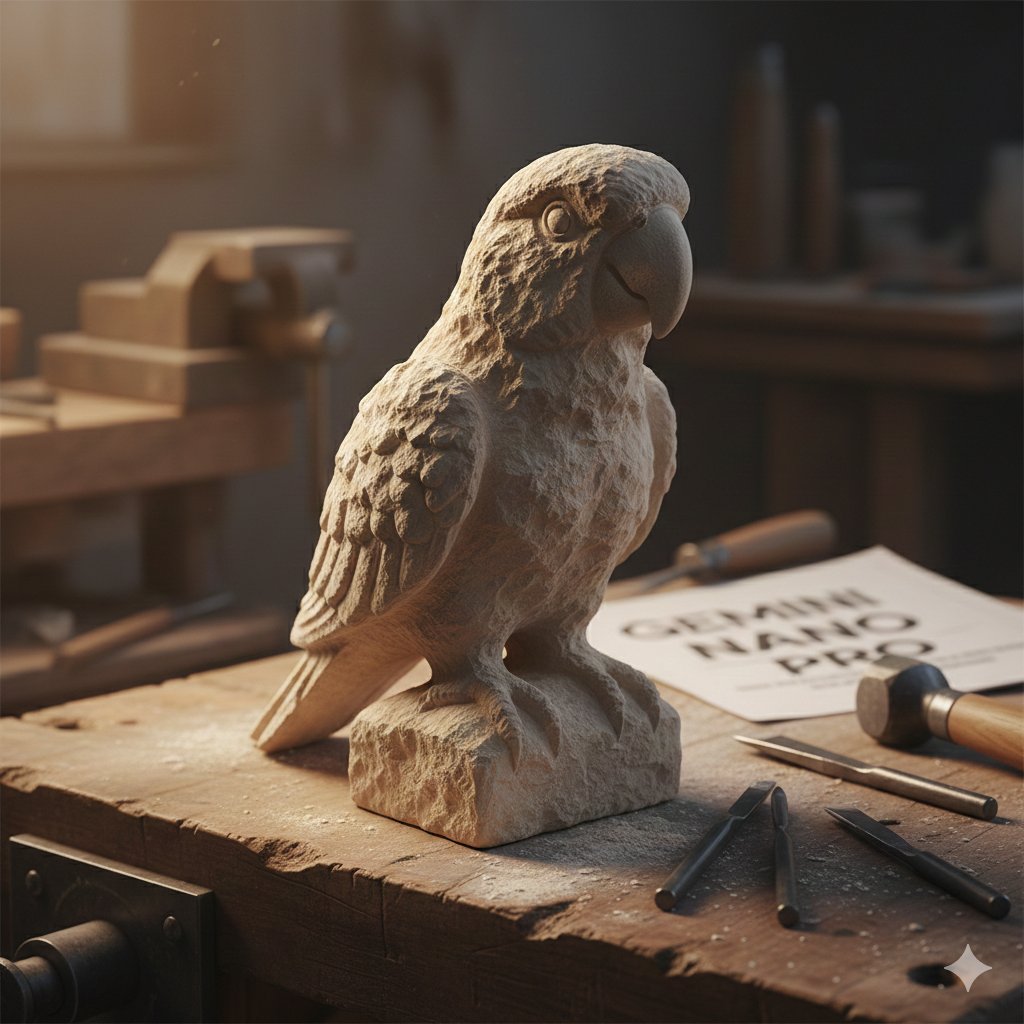
Stone-Carved Pet Statue on Workbench
Pedestrian Markings as Personal Silhouette

Split-Screen Dinner Date Composition
GTA 5 online action scene
Street Side Bookstore Portrait
Goshuin Style Character Illustration
Browse template categories
Bonsai Mobile Game UI Mockup questions
How do I use the Bonsai Mobile Game UI Mockup template?
Add your photo if the template asks for one, edit the prompt if you like — the template's model and format are already selected — and press Generate. Your version opens in PicX Studio.
Can I customize the Bonsai Mobile Game UI Mockup template?
Yes. You can change the subject, setting, lighting, mood, format, and available model controls before creating your image.
Is the Bonsai Mobile Game UI Mockup template free?
Opening and editing this template is free. Generating uses credits, shown on the Generate button when you are signed in.
Which AI model should I use?
Start with GPT Image 2, which is the model associated with this template. You can compare another compatible model for a different finish.
Looking for something else? Browse all templates.

Your photo, any look
Thousands of ready templates for every top image and video model, from one credit balance.