
Mobile Live-Streaming Interface Mockup
Generates a realistic mobile live-streaming app interface featuring a host, chat stream, gift notifications, and UI overlays.
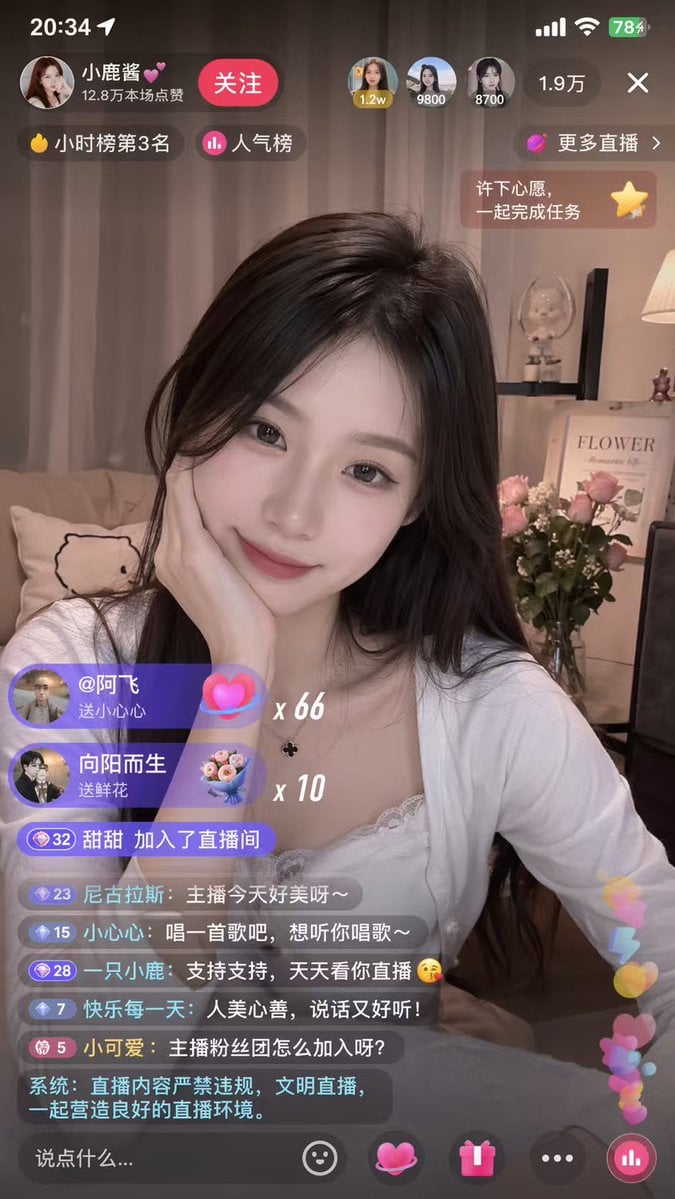
- Prompt included
- Model and format preset
- Free template
The prompt behind this image
Copy the exact prompt behind Mobile Live-Streaming Interface Mockup, or open it in the studio and make it yours.
- Type
- mobile live-streaming app interface mockup
- Video Feed › Subject
- {argument name="host appearance" default="young Asian woman, long dark hair, white lace top, resting chin on hand, smiling softly"}
- Video Feed › Background
- cozy room, couch with animal pillow, shelf with 'FLOWER' framed picture, pink roses in a vase, warm lighting
- Ui Overlay › Status Bar › Elements
- 20:34, location arrow, signal bars, wifi, battery 78%
- Ui Overlay › Top Header › Host Info › Name
- {argument name="host name" default="Baby Deer💕"}
- Ui Overlay › Top Header › Host Info › Subtitle
- 12.8万本场点赞
- Ui Overlay › Top Header › Host Info › Button
- 关注
- Ui Overlay › Top Header › Top Viewers Count
- 3
- Ui Overlay › Top Header › Top Viewers Labels
- 1.2w, 9800, 8700
- Ui Overlay › Top Header › Total Viewers
- 1.9万
- Ui Overlay › Top Header › Close Button
- X
- Ui Overlay › Badges And Prompts › Top Left Count
- 2
- Ui Overlay › Badges And Prompts › Top Left Labels
- 小时榜第3名, 人气榜
- Ui Overlay › Badges And Prompts › Top Right Count
- 2
- Ui Overlay › Badges And Prompts › Top Right Labels
- 更多直播 >, 许下心愿,一起完成任务
- Ui Overlay › Gift Notifications › Count
- 2
- Ui Overlay › Gift Notifications › Items › 0 › User
- @阿飞
- Ui Overlay › Gift Notifications › Items › 0 › Action
- 送小心心
- Ui Overlay › Gift Notifications › Items › 0 › Multiplier
- {argument name="gift multiplier" default="x 66"}
- Ui Overlay › Gift Notifications › Items › 1 › User
- 向阳而生
- Ui Overlay › Gift Notifications › Items › 1 › Action
- 送鲜花
- Ui Overlay › Gift Notifications › Items › 1 › Multiplier
- x 10
- Ui Overlay › Chat Stream › Count
- 7
- Ui Overlay › Chat Stream › Messages
- 甜甜 加入了直播间, 尼古拉斯: {argument name="chat message 1" default="The host looks so beautiful today~"}, 小心心: {argument name="chat message 2" default="Sing a song, I want to hear you sing~"}, 一只小鹿: 支持支持,天天看你直播 😘, 快乐每一天: 人美心善,说话又好听!, 小可爱: 主播粉丝团怎么加入呀?, 系统: 直播内容严禁违规,文明直播,一起营造良好的直播环境。
Raw JSON
{
  "type": "mobile live-streaming app interface mockup",
  "video_feed": {
    "subject": "{argument name=\"host appearance\" default=\"young Asian woman, long dark hair, white lace top, resting chin on hand, smiling softly\"}",
    "background": "cozy room, couch with animal pillow, shelf with 'FLOWER' framed picture, pink roses in a vase, warm lighting"
  },
  "ui_overlay": {
    "status_bar": {
      "elements": ["20:34", "location arrow", "signal bars", "wifi", "battery 78%"]
    },
    "top_header": {
      "host_info": {
        "name": "{argument name=\"host name\" default=\"Baby Deer💕\"}",
        "subtitle": "12.8万本场点赞",
        "button": "关注"
      },
      "top_viewers_count": 3,
      "top_viewers_labels": ["1.2w", "9800", "8700"],
      "total_viewers": "1.9万",
      "close_button": "X"
    },
    "badges_and_prompts": {
      "top_left_count": 2,
      "top_left_labels": ["小时榜第3名", "人气榜"],
      "top_right_count": 2,
      "top_right_labels": ["更多直播 >", "许下心愿,一起完成任务"]
    },
    "gift_notifications": {
      "count": 2,
      "items": [
        { "user": "@阿飞", "action": "送小心心", "multiplier": "{argument name=\"gift multiplier\" default=\"x 66\"}" },
        { "user": "向阳而生", "action": "送鲜花", "multiplier": "x 10" }
      ]
    },
    "chat_stream": {
      "count": 7,
      "messages": [
        "甜甜 加入了直播间",
        "尼古拉斯: {argument name=\"chat message 1\" default=\"The host looks so beautiful today~\"}",
        "小心心: {argument name=\"chat message 2\" default=\"Sing a song, I want to hear you sing~\"}",
        "一只小鹿: 支持支持,天天看你直播 😘",
        "快乐每一天: 人美心善,说话又好听!",
        "小可爱: 主播粉丝团怎么加入呀?",
        "系统: 直播内容严禁违规,文明直播,一起营造良好的直播环境。"
      ]
    },
    "bottom_bar": {
      "input_placeholder": "说点什么...",
      "icon_count": 5,
      "icons": ["smiley face", "pink heart", "gift box", "three dots", "bar chart"],
      "floating_elements": "pink and blue hearts rising on the right"
    }
  }
}How to use Mobile Live-Streaming Interface Mockup in 3 steps
- 1Upload ImagePNG, JPG or paste
Add your photo
Upload the photo the template builds on. The prompt, model and format are already set.
- 2…a portrait of your subject in softgolden-hour light, 85mm…
Personalize
Edit the subject and creative details for your destination.
- 3Generate
Generate
Press Generate — your image is created in PicX Studio, so you can compare it with the original and refine one variable at a time.
More like this
Templates with the same subject, style or setup. Open one to see its prompt.
Live-Streaming App Interface Mockup
Mobile Live Streaming App Interface
Livestream Interface Mockup
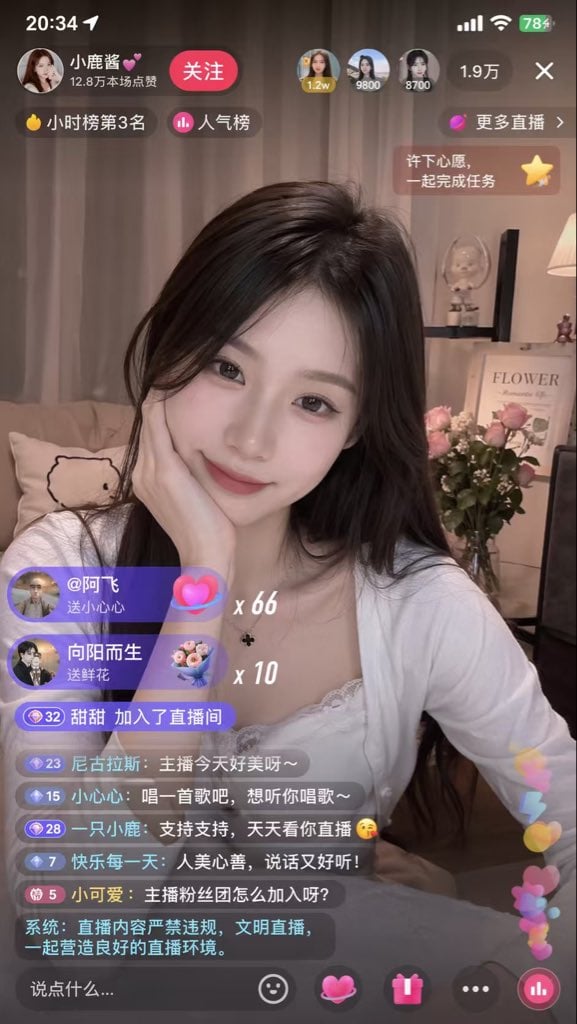
Live Streaming App UI Mockup
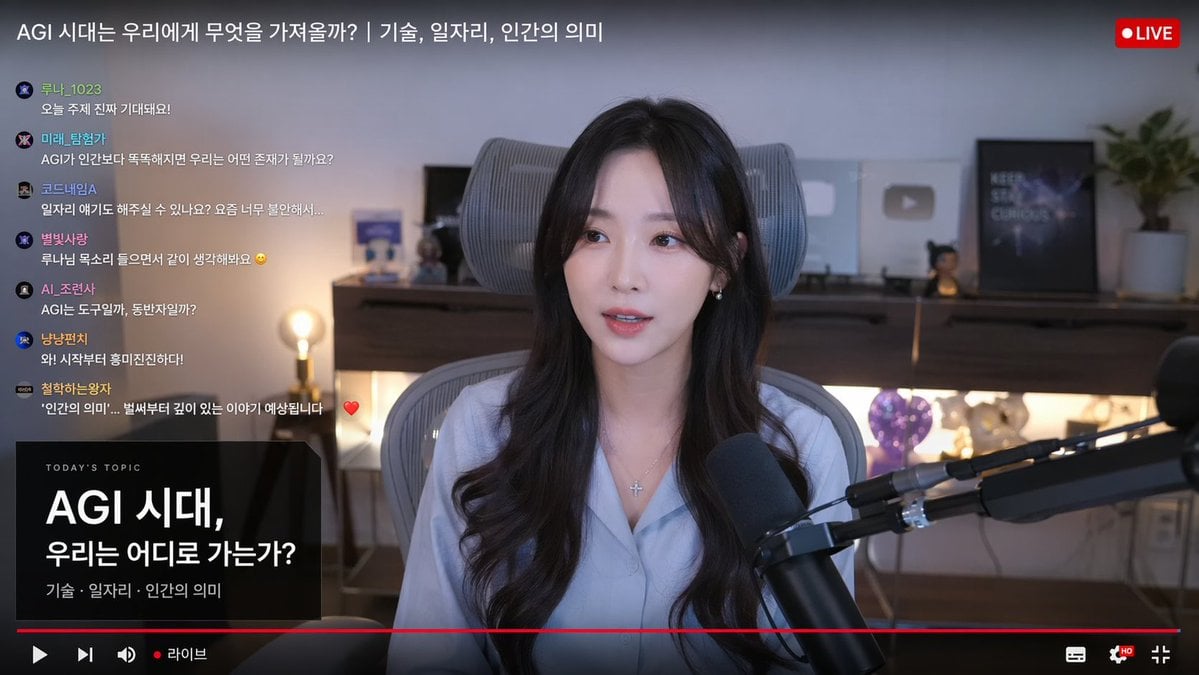
Live Stream Interface Mockup
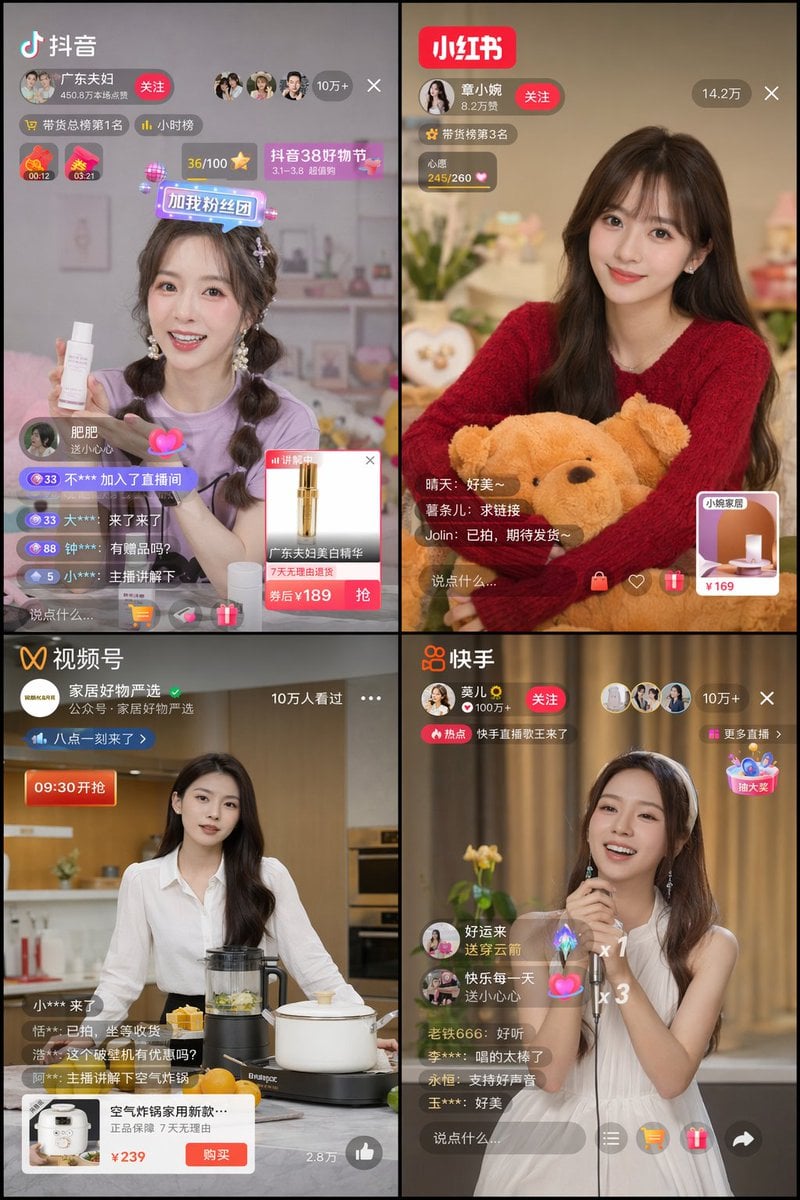
Panel Live Streaming App UI Mockup
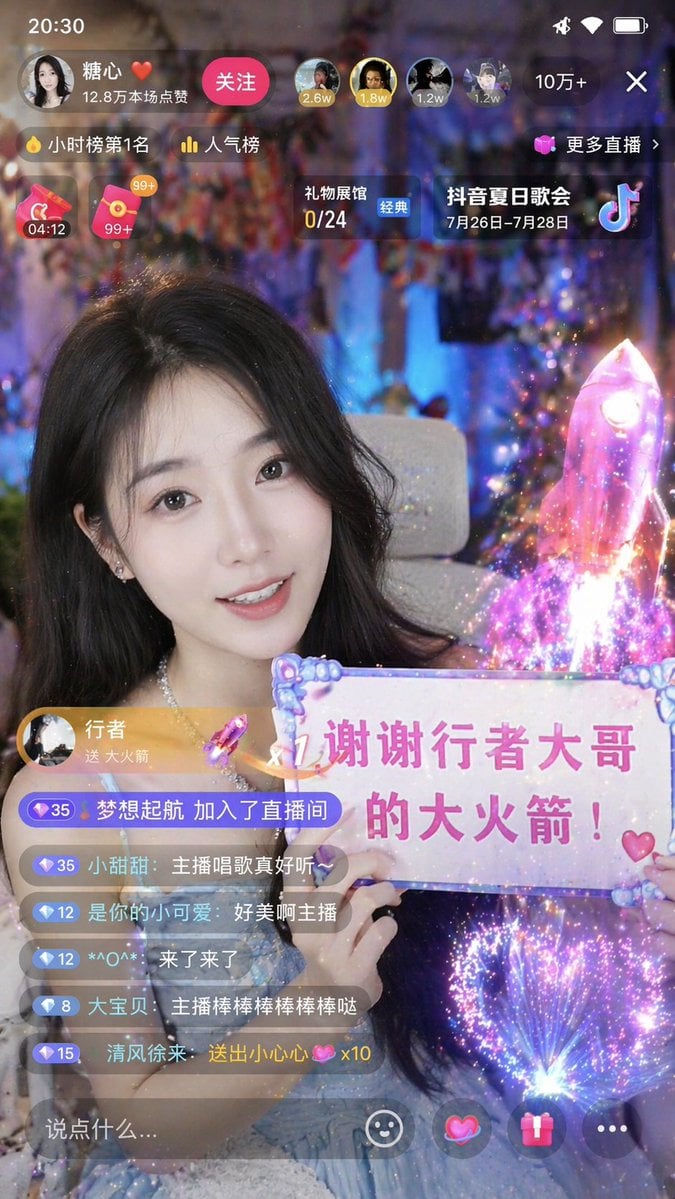
Chinese Live-Streaming App UI Mockup
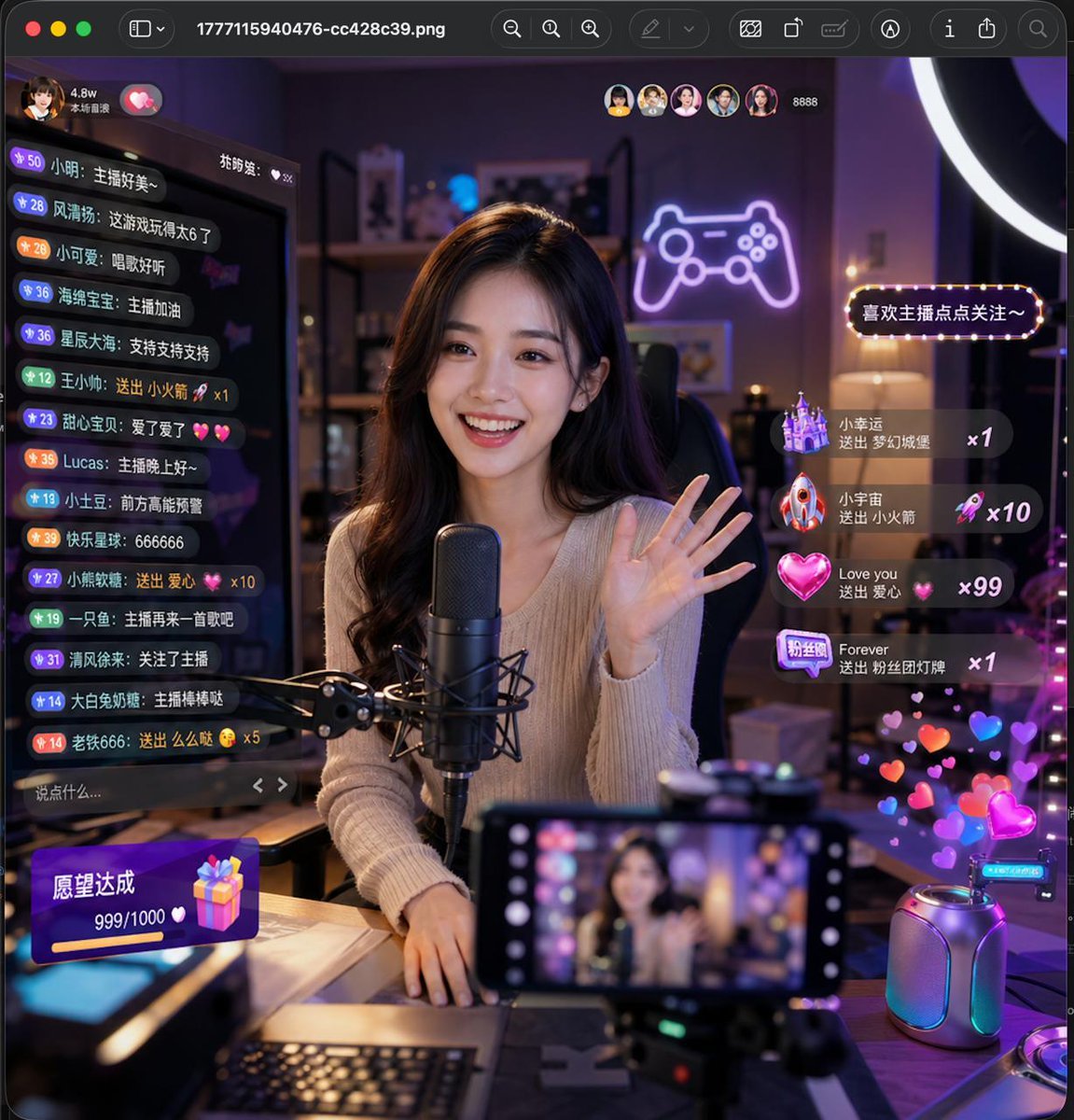
Lively Live Streaming Scene
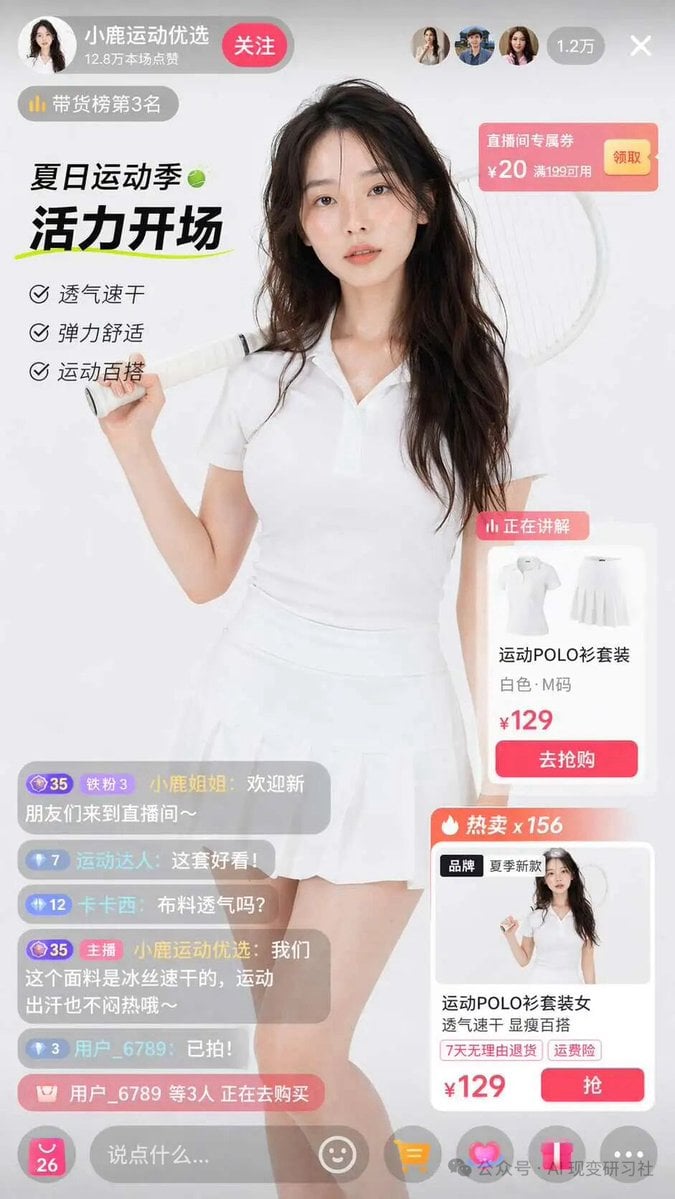
E-commerce Live Stream UI Mockup
Mobile Game Gacha Interface Design
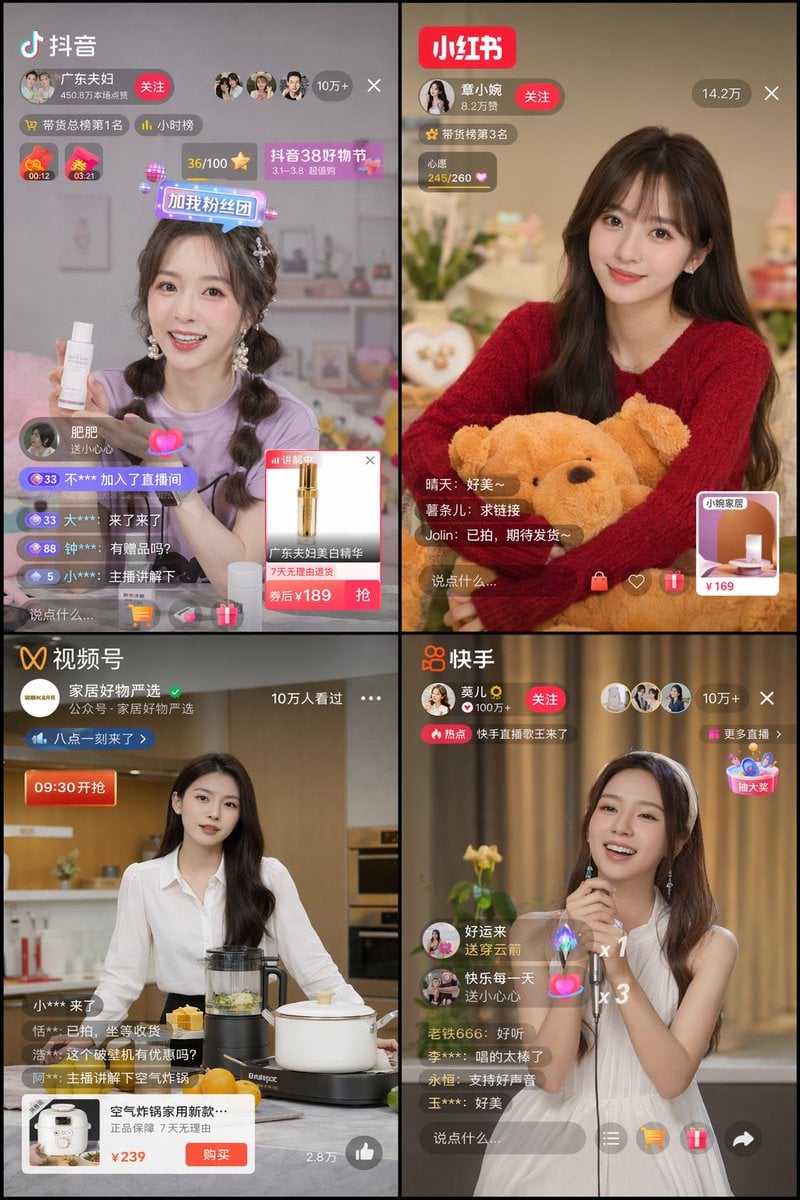
Chinese Livestreaming App UI Grid
YouTube Video Interface Mockup
Make it yours
Mobile Live-Streaming Interface Mockup works as-is. These are the safest ways to change it without losing the look.
Swap the setting
Keep the rest of the prompt and replace the location block. The current setting is “cozy room, couch with animal pillow, shelf with 'FLOWER' framed picture, pink ro”.
Change one field
Copy a single group, rewrite it, and generate again so you can see what that field is doing.
Keep the frame, change the subject
Hold the composition and light of Mobile Live-Streaming Interface Mockup, then swap wardrobe, props or the person for a new take.
| If the result… | Why | Fix |
|---|---|---|
| The result drifts from the preview | Too many fields changed at once. | Reuse Mobile Live-Streaming Interface Mockup as-is first, then change one group — subject, light, or setting. |
| GPT Image 2 ignores part of the JSON | Some models flatten or skip nested keys. | Keep the same values and paste them as a short paragraph instead. |
More GPT Image 2 templates
Other prompts made for GPT Image 2.

Six VTuber Japanese Logo Sheet

Realistic Portrait of Woman and Deer

The Vista Modular Condo Poster

AI Model Routing Comparison Infographic

2.5D Anime Art Board

Isometric Productivity Desk Scene

New York Double Exposure Poster

Four-Panel AI Landscape Comparison

Japanese Tatami Lifestyle Magazine Cover

NESCAFÉ Coffee Map Poster
More image prompts
Fresh picks from across the catalog.
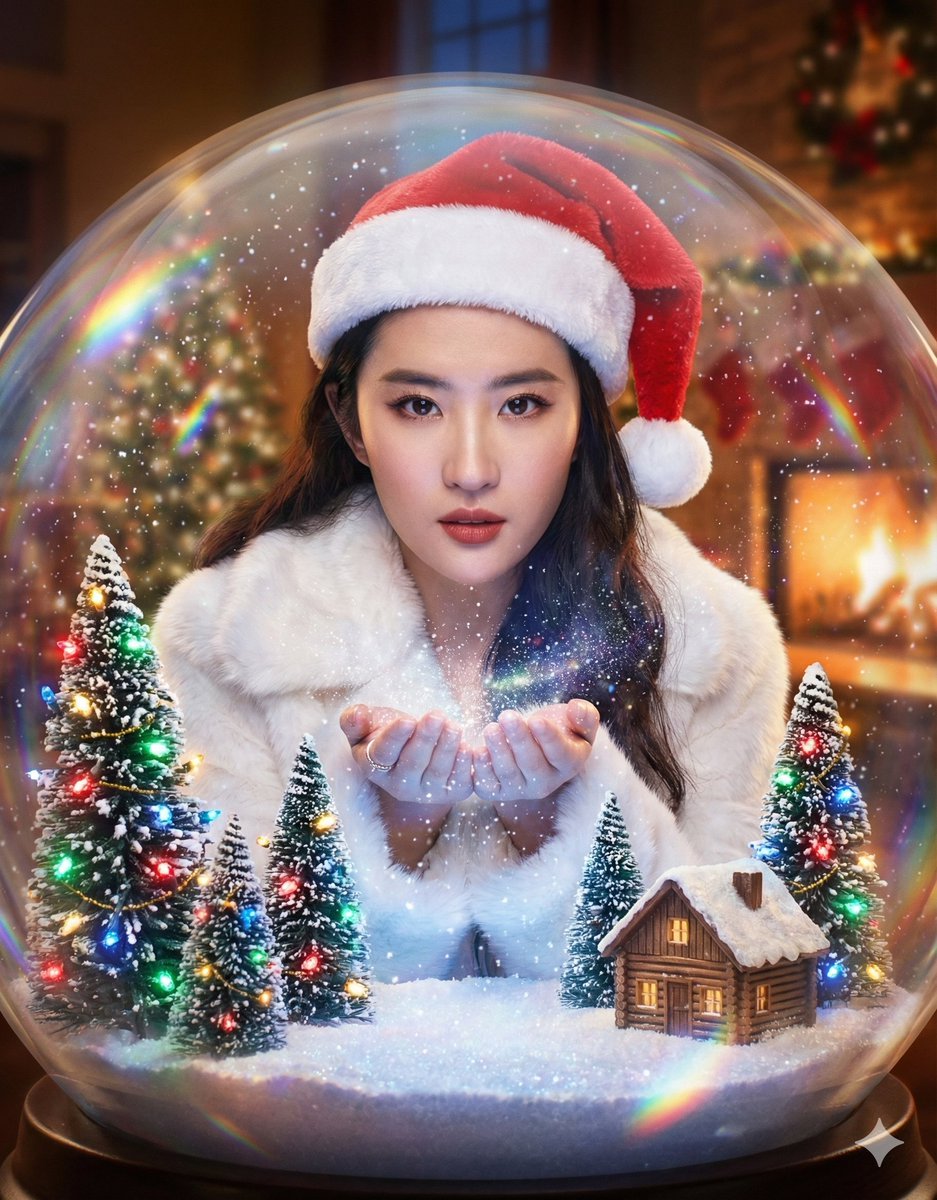
Surreal Character Trapped in a Giant Christmas Snow Globe

Flyer Redesign Prompt using Nano Banana Pro
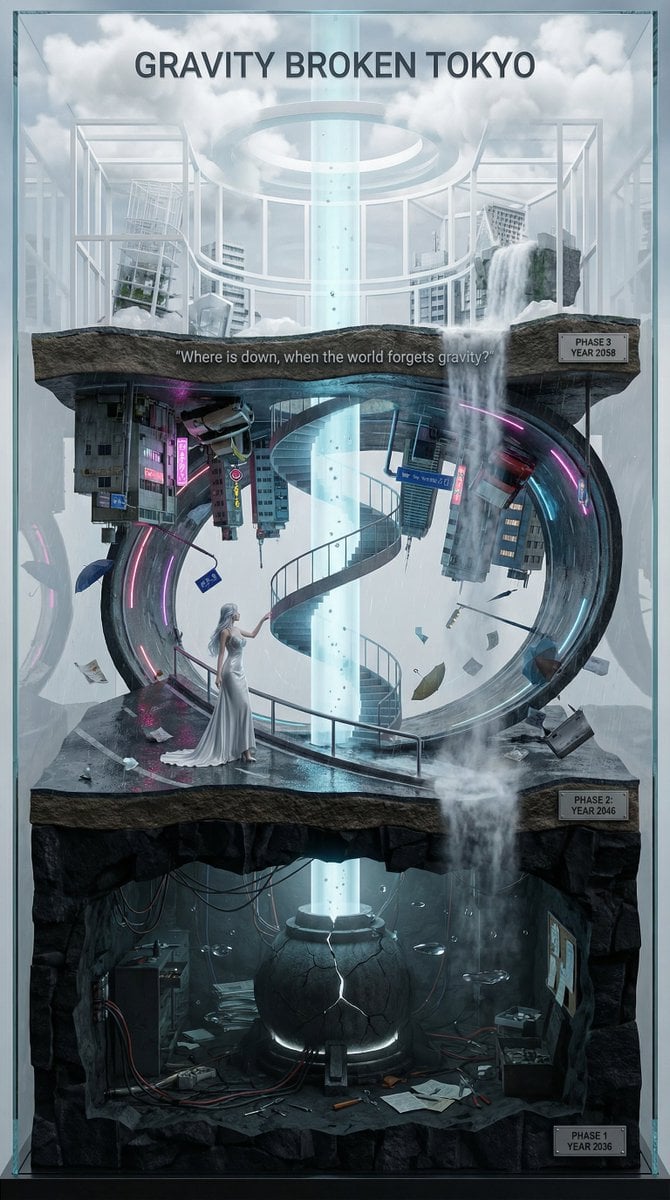
Vertical Layered Diorama Concept Art Prompt for Sci-Fi Film
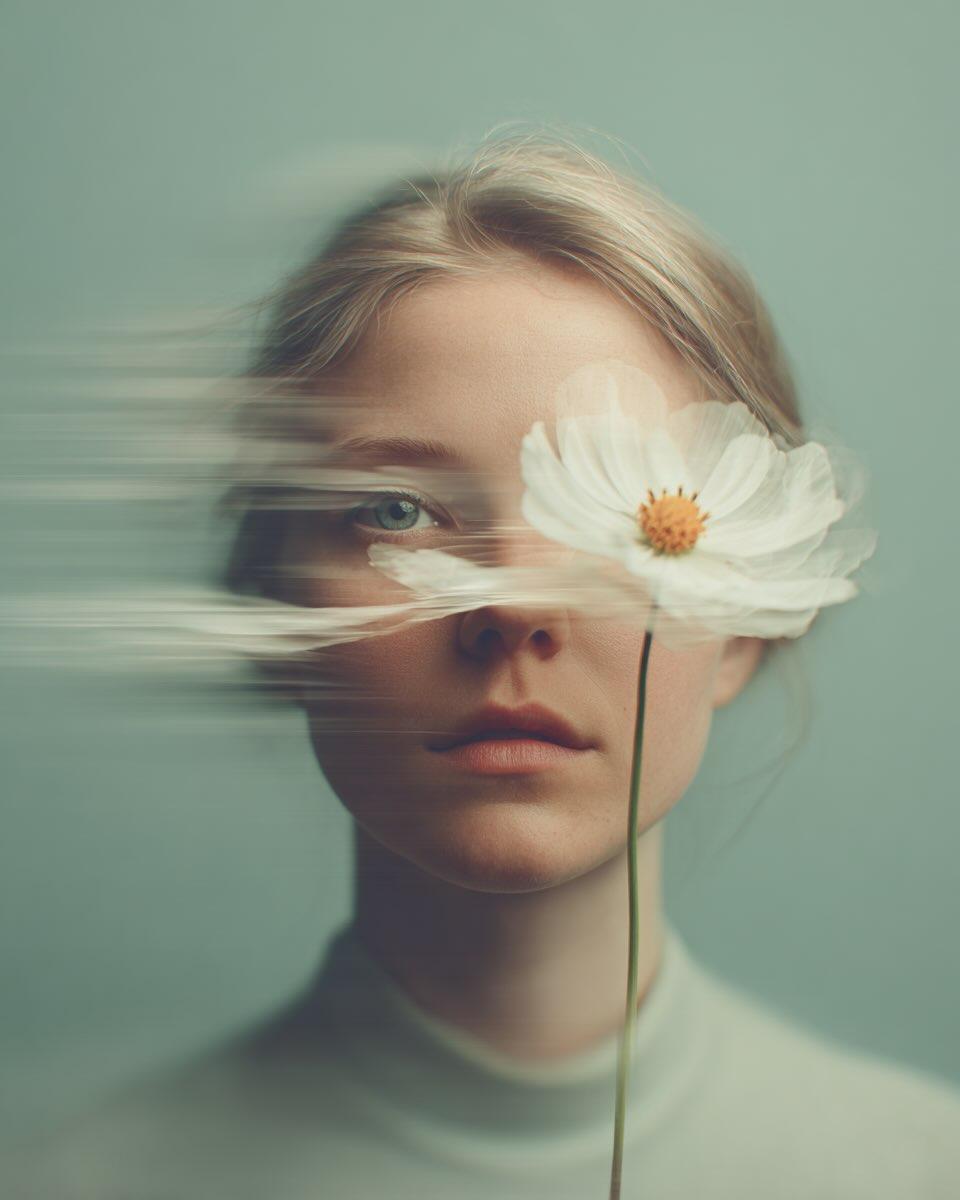
Dreamy Fine-Art Portrait with Double Exposure Effect
Melancholic Portrait in Coastal Rain
Modest Fashion Studio Editorial Prompt
MIXUE Dimo Collaboration Brand Board

Ultra Cinematic Vfx Transformation Seque
Innovation Reliquary Exploded Diagram

Cinematic Silhouette with Bright Doorway
Browse template categories
Mobile Live-Streaming Interface Mockup questions
How do I use the Mobile Live-Streaming Interface Mockup template?
Add your photo if the template asks for one, edit the prompt if you like — the template's model and format are already selected — and press Generate. Your version opens in PicX Studio.
Can I customize the Mobile Live-Streaming Interface Mockup template?
Yes. You can change the subject, setting, lighting, mood, format, and available model controls before creating your image.
Is the Mobile Live-Streaming Interface Mockup template free?
Opening and editing this template is free. Generating uses credits, shown on the Generate button when you are signed in.
Which AI model should I use?
Start with GPT Image 2, which is the model associated with this template. You can compare another compatible model for a different finish.
Looking for something else? Browse all templates.

Your photo, any look
Thousands of ready templates for every top image and video model, from one credit balance.