
Chinese Live-Streaming App UI Mockup
Generates a highly detailed mobile live-streaming interface featuring a host, chat overlay, and animated virtual gifts, ideal for app prototyping.
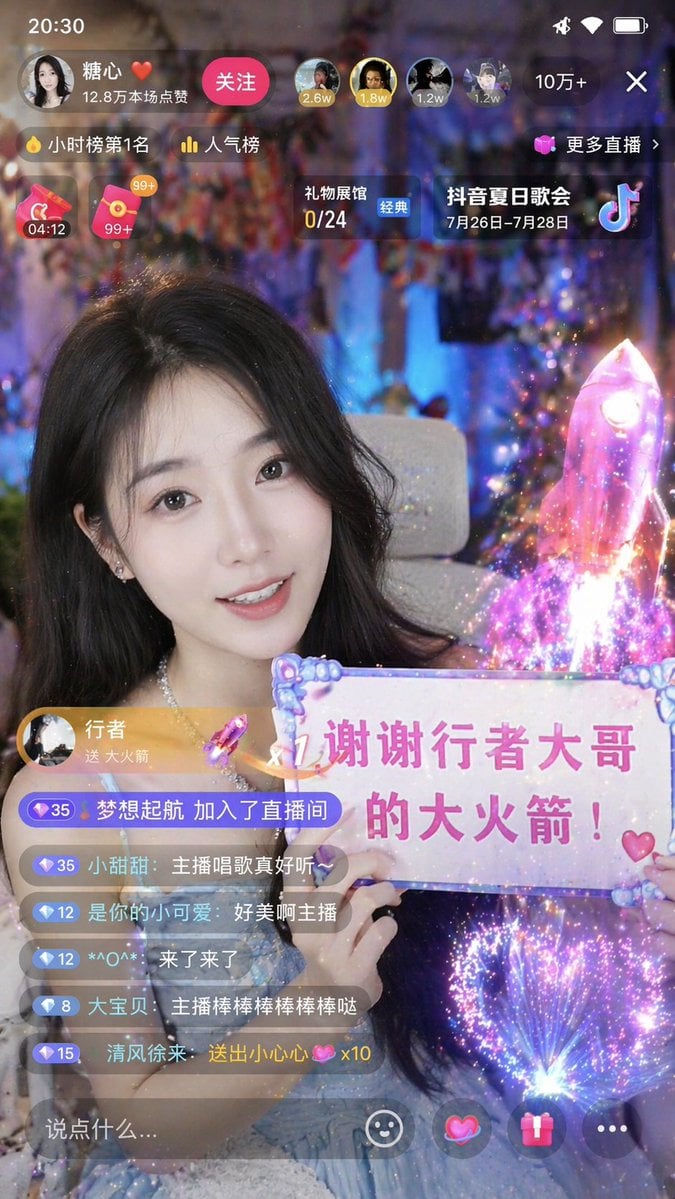
- Prompt included
- Model and format preset
- Free template
The prompt behind this image
Copy the exact prompt behind Chinese Live-Streaming App UI Mockup, or open it in the studio and make it yours.
- Type
- mobile live-streaming app interface mockup
- Subject › Description
- young Asian woman, long dark hair, smiling, wearing a light blue sparkly dress
- Subject › Action
- holding a decorative sign with text
- Subject › Sign Text
- {argument name="sign text" default="x1 谢谢行者大哥的大火箭!"}
- Visual Effects › Description
- {argument name="gift animation" default="glowing pink holographic rocket"} launching on the right side, emitting starbursts and magical particles
- Layout › Top Bar › Time
- 20:30
- Layout › Top Bar › Broadcaster › Name
- {argument name="broadcaster name" default="糖心 ❤️"}
- Layout › Top Bar › Broadcaster › Stats
- 12.8万本场点赞
- Layout › Top Bar › Broadcaster › Button
- 关注
- Layout › Top Bar › Top Viewers Count
- 4
- Layout › Top Bar › Total Viewers
- 10万+
- Layout › Top Bar › Close Button
- X
- Layout › Widgets › Count
- 5
- Layout › Widgets › Labels
- 小时榜第1名, 人气榜, 更多直播 >, 礼物展馆 0/24, {argument name="event banner text" default="抖音夏日歌会 7月26日-7月28日"}
- Layout › Chat Overlay › Gift Alert
- 行者 送 大火箭
- Layout › Chat Overlay › Message Count
- 6
- Layout › Chat Overlay › Messages
- 梦想起航 加入了直播间, 小甜甜: {argument name="chat message" default="主播唱歌真好听~"}, 是你的小可爱: 好美啊主播, *^O^*: 来了来了, 大宝贝: 主播棒棒棒棒棒棒哒, 清风徐来: 送出小心心 x10
- Layout › Bottom Bar › Input Placeholder
- 说点什么...
- Layout › Bottom Bar › Icon Count
- 4
- Layout › Bottom Bar › Icons
- smiley face, heart planet, gift box, three dots
Raw JSON
{
  "type": "mobile live-streaming app interface mockup",
  "subject": {
    "description": "young Asian woman, long dark hair, smiling, wearing a light blue sparkly dress",
    "action": "holding a decorative sign with text",
    "sign_text": "{argument name=\"sign text\" default=\"x1 谢谢行者大哥的大火箭!\"}"
  },
  "visual_effects": {
    "description": "{argument name=\"gift animation\" default=\"glowing pink holographic rocket\"} launching on the right side, emitting starbursts and magical particles"
  },
  "layout": {
    "top_bar": {
      "time": "20:30",
      "broadcaster": {
        "name": "{argument name=\"broadcaster name\" default=\"糖心 ❤️\"}",
        "stats": "12.8万本场点赞",
        "button": "关注"
      },
      "top_viewers_count": 4,
      "total_viewers": "10万+",
      "close_button": "X"
    },
    "widgets": {
      "count": 5,
      "labels": [
        "小时榜第1名",
        "人气榜",
        "更多直播 >",
        "礼物展馆 0/24",
        "{argument name=\"event banner text\" default=\"抖音夏日歌会 7月26日-7月28日\"}"
      ]
    },
    "chat_overlay": {
      "gift_alert": "行者 送 大火箭",
      "message_count": 6,
      "messages": [
        "梦想起航 加入了直播间",
        "小甜甜: {argument name=\"chat message\" default=\"主播唱歌真好听~\"}",
        "是你的小可爱: 好美啊主播",
        "*^O^*: 来了来了",
        "大宝贝: 主播棒棒棒棒棒棒哒",
        "清风徐来: 送出小心心 x10"
      ]
    },
    "bottom_bar": {
      "input_placeholder": "说点什么...",
      "icon_count": 4,
      "icons": ["smiley face", "heart planet", "gift box", "three dots"]
    }
  }
}How to use Chinese Live-Streaming App UI Mockup in 3 steps
- 1Upload ImagePNG, JPG or paste
Add your photo
Upload the photo the template builds on. The prompt, model and format are already set.
- 2…a portrait of your subject in softgolden-hour light, 85mm…
Personalize
Edit the subject and creative details for your destination.
- 3Generate
Generate
Press Generate — your image is created in PicX Studio, so you can compare it with the original and refine one variable at a time.
More like this
Templates with the same subject, style or setup. Open one to see its prompt.
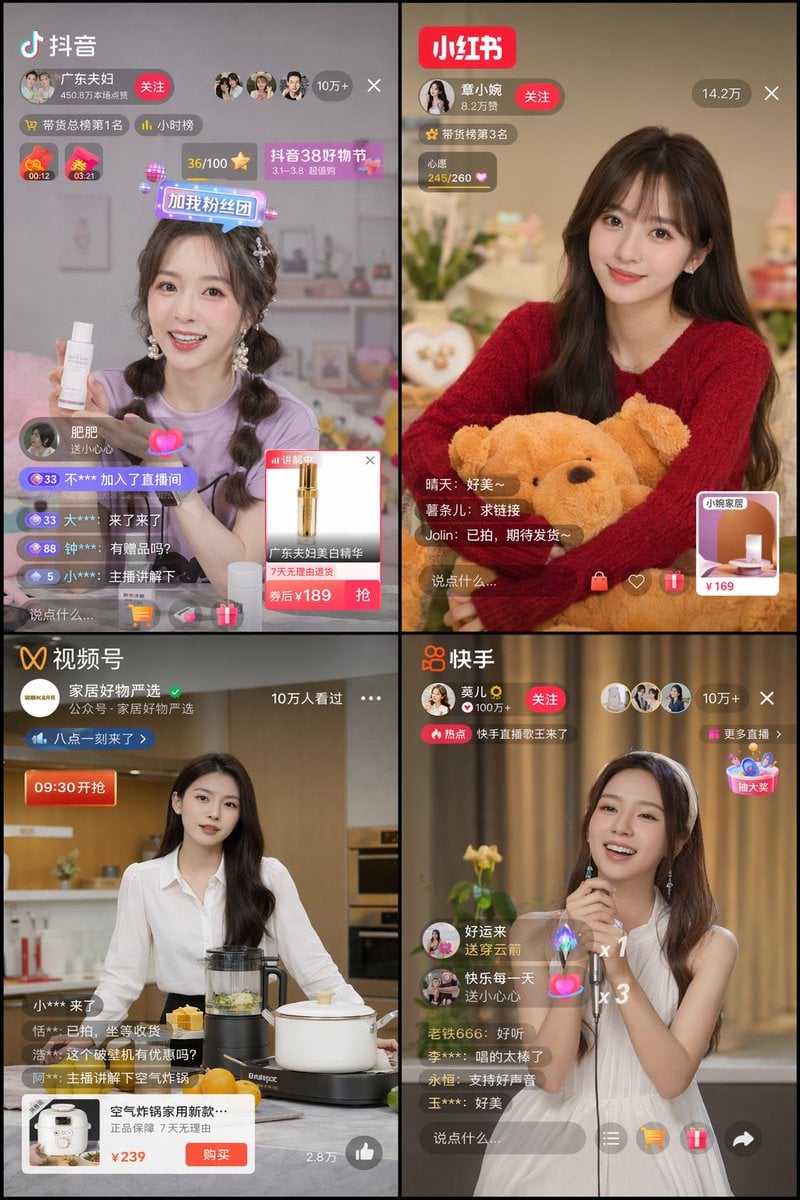
Chinese Livestreaming App UI Grid
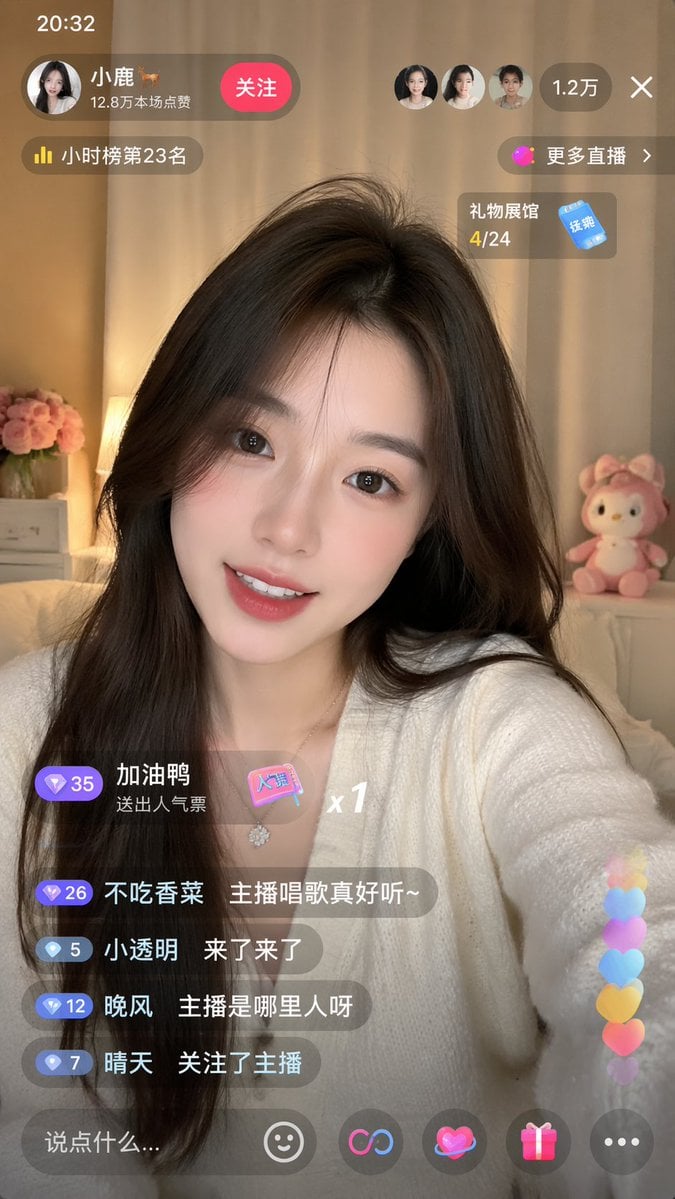
Live-Streaming App Interface Mockup
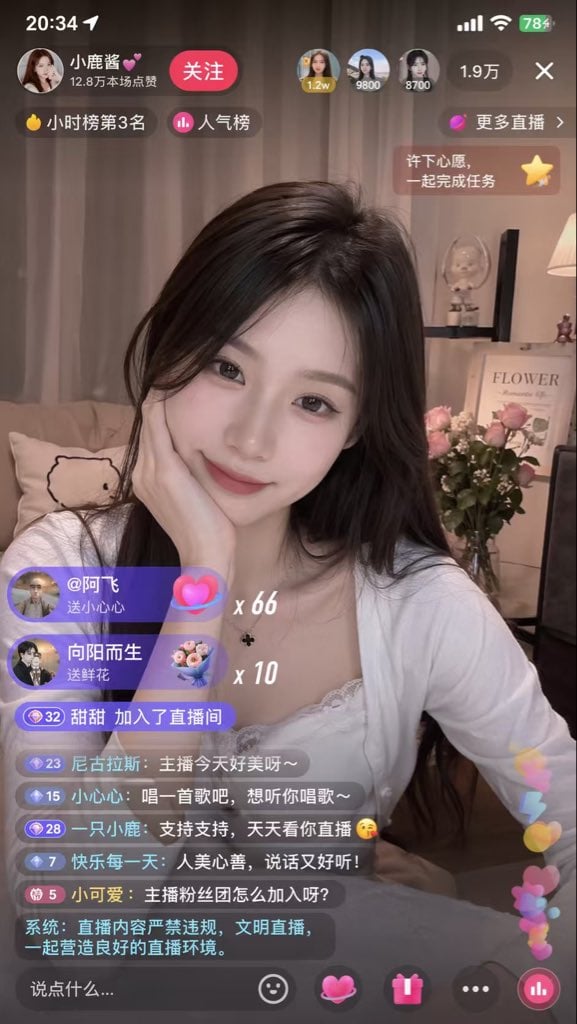
Live Streaming App UI Mockup
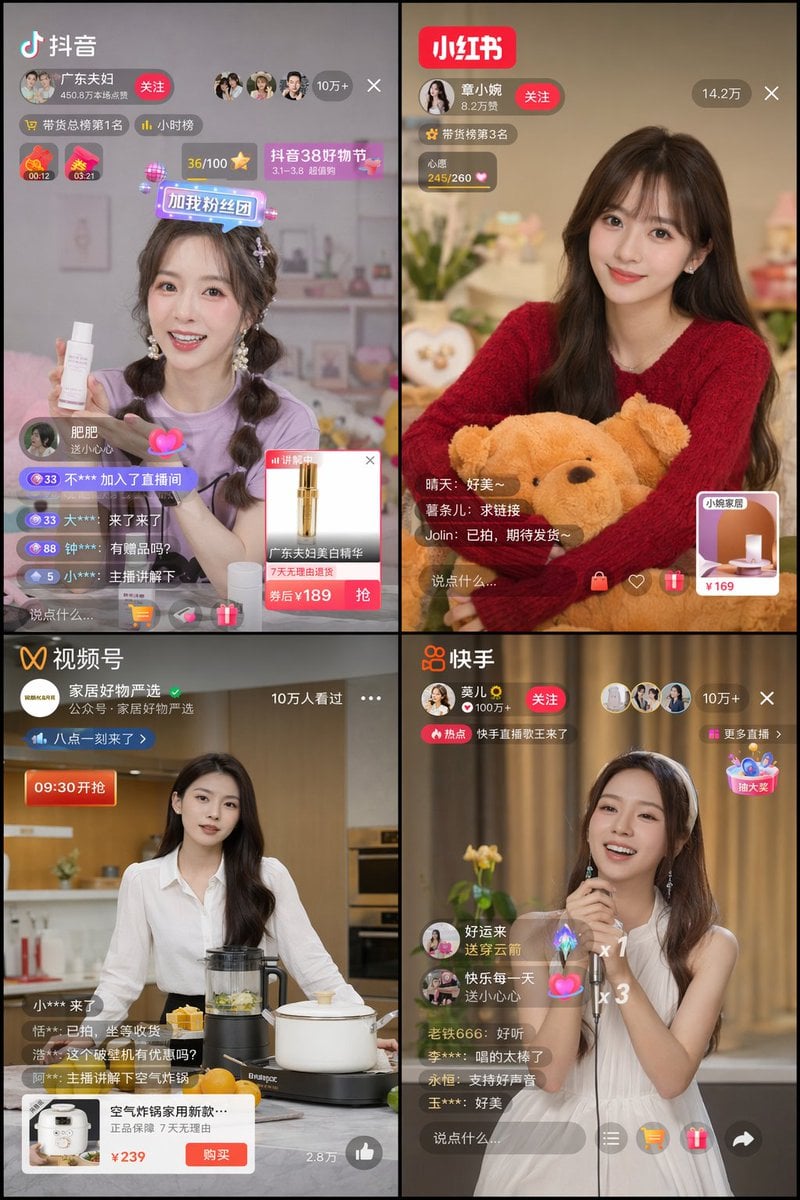
Panel Live Streaming App UI Mockup
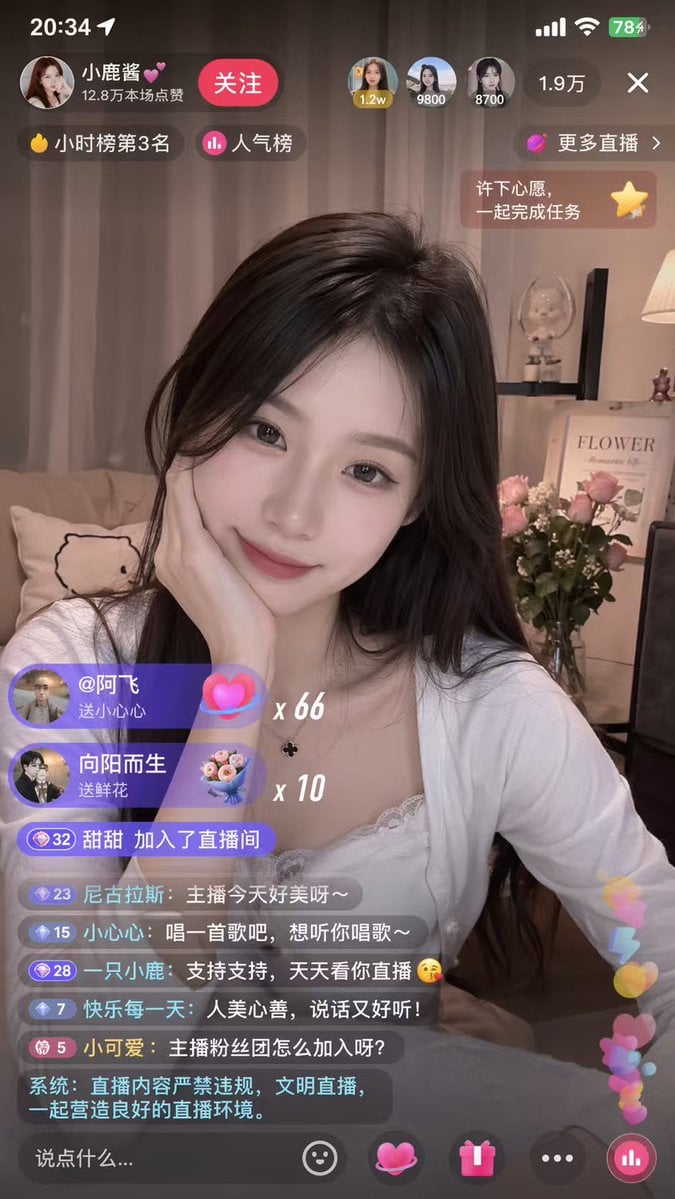
Mobile Live-Streaming Interface Mockup
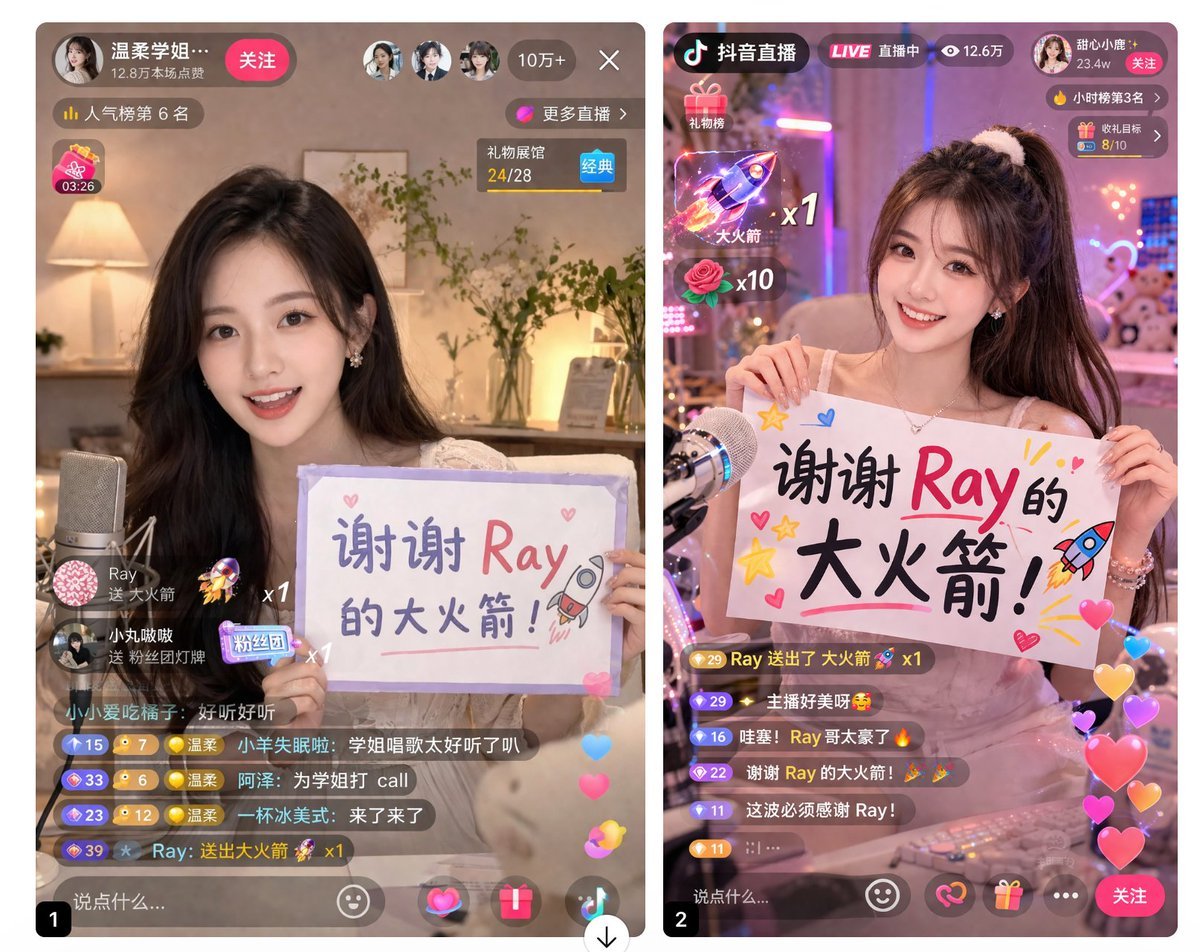
Live Stream App UI Mockup
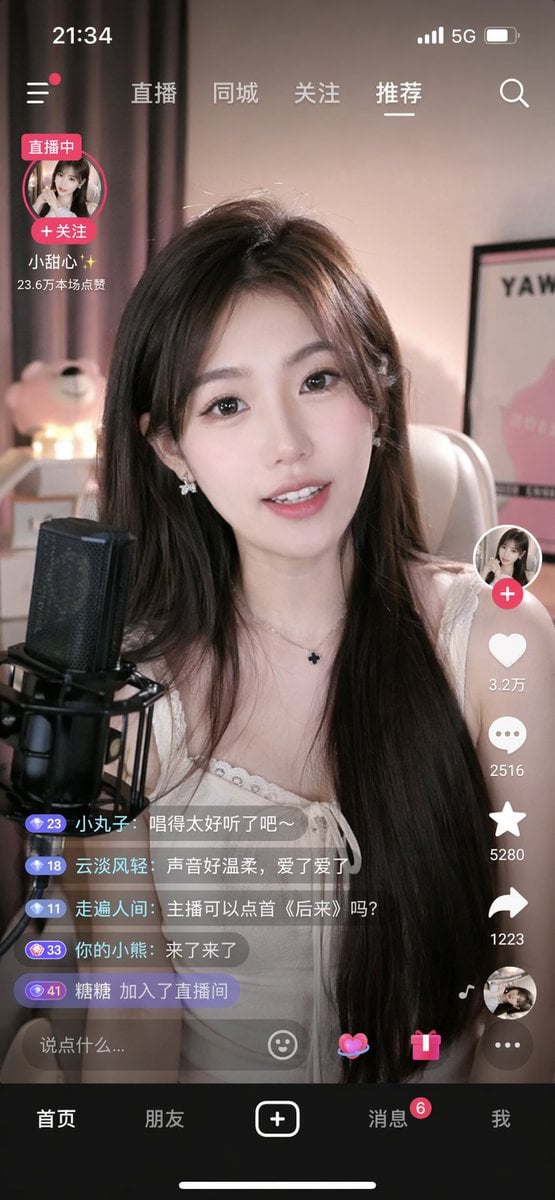
Mobile Live Streaming App Interface

Lumen iOS Wellness App Mockup
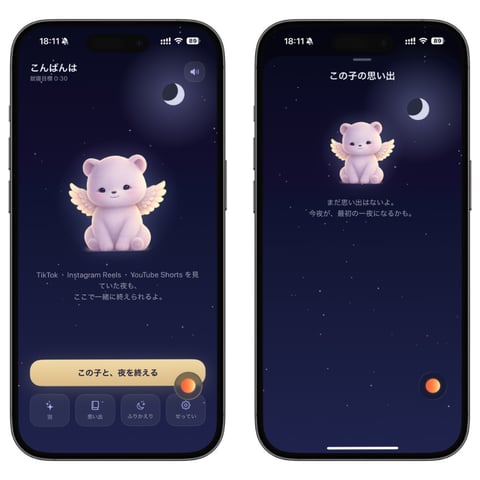
Bedtime Companion App Mockup
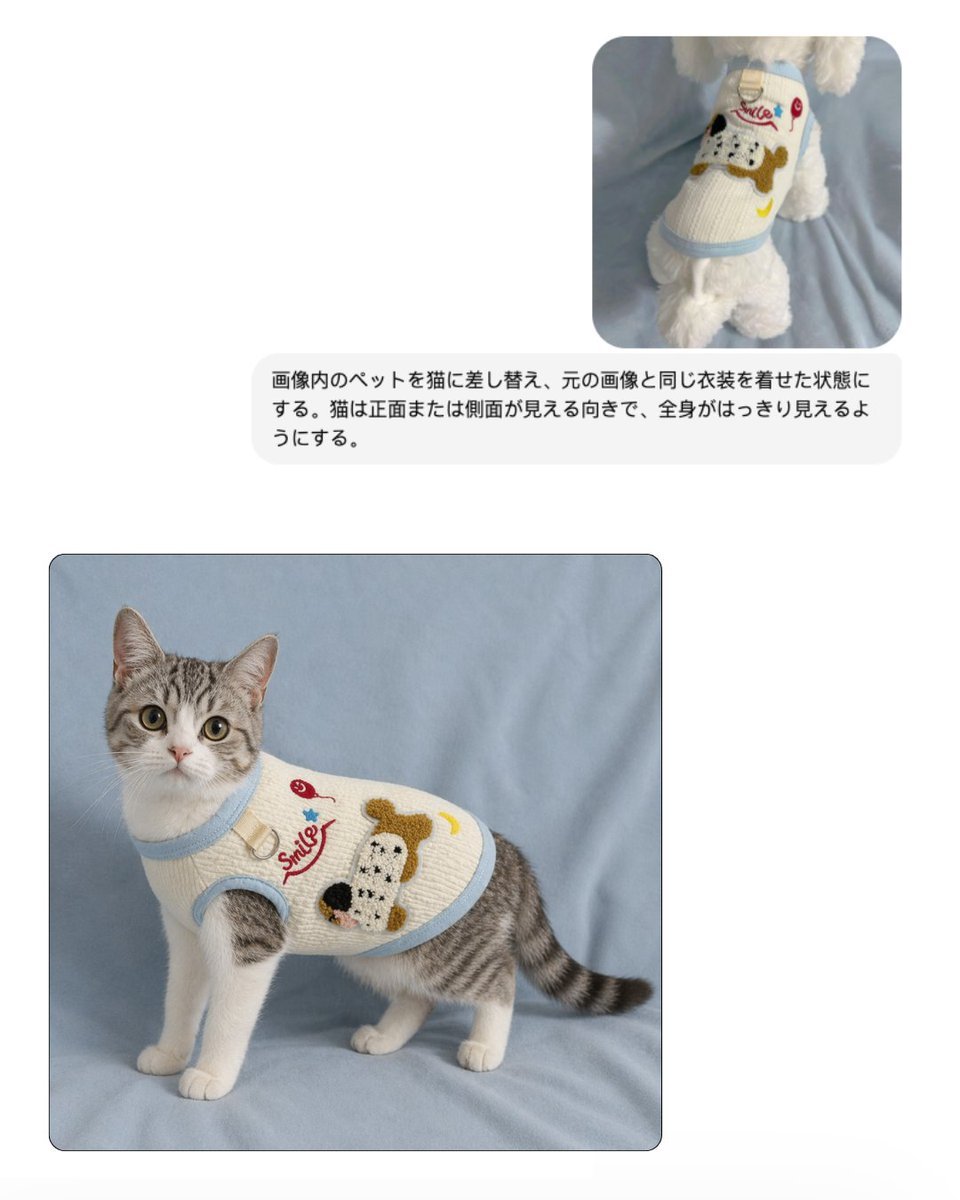
Pet Apparel Replacement Mockup
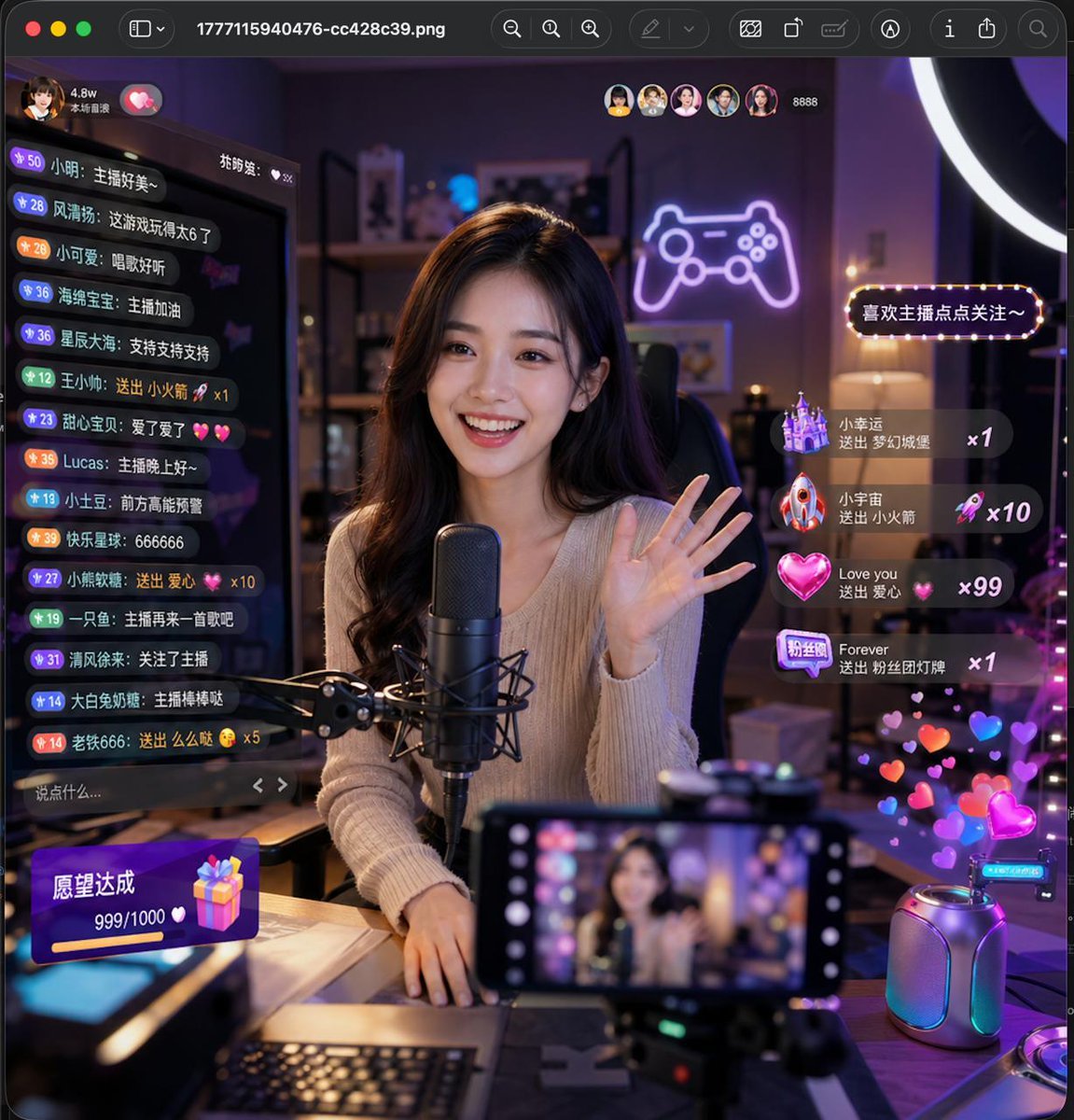
Lively Live Streaming Scene
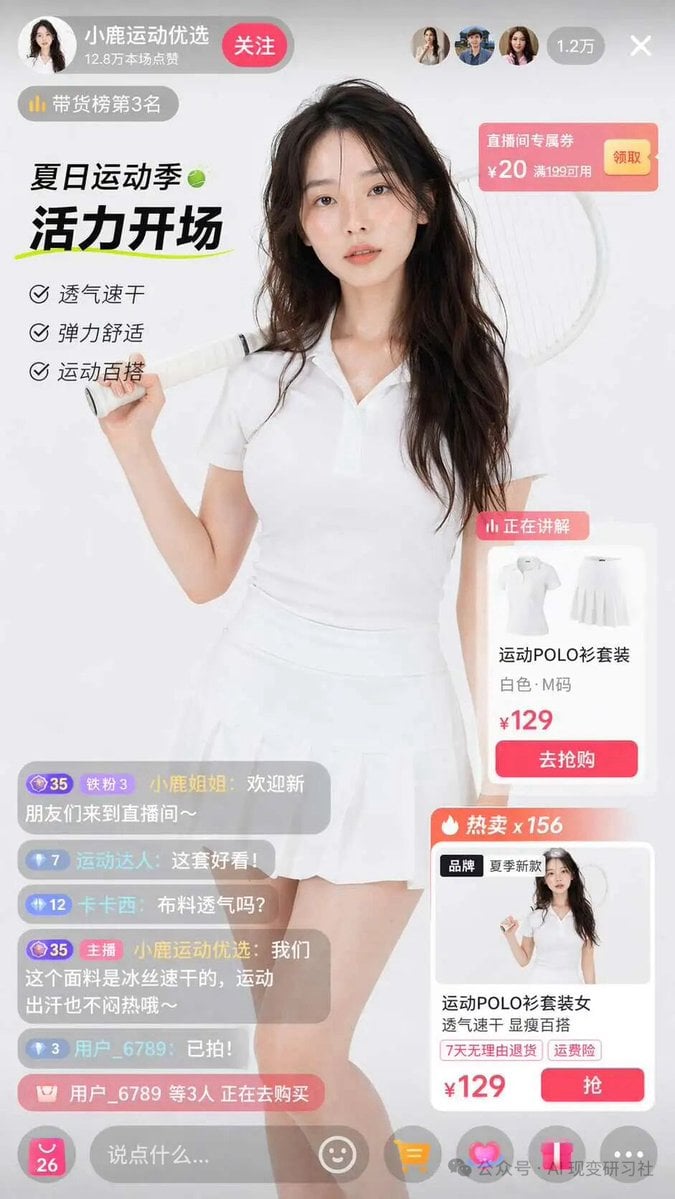
E-commerce Live Stream UI Mockup
Make it yours
Chinese Live-Streaming App UI Mockup works as-is. These are the safest ways to change it without losing the look.
Change one field
Copy a single group, rewrite it, and generate again so you can see what that field is doing.
Keep the frame, change the subject
Hold the composition and light of Chinese Live-Streaming App UI Mockup, then swap wardrobe, props or the person for a new take.
| If the result… | Why | Fix |
|---|---|---|
| The result drifts from the preview | Too many fields changed at once. | Reuse Chinese Live-Streaming App UI Mockup as-is first, then change one group — subject, light, or setting. |
| GPT Image 2 ignores part of the JSON | Some models flatten or skip nested keys. | Keep the same values and paste them as a short paragraph instead. |
More GPT Image 2 templates
Other prompts made for GPT Image 2.

Six VTuber Japanese Logo Sheet

Realistic Portrait of Woman and Deer

The Vista Modular Condo Poster

AI Model Routing Comparison Infographic

2.5D Anime Art Board

Isometric Productivity Desk Scene

New York Double Exposure Poster

Four-Panel AI Landscape Comparison

Japanese Tatami Lifestyle Magazine Cover

NESCAFÉ Coffee Map Poster
More image prompts
Fresh picks from across the catalog.

Futuristic Sportswear Campaign Portrait

Five-Panel Benchmarking Challenge

Mixed-Media Street Art Fisheye
Armored Cosplayer in Ikebukuro
Cyberpunk Anime Character Select Screen
Cinematic Breakfast Dating Sim UI
Luxury Fashion Editorial Collage on Modern Staircase
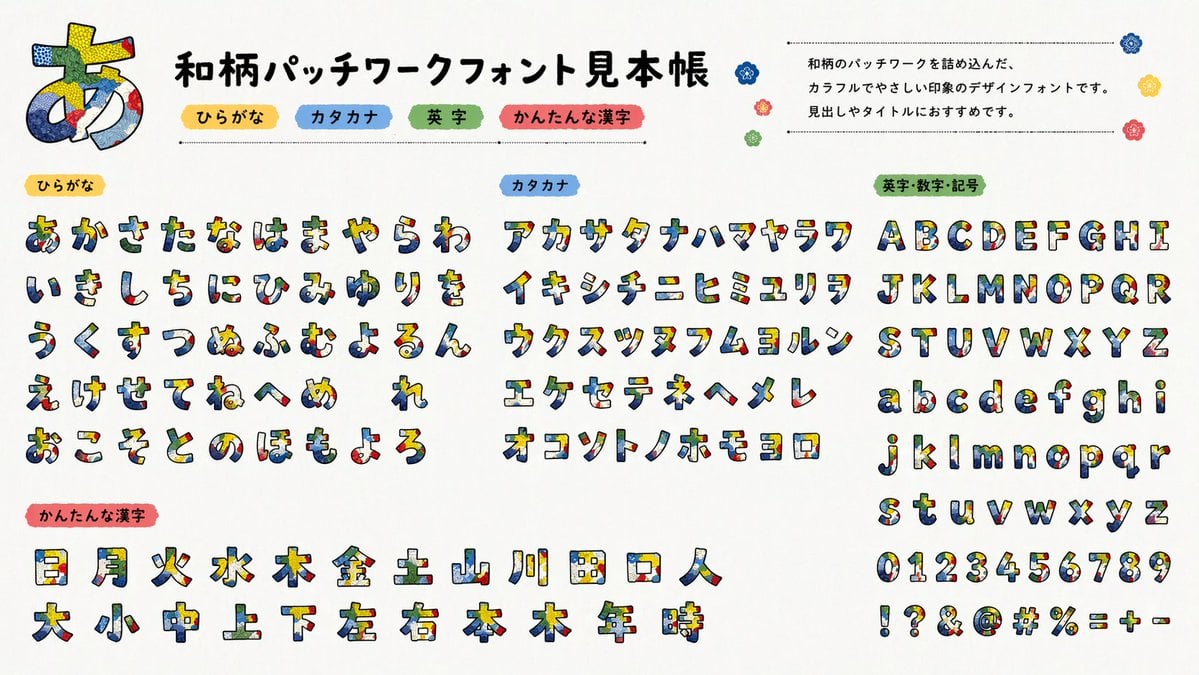
Multilingual font specimen sheet prompt

Toddler Crayon Art Transformation
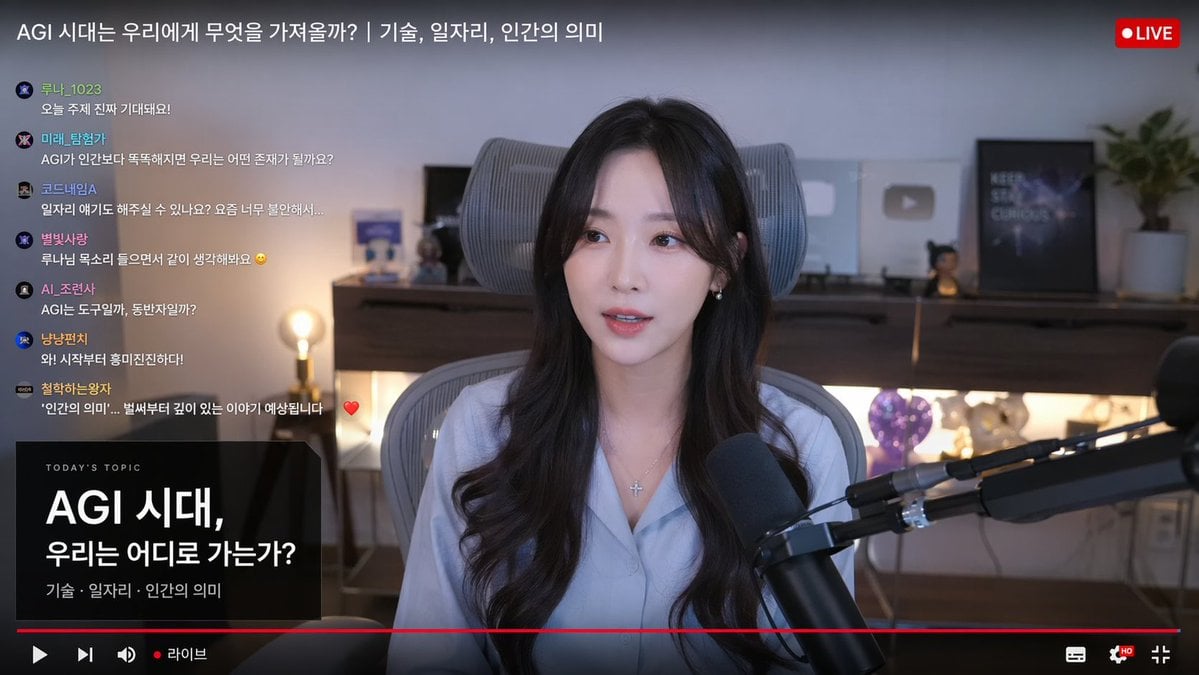
Live Stream Interface Mockup
Browse template categories
Chinese Live-Streaming App UI Mockup questions
How do I use the Chinese Live-Streaming App UI Mockup template?
Add your photo if the template asks for one, edit the prompt if you like — the template's model and format are already selected — and press Generate. Your version opens in PicX Studio.
Can I customize the Chinese Live-Streaming App UI Mockup template?
Yes. You can change the subject, setting, lighting, mood, format, and available model controls before creating your image.
Is the Chinese Live-Streaming App UI Mockup template free?
Opening and editing this template is free. Generating uses credits, shown on the Generate button when you are signed in.
Which AI model should I use?
Start with GPT Image 2, which is the model associated with this template. You can compare another compatible model for a different finish.
Looking for something else? Browse all templates.

Your photo, any look
Thousands of ready templates for every top image and video model, from one credit balance.