
Pet Apparel Replacement Mockup
This generates a clean EC-style comparison mockup showing a dog sweater reference and a final product photo of a cat wearing the same outfit, useful for pet clothing listings and promotional visuals.
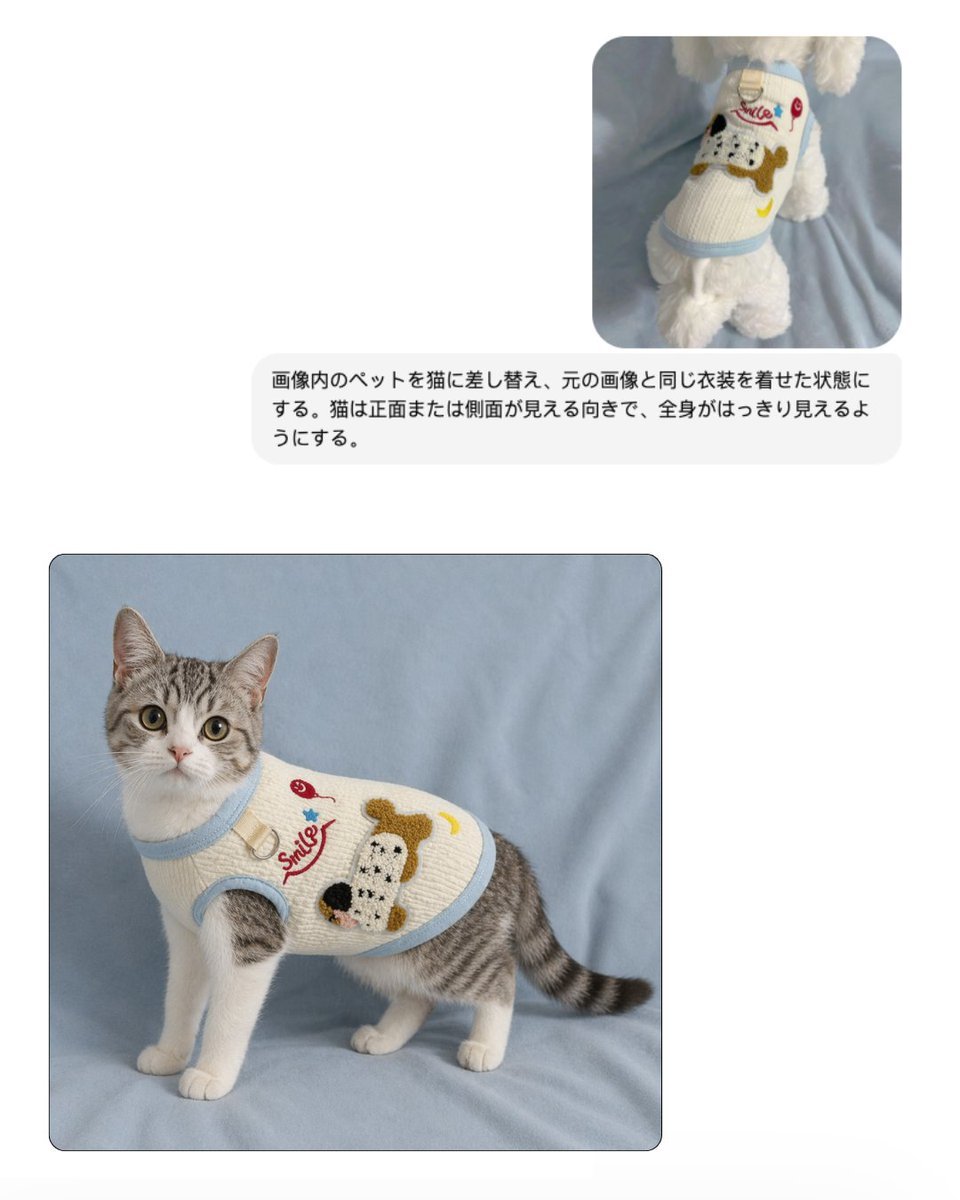
- Prompt included
- Model and format preset
- Free template
The prompt behind this image
Copy the exact prompt behind Pet Apparel Replacement Mockup, or open it in the studio and make it yours.
Create a clean e-commerce mockup on a very light gray background with a simple two-image comparison layout. In the upper right, place 1 small rounded-corner reference photo showing a white fluffy dog from behind, standing on soft light blue fabric and wearing a cream knit pet sweater with pale blue trim. The sweater features a large cartoon dog face patch in brown, black, and white, a red cursive word "Smile," a small red cherry, a blue star, and a yellow crescent moon. Beneath that small reference image, place 1 rounded light-gray text bubble containing Japanese instruction text in black sans-serif: 「画像内のペットを猫に差し替え、元の画像と同じ衣装を着せた状態にする。猫は正面または側面が見える向きで、全身がはっきり見えるようにする。」 In the lower left, place 1 larger rounded-corner final image with a subtle dark border, showing a full-body gray tabby and white cat standing on the same soft light blue fabric backdrop. The cat is facing slightly left but looking directly at the camera, with upright ears, large round eyes, white chest and legs, gray striped back and tail, and a calm alert expression. The cat wears the same cream knitted pet sweater with light blue ribbed trim around the neck, armholes, and hem, fitted neatly around the torso. The sweater artwork matches the reference: the red cursive "Smile" text, a red cherry motif, a blue star, a yellow crescent moon, and a large textured cartoon dog face patch on the side. Lighting is soft and diffuse, like a studio product photo for an online shop, with a realistic fabric texture, minimal shadows, and a polished pet apparel catalog aesthetic.
How to use Pet Apparel Replacement Mockup in 3 steps
- 1Upload ImagePNG, JPG or paste
Add your photo
Upload the photo the template builds on. The prompt, model and format are already set.
- 2…a portrait of your subject in softgolden-hour light, 85mm…
Personalize
Edit the subject and creative details for your destination.
- 3Generate
Generate
Press Generate — your image is created in PicX Studio, so you can compare it with the original and refine one variable at a time.
More like this
Templates with the same subject, style or setup. Open one to see its prompt.
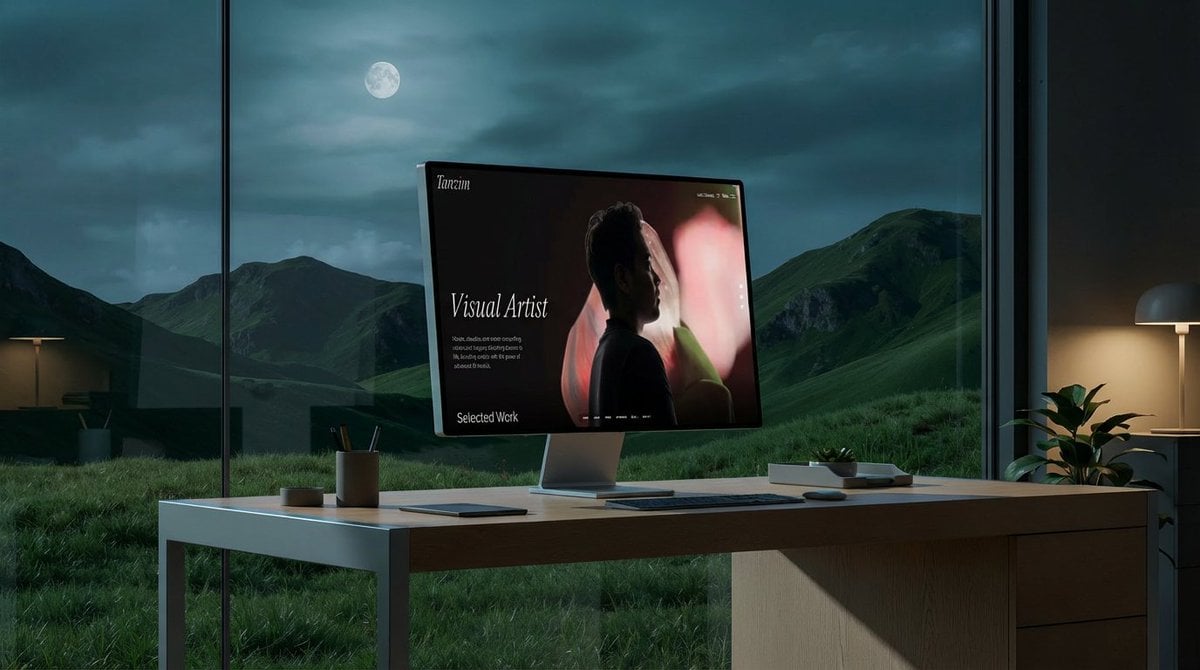
Mockup generation prompt for screen replacement

Product Shot - T-Shirt Mockup
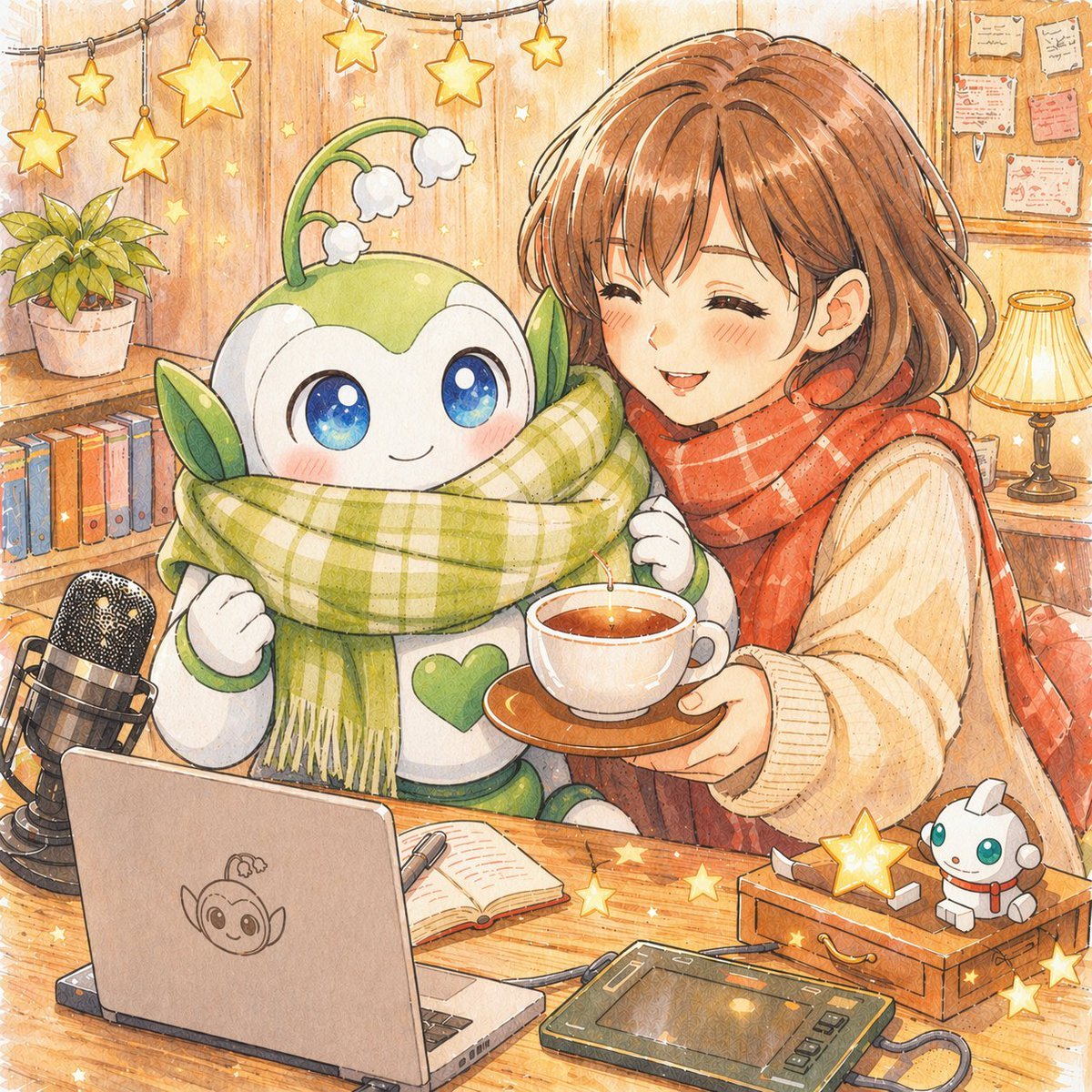
Local Edit: Mascot Robot Replacement
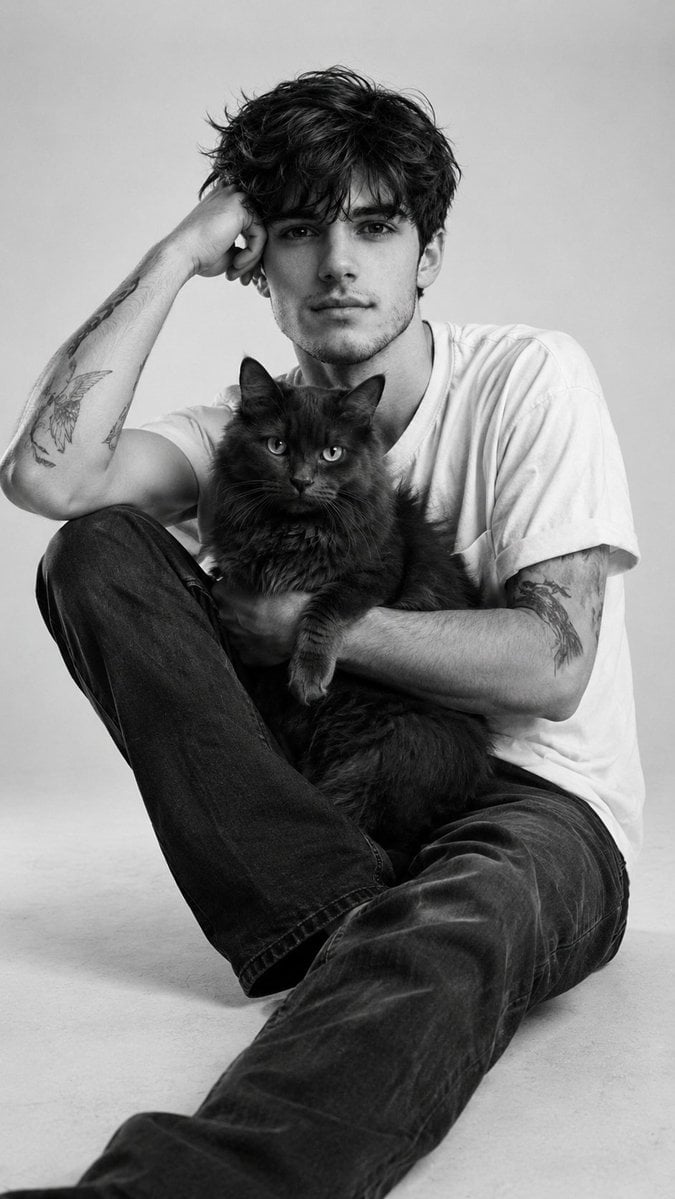
Black and White Studio Portrait with Pet
Editorial Portrait Background Replacement

Cinematic Anime Shinobi Poster Mockup
Pet Wedding Invitation Design
Object Replacement Inpainting Prompt
Autonomously add 1-2 characters or a pet that fits the brand s lifestyle
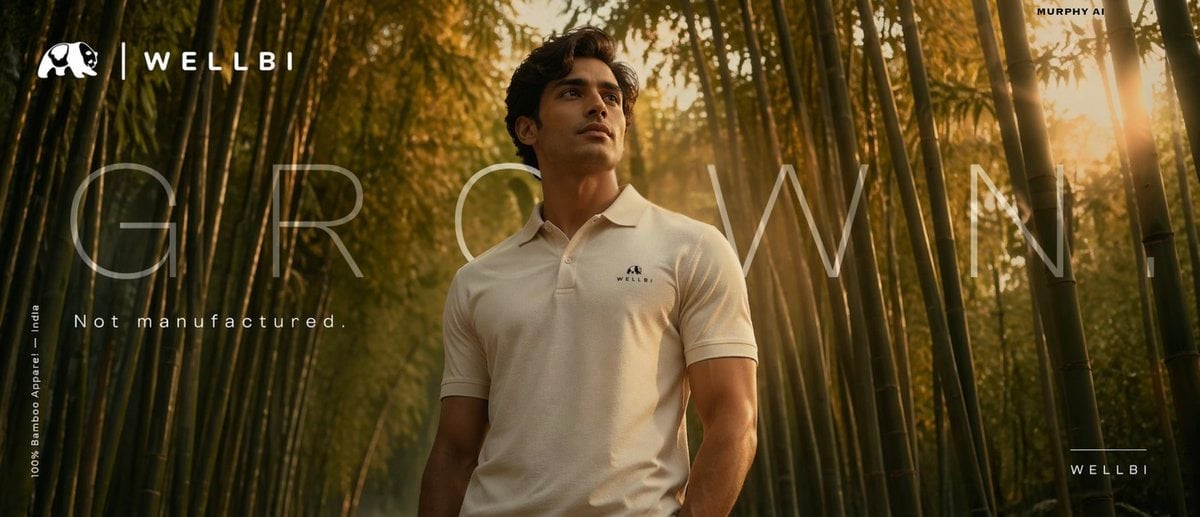
Cinematic product poster for WELLBI, India s premium bamboo apparel
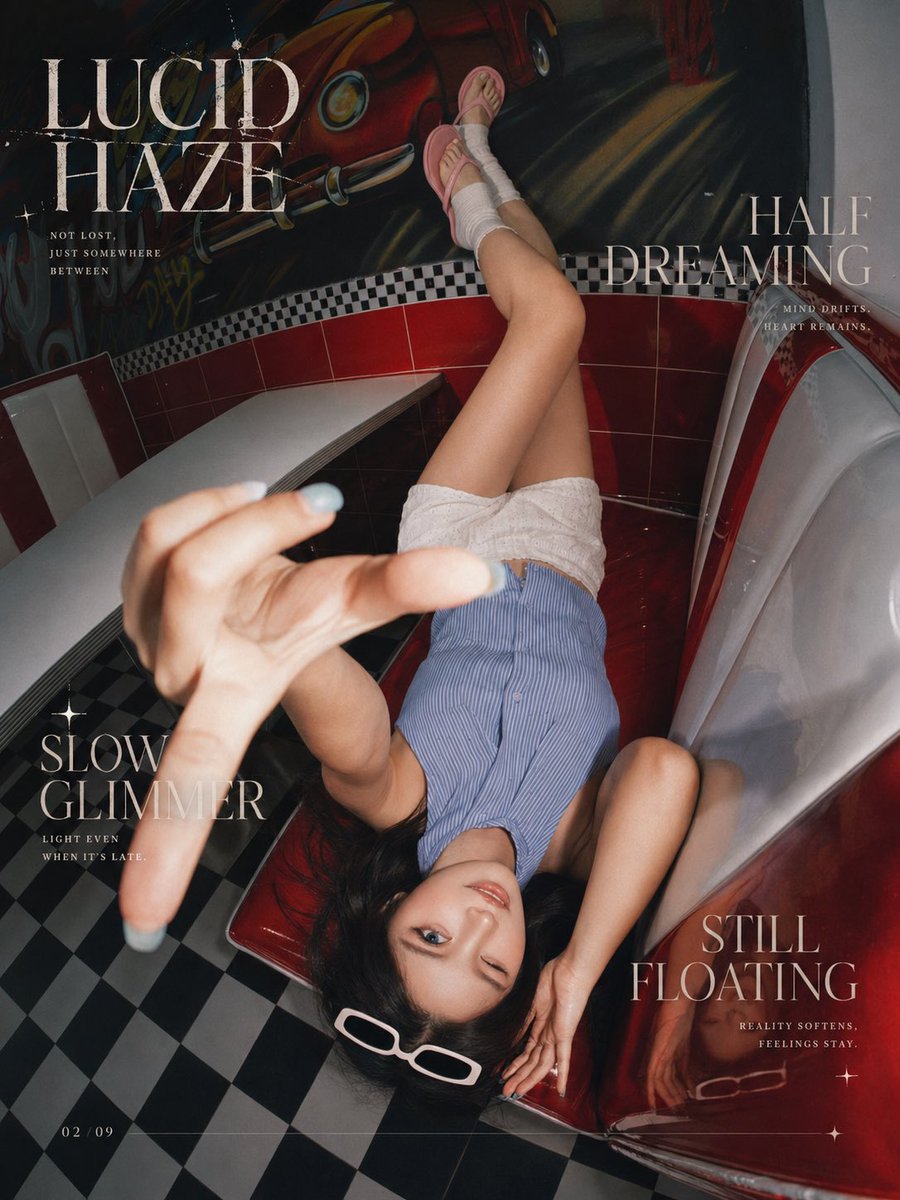
Reference Portrait Replacement
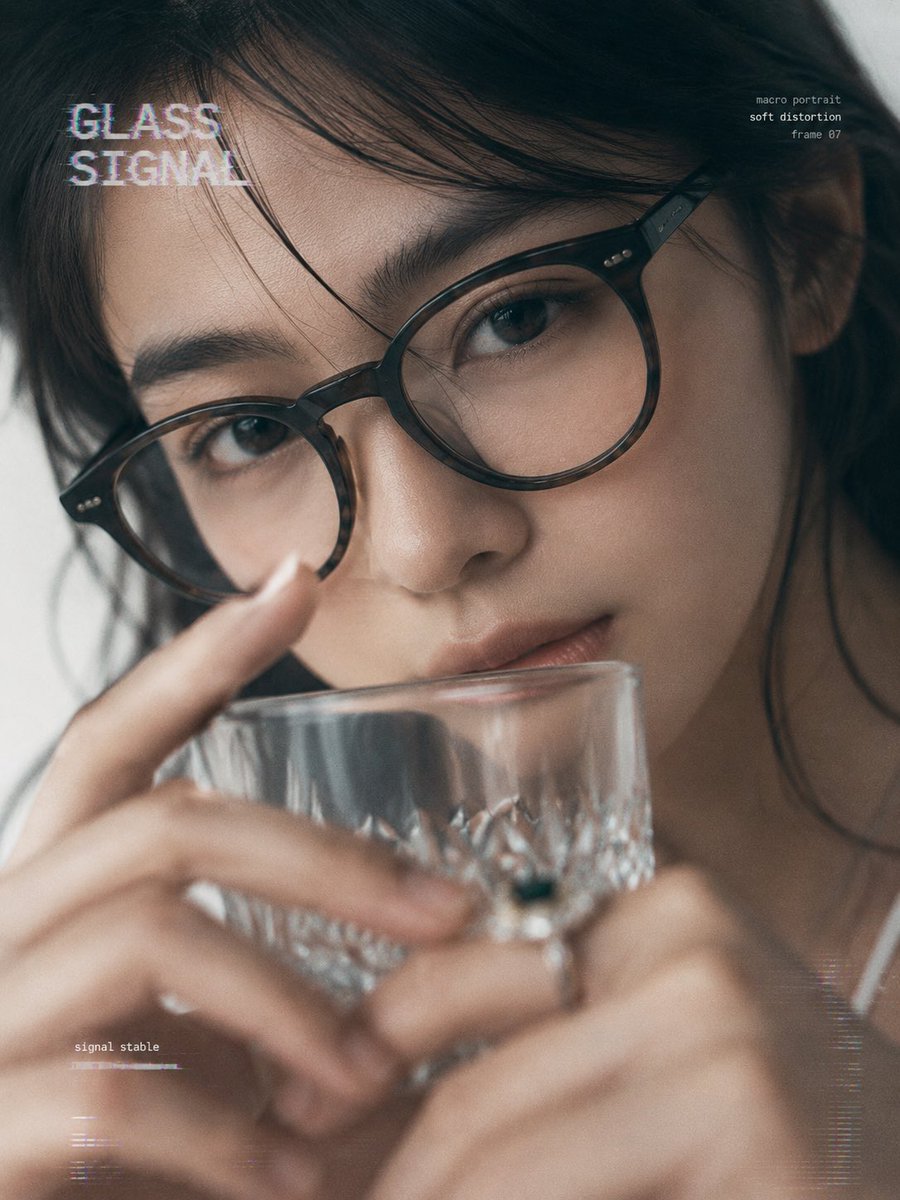
提示词: { "task": "portrait_replacement_editorial_
Make it yours
Pet Apparel Replacement Mockup works as-is. These are the safest ways to change it without losing the look.
Change one field
Copy a single group, rewrite it, and generate again so you can see what that field is doing.
Keep the frame, change the subject
Hold the composition and light of Pet Apparel Replacement Mockup, then swap wardrobe, props or the person for a new take.
| If the result… | Why | Fix |
|---|---|---|
| The result drifts from the preview | Too many fields changed at once. | Reuse Pet Apparel Replacement Mockup as-is first, then change one group — subject, light, or setting. |
| The model over-stylizes the scene | The prose prompt leaves finish and camera underspecified. | Add one camera or lighting sentence and stay on GPT Image 2. |
More GPT Image 2 templates
Other prompts made for GPT Image 2.

Six VTuber Japanese Logo Sheet

Realistic Portrait of Woman and Deer

The Vista Modular Condo Poster

AI Model Routing Comparison Infographic

2.5D Anime Art Board

Isometric Productivity Desk Scene

New York Double Exposure Poster

Four-Panel AI Landscape Comparison

Japanese Tatami Lifestyle Magazine Cover

NESCAFÉ Coffee Map Poster
More image prompts
Fresh picks from across the catalog.
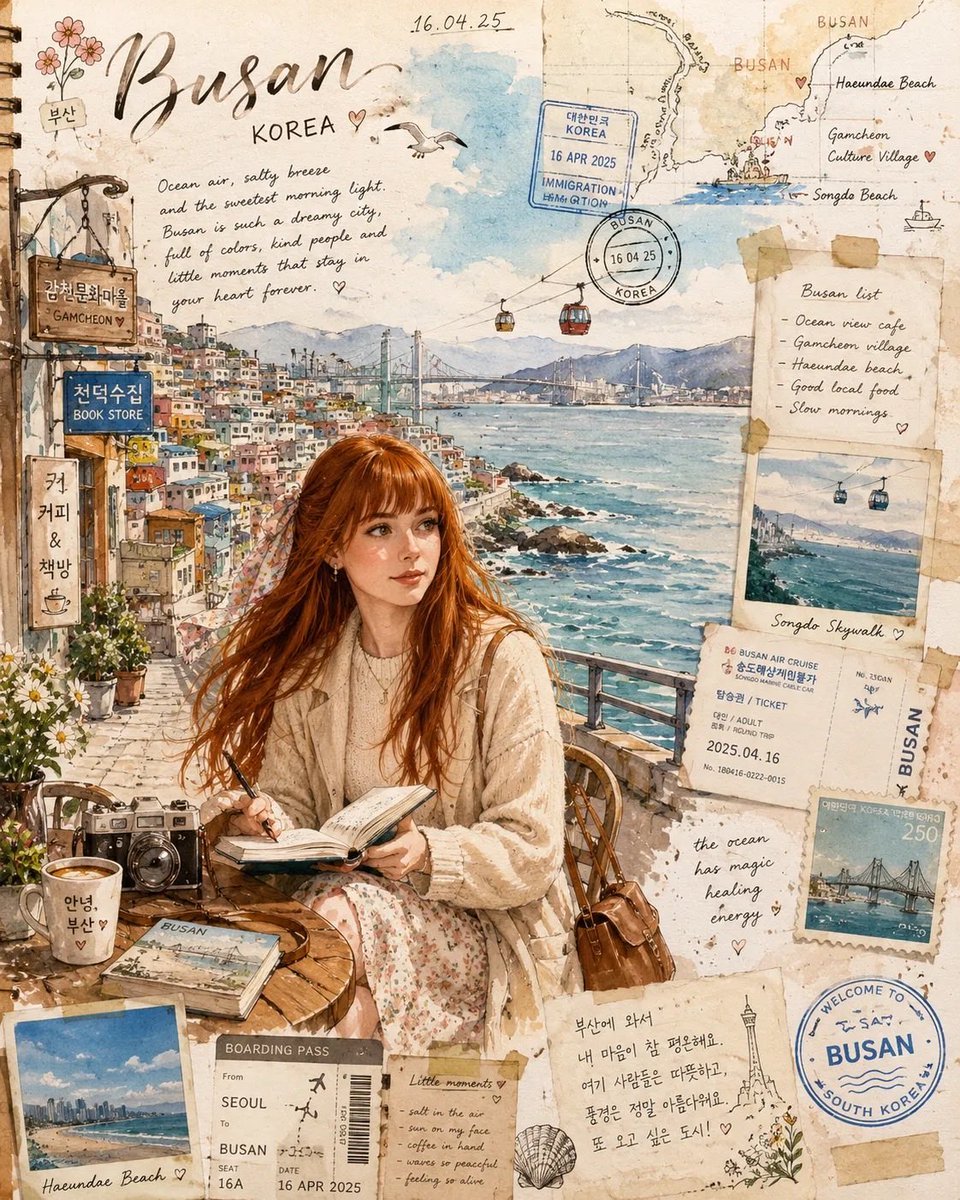
Watercolor Travel Journal Illustration
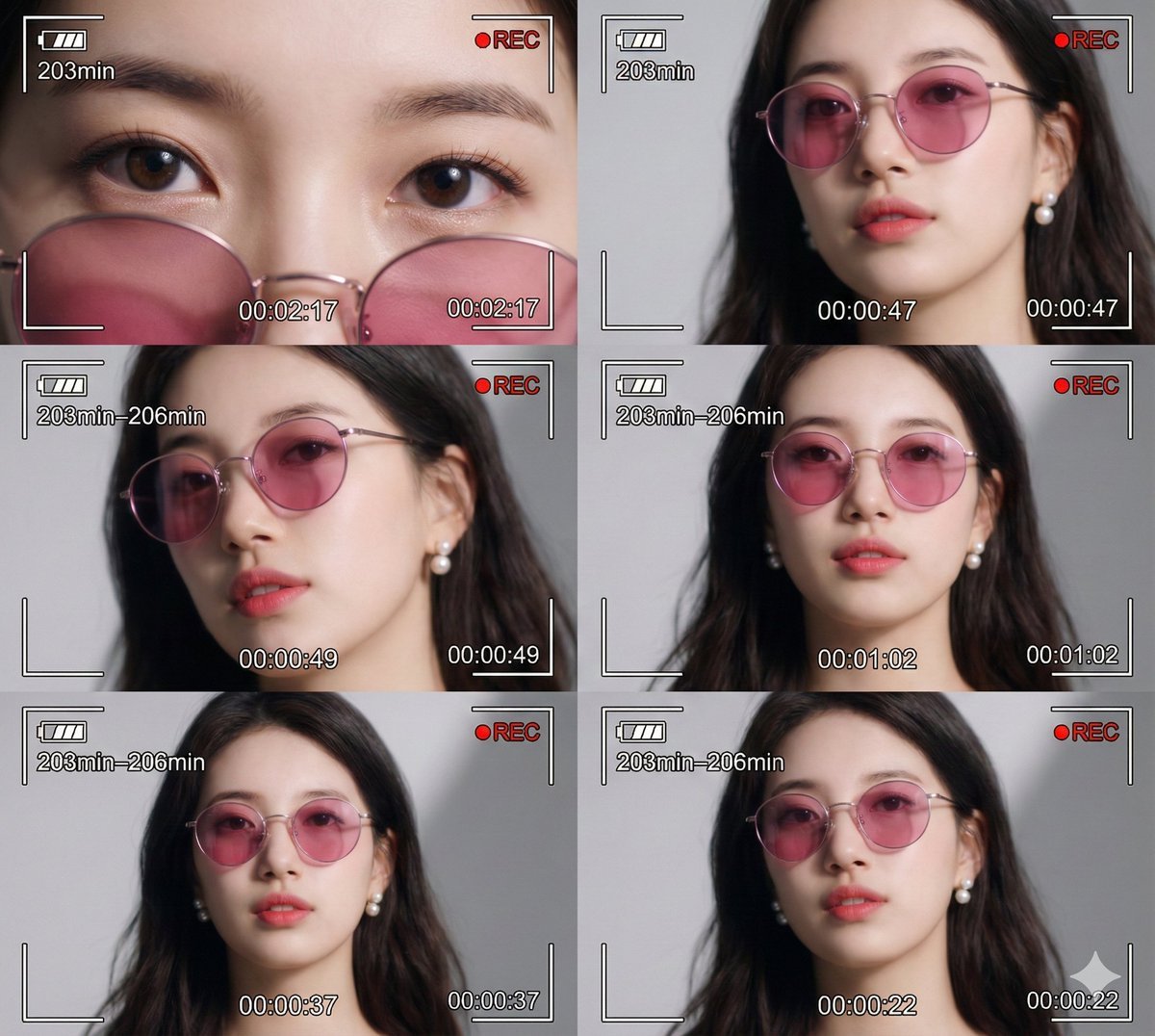
Ultra-Photorealistic 6-Panel Collage Prompt for Nano Banana Pro
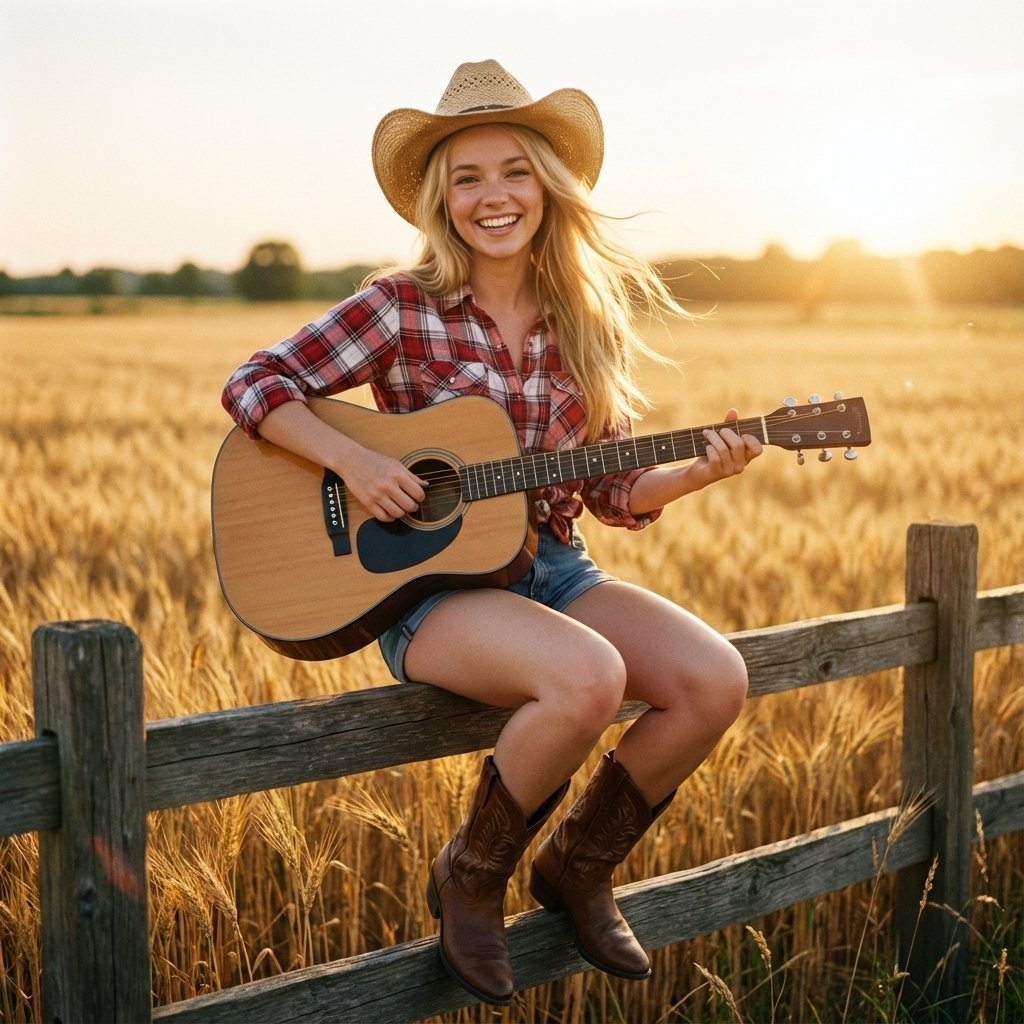
Country Singer Conversion (Image-to-Image)
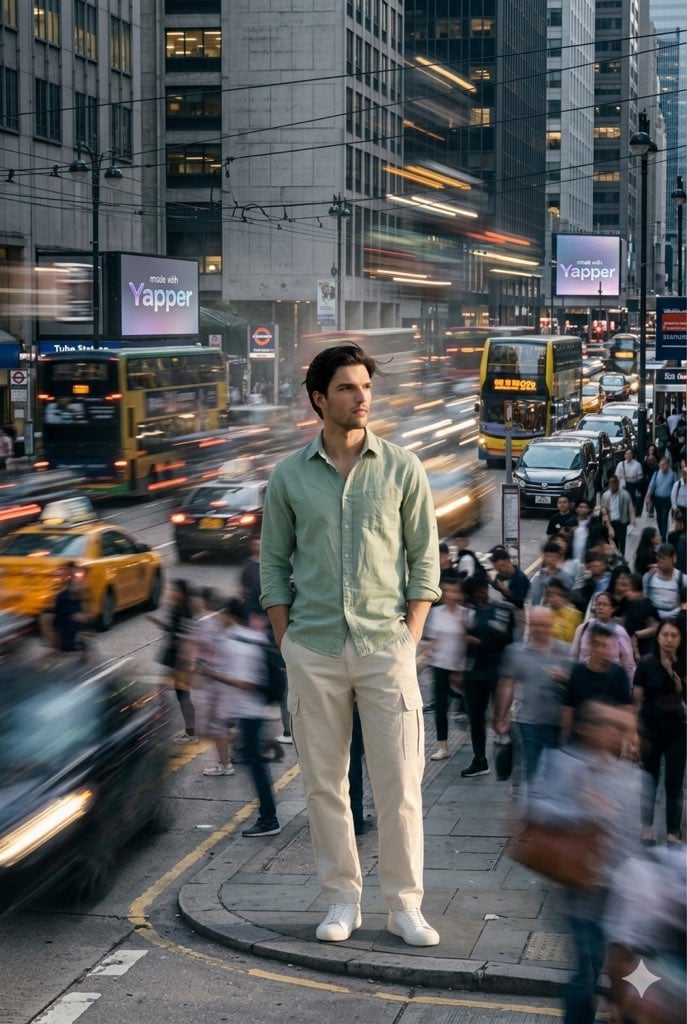
X Iamrealsnow Cinematic Motion Blur Photography Editorial

Luxury Dream Home Real Estate Flyer
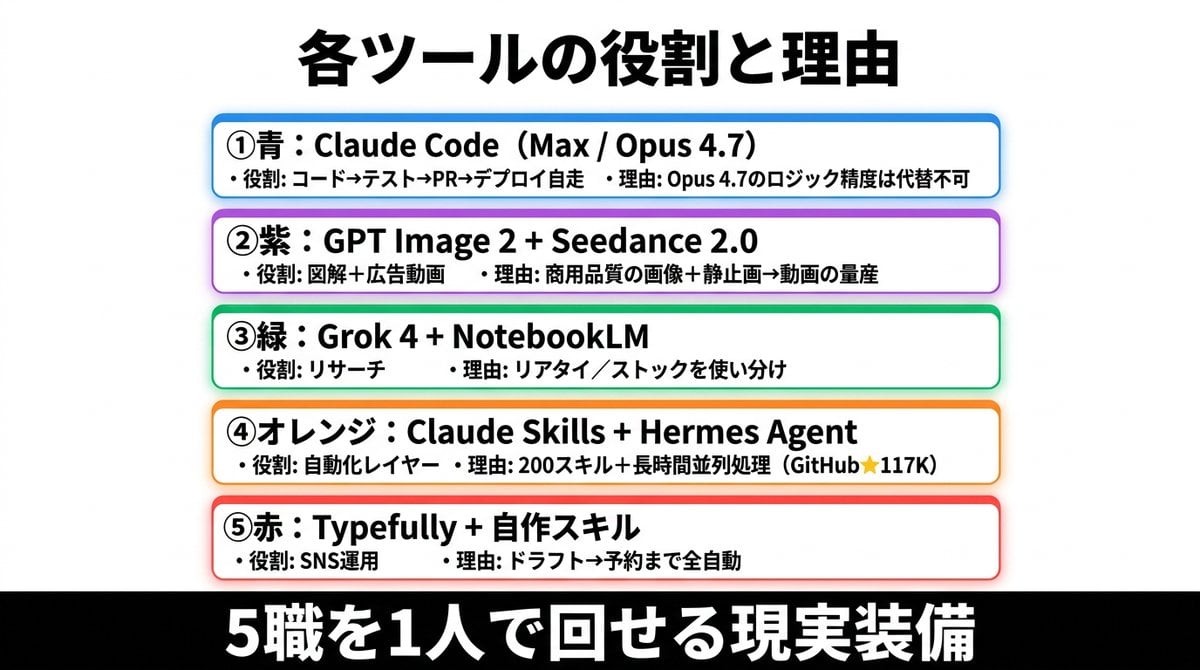
Japanese AI Tools Role Infographic
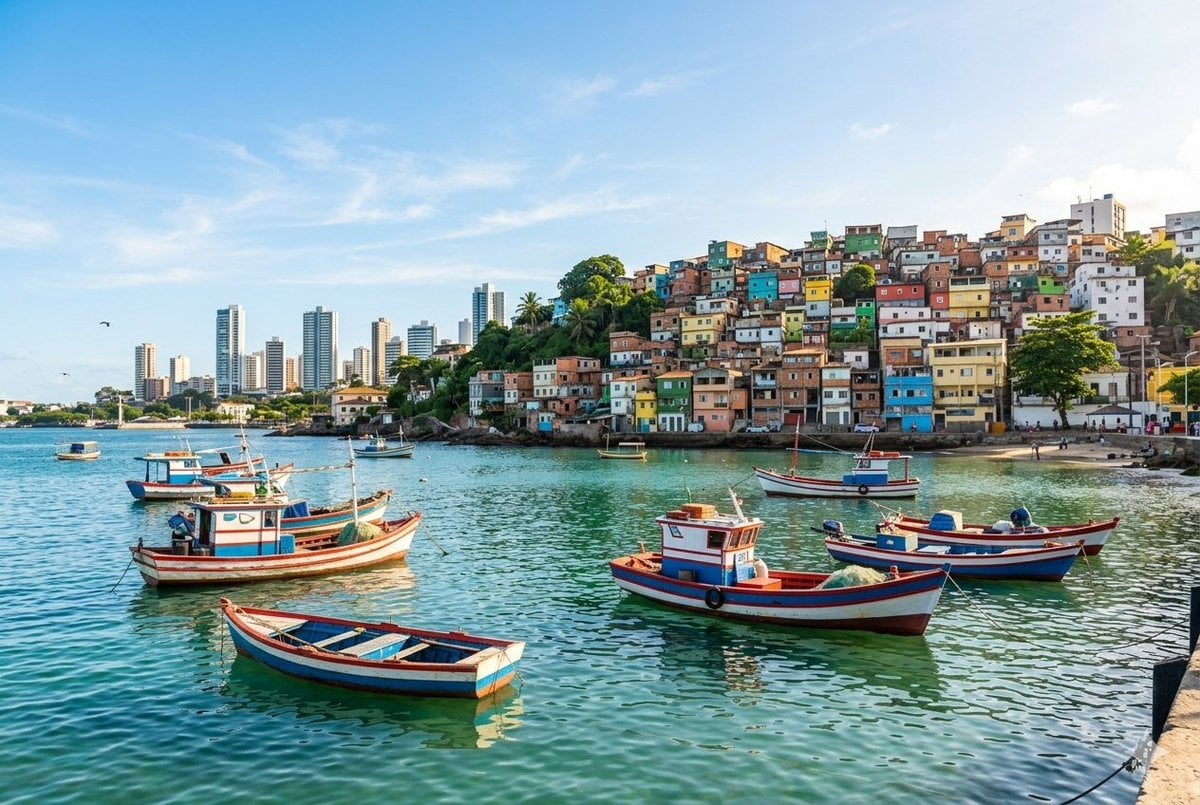
Realistic port scene in Salvador, Bahia
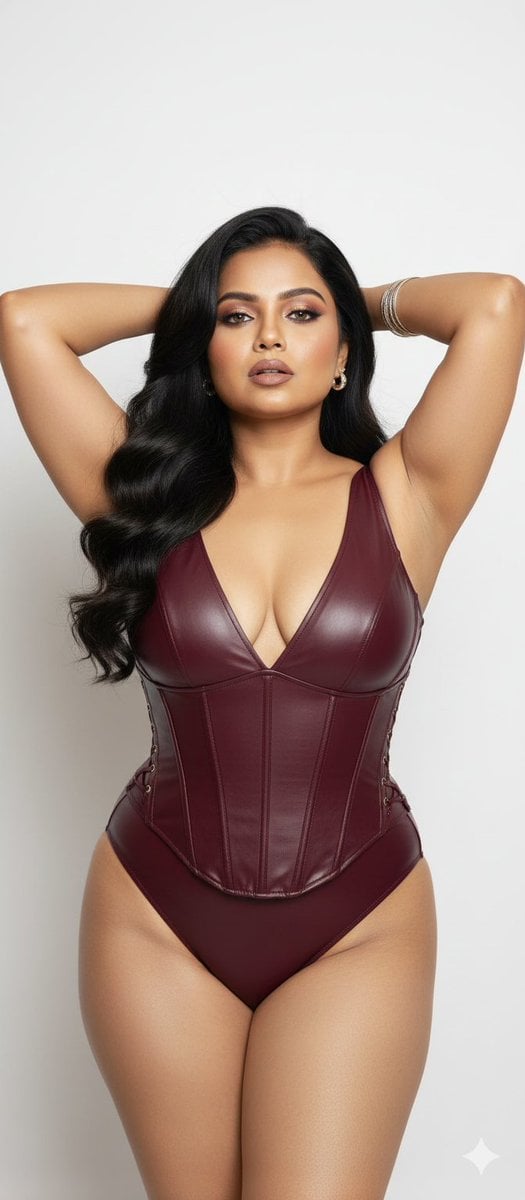
Glamorous Photo Prompt for Gemini Nano Banana Creation
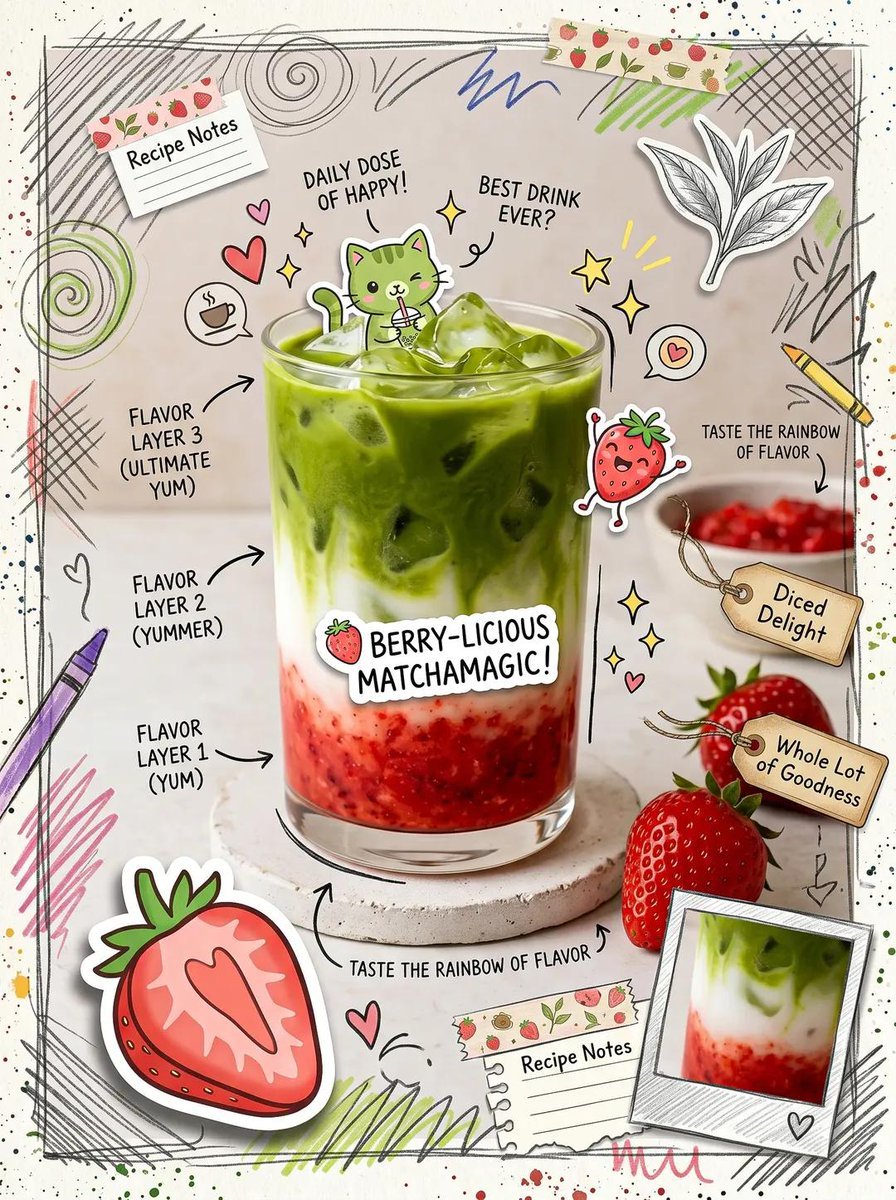
Kawaii Cafe Food Scrapbook Poster
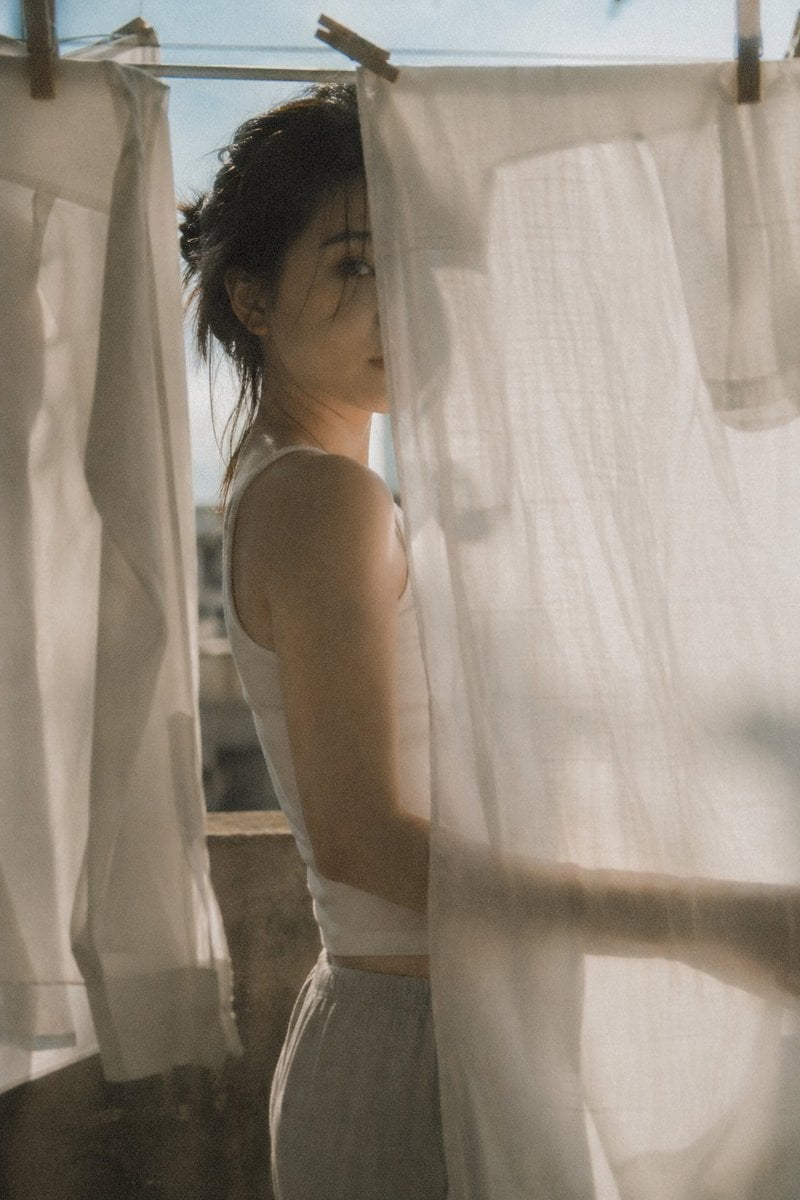
Japanese negative film aesthetic prompt
Browse template categories
Pet Apparel Replacement Mockup questions
How do I use the Pet Apparel Replacement Mockup template?
Add your photo if the template asks for one, edit the prompt if you like — the template's model and format are already selected — and press Generate. Your version opens in PicX Studio.
Can I customize the Pet Apparel Replacement Mockup template?
Yes. You can change the subject, setting, lighting, mood, format, and available model controls before creating your image.
Is the Pet Apparel Replacement Mockup template free?
Opening and editing this template is free. Generating uses credits, shown on the Generate button when you are signed in.
Which AI model should I use?
Start with GPT Image 2, which is the model associated with this template. You can compare another compatible model for a different finish.
Looking for something else? Browse all templates.

Your photo, any look
Thousands of ready templates for every top image and video model, from one credit balance.