
提示词: { "task": "portrait_replacement_editorial_
提示词: { "task": "portrait_replacement_editorial_ is a ready photo look for GPT Image 2.
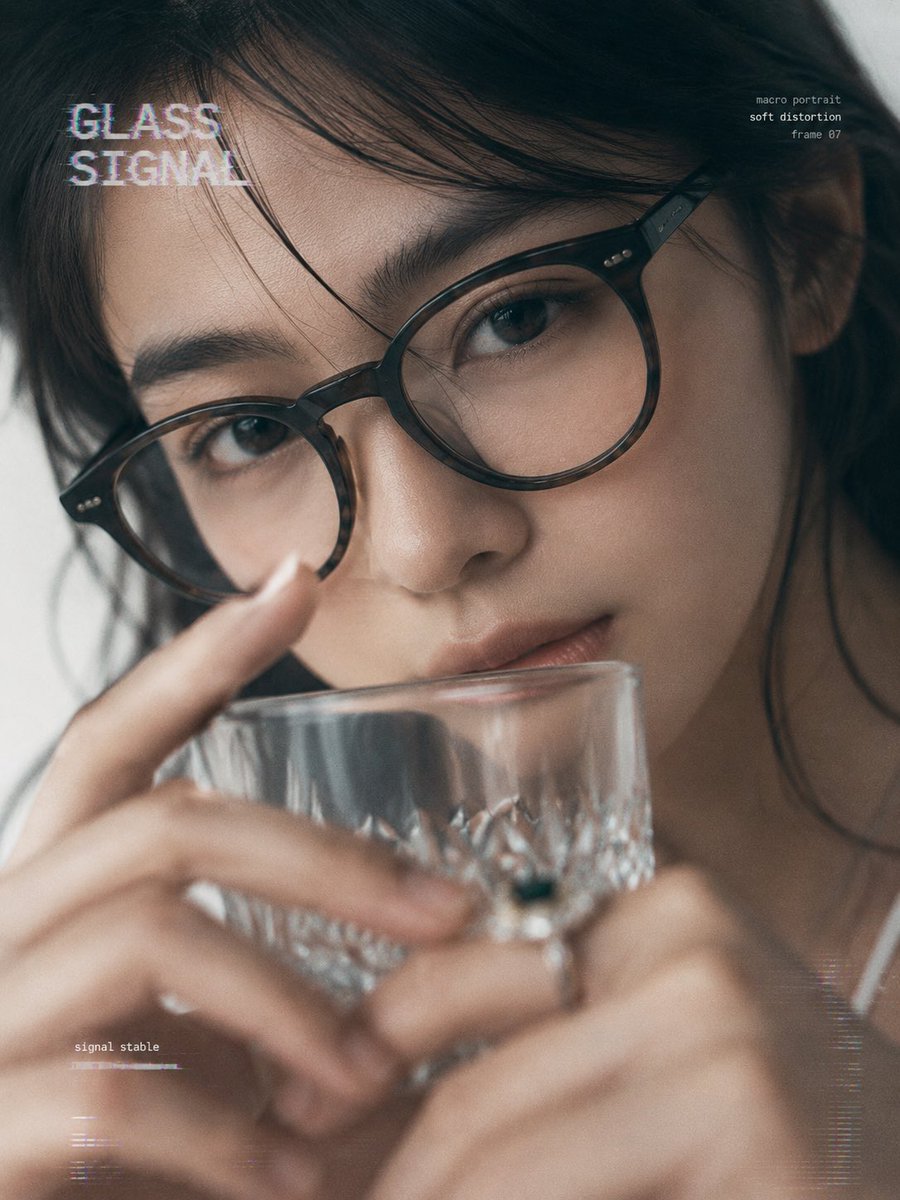
- Prompt included
- Model and format preset
- Free template
The prompt behind this image
Copy the exact prompt behind 提示词: { "task": "portrait_replacement_editorial_, or open it in the studio and make it yours.
{ "task": "portrait_replacement_editorial_series", "goal": "将原图中的人物替换为用户上传的人像参考,保留原图构图、姿势、表情、光影和极简杂志感,同时移除所有logo、水印、商标、署名与版权相关元素,并加入原创故障风英文排版。", "reference_usage": {
How to use 提示词: { "task": "portrait_replacement_editorial_ in 3 steps
- 1
Open
The prompt is already in the box next to the preview, with the template's model and format selected.
- 2…a portrait of your subject in softgolden-hour light, 85mm…
Personalize
Edit the subject and creative details for your destination.
- 3Generate
Generate
Press Generate — your image is created in PicX Studio, so you can compare it with the original and refine one variable at a time.
More like this
Templates with the same subject, style or setup. Open one to see its prompt.

untitled

Caution Tape Fashion — Industrial Editorial
Editorial Portrait Background Replacement

Couture Fashion Editorial Woman and Drag

Nano Banana 2 Editorial Fashion Portrait

Found Photograph: Us, 1970

80s Couple Studio Portrait

80s Bollywood Star

80s Golden Hour Cinema

Me in 1985

1985 Studio Portrait

Hyper-Realistic Minecraft POV Portrait
Make it yours
提示词: { "task": "portrait_replacement_editorial_ works as-is. These are the safest ways to change it without losing the look.
Change one field
Copy a single group, rewrite it, and generate again so you can see what that field is doing.
Keep the frame, change the subject
Hold the composition and light of 提示词: { "task": "portrait_replacement_editorial_, then swap wardrobe, props or the person for a new take.
| If the result… | Why | Fix |
|---|---|---|
| The result drifts from the preview | Too many fields changed at once. | Reuse 提示词: { "task": "portrait_replacement_editorial_ as-is first, then change one group — subject, light, or setting. |
| The model over-stylizes the scene | The prose prompt leaves finish and camera underspecified. | Add one camera or lighting sentence and stay on GPT Image 2. |
More GPT Image 2 templates
Other prompts made for GPT Image 2.

Six VTuber Japanese Logo Sheet

Realistic Portrait of Woman and Deer

The Vista Modular Condo Poster

AI Model Routing Comparison Infographic

2.5D Anime Art Board

Isometric Productivity Desk Scene

New York Double Exposure Poster

Four-Panel AI Landscape Comparison

Japanese Tatami Lifestyle Magazine Cover

NESCAFÉ Coffee Map Poster
More image prompts
Fresh picks from across the catalog.
Formal Japanese ID Photo Portrait
Macro Beef Burger Food Photography Prompt
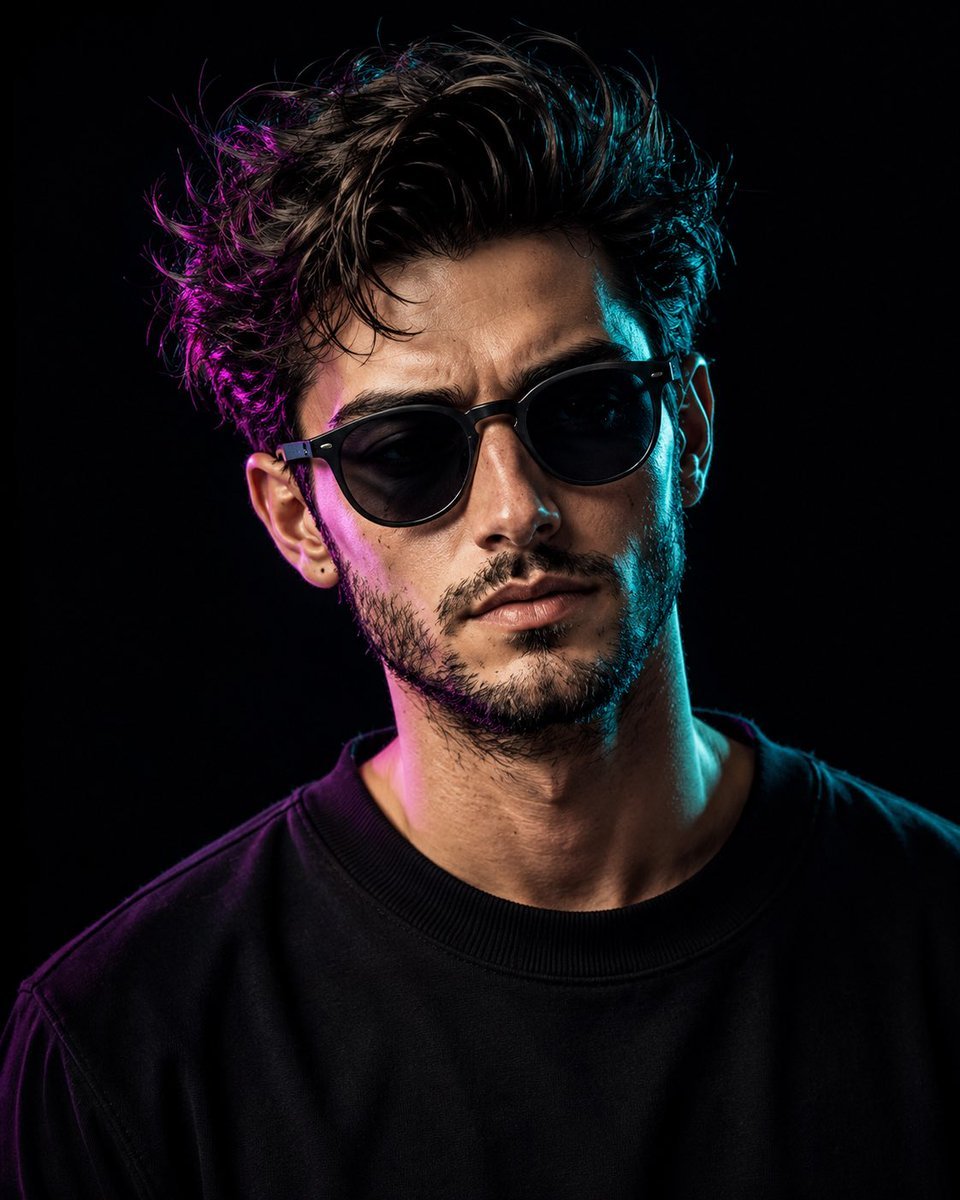
Cinematic Dual-Tone Studio Portrait
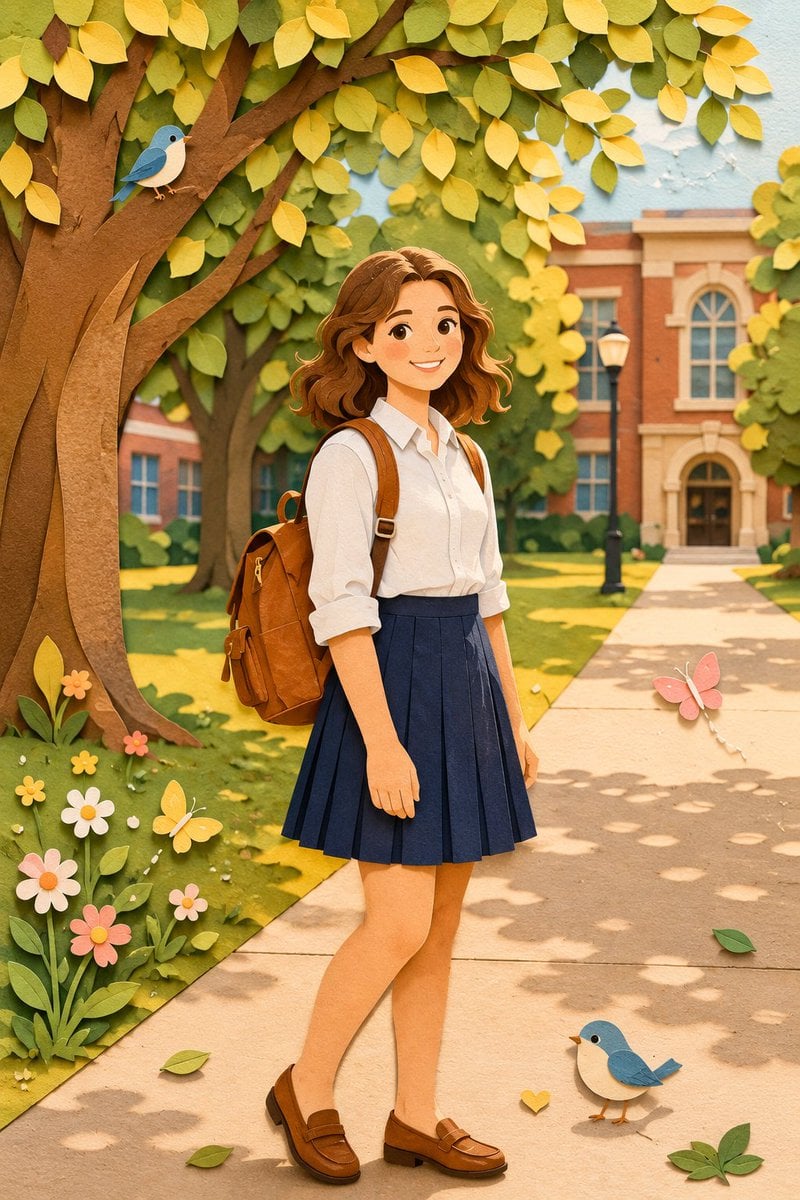
Paper Craft Style Redesign
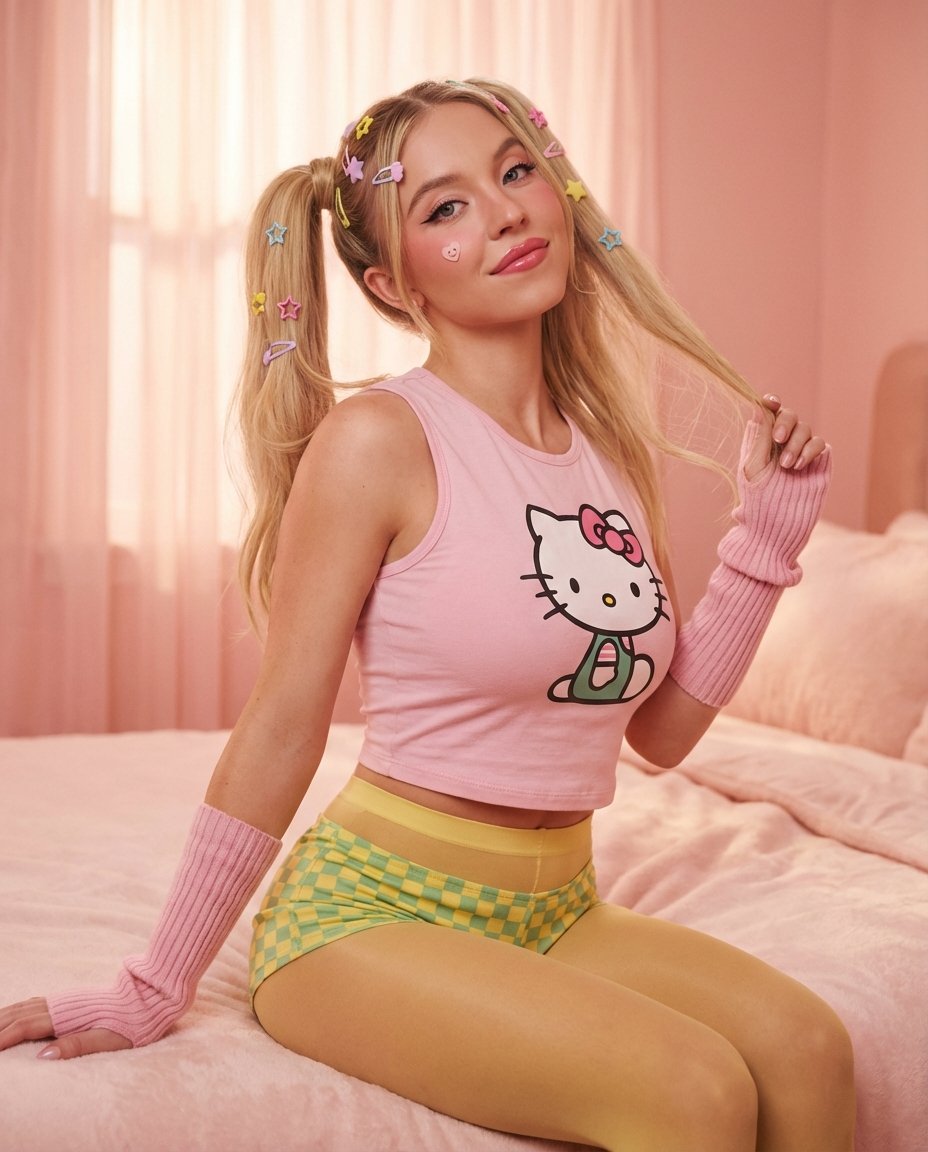
Kawaii Comfy Bed Portrait
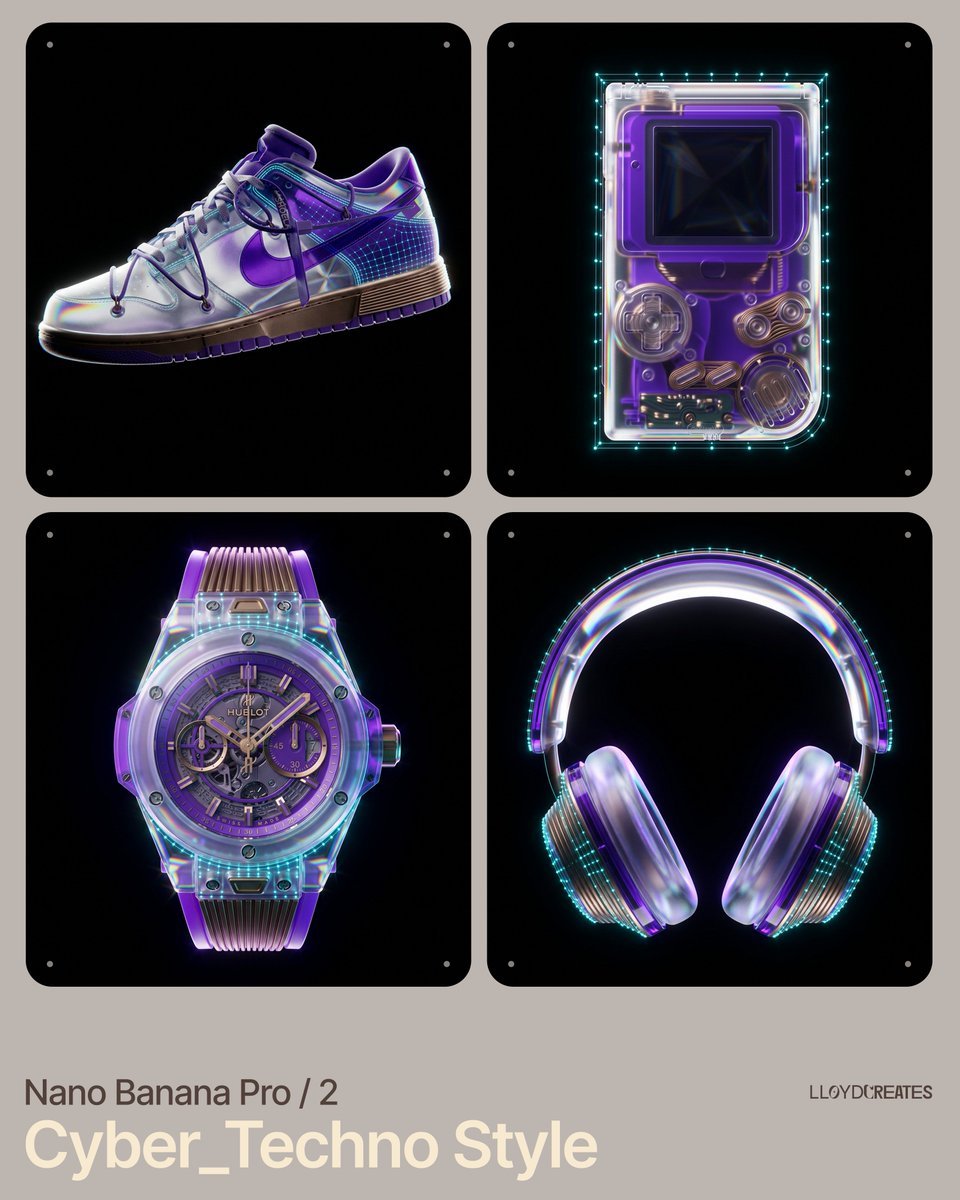
Cyber-Techno Product Shot in Void with Prismatic Effects
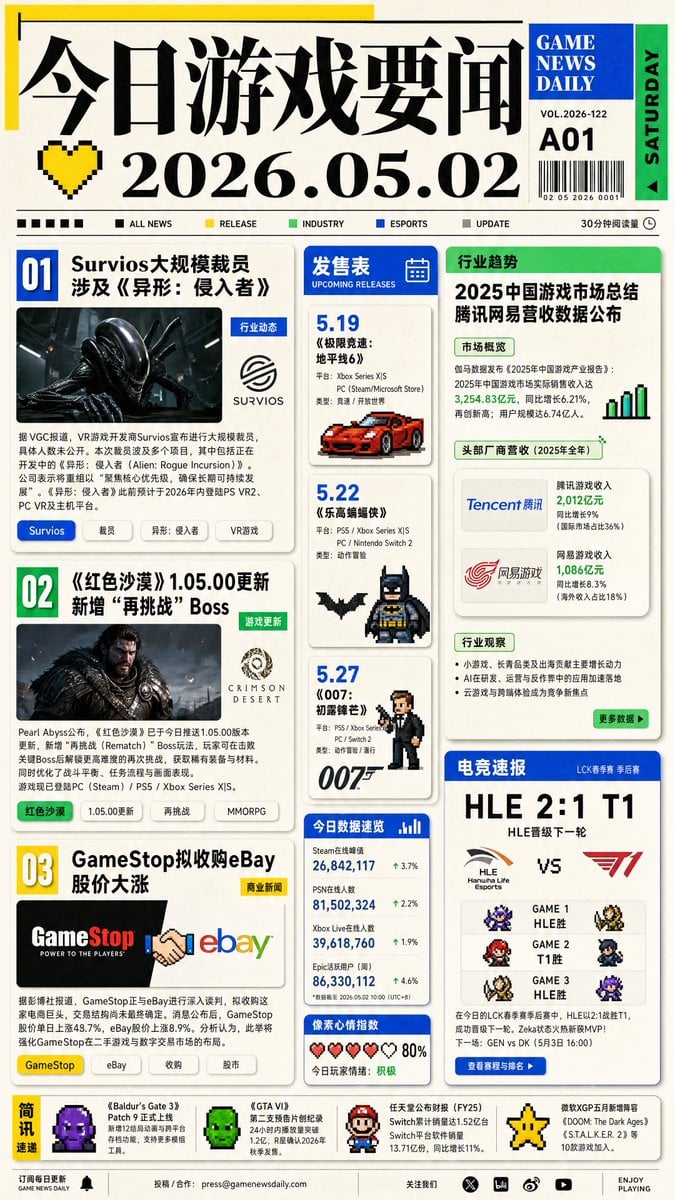
Game News Daily Front Page
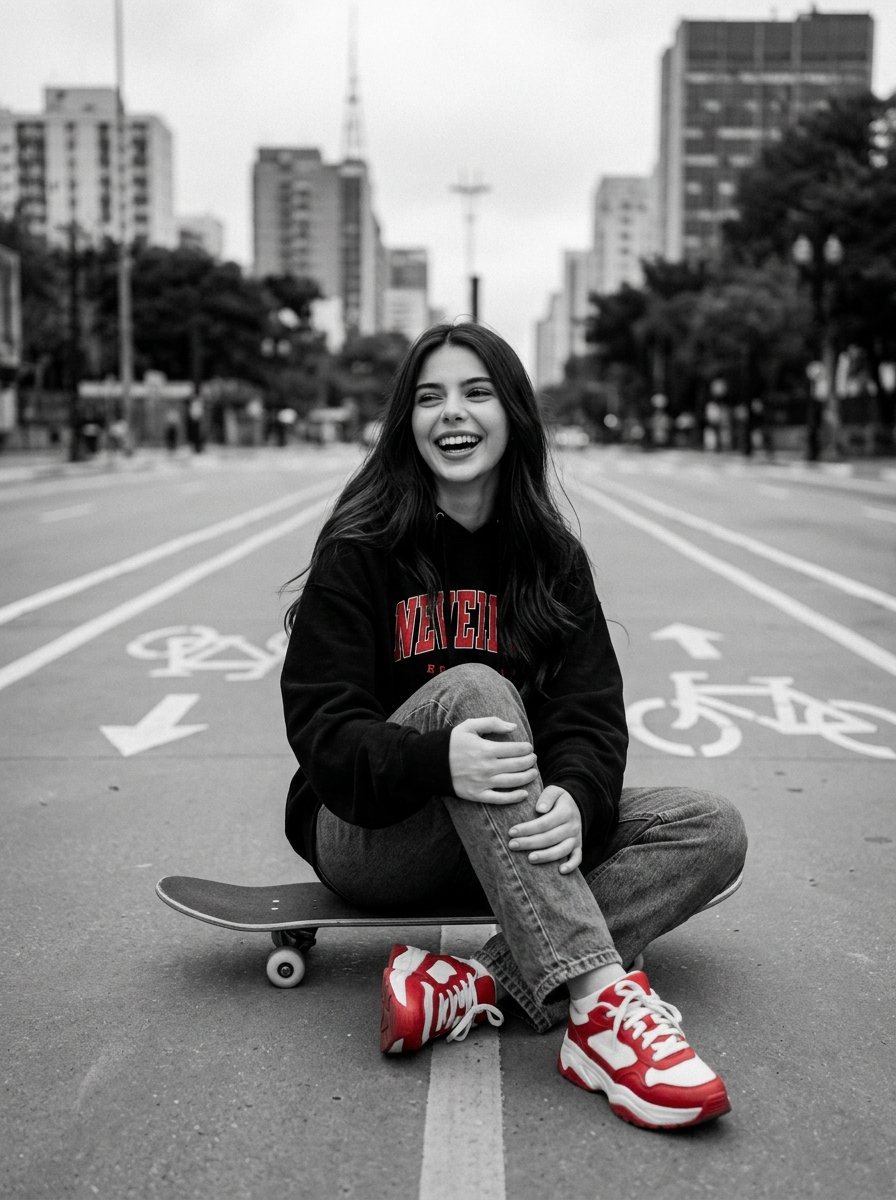
Cinematic Black, White, and Red Street Photography Portrait
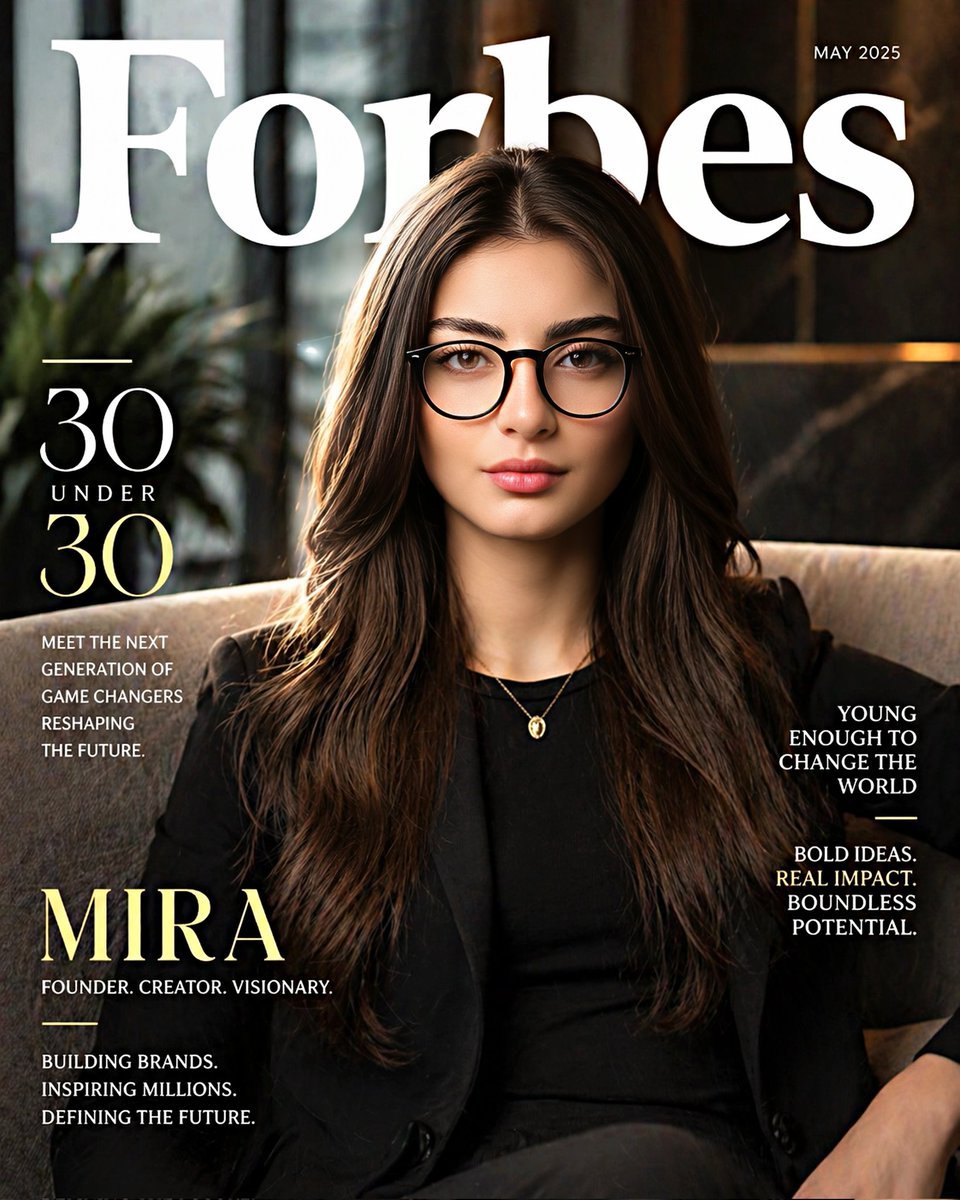
Forbes 30 Under 30 Magazine Style Portrait
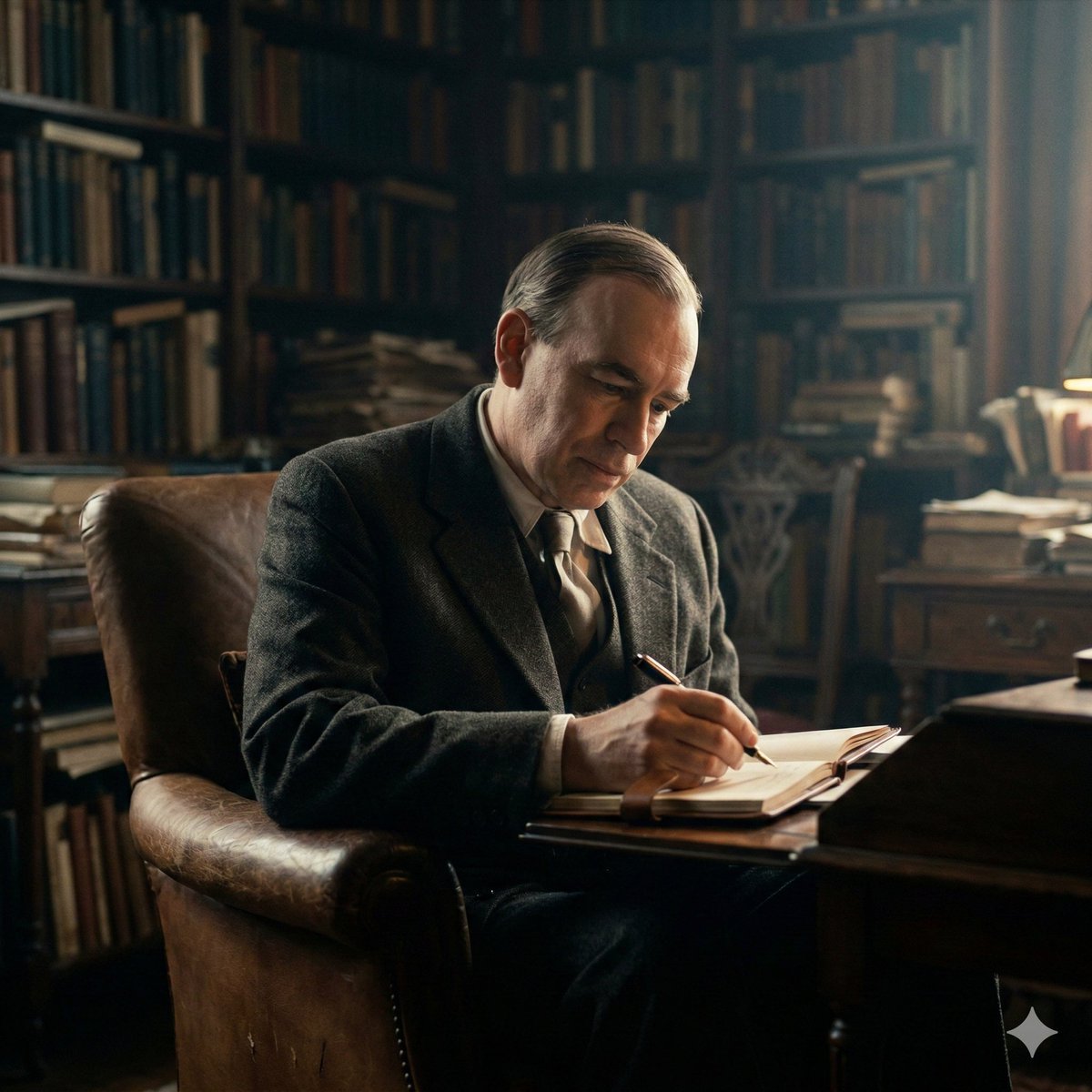
Cinematic Image of Keynes Writing
Browse template categories
提示词: { "task": "portrait_replacement_editorial_ questions
How do I use the 提示词: { "task": "portrait_replacement_editorial_ template?
Add your photo if the template asks for one, edit the prompt if you like — the template's model and format are already selected — and press Generate. Your version opens in PicX Studio.
Can I customize the 提示词: { "task": "portrait_replacement_editorial_ template?
Yes. You can change the subject, setting, lighting, mood, format, and available model controls before creating your image.
Is the 提示词: { "task": "portrait_replacement_editorial_ template free?
Opening and editing this template is free. Generating uses credits, shown on the Generate button when you are signed in.
Which AI model should I use?
Start with GPT Image 2, which is the model associated with this template. You can compare another compatible model for a different finish.
Looking for something else? Browse all templates.

Your photo, any look
Thousands of ready templates for every top image and video model, from one credit balance.