
Cyberpunk Anime Character Select Screen
Generates a neon anime fighting game character select interface with two featured fighters, stats, portrait grid, and versus panels.
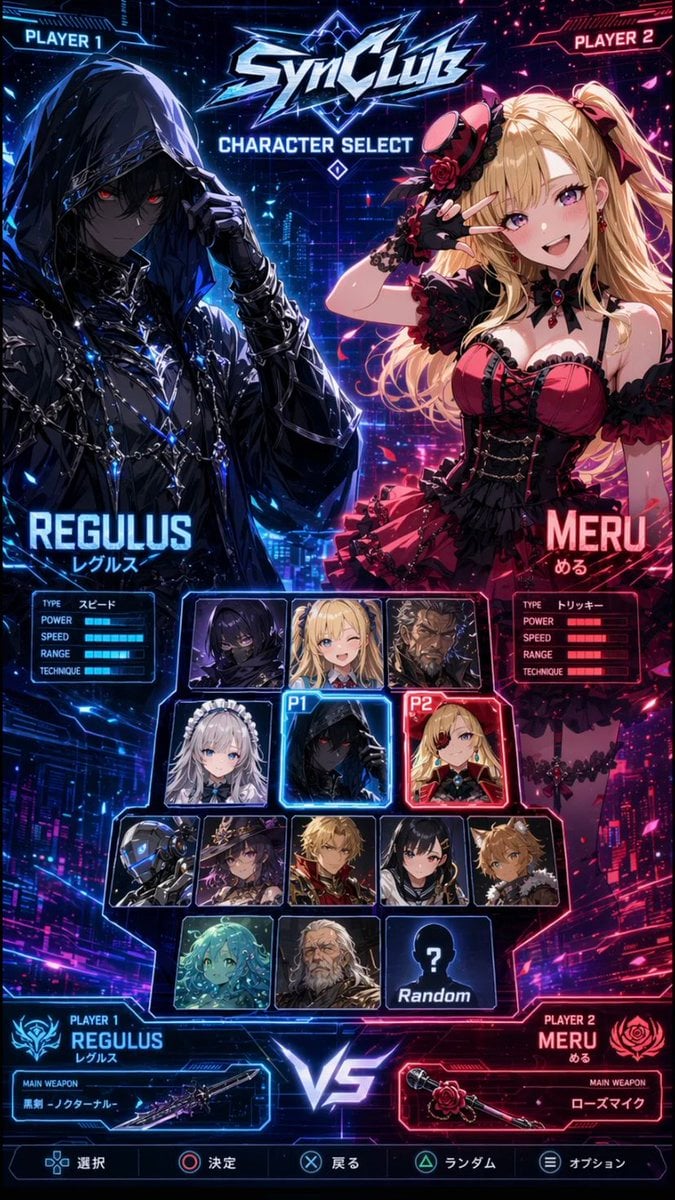
- Prompt included
- Model and format preset
- Free template
The prompt behind this image
Copy the exact prompt behind Cyberpunk Anime Character Select Screen, or open it in the studio and make it yours.
Goal: Create a vertical cyberpunk anime fighting game character select screen for a fictional game titled {argument name="game logo text" default="SynClub"}, styled like a glossy arcade versus menu. Canvas: Tall 2:3 mobile-poster composition, 675×1200 style, dark futuristic neon city background split diagonally into blue left side and hot pink/red right side, with glowing HUD lines, scanlines, sparks, particles, and high-contrast rim lighting. Layout: At the very top, place angular metallic logo text “SynClub” with electric blue highlights, and beneath it the title “CHARACTER SELECT”. Put “PLAYER 1” in a blue sci-fi tab at the top-left and “PLAYER 2” in a pink sci-fi tab at the top-right. The screen is divided into two large featured character areas: left selected fighter for Player 1 in blue, right selected fighter for Player 2 in red. In the center lower half, place a character portrait selection grid with glowing frames. At the bottom center, place a large luminous “VS”. Along the bottom edge, add a game controller command bar with five options: select, confirm, back, random, option, each with small PlayStation-style button icons. Main characters: Player 1 is {argument name="player one character name" default="REGULUS"}, a dark hooded anime fighter with black cloak, chains, metallic accessories, glowing blue highlights, pale shadowed face, red eyes, one gloved hand lifting the hood, mysterious assassin/rogue mood. Add the Japanese reading “レグルス” under the name. Player 2 is {argument name="player two character name" default="MERU"}, a blonde gothic-lolita anime girl with long twin-tail hair, red and black frilled dress, rose accessories, black gloves, choker, heart gem, playful elegant pose with one hand near her face. Add the Japanese reading “める” under the name. Stats panels: Under each large character name, include a compact rectangular stat box with exactly 5 labeled rows: TYPE, POWER, SPEED, RANGE, TECHNIQUE. For Regulus, the TYPE value is “スピード” and the bars glow blue. For Meru, the TYPE value is “トリッキー” and the bars glow red. Character select grid: Include exactly 14 selectable tiles in the central grid, each with a glowing sci-fi border. Count and arrange them as follows: Row 1 has 3 tiles: hooded dark male portrait, blonde female portrait, dark masked/obscured portrait. Row 2 has 3 tiles: silver-haired maid girl, selected Regulus tile marked with a blue “P1” tag, selected Meru tile marked with a red “P2” tag. Row 3 has 5 tiles: robot/cyborg head, witch girl with hat, blond male portrait, black-haired masked fighter, tan spiky-haired boy. Row 4 has 3 tiles: turquoise aquatic/mermaid-like girl, pale white-haired character, and a black silhouette tile with a question mark labeled “Random”. Use blue selection glow around P1 and red selection glow around P2. Bottom versus panels: Bottom-left blue player panel reads “PLAYER 1 REGULUS レグルス” with an emblem and a weapon box labeled “MAIN WEAPON” showing {argument name="player one weapon" default="黒剣 -ノクターナル-"} beside a sleek dark sword illustration. Bottom-right red player panel reads “PLAYER 2 MERU める” with a rose emblem and a weapon box labeled “MAIN WEAPON” showing {argument name="player two weapon" default="ローズマイク"} beside a rose-themed microphone weapon illustration. Visual style: Ultra-detailed anime key art, glossy UI, esports fighting game interface, neon blue versus neon magenta palette, sharp angular frames, glowing typography, dramatic lighting, dense futuristic city details, polished game-menu screenshot look. Constraints: Keep all text legible and aligned like a real character select UI. Use exactly 2 large featured characters and exactly 14 central selectable tiles. Do not add extra characters outside the grid. No watermark.
How to use Cyberpunk Anime Character Select Screen in 3 steps
- 1Upload ImagePNG, JPG or paste
Add your photo
Upload the photo the template builds on. The prompt, model and format are already set.
- 2…a portrait of your subject in softgolden-hour light, 85mm…
Personalize
Edit the subject and creative details for your destination.
- 3Generate
Generate
Press Generate — your image is created in PicX Studio, so you can compare it with the original and refine one variable at a time.
More like this
Templates with the same subject, style or setup. Open one to see its prompt.











Make it yours
Cyberpunk Anime Character Select Screen works as-is. These are the safest ways to change it without losing the look.
Change one field
Copy a single group, rewrite it, and generate again so you can see what that field is doing.
Keep the frame, change the subject
Hold the composition and light of Cyberpunk Anime Character Select Screen, then swap wardrobe, props or the person for a new take.
| If the result… | Why | Fix |
|---|---|---|
| The result drifts from the preview | Too many fields changed at once. | Reuse Cyberpunk Anime Character Select Screen as-is first, then change one group — subject, light, or setting. |
| The model over-stylizes the scene | The prose prompt leaves finish and camera underspecified. | Add one camera or lighting sentence and stay on GPT Image 2. |
More GPT Image 2 templates
Other prompts made for GPT Image 2.

Six VTuber Japanese Logo Sheet

Realistic Portrait of Woman and Deer

The Vista Modular Condo Poster

AI Model Routing Comparison Infographic

2.5D Anime Art Board

Isometric Productivity Desk Scene

New York Double Exposure Poster

Four-Panel AI Landscape Comparison

Japanese Tatami Lifestyle Magazine Cover

NESCAFÉ Coffee Map Poster
More image prompts
Fresh picks from across the catalog.
Image-to-Image View Generation Prompt
AI Illustration Quality Upscaler
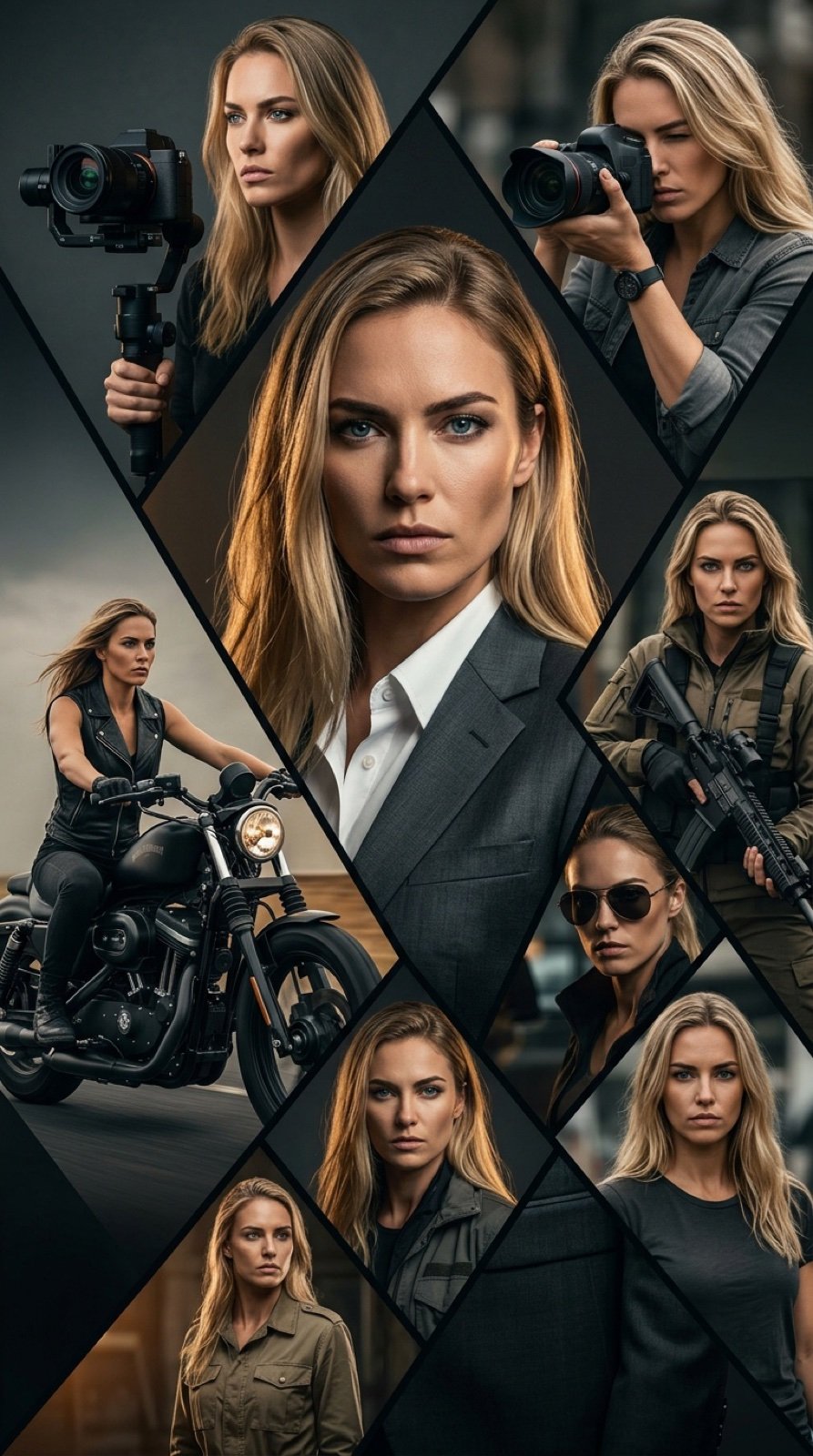
Cinematic Vertical Movie Poster Prompt (Multi-Role)
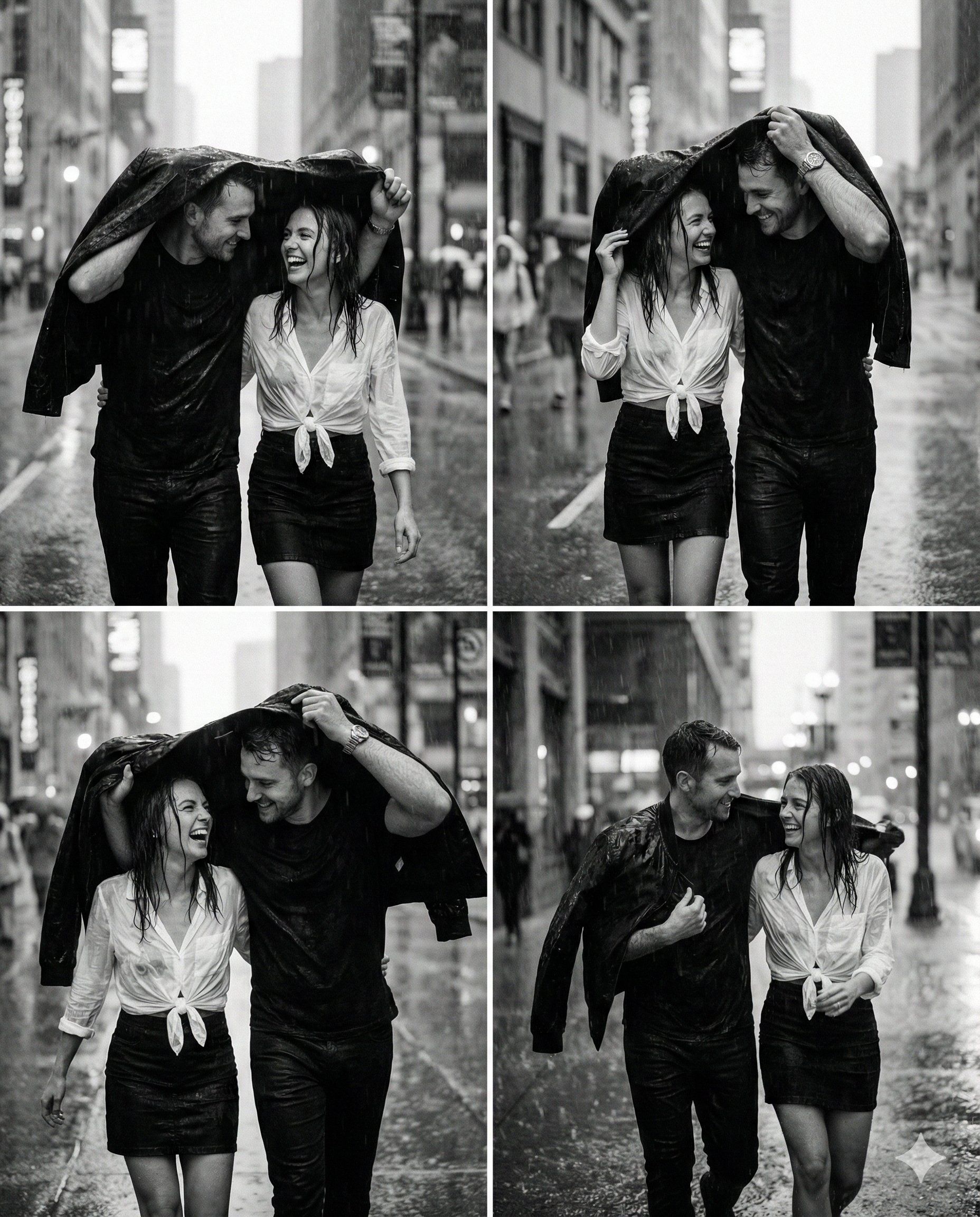
untitled
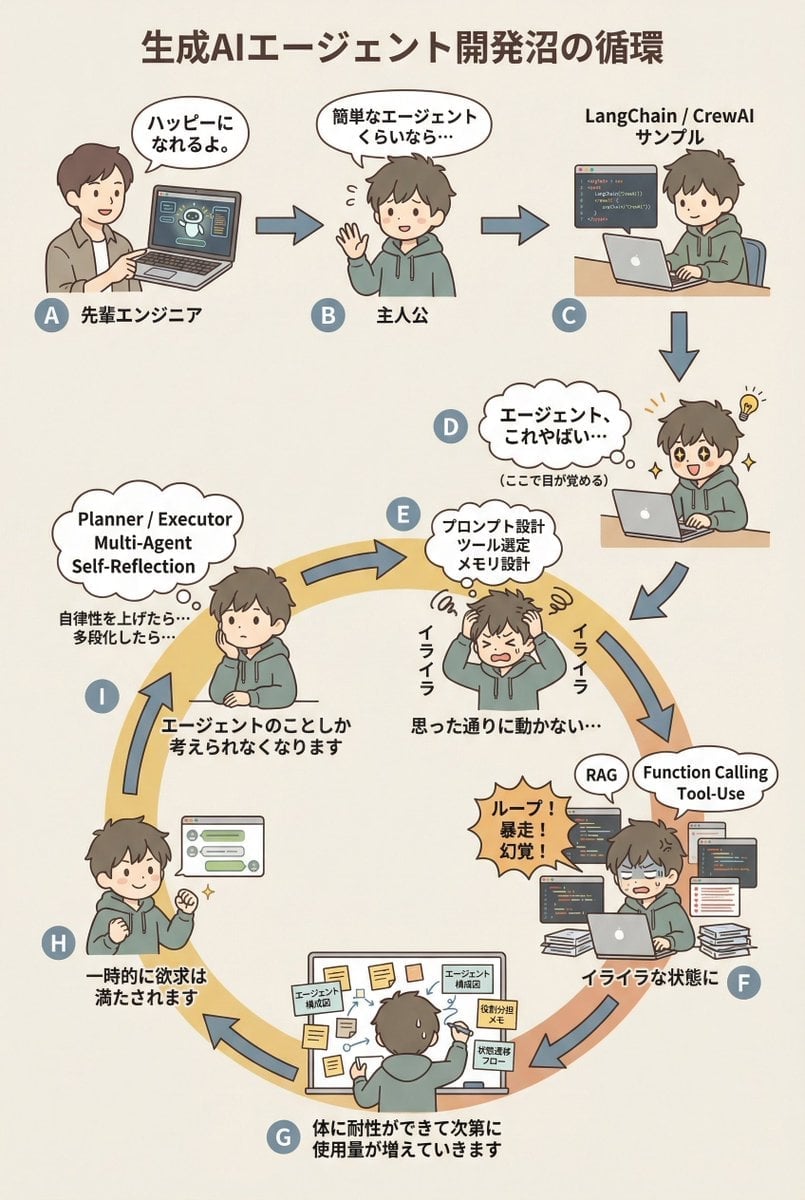
AI Agent Development 'Swamp' Diagram Prompt
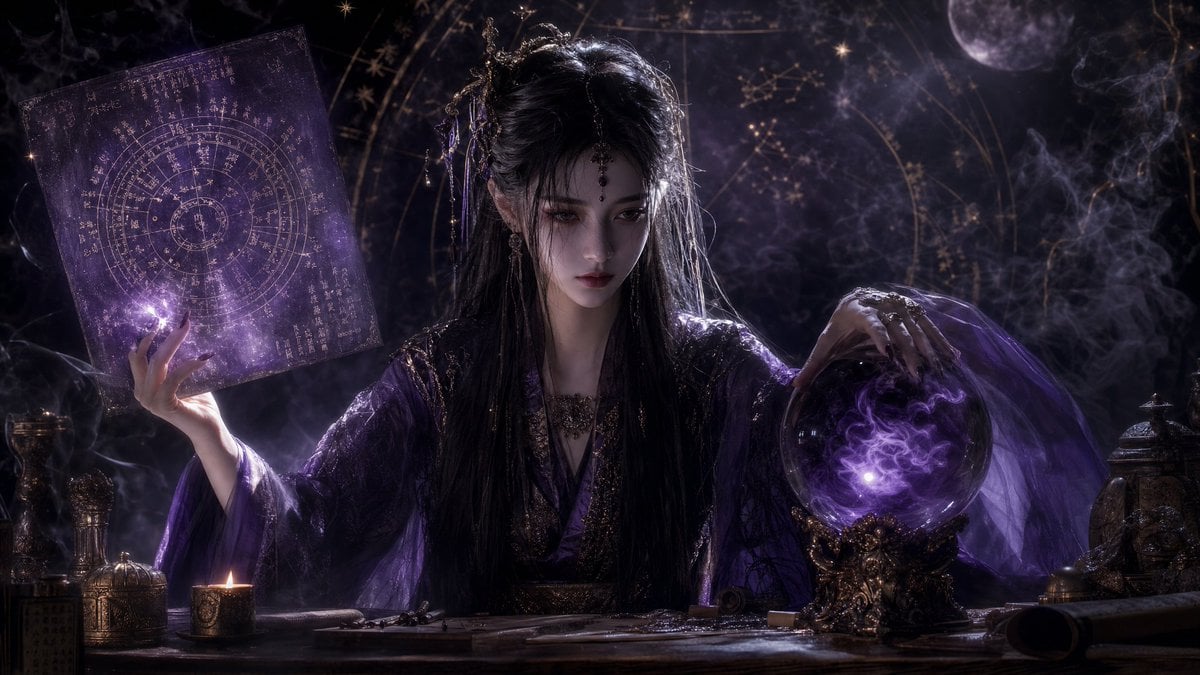
Mystical Smoke Style Diviner
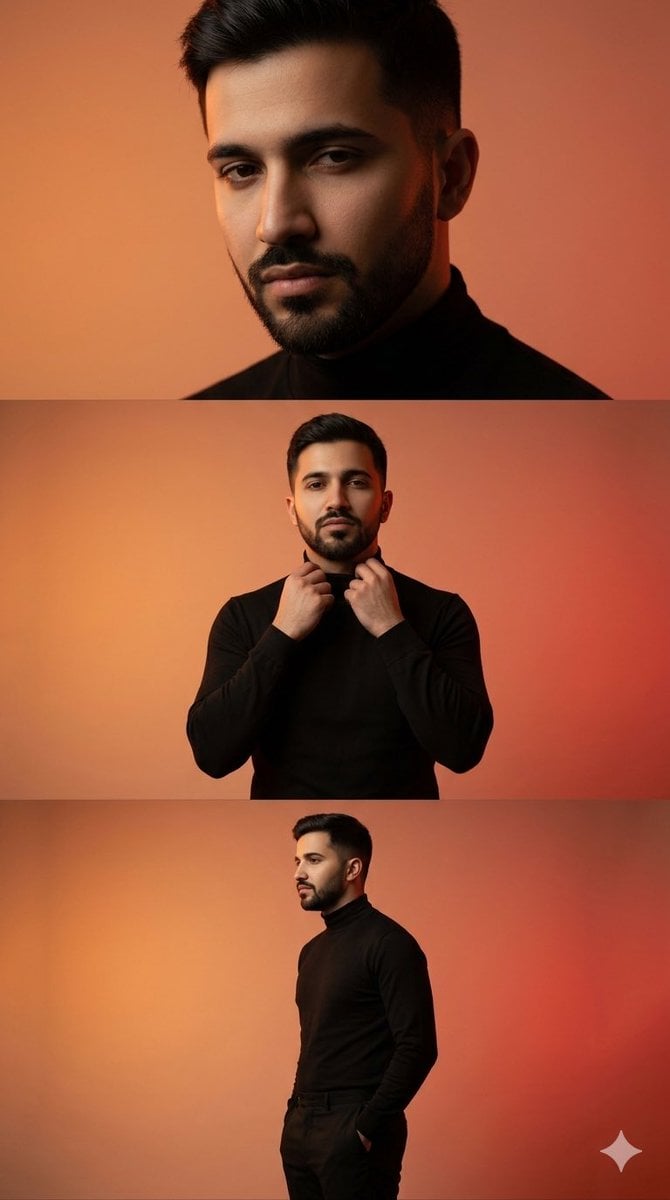
Vertical collage of a stylish young man
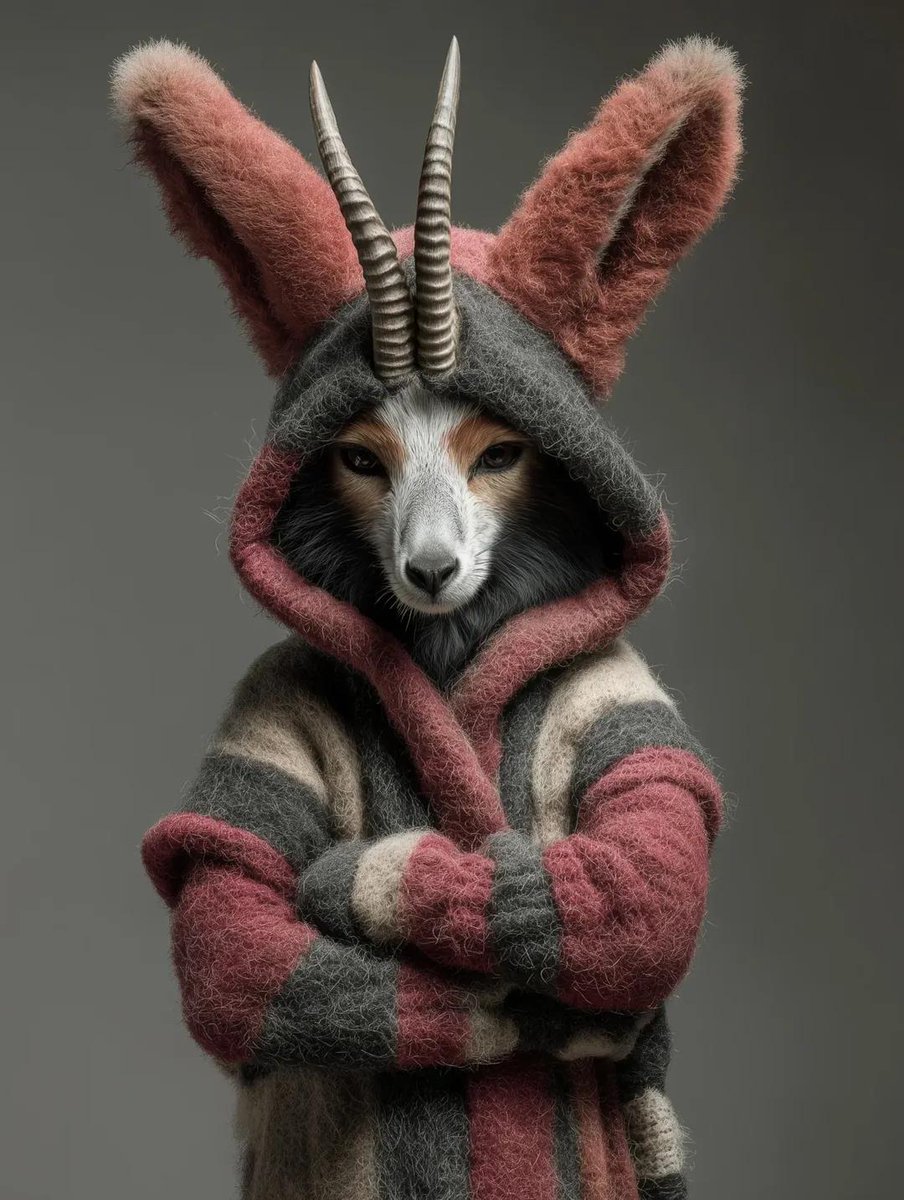
Generic Ultra-Realistic 8K Cinematic Photograph Template
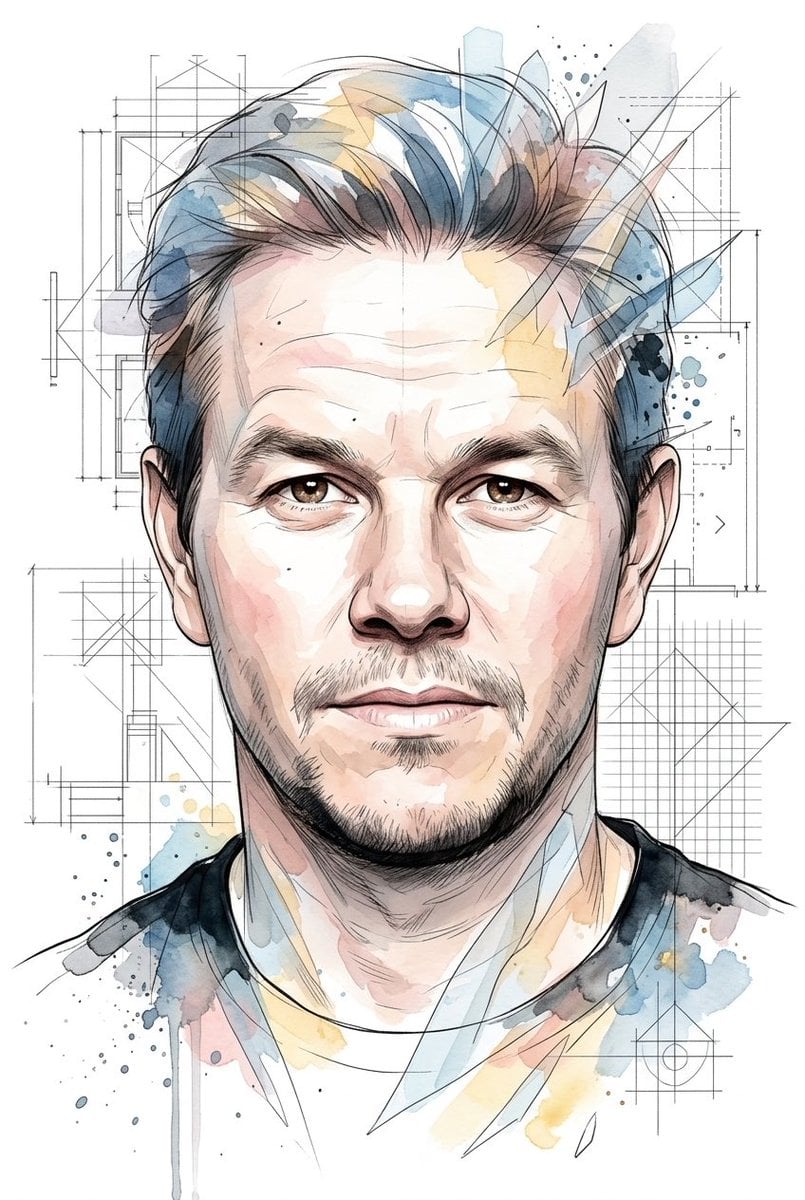
Soft Watercolor Illustration Style Art Prompt for Gemini Nano Banana Pro 2.0
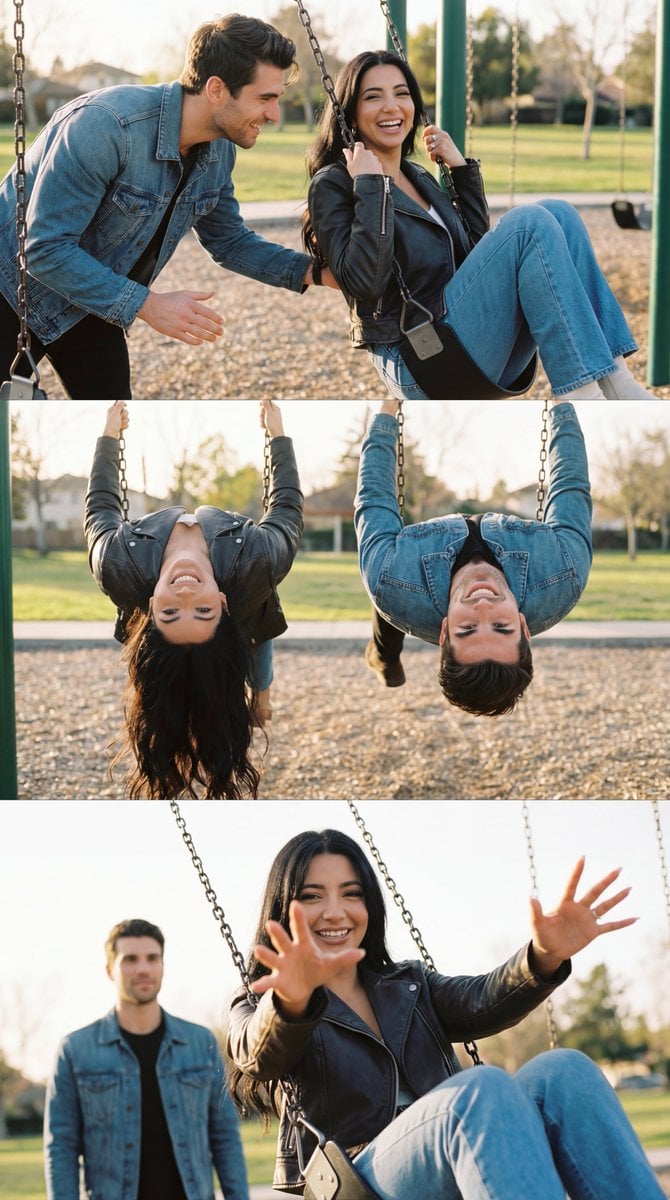
Ultra-Photorealistic Cinematic Couple Triptych Storyboard
Browse template categories
Cyberpunk Anime Character Select Screen questions
How do I use the Cyberpunk Anime Character Select Screen template?
Add your photo if the template asks for one, edit the prompt if you like — the template's model and format are already selected — and press Generate. Your version opens in PicX Studio.
Can I customize the Cyberpunk Anime Character Select Screen template?
Yes. You can change the subject, setting, lighting, mood, format, and available model controls before creating your image.
Is the Cyberpunk Anime Character Select Screen template free?
Opening and editing this template is free. Generating uses credits, shown on the Generate button when you are signed in.
Which AI model should I use?
Start with GPT Image 2, which is the model associated with this template. You can compare another compatible model for a different finish.
Looking for something else? Browse all templates.

Your photo, any look
Thousands of ready templates for every top image and video model, from one credit balance.