
AI Agent Development 'Swamp' Diagram Prompt
A detailed JSON-based prompt for Nano Banana Pro to generate a 'Swamp' diagram (a popular internet meme format) illustrating the circular nature of getting stuck in AI Agent development.
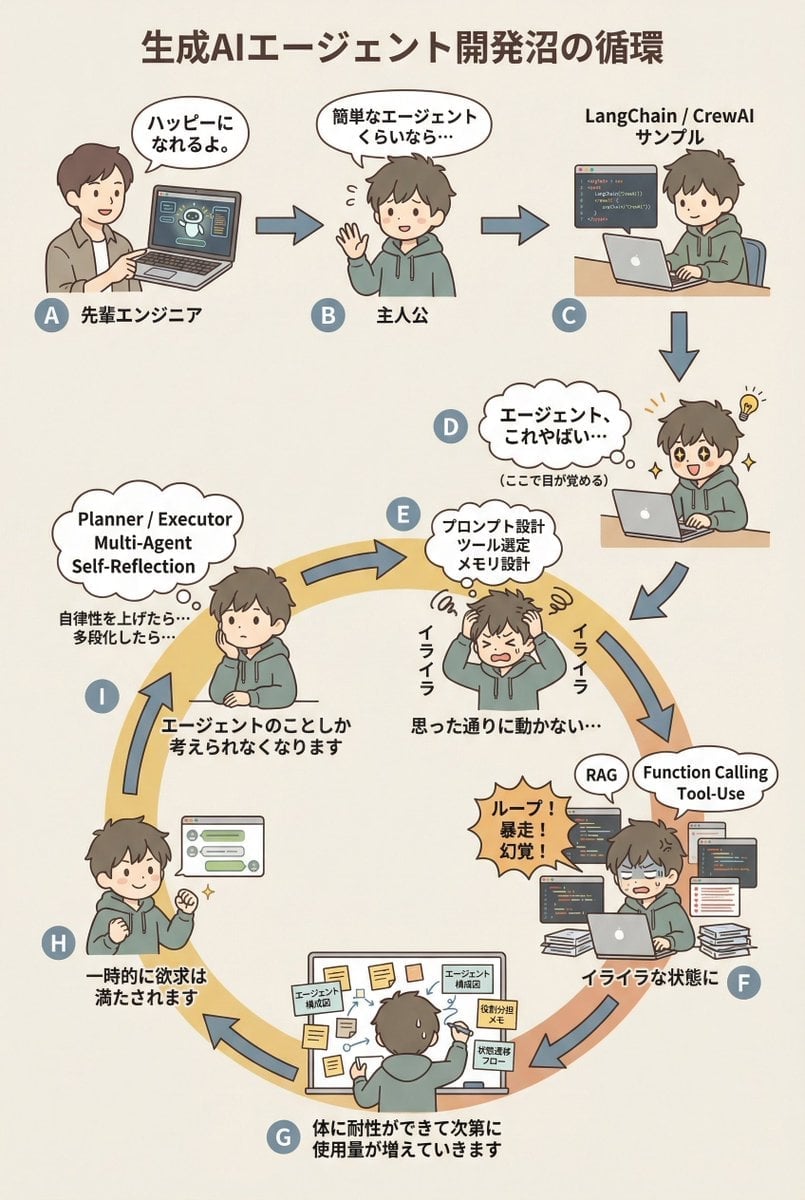
- Prompt included
- Model and format preset
- Free template
The prompt behind this image
Copy the exact prompt behind AI Agent Development 'Swamp' Diagram Prompt, or open it in the studio and make it yours.
diagram: title: "{argument name="diagram title" default="生成AIエージェント開発沼の循環"}" style: character: "simple_editorial_cute" tone: "light_like_original" line: "soft_round" shading: "flat_minimal" palette: "muted_editorial" background: "light_beige_or_white" rule: first_character_only: "Only the first character is a different person" others_same_character: "All others are the same person" anxiety_requires_tech_terms: true dialogue_tone: "Keep the short, light phrasing of the original diagram" layout: intro_track: "The top row is a straight line (left→right), then drops down to join the ring" loop_track: "Arranged as a ring (loop), with arrows curving clockwise along the circumference" nodes: # ===== Top row: linear introduction ===== - id: A zone: "intro" position: "upper_left" actor: "A different person (senior engineer)" visual: "Pointing at a laptop" item: "AI agent demo screen" says: "You'll be happy." arrow_to: { id: B, shape: "straight", direction: "right" } - id: B zone: "intro" position: "upper_center" actor: "Protagonist (same person)" visual: "Waving lightly" says: "If it's just a simple agent…" arrow_to: { id: C, shape: "straight", direction: "right" } - id: C zone: "intro" position: "upper_right" actor: "Protagonist (same person)" visual: "Running sample code" item: "LangChain / CrewAI sample" arrow_to: { id: D, shape: "straight", direction: "down" } # ===== D: Awakening point ===== - id: D zone: "connector" position: "right_outer_before_loop" actor: "Protagonist (same person)" visual: face: "Eyes go wide (cute)" effect: "Small flash-of-insight lines" posture: "Leaning forward" state: "Awakening" says: "Agents… this is insane…" micro_text: "(This is where they wake up)" arrow_to: id: E shape: "gentle_curve" direction: "down_into_ring" # ===== Start of the ring (must begin turning from here) ===== - id: E zone: "loop" position: "loop_right_upper" actor: "Protagonist (same person)" visual: "Holding their head (cute)" state: "Anxiety/irritation begins" says: "Argh" thought_terms: - "Prompt design" - "Tool selection" - "Memory design" thought_text: "It's not working the way I intended…" arrow_to: { id: F, shape: "curved_along_ring", direction: "clockwise" } - id: F zone: "loop" position: "loop_right_lower" actor: "Protagonist (same person)" visual: "Surrounded by code and logs" state: "Irritation has settled in" says: "Into a state of irritation" callout: "Loops! Runaway behavior! Hallucinations!" thought_terms: - "RAG" - "Function Calling" - "Tool-Use" arrow_to: { id: G, shape: "curved_along_ring", direction: "clockwise" } - id: G zone: "loop" position: "loop_bottom" actor: "Protagonist (same person)" visual: "Covered in sticky notes and diagrams" says: "The body builds up tolerance and usage keeps increasing" items: - "Agent architecture diagram" - "Role-assignment memo" - "State-transition flow" arrow_to: { id: H, shape: "curved_along_ring", direction: "clockwise" } - id: H zone: "loop" position: "loop_left_lower" actor: "Protagonist (same person)" visual: "It works, a small fist pump" state: "Temporary satisfaction" says: "The craving is temporarily satisfied" arrow_to: { id: I, shape: "curved_along_ring", direction: "clockwise" } - id: I zone: "loop" position: "loop_left_upper" actor: "Protagonist (same person)" visual: "Lost in thought again" state: "Obsession / mental preoccupation" says: "About agents
How to use AI Agent Development 'Swamp' Diagram Prompt in 3 steps
- 1
Open
The prompt is already in the box next to the preview, with the template's model and format selected.
- 2…a portrait of your subject in softgolden-hour light, 85mm…
Personalize
Edit the subject and creative details for your destination.
- 3Generate
Generate
Press Generate — your image is created in PicX Studio, so you can compare it with the original and refine one variable at a time.
More like this
Templates with the same subject, style or setup. Open one to see its prompt.
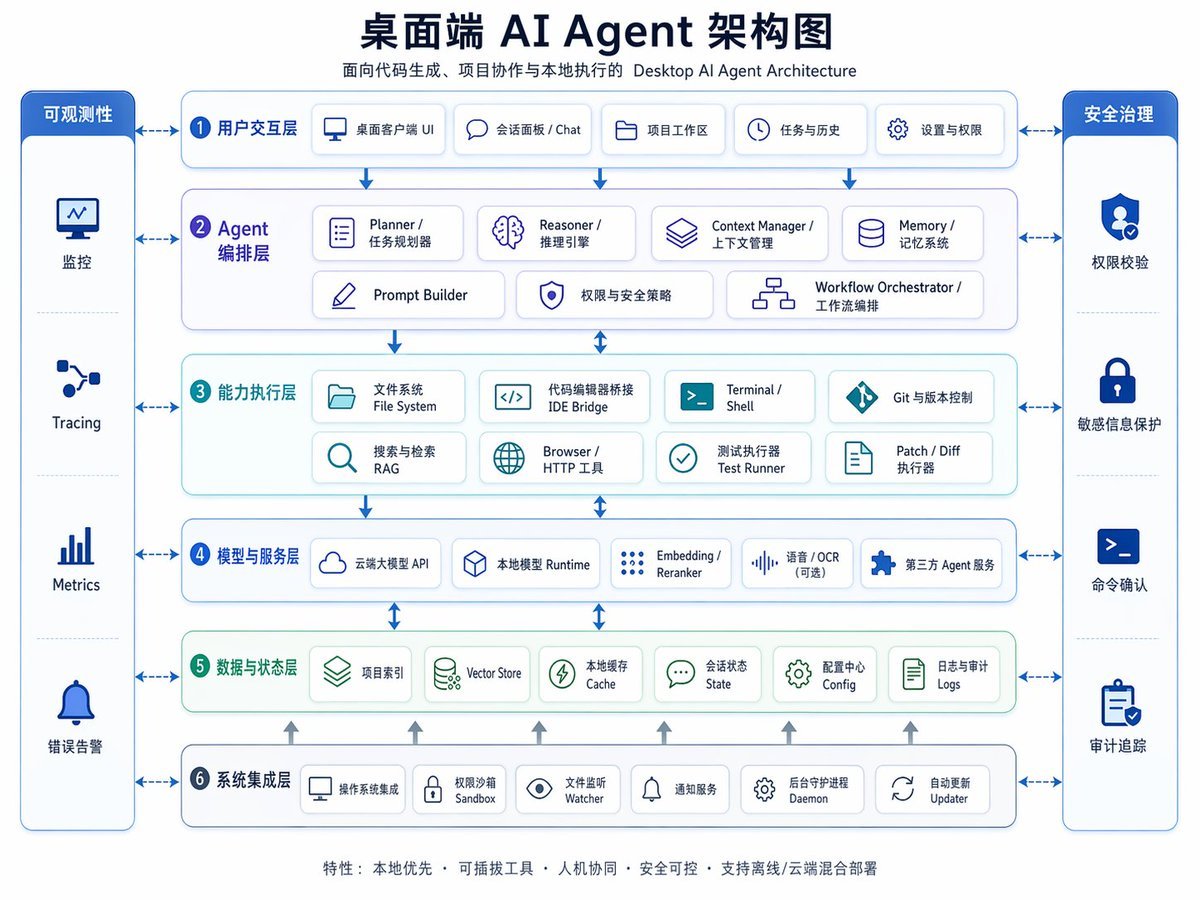
Desktop AI Agent Architecture Diagram
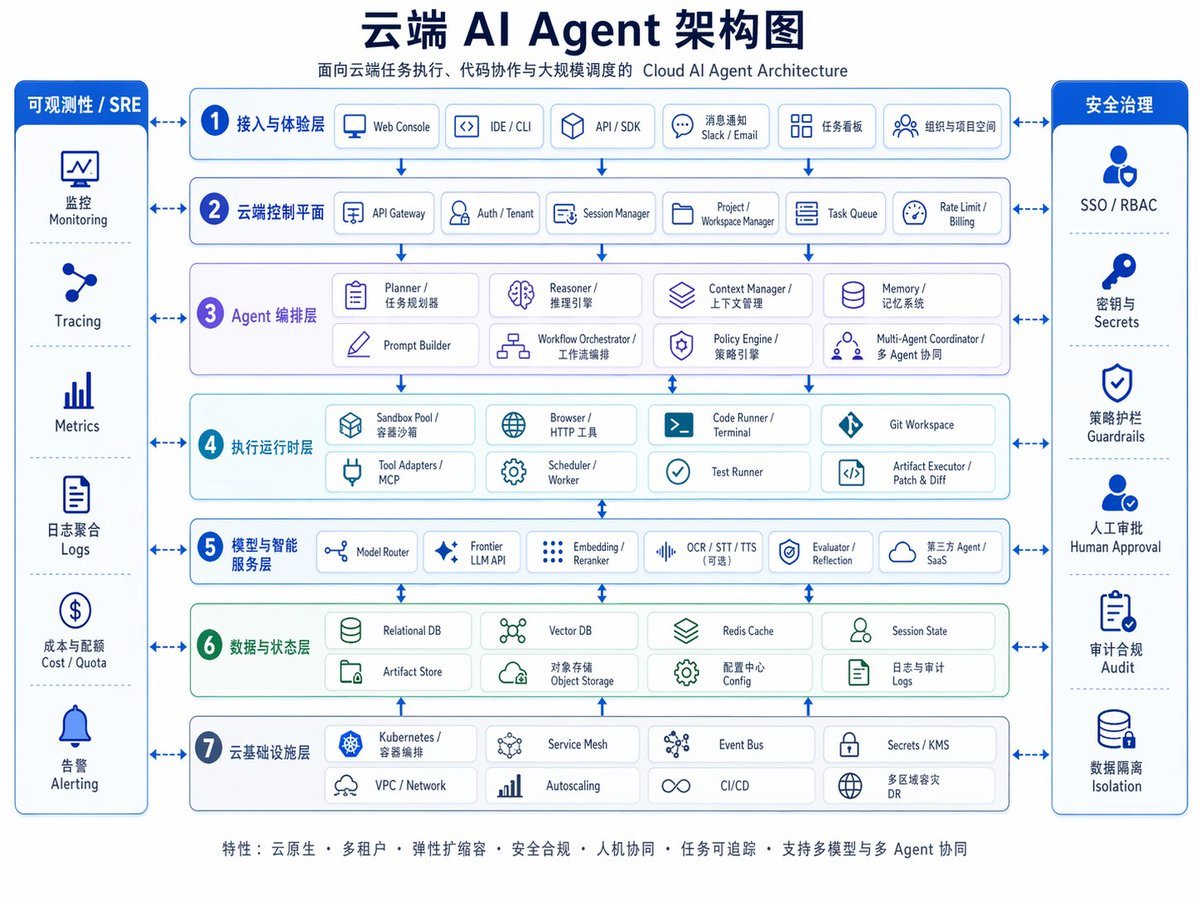
Cloud AI Agent Architecture Diagram
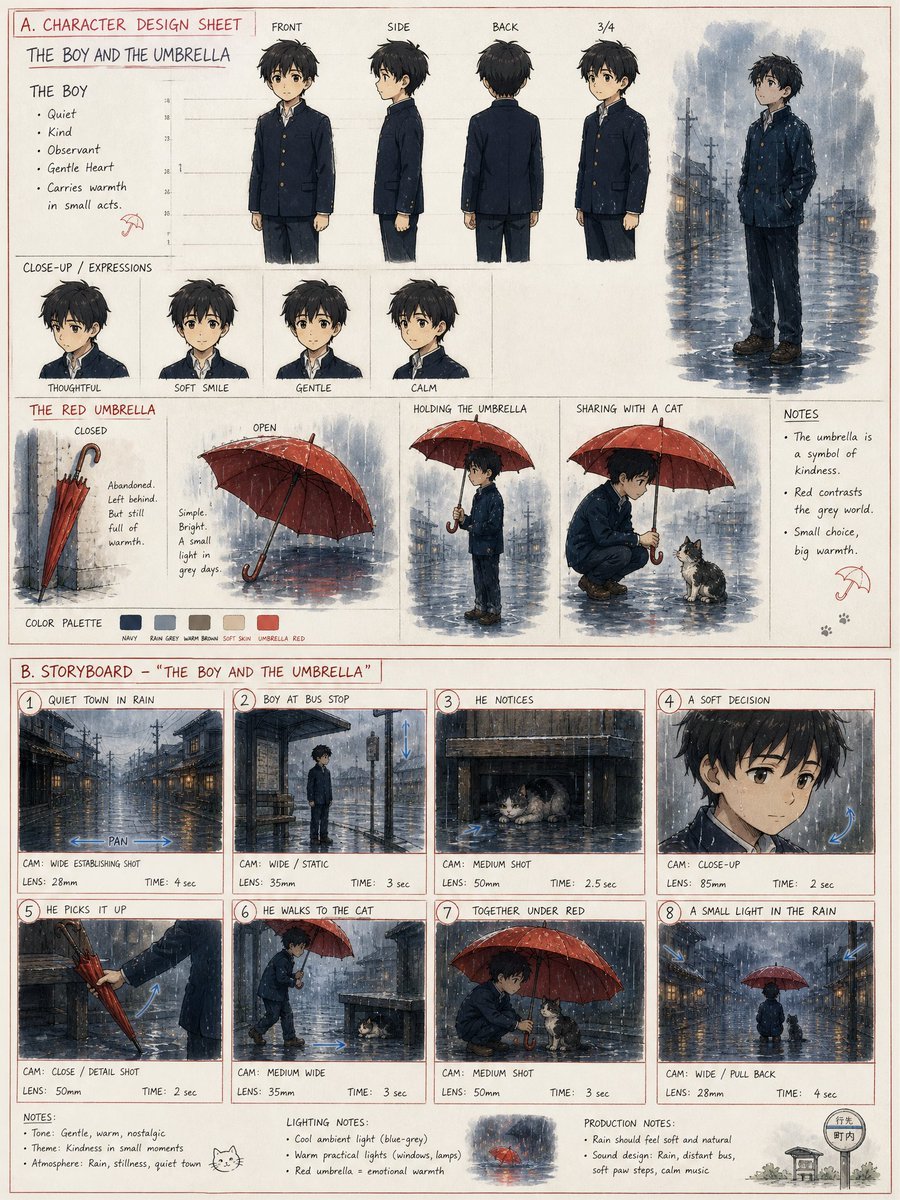
Anime Development and Storyboard Sheet
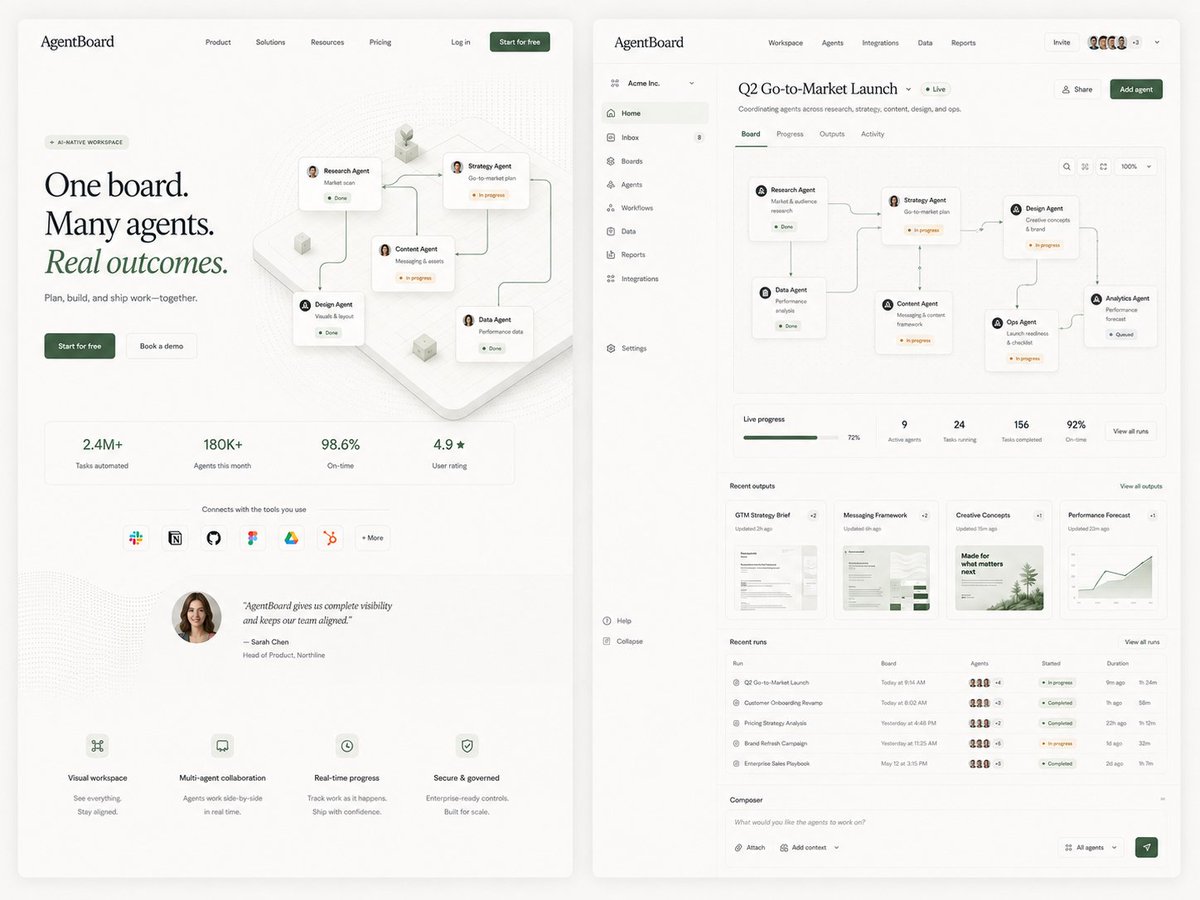
AgentBoard SaaS Landing and Dashboard UI
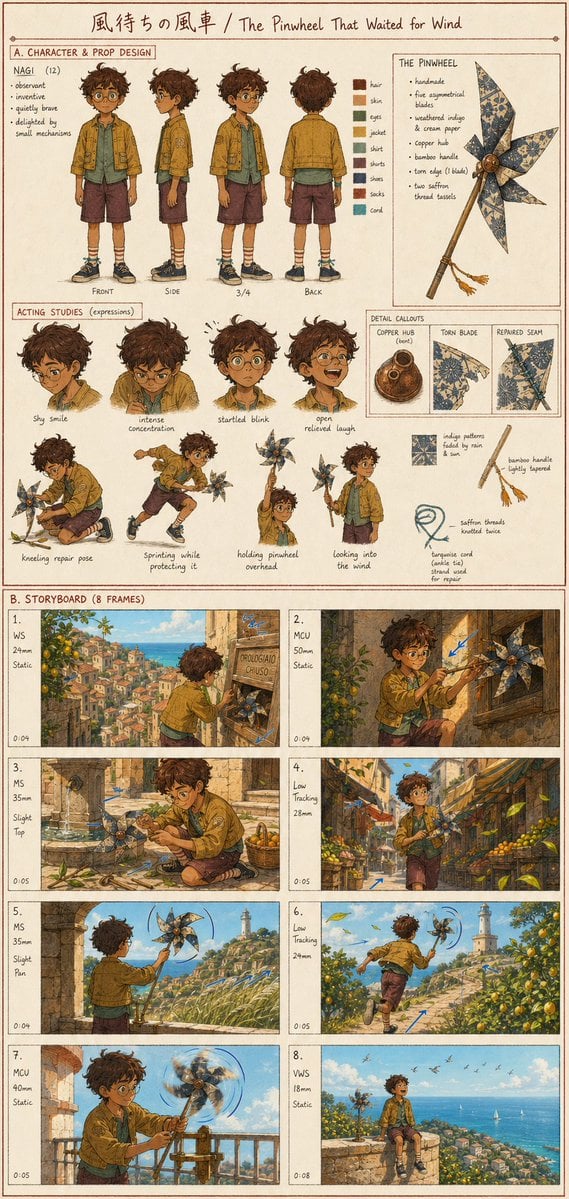
Anime Film Development Board
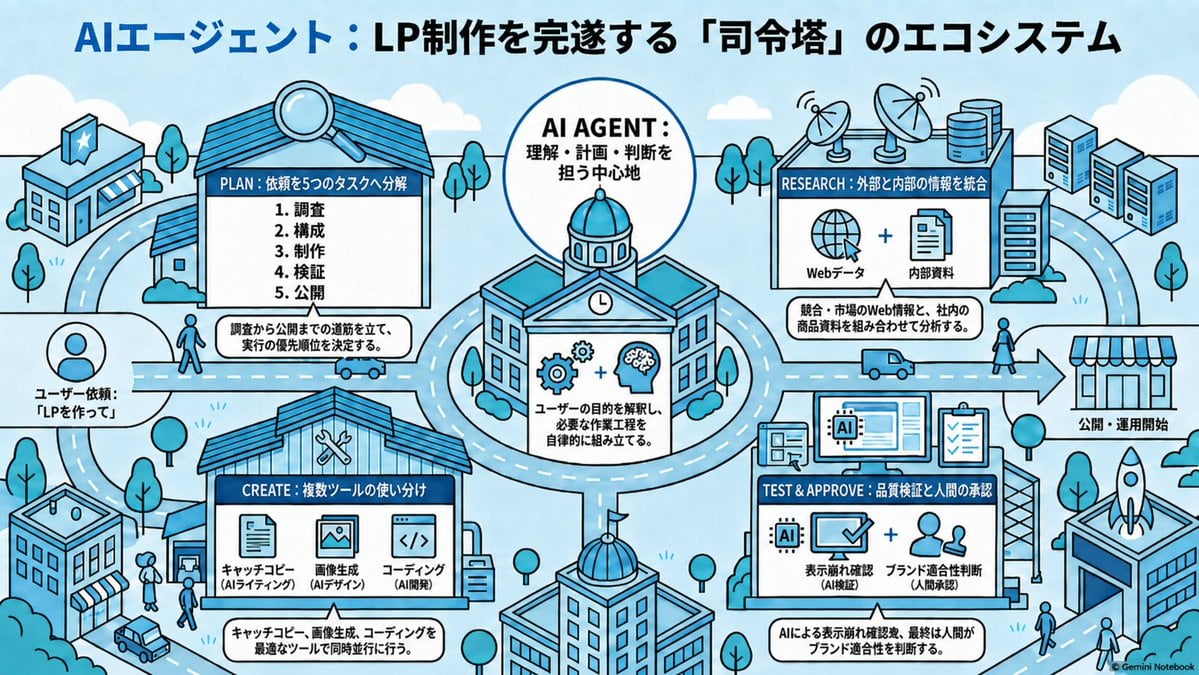
AI Agent LP Ecosystem Infographic
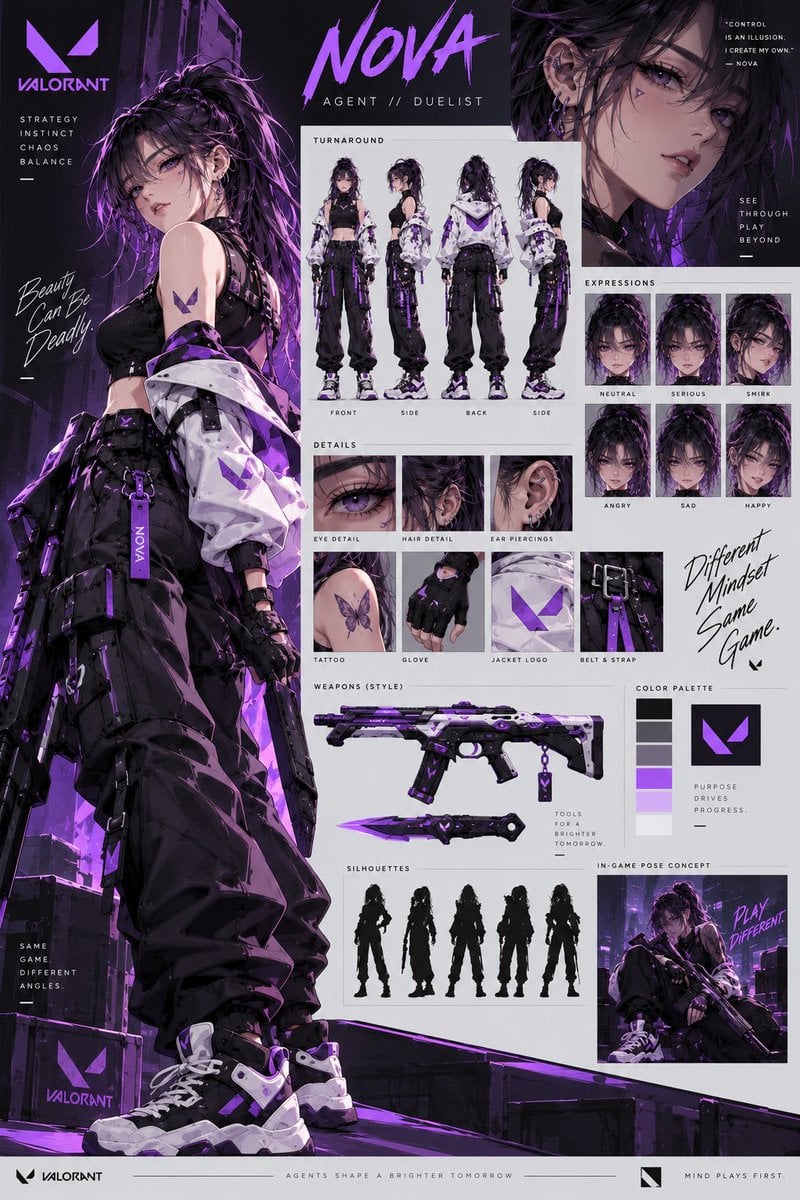
VALORANT Agent Concept Reference Sheet

Consistent Social Media Cover Agent Skill
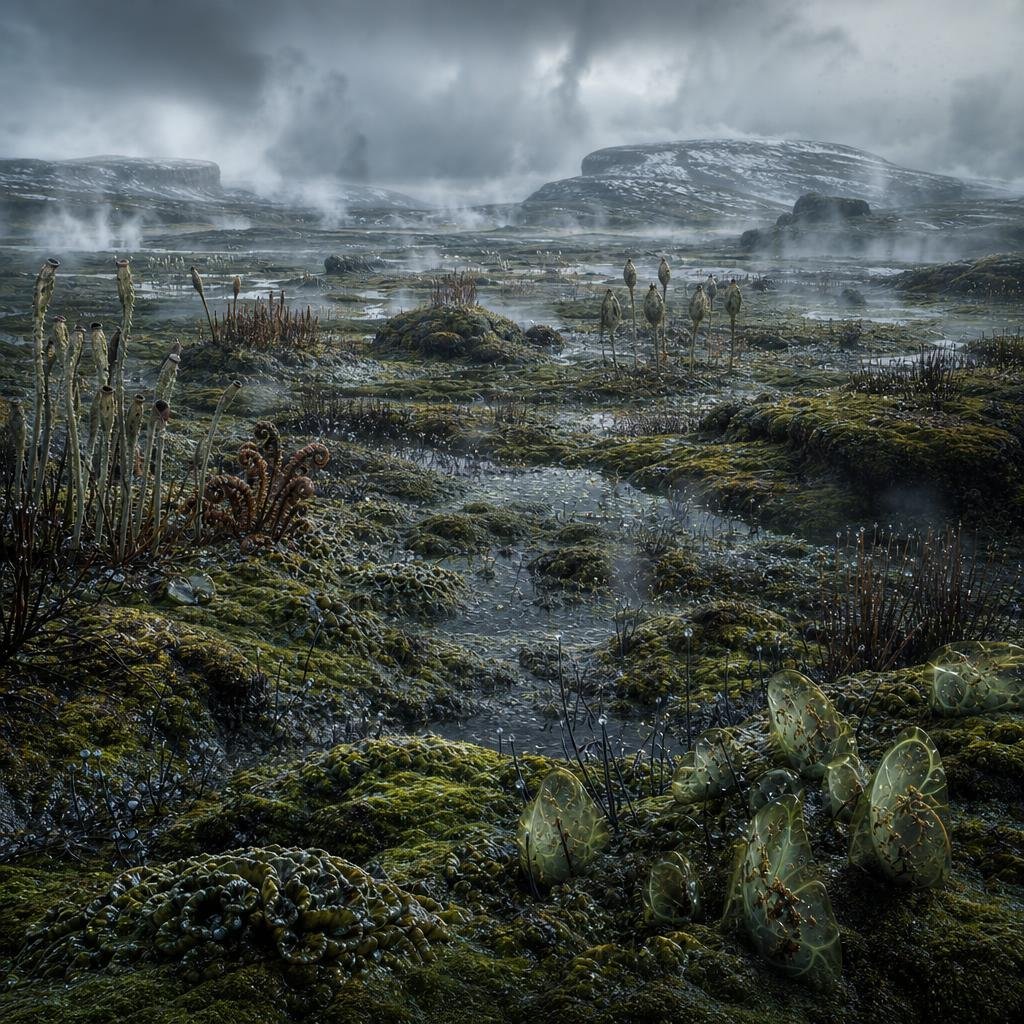
Ancient Prehistoric Swamp Landscape

Cyberpunk Flova AI Agent Poster
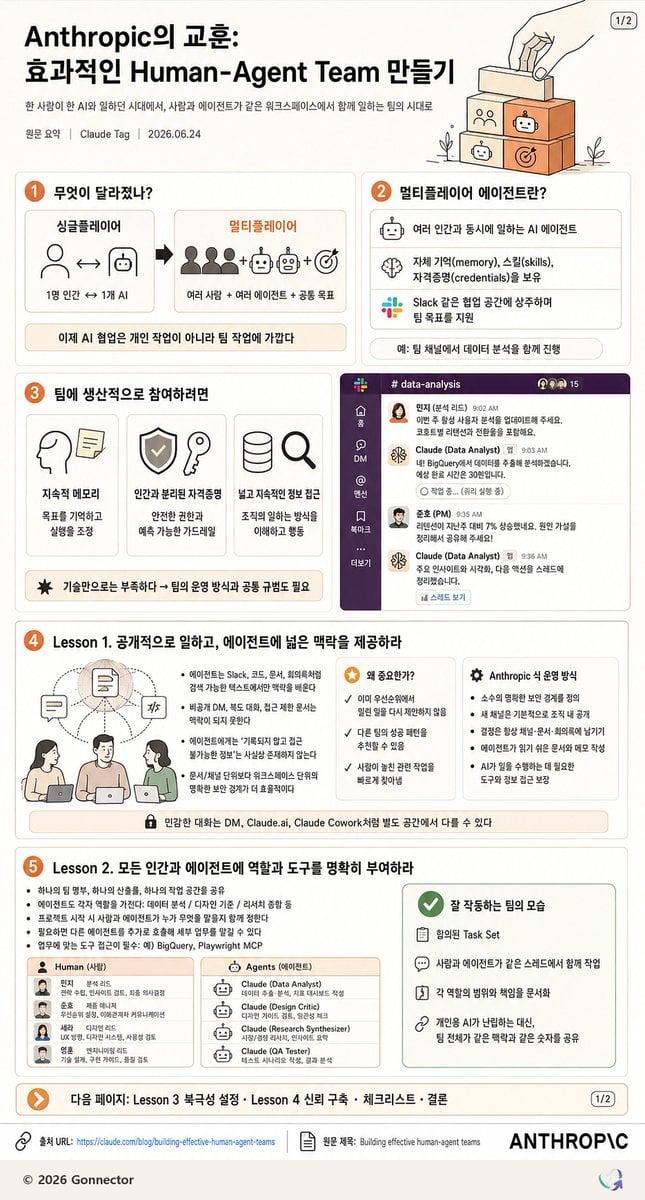
Korean Human-Agent Team Infographic
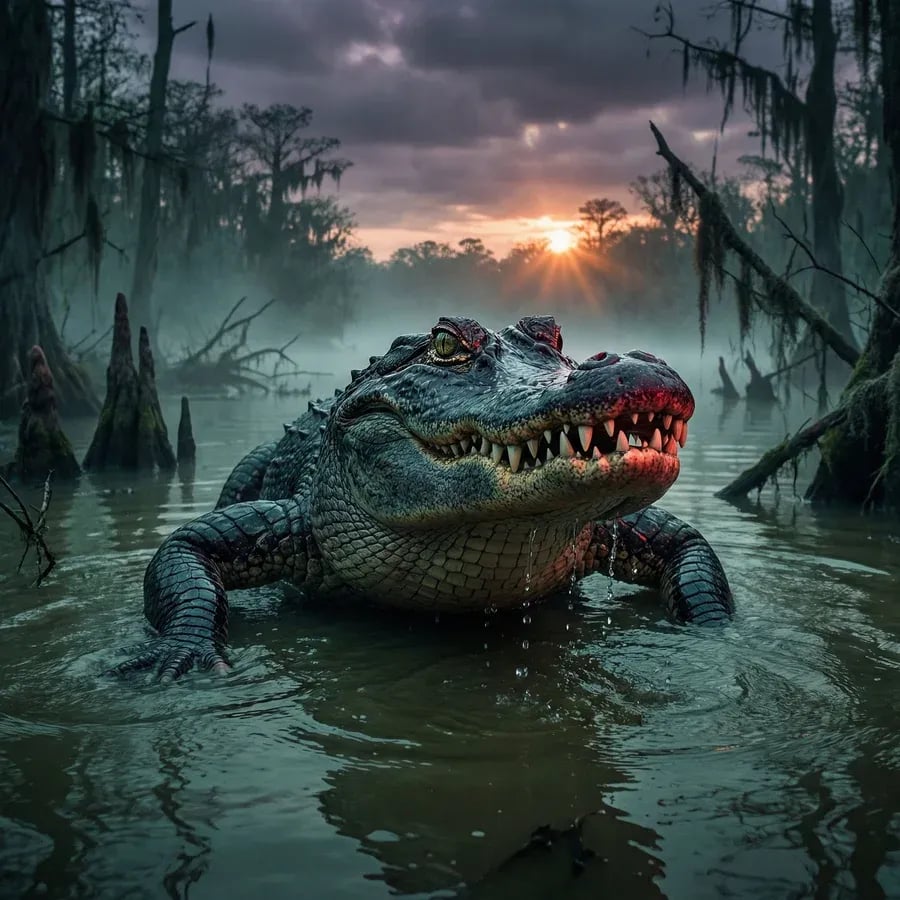
Alligator in Swamp Wildlife Photo
Make it yours
AI Agent Development 'Swamp' Diagram Prompt works as-is. These are the safest ways to change it without losing the look.
Change one field
Copy a single group, rewrite it, and generate again so you can see what that field is doing.
Keep the frame, change the subject
Hold the composition and light of AI Agent Development 'Swamp' Diagram Prompt, then swap wardrobe, props or the person for a new take.
| If the result… | Why | Fix |
|---|---|---|
| The result drifts from the preview | Too many fields changed at once. | Reuse AI Agent Development 'Swamp' Diagram Prompt as-is first, then change one group — subject, light, or setting. |
| The model over-stylizes the scene | The prose prompt leaves finish and camera underspecified. | Add one camera or lighting sentence and stay on Nano Banana 2. |
More Nano Banana 2 templates
Other prompts made for Nano Banana 2.

Photorealistic Leaf Shaped Like a Dragon

K-Pop Idol Portrait Grid for Rapid Selection

Poetic Rain Forest Portrait During Golden Hour

Urban Street Portrait with Cartoon Inner Self Duo

Candid Nighttime Photo with Cat Prompt

High-Concept 3D Diorama Generation Prompt

Cinematic Futuristic Studio Portrait Template

Skincare Editorial Photography Collage Prompt

Hyper-Realistic Commercial Product Photography (Splash Effect)

Hyper-Realistic Nightclub Portrait Prompt
More image prompts
Fresh picks from across the catalog.
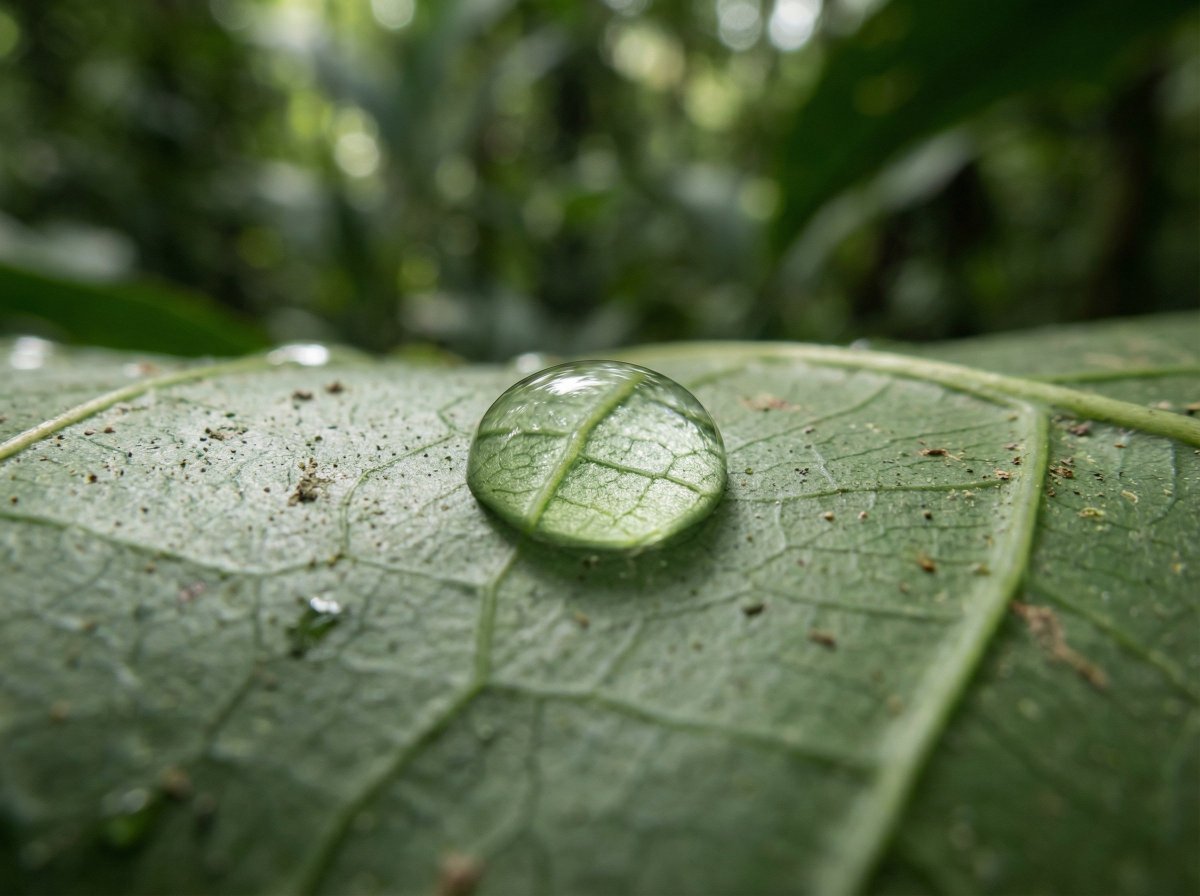
Scientific Macro Documentary Photography Prompt for Water Droplet on Leaf
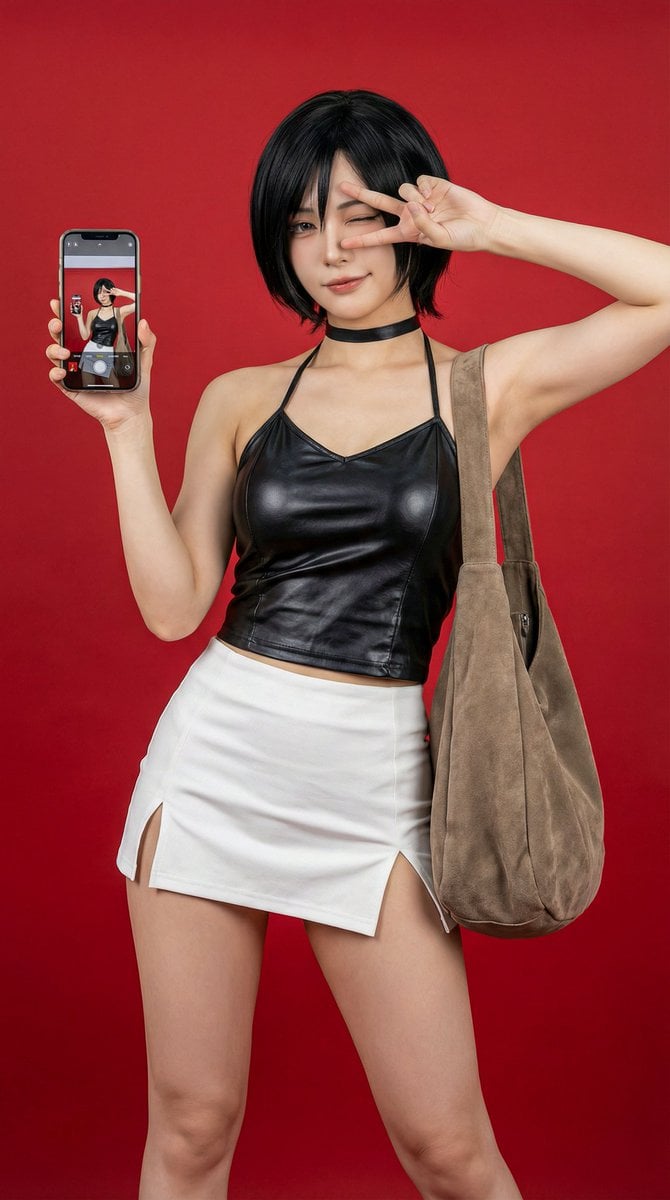
Photorealistic Ada Wong Cosplay Selfie
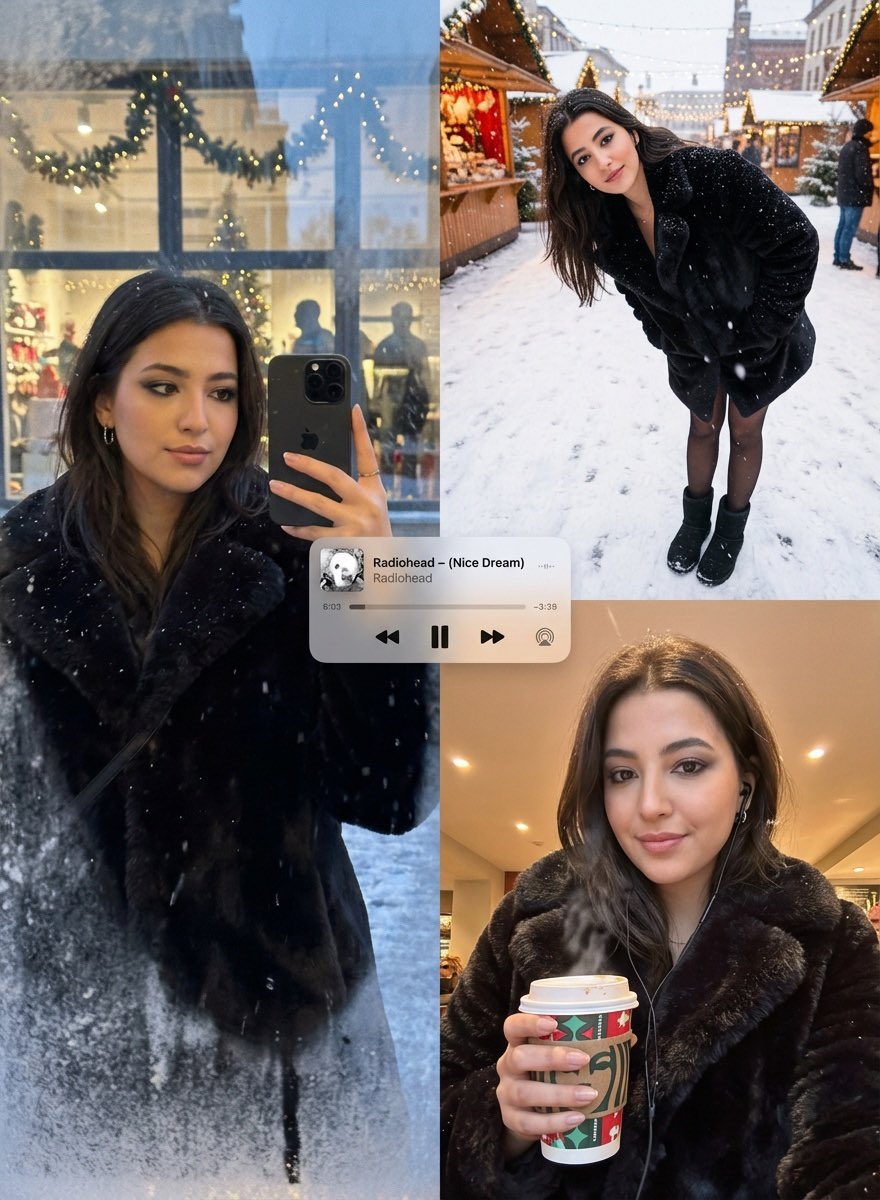
Editorial Winter Poster Collage with Strict Face Preservation
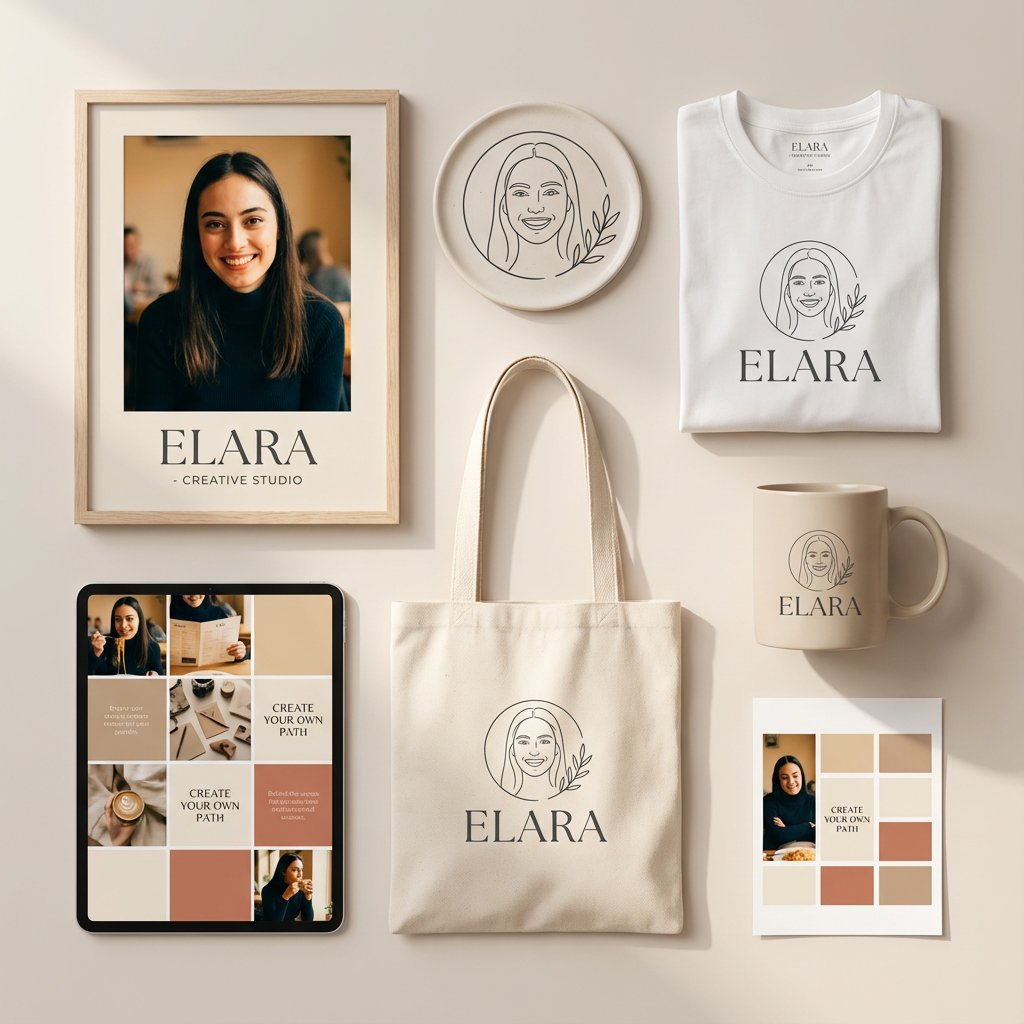
Minimalist Personal Branding Mockup
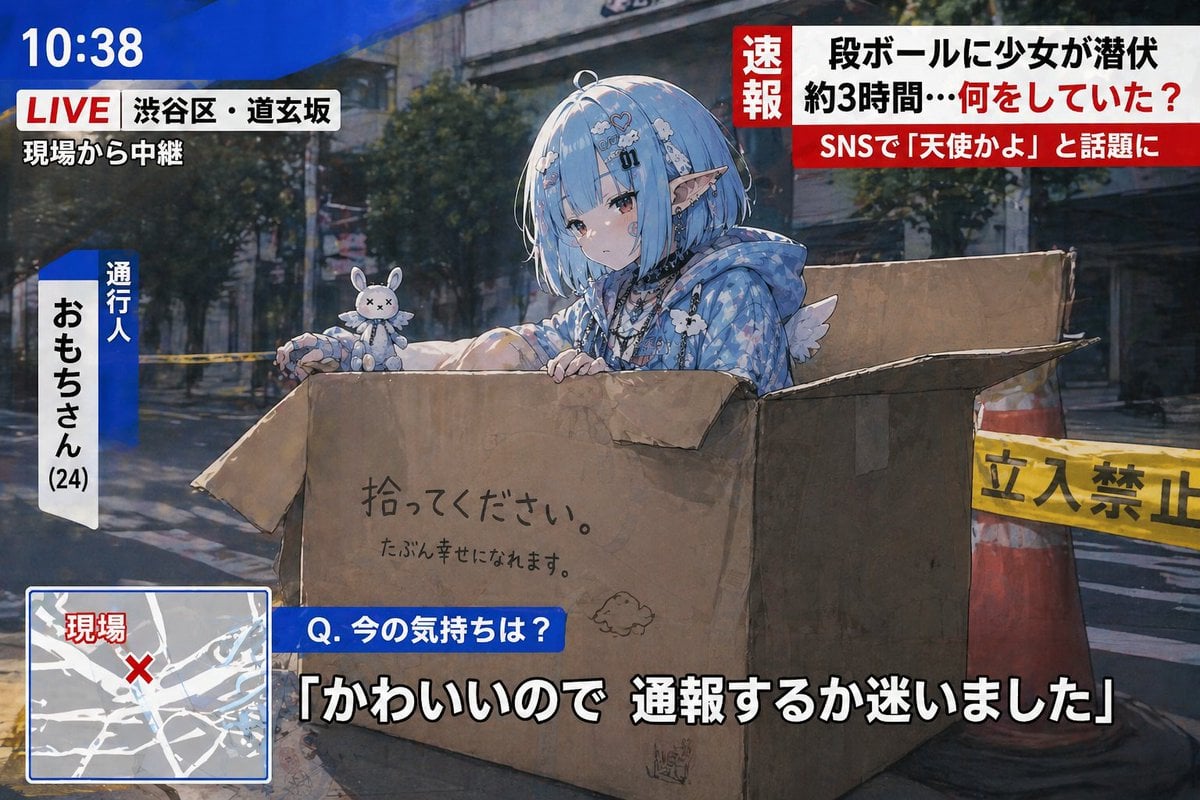
Breaking News Style Character Art
Seaside Travel Lifestyle Portrait
Hyper-Realistic Indonesian Food Infographic Poster
Brutal Studio Red Backdrop Portrait

Luxury Fashion Executive Portrait
Barbershop Haircut Reference Photo Grid
Browse template categories
AI Agent Development 'Swamp' Diagram Prompt questions
How do I use the AI Agent Development 'Swamp' Diagram Prompt template?
Add your photo if the template asks for one, edit the prompt if you like — the template's model and format are already selected — and press Generate. Your version opens in PicX Studio.
Can I customize the AI Agent Development 'Swamp' Diagram Prompt template?
Yes. You can change the subject, setting, lighting, mood, format, and available model controls before creating your image.
Is the AI Agent Development 'Swamp' Diagram Prompt template free?
Opening and editing this template is free. Generating uses credits, shown on the Generate button when you are signed in.
Which AI model should I use?
Start with Nano Banana 2, which is the model associated with this template. You can compare another compatible model for a different finish.
Looking for something else? Browse all templates.

Your photo, any look
Thousands of ready templates for every top image and video model, from one credit balance.