
Cyberpunk Flova AI Agent Poster
Generates a dense cyberpunk anime promotional banner for an AI agent video-production workflow campaign.
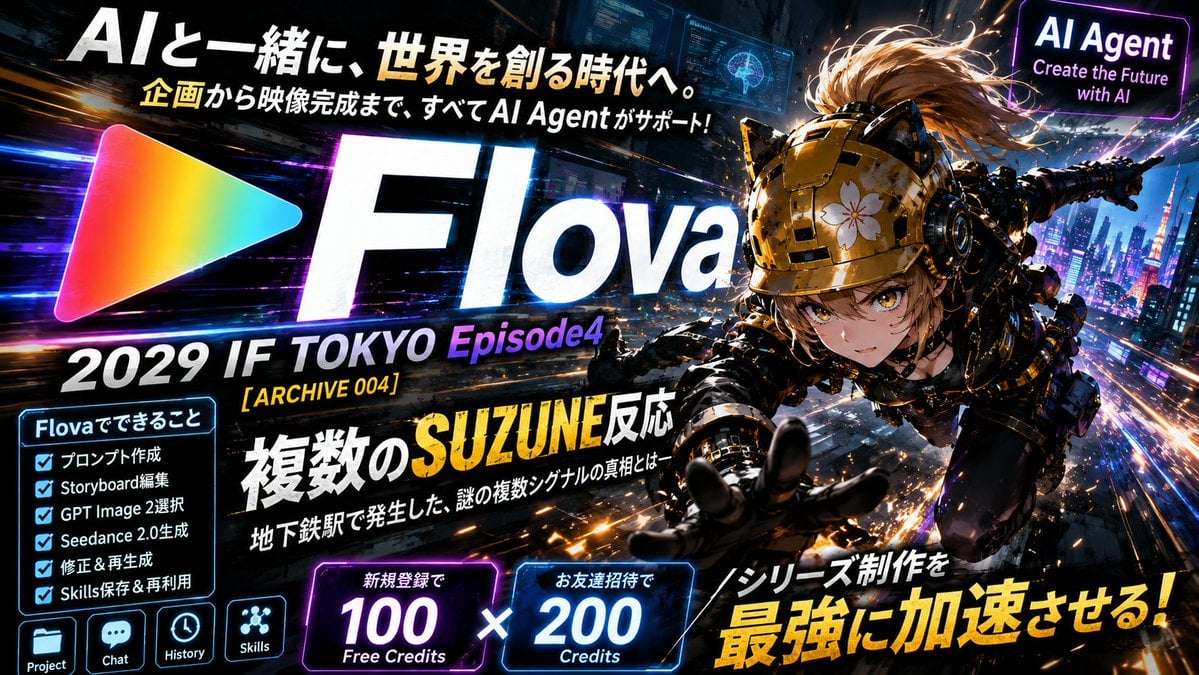
- Prompt included
- Model and format preset
- Premium template
The prompt behind this image
Copy the exact prompt behind Cyberpunk Flova AI Agent Poster, or open it in the studio and make it yours.
Goal: Create a high-energy cyberpunk promotional poster for {argument name="brand name" default="Flova"}, advertising an AI agent that helps produce a sci-fi series from planning to finished video. Canvas: Wide 16:9 YouTube-thumbnail style banner, dark futuristic Tokyo at night, packed with neon light trails, motion blur, glowing HUD panels, sparks, and cinematic contrast. Use a black, electric-blue, purple, orange, and yellow palette with intense bloom and speed-line effects. Main layout: On the left-center, place a large rainbow gradient triangular play-button logo, followed by an enormous bold white italic wordmark “Flova” dominating the center. Across the top, add a large Japanese headline: “AIと一緒に、世界を創る時代へ。” with the “AI” portion extra-large and white, and a smaller subtitle below it: “企画から映像完成まで、すべてAI Agentがサポート!” On the top-right, add a glowing purple rounded rectangle sign reading “AI Agent” and beneath it “Create the Future with AI”. Hero character: On the right half, show one dynamic anime-style cyberpunk female agent flying or diving forward toward the viewer above a futuristic city. She has intense golden eyes, short light-brown hair swept by motion, a glossy armored gold-and-black helmet with cat-ear-like mechanical protrusions and a small white flower emblem on the front, black tactical cyber armor, exposed mechanical details, and one gloved hand reaching dramatically toward the camera. Make her foreshortened, sharp, and cinematic, with sparks and city lights streaking behind her. Text content: Under the logo, add a large line: “2029 IF TOKYO Episode4”, with “Episode4” in purple. Add a small yellow tag: “[ ARCHIVE 004 ]”. Add a bold central Japanese title: “複数のSUZUNE反応”, with “SUZUNE” in large yellow distressed lettering, and a smaller subtitle beneath: “地下鉄駅で発生した、謎の複数シグナルの真相とはー”. In the lower-right, add a huge yellow callout: “シリーズ制作を 最強に加速させる!” Left feature panel: Add one glowing cyan boxed checklist titled “Flovaでできること”. It must contain exactly 6 checked items: “プロンプト作成”, “Storyboard編集”, “GPT Image 2選択”, “Seedance 2.0生成”, “修正&再生成”, “Skills保存&再利用”. Beneath this panel, show exactly 4 small square app icons with labels: “Project”, “Chat”, “History”, and “Skills”. Bottom offer cards: Along the lower center, add exactly 2 neon credit cards separated by a large white multiplication symbol. The first purple card reads “新規登録で” above a huge “100” and “Free Credits”. The second blue card reads “お友達招待で” above a huge “200” and “Credits”. Visual style: Ultra-detailed anime key visual mixed with glossy tech advertising design, bold Japanese typography, distressed cinematic title lettering, bright rim lighting, holographic UI overlays, lens flares, fast diagonal composition, and an intense action-poster feel. Keep the design dense but readable, with all listed text clearly placed and no extra logos or watermarks beyond the specified brand elements.
How to use Cyberpunk Flova AI Agent Poster in 3 steps
- 1Upload ImagePNG, JPG or paste
Add your photo
Upload the photo the template builds on. The prompt, model and format are already set.
- 2…a portrait of your subject in softgolden-hour light, 85mm…
Personalize
Edit the subject and creative details for your destination.
- 3Generate
Generate
Press Generate — your image is created in PicX Studio, so you can compare it with the original and refine one variable at a time.
More like this
Templates with the same subject, style or setup. Open one to see its prompt.

Neon Glitch Cyber Symbiote Music Poster
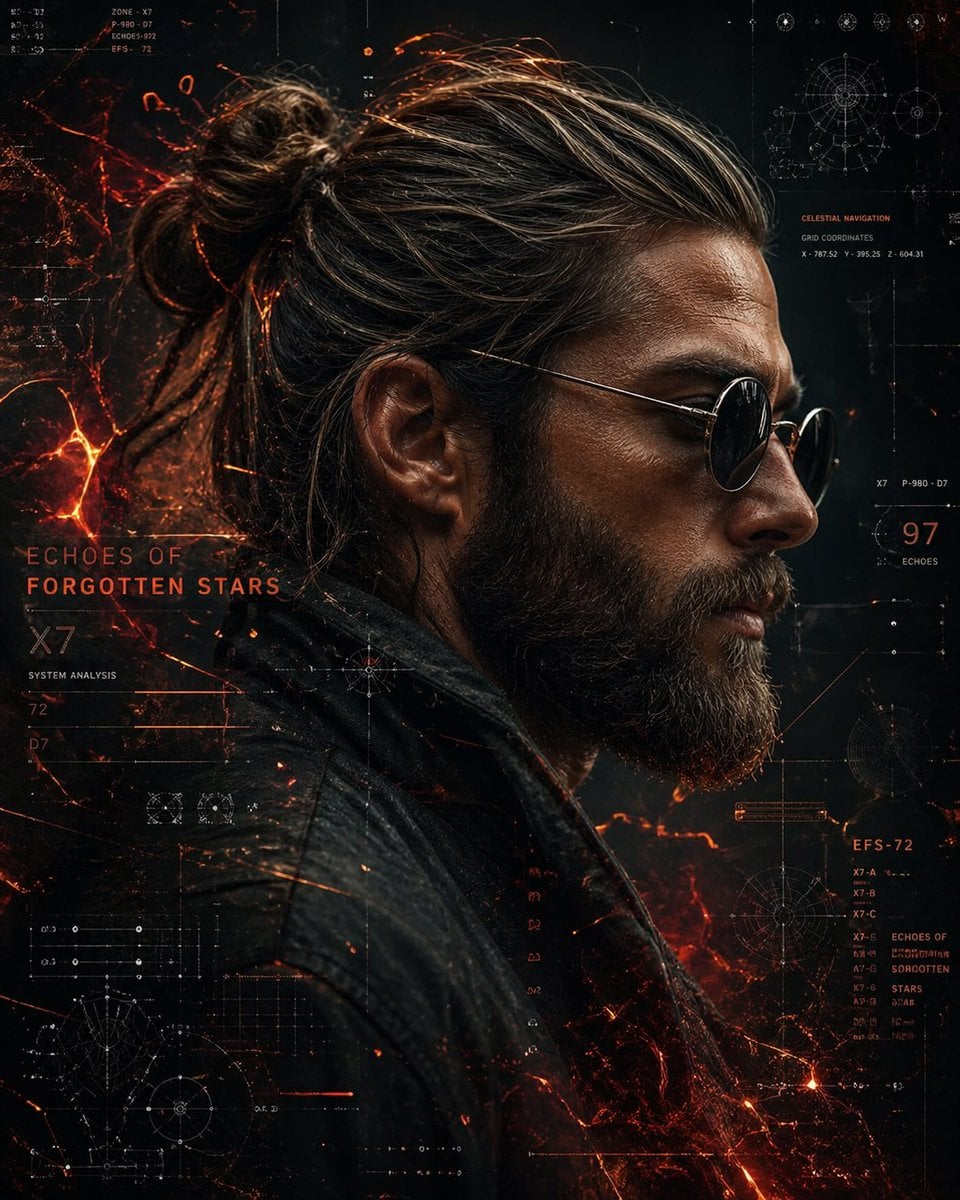
Cinematic Side Profile Cyberpunk Hero Poster

Black Liquid Cyberpunk Portrait Poster

Japan Travel Brochure Poster

Cartoon TV Show Poster Pack

Trendy Cafe Drink Promo Poster

Urban Fashion Editorial Collage Streetwear Poster

Premium Fashion Editorial Cover Layout System

Polo Ralph Lauren Luxury American Heritage Fashion Campaign

Monochrome Halftone Editorial Fashion Poster

Retro Mirror Luxury Fashion Campaign Poster

Luxury Fashion Campaign Typography Poster System
Make it yours
Cyberpunk Flova AI Agent Poster works as-is. These are the safest ways to change it without losing the look.
Change one field
Copy a single group, rewrite it, and generate again so you can see what that field is doing.
Keep the frame, change the subject
Hold the composition and light of Cyberpunk Flova AI Agent Poster, then swap wardrobe, props or the person for a new take.
| If the result… | Why | Fix |
|---|---|---|
| The result drifts from the preview | Too many fields changed at once. | Reuse Cyberpunk Flova AI Agent Poster as-is first, then change one group — subject, light, or setting. |
| The model over-stylizes the scene | The prose prompt leaves finish and camera underspecified. | Add one camera or lighting sentence and stay on GPT Image 2. |
More GPT Image 2 templates
Other prompts made for GPT Image 2.

Six VTuber Japanese Logo Sheet

Realistic Portrait of Woman and Deer

The Vista Modular Condo Poster

AI Model Routing Comparison Infographic

2.5D Anime Art Board

Isometric Productivity Desk Scene

New York Double Exposure Poster

Four-Panel AI Landscape Comparison

Japanese Tatami Lifestyle Magazine Cover

NESCAFÉ Coffee Map Poster
More image prompts
Fresh picks from across the catalog.
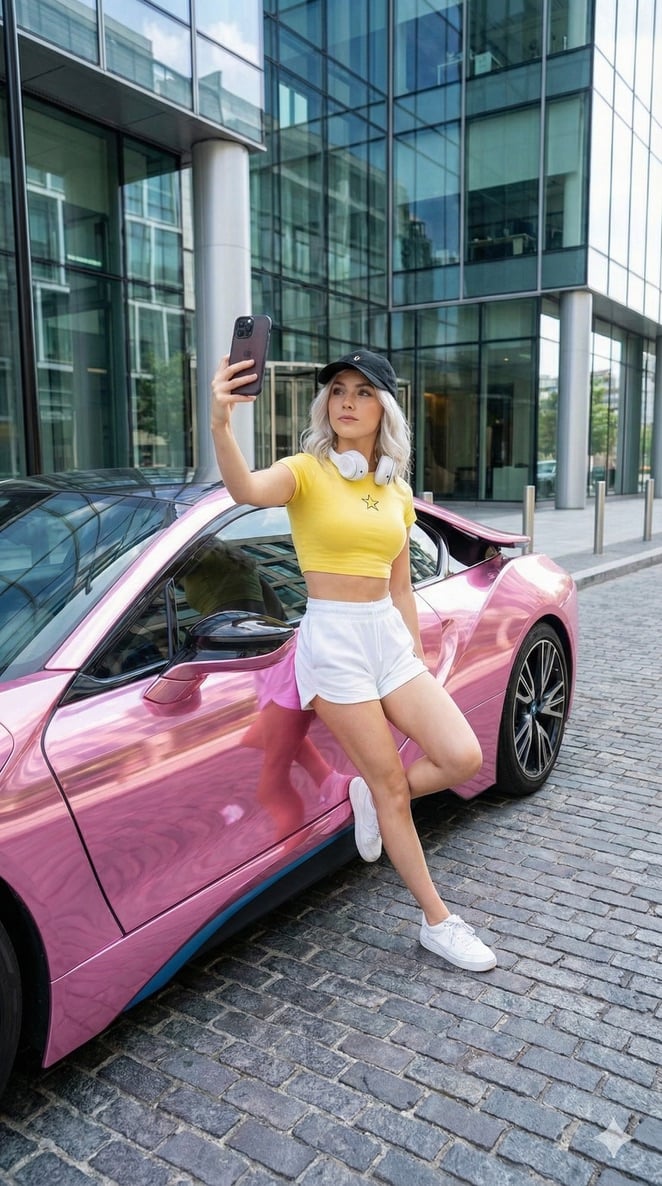
Casual Main Character Selfie with Pink BMW i8 Prompt
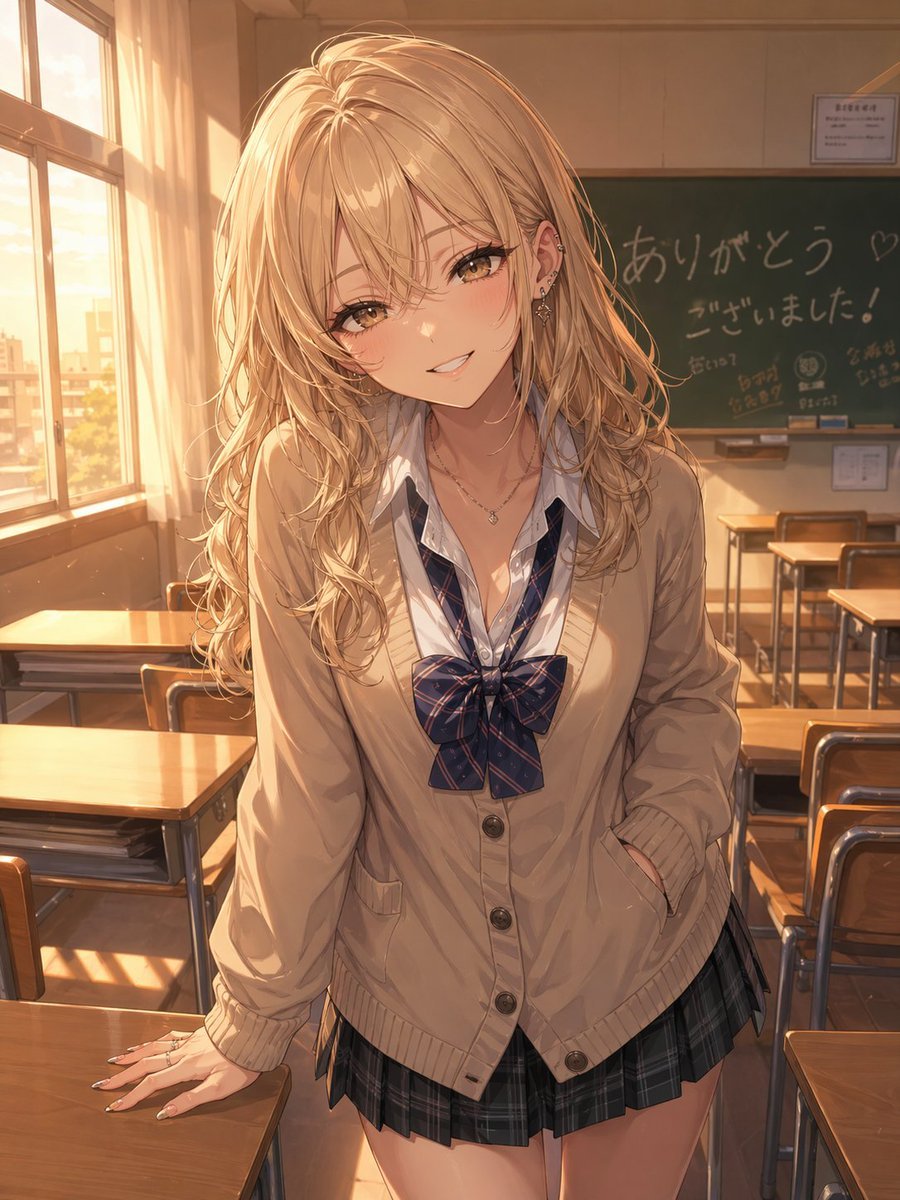
Otaku-Friendly Gyaru in Sunset Classroom
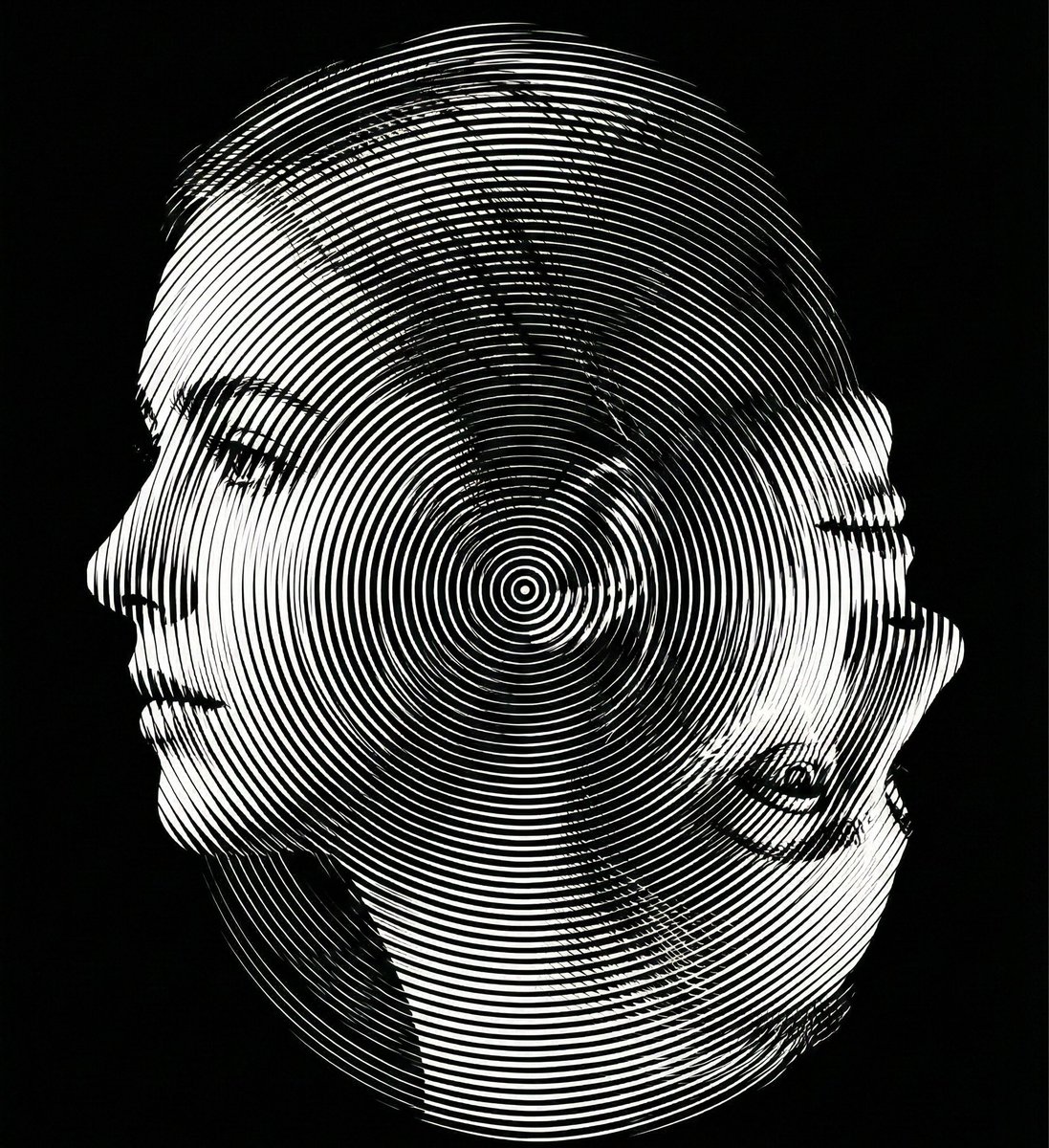
Dual-Orientation Optical Illusion Portrait
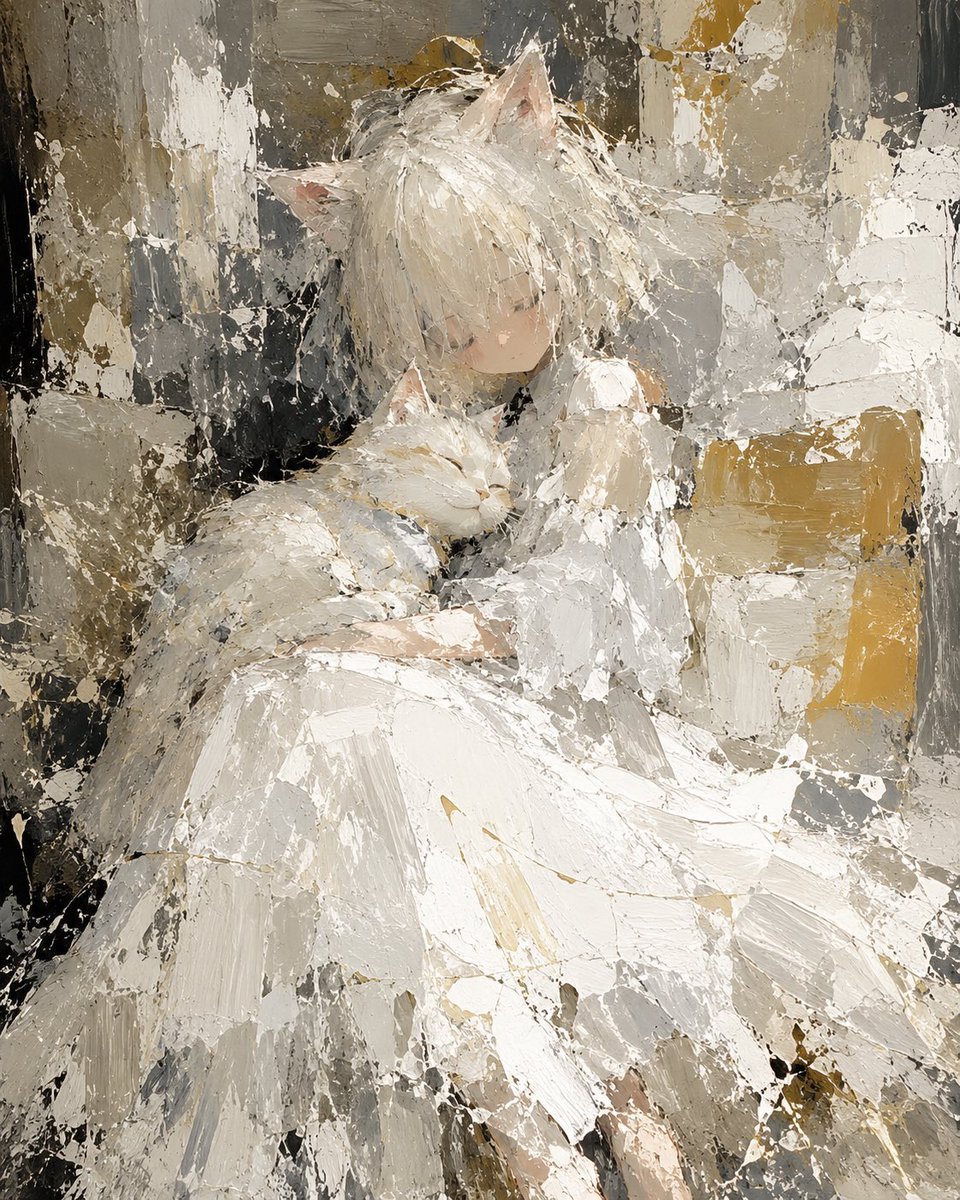
Abstract Cat Girl and Gentle Cat Painting
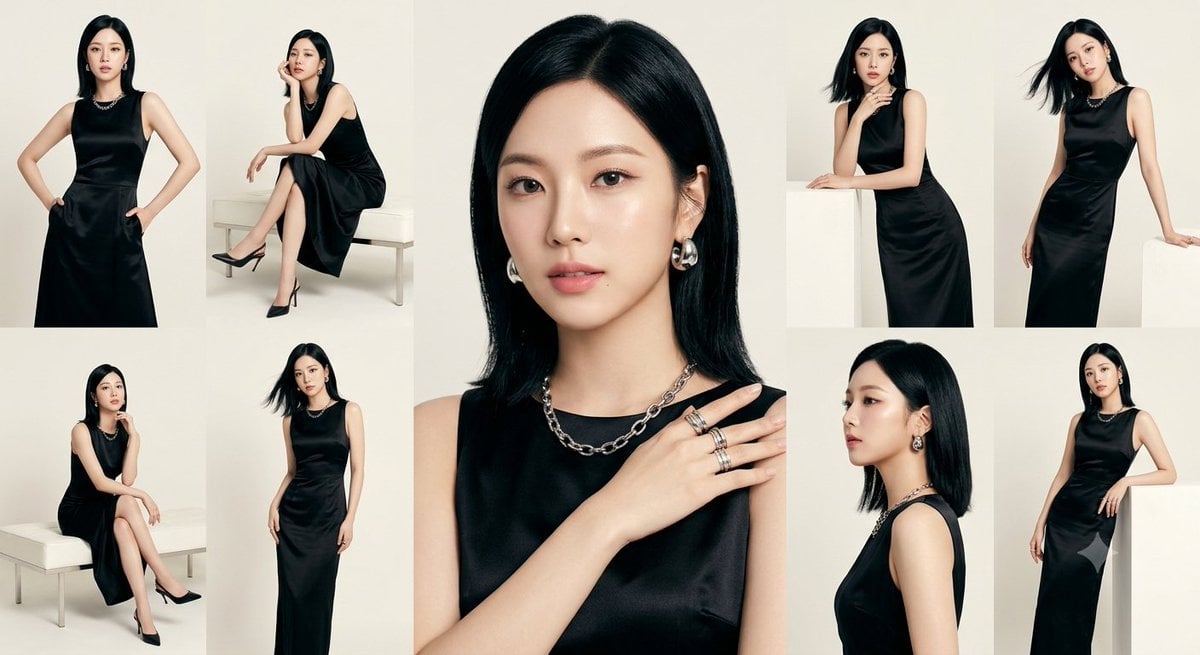
Anonymous Black Dress Fashion Collage
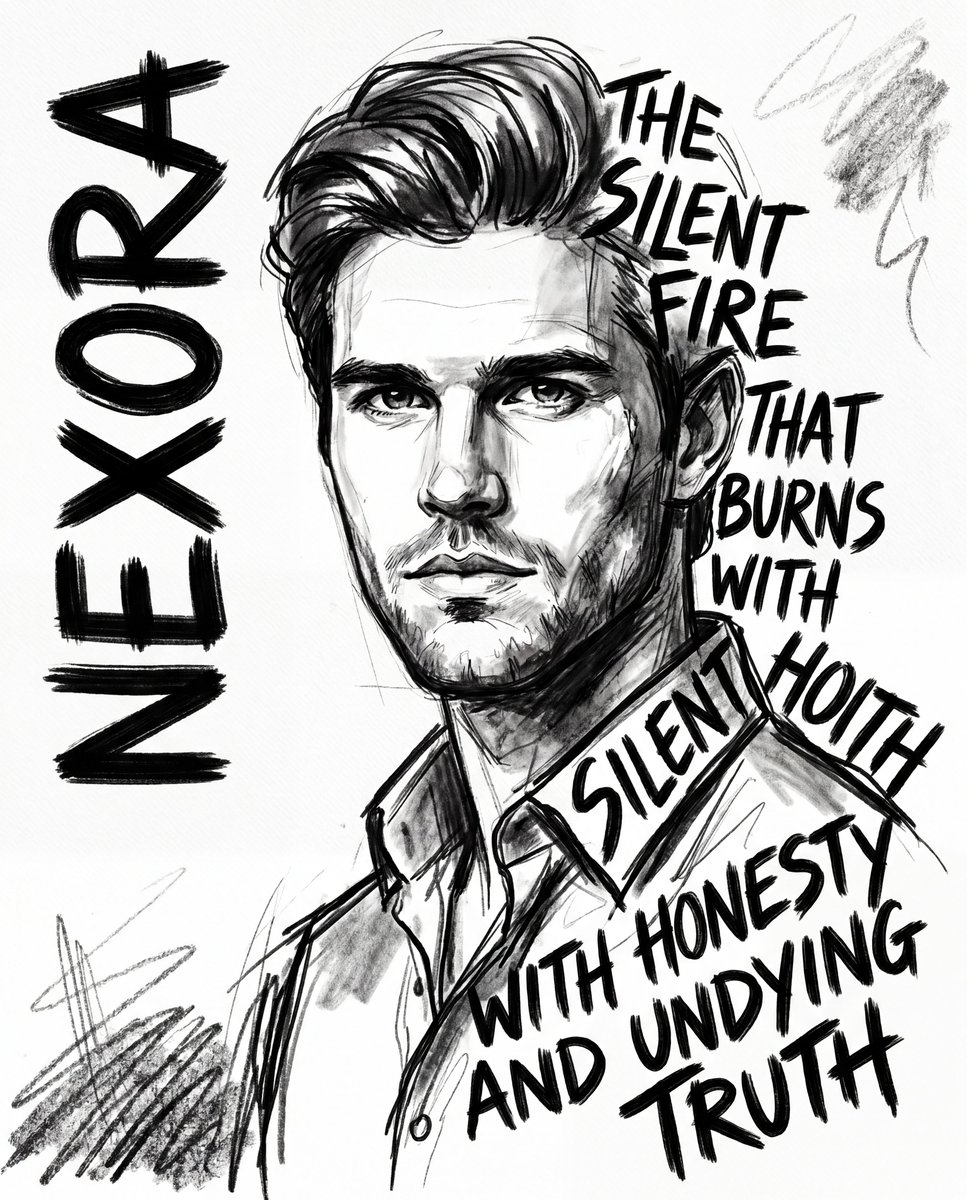
Expressionist Sketch Art Poster
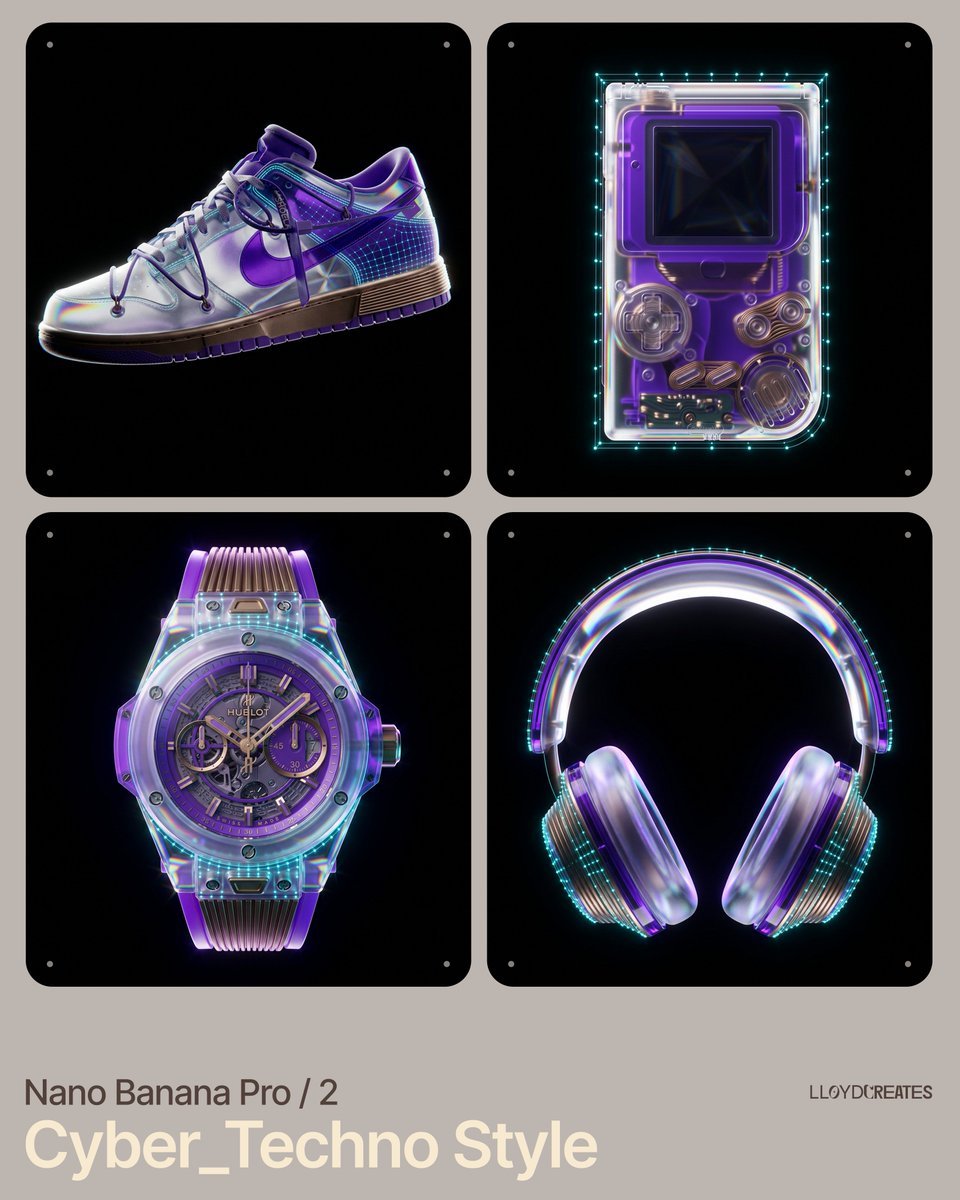
Cyber-Techno Product Shot in Void with Prismatic Effects
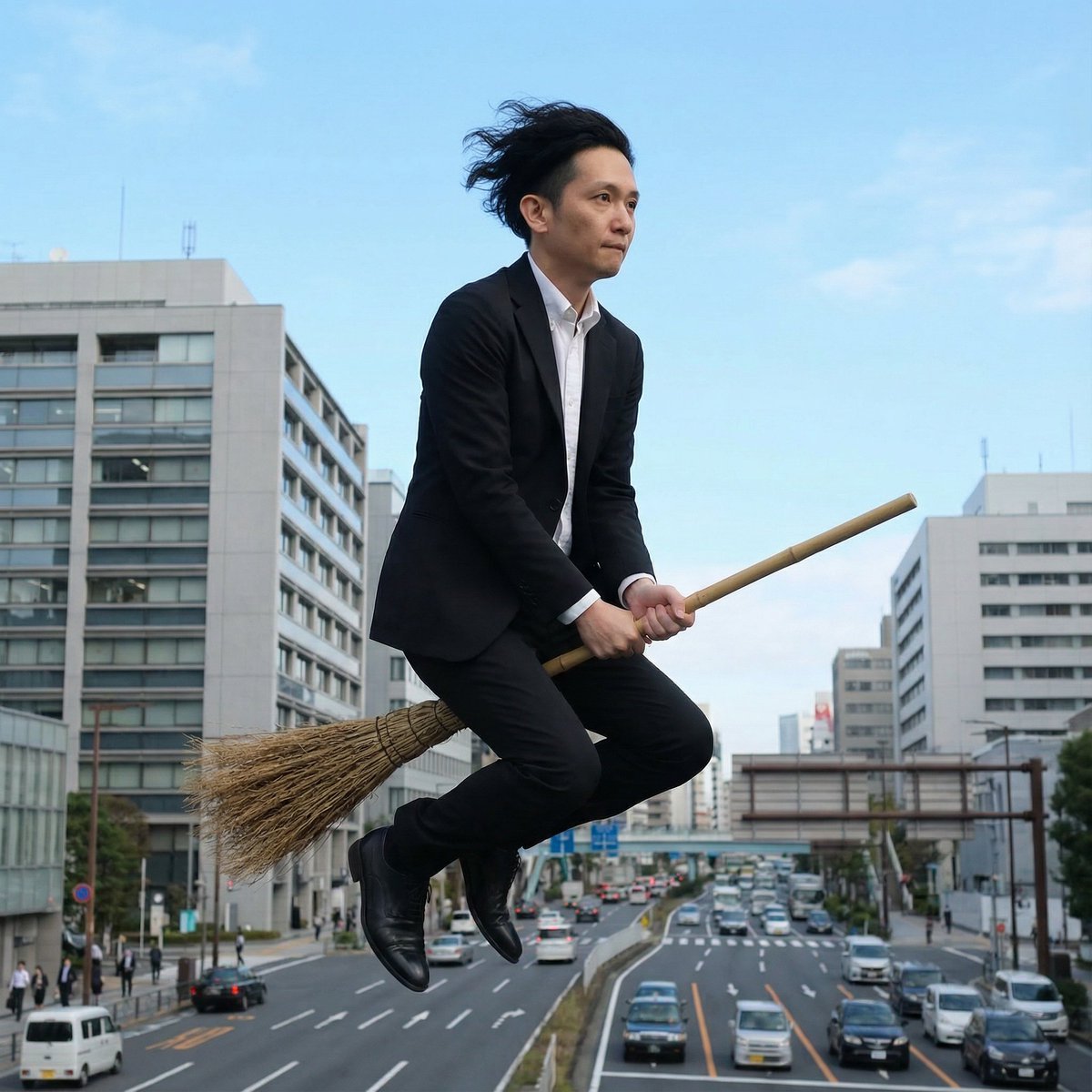
Commuting on a Flying Broomstick in a Suit

Hyper-realistic Indonesian Food Infographic Prompt
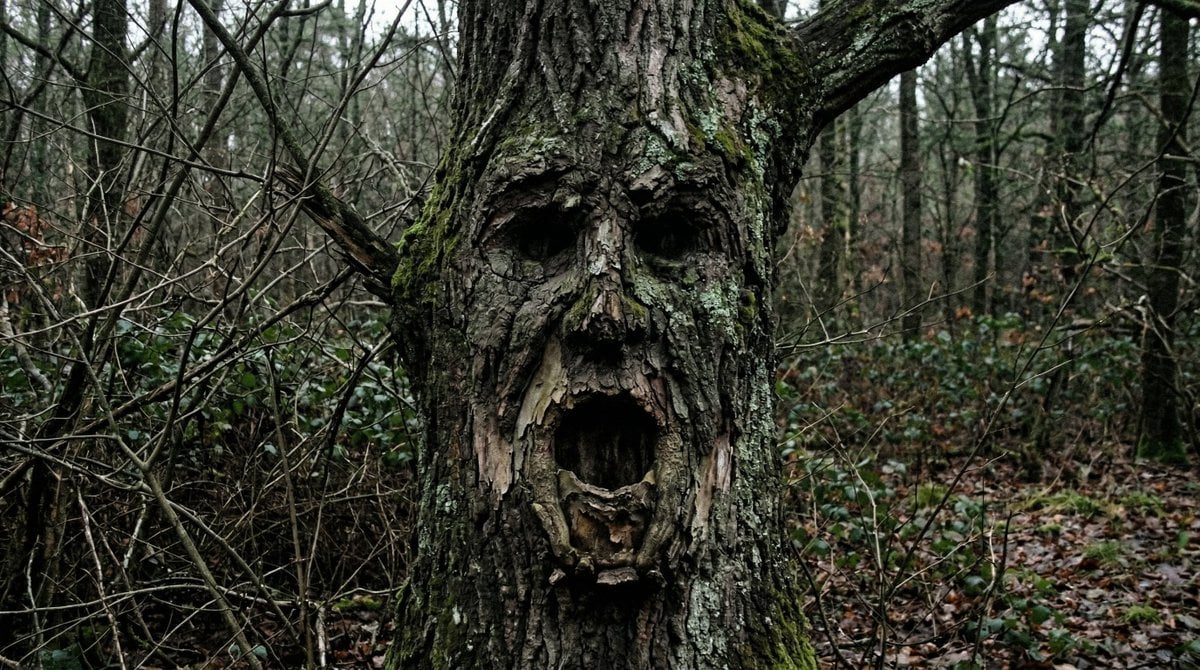
Oddly Terrifying Everyday Photo Prompt
Browse template categories
Cyberpunk Flova AI Agent Poster questions
How do I use the Cyberpunk Flova AI Agent Poster template?
Add your photo if the template asks for one, edit the prompt if you like — the template's model and format are already selected — and press Generate. Your version opens in PicX Studio.
Can I customize the Cyberpunk Flova AI Agent Poster template?
Yes. You can change the subject, setting, lighting, mood, format, and available model controls before creating your image.
Is the Cyberpunk Flova AI Agent Poster template free?
Opening and editing this template is free. Generating uses credits, shown on the Generate button when you are signed in.
Which AI model should I use?
Start with GPT Image 2, which is the model associated with this template. You can compare another compatible model for a different finish.
Looking for something else? Browse all templates.

Your photo, any look
Thousands of ready templates for every top image and video model, from one credit balance.