
Otaku-Friendly Gyaru in Sunset Classroom
This prompt generates a polished anime-style portrait of a kind gyaru schoolgirl in a sunlit classroom, ideal for nostalgic social media art and character illustrations.
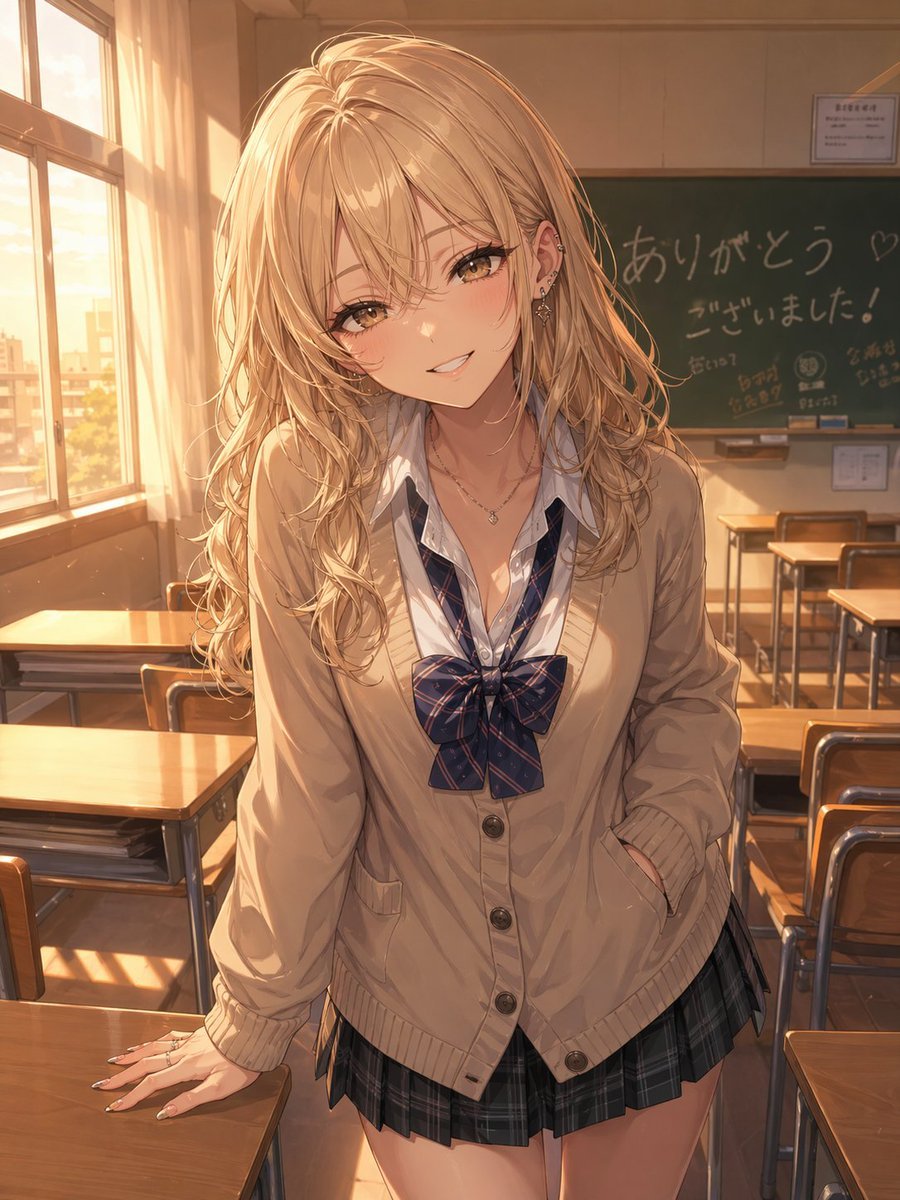
- Prompt included
- Model and format preset
- Free template
The prompt behind this image
Copy the exact prompt behind Otaku-Friendly Gyaru in Sunset Classroom, or open it in the studio and make it yours.
A warm, golden-hour anime illustration of a fashionable high school gyaru girl standing in an empty classroom, leaning slightly forward between wooden desks with one hand resting on a desk and the other tucked into her cardigan pocket. She has long, voluminous wavy {argument name="hair color" default="bleached blonde"} hair with soft shine and layered strands, a trendy, approachable gal aesthetic, and multiple ear piercings with delicate jewelry. Her face is intentionally obscured by a flat square censor block in the center of the image. She wears a Japanese school uniform consisting of 4 visible outfit pieces: a loose cream-beige cardigan with buttons, a white shirt with the collar open, a large navy plaid ribbon bow, and a short dark plaid pleated skirt. Add subtle accessories including 2 necklaces and manicured nails. The classroom is lit by strong sunset light streaming from tall windows on the left, casting long warm shadows across the desks, floor, and her clothes. In the background, show a green chalkboard with handwritten Japanese farewell-style messages including "ありがとう♡" and "ございました!", plus a few small doodles, and several neatly arranged desks and chairs. The mood should be soft, nostalgic, flirtatious, and kindhearted, capturing the feeling of an otaku-friendly gal after school. Highly detailed anime painting, soft rim light, cinematic composition, shallow depth of field, polished linework, luminous hair highlights, realistic fabric folds, and a vertical portrait framing.
How to use Otaku-Friendly Gyaru in Sunset Classroom in 3 steps
- 1Upload ImagePNG, JPG or paste
Add your photo
Upload the photo the template builds on. The prompt, model and format are already set.
- 2…a portrait of your subject in softgolden-hour light, 85mm…
Personalize
Edit the subject and creative details for your destination.
- 3Generate
Generate
Press Generate — your image is created in PicX Studio, so you can compare it with the original and refine one variable at a time.
More like this
Templates with the same subject, style or setup. Open one to see its prompt.

Mountain Lake Sunset Landscape

Artistic Arborpunk Garden Observatory Complex
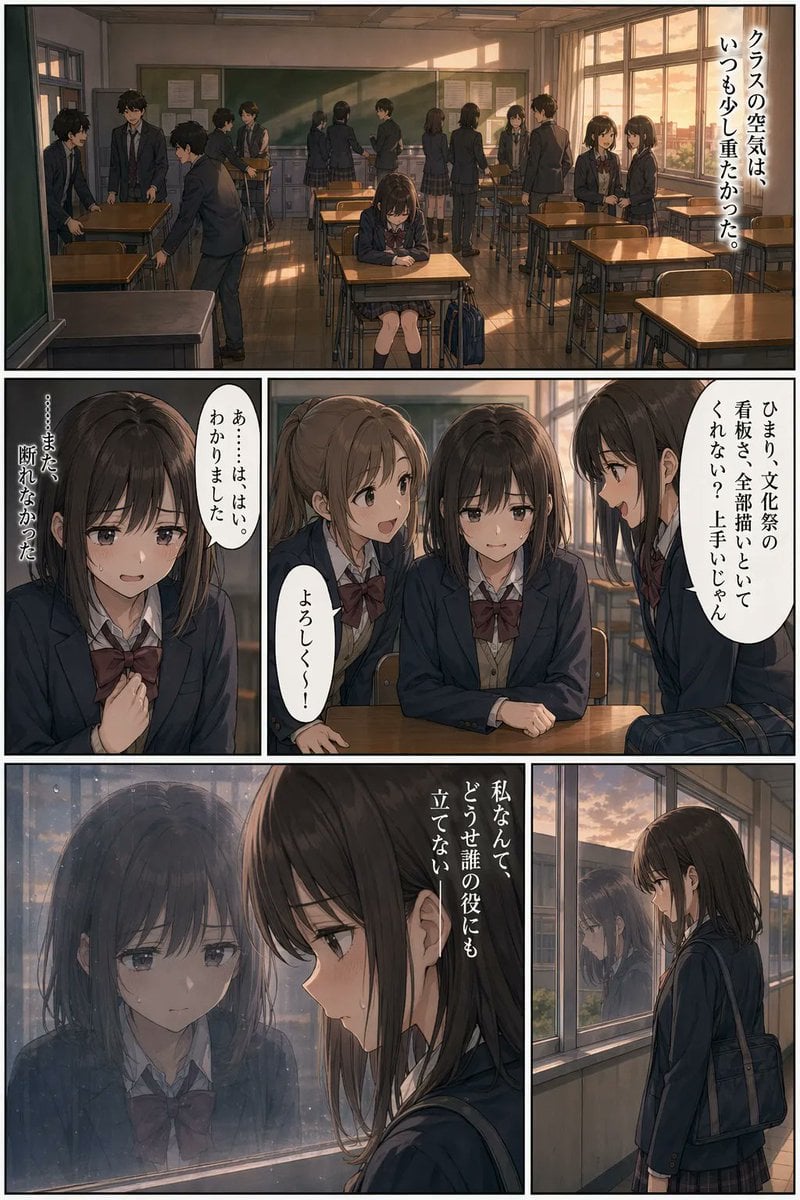
Sunset Classroom Drama Manga Page

Indian Village Cattle Herding — Nano Banana

Friendly 3D Cartoon Portrait

Friendly ChatGPT Robot Introduction
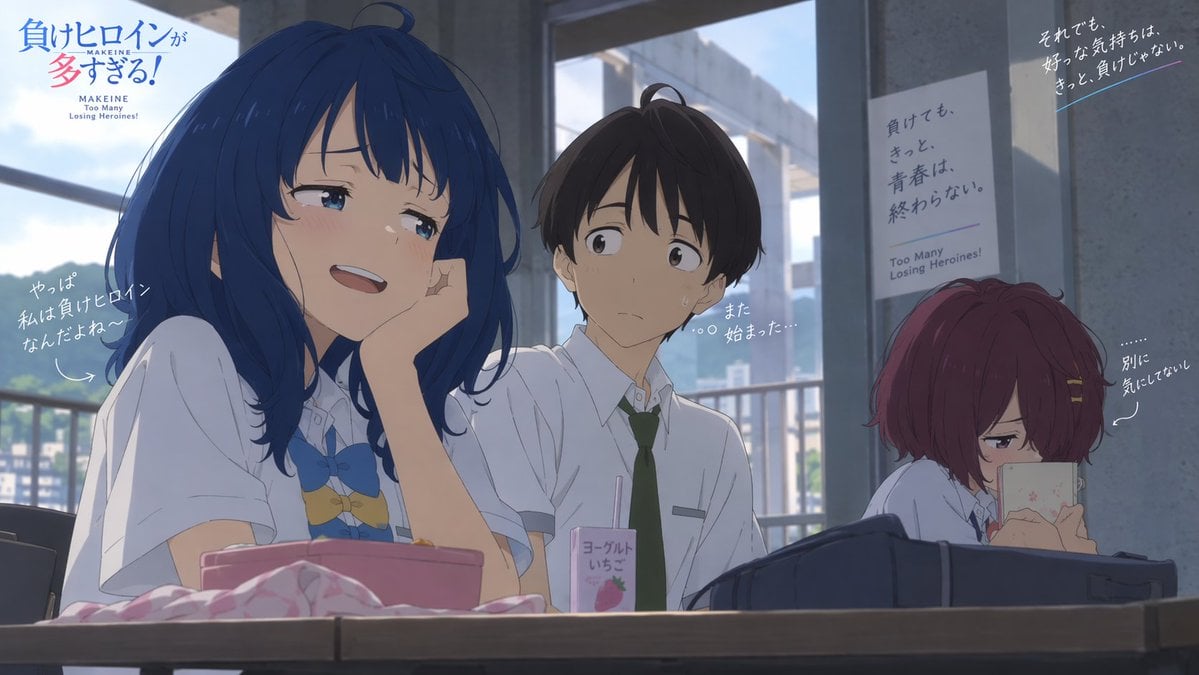
Anime Losing Heroines Classroom Still

Anime Classroom Losing Heroines Key Visual

Golden Retriever Sunset Campfire Photography

Anime Losing Heroines Classroom Key Visual

Friendly ChatGPT Robot Introduction

Friendly ChatGPT Robot Office Scene
Make it yours
Otaku-Friendly Gyaru in Sunset Classroom works as-is. These are the safest ways to change it without losing the look.
Change one field
Copy a single group, rewrite it, and generate again so you can see what that field is doing.
Keep the frame, change the subject
Hold the composition and light of Otaku-Friendly Gyaru in Sunset Classroom, then swap wardrobe, props or the person for a new take.
| If the result… | Why | Fix |
|---|---|---|
| The result drifts from the preview | Too many fields changed at once. | Reuse Otaku-Friendly Gyaru in Sunset Classroom as-is first, then change one group — subject, light, or setting. |
| The model over-stylizes the scene | The prose prompt leaves finish and camera underspecified. | Add one camera or lighting sentence and stay on GPT Image 2. |
More GPT Image 2 templates
Other prompts made for GPT Image 2.

Six VTuber Japanese Logo Sheet

Realistic Portrait of Woman and Deer

The Vista Modular Condo Poster

AI Model Routing Comparison Infographic

2.5D Anime Art Board

Isometric Productivity Desk Scene

New York Double Exposure Poster

Four-Panel AI Landscape Comparison

Japanese Tatami Lifestyle Magazine Cover

NESCAFÉ Coffee Map Poster
More image prompts
Fresh picks from across the catalog.
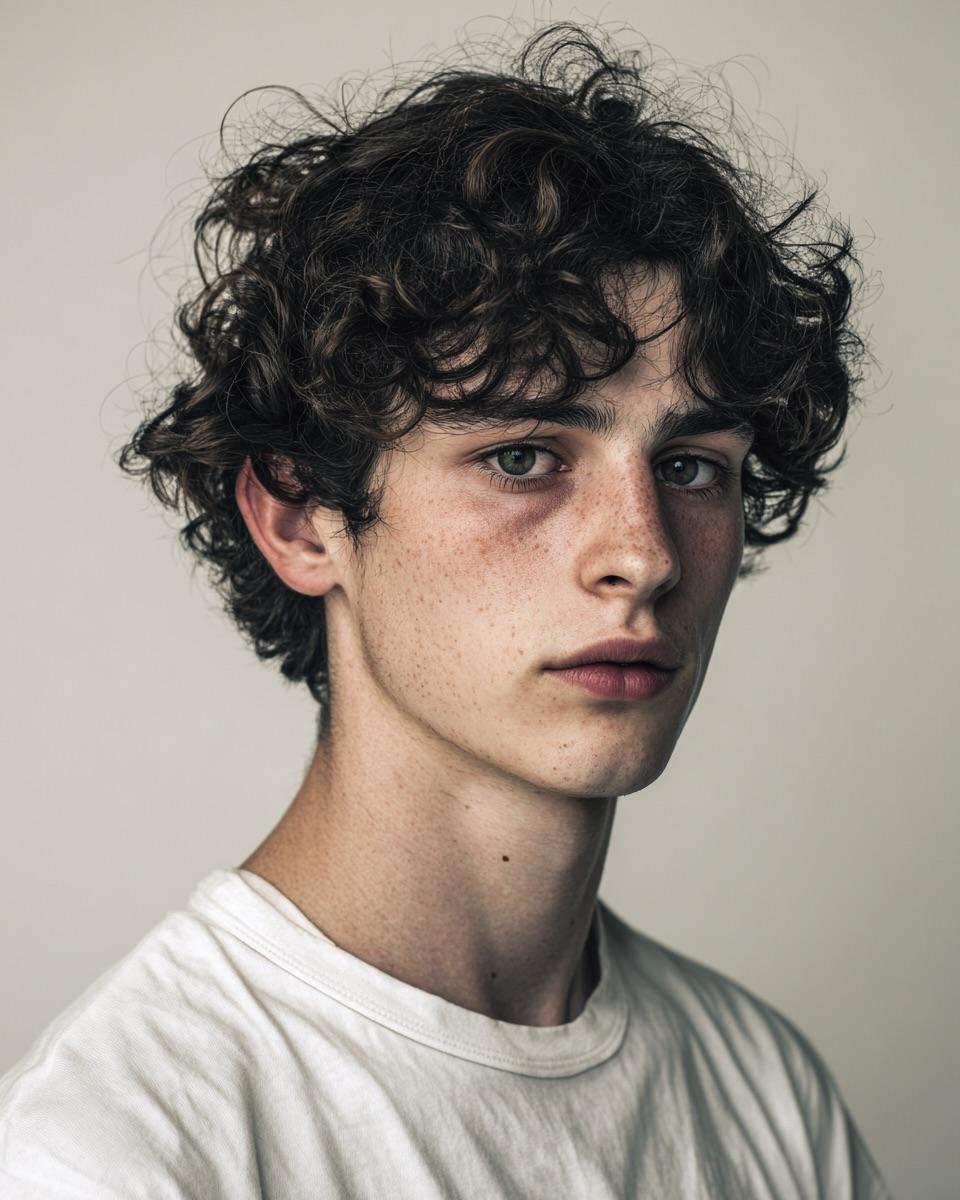
Minimalist Editorial Portrait Prompt
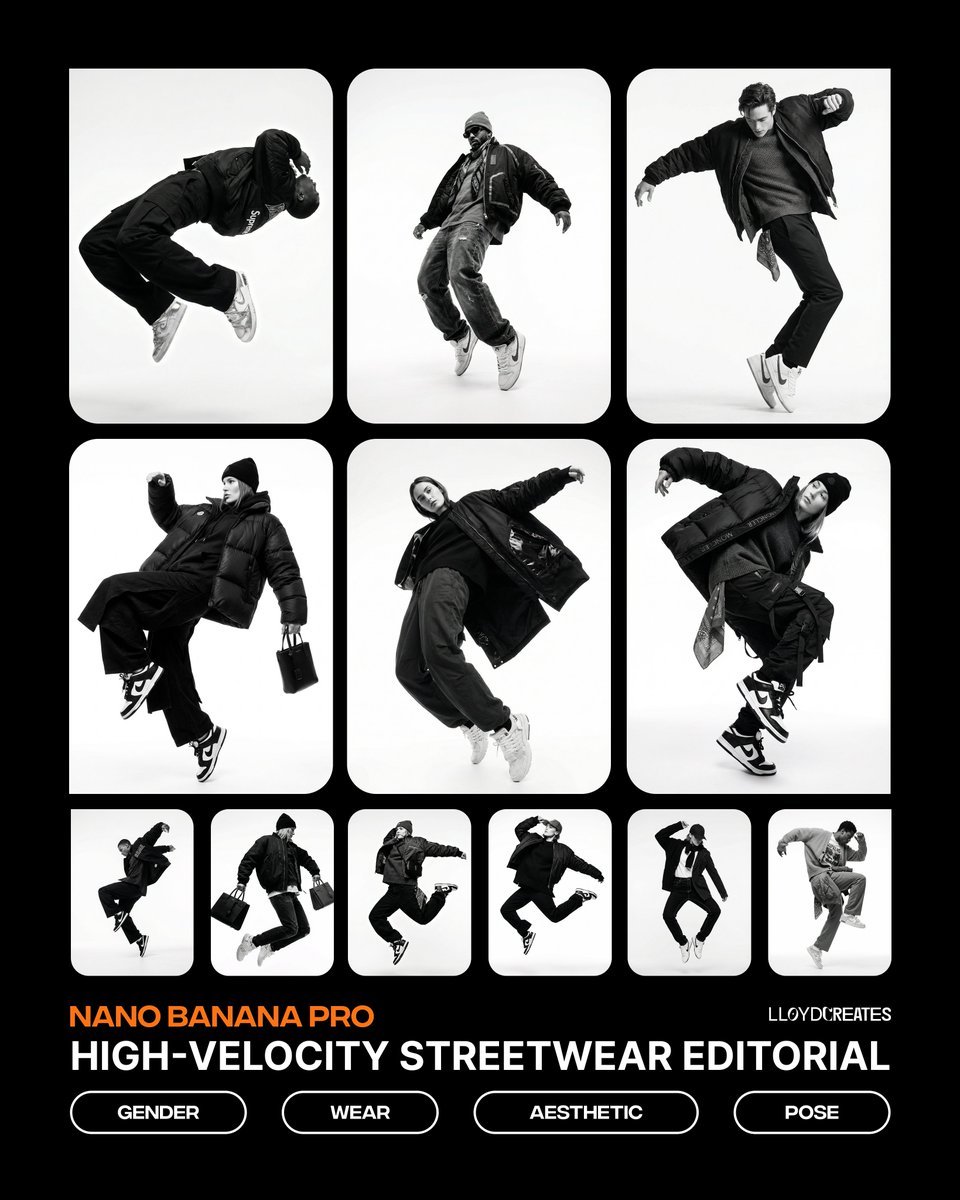
Monochrome Hypebeast Editorial with Airborne Action
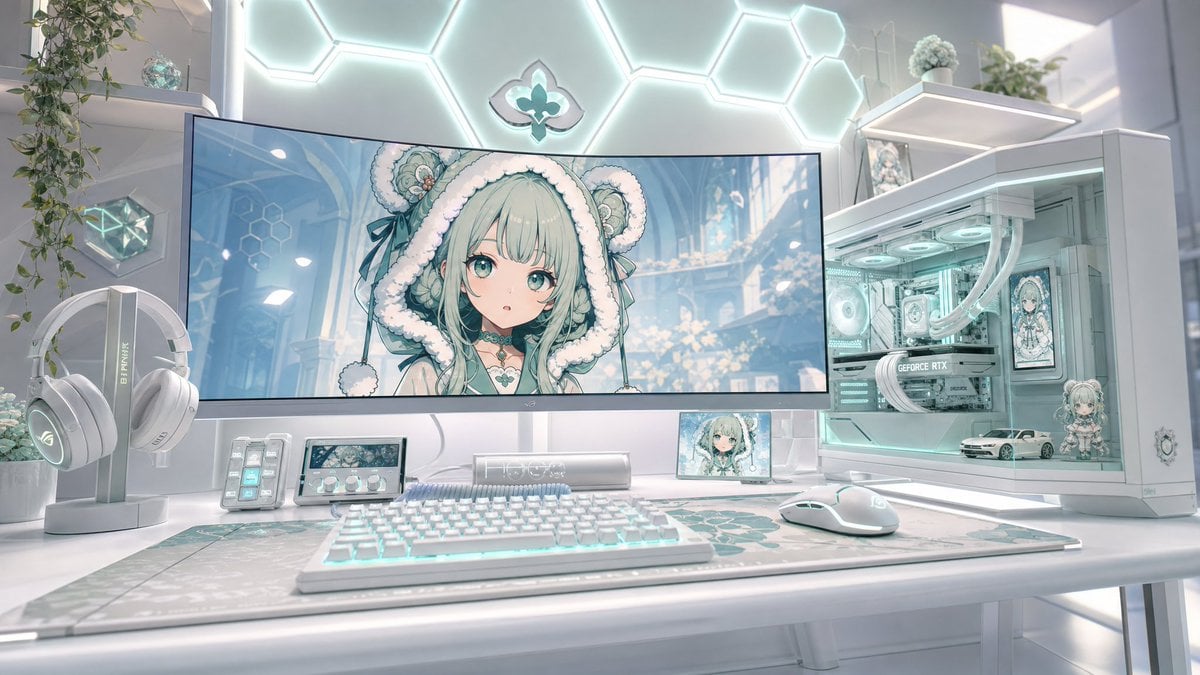
Pastel Anime Gaming Desk Setup
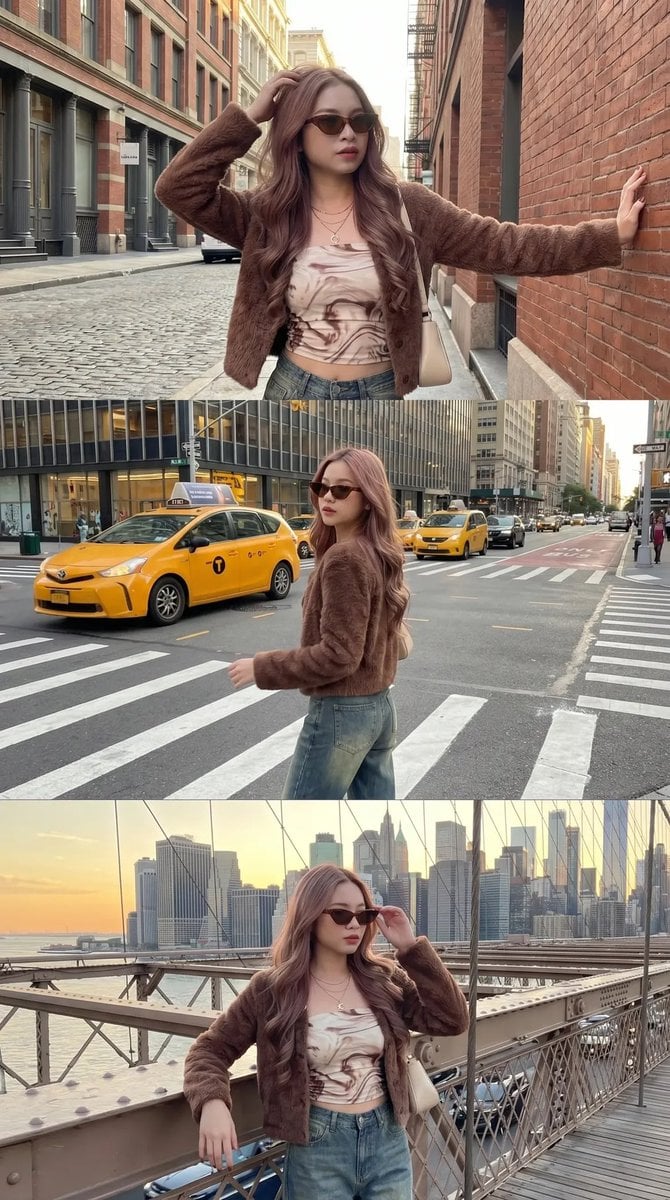
Urban Fashion Street Photography

Ultra-Photorealistic Portrait of a Young Woman in Hawaiian Tropic Attire

Monochrome Portrait with Neon Rim Light
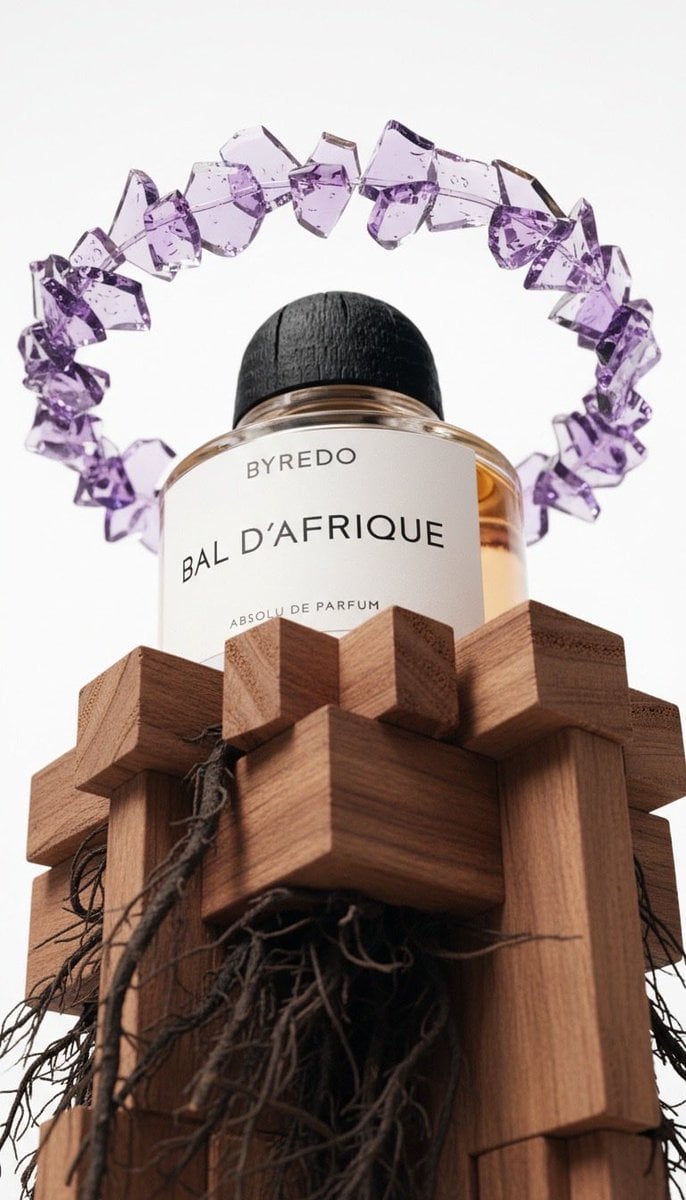
Luxury Product Photography of Byredo Perfume

Manga-style Sketch Prompt for Nano Banana Pro
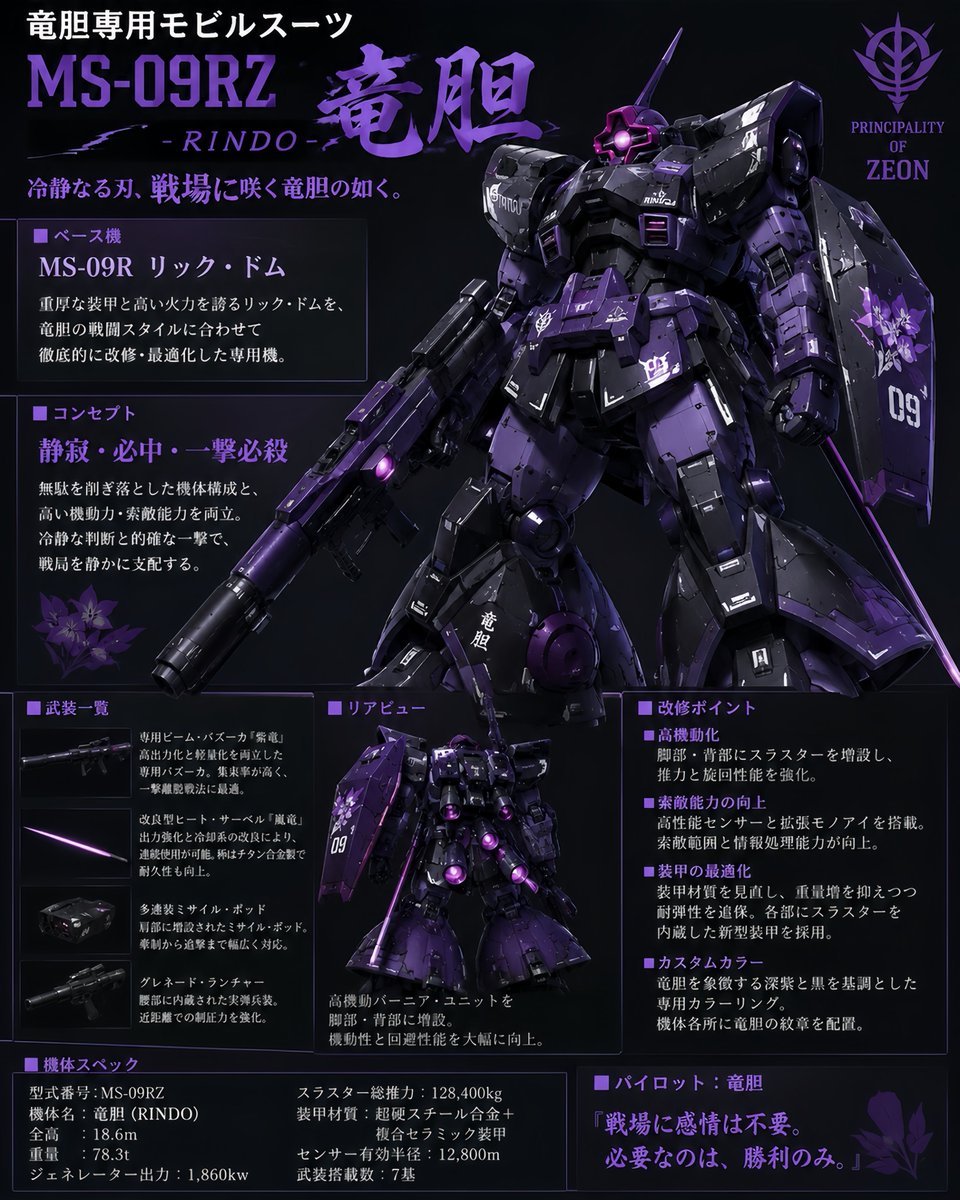
Custom Zeon Mobile Suit Overhaul

Out the Window meme comic prompt
Browse template categories
Otaku-Friendly Gyaru in Sunset Classroom questions
How do I use the Otaku-Friendly Gyaru in Sunset Classroom template?
Add your photo if the template asks for one, edit the prompt if you like — the template's model and format are already selected — and press Generate. Your version opens in PicX Studio.
Can I customize the Otaku-Friendly Gyaru in Sunset Classroom template?
Yes. You can change the subject, setting, lighting, mood, format, and available model controls before creating your image.
Is the Otaku-Friendly Gyaru in Sunset Classroom template free?
Opening and editing this template is free. Generating uses credits, shown on the Generate button when you are signed in.
Which AI model should I use?
Start with GPT Image 2, which is the model associated with this template. You can compare another compatible model for a different finish.
Looking for something else? Browse all templates.

Your photo, any look
Thousands of ready templates for every top image and video model, from one credit balance.