
Friendly ChatGPT Robot Introduction
A square 3D promotional illustration of a cute ChatGPT robot explaining OpenAI with friendly handwritten annotations, useful for AI education or product announcement visuals.
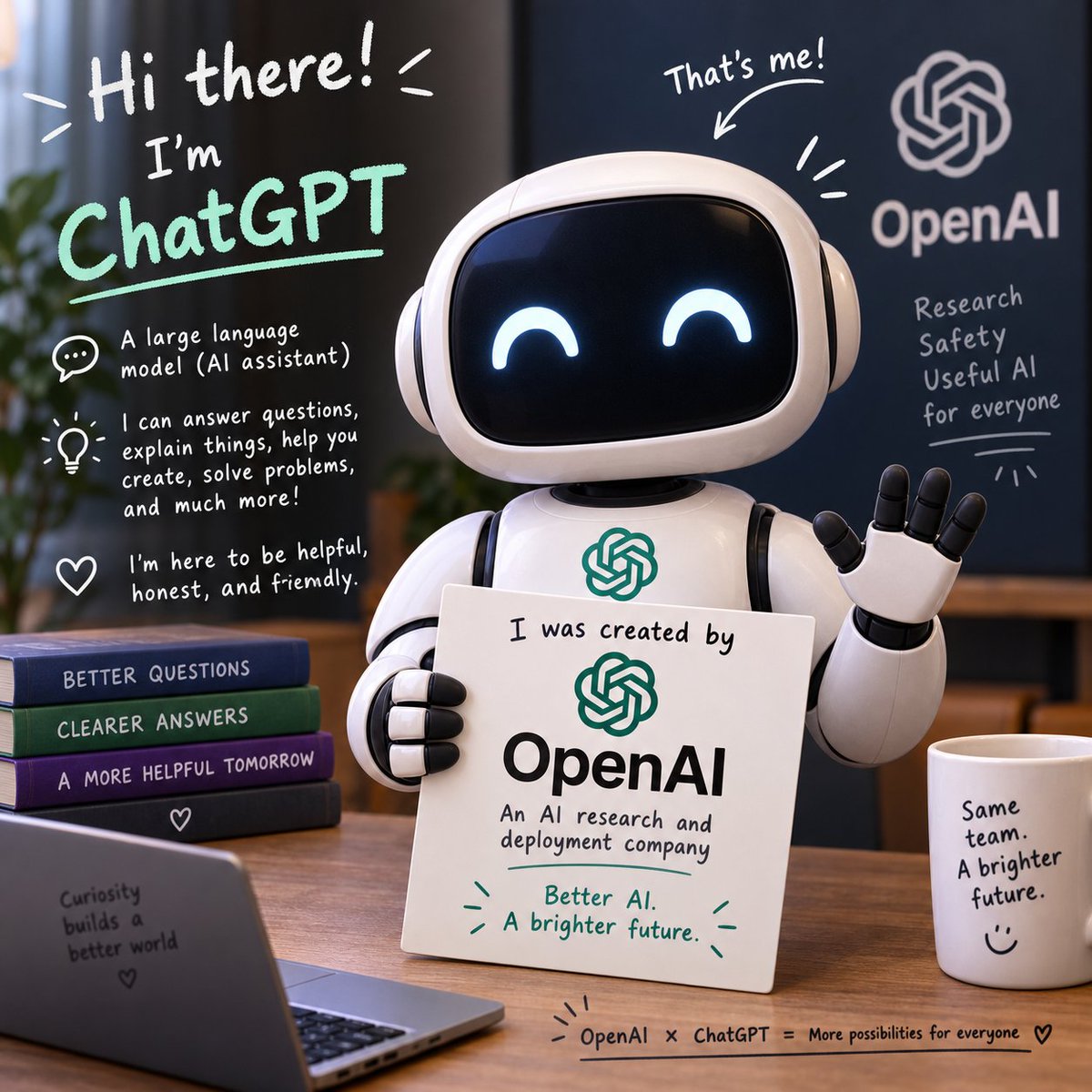
- Prompt included
- Model and format preset
- Free template
The prompt behind this image
Copy the exact prompt behind Friendly ChatGPT Robot Introduction, or open it in the studio and make it yours.
Goal: Create a cheerful square promotional 3D illustration introducing {argument name="assistant name" default="ChatGPT"} as a friendly AI robot created by {argument name="company name" default="OpenAI"}, mixing a polished product-render look with hand-drawn whiteboard-style annotations. Canvas: 1:1 square image, warm indoor office/classroom setting, shallow depth of field, cozy natural light, wooden desk foreground, dark blue presentation board in the background. Main subject: Center-right, show exactly 1 cute glossy white robot mascot with a rounded rectangular black face screen, glowing cyan happy crescent eyes, rounded white headphones/ear pods, segmented black-and-white arms, and one raised waving hand with 5 fingers. The robot holds exactly 1 white placard in front of its body. Add a teal OpenAI-knot style emblem on the robot chest. Placard text and design: The placard should have a teal knot logo at top, large bold black "OpenAI" in the middle, and handwritten text above and below: "I was created by", "An AI research and deployment company", and in teal "Better AI. A brighter future." Add small teal doodle rays around the bottom slogan. Left side handwritten intro panel: Use casual hand-lettering as if written on glass or a board. Large top text says "Hi there!" then "I'm" and a big mint-green underlined "ChatGPT". Under it, include exactly 3 explanatory bullet callouts with icons: 1 speech bubble icon with "A large language model (AI assistant)", 1 lightbulb icon with "I can answer questions, explain things, help you create, solve problems, and much more!", and 1 heart icon with "I'm here to be helpful, honest, and friendly." Include small decorative doodle rays around the headline. Background board: On the right rear dark blue board, display a large white OpenAI knot logo above the word "OpenAI". Beneath it, handwritten stacked text reads exactly 4 lines: "Research", "Safety", "Useful AI", "for everyone" with an underline and small radiating doodles. Above the robot head, add handwritten text "That's me!" with an arrow pointing down to the robot. Desk objects: Include exactly 4 stacked books on the left, spine labels from top to bottom: "BETTER QUESTIONS", "CLEARER ANSWERS", "A MORE HELPFUL TOMORROW", and a fourth dark book marked with a small heart. Include exactly 1 open laptop in the lower-left foreground with small writing on the back: "Curiosity builds a better world" plus a heart. Include exactly 1 white coffee mug on the right with text: "Same team. A brighter future." and a smiley face. Along the front edge of the desk, add a small handwritten footer: "OpenAI × ChatGPT = More possibilities for everyone" with doodle rays and a heart. Visual style: High-quality gpt-image-2 style, cute 3D character rendering, soft reflections on plastic, realistic desk materials, bokeh background, bright teal accents, friendly educational startup branding, hand-drawn white marker typography and simple doodle icons. Keep text legible and correctly spelled. Constraints: No extra characters, no extra logos beyond the OpenAI-style knot marks described, no watermark, no photorealistic human hands, keep the robot centered and welcoming, preserve the exact count of 1 robot, 1 placard, 4 books, 1 laptop, 1 mug, and 3 left-side bullet callouts.
How to use Friendly ChatGPT Robot Introduction in 3 steps
- 1Upload ImagePNG, JPG or paste
Add your photo
Upload the photo the template builds on. The prompt, model and format are already set.
- 2…a portrait of your subject in softgolden-hour light, 85mm…
Personalize
Edit the subject and creative details for your destination.
- 3Generate
Generate
Press Generate — your image is created in PicX Studio, so you can compare it with the original and refine one variable at a time.
More like this
Templates with the same subject, style or setup. Open one to see its prompt.
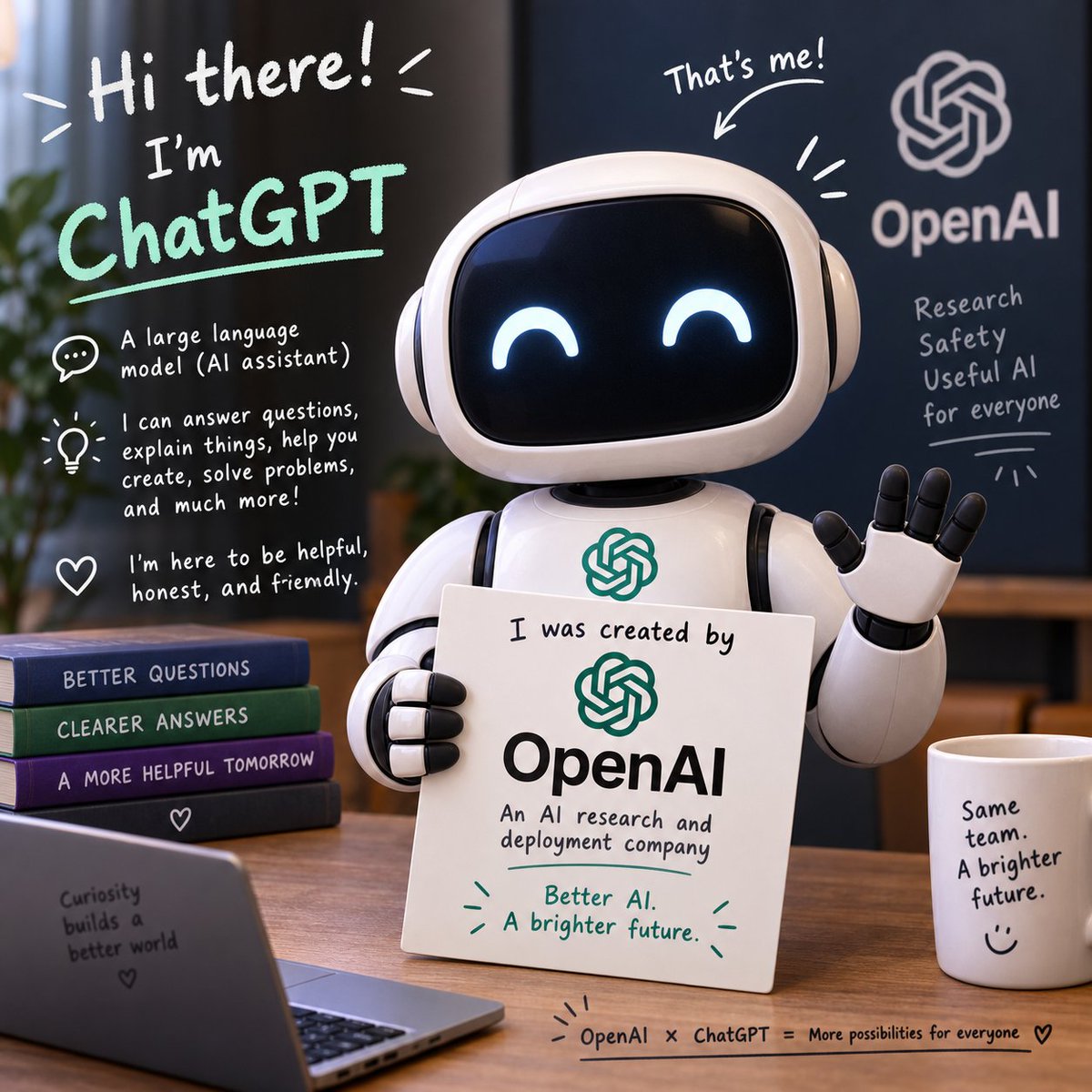
Friendly ChatGPT Robot Introduction
ChatGPT Robot Introduction Poster
Friendly ChatGPT Robot Office Scene

Floraverse Botanical Fusion

FLORAVERSE BOTANICAL FUSION

Face-Locked Train Window Lifestyle Portrait
Female Chef Chicken Biryani Luxury Kitchen
Leather Jacket Cream Trousers Fashion Sketch

Golden Hour Fedora Bar Doorway Street Style

Luxury Toothpaste Commercial Storyboard

Unfinished Sketch Comes Alive Portrait
Surreal Minimalist Dark Collage Poster II
Make it yours
Friendly ChatGPT Robot Introduction works as-is. These are the safest ways to change it without losing the look.
Change one field
Copy a single group, rewrite it, and generate again so you can see what that field is doing.
Keep the frame, change the subject
Hold the composition and light of Friendly ChatGPT Robot Introduction, then swap wardrobe, props or the person for a new take.
| If the result… | Why | Fix |
|---|---|---|
| The result drifts from the preview | Too many fields changed at once. | Reuse Friendly ChatGPT Robot Introduction as-is first, then change one group — subject, light, or setting. |
| The model over-stylizes the scene | The prose prompt leaves finish and camera underspecified. | Add one camera or lighting sentence and stay on GPT Image 2. |
More GPT Image 2 templates
Other prompts made for GPT Image 2.

Six VTuber Japanese Logo Sheet

Realistic Portrait of Woman and Deer

The Vista Modular Condo Poster

AI Model Routing Comparison Infographic

2.5D Anime Art Board

Isometric Productivity Desk Scene

New York Double Exposure Poster

Four-Panel AI Landscape Comparison

Japanese Tatami Lifestyle Magazine Cover

NESCAFÉ Coffee Map Poster
More image prompts
Fresh picks from across the catalog.
Hyper-Realistic Kiwi Splash Macro Photography Prompt
Spectacular Aerial View of Laojun Mountain Temple in Winter
One Piece Anime Character Portrait Template
Holographic Cockatiel Embroidery Hoop
Urban Street Fashion with Chibi Version
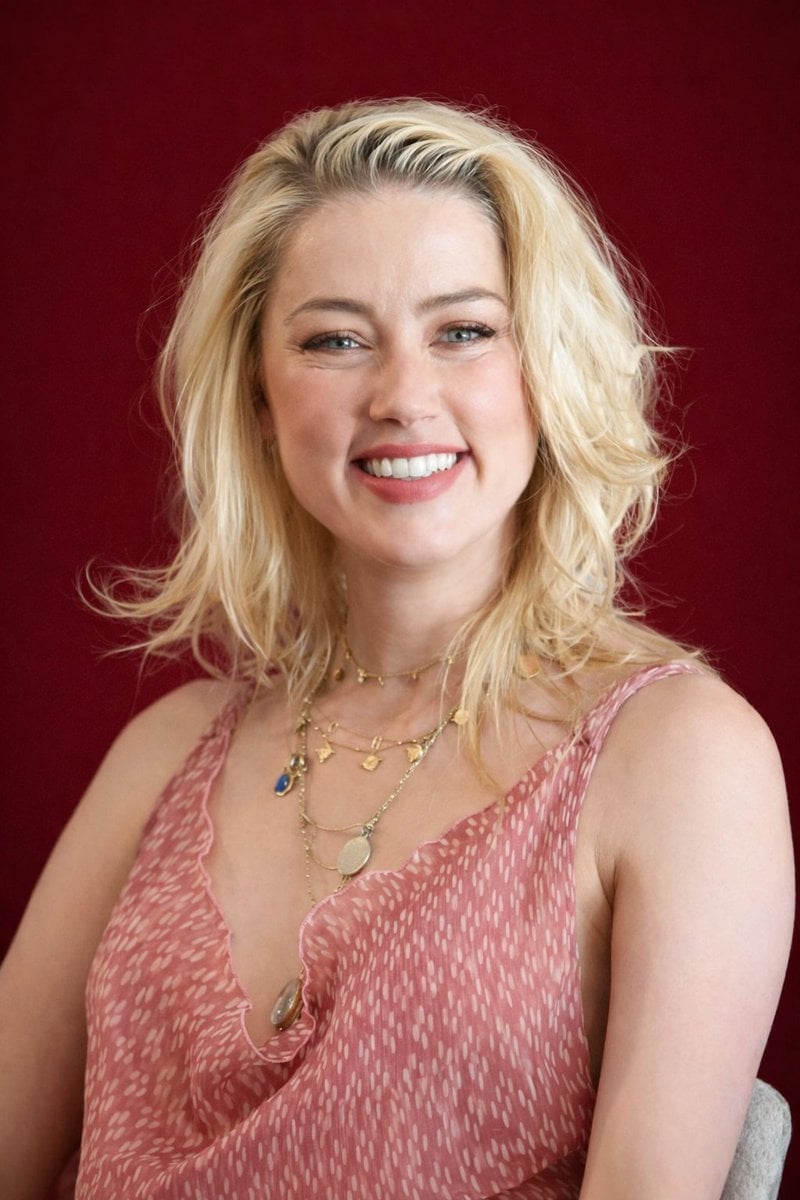
Photorealistic Studio Portrait with Gentle Expression
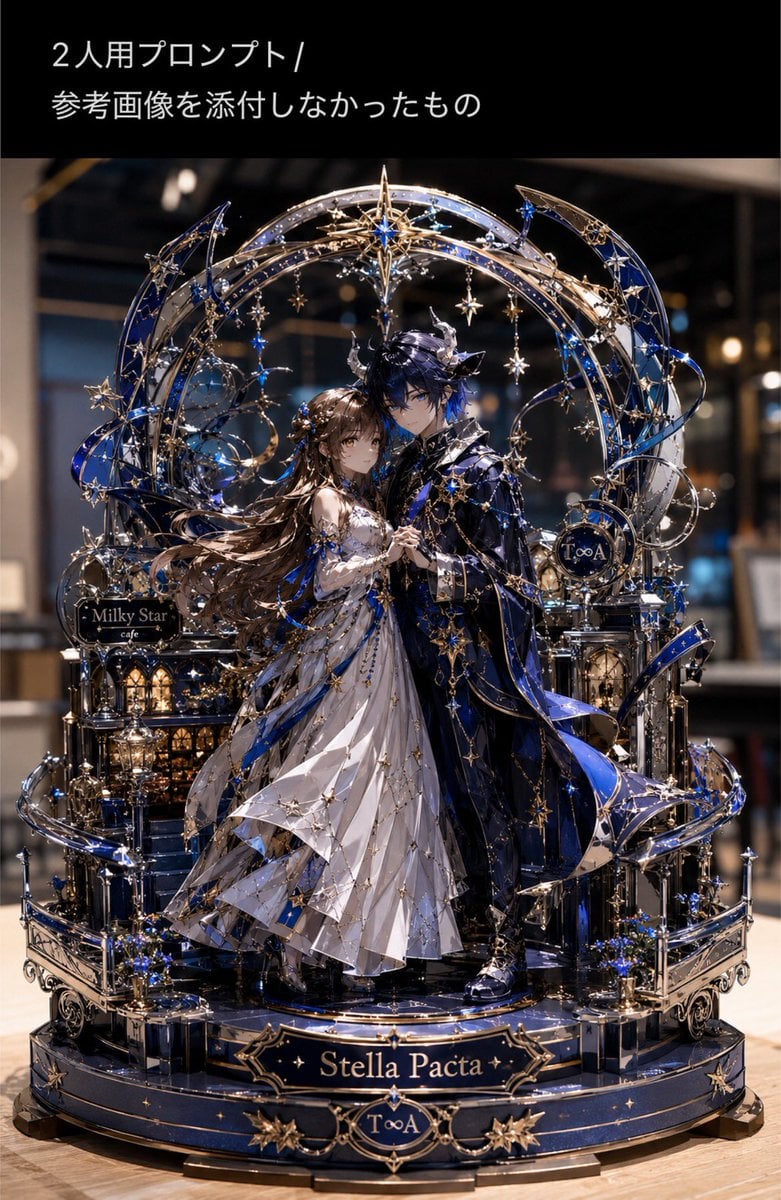
Metallic Nano Puzzle Diorama
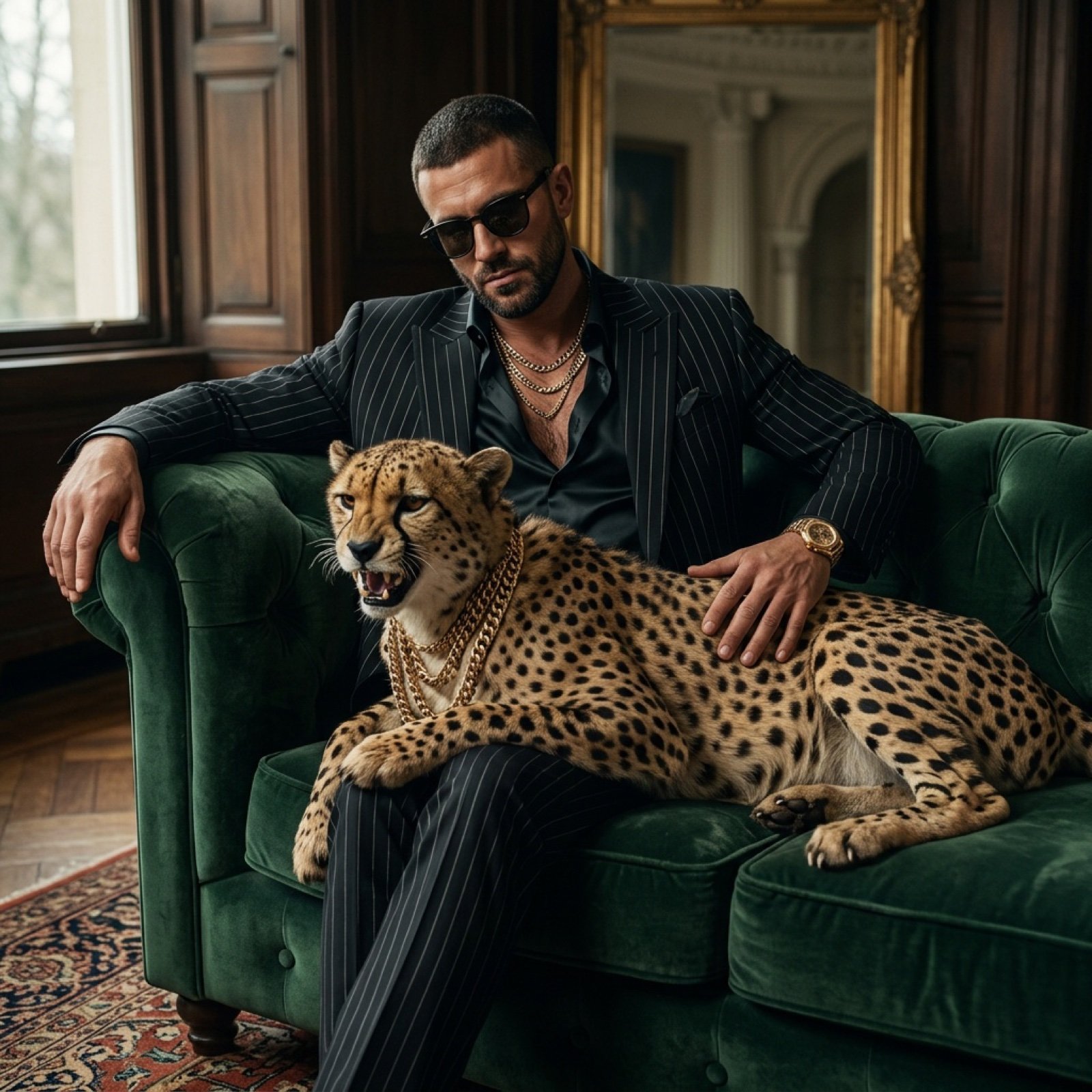
Bossy Gangster with Cheetah Portrait Prompt
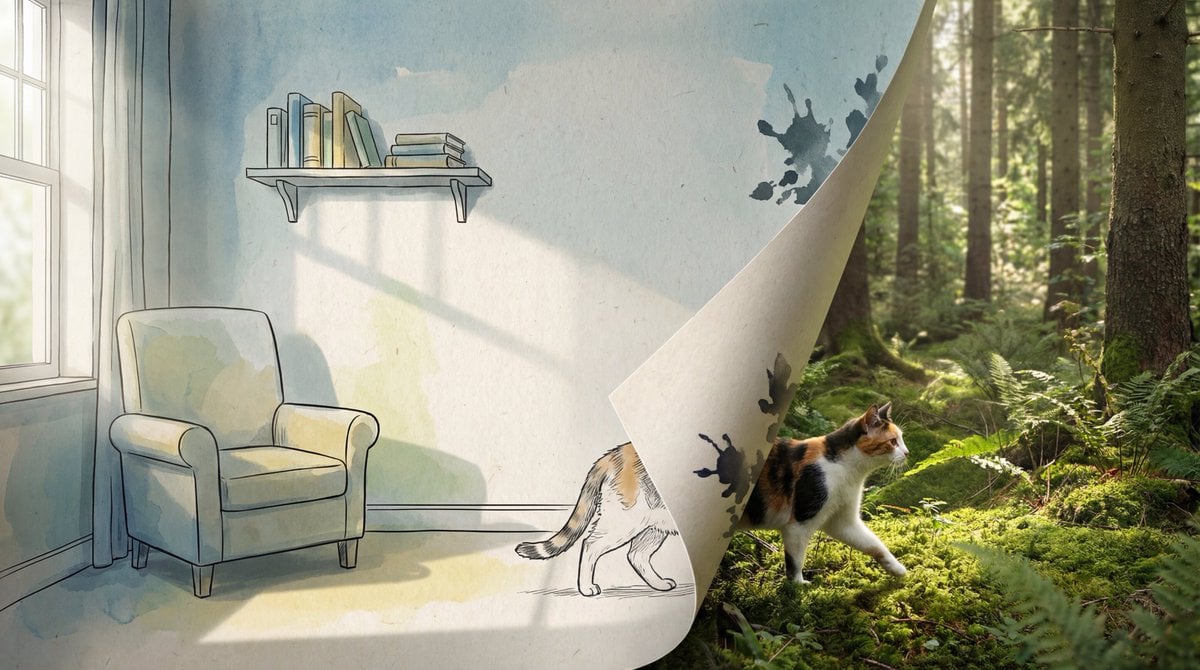
2D/3D Mixed-Dimension Illusion Room
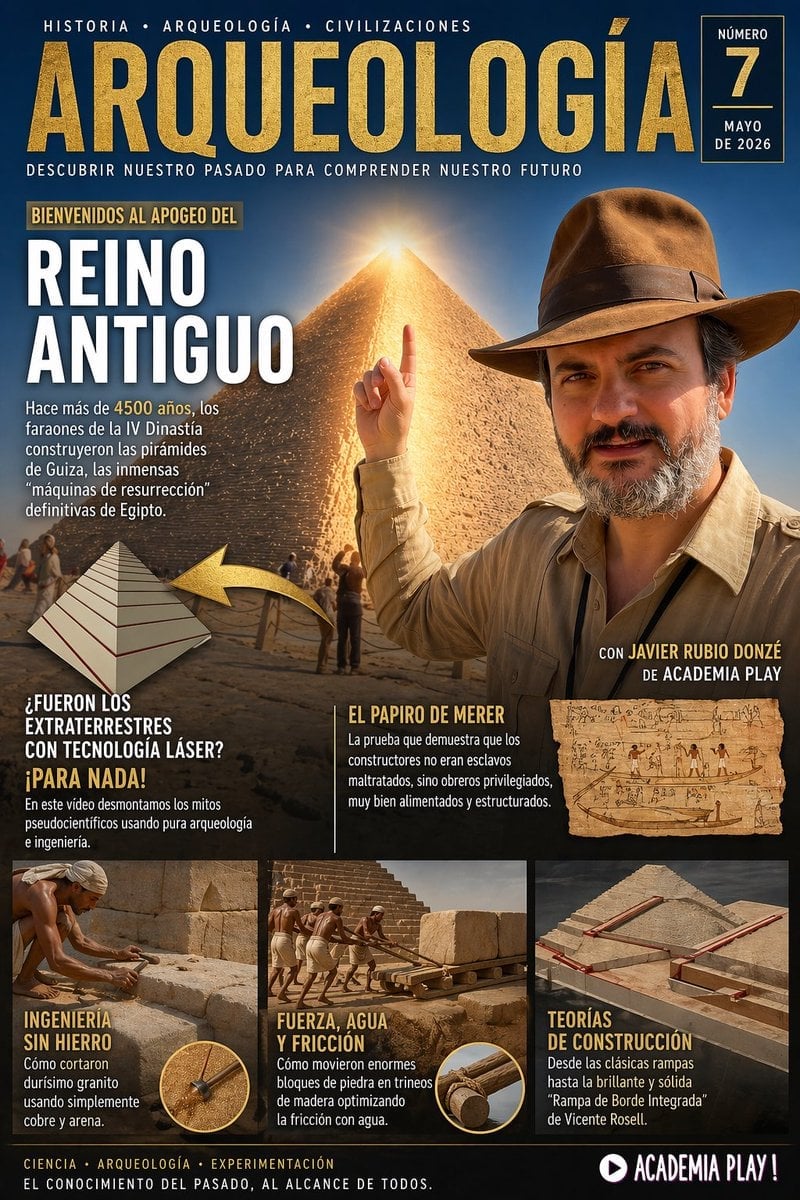
Spanish Archaeology Magazine Cover
Browse template categories
Friendly ChatGPT Robot Introduction questions
How do I use the Friendly ChatGPT Robot Introduction template?
Add your photo if the template asks for one, edit the prompt if you like — the template's model and format are already selected — and press Generate. Your version opens in PicX Studio.
Can I customize the Friendly ChatGPT Robot Introduction template?
Yes. You can change the subject, setting, lighting, mood, format, and available model controls before creating your image.
Is the Friendly ChatGPT Robot Introduction template free?
Opening and editing this template is free. Generating uses credits, shown on the Generate button when you are signed in.
Which AI model should I use?
Start with GPT Image 2, which is the model associated with this template. You can compare another compatible model for a different finish.
Looking for something else? Browse all templates.

Your photo, any look
Thousands of ready templates for every top image and video model, from one credit balance.