
Consistent Social Media Cover Agent Skill
A workflow description for an AI agent skill that generates consistent social media covers using multi-reference images, compatible with GPT-Image models.

- Prompt included
- Model and format preset
- Free template
The prompt behind this image
Copy the exact prompt behind Consistent Social Media Cover Agent Skill, or open it in the studio and make it yours.
一篇文章丢进去,三轮问答,直接吐出能跑图的封面提示词。不用懂设计,不用自己写 prompt,画幅固定 3:4,人脸还能保持一致👇 👹整个工作流程如下: 1、skill 安装与首次配置(存一张自己的正脸照 + 确认生图模型) 2、把文章内容丢给 agent,自动读完提炼 3、第一轮:根据内容推荐构图风格(共 10 种任选)+ 自动想好候选标题 4、第二轮:人脸参考图 + UI 截图/产品图等素材 5、第三轮:表情、背景色调、字体、字色一次选完,懒得选就全交给模型 6、输出完整提示词:3:4 构图、安全区、图1人脸 + 图2素材的多参考图写法全都带上 7、拿去即梦 / Nano Banana / GPT-Image 跑图(如果你的agent配置了生图API可以直接让它在对话中生成) 8、核对标题有没有错字,不满意哪项改哪项重新生成 🧐Tips: 生图模型一定要选支持多参考图的,不然人脸一致性保不住 skill 内置了 8 组按真实爆款封面逆向还原的示例提示词,模型会自动拿它们做参照,出图具体度直接拉满
How to use Consistent Social Media Cover Agent Skill in 3 steps
- 1Upload ImagePNG, JPG or paste
Add your photo
Upload the photo the template builds on. The prompt, model and format are already set.
- 2…a portrait of your subject in softgolden-hour light, 85mm…
Personalize
Edit the subject and creative details for your destination.
- 3Generate
Generate
Press Generate — your image is created in PicX Studio, so you can compare it with the original and refine one variable at a time.
More like this
Templates with the same subject, style or setup. Open one to see its prompt.

Social Media Magazine Cover

Social Media Meme Cover
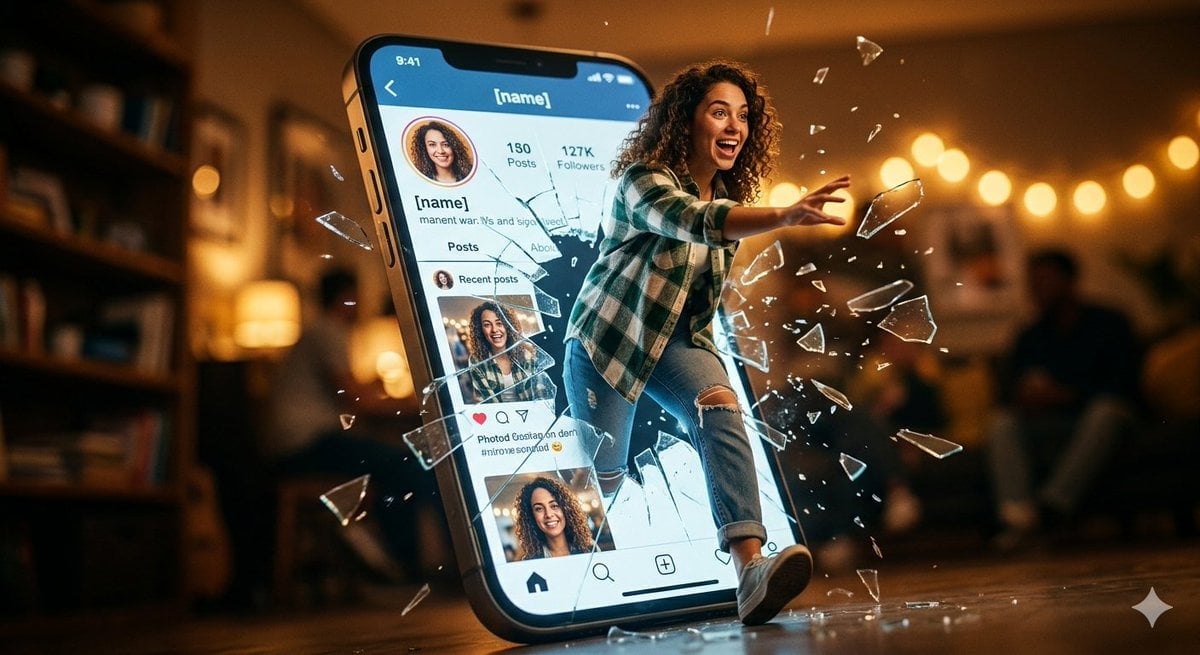
Shattered Screen Social Media Ad
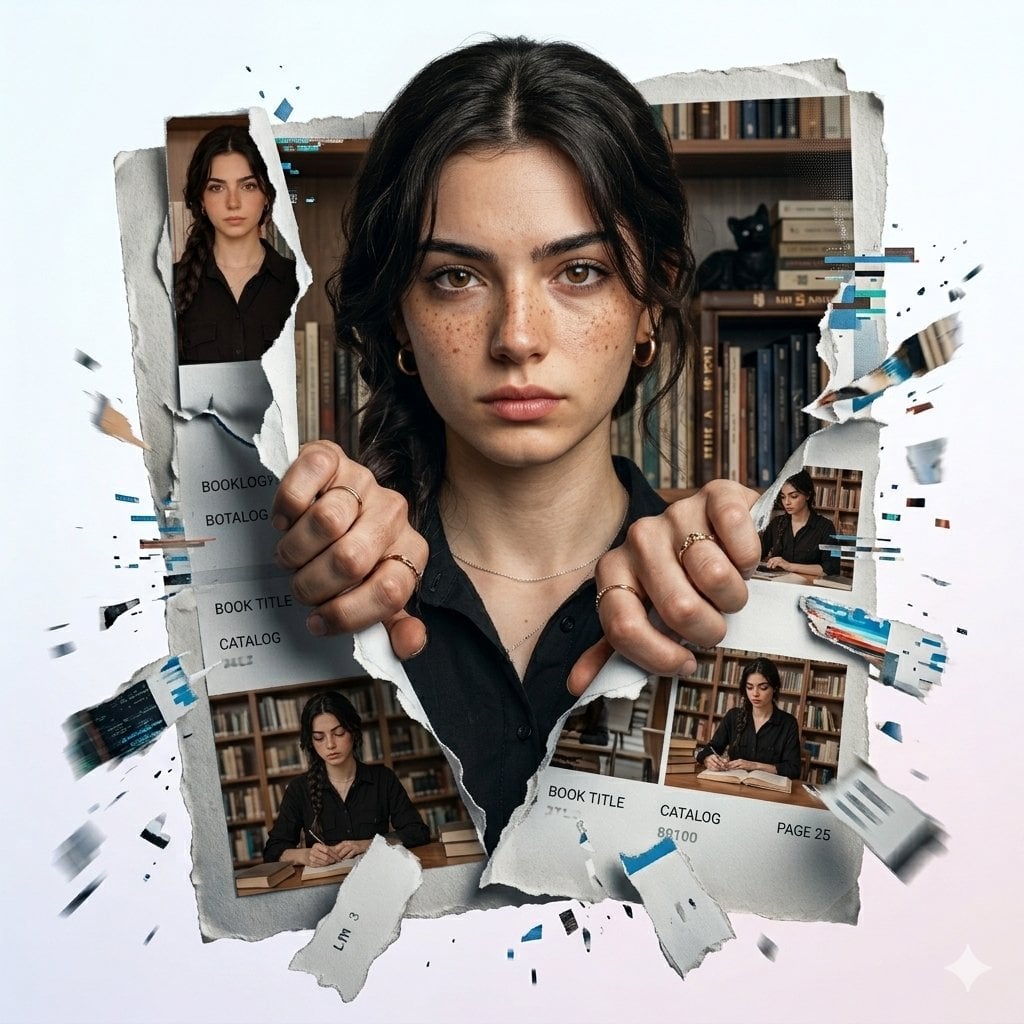
Torn Social Media Profile Art
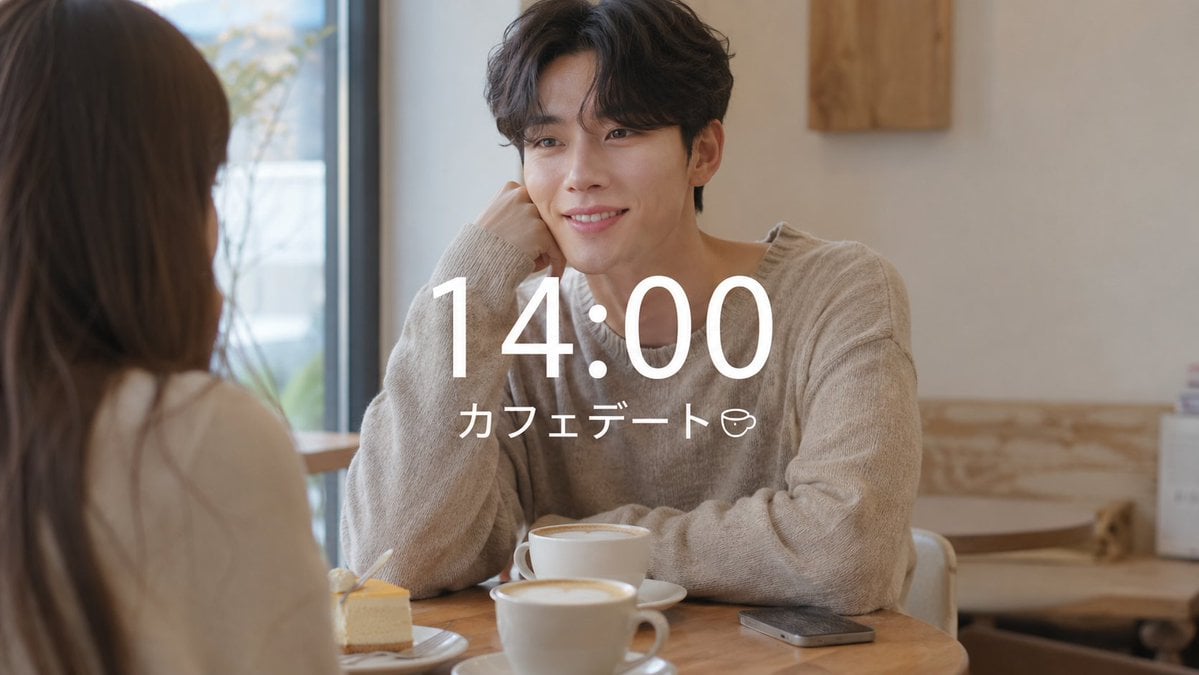
VLOG Style Social Media Post
Clean Professional Social Media Avatar
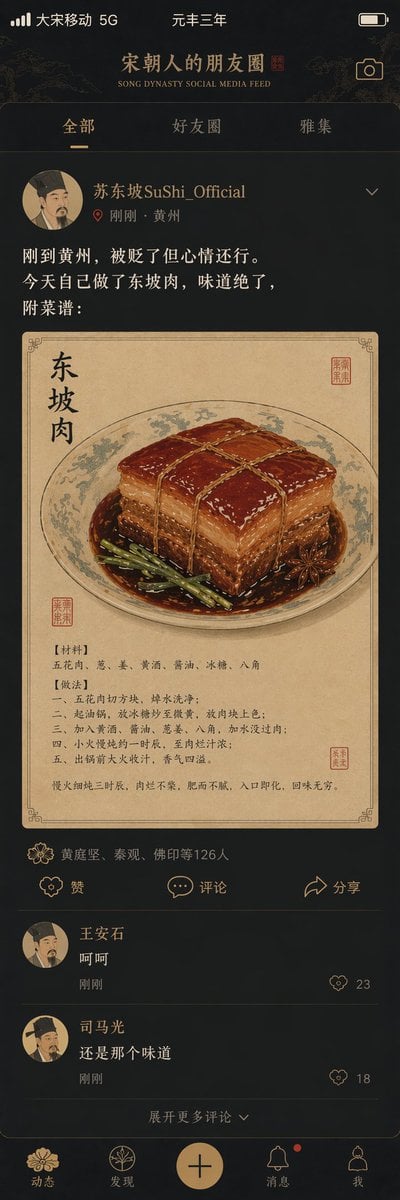
Song Dynasty Social Media Feed
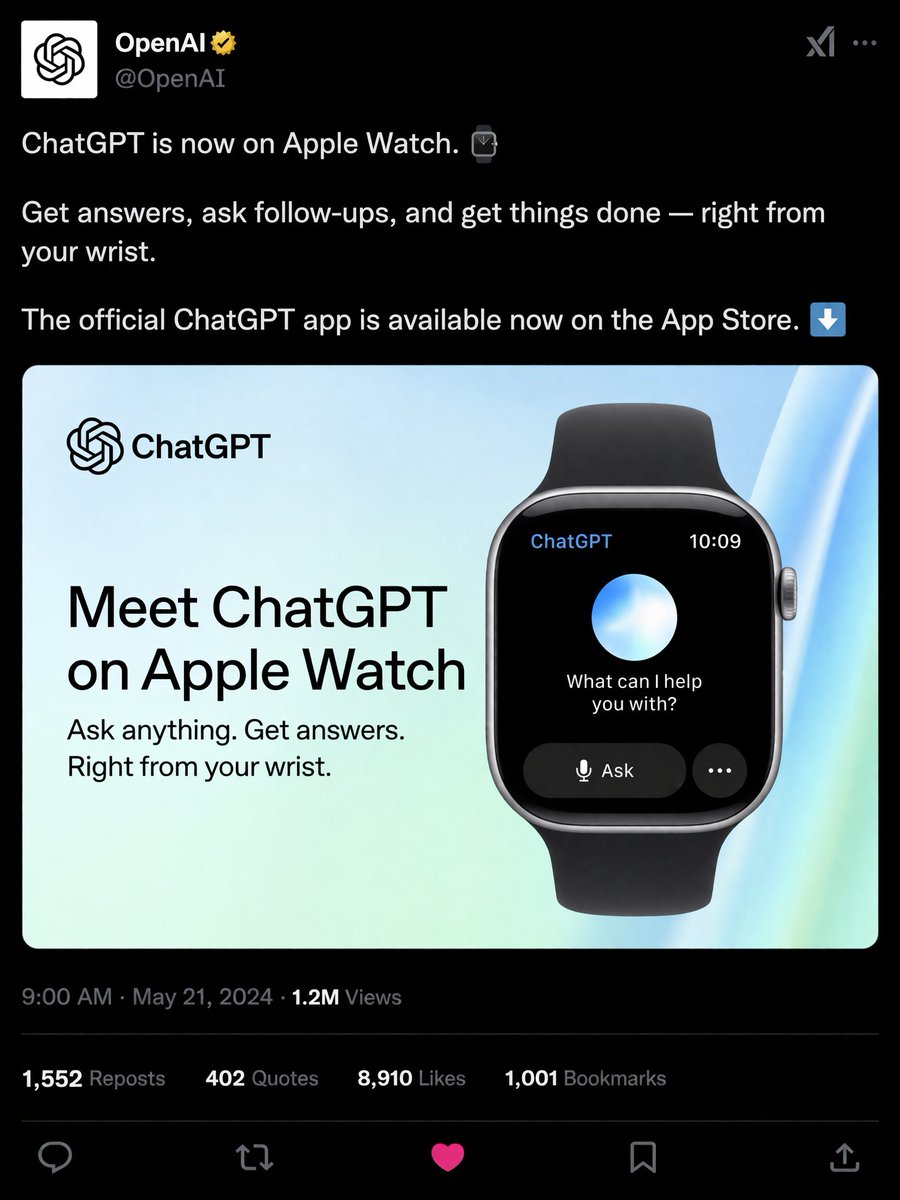
Social Media Product Announcement Mockup
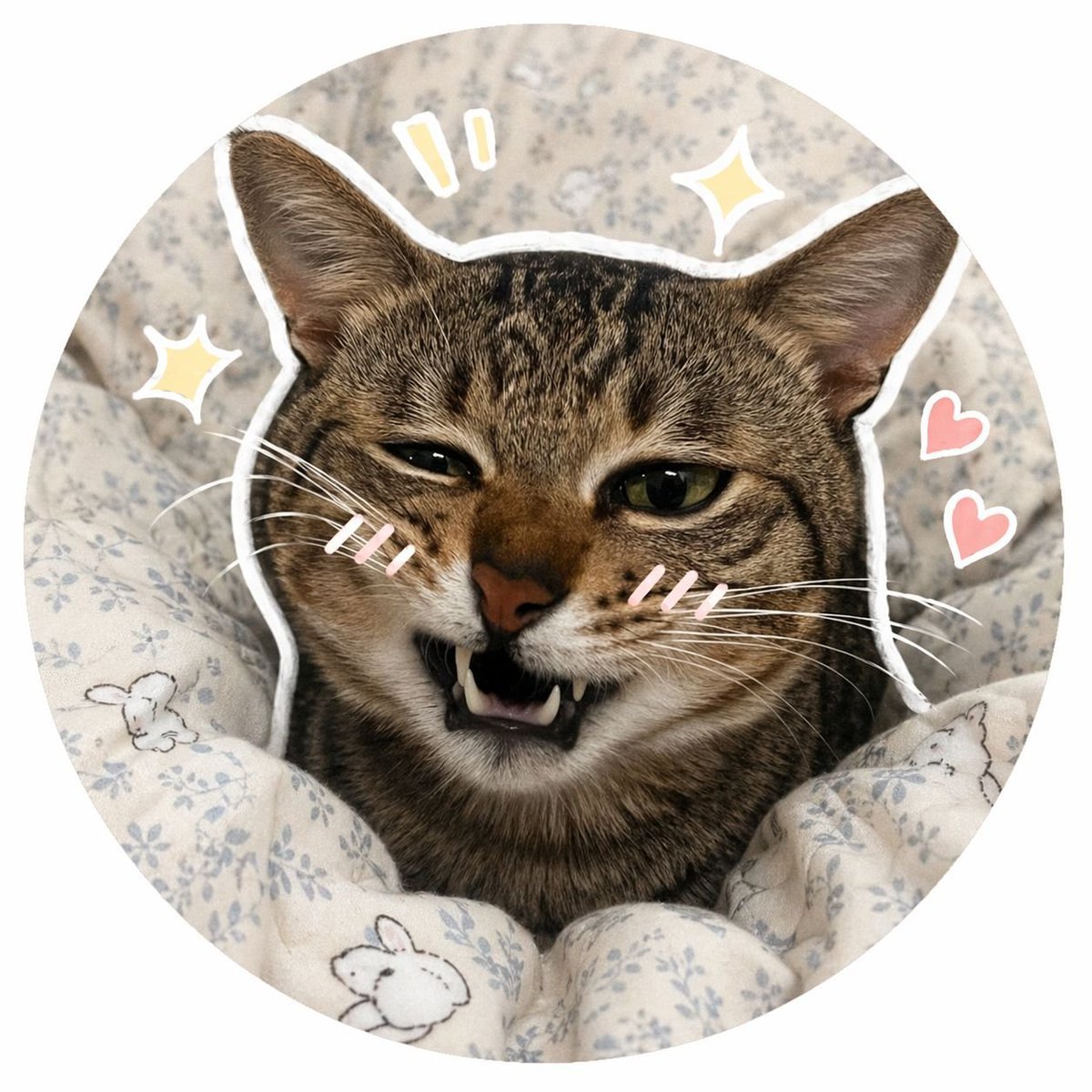
Social Media Pet Avatar Creator
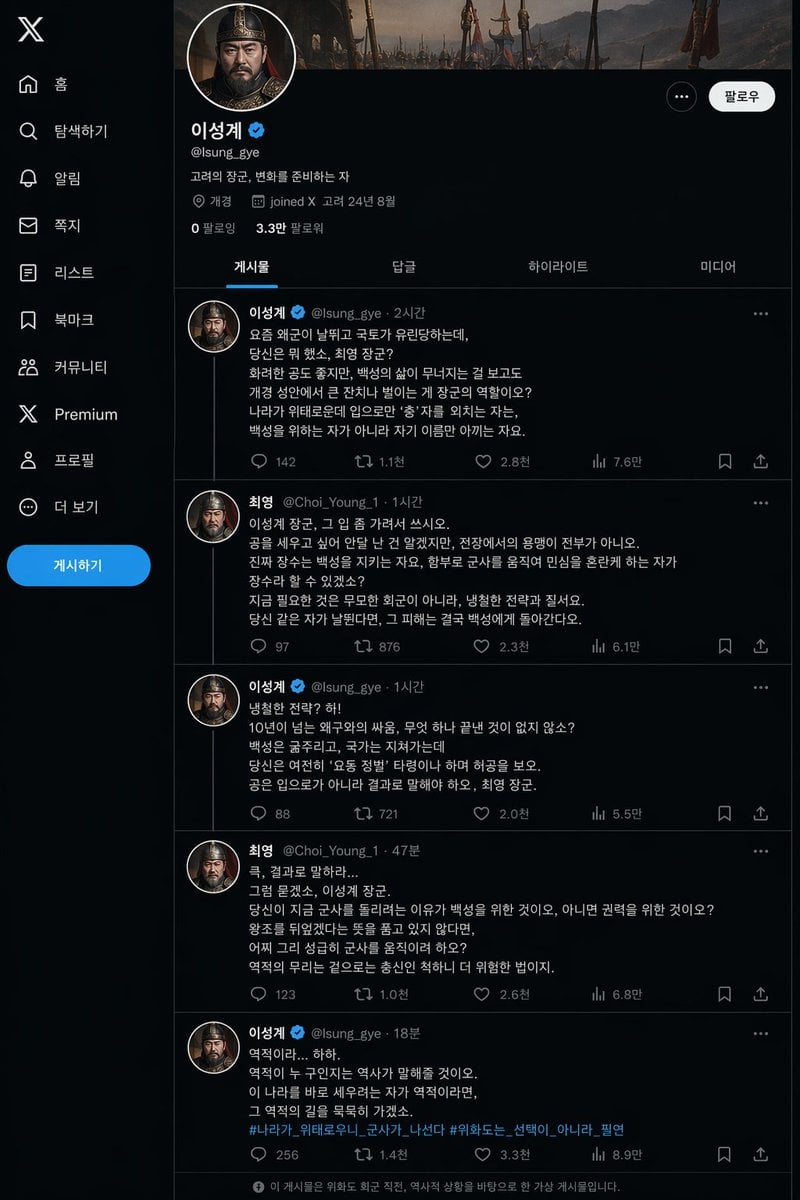
Historical Social Media Feed Mockup
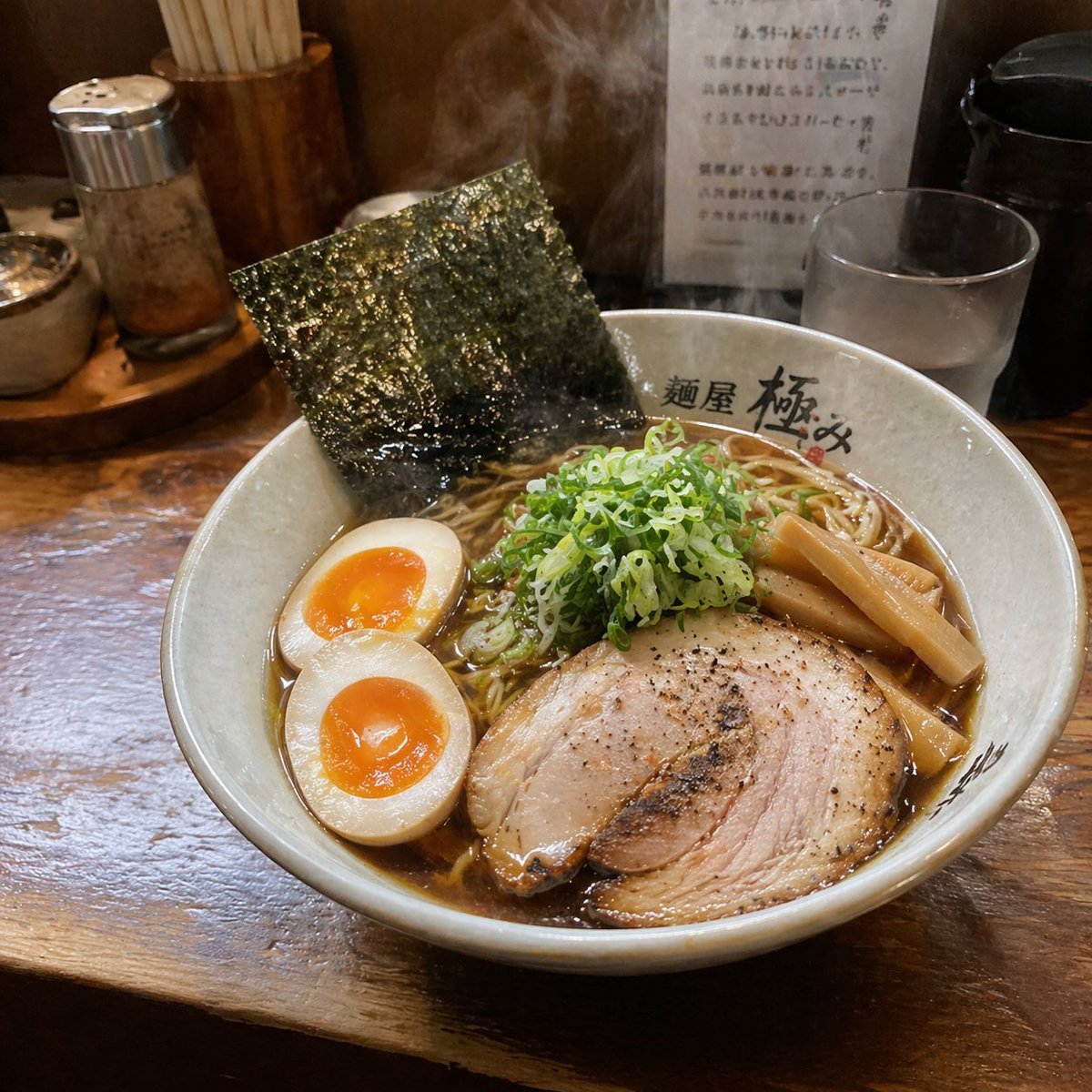
Realistic Social Media Food Photography
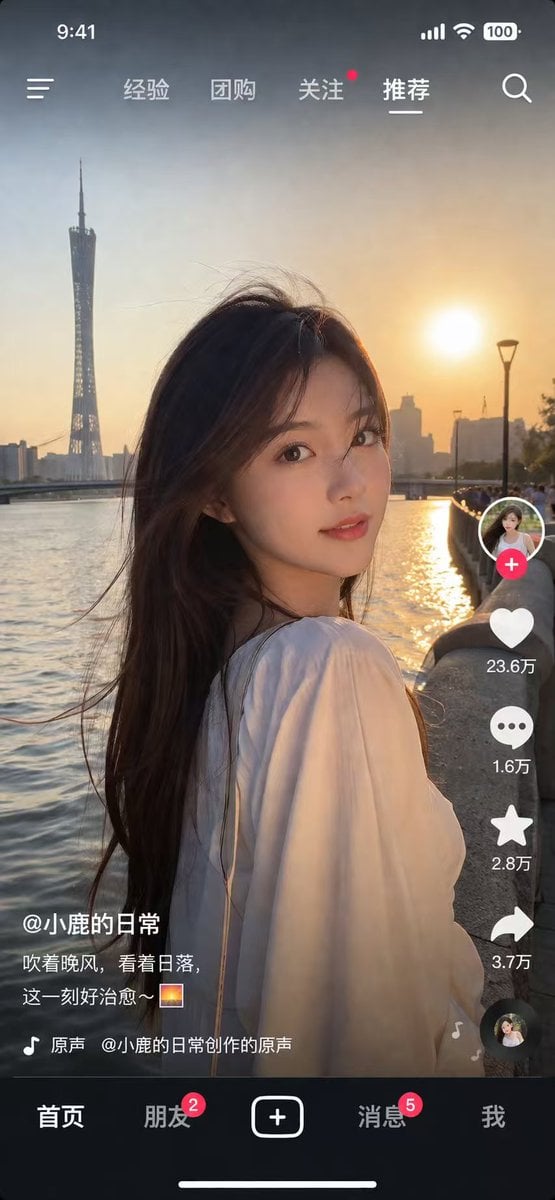
Social Media App Interface Mockup
Make it yours
Consistent Social Media Cover Agent Skill works as-is. These are the safest ways to change it without losing the look.
Change one field
Copy a single group, rewrite it, and generate again so you can see what that field is doing.
Keep the frame, change the subject
Hold the composition and light of Consistent Social Media Cover Agent Skill, then swap wardrobe, props or the person for a new take.
| If the result… | Why | Fix |
|---|---|---|
| The result drifts from the preview | Too many fields changed at once. | Reuse Consistent Social Media Cover Agent Skill as-is first, then change one group — subject, light, or setting. |
| The model over-stylizes the scene | The prose prompt leaves finish and camera underspecified. | Add one camera or lighting sentence and stay on GPT Image 2. |
More GPT Image 2 templates
Other prompts made for GPT Image 2.

Six VTuber Japanese Logo Sheet

Realistic Portrait of Woman and Deer

The Vista Modular Condo Poster

AI Model Routing Comparison Infographic

2.5D Anime Art Board

Isometric Productivity Desk Scene

New York Double Exposure Poster

Four-Panel AI Landscape Comparison

Japanese Tatami Lifestyle Magazine Cover

NESCAFÉ Coffee Map Poster
More image prompts
Fresh picks from across the catalog.
Stunning Glamour Photo Prompt for Gemini Nano Banana
Exploded Tilt View Sandwich Product Photography
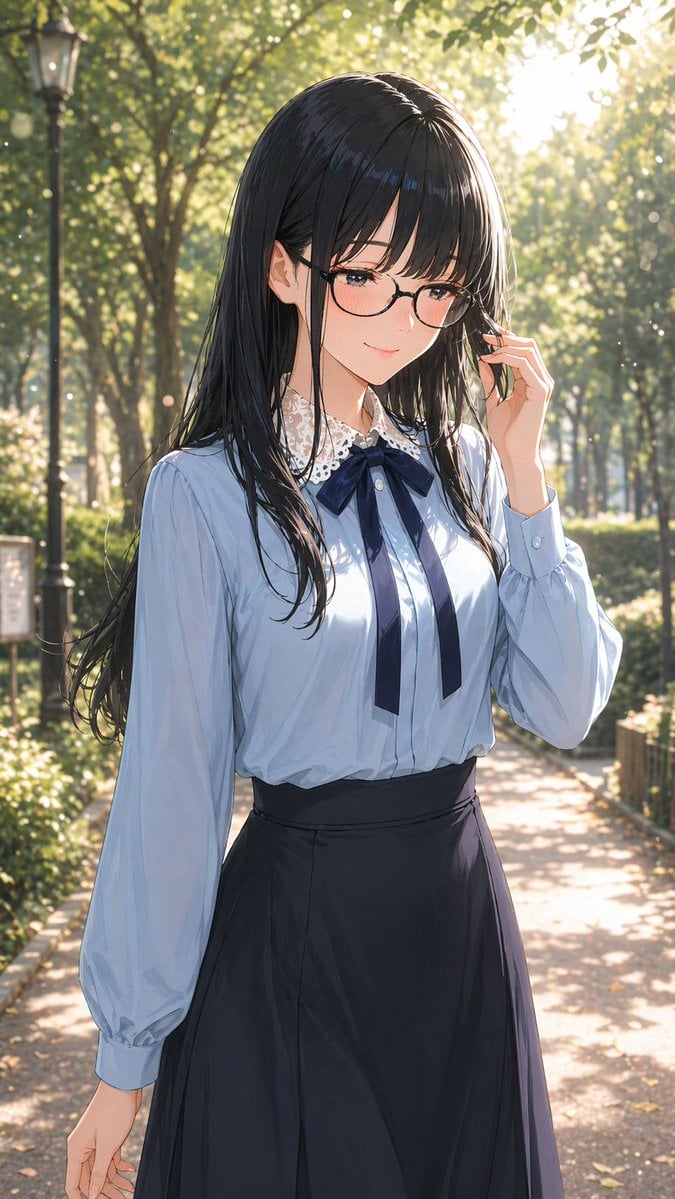
Portrait of a Gentle Woman with Glasses

JSON Prompt Generation for Hyper-Realistic AI Photos
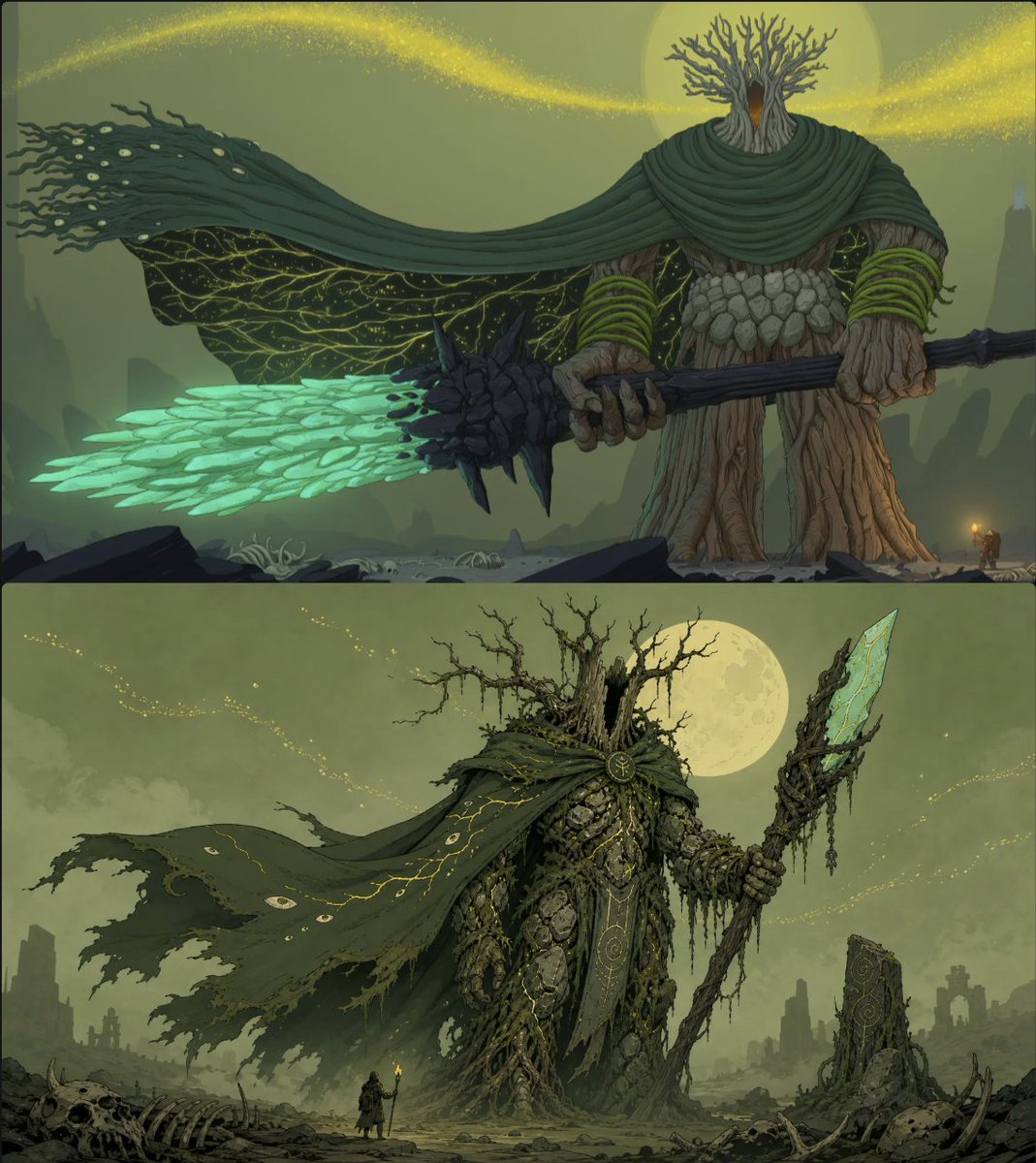
Moonlit Forest Guardian Diptych
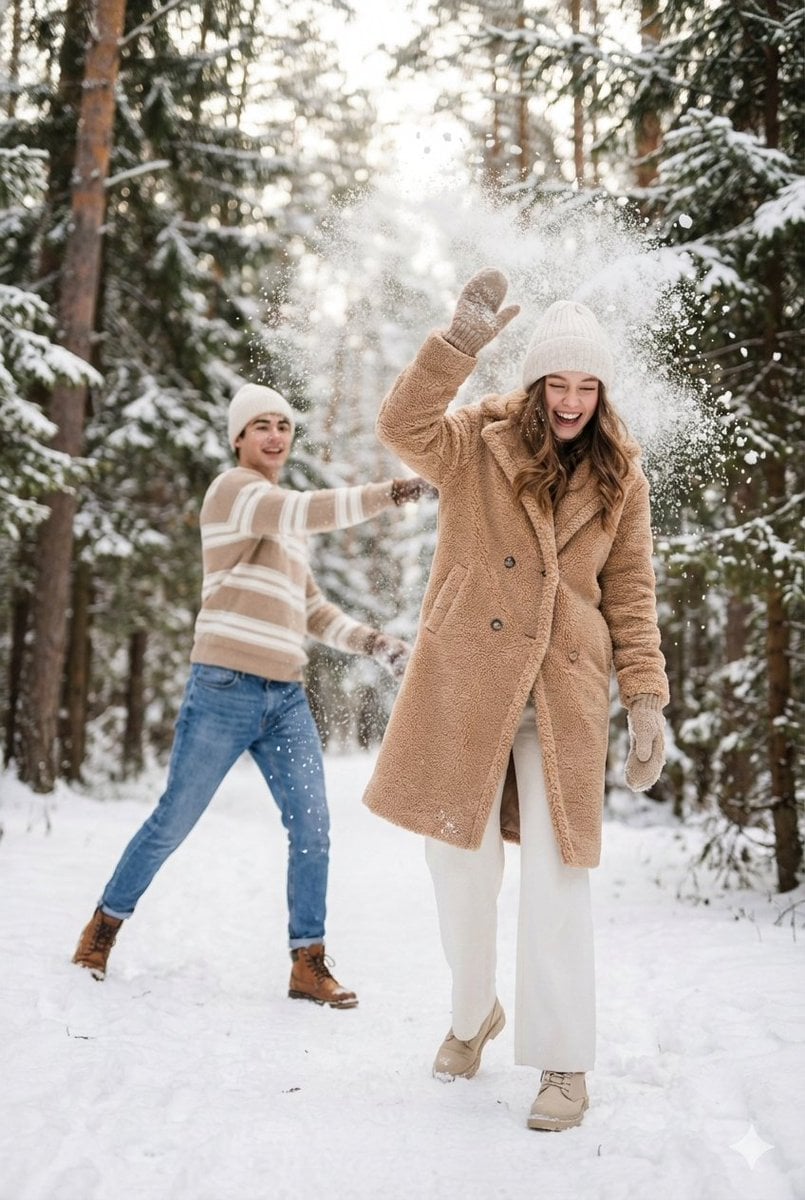
Cinematic Winter Scene Prompt of Couple Throwing Snow
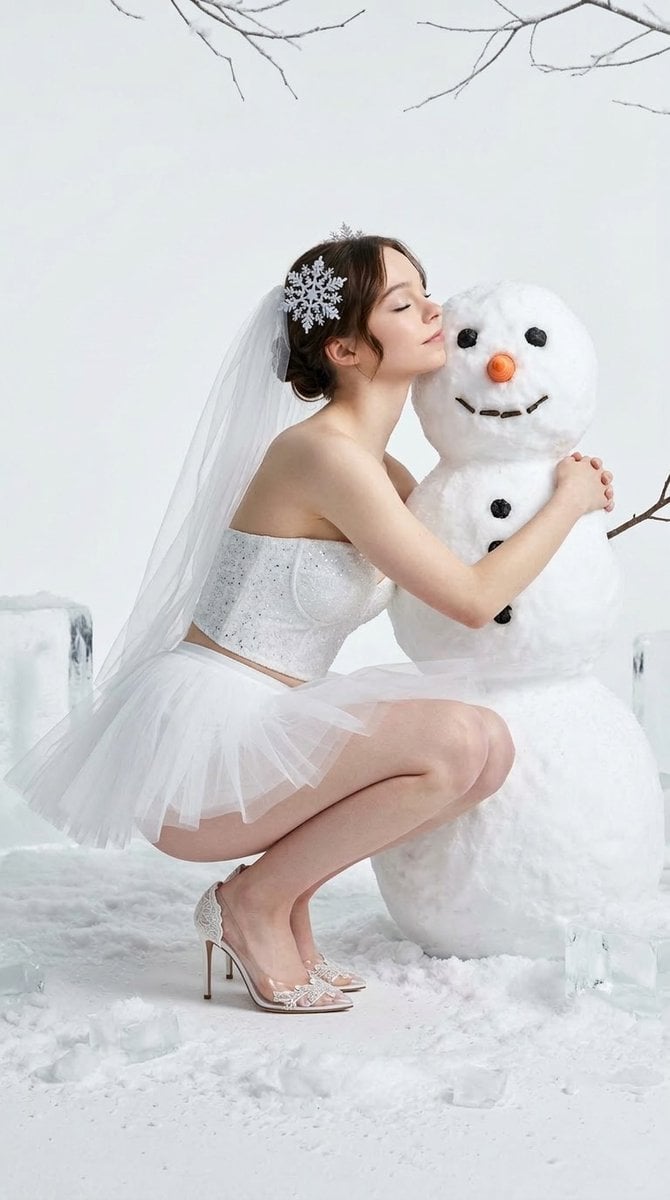
Winter Fantasy Editorial with Emma Myers Lookalike
Elegant Italian Trevi Fountain Scene
3D Paper Quilling Art: Samurai Warrior
Bossy Gangster with Cheetah Portrait Prompt
Browse template categories
Consistent Social Media Cover Agent Skill questions
How do I use the Consistent Social Media Cover Agent Skill template?
Add your photo if the template asks for one, edit the prompt if you like — the template's model and format are already selected — and press Generate. Your version opens in PicX Studio.
Can I customize the Consistent Social Media Cover Agent Skill template?
Yes. You can change the subject, setting, lighting, mood, format, and available model controls before creating your image.
Is the Consistent Social Media Cover Agent Skill template free?
Opening and editing this template is free. Generating uses credits, shown on the Generate button when you are signed in.
Which AI model should I use?
Start with GPT Image 2, which is the model associated with this template. You can compare another compatible model for a different finish.
Looking for something else? Browse all templates.

Your photo, any look
Thousands of ready templates for every top image and video model, from one credit balance.