
Cloud AI Agent Architecture Diagram
A polished bilingual enterprise infographic showing a layered cloud AI agent architecture, suitable for presentations, product explainers, and technical marketing.
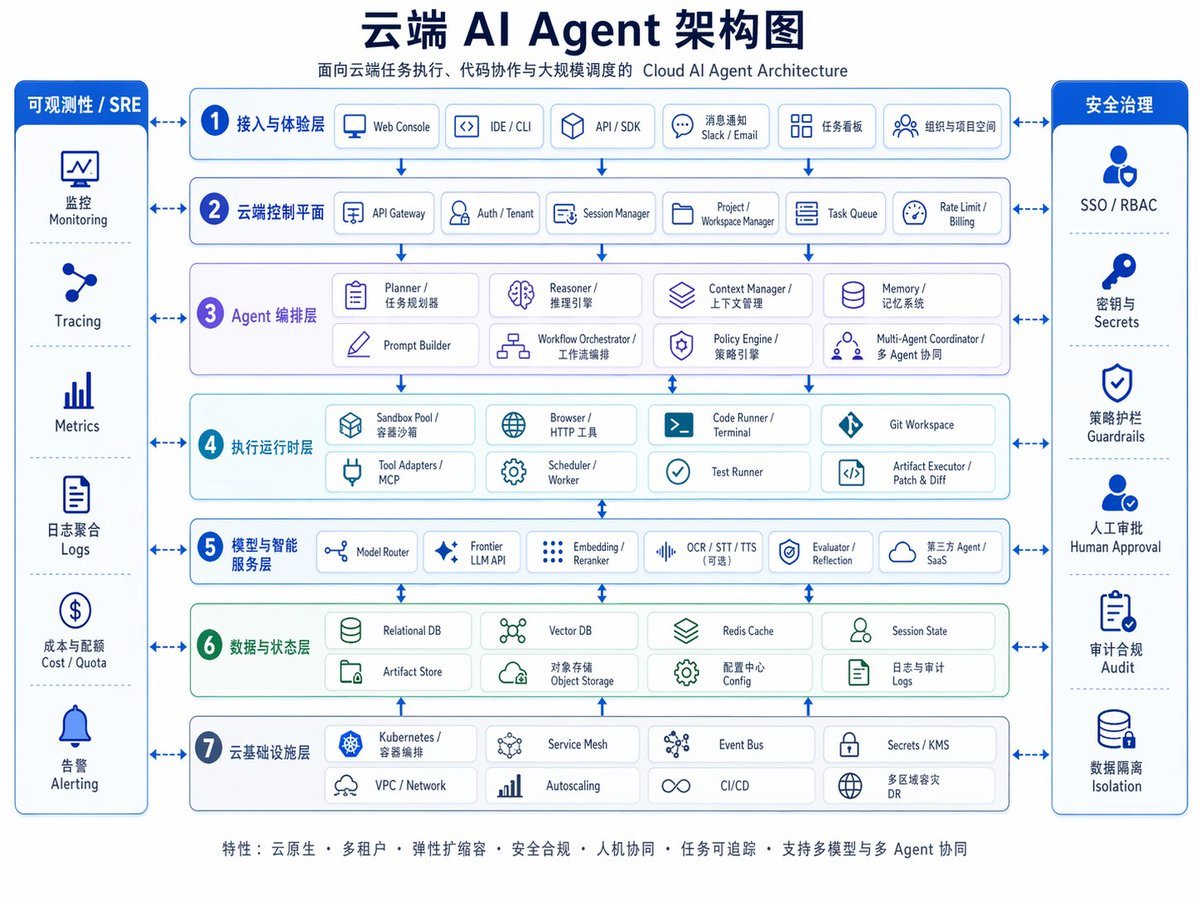
- Prompt included
- Model and format preset
- Free template
The prompt behind this image
Copy the exact prompt behind Cloud AI Agent Architecture Diagram, or open it in the studio and make it yours.
- Type
- enterprise cloud AI architecture infographic
- Style
- clean corporate vector diagram, white background, blue and teal palette, rounded rectangles, thin blue outlines, subtle shadows, Chinese-first bilingual labels with smaller English subtitles, symmetrical layout, presentation-slide quality
- Canvas › Aspect Ratio
- 4:3
- Canvas › Resolution
- 1024x768
- Title Block › Headline
- {argument name="headline text" default="云端 AI Agent 架构图"}
- Title Block › Subtitle
- 面向云端任务执行、代码协作与大规模调度的 Cloud AI Agent Architecture
- Title Block › Position
- top center
- Layout › Center › Type
- stacked architecture layers
- Layout › Center › Count
- 7
- Layout › Center › Numbered
- true
- Layout › Center › Layers › 0 › Index
- 1
- Layout › Center › Layers › 0 › Title
- 接入与体验层
- Layout › Center › Layers › 0 › English
- access and experience layer
- Layout › Center › Layers › 0 › Count
- 5
- Layout › Center › Layers › 0 › Items
- Web Console, IDE / CLI, API / SDK, 消息通知 Slack / Email, 任务看板 组织与项目空间
- Layout › Center › Layers › 1 › Index
- 2
- Layout › Center › Layers › 1 › Title
- 云端控制平面
- Layout › Center › Layers › 1 › English
- cloud control plane
- Layout › Center › Layers › 1 › Count
- 6
- Layout › Center › Layers › 1 › Items
- API Gateway, Auth / Tenant, Session Manager, Project / Workspace Manager, Task Queue, Rate Limit / Billing
- Layout › Center › Layers › 2 › Index
- 3
- Layout › Center › Layers › 2 › Title
- Agent 编排层
- Layout › Center › Layers › 2 › English
- agent orchestration layer
- Layout › Center › Layers › 2 › Count
- 8
Raw JSON
{"type":"enterprise cloud AI architecture infographic","style":"clean corporate vector diagram, white background, blue and teal palette, rounded rectangles, thin blue outlines, subtle shadows, Chinese-first bilingual labels with smaller English subtitles, symmetrical layout, presentation-slide quality","canvas":{"aspect_ratio":"4:3","resolution":"1024x768"},"title_block":{"headline":"{argument name=\"headline text\" default=\"云端 AI Agent 架构图\"}","subtitle":"面向云端任务执行、代码协作与大规模调度的 Cloud AI Agent Architecture","position":"top center"},"layout":{"center":{"type":"stacked architecture layers","count":7,"numbered":true,"layers":[{"index":1,"title":"接入与体验层","english":"access and experience layer","count":5,"items":["Web Console","IDE / CLI","API / SDK","消息通知 Slack / Email","任务看板 组织与项目空间"]},{"index":2,"title":"云端控制平面","english":"cloud control plane","count":6,"items":["API Gateway","Auth / Tenant","Session Manager","Project / Workspace Manager","Task Queue","Rate Limit / Billing"]},{"index":3,"title":"Agent 编排层","english":"agent orchestration layer","count":8,"items":["Planner / 任务规划器","Reasoner / 推理引擎","Context Manager / 上下文管理","Memory / 记忆系统","Prompt Builder","Workflow Orchestrator / 工作流编排","Policy Engine / 策略引擎","Multi-Agent Coordinator / 多 Agent 协同"]},{"index":4,"title":"执行运行时层","english":"execution runtime layer","count":8,"items":["Sandbox Pool / 容器沙箱","Browser / HTTP 工具","Code Runner / Terminal","Git Workspace","Tool Adapters / MCP","Scheduler / Worker","Test Runner","Artifact Executor / Patch & Diff"]},{"index":5,"title":"模型与智能服务层","english":"model and intelligence services layer","count":6,"items":["Model Router","Frontier LLM API","Embedding / Reranker","OCR / STT / TTS(可选)","Evaluator / Reflection","第三方 Agent / SaaS"]},{"index":6,"title":"数据与状态层","english":"data and state layer","count":8,"items":["Relational DB","Vector DB","Redis Cache","Session State","Artifact Store","对象存储 Object Storage","配置中心 Config","日志与审计 Logs"]},{"index":7,"title":"云基础设施层","english":"cloud infrastructure layer","count":8,"items":["Kubernetes / 容器编排","Service Mesh","Event Bus","Secrets / KMS","VPC / Network","Autoscaling","CI/CD","多区域容灾 DR"]}]},"left_sidebar":{"title":"可观测性 / SRE","position":"left","count":6,"items":["监控 Monitoring","Tracing","Metrics","日志聚合 Logs","成本与配额 Cost / Quota","告警 Alerting"]},"right_sidebar":{"title":"安全治理","position":"right","count":6,"items":["SSO / RBAC","密钥与 Secrets","策略护栏 Guardrails","人工审批 Human Approval","审计合规 Audit","数据隔离 Isolation"]},"connectors":"bidirectional blue arrows linking both sidebars to every central layer, plus vertical arrows between each architecture layer"},"visual_details":{"icons":"simple blue line icons in every box, one icon per module","boxes":"rounded white cards with pale blue or pale green tinted section backgrounds","section_colors":{"layers_1_2_5_7":"light blue","layer_3":"light lavender","layer_4":"light cyan","layer_6":"light green","sidebars":"deep royal blue headers with white text"},"typography":"bold dark navy Chinese headline, smaller gray-blue subtitle, medium-weight Chinese section labels, compact bilingual item labels"},"footer":{"position":"bottom center","text":"{argument name=\"footer text\" default=\"特性:云原生 • 多租户 • 弹性扩缩容 • 安全合规 • 人机协同 • 任务可追踪 • 支持多模型与多 Agent 协同\"}"},"quality":"crisp infographic, balanced spacing, high legibility, polished enterprise architecture slide suitable for keynote, documentation, and product marketing"}How to use Cloud AI Agent Architecture Diagram in 3 steps
- 1Upload ImagePNG, JPG or paste
Add your photo
Upload the photo the template builds on. The prompt, model and format are already set.
- 2…a portrait of your subject in softgolden-hour light, 85mm…
Personalize
Edit the subject and creative details for your destination.
- 3Generate
Generate
Press Generate — your image is created in PicX Studio, so you can compare it with the original and refine one variable at a time.
More like this
Templates with the same subject, style or setup. Open one to see its prompt.
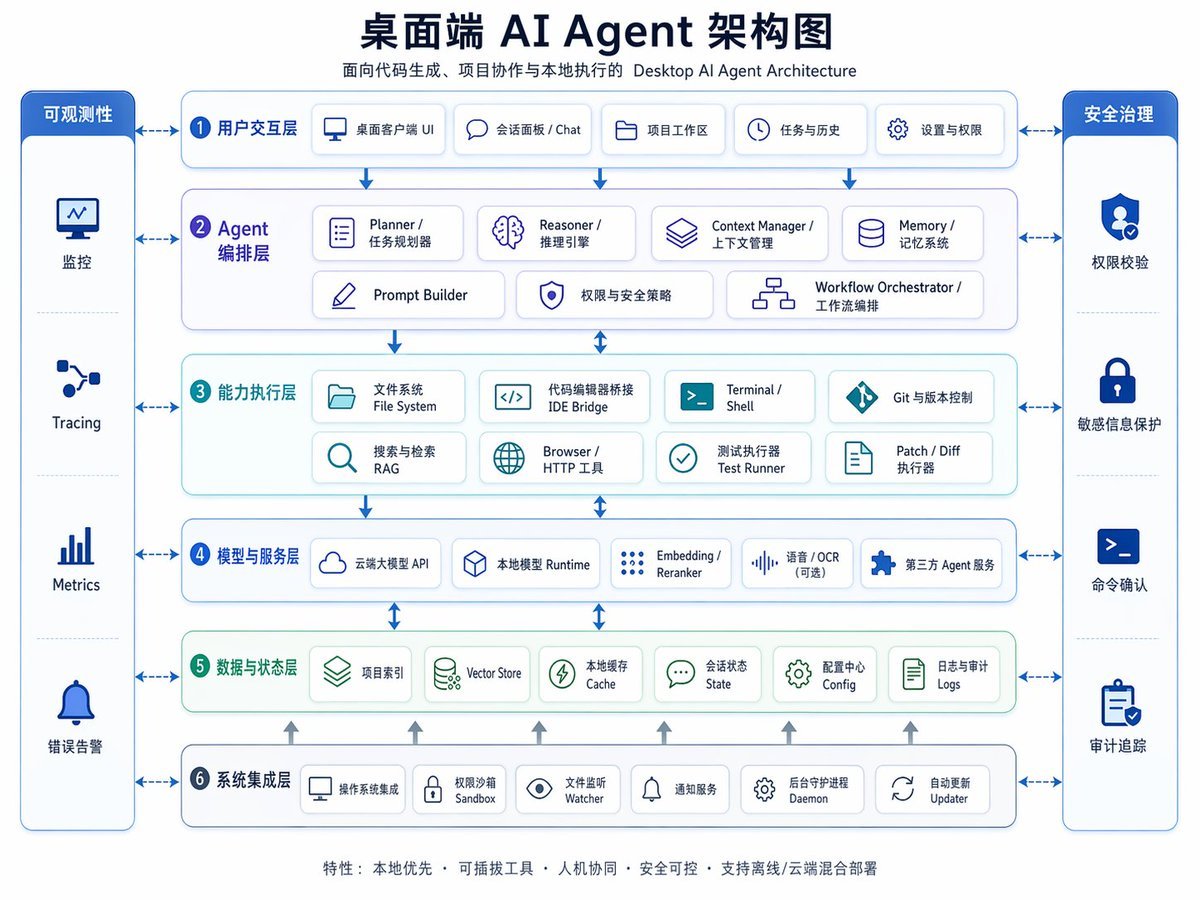
Desktop AI Agent Architecture Diagram

Japanese Architectural Concrete Studio Fashion Campaign

Japanese Minimalist Concrete Studio Fashion Editorial
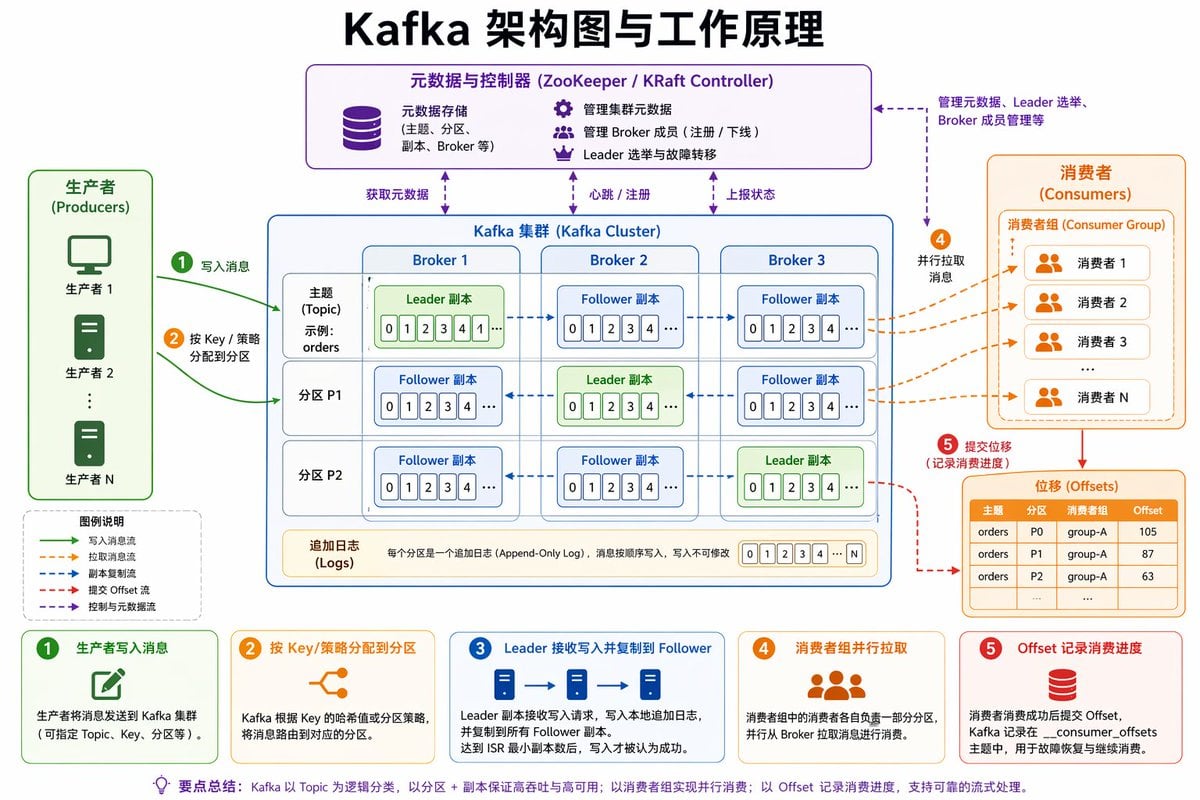
Kafka Architecture Diagram
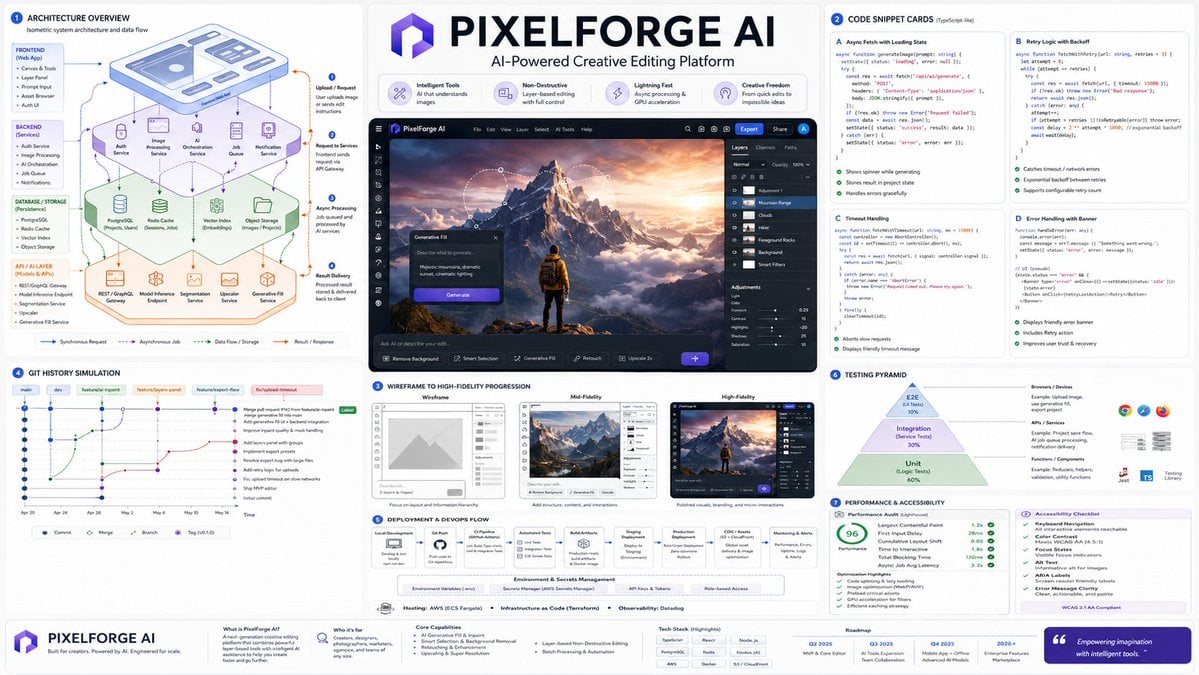
Software Architecture Visualization Diagram
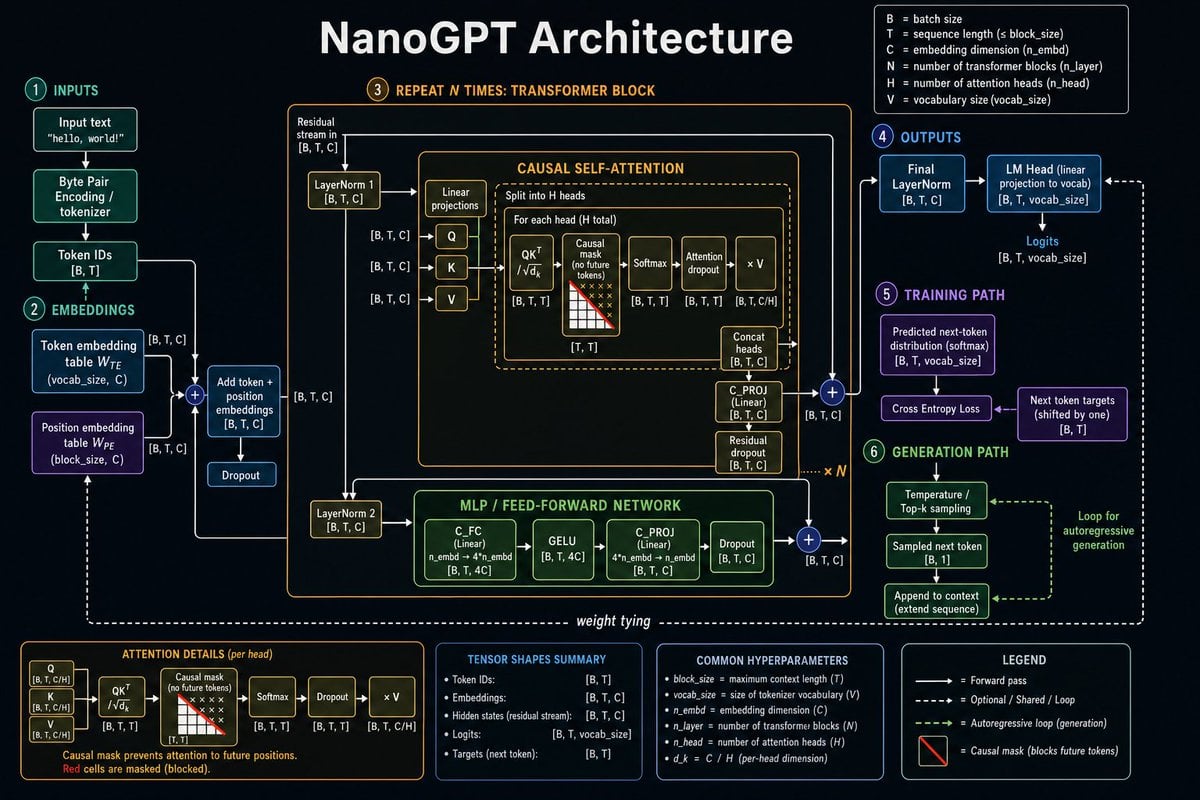
Neural Network Architecture Diagram

Floating Woman Above Cityscape with Notifications
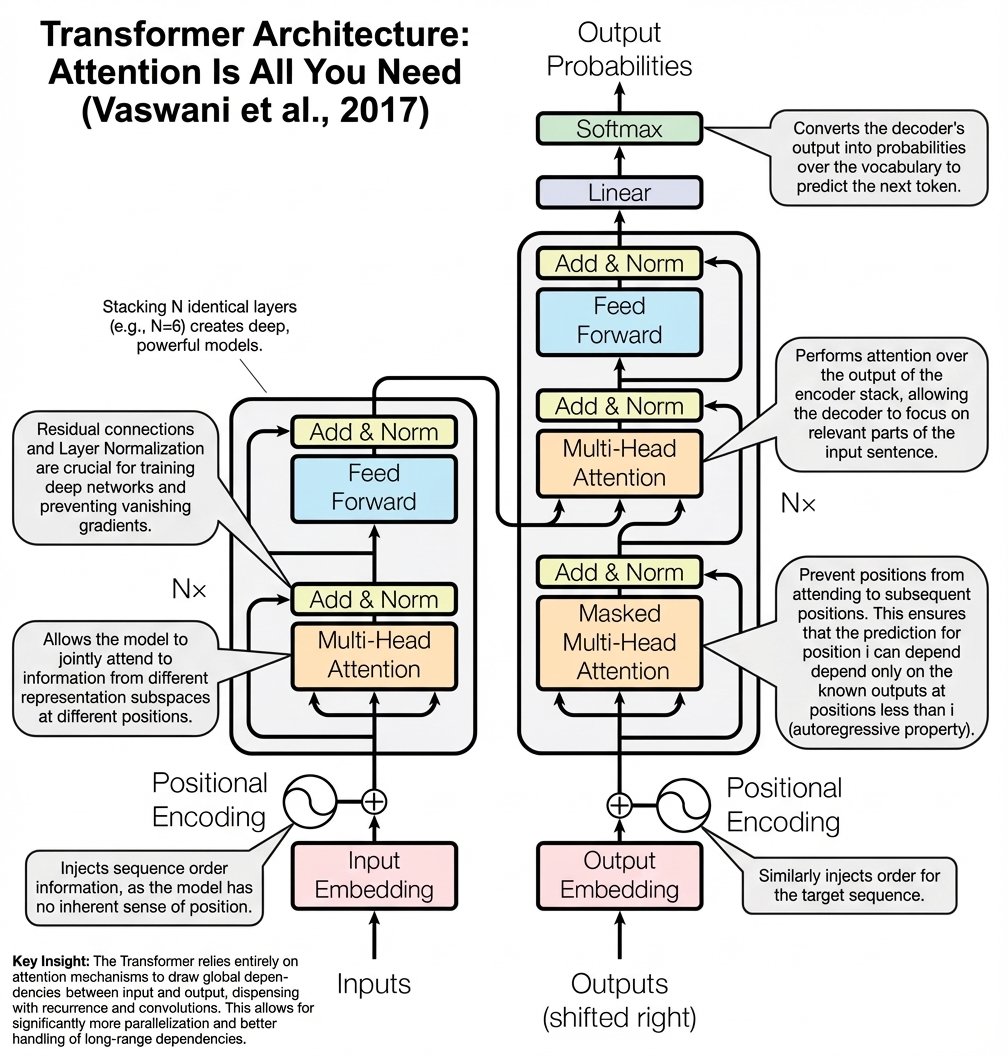
Annotated Transformer architecture diagram

Head-top Diorama Prompt for Nano Banana Pro Agent V1.2 (Afro/Cloud Amusement Park)
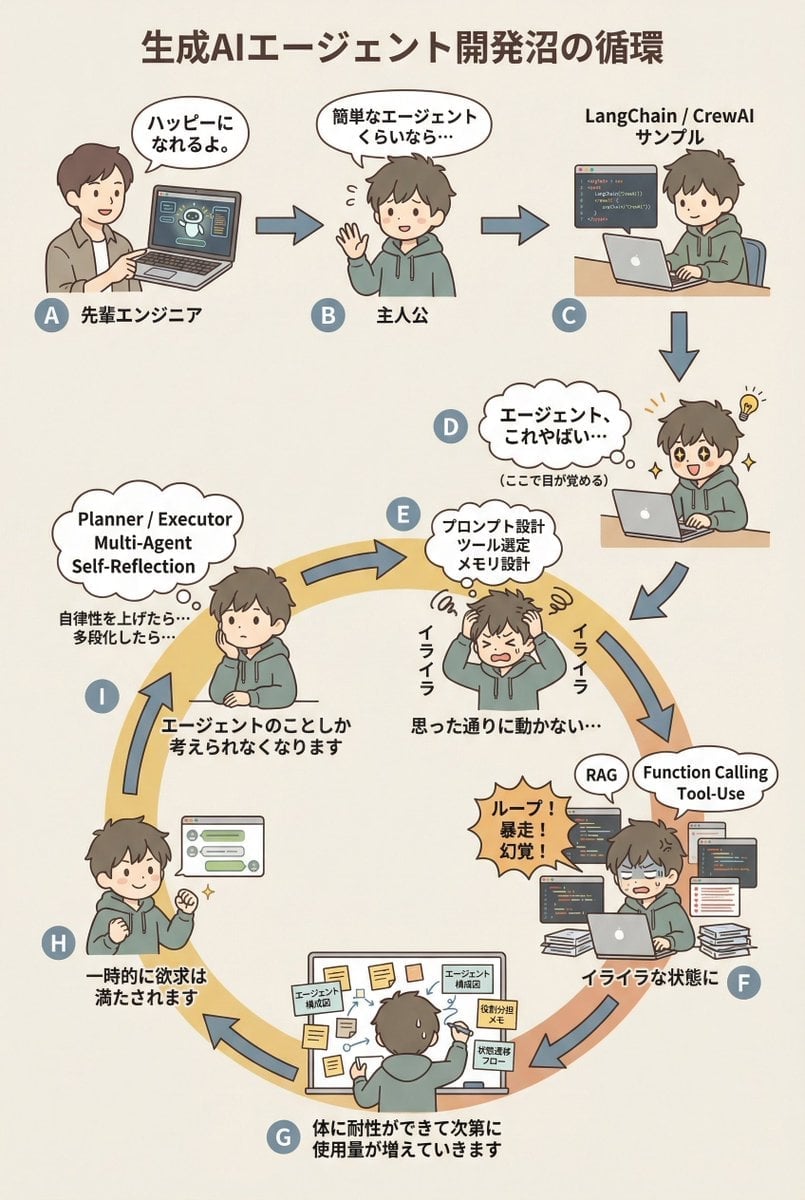
AI Agent Development 'Swamp' Diagram Prompt
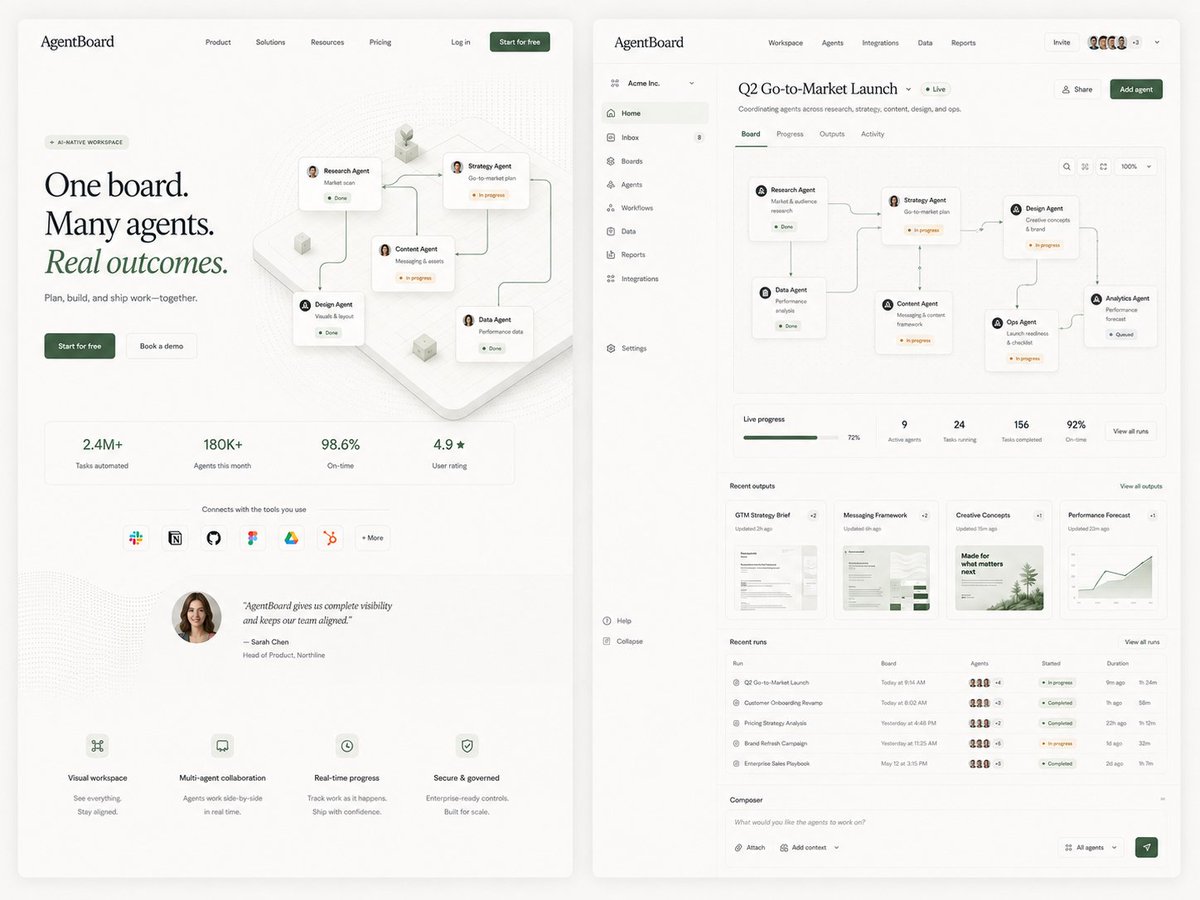
AgentBoard SaaS Landing and Dashboard UI
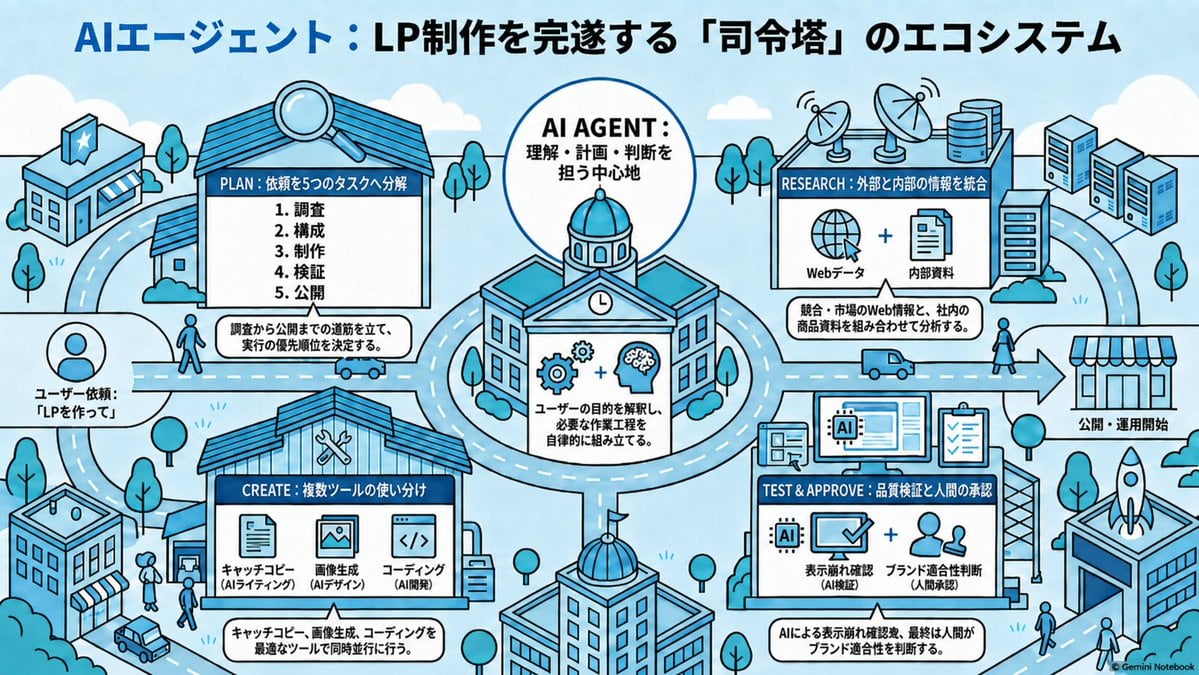
AI Agent LP Ecosystem Infographic
Make it yours
Cloud AI Agent Architecture Diagram works as-is. These are the safest ways to change it without losing the look.
Change one field
Copy a single group, rewrite it, and generate again so you can see what that field is doing.
Keep the frame, change the subject
Hold the composition and light of Cloud AI Agent Architecture Diagram, then swap wardrobe, props or the person for a new take.
| If the result… | Why | Fix |
|---|---|---|
| The result drifts from the preview | Too many fields changed at once. | Reuse Cloud AI Agent Architecture Diagram as-is first, then change one group — subject, light, or setting. |
| GPT Image 2 ignores part of the JSON | Some models flatten or skip nested keys. | Keep the same values and paste them as a short paragraph instead. |
More GPT Image 2 templates
Other prompts made for GPT Image 2.

Six VTuber Japanese Logo Sheet

Realistic Portrait of Woman and Deer

The Vista Modular Condo Poster

AI Model Routing Comparison Infographic

2.5D Anime Art Board

Isometric Productivity Desk Scene

New York Double Exposure Poster

Four-Panel AI Landscape Comparison

Japanese Tatami Lifestyle Magazine Cover

NESCAFÉ Coffee Map Poster
More image prompts
Fresh picks from across the catalog.
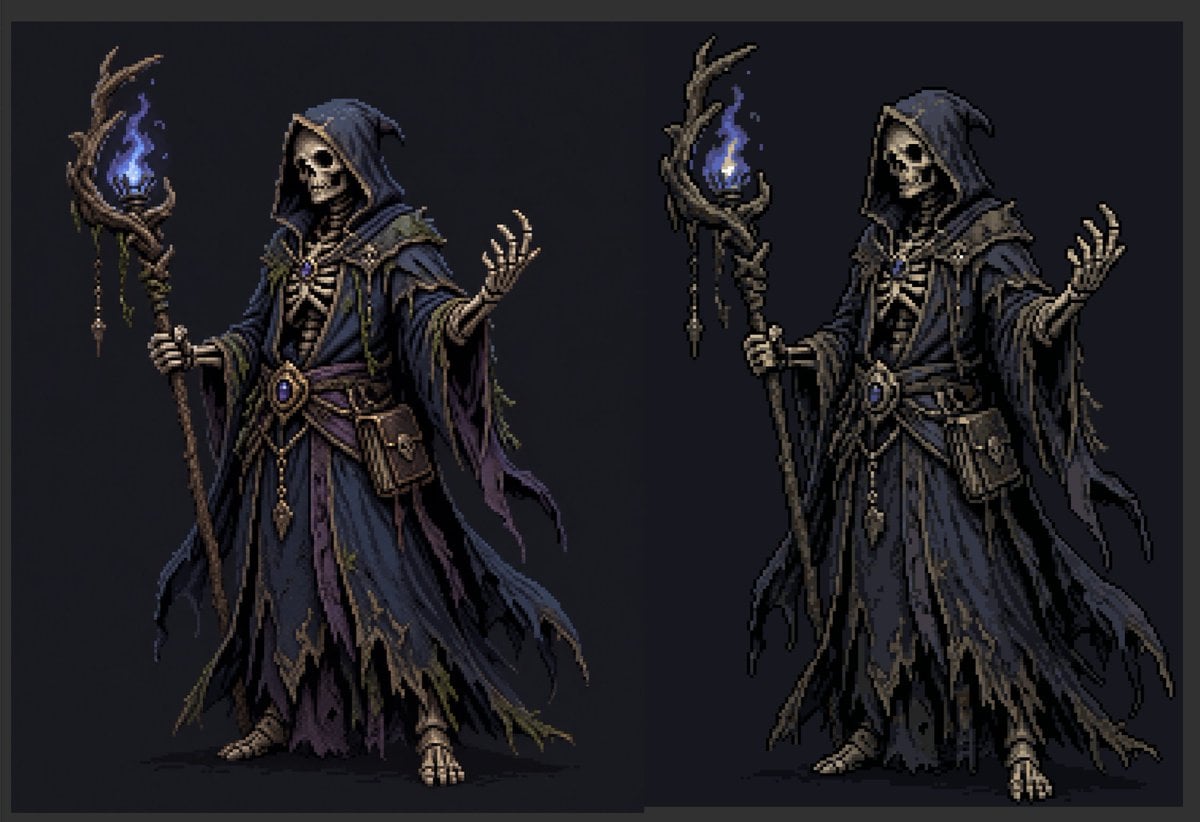
Necromancer Pixel Art Comparison
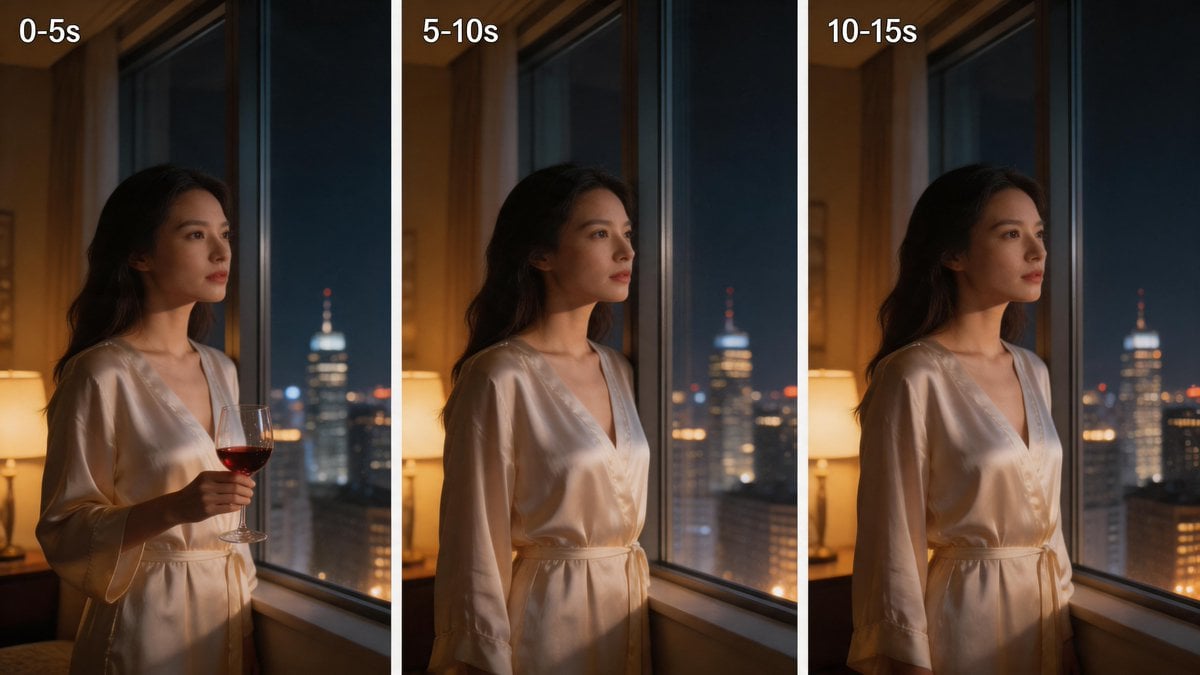
Three-Panel Night Window Comparison

Raw Night Street Photography with Flash Prompt (Identity Lock)
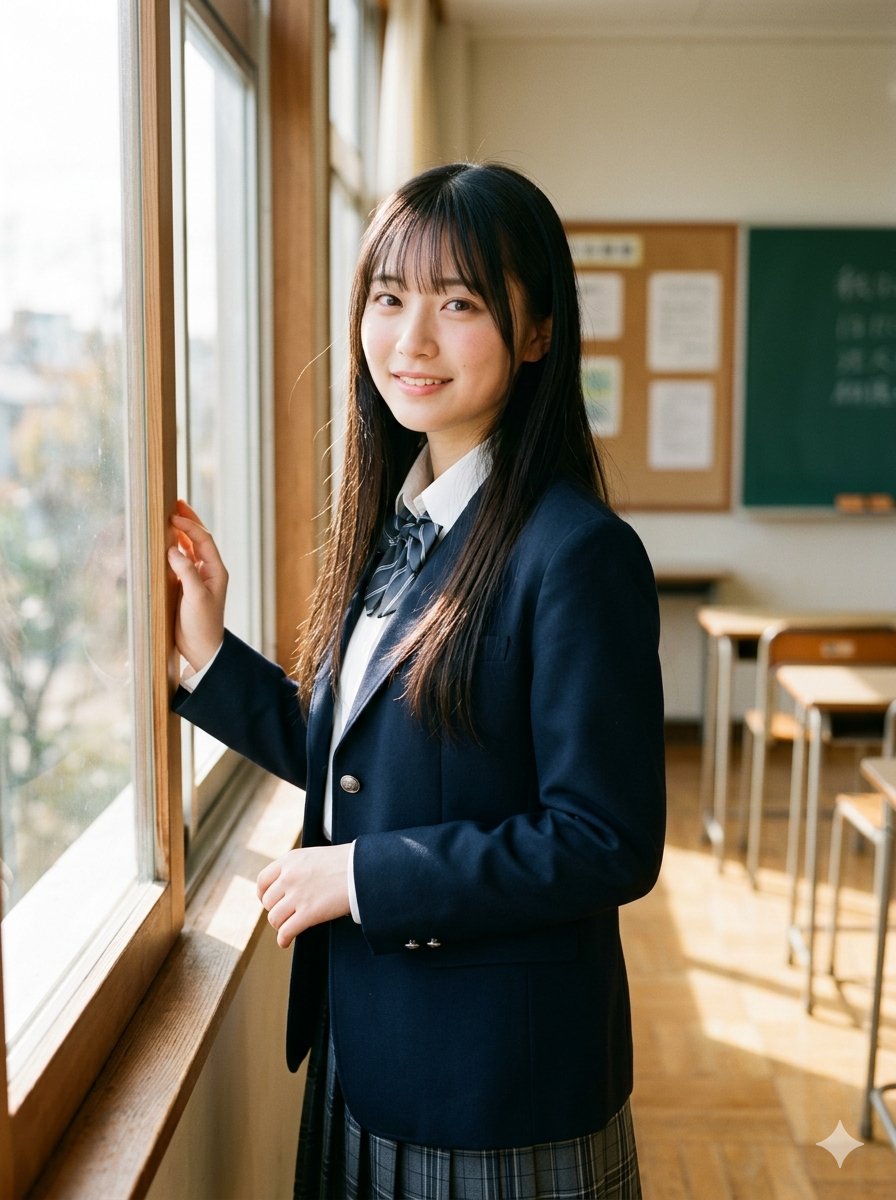
Morning Classroom Window Portrait

Ultra Photorealistic Glamorous Portrait in Classical Interior

Nano Banana 2 Generation Examples and Prompts
Surreal Fashion Street Scene with Oversized Heads

Hollywood Haute Couture Fantasy Seedance

Geospatial and historical image generation prompt

Dragon-Coiled Lighthouse Storm
Browse template categories
Cloud AI Agent Architecture Diagram questions
How do I use the Cloud AI Agent Architecture Diagram template?
Add your photo if the template asks for one, edit the prompt if you like — the template's model and format are already selected — and press Generate. Your version opens in PicX Studio.
Can I customize the Cloud AI Agent Architecture Diagram template?
Yes. You can change the subject, setting, lighting, mood, format, and available model controls before creating your image.
Is the Cloud AI Agent Architecture Diagram template free?
Opening and editing this template is free. Generating uses credits, shown on the Generate button when you are signed in.
Which AI model should I use?
Start with GPT Image 2, which is the model associated with this template. You can compare another compatible model for a different finish.
Looking for something else? Browse all templates.

Your photo, any look
Thousands of ready templates for every top image and video model, from one credit balance.