
Dragon-Coiled Lighthouse Storm
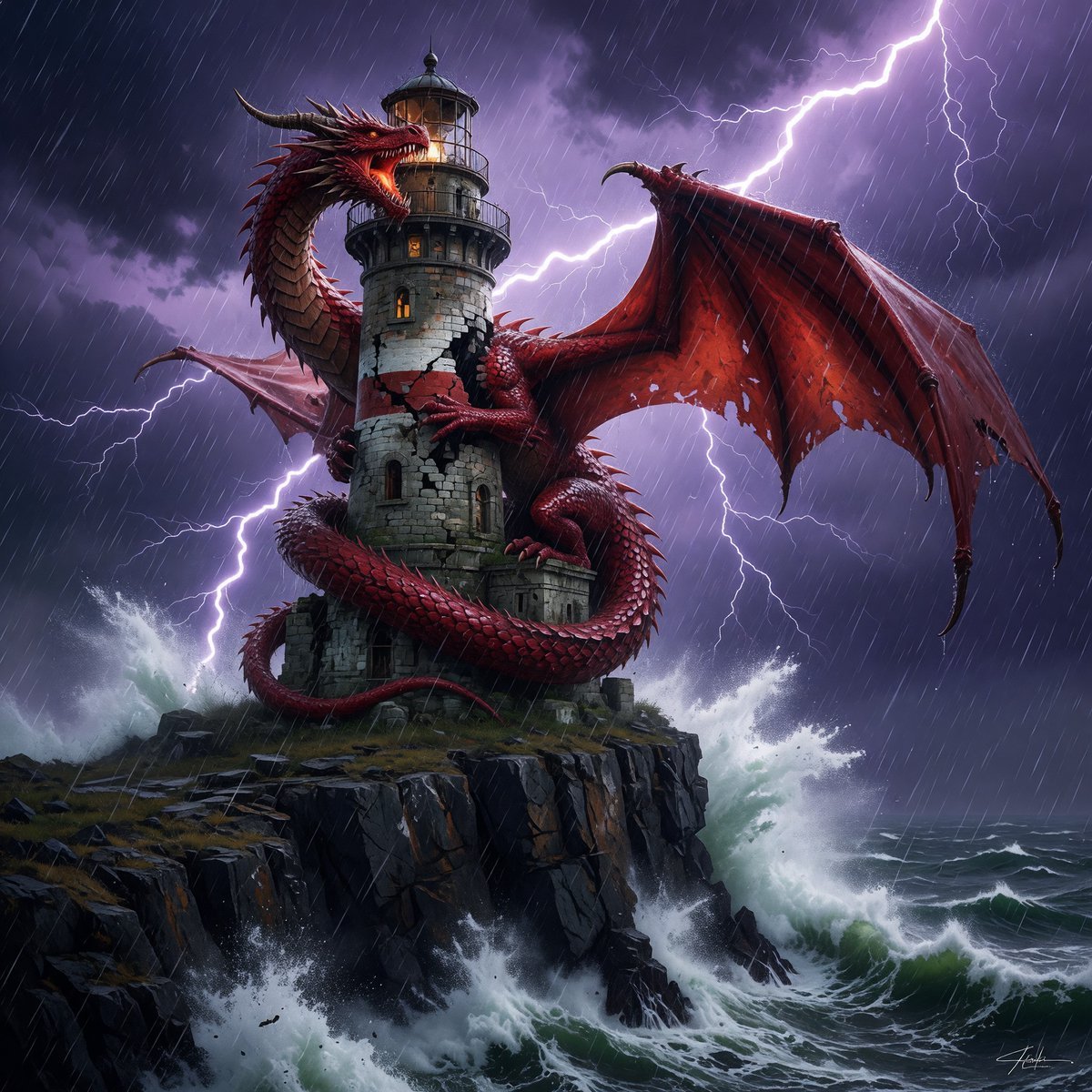
A cinematic fantasy concept art prompt for generating a red dragon wrapped around a medieval lighthouse during a lightning-filled ocean storm.
- Prompt included
- Model and format preset
- Free template
The prompt behind this image
Copy the exact prompt behind Dragon-Coiled Lighthouse Storm, or open it in the studio and make it yours.
Create a dramatic high-fantasy concept art scene of a {argument name="dragon color" default="red"} dragon coiled tightly around a weathered medieval stone lighthouse on a jagged sea cliff. The dragon is enormous, serpentine, and menacing, with glossy crimson scales, sharp horns and spines, glowing eyes, an open roaring mouth, clawed feet gripping the masonry, a long tail wrapped around the tower base, and one vast torn membrane wing spread across the right side of the composition. The lighthouse is old gray stone with cracks, arched windows glowing warm amber, a circular balcony, and a glass lantern room at the top. Place the scene during a violent {argument name="storm type" default="thunderstorm"} at night: diagonal sheets of heavy rain, purple-black storm clouds, bright branching lightning bolts behind the dragon and tower, and turbulent ocean waves exploding against the cliff below in white foam. Use a low-angle cinematic composition, the lighthouse centered, the dragon wrapping around it in an S-curve, the wing silhouetted against lightning, with intense contrast between cold blue-purple storm light and warm lantern glow. Render in highly detailed fantasy realism with dramatic lighting, sharp textures, wet stone, reflective scales, sea spray, motion in the rain, epic scale, and a dark atmospheric mood.
How to use Dragon-Coiled Lighthouse Storm in 3 steps
- 1Upload ImagePNG, JPG or paste
Add your photo
Upload the photo the template builds on. The prompt, model and format are already set.
- 2…a portrait of your subject in softgolden-hour light, 85mm…
Personalize
Edit the subject and creative details for your destination.
- 3Generate
Generate
Press Generate — your image is created in PicX Studio, so you can compare it with the original and refine one variable at a time.
More like this
Templates with the same subject, style or setup. Open one to see its prompt.
Ghostly Lighthouse Storm Seascape
Storm Dragon Warrior Showdown

Pixar Anime Storm Lighthouse

Minecraft Fantasy Kingdom Voxel Landscape
Glitch Storm Dragon Prompt
Seedance - Dragon vs Python Battle
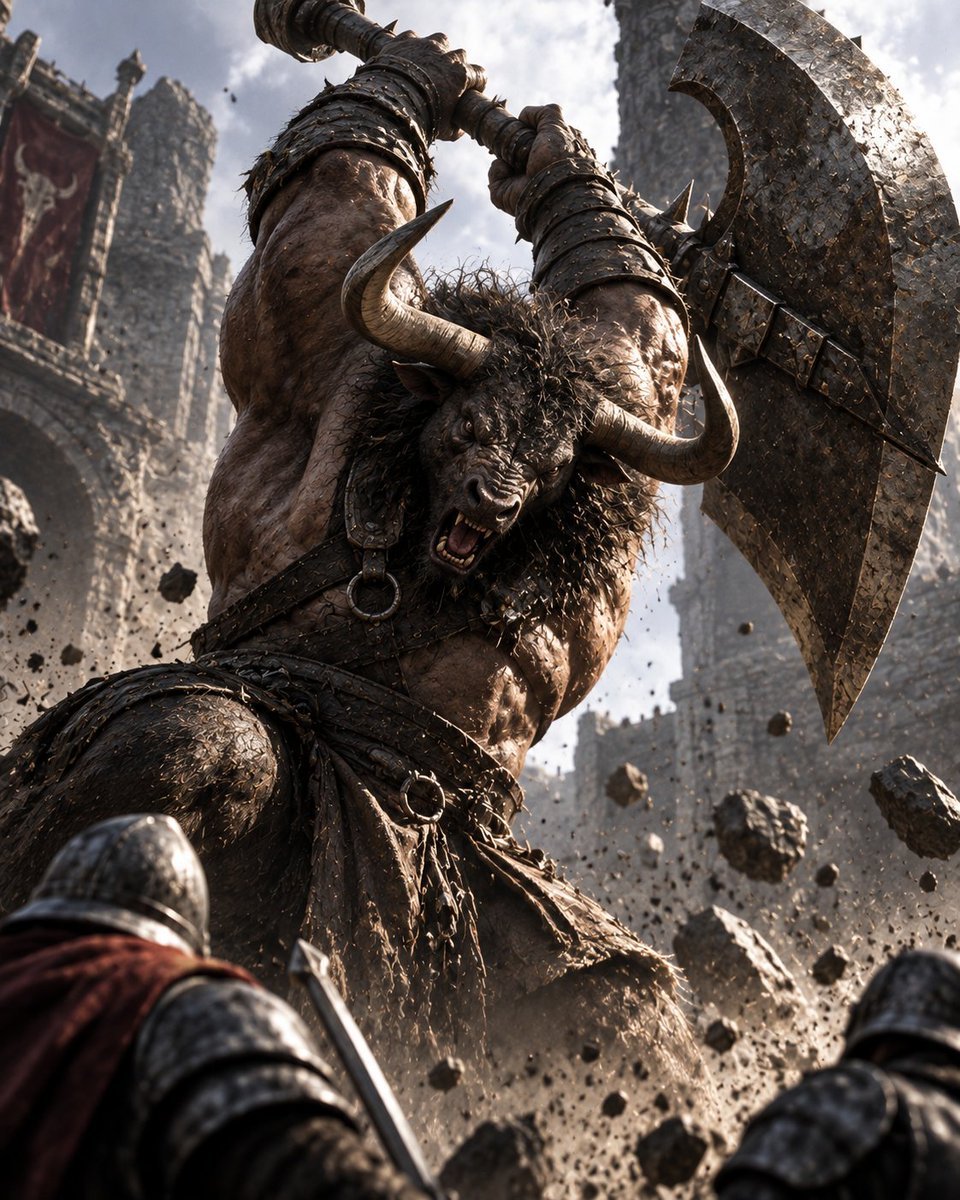
Minotaur Storming Fortress
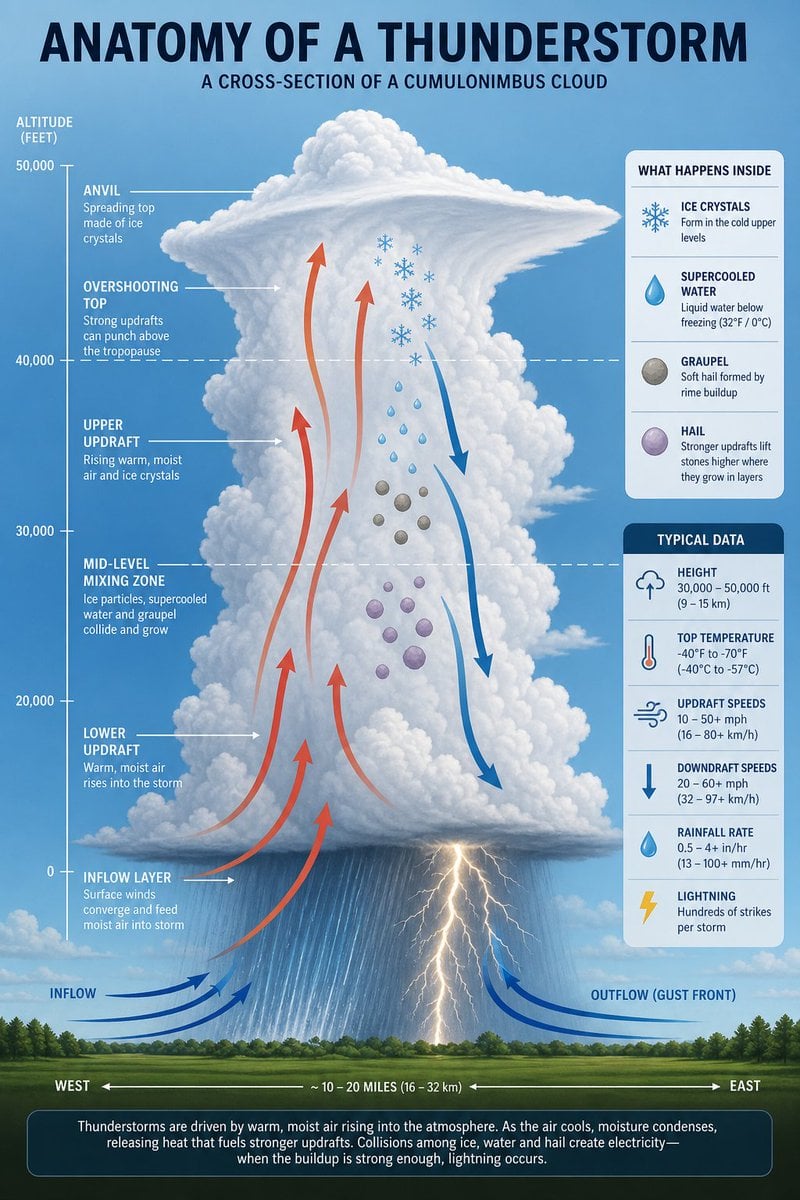
Thunderstorm Anatomy and Photography
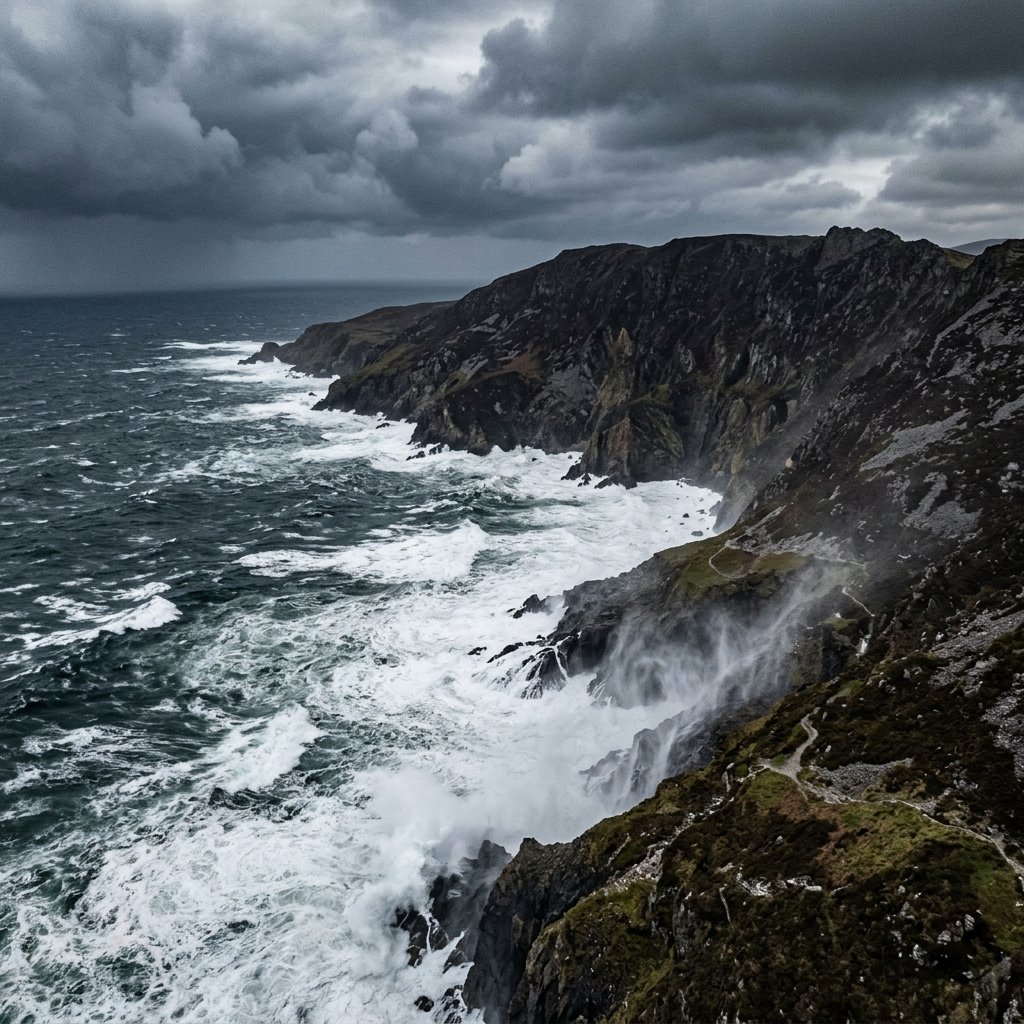
Stormy Coastal Cliff Landscape
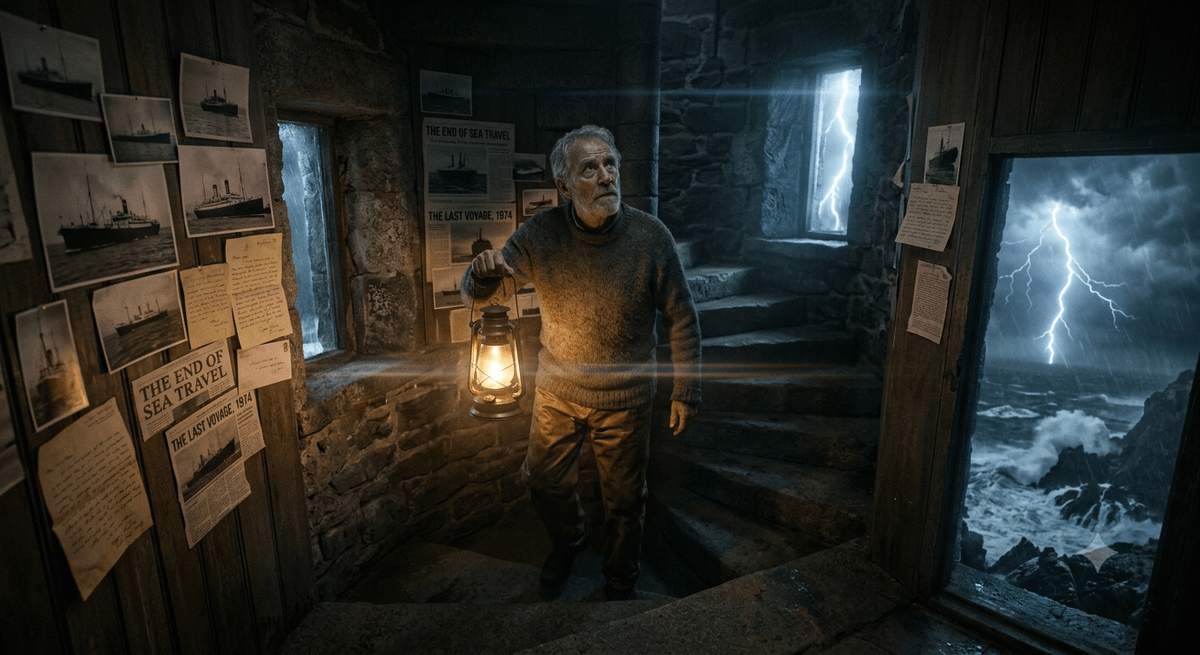
The Lighthouse Keeper Storyboard
Steam Locomotive Collapsing Bridge Storm
Hermit Crabs Carrying Storm Clouds
Make it yours
Dragon-Coiled Lighthouse Storm works as-is. These are the safest ways to change it without losing the look.
Change one field
Copy a single group, rewrite it, and generate again so you can see what that field is doing.
Keep the frame, change the subject
Hold the composition and light of Dragon-Coiled Lighthouse Storm, then swap wardrobe, props or the person for a new take.
| If the result… | Why | Fix |
|---|---|---|
| The result drifts from the preview | Too many fields changed at once. | Reuse Dragon-Coiled Lighthouse Storm as-is first, then change one group — subject, light, or setting. |
| The model over-stylizes the scene | The prose prompt leaves finish and camera underspecified. | Add one camera or lighting sentence and stay on GPT Image 2. |
More GPT Image 2 templates
Other prompts made for GPT Image 2.

Six VTuber Japanese Logo Sheet

Realistic Portrait of Woman and Deer

The Vista Modular Condo Poster

AI Model Routing Comparison Infographic

2.5D Anime Art Board

Isometric Productivity Desk Scene

New York Double Exposure Poster

Four-Panel AI Landscape Comparison

Japanese Tatami Lifestyle Magazine Cover

NESCAFÉ Coffee Map Poster
More image prompts
Fresh picks from across the catalog.
Stylish Anthropomorphic Cat in Tracksuit
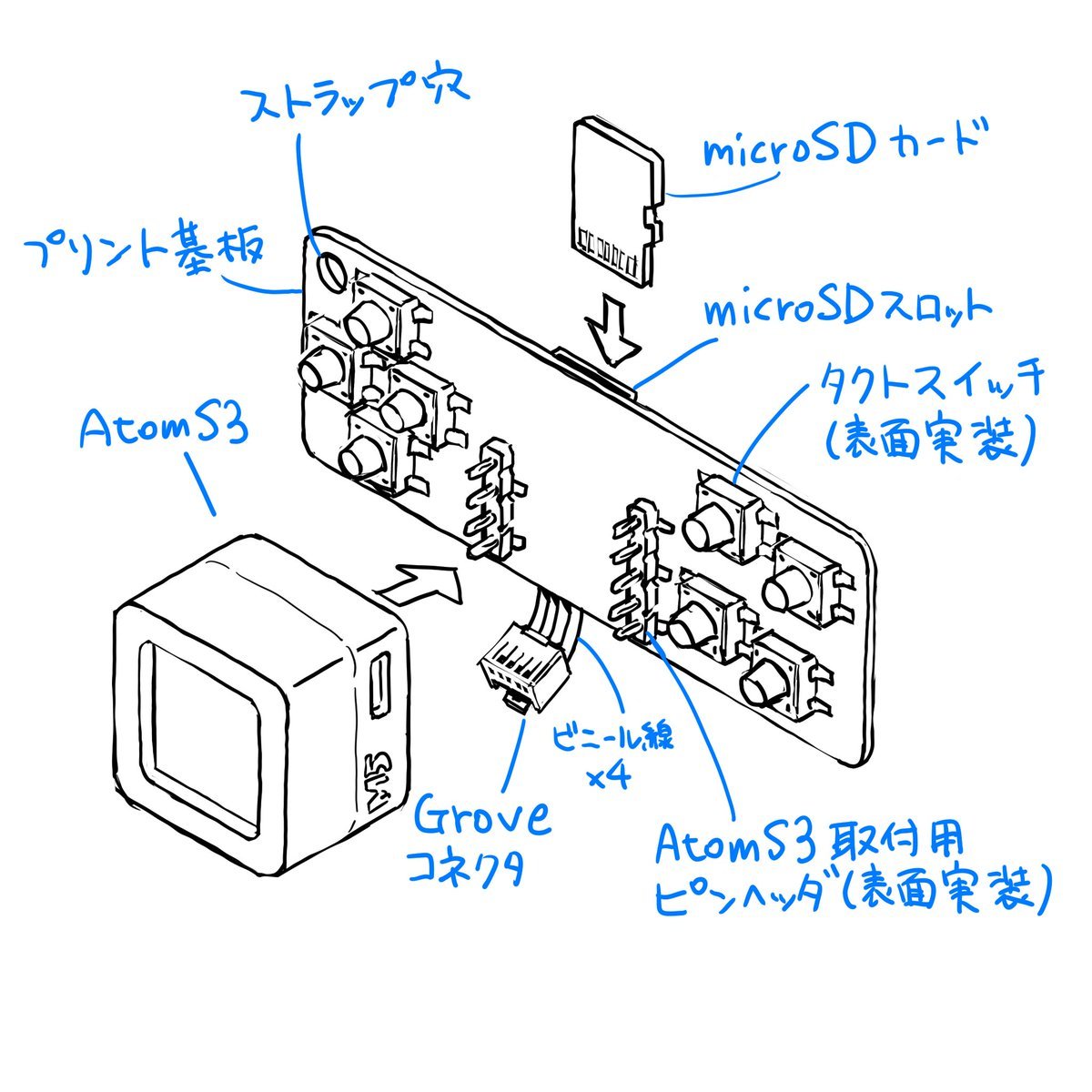
Sketch to CAD-Style Line Art Conversion Prompt
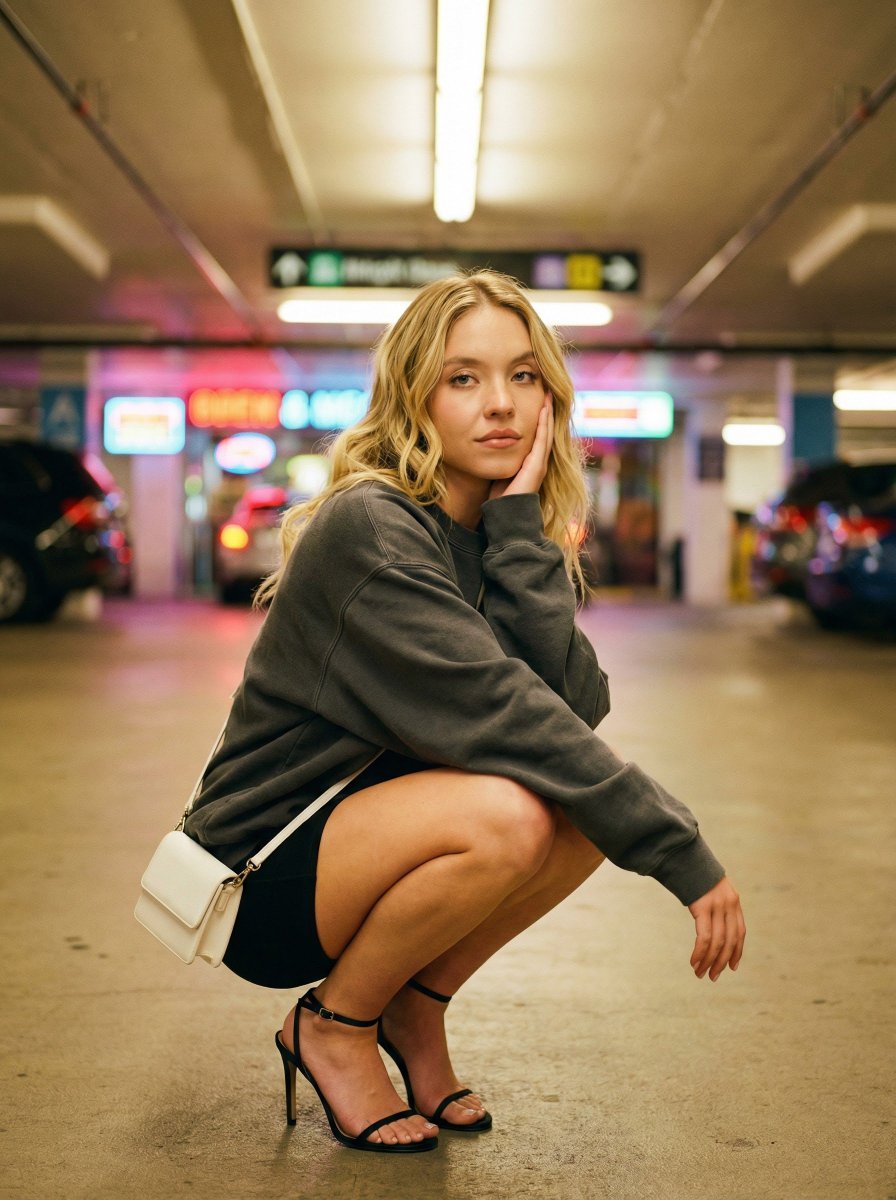
Urban Fashion Editorial in Parking Lot Prompt

Futuristic Apple Campaign Concept

Tom and Jerry Energy Drink Ad
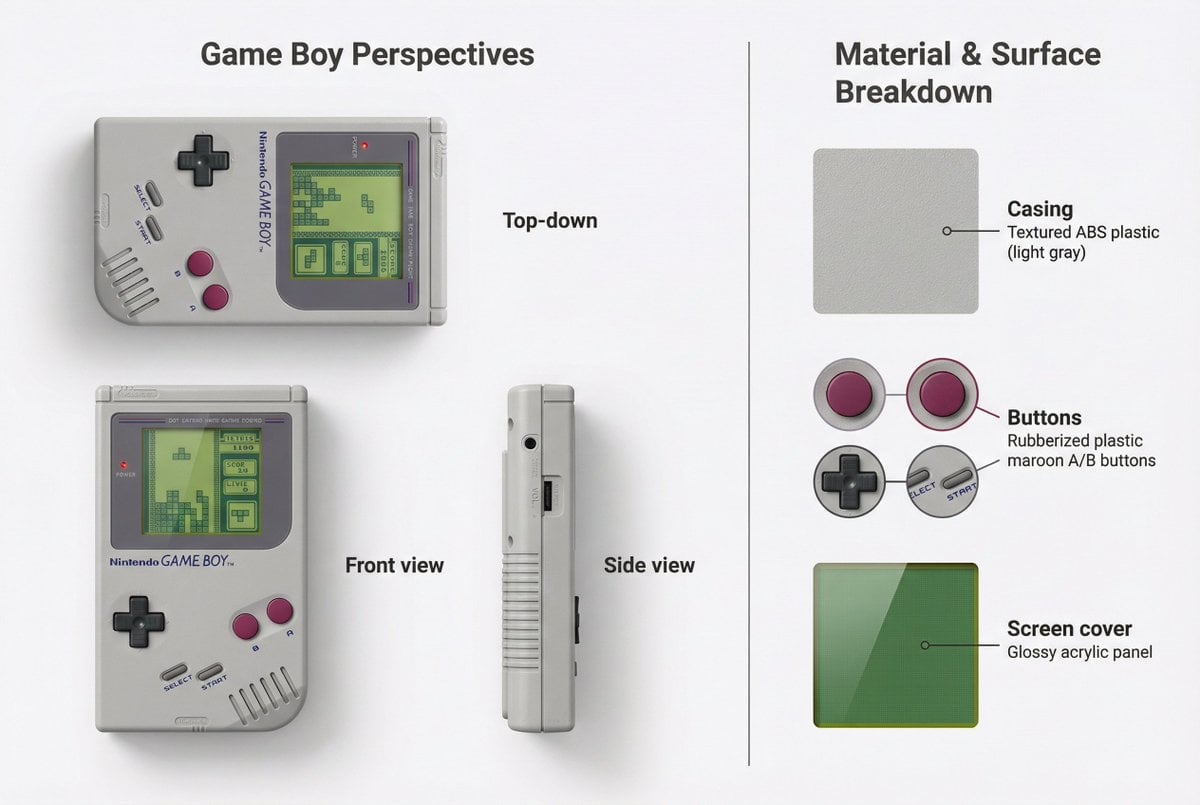
Nintendo Game Boy Product Showcase Infographic with Tetris
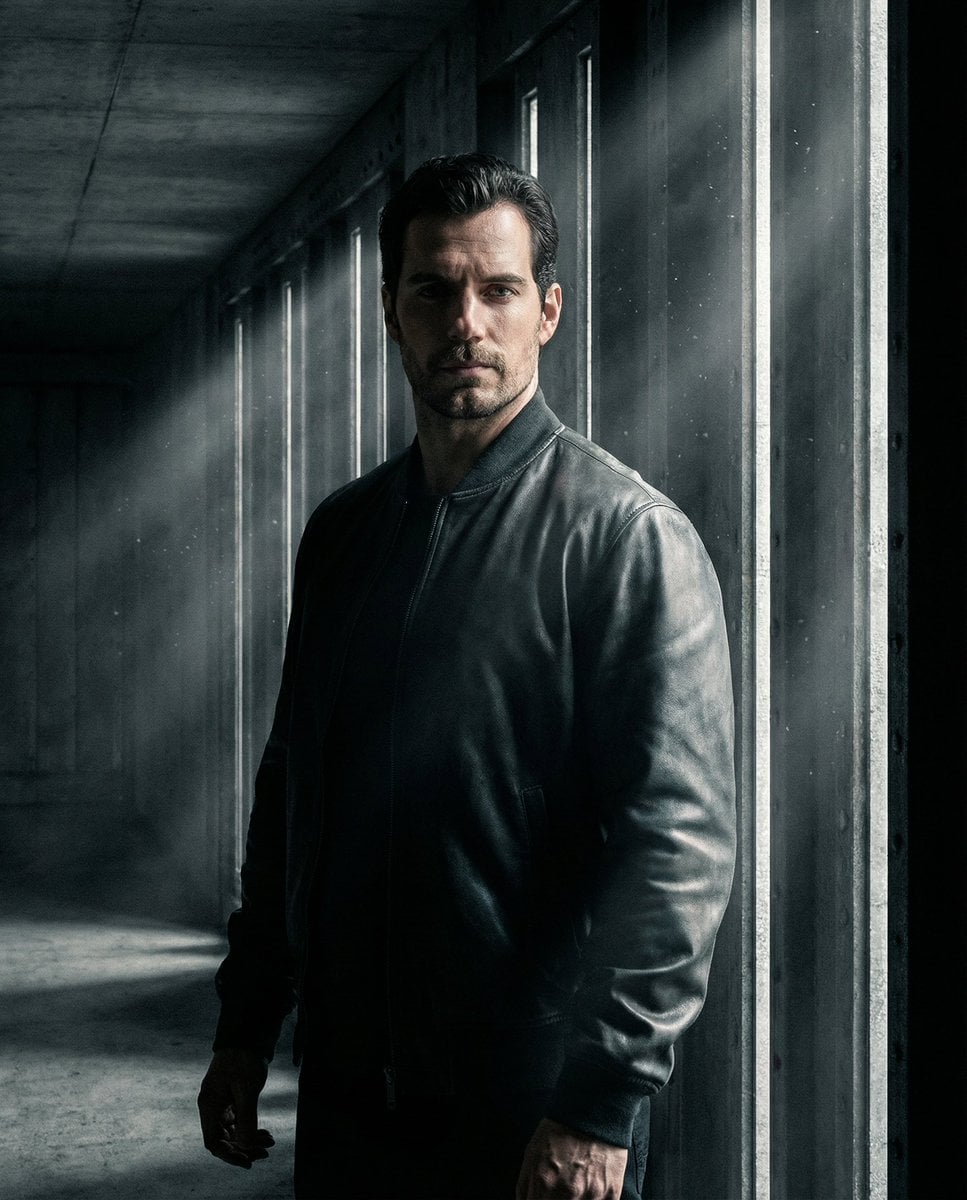
Moody Underground Corridor Portrait

Photorealistic Fast Food Storefront
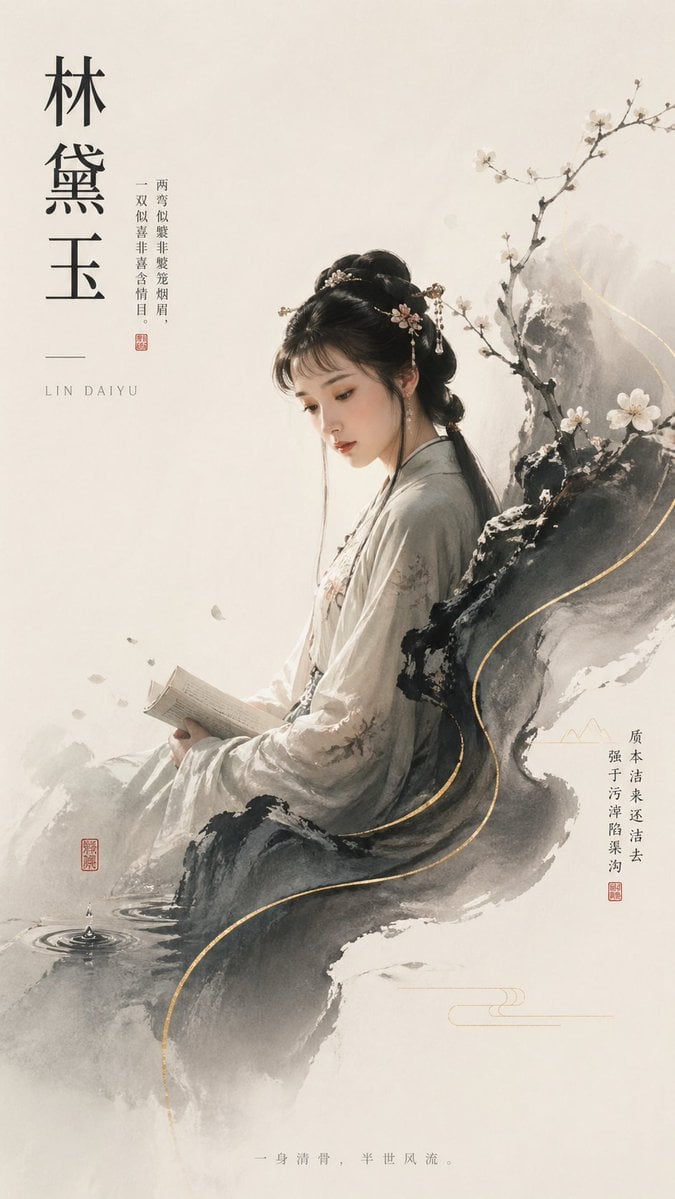
Lin Daiyu Ink-Wash Poster

Manga Generation Prompt Template for Nano Banana Pro
Browse template categories
Dragon-Coiled Lighthouse Storm questions
How do I use the Dragon-Coiled Lighthouse Storm template?
Add your photo if the template asks for one, edit the prompt if you like — the template's model and format are already selected — and press Generate. Your version opens in PicX Studio.
Can I customize the Dragon-Coiled Lighthouse Storm template?
Yes. You can change the subject, setting, lighting, mood, format, and available model controls before creating your image.
Is the Dragon-Coiled Lighthouse Storm template free?
Opening and editing this template is free. Generating uses credits, shown on the Generate button when you are signed in.
Which AI model should I use?
Start with GPT Image 2, which is the model associated with this template. You can compare another compatible model for a different finish.
Looking for something else? Browse all templates.

Your photo, any look
Thousands of ready templates for every top image and video model, from one credit balance.