
Nintendo Game Boy Product Showcase Infographic with Tetris
A structured prompt for creating a realistic product showcase infographic of the classic Nintendo Game Boy, split into two sections: one showing different perspectives with a Tetris screen integrated, and the other…
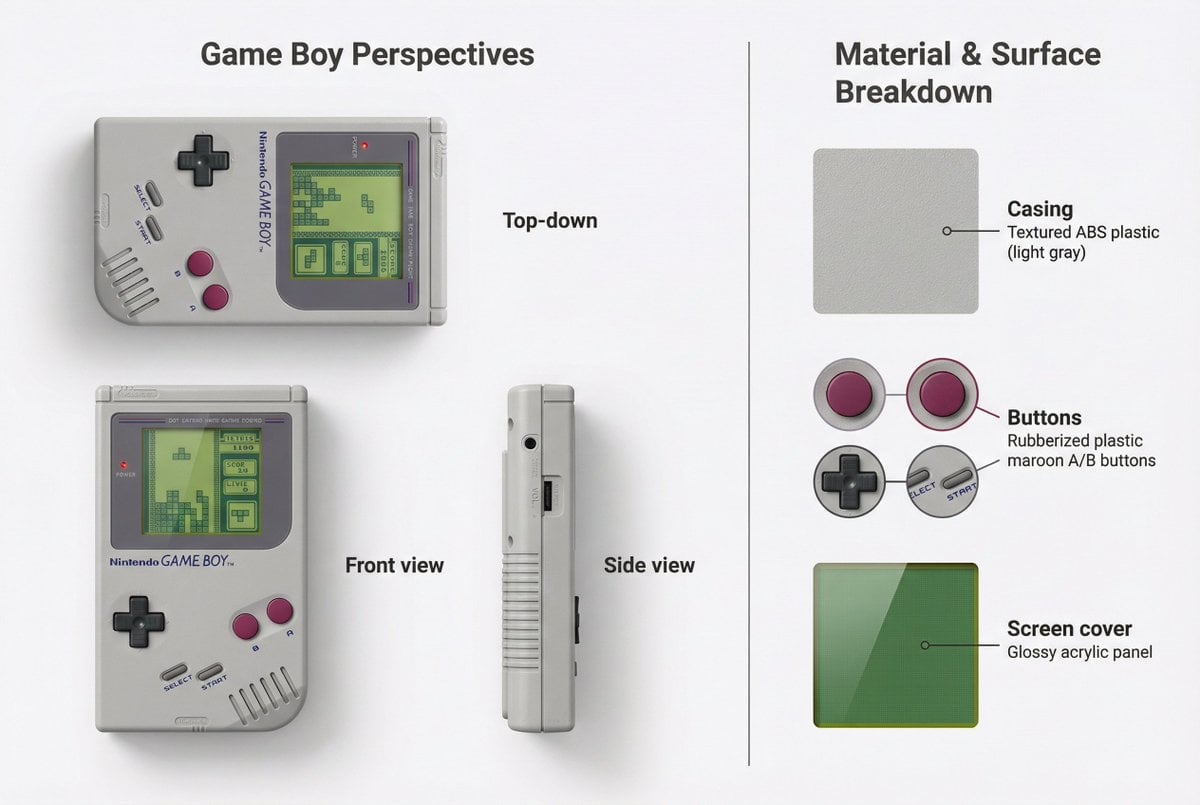
- Prompt included
- Model and format preset
- Premium template
The prompt behind this image
Copy the exact prompt behind Nintendo Game Boy Product Showcase Infographic with Tetris, or open it in the studio and make it yours.
- Objective
- Create a detailed visual showcase of the Nintendo Game Boy, integrating a Tetris game screen into the device's display area
- Image Specifications › Style
- Realistic product showcase
- Image Specifications › Layout
- Split layout: Perspectives on the left, Material breakdown on the right
- Image Specifications › Aspect Ratio
- 3:2
- Image Specifications › Background
- Minimal white or neutral background
- Left Side › Section Title
- Game Boy Perspectives
- Left Side › Views › 0 › View
- Top-down
- Left Side › Views › 0 › Description
- Top view of the Game Boy showing the full interface and screen; Tetris game screen is displayed inside the screen area
- Left Side › Views › 1 › View
- Front view
- Left Side › Views › 1 › Description
- Frontal view with screen area showing the classic green-tone Tetris gameplay from Game Boy
- Left Side › Views › 2 › View
- Side view
- Left Side › Views › 2 › Description
- Profile showing volume dial, link port, and side thickness; no screen content required
- Left Side › Screen Integration › Source
- Tetris screenshot (classic Game Boy version)
- Left Side › Screen Integration › Placement
- Insert image within the Game Boy’s screen area maintaining correct aspect ratio and perspective
- Left Side › Visual Style
- Consistent lighting and rendering to match realistic hardware and retro game screen
- Right Side › Section Title
- Material & Surface Breakdown
- Right Side › Content › 0 › Material
- Casing
- Right Side › Content › 0 › Material Type
- Textured ABS plastic (light gray)
- Right Side › Content › 0 › Swatch Image
- Close-up of plastic grain
- Right Side › Content › 0 › Label Style
- Thin annotation line pointing to body shell
- Right Side › Content › 1 › Material
- Buttons
- Right Side › Content › 1 › Material Type
- Rubberized plastic (dark gray D-pad, maroon A/B buttons)
- Right Side › Content › 1 › Swatch Image
- Button texture and color samples
- Right Side › Content › 1 › Label Style
- Color-coded with button callouts
Raw JSON
{
  "objective": "Create a detailed visual showcase of the Nintendo Game Boy, integrating a Tetris game screen into the device's display area",
  "image_specifications": {
    "style": "Realistic product showcase",
    "layout": "Split layout: Perspectives on the left, Material breakdown on the right",
    "aspect_ratio": "3:2",
    "background": "Minimal white or neutral background"
  },
  "left_side": {
    "section_title": "Game Boy Perspectives",
    "views": [
      {
        "view": "Top-down",
        "description": "Top view of the Game Boy showing the full interface and screen; Tetris game screen is displayed inside the screen area"
      },
      {
        "view": "Front view",
        "description": "Frontal view with screen area showing the classic green-tone Tetris gameplay from Game Boy"
      },
      {
        "view": "Side view",
        "description": "Profile showing volume dial, link port, and side thickness; no screen content required"
      }
    ],
    "screen_integration": {
      "source": "Tetris screenshot (classic Game Boy version)",
      "placement": "Insert image within the Game Boy’s screen area maintaining correct aspect ratio and perspective"
    },
    "visual_style": "Consistent lighting and rendering to match realistic hardware and retro game screen"
  },
  "right_side": {
    "section_title": "Material & Surface Breakdown",
    "content": [
      {
        "material": "Casing",
        "material_type": "Textured ABS plastic (light gray)",
        "swatch_image": "Close-up of plastic grain",
        "label_style": "Thin annotation line pointing to body shell"
      },
      {
        "material": "Buttons",
        "material_type": "Rubberized plastic (dark gray D-pad, maroon A/B buttons)",
        "swatch_image": "Button texture and color samples",
        "label_style": "Color-coded with button callouts"
      },
      {
        "material": "Screen cover",
        "material_type": "Glossy acrylic panel",
        "swatch_image": "Reflective acrylic sample with a green tint",
        "label_style": "Pointer to screen area"
      }
    ]
  },
  "visual_elements": {
    "separation": "Vertical divider between left and right sections",
    "consistency": "Matching shadows, fonts, and labeling across views",
    "gameplay_overlay": "Green-tinted pixel style matching original Game Boy display"
  },
  "output_format": {
    "type": "Image",
    "high_resolution": true,
    "use_case": ["Retro tech showcase", "Product design portfolio", "Gaming history infographic"]
  }
}How to use Nintendo Game Boy Product Showcase Infographic with Tetris in 3 steps
- 1
Open
The prompt is already in the box next to the preview, with the template's model and format selected.
- 2…a portrait of your subject in softgolden-hour light, 85mm…
Personalize
Edit the subject and creative details for your destination.
- 3Generate
Generate
Press Generate — your image is created in PicX Studio, so you can compare it with the original and refine one variable at a time.
More like this
Templates with the same subject, style or setup. Open one to see its prompt.

Botanical Rosemary Mint Product Showcase

Modern Chic Product Showcase
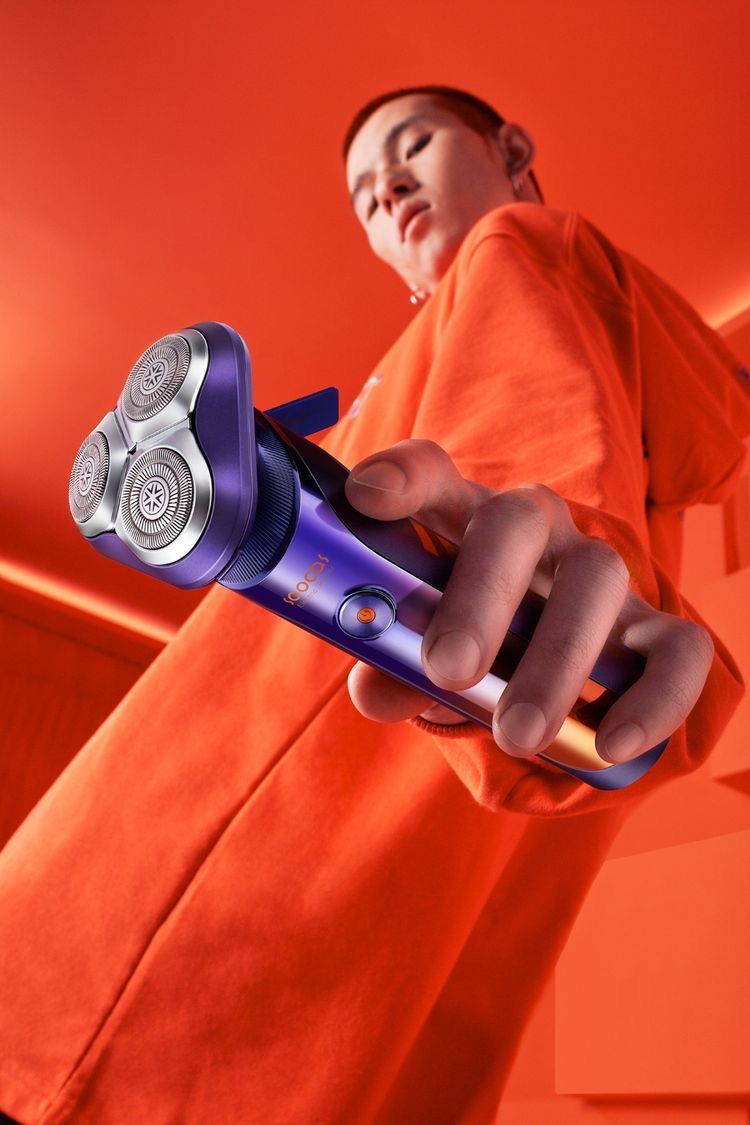
Modern Electric Shaver Showcase

Vibrant Canned Beverage Showcase
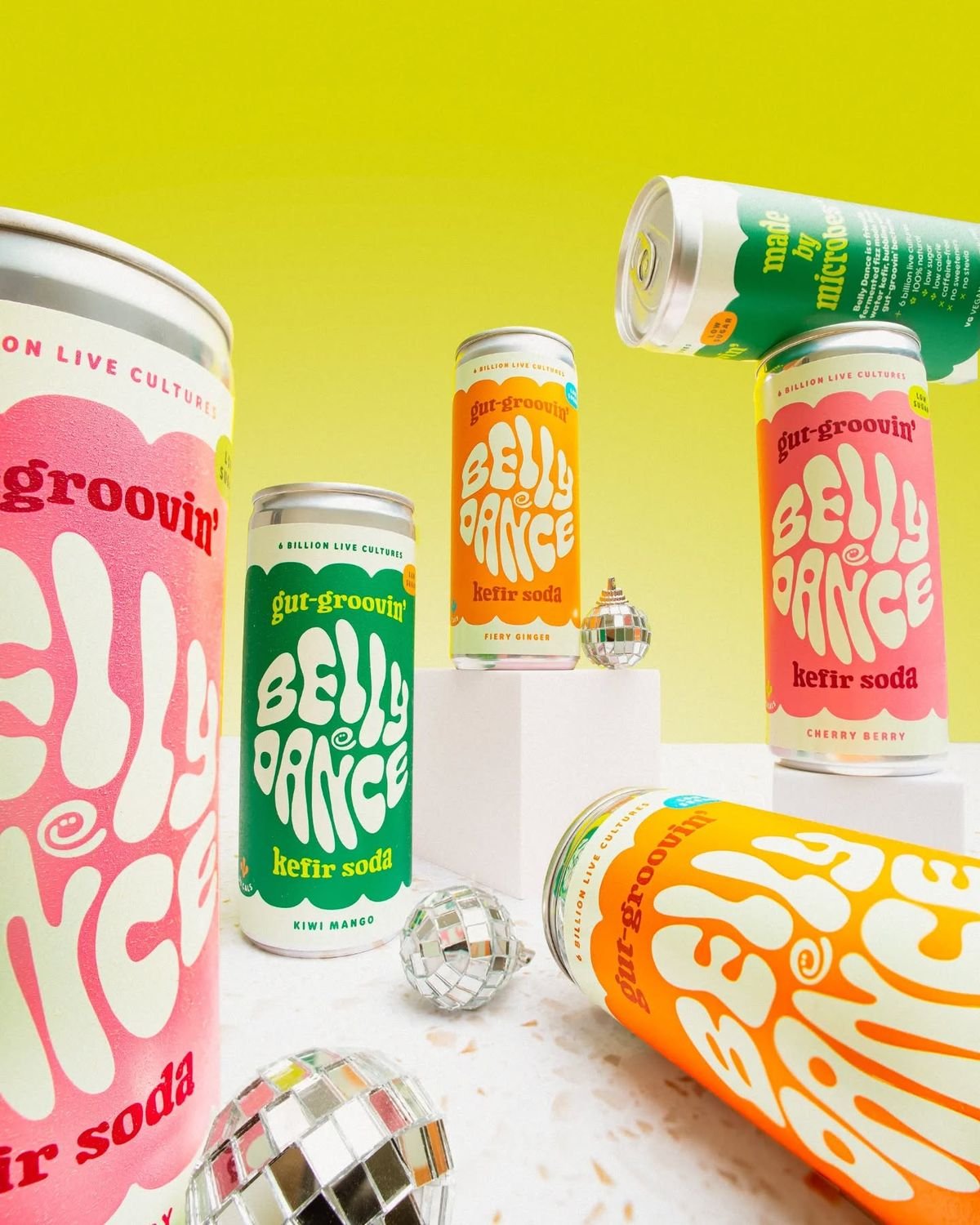
Retro Disco Beverage Showcase

Vibrant Tequila Smash Product Showcase
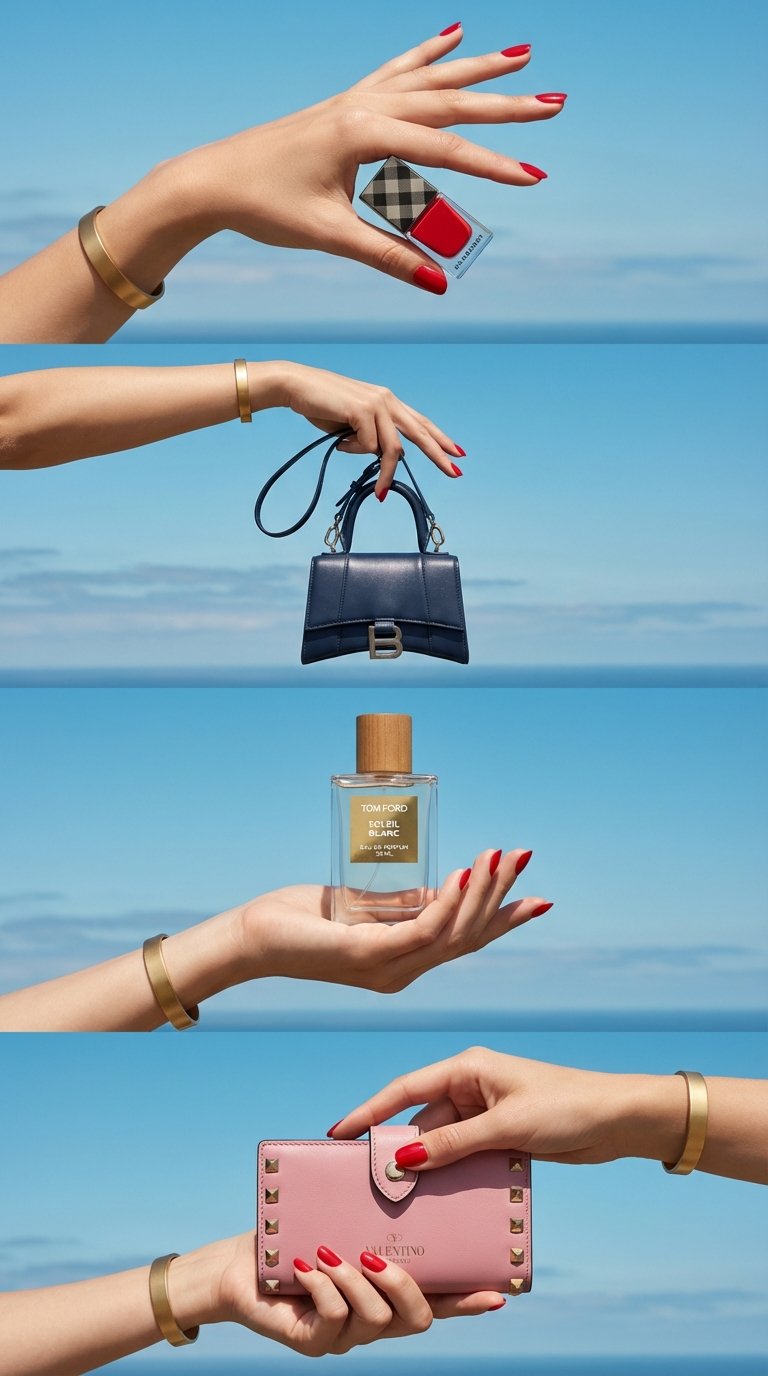
Luxe Minimalist Accessory Showcase
Modern Techwear Footwear Showcase

Vibrant Wellness Product Showcase

Japan Travel Brochure Poster
Detailed product showcase image of a table design with multiple

A k.pop idol on the stage with mic
Make it yours
Nintendo Game Boy Product Showcase Infographic with Tetris works as-is. These are the safest ways to change it without losing the look.
Swap the setting
Keep the rest of the prompt and replace the location block. The current setting is “Minimal white or neutral background”.
Change one field
Copy a single group, rewrite it, and generate again so you can see what that field is doing.
Keep the frame, change the subject
Hold the composition and light of Nintendo Game Boy Product Showcase Infographic with Tetris, then swap wardrobe, props or the person for a new take.
| If the result… | Why | Fix |
|---|---|---|
| The result drifts from the preview | Too many fields changed at once. | Reuse Nintendo Game Boy Product Showcase Infographic with Tetris as-is first, then change one group — subject, light, or setting. |
| Nano Banana 2 ignores part of the JSON | Some models flatten or skip nested keys. | Keep the same values and paste them as a short paragraph instead. |
More Nano Banana 2 templates
Other prompts made for Nano Banana 2.

Photorealistic Leaf Shaped Like a Dragon

K-Pop Idol Portrait Grid for Rapid Selection

Poetic Rain Forest Portrait During Golden Hour

Urban Street Portrait with Cartoon Inner Self Duo

Candid Nighttime Photo with Cat Prompt

High-Concept 3D Diorama Generation Prompt

Cinematic Futuristic Studio Portrait Template

Skincare Editorial Photography Collage Prompt

Hyper-Realistic Commercial Product Photography (Splash Effect)

Hyper-Realistic Nightclub Portrait Prompt
More image prompts
Fresh picks from across the catalog.

Mediterranean Luxury Editorial

High Fashion Street Style in NYC (Minimalist Luxury)

Luxury Fashion Executive Portrait
Exploded Product Breakdown Image Generation Prompt

European Urban Menswear Style Portrait

Blue Pen Campaign Poster

Hyper Realistic Portrait of Adi Shankara

Classical Winged Figure Blowing a Horn Painting
Ultra-Realistic Artisan Chocolate Product Visuals

Winter Editorial Low-Angle Squat Pose Prompt (iPhone Style)
Browse template categories
Nintendo Game Boy Product Showcase Infographic with Tetris questions
How do I use the Nintendo Game Boy Product Showcase Infographic with Tetris template?
Add your photo if the template asks for one, edit the prompt if you like — the template's model and format are already selected — and press Generate. Your version opens in PicX Studio.
Can I customize the Nintendo Game Boy Product Showcase Infographic with Tetris template?
Yes. You can change the subject, setting, lighting, mood, format, and available model controls before creating your image.
Is the Nintendo Game Boy Product Showcase Infographic with Tetris template free?
Opening and editing this template is free. Generating uses credits, shown on the Generate button when you are signed in.
Which AI model should I use?
Start with Nano Banana 2, which is the model associated with this template. You can compare another compatible model for a different finish.
Looking for something else? Browse all templates.

Your photo, any look
Thousands of ready templates for every top image and video model, from one credit balance.