
Vibrant Wellness Product Showcase
Vibrant Wellness Product Showcase is a ready photo look.
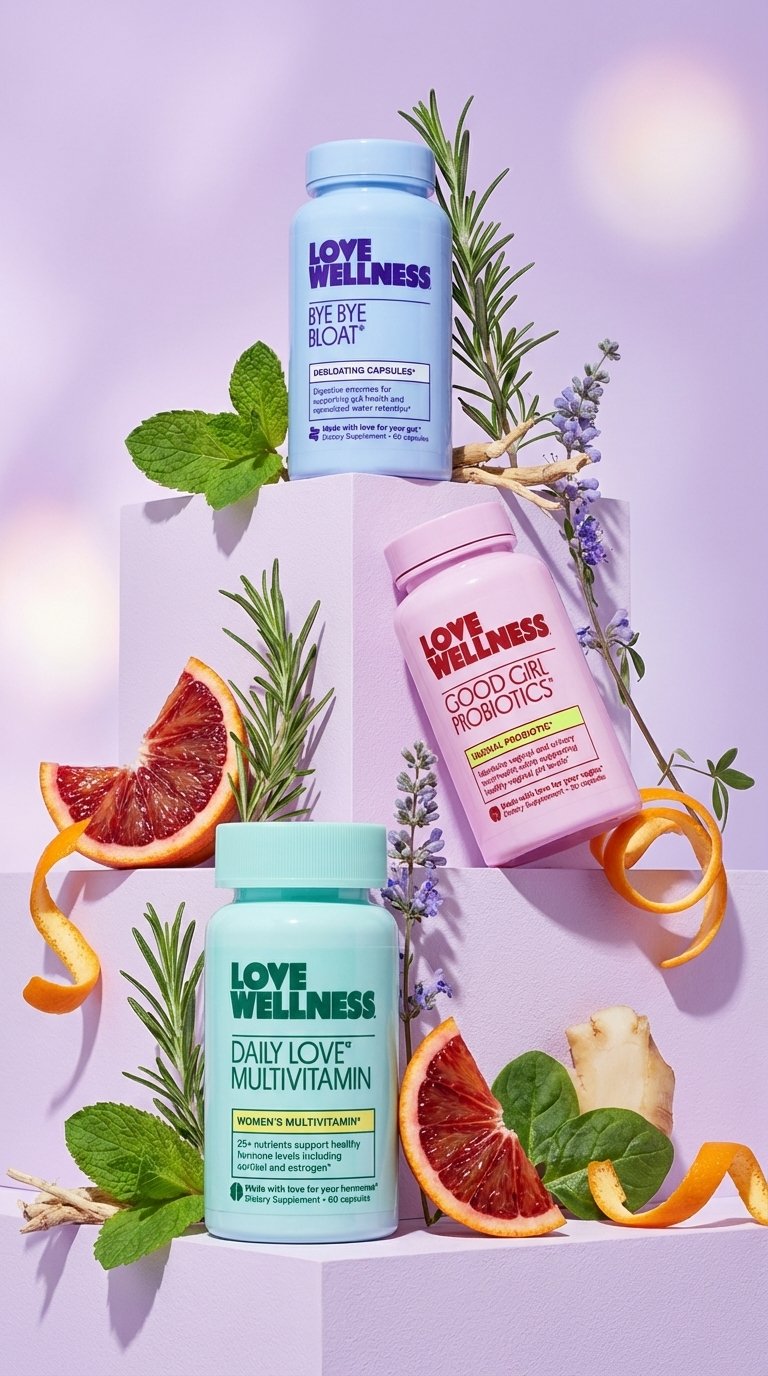
- Prompt included
- Model and format preset
- Free template
The prompt behind this image
Copy the exact prompt behind Vibrant Wellness Product Showcase, or open it in the studio and make it yours.
Uploaded image ko carefully analyze karo — composition, lighting, color tone, depth, style aur overall vibe same rakho. Is image ka exact copy mat banao, balki usi style aur feel me ek naya image generate karo. Character / objects / background similar aesthetic me ho, lekin content, pose, details, elements aur scene thode change ho, taaki image fresh aur unique lage. Original image jaisa mood aur quality maintain rahe, cinematic / realistic / artistic (jo bhi applicable ho). Final output vertical aspect ratio 9:16 me ho, high resolution, sharp details, no blur, no distortion. Image visually appealing ho, social media (Reels / Shorts / Stories) ke liye optimized ho.
How to use Vibrant Wellness Product Showcase in 3 steps
- 1Upload ImagePNG, JPG or paste
Add your photo
Upload the photo the template builds on. The prompt, model and format are already set.
- 2…a portrait of your subject in softgolden-hour light, 85mm…
Personalize
Edit the subject and creative details for your destination.
- 3Generate
Generate
Press Generate — your image is created in PicX Studio, so you can compare it with the original and refine one variable at a time.
More like this
Templates with the same subject, style or setup. Open one to see its prompt.
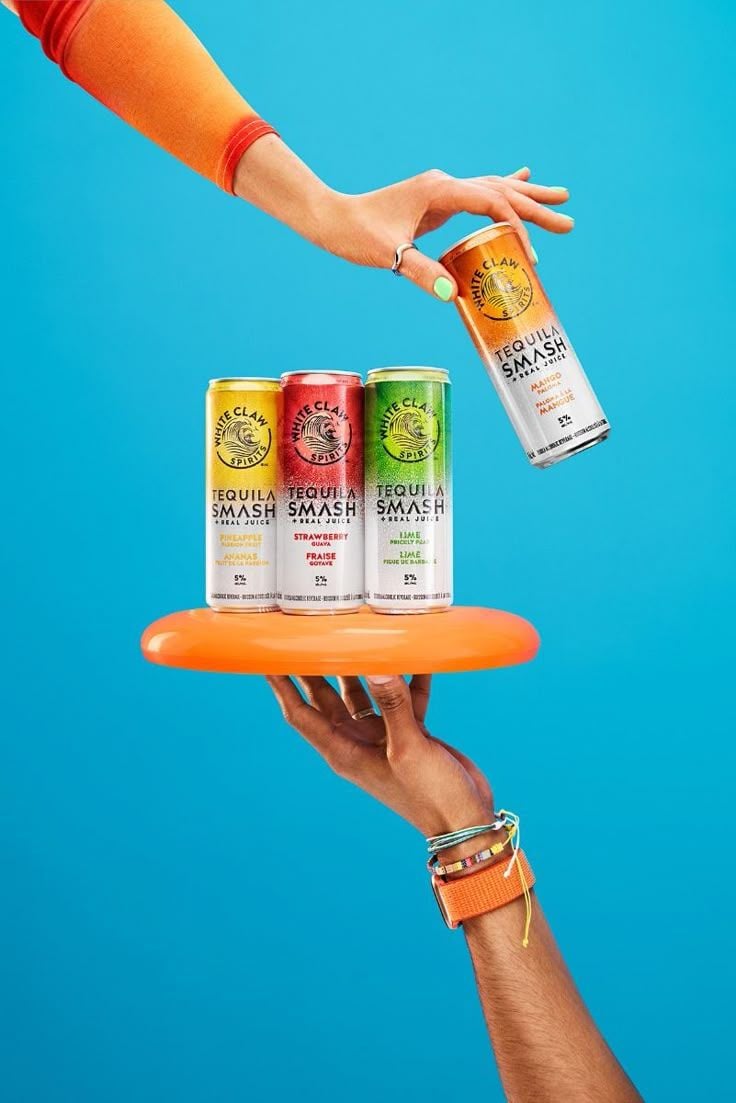
Vibrant Tequila Smash Product Showcase
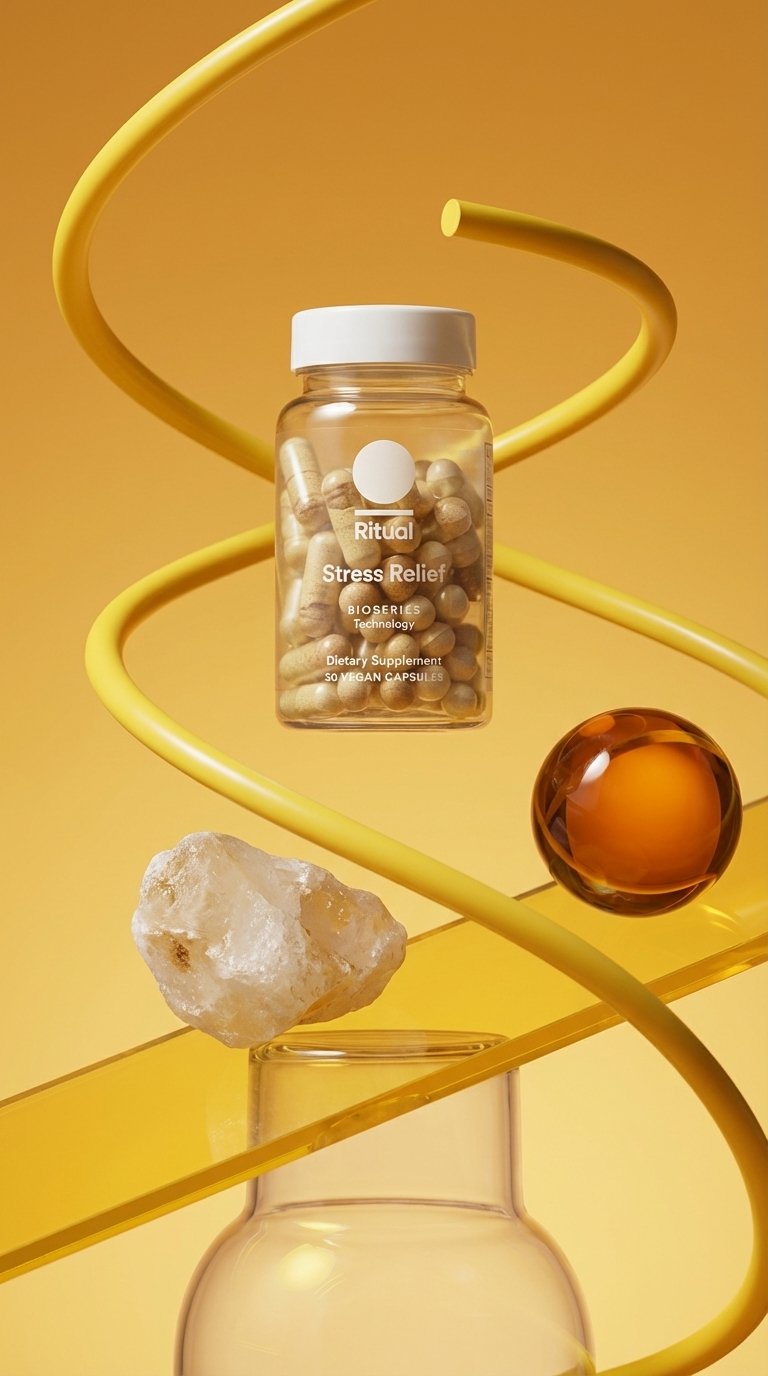
Minimalist Wellness Kinetic Abstract
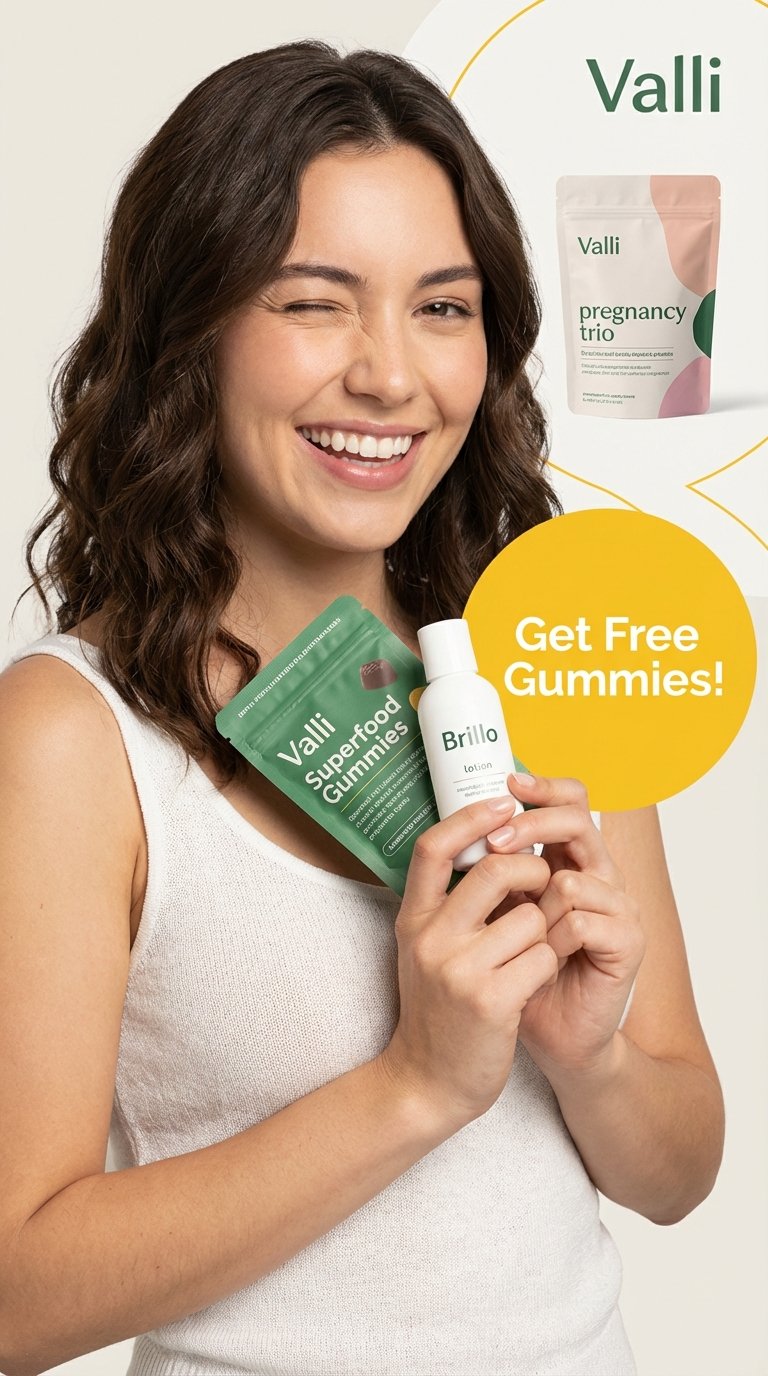
Vibrant Wellness Lifestyle Promo
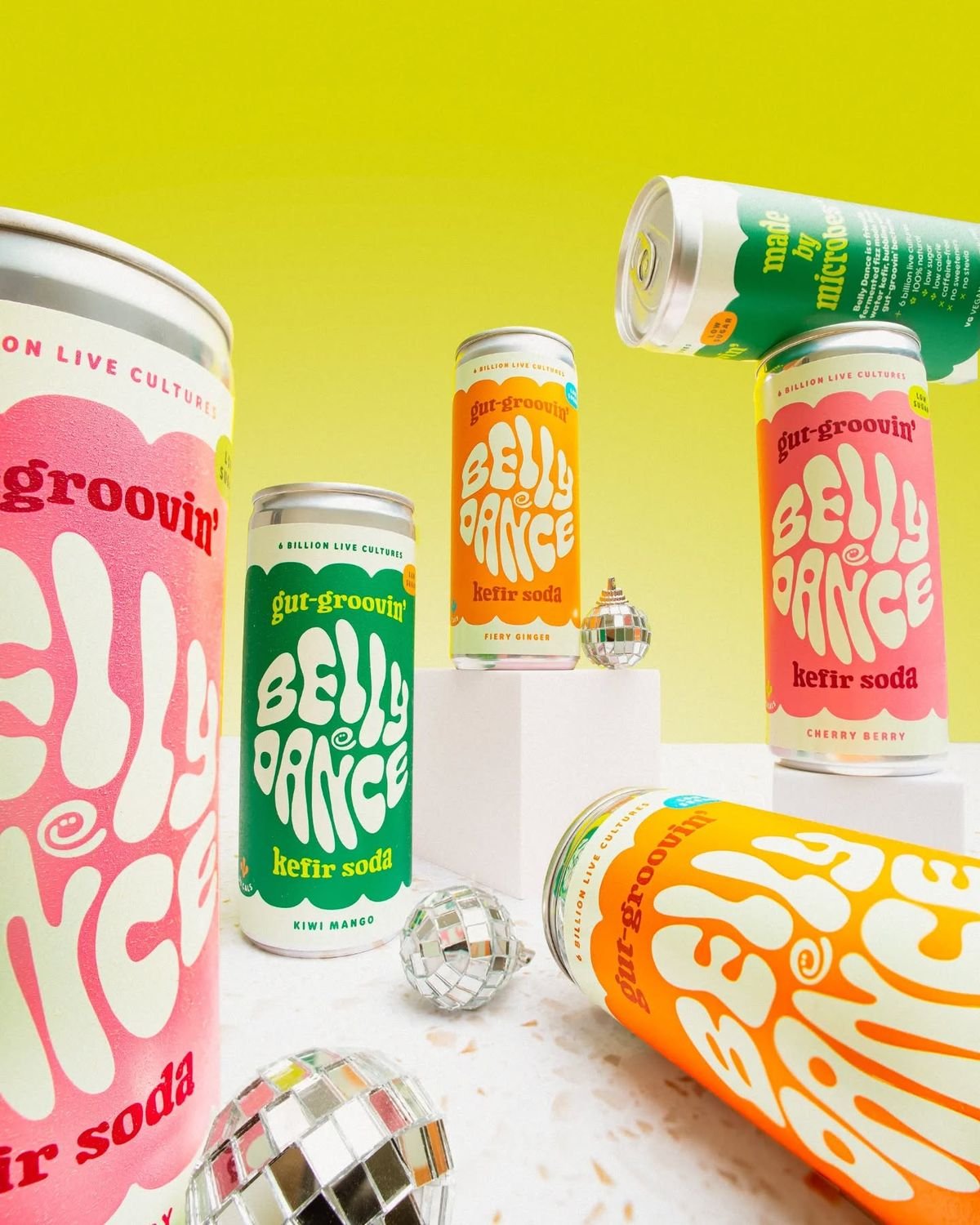
Retro Disco Beverage Showcase
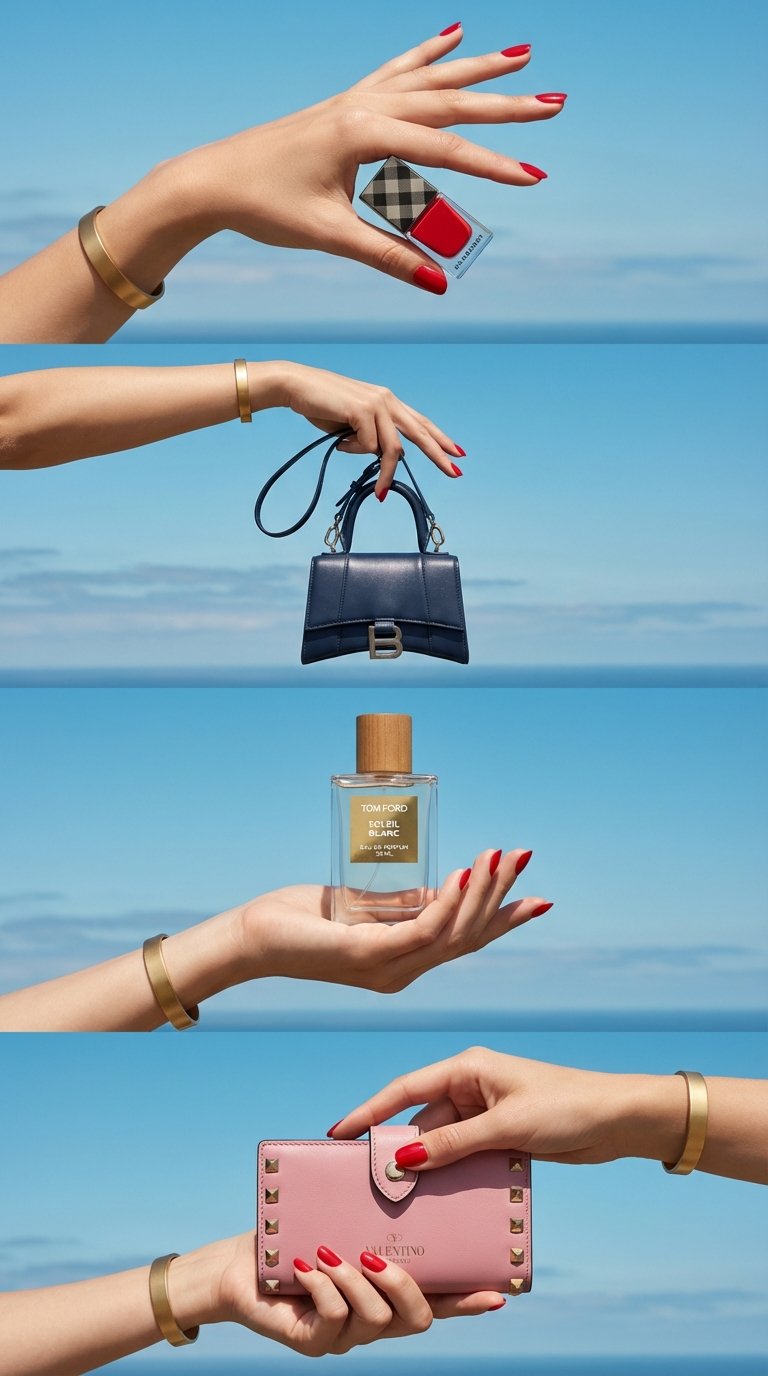
Luxe Minimalist Accessory Showcase

Moss Logo Minimalist Brand Flat Lay
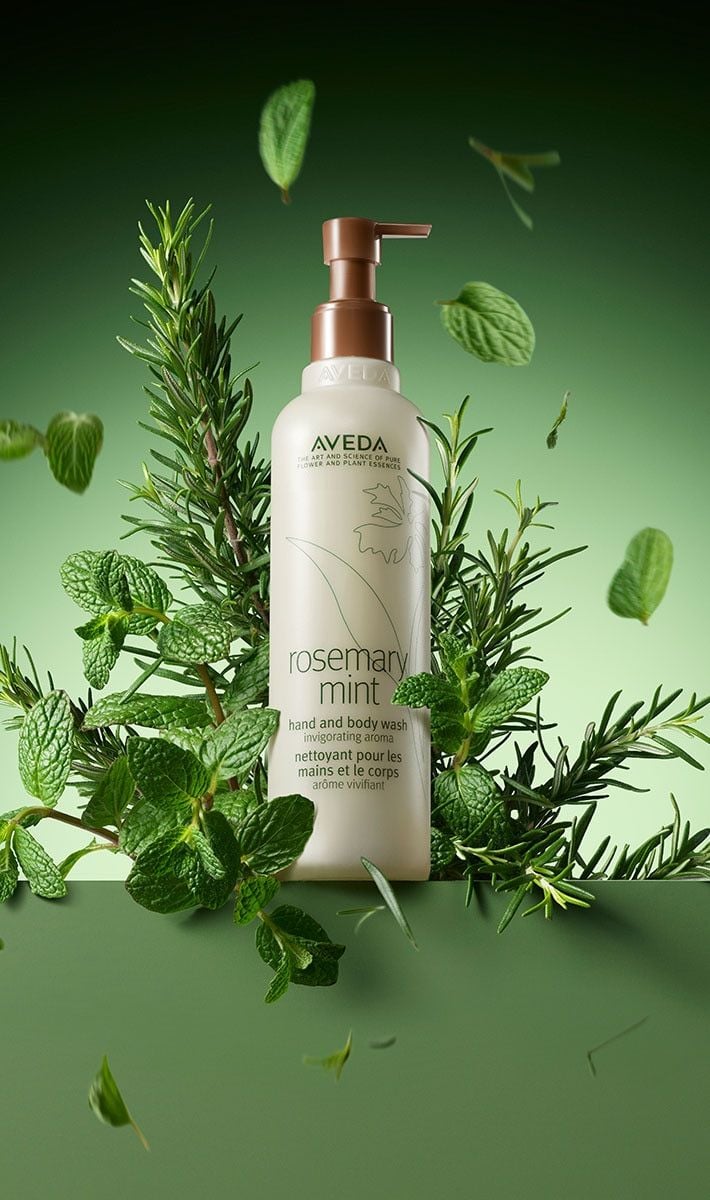
Botanical Rosemary Mint Product Showcase
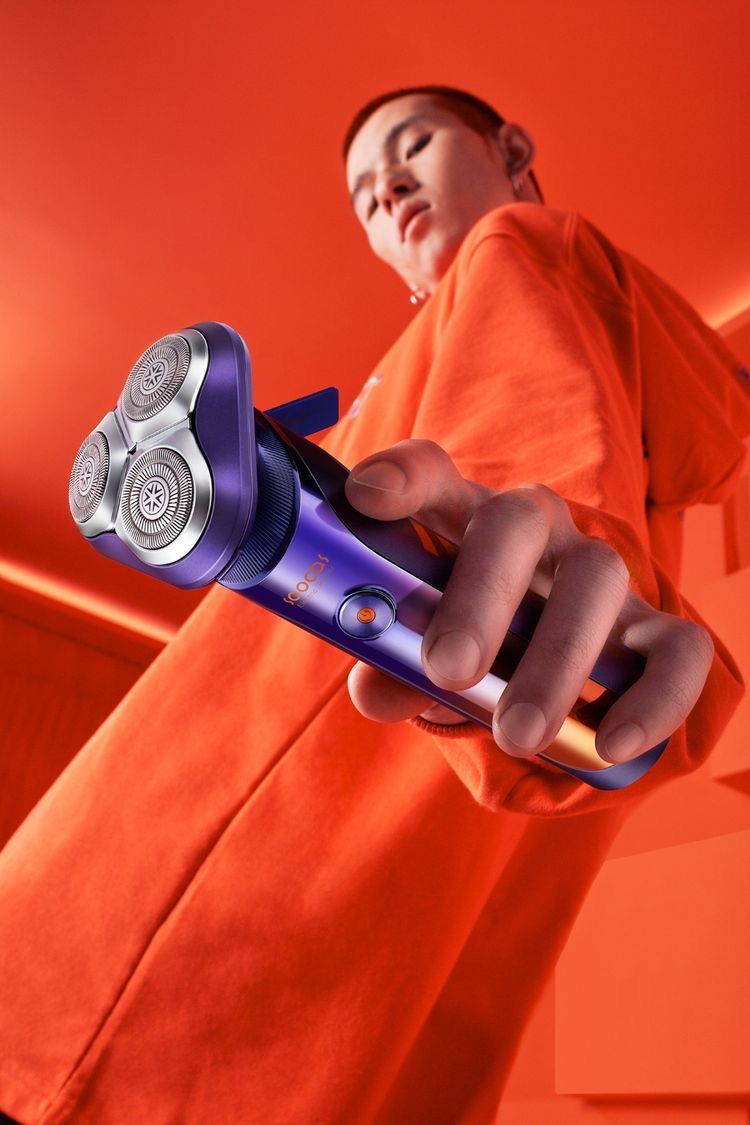
Modern Electric Shaver Showcase
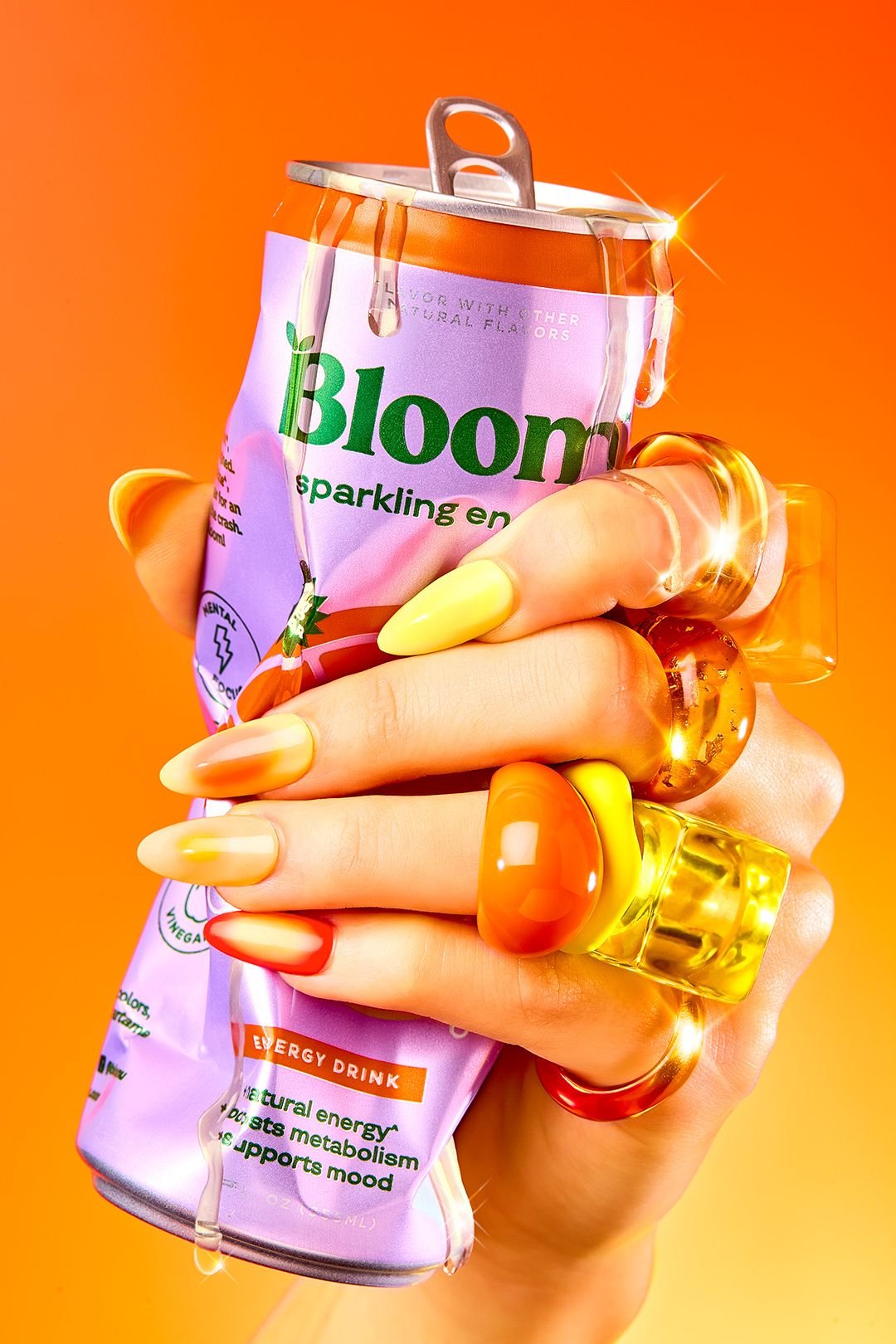
Vibrant Citrus Energy Bloom
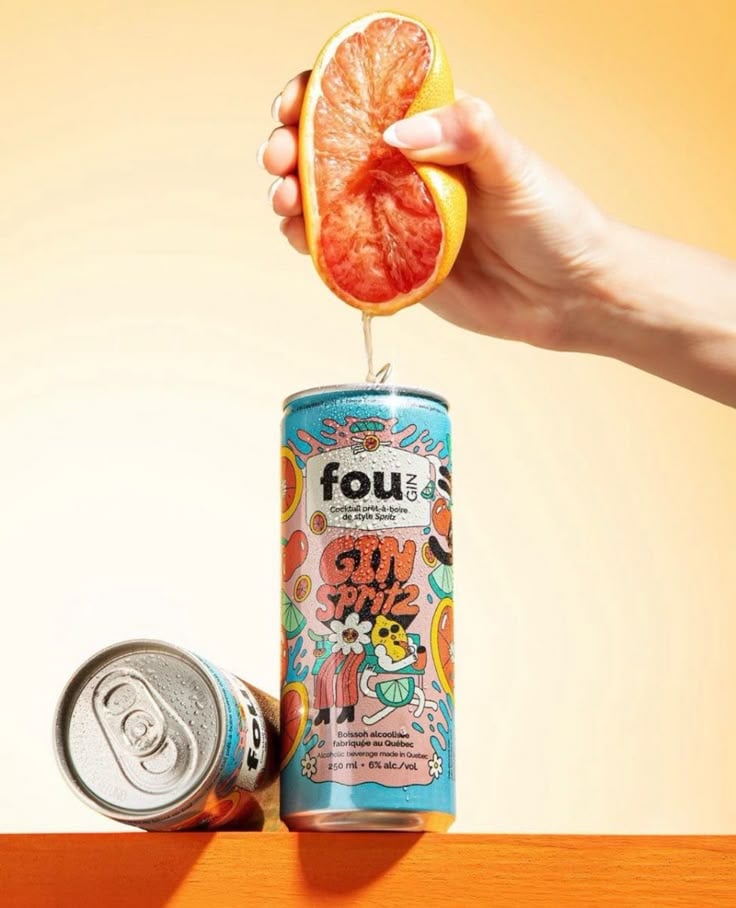
Vibrant Citrus Gin Spritz Promo
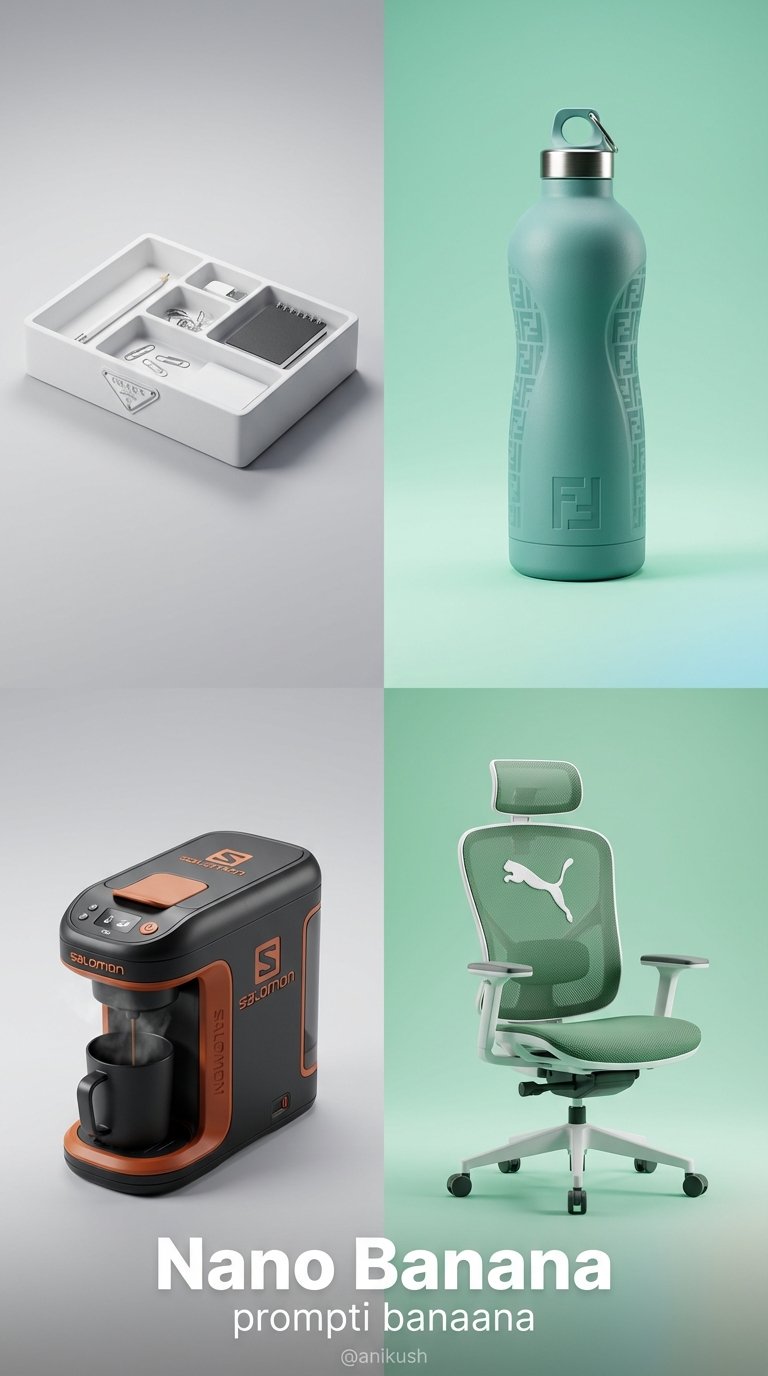
Minimalist Luxury Brand Concept
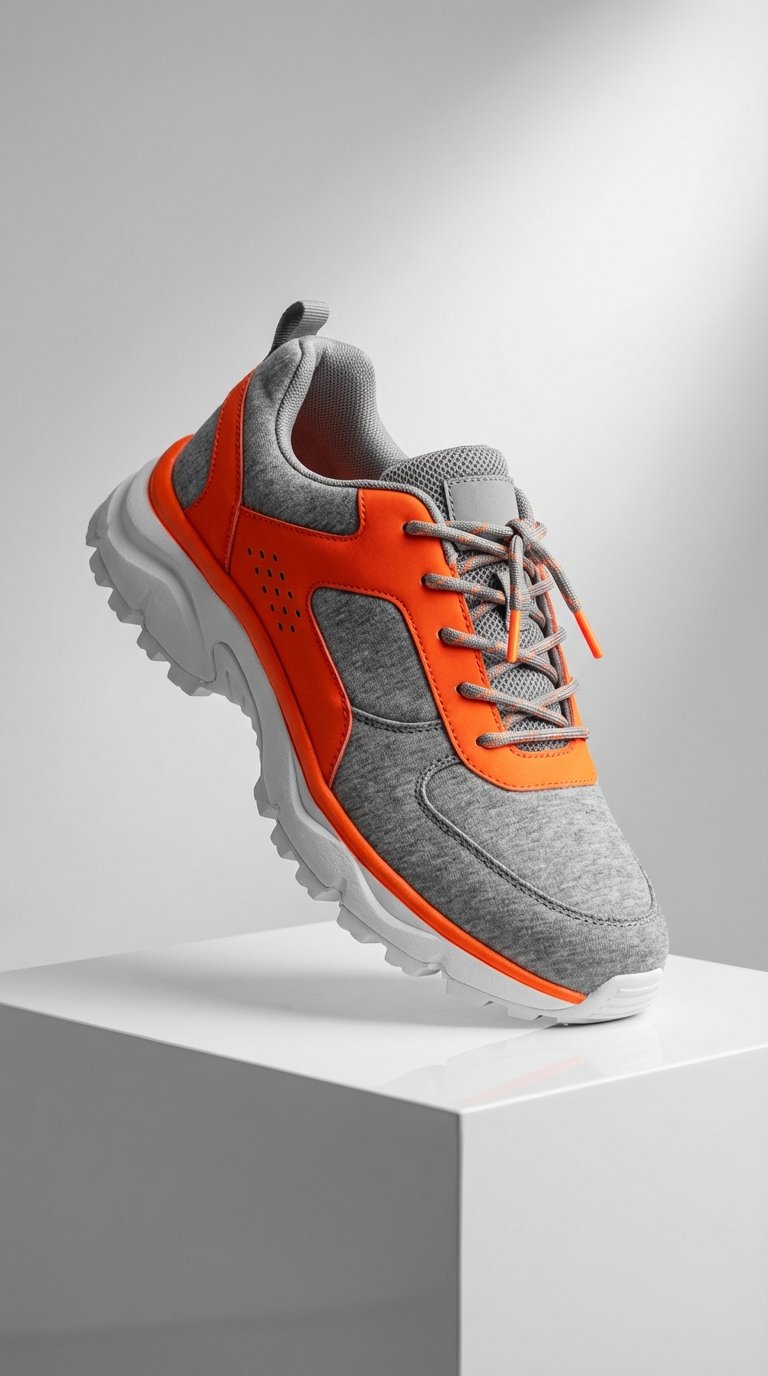
Modern Techwear Footwear Showcase
Make it yours
Vibrant Wellness Product Showcase works as-is. These are the safest ways to change it without losing the look.
Change one field
Copy a single group, rewrite it, and generate again so you can see what that field is doing.
Keep the frame, change the subject
Hold the composition and light of Vibrant Wellness Product Showcase, then swap wardrobe, props or the person for a new take.
| If the result… | Why | Fix |
|---|---|---|
| The result drifts from the preview | Too many fields changed at once. | Reuse Vibrant Wellness Product Showcase as-is first, then change one group — subject, light, or setting. |
| The model over-stylizes the scene | The prose prompt leaves finish and camera underspecified. | Add one camera or lighting sentence and stay on PicX Studio. |
More image prompts
Fresh picks from across the catalog.
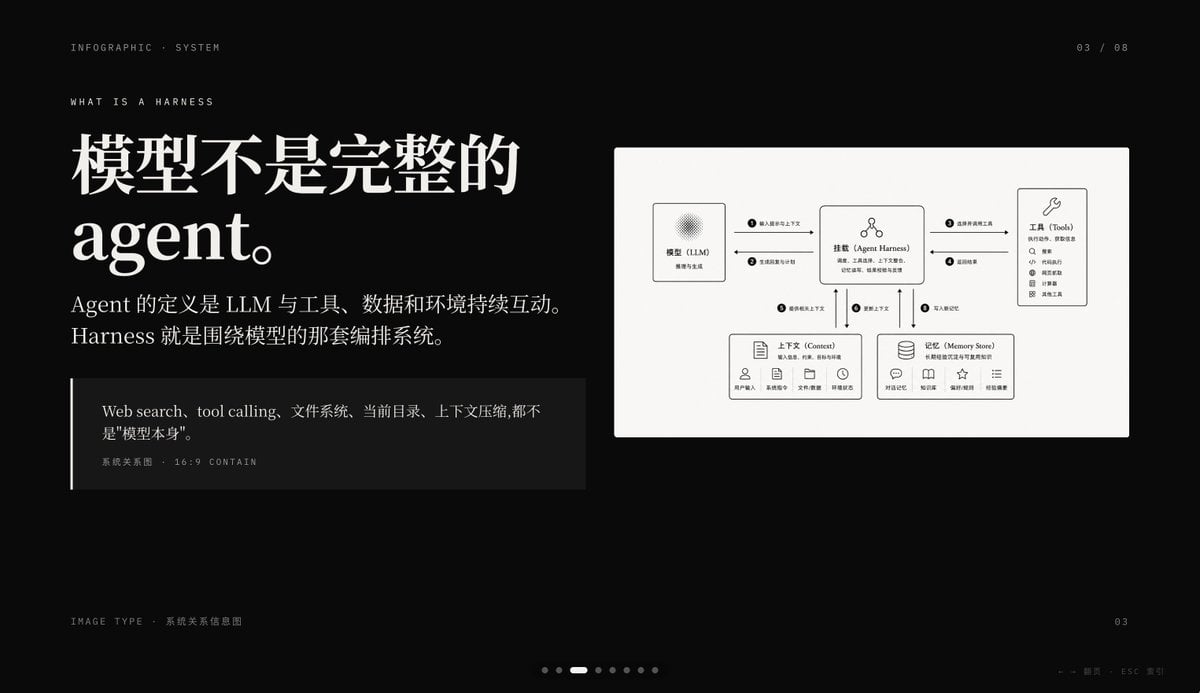
Dark AI Harness Infographic Slide
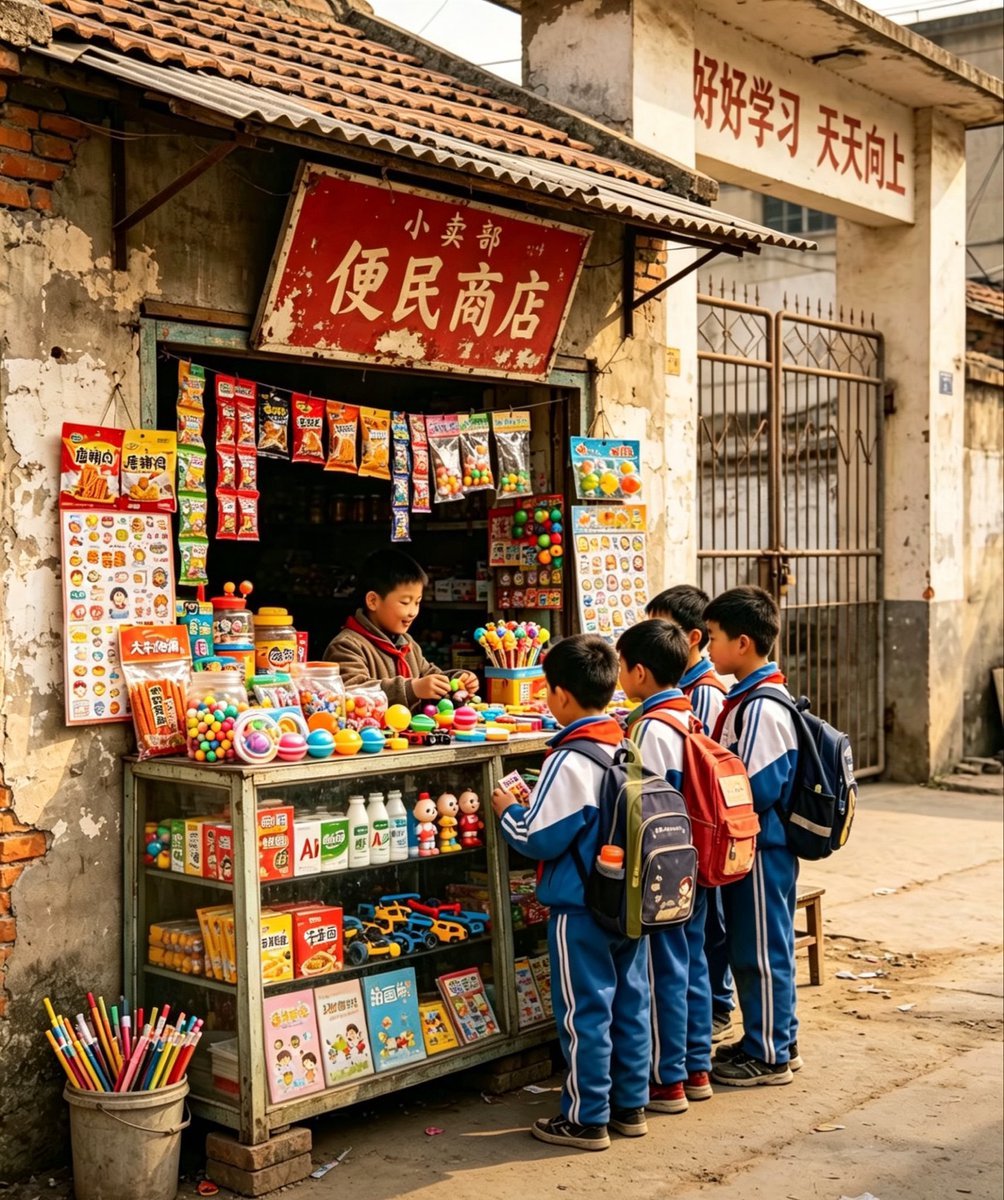
Nostalgic Chinese School Shop Scene

Girl Walking a Giant Cream Dragon
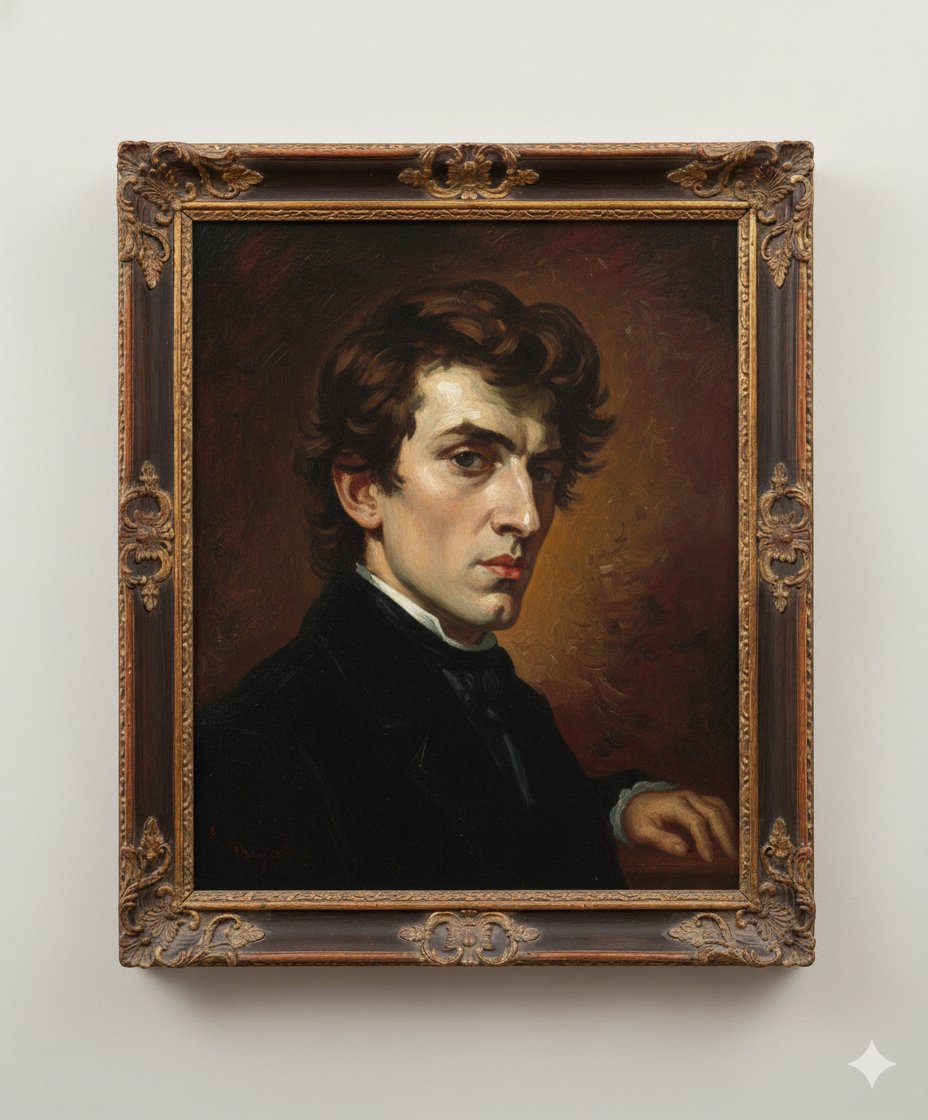
Image Generation Prompt: Arranging Delacroix's Chopin
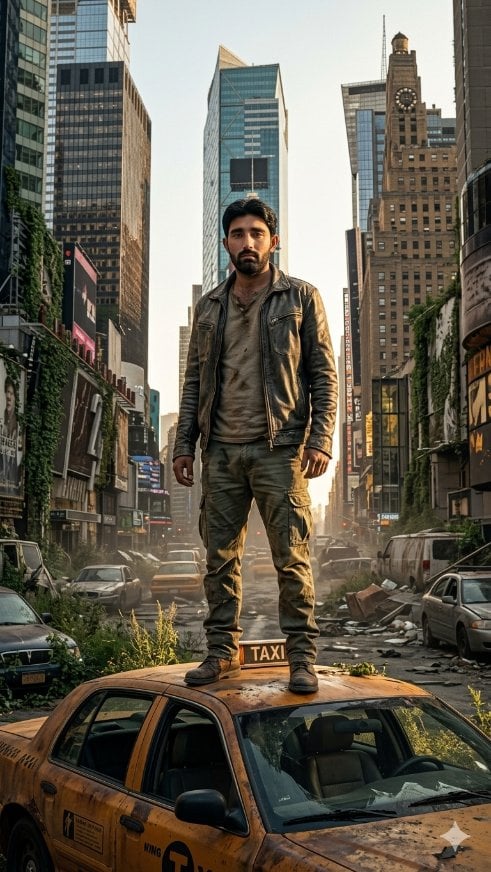
Post-Apocalyptic Taxi Survivor
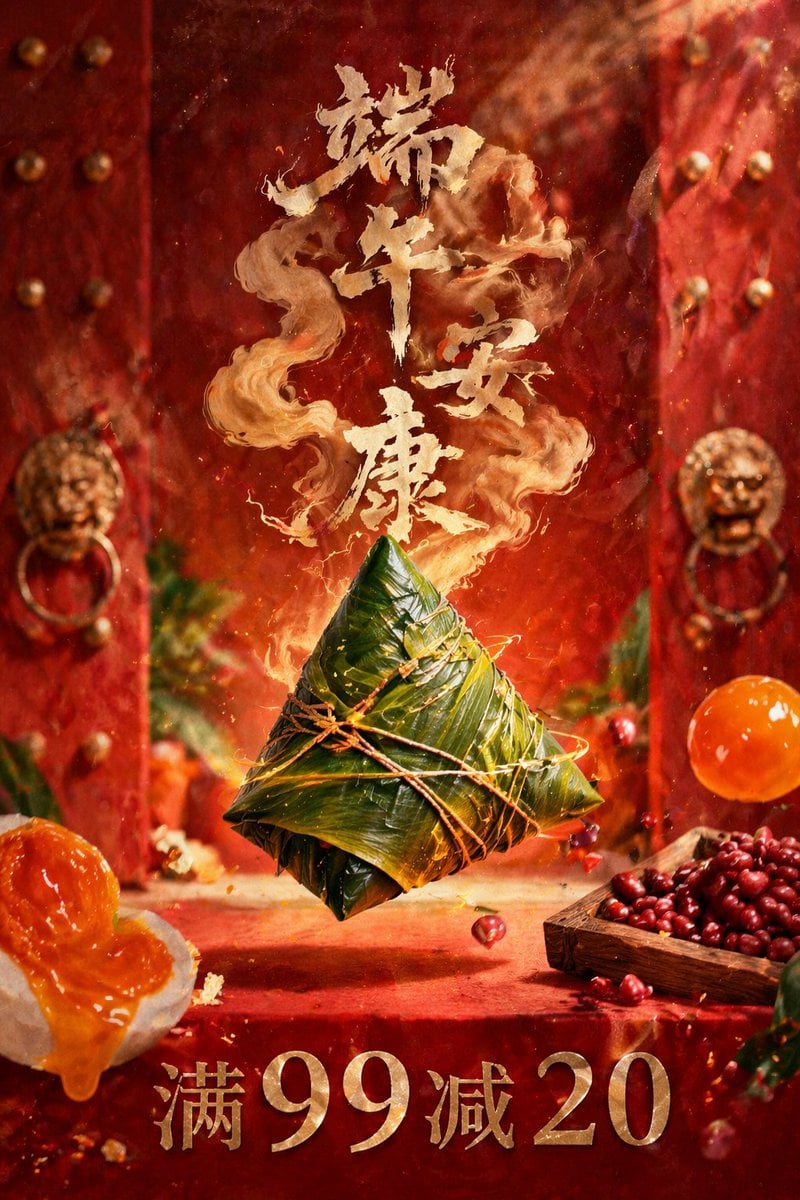
Dragon Boat Festival Promotional Poster
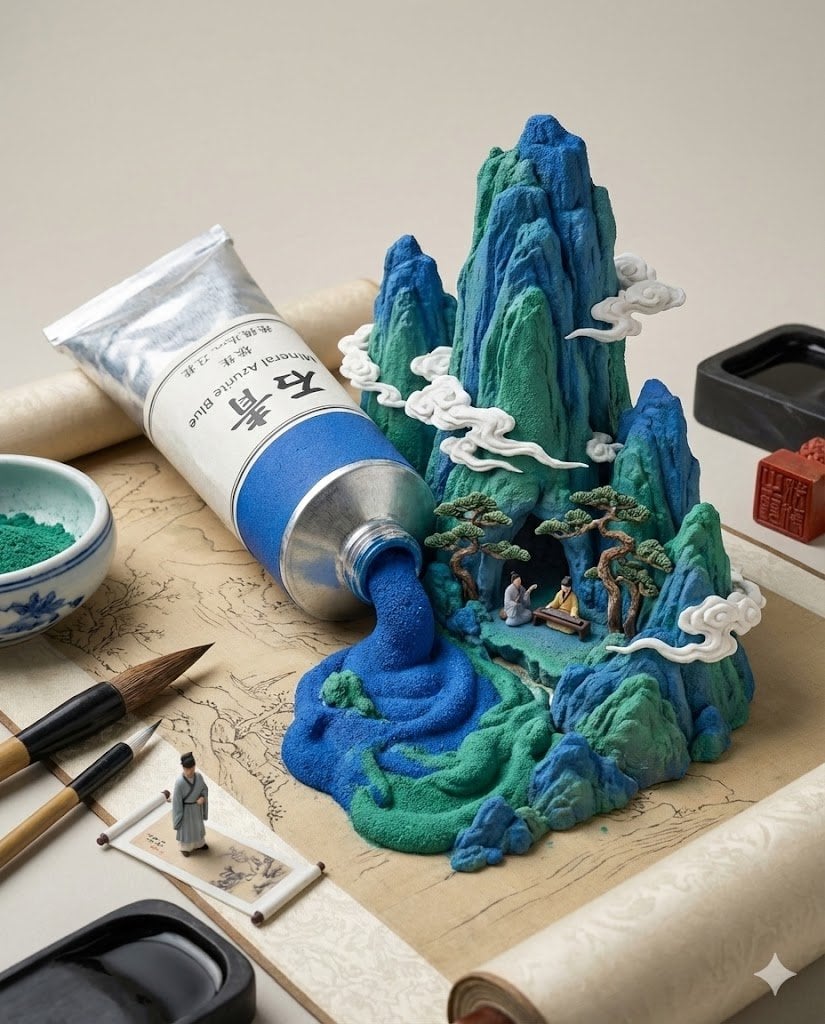
Chinese Landscape Painting Pigment Squeeze
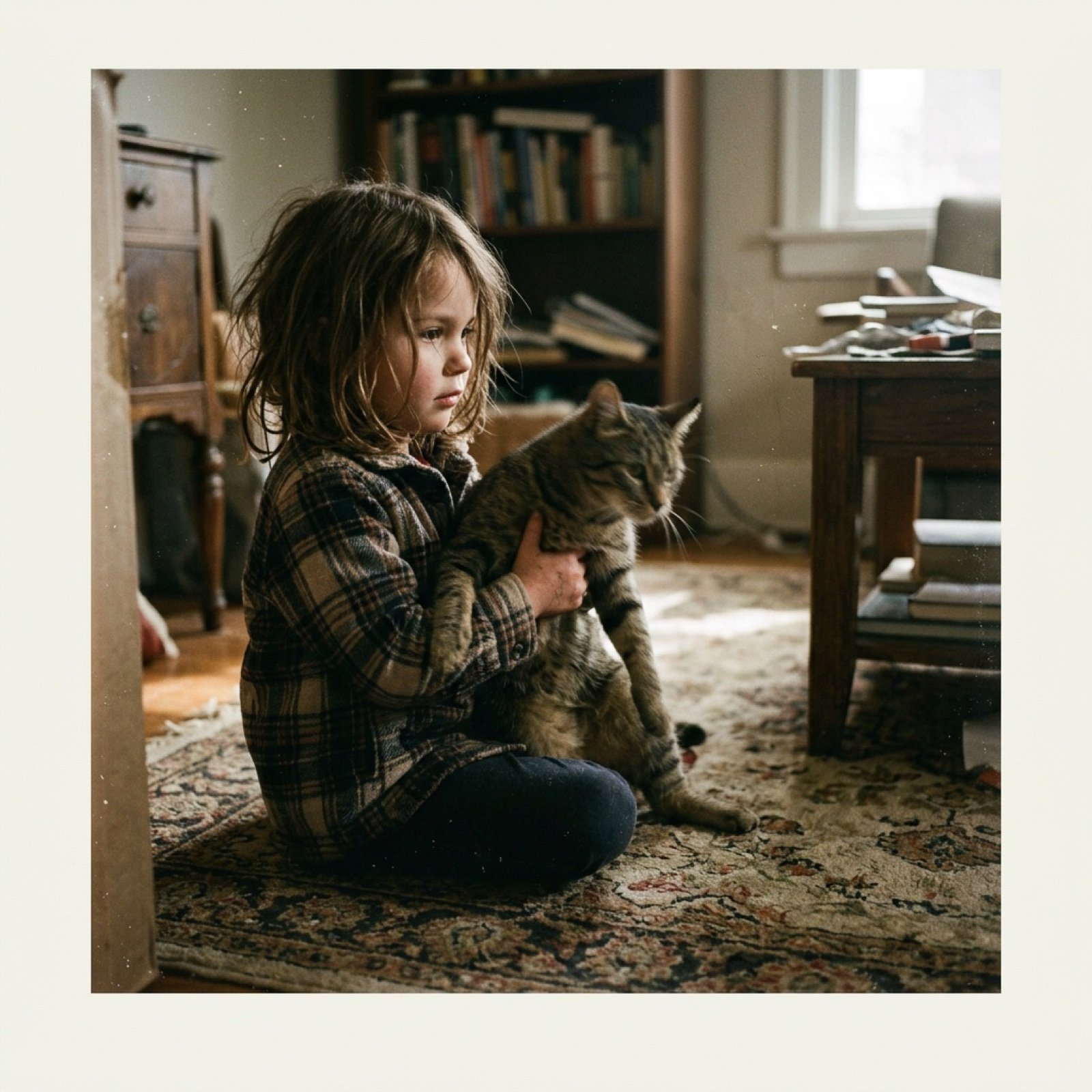
Low-Quality Disposable Camera Aesthetic for Daily Life Photos
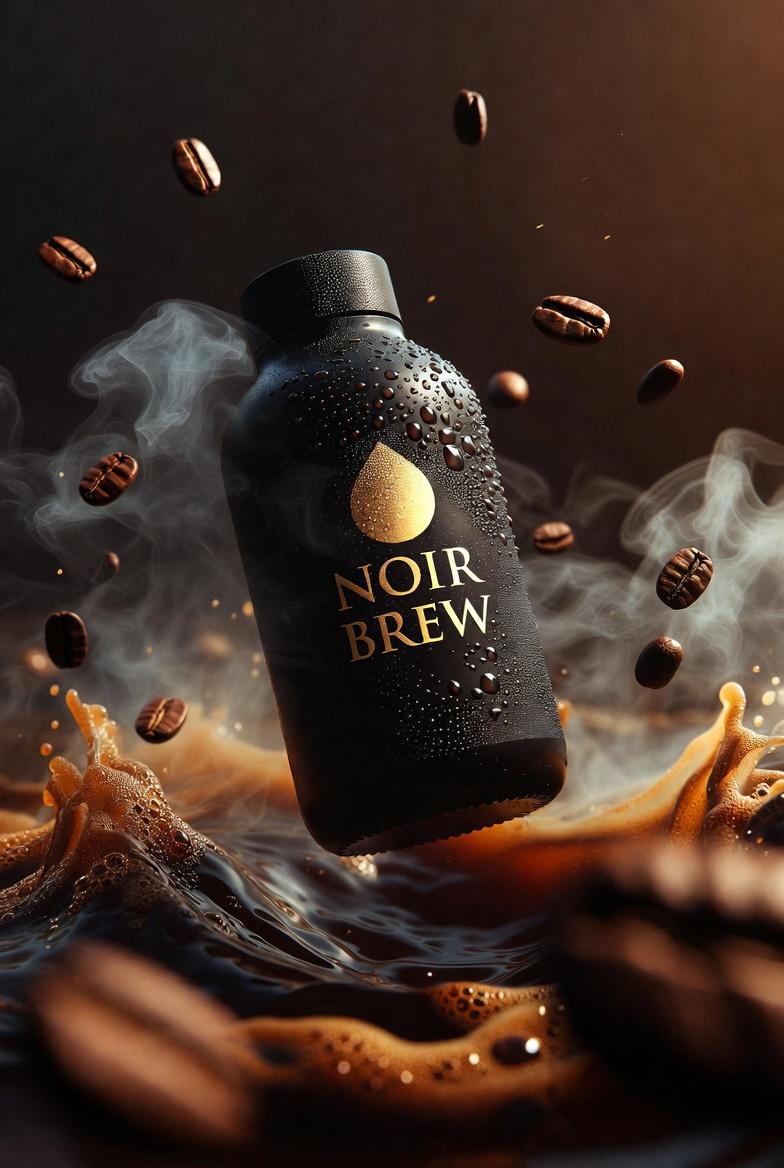
Ultra-Cinematic Product Photography of 'NOIR BREW' Coffee Bottle
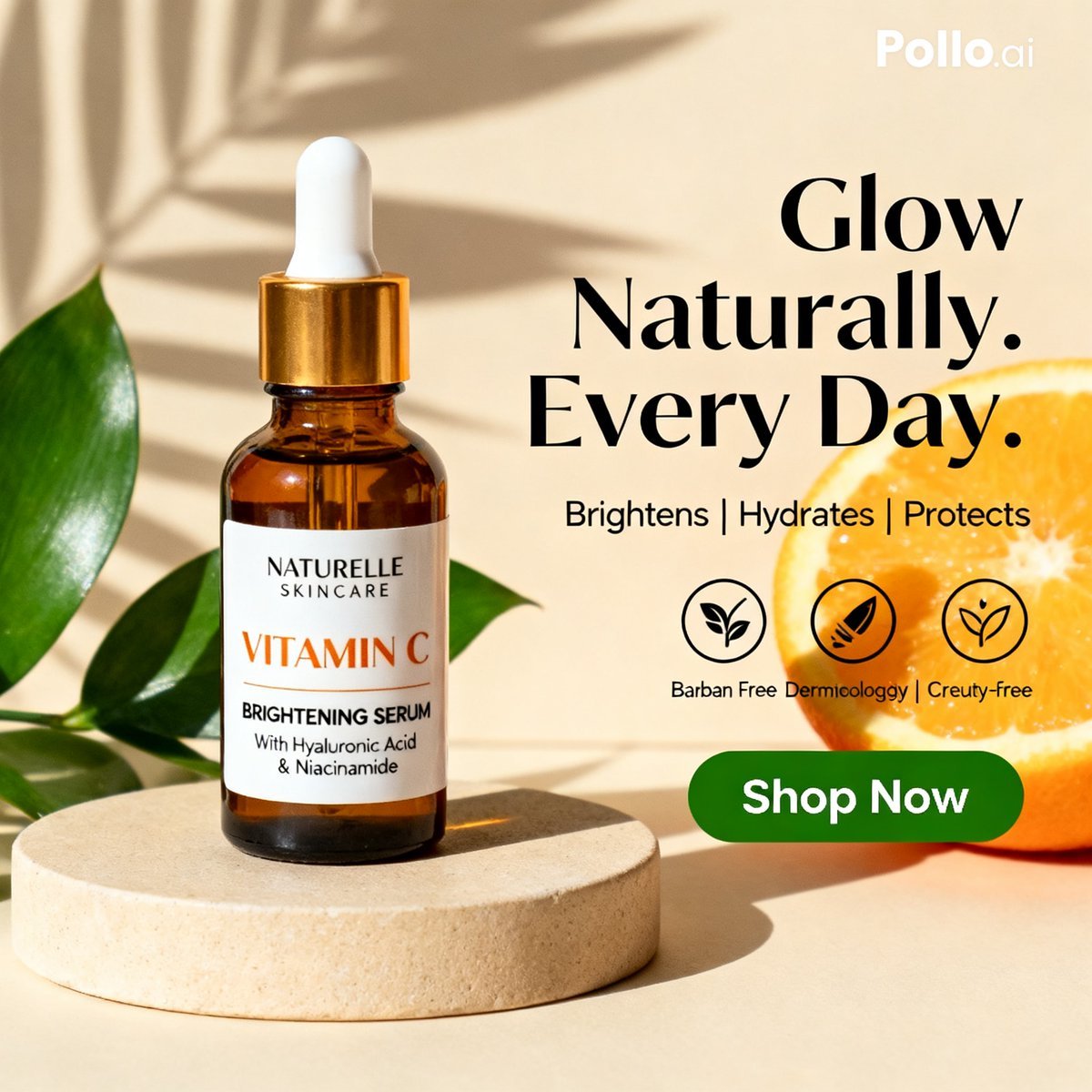
Vitamin C Skincare Ad
Browse template categories
Vibrant Wellness Product Showcase questions
How do I use the Vibrant Wellness Product Showcase template?
Add your photo if the template asks for one, edit the prompt if you like — the template's model and format are already selected — and press Generate. Your version opens in PicX Studio.
Can I customize the Vibrant Wellness Product Showcase template?
Yes. You can change the subject, setting, lighting, mood, format, and available model controls before creating your image.
Is the Vibrant Wellness Product Showcase template free?
Opening and editing this template is free. Generating uses credits, shown on the Generate button when you are signed in.
Which AI model should I use?
Choose a compatible model in PicX Studio based on the style, speed, and output controls your project needs.
Looking for something else? Browse all templates.

Your photo, any look
Thousands of ready templates for every top image and video model, from one credit balance.