
Vibrant Citrus Energy Bloom
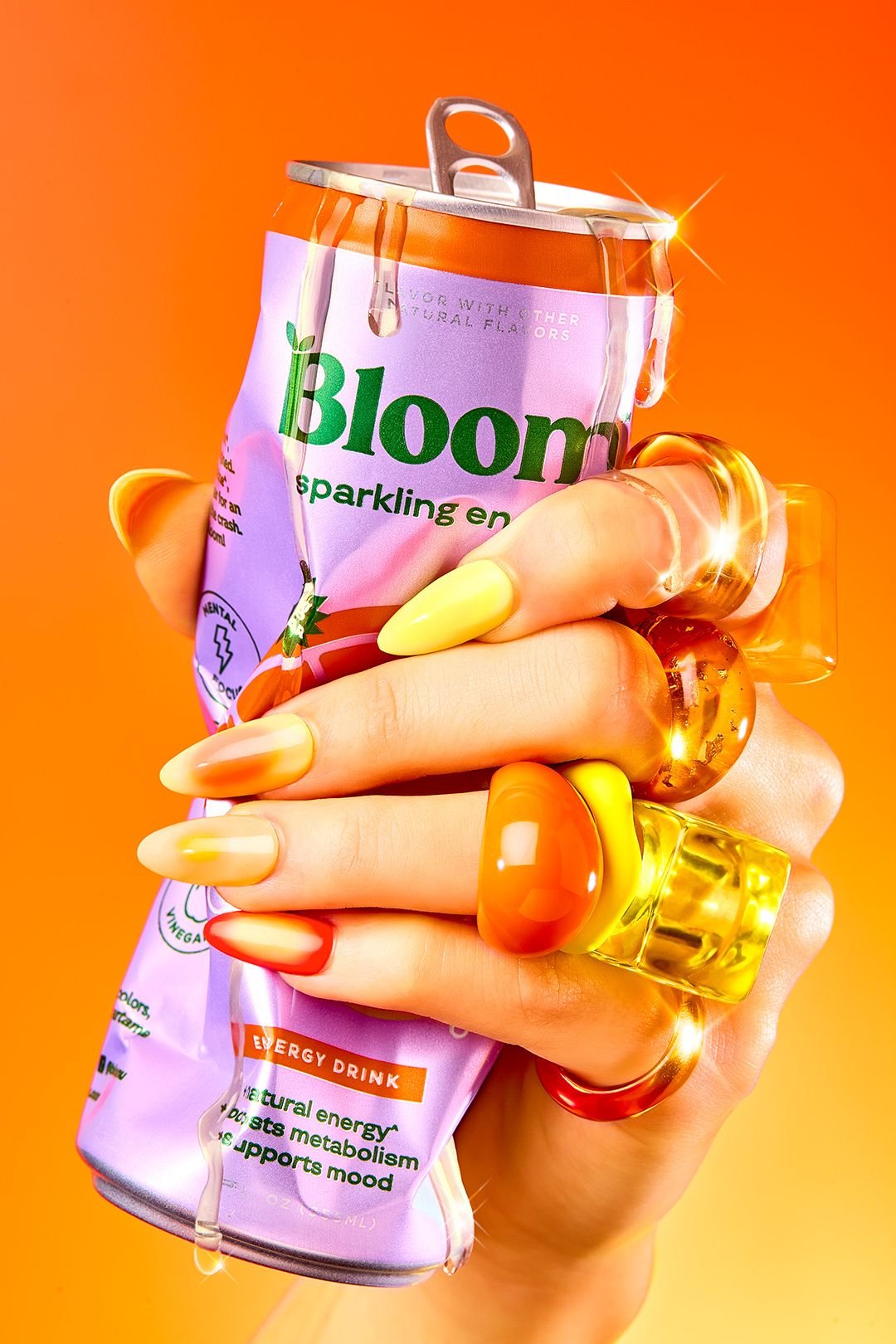
Vibrant Citrus Energy Bloom is a ready photo look.
- Prompt included
- Model and format preset
- Premium template
The prompt behind this image
Copy the exact prompt behind Vibrant Citrus Energy Bloom, or open it in the studio and make it yours.
- Prompt
- An ultra-bold editorial product photograph featuring a sparkling energy drink can tightly squeezed in a human hand. The aluminum can appears slightly crushed with liquid dripping from the opened top, emphasizing intensity and freshness. The hand is styled with long gradient nails transitioning from yellow to orange to red, and multiple chunky translucent rings in warm amber tones. The background is a solid bright orange seamless studio backdrop. Strong glossy studio lighting creates dramatic highlights, sparkle reflections on the rings, and crisp texture on the can. High-fashion beverage advertising style, energetic, powerful, modern, ultra sharp focus.
- Negative Prompt
- faces, full body, cluttered background, dull lighting, blurry image, low resolution, distorted text, logo deformation, messy composition
- Style
- high-fashion editorial product photography
- Lighting
- hard studio lighting, glossy highlights, high contrast
- Camera › Angle
- extreme close-up
- Camera › Lens
- 85mm macro
- Camera › Aperture
- f/8
- Camera › Focus
- razor sharp focus
- Composition
- tight framing, hand-dominant composition, high impact
- Background
- solid bright orange seamless backdrop
- Mood
- bold, energetic, powerful, confident
- Quality
- ultra high resolution, professional advertising photography, photorealistic
Raw JSON
{
  "prompt": "An ultra-bold editorial product photograph featuring a sparkling energy drink can tightly squeezed in a human hand. The aluminum can appears slightly crushed with liquid dripping from the opened top, emphasizing intensity and freshness. The hand is styled with long gradient nails transitioning from yellow to orange to red, and multiple chunky translucent rings in warm amber tones. The background is a solid bright orange seamless studio backdrop. Strong glossy studio lighting creates dramatic highlights, sparkle reflections on the rings, and crisp texture on the can. High-fashion beverage advertising style, energetic, powerful, modern, ultra sharp focus.",
  "negative_prompt": "faces, full body, cluttered background, dull lighting, blurry image, low resolution, distorted text, logo deformation, messy composition",
  "style": "high-fashion editorial product photography",
  "lighting": "hard studio lighting, glossy highlights, high contrast",
  "camera": {
    "angle": "extreme close-up",
    "lens": "85mm macro",
    "aperture": "f/8",
    "focus": "razor sharp focus"
  },
  "composition": "tight framing, hand-dominant composition, high impact",
  "background": "solid bright orange seamless backdrop",
  "mood": "bold, energetic, powerful, confident",
  "quality": "ultra high resolution, professional advertising photography, photorealistic"
}How to use Vibrant Citrus Energy Bloom in 3 steps
- 1
Open
The prompt is already in the box next to the preview, with the template's model and format selected.
- 2…a portrait of your subject in softgolden-hour light, 85mm…
Personalize
Edit the subject and creative details for your destination.
- 3Generate
Generate
Press Generate — your image is created in PicX Studio, so you can compare it with the original and refine one variable at a time.
More like this
Templates with the same subject, style or setup. Open one to see its prompt.
Vibrant Citrus Gin Spritz Promo
Vibrant Citrus Coffee Social
Vibrant Pop Fashion Aesthetic
Vibrant Fruit Infusion Banner
Vibrant Tequila Smash Product Showcase

Moss Logo Minimalist Brand Flat Lay
Sun-Kissed Summer Skincare Beachfront
Oversized Minimalist Product Portrait
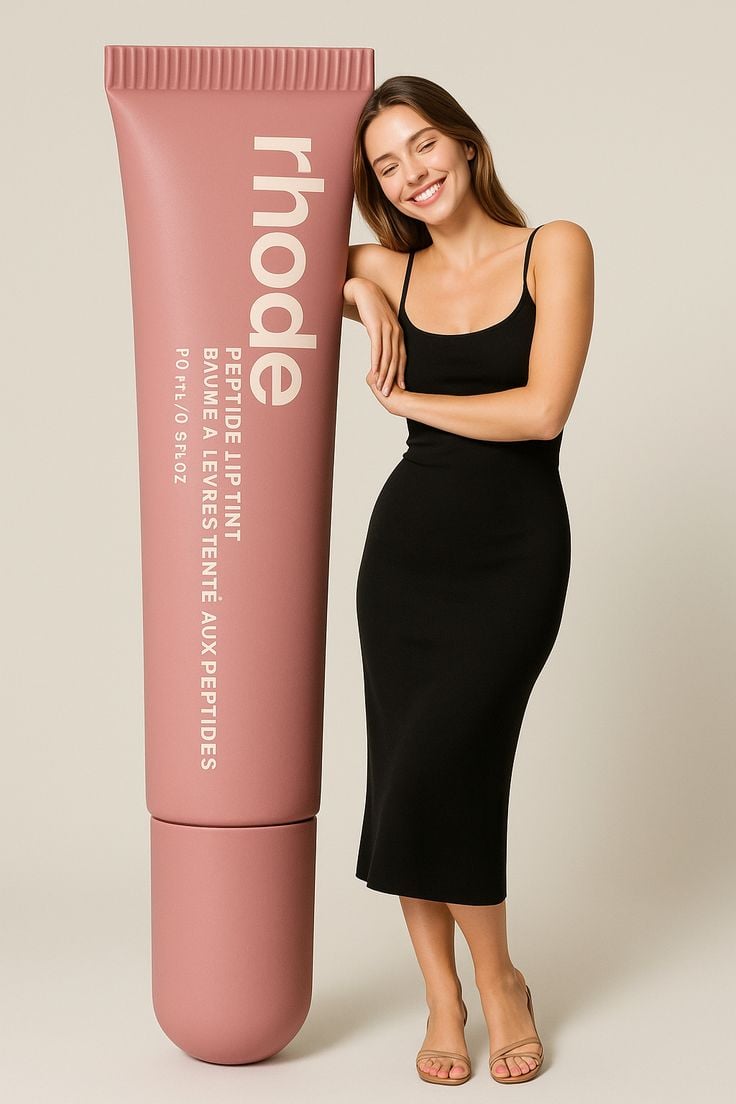
Giant Product Lifestyle Mockup
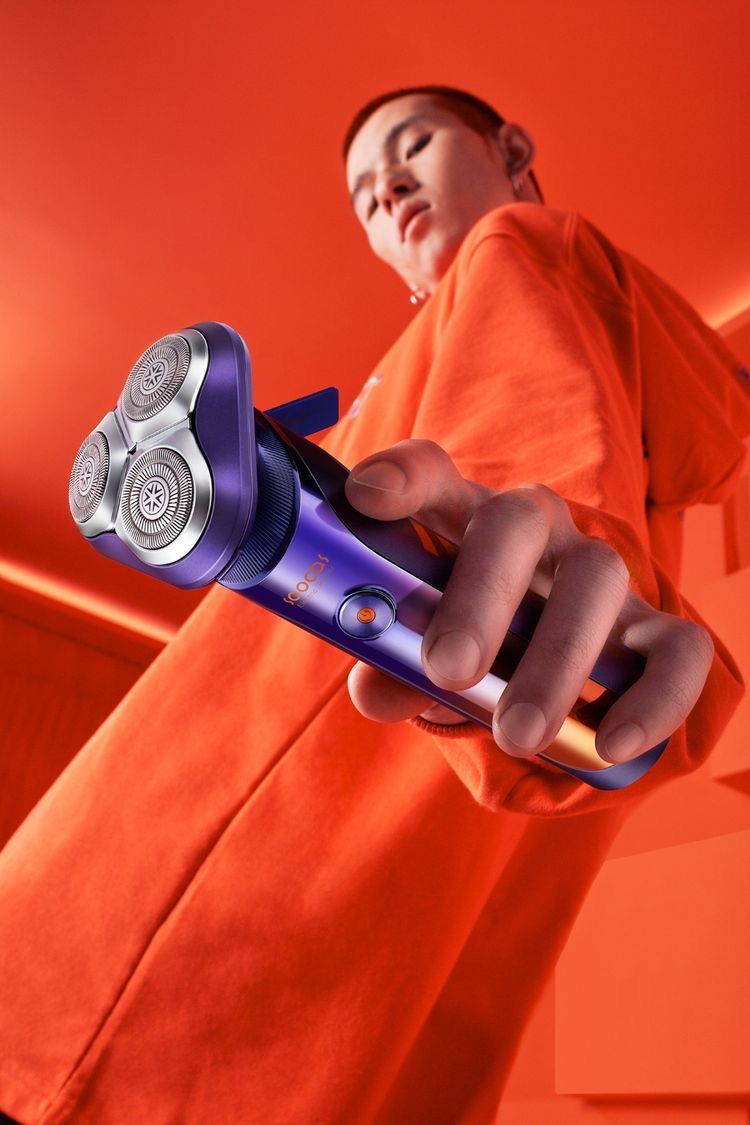
Modern Electric Shaver Showcase
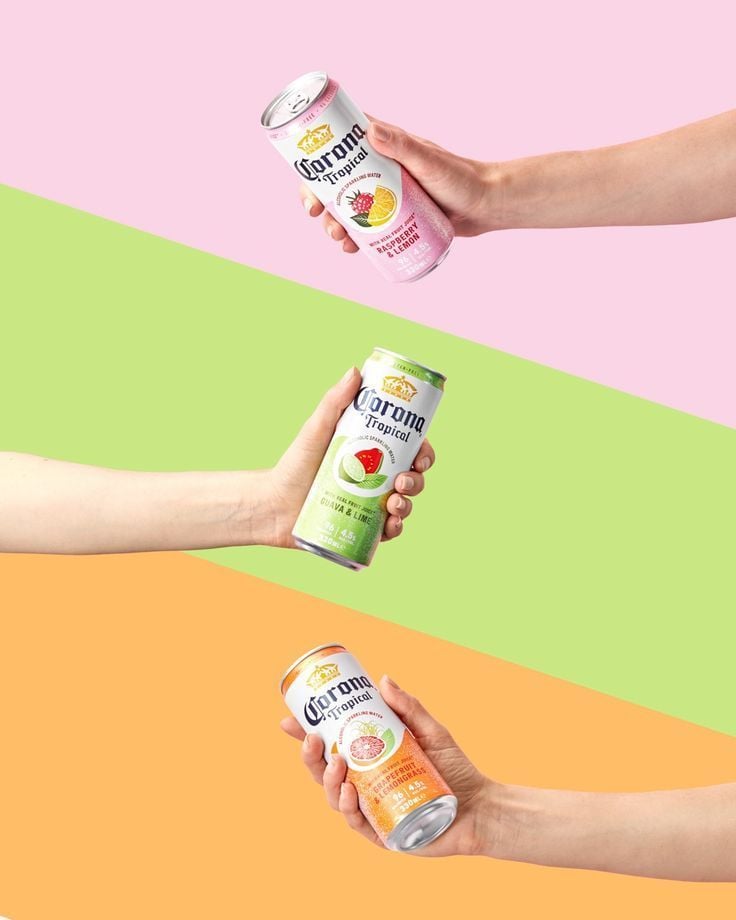
Tropical Seltzer Trio Layout
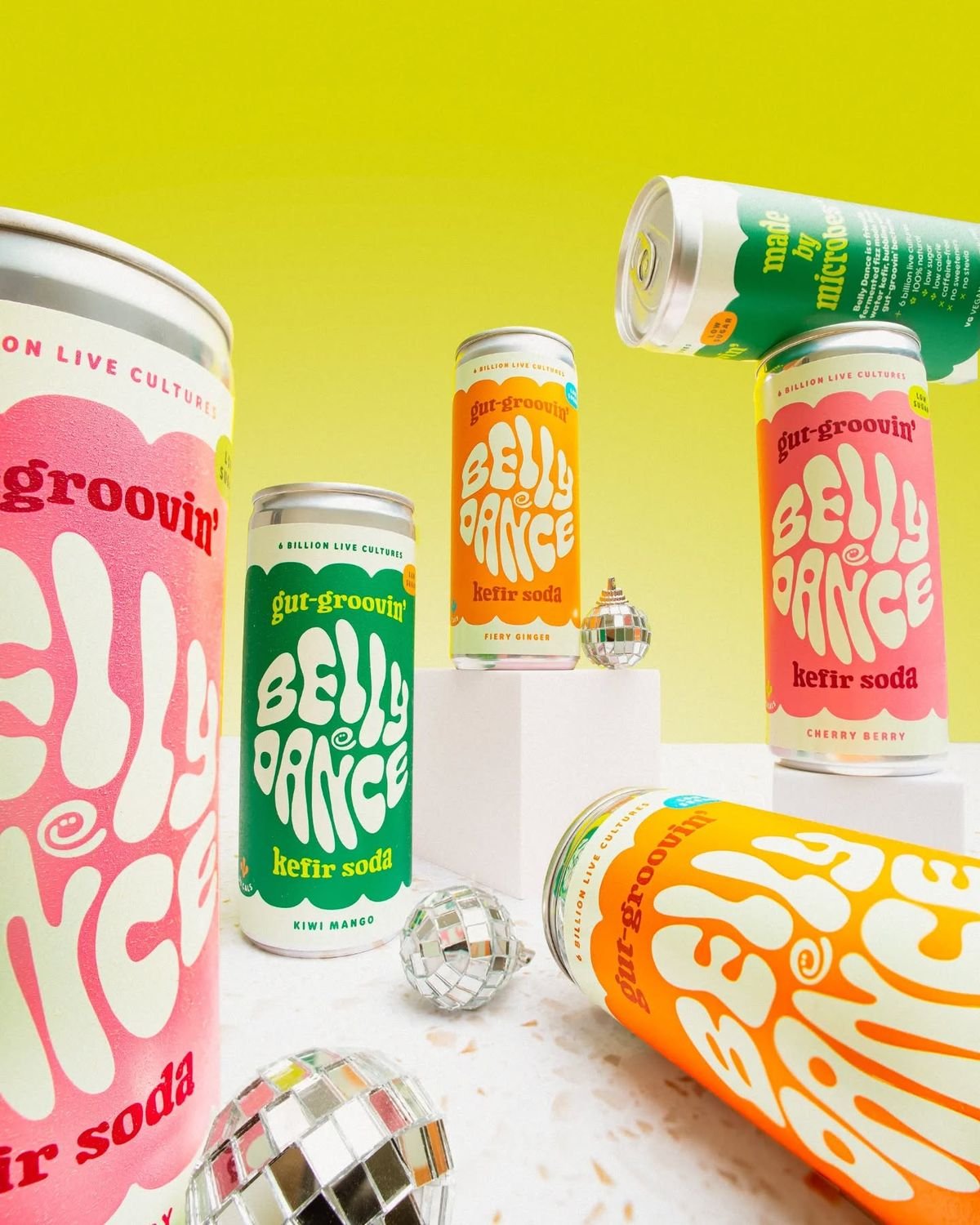
Retro Disco Beverage Showcase
Make it yours
Vibrant Citrus Energy Bloom works as-is. These are the safest ways to change it without losing the look.
Swap the setting
Keep the rest of the prompt and replace the location block. The current setting is “solid bright orange seamless backdrop”.
Swap the light
One lighting change is enough to compare takes. Current light: “hard studio lighting, glossy highlights, high contrast”.
Change one field
Copy a single group, rewrite it, and generate again so you can see what that field is doing.
| If the result… | Why | Fix |
|---|---|---|
| The result drifts from the preview | Too many fields changed at once. | Reuse Vibrant Citrus Energy Bloom as-is first, then change one group — subject, light, or setting. |
| PicX Studio ignores part of the JSON | Some models flatten or skip nested keys. | Keep the same values and paste them as a short paragraph instead. |
More image prompts
Fresh picks from across the catalog.
Golden Week Ending Melancholy

Image generation prompt for Nano Banana Pro: Zhuge Liang vs. Sima Yi in a Final Fantasy X style cosm

Vintage Tianjin Travel Poster
Elegant Anonymous Lifestyle Collage
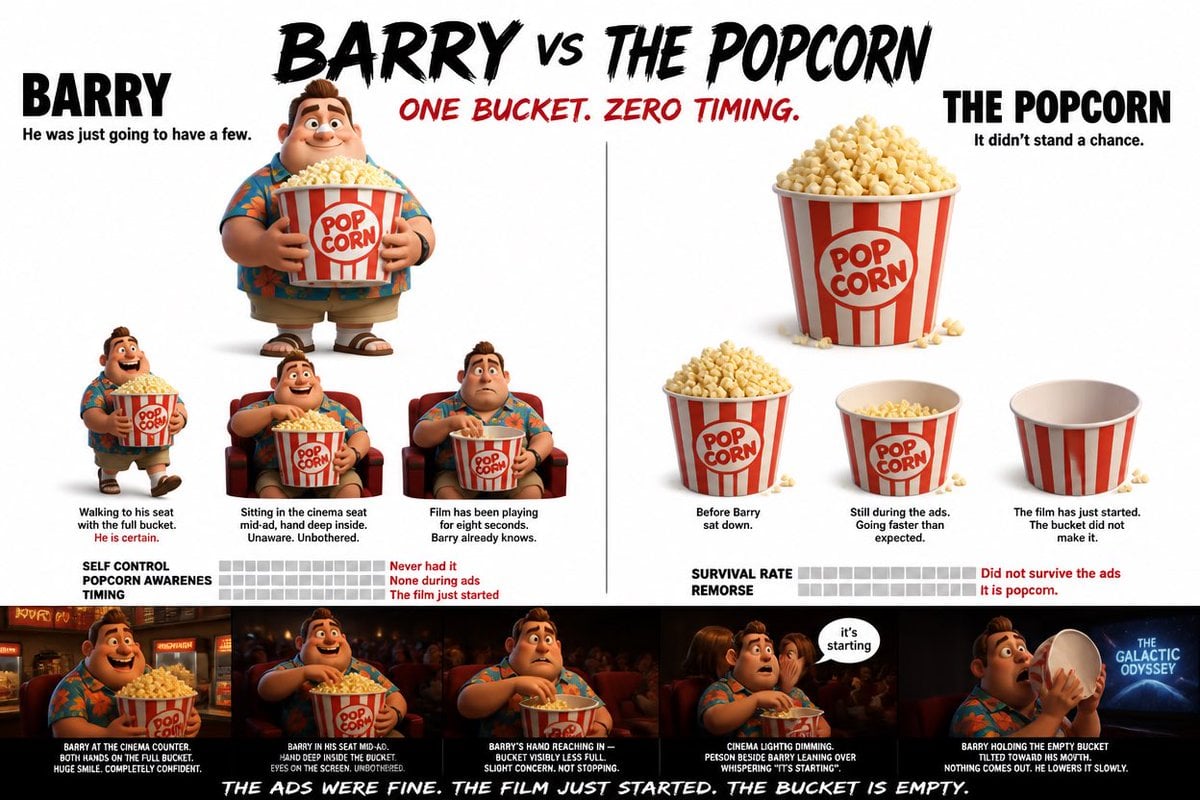
Pixar Style Character Storyboard
Luxury Fashion Shoot with Lamborghini Huracán
Subtle Brand Texture Visual Prompt
Impressionist Spring Garden Oil Painting

Anime Split-Screen Sword Confrontation

untitled
Browse template categories
Vibrant Citrus Energy Bloom questions
How do I use the Vibrant Citrus Energy Bloom template?
Add your photo if the template asks for one, edit the prompt if you like — the template's model and format are already selected — and press Generate. Your version opens in PicX Studio.
Can I customize the Vibrant Citrus Energy Bloom template?
Yes. You can change the subject, setting, lighting, mood, format, and available model controls before creating your image.
Is the Vibrant Citrus Energy Bloom template free?
Opening and editing this template is free. Generating uses credits, shown on the Generate button when you are signed in.
Which AI model should I use?
Choose a compatible model in PicX Studio based on the style, speed, and output controls your project needs.
Looking for something else? Browse all templates.

Your photo, any look
Thousands of ready templates for every top image and video model, from one credit balance.