
Vitamin C Skincare Ad
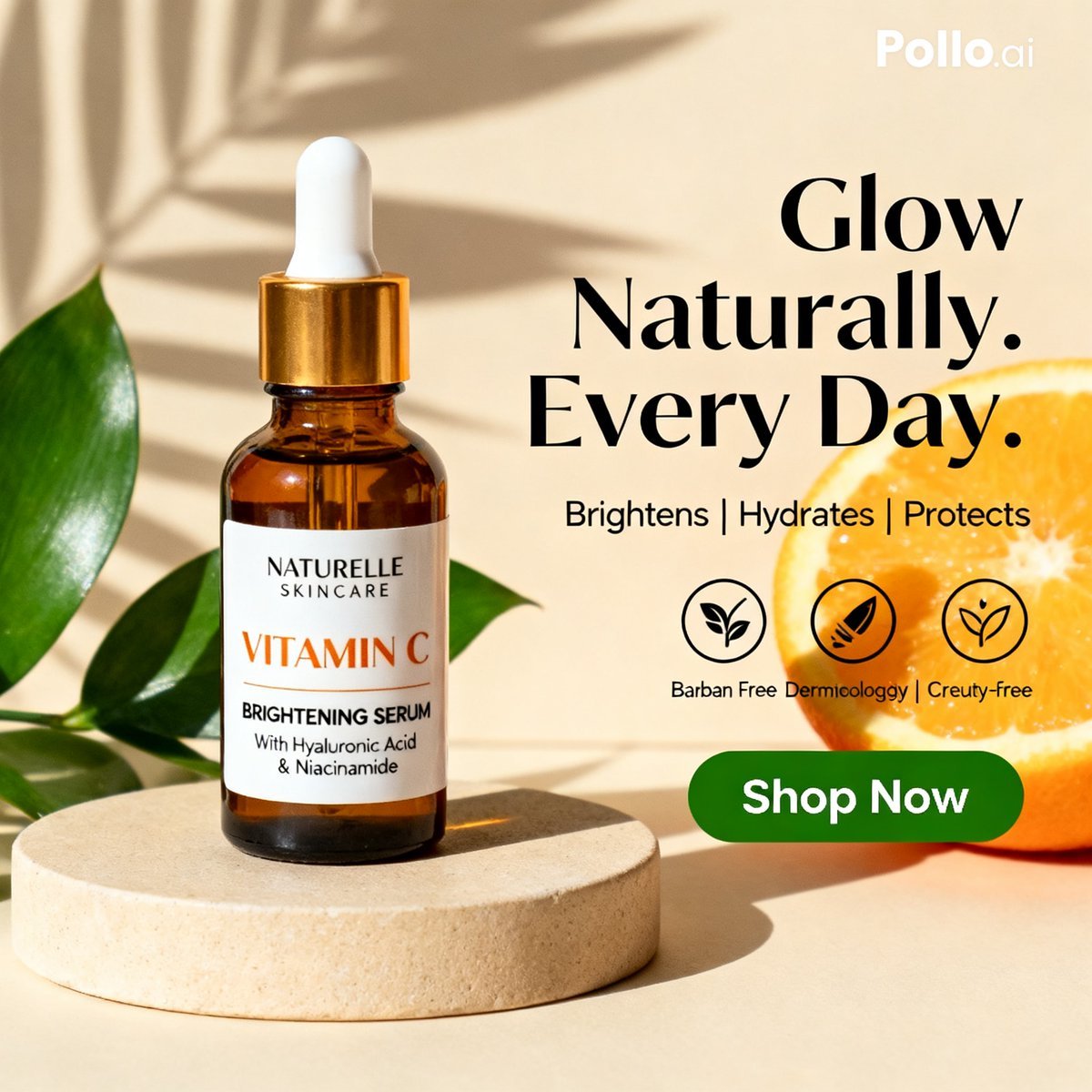
A polished square skincare product advertisement showing a vitamin C serum bottle with botanical styling, bold headline text, benefit icons, and a shop-now button for ecommerce or social media marketing.
- Prompt included
- Model and format preset
- Free template
The prompt behind this image
Copy the exact prompt behind Vitamin C Skincare Ad, or open it in the studio and make it yours.
Create a clean luxury skincare product advertisement in a square 1:1 layout with a warm beige studio background and strong natural sunlight casting soft palm-leaf shadows across the wall. Place 1 amber glass dropper bottle on the left-center, standing upright on a round cream stone pedestal. The bottle has a glossy gold collar and a matte white rubber dropper top. Add a white rectangular label with elegant minimal typography: brand name "{argument name="brand name" default="NATURELLE SKINCARE"}" at the top, a large orange product name "{argument name="product name" default="VITAMIN C"}", then black text reading "BRIGHTENING SERUM" and smaller subtext "With Hyaluronic Acid & Niacinamide". Surround the pedestal with 3 visible glossy green tropical leaves, arranged from the left edge and behind the bottle for a fresh botanical look. On the right side, place a large bold black serif headline in 3 stacked lines reading "{argument name="headline text" default="Glow Naturally. Every Day."}". Beneath it, add a smaller clean sans-serif benefits line reading "{argument name="benefits text" default="Brightens | Hydrates | Protects"}". Below that, include 3 circular black outline ingredient or values icons in a horizontal row, each with a simple leaf-style symbol inside; add tiny caption text beneath them with the same slightly imperfect ad-like wording seen in the original, including "Barban Free", "Dermicologyg", and "Creuty-free". At the lower right, place a glossy rounded green call-to-action button with white bold text "{argument name="button text" default="Shop Now"}". Add 1 sliced orange on the far right edge, partially cropped, with vivid juicy texture to reinforce the vitamin C theme. Include a small white "Pollo.ai" watermark in the top-right corner. Style the whole image as a polished commercial product mockup, photorealistic, high-end beauty branding, soft warm highlights, subtle shadows, balanced composition, sharp label detail, premium ecommerce social ad aesthetic.
How to use Vitamin C Skincare Ad in 3 steps
- 1Upload ImagePNG, JPG or paste
Add your photo
Upload the photo the template builds on. The prompt, model and format are already set.
- 2…a portrait of your subject in softgolden-hour light, 85mm…
Personalize
Edit the subject and creative details for your destination.
- 3Generate
Generate
Press Generate — your image is created in PicX Studio, so you can compare it with the original and refine one variable at a time.
More like this
Templates with the same subject, style or setup. Open one to see its prompt.

Minimalist Skincare Product Water Stone Still

Botanical Skincare Minimal Product Advertising
Minimalist Skincare Product Water Stone Still
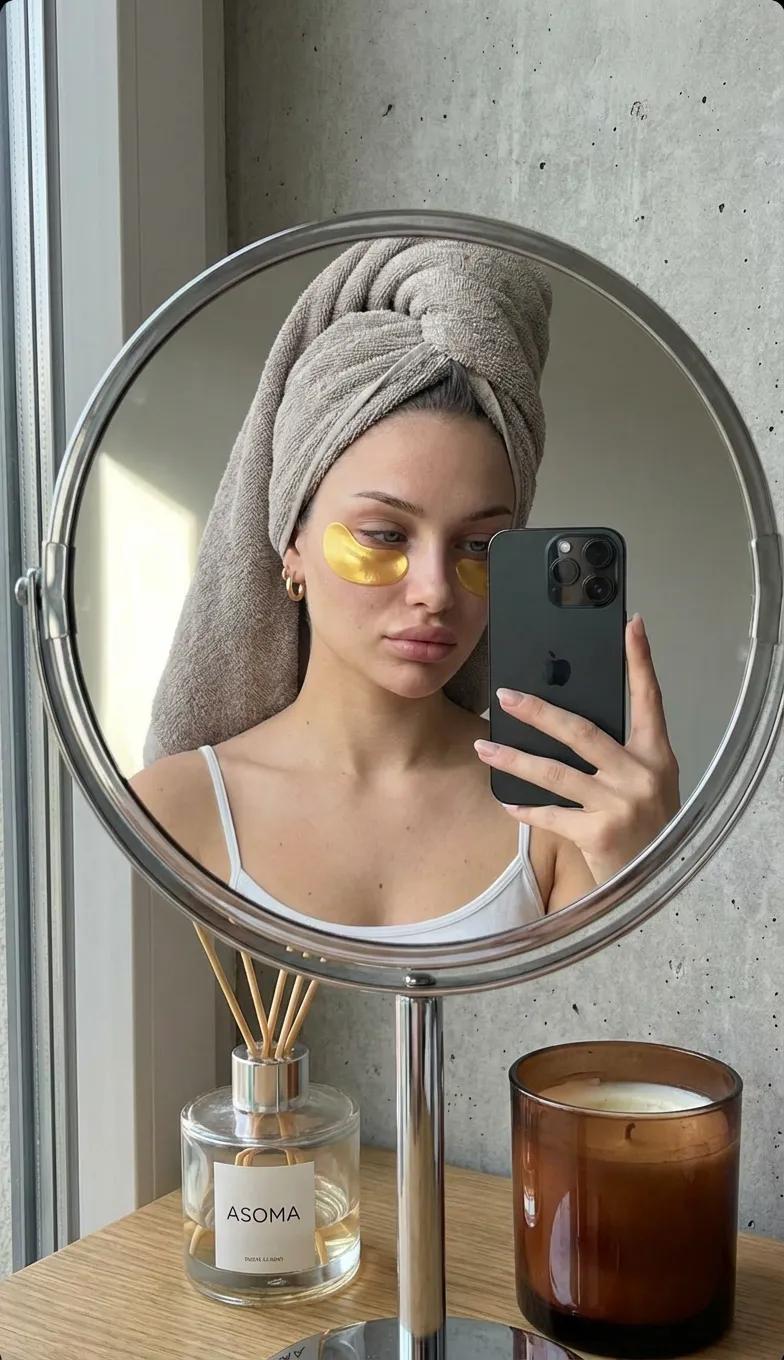
Round Tabletop Mirror Skincare Selfie

01 Skincare Split Portrait — Nano Banana 2

Product Elemental Lifestyle - Midjourney v7/v8
UGC Skincare Review - Seedance 2.0
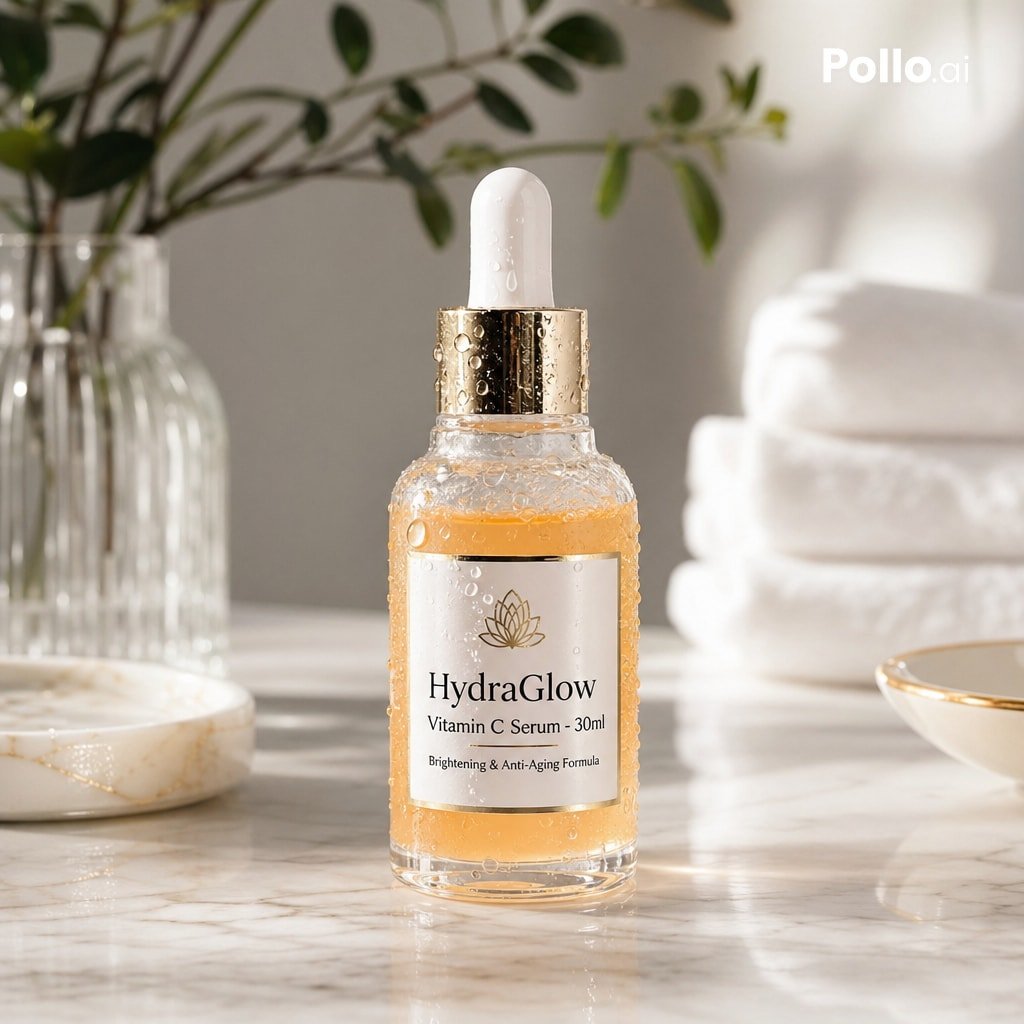
Luxury Vitamin C Serum Product Shot
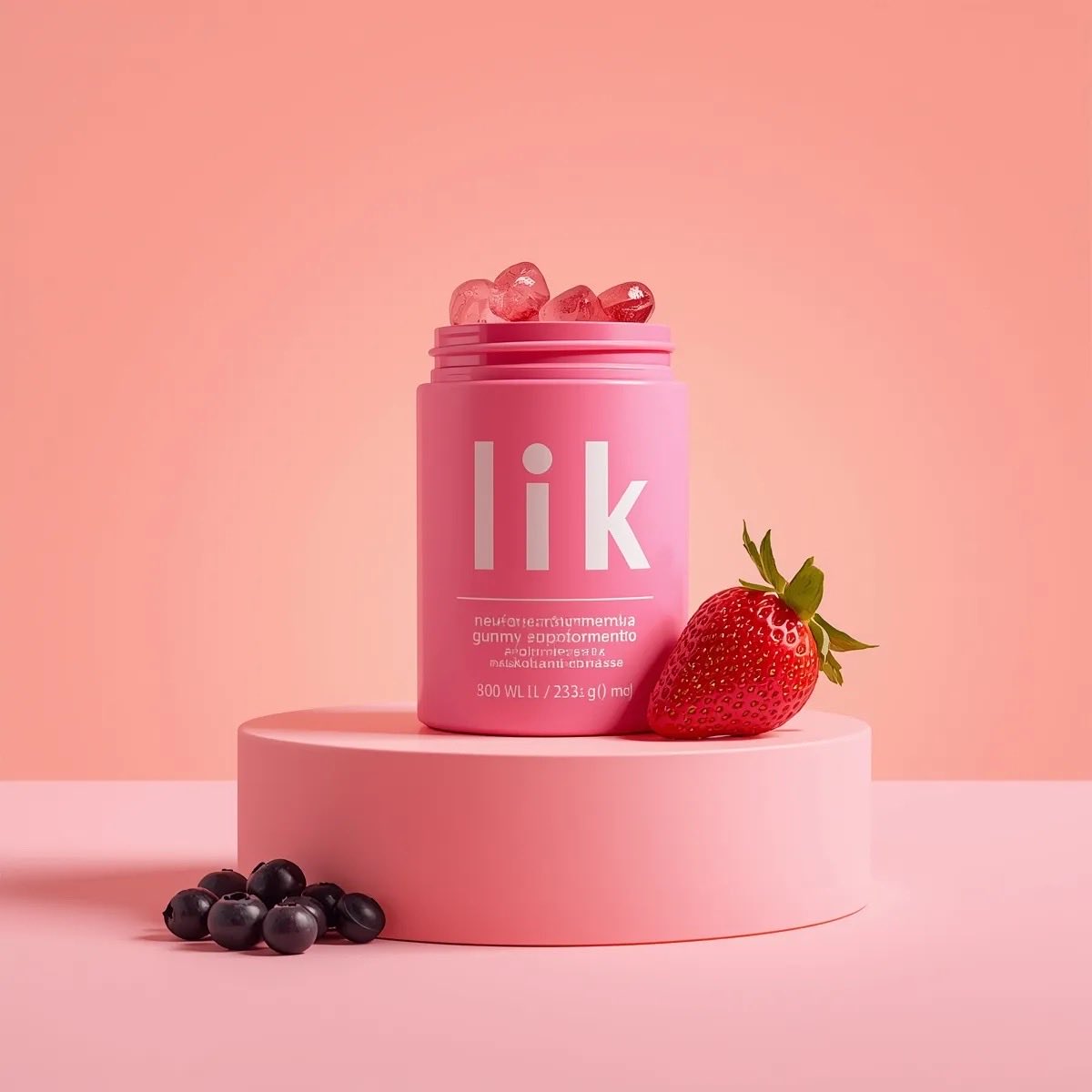
3D Product Render of Gummy Vitamin Jars (4 Variations)
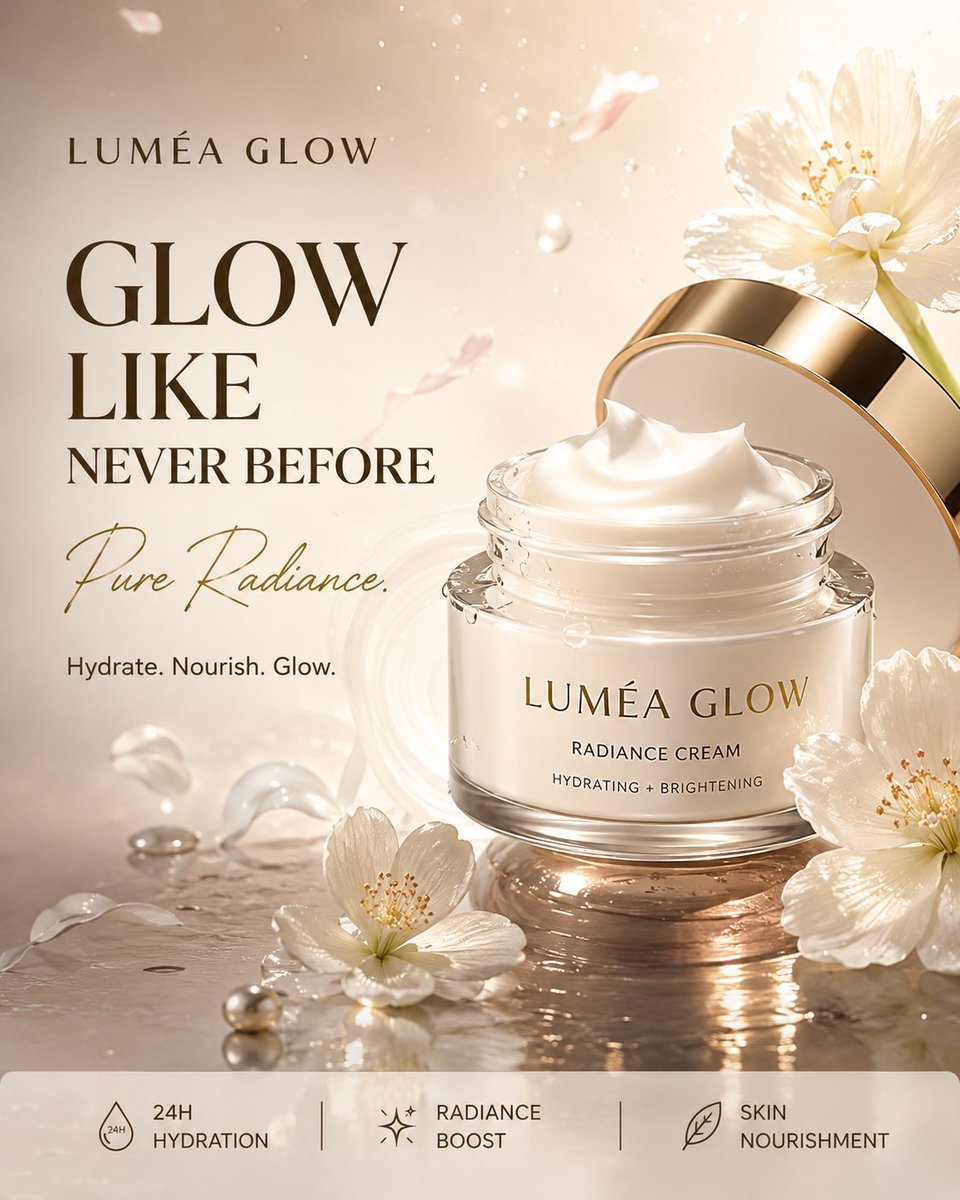
Luxury Skincare Product Advertisement
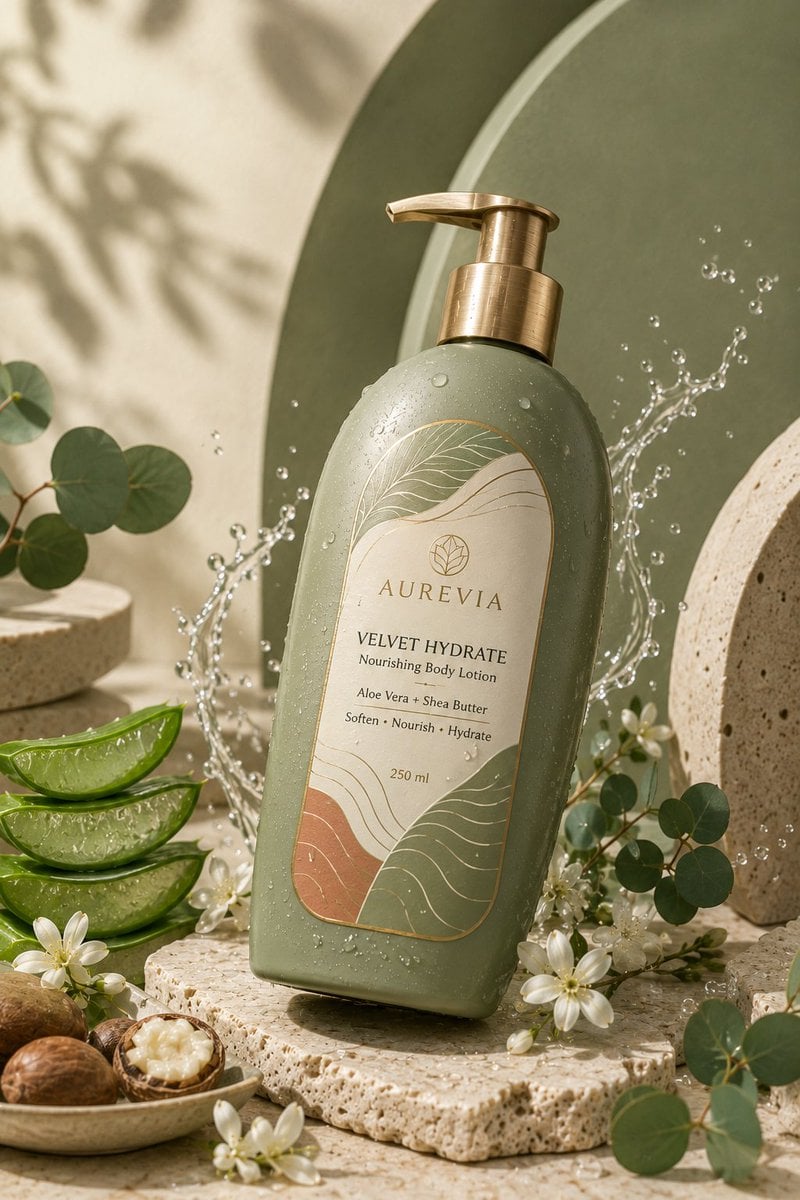
Luxury Skincare Product Ad
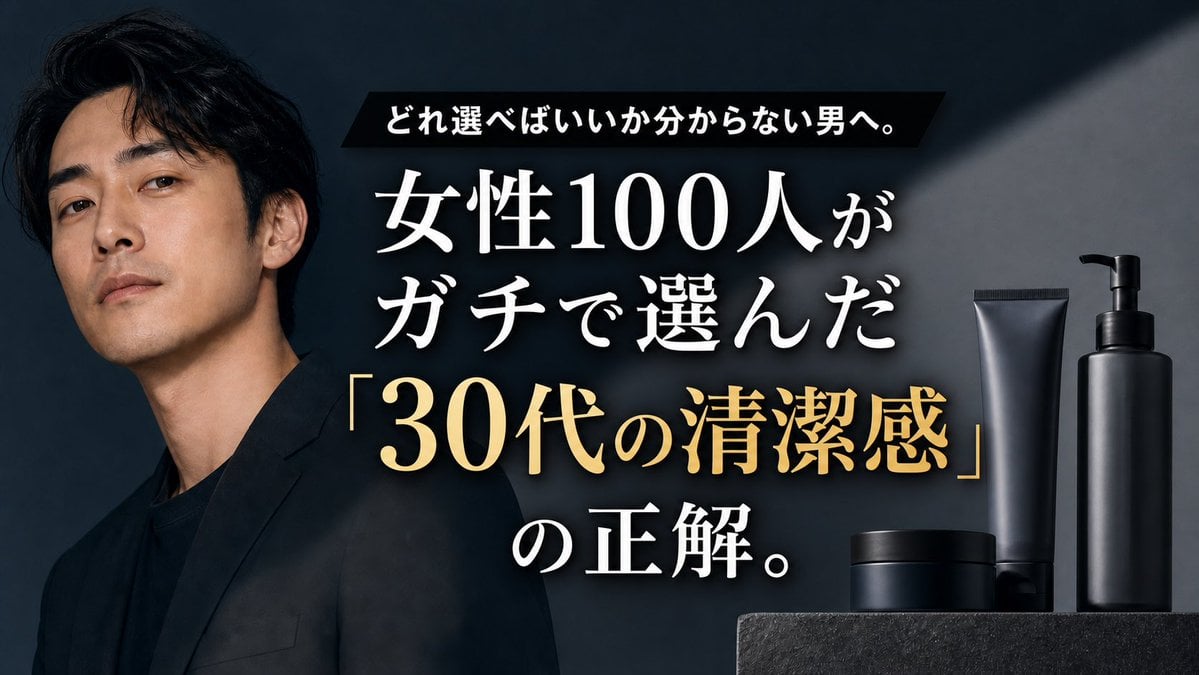
Premium Men's Skincare Thumbnail
Make it yours
Vitamin C Skincare Ad works as-is. These are the safest ways to change it without losing the look.
Change one field
Copy a single group, rewrite it, and generate again so you can see what that field is doing.
Keep the frame, change the subject
Hold the composition and light of Vitamin C Skincare Ad, then swap wardrobe, props or the person for a new take.
| If the result… | Why | Fix |
|---|---|---|
| The result drifts from the preview | Too many fields changed at once. | Reuse Vitamin C Skincare Ad as-is first, then change one group — subject, light, or setting. |
| The model over-stylizes the scene | The prose prompt leaves finish and camera underspecified. | Add one camera or lighting sentence and stay on GPT Image 2. |
More GPT Image 2 templates
Other prompts made for GPT Image 2.

Six VTuber Japanese Logo Sheet

Realistic Portrait of Woman and Deer

The Vista Modular Condo Poster

AI Model Routing Comparison Infographic

2.5D Anime Art Board

Isometric Productivity Desk Scene

New York Double Exposure Poster

Four-Panel AI Landscape Comparison

Japanese Tatami Lifestyle Magazine Cover

NESCAFÉ Coffee Map Poster
More image prompts
Fresh picks from across the catalog.
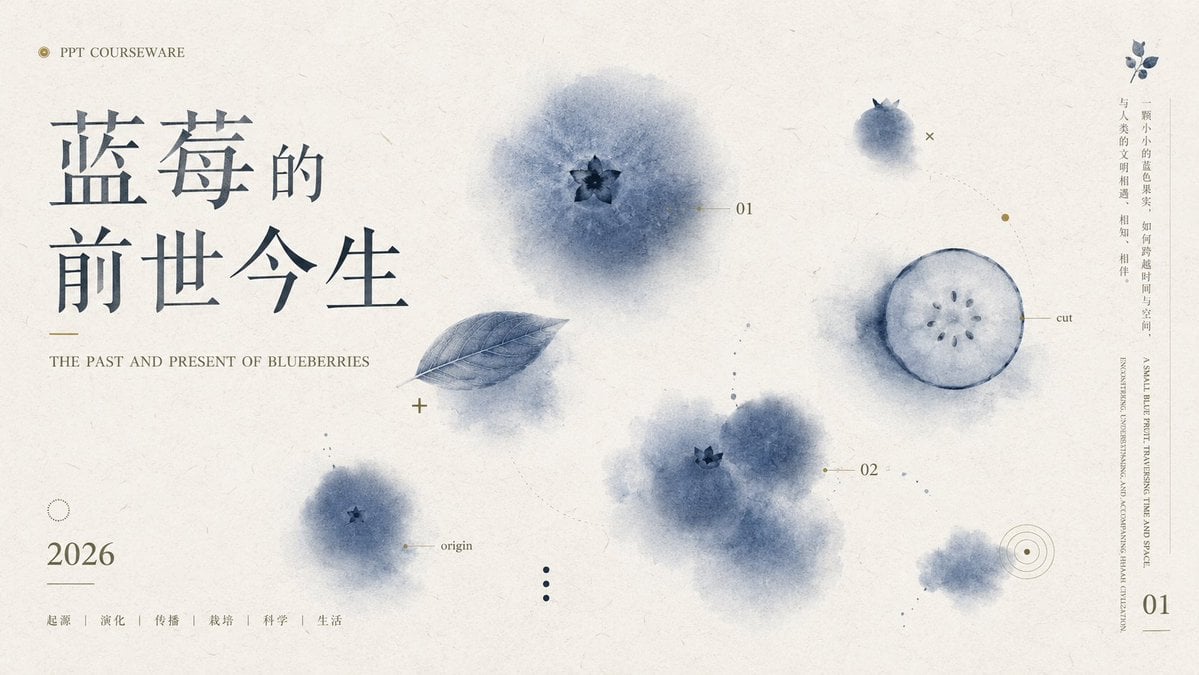
Blueberry Courseware Cover Slide

Cinematic Behind-the-Scenes VFX Artists Prompt

Surrealist Koi Fish Illustration
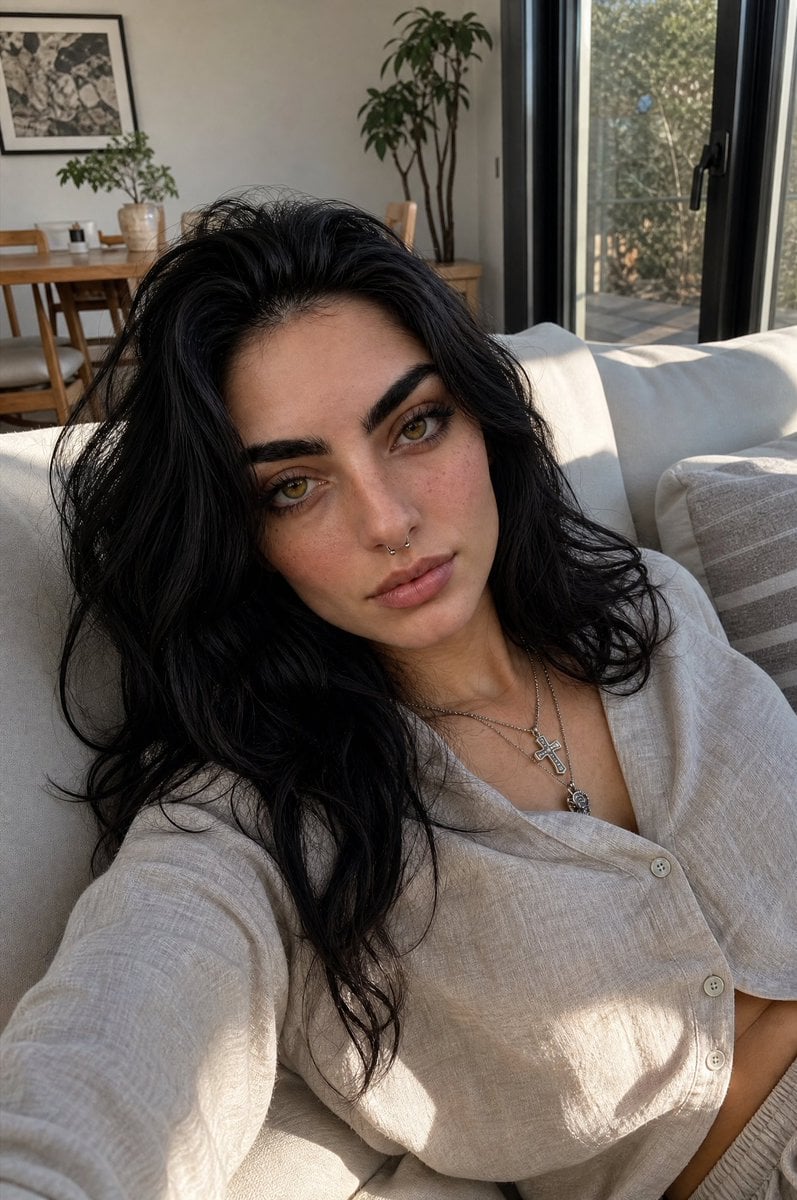
Natural Indoor Lifestyle Photography

Yuki's Magical Pop-Up Storybook

Cinematic Portrait with Botanical Skin Patterns
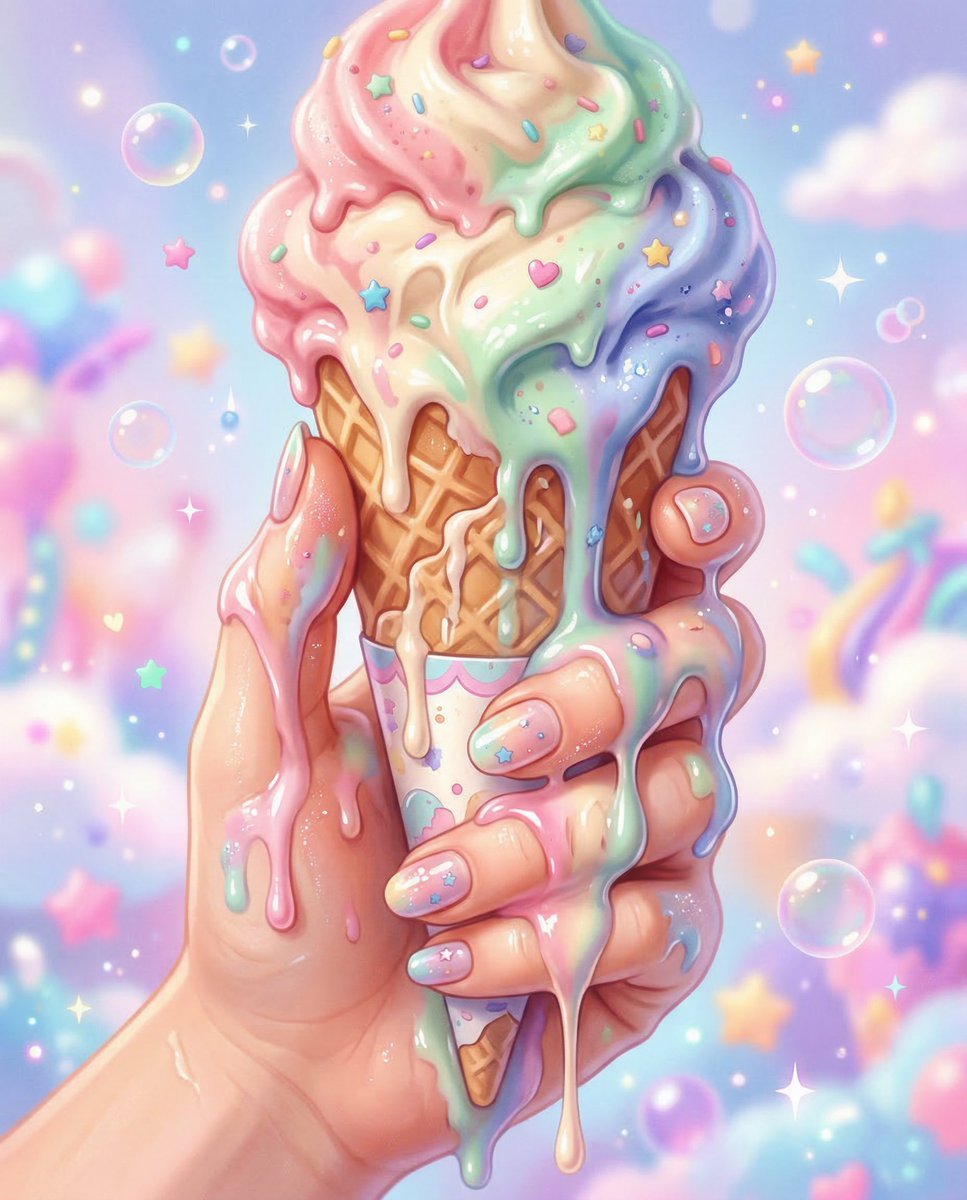
Kawaii Pop Surreal Ice Cream Hand

Mecha Schoolgirl Katana Action Poster
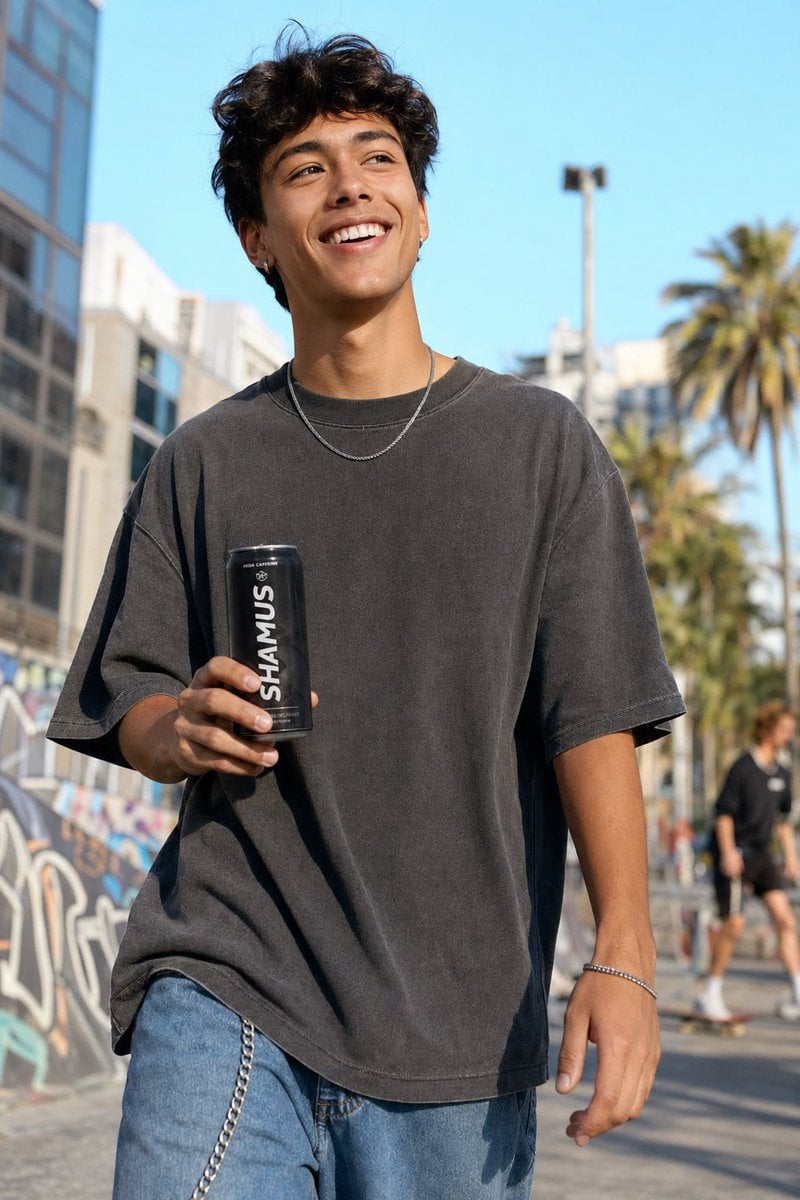
Urban Streetwear Lifestyle Commercial
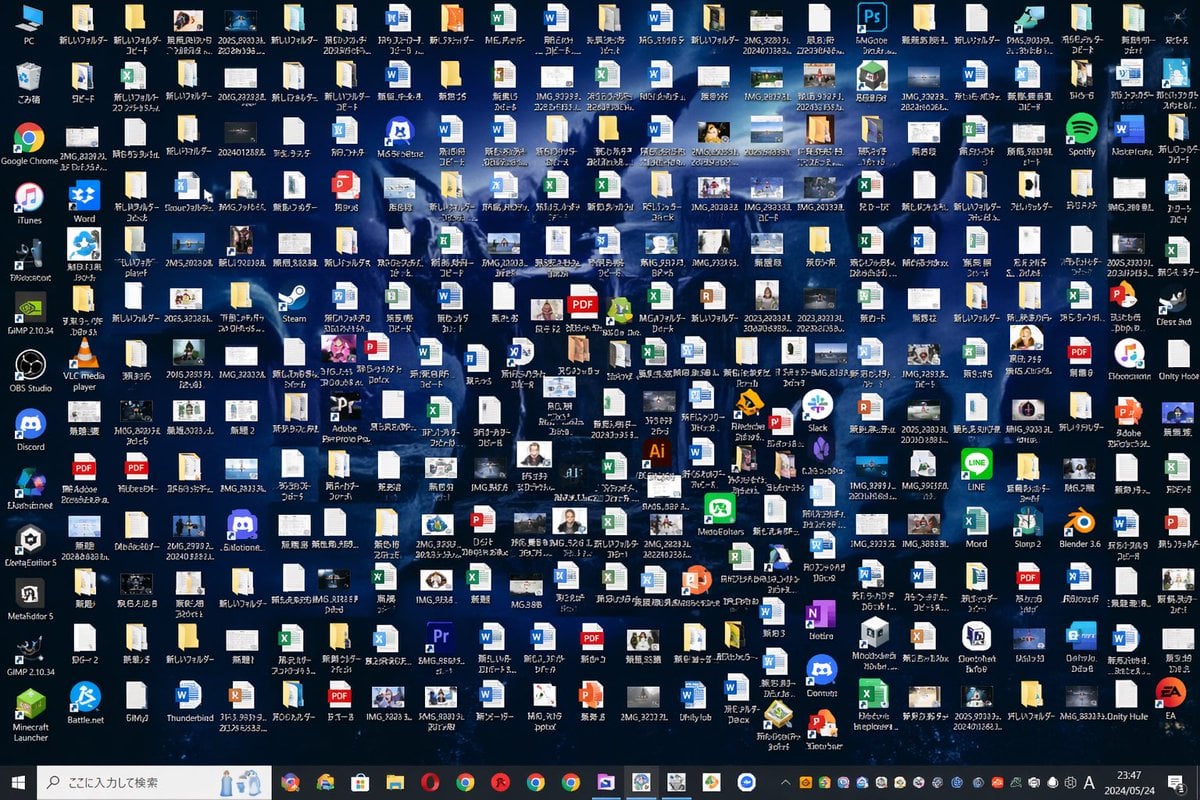
Hopelessly Cluttered Desktop Screen
Browse template categories
Vitamin C Skincare Ad questions
How do I use the Vitamin C Skincare Ad template?
Add your photo if the template asks for one, edit the prompt if you like — the template's model and format are already selected — and press Generate. Your version opens in PicX Studio.
Can I customize the Vitamin C Skincare Ad template?
Yes. You can change the subject, setting, lighting, mood, format, and available model controls before creating your image.
Is the Vitamin C Skincare Ad template free?
Opening and editing this template is free. Generating uses credits, shown on the Generate button when you are signed in.
Which AI model should I use?
Start with GPT Image 2, which is the model associated with this template. You can compare another compatible model for a different finish.
Looking for something else? Browse all templates.

Your photo, any look
Thousands of ready templates for every top image and video model, from one credit balance.