
Luxury Skincare Product Advertisement
A professional-grade prompt for generating a high-end skincare commercial poster, complete with premium typography, product staging, and cinematic lighting.
- Prompt included
- Model and format preset
- Free template
The prompt behind this image
Copy the exact prompt behind Luxury Skincare Product Advertisement, or open it in the studio and make it yours.
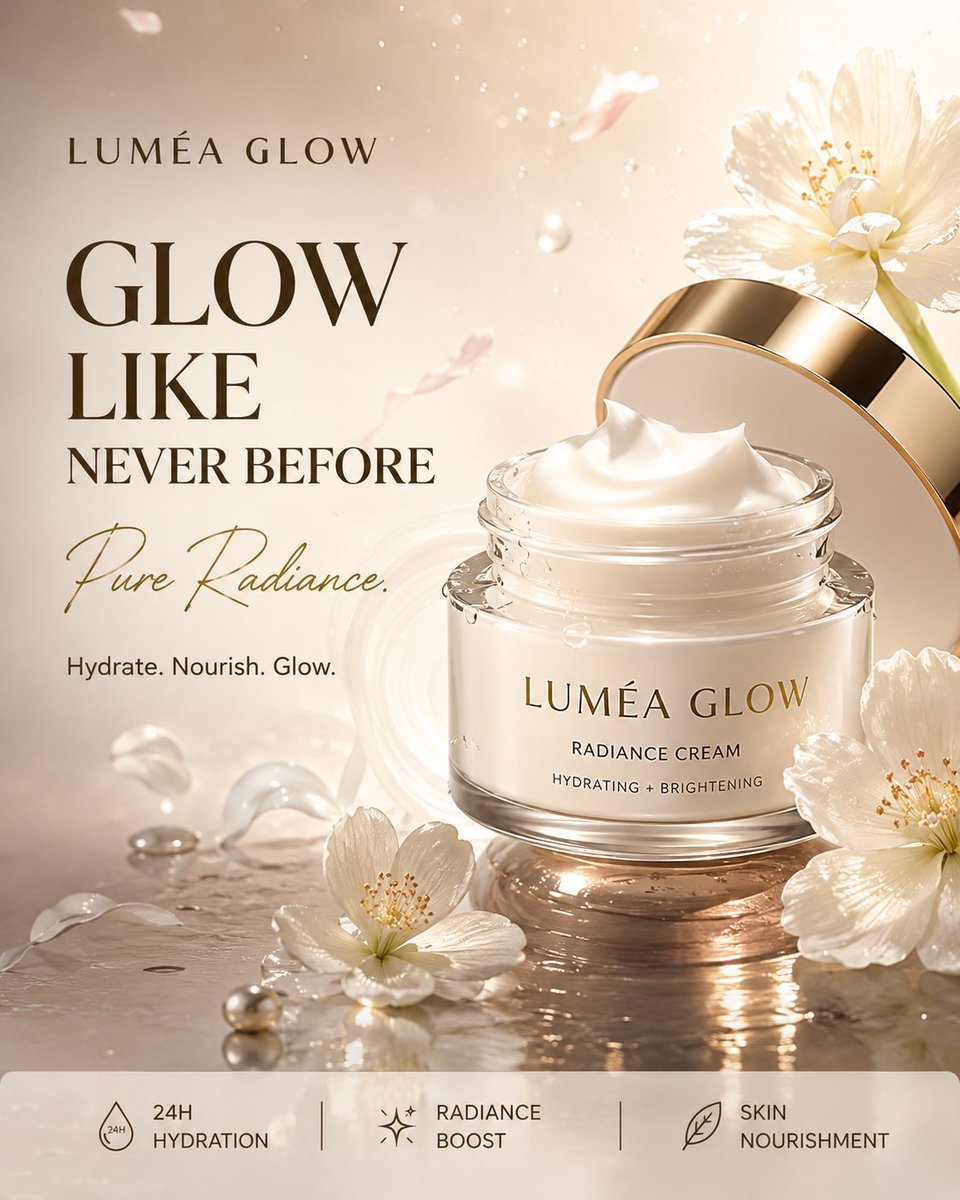
Create a premium photorealistic commercial advertisement for a luxury face cream called “{argument name="product name" default="LUMÉA GLOW"}”. Vertical 4:5 composition, ultra-realistic 8K beauty product photography, high-end skincare campaign aesthetic. Place an elegant white and frosted-glass cream jar prominently on the right side, slightly elevated above a glossy reflective surface. The jar has a luxurious champagne-gold lid and a minimal clean label reading “LUMÉA GLOW”, “RADIANCE CREAM”, and “HYDRATING + BRIGHTENING”. The cream should be visible inside the open jar with a smooth rich texture. Surround the product with fresh white flowers, soft cream swirls, water droplets, glowing particles and delicate translucent petals. Create a luxurious, fresh and radiant atmosphere with subtle mist and floating droplets. Use a sophisticated palette of {argument name="color palette" default="pearl white, soft champagne gold, warm beige and subtle pastel pink"}. Dramatic studio lighting from the upper-right, soft glowing backlight, realistic reflections, beautiful highlights, gentle shadows and cinematic depth of field. On the left side, add elegant advertising typography: “LUMÉA GLOW” Large bold text: “{argument name="headline" default="GLOW LIKE NEVER BEFORE"}” Below it in elegant handwritten script: “Pure Radiance.” Small text: “Hydrate. Nourish. Glow.” At the bottom, create a clean premium information bar divided into three sections: “24H HYDRATION” “RADIANCE BOOST” “SKIN NOURISHMENT” Luxury skincare commercial, realistic cream texture, physically accurate reflections and shadows, premium beauty campaign, cinematic composition, flawless product presentation, perfectly readable typography, accurate spelling, no people, no hands, no watermark, no extra products.
How to use Luxury Skincare Product Advertisement in 3 steps
- 1
Open
The prompt is already in the box next to the preview, with the template's model and format selected.
- 2…a portrait of your subject in softgolden-hour light, 85mm…
Personalize
Edit the subject and creative details for your destination.
- 3Generate
Generate
Press Generate — your image is created in PicX Studio, so you can compare it with the original and refine one variable at a time.
More like this
Templates with the same subject, style or setup. Open one to see its prompt.

Minimalist Skincare Product Water Stone Still
Luxury Skincare Product Ad
Luxury Skincare Product Photography
Luxury Lemon Skincare Product Photography

Luxury Toothpaste Commercial Storyboard
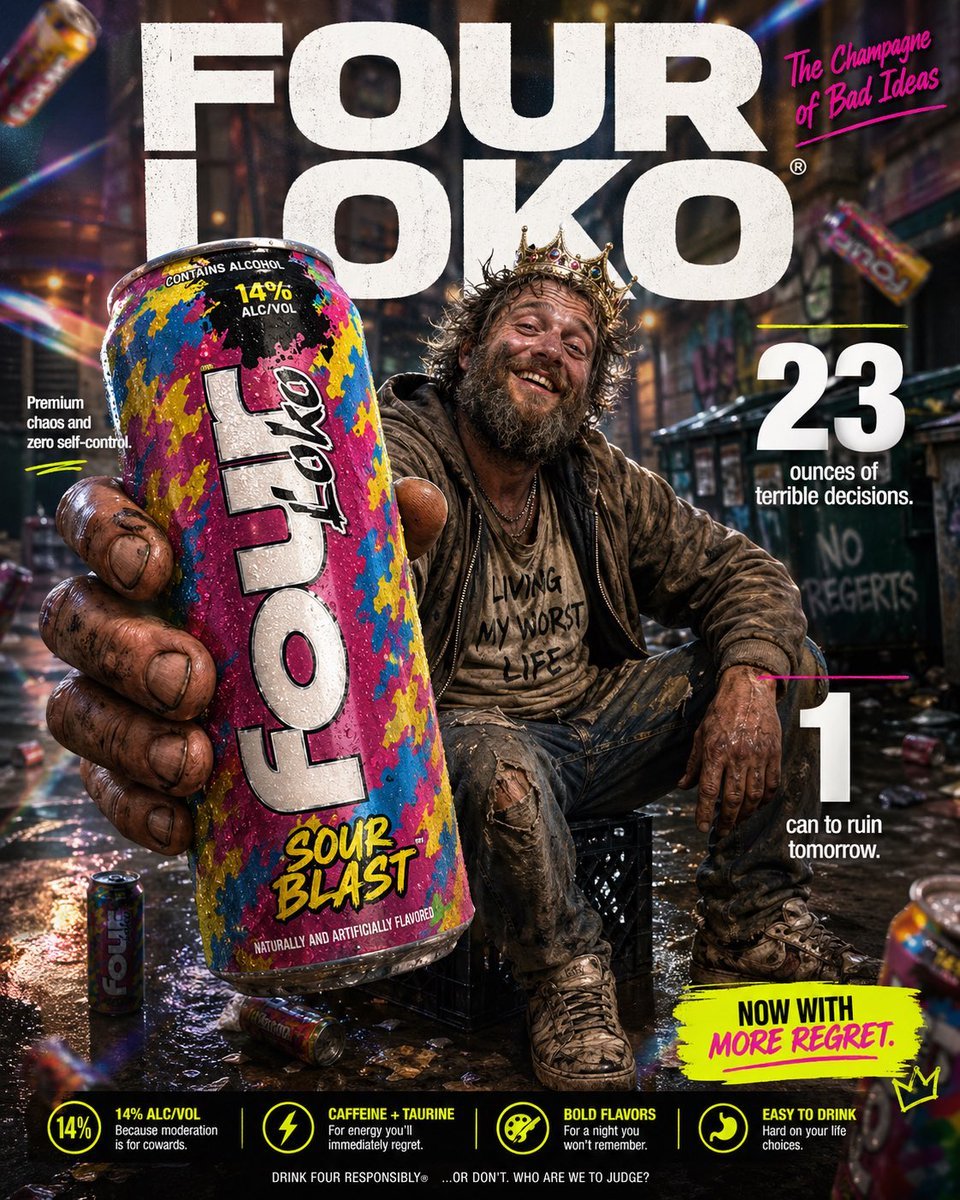
Parody Luxury Product Advertisement
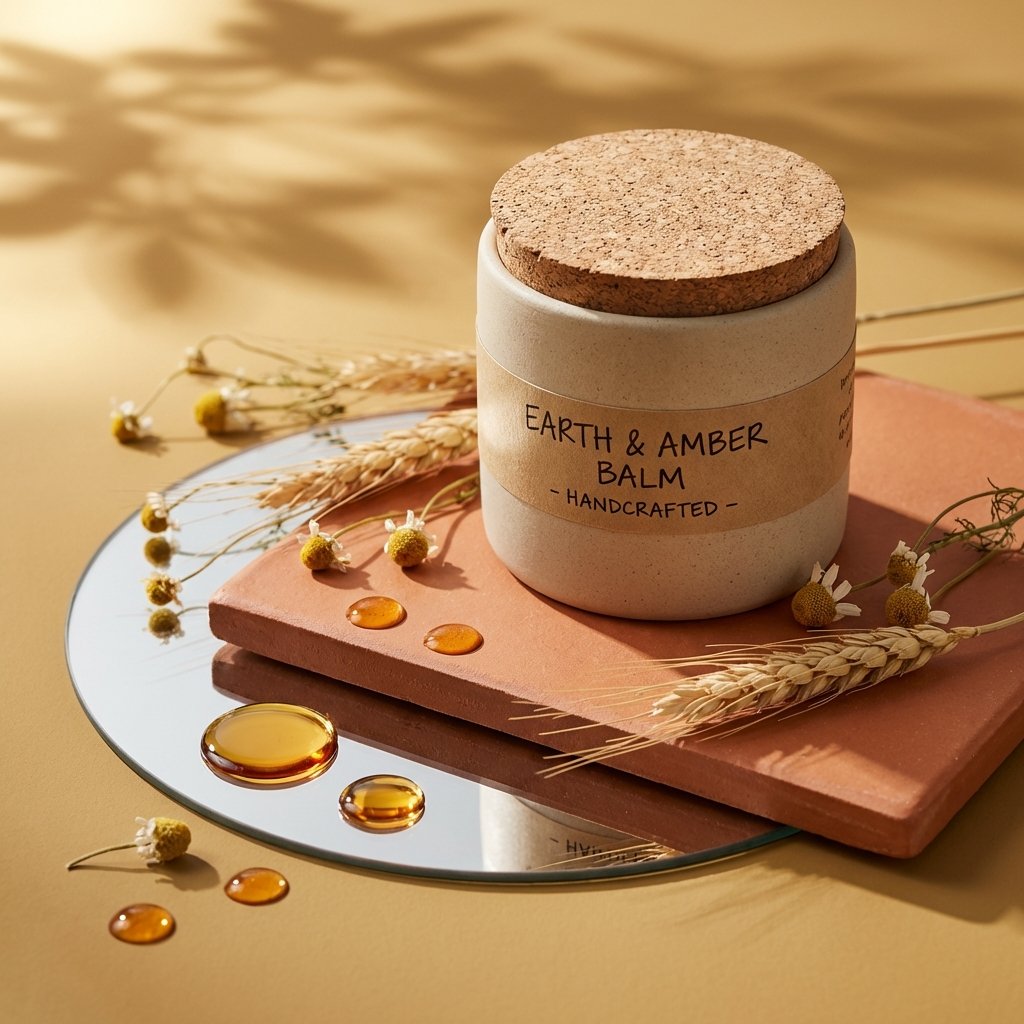
Luxury Skincare Product Photography
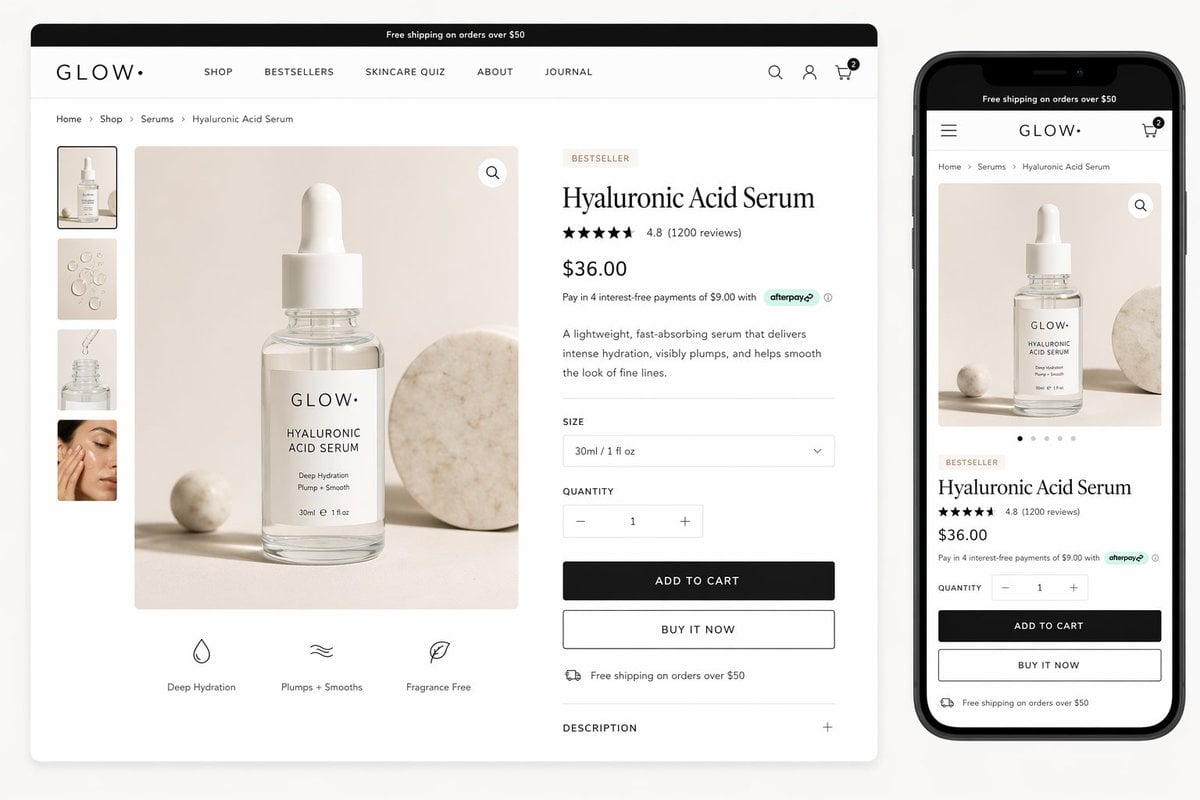
Luxury Skincare Product Page Mockup
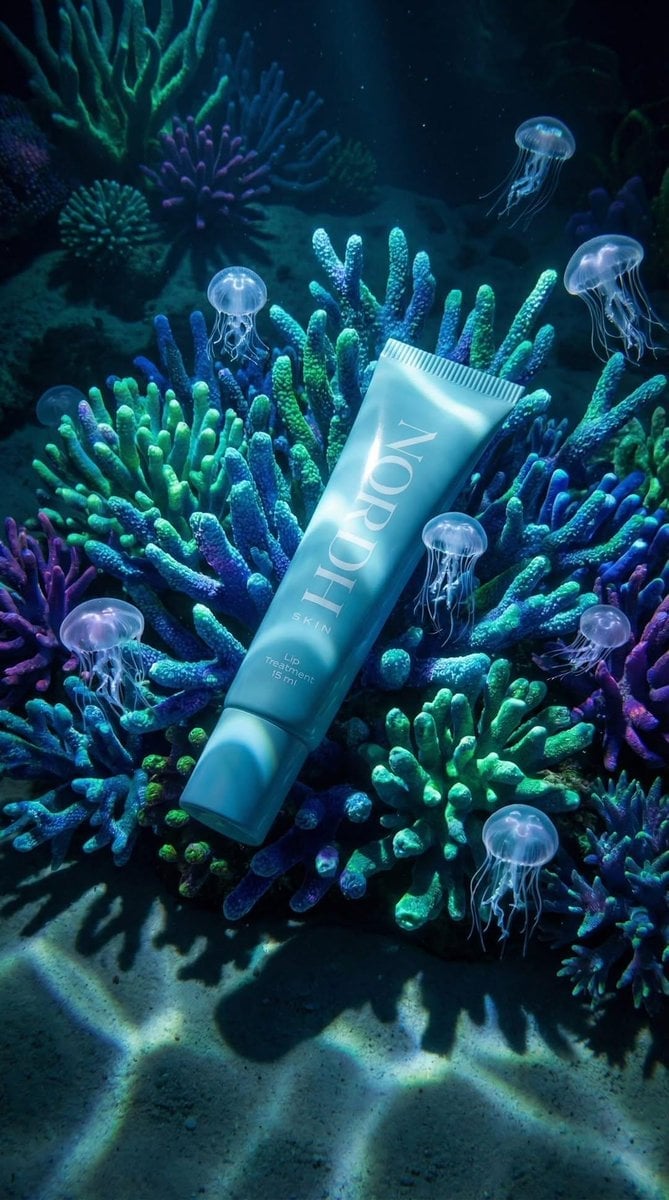
Underwater Luxury Skincare Product Ad
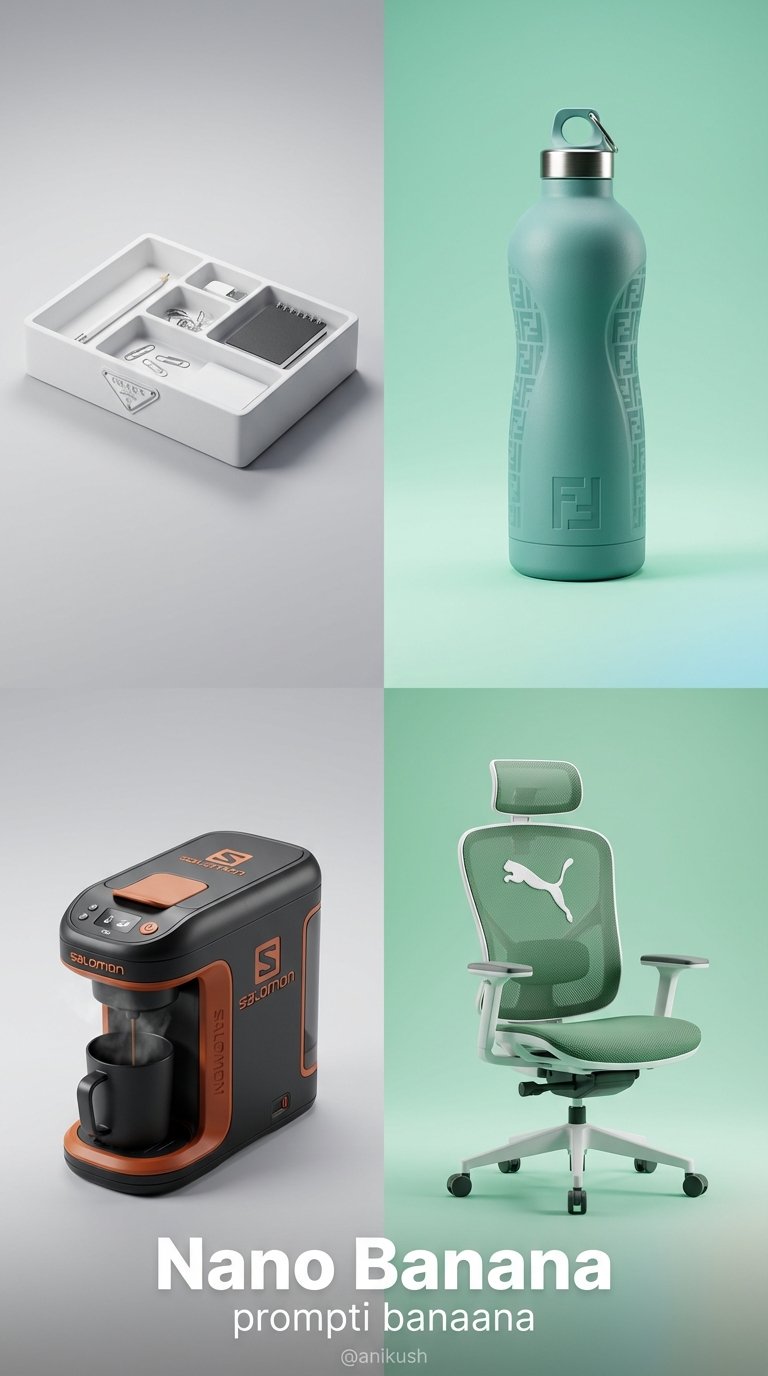
Minimalist Luxury Brand Concept

A luxury brand advertisement featuring three stylish arranged
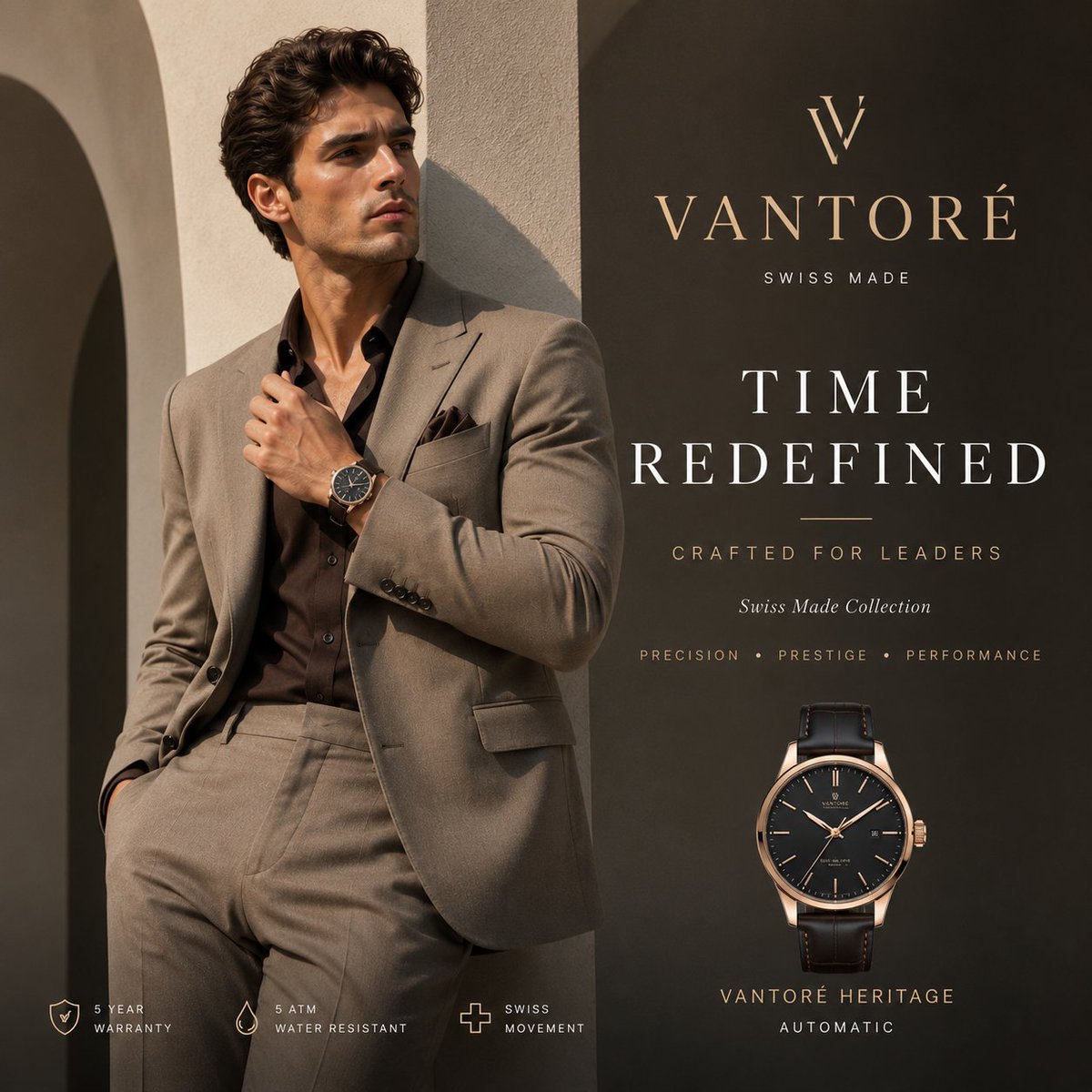
Luxury VANTORÉ Watch Advertisement
Make it yours
Luxury Skincare Product Advertisement works as-is. These are the safest ways to change it without losing the look.
Change one field
Copy a single group, rewrite it, and generate again so you can see what that field is doing.
Keep the frame, change the subject
Hold the composition and light of Luxury Skincare Product Advertisement, then swap wardrobe, props or the person for a new take.
| If the result… | Why | Fix |
|---|---|---|
| The result drifts from the preview | Too many fields changed at once. | Reuse Luxury Skincare Product Advertisement as-is first, then change one group — subject, light, or setting. |
| The model over-stylizes the scene | The prose prompt leaves finish and camera underspecified. | Add one camera or lighting sentence and stay on GPT Image 2. |
More GPT Image 2 templates
Other prompts made for GPT Image 2.

Six VTuber Japanese Logo Sheet

Realistic Portrait of Woman and Deer

The Vista Modular Condo Poster

AI Model Routing Comparison Infographic

2.5D Anime Art Board

Isometric Productivity Desk Scene

New York Double Exposure Poster

Four-Panel AI Landscape Comparison

Japanese Tatami Lifestyle Magazine Cover

NESCAFÉ Coffee Map Poster
More image prompts
Fresh picks from across the catalog.
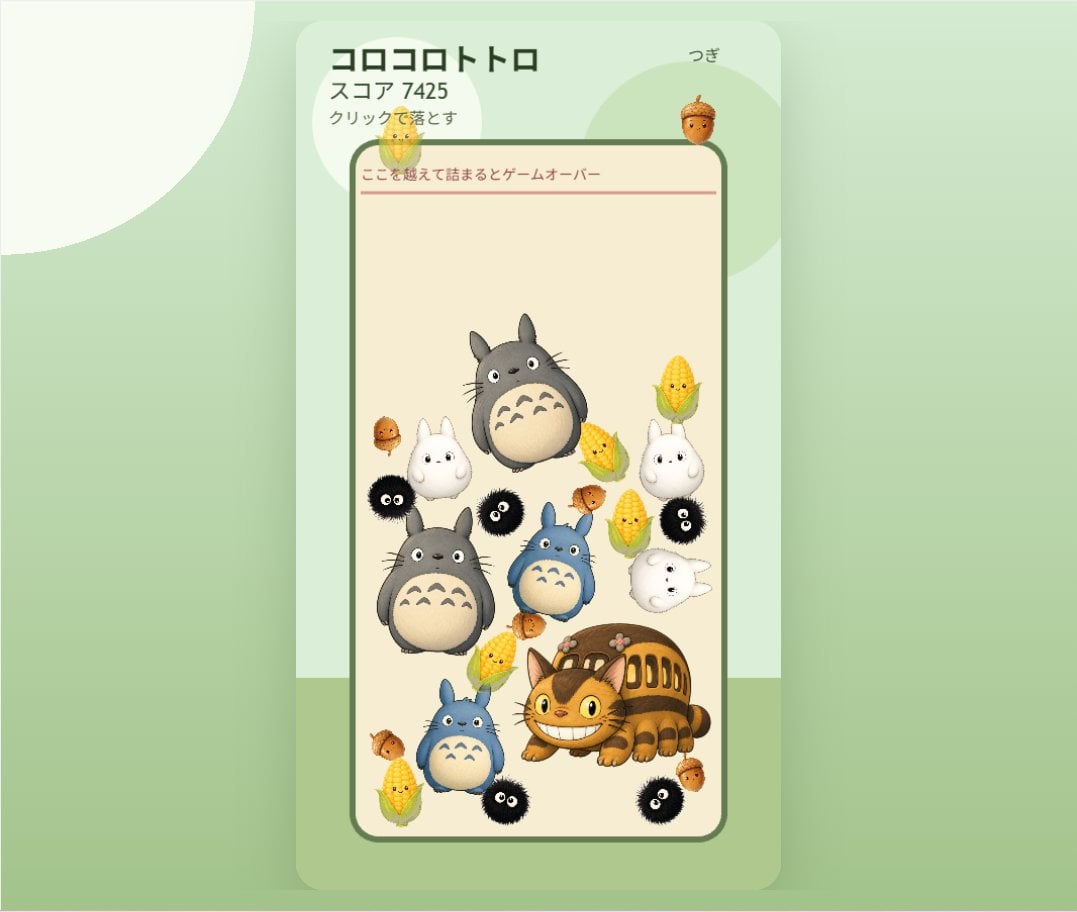
Cute Totoro Puzzle Game UI
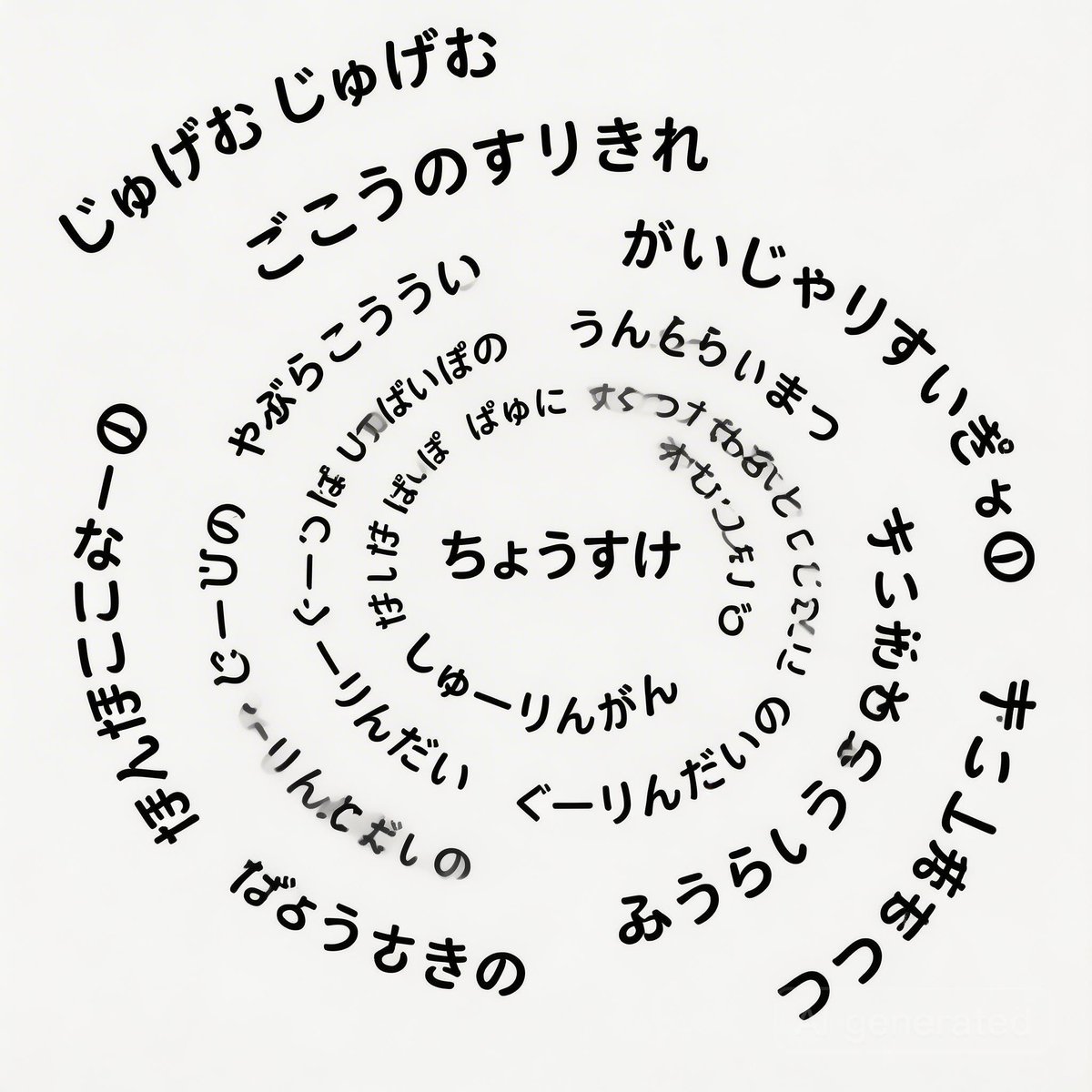
Japanese Text Spiral Generation Prompt (Jugemu)
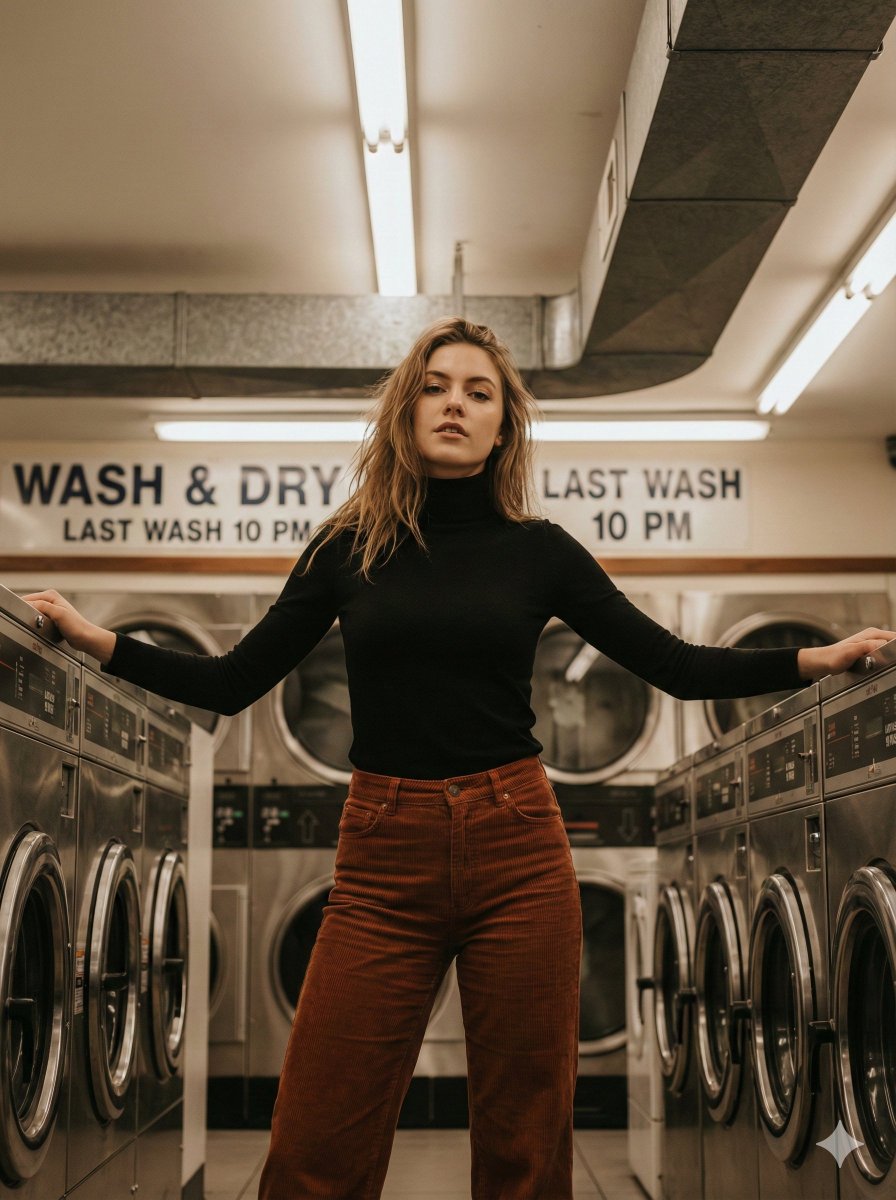
Editorial Laundromat Portrait Prompt
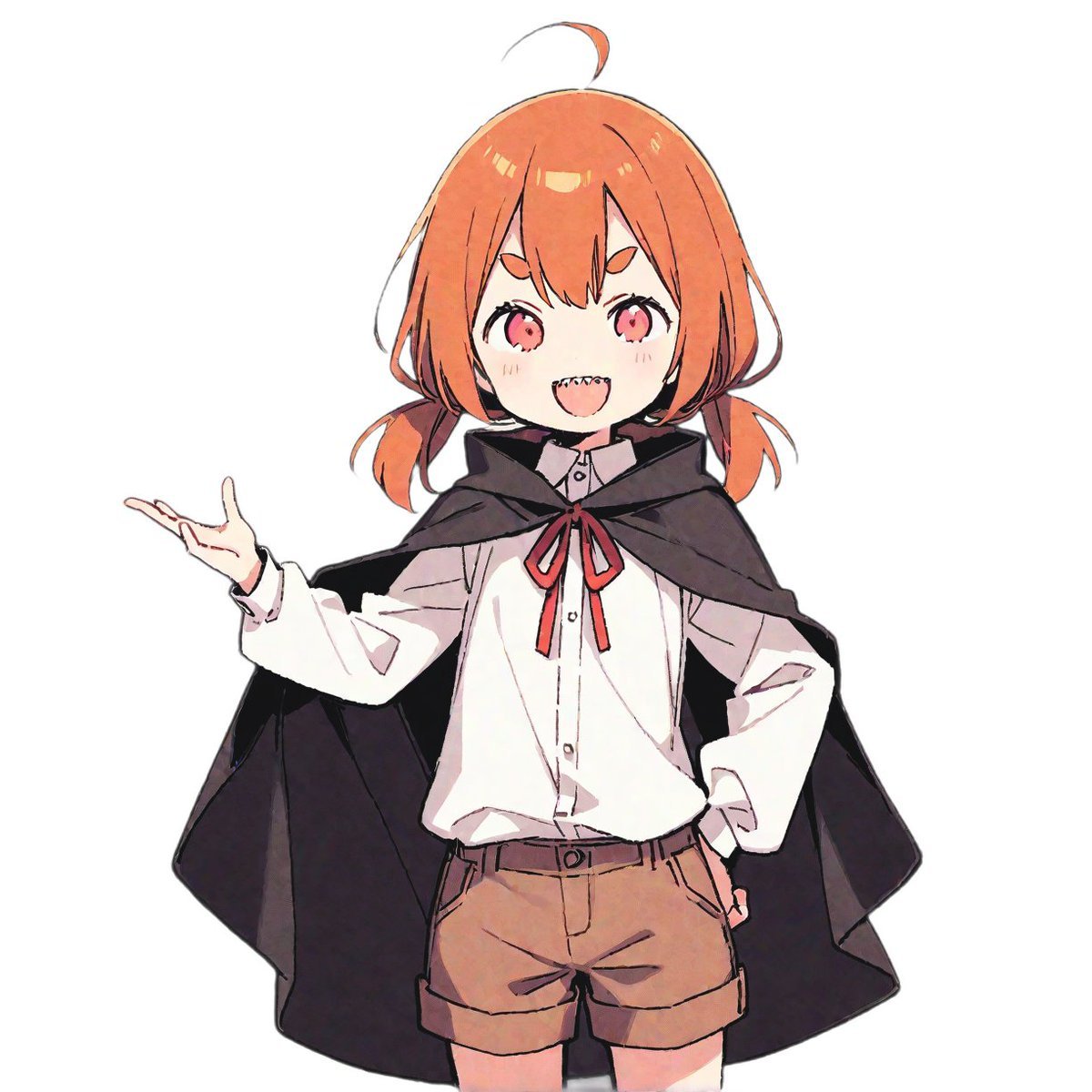
LINE Sticker Generation Prompt
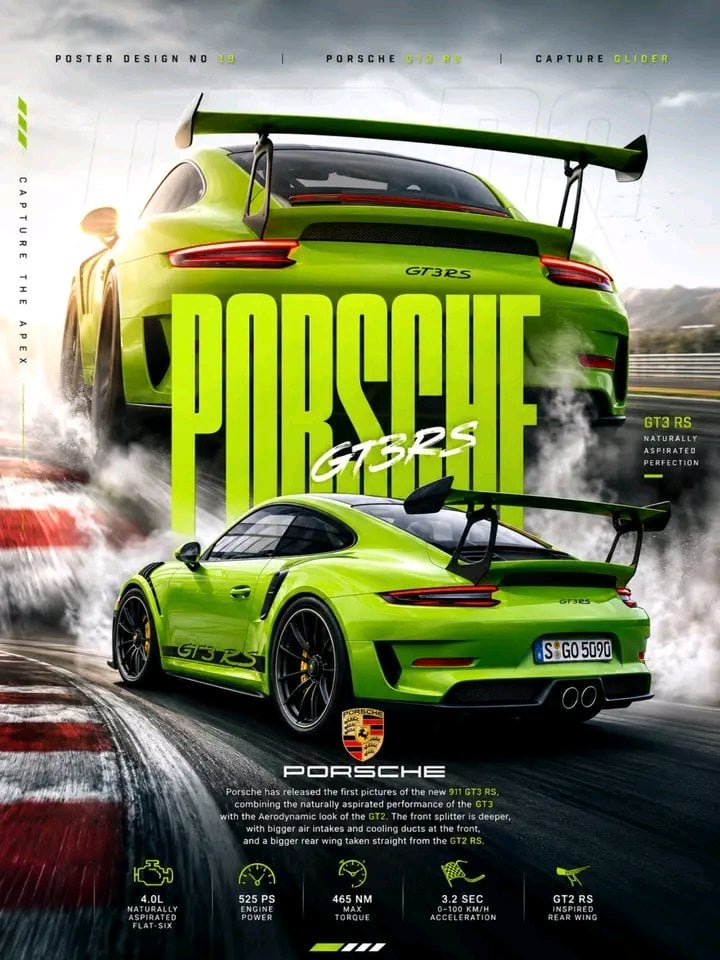
Porsche 911 GT3 RS Motorsport Poster
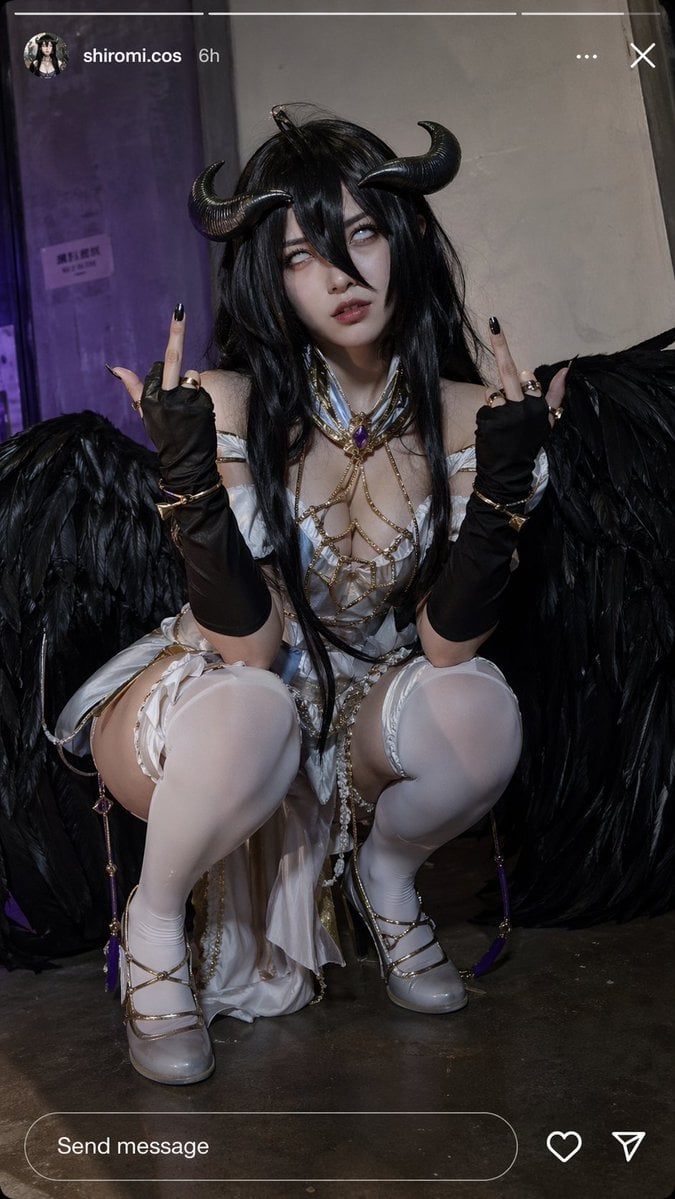
Instagram Cosplay Story Snapshot
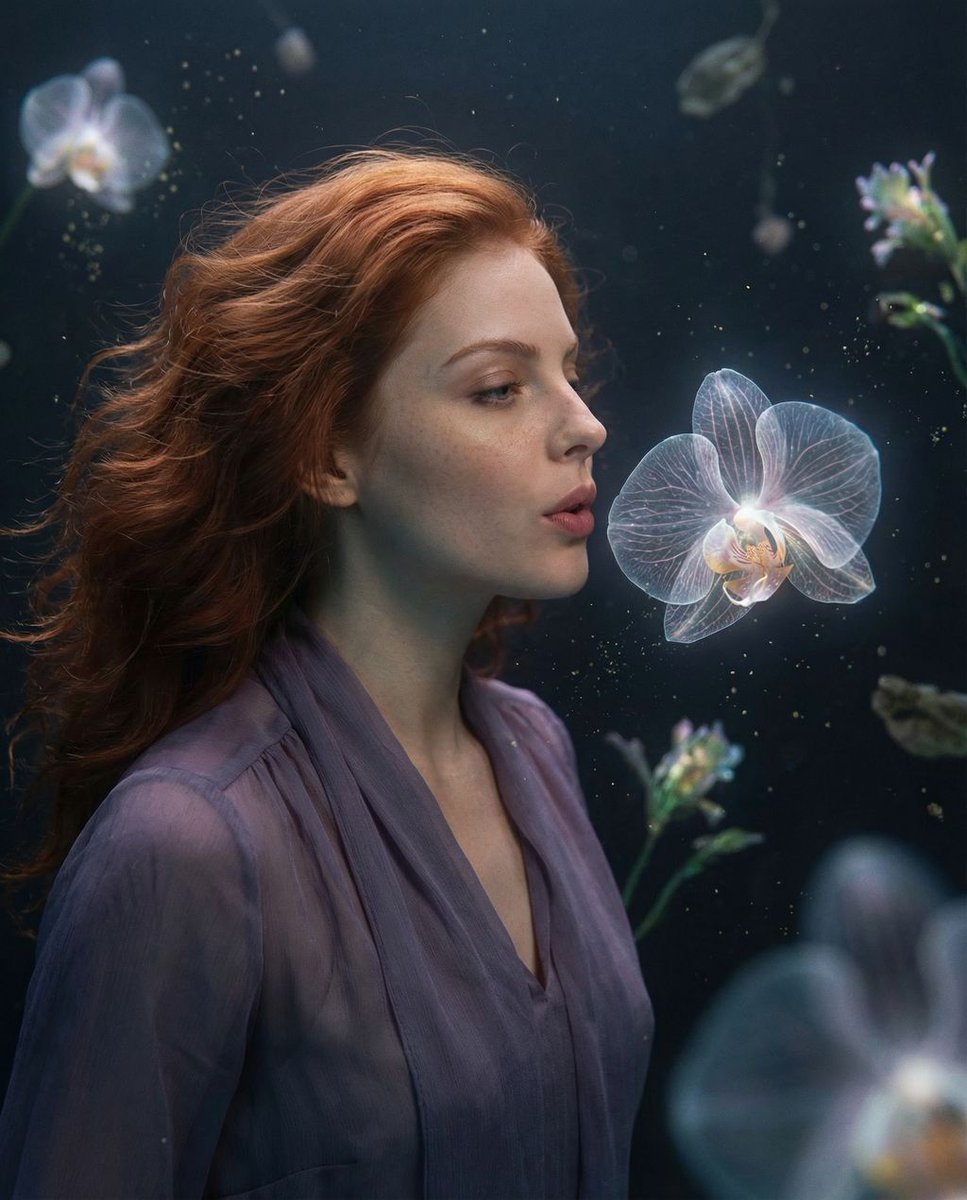
Cosmic Botanical Dream Editorial Fashion Prompt
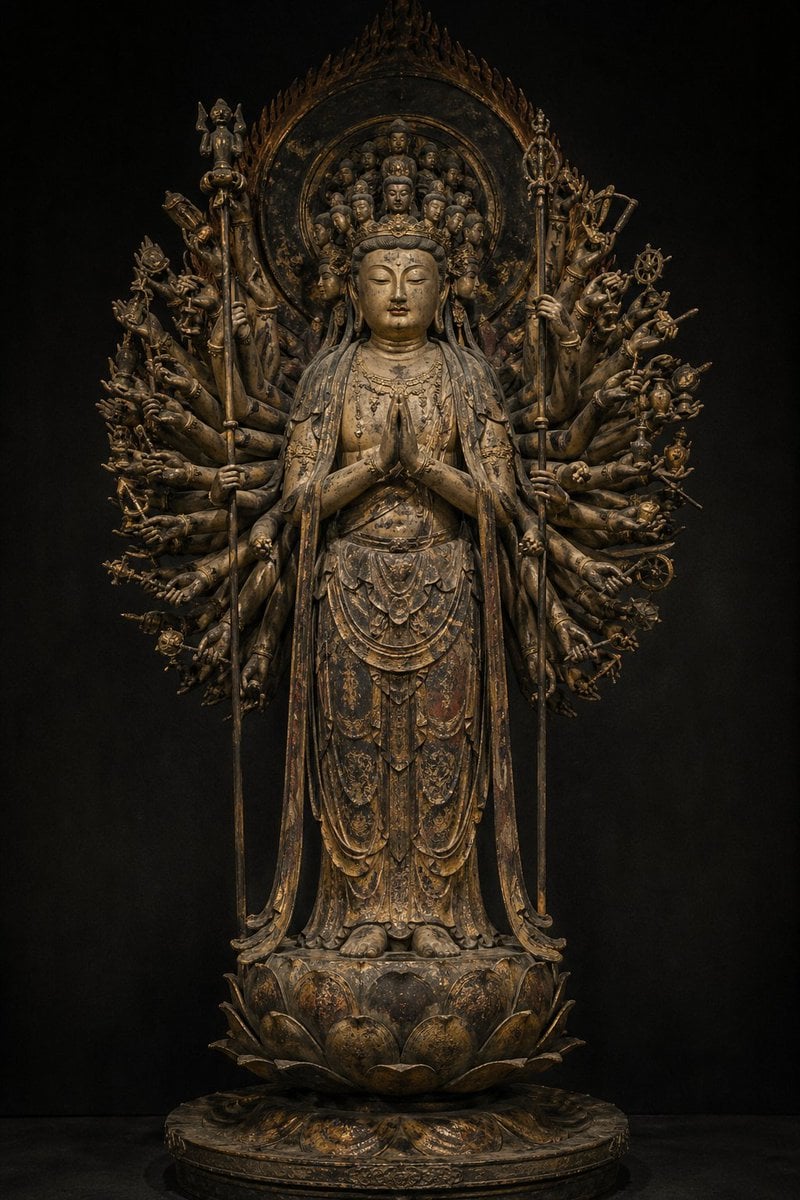
Traditional Japanese Buddhist Statue
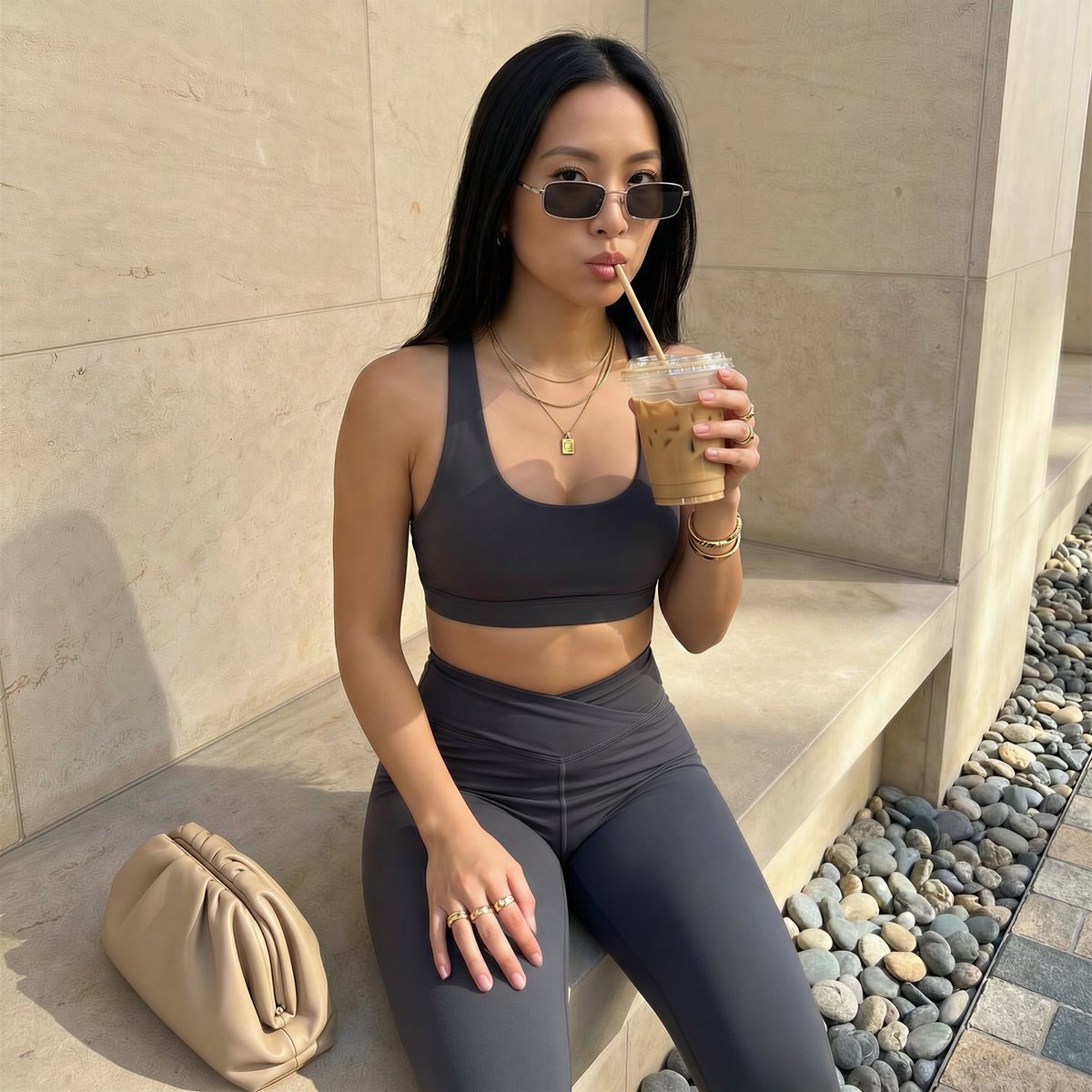
Detailed French Prompt for Urban Athleisure Portrait
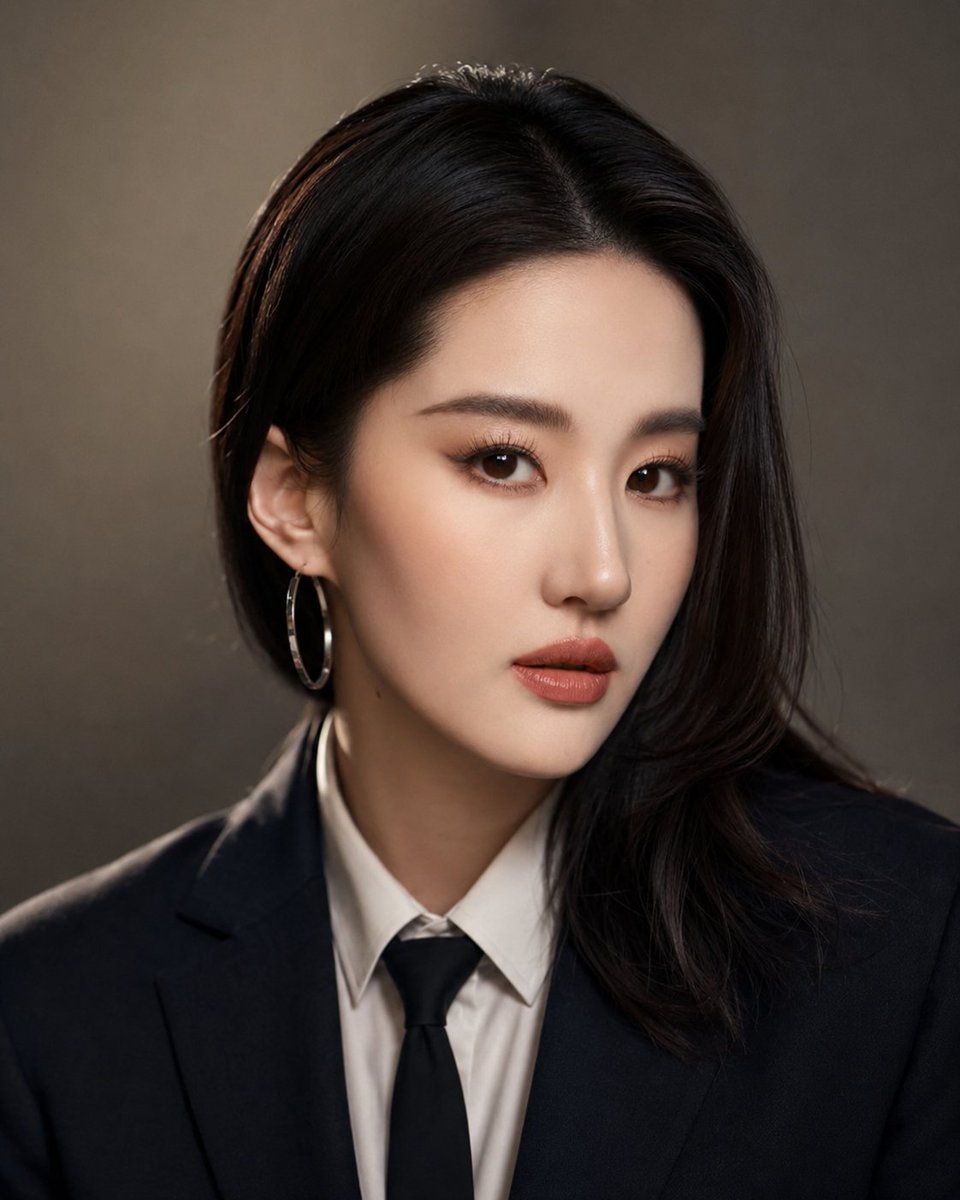
Professional Identity-Preserving Corporate Portrait
Browse template categories
Luxury Skincare Product Advertisement questions
How do I use the Luxury Skincare Product Advertisement template?
Add your photo if the template asks for one, edit the prompt if you like — the template's model and format are already selected — and press Generate. Your version opens in PicX Studio.
Can I customize the Luxury Skincare Product Advertisement template?
Yes. You can change the subject, setting, lighting, mood, format, and available model controls before creating your image.
Is the Luxury Skincare Product Advertisement template free?
Opening and editing this template is free. Generating uses credits, shown on the Generate button when you are signed in.
Which AI model should I use?
Start with GPT Image 2, which is the model associated with this template. You can compare another compatible model for a different finish.
Looking for something else? Browse all templates.

Your photo, any look
Thousands of ready templates for every top image and video model, from one credit balance.