
Cosmic Botanical Dream Editorial Fashion Prompt
A complex, surreal cinematic prompt for an editorial fashion shot, depicting a 'Floral Whisperer' in a zero-gravity botanical void.
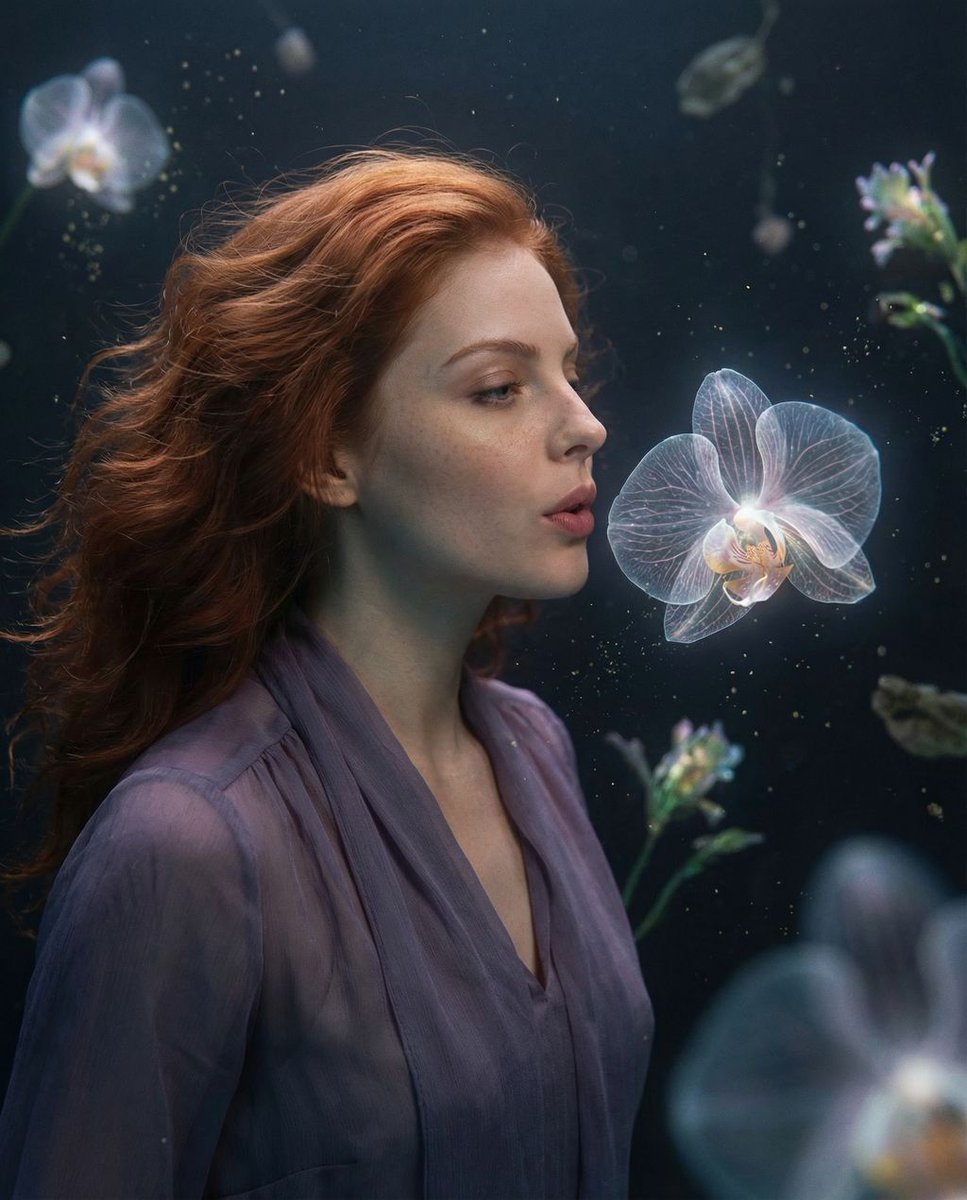
- Prompt included
- Model and format preset
- Free template
The prompt behind this image
Copy the exact prompt behind Cosmic Botanical Dream Editorial Fashion Prompt, or open it in the studio and make it yours.
{ "vibe_title_en": "Cosmic Botanical Dream", "master_prompt": "A surreal, cinematic medium shot of The Protagonist as the 'Whisperer of the Floral Universe'. The setting is a dimly lit, atmospheric void where gravity is low, causing exotic, bioluminescent flora to float suspended in the air. Massive, translucent orchids with visible internal veins hover around the subject, emitting a soft, diegetic glow. The Protagonist's skin texture is captured with extreme clarity, showing pores and natural imperfections, contrasting with the dreamlike, floating pollen dust sparkling in the air. The subject is gazing intently at a hovering bloom, lips slightly parted as if exhaling life into it. The lighting is moody and directional, focusing on the face while rim-lighting the suspended flowers. Shot on Kodak Portra 800 film with a Hasselblad H6D-100c to retain organic warmth, grain, and a tactile, practical-effects aesthetic. No CGI look; emphasize physical weight and optical realism.", "meta": { "intent": "Editorial Fashion / Surreal Art", "priorities": "Texture, Lighting, Mood", "device_profile": "High-End Desktop / Large Print" }, "frame": { "aspect": "4:5", "composition": "Rule of Thirds with Central Subject Anchor", "layout": "Portrait", "camera_angle": "Eye Level", "tilt_roll_degrees": "0" }, "subject": { "gender": "Female", "identity": "The Floral Whisperer", "demographics": "Universal Adult", "face": "Neutral expression with intense focus, soft skin texture with realistic pores", "hair": "Wavy, slightly floating as if in micro-gravity", "body": "Relaxed posture, neck slightly elongated", "expression": "Serene, mystical, engaged with the environment", "pose": "Standing still, head slightly tilted towards a floating floral element" }, "wardrobe_accessories": { "garments": [ { "item": "Sheer Silk Blouse", "material": "Translucent Silk Chiffon", "color": "{argument name="blouse color" default="Muted Sage or Deep Violet"}", "fit": "Loose, flowing in zero-gravity" } ], "accessories": [ { "item": "Floating Petals", "color": "Bioluminescent Blue/Pink", "material": "Organic matter", "brand_style": "Nature Avant-Garde" } ] }, "environment": { "setting": "Zero-Gravity Botanical Void", "surfaces": "Atmospheric mist, floating organic matter", "depth": "Shallow depth of field to separate subject from floating background elements", "atmosphere": "Humid, mystical, bioluminescent, dusty", "lens_interaction": "Slight bloom from the glowing flowers, natural vignetting" }, "lighting": { "key": "Soft, diffused light from the floating bioluminescent flowers", "fill": "Deep, cool ambient shadows", "rim": "Subtle backlight highlighting hair texture", "shadows": "Rich, textured blacks (cinematic)", "color_temperature": "Mixed: Warm skin tones vs Cool ambi" }
How to use Cosmic Botanical Dream Editorial Fashion Prompt in 3 steps
- 1
Open
The prompt is already in the box next to the preview, with the template's model and format selected.
- 2…a portrait of your subject in softgolden-hour light, 85mm…
Personalize
Edit the subject and creative details for your destination.
- 3Generate
Generate
Press Generate — your image is created in PicX Studio, so you can compare it with the original and refine one variable at a time.
More like this
Templates with the same subject, style or setup. Open one to see its prompt.

Blue Backdrop Luxury Fashion Portrait Campaign

Premium Editorial Branding Poster Charcoal Green

Typography Mask Editorial Fashion Poster

Luxury Black-and-White Fashion Contact Sheet

Botanical Skincare Minimal Product Advertising
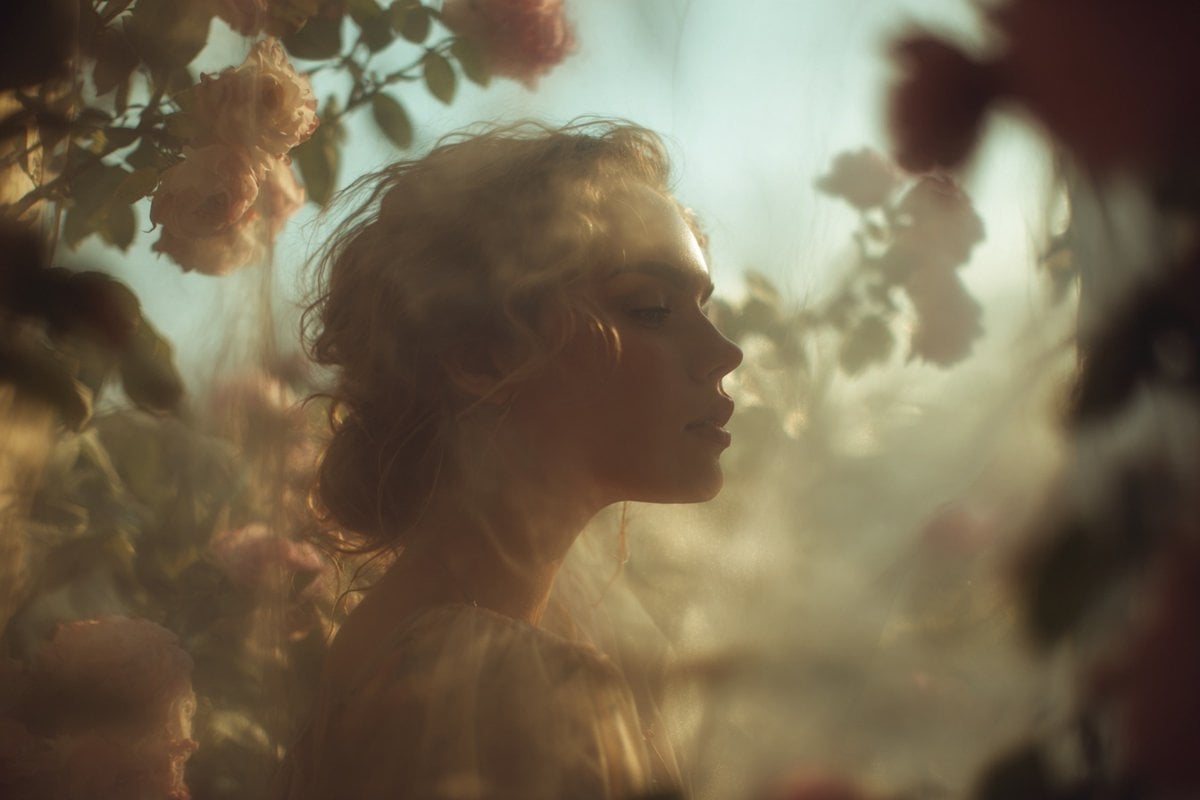
Ethereal Dream Editorial Through Fabric Portrait

untitled

Google Gemini Nano Banana Pro

Conceptual Fashion Portrait in Spider We

01 Skincare Split Portrait — Nano Banana 2

24 The Getty Center — California Series

21 Glass Floor Skyscraper — California Series
Make it yours
Cosmic Botanical Dream Editorial Fashion Prompt works as-is. These are the safest ways to change it without losing the look.
Change one field
Copy a single group, rewrite it, and generate again so you can see what that field is doing.
Keep the frame, change the subject
Hold the composition and light of Cosmic Botanical Dream Editorial Fashion Prompt, then swap wardrobe, props or the person for a new take.
| If the result… | Why | Fix |
|---|---|---|
| The result drifts from the preview | Too many fields changed at once. | Reuse Cosmic Botanical Dream Editorial Fashion Prompt as-is first, then change one group — subject, light, or setting. |
| The model over-stylizes the scene | The prose prompt leaves finish and camera underspecified. | Add one camera or lighting sentence and stay on Nano Banana 2. |
More Nano Banana 2 templates
Other prompts made for Nano Banana 2.

Photorealistic Leaf Shaped Like a Dragon

K-Pop Idol Portrait Grid for Rapid Selection

Poetic Rain Forest Portrait During Golden Hour

Urban Street Portrait with Cartoon Inner Self Duo

Candid Nighttime Photo with Cat Prompt

High-Concept 3D Diorama Generation Prompt

Cinematic Futuristic Studio Portrait Template

Skincare Editorial Photography Collage Prompt

Hyper-Realistic Commercial Product Photography (Splash Effect)

Hyper-Realistic Nightclub Portrait Prompt
More image prompts
Fresh picks from across the catalog.
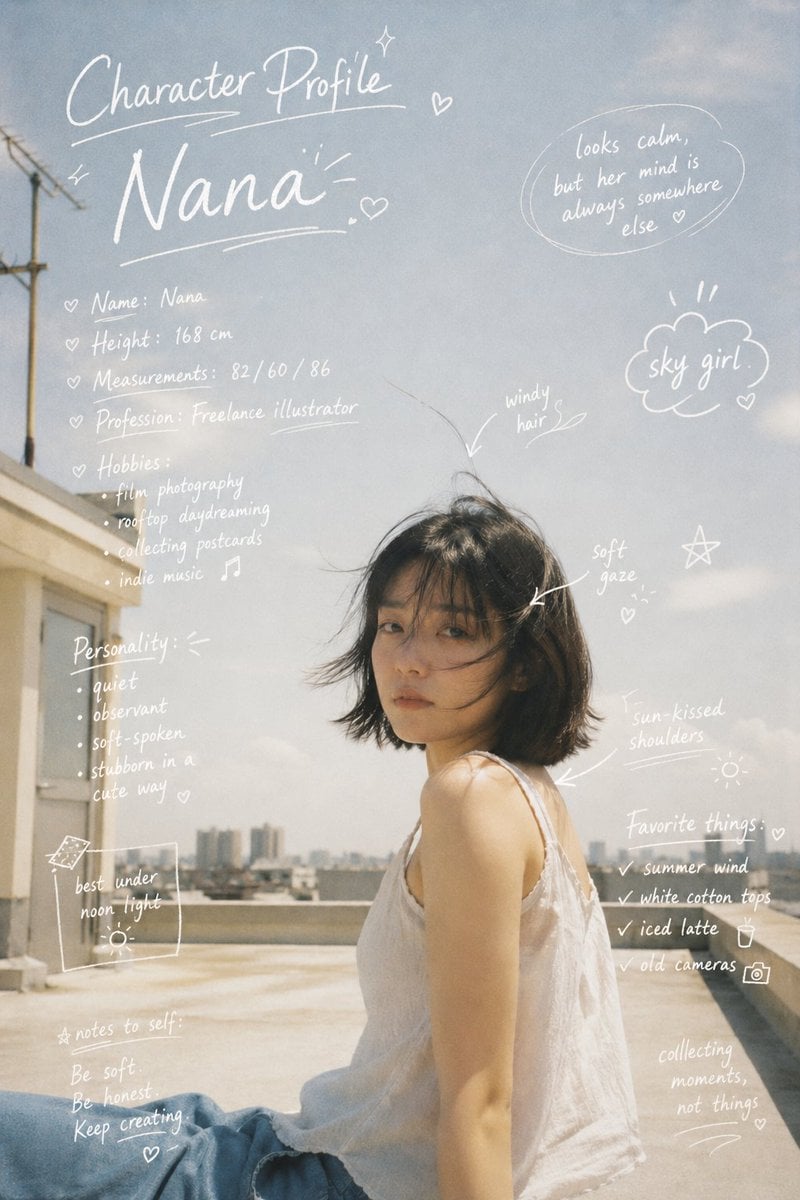
Character Profile Annotation Overlay
Self-Portrait Generation Prompt (Placeholder)
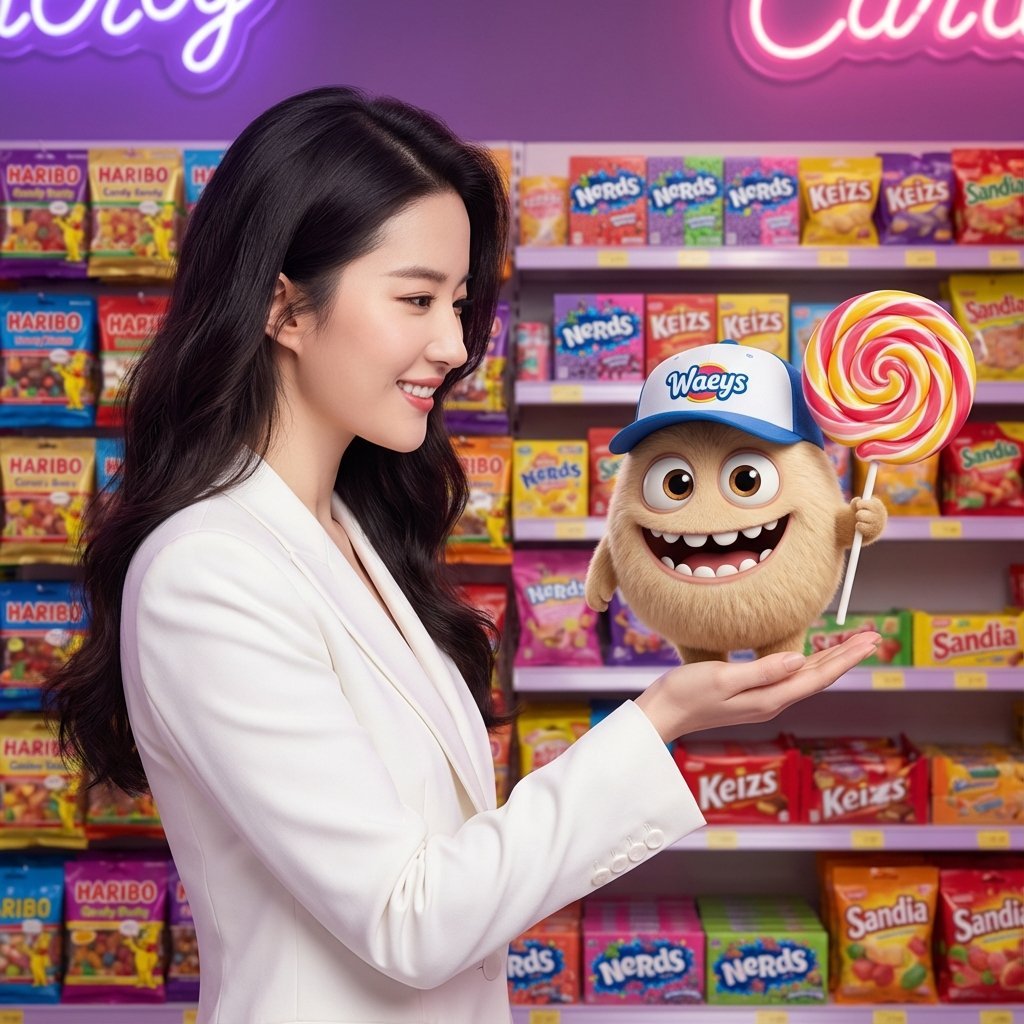
Mixed-Media Portrait with CGI Mascot in Candy Store
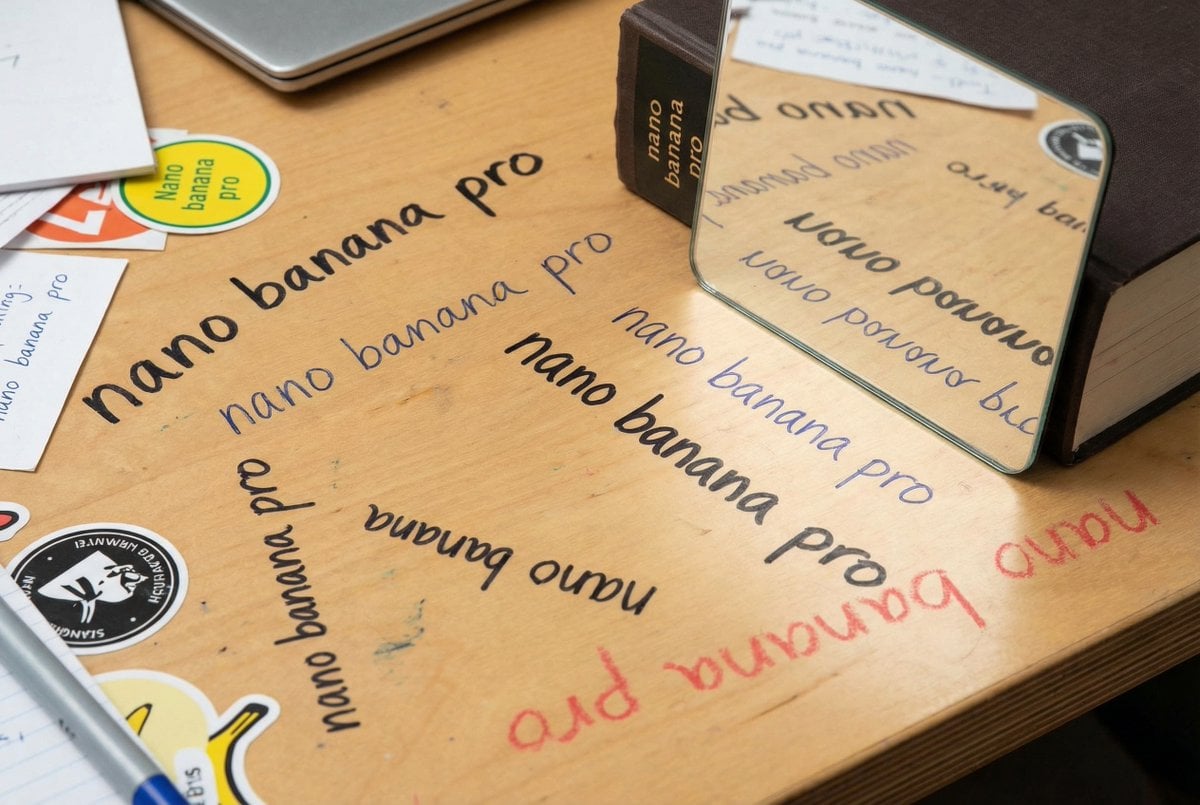
Glossy magazine article with full text

AI Coding Assistant Promo Infographic
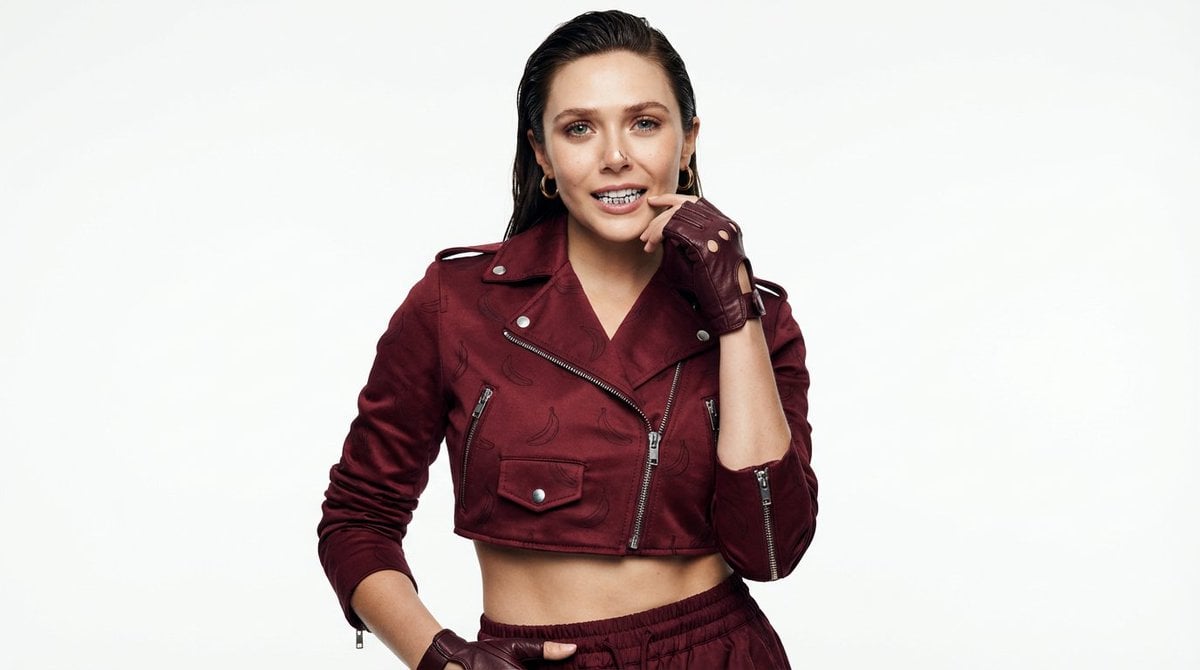
High-Fashion Urban Gangster Editorial Portrait
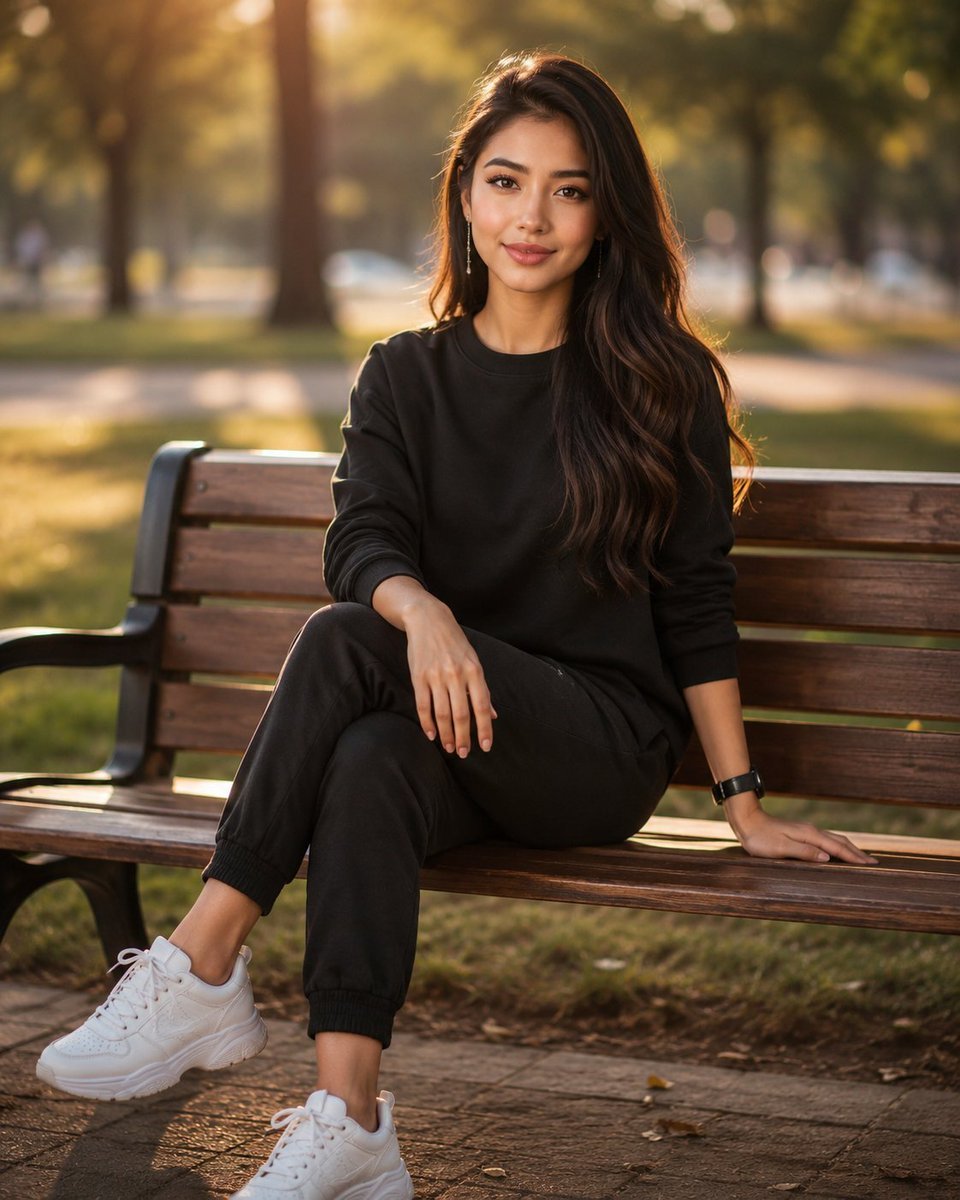
Golden Hour Park Portrait
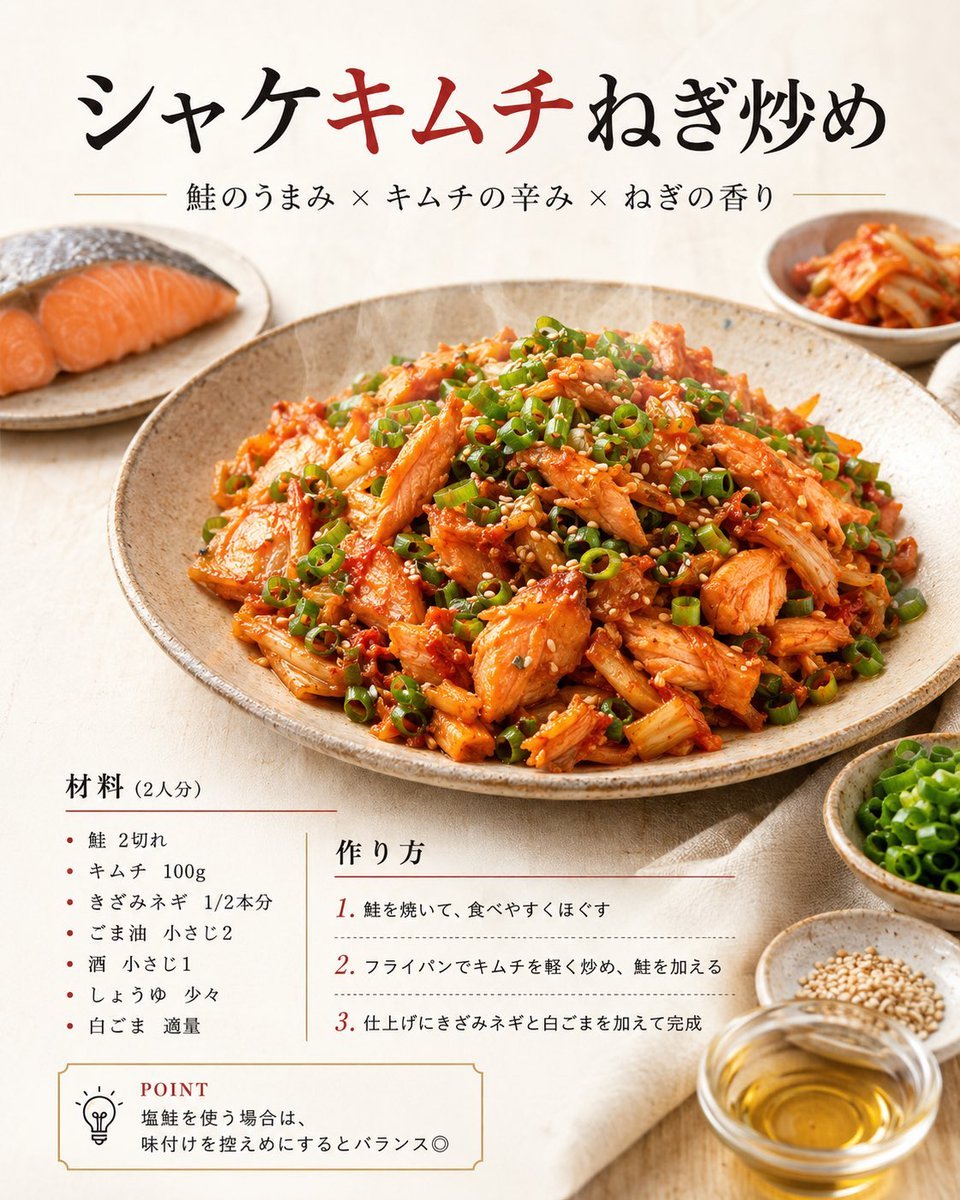
Japanese Salmon Kimchi Recipe Poster
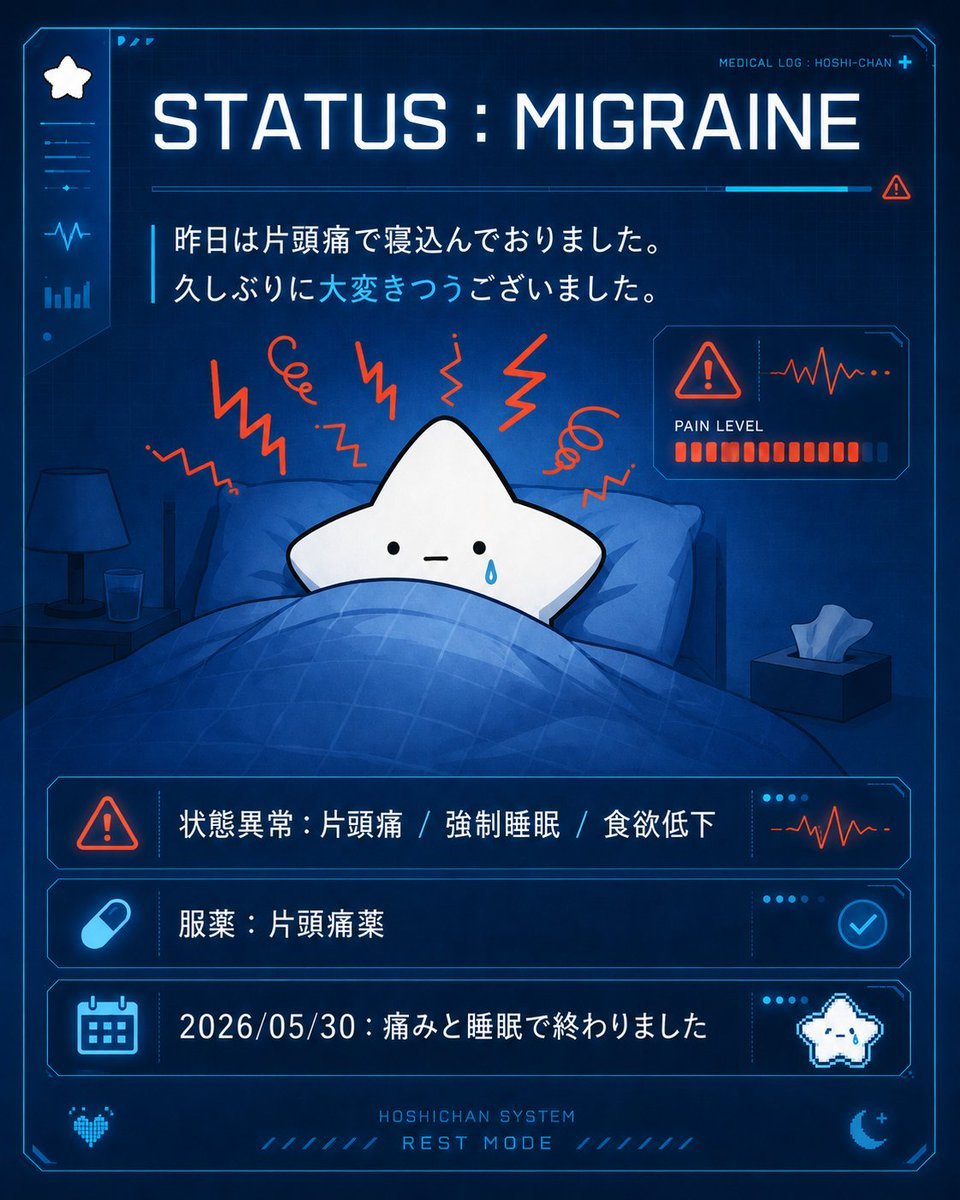
Cute Star Migraine HUD
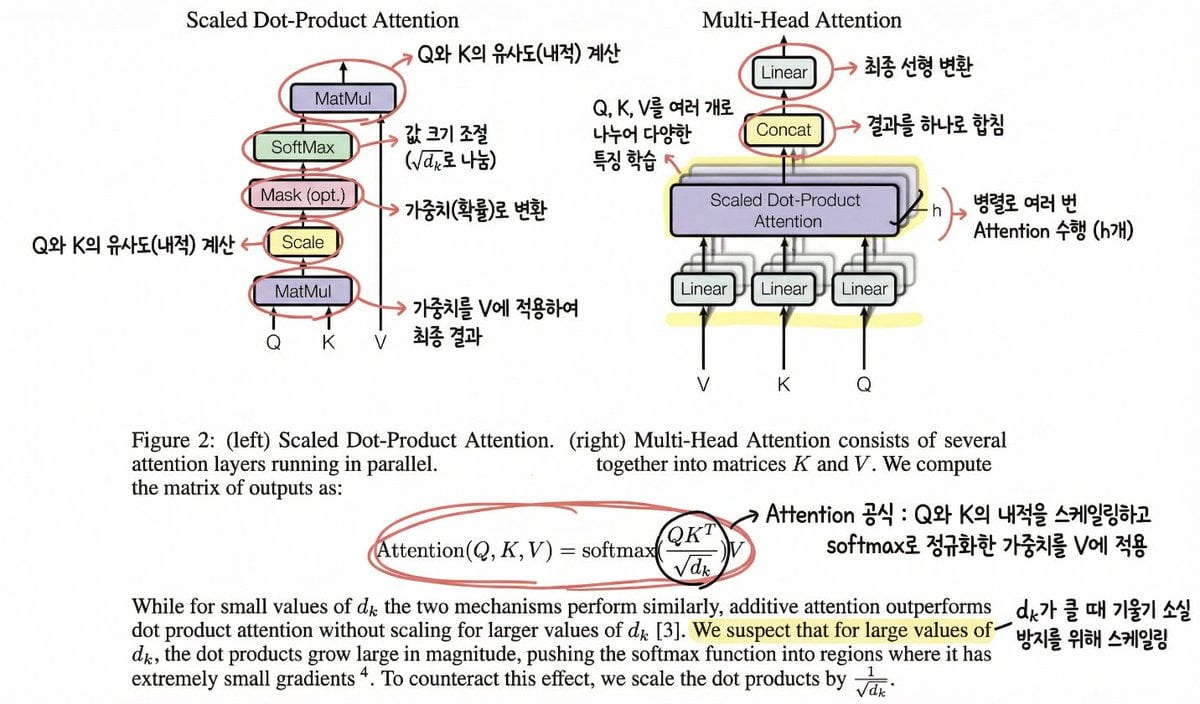
Annotating the 'Attention Is All You Need' Paper
Browse template categories
Cosmic Botanical Dream Editorial Fashion Prompt questions
How do I use the Cosmic Botanical Dream Editorial Fashion Prompt template?
Add your photo if the template asks for one, edit the prompt if you like — the template's model and format are already selected — and press Generate. Your version opens in PicX Studio.
Can I customize the Cosmic Botanical Dream Editorial Fashion Prompt template?
Yes. You can change the subject, setting, lighting, mood, format, and available model controls before creating your image.
Is the Cosmic Botanical Dream Editorial Fashion Prompt template free?
Opening and editing this template is free. Generating uses credits, shown on the Generate button when you are signed in.
Which AI model should I use?
Start with Nano Banana 2, which is the model associated with this template. You can compare another compatible model for a different finish.
Looking for something else? Browse all templates.

Your photo, any look
Thousands of ready templates for every top image and video model, from one credit balance.