
Professional Identity-Preserving Corporate Portrait
A high-end corporate headshot prompt designed to maintain the identity and facial features of a reference image.
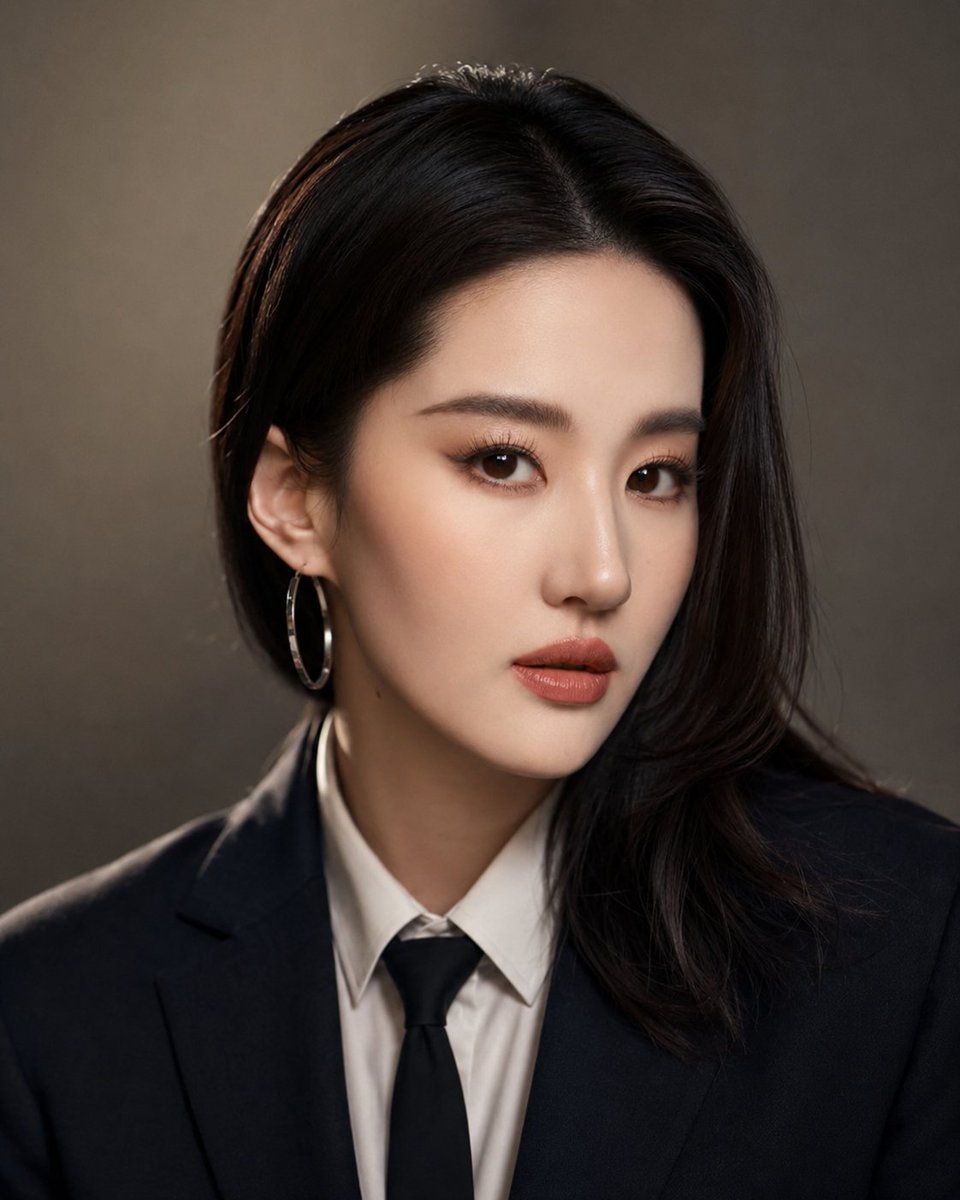
- Prompt included
- Model and format preset
- Premium template
The prompt behind this image
Copy the exact prompt behind Professional Identity-Preserving Corporate Portrait, or open it in the studio and make it yours.
电影级企业肖像,超逼真,与参考图像中的同一人物。保留准确的面部特征、肤色和身份特征。风格:经典专业企业肖像。被摄体穿着{argument name="服装" default="深色定制西装、洁白衬衣和低调领带"}。柔和定向的工作室灯光,具有柔和阴影以增加深度感。极简主义背景,模糊的{argument name="背景色" default="中性色调(深灰色或米色渐变)"}。使用全画幅相机、{argument name="镜头" default="85mm 镜头"}、浅景深、眼睛清晰对焦、自然肤质纹理和高动态范围拍摄。自信、平静、亲切的表情。超细致、8K 质量、逼真色彩分级。
How to use Professional Identity-Preserving Corporate Portrait in 3 steps
- 1Upload ImagePNG, JPG or paste
Add your photo
Upload the photo the template builds on. The prompt, model and format are already set.
- 2…a portrait of your subject in softgolden-hour light, 85mm…
Personalize
Edit the subject and creative details for your destination.
- 3Generate
Generate
Press Generate — your image is created in PicX Studio, so you can compare it with the original and refine one variable at a time.
More like this
Templates with the same subject, style or setup. Open one to see its prompt.
Identity-Preserving Romantic Couple Portrait
Identity-Preserving Tulle Dress Portrait
Identity Preserving Cinematic Portrait
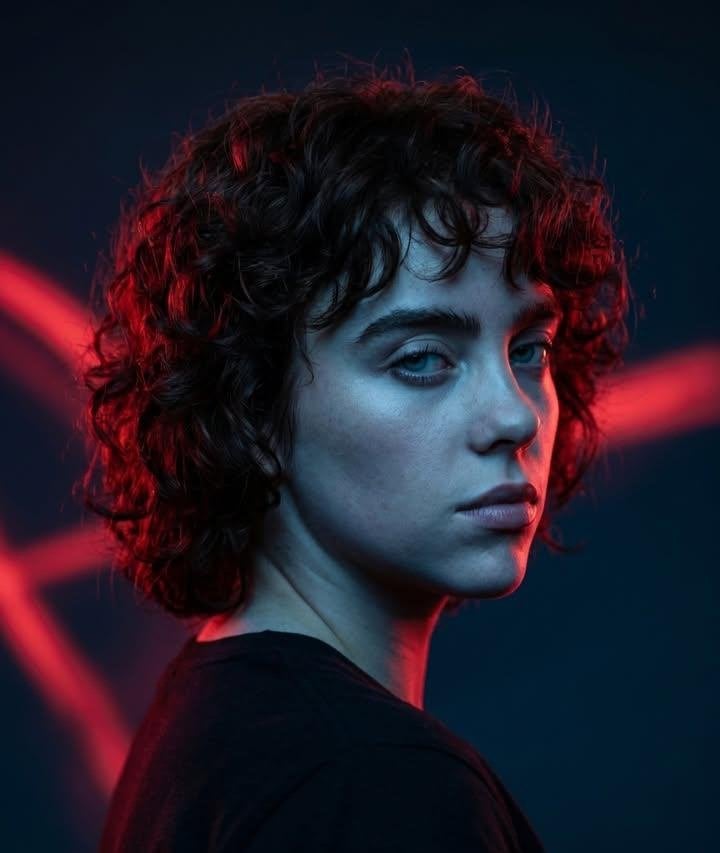
Cinematic Identity Preserving Portrait
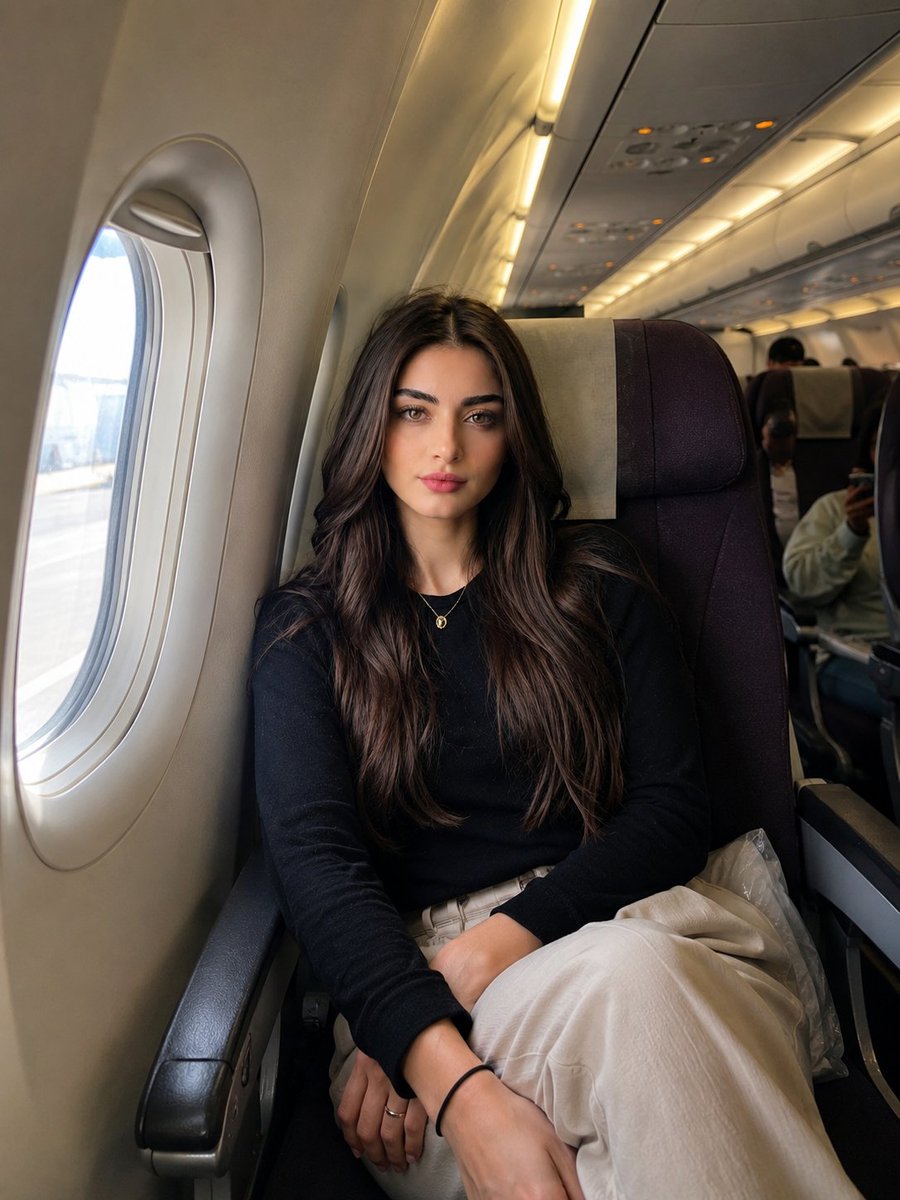
Identity-Preserving Travel Candid Portrait
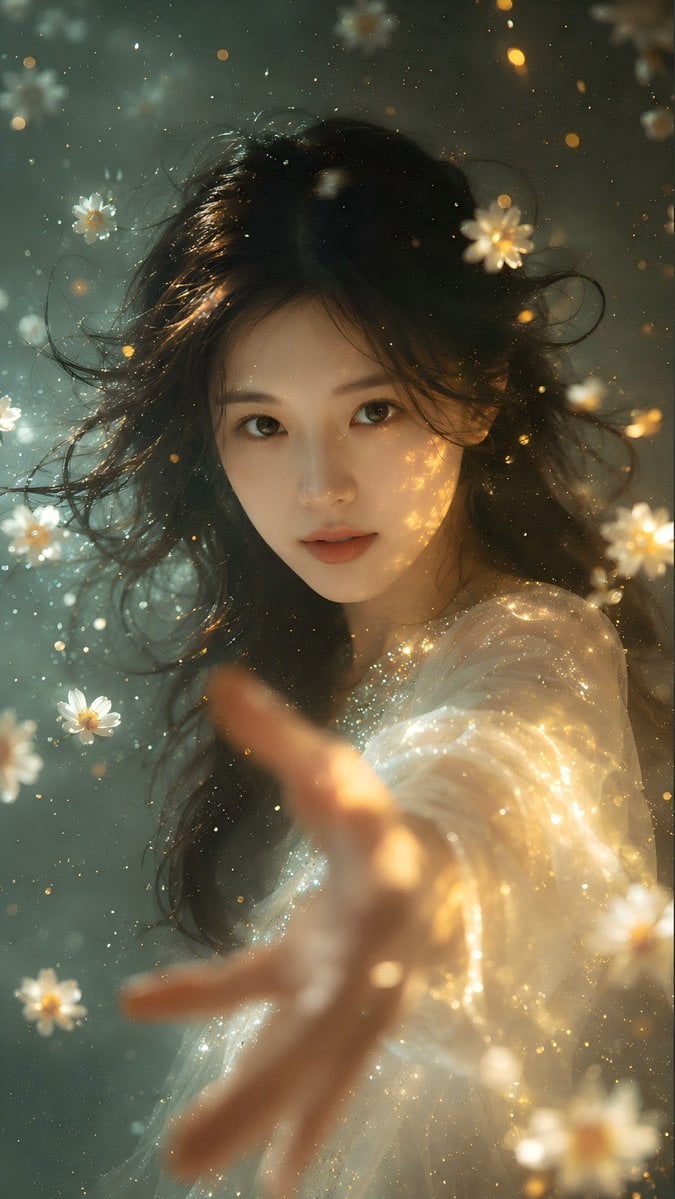
Identity Preserving Portrait Generation
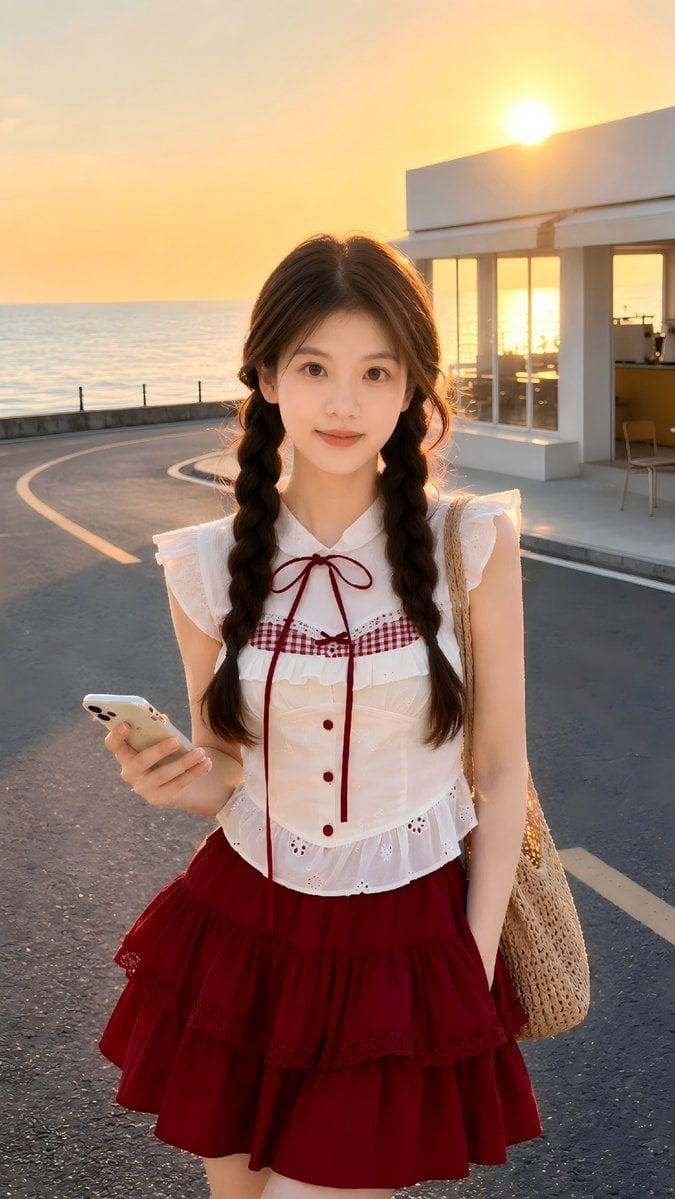
Golden Hour Identity-Preserving Portrait
GPT Image 2 Identity-Preserving Portrait Prompt
Editorial denim portrait preserving face identity
Identity-Preserving Portrait Prompts for Nightclub and Festive Scenes

Found Photograph: Us, 1970

80s Couple Studio Portrait
Make it yours
Professional Identity-Preserving Corporate Portrait works as-is. These are the safest ways to change it without losing the look.
Change one field
Copy a single group, rewrite it, and generate again so you can see what that field is doing.
Keep the frame, change the subject
Hold the composition and light of Professional Identity-Preserving Corporate Portrait, then swap wardrobe, props or the person for a new take.
| If the result… | Why | Fix |
|---|---|---|
| The result drifts from the preview | Too many fields changed at once. | Reuse Professional Identity-Preserving Corporate Portrait as-is first, then change one group — subject, light, or setting. |
| The model over-stylizes the scene | The prose prompt leaves finish and camera underspecified. | Add one camera or lighting sentence and stay on GPT Image 2. |
More GPT Image 2 templates
Other prompts made for GPT Image 2.

Six VTuber Japanese Logo Sheet

Realistic Portrait of Woman and Deer

The Vista Modular Condo Poster

AI Model Routing Comparison Infographic

2.5D Anime Art Board

Isometric Productivity Desk Scene

New York Double Exposure Poster

Four-Panel AI Landscape Comparison

Japanese Tatami Lifestyle Magazine Cover

NESCAFÉ Coffee Map Poster
More image prompts
Fresh picks from across the catalog.
Cyberpunk Neon Split Lighting Portrait
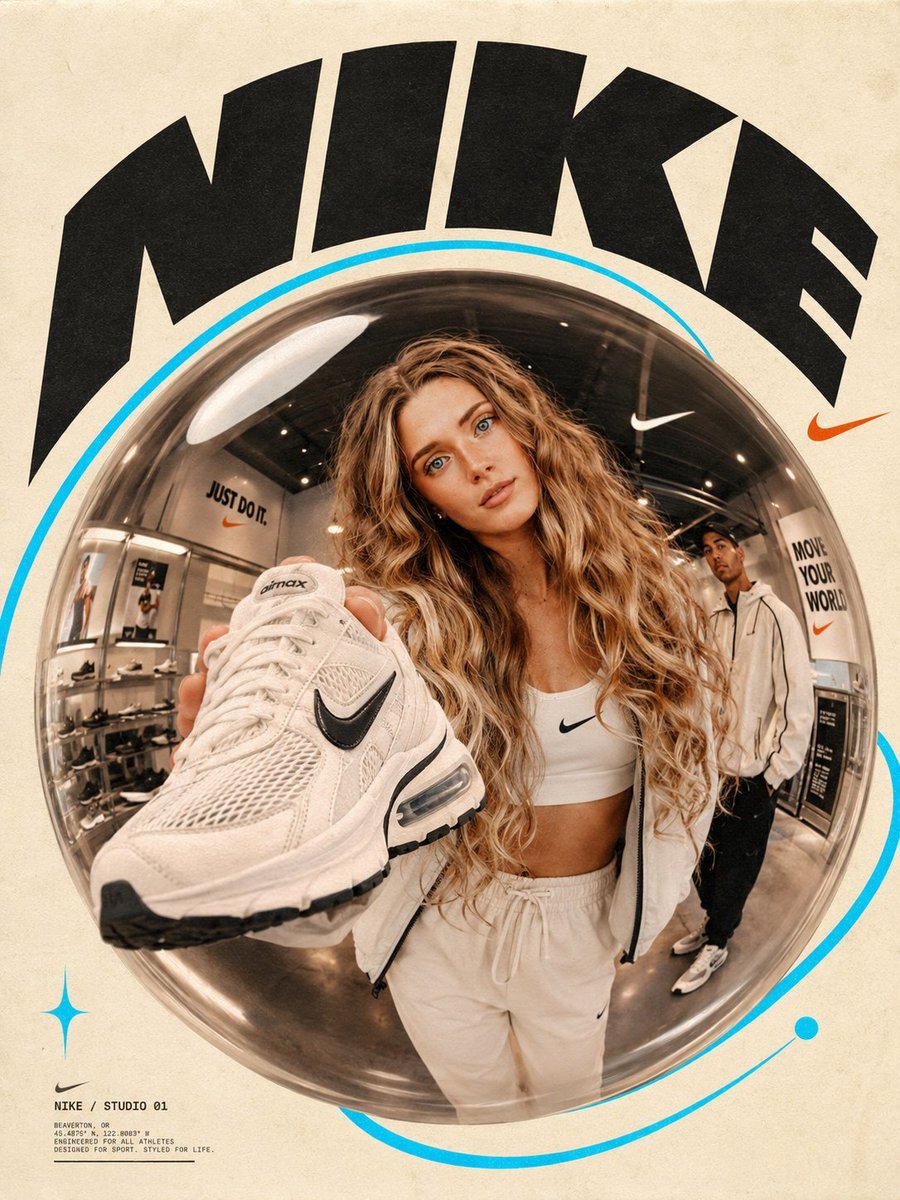
Fisheye Lens Branded Universe Poster
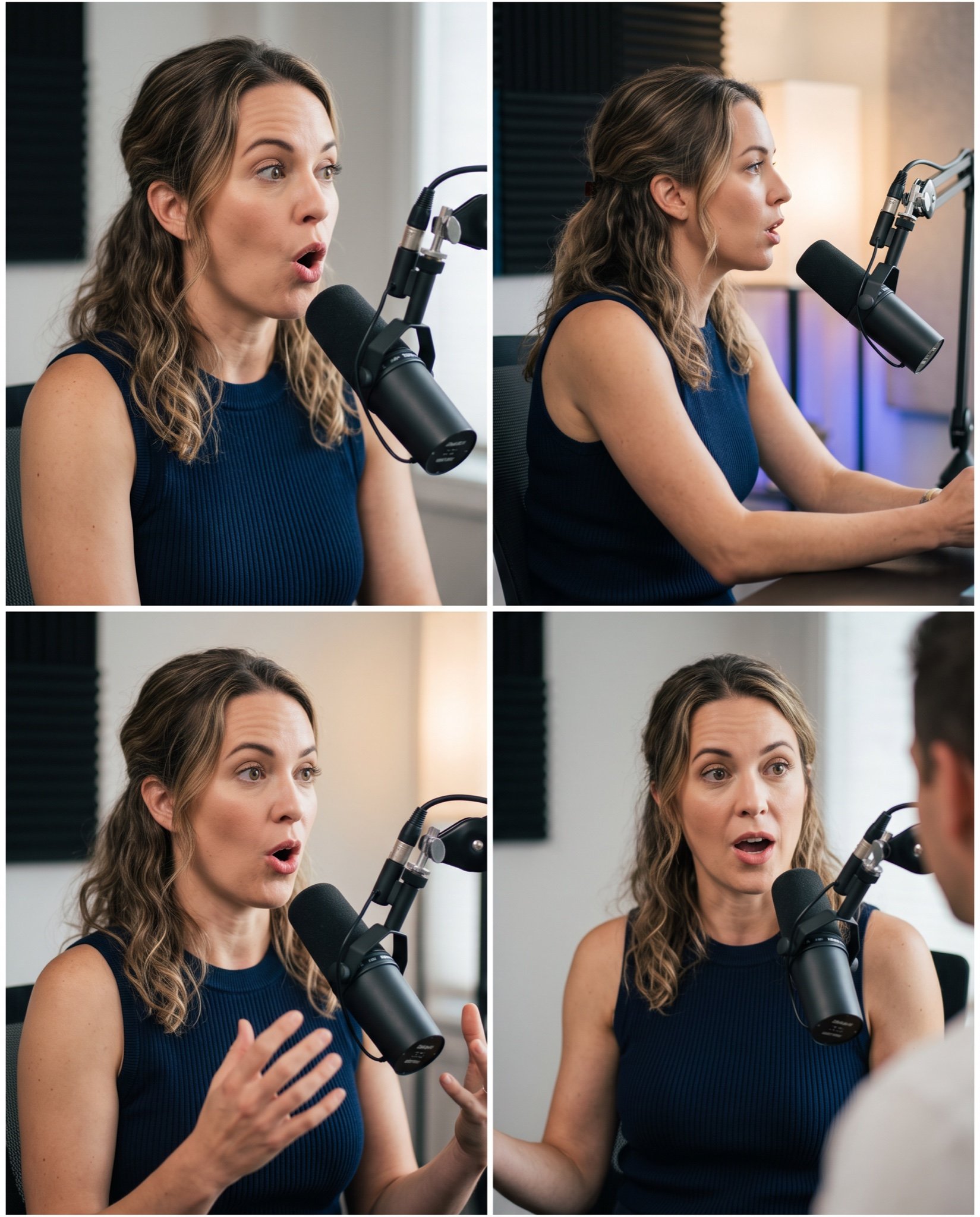
Mahira Khan 2x2 Collage Podcast Interview Prompt
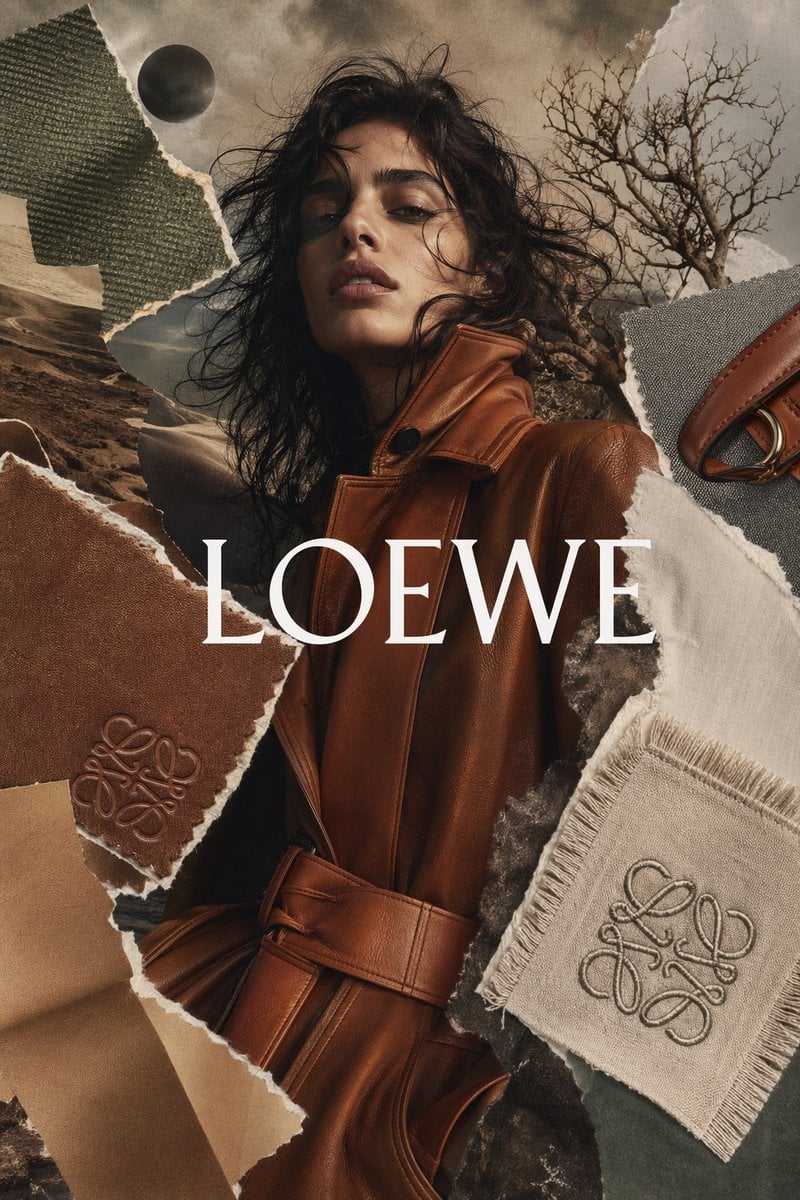
Luxury Fashion Torn-Paper Ad Collage
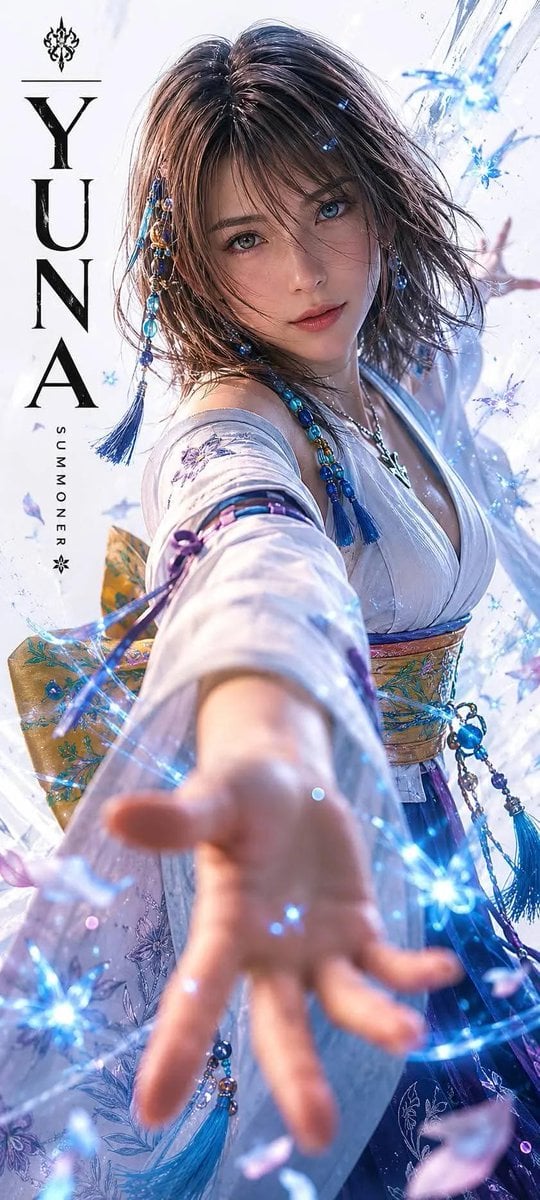
Realistic Live-Action Rikku Portrait
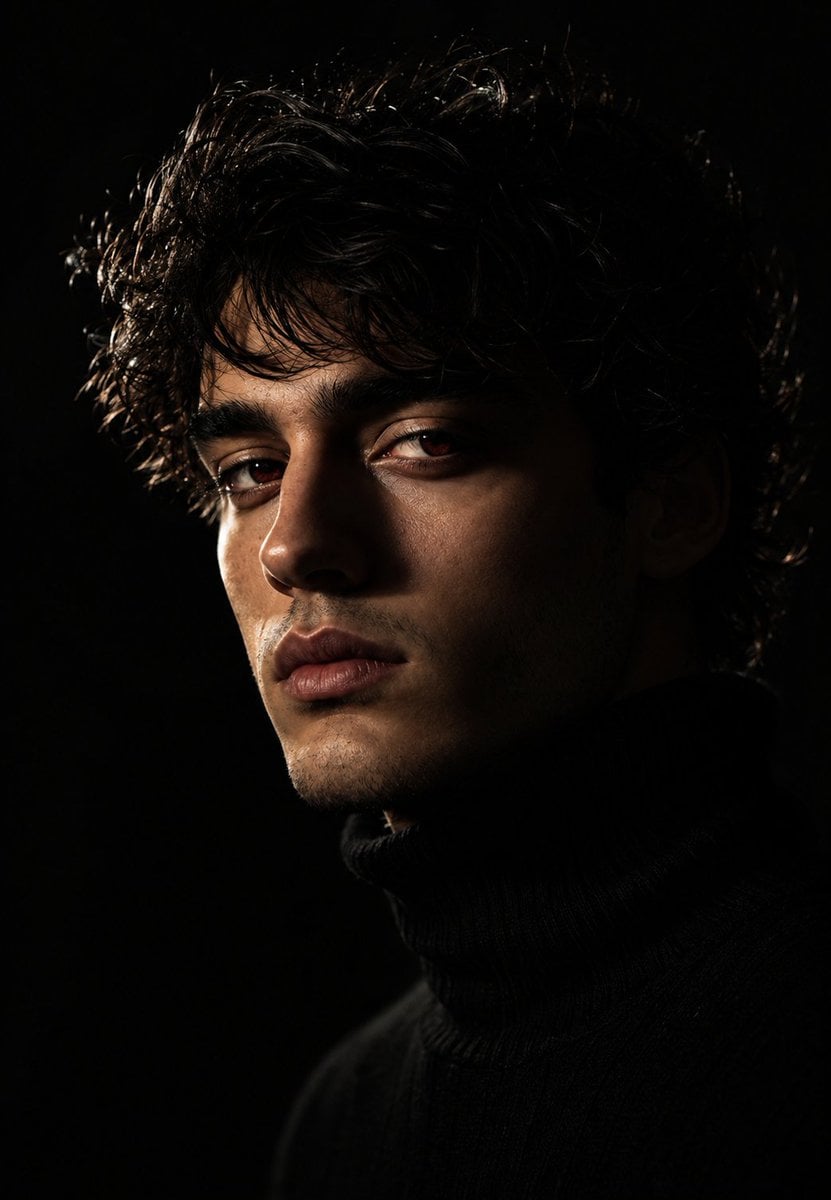
Moody Chiaroscuro Studio Portrait
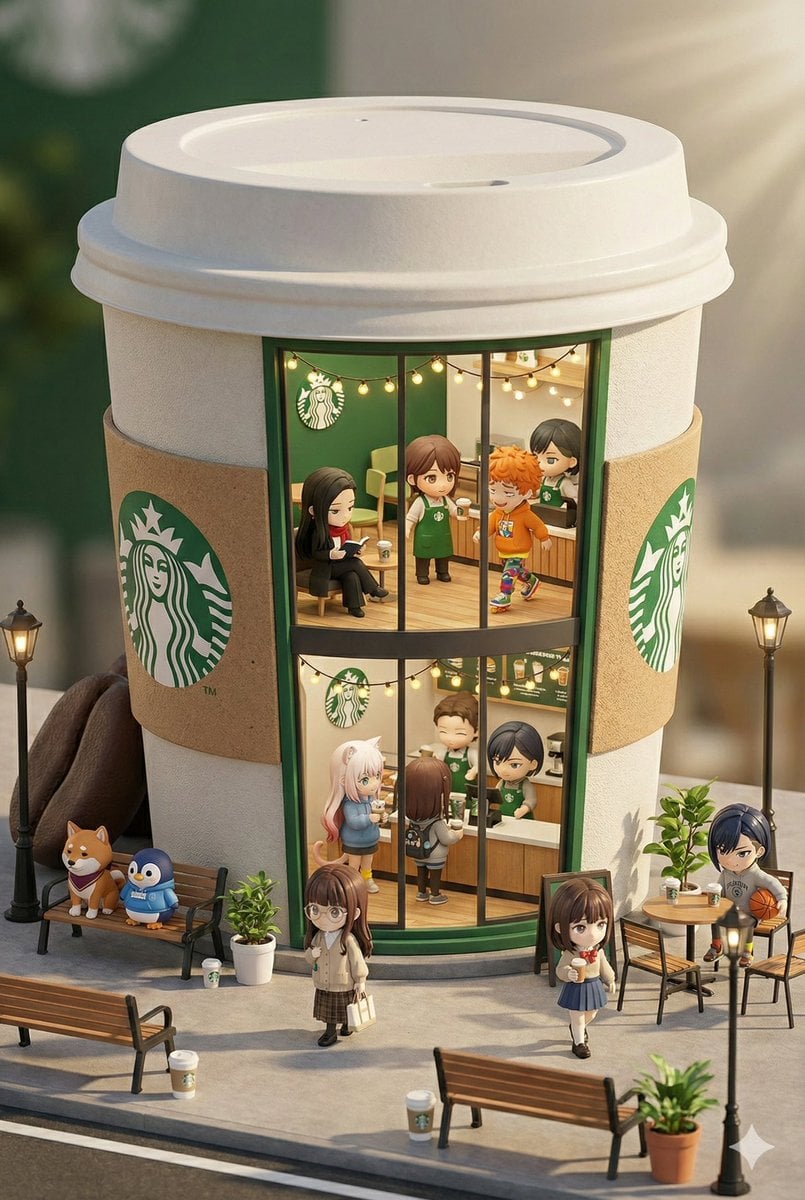
3D chibi miniature brand concept store prompt
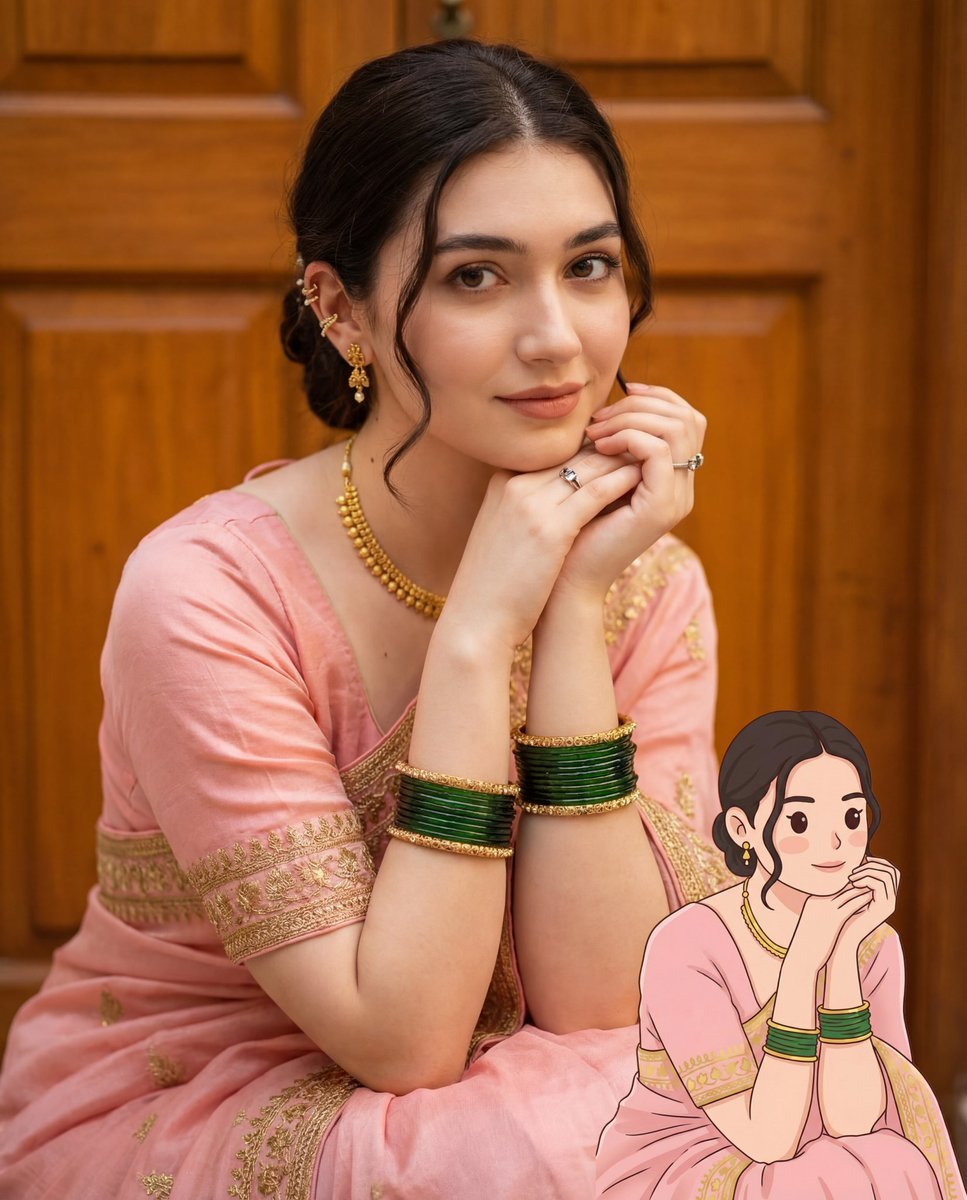
2D Cartoon Illustration from Photo Prompt
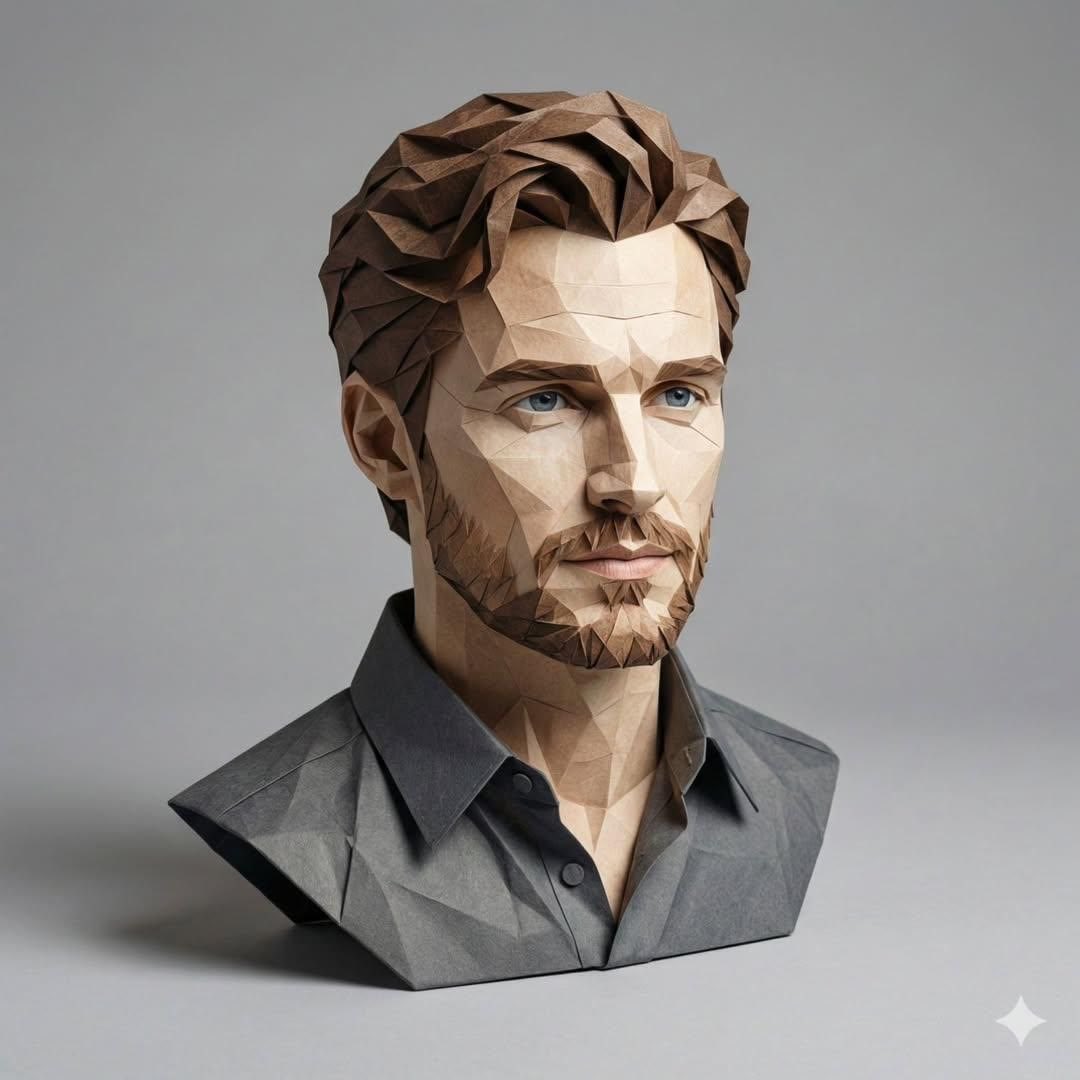
3D Paper-Craft Portrait with Low-Poly Aesthetic

Anime Pop-Art Protest Poster
Browse template categories
Professional Identity-Preserving Corporate Portrait questions
How do I use the Professional Identity-Preserving Corporate Portrait template?
Add your photo if the template asks for one, edit the prompt if you like — the template's model and format are already selected — and press Generate. Your version opens in PicX Studio.
Can I customize the Professional Identity-Preserving Corporate Portrait template?
Yes. You can change the subject, setting, lighting, mood, format, and available model controls before creating your image.
Is the Professional Identity-Preserving Corporate Portrait template free?
Opening and editing this template is free. Generating uses credits, shown on the Generate button when you are signed in.
Which AI model should I use?
Start with GPT Image 2, which is the model associated with this template. You can compare another compatible model for a different finish.
Looking for something else? Browse all templates.

Your photo, any look
Thousands of ready templates for every top image and video model, from one credit balance.