
Fisheye Lens Branded Universe Poster
A sophisticated prompt using a fisheye lens effect to create an immersive branded environment around a specific identity.
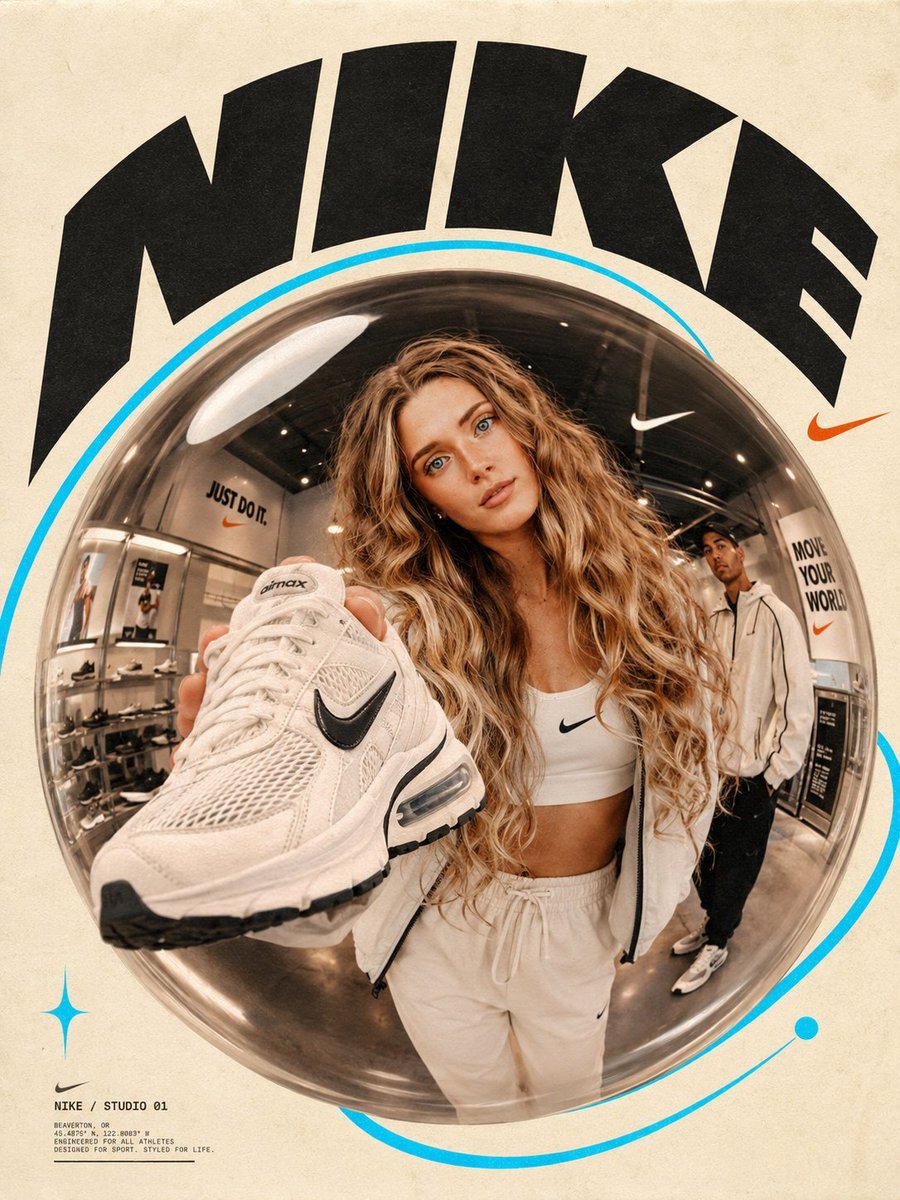
- Prompt included
- Model and format preset
- Free template
The prompt behind this image
Copy the exact prompt behind Fisheye Lens Branded Universe Poster, or open it in the studio and make it yours.
Place the uploaded subject naturally at the center of the frame inside a dramatic {argument name="lens effect" default="glass fisheye bubble"}, shot from a low-angle close perspective that warps and curves the surroundings into a bold, immersive composition. The scene should feel like a branded universe built entirely around {argument name="brand name" default="[BRAND NAME]"} — a sleek workspace, a vibrant retail environment, a creative studio, or an experiential pop-up — chosen to reflect the spirit and identity of [BRAND NAME]. One to two young, confident individuals are captured mid-action, extending or presenting a brand-relevant object directly toward the fisheye lens, creating an intimate and dynamic point of contact between subject and viewer. The environment, props, and every visual element in the scene must respond entirely to [BRAND NAME]. Typography dominates the composition with a sweeping, oversized [BRAND NAME] word or phrase arching in a bold curve around the outer edge of the frame. The background maintains a warm {argument name="background style" default="cream paper tone"} throughout, giving the image a tactile, print-inspired quality. A vivid {argument name="accent color" default="cyan orbital ring"} or track traces around or behind the central bubble.
How to use Fisheye Lens Branded Universe Poster in 3 steps
- 1Upload ImagePNG, JPG or paste
Add your photo
Upload the photo the template builds on. The prompt, model and format are already set.
- 2…a portrait of your subject in softgolden-hour light, 85mm…
Personalize
Edit the subject and creative details for your destination.
- 3Generate
Generate
Press Generate — your image is created in PicX Studio, so you can compare it with the original and refine one variable at a time.
More like this
Templates with the same subject, style or setup. Open one to see its prompt.

Japan Travel Brochure Poster

Rooftop Fisheye — Cat-Ear Balaclava at Golden Hour
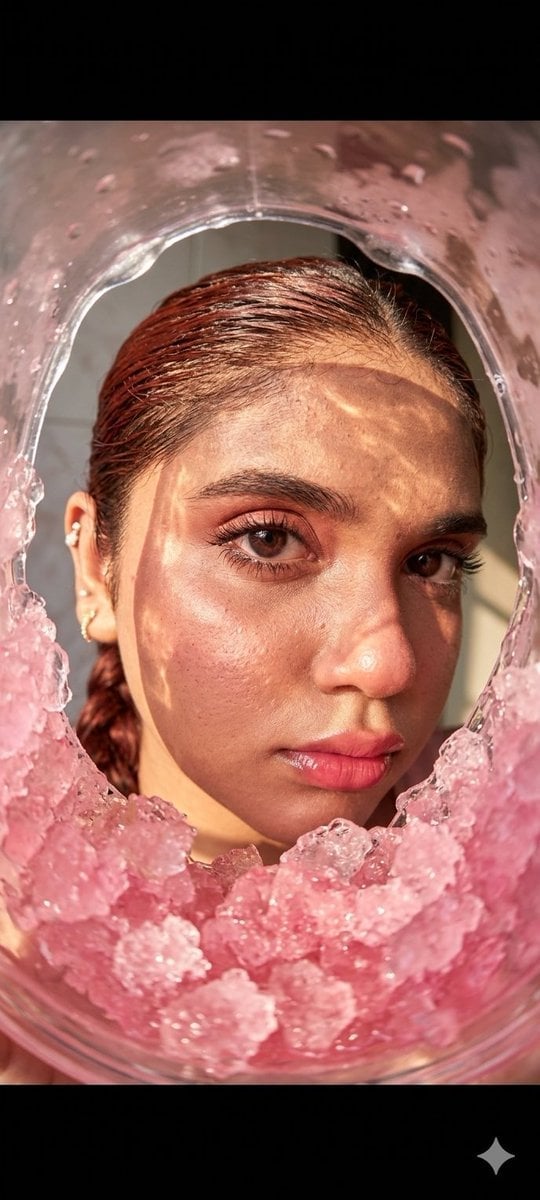
Fisheye Lens Slushy Ice Portrait

Cartoon TV Show Poster Pack

Trendy Cafe Drink Promo Poster

Urban Fashion Editorial Collage Streetwear Poster

Premium Fashion Editorial Cover Layout System

Polo Ralph Lauren Luxury American Heritage Fashion Campaign

Monochrome Halftone Editorial Fashion Poster

Retro Mirror Luxury Fashion Campaign Poster

Luxury Fashion Campaign Typography Poster System

Premium Fashion Editorial Campaign Poster System
Make it yours
Fisheye Lens Branded Universe Poster works as-is. These are the safest ways to change it without losing the look.
Change one field
Copy a single group, rewrite it, and generate again so you can see what that field is doing.
Keep the frame, change the subject
Hold the composition and light of Fisheye Lens Branded Universe Poster, then swap wardrobe, props or the person for a new take.
| If the result… | Why | Fix |
|---|---|---|
| The result drifts from the preview | Too many fields changed at once. | Reuse Fisheye Lens Branded Universe Poster as-is first, then change one group — subject, light, or setting. |
| The model over-stylizes the scene | The prose prompt leaves finish and camera underspecified. | Add one camera or lighting sentence and stay on GPT Image 2. |
More GPT Image 2 templates
Other prompts made for GPT Image 2.

Six VTuber Japanese Logo Sheet

Realistic Portrait of Woman and Deer

The Vista Modular Condo Poster

AI Model Routing Comparison Infographic

2.5D Anime Art Board

Isometric Productivity Desk Scene

New York Double Exposure Poster

Four-Panel AI Landscape Comparison

Japanese Tatami Lifestyle Magazine Cover

NESCAFÉ Coffee Map Poster
More image prompts
Fresh picks from across the catalog.
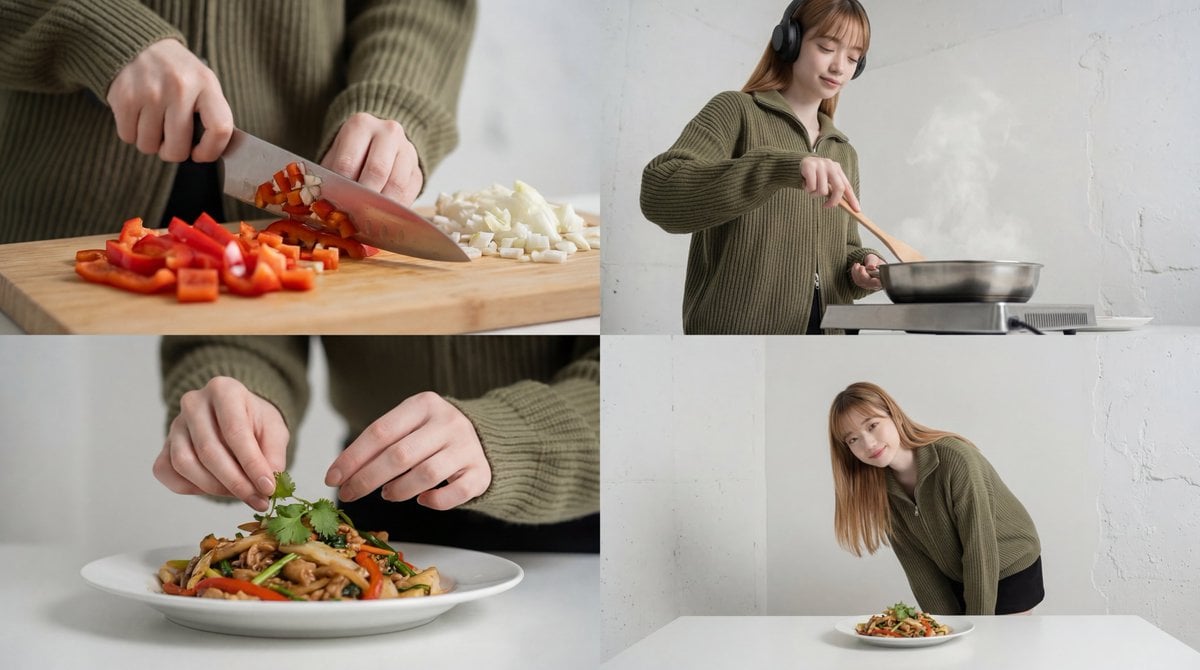
Cinematic Food Short Video Prompt (Summary)
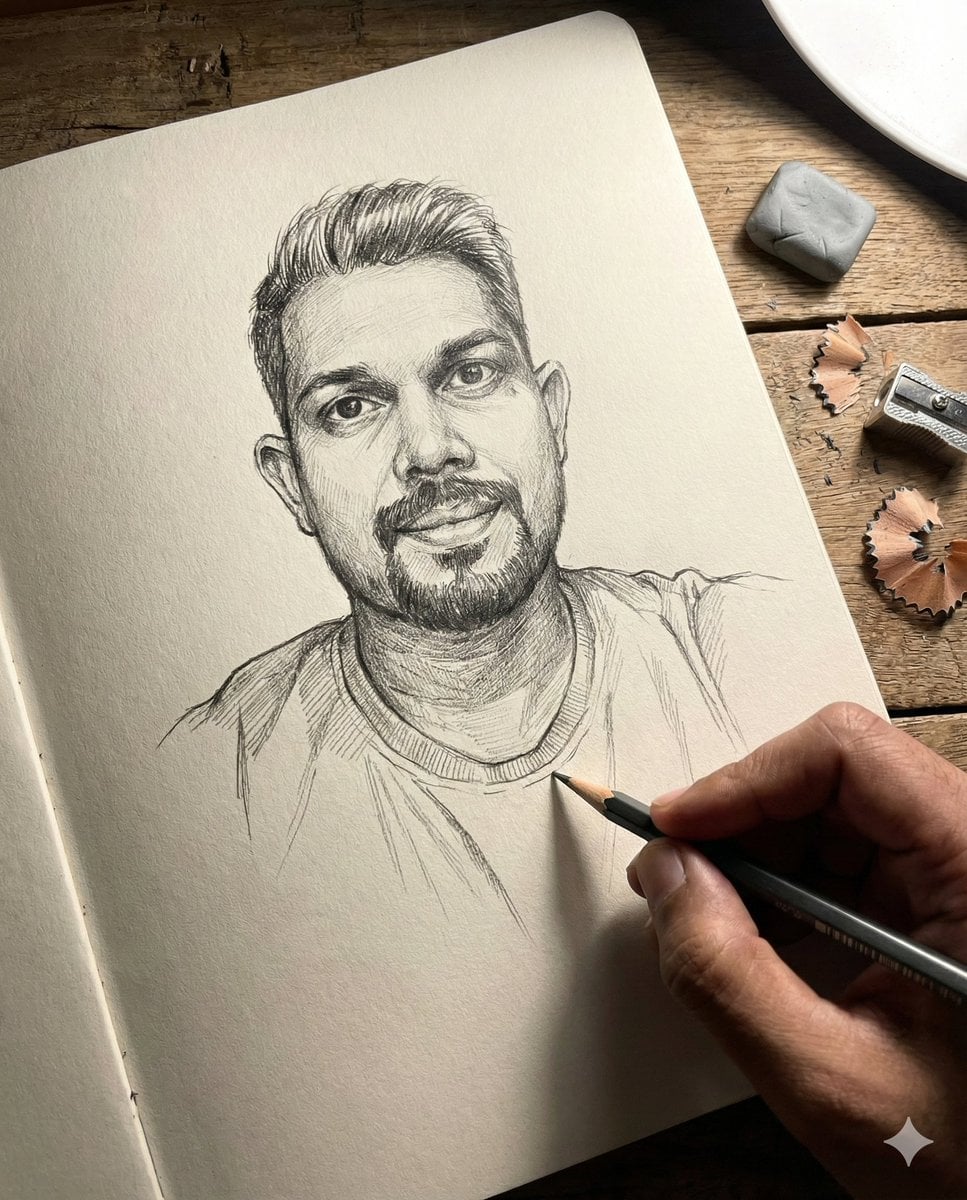
Anamorphic Graphite Sketch Illusion Prompt
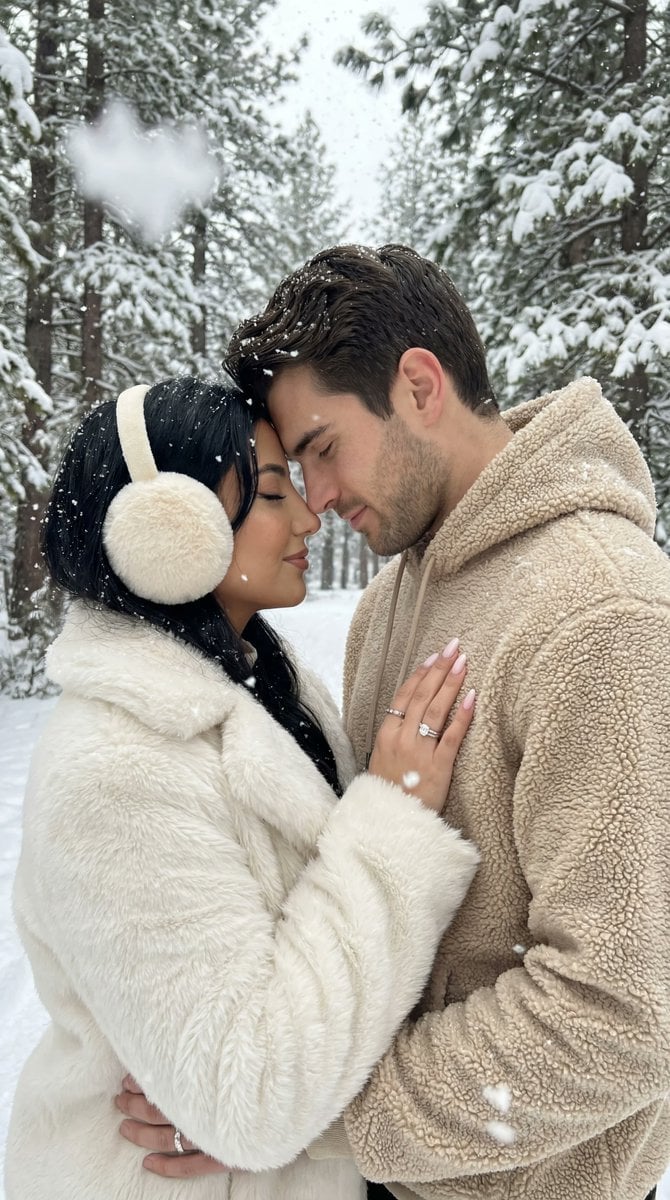
Ultra-Photorealistic Winter Romance Portrait (JSON Format)
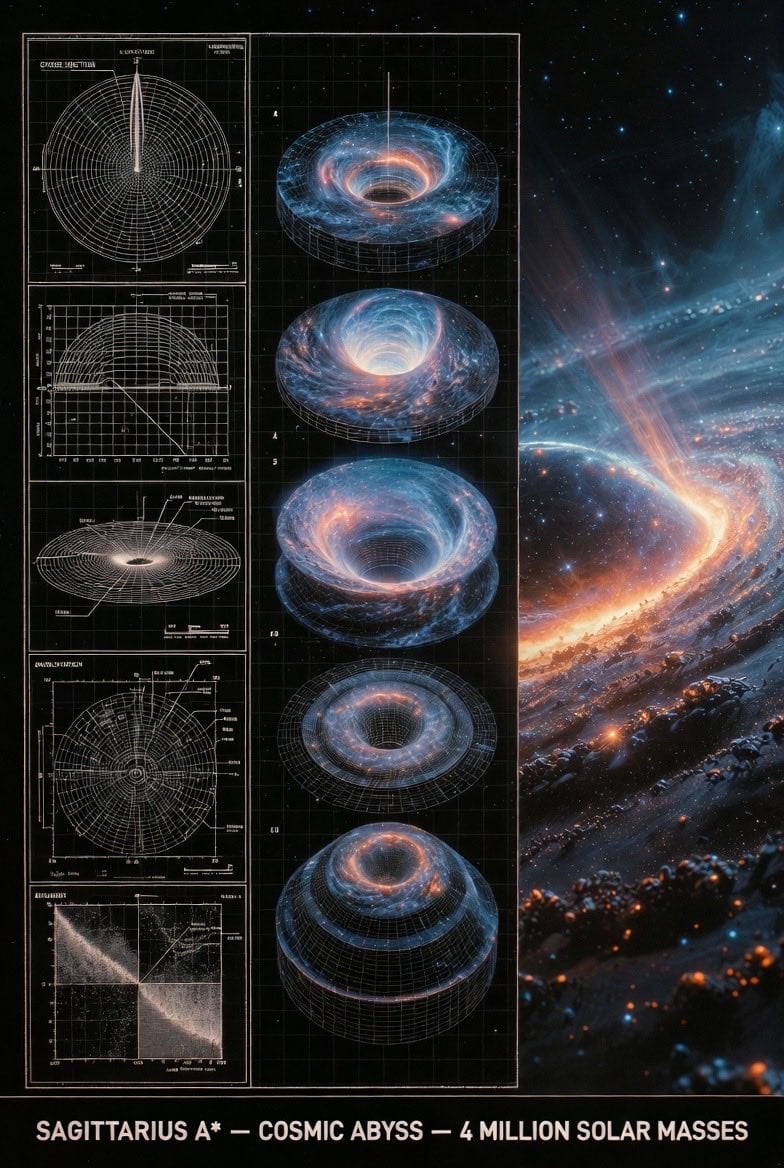
Supermassive Black Hole Museum Presentation Board
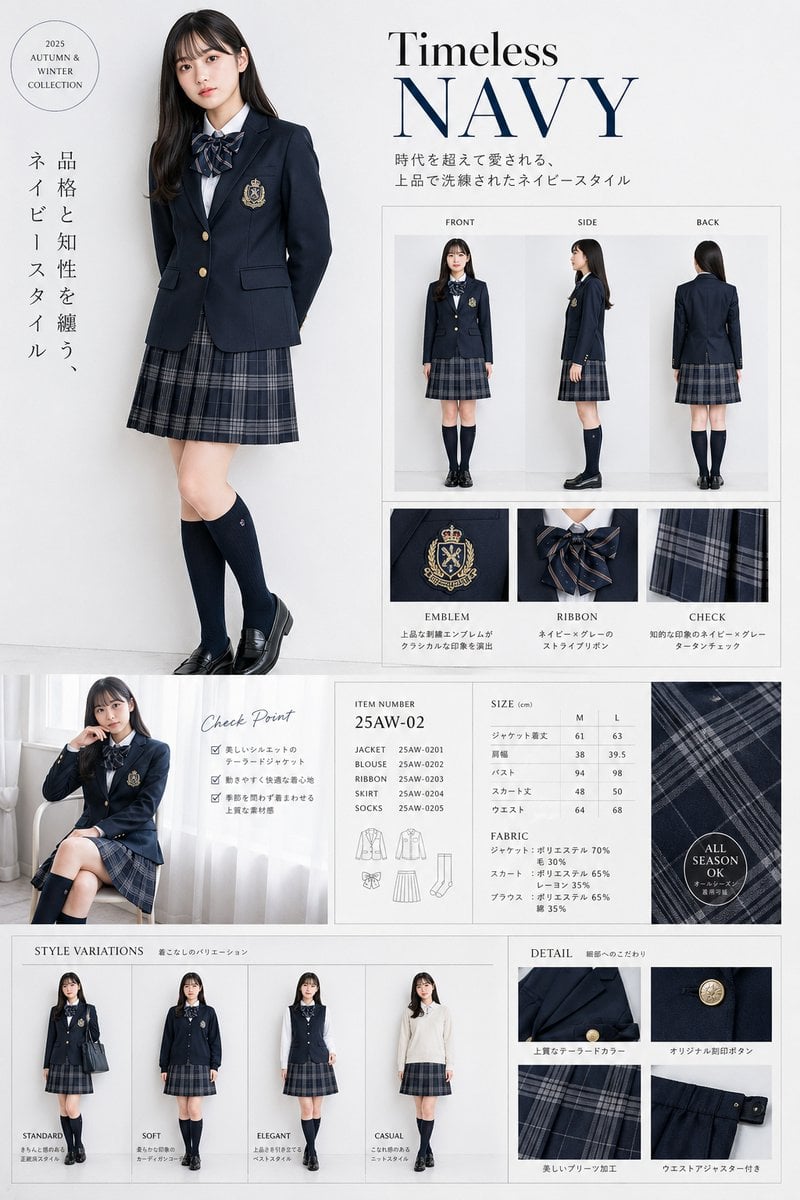
Luxury Navy School Uniform Catalog
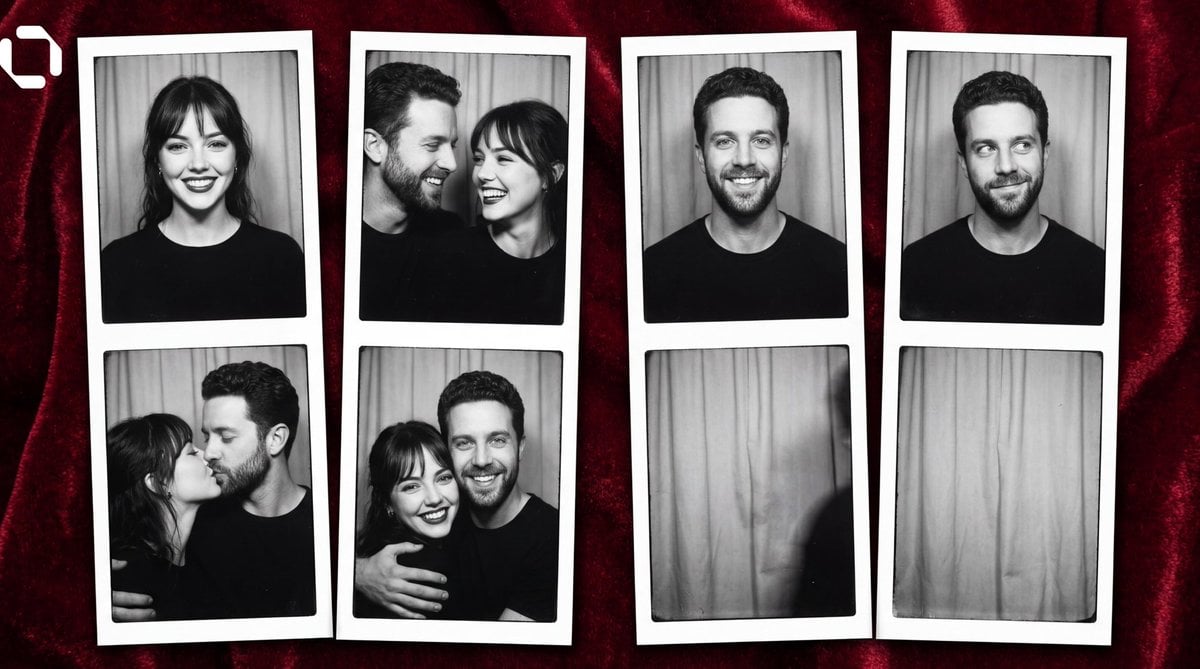
Photo Booth Strip Narrative Prompt for Nano Banana 2
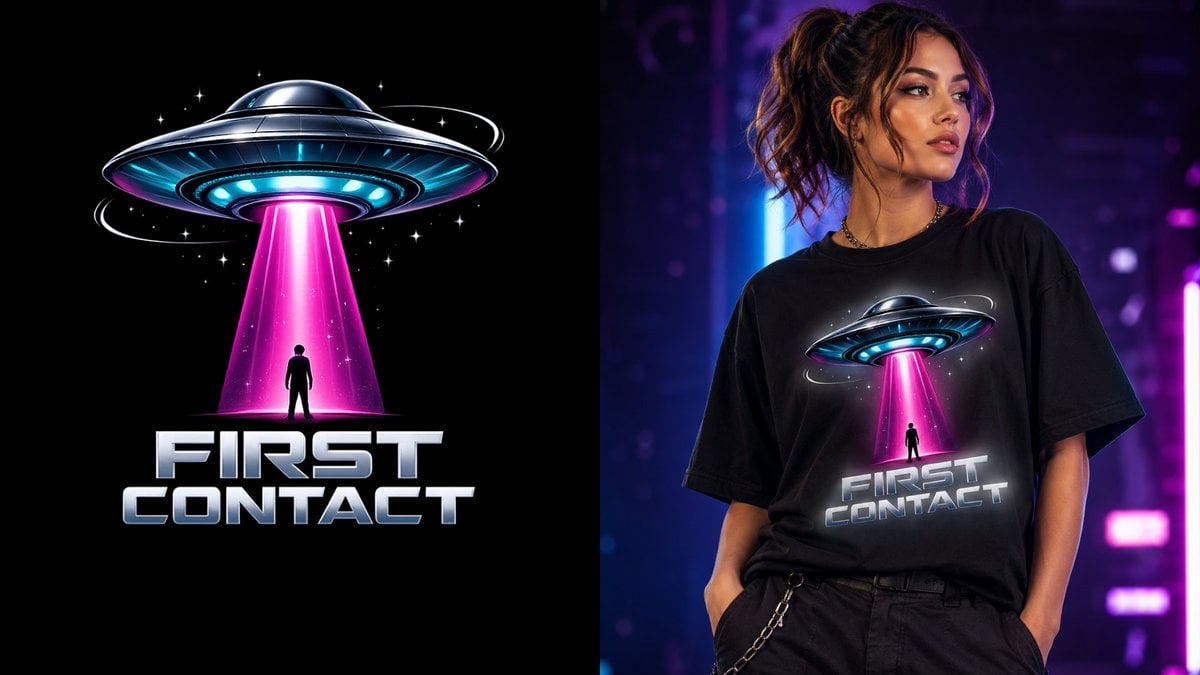
First Contact Sci-Fi T-Shirt Design
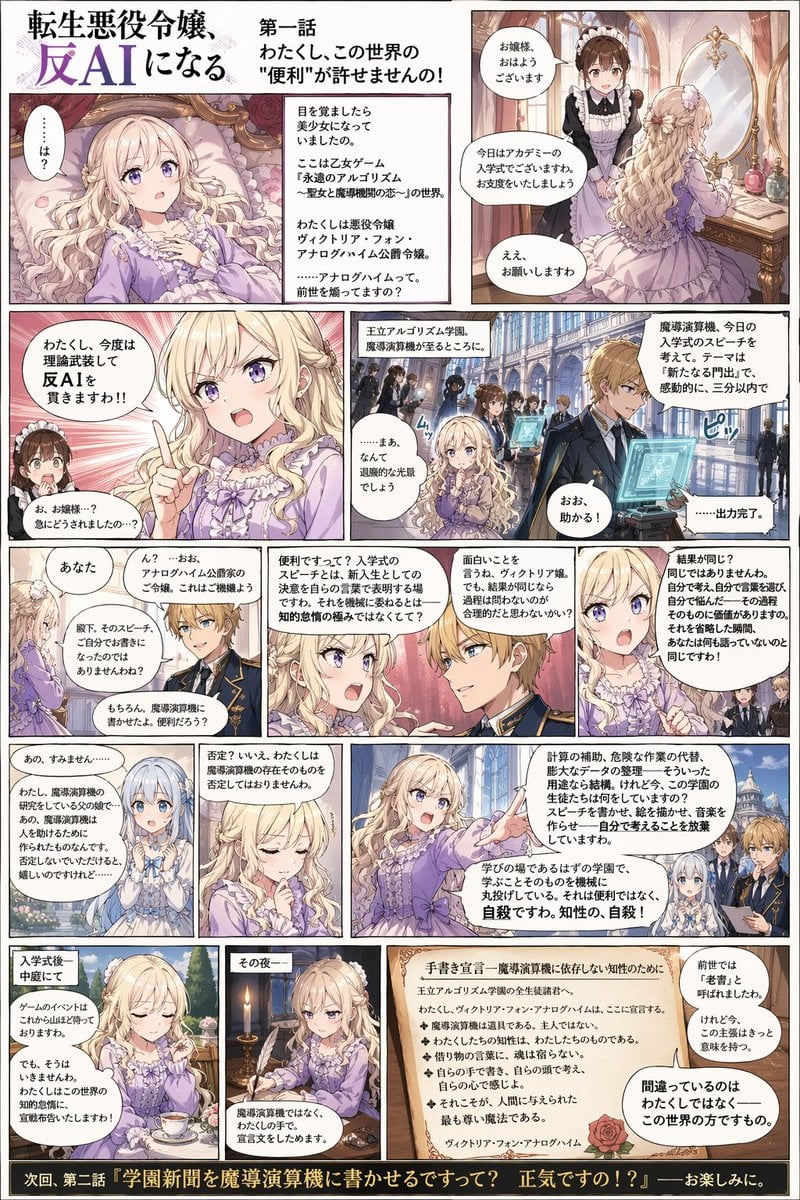
Anti-AI Villainess Manga Poster
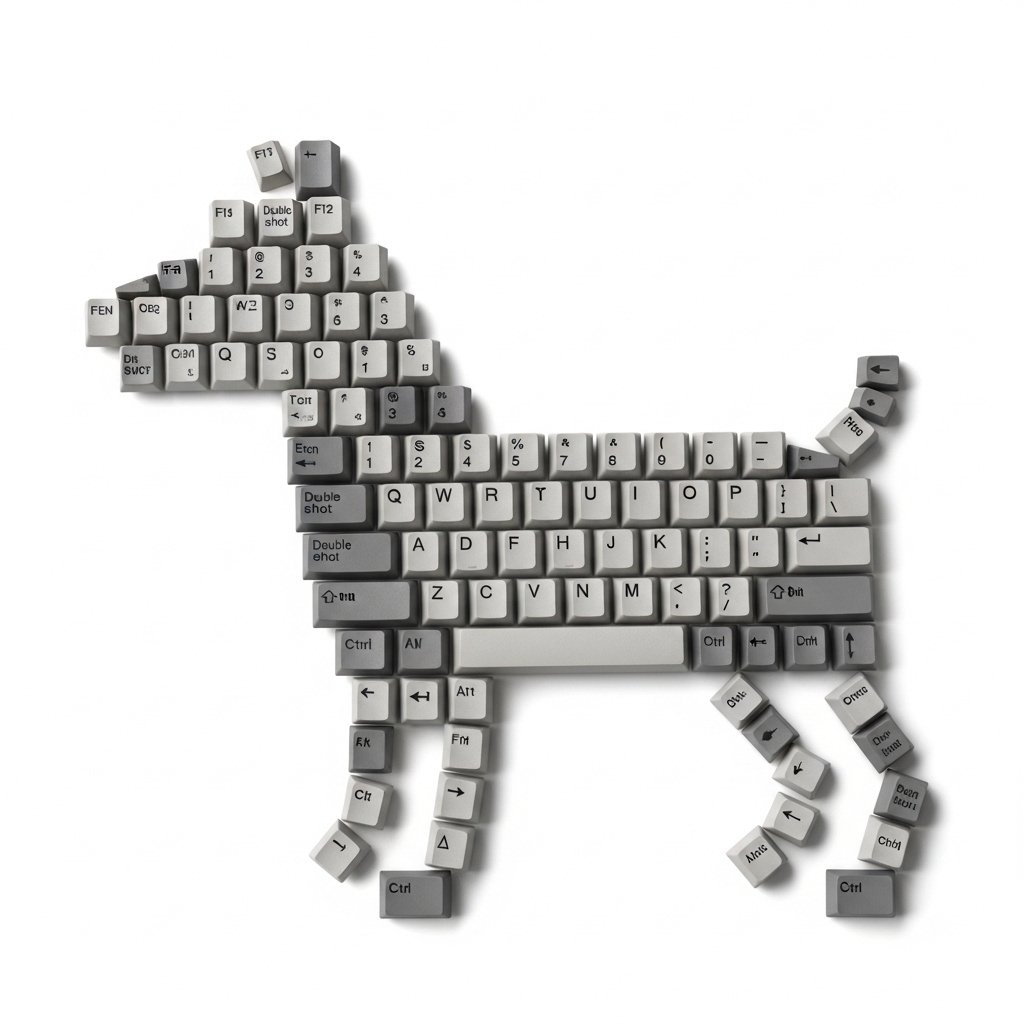
Top-Down Flat Lay of Dog Formed from Keyboard Keycaps
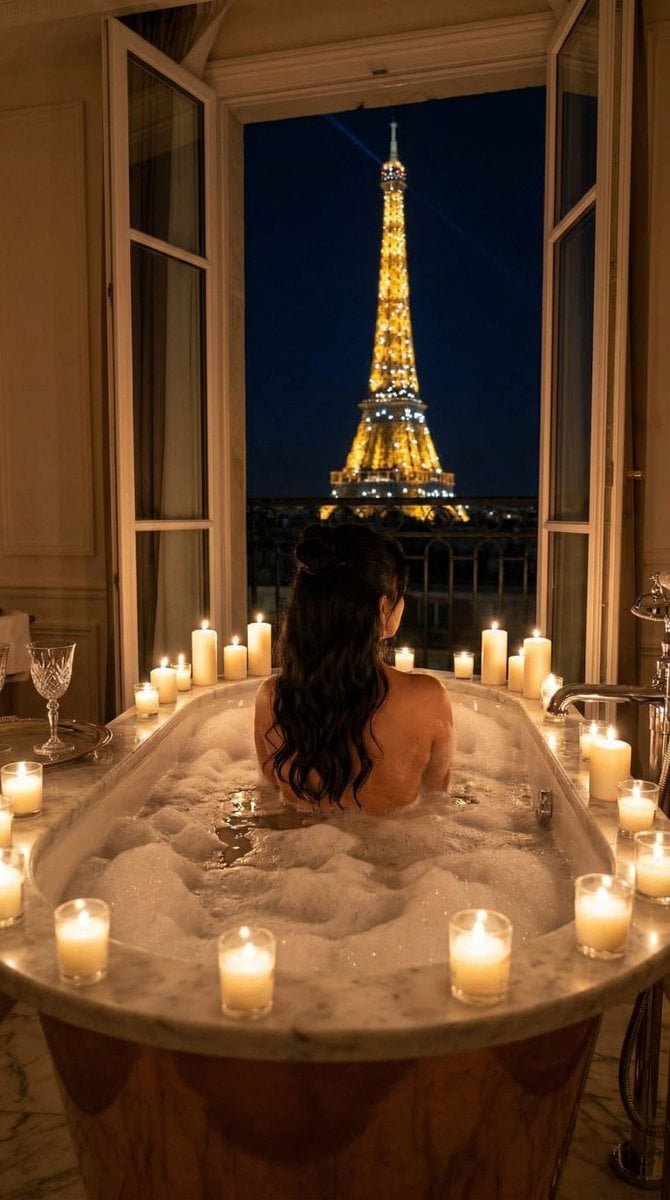
Nano Banana - Paris Balcony Night Eiffel
Browse template categories
Fisheye Lens Branded Universe Poster questions
How do I use the Fisheye Lens Branded Universe Poster template?
Add your photo if the template asks for one, edit the prompt if you like — the template's model and format are already selected — and press Generate. Your version opens in PicX Studio.
Can I customize the Fisheye Lens Branded Universe Poster template?
Yes. You can change the subject, setting, lighting, mood, format, and available model controls before creating your image.
Is the Fisheye Lens Branded Universe Poster template free?
Opening and editing this template is free. Generating uses credits, shown on the Generate button when you are signed in.
Which AI model should I use?
Start with GPT Image 2, which is the model associated with this template. You can compare another compatible model for a different finish.
Looking for something else? Browse all templates.

Your photo, any look
Thousands of ready templates for every top image and video model, from one credit balance.