
3D chibi miniature brand concept store prompt
A reusable prompt to generate 3D chibi-style miniature concept stores for any brand, focusing on their signature product, colors, and cozy interior with tiny figures.
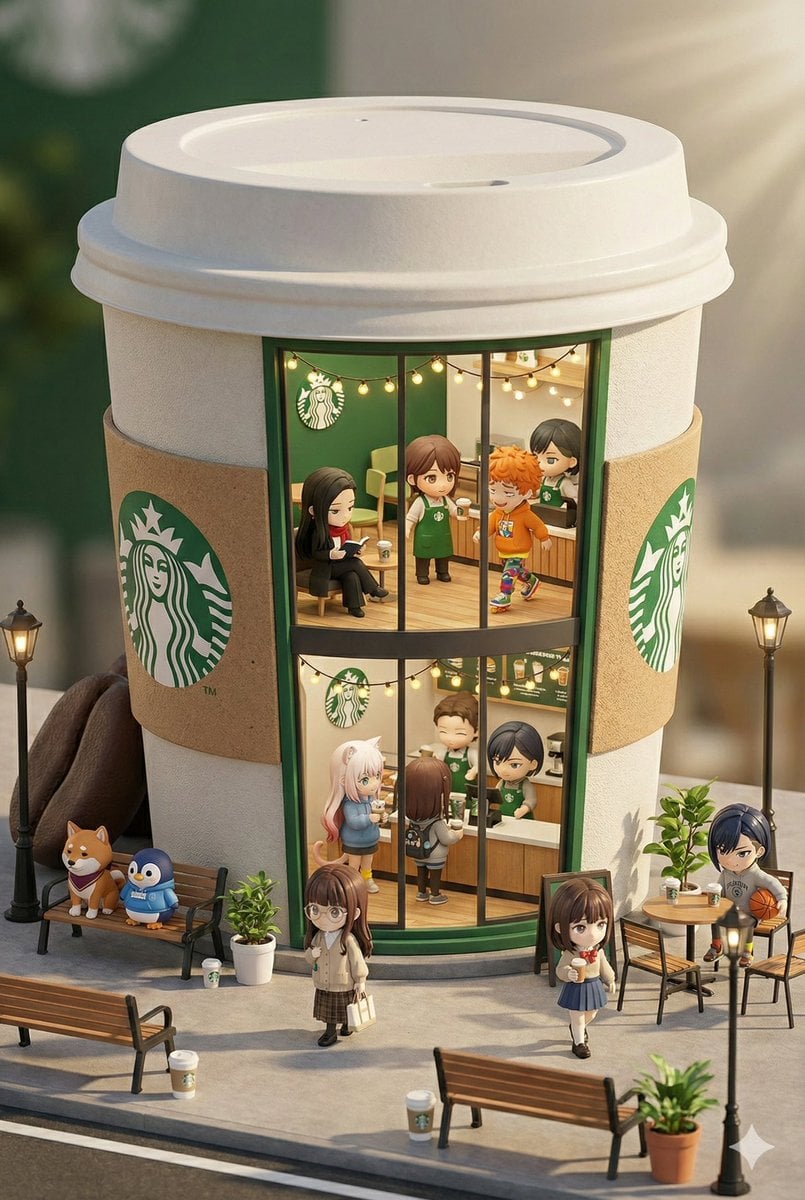
- Prompt included
- Model and format preset
- Free template
The prompt behind this image
Copy the exact prompt behind 3D chibi miniature brand concept store prompt, or open it in the studio and make it yours.
{argument name="ブランド名" default="スターバックス"}の3Dちびスタイルミニチュアコンセプトストアで、ブランドの最も象徴的な商品やパッケージ(例: 巨大な{argument name="ブランドのコア製品" default="チキンバケット/ハンバーガー/ドーナツ/ローストダック"})にインスパイアされた外観で創造的にデザインされています。店舗は2階建てで、大きなガラス窓があり、居心地の良い細部まで装飾された内部を明確に展示しています: {argument name="ブランドのプライマリカラー" default="ブランドのプライマリカラー"}をテーマにした装飾、暖かい照明、そしてブランドに合わせた衣装を着た忙しいスタッフ。可愛らしい小さなフィギュアが通りを歩いたり座ったりし、ベンチ、街灯、鉢植えに囲まれ、魅力的な都市のシーンを作り出しています。Cinema 4Dを使用してミニチュアシティスケープスタイルでレンダリングされ、ブラインドボックス玩具の美学を持ち、細部が豊富でリアリズムがあり、リラックスした午後の雰囲気を呼び起こす柔らかい照明に包まれています。登場するミニキャラたちは添付のキャラクターシートを参照に登場させてください。--ar 2:3
How to use 3D chibi miniature brand concept store prompt in 3 steps
- 1
Open
The prompt is already in the box next to the preview, with the template's model and format selected.
- 2…a portrait of your subject in softgolden-hour light, 85mm…
Personalize
Edit the subject and creative details for your destination.
- 3Generate
Generate
Press Generate — your image is created in PicX Studio, so you can compare it with the original and refine one variable at a time.
More like this
Templates with the same subject, style or setup. Open one to see its prompt.

Isometric Brand Store Diorama
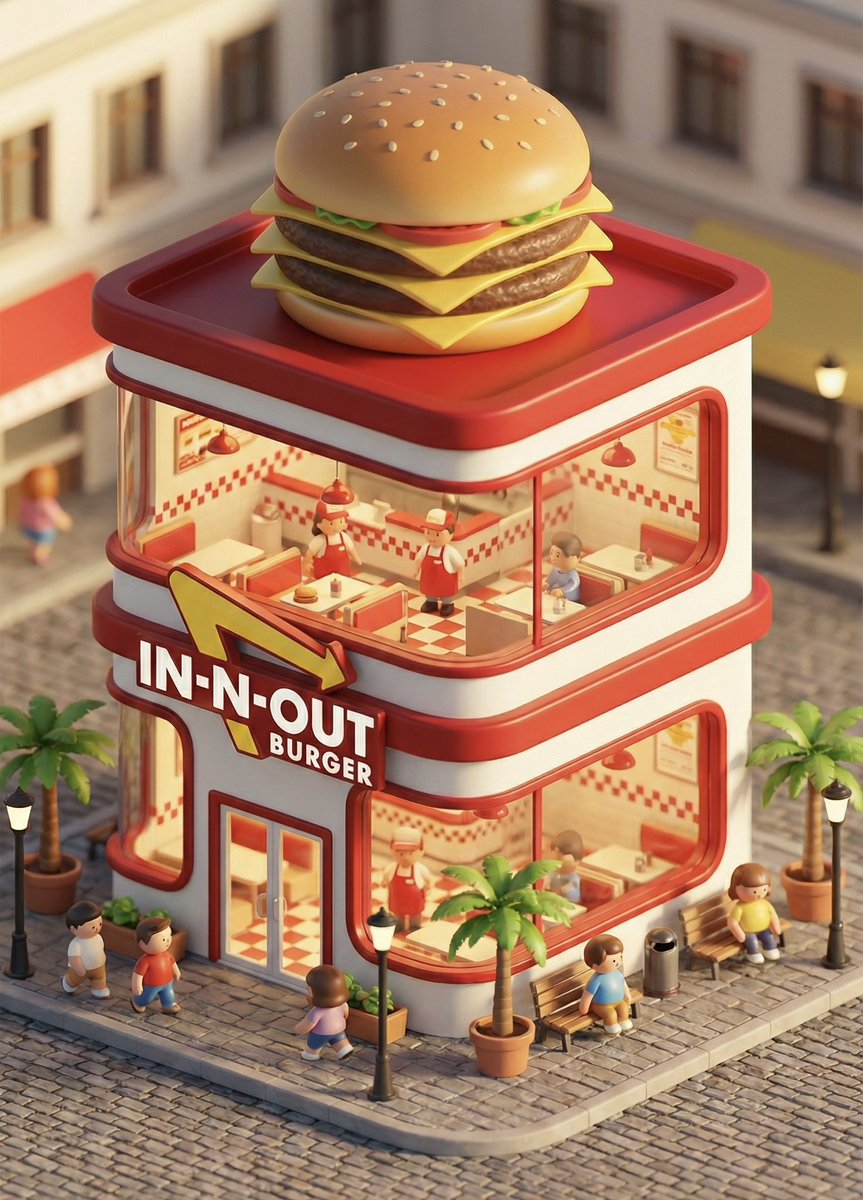
3D chibi concept store brand prompt

Glass Brand Logo Volcanic Landscape
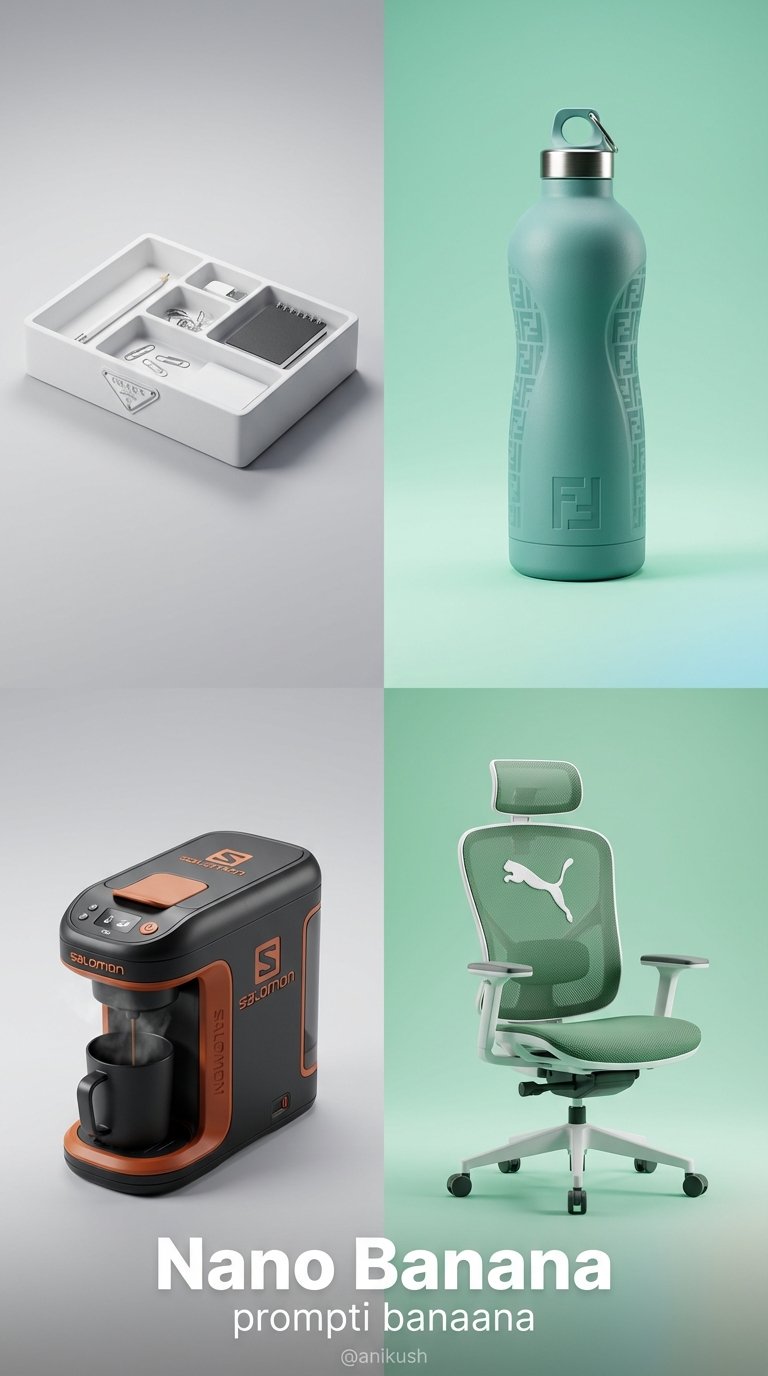
Minimalist Luxury Brand Concept

Paper Tunnel Book Architecture

Cute Layered Paper Cut Chibi Girl
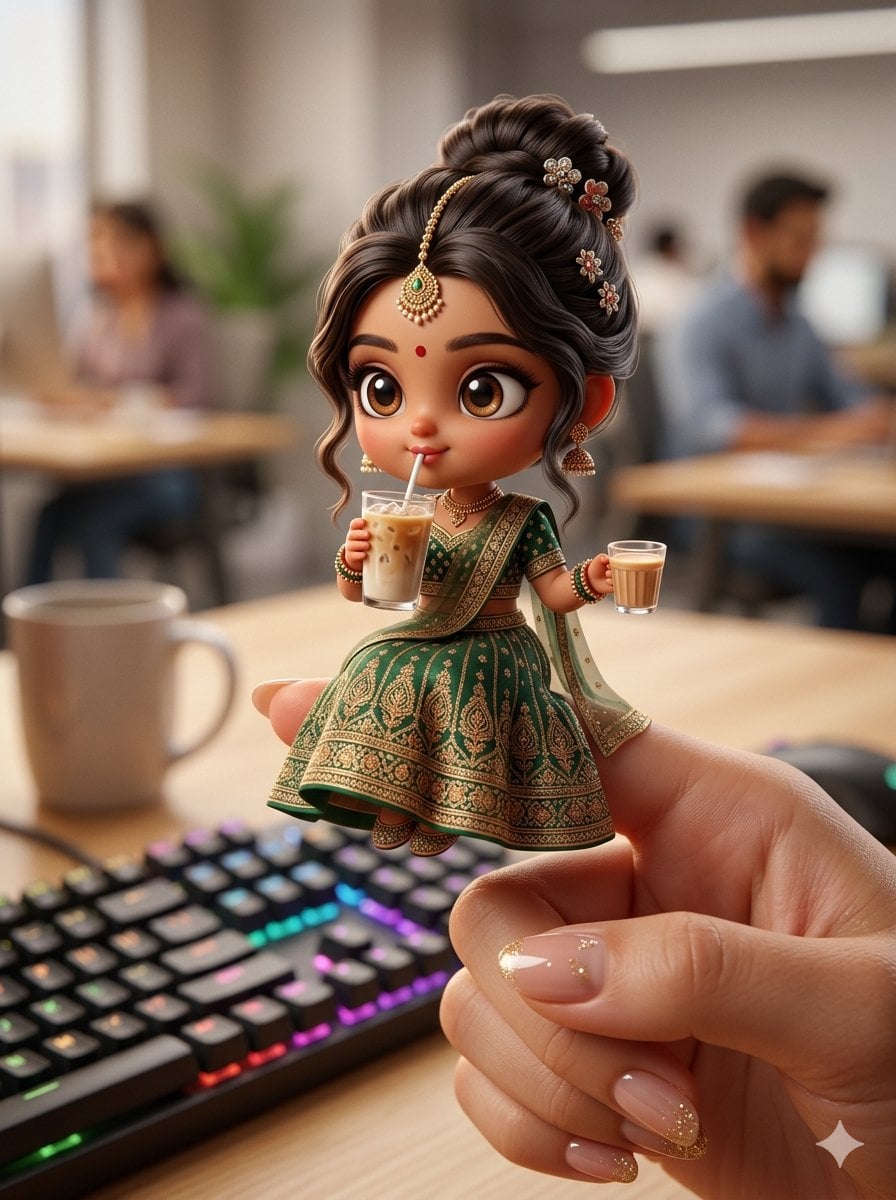
Chibi Doll 3D Miniature Scene

Luxury Fashion Campaign Typography Poster System

Premium Fashion Editorial Campaign Poster System

Pixar-Style Chibi Café Morning Scene

Blueprint Split Reality Archetype Prompt

Real Illustration Split Portrait Transition
Make it yours
3D chibi miniature brand concept store prompt works as-is. These are the safest ways to change it without losing the look.
Change one field
Copy a single group, rewrite it, and generate again so you can see what that field is doing.
Keep the frame, change the subject
Hold the composition and light of 3D chibi miniature brand concept store prompt, then swap wardrobe, props or the person for a new take.
| If the result… | Why | Fix |
|---|---|---|
| The result drifts from the preview | Too many fields changed at once. | Reuse 3D chibi miniature brand concept store prompt as-is first, then change one group — subject, light, or setting. |
| The model over-stylizes the scene | The prose prompt leaves finish and camera underspecified. | Add one camera or lighting sentence and stay on Nano Banana 2. |
More Nano Banana 2 templates
Other prompts made for Nano Banana 2.

Photorealistic Leaf Shaped Like a Dragon

K-Pop Idol Portrait Grid for Rapid Selection

Poetic Rain Forest Portrait During Golden Hour

Urban Street Portrait with Cartoon Inner Self Duo

Candid Nighttime Photo with Cat Prompt

High-Concept 3D Diorama Generation Prompt

Cinematic Futuristic Studio Portrait Template

Skincare Editorial Photography Collage Prompt

Hyper-Realistic Commercial Product Photography (Splash Effect)

Hyper-Realistic Nightclub Portrait Prompt
More image prompts
Fresh picks from across the catalog.
Cyberpunk Magazine Cover Portrait Prompt
Black and White Identity Swap Grid (4x4)
Ivory Garment Goddess
Morning Window Hotel Portrait
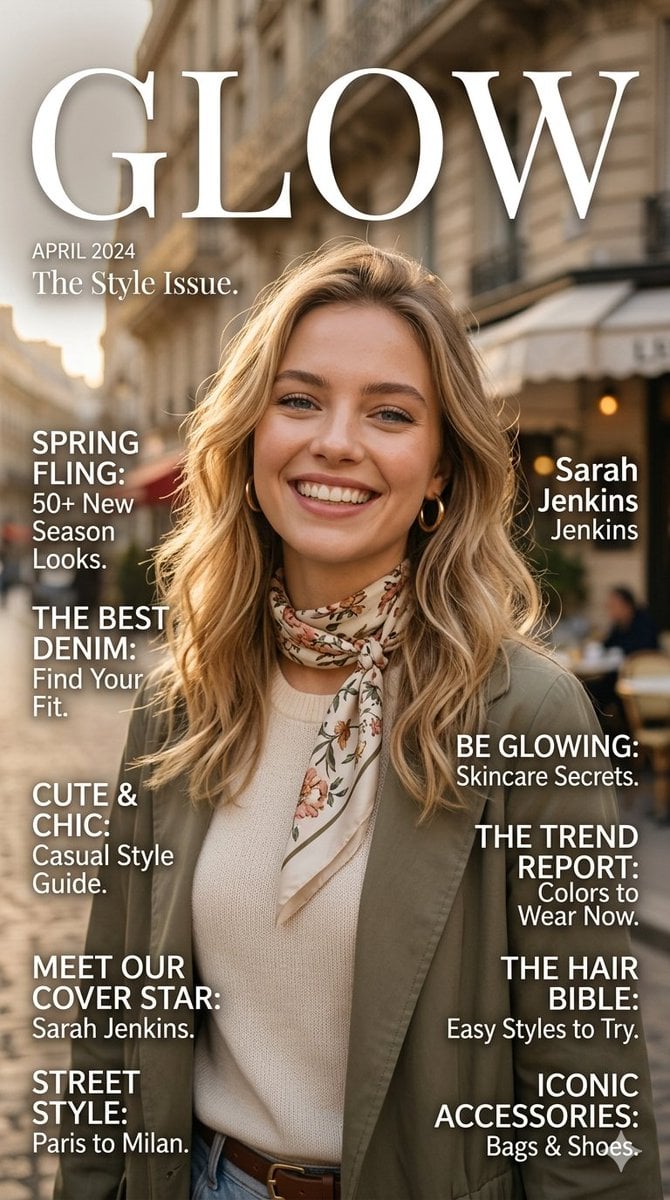
Glow Fashion Magazine Cover Prompt
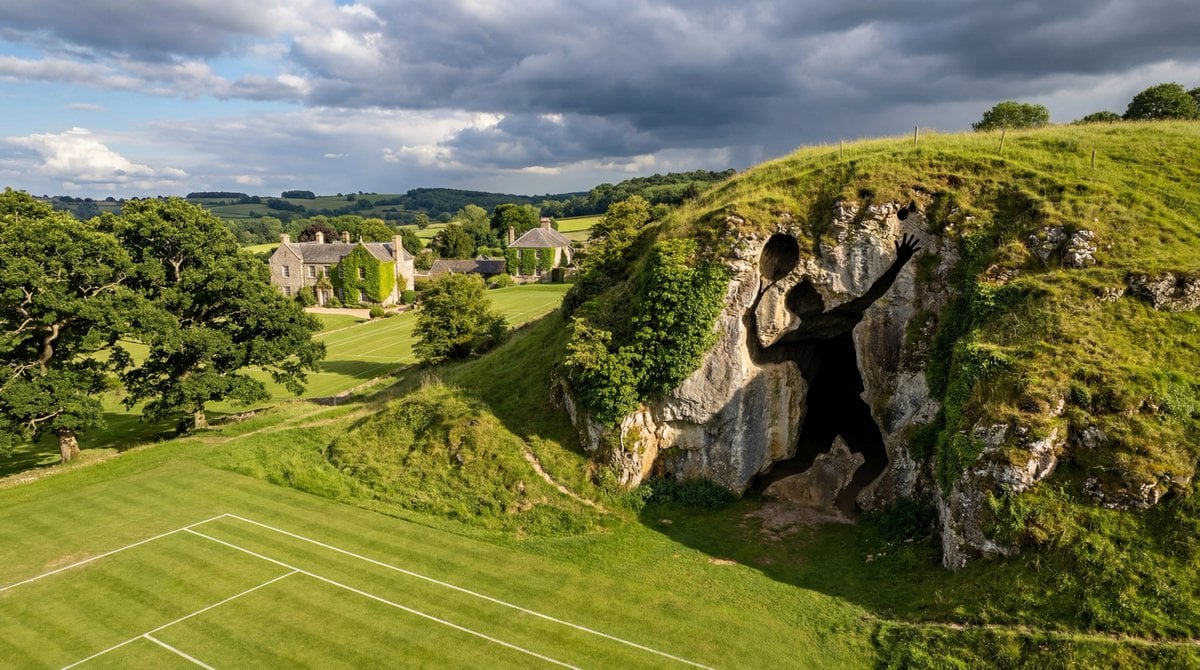
Generic Prompt for Shape-Shaped Cave Entrance
Idol-Style Cosplay Hotel Portrait
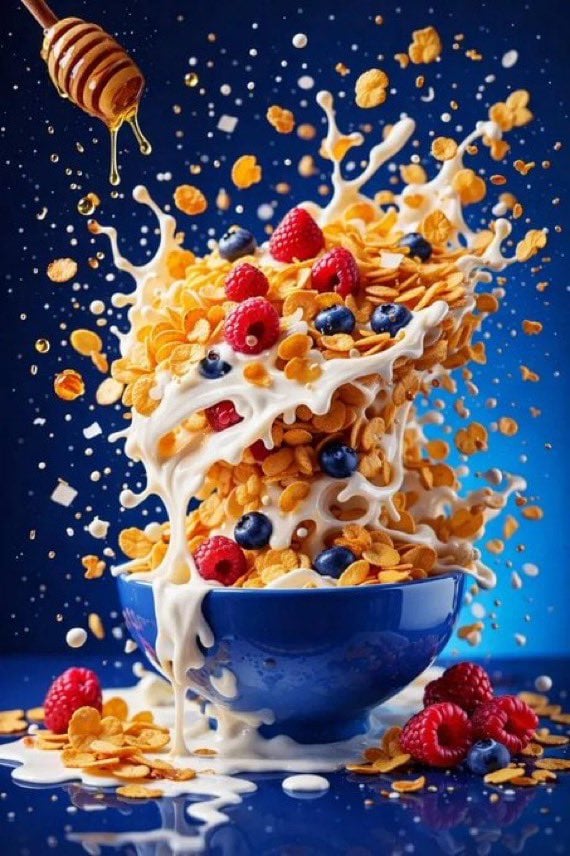
Hyper Realistic High Speed Food Photogra
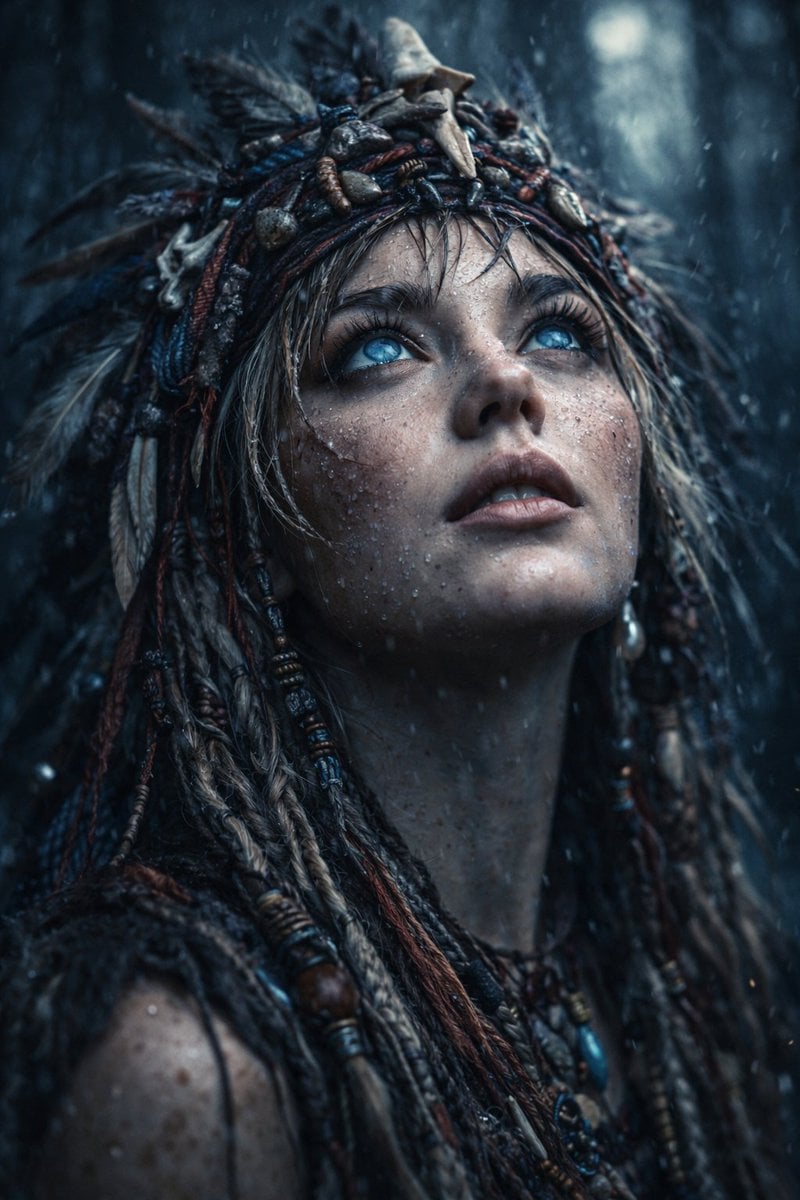
Ultra-Realistic Cinematic Close-up of Tribal Warrior Woman
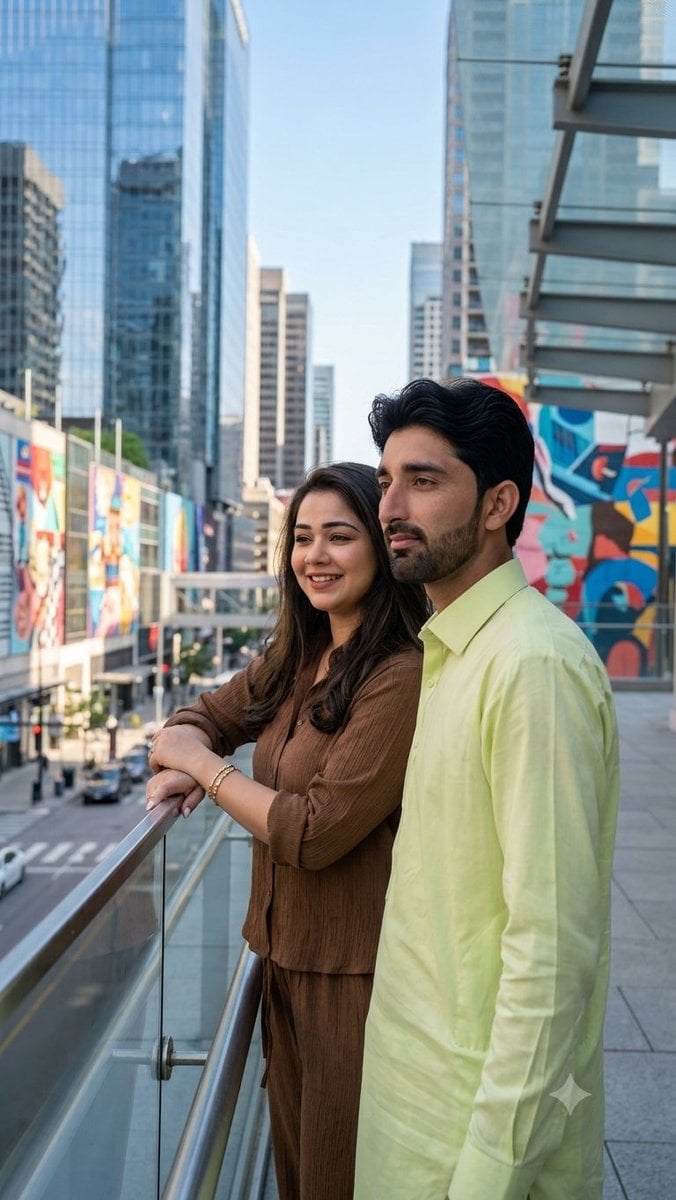
Urban Skywalk Cinematic Couple Portrait
Browse template categories
3D chibi miniature brand concept store prompt questions
How do I use the 3D chibi miniature brand concept store prompt template?
Add your photo if the template asks for one, edit the prompt if you like — the template's model and format are already selected — and press Generate. Your version opens in PicX Studio.
Can I customize the 3D chibi miniature brand concept store prompt template?
Yes. You can change the subject, setting, lighting, mood, format, and available model controls before creating your image.
Is the 3D chibi miniature brand concept store prompt template free?
Opening and editing this template is free. Generating uses credits, shown on the Generate button when you are signed in.
Which AI model should I use?
Start with Nano Banana 2, which is the model associated with this template. You can compare another compatible model for a different finish.
Looking for something else? Browse all templates.

Your photo, any look
Thousands of ready templates for every top image and video model, from one credit balance.