
Black and White Identity Swap Grid (4x4)
A highly technical, structured prompt for an image-to-image identity swap task, generating a 4x4 black and white grid.
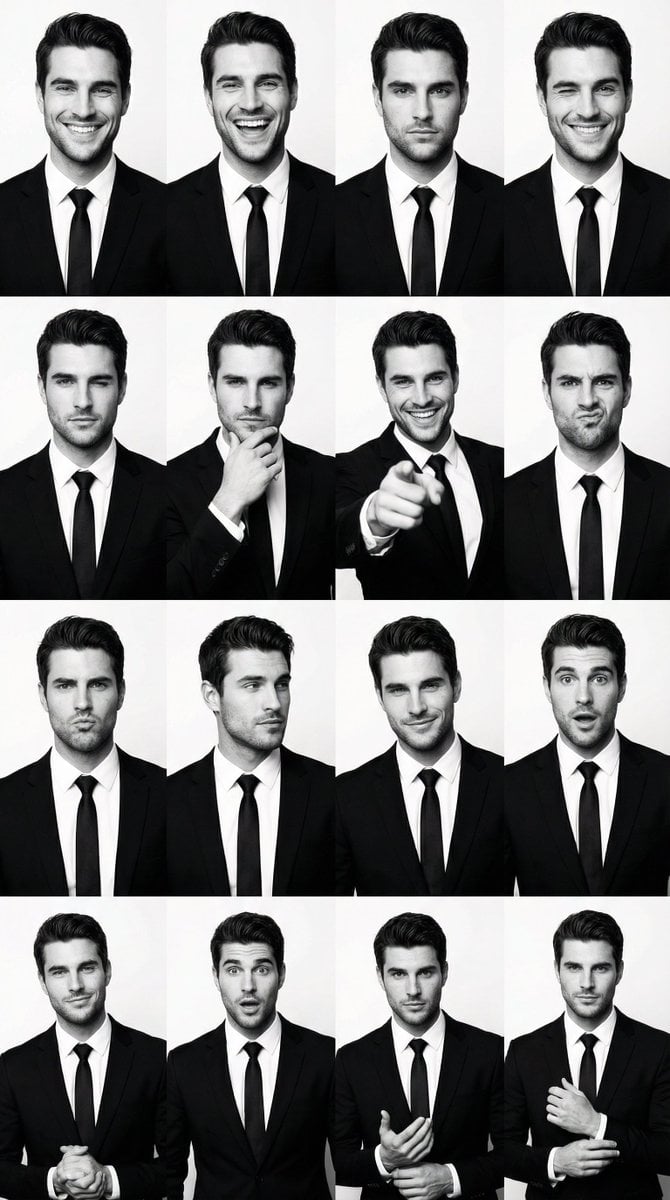
- Prompt included
- Model and format preset
- Free template
The prompt behind this image
Copy the exact prompt behind Black and White Identity Swap Grid (4x4), or open it in the studio and make it yours.
- Generation Request › Meta Data › Task Type
- bw_male_expression_grid_identity_swap
- Generation Request › Meta Data › Language
- en
- Generation Request › Meta Data › Priority
- highest
- Generation Request › Meta Data › Version
- v1.0_BW_MALE_GRID_KEEP_POSES_SWAP_IDENTITY
- Generation Request › Input › Mode
- image_to_image
- Generation Request › Input › Reference Image Usage
- very_high
- Generation Request › Input › Preserve Identity
- true
- Generation Request › Input › Preserve Facial Features
- true
- Generation Request › Input › Preserve Hairstyle
- true
- Generation Request › Input › Notes
- PRIMARY STRUCTURE ANCHOR: use the uploaded male 4x4 grid image (suit photobooth). Keep the exact 4x4 layout, crop, spacing, poses, gestures, hand placements, and framing in every panel. PRIMARY IDENTITY ANCHOR: use the uploaded reference photo of the target adult man. Replace the man in ALL panels with the reference identity while preserving the original pose and expression intensity. Keep suit-and-tie styling and clean studio background. Maintain consistent identity across all 16 panels.
- Generation Request › Output › Aspect Ratio
- 1:1
- Generation Request › Output › Resolution
- ultra_high
- Generation Request › Output › Num Images
- 1
- Generation Request › Output › Layout › Type
- grid
- Generation Request › Output › Layout › Rows
- 4
- Generation Request › Output › Layout › Cols
- 4
- Generation Request › Output › Layout › Gutter
- thin
- Generation Request › Output › Layout › Panel Consistency
- very_high
- Generation Request › Output › Sharpness
- crisp_studio
- Generation Request › Output › Grain
- subtle_analog_bw
- Generation Request › Scene › Environment
- clean white studio backdrop
- Generation Request › Scene › Lighting › Style
- high-key studio
- Generation Request › Scene › Lighting › Key Light
- front softbox
- Generation Request › Scene › Lighting › Fill
- balanced fill
Raw JSON
{
  "generation_request": {
    "meta_data": {
      "task_type": "bw_male_expression_grid_identity_swap",
      "language": "en",
      "priority": "highest",
      "version": "v1.0_BW_MALE_GRID_KEEP_POSES_SWAP_IDENTITY"
    },
    "input": {
      "mode": "image_to_image",
      "reference_image_usage": "very_high",
      "preserve_identity": true,
      "preserve_facial_features": true,
      "preserve_hairstyle": true,
      "notes": "PRIMARY STRUCTURE ANCHOR: use the uploaded male 4x4 grid image (suit photobooth). Keep the exact 4x4 layout, crop, spacing, poses, gestures, hand placements, and framing in every panel. PRIMARY IDENTITY ANCHOR: use the uploaded reference photo of the target adult man. Replace the man in ALL panels with the reference identity while preserving the original pose and expression intensity. Keep suit-and-tie styling and clean studio background. Maintain consistent identity across all 16 panels."
    },
    "output": {
      "aspect_ratio": "1:1",
      "resolution": "ultra_high",
      "num_images": 1,
      "layout": {
        "type": "grid",
        "rows": 4,
        "cols": 4,
        "gutter": "thin",
        "panel_consistency": "very_high"
      },
      "sharpness": "crisp_studio",
      "grain": "subtle_analog_bw"
    },
    "scene": {
      "environment": "clean white studio backdrop",
      "lighting": {
        "style": "high-key studio",
        "key_light": "front softbox",
        "fill": "balanced fill",
        "avoid": "dramatic cinematic shadows"
      },
      "camera": {
        "lens": "50mm",
        "framing": "mid chest to head (varies per panel but keep same as structure image)",
        "focus": "eyes sharp"
      }
    },
    "subject": {
      "type": "adult man",
      "wardrobe": "black suit, white shirt, black tie (match structure image), no logos",
      "grooming": "match reference hairstyle as closely as possible while keeping overall look consistent",
      "anatomy_rules": "realistic hands, correct fingers, no distortions"
    },
    "style": {
      "color": "pure black and white",
      "contrast": "medium_high",
      "background": "keep identical to structure image",
      "finish": "clean studio print look"
    },
    "quality_control": {
      "identity_lock": "strict",
      "hands_priority": "very_high",
      "avoid": [
        "extra fingers",
        "missing fingers",
        "deformed hands",
        "warped face",
        "uneven eyes",
        "melted mouth",
        "identity drift across panels",
        "text",
        "watermark",
        "logo"
      ]
    },
    "negative_prompt": [
      "color",
      "sepia",
      "cinematic lighting",
      "blur",
      "low resolution",
      "distorted anatomy",
      "plastic skin",
      "face mismatch"
    ]
  }
}How to use Black and White Identity Swap Grid (4x4) in 3 steps
- 1Upload ImagePNG, JPG or paste
Add your photo
Upload the photo the template builds on. The prompt, model and format are already set.
- 2…a portrait of your subject in softgolden-hour light, 85mm…
Personalize
Edit the subject and creative details for your destination.
- 3Generate
Generate
Press Generate — your image is created in PicX Studio, so you can compare it with the original and refine one variable at a time.
More like this
Templates with the same subject, style or setup. Open one to see its prompt.

Woman in Mall with Chanel Bag - Heart Gesture

4x4 Grid - Candid Nostalgic Vacation Selfies
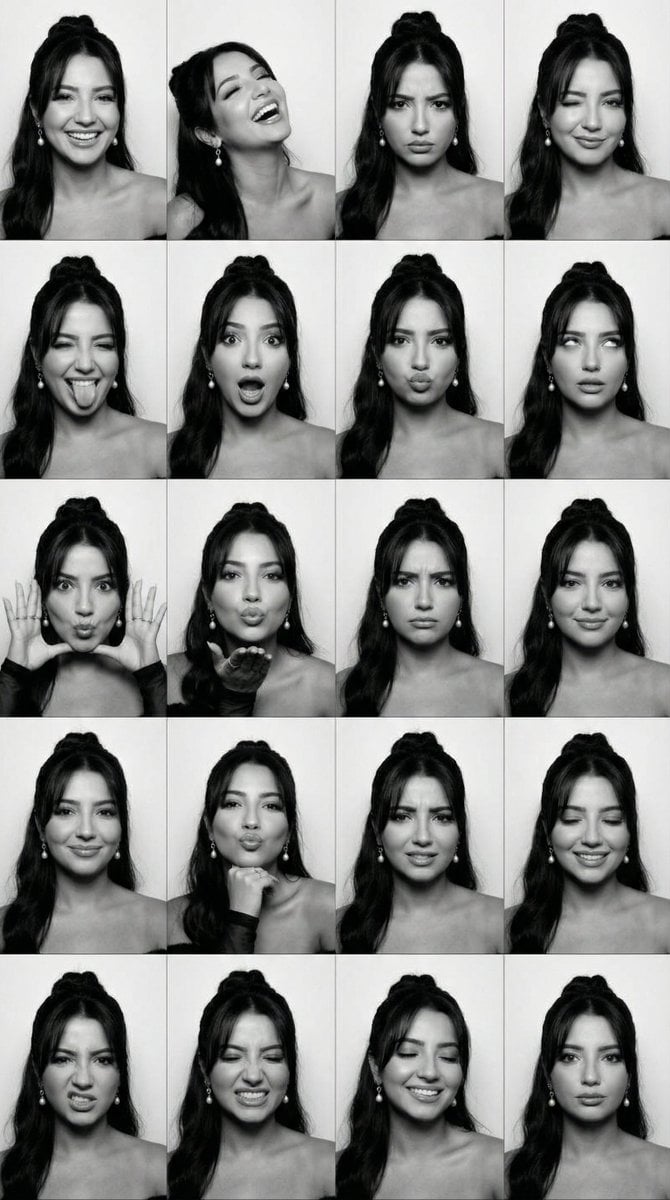
Black and White Photobooth Expression Grid (4x4)
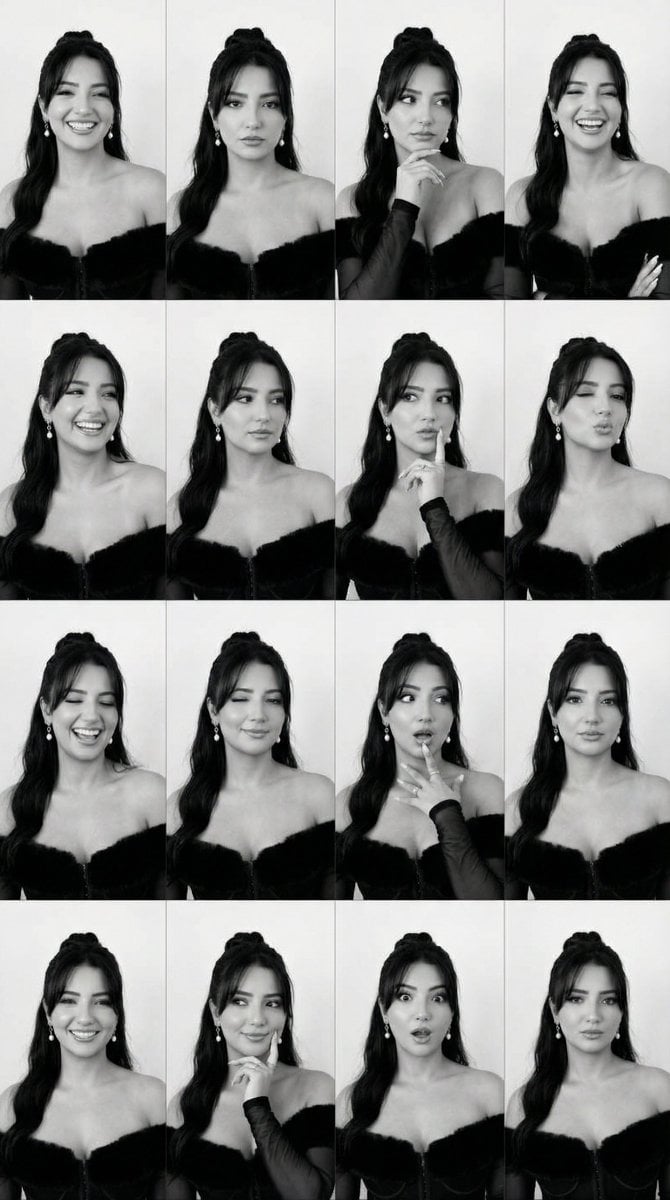
Identity Swap on Expression Grid (4x4)
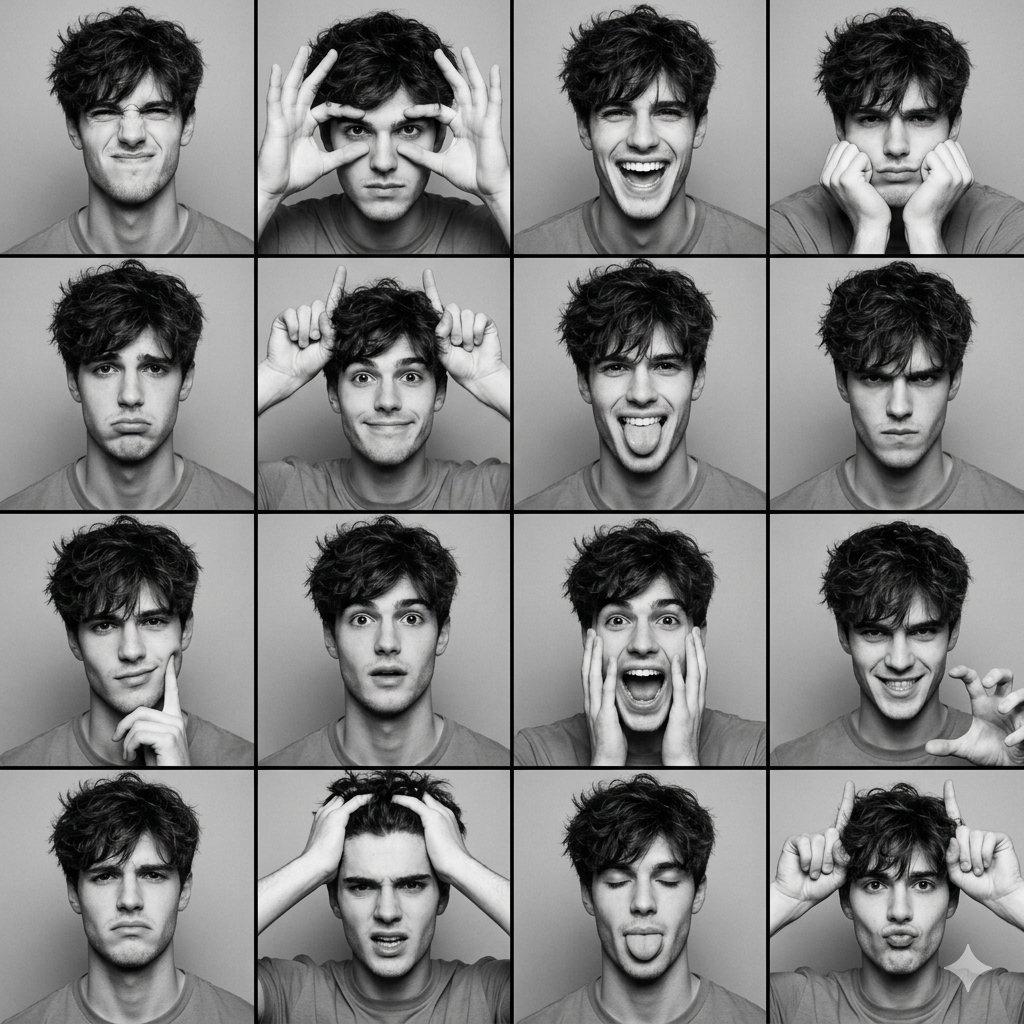
Black and White Photobooth Expression Grid (4x4)
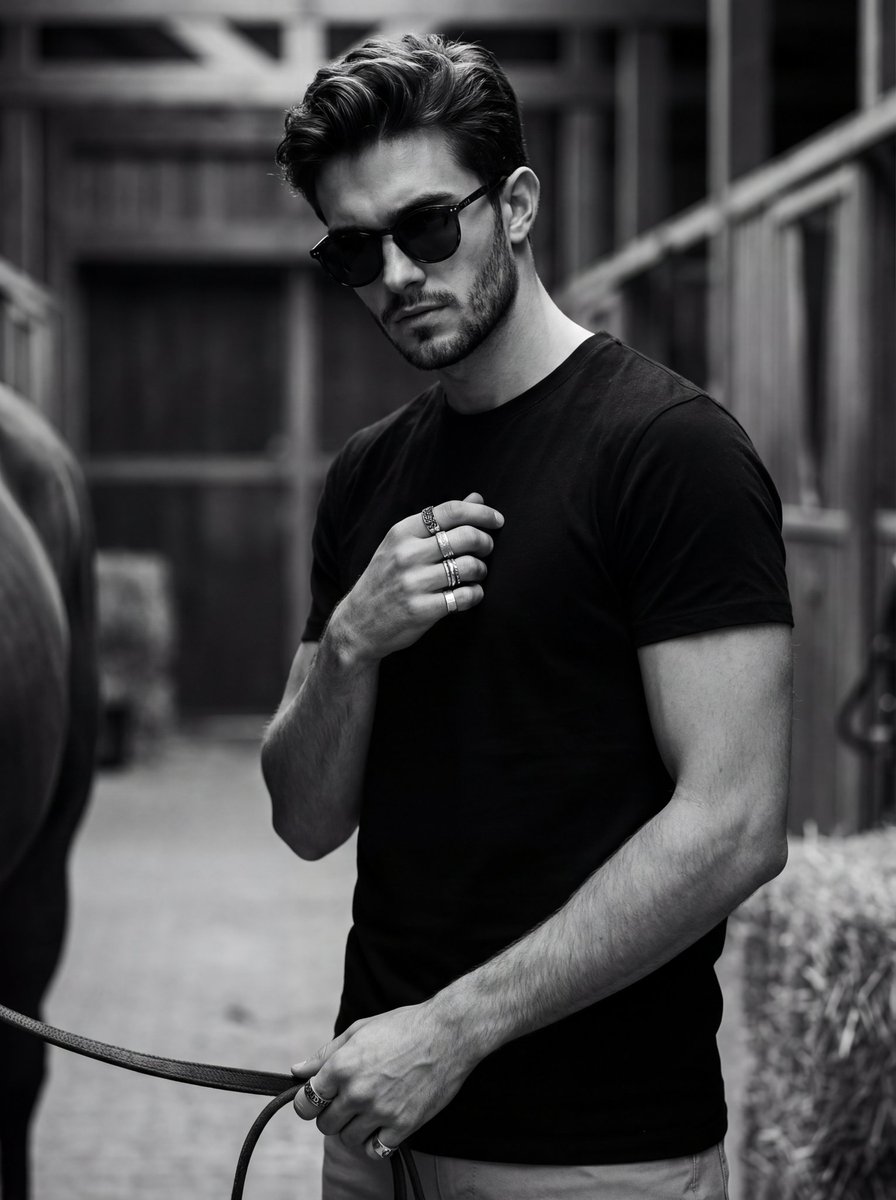
Ultra-Realistic Black and White Portrait with Identity Lock

B&W Photobooth Expression Grid 4x4 — Nano Banana

Gen Z TikTok Viral Expression Grid 4x4 — Nano Banana
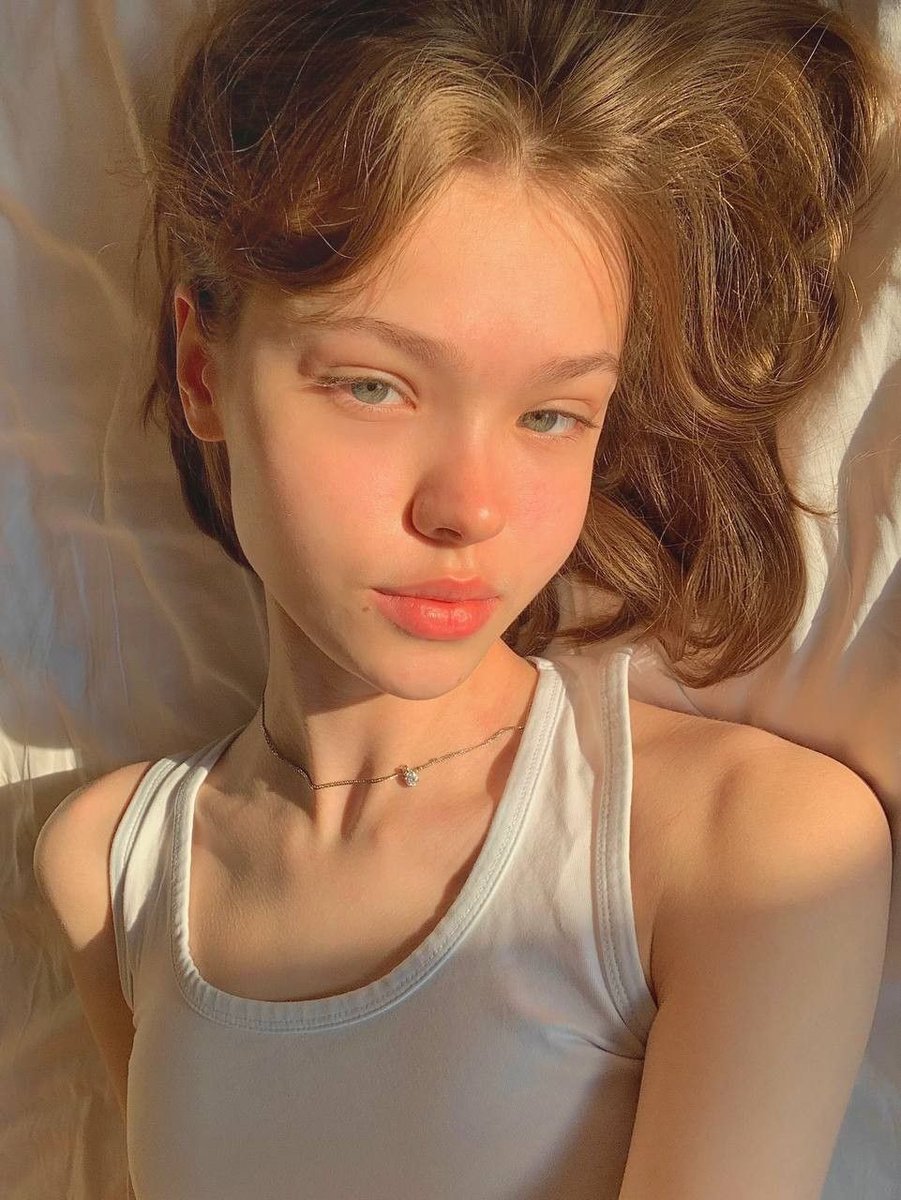
Identity Swap Image Recreation
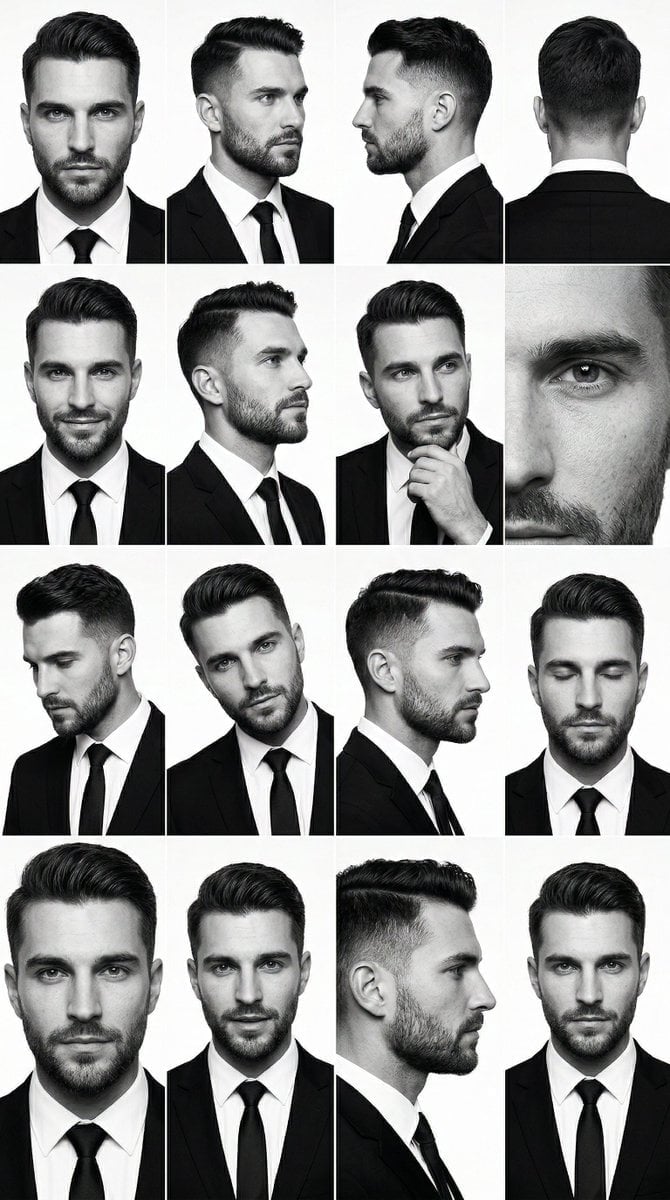
PRIMARY STRUCTURE ANCHOR use the uploaded male 4x4 grid image suit
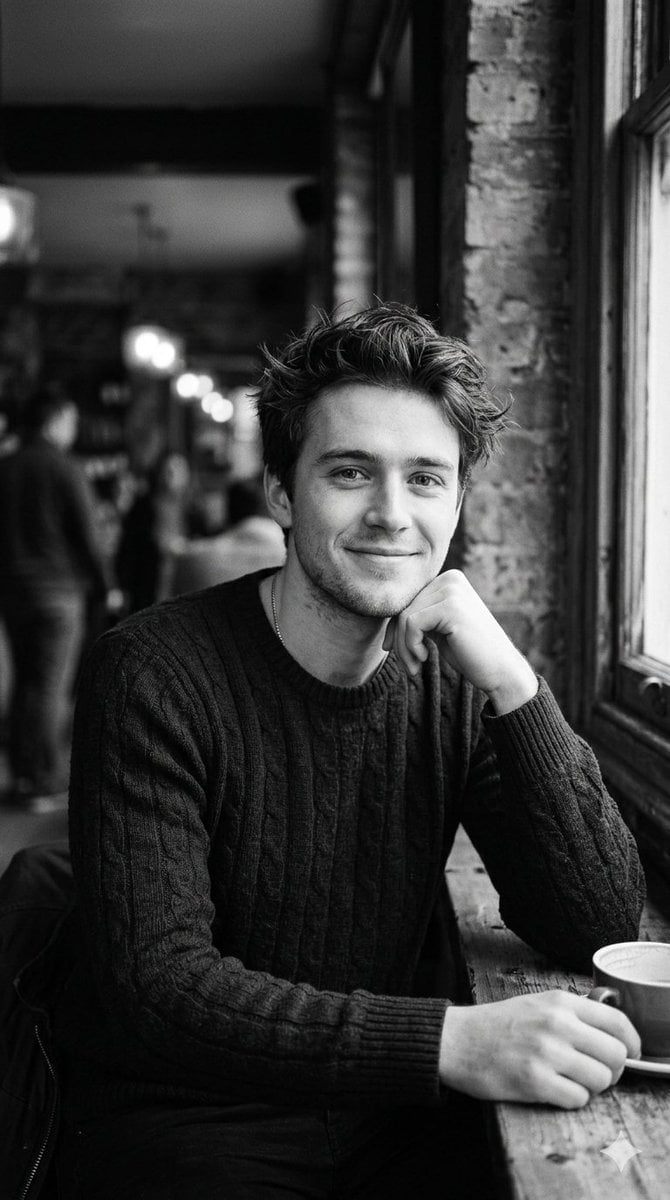
Black and White Cafe Portrait
Black and White Whimsical Doodle Art
Make it yours
Black and White Identity Swap Grid (4x4) works as-is. These are the safest ways to change it without losing the look.
Swap the setting
Keep the rest of the prompt and replace the location block. The current setting is “clean white studio backdrop”.
Swap the light
One lighting change is enough to compare takes. Current light: “high-key studio”.
Change one field
Copy a single group, rewrite it, and generate again so you can see what that field is doing.
| If the result… | Why | Fix |
|---|---|---|
| The result drifts from the preview | Too many fields changed at once. | Reuse Black and White Identity Swap Grid (4x4) as-is first, then change one group — subject, light, or setting. |
| Nano Banana 2 ignores part of the JSON | Some models flatten or skip nested keys. | Keep the same values and paste them as a short paragraph instead. |
More Nano Banana 2 templates
Other prompts made for Nano Banana 2.

Photorealistic Leaf Shaped Like a Dragon

K-Pop Idol Portrait Grid for Rapid Selection

Poetic Rain Forest Portrait During Golden Hour

Urban Street Portrait with Cartoon Inner Self Duo

Candid Nighttime Photo with Cat Prompt

High-Concept 3D Diorama Generation Prompt

Cinematic Futuristic Studio Portrait Template

Skincare Editorial Photography Collage Prompt

Hyper-Realistic Commercial Product Photography (Splash Effect)

Hyper-Realistic Nightclub Portrait Prompt
More image prompts
Fresh picks from across the catalog.
Candid Editorial Conference Portrait Prompt with Identity Lock
Haidilao Hotpot Date POV
Candid 2026 Japanese Calendar Prompt
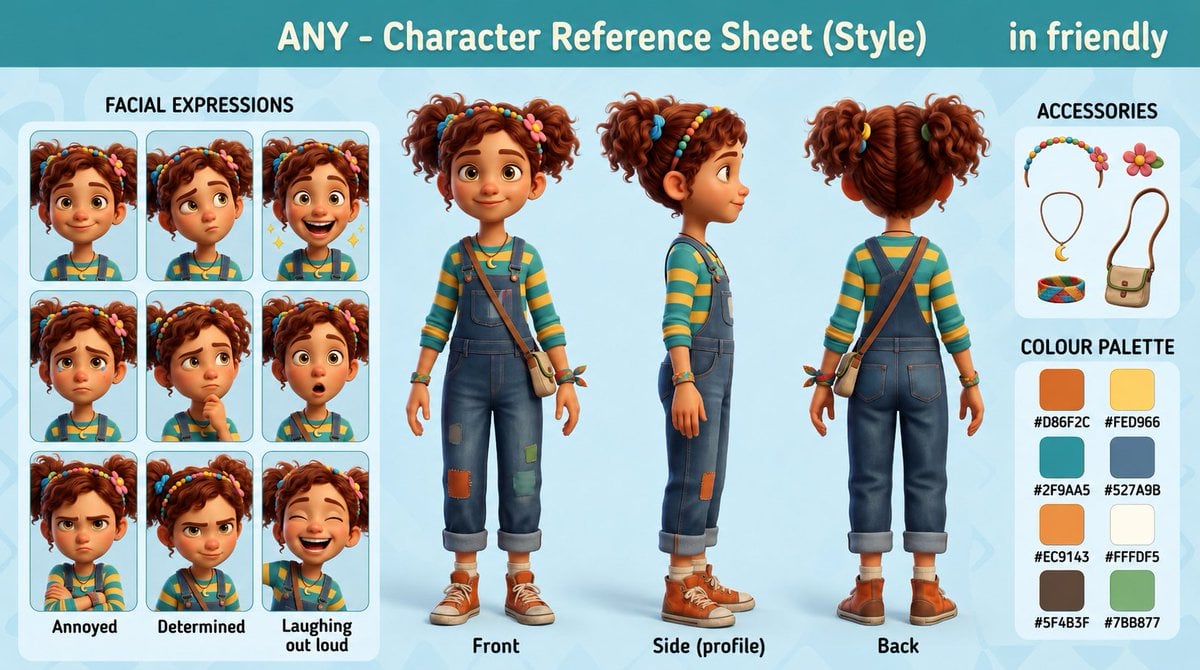
3D Animation Character Design Sheet
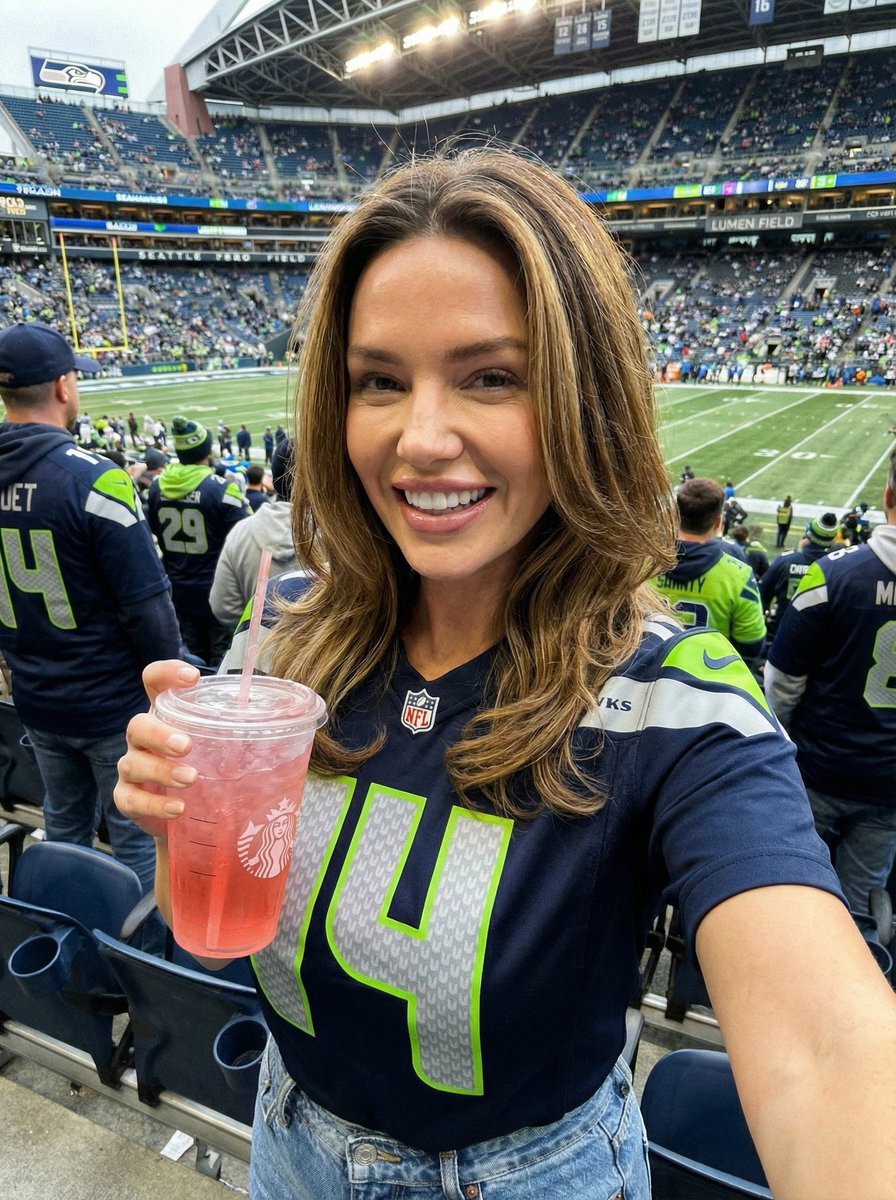
Seahawks Football Game Day Scene Prompt
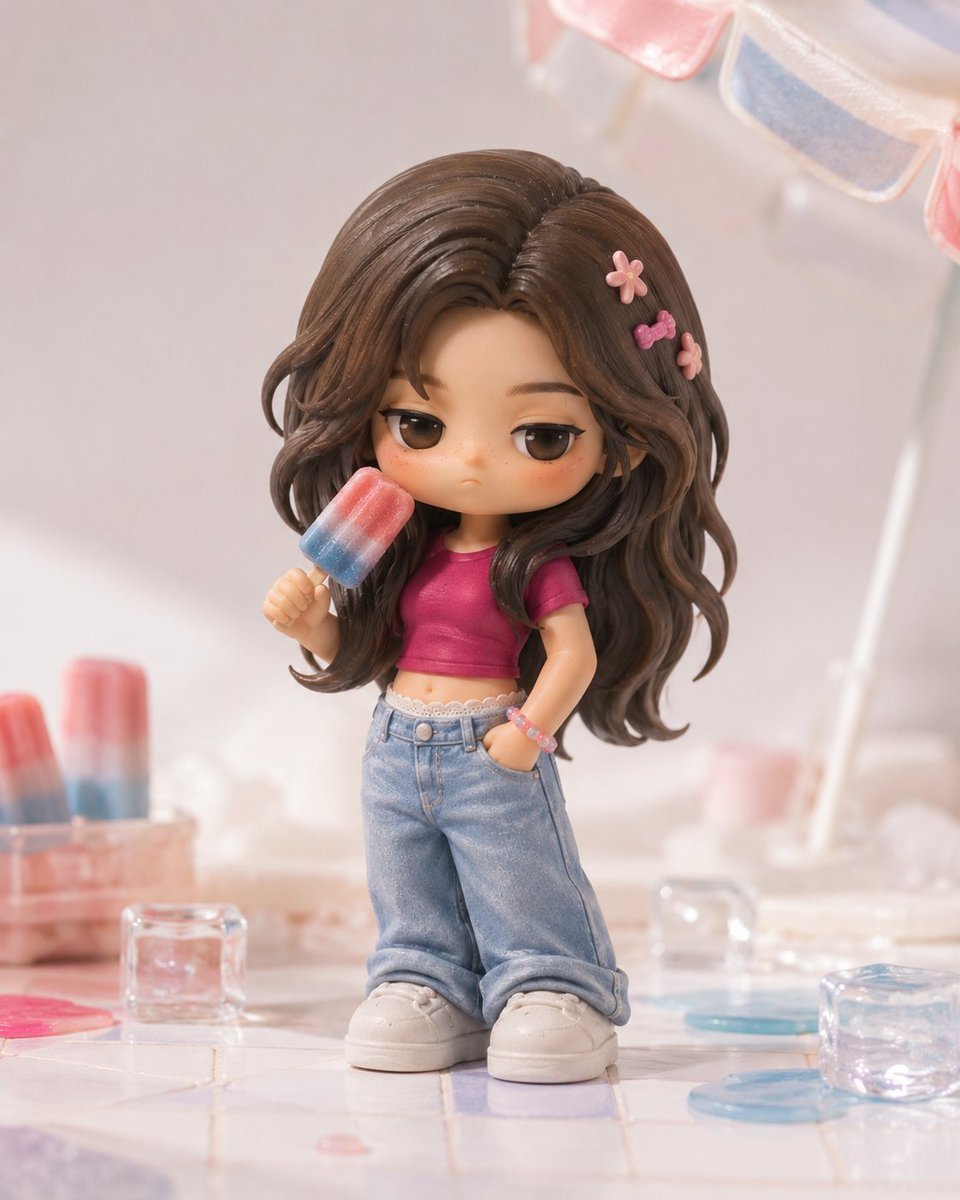
Pop Mart Hirono Style Custom Figure Prompt
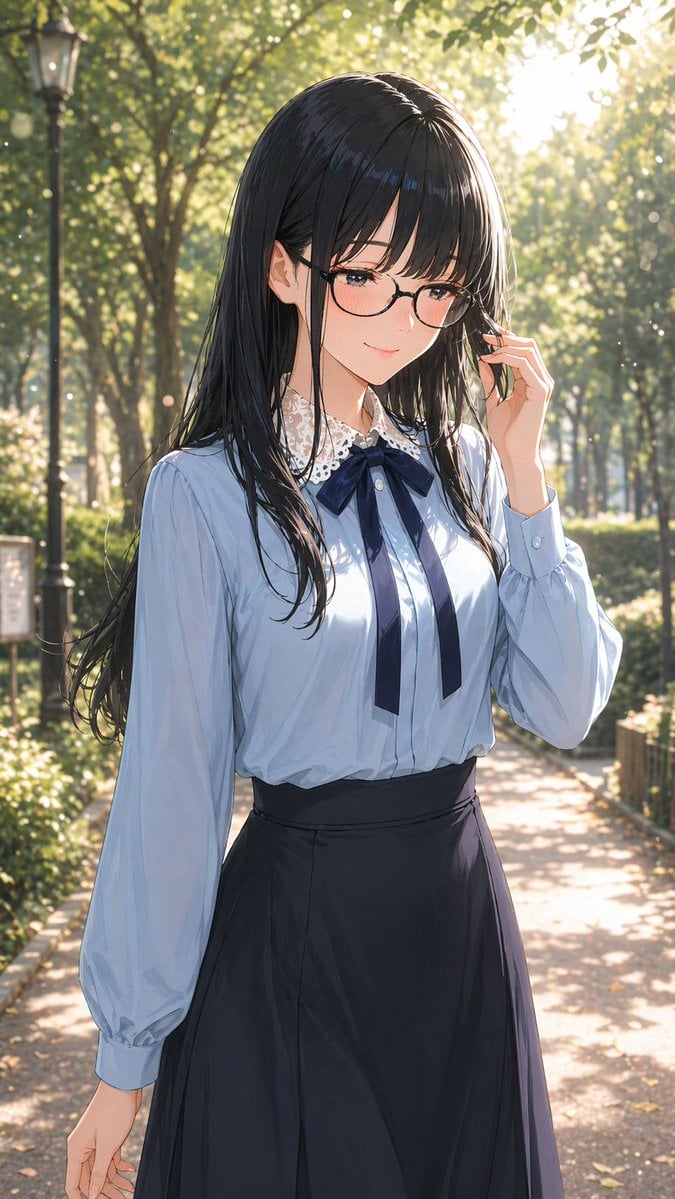
Portrait of a Gentle Woman with Glasses
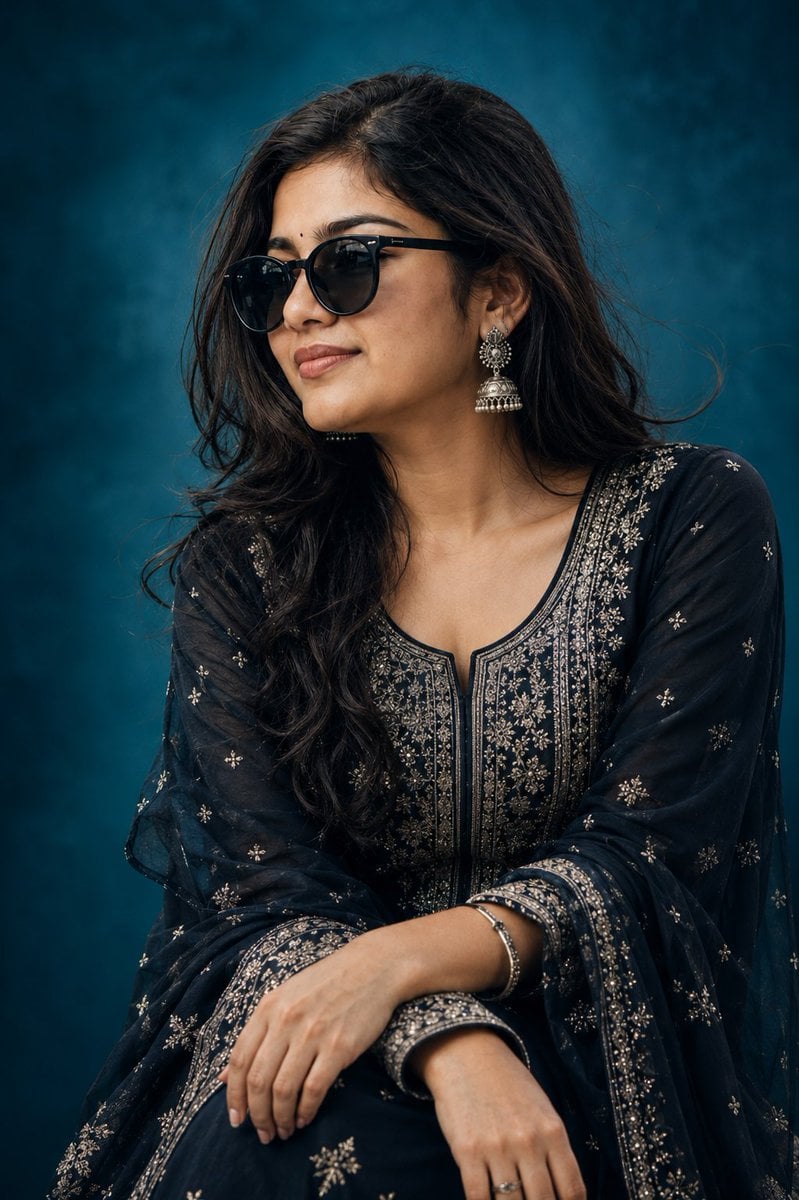
Elegant Indian Birthday Portrait
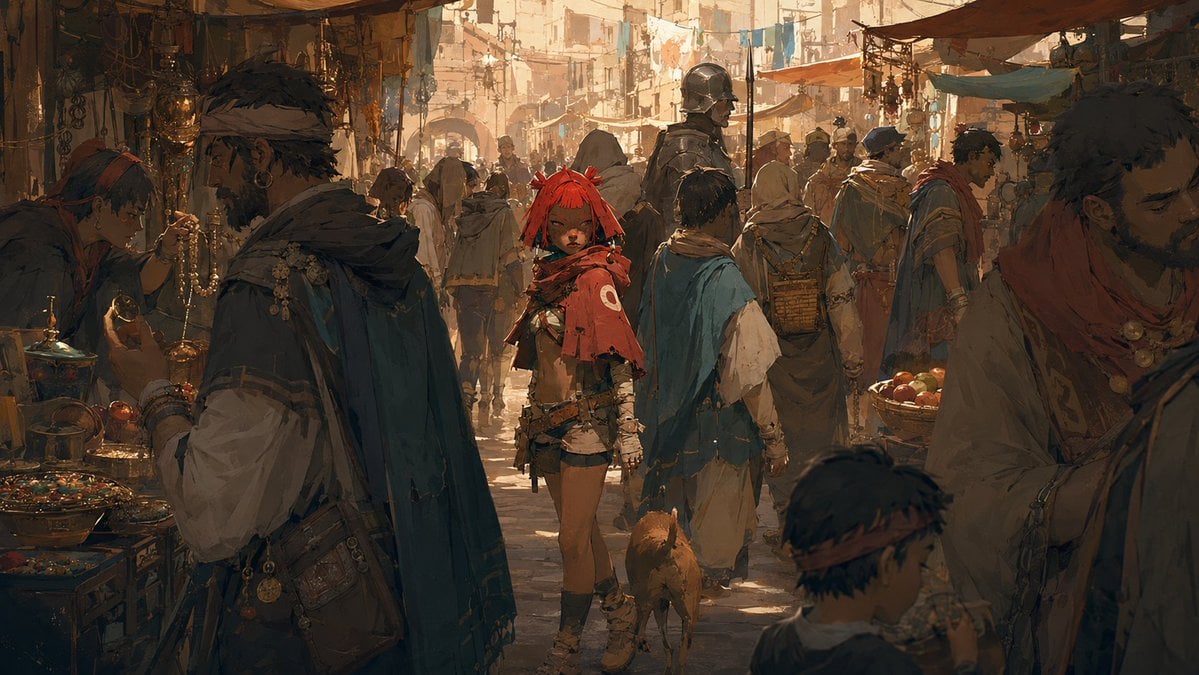
Cinematic Bustling Market Scene Sketch
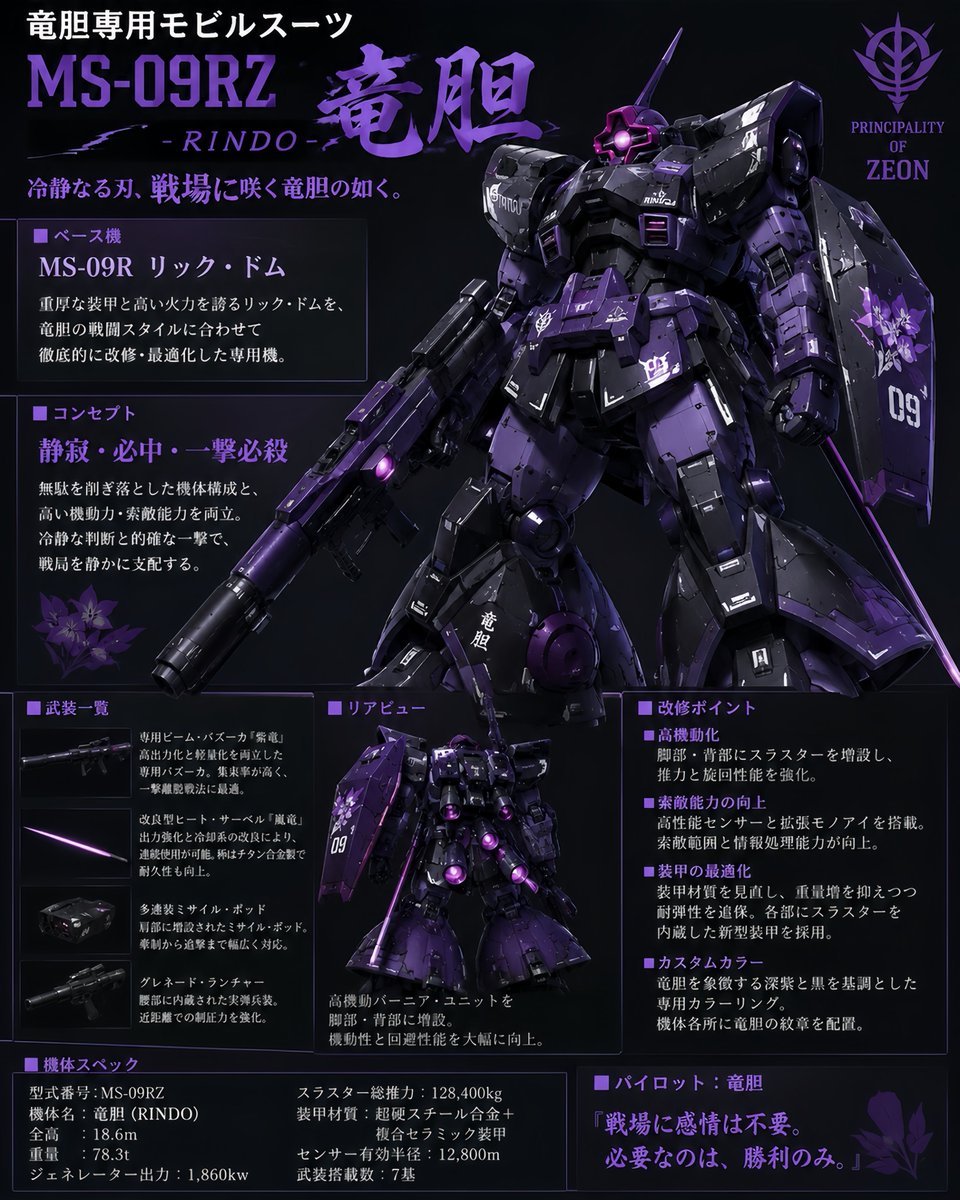
Custom Zeon Mobile Suit Overhaul
Browse template categories
Black and White Identity Swap Grid (4x4) questions
How do I use the Black and White Identity Swap Grid (4x4) template?
Add your photo if the template asks for one, edit the prompt if you like — the template's model and format are already selected — and press Generate. Your version opens in PicX Studio.
Can I customize the Black and White Identity Swap Grid (4x4) template?
Yes. You can change the subject, setting, lighting, mood, format, and available model controls before creating your image.
Is the Black and White Identity Swap Grid (4x4) template free?
Opening and editing this template is free. Generating uses credits, shown on the Generate button when you are signed in.
Which AI model should I use?
Start with Nano Banana 2, which is the model associated with this template. You can compare another compatible model for a different finish.
Looking for something else? Browse all templates.

Your photo, any look
Thousands of ready templates for every top image and video model, from one credit balance.