
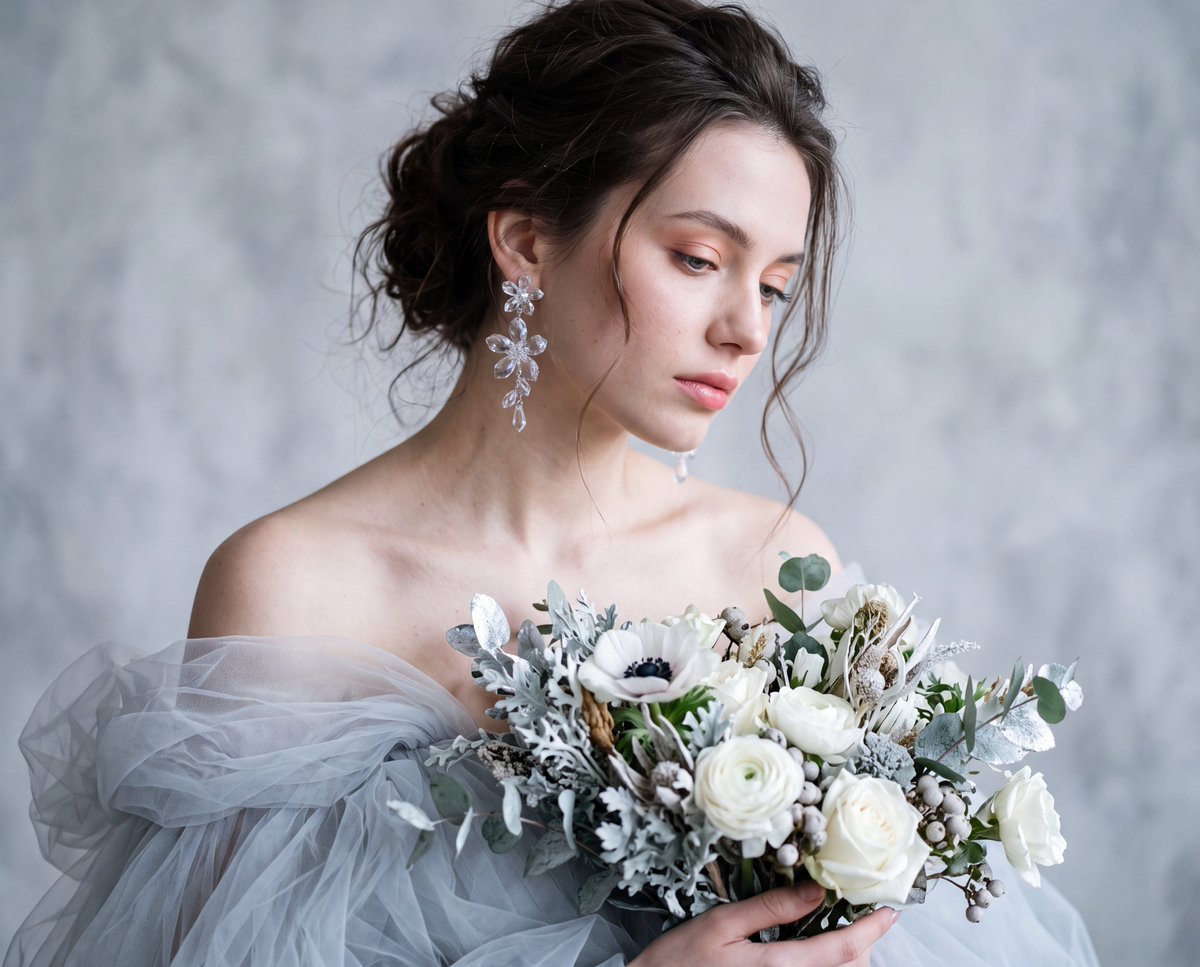
Identity-Preserving Tulle Dress Portrait
A highly specific prompt designed to preserve a subject's identity with absolute fidelity while placing them in a voluminous tulle dress with winter-themed accessories.
- Prompt included
- Model and format preset
- Free template
The prompt behind this image
Copy the exact prompt behind Identity-Preserving Tulle Dress Portrait, or open it in the studio and make it yours.
Create an ultra-realistic portrait using the reference image as the identity source. Preserve the subject's exact identity with absolute fidelity, including facial features, bone structure, facial proportions, skin tone, facial asymmetry, and unique characteristics. Do not beautify, reshape, retouch, age, rejuvenate, or modify any facial feature. Maintain authentic facial geometry, natural likeness, and complete identity consistency throughout the entire image. Subject & Pose: Shoulders relaxed and bare, body angled slightly forward, head tilted downward and to the right. Expression: Soft, melancholic, serene, gazing downward. Wardrobe & Styling: Voluminous {argument name="dress color" default="pale grey/icy-blue"} tulle dress. Dangling transparent crystal floral earrings. Large {argument name="bouquet theme" default="winter-themed"} bouquet (white blooms, silver foliage). Hair & Makeup: Messy dark brown updo with loose, wispy tendrils. Fair skin with soft pink blush, glossed pink lips, and subtle peach/pink eye contour. Setting: {argument name="background" default="Abstract, mottled grey-white textured studio wall"}. Lighting: Diffused, cool-toned window light originating from the right, casting a soft, ethereal glow and gentle shadows on the left. Camera & Optical: 85mm portrait lens, f/1.4 aperture, shallow depth of field focusing on the face and earrings. Realism Enhancers: Cinematic lighting, 32k resolution, subsurface scattering for skin, highly detailed fabric texture, volumetric glow.
How to use Identity-Preserving Tulle Dress Portrait in 3 steps
- 1Upload ImagePNG, JPG or paste
Add your photo
Upload the photo the template builds on. The prompt, model and format are already set.
- 2…a portrait of your subject in softgolden-hour light, 85mm…
Personalize
Edit the subject and creative details for your destination.
- 3Generate
Generate
Press Generate — your image is created in PicX Studio, so you can compare it with the original and refine one variable at a time.
More like this
Templates with the same subject, style or setup. Open one to see its prompt.

Nano Banana Pro Identity Lock — Composition + Face Reference

Nano Banana Pro Photoreal Playful Couple
Identity-Preserving Romantic Couple Portrait

Underwater Macro Face Portrait

Noir Punk Street Portrait

High Contrast Cinematic Face Portrait

Monochrome Studio Portrait with Colored Lens

Ultra-Realistic Yacht Sunset Portrait
Identity Preserving Cinematic Portrait
Cinematic Identity Preserving Portrait
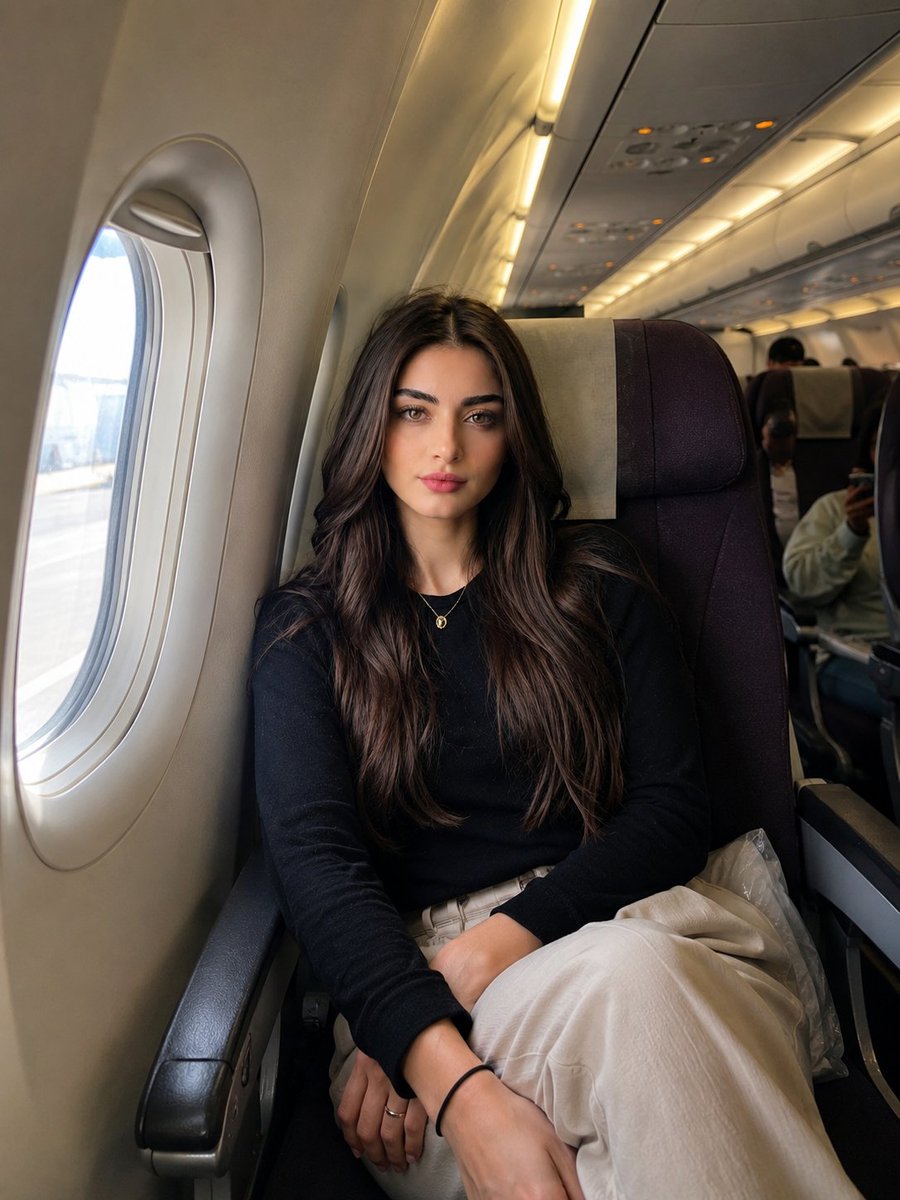
Identity-Preserving Travel Candid Portrait
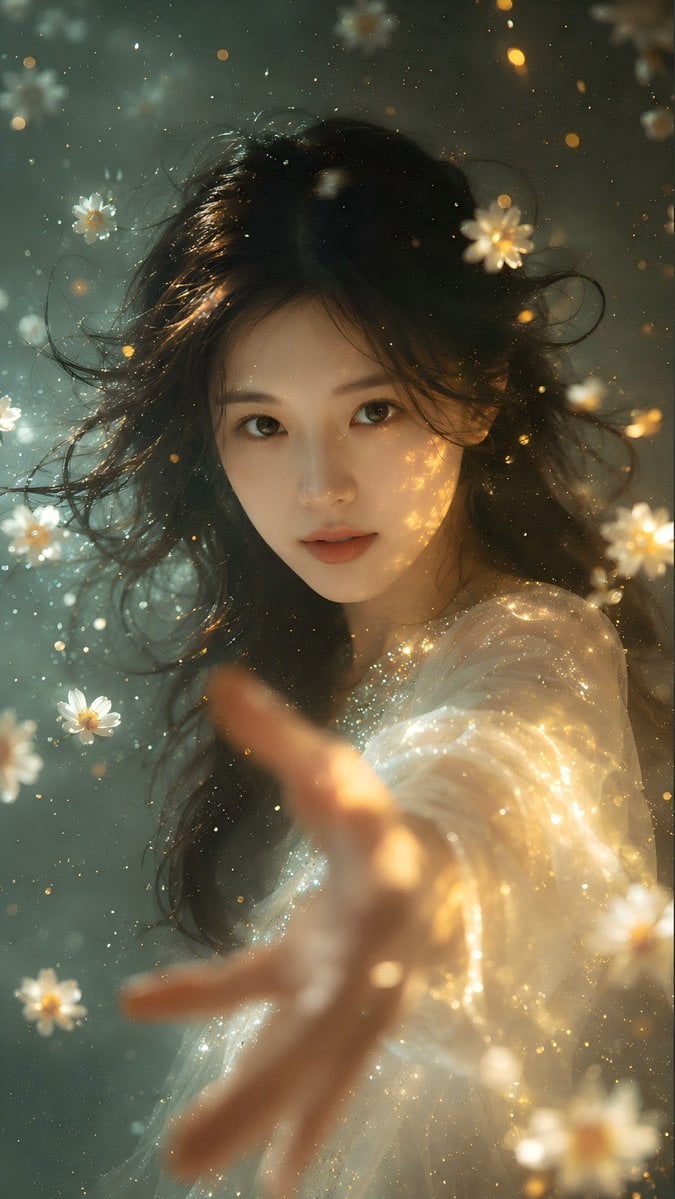
Identity Preserving Portrait Generation
Make it yours
Identity-Preserving Tulle Dress Portrait works as-is. These are the safest ways to change it without losing the look.
Change one field
Copy a single group, rewrite it, and generate again so you can see what that field is doing.
Keep the frame, change the subject
Hold the composition and light of Identity-Preserving Tulle Dress Portrait, then swap wardrobe, props or the person for a new take.
| If the result… | Why | Fix |
|---|---|---|
| The result drifts from the preview | Too many fields changed at once. | Reuse Identity-Preserving Tulle Dress Portrait as-is first, then change one group — subject, light, or setting. |
| The model over-stylizes the scene | The prose prompt leaves finish and camera underspecified. | Add one camera or lighting sentence and stay on Gemini 3 Pro Image Preview. |
More Gemini 3 Pro Image Preview templates
Other prompts made for Gemini 3 Pro Image Preview.

Creative Character in Pink Office

Avant-Garde Asian Fashion Model

Water-level Bridge Modification

Mushroom Still Life Composition

Whimsical Anthropomorphic Friendly Insect

Cinematic Urban Night Billboard Portrait

Pop Art Summer Fruit Fashion Illustration

Ultra-Realistic iPhone Selfie with Motion Blur

Cinematic Mirror Reflection Portrait

Elegant Men's Twilight Editorial
More image prompts
Fresh picks from across the catalog.
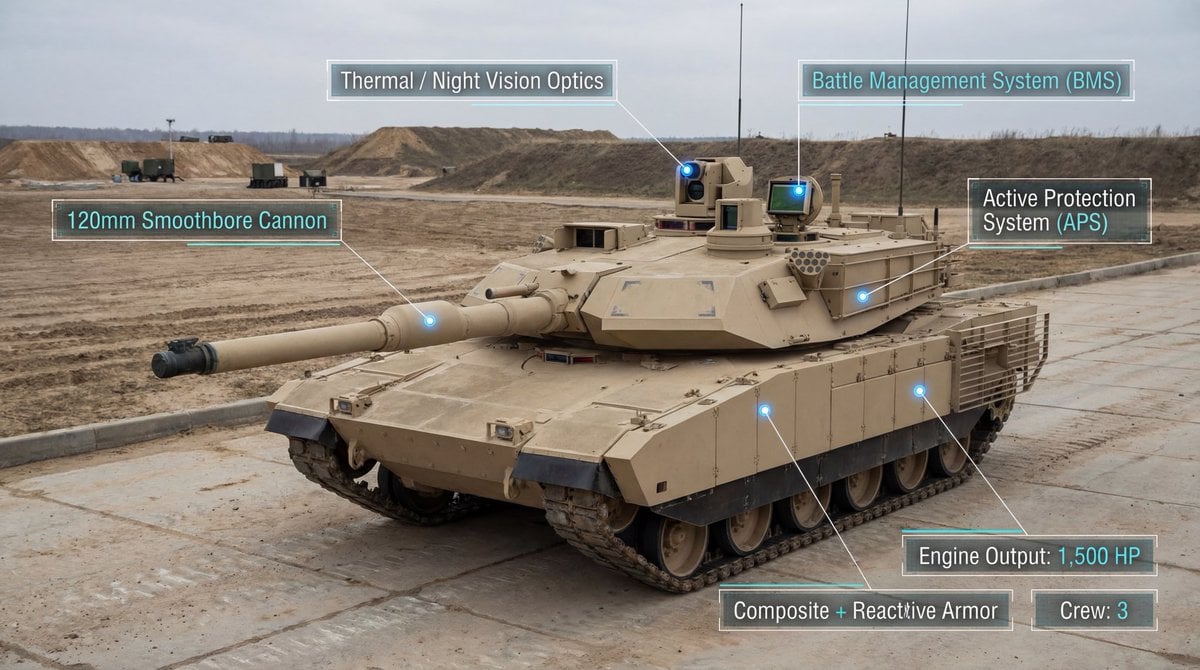
Modern Combat Tank Infographic Prompt
Mixed Media Fashion Film - Seedance 2.0
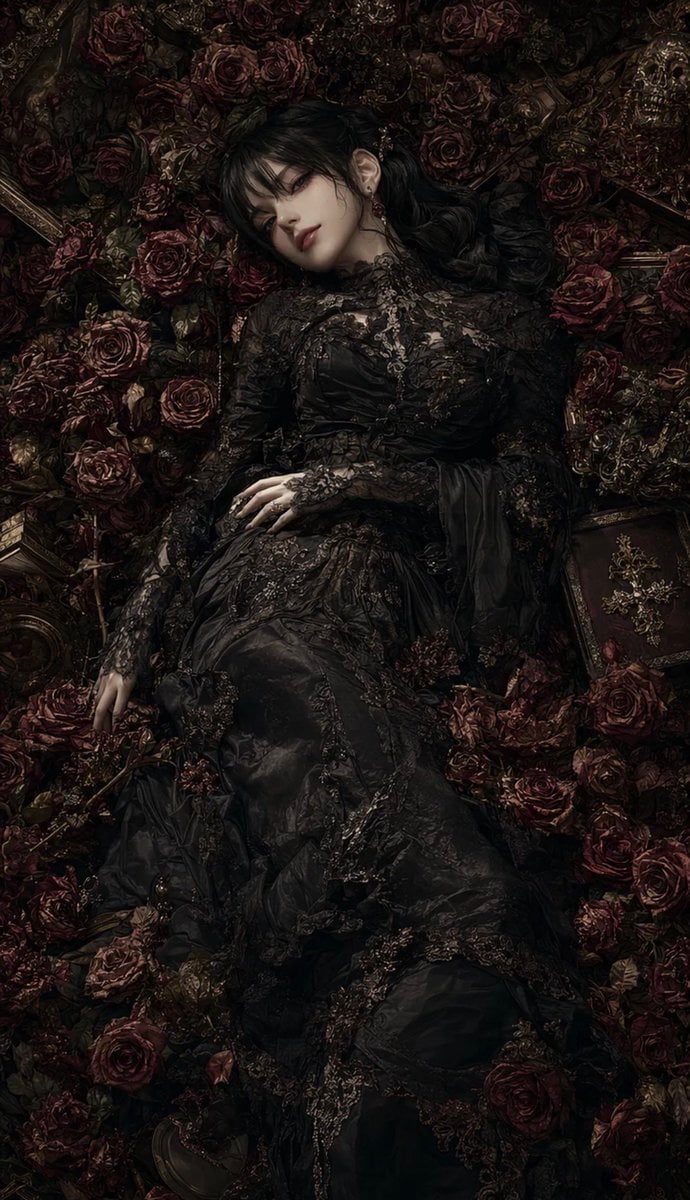
Gothic Rose Mourning Portrait
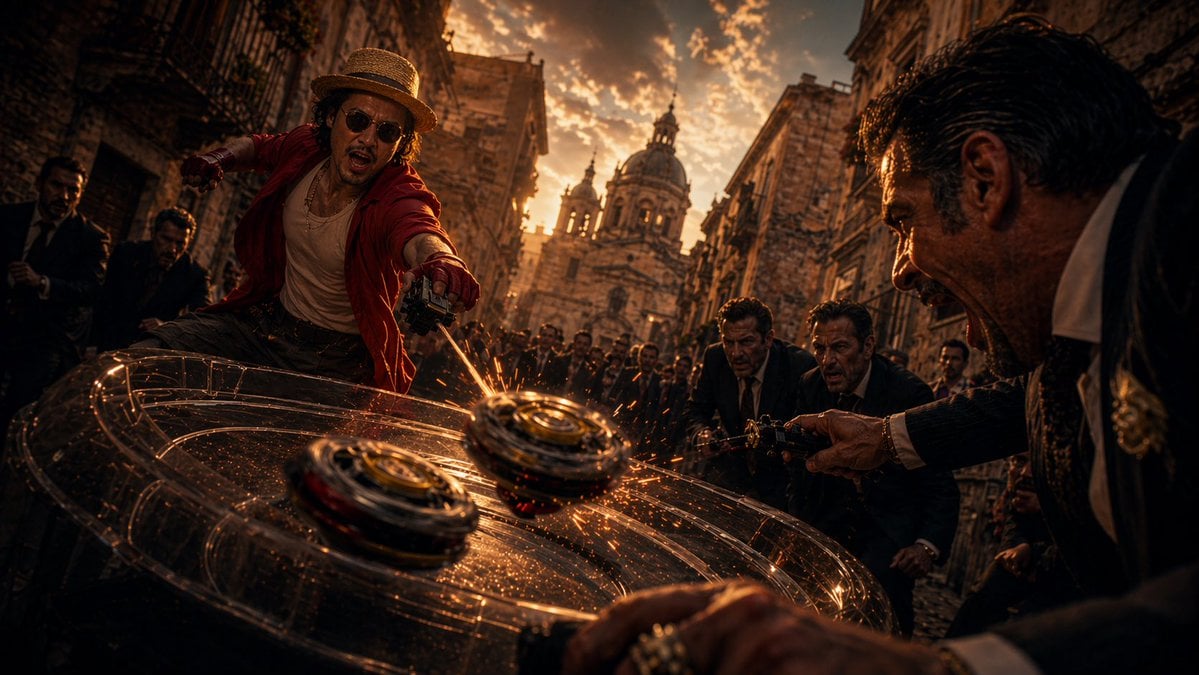
Cinematic Spinning Top Street Duel
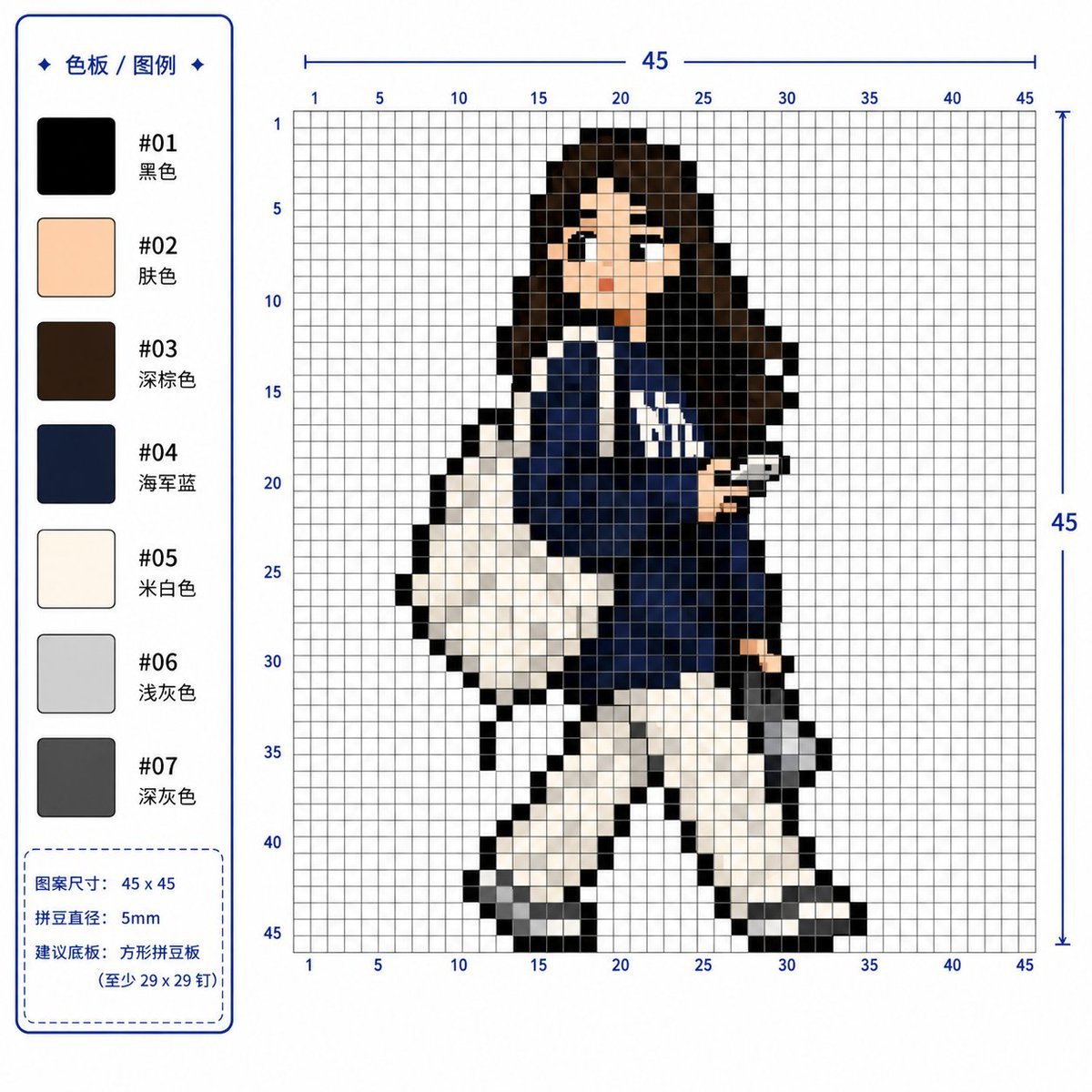
Professional 2D Perler Bead Pattern Design
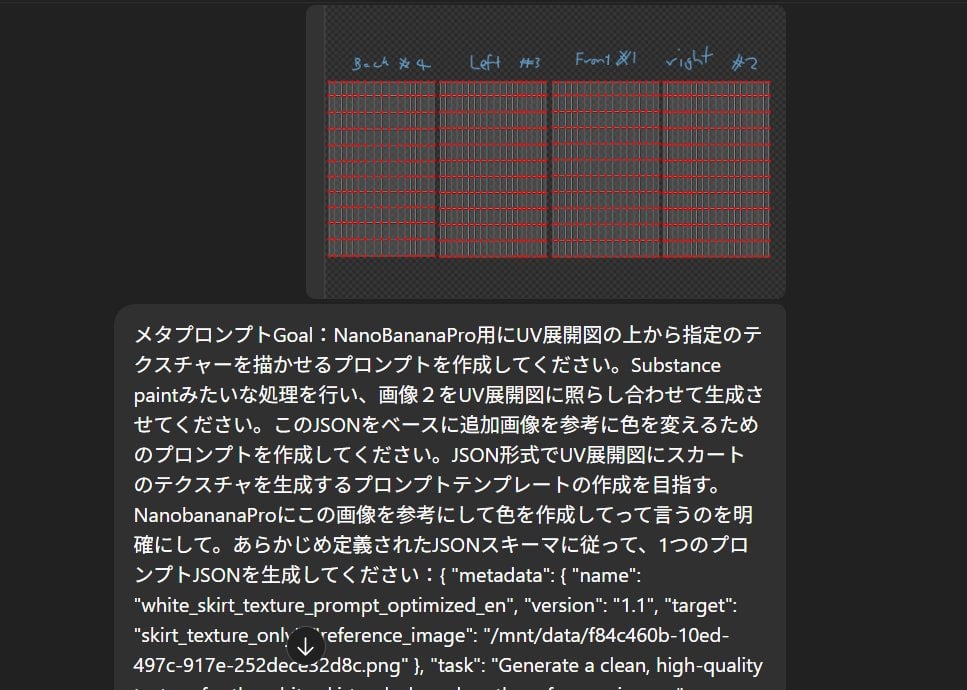
Texture Creation via JSON and UV Map Metaprompt

Nano Banana Pro-themed hero image (Chinese)
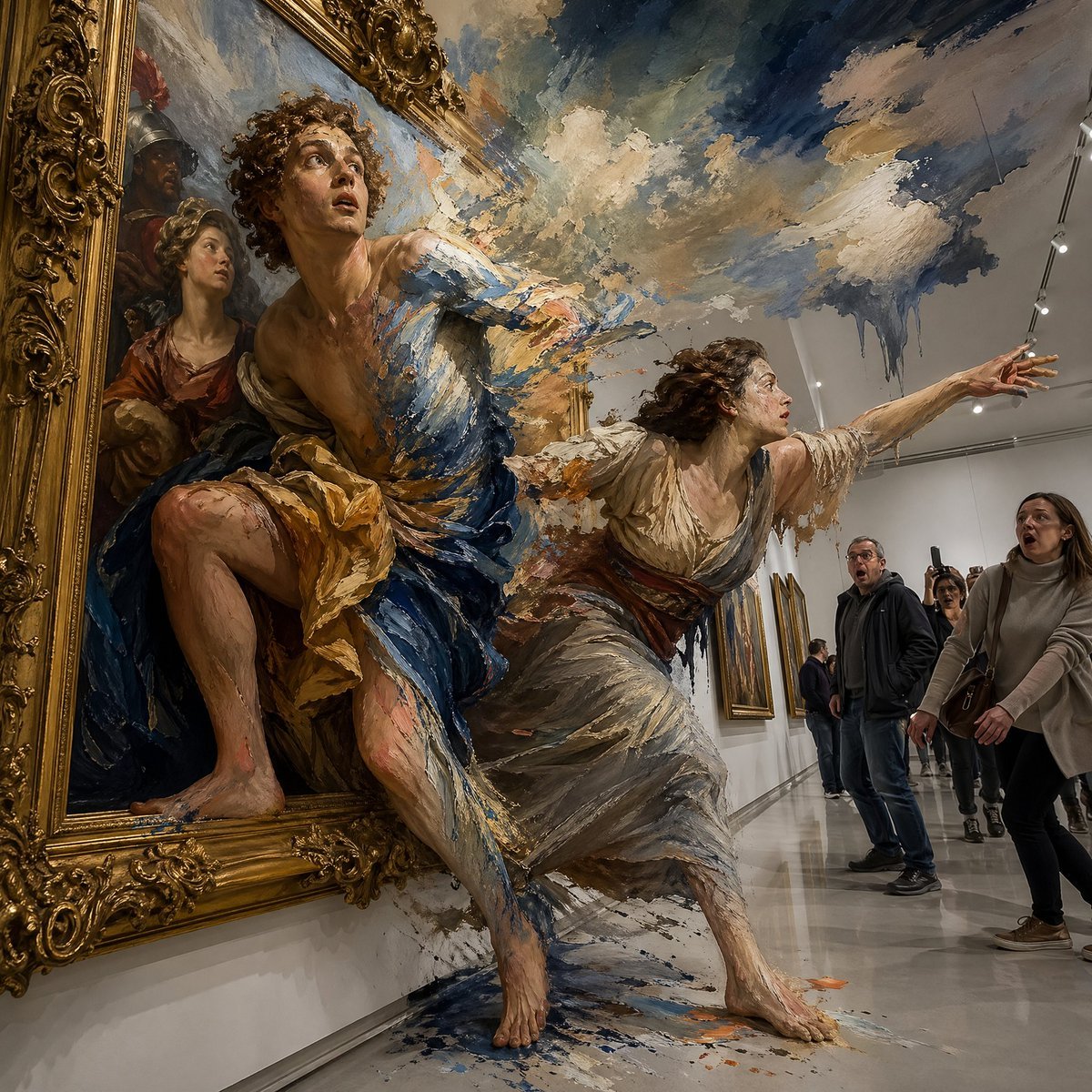
Surreal Baroque Painting Reality Fracture
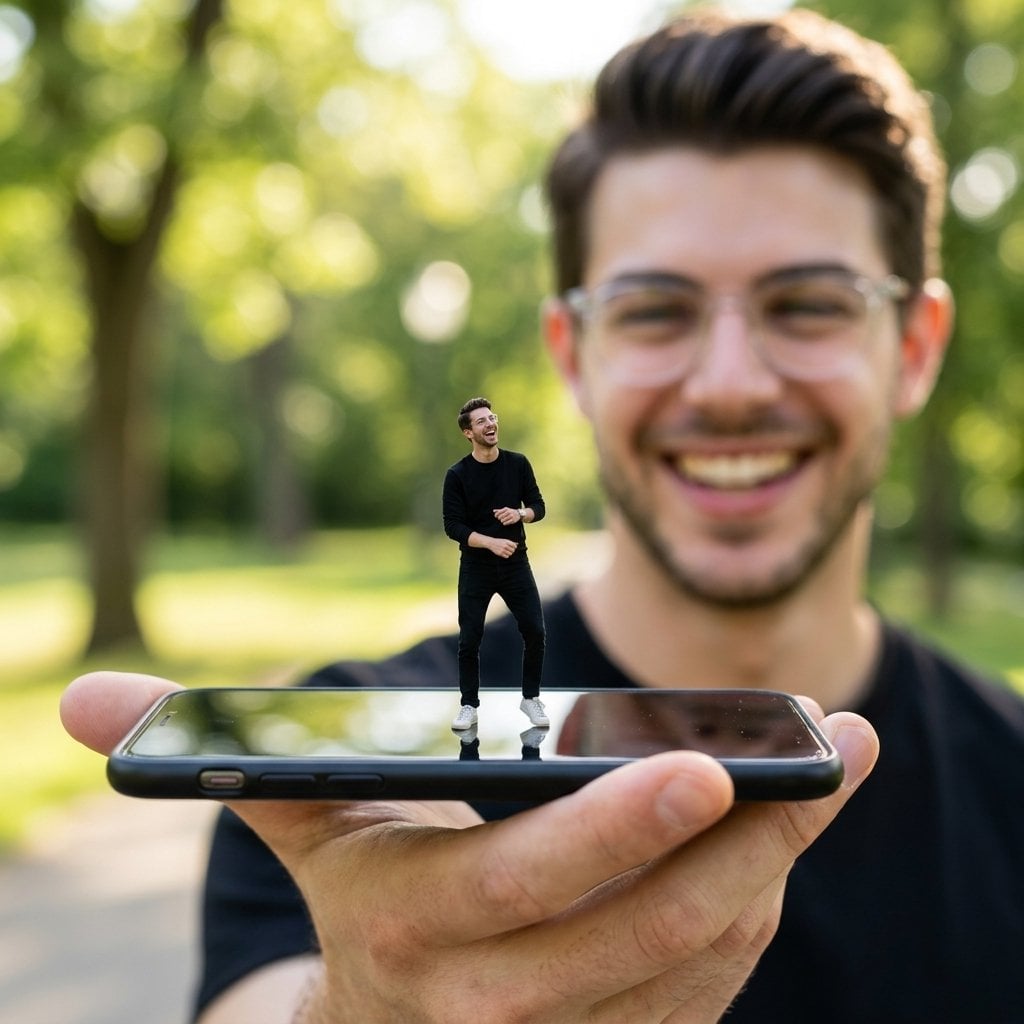
Forced Perspective Miniature Self on Smartphone Screen
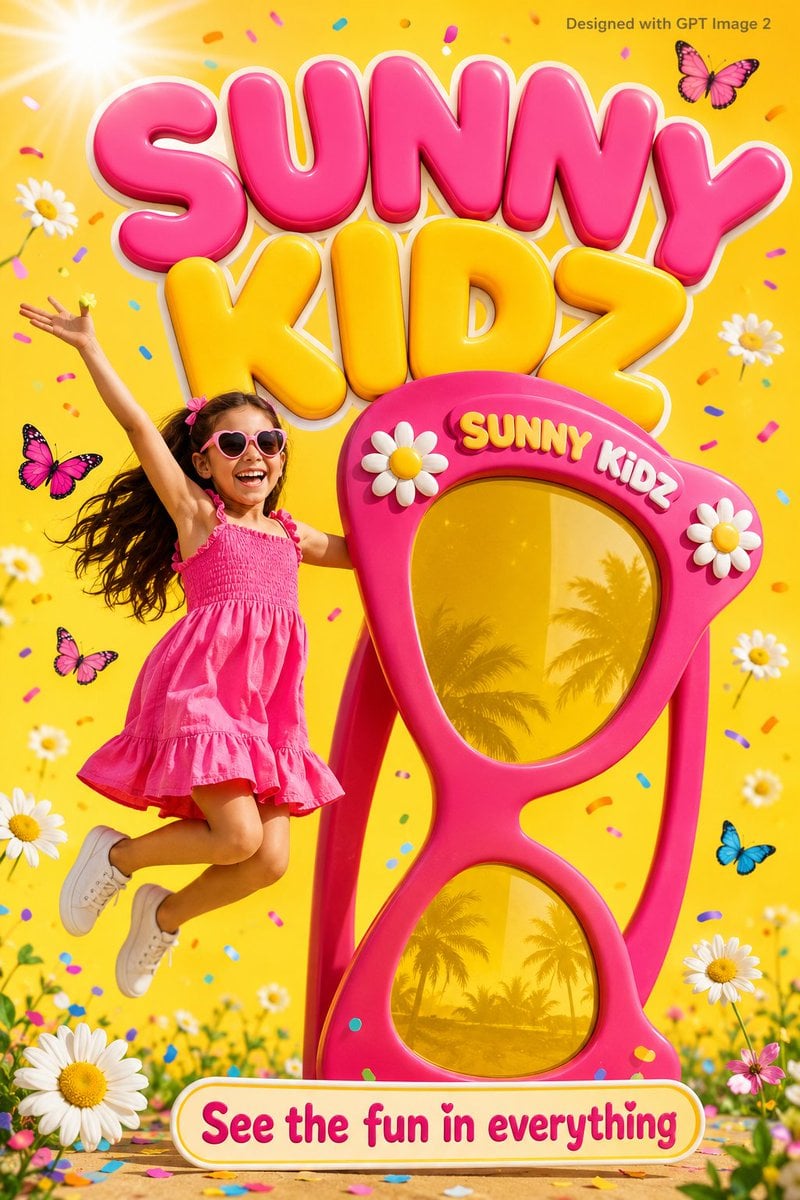
Colorful Kids Advertising Poster
Browse template categories
Identity-Preserving Tulle Dress Portrait questions
How do I use the Identity-Preserving Tulle Dress Portrait template?
Add your photo if the template asks for one, edit the prompt if you like — the template's model and format are already selected — and press Generate. Your version opens in PicX Studio.
Can I customize the Identity-Preserving Tulle Dress Portrait template?
Yes. You can change the subject, setting, lighting, mood, format, and available model controls before creating your image.
Is the Identity-Preserving Tulle Dress Portrait template free?
Opening and editing this template is free. Generating uses credits, shown on the Generate button when you are signed in.
Which AI model should I use?
Start with Gemini 3 Pro Image Preview, which is the model associated with this template. You can compare another compatible model for a different finish.
Looking for something else? Browse all templates.

Your photo, any look
Thousands of ready templates for every top image and video model, from one credit balance.