
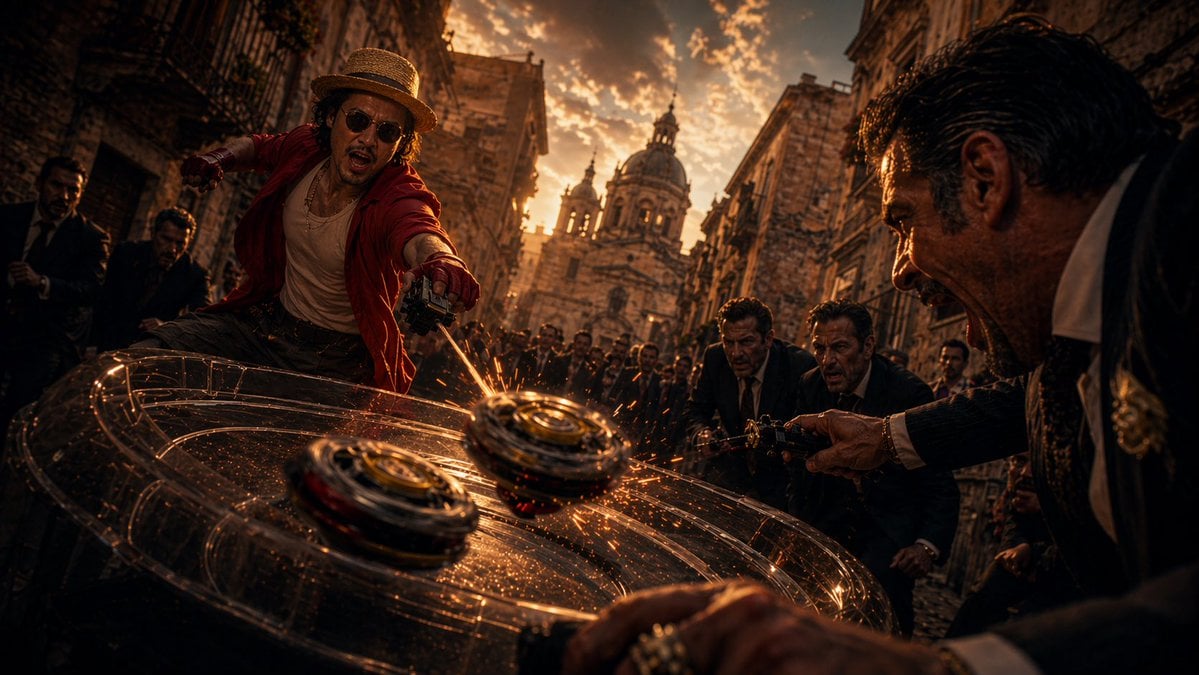
Cinematic Spinning Top Street Duel
This prompt generates a dramatic live-action style action image of a straw-hatted hero battling suited opponents with 2 colliding spinning tops in a historic city street, ideal for cinematic poster art or viral…
- Prompt included
- Model and format preset
- Free template
The prompt behind this image
Copy the exact prompt behind Cinematic Spinning Top Street Duel, or open it in the studio and make it yours.
A cinematic live-action action scene in a narrow old European stone street at golden-hour sunset, shot from an extremely low, close-up perspective with a dramatic wide-angle lens. In the center-left foreground, a dynamic male fighter inspired by {argument name="character name" default="Luffy"} lunges forward in mid-motion, wearing a straw hat, an open {argument name="jacket color" default="red"} shirt, a light tank top, and dark pants. His body is twisted aggressively as he launches a spinning-top battle attack with a handheld launcher. In the right foreground, a sharply dressed gangster-like man in a dark suit and white shirt leans in, also firing a launcher, with two more suited men behind him and a crowd of onlookers filling the street. In the immediate foreground, exactly 2 spinning tops collide on a glossy dark surface, producing showers of bright orange sparks and multiple circular light trails that arc around them, emphasizing speed and impact. The environment is dense and atmospheric: weathered stone buildings rise on both sides, the street is packed with spectators, and a grand baroque cathedral dome and towers stand in the sunlit background. Use intense warm amber and copper lighting, deep shadows, high contrast, dust and spark particles, gritty texture, dramatic motion blur, shallow depth of field, and an epic blockbuster tone. The composition should feel like a hybrid of underground battle, street duel, and anime-inspired live-action adaptation, with kinetic energy, tension, and hyper-detailed realism.
How to use Cinematic Spinning Top Street Duel in 3 steps
- 1Upload ImagePNG, JPG or paste
Add your photo
Upload the photo the template builds on. The prompt, model and format are already set.
- 2…a portrait of your subject in softgolden-hour light, 85mm…
Personalize
Edit the subject and creative details for your destination.
- 3Generate
Generate
Press Generate — your image is created in PicX Studio, so you can compare it with the original and refine one variable at a time.
More like this
Templates with the same subject, style or setup. Open one to see its prompt.

Two Tickets, One Night

Meet Me When It Rains

Two Hearts. One Scooter.

1986 Street Couple

1985 Street Scene

Cinematic Street Fashion Portrait Motion Blur Crowd

Blue Hour Editorial Fashion Portrait
Golden Hour Street Motion Portrait

Face-Locked Cream Half-Zip Street Walk

Golden Hour Fedora Bar Doorway Street Style
Cyber Noir Dreadlocks Street Portrait

Face-Locked City Skyline Double Exposure
Make it yours
Cinematic Spinning Top Street Duel works as-is. These are the safest ways to change it without losing the look.
Change one field
Copy a single group, rewrite it, and generate again so you can see what that field is doing.
Keep the frame, change the subject
Hold the composition and light of Cinematic Spinning Top Street Duel, then swap wardrobe, props or the person for a new take.
| If the result… | Why | Fix |
|---|---|---|
| The result drifts from the preview | Too many fields changed at once. | Reuse Cinematic Spinning Top Street Duel as-is first, then change one group — subject, light, or setting. |
| The model over-stylizes the scene | The prose prompt leaves finish and camera underspecified. | Add one camera or lighting sentence and stay on GPT Image 2. |
More GPT Image 2 templates
Other prompts made for GPT Image 2.

Six VTuber Japanese Logo Sheet

Realistic Portrait of Woman and Deer

The Vista Modular Condo Poster

AI Model Routing Comparison Infographic

2.5D Anime Art Board

Isometric Productivity Desk Scene

New York Double Exposure Poster

Four-Panel AI Landscape Comparison

Japanese Tatami Lifestyle Magazine Cover

NESCAFÉ Coffee Map Poster
More image prompts
Fresh picks from across the catalog.
Anime Portrait Artistic Collage
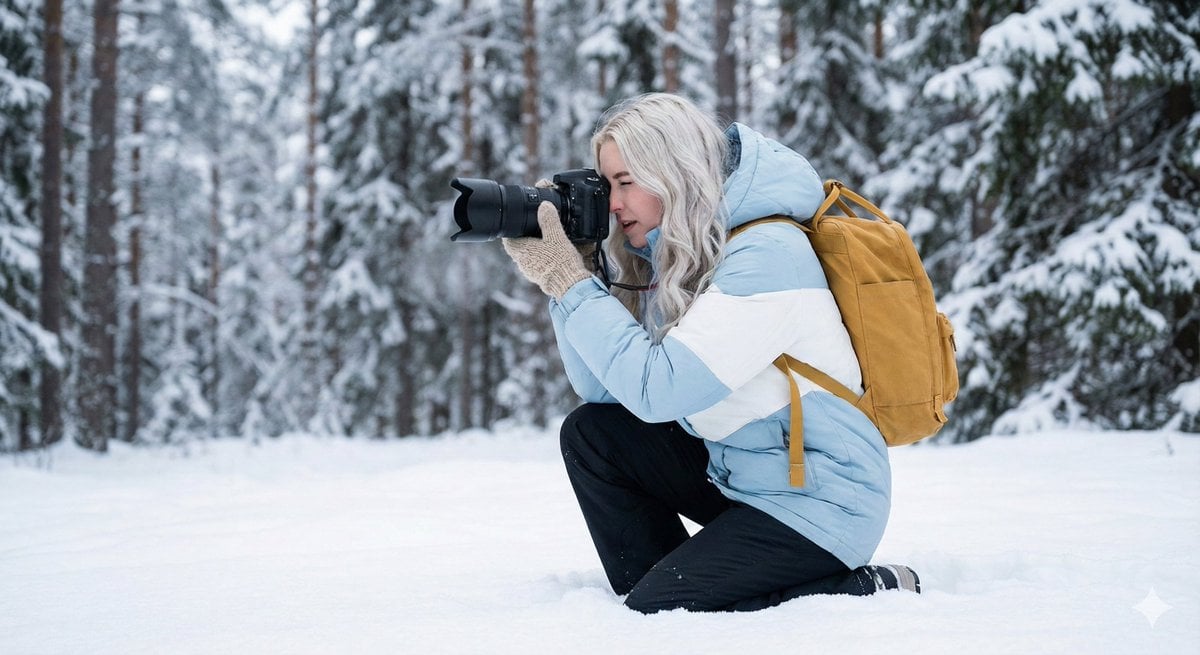
Serene Winter Photography Portrait
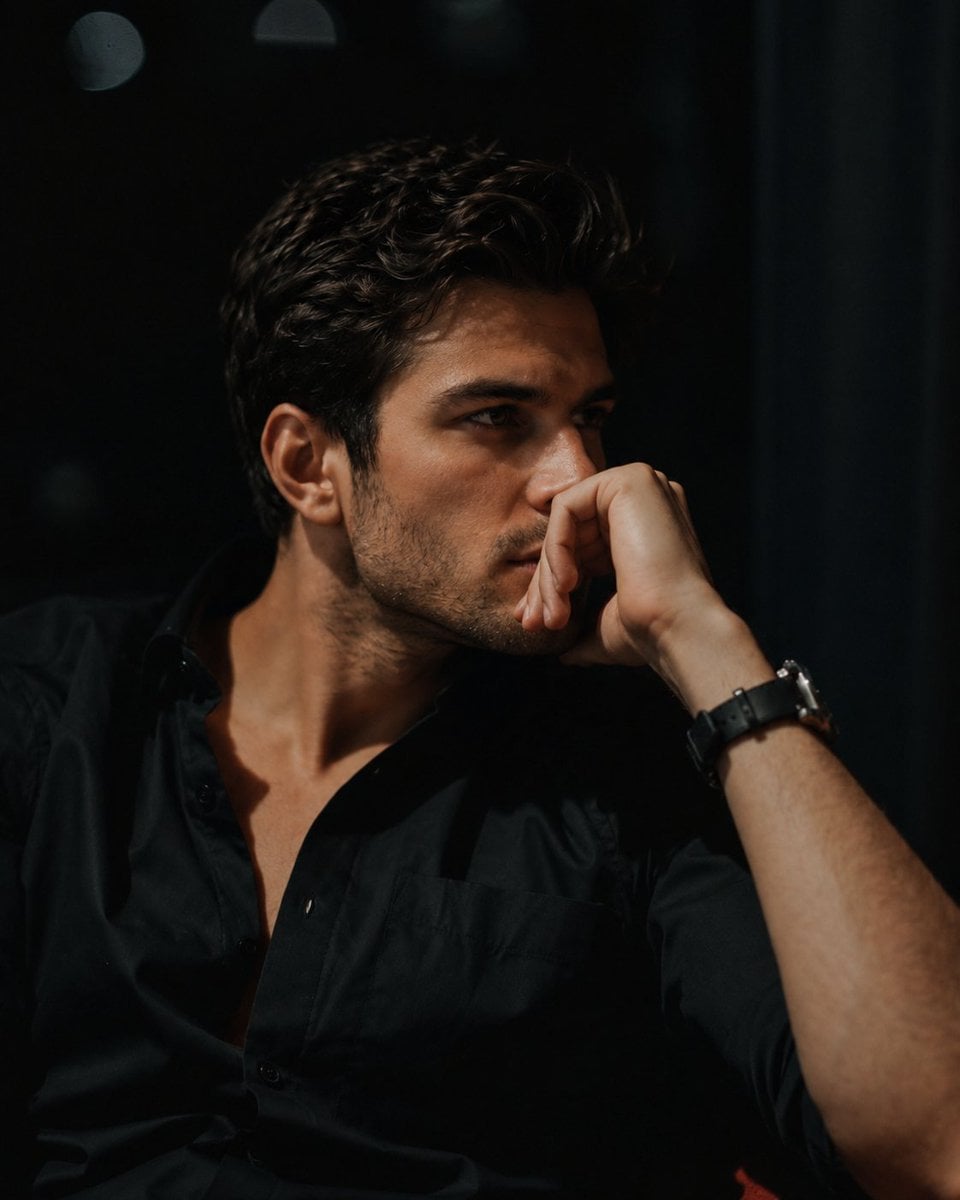
Cinematic Moody Lounge Portrait
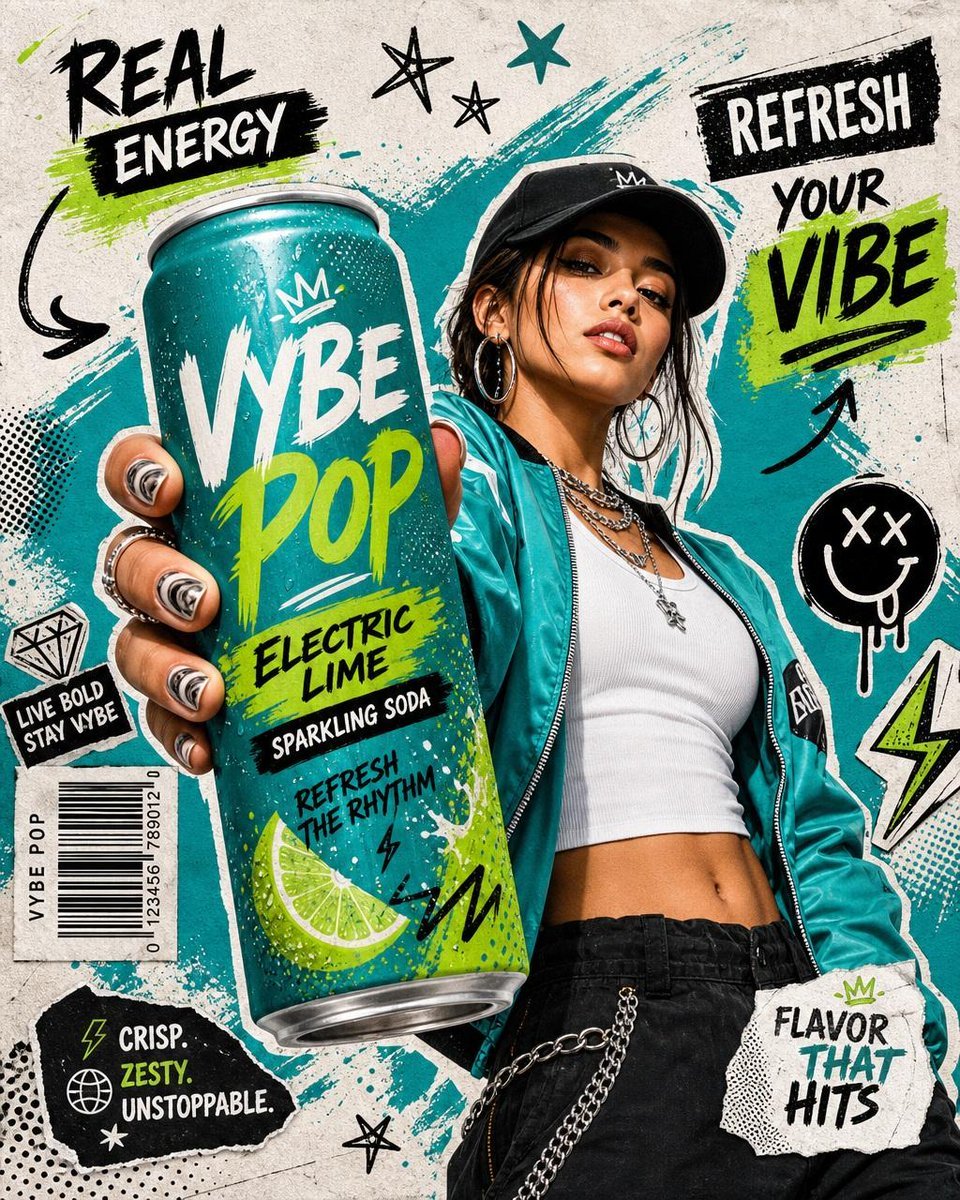
Realistic Commercial Beverage Advertisement
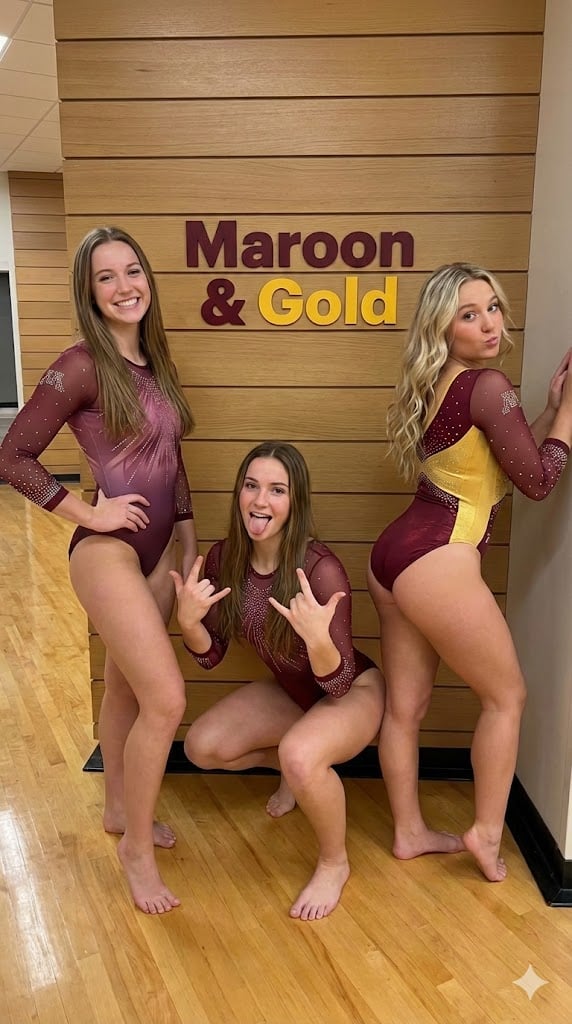
Gymnastics Team Photo Snapshot Prompt
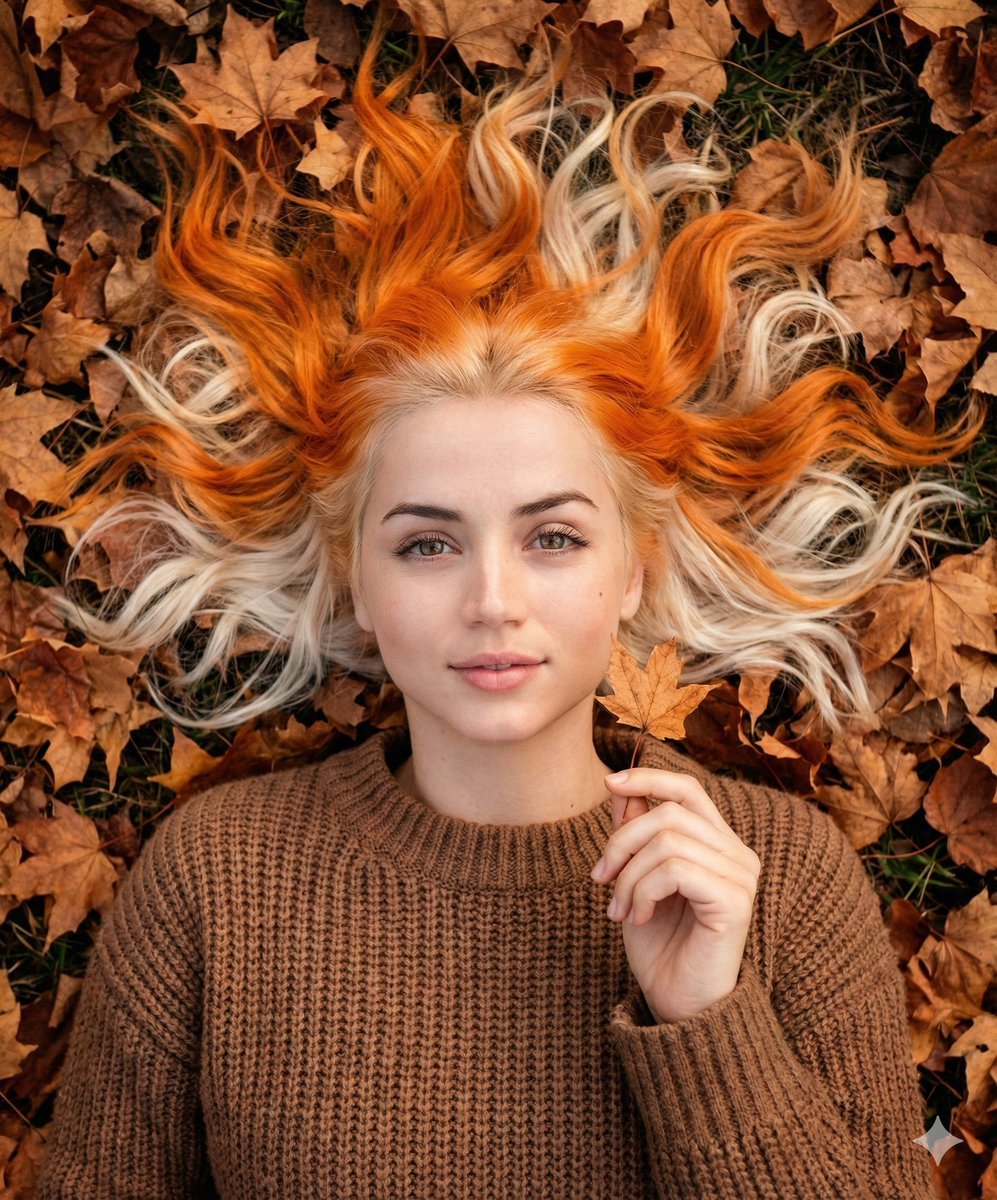
Dreamy Autumnal Portrait of a Young Woman
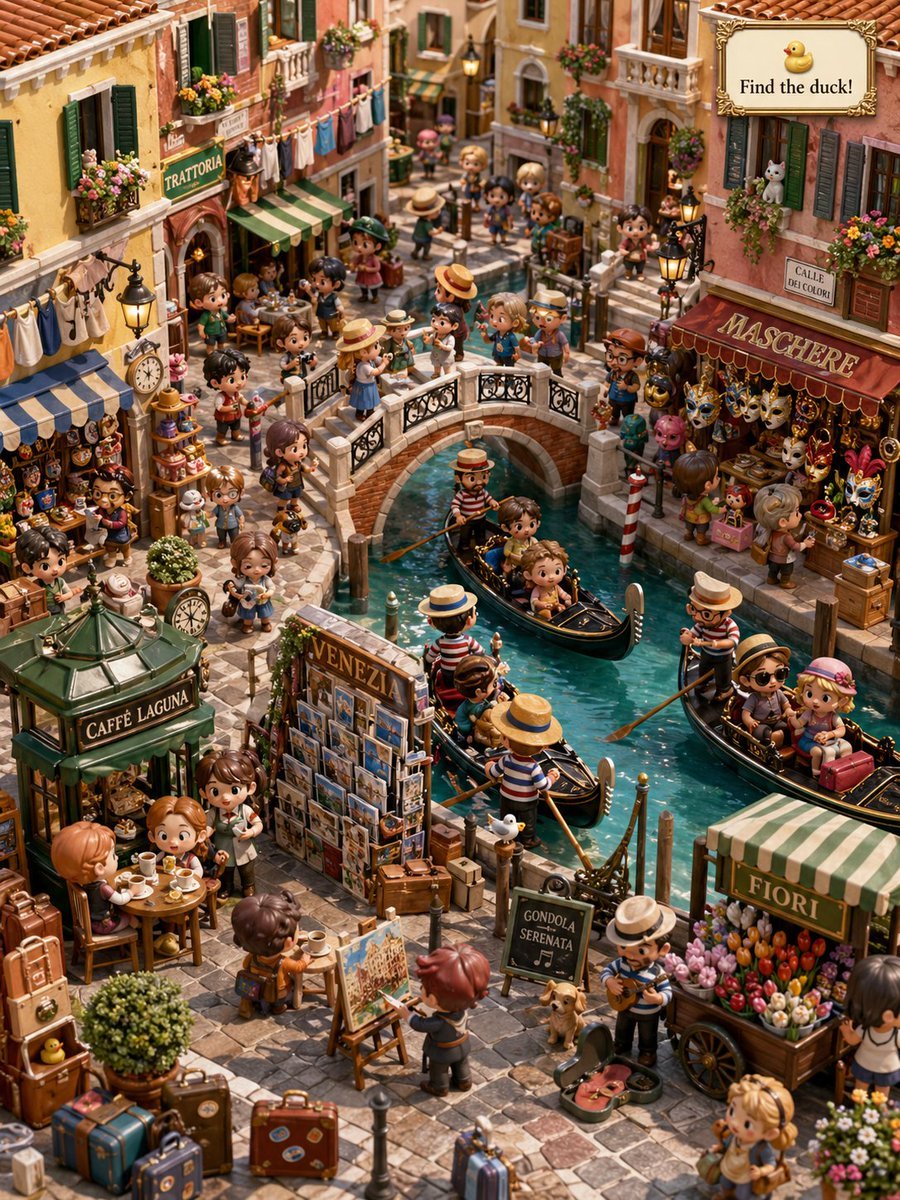
Hidden Duck in Miniature Venice
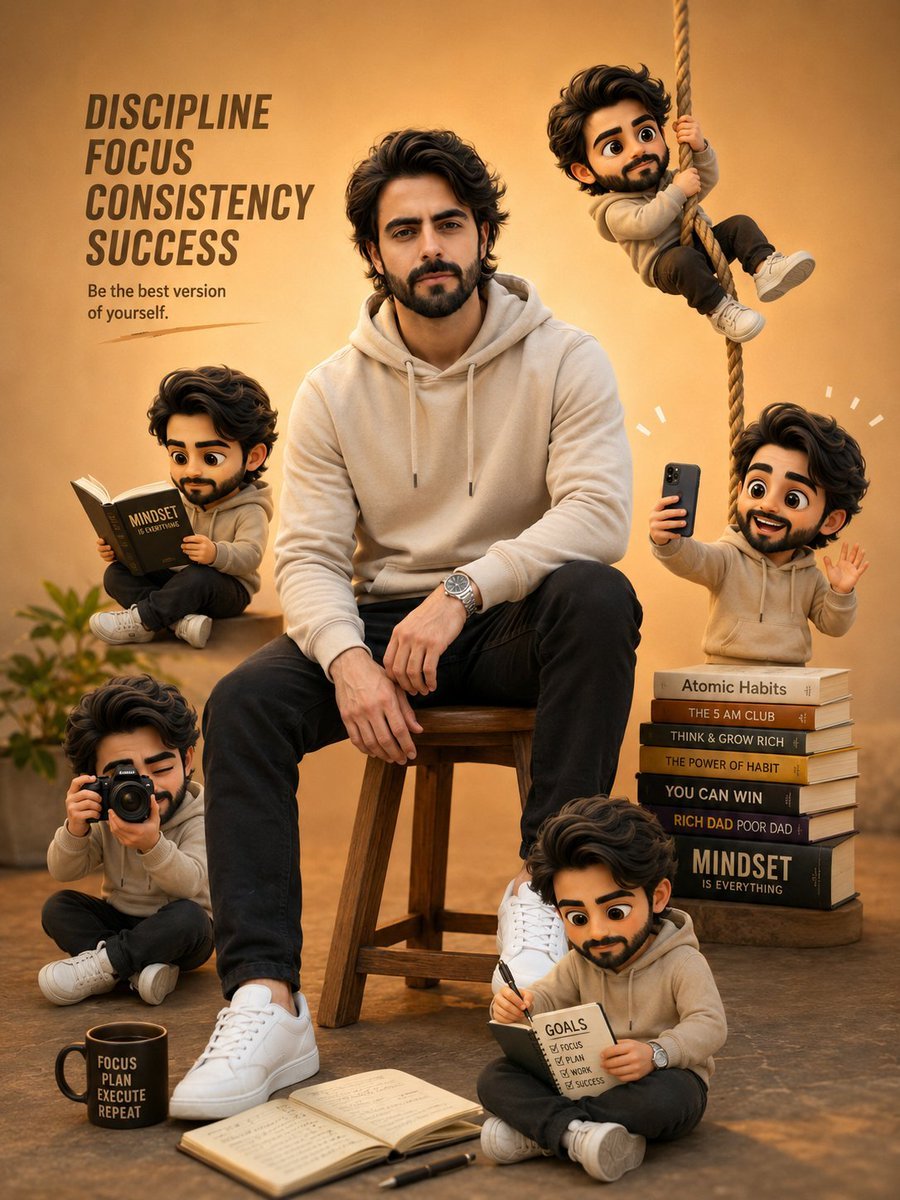
Self-Improvement Theme Motivational Poster
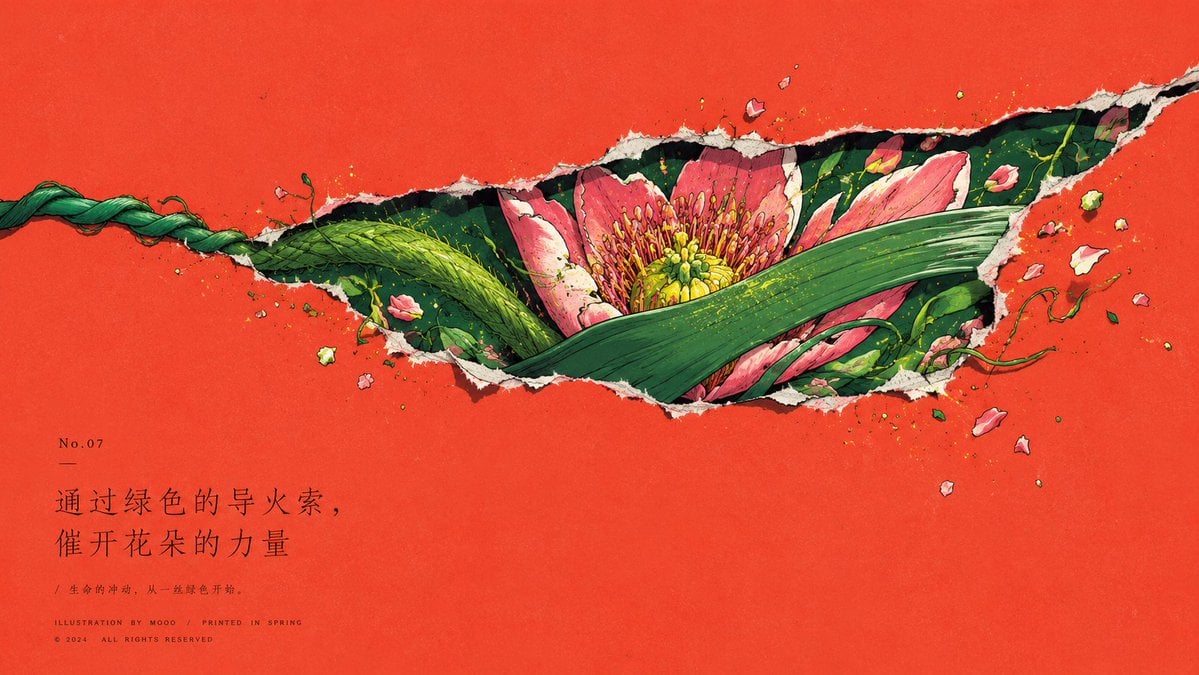
Paper Tear Flat Illustration Poster
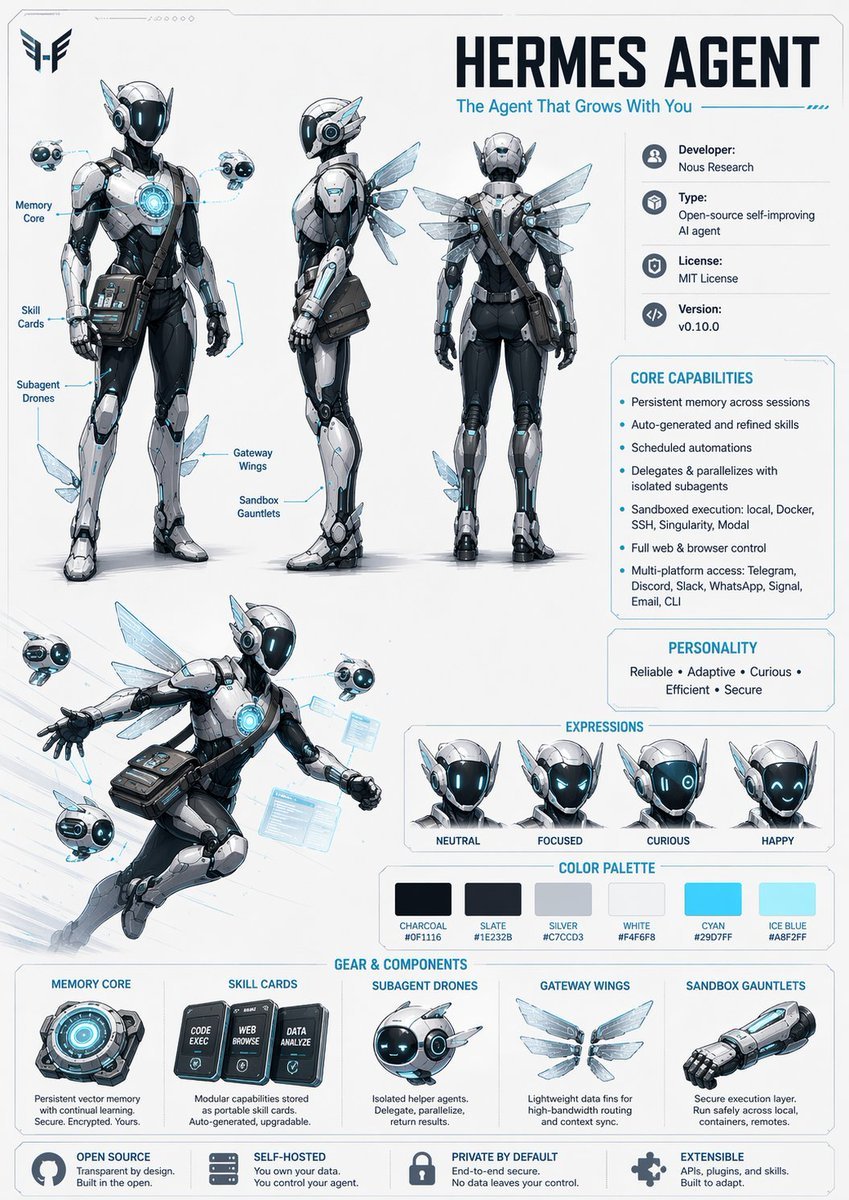
Character Design Sheet Prompt
Browse template categories
Cinematic Spinning Top Street Duel questions
How do I use the Cinematic Spinning Top Street Duel template?
Add your photo if the template asks for one, edit the prompt if you like — the template's model and format are already selected — and press Generate. Your version opens in PicX Studio.
Can I customize the Cinematic Spinning Top Street Duel template?
Yes. You can change the subject, setting, lighting, mood, format, and available model controls before creating your image.
Is the Cinematic Spinning Top Street Duel template free?
Opening and editing this template is free. Generating uses credits, shown on the Generate button when you are signed in.
Which AI model should I use?
Start with GPT Image 2, which is the model associated with this template. You can compare another compatible model for a different finish.
Looking for something else? Browse all templates.

Your photo, any look
Thousands of ready templates for every top image and video model, from one credit balance.