
Hidden Duck in Miniature Venice
A dense, whimsical Venice diorama scene for creating a playful seek-and-find travel illustration with a hidden rubber duck.
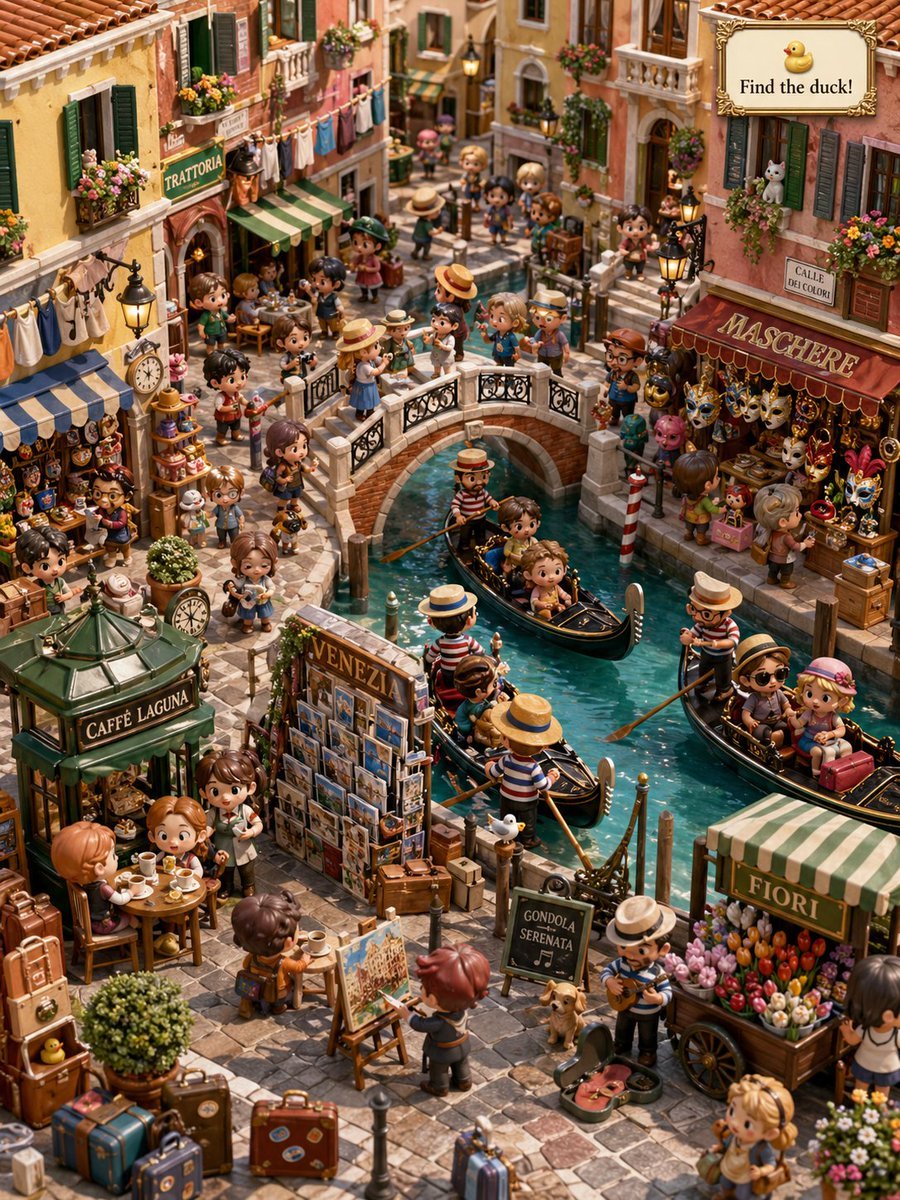
- Prompt included
- Model and format preset
- Free template
The prompt behind this image
Copy the exact prompt behind Hidden Duck in Miniature Venice, or open it in the studio and make it yours.
A richly detailed miniature-diorama style illustration of a busy Venetian canal street in warm afternoon light, designed like a whimsical “find the hidden duck” scene. Show a narrow turquoise canal running through the center with 4 black gondolas, each with striped-shirt gondoliers and tiny tourists, crossed by 1 ornate white stone footbridge crowded with people. Fill the scene with dozens of cute chibi travelers and shopkeepers in a handcrafted toy-like style, with oversized heads, soft expressive faces, textured clothing, and highly detailed props. Surround the canal with colorful old Venice buildings in peach, terracotta, cream, and yellow stucco, red tile roofs, green shutters, balconies, flower boxes, laundry lines, lanterns, and narrow shopfronts. Include 6 clearly readable shop or sign texts placed naturally in the environment: “TRATTORIA,” “MASCHERE,” “CALLE DEI COLORI,” “CAFFE LAGUNA,” “VENEZIA,” “FIORI,” plus a small chalkboard sign reading “GONDOLA SERENATA.” On the right, feature a Venetian mask shop overflowing with ornate masks and carnival decorations; on the left, a trattoria with outdoor diners; in the lower left, a small café kiosk; in the lower center, a postcard stand labeled VENEZIA; in the lower right, a flower cart labeled FIORI; near the center bottom, an artist painting at an easel and a street musician with a guitar. Scatter luggage, tables, pastries, postcards, flower pots, market goods, and canal posts throughout the cobblestone street to create a dense travel-market atmosphere. Add a decorative framed game sign in the upper-right corner with a tiny duck icon and the text {argument name="headline text" default="Find the duck!"}. Hide exactly 1 tiny yellow rubber duck subtly among the lower-left luggage area near the café so it is visible but easy to miss. Use a high-angle isometric composition, storybook travel-poster charm, ultra-detailed handcrafted textures, vibrant colors, cozy European ambiance, and a playful seek-and-find aesthetic.
How to use Hidden Duck in Miniature Venice in 3 steps
- 1Upload ImagePNG, JPG or paste
Add your photo
Upload the photo the template builds on. The prompt, model and format are already set.
- 2…a portrait of your subject in softgolden-hour light, 85mm…
Personalize
Edit the subject and creative details for your destination.
- 3Generate
Generate
Press Generate — your image is created in PicX Studio, so you can compare it with the original and refine one variable at a time.
More like this
Templates with the same subject, style or setup. Open one to see its prompt.
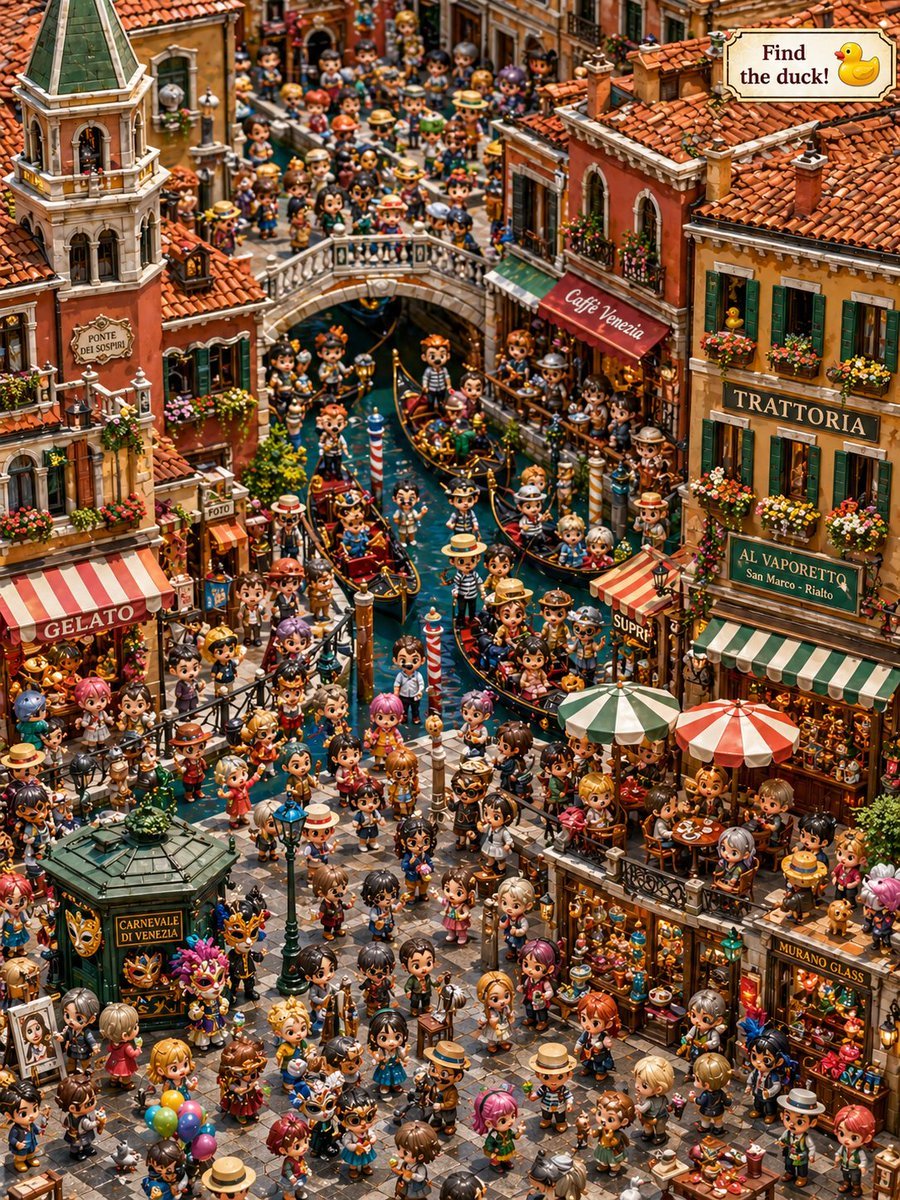
Hidden Duck in Chibi Venice

Paper Tunnel Book Architecture

Isometric Brand Store Diorama
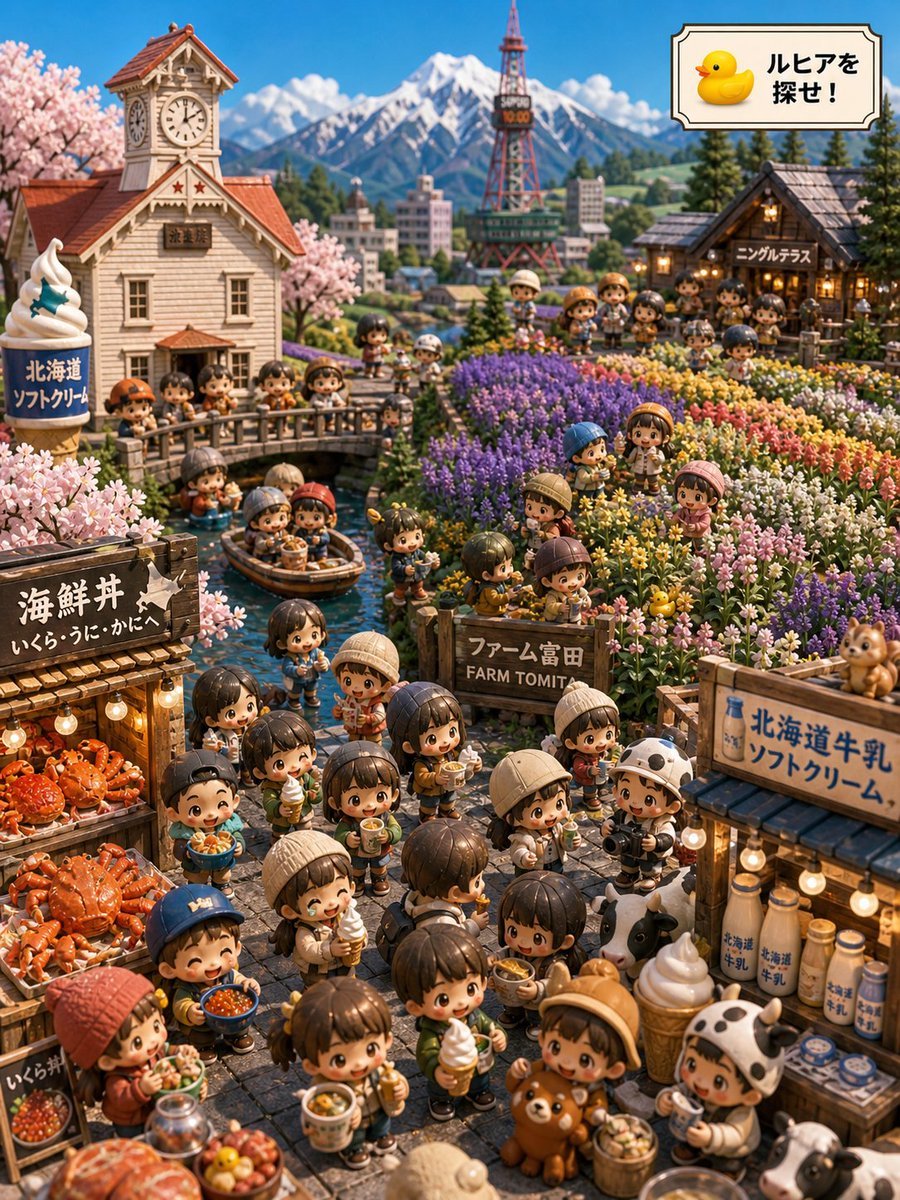
Hokkaido Hidden Duck Travel Puzzle
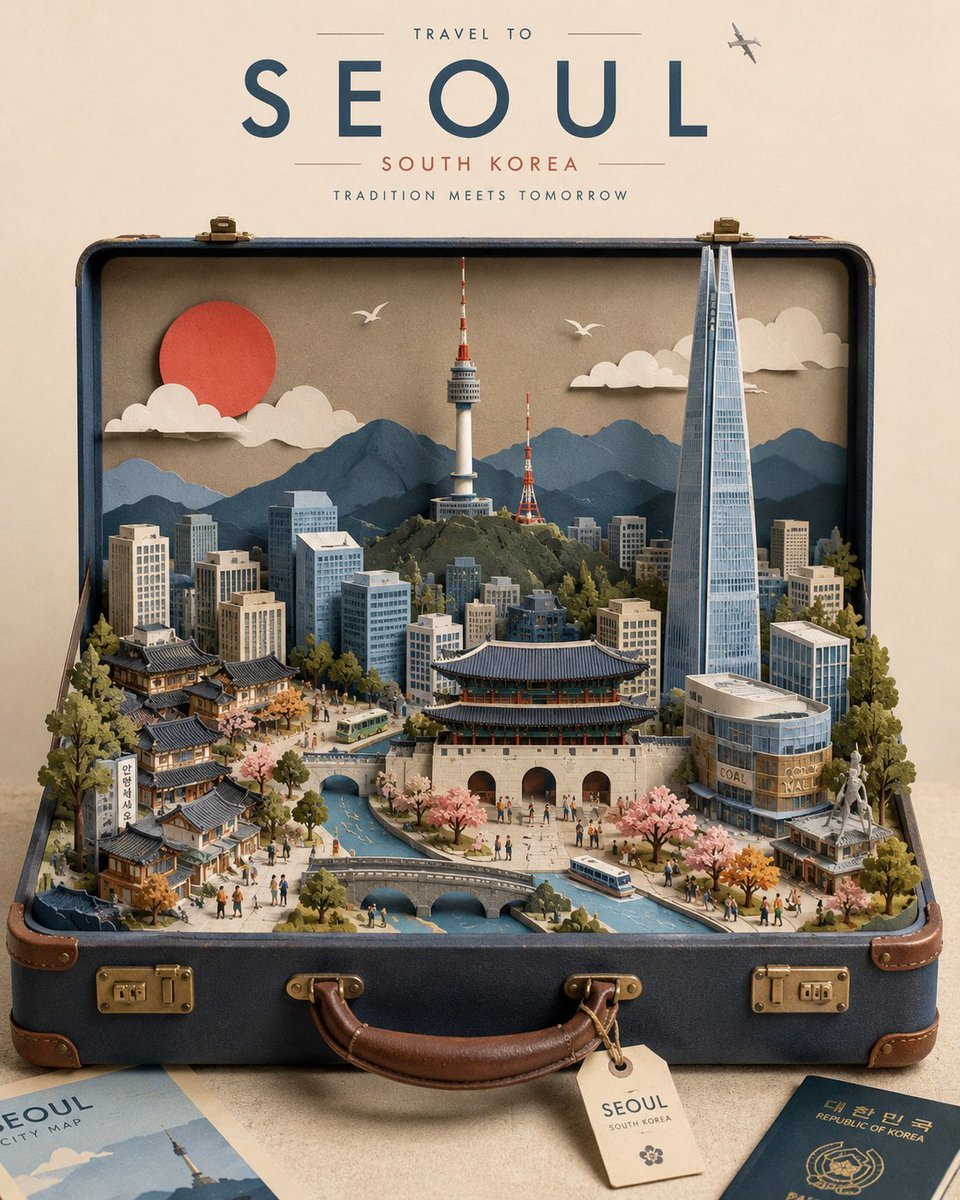
Miniature Suitcase Travel Poster

Miniature Sick Day Diorama
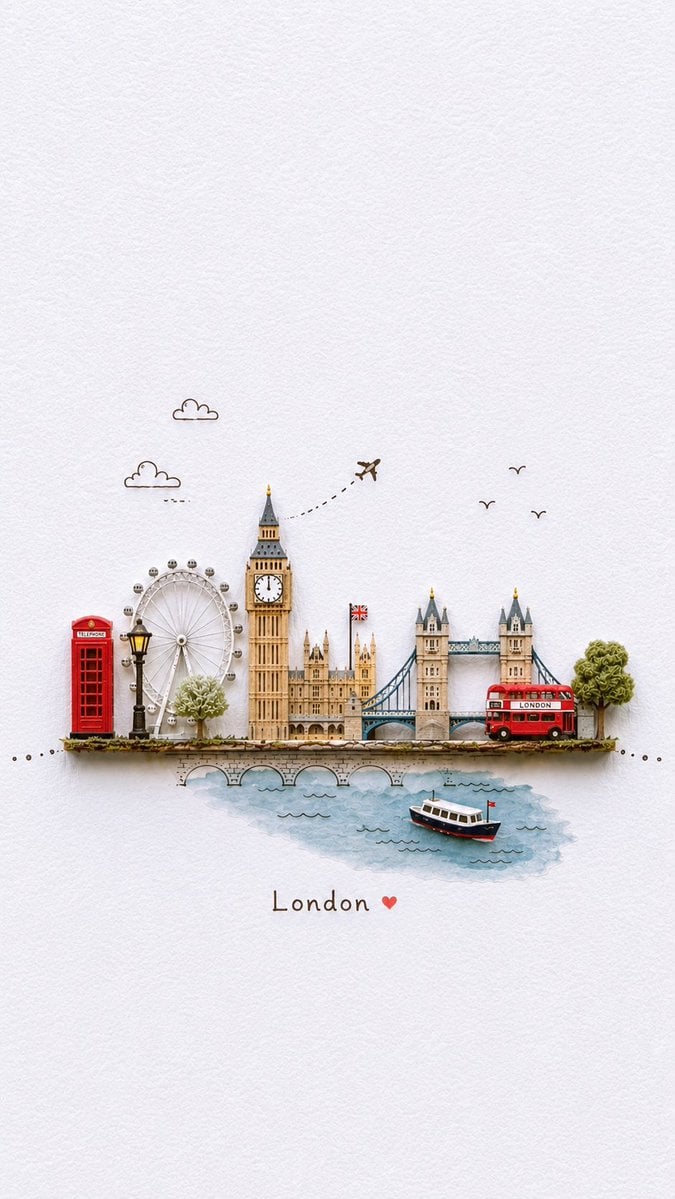
Miniature Paper-Craft Travel Illustration
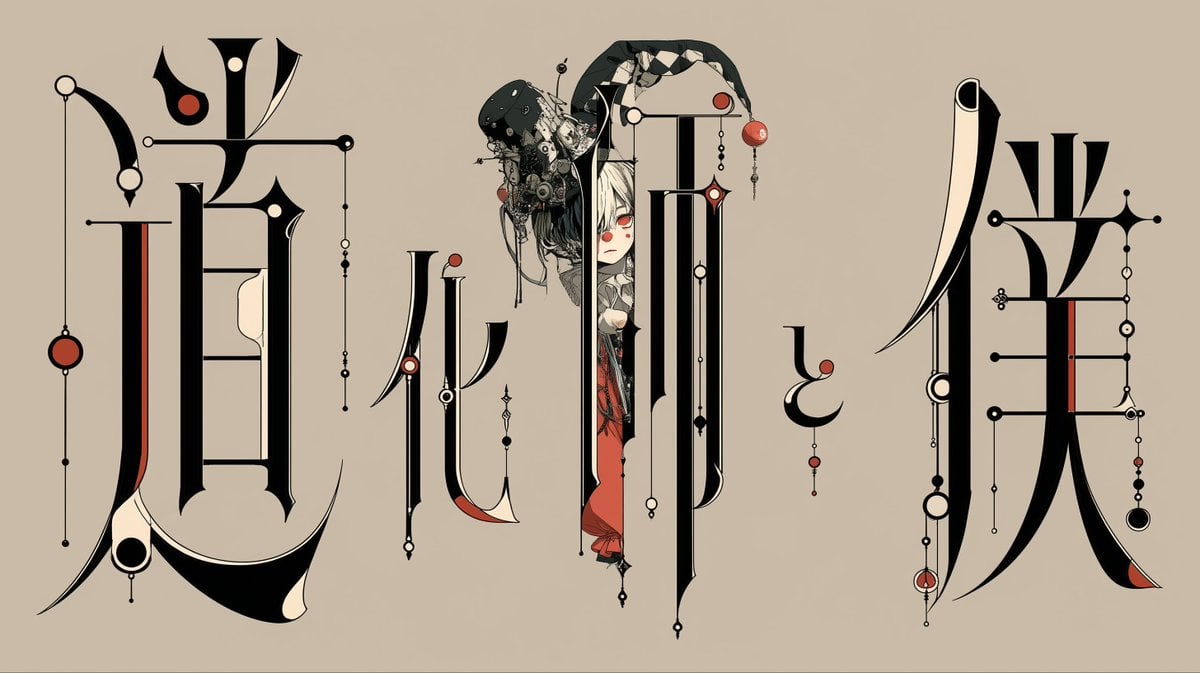
Gothic Calligraphy Hidden Clown Poster

Stylized Miniature 3D Diorama Craft

Human with Miniature 3D Self Portrait

Cozy Isometric Bathroom Miniature Diorama
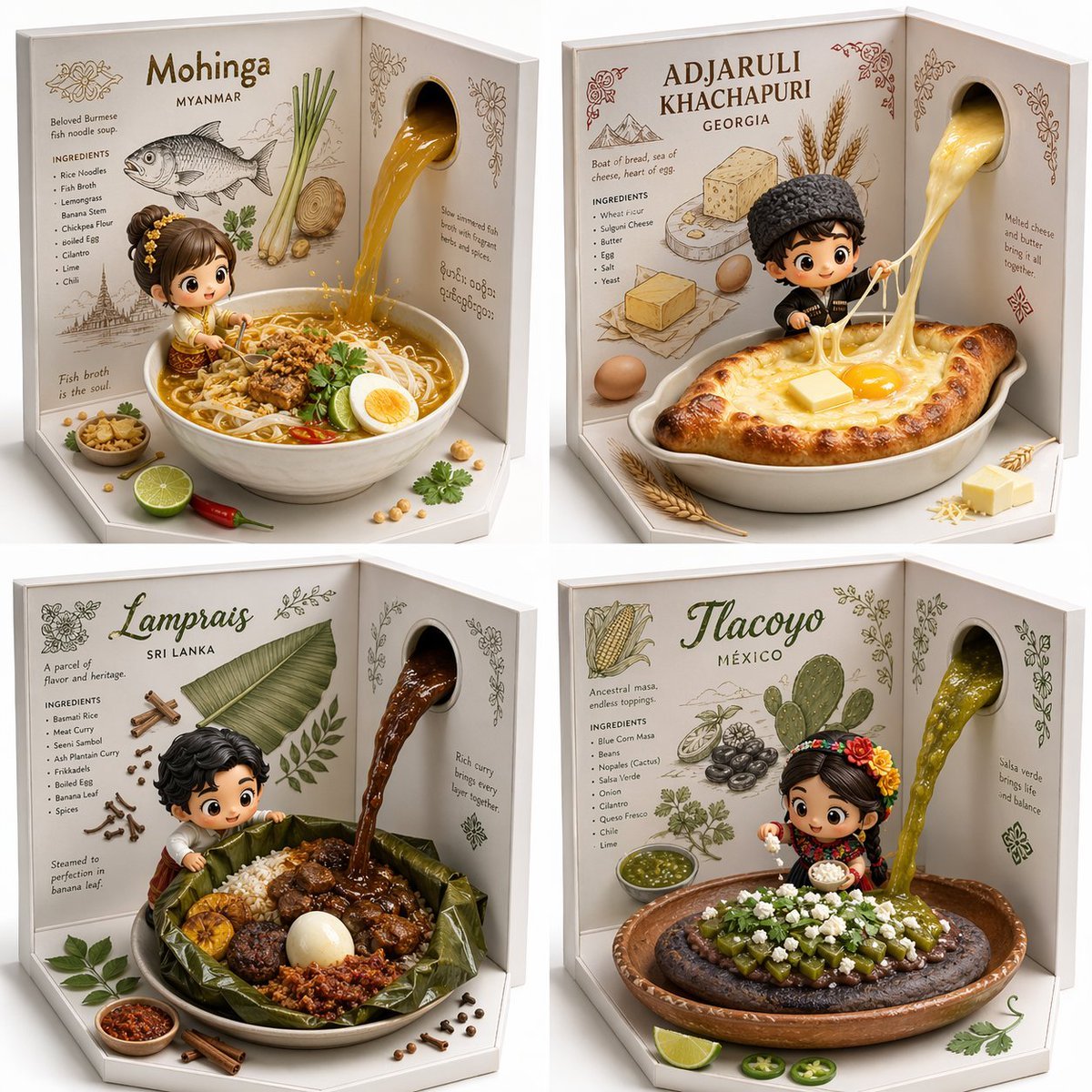
2x2 grid, do this for 4 hidden gem international foods select
Make it yours
Hidden Duck in Miniature Venice works as-is. These are the safest ways to change it without losing the look.
Change one field
Copy a single group, rewrite it, and generate again so you can see what that field is doing.
Keep the frame, change the subject
Hold the composition and light of Hidden Duck in Miniature Venice, then swap wardrobe, props or the person for a new take.
| If the result… | Why | Fix |
|---|---|---|
| The result drifts from the preview | Too many fields changed at once. | Reuse Hidden Duck in Miniature Venice as-is first, then change one group — subject, light, or setting. |
| The model over-stylizes the scene | The prose prompt leaves finish and camera underspecified. | Add one camera or lighting sentence and stay on GPT Image 2. |
More GPT Image 2 templates
Other prompts made for GPT Image 2.

Six VTuber Japanese Logo Sheet

Realistic Portrait of Woman and Deer

The Vista Modular Condo Poster

AI Model Routing Comparison Infographic

2.5D Anime Art Board

Isometric Productivity Desk Scene

New York Double Exposure Poster

Four-Panel AI Landscape Comparison

Japanese Tatami Lifestyle Magazine Cover

NESCAFÉ Coffee Map Poster
More image prompts
Fresh picks from across the catalog.
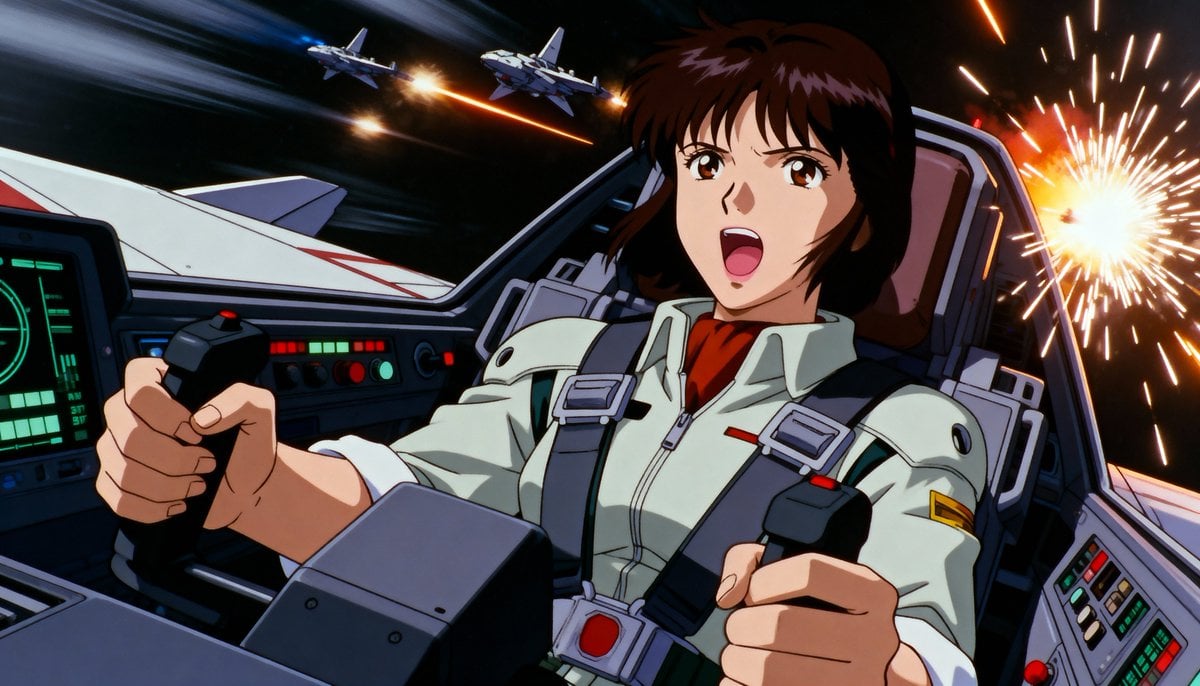
Live-action version of an existing image
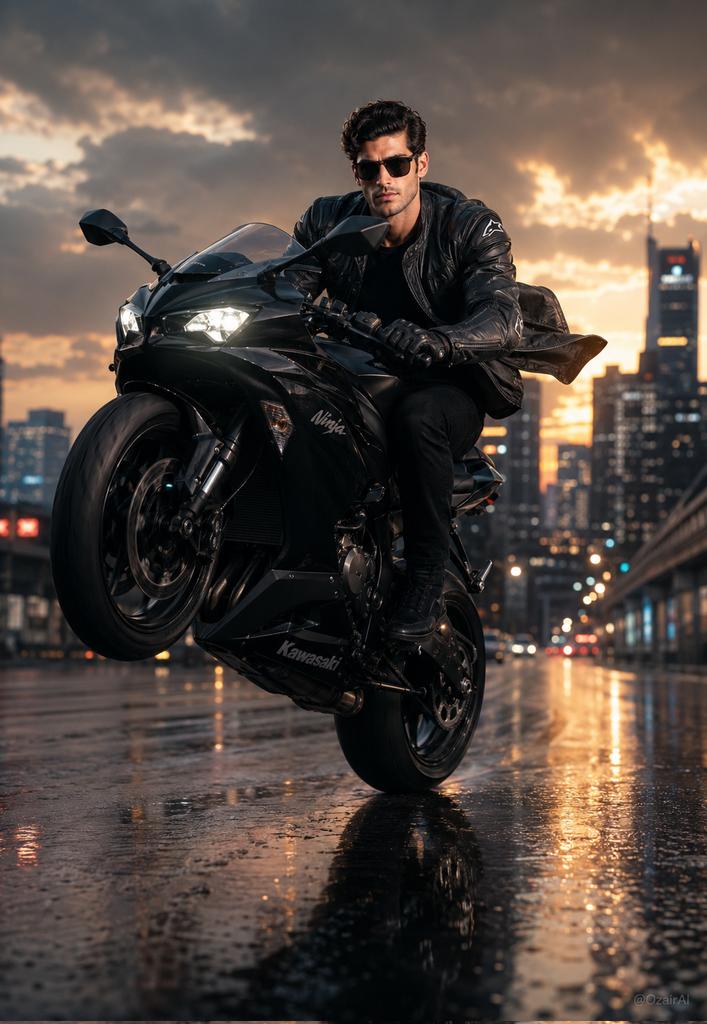
Hyper-Realistic Biker Wheelie Portrait
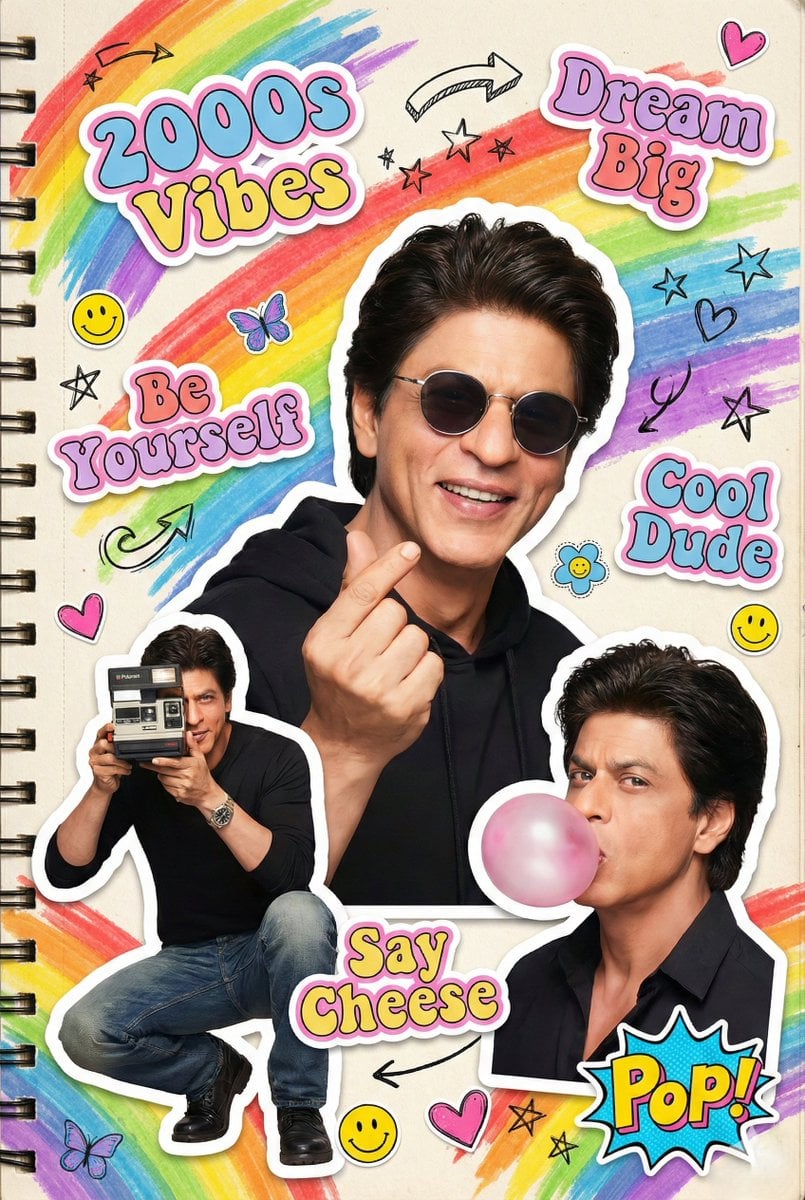
2000s Scrapbook Collage Illustration
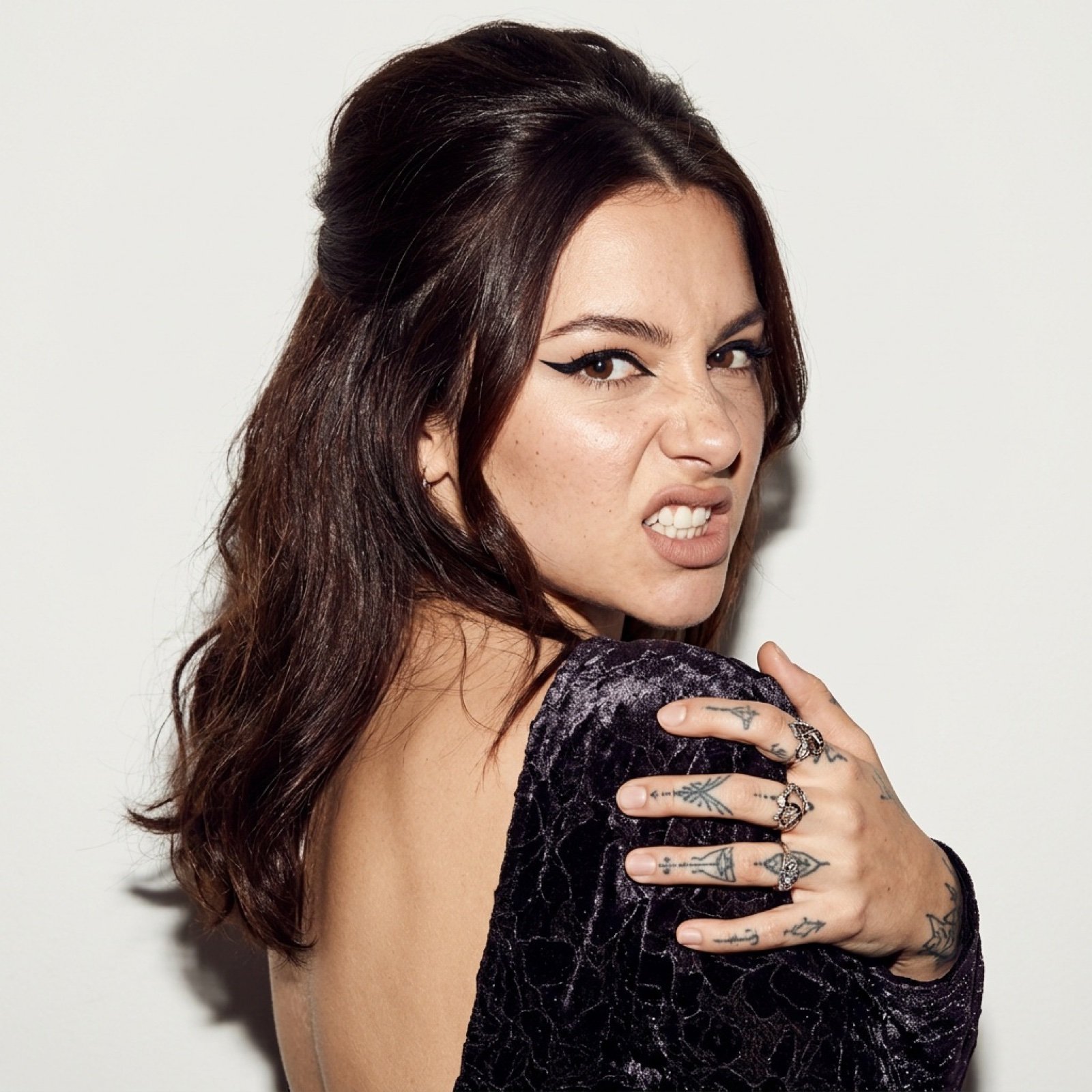
Charli D’Amelio High-Contrast Editorial Portrait
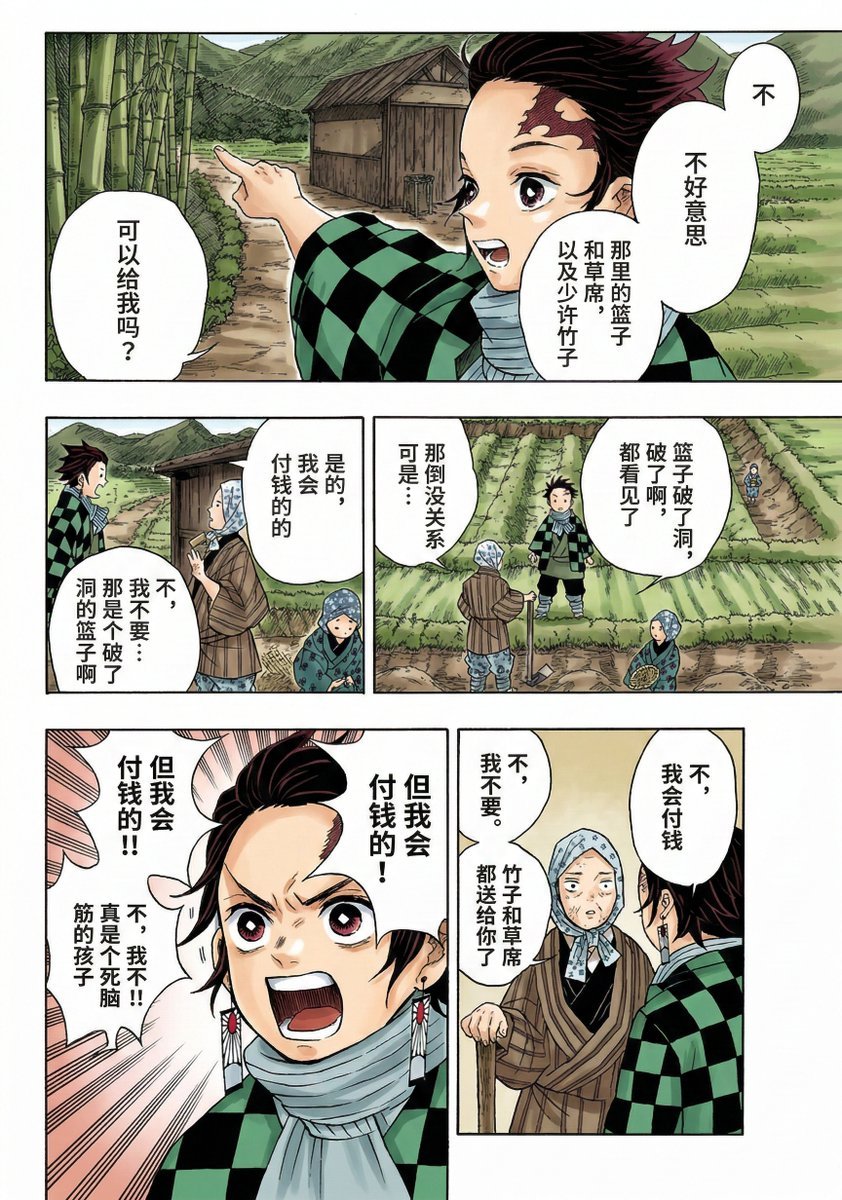
Nano Banana 2 Comic Coloring Prompt
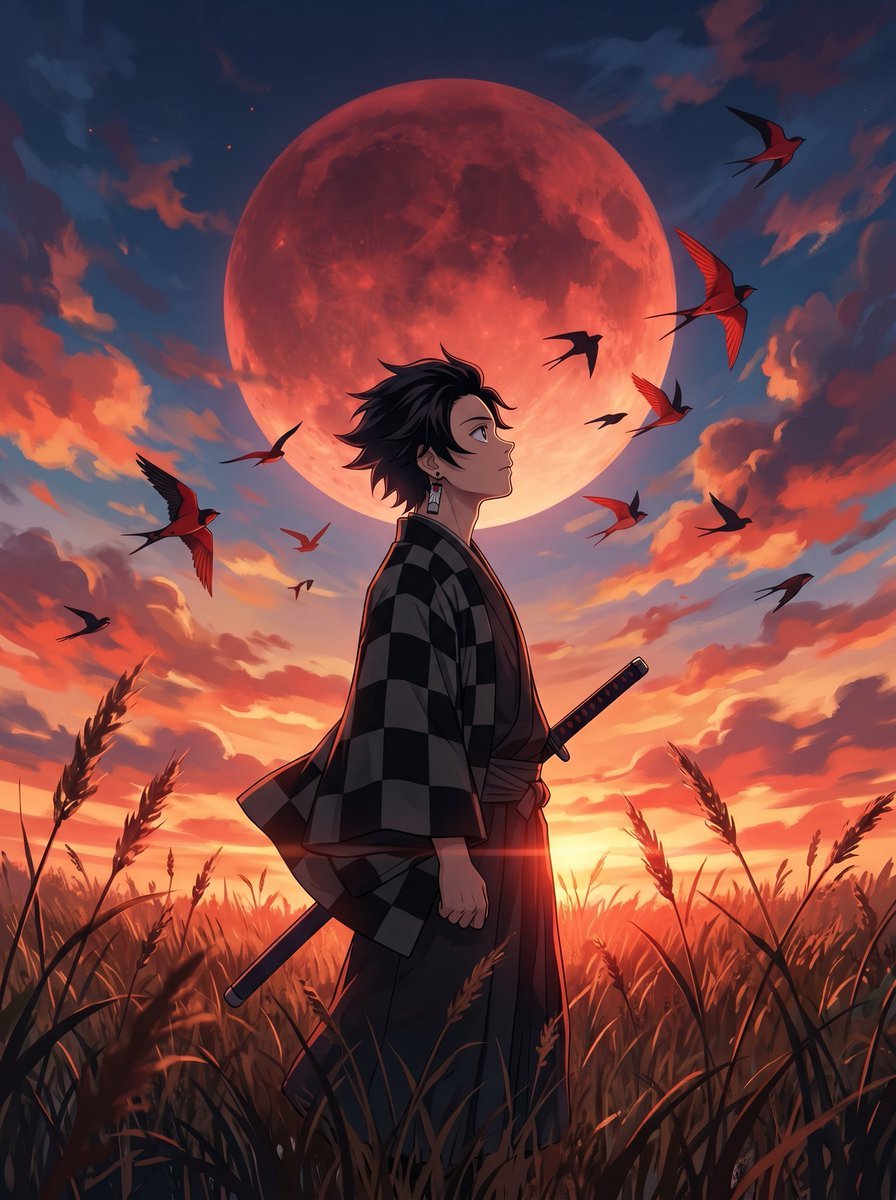
Cinematic Anime Warrior Under Crimson Moon
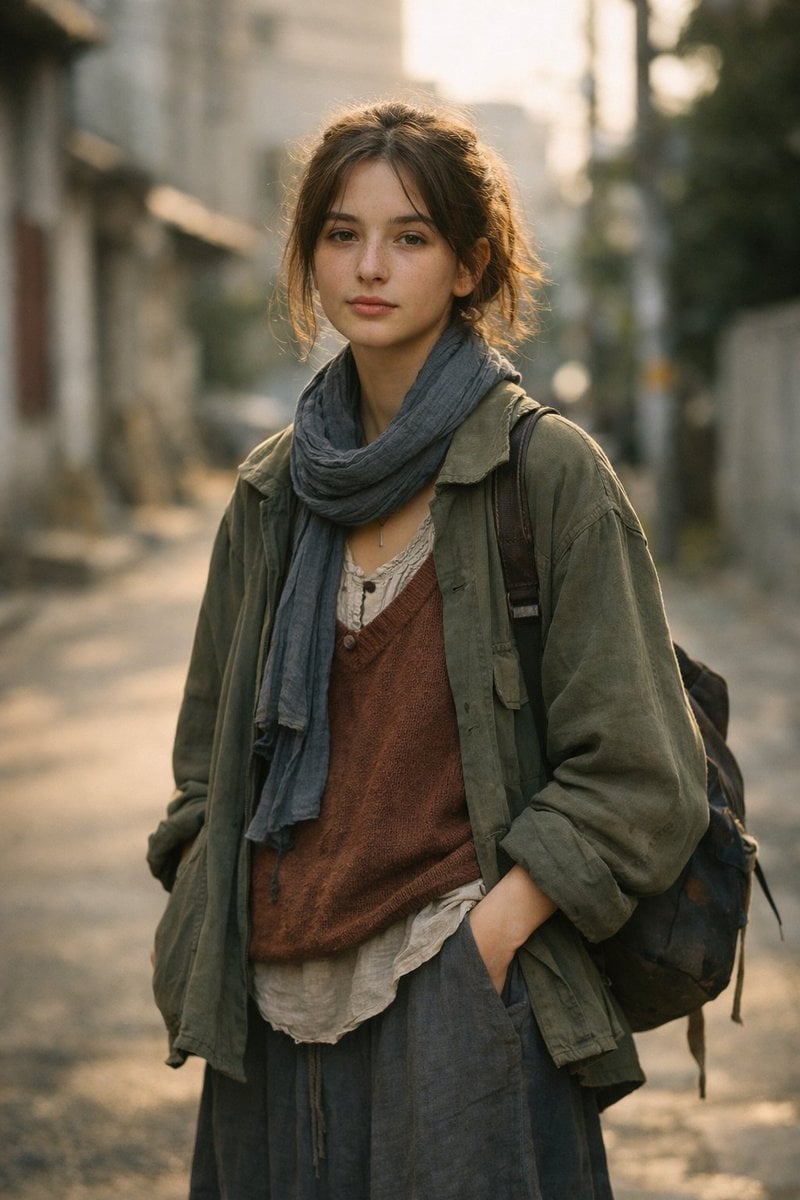
LLM prompt for generating a detailed travel itinerary for a trip to Japan

Beach Selfie Image Prompt for Nano Banana Pro
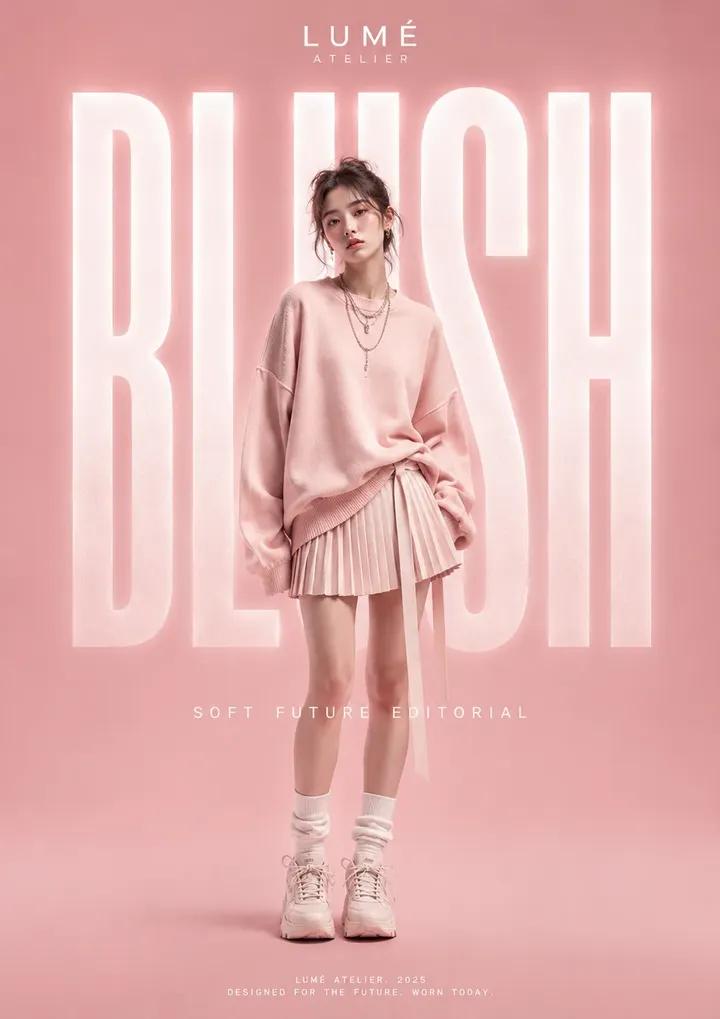
High Fashion Editorial Poster
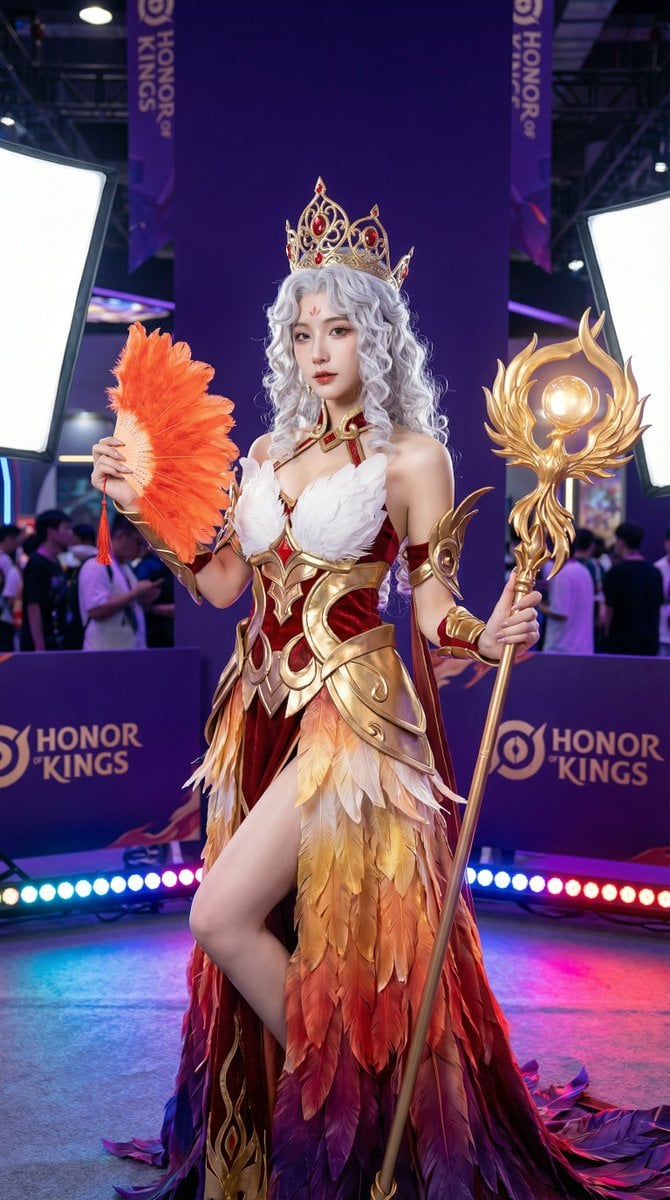
Detailed Photorealistic Cosplay Portrait Prompt: Phoenix Theme
Browse template categories
Hidden Duck in Miniature Venice questions
How do I use the Hidden Duck in Miniature Venice template?
Add your photo if the template asks for one, edit the prompt if you like — the template's model and format are already selected — and press Generate. Your version opens in PicX Studio.
Can I customize the Hidden Duck in Miniature Venice template?
Yes. You can change the subject, setting, lighting, mood, format, and available model controls before creating your image.
Is the Hidden Duck in Miniature Venice template free?
Opening and editing this template is free. Generating uses credits, shown on the Generate button when you are signed in.
Which AI model should I use?
Start with GPT Image 2, which is the model associated with this template. You can compare another compatible model for a different finish.
Looking for something else? Browse all templates.

Your photo, any look
Thousands of ready templates for every top image and video model, from one credit balance.