
Beach Selfie Image Prompt for Nano Banana Pro
A detailed image generation prompt for Nano Banana Pro, designed to create a playful, realistic selfie of a young woman on a cloudy beach, focusing on specific details like clothing, jewelry, lighting, and composition.

- Prompt included
- Model and format preset
- Premium template
The prompt behind this image
Copy the exact prompt behind Beach Selfie Image Prompt for Nano Banana Pro, or open it in the studio and make it yours.
{ "image_prompt": { “主题”: { 描述:年轻女子,肤色白皙,留着浅棕色长直发,几缕发丝随风飘扬。 “姿势”:“自拍角度,头部微微倾斜,俏皮地吐着舌头,目光看向镜头外侧面。” "visible_body": "肩膀、胸部和部分上身可见。" }, 着装:{ “上衣”:“{argument name="上衣颜色" default="黑色"}比基尼上衣,边缘有蕾丝花边装饰,配有细肩带。” “珠宝”: [ “金质叠层项链。” “镶嵌小水晶的金十字架吊坠。” “链条上镶嵌有金色‘CD’标志吊坠(迪奥风格)。” ] }, “环境”: { 地点:海滩环境。 “背景”: { “海洋”:波涛汹涌的海浪,泛着白色的泡沫,海水呈蓝灰色。 天空:阴天,间或有明亮的云朵,白色和灰色的云朵交错分布。 "distant_details": "远处码头或建筑物的轮廓以及水中的小人影。" } }, "lighting_and_atmosphere": { “类型”:“自然日光,略微逆光,在脸上形成柔和的阴影。” “氛围”:“轻松、休闲、夏日气息,海滩一日游。” "color_palette": "自然色调,清冷的海洋蓝,温暖的肤色,明亮的天空。" }, “technical_specs”: { “质量”:“4K、高清、超逼真、高分辨率。” 风格:逼真的自拍,抓拍。 “焦点”:“面部清晰对焦,背景景深略微柔和。” } } }
How to use Beach Selfie Image Prompt for Nano Banana Pro in 3 steps
- 1
Open
The prompt is already in the box next to the preview, with the template's model and format selected.
- 2…a portrait of your subject in softgolden-hour light, 85mm…
Personalize
Edit the subject and creative details for your destination.
- 3Generate
Generate
Press Generate — your image is created in PicX Studio, so you can compare it with the original and refine one variable at a time.
More like this
Templates with the same subject, style or setup. Open one to see its prompt.

Woman in Mall with Chanel Bag - Heart Gesture

Nano Banana Grwm Mirror Selfie Pink
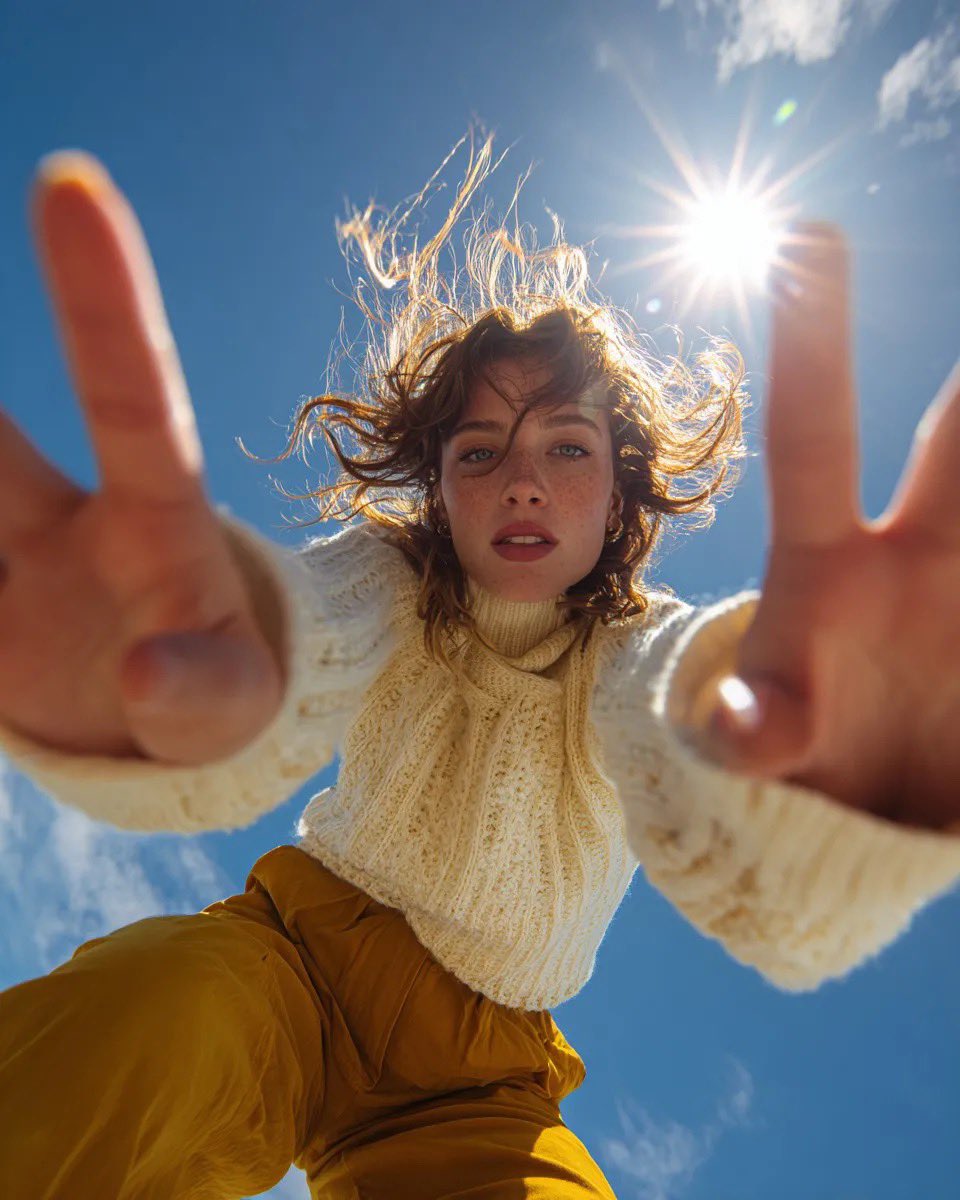
Ultra Wide Low-Angle Portrait — Sairah (Nano Banana)

Tropical Vacation Selfie — Nano Banana (Chryzleen)

Nano Banana - Peace Sign Bedroom Selfie

Rooftop Fisheye — Cat-Ear Balaclava at Golden Hour

Felt & Knit 3D Character — Photo-Exact Face, Pixar-Quality Plush Figurine

Eid al-Adha Cute Chaos — Fisheye Selfie with Farm Selfie, Mosque & Animals

Cat Photobomb Selfie — 0.5x Wide Angle Café Chaos

Gen Z Triple Selfie Collage — Y2K Flash Photography

Surreal Cat Astronaut — Humanoid Face Freefall
Make it yours
Beach Selfie Image Prompt for Nano Banana Pro works as-is. These are the safest ways to change it without losing the look.
Change one field
Copy a single group, rewrite it, and generate again so you can see what that field is doing.
Keep the frame, change the subject
Hold the composition and light of Beach Selfie Image Prompt for Nano Banana Pro, then swap wardrobe, props or the person for a new take.
| If the result… | Why | Fix |
|---|---|---|
| The result drifts from the preview | Too many fields changed at once. | Reuse Beach Selfie Image Prompt for Nano Banana Pro as-is first, then change one group — subject, light, or setting. |
| The model over-stylizes the scene | The prose prompt leaves finish and camera underspecified. | Add one camera or lighting sentence and stay on Nano Banana 2. |
More Nano Banana 2 templates
Other prompts made for Nano Banana 2.

Photorealistic Leaf Shaped Like a Dragon

K-Pop Idol Portrait Grid for Rapid Selection

Poetic Rain Forest Portrait During Golden Hour

Urban Street Portrait with Cartoon Inner Self Duo

Candid Nighttime Photo with Cat Prompt

High-Concept 3D Diorama Generation Prompt

Cinematic Futuristic Studio Portrait Template

Skincare Editorial Photography Collage Prompt

Hyper-Realistic Commercial Product Photography (Splash Effect)

Hyper-Realistic Nightclub Portrait Prompt
More image prompts
Fresh picks from across the catalog.

Gym Besties Mirror Selfie
UGC Skincare Review - Seedance 2.0
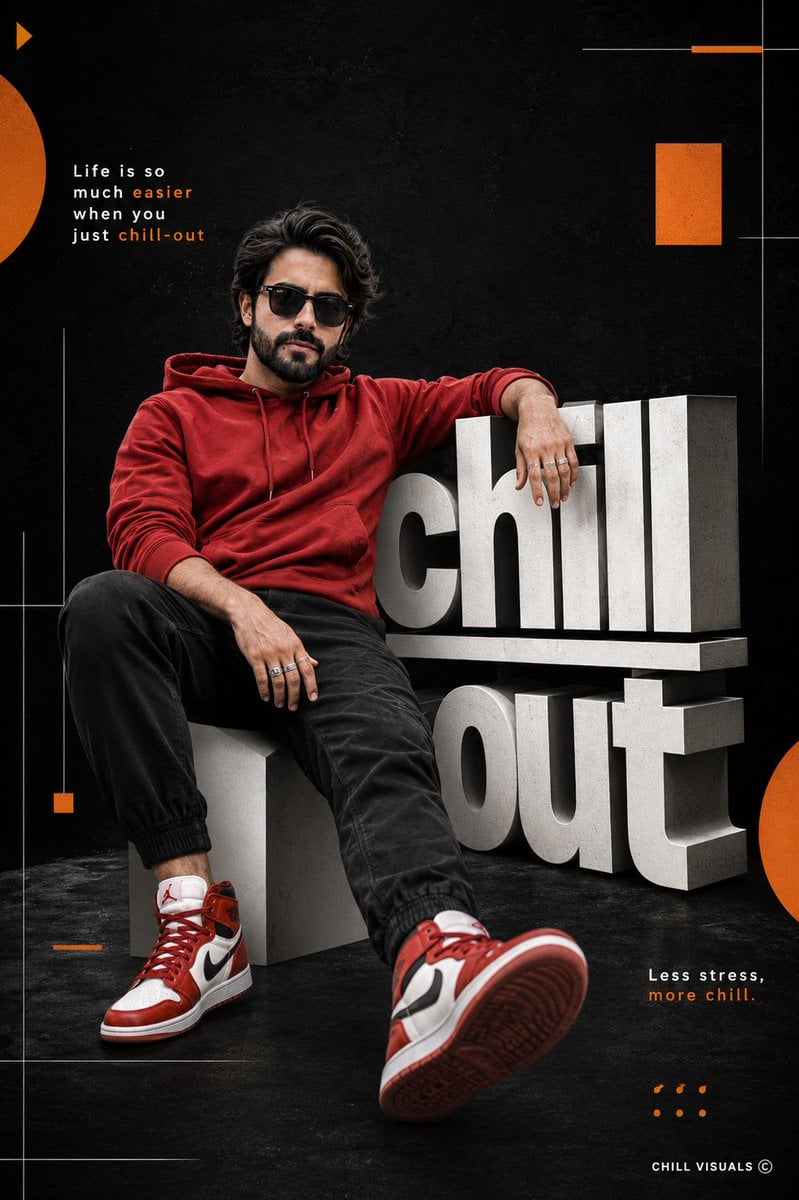
Hyper-Realistic Chill-out Cinematic Poster
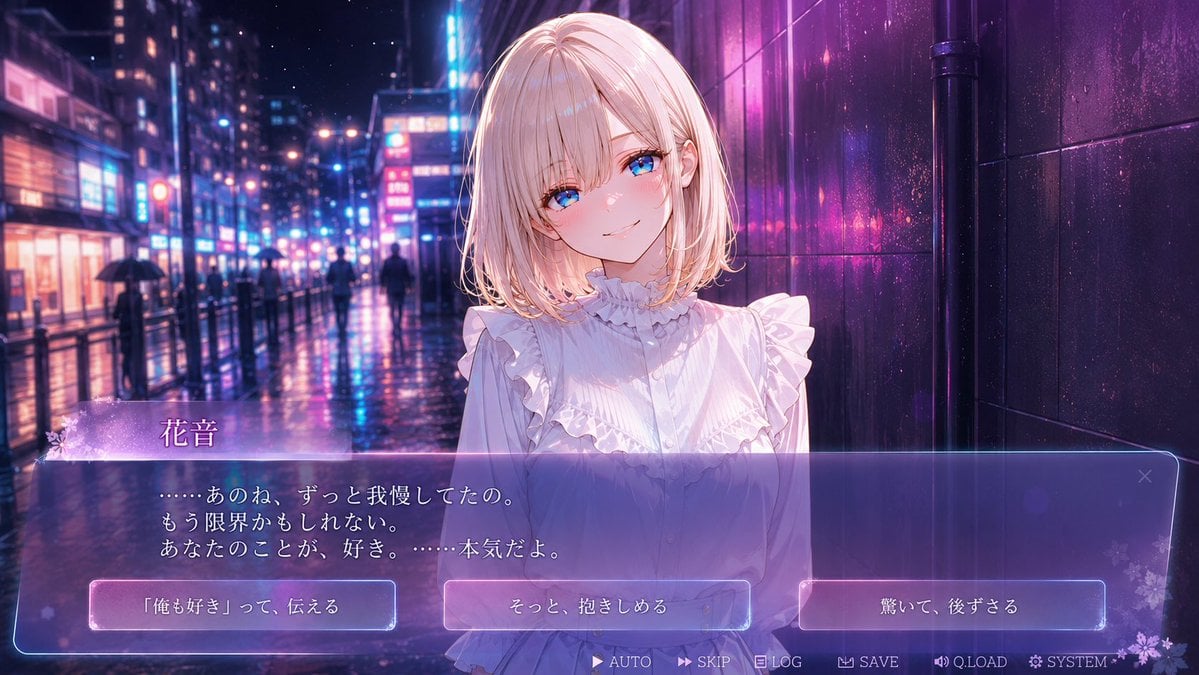
Rainy Neon Visual Novel Confession
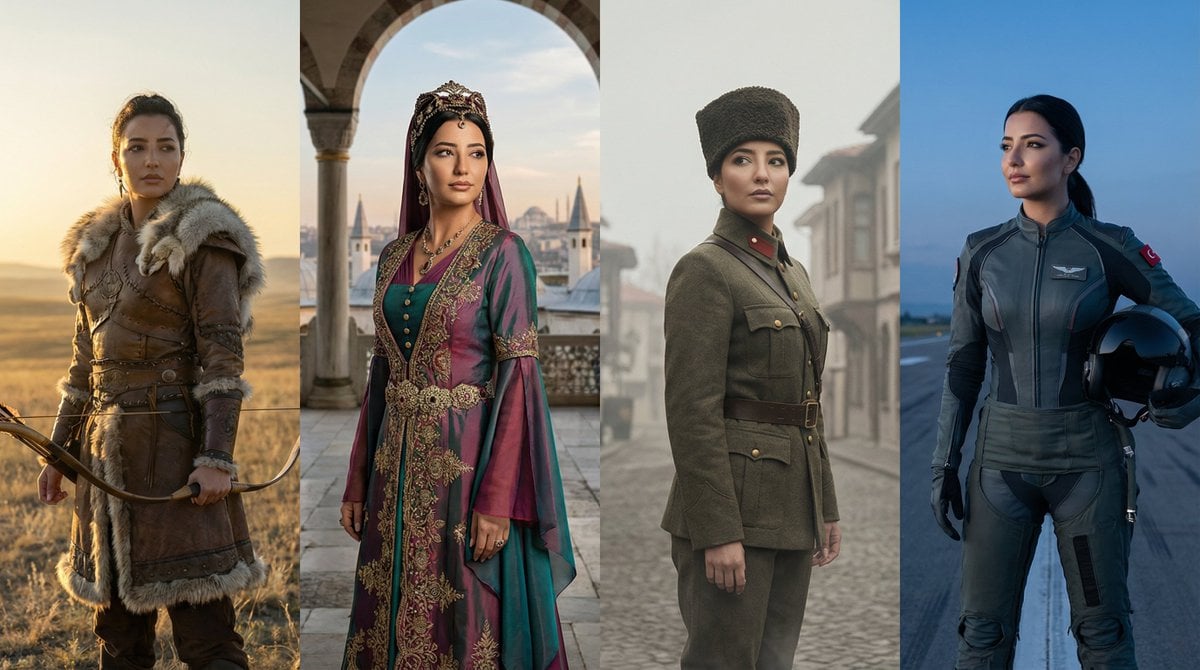
Turkish History Character Grid
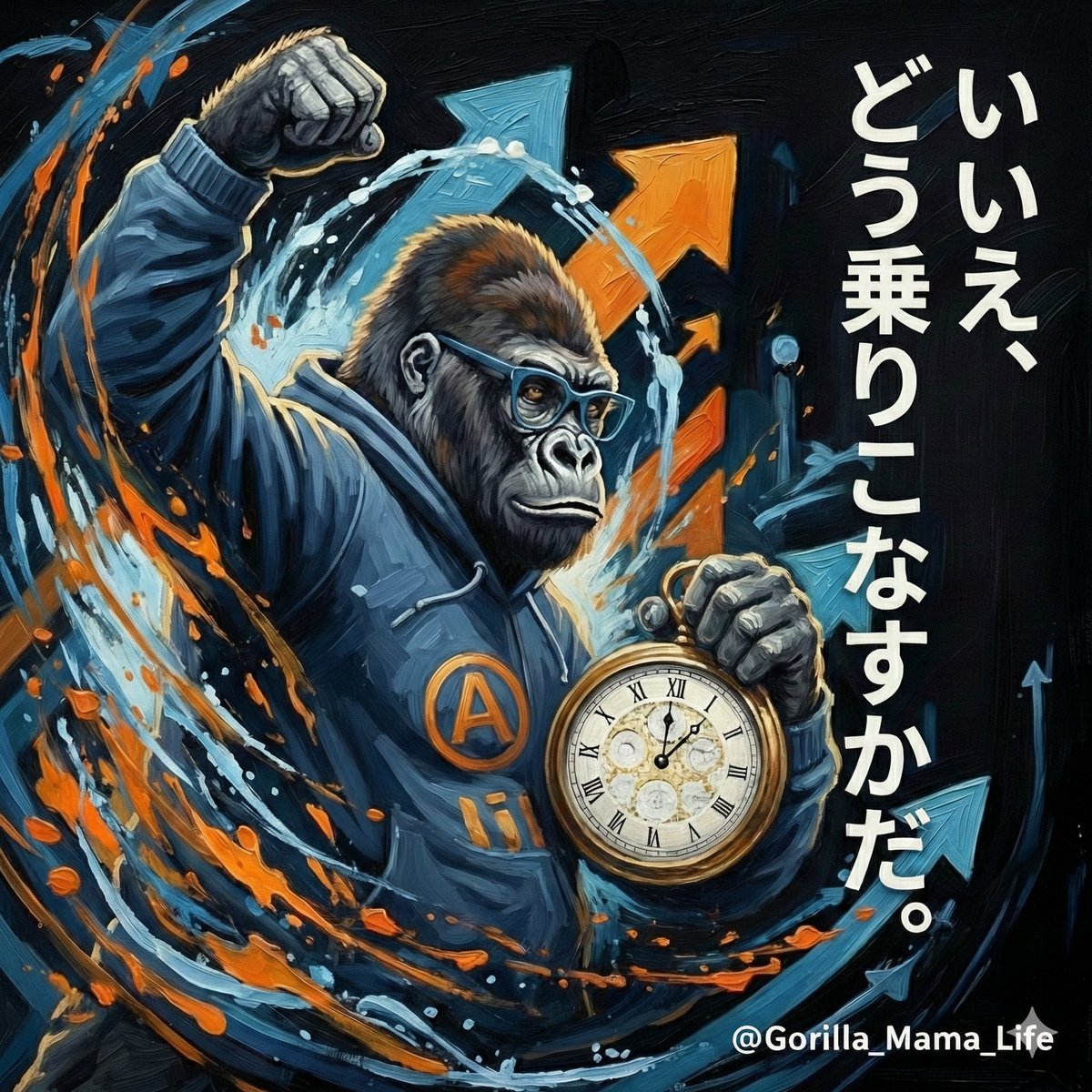
Action-Packed Gorilla Illustration Prompt
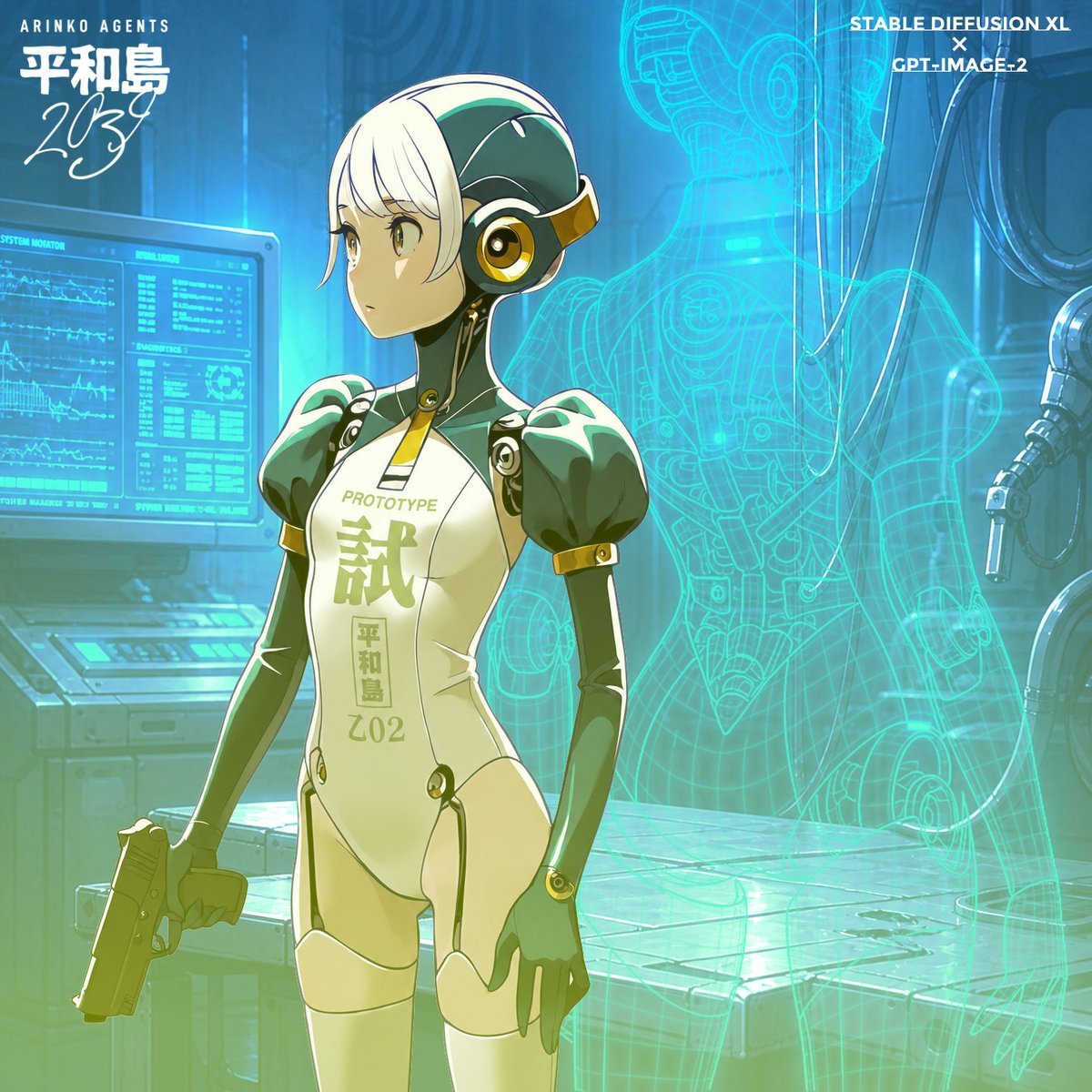
Anime Android Agent Lab Poster
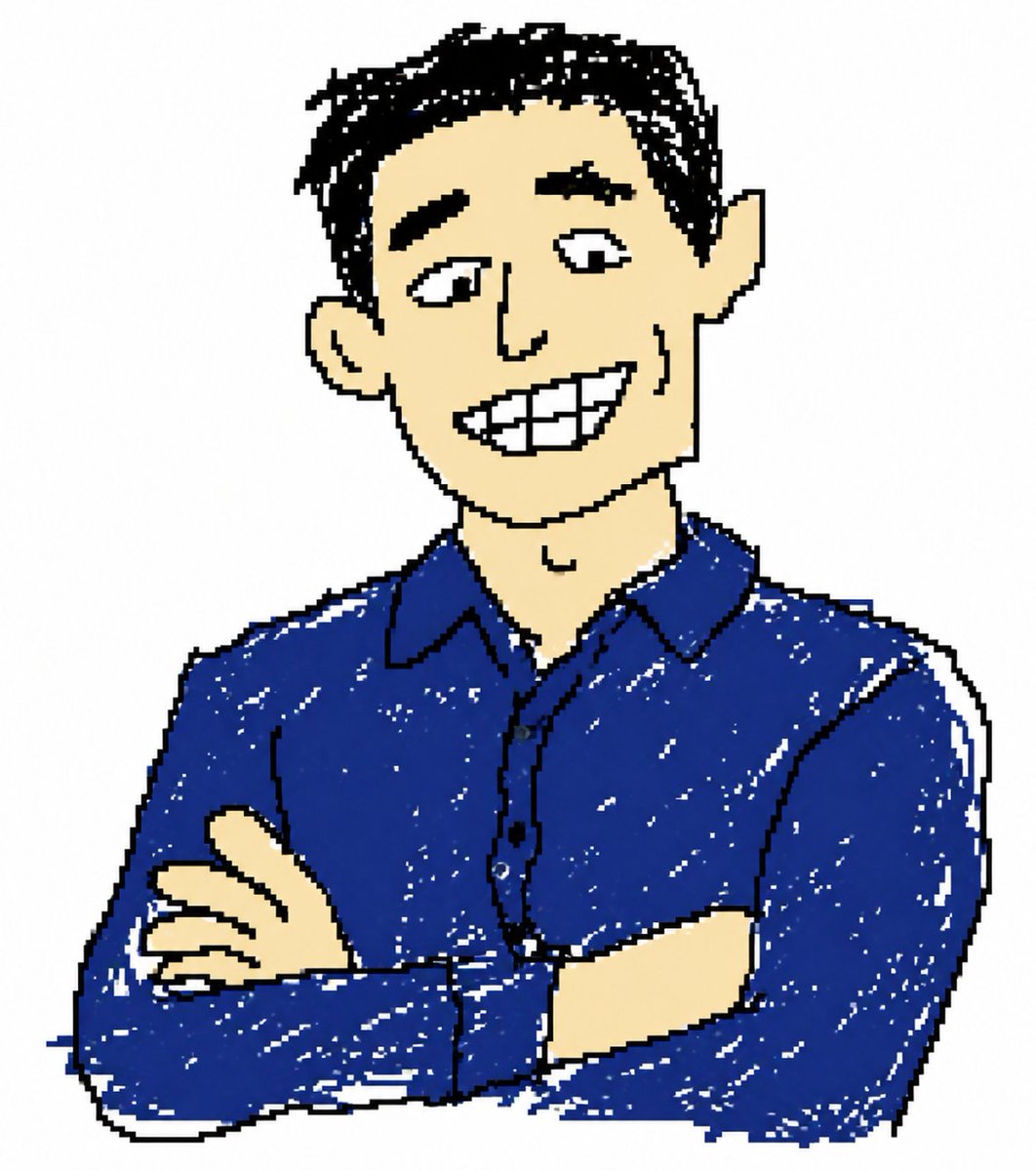
Clumsy MS Paint Style Redraw
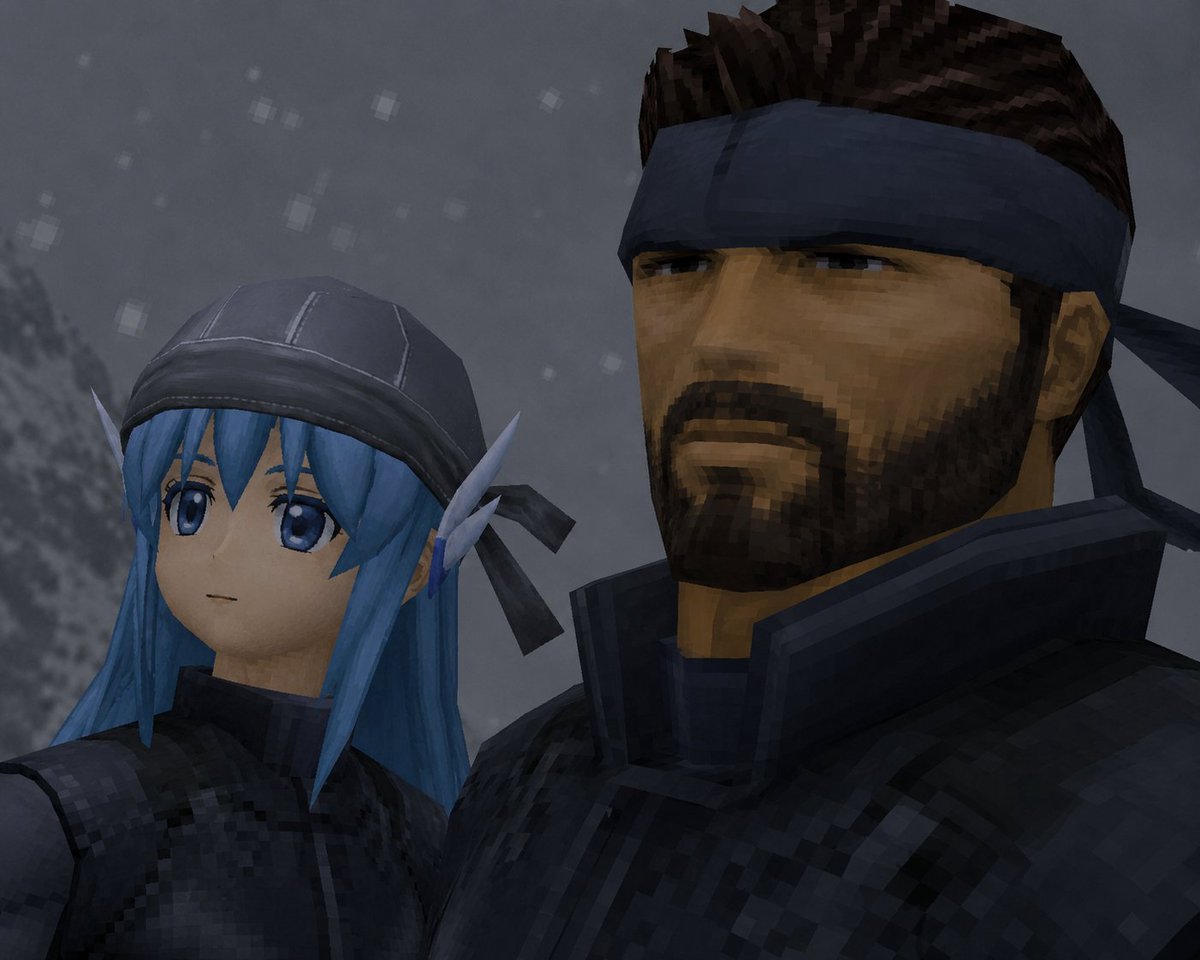
Retro Snowy Tactical Selfie
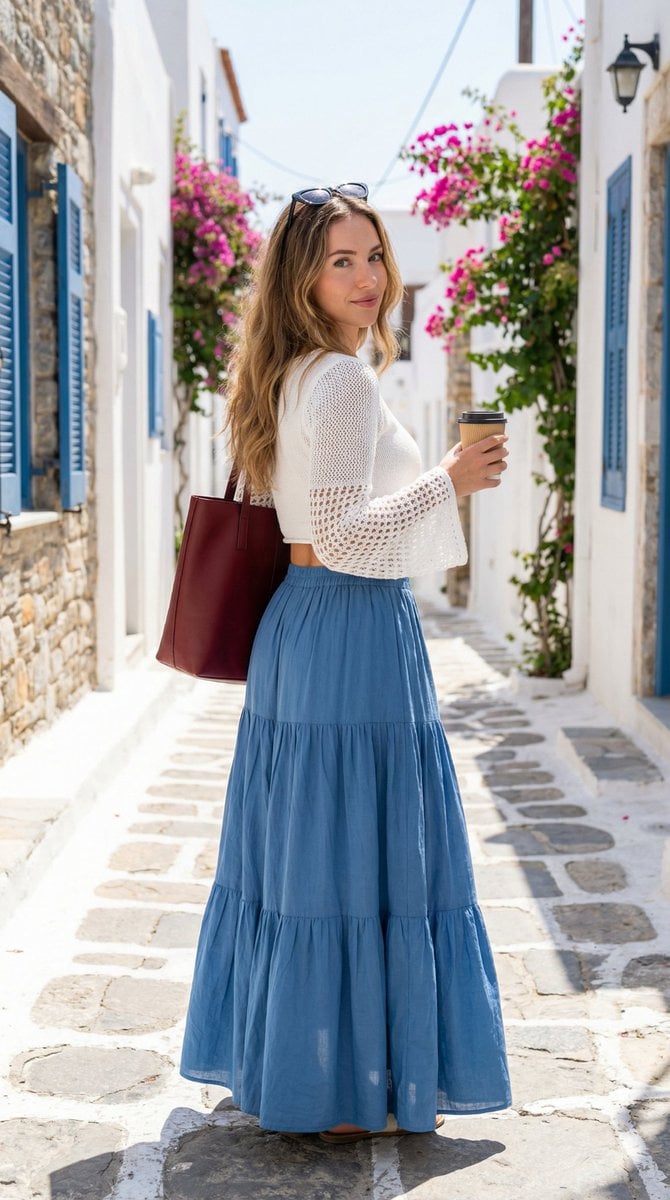
Mediterranean Fashion Lifestyle Portrait Prompt
Browse template categories
Beach Selfie Image Prompt for Nano Banana Pro questions
How do I use the Beach Selfie Image Prompt for Nano Banana Pro template?
Add your photo if the template asks for one, edit the prompt if you like — the template's model and format are already selected — and press Generate. Your version opens in PicX Studio.
Can I customize the Beach Selfie Image Prompt for Nano Banana Pro template?
Yes. You can change the subject, setting, lighting, mood, format, and available model controls before creating your image.
Is the Beach Selfie Image Prompt for Nano Banana Pro template free?
Opening and editing this template is free. Generating uses credits, shown on the Generate button when you are signed in.
Which AI model should I use?
Start with Nano Banana 2, which is the model associated with this template. You can compare another compatible model for a different finish.
Looking for something else? Browse all templates.

Your photo, any look
Thousands of ready templates for every top image and video model, from one credit balance.