
Anime Android Agent Lab Poster
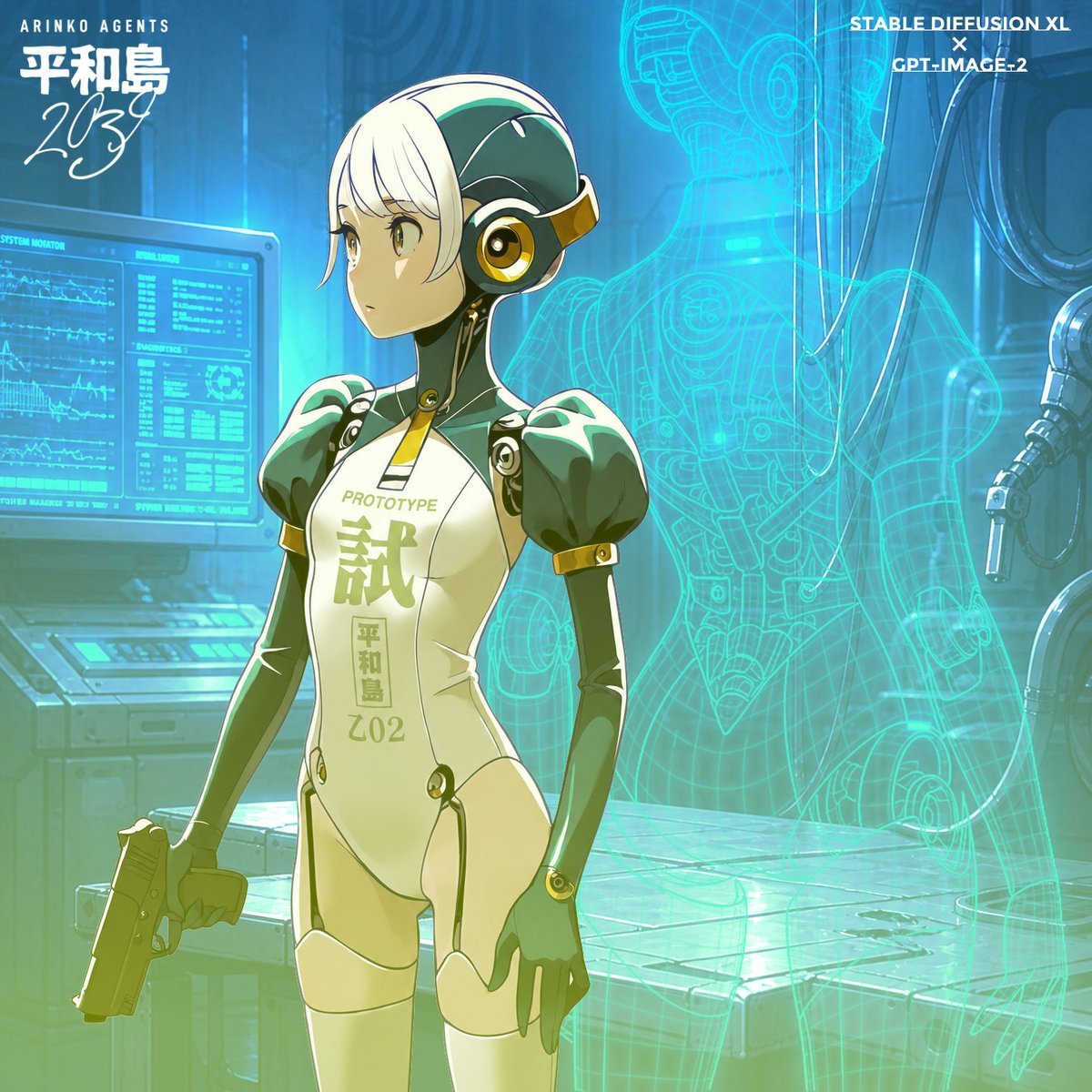
Generates a square sci-fi anime character poster featuring a prototype android agent in a holographic cybernetics lab.
- Prompt included
- Model and format preset
- Premium template
The prompt behind this image
Copy the exact prompt behind Anime Android Agent Lab Poster, or open it in the studio and make it yours.
Create a polished anime sci-fi character composite in a square 1:1 format: a slender female prototype android agent stands slightly left of center in a blue-green cybernetics laboratory, shown from thighs up in a confident neutral pose with one hand holding a compact pistol pointed downward and the other relaxed at her side. She has short white bob-cut hair with long side bangs, one visible large golden anime eye, and a dark green mechanical head/neck assembly with gold trim and circular goggle-like ear hardware; place a soft opaque beige rectangular censor block over the center of her face as if anonymized. Her body is a glossy cream and dark emerald humanoid robot suit with rounded puffed shoulder armor, gold connector rings, black joint seams, slim mechanical arms, pale thigh armor, and printed torso markings: small English text "PROTOTYPE" above one large kanji-like emblem {argument name="suit insignia" default="試"}, with a vertical unit label {argument name="unit label" default="平和島 202"} below it. The background is a futuristic maintenance bay with cool cyan lighting, a left-side diagnostic monitor showing dense waveform graphs and system panels, industrial cables and robotic equipment on the right, and a large translucent turquoise holographic wireframe of a female android body behind the character, including visible head, torso, arm, pelvis, and leg construction lines, glowing like a CAD projection. Add three prominent typography groups: top left small text "ARINKO AGENTS" above a bold Japanese-style character name {argument name="character name" default="平和島"} and a handwritten year {argument name="year text" default="203"}; top right stacked white credit text {argument name="credit text" default="STABLE DIEFUSION XL × GPT-IMAGE-2"}; and the suit chest text described above. Use high-detail cel-shaded anime rendering, crisp line art, glossy highlights, teal atmospheric bloom, subtle green gradient wash near the bottom, cinematic depth, and a clean promotional concept-art look.
How to use Anime Android Agent Lab Poster in 3 steps
- 1Upload ImagePNG, JPG or paste
Add your photo
Upload the photo the template builds on. The prompt, model and format are already set.
- 2…a portrait of your subject in softgolden-hour light, 85mm…
Personalize
Edit the subject and creative details for your destination.
- 3Generate
Generate
Press Generate — your image is created in PicX Studio, so you can compare it with the original and refine one variable at a time.
More like this
Templates with the same subject, style or setup. Open one to see its prompt.

Captain Tsubasa Anime World Cup Poster

Gpt2 Youtube Thumbnail Anime Music Bootcamp Promo Poster
Android Quantum Lab Workstation

Japan Travel Brochure Poster

Nice Day Anime Poster
Cyberpunk Flova AI Agent Poster

Cel 2D Finale Fireworks

Cel 2D Garden Maze

Cel 2D Rooftop Concert

Cel 2D Bicycle Coast

Cel 2D Castle Gate

Cel 2D Kitchen Chaos
Make it yours
Anime Android Agent Lab Poster works as-is. These are the safest ways to change it without losing the look.
Change one field
Copy a single group, rewrite it, and generate again so you can see what that field is doing.
Keep the frame, change the subject
Hold the composition and light of Anime Android Agent Lab Poster, then swap wardrobe, props or the person for a new take.
| If the result… | Why | Fix |
|---|---|---|
| The result drifts from the preview | Too many fields changed at once. | Reuse Anime Android Agent Lab Poster as-is first, then change one group — subject, light, or setting. |
| The model over-stylizes the scene | The prose prompt leaves finish and camera underspecified. | Add one camera or lighting sentence and stay on GPT Image 2. |
More GPT Image 2 templates
Other prompts made for GPT Image 2.

Six VTuber Japanese Logo Sheet

Realistic Portrait of Woman and Deer

The Vista Modular Condo Poster

AI Model Routing Comparison Infographic

2.5D Anime Art Board

Isometric Productivity Desk Scene

New York Double Exposure Poster

Four-Panel AI Landscape Comparison

Japanese Tatami Lifestyle Magazine Cover

NESCAFÉ Coffee Map Poster
More image prompts
Fresh picks from across the catalog.
Luxury Lifestyle Portrait with Horse
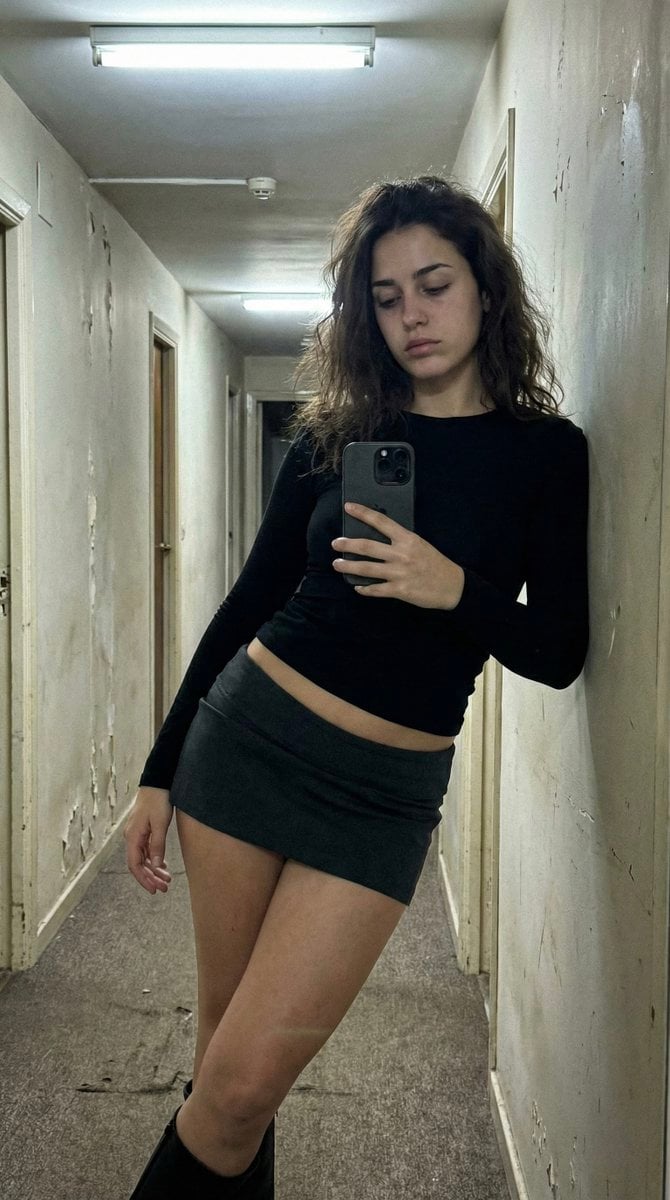
Ultra Photorealistic iPhone Selfie in an Empty Hallway
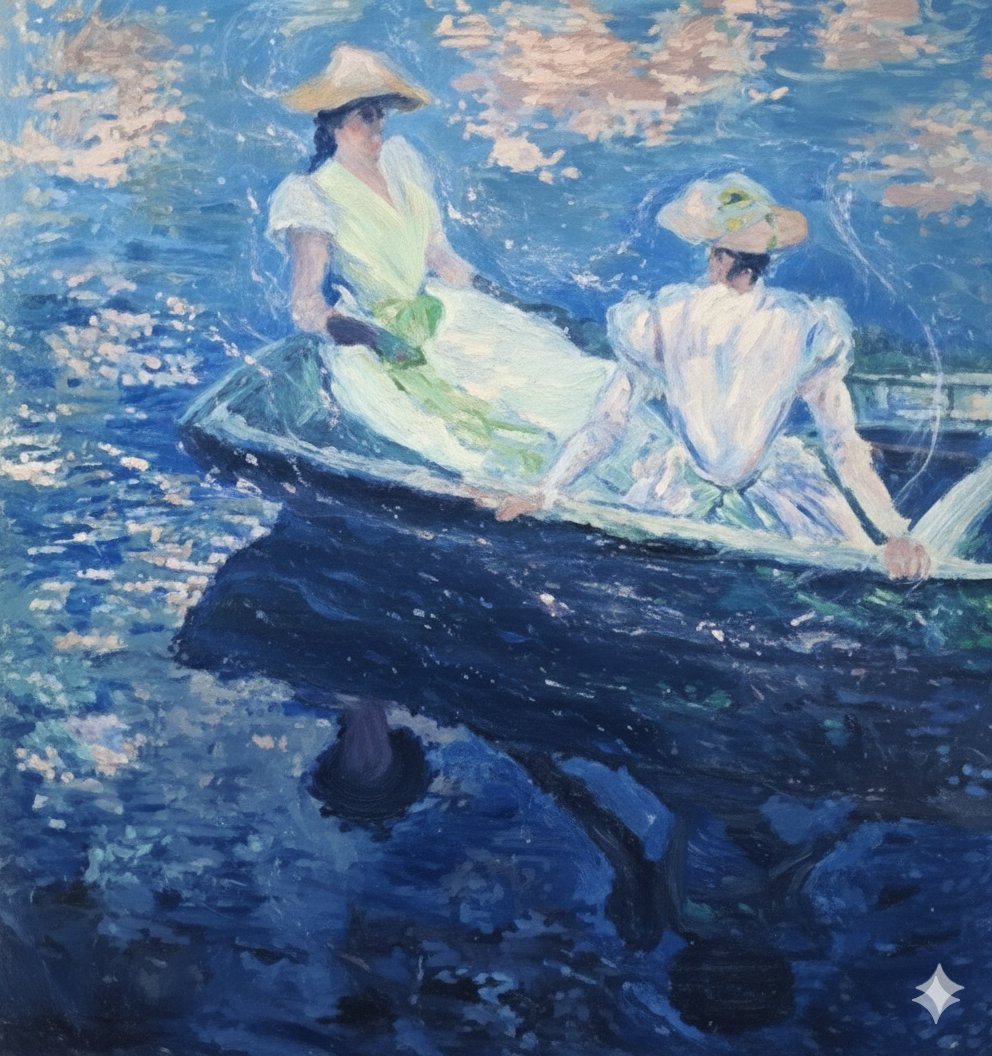
Image generation prompt for Nano Banana Pro: Monet's 'Boating' in an ethereal style
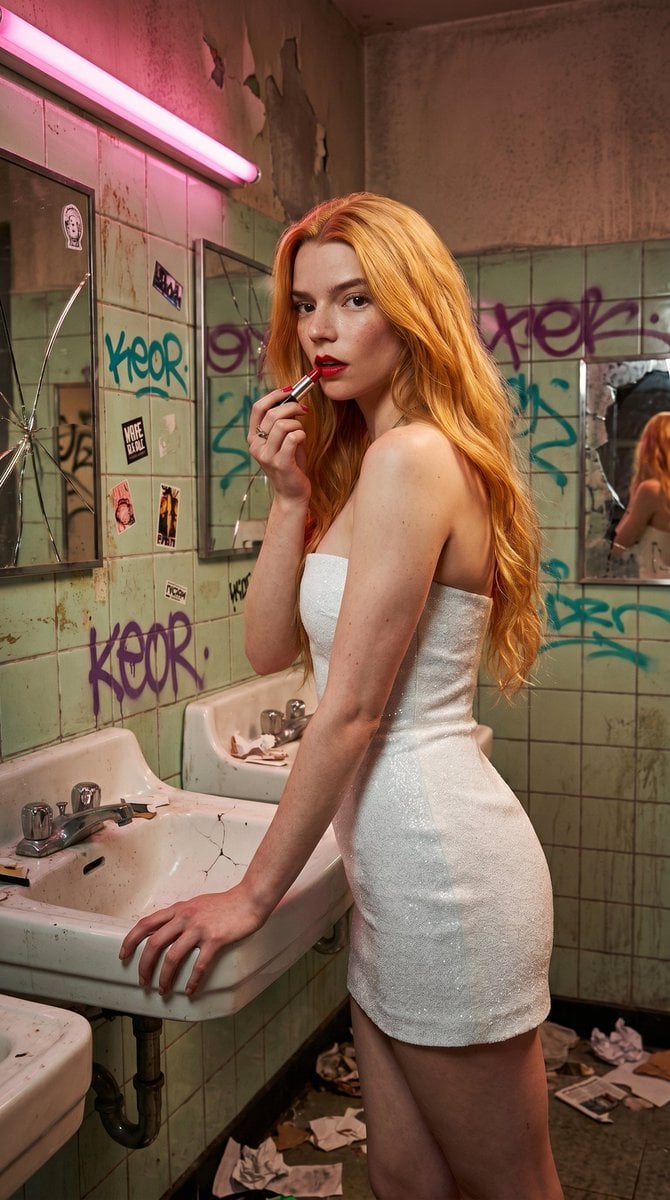
Gritty Urban Restroom Portrait
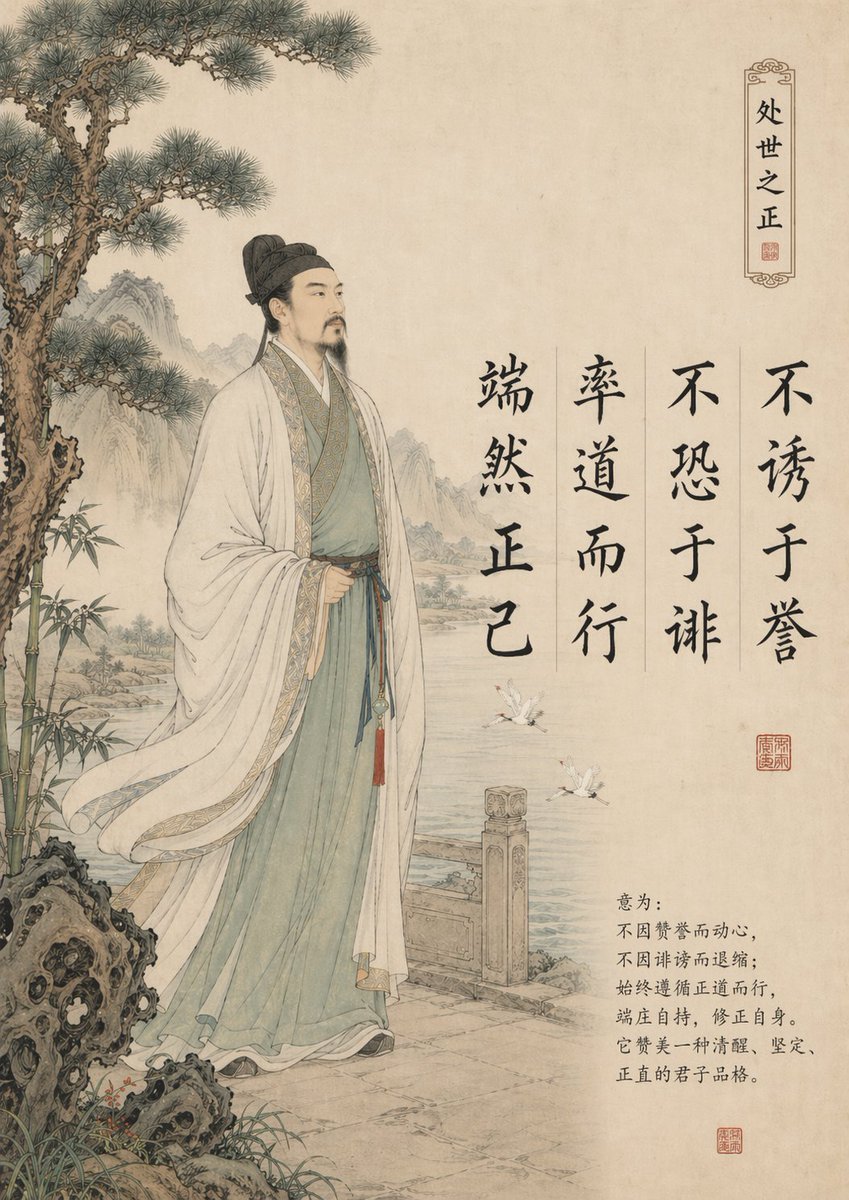
Traditional Chinese Gongbi Art with Quote
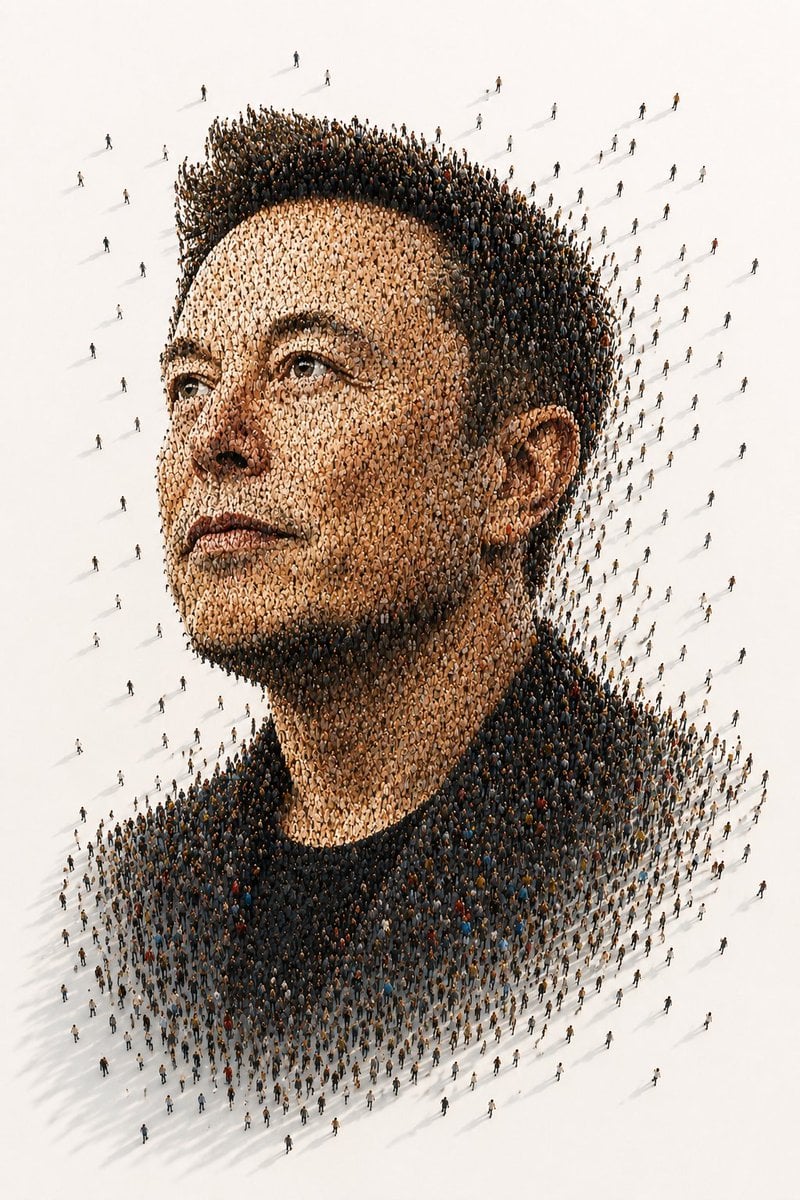
Tiny People Crowd Portrait
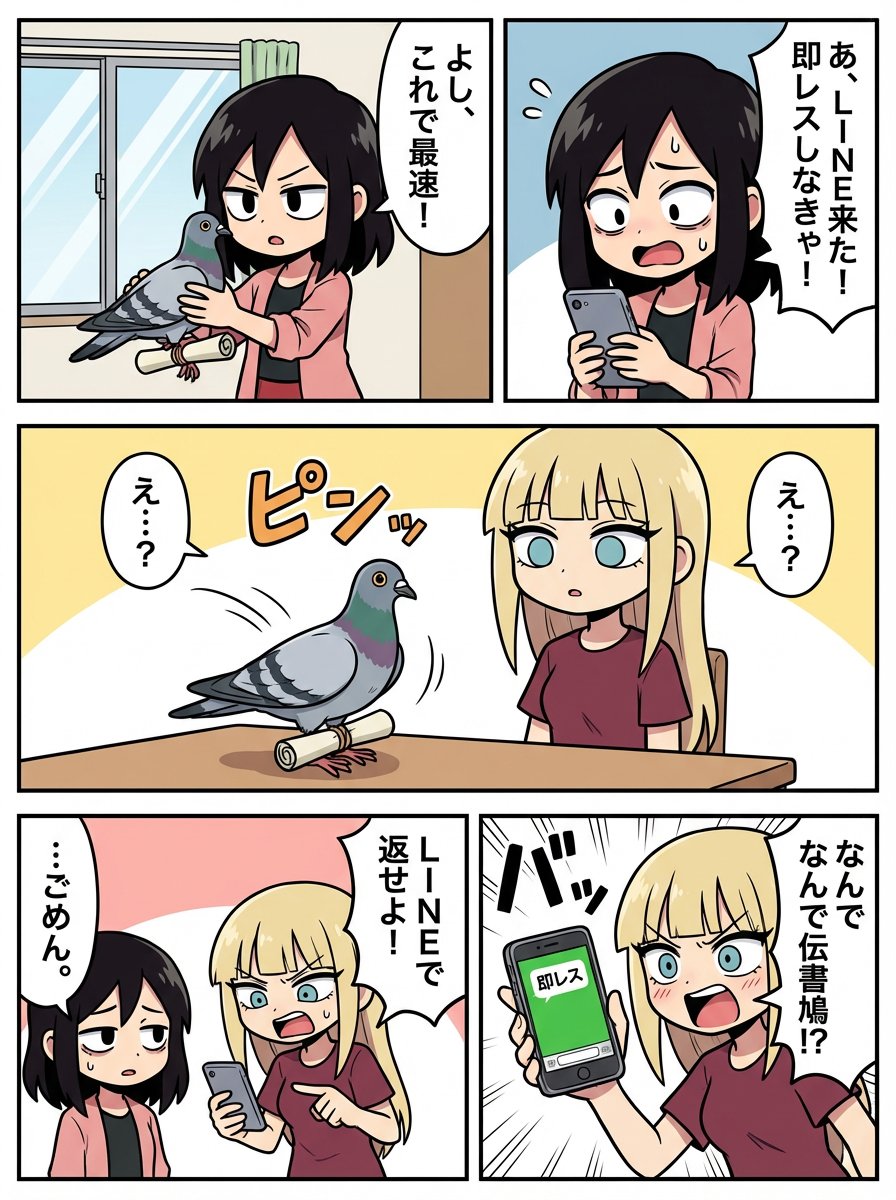
Japanese Text Prompt about Quick Replies and Trust
YouTube Subtitle Base Generation Prompt
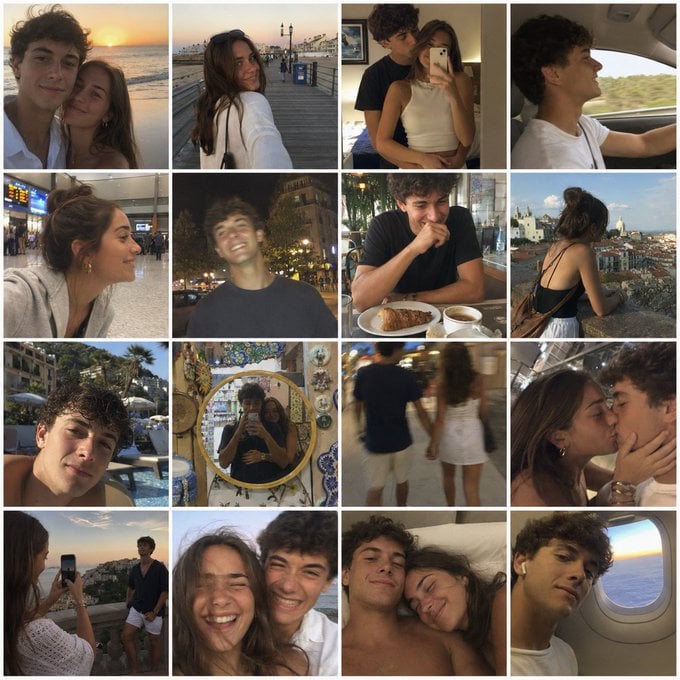
Nostalgic Vacation iPhone Snapshot Grid
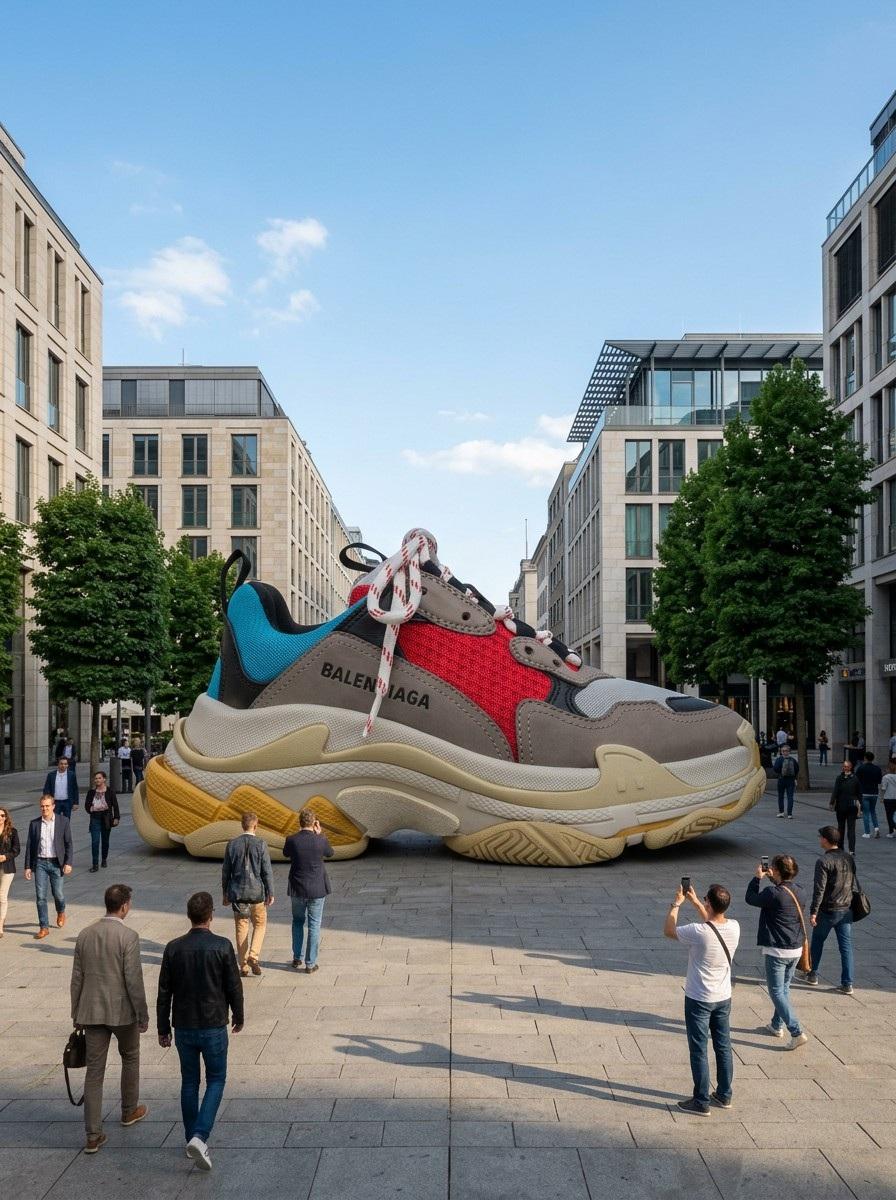
Giant Product Art Installation Prompt for Nano Banana Pro
Browse template categories
Anime Android Agent Lab Poster questions
How do I use the Anime Android Agent Lab Poster template?
Add your photo if the template asks for one, edit the prompt if you like — the template's model and format are already selected — and press Generate. Your version opens in PicX Studio.
Can I customize the Anime Android Agent Lab Poster template?
Yes. You can change the subject, setting, lighting, mood, format, and available model controls before creating your image.
Is the Anime Android Agent Lab Poster template free?
Opening and editing this template is free. Generating uses credits, shown on the Generate button when you are signed in.
Which AI model should I use?
Start with GPT Image 2, which is the model associated with this template. You can compare another compatible model for a different finish.
Looking for something else? Browse all templates.

Your photo, any look
Thousands of ready templates for every top image and video model, from one credit balance.