
Android Quantum Lab Workstation
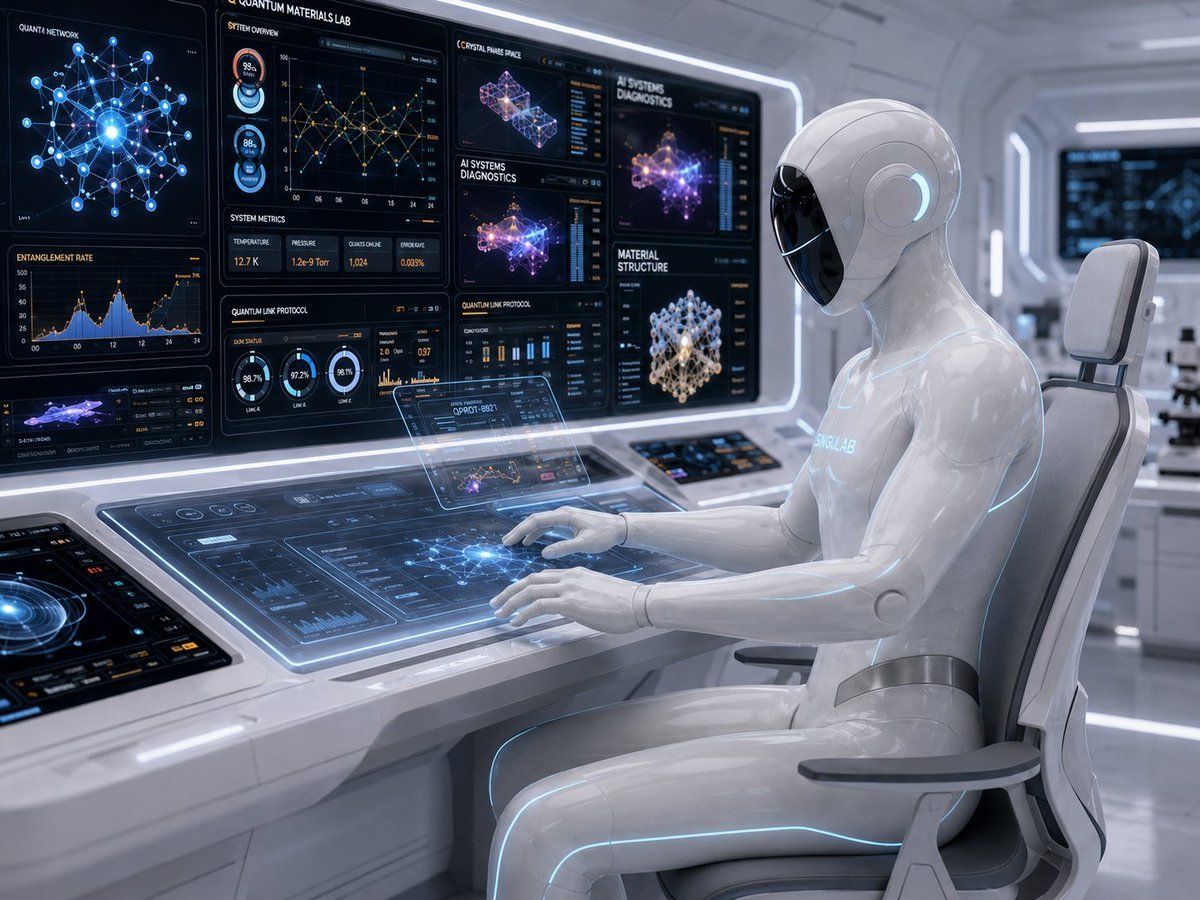
A photorealistic futuristic scene of a white humanoid android operating transparent quantum diagnostics interfaces in a high-tech laboratory.
- Prompt included
- Model and format preset
- Free template
The prompt behind this image
Copy the exact prompt behind Android Quantum Lab Workstation, or open it in the studio and make it yours.
Create a cinematic photorealistic sci‑fi scene inside a pristine futuristic laboratory, showing a glossy white humanoid android seated at an advanced command workstation, viewed from a three-quarter side angle. The android has a smooth featureless black glass face visor, rounded helmet-like head, sleek white synthetic body panels, subtle glowing cyan seams along the arms, torso, legs, and head, and the word {argument name="android chest label" default="SINGULAR"} faintly illuminated on its chest. It sits in a modern ergonomic white chair with gray armrests, both hands hovering over and touching a glowing transparent touchscreen console. The lab is bright white and silver with curved wall panels, soft blue-white LED strips, clean reflective floors, and depth-of-field background monitors. The workstation should contain exactly 7 major display areas: 1 large left vertical monitor labeled {argument name="left monitor title" default="QUANTA NETWORK"} with a blue node-and-edge quantum network diagram and an entanglement rate chart below it; 1 central upper monitor labeled {argument name="main lab title" default="QUANTUM MATERIALS LAB"} with system overview charts, circular status gauges, line graphs, and system metrics; 1 right upper monitor panel with multiple cards for crystal phase space, AI systems diagnostics, and material structure; 1 wide horizontal transparent main console under the robot’s hands with glowing blue interface panels, graphs, and a central network visualization; 1 small floating holographic display above the console showing dense technical data and a miniature chart; 1 angled auxiliary touchscreen on the far left foreground with a circular blue scanner interface; and 1 small embedded control tablet near the back of the desk with colorful buttons. Use readable futuristic UI text sparingly, including labels such as {argument name="diagnostic label" default="AI SYSTEMS DIAGNOSTICS"}, {argument name="materials label" default="MATERIAL STRUCTURE"}, “SYSTEM OVERVIEW,” “SYSTEM METRICS,” “QUANTUM LINK PROTOCOL,” and “ENTANGLEMENT RATE.” Visual style: ultra-detailed 3D render, photorealistic hard-surface design, glossy white polymer and brushed metal materials, transparent glass UI surfaces, luminous cyan and electric blue highlights, small orange/yellow chart accents, shallow depth of field, volumetric soft lighting, high-tech medical-clean atmosphere. Composition should emphasize the android on the right and the dense quantum-computing dashboard wall on the left, with realistic reflections and no clutter. Avoid extra characters, logos, watermarks, distorted hands, or unreadable oversized text.
How to use Android Quantum Lab Workstation in 3 steps
- 1Upload ImagePNG, JPG or paste
Add your photo
Upload the photo the template builds on. The prompt, model and format are already set.
- 2…a portrait of your subject in softgolden-hour light, 85mm…
Personalize
Edit the subject and creative details for your destination.
- 3Generate
Generate
Press Generate — your image is created in PicX Studio, so you can compare it with the original and refine one variable at a time.
More like this
Templates with the same subject, style or setup. Open one to see its prompt.

Rainy Night Android Cyberpunk Portrait
Rainy Night Android Cyberpunk Portrait
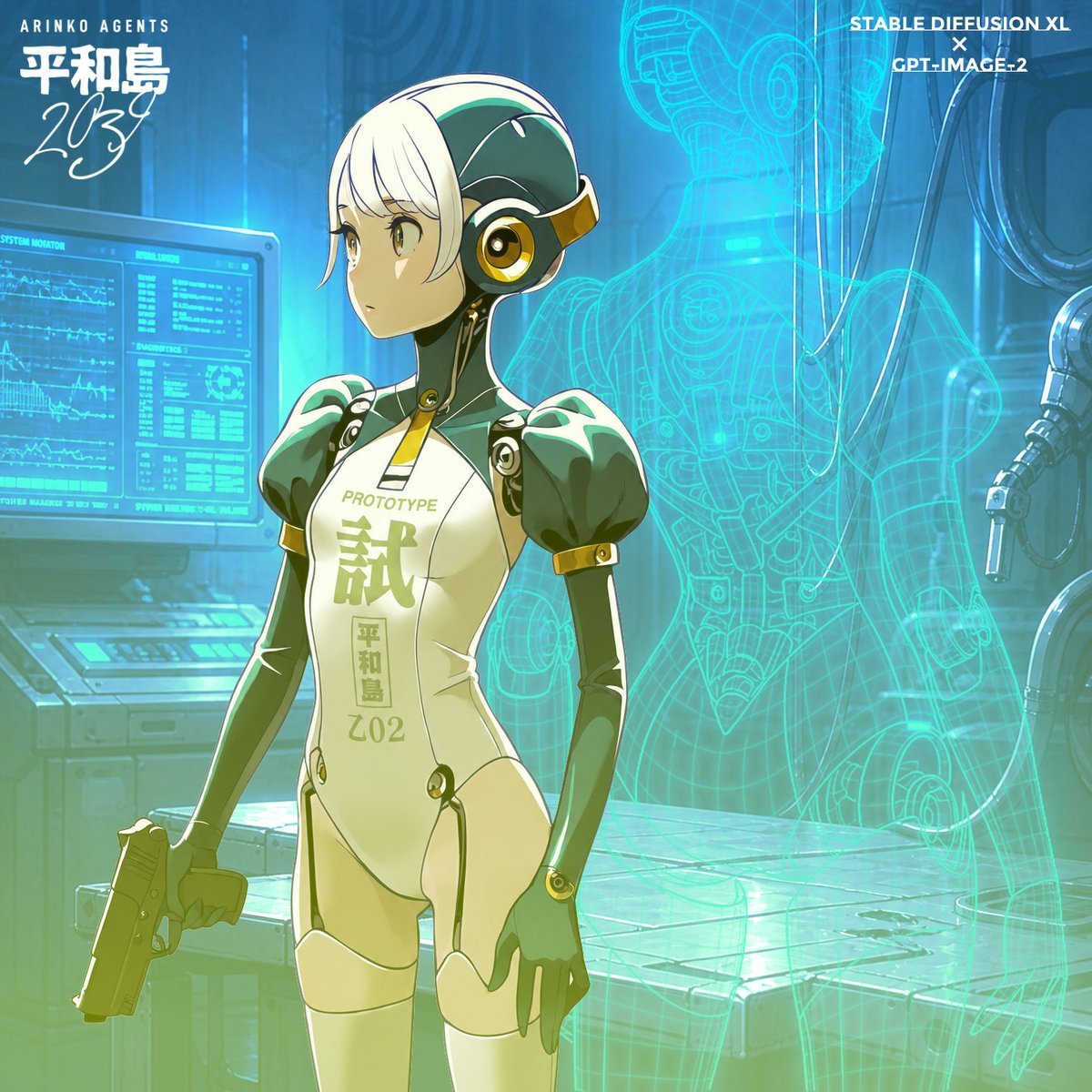
Anime Android Agent Lab Poster

Minecraft Japanese Research Lab Exploration
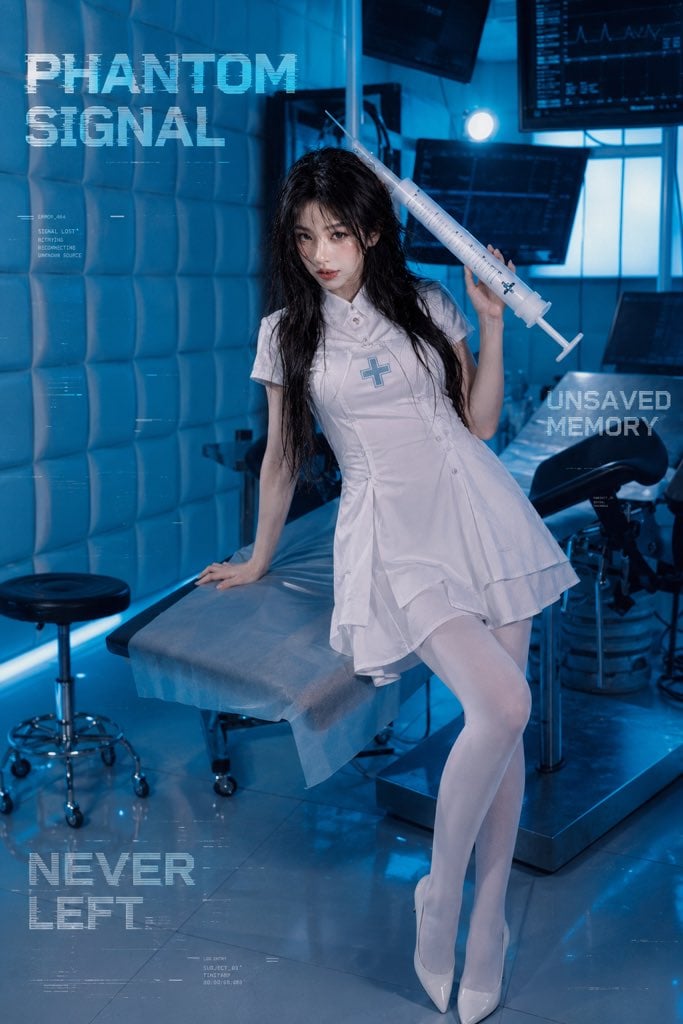
Future Medical Lab Scene
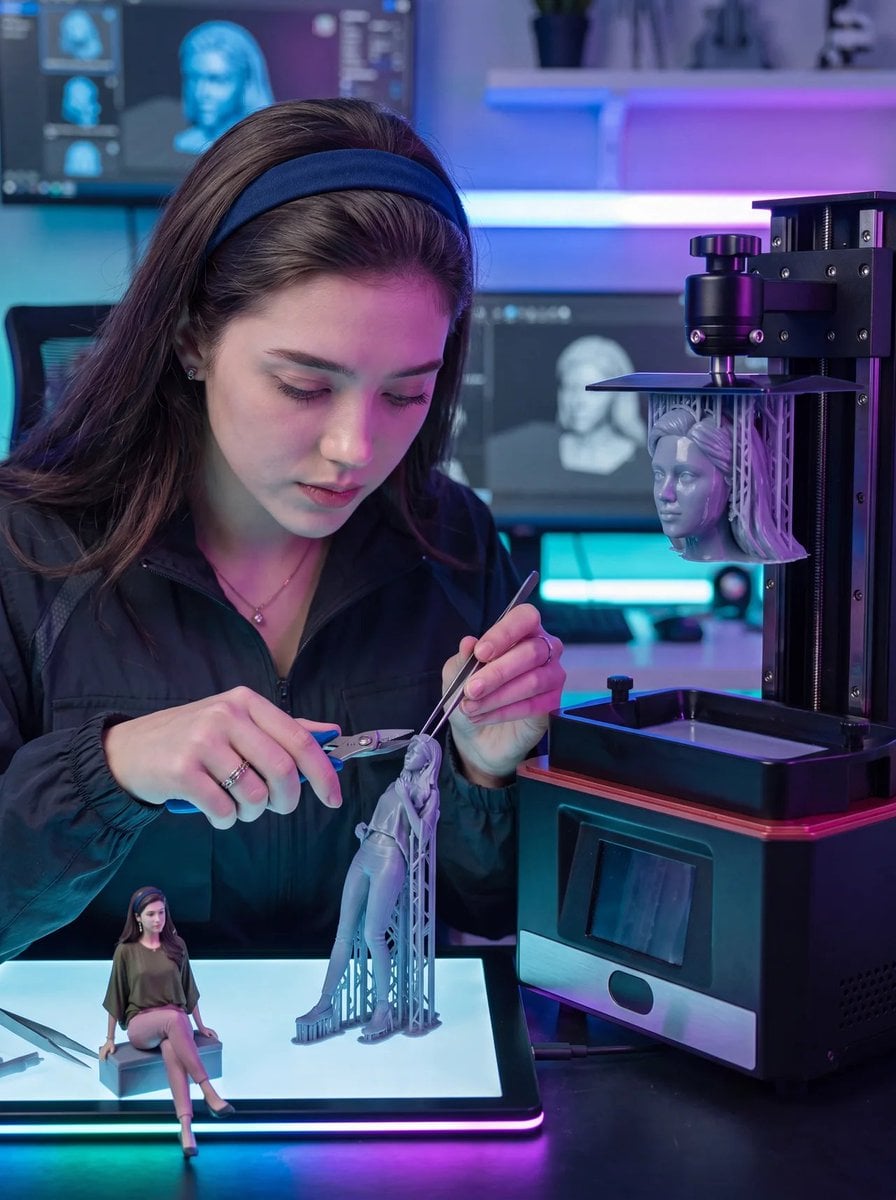
Futuristic 3D Printing Lab Portrait
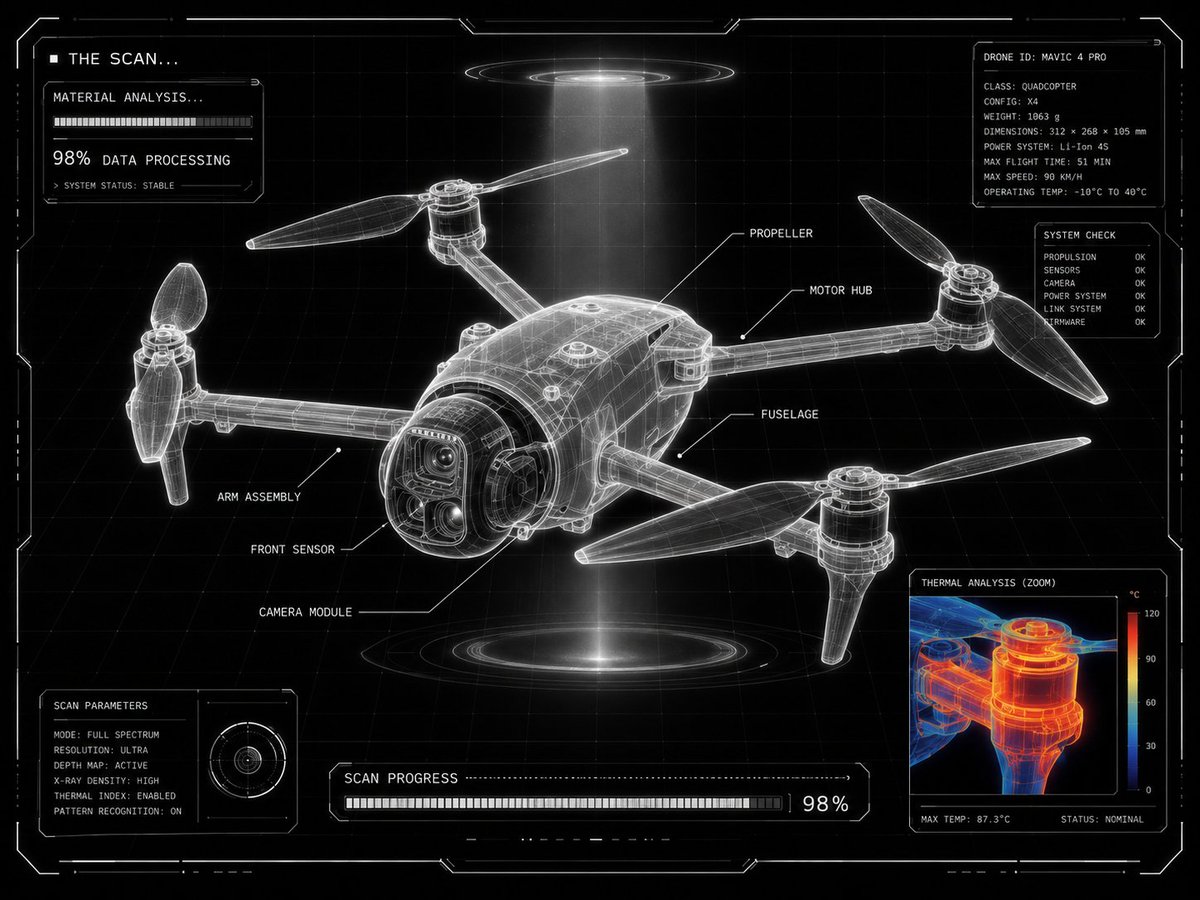
Futuristic Sci-Fi Laboratory Scan UI
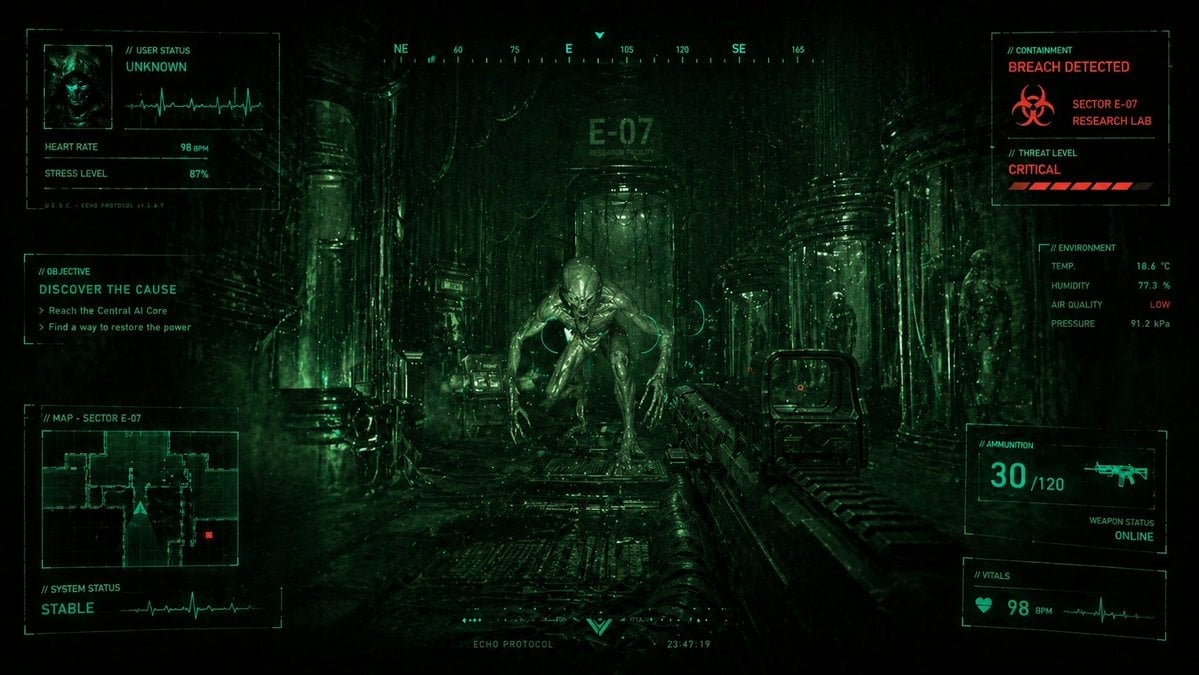
Sci-Fi Horror FPS HUD Lab Breach
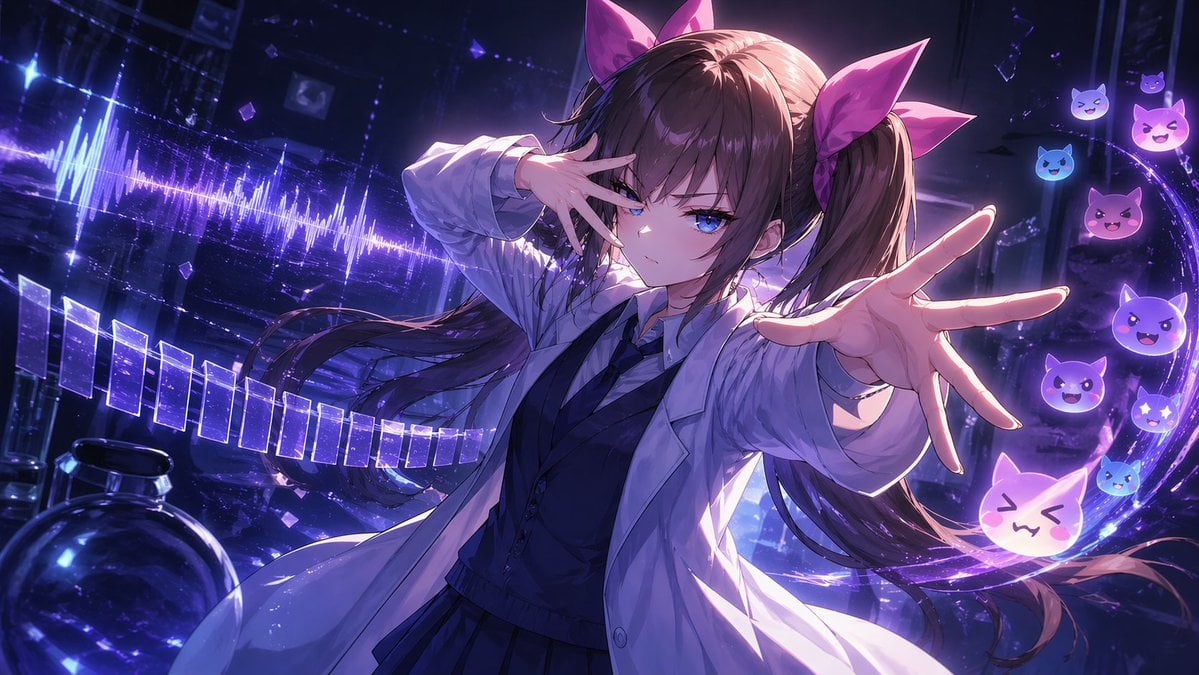
Chuunibyou Anime Girl in Neon Lab
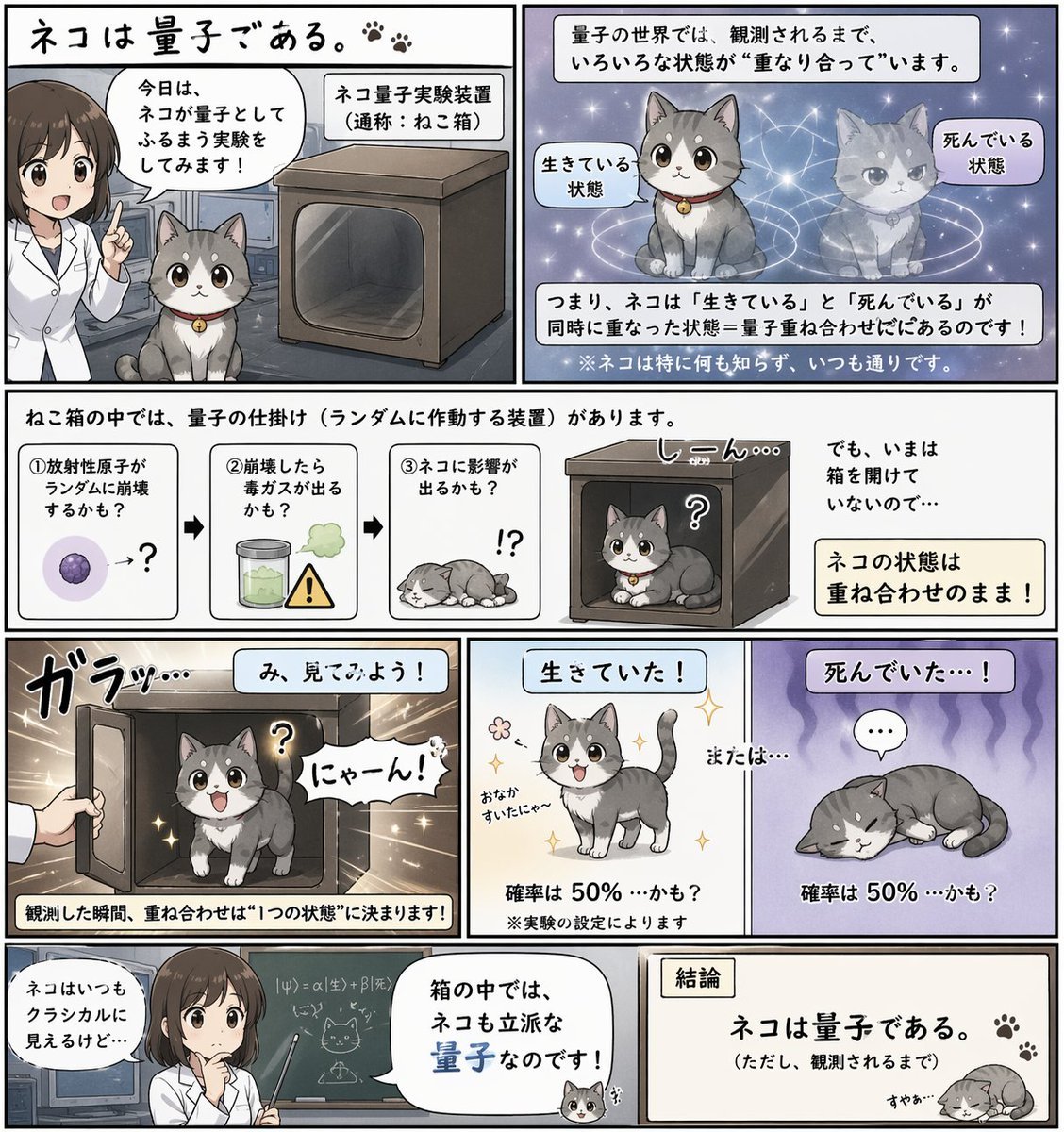
Quantum Cat Manga
Professional workstation screen prompt
Early 2000s Computer Lab With ChatGPT
Make it yours
Android Quantum Lab Workstation works as-is. These are the safest ways to change it without losing the look.
Change one field
Copy a single group, rewrite it, and generate again so you can see what that field is doing.
Keep the frame, change the subject
Hold the composition and light of Android Quantum Lab Workstation, then swap wardrobe, props or the person for a new take.
| If the result… | Why | Fix |
|---|---|---|
| The result drifts from the preview | Too many fields changed at once. | Reuse Android Quantum Lab Workstation as-is first, then change one group — subject, light, or setting. |
| The model over-stylizes the scene | The prose prompt leaves finish and camera underspecified. | Add one camera or lighting sentence and stay on GPT Image 2. |
More GPT Image 2 templates
Other prompts made for GPT Image 2.

Six VTuber Japanese Logo Sheet

Realistic Portrait of Woman and Deer

The Vista Modular Condo Poster

AI Model Routing Comparison Infographic

2.5D Anime Art Board

Isometric Productivity Desk Scene

New York Double Exposure Poster

Four-Panel AI Landscape Comparison

Japanese Tatami Lifestyle Magazine Cover

NESCAFÉ Coffee Map Poster
More image prompts
Fresh picks from across the catalog.
AI Model Router App Store Screenshot

Gemini Nano Banana Pro Vintage Carpet Ca
Mirror Selfie 'Thirst Trap' Aesthetic in Domestic Setting
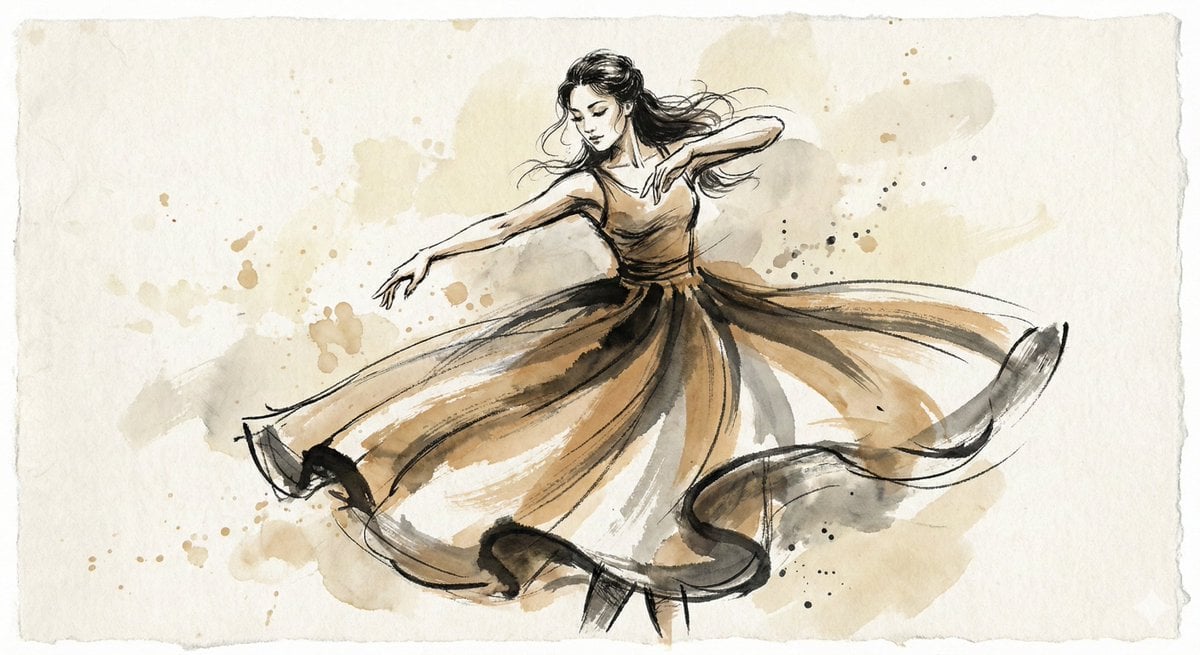
Ink and Wash Illustration Generator
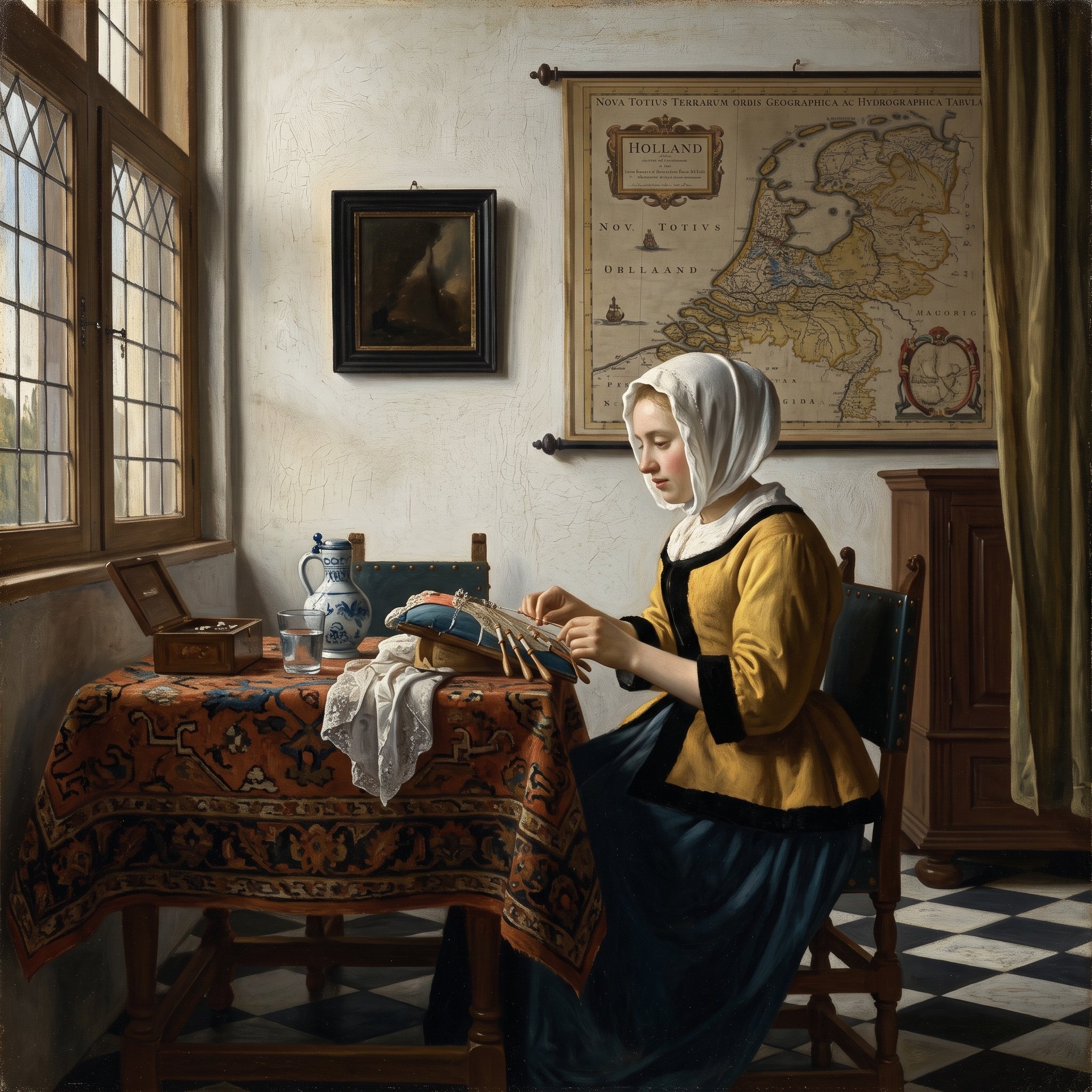
Vermeer Style Image Generation
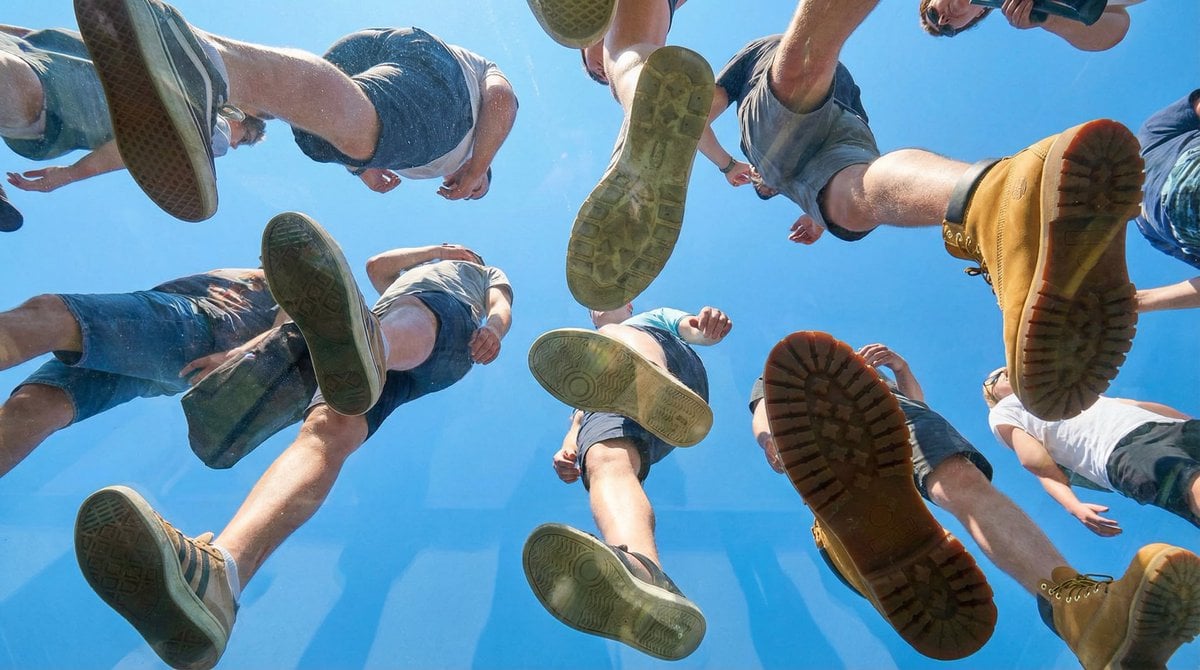
Under Glass Floor Perspective Shot

Image Editing Prompt for Accessory Background Replacement

Winter Fashion Portrait with G-Wagon and Face Consistency Prompt

Image-to-Christmas Feast Prompt
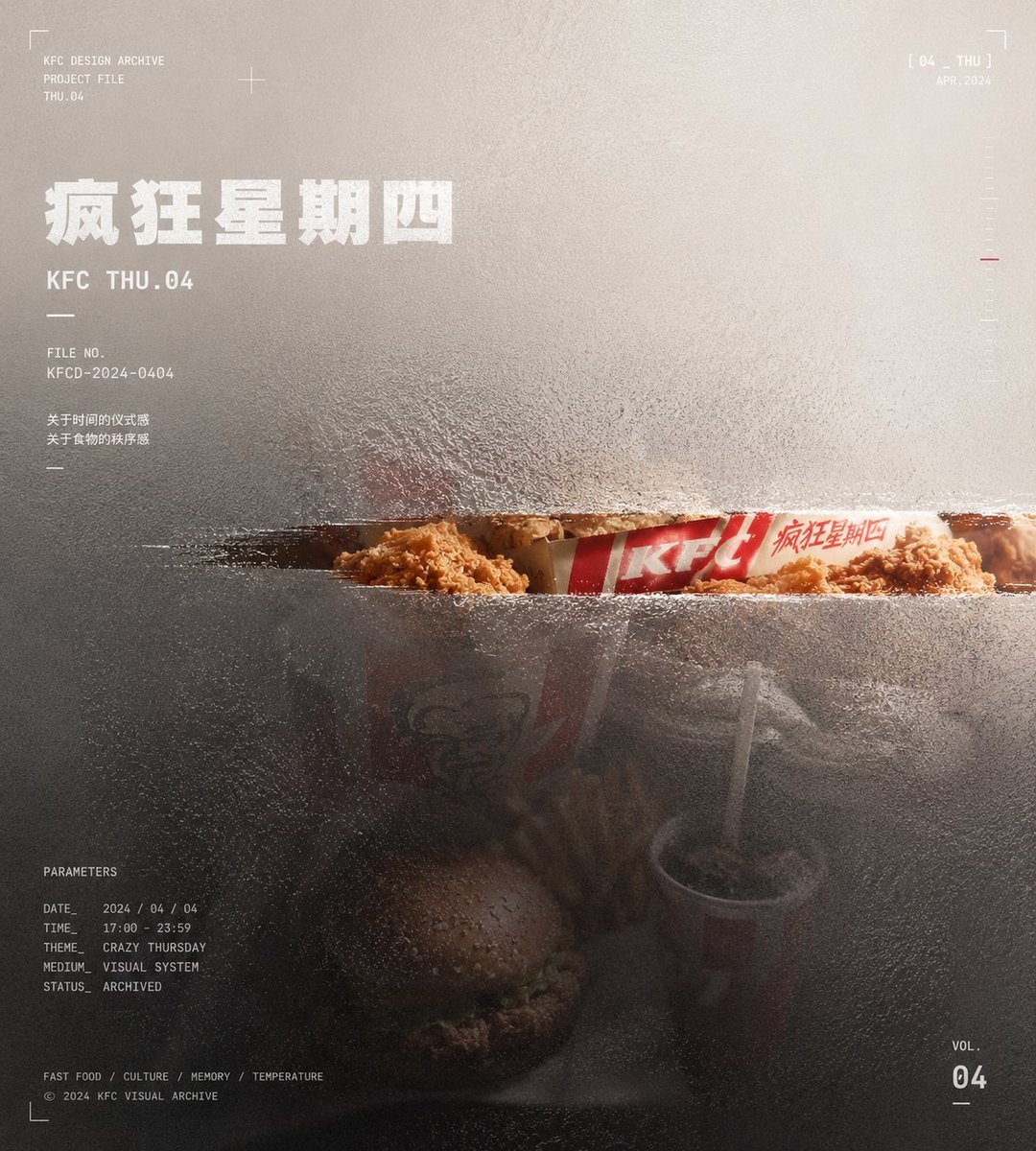
Frosted Glass Portfolio Cover Aesthetic
Browse template categories
Android Quantum Lab Workstation questions
How do I use the Android Quantum Lab Workstation template?
Add your photo if the template asks for one, edit the prompt if you like — the template's model and format are already selected — and press Generate. Your version opens in PicX Studio.
Can I customize the Android Quantum Lab Workstation template?
Yes. You can change the subject, setting, lighting, mood, format, and available model controls before creating your image.
Is the Android Quantum Lab Workstation template free?
Opening and editing this template is free. Generating uses credits, shown on the Generate button when you are signed in.
Which AI model should I use?
Start with GPT Image 2, which is the model associated with this template. You can compare another compatible model for a different finish.
Looking for something else? Browse all templates.

Your photo, any look
Thousands of ready templates for every top image and video model, from one credit balance.