How do I use the Futuristic Sci-Fi Laboratory Scan UI template?
Choose the primary action to open PicX Studio with the available template settings. Review the model and format, personalize the creative direction, and generate when ready.
A comprehensive JSON-structured prompt designed for GPT Image 2 to transform product images into technical sci-fi lab scans. Change the subject, setting, or lighting one variable at a time.
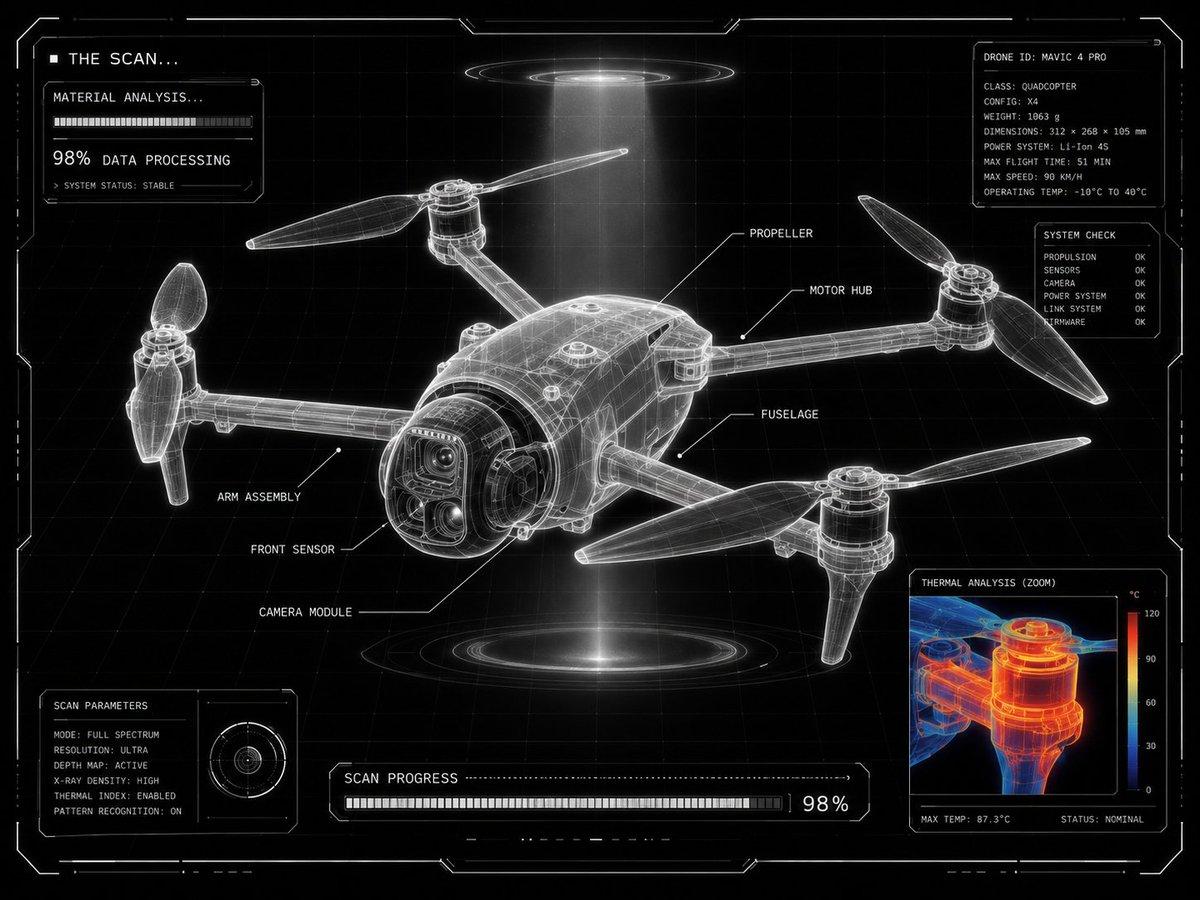
{ "intent": "Transform a user-provided product image into a {argument name="visual theme" default="futuristic laboratory scan display"} with the same final visual result.", "source_asset": "uploaded product image", "presentation": { "frame": "centered product", "layout": "grid-locked interface composition", "density": "minimal yet highly technical", "panel": "one corner reserved for a scalable analysis window" }, "surface_treatment": { "base": "black backdrop", "grid": "clean white drafting grid", "form": "luminous translucent X-ray frame model", "edges": "ultra-sharp white outlines", "ui": "minimal sci-fi HUD styling" }, "scan_graphics": { "labels": "thin white callouts with leader lines naming product parts", "detail_view": "zoomed inspection window showing a close product fragment", "thermal_layer": "red, orange, and blue heat-map overlay inside the zoom view", "status_text": [ "THE SCAN...", "MATERIAL ANALYSIS...", "98% DATA PROCESSING" ], "modules": "small loading panels and diagnostic UI blocks", "markers": "angular glowing frame markers around the image" }, "design_language": { "engineering": "advanced technical drawing aesthetics", "environment": "futuristic lab scanning interface", "benchmark": "Apple-level product visualization", "purity": "ultra-clean composition", "contrast": "high-contrast monochrome interface" }, "illumination": { "halo": "subtle white glow around the frame", "beam": "volumetric scanning light beam", "feel": "technical sci-fi visualization" }, "deliverable": { "theme": "{argument name="interface theme" default="futuristic product scanning interface"}", "result": "technical diagnostics visualization screen", "finish": "{argument name="quality finish" default="ultra clean, ultra clear, 8K"}" } }
Choose the primary action to open PicX Studio with the available template settings. Review the model and format, personalize the creative direction, and generate when ready.
Yes. You can change the subject, setting, lighting, mood, format, and available model controls before creating your image.
This template is free to open and customize. Generation usage is shown in PicX Studio before you create.
Start with GPT Image 2, which is the model associated with this template. You can compare another compatible model for a different finish.
© 2026 PicX Studio. All rights reserved.

Follow a topic to a crawlable collection of related PicX Studio templates.
43,474 public templates available. Verified via the PicX Studio public templates API; refreshed hourly.

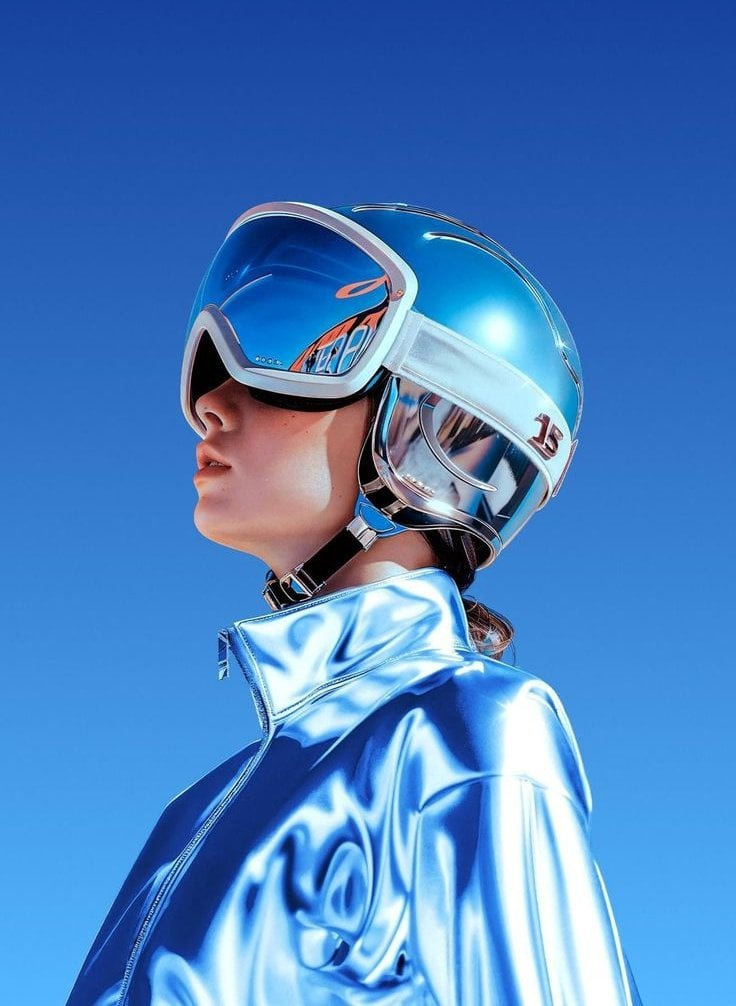





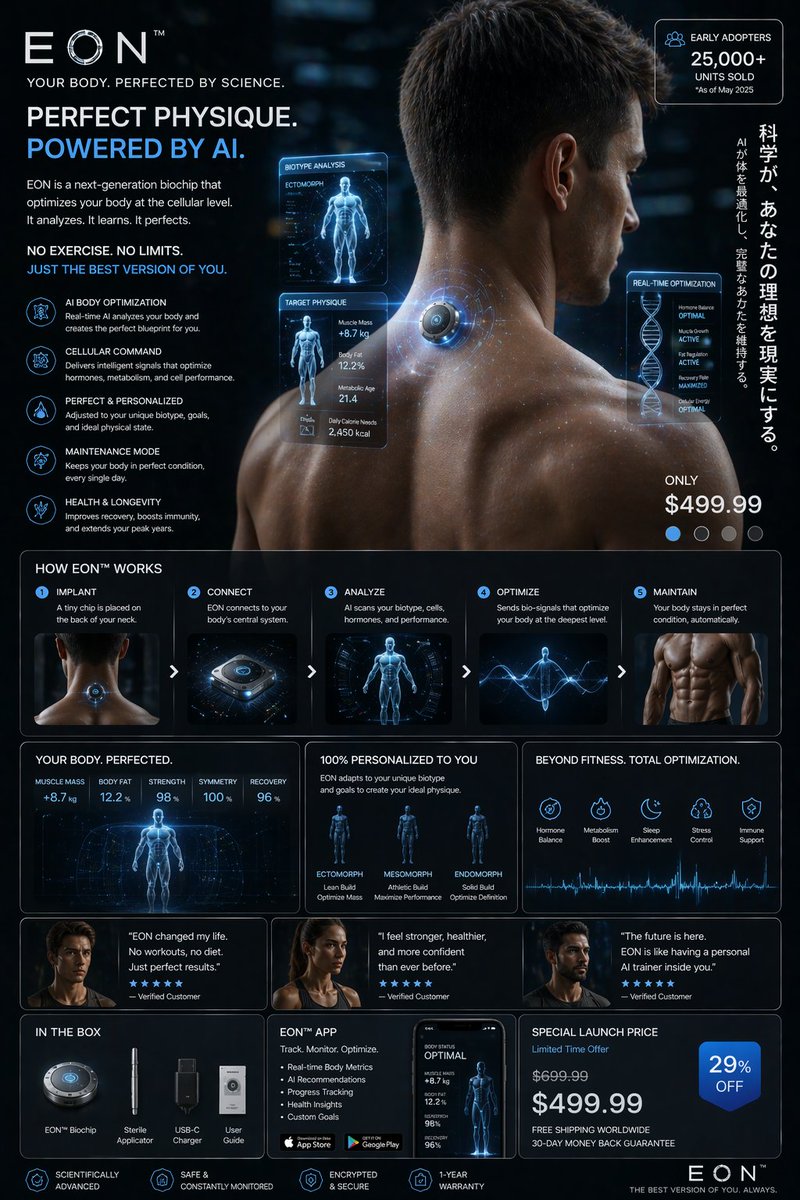

![Playful Futuristic Brand Kit Board — Create a polished multi-page (multiple images) brand kit for a company called [YOYOYO]. The brand sh…](/_next/image?url=https%3A%2F%2Fcdn.picxstudio.com%2Fuploads%2Fmeigen_35482e665691_a87e3ac0-b1e5-4a95-a750-7378b7788369.jpg&w=828&q=100)





















![Minimalist Flat Vector Travel Poster — Premium minimalist flat-vector travel poster for {argument name="city name" default="[CITY_NAME]"}, 3:4 vertical format.](https://cms-assets.youmind.com/media/1787917359711_3ug846_HQX205cbMAA6F6S-300x400.jpg)