
Magical Sunrise Alpine Valley
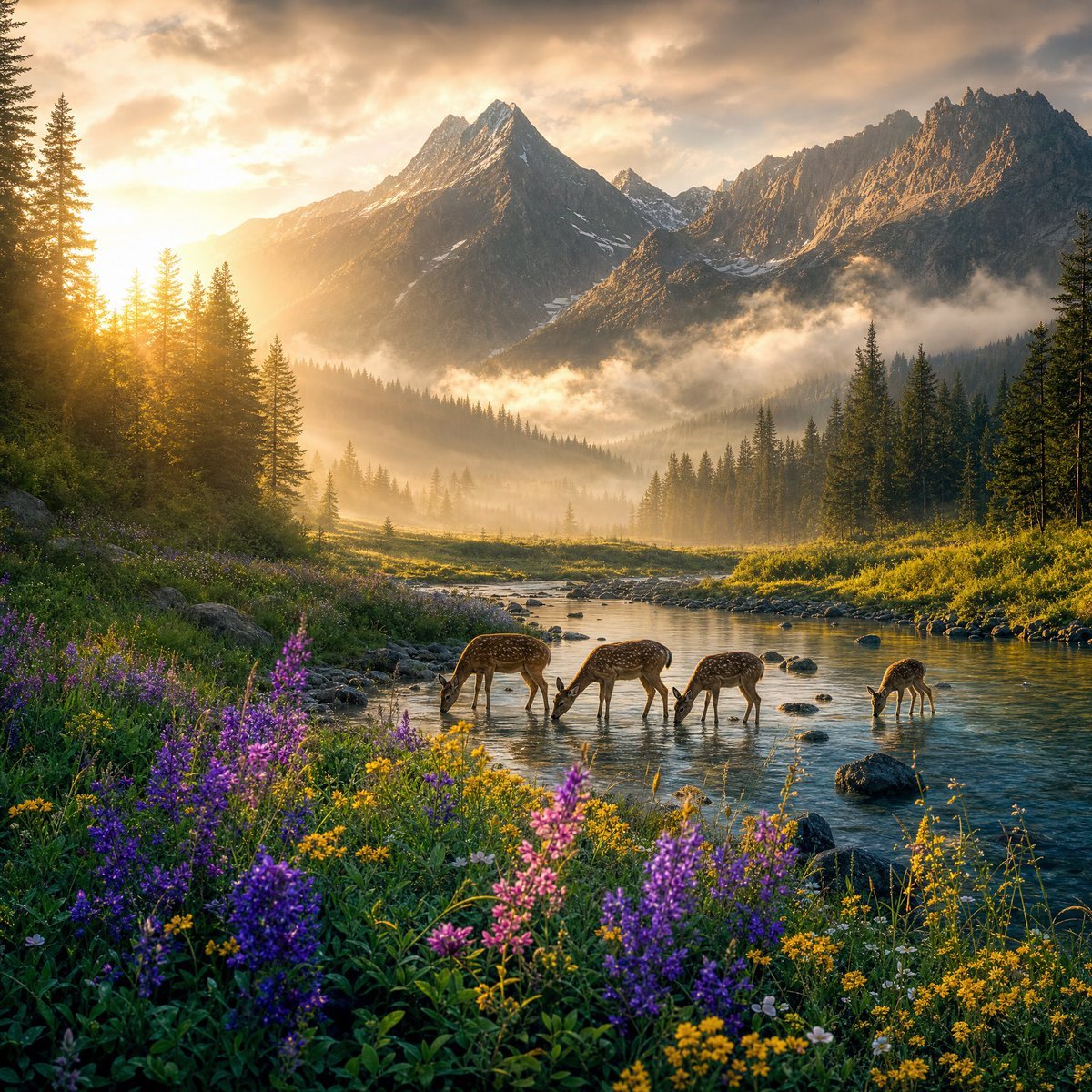
A photorealistic cinematic wilderness scene with deer drinking in a misty alpine river valley at sunrise, ideal for nature, travel, or fantasy landscape generation.
- Prompt included
- Model and format preset
- Free template
The prompt behind this image
Copy the exact prompt behind Magical Sunrise Alpine Valley, or open it in the studio and make it yours.
Create a cinematic, ultra-realistic nature landscape at magical sunrise: a pristine alpine valley with a shallow winding river in the foreground, framed by dense evergreen pine forests and jagged snow-dusted mountain peaks in the background. The sun is low on the left horizon, casting warm golden light, long rays, glowing mist, and soft volumetric fog through the trees and across the valley. In the river, show exactly 4 spotted deer drinking or grazing at the water’s edge: three grouped near the center with heads lowered, and one smaller deer farther right near the riverbank. The foreground is filled with vibrant wildflowers, especially purple lupines and small yellow blossoms, with lush green grasses, stones, and river rocks. Use {argument name="time of day" default="golden sunrise"}, {argument name="main animals" default="four spotted deer"}, {argument name="mountain style" default="jagged alpine peaks with light snow"}, {argument name="flower colors" default="purple and yellow wildflowers"}, and {argument name="mood" default="magical, peaceful, cinematic"}. Make the composition wide and immersive, with strong depth from flowers in the foreground to river, forest, misty valley, and towering mountains. Photorealistic detail, natural colors, dramatic warm lighting, soft haze, high dynamic range, serene wilderness atmosphere, no text, no people, no buildings, no watermark.
How to use Magical Sunrise Alpine Valley in 3 steps
- 1Upload ImagePNG, JPG or paste
Add your photo
Upload the photo the template builds on. The prompt, model and format are already set.
- 2…a portrait of your subject in softgolden-hour light, 85mm…
Personalize
Edit the subject and creative details for your destination.
- 3Generate
Generate
Press Generate — your image is created in PicX Studio, so you can compare it with the original and refine one variable at a time.
More like this
Templates with the same subject, style or setup. Open one to see its prompt.
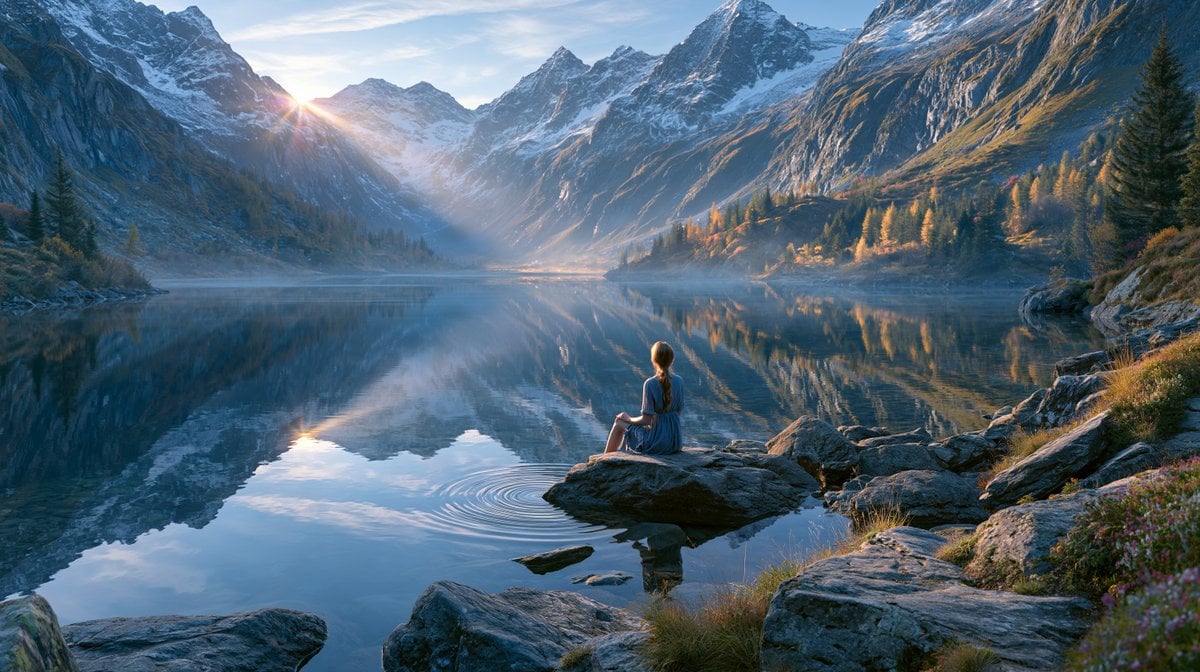
Cinematic Alpine Lake Sunrise
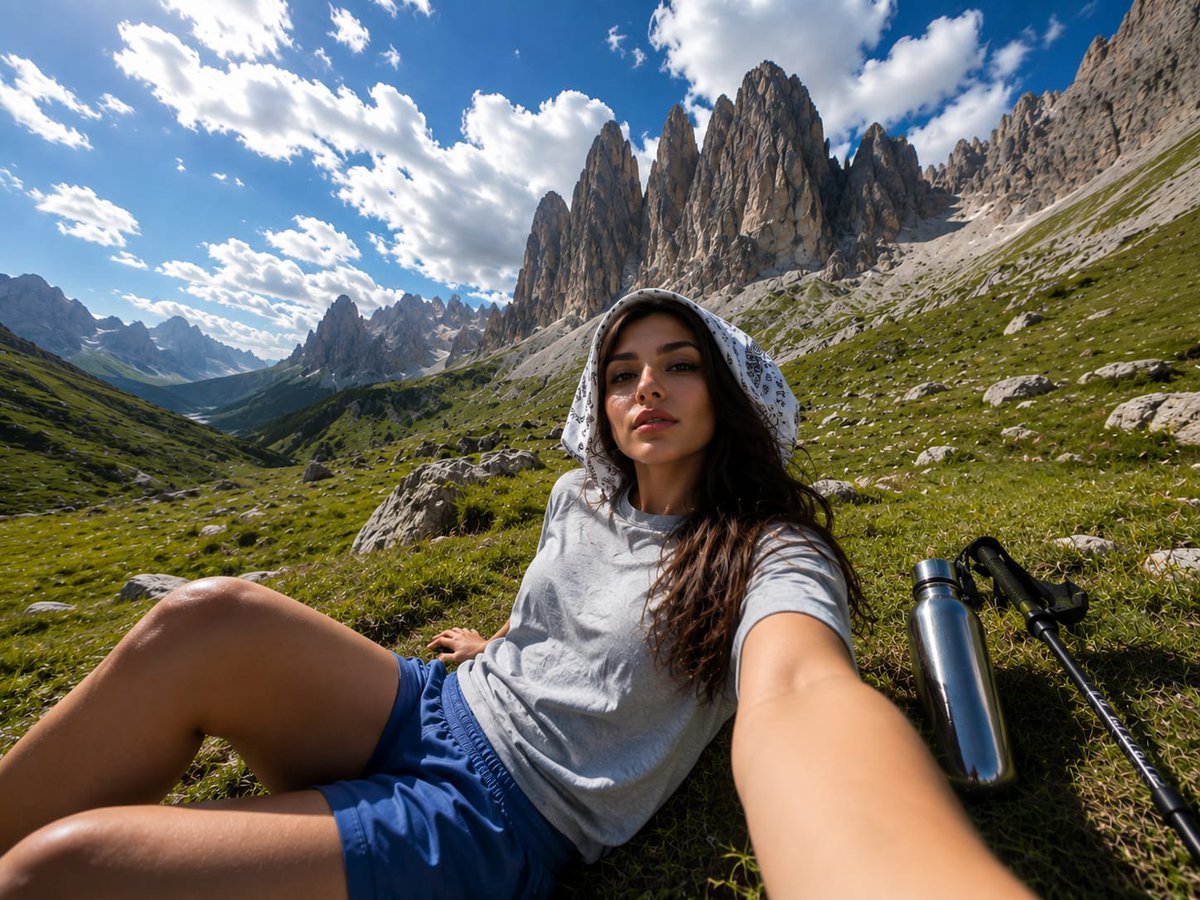
Alpine Valley First-Person POV Portrait

Teen Girl Alpine Lake Mountain View

Pixar-Style Chibi Café Morning Scene

Pastel Fantasy Pagoda Mountain Landscape
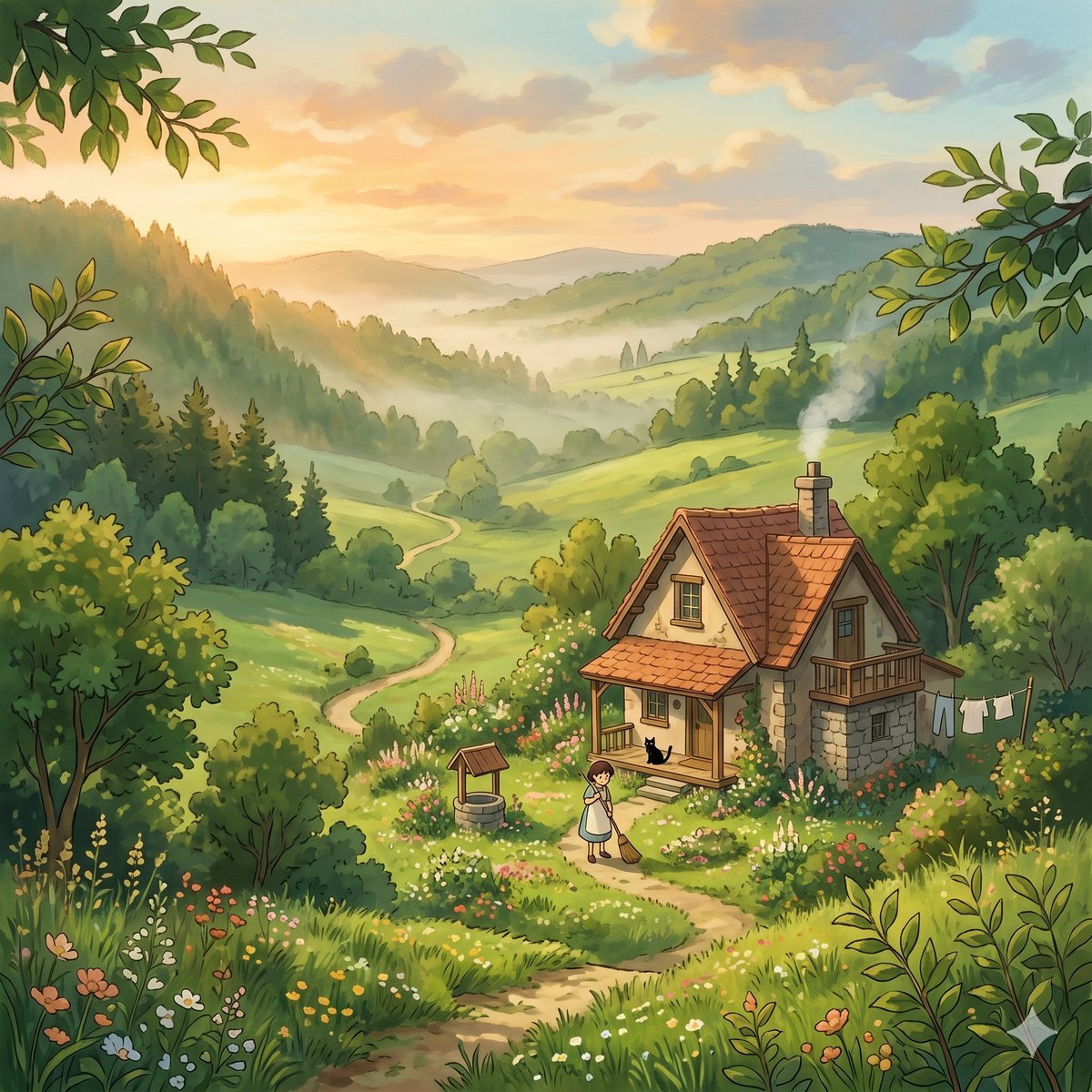
Whimsical Cottage Valley Sunrise
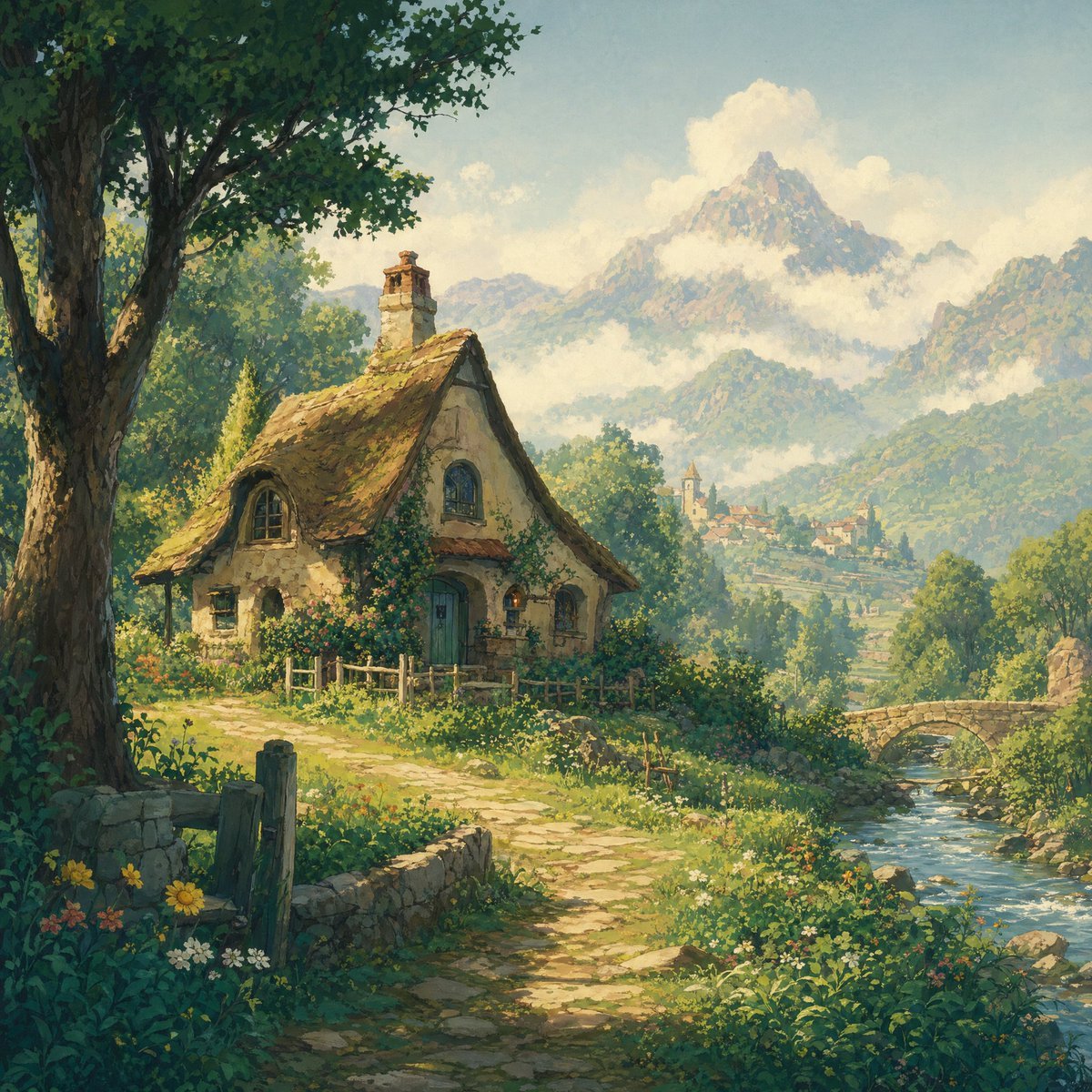
Fairytale Cottage in an Alpine Valley

Magical Chibi Cafe Mascot at Sunrise
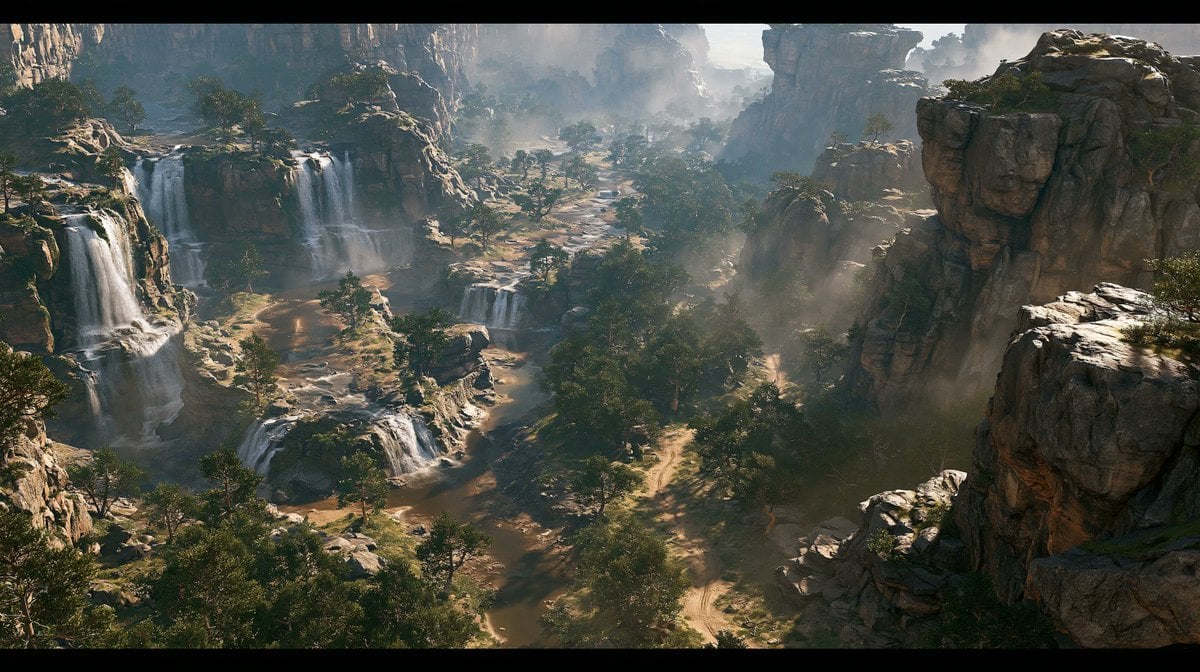
Cinematic Rocky Waterfall Valley
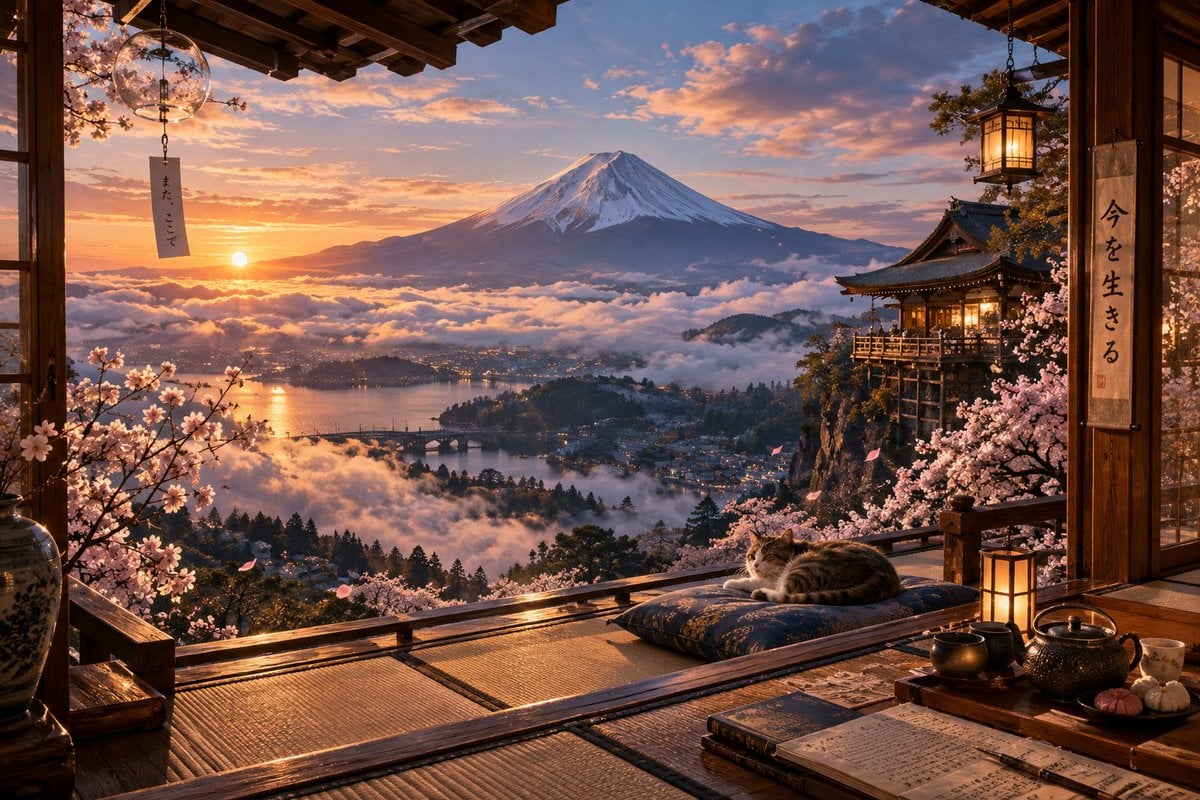
Sunrise Fuji Veranda Scene
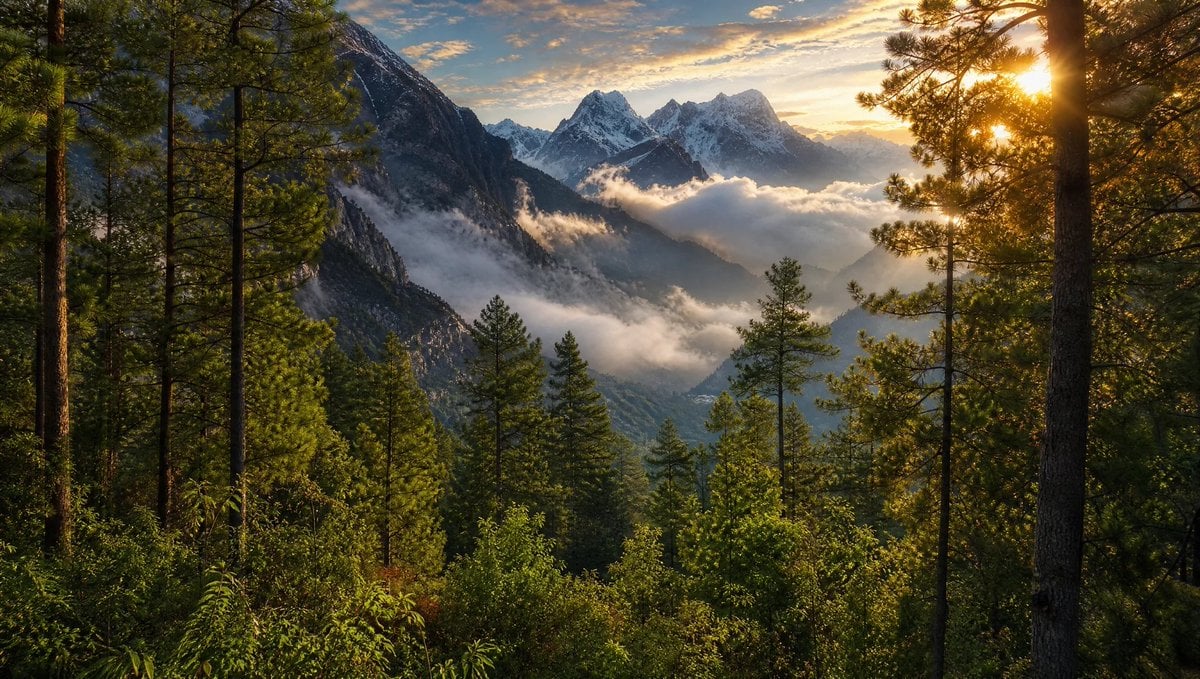
Himalayan Sunrise Mountain Wallpaper
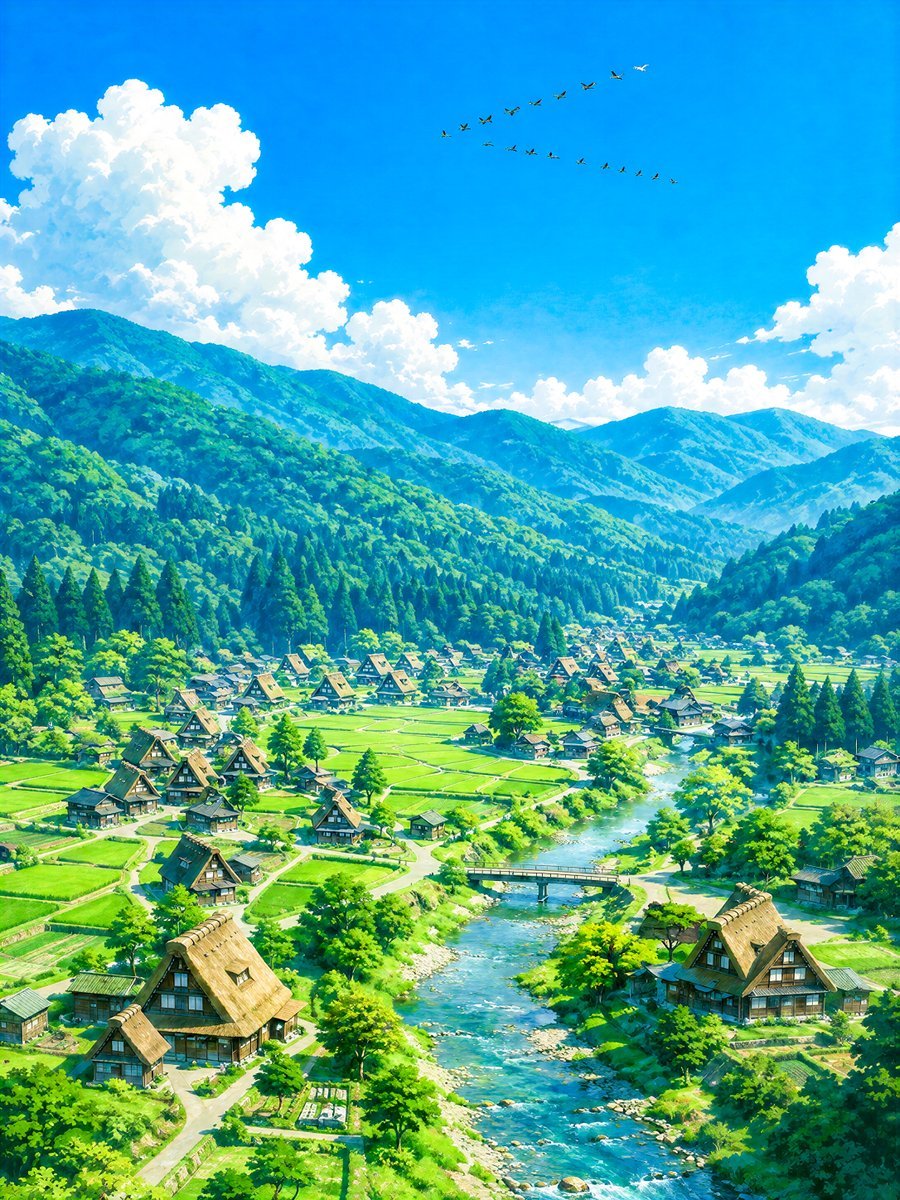
Aerial Summer Shirakawa-go Valley
Make it yours
Magical Sunrise Alpine Valley works as-is. These are the safest ways to change it without losing the look.
Change one field
Copy a single group, rewrite it, and generate again so you can see what that field is doing.
Keep the frame, change the subject
Hold the composition and light of Magical Sunrise Alpine Valley, then swap wardrobe, props or the person for a new take.
| If the result… | Why | Fix |
|---|---|---|
| The result drifts from the preview | Too many fields changed at once. | Reuse Magical Sunrise Alpine Valley as-is first, then change one group — subject, light, or setting. |
| The model over-stylizes the scene | The prose prompt leaves finish and camera underspecified. | Add one camera or lighting sentence and stay on GPT Image 2. |
More GPT Image 2 templates
Other prompts made for GPT Image 2.

Six VTuber Japanese Logo Sheet

Realistic Portrait of Woman and Deer

The Vista Modular Condo Poster

AI Model Routing Comparison Infographic

2.5D Anime Art Board

Isometric Productivity Desk Scene

New York Double Exposure Poster

Four-Panel AI Landscape Comparison

Japanese Tatami Lifestyle Magazine Cover

NESCAFÉ Coffee Map Poster
More image prompts
Fresh picks from across the catalog.
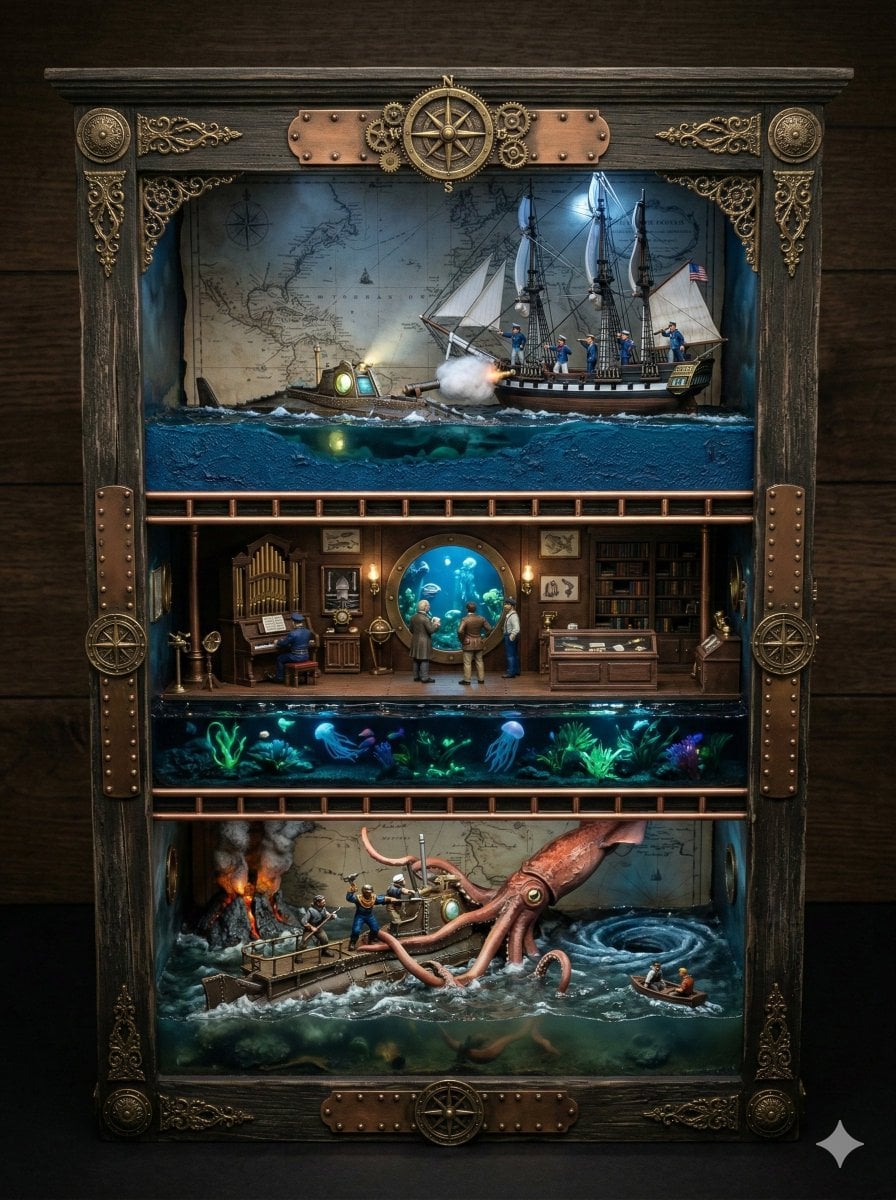
Ornate Box Diorama Prompt for Twenty Thousand Leagues Under the Sea

Hyper-Stylized Dual-Tone Neon Portrait Prompt
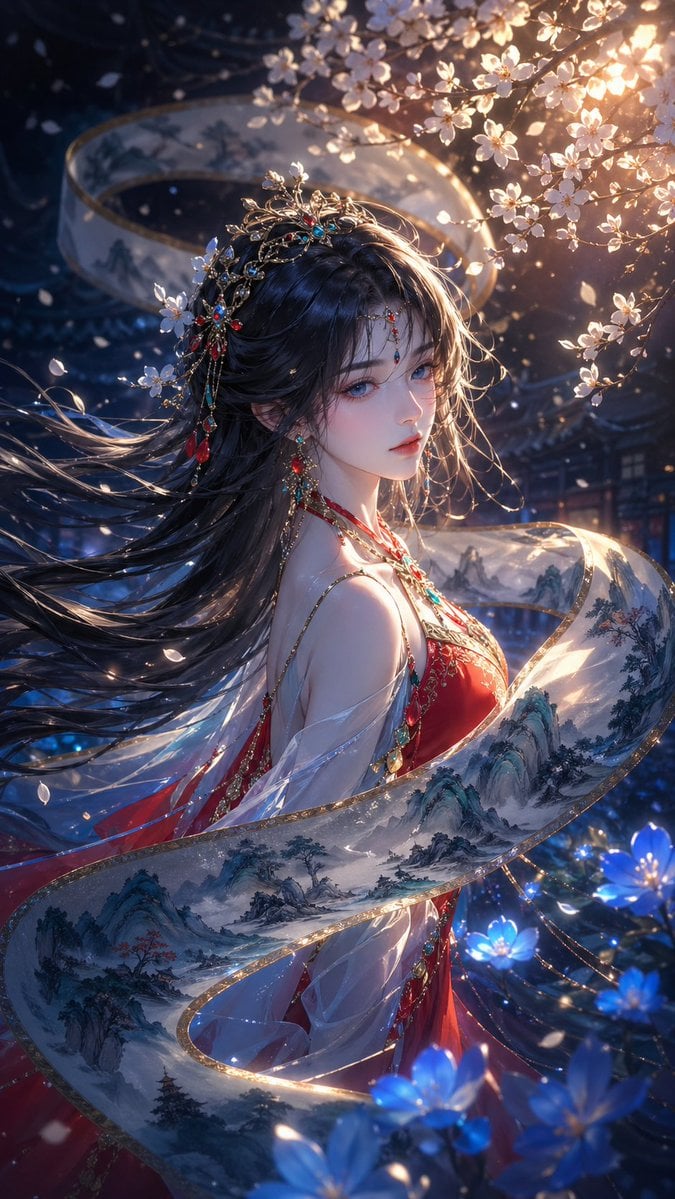
Oriental Fantasy Illustration Prompt
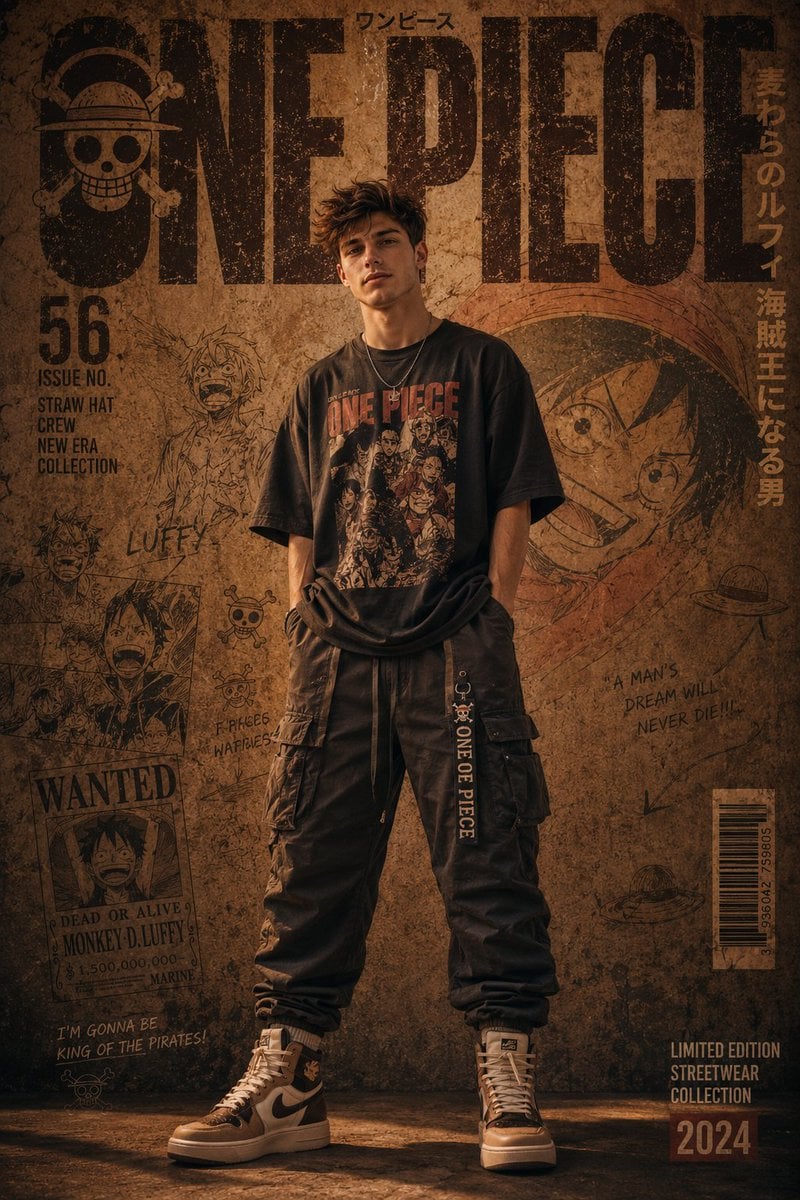
Urban Streetwear Manga Cover
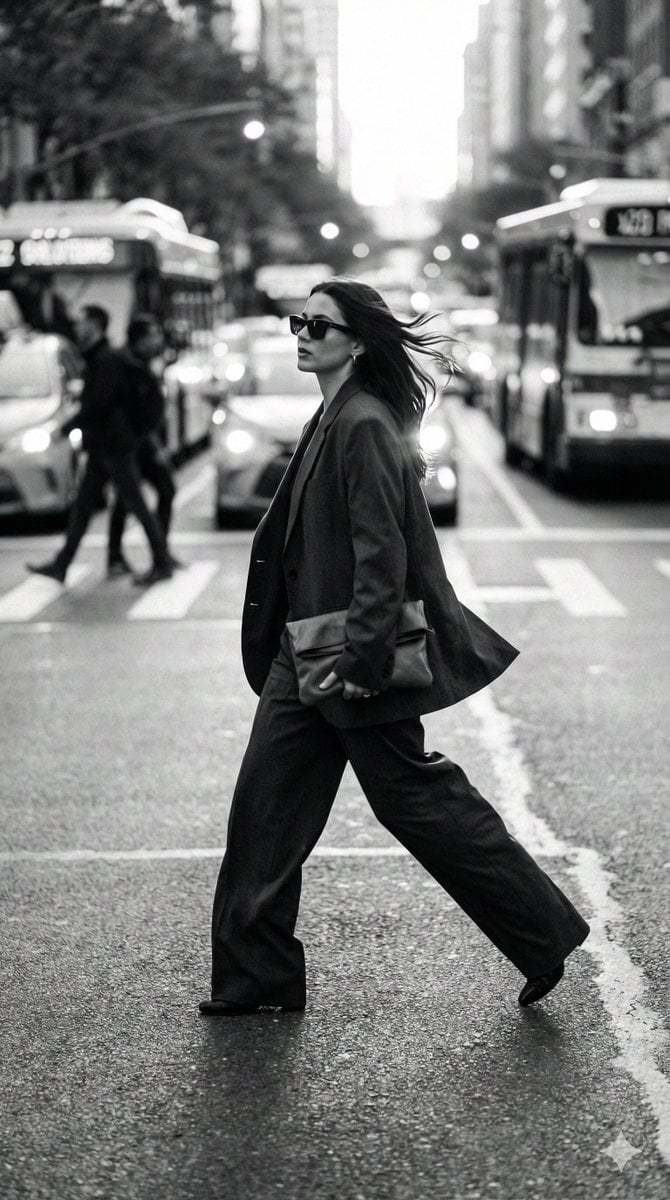
Dynamic Black and White Street Fashion Prompt
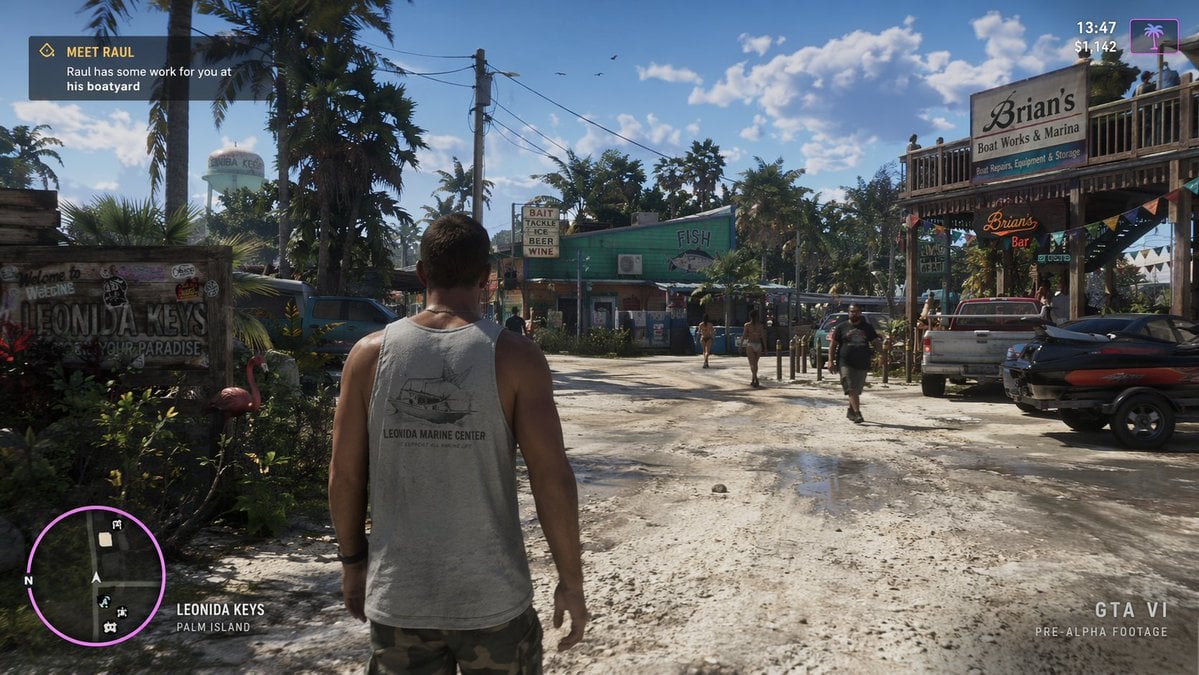
Open-World Game Screenshot Mockup
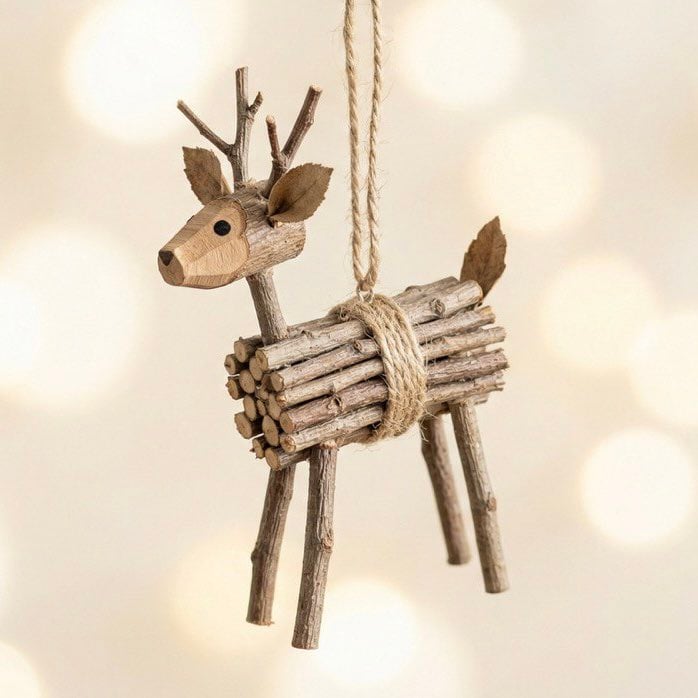
Rustic Twig Reindeer Christmas Ornament
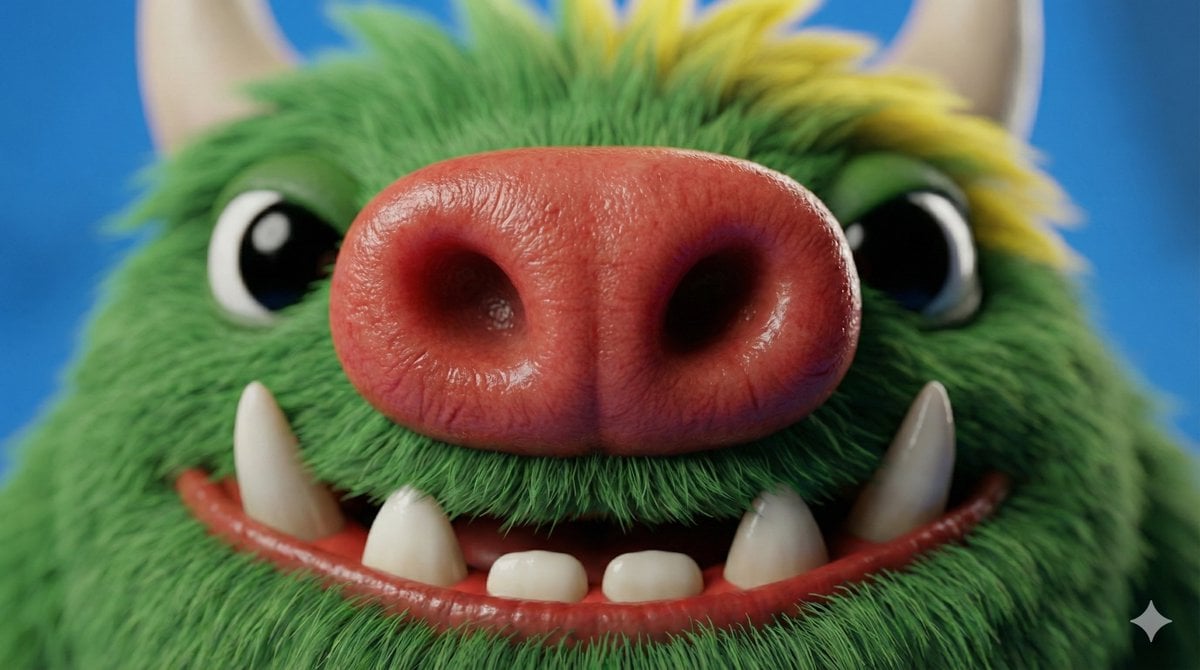
Close-up Character Nose Prompt

WhatsApp Speech Bubble Bridge Macro Photography
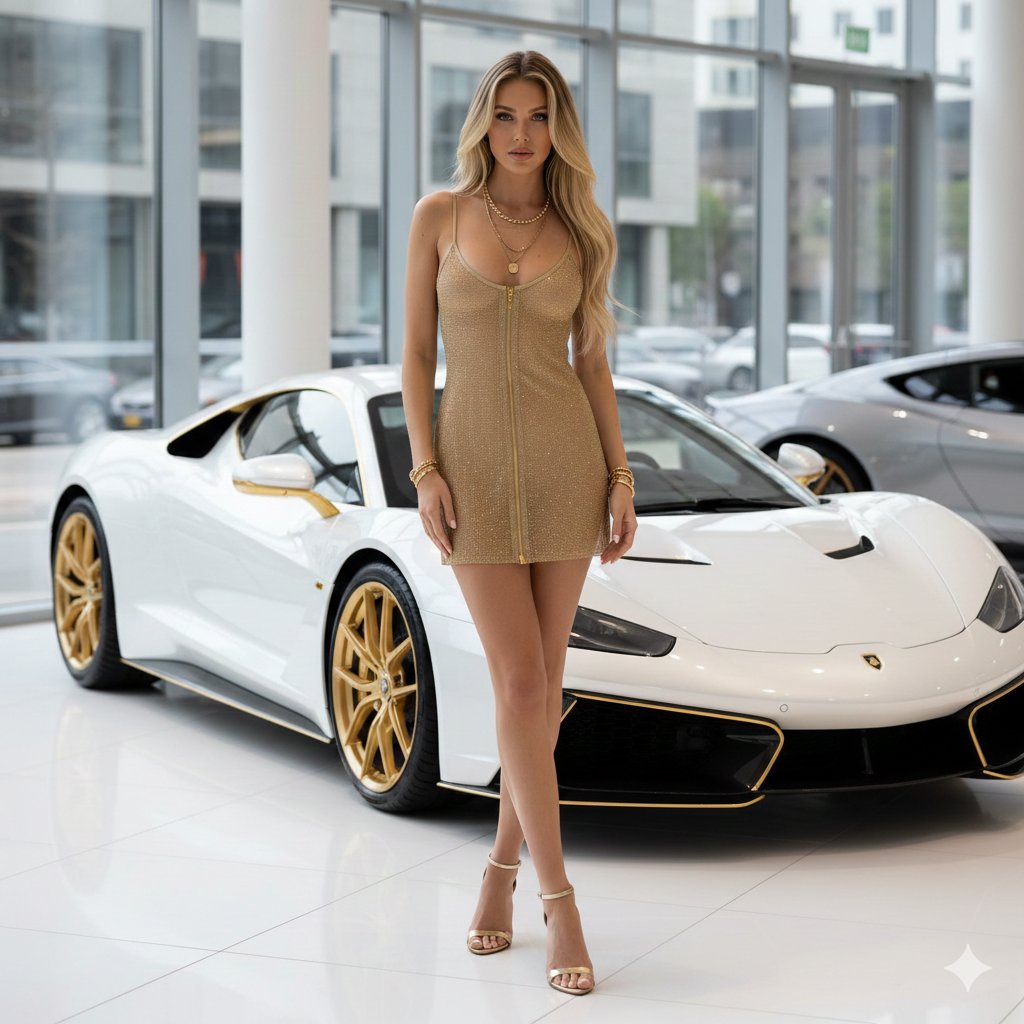
High-Fashion Supercar Showroom Portrait
Browse template categories
Magical Sunrise Alpine Valley questions
How do I use the Magical Sunrise Alpine Valley template?
Add your photo if the template asks for one, edit the prompt if you like — the template's model and format are already selected — and press Generate. Your version opens in PicX Studio.
Can I customize the Magical Sunrise Alpine Valley template?
Yes. You can change the subject, setting, lighting, mood, format, and available model controls before creating your image.
Is the Magical Sunrise Alpine Valley template free?
Opening and editing this template is free. Generating uses credits, shown on the Generate button when you are signed in.
Which AI model should I use?
Start with GPT Image 2, which is the model associated with this template. You can compare another compatible model for a different finish.
Looking for something else? Browse all templates.

Your photo, any look
Thousands of ready templates for every top image and video model, from one credit balance.