
Sunrise Fuji Veranda Scene
A cinematic photorealistic Japanese veranda view of Mount Fuji at sunrise with cherry blossoms, lanterns, tea, and a sleeping cat.
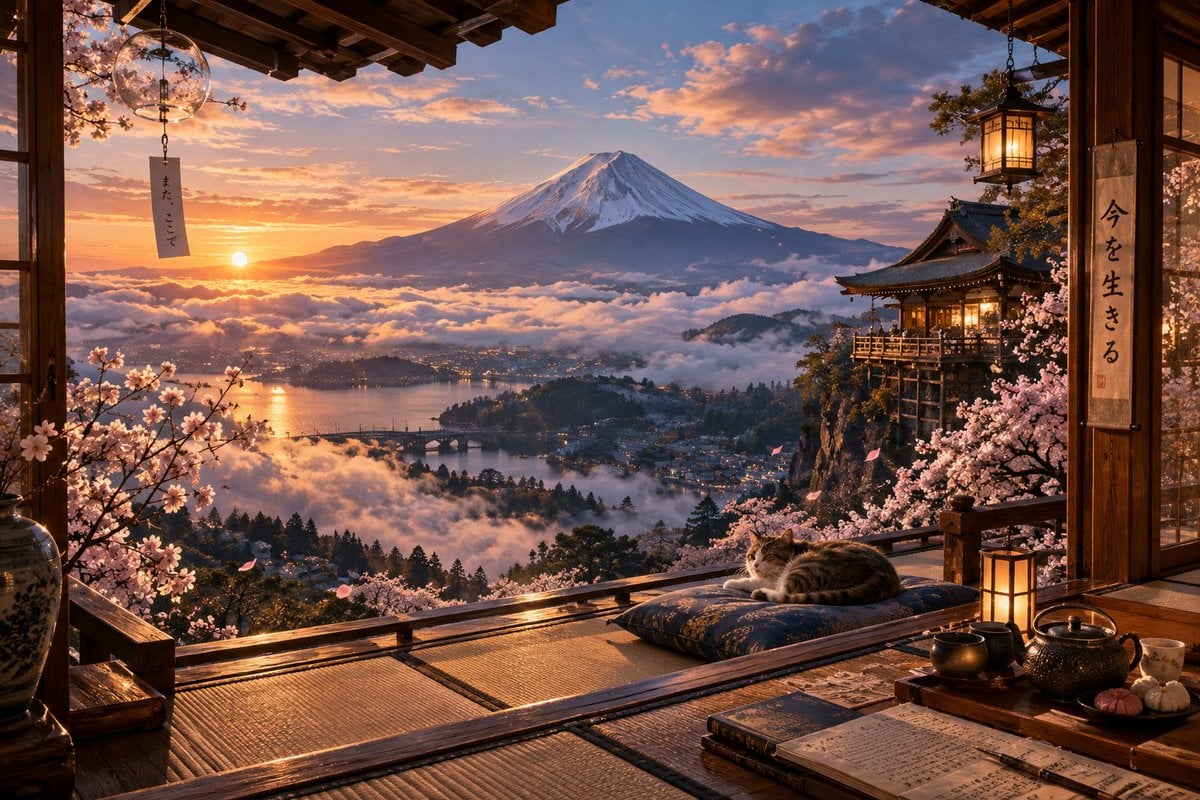
- Prompt included
- Model and format preset
- Free template
The prompt behind this image
Copy the exact prompt behind Sunrise Fuji Veranda Scene, or open it in the studio and make it yours.
Create a highly detailed cinematic wide landscape scene from inside a traditional Japanese wooden veranda room overlooking Mount Fuji at sunrise. The composition is framed by dark polished wooden beams, sliding door edges, tatami mats, and an open balcony railing, with {argument name="main landmark" default="snow-capped Mount Fuji"} centered in the distance above a sea of glowing clouds. Below the mountain, show a misty lake valley with a small town, warm lights, bridges, forested hills, and reflected orange sunlight on the water. In the foreground, include blooming pink cherry blossom branches on both sides, scattered petals drifting through the air, a sleeping {argument name="animal" default="tabby cat"} curled on a blue patterned cushion near the railing, and a low tea table with an iron teapot, cups, small sweets, an open notebook with handwritten Japanese-style writing, and a closed book. Add exactly 4 hanging or standing light elements: a round glass wind chime lantern at upper left with a paper strip reading 「また、ここで」, a square warm lantern hanging at upper right, a small floor lantern beside the cat, and warm interior light glowing from the distant temple balcony on the right. Include a cliffside Japanese temple or inn on the right, lit warmly and surrounded by cherry blossoms. Add a vertical calligraphy scroll on the right wooden pillar reading 「今を生きる」. Use golden-orange sunrise light, soft blue-purple clouds, realistic atmospheric depth, intricate wood grain, glossy highlights on the balcony floor, and ultra-high-resolution photorealistic detail with a serene, nostalgic, magical travel-poster mood. No people, no modern objects, no watermark, no extra text beyond the two Japanese phrases.
How to use Sunrise Fuji Veranda Scene in 3 steps
- 1Upload ImagePNG, JPG or paste
Add your photo
Upload the photo the template builds on. The prompt, model and format are already set.
- 2…a portrait of your subject in softgolden-hour light, 85mm…
Personalize
Edit the subject and creative details for your destination.
- 3Generate
Generate
Press Generate — your image is created in PicX Studio, so you can compare it with the original and refine one variable at a time.
More like this
Templates with the same subject, style or setup. Open one to see its prompt.
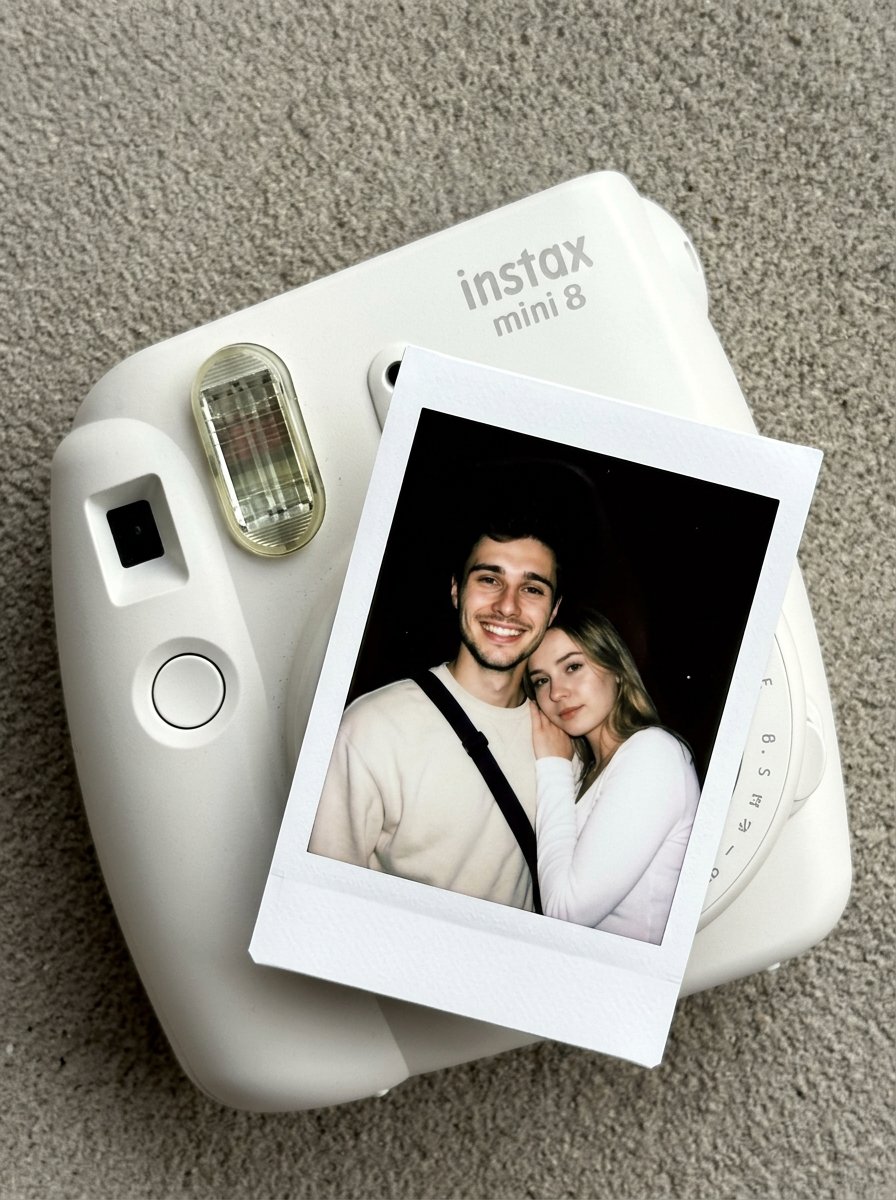
02 Instax Camera Product — Nano Banana 2
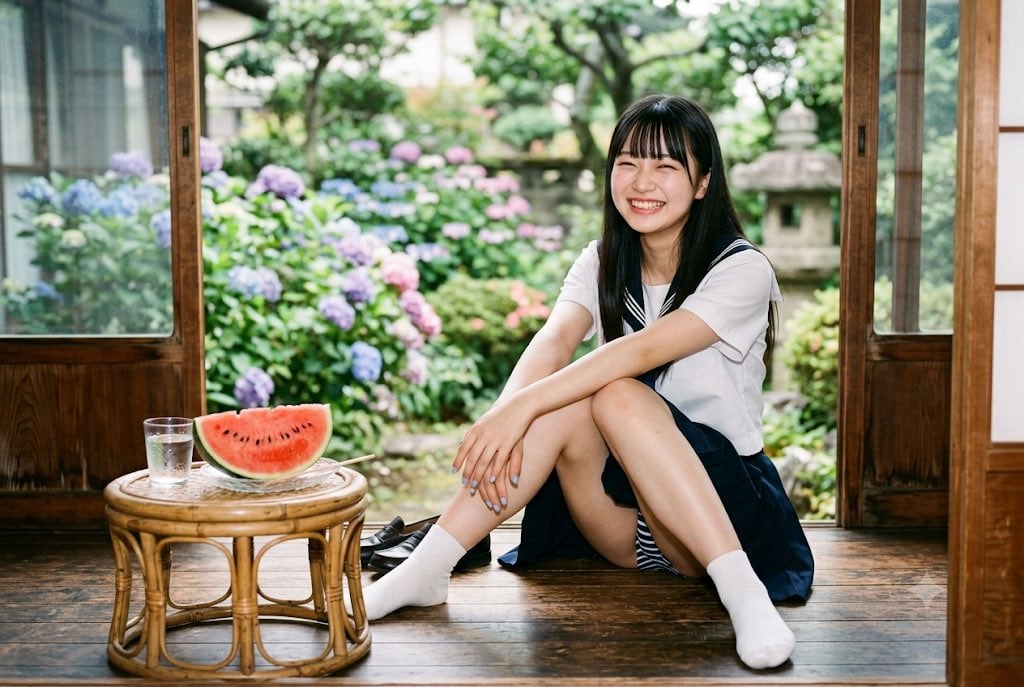
Summer Veranda Schoolgirl Photo
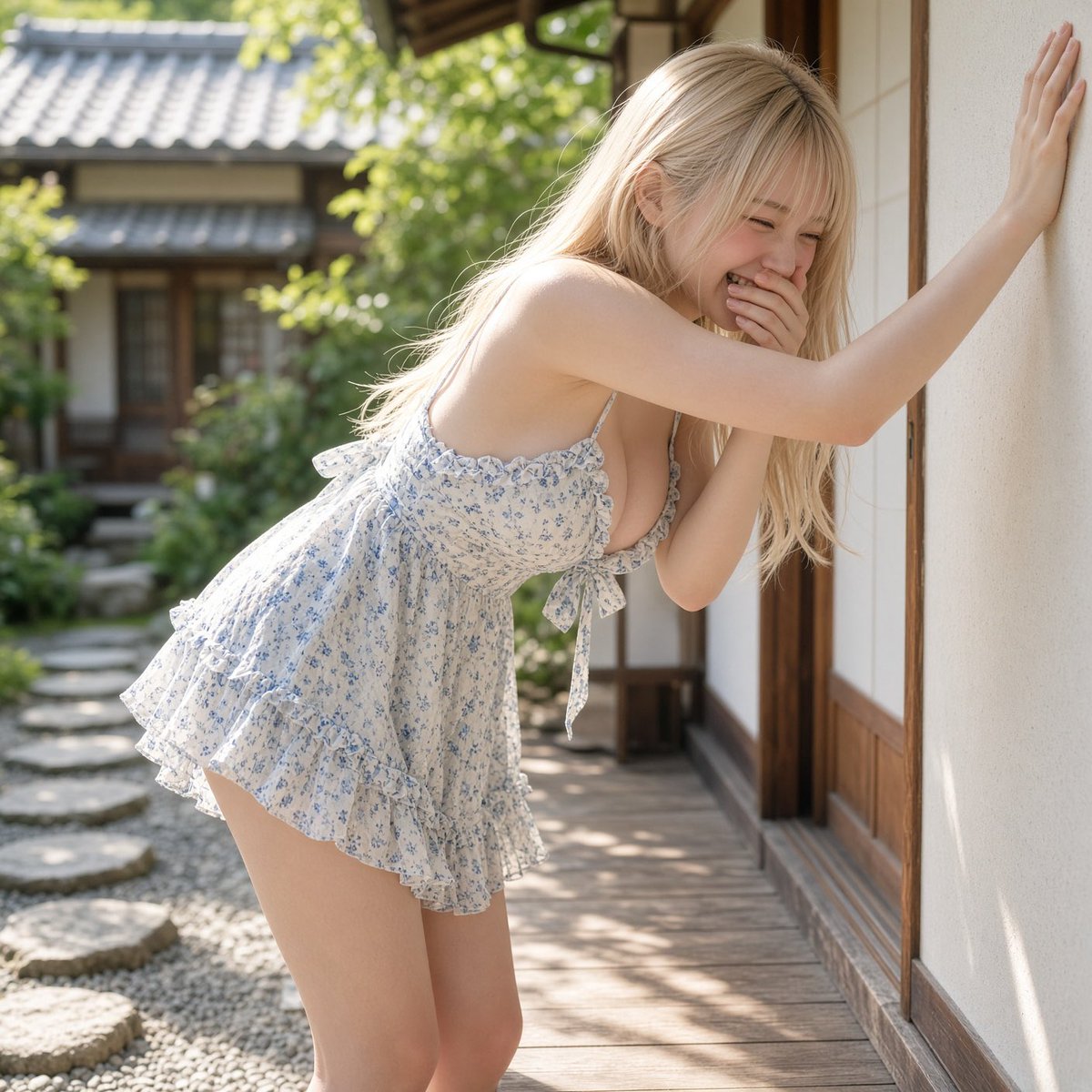
Laughter on the Veranda
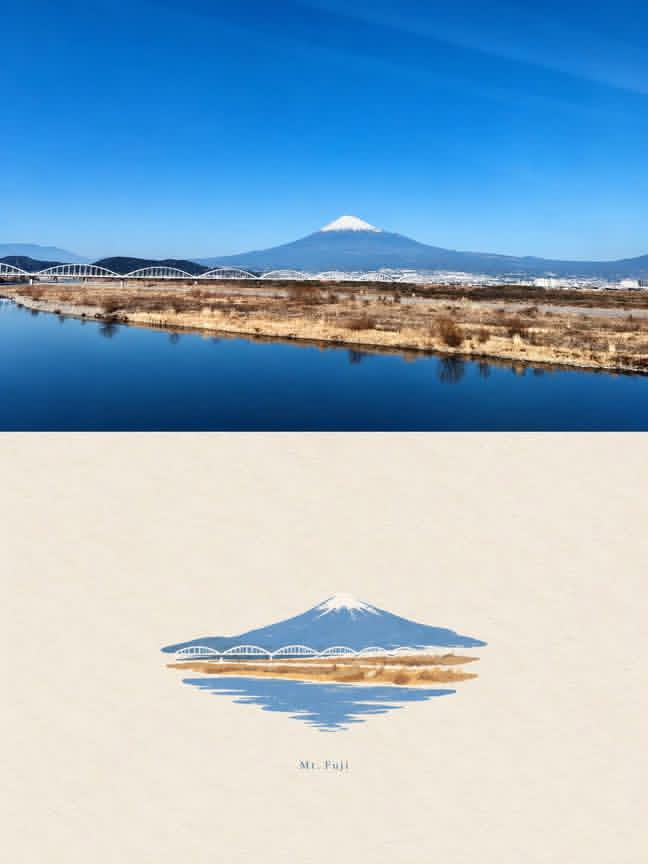
Mount Fuji Watercolor Transformation
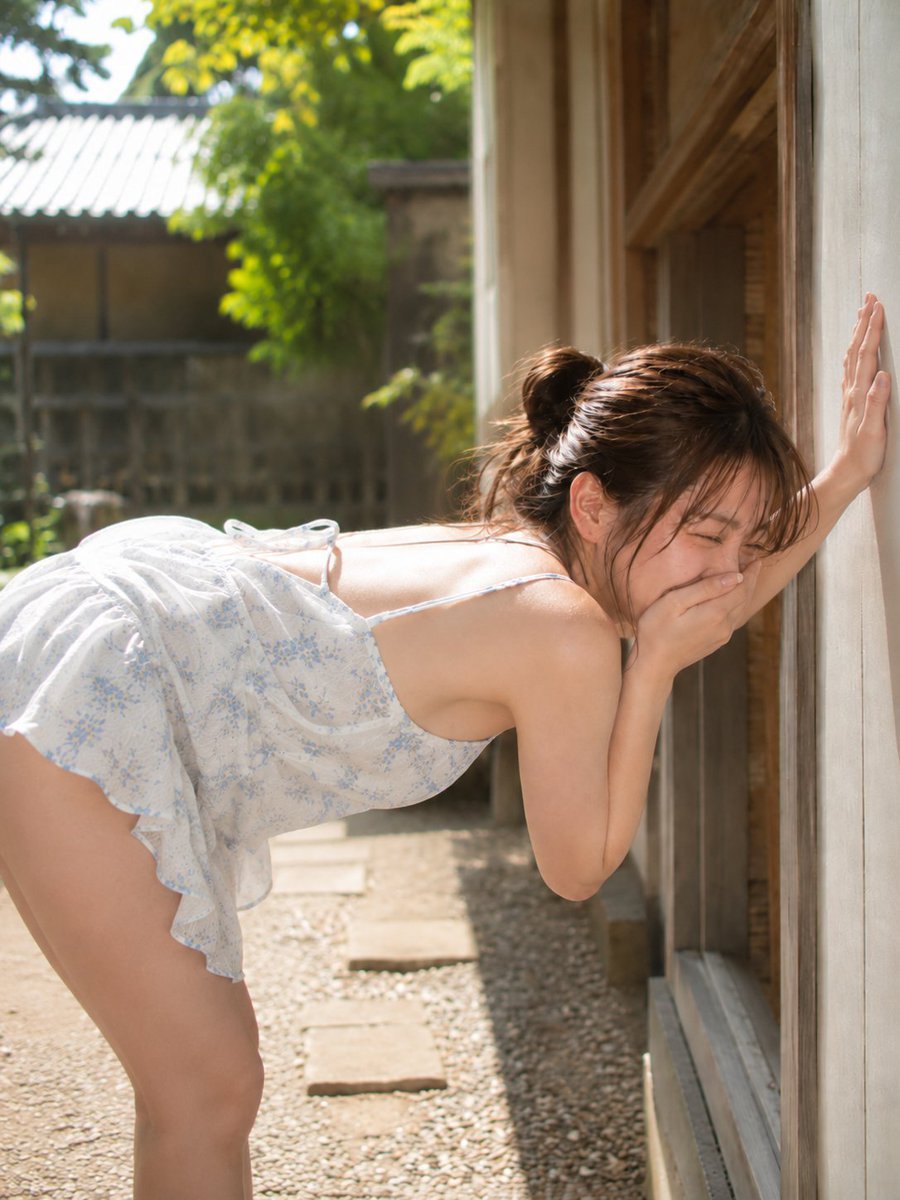
Laughing Woman on Japanese Veranda
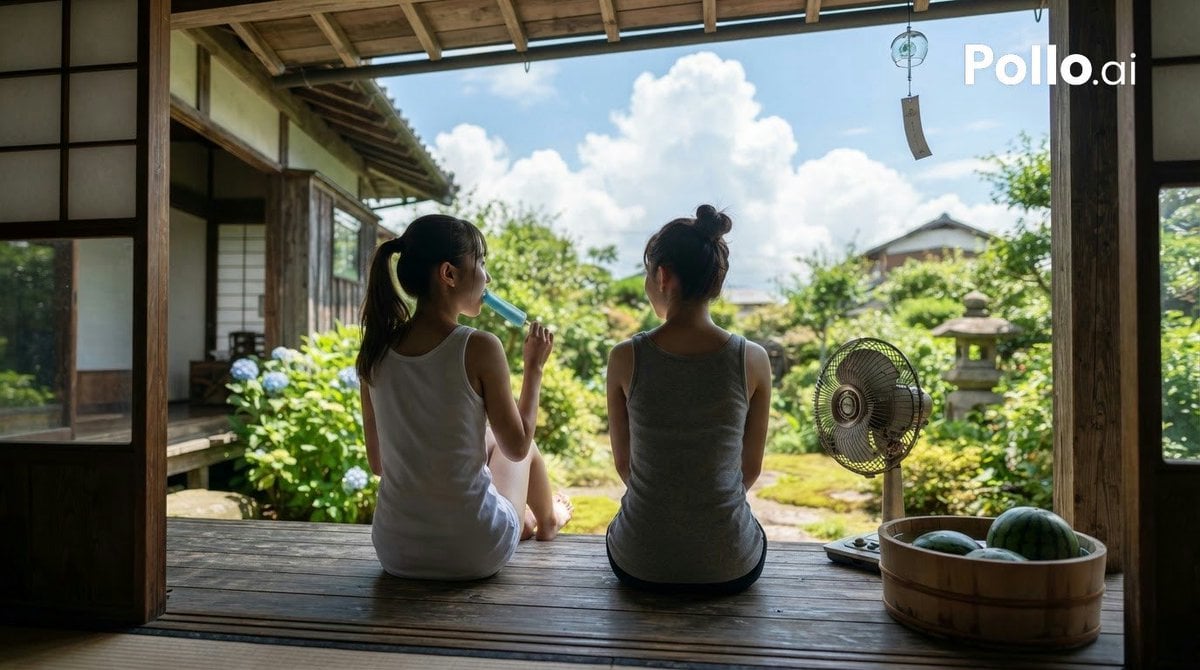
Japanese Summer Veranda Scene
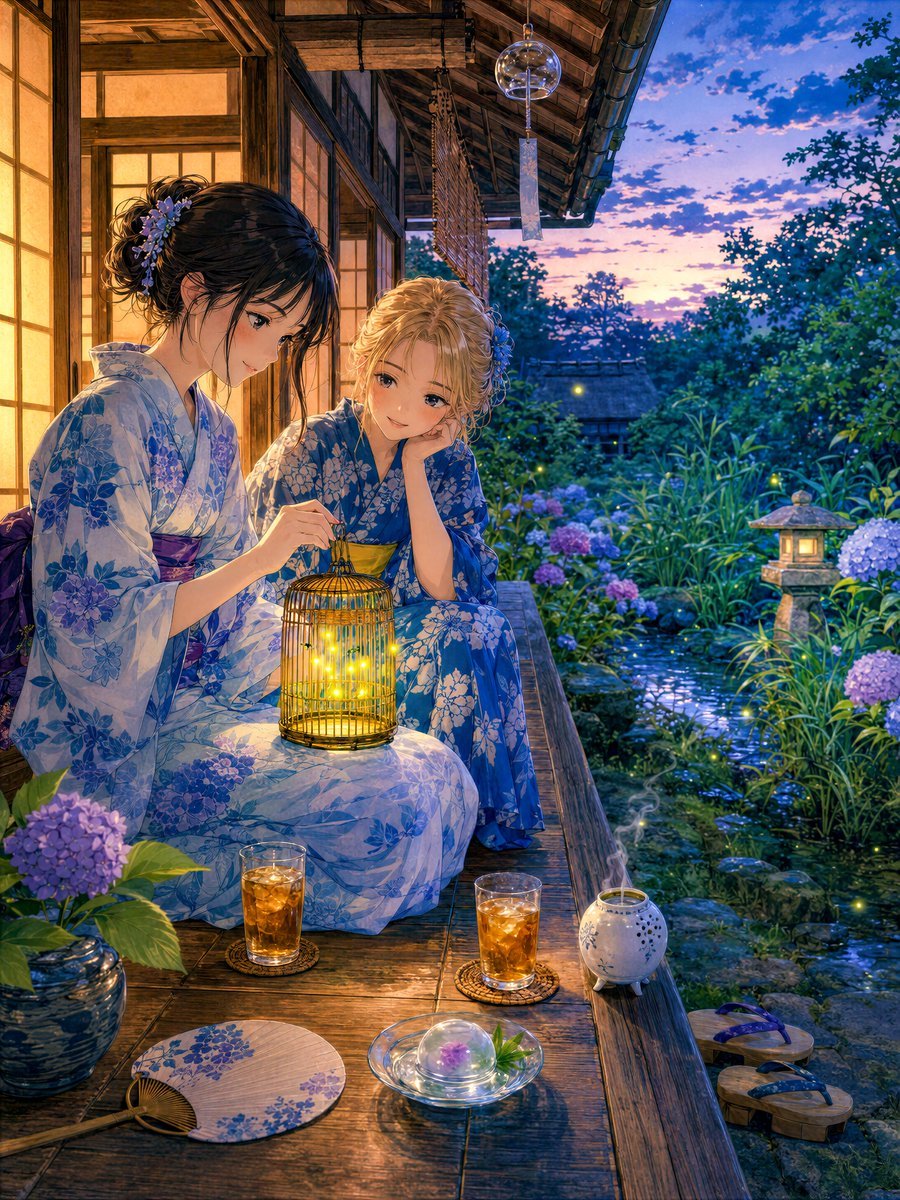
Girl Watching Fireflies on a Summer Veranda

Japanese Veranda Fashion Portrait

Anime Girl Riding Drone Over Mount Fuji

Manga Veranda Hamster Ice Bath
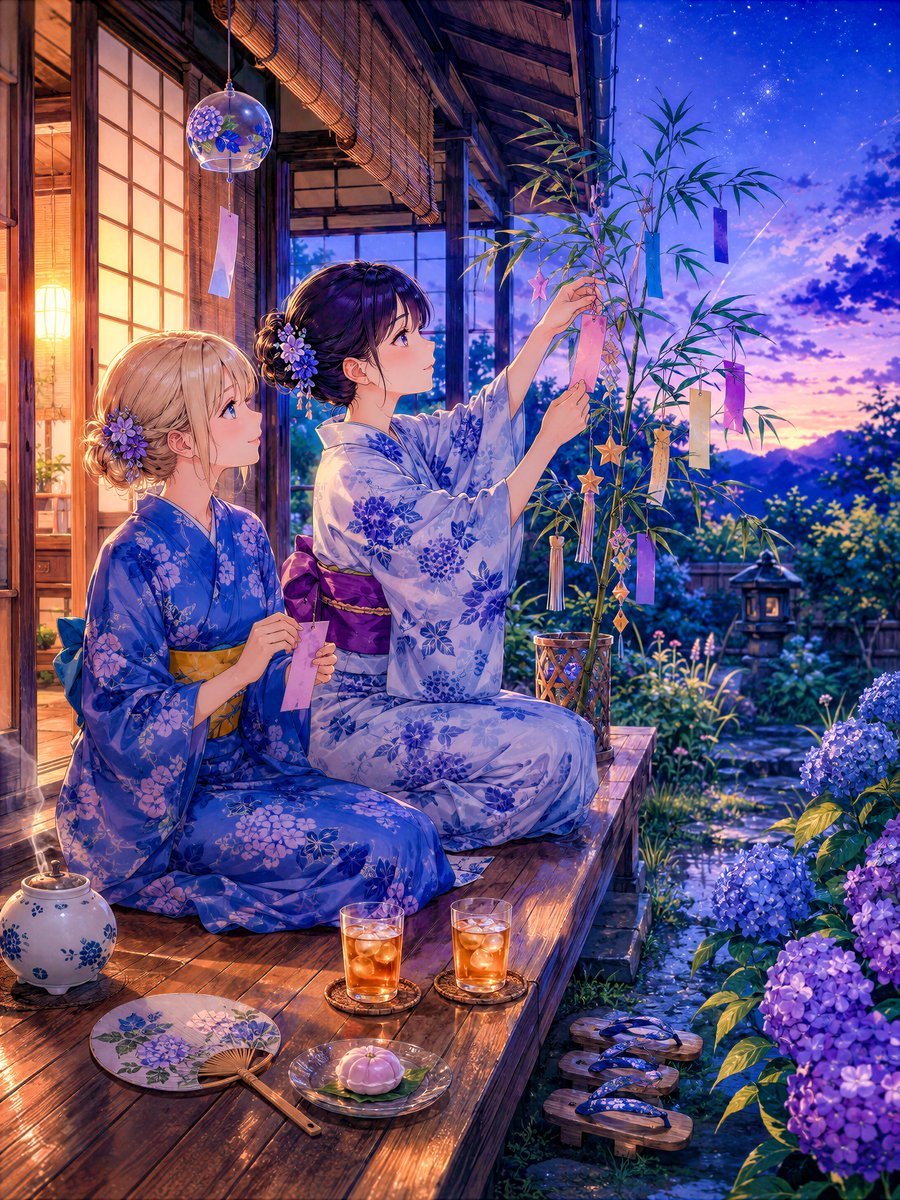
Tanabata Veranda Anime Scene
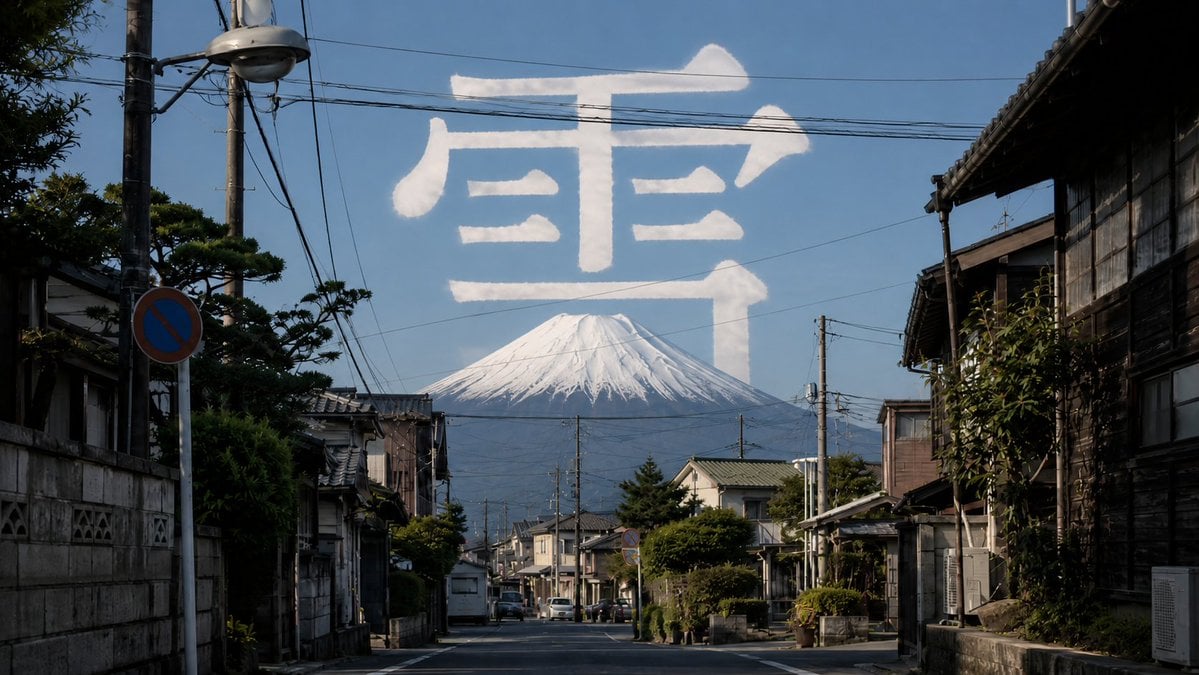
Mount Fuji Street With Cloud Kanji
Make it yours
Sunrise Fuji Veranda Scene works as-is. These are the safest ways to change it without losing the look.
Change one field
Copy a single group, rewrite it, and generate again so you can see what that field is doing.
Keep the frame, change the subject
Hold the composition and light of Sunrise Fuji Veranda Scene, then swap wardrobe, props or the person for a new take.
| If the result… | Why | Fix |
|---|---|---|
| The result drifts from the preview | Too many fields changed at once. | Reuse Sunrise Fuji Veranda Scene as-is first, then change one group — subject, light, or setting. |
| The model over-stylizes the scene | The prose prompt leaves finish and camera underspecified. | Add one camera or lighting sentence and stay on GPT Image 2. |
More GPT Image 2 templates
Other prompts made for GPT Image 2.

Six VTuber Japanese Logo Sheet

Realistic Portrait of Woman and Deer

The Vista Modular Condo Poster

AI Model Routing Comparison Infographic

2.5D Anime Art Board

Isometric Productivity Desk Scene

New York Double Exposure Poster

Four-Panel AI Landscape Comparison

Japanese Tatami Lifestyle Magazine Cover

NESCAFÉ Coffee Map Poster
More image prompts
Fresh picks from across the catalog.

Character transformed into superalloy robot style

Anime Tactical RPG Battle UI

Fantasy Chibi Wedding Collage
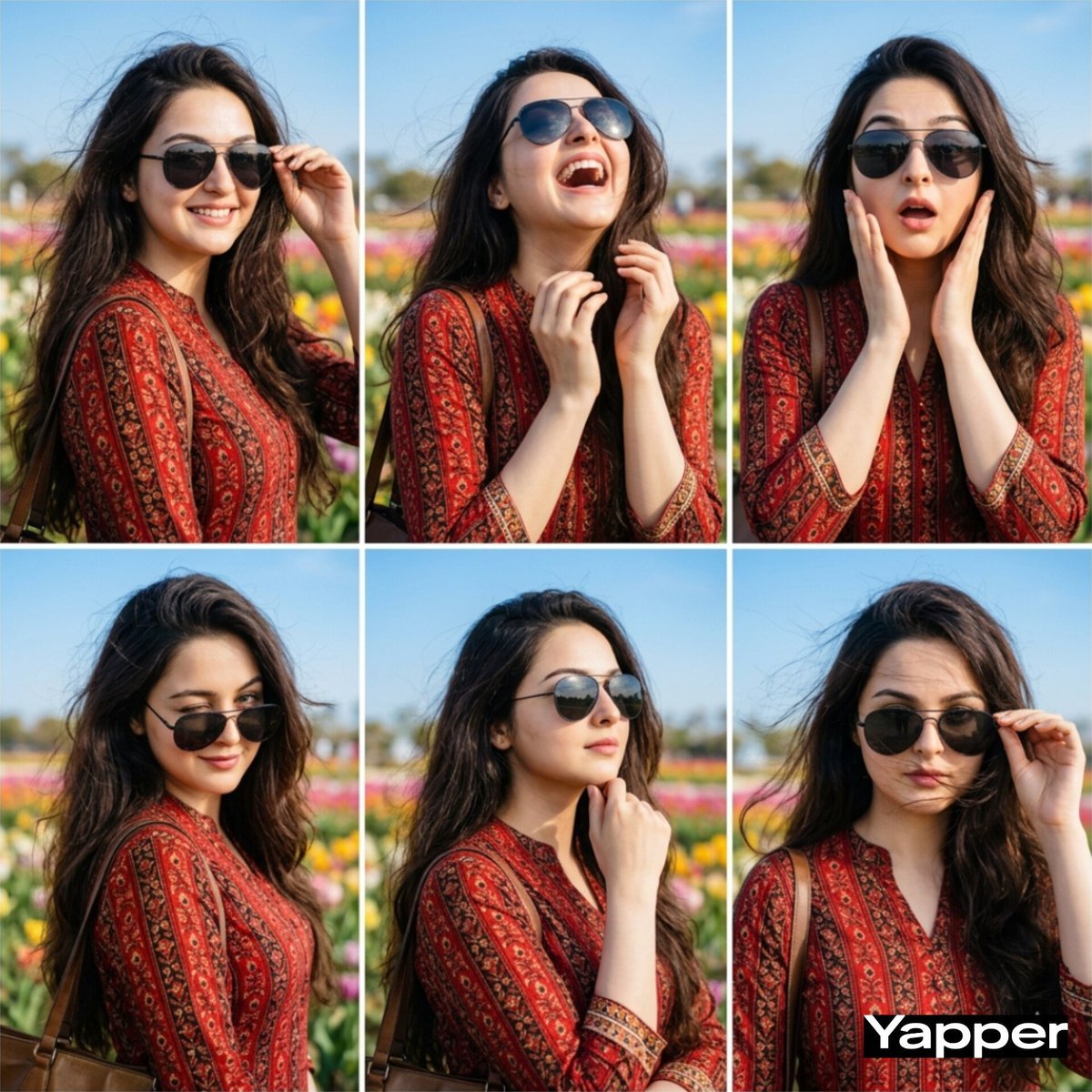
Stylish Six-Portrait Collage Prompt

Monochrome Man Holding Cat Portrait

Signature Style Selection Sheet

Luxury Perfume Editorial Ad
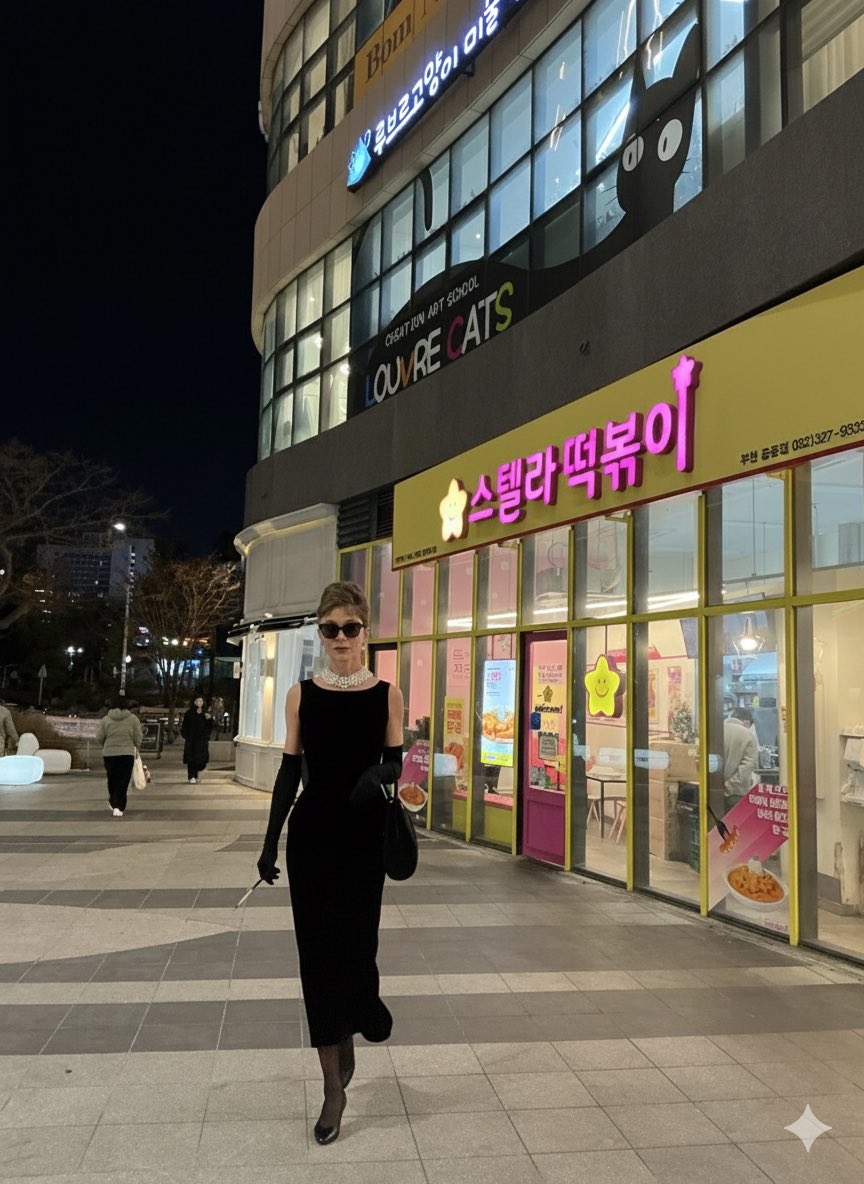
Audrey Hepburn in 'Breakfast at Tiffany's' Prompt
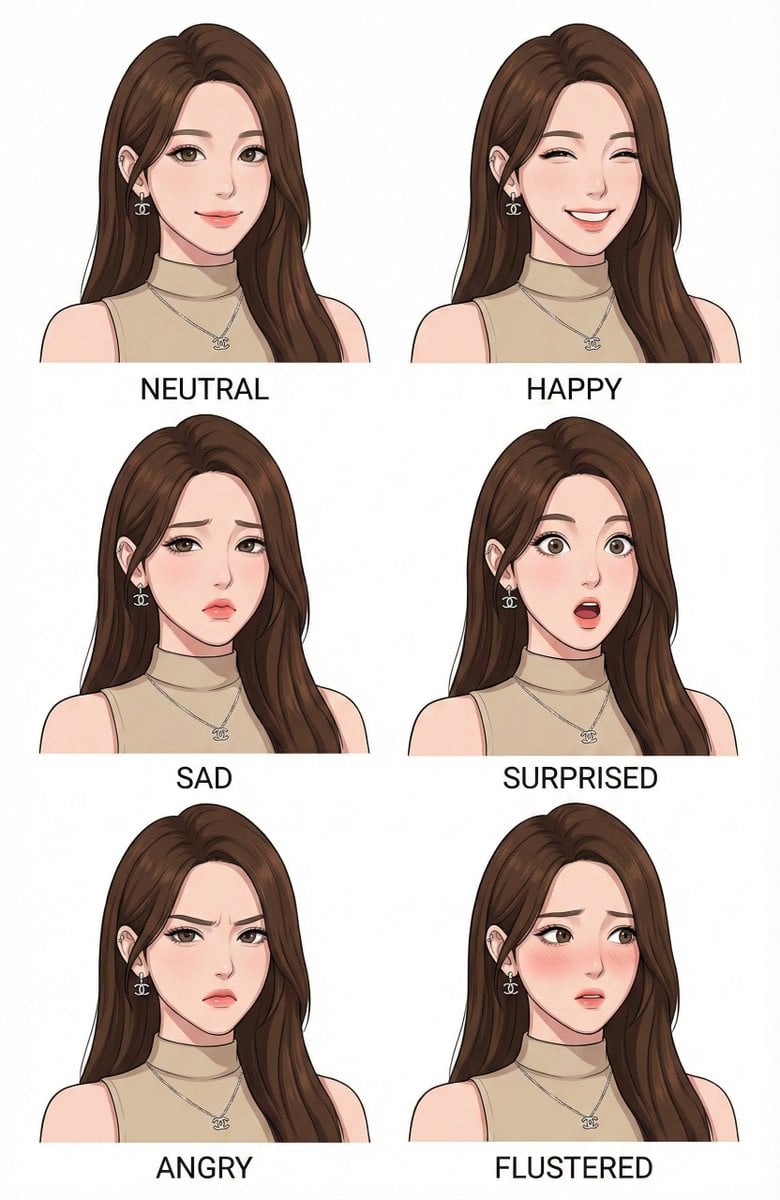
Character Design Expression Style Guide Prompt
untitled
Browse template categories
Sunrise Fuji Veranda Scene questions
How do I use the Sunrise Fuji Veranda Scene template?
Add your photo if the template asks for one, edit the prompt if you like — the template's model and format are already selected — and press Generate. Your version opens in PicX Studio.
Can I customize the Sunrise Fuji Veranda Scene template?
Yes. You can change the subject, setting, lighting, mood, format, and available model controls before creating your image.
Is the Sunrise Fuji Veranda Scene template free?
Opening and editing this template is free. Generating uses credits, shown on the Generate button when you are signed in.
Which AI model should I use?
Start with GPT Image 2, which is the model associated with this template. You can compare another compatible model for a different finish.
Looking for something else? Browse all templates.

Your photo, any look
Thousands of ready templates for every top image and video model, from one credit balance.