
Summer Veranda Schoolgirl Photo
A realistic nostalgic photo prompt for a smiling Japanese schoolgirl on a traditional veranda with watermelon and hydrangeas.
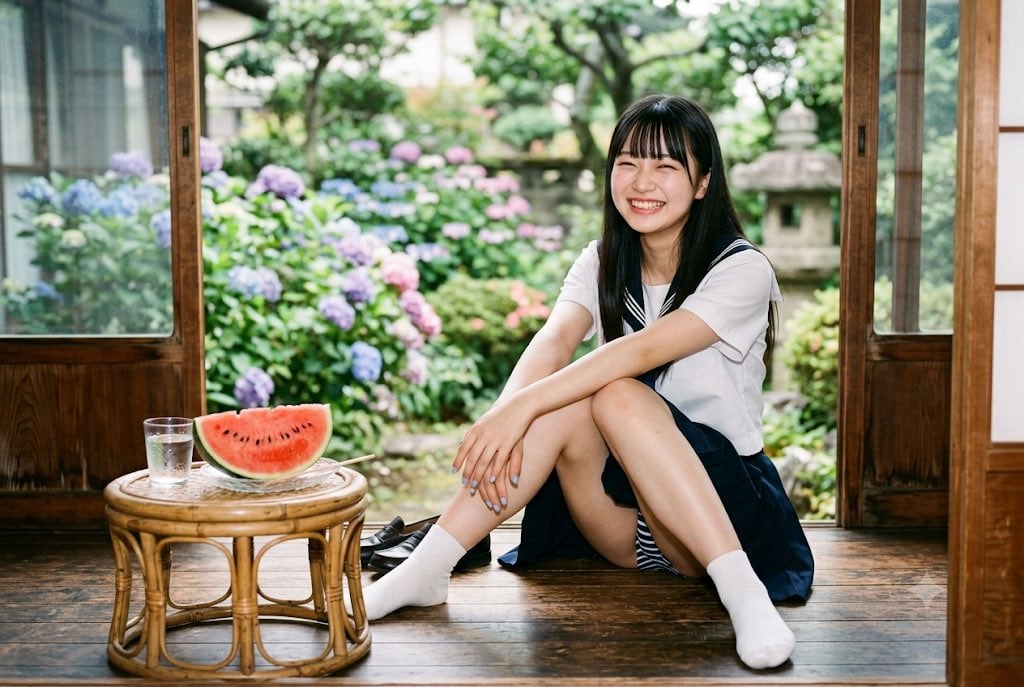
- Prompt included
- Model and format preset
- Free template
The prompt behind this image
Copy the exact prompt behind Summer Veranda Schoolgirl Photo, or open it in the studio and make it yours.
Create a realistic, cinematic summer photo of a cheerful Japanese high school girl sitting casually on the polished wooden veranda of a traditional Japanese house, framed by open sliding glass-and-wood doors. She wears a white sailor-style school uniform top with a dark navy collar and ribbon detail, a dark navy pleated skirt, white ankle socks, and black loafers placed loosely beside her. She has long straight {argument name="hair color" default="black"} hair with bangs and a bright closed-eye smile, sitting with one knee raised and arms relaxed around her legs. In the foreground on the left, place exactly 3 tabletop items on a low round rattan table: 1 clear glass of water with condensation, 1 large red watermelon wedge with black seeds on a small plate, and 1 pair of chopsticks resting near the plate. Behind her, show a lush Japanese garden in soft focus with green trees, a stone lantern, and blooming hydrangeas in exactly 4 visible color groups: blue, purple, pink, and pale lavender. Use warm natural daylight, shallow depth of field, 35mm film photography look, soft grain, realistic skin tones, inviting nostalgic atmosphere, horizontal 3:2 composition, no text, no watermark.
How to use Summer Veranda Schoolgirl Photo in 3 steps
- 1Upload ImagePNG, JPG or paste
Add your photo
Upload the photo the template builds on. The prompt, model and format are already set.
- 2…a portrait of your subject in softgolden-hour light, 85mm…
Personalize
Edit the subject and creative details for your destination.
- 3Generate
Generate
Press Generate — your image is created in PicX Studio, so you can compare it with the original and refine one variable at a time.
More like this
Templates with the same subject, style or setup. Open one to see its prompt.

2000s Retro-Pop Fashion Cinematic Editorial Portrait

Japanese Negative Film Rooftop Summer Portrait

Nano Banana Apple Orchard Collage
Mustard Flower Field Summer

Tropical Vacation Selfie — Nano Banana (Chryzleen)

Seedance 2.0 - Old Money Man
Japanese Summer Veranda Scene
Girl Watching Fireflies on a Summer Veranda
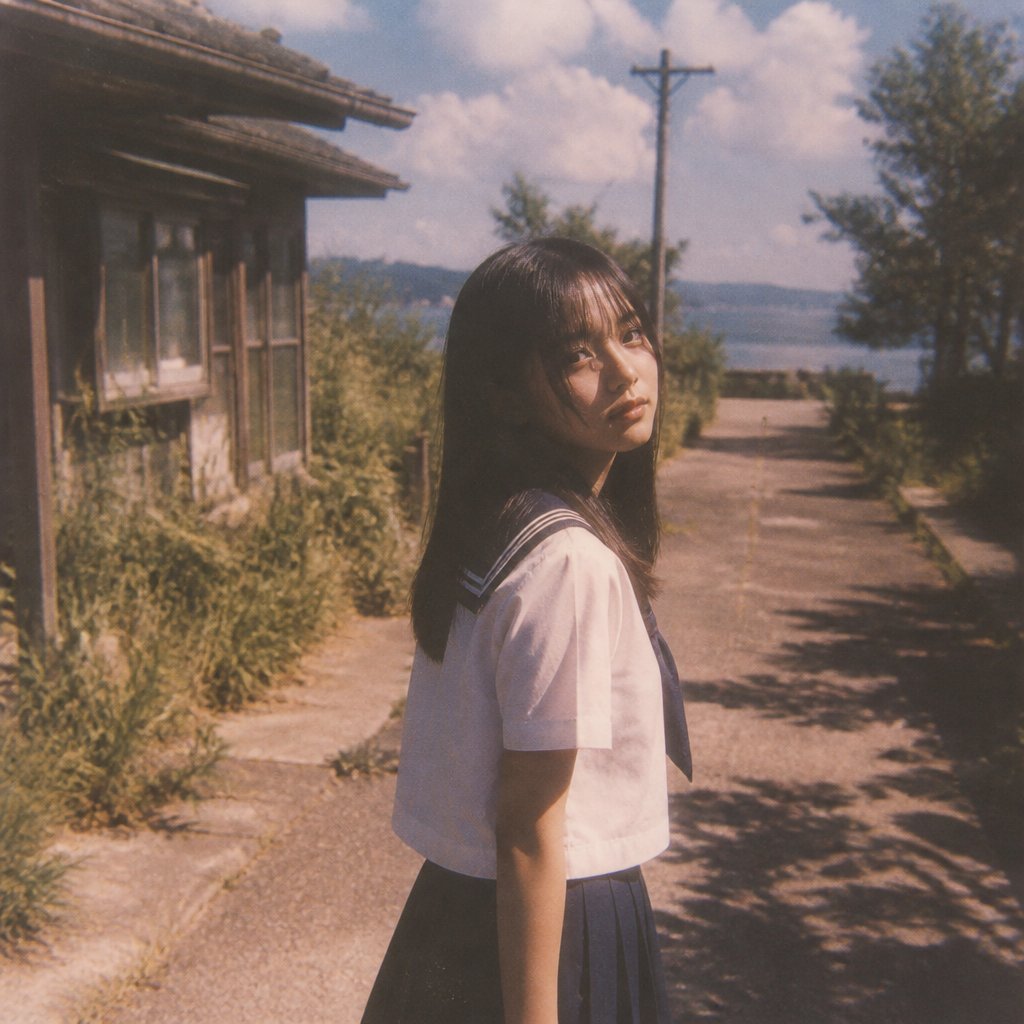
Nostalgic Summer Schoolgirl Snapshot
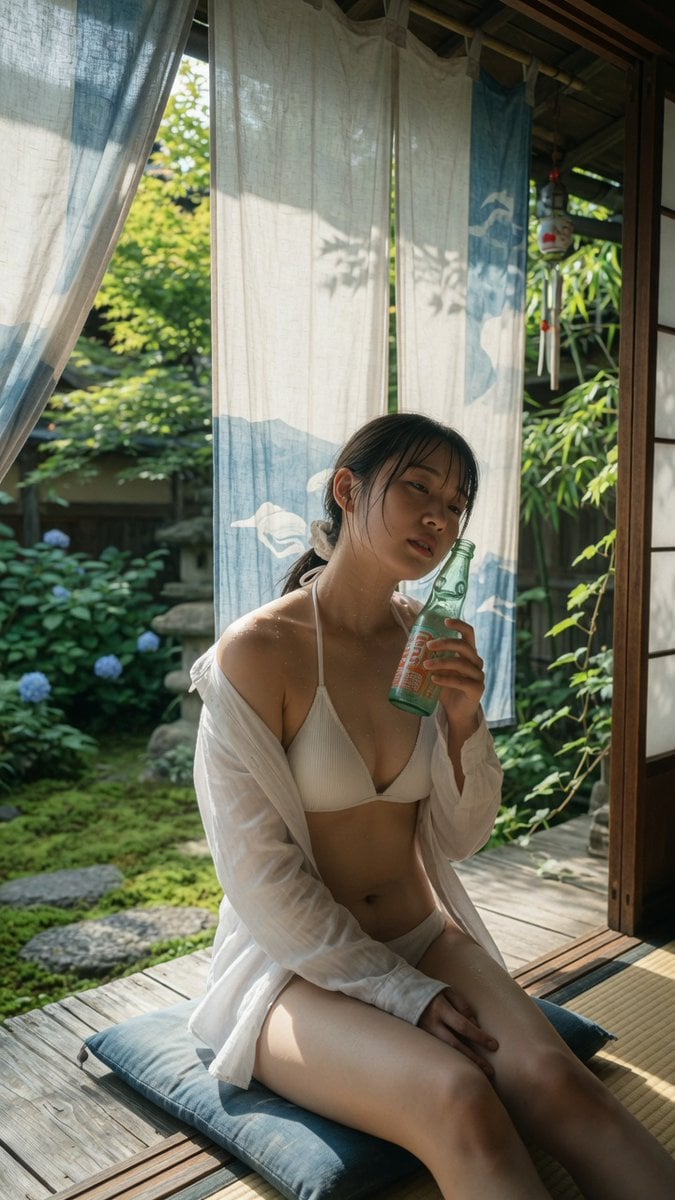
Japanese Veranda Summer Portrait
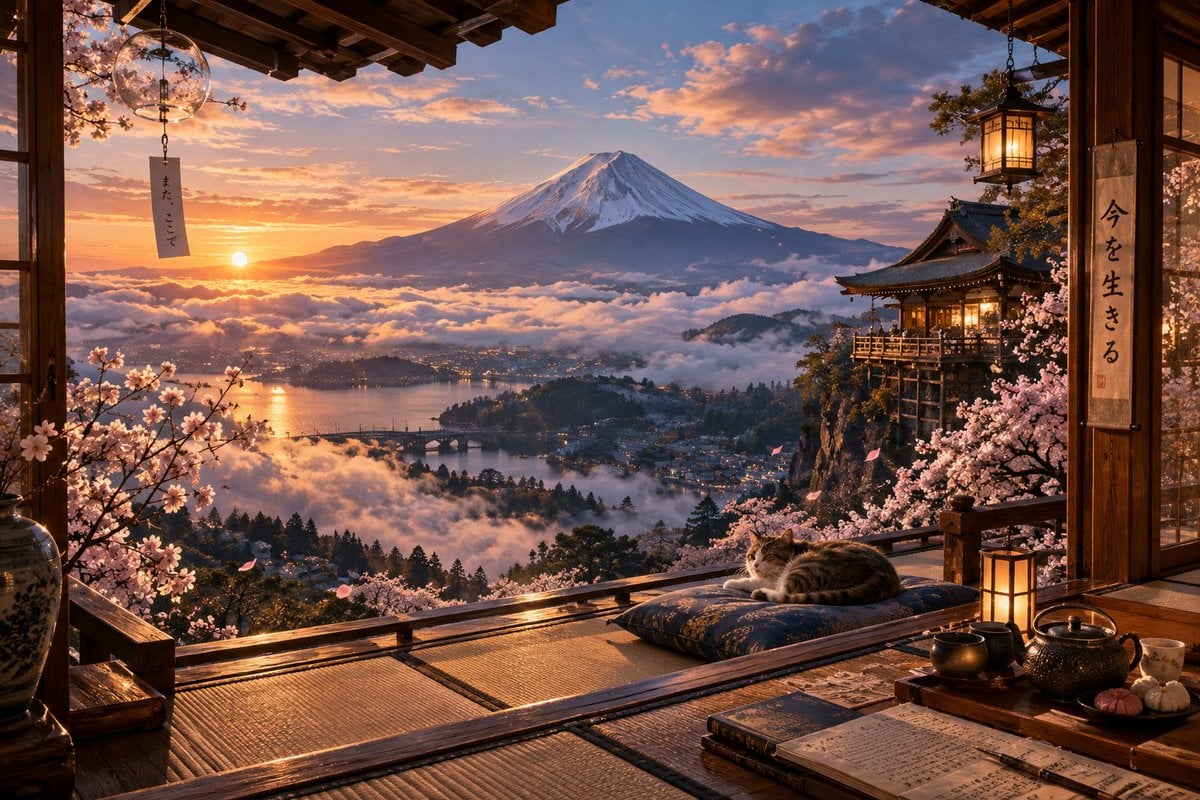
Sunrise Fuji Veranda Scene
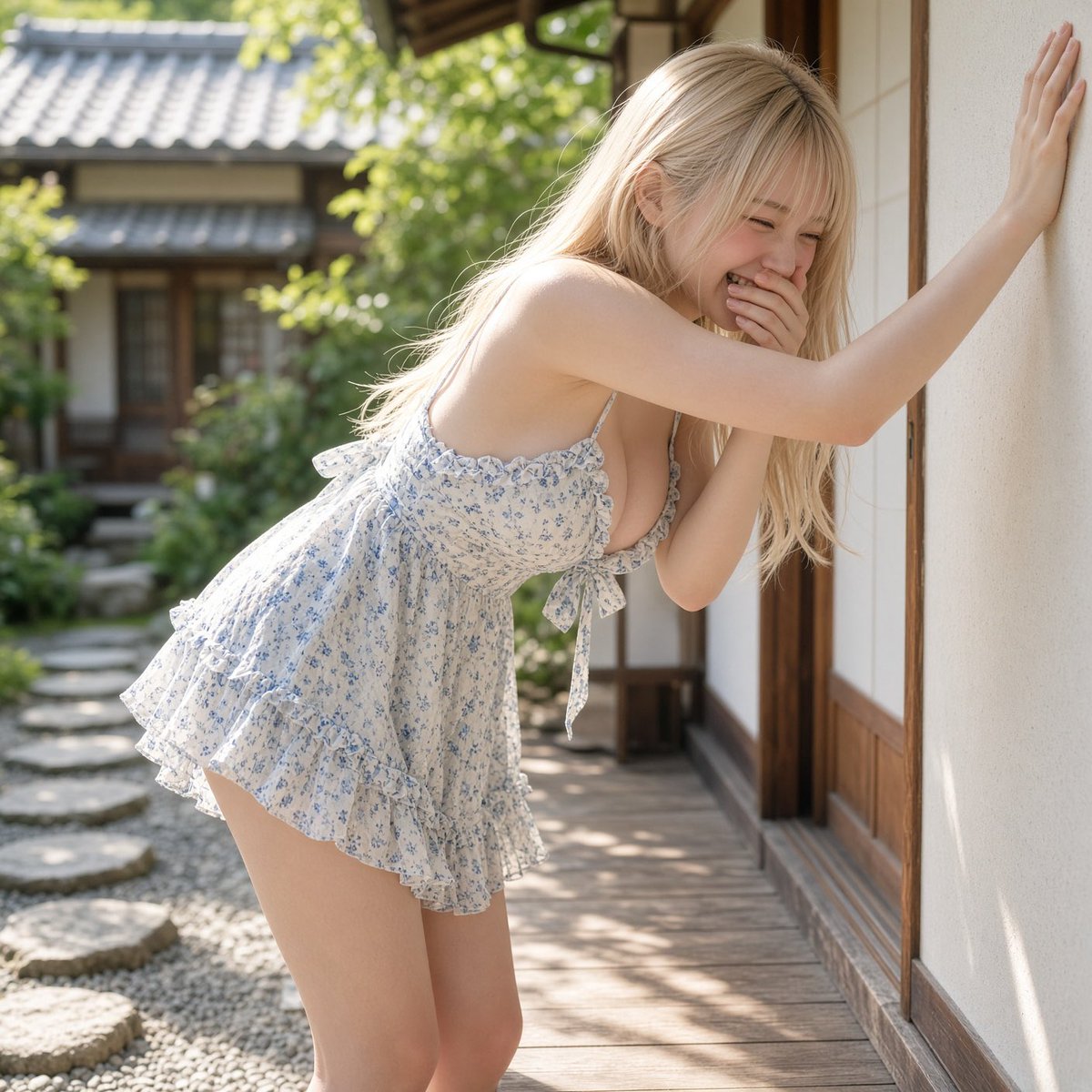
Laughter on the Veranda
Make it yours
Summer Veranda Schoolgirl Photo works as-is. These are the safest ways to change it without losing the look.
Change one field
Copy a single group, rewrite it, and generate again so you can see what that field is doing.
Keep the frame, change the subject
Hold the composition and light of Summer Veranda Schoolgirl Photo, then swap wardrobe, props or the person for a new take.
| If the result… | Why | Fix |
|---|---|---|
| The result drifts from the preview | Too many fields changed at once. | Reuse Summer Veranda Schoolgirl Photo as-is first, then change one group — subject, light, or setting. |
| The model over-stylizes the scene | The prose prompt leaves finish and camera underspecified. | Add one camera or lighting sentence and stay on GPT Image 2. |
More GPT Image 2 templates
Other prompts made for GPT Image 2.

Six VTuber Japanese Logo Sheet

Realistic Portrait of Woman and Deer

The Vista Modular Condo Poster

AI Model Routing Comparison Infographic

2.5D Anime Art Board

Isometric Productivity Desk Scene

New York Double Exposure Poster

Four-Panel AI Landscape Comparison

Japanese Tatami Lifestyle Magazine Cover

NESCAFÉ Coffee Map Poster
More image prompts
Fresh picks from across the catalog.
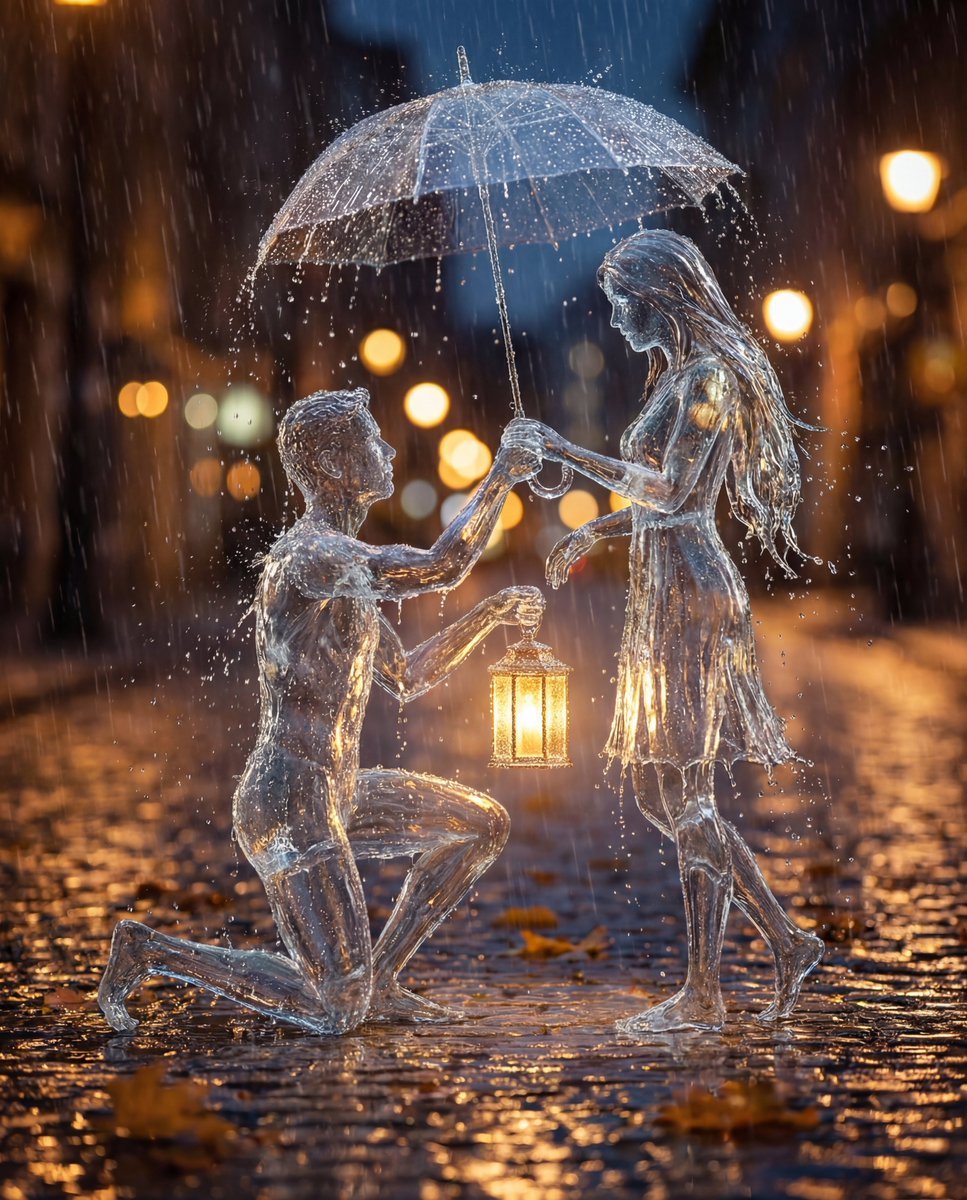
Conceptual Cinematic Art Made Entirely of Water Droplets
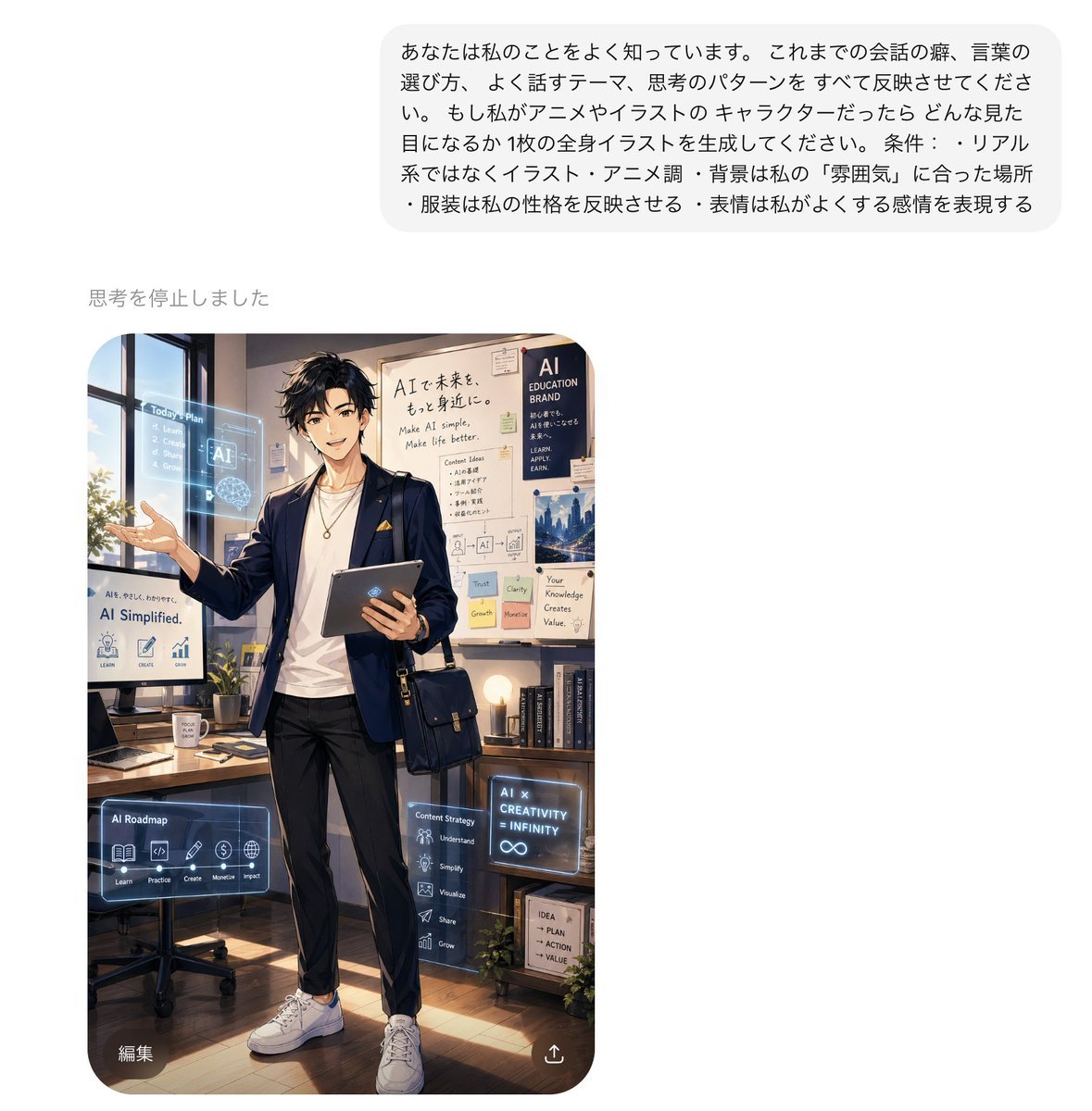
Personalized AI Anime Persona Avatar
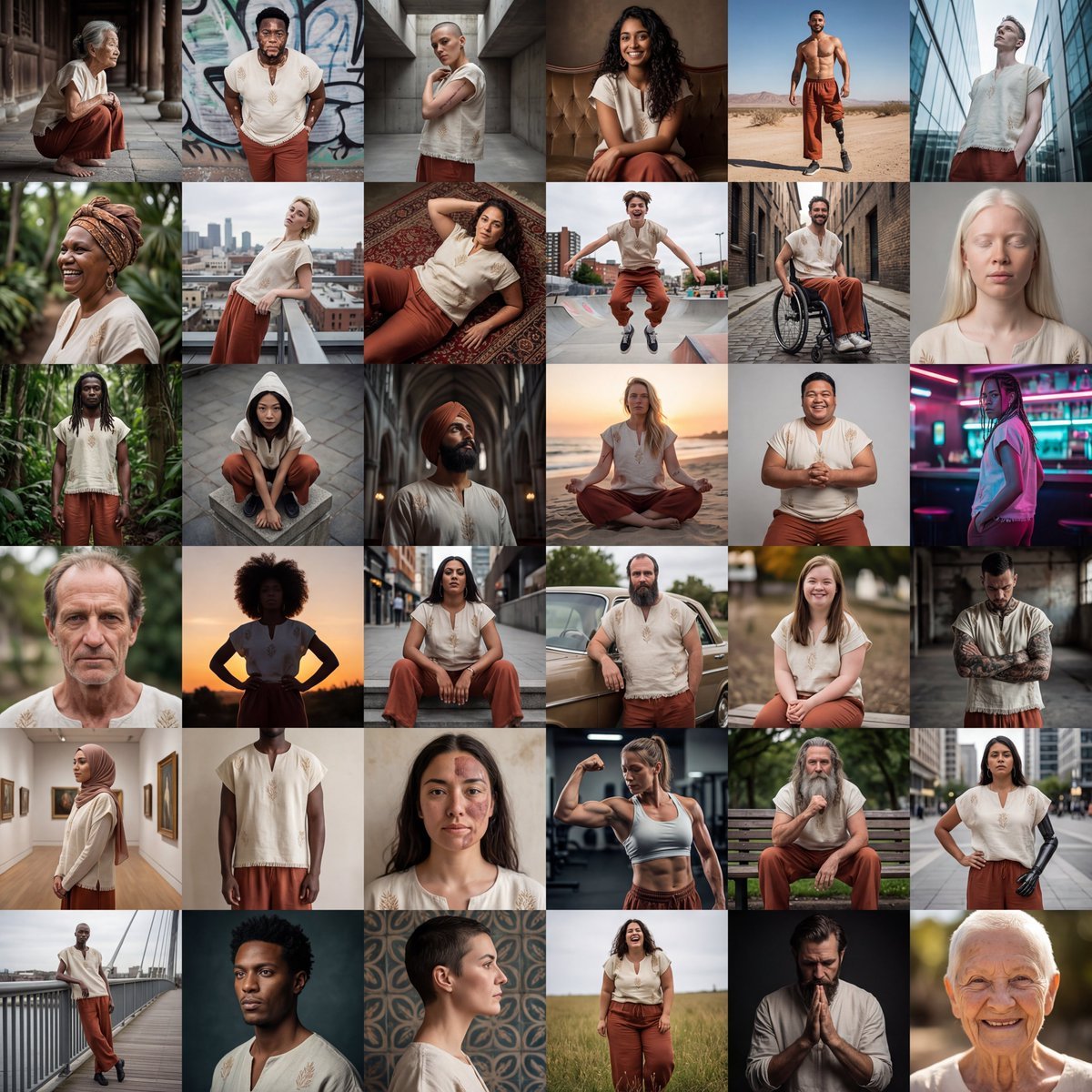
Diverse Fashion Editorial Grid

3D Construction Safety Icon Set
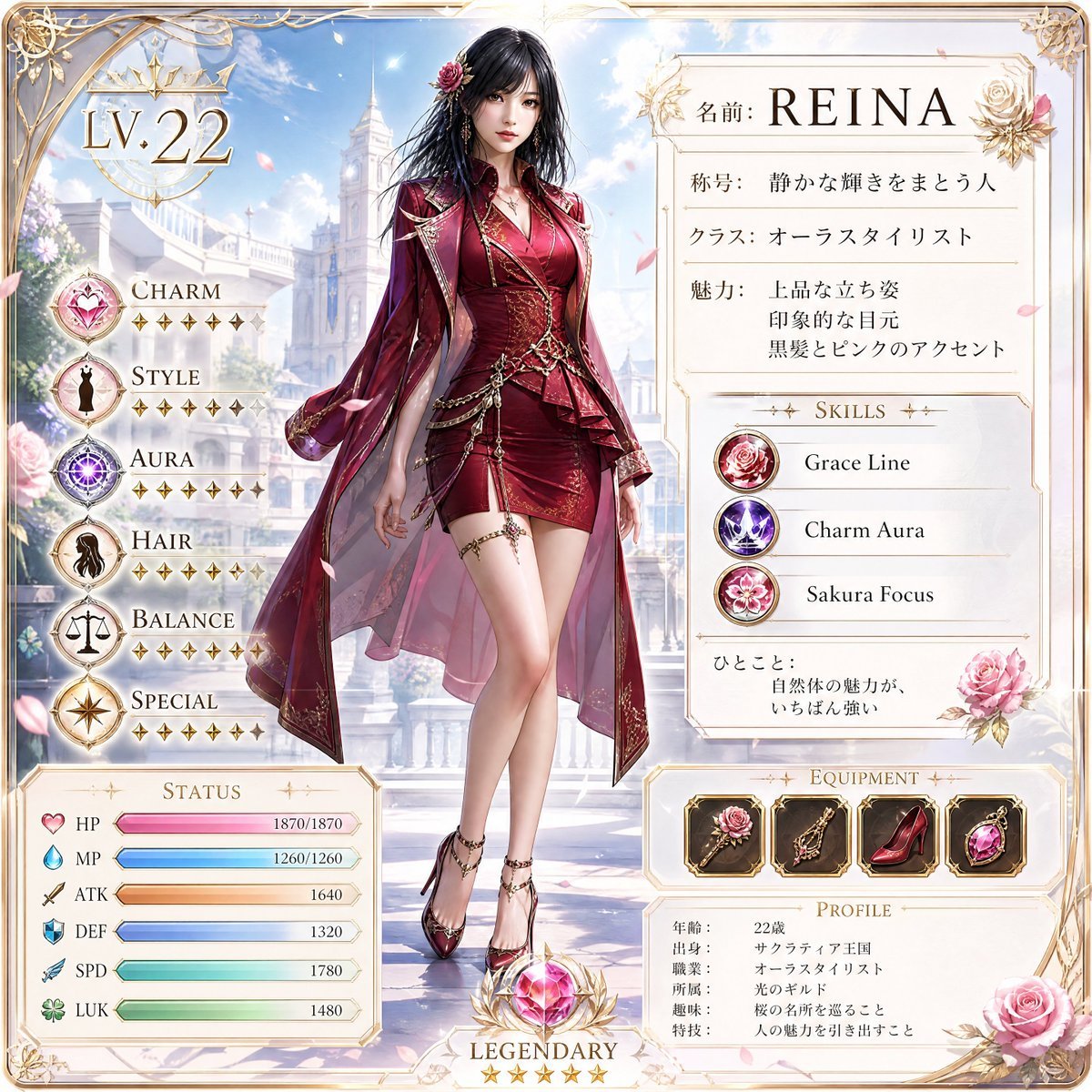
Premium RPG Character Card UI
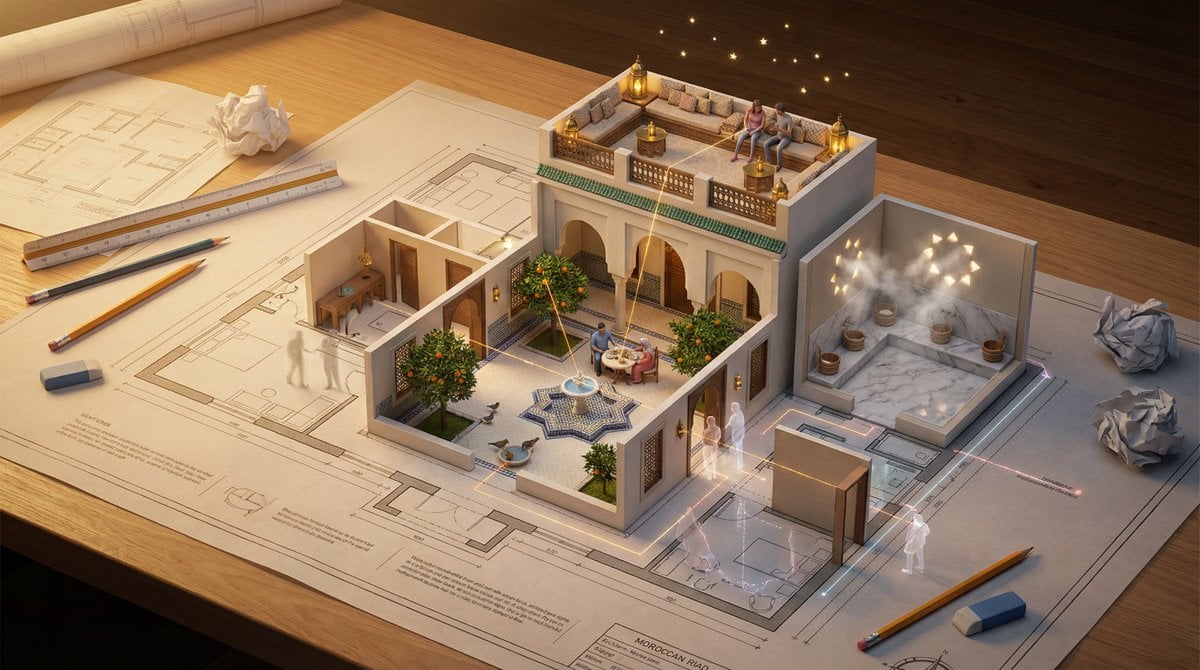
Architectural Floor Plan as Miniature World

Museum-Grade 3D Diorama Poster for Historical Events
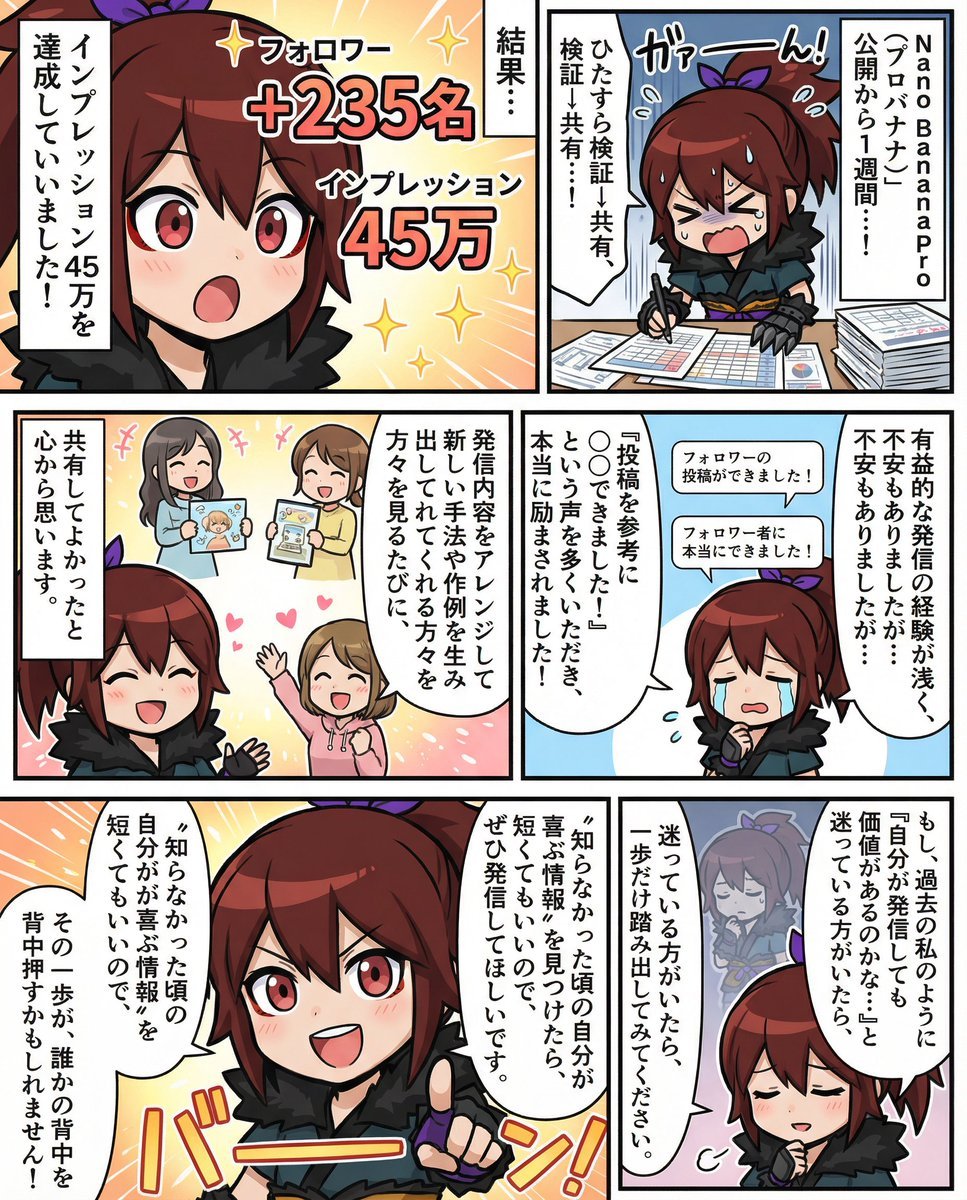
Moe-style full-color manga from given character and story

Whimsical T-Rex Made of Pink Frosting

Cinematic Photoreal Character Pair Prompt: Blue Character and Woman
Browse template categories
Summer Veranda Schoolgirl Photo questions
How do I use the Summer Veranda Schoolgirl Photo template?
Add your photo if the template asks for one, edit the prompt if you like — the template's model and format are already selected — and press Generate. Your version opens in PicX Studio.
Can I customize the Summer Veranda Schoolgirl Photo template?
Yes. You can change the subject, setting, lighting, mood, format, and available model controls before creating your image.
Is the Summer Veranda Schoolgirl Photo template free?
Opening and editing this template is free. Generating uses credits, shown on the Generate button when you are signed in.
Which AI model should I use?
Start with GPT Image 2, which is the model associated with this template. You can compare another compatible model for a different finish.
Looking for something else? Browse all templates.

Your photo, any look
Thousands of ready templates for every top image and video model, from one credit balance.